

 FSX Historic & Vintage Aircraft
Alabeo Waco YMF-5 Castrol/Budweister Paint
This special repaint has been designed to offer a green Castrol and Budweiser…
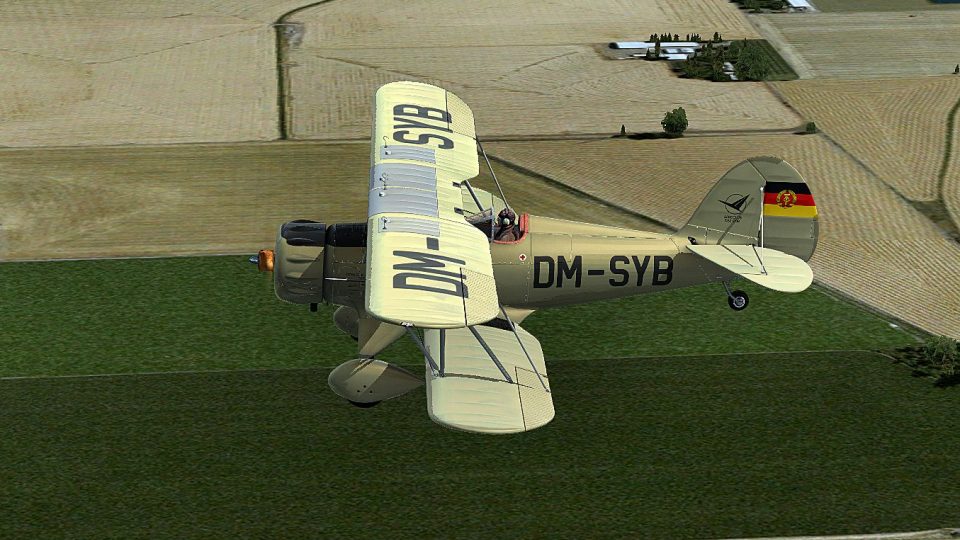
Waco YMF-5 repaint in East German military green brings a distinctive Cold War look with DM-SYB markings and the GDR flag on the rudder, complementing the aircraft’s classic lines in the virtual cockpit. Designed for FSX, it requires the payware Alabeo Waco YMF-5 model.
 Rate
Rate
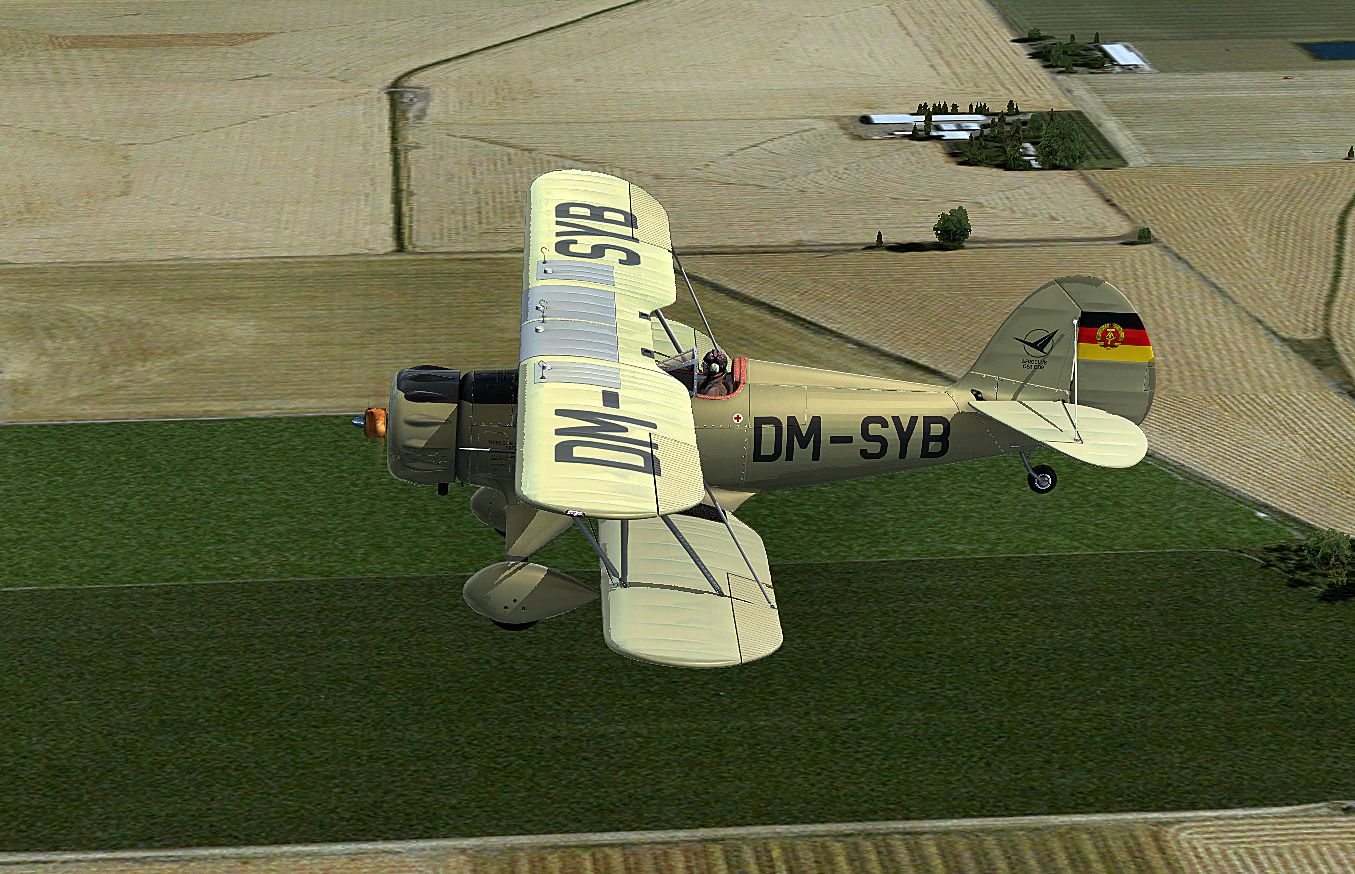
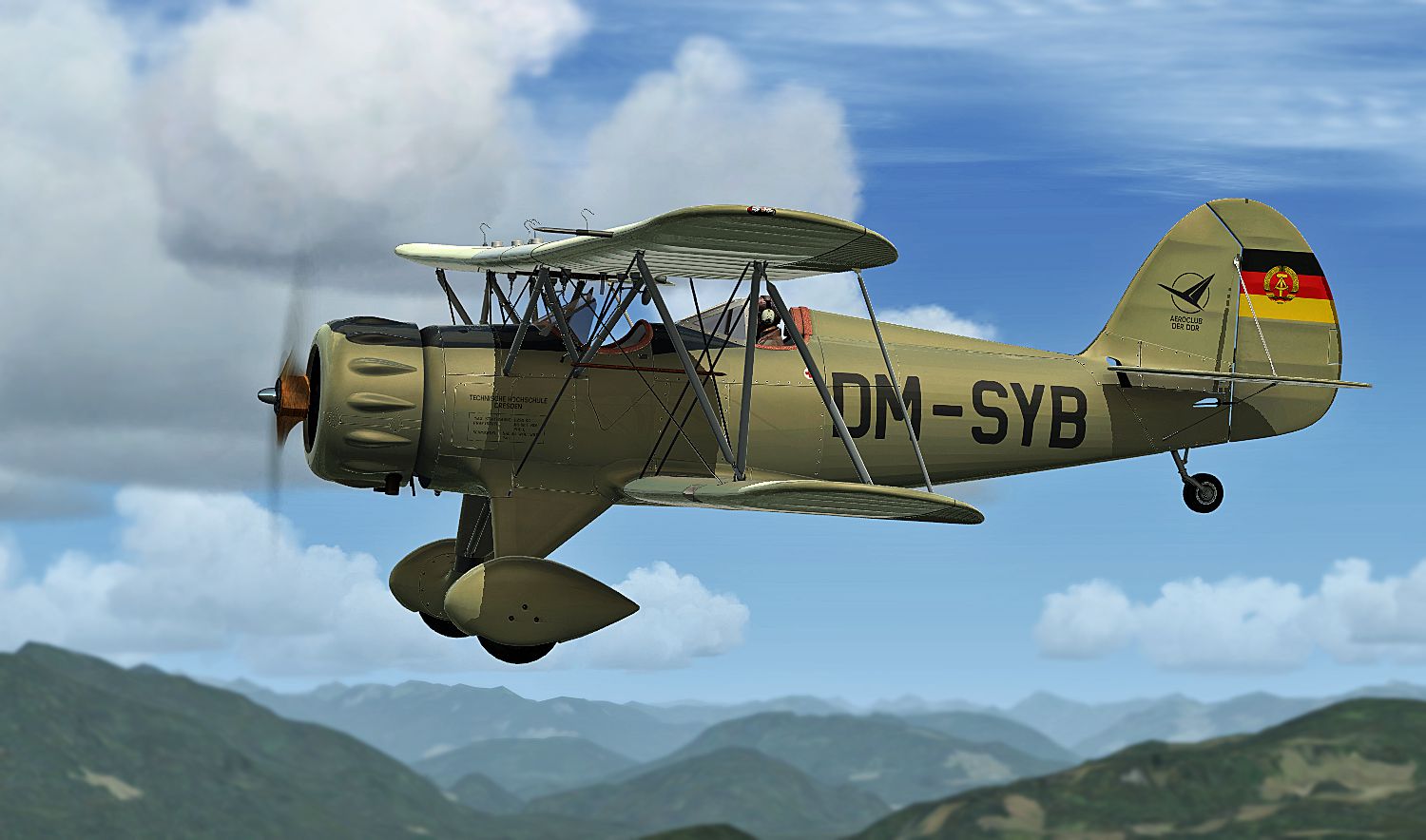
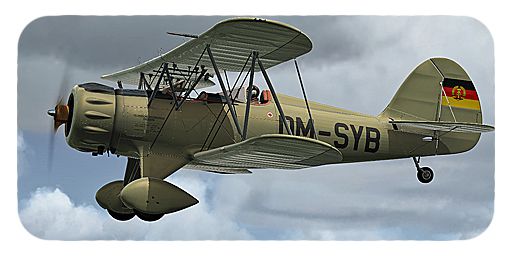
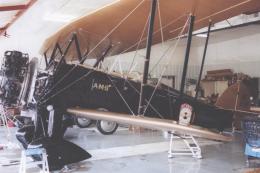
This is a repaint only for the payware Alabeo Waco YMF5 in East Germany military green paint scheme. Paint has East Germany flag on the rudder section. By B. Lechner.

Screenshot of Waco YMF-5 in flight.
Installation:
[fltsim.XX]

Title = ALABEO WACO - D D R - DM-SYB --

Sim = waco

Model =

Panel =

Sound =

Texture = _DM-SYB

kb_checklists =

kb_reference =

atc_id = DM-SYB

ui_manufacturer = Alabeo

ui_type = WACO YMF5

ui_typerole = Single Engine Prop

ui_createdby = Alabeo

ui_variation = DM-SYB

description = Alabeo WACO YMF5

atc_heavy = 0

atc_airline =

atc_flight_number =

atc_id_color = 0000000000

visual_damage = 1
atc_airline =
atc_flight_number =
atc_id_color = 0000000000
visual_damage = 1
Free for all simmers · 8.23 MB · Scanned clean Oct 2026
Download speed: Free tier is capped at 0.5 Mbps (this file takes approximately 2 mins at the cap). PRO members download at full line speed.
texture.{airline}) inside FSX\SimObjects\Airplanes\{base-aircraft}\.aircraft.cfg in Notepad. Add a new [fltsim.X] section per the readme.readme.txt or README file. It tells you exactly where files go, what dependencies are needed, and any quirks specific to this add-on.The archive waco_ymf5_dm-syb.zip has 17 files and directories contained within it.
This list displays the first 500 files in the package. If the package has more, you will need to download it to view them.
| Filename/Directory | File Date | File Size |
|---|---|---|
| fltsim.txt | 09.06.12 | 1.42 kB |
| Screens | 09.06.12 | 0 B |
| DM-SYB - 007.jpg | 09.06.12 | 1.30 MB |
| DM-SYB - 008.jpg | 09.06.12 | 690.08 kB |
| Texture._DM-SYB | 09.06.12 | 0 B |
| EXT1.DDS | 09.06.12 | 4.00 MB |
| ext1_spec.dds | 08.13.12 | 4.00 MB |
| EXT2.DDS | 09.06.12 | 4.00 MB |
| ext2_spec.dds | 08.10.12 | 4.00 MB |
| EXT3.DDS | 09.06.12 | 4.00 MB |
| ext3_spec.dds | 08.10.12 | 4.00 MB |
| EXT4.DDS | 09.06.12 | 4.00 MB |
| ext4_spec.dds | 08.13.12 | 4.00 MB |
| texture.cfg | 04.12.11 | 48 B |
| THUMBNAIL.JPG | 09.06.12 | 133.91 kB |
| flyawaysimulation.txt | 10.29.13 | 959 B |
| Go to Fly Away Simulation.url | 01.22.16 | 52 B |
Only PRO members can place votes.
More FSX & P3D add-ons hand-picked based on this download.
FSX Historic & Vintage Aircraft
This special repaint has been designed to offer a green Castrol and Budweiser…
 FSX Historic & Vintage Aircraft
Enhance your Microsoft Flight Simulator X collection with this meticulously c…
 FSX Historic & Vintage Aircraft
This is a "what if" concept for the Golden Age Simulations WACO ATO Taperwing…
 FSX Historic & Vintage Aircraft
This package includes the Golden Age Simulations CTO models represented as th…
 FSX Historic & Vintage Aircraft
This is the freeware Golden Age Simulations WACO CTO Mailwing in the livery o…
 FSX Historic & Vintage Aircraft
This model flies equally well in both FS2004 and FS.X as a stand alone glider…
 FSX Historic & Vintage Aircraft
Waco UPF-7. An FSX rebuild of the earlier Waco UPF7 biplane. Includes updated…
 FSX Historic & Vintage Aircraft
The Waco Classic biplane brings authentic Golden Age aviation flair into Micr…
Be the first to leave a comment on this download.
Be the first to share your thoughts on this download.