

 FSX Civil Aircraft
Braniff Lavender Jellybean Boeing 707
This carefully crafted add-on supplies a distinctive Braniff International “L…
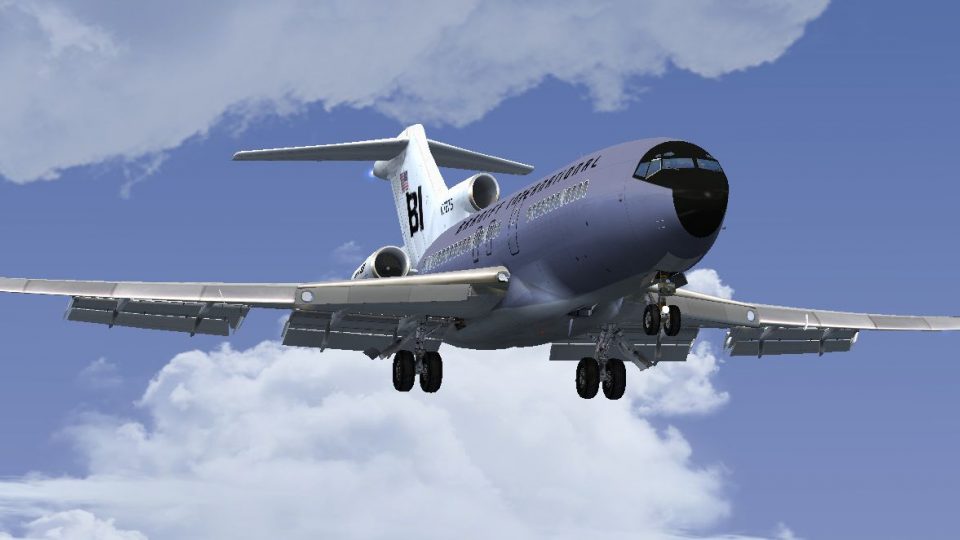
Braniff International’s lavender “Jellybean” livery transforms the Captain Sim Boeing 727-100 into a vivid 1970-era classic, with period-correct markings, clean color transitions, and convincing fuselage and engine shading for authentic ramp presence. Designed as textures only for Microsoft Flight Simulator X, it requires the Captain Sim 727-100 base model.
 Rate
Rate
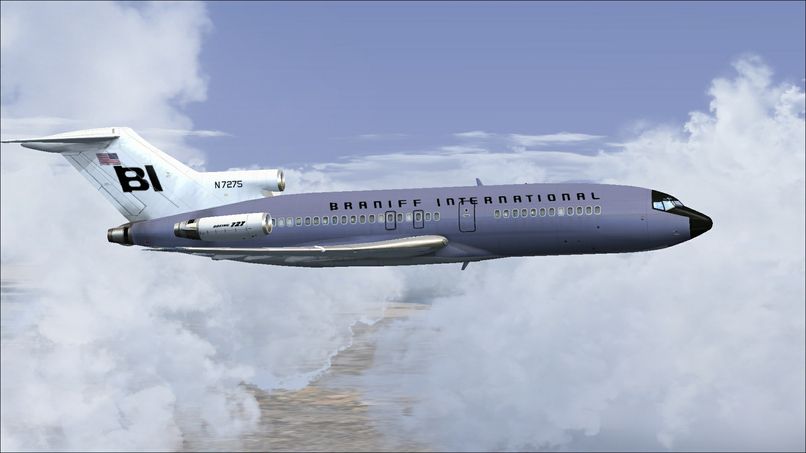
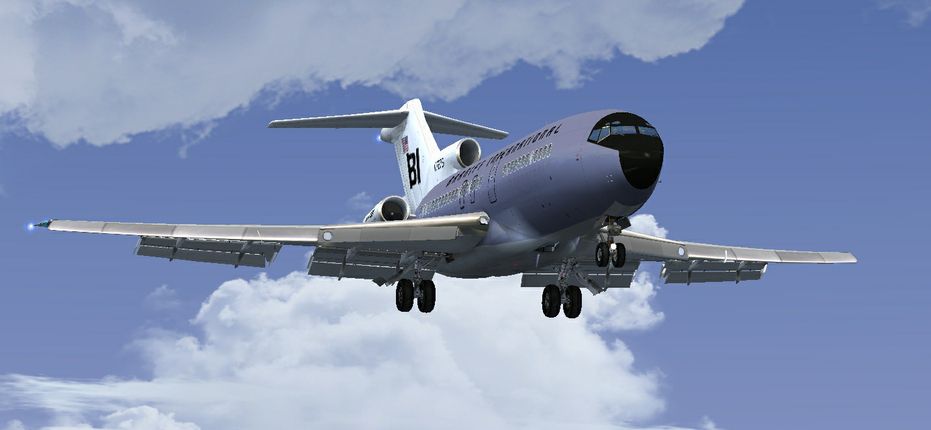
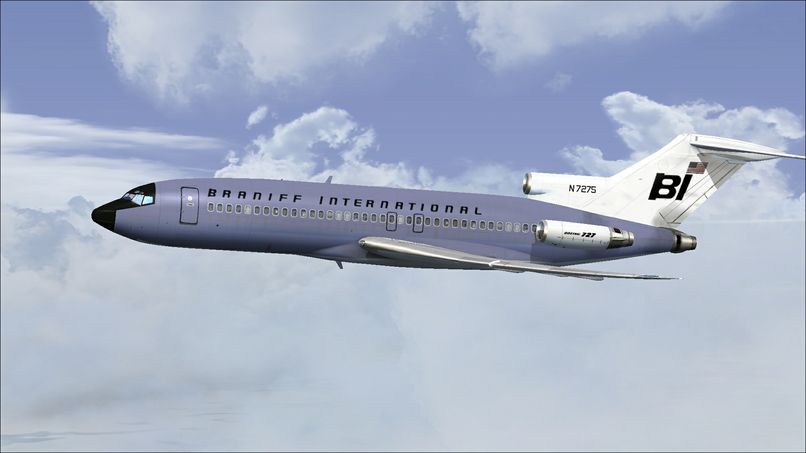
This freeware repaint brings a classic Braniff International Airways lavender “Jellybean” finish to the Captain Sim 727-100 payware add-on for Microsoft Flight Simulator X. Developed by Marc Brown, this livery reproduces a mid-century design aesthetic that defined Braniff’s vibrant fleet, combining signature purple tones with the sleek lines of Boeing’s iconic trijet. This package provides textures only, requiring ownership of the Captain Sim base model, available separately through stores such as SimShack.
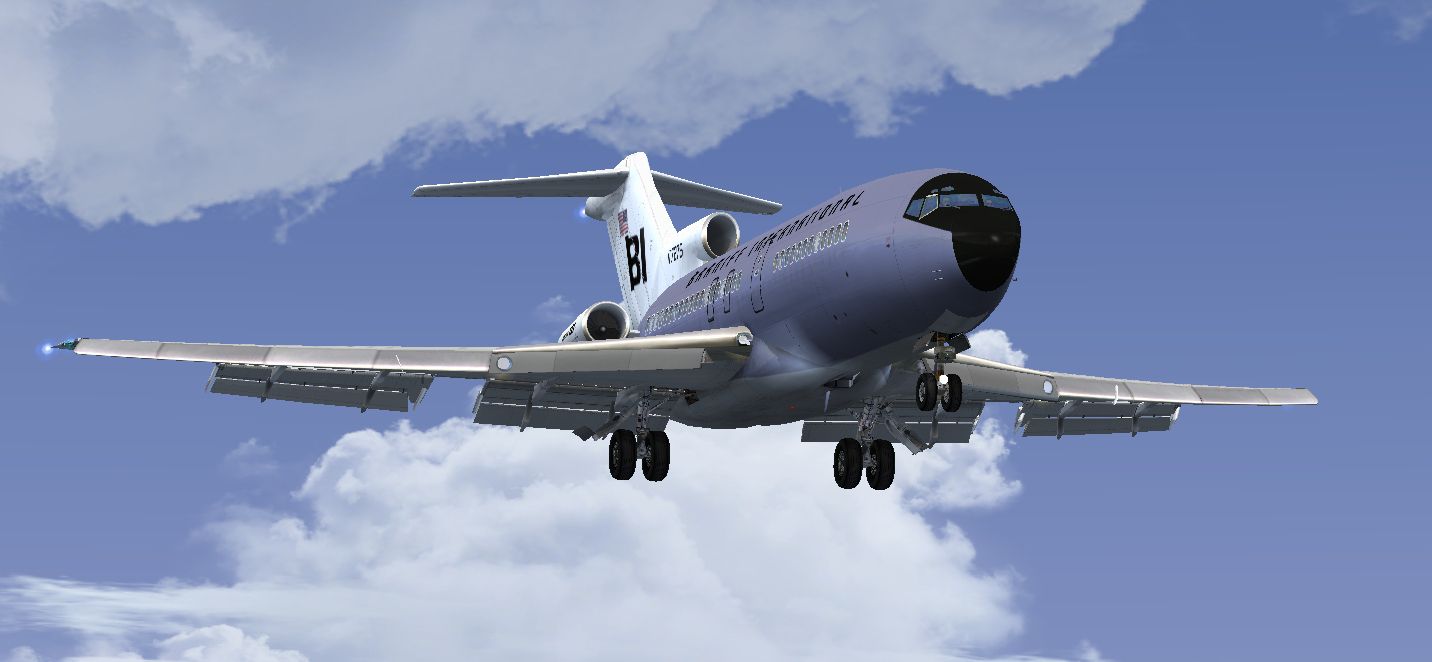
The Boeing 727-100 featured in this paint was a short- to medium-range commercial aircraft that first took to the skies in the early 1960s. Braniff, an American carrier known for its bold liveries, embraced various bright “Jellybean” colors to make their fleet stand out. This lavender rendition showcases the carrier’s distinctive branding, with smooth color transitions, precise decals, and period-correct markings. Marc Brown’s attention to detail can be seen in the fuselage shading, engine texturing, and tail logo placement, aiming to replicate the airline’s aesthetic with historical accuracy.
Screenshot of Lavender Boeing 727-100 on landing approach.
This repaint suits flight sim enthusiasts seeking a retro look for the Captain Sim 727 platform. Installation is straightforward:
[fltsim.x]

title=CS 727-100 Braniff Lavender Jellybean

sim=cs727100

model=

panel=

sound=

texture=N7275

kb_checklists=

kb_reference=

atc_id=N7275

atc_airline=Braniff

atc_flight_number=542

ui_manufacturer=Boeing

ui_type=727-100

ui_variation=Braniff Lavender Jellybean

ui_typerole=Commercial Airliner

ui_createdby=Captain Sim

description=727 Captain (727-100 Base Pack) v2.3\n2009 Captain Sim. Braniff Jellybean lavender circa 1970 727-100 N7275. Repaint by Marc Brown.

visual_damage=1
Braniff International Airways played a pioneering role in shaping innovative airline branding strategies in the 1960s and 1970s. Their bold “end of the plain plane” concept came to life through vibrant color schemes that made each aircraft unique. Bringing this legacy into your virtual skies can heighten immersion for any vintage fleet collector in Microsoft Flight Simulator X. By incorporating Marc Brown’s carefully developed textures, sim pilots can relish a timeless piece of aviation heritage and explore the 727’s distinctive handling with added visual flair.
Enjoy the journey with this retro lavender scheme, and take full advantage of the Captain Sim 727’s systems and flight dynamics. Remember, this release only includes the customized textures; make sure to have the payware 727 base model installed before adding these files.
Free for all simmers · 4.02 MB · Scanned clean Oct 2026
Download speed: Free tier is capped at 0.5 Mbps (this file takes approximately 1 min at the cap). PRO members download at full line speed.
texture.{airline}) inside FSX\SimObjects\Airplanes\{base-aircraft}\.aircraft.cfg in Notepad. Add a new [fltsim.X] section per the readme.readme.txt or README file. It tells you exactly where files go, what dependencies are needed, and any quirks specific to this add-on.The archive braniff_n7275.zip has 15 files and directories contained within it.
This list displays the first 500 files in the package. If the package has more, you will need to download it to view them.
| Filename/Directory | File Date | File Size |
|---|---|---|
| 2014-2-13_11-57-18-287.jpg | 02.13.14 | 185.43 kB |
| 2014-2-13_11-59-36-478.jpg | 02.13.14 | 185.08 kB |
| 2014-2-13_12-3-7-991.png | 02.13.14 | 11.45 kB |
| readme.txt | 02.13.14 | 1.62 kB |
| texture.N7275 | 02.13.14 | 0 B |
| 727_100_2_T.dds | 02.13.14 | 4.00 MB |
| 727_100_3_T.dds | 02.08.14 | 4.00 MB |
| 727_100_4_T.dds | 01.16.14 | 4.00 MB |
| 727_100_A_T.dds | 02.13.14 | 4.00 MB |
| description.txt | 01.16.14 | 390 B |
| texture.cfg | 12.06.13 | 227 B |
| thumbnail.jpg | 02.13.14 | 321.82 kB |
| thumbnail.jpg | 02.13.14 | 181.95 kB |
| flyawaysimulation.txt | 10.29.13 | 959 B |
| Go to Fly Away Simulation.url | 01.22.16 | 52 B |
Only PRO members can place votes.
More FSX & P3D add-ons hand-picked based on this download.
FSX Civil Aircraft
This carefully crafted add-on supplies a distinctive Braniff International “L…
 FSX Civil Aircraft
This repaint offers a faithful rendition of Braniff’s bold “Jellybean Red” sc…
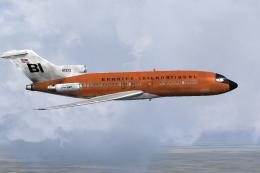 FSX Civil Aircraft
This repaint celebrates Braniff International’s distinctive “Jellybean Orange…
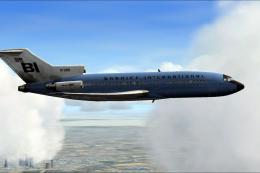 FSX Civil Aircraft
This high-fidelity repaint depicts Braniff International’s eye-catching “Jell…
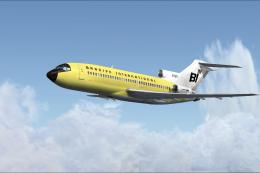 FSX Civil Aircraft
Experience a classic tri-jet revival in Microsoft Flight Simulator X with thi…
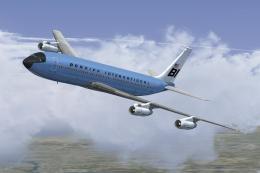 FSX Civil Aircraft
This classic repaint captures Braniff International’s Medium Blue Jellybean l…
 FSX Civil Aircraft
This freeware repaint offers a meticulously recreated Braniff International D…
 FSX Civil Aircraft
This freeware repaint brings to life the Braniff International Beige Jellybea…
Be the first to leave a comment on this download.
Be the first to share your thoughts on this download.