

 FSX Civil Aircraft
Braniff Panagra Yellow Jellybean Boeing 707
This freeware repaint showcases a 1968-era Braniff International Panagra “Yel…
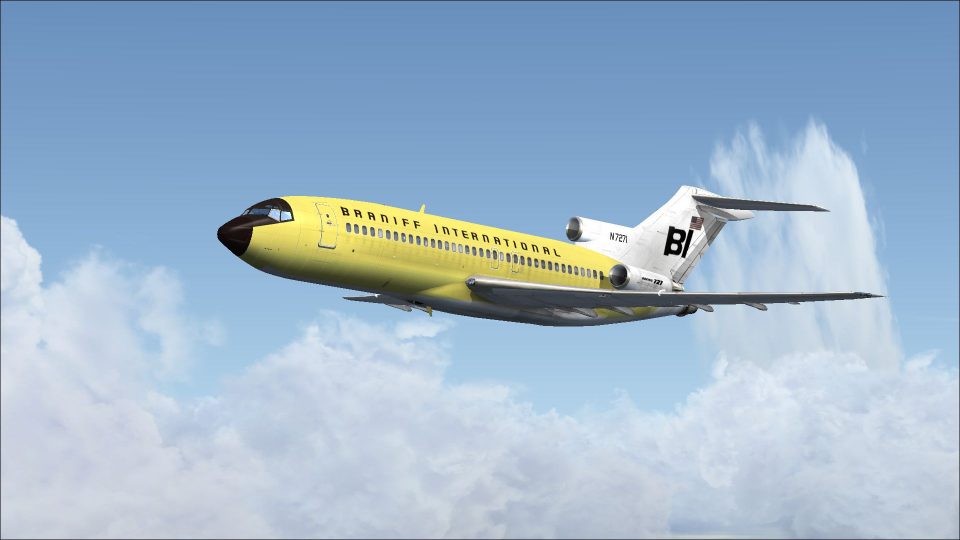
Braniff’s Boeing 727-100 “Jellybean Yellow” livery brings a bold, period-correct look to the classic tri-jet in Microsoft Flight Simulator X, with crisp exterior textures tuned to the aircraft’s lines and markings. The repaint captures the airline’s signature retro flair and requires the Captain Sim 727-100 payware model.
 Rate
Rate
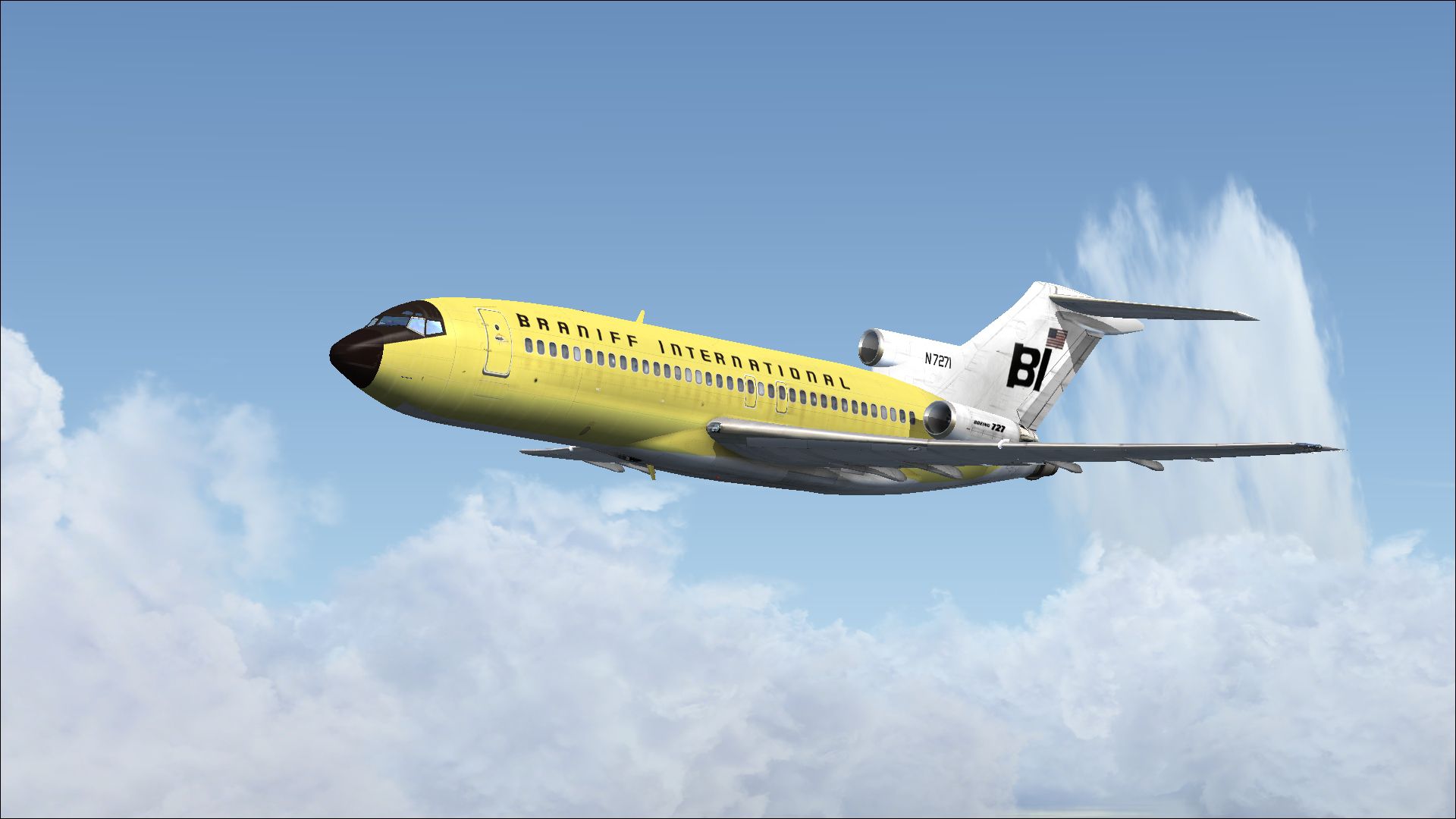
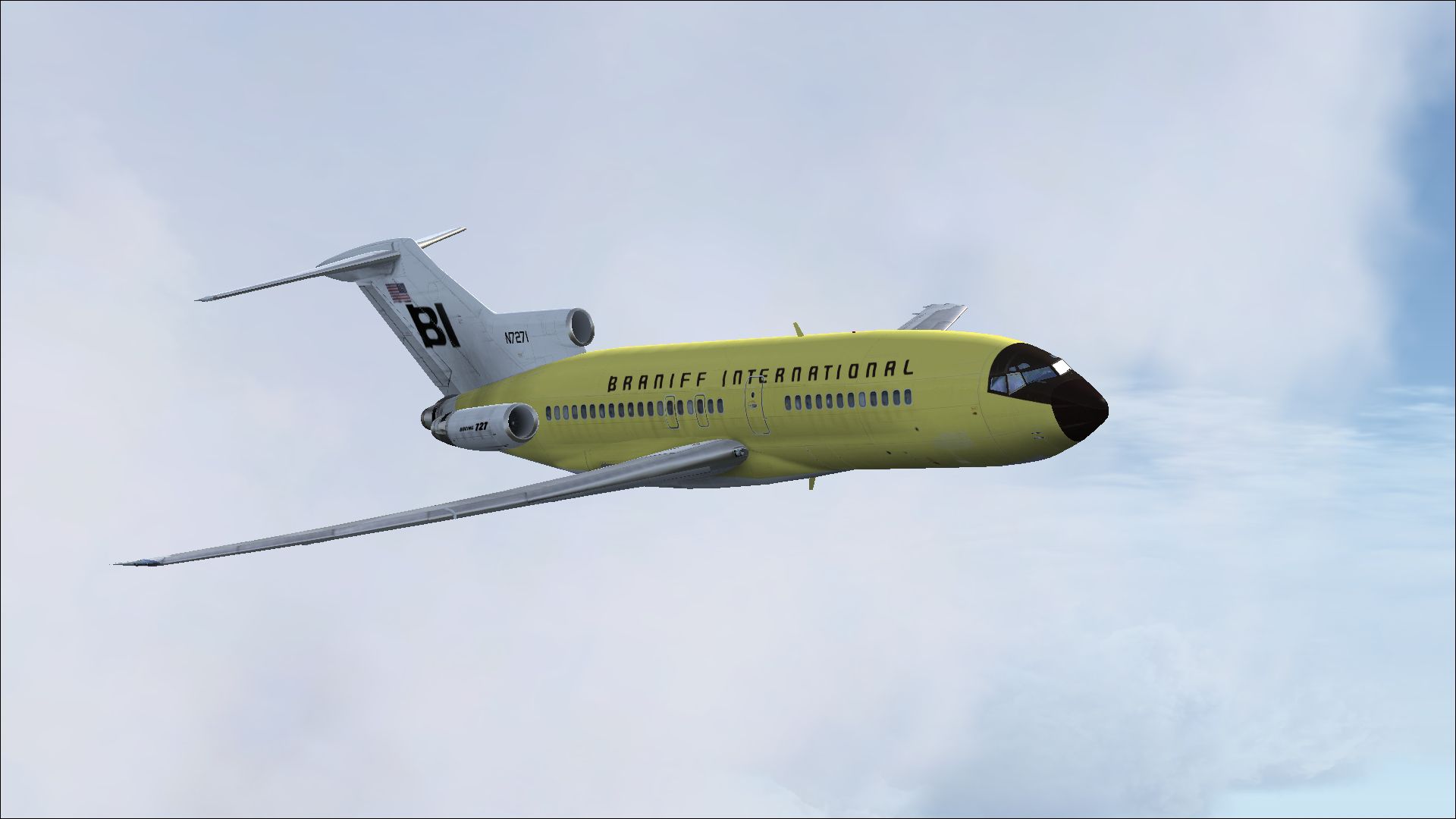
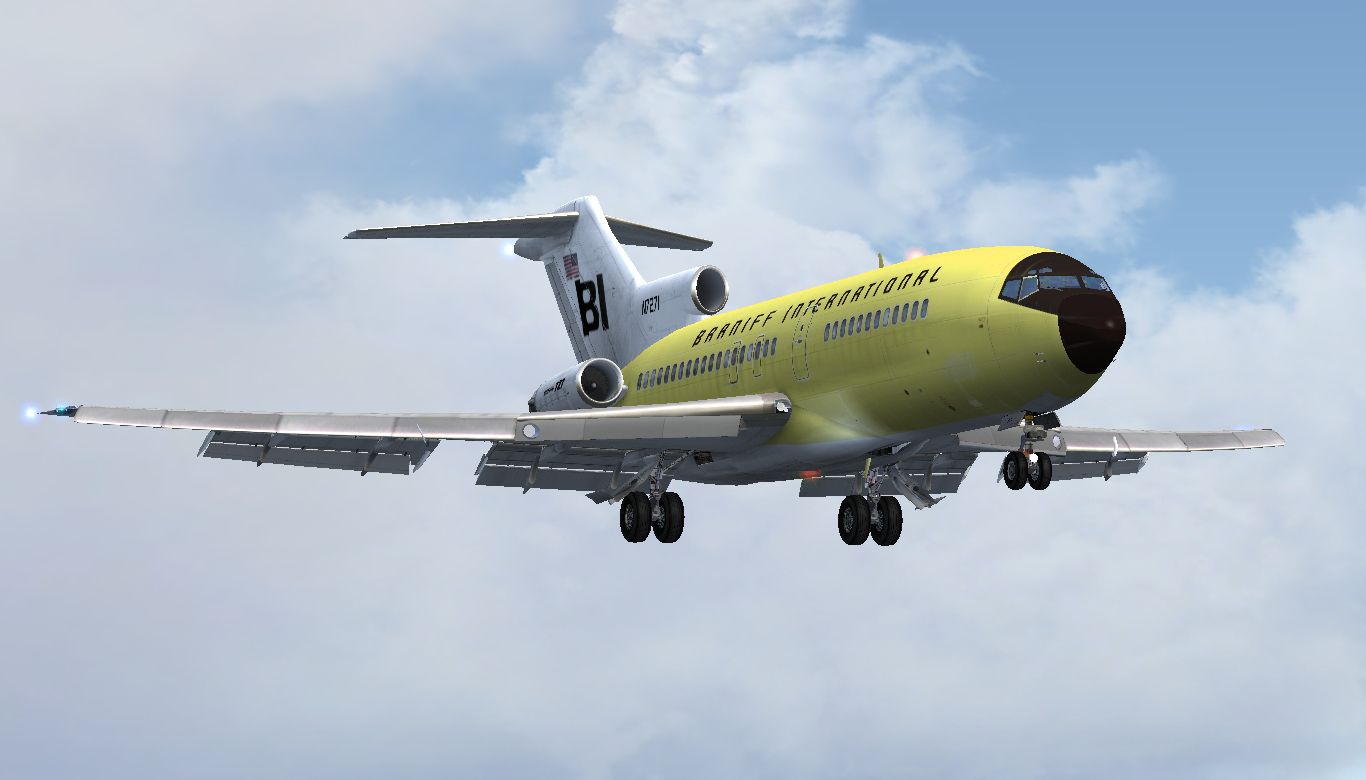
Experience a classic tri-jet revival in Microsoft Flight Simulator X with this meticulously crafted Braniff Boeing 727-100 repaint in its vibrant “Jellybean Yellow” scheme. Designed by Marc Brown, these textures capture the iconic look of Braniff’s flamboyant liveries, bringing a distinctive splash of color to your virtual skies. This download provides only the exterior repaint for the payware Captain Sim B727-100.
Braniff International was known for stylish and visually striking aircraft paint schemes that set it apart from other carriers of its era. The Boeing 727-100 itself, debuting in the early 1960s, became a workhorse for numerous airlines due to its reliable performance, powerful three-engine layout, and impressive short-field capabilities. This repaint revives the airline’s “Jellybean Yellow” look, reminiscent of the vibrant designs that Braniff introduced to stand out in the competitive airline market of the time.
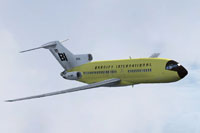
Above: A glimpse of the “Jellybean Yellow” Braniff 727-100 cruising at altitude.
Follow these brief steps to integrate the repaint properly:
Insert the following lines beneath your last paint scheme entry:
[fltsim.x]
title=CS 727-100 Braniff Jellybean Yellow
sim=cs727100
model=
panel=
sound=
texture=N7271
kb_checklists=
kb_reference=
atc_id=N7271
atc_airline=Braniff
atc_flight_number=694
ui_manufacturer=Boeing
ui_type=727-100
ui_variation=Braniff Jellybean Yellow
ui_typerole=Commercial Airliner
ui_createdby=Captain Sim
description=727 Captain: 727-100 Expansion Model v2.2
2009 Captain Sim
visual_damage=1
This texture set requires ownership of Captain Sim’s payware Boeing 727-100 model. Marc Brown meticulously tailored the paint job to highlight details across the fuselage and tail fin. Enjoy exploring historical flight paths once operated by Braniff, or create your own routes that celebrate this distinctive livery.
Load up your updated 727-100 in FSX, and you will find yourself immersed in a throwback to a time when colorful designs dominated the tarmac. Whether you choose short intercity hops or longer point-to-point operations, this repaint delivers a classic aviation experience in “Jellybean Yellow.”
Free for all simmers · 5.75 MB · Scanned clean Oct 2026
Download speed: Free tier is capped at 0.5 Mbps (this file takes approximately 2 mins at the cap). PRO members download at full line speed.
texture.{airline}) inside FSX\SimObjects\Airplanes\{base-aircraft}\.aircraft.cfg in Notepad. Add a new [fltsim.X] section per the readme.readme.txt or README file. It tells you exactly where files go, what dependencies are needed, and any quirks specific to this add-on.The archive n7271-1.zip has 14 files and directories contained within it.
This list displays the first 500 files in the package. If the package has more, you will need to download it to view them.
| Filename/Directory | File Date | File Size |
|---|---|---|
| 2014-1-14_15-46-11-704.jpg | 01.15.14 | 616.06 kB |
| 2014-1-14_15-46-42-132.jpg | 01.15.14 | 451.55 kB |
| readme.txt | 01.16.14 | 1.56 kB |
| texture.N7271 | 01.15.14 | 0 B |
| 727_100_2_T.dds | 01.14.14 | 4.00 MB |
| 727_100_3_T.dds | 01.14.14 | 4.00 MB |
| 727_100_4_T.dds | 01.02.14 | 4.00 MB |
| 727_100_A_T.dds | 01.14.14 | 4.00 MB |
| description.txt | 01.16.14 | 383 B |
| texture.cfg | 12.06.13 | 227 B |
| thumbnail.jpg | 01.15.14 | 375.12 kB |
| thumbnail.jpg | 01.15.14 | 375.12 kB |
| flyawaysimulation.txt | 10.29.13 | 959 B |
| Go to Fly Away Simulation.url | 01.22.16 | 52 B |
Only PRO members can place votes.
More FSX & P3D add-ons hand-picked based on this download.
FSX Civil Aircraft
This freeware repaint showcases a 1968-era Braniff International Panagra “Yel…
 FSX Civil Aircraft
This repaint showcases Braniff International’s distinctive Lemon Yellow Jelly…
 FSX Civil Aircraft
Textures only for the payware Just Flight DC8 Jetliner series 10 to 40 with S…
 FSX Civil Aircraft
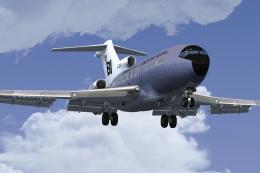
This freeware repaint brings a classic Braniff International Airways lavender…
 FSX Civil Aircraft
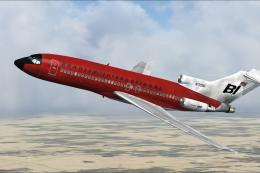
This repaint offers a faithful rendition of Braniff’s bold “Jellybean Red” sc…
 FSX Civil Aircraft
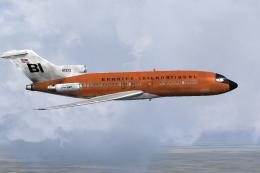
This repaint celebrates Braniff International’s distinctive “Jellybean Orange…
 FSX Civil Aircraft
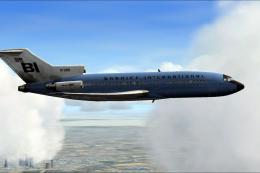
This high-fidelity repaint depicts Braniff International’s eye-catching “Jell…
 FSX Civil Aircraft
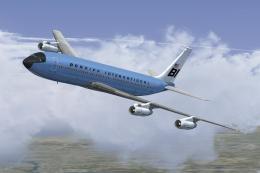
This classic repaint captures Braniff International’s Medium Blue Jellybean l…
Be the first to leave a comment on this download.
Be the first to share your thoughts on this download.