

 FSX Civil Aircraft
Braniff Light Green Jellybean Boeing 707
This repaint for the Captain Sim B707-300 features Braniff International’s di…
Braniff’s Lime Green “Jellybean” scheme returns on Boeing 727-100 N300BN with a period-faithful repaint featuring authentic registry details and crisp retro markings. Built for Microsoft Flight Simulator X, it requires the Captain Sim 727-100 base pack and adds a vivid 1970s tri-jet look to the virtual cockpit lineup.
 Rate
Rate
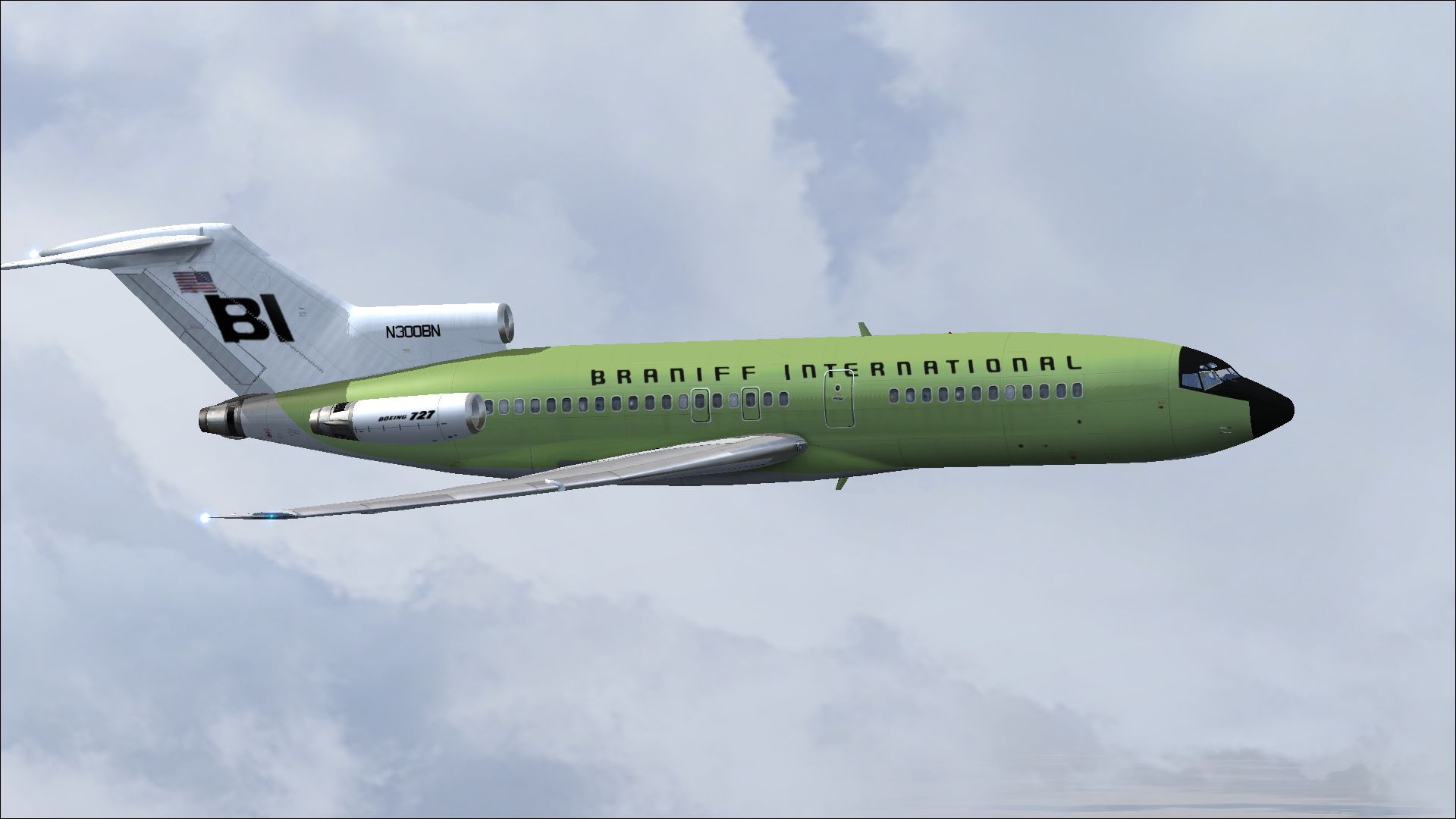
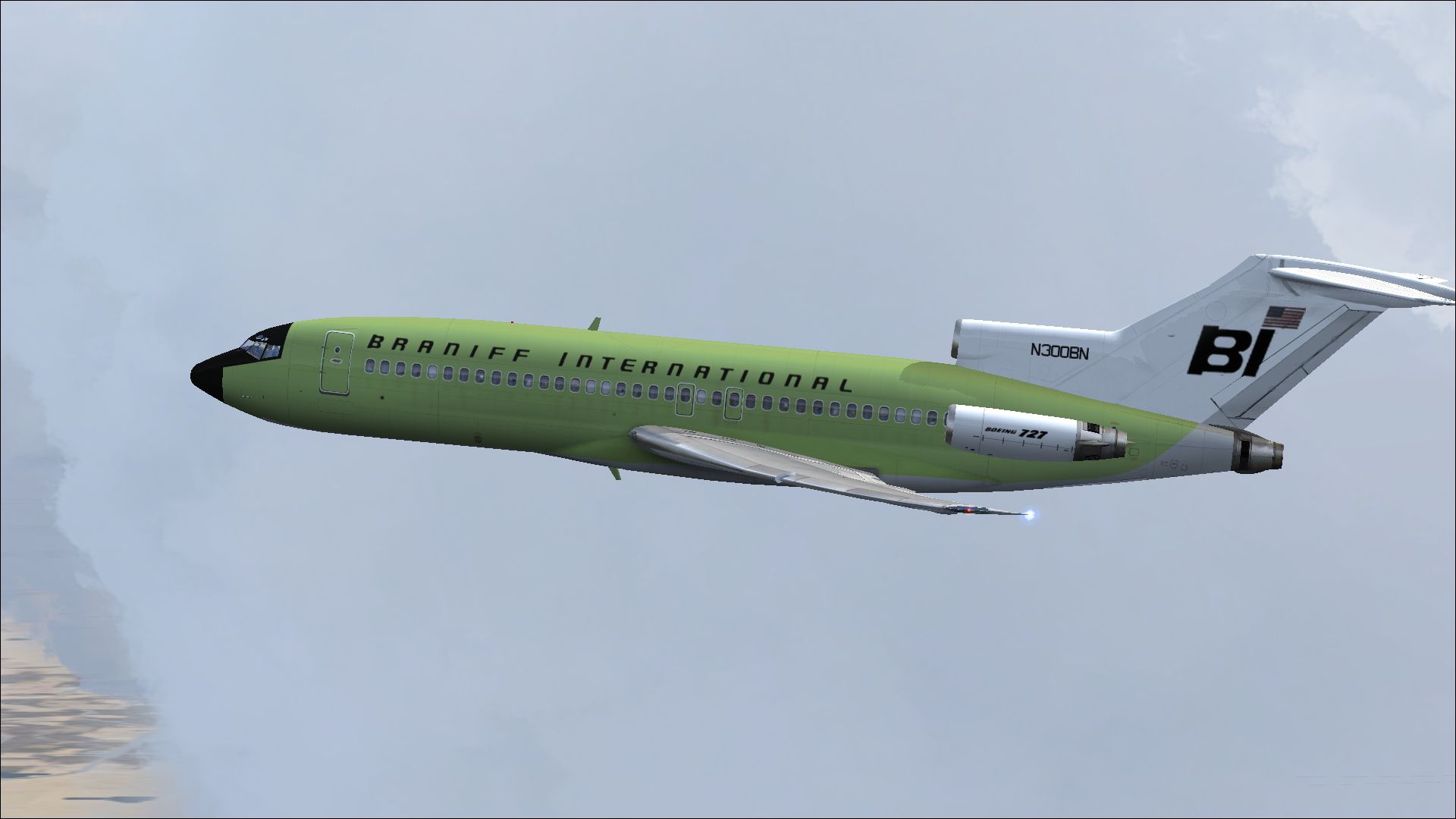
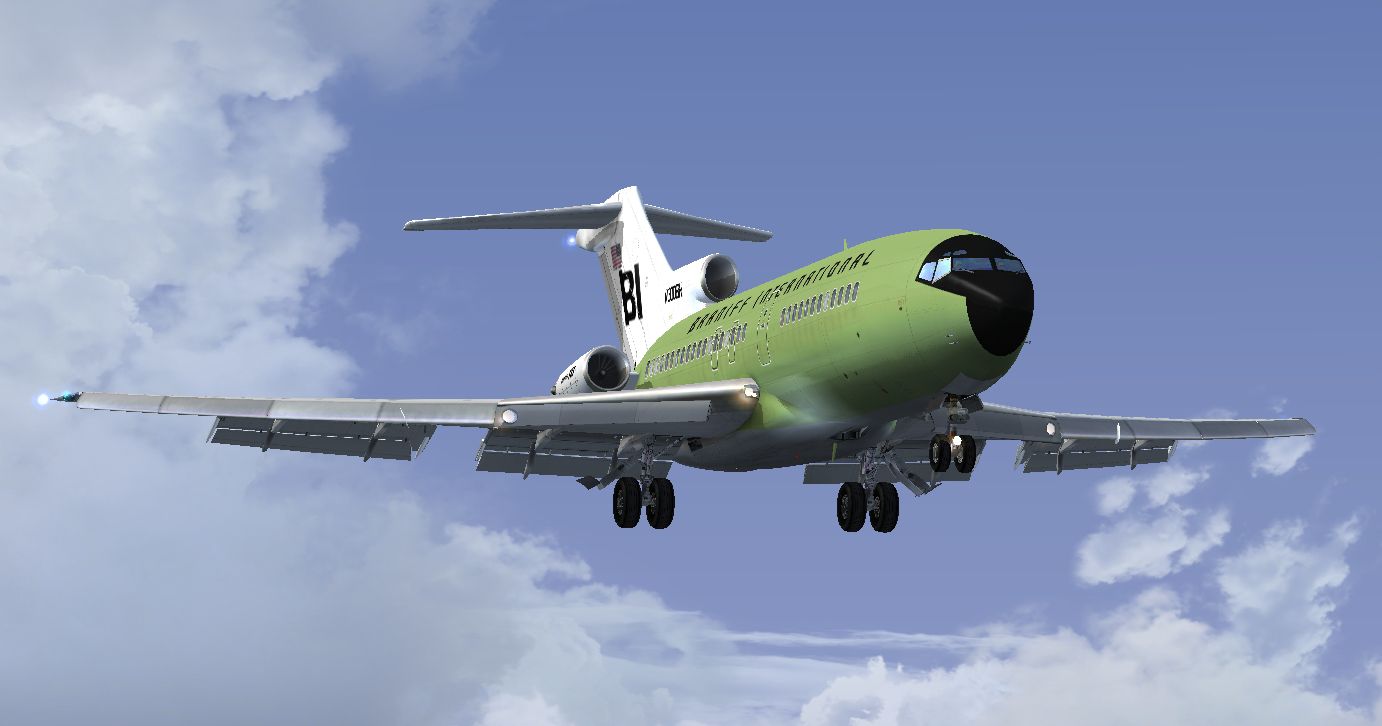
Immerse yourself in a classic Boeing 727-100 livery that captures Braniff International Airways’ vibrant “Jellybean” era. This free repaint, created by Marc Brown, showcases the airline’s Lime Green exterior and brings retro style to Microsoft Flight Simulator X for those who already own the payware Captain Sim 727-100. The design accurately reflects the color motifs popularized during Braniff’s 1970s operations, offering a nostalgic take on the tri-jet’s iconic look.
The Boeing 727 series, introduced in the early 1960s, is famous for its three-engine configuration and remarkable short-field performance capabilities. Braniff International Airways, with its imaginative paint schemes, stood out among airlines by adorning each aircraft in bright hues, commonly referred to as “Jellybean” themes. This Lime Green variant re-creates that unique aesthetic, complete with the airline’s registry details and period-correct markings.
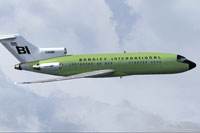
Screenshot of Lime Green Boeing 721 in flight.
Before proceeding, ensure the Captain Sim 727-100 payware base model is already installed in your simulator. This repaint does not include the aircraft itself. Once you have the base model in place, follow the steps below:
[fltsim.x] section and add the following lines (replacing X with the next available number):[fltsim.x]
title=CS 727-100 Braniff Lime Green Jellybean
sim=cs727100
model=
panel=
sound=
texture=N300BN
kb_checklists=
kb_reference=
atc_id=N300BN
atc_airline=Braniff
atc_flight_number=527
ui_manufacturer=Boeing
ui_type=727-100
ui_variation=Braniff Lime Green Jellybean
ui_typerole=Commercial Airliner
ui_createdby=Captain Sim
description=727 Captain (727-100 Base Pack) v2.3\n2009 Captain Sim Braniff Jellybean Lime Green circa 1970 727-100 N300BN. Repaint by Marc Brown.
visual_damage=1
Save the aircraft.cfg file, then load up the simulator to see your new Braniff-inspired 727 in action. This repaint provides a nostalgic option for anyone seeking to appreciate the vibrancy of Braniff’s Lime Green jets while enjoying the high-fidelity modeling of Captain Sim’s package.
Enjoy your flights with this special Braniff livery by Marc Brown, and experience the charm of a bygone era every time you cruise over virtual skies.
Free for all simmers · 4.85 MB · Scanned clean Oct 2026
Download speed: Free tier is capped at 0.5 Mbps (this file takes approximately 1 min at the cap). PRO members download at full line speed.
texture.{airline}) inside FSX\SimObjects\Airplanes\{base-aircraft}\.aircraft.cfg in Notepad. Add a new [fltsim.X] section per the readme.readme.txt or README file. It tells you exactly where files go, what dependencies are needed, and any quirks specific to this add-on.The archive braniff_n300bn.zip has 14 files and directories contained within it.
This list displays the first 500 files in the package. If the package has more, you will need to download it to view them.
| Filename/Directory | File Date | File Size |
|---|---|---|
| 2014-2-10_14-7-54-745.jpg | 02.11.14 | 614.98 kB |
| 2014-2-10_14-8-15-823.jpg | 02.11.14 | 540.86 kB |
| readme.txt | 02.13.14 | 1.83 kB |
| texture.N300BN | 02.13.14 | 0 B |
| 727_100_2_T.dds | 02.12.14 | 4.00 MB |
| 727_100_3_T.dds | 02.12.14 | 4.00 MB |
| 727_100_4_T.dds | 01.16.14 | 4.00 MB |
| 727_100_A_T.dds | 02.12.14 | 4.00 MB |
| description.txt | 02.13.14 | 411 B |
| texture.cfg | 12.06.13 | 227 B |
| thumbnail.jpg | 02.11.14 | 341.95 kB |
| thumbnail.jpg | 02.11.14 | 341.95 kB |
| flyawaysimulation.txt | 10.29.13 | 959 B |
| Go to Fly Away Simulation.url | 01.22.16 | 52 B |
Only PRO members can place votes.
More FSX & P3D add-ons hand-picked based on this download.
FSX Civil Aircraft
This repaint for the Captain Sim B707-300 features Braniff International’s di…
 FSX Civil Aircraft
This repaint brings the rare Braniff International Panagra “Green Jellybean” …
 FSX Civil Aircraft
This freeware repaint delivers a vibrant “Green Jellybean” Braniff Internatio…
 FSX Civil Aircraft
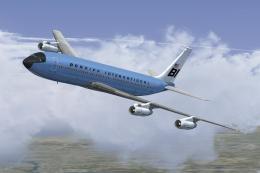
This classic repaint captures Braniff International’s Medium Blue Jellybean l…
 FSX Civil Aircraft
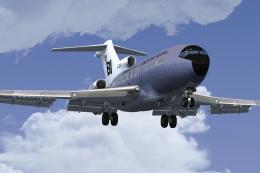
This freeware repaint brings a classic Braniff International Airways lavender…
 FSX Civil Aircraft
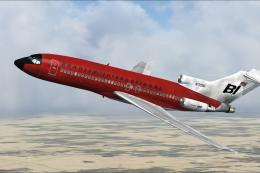
This repaint offers a faithful rendition of Braniff’s bold “Jellybean Red” sc…
 FSX Civil Aircraft
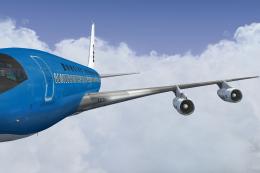
This freeware repaint offers a meticulously recreated Braniff International D…
 FSX Civil Aircraft
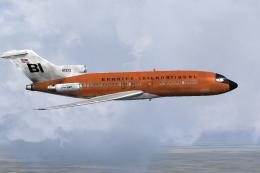
This repaint celebrates Braniff International’s distinctive “Jellybean Orange…
Be the first to leave a comment on this download.
Be the first to share your thoughts on this download.