

 FSX Civil Aircraft
Japan Airlines Airbus A350-1000 V4
This freeware release offers a meticulously crafted Japan Airlines Airbus A35…
Japan Airlines Airbus A350-1000 V4.1 for FSX brings a modern wide-body to the ramp with refined main landing gear bogie tilt, updated ground equipment behavior, and lively Animated Ground Servicing sequences for stairs, cargo, and support vehicles. The CamSim model pairs crisp exterior artwork with immersive pre- and post-flight ramp activity.
 Rate
Rate
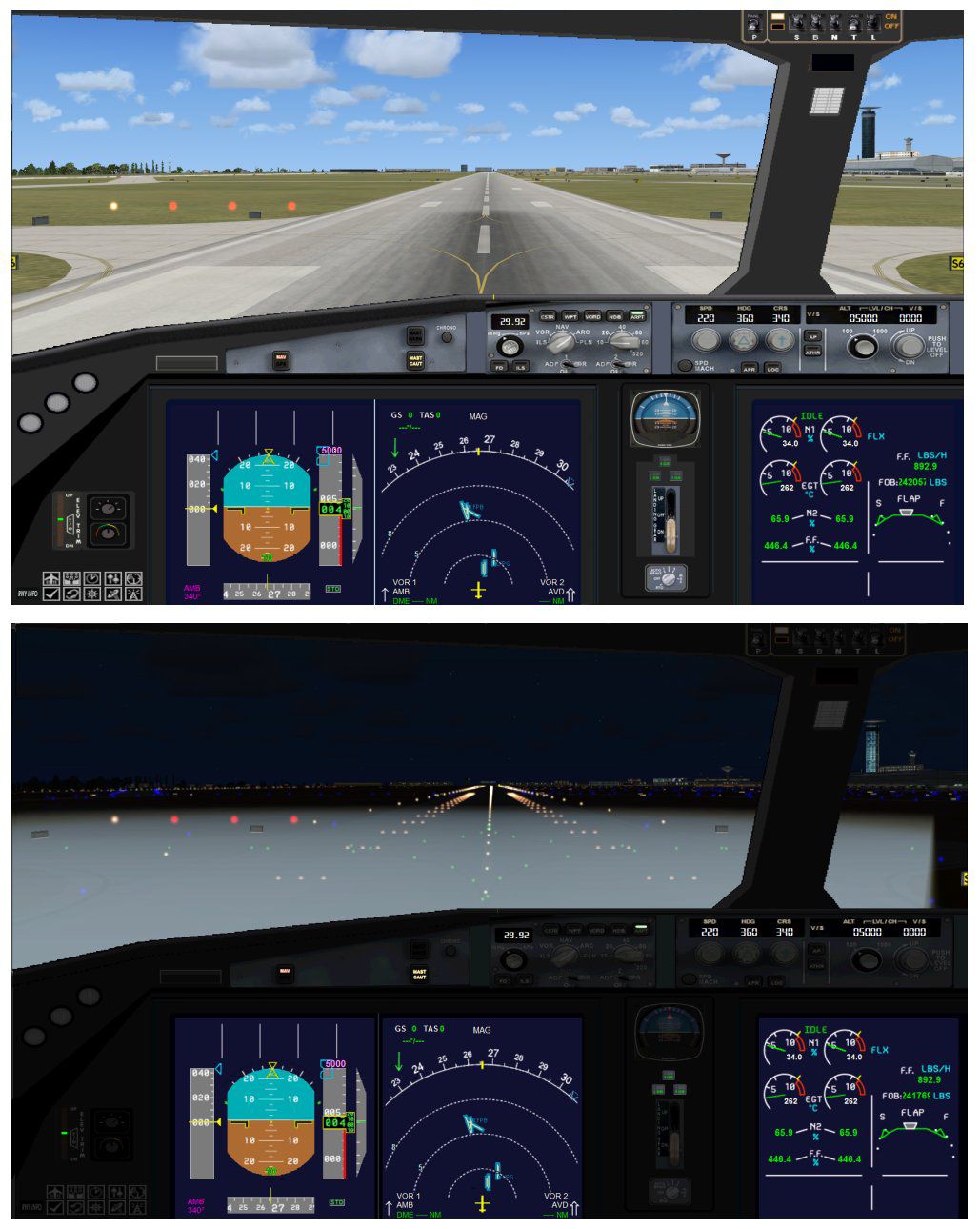


This freeware update offers a fully equipped Japan Airlines Airbus A350-1000 developed by CamSim (Version 4.1). It includes enhanced ground operations with updated main landing gear bogies and utilizes additional Animated Ground Servicing (AGS). Model design and exterior art come from Camil Valiquette, who has optimized ground equipment movements and static displays. This wide-body jet represents the modern evolution of Airbus engineering and combines the efficiency of the A350-1000 airframe with the enduring livery of Japan Airlines.
This edition refines main gear tilt angles for improved visual realism. You will notice the characteristic bogies pivot more accurately under load. Trucks that attach or detach from their trailers also receive updates, adding immersion to pre-flight or post-flight routines.
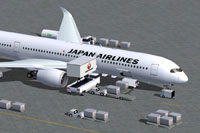
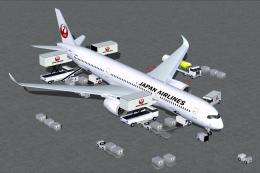
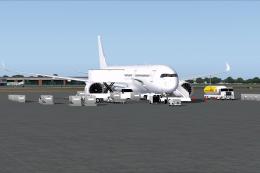
Screenshot of Japan Airlines Airbus A350-1000 with ground services.
AGS (Animated Ground Servicing) covers typical catering, baggage, and stair operations. Each door maps to specific commands:
In the “Options” menu, verify assignments for these controls:
The design and textures come from Camil Valiquette of CamSim. He has integrated multiple static elements that bring authenticity to pre-departure loading and post-landing offloading. Enjoy this update of the Japan Airlines Airbus A350-1000, which pairs a refined paint scheme with advanced simulation features.
Free for all simmers · 5.18 MB · Scanned clean Oct 2026
Download speed: Free tier is capped at 0.5 Mbps (this file takes approximately 1 min at the cap). PRO members download at full line speed.
This add-on may require the following files to function properly. If this is a repaint, the dependency below is likely the base aircraft package.
FSX\SimObjects\Airplanes\. The folder must contain an aircraft.cfg file. Effects go into FSX\Effects\; gauges go into FSX\Gauges\.readme.txt or README file. It tells you exactly where files go, what dependencies are needed, and any quirks specific to this add-on.The archive 350v4_1jalx.zip has 36 files and directories contained within it.
This list displays the first 500 files in the package. If the package has more, you will need to download it to view them.
| Filename/Directory | File Date | File Size |
|---|---|---|
| CamSim Airbus 350-1000 V4.1 Japan Airlines | 10.08.13 | 0 B |
| 350-1000.air | 02.25.10 | 12.75 kB |
| 350v4jal ags.jpg | 10.08.13 | 147.44 kB |
| 350v4jal.jpg | 10.07.13 | 78.86 kB |
| aircraft.cfg | 10.08.13 | 15.39 kB |
| Effects.zip | 03.25.06 | 1.80 kB |
| file_id.diz | 10.08.13 | 281 B |
| FSX Installation Aircraft and AGS Animations Read Me.htm | 10.08.13 | 6.54 kB |
| model.350-1000 ags v4 | 10.08.13 | 0 B |
| 350-1000 ags v4.mdl | 09.19.13 | 2.88 MB |
| Model.cfg | 06.11.12 | 34 B |
| PANEL | 10.08.13 | 0 B |
| 787_350_panel_background.bmp | 02.25.10 | 2.25 MB |
| 787_350_panel_background_night.bmp | 02.25.10 | 2.25 MB |
| Airbus_A321.cab | 09.04.06 | 2.72 MB |
| panel.cfg | 02.25.10 | 5.48 kB |
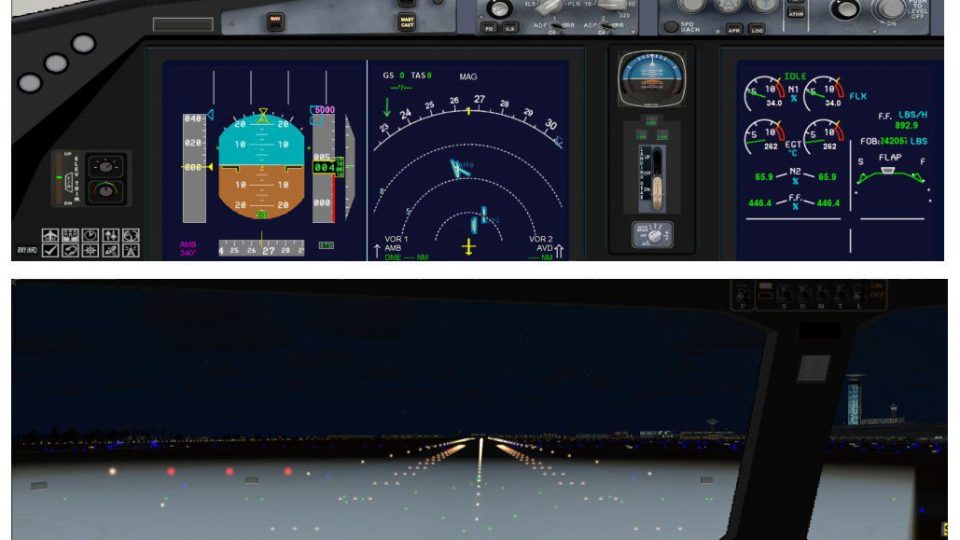
| panel camsim 787-350 afx_2.jpg | 04.09.10 | 182.86 kB |
| Read Me How to setup Animations (AGS).txt | 09.16.13 | 867 B |
| Read Me_FSX.txt | 10.08.13 | 2.36 kB |
| SOUND | 10.08.13 | 0 B |
| Sound.cfg | 11.04.09 | 35 B |
| texture.jal | 10.08.13 | 0 B |
| 359fuse_t.bmp | 10.08.13 | 1.00 MB |
| 35eng_t.bmp | 10.07.13 | 1.00 MB |
| 35int_l.bmp | 10.08.13 | 4.00 MB |
| 35int_t.bmp | 10.08.13 | 1.00 MB |
| 35tail_t.bmp | 10.07.13 | 1.00 MB |
| 35wings_t.bmp | 07.19.09 | 1.00 MB |
| 787ext_L.bmp | 10.08.13 | 4.00 MB |
| 787ext_t.bmp | 10.08.13 | 1.00 MB |
| gris_t.bmp | 12.09.09 | 16.07 kB |
| tail.bmp | 12.02.12 | 1.00 MB |
| thumbnail.jpg | 10.08.13 | 4.26 kB |
| w_t.bmp | 10.03.13 | 16.07 kB |
| flyawaysimulation.txt | 10.29.13 | 959 B |
| Go to Fly Away Simulation.url | 01.22.16 | 52 B |
Only PRO members can place votes.
More FSX & P3D add-ons hand-picked based on this download.
FSX Civil Aircraft
This freeware release offers a meticulously crafted Japan Airlines Airbus A35…
 FSX Civil Aircraft
This freeware release from CamSim showcases an advanced wide-body in United A…
 FSX Civil Aircraft
Experience an accurately rendered Lufthansa A350-1000, perfectly aligned with…
 FSX Civil Aircraft
This release merges an enhanced ground crew experience with the distinctive B…
 FSX Civil Aircraft
This refined rendition of the Cathy Pacific Airbus A350-1000 for FSX focuses …
 FSX Civil Aircraft
This freeware set features a fully functional paint kit for the Airbus A350-1…
 FSX Civil Aircraft
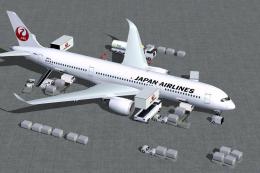
This enhanced package offers a refined Japan Airlines Airbus A350-900, meticu…
 FSX Civil Aircraft
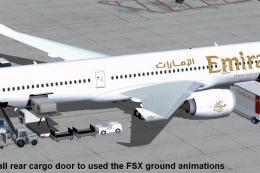
Experience a refined Emirates-liveried Airbus A350-1000 XWB for FSX, featurin…
Be the first to leave a comment on this download.
Be the first to share your thoughts on this download.