

 FSX Civil Aircraft
Japan Airlines Airbus A350-1000 V4.1
This freeware update offers a fully equipped Japan Airlines Airbus A350-1000 …
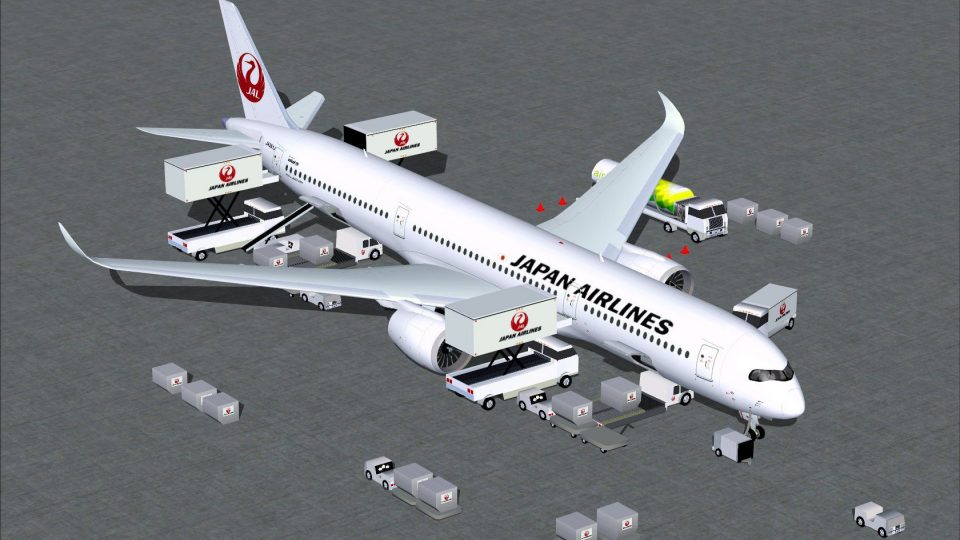
Japan Airlines’ Airbus A350-1000 for FSX delivers a crisp, modern wide-body model with a finely matched livery and refined exterior detailing. Version 4 adds Animated Ground Servicing, bringing realistic ramp life with moving trucks, loaders, and interactive doors and cargo hatches for convincing turnaround scenes.
 Rate
Rate
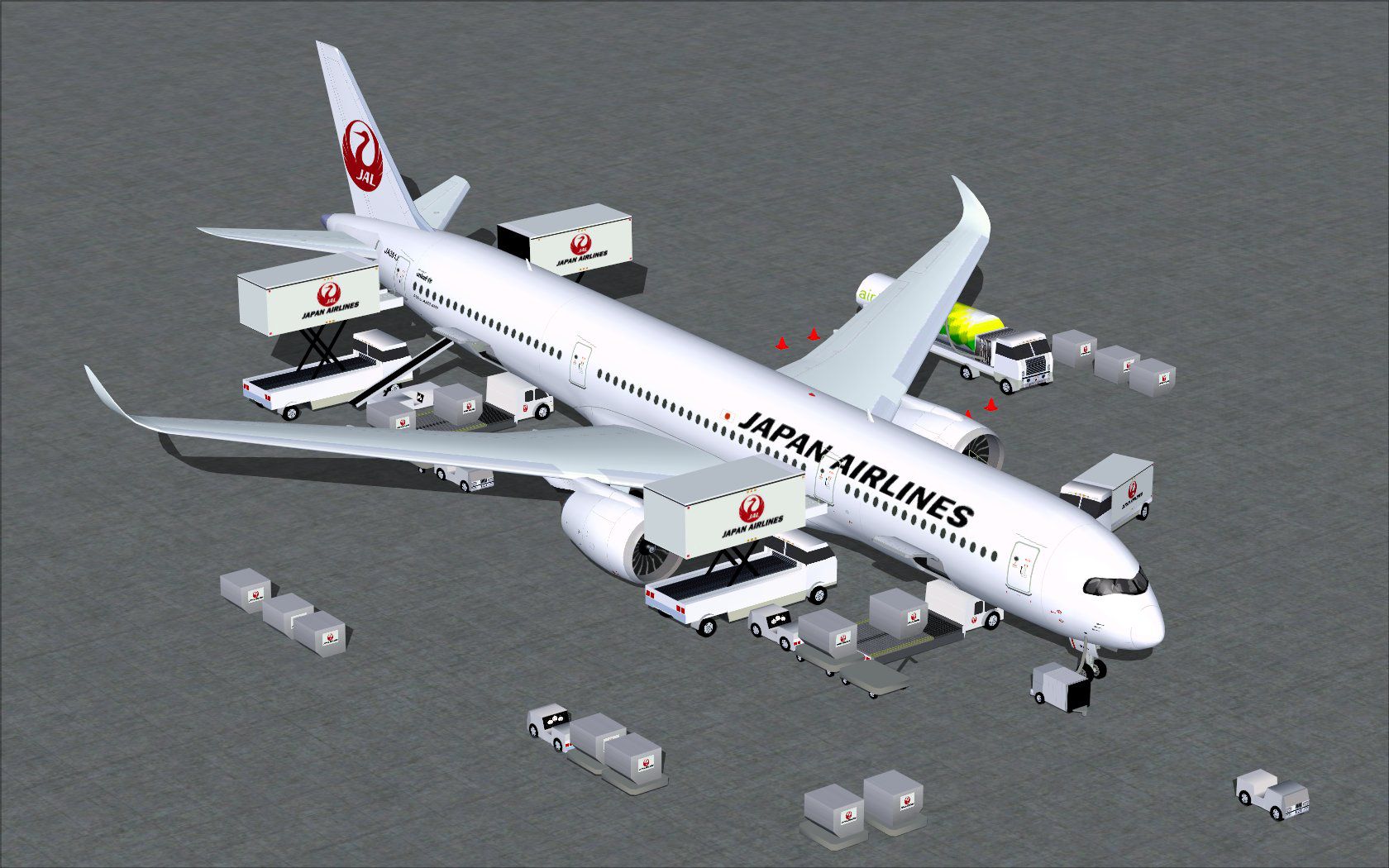
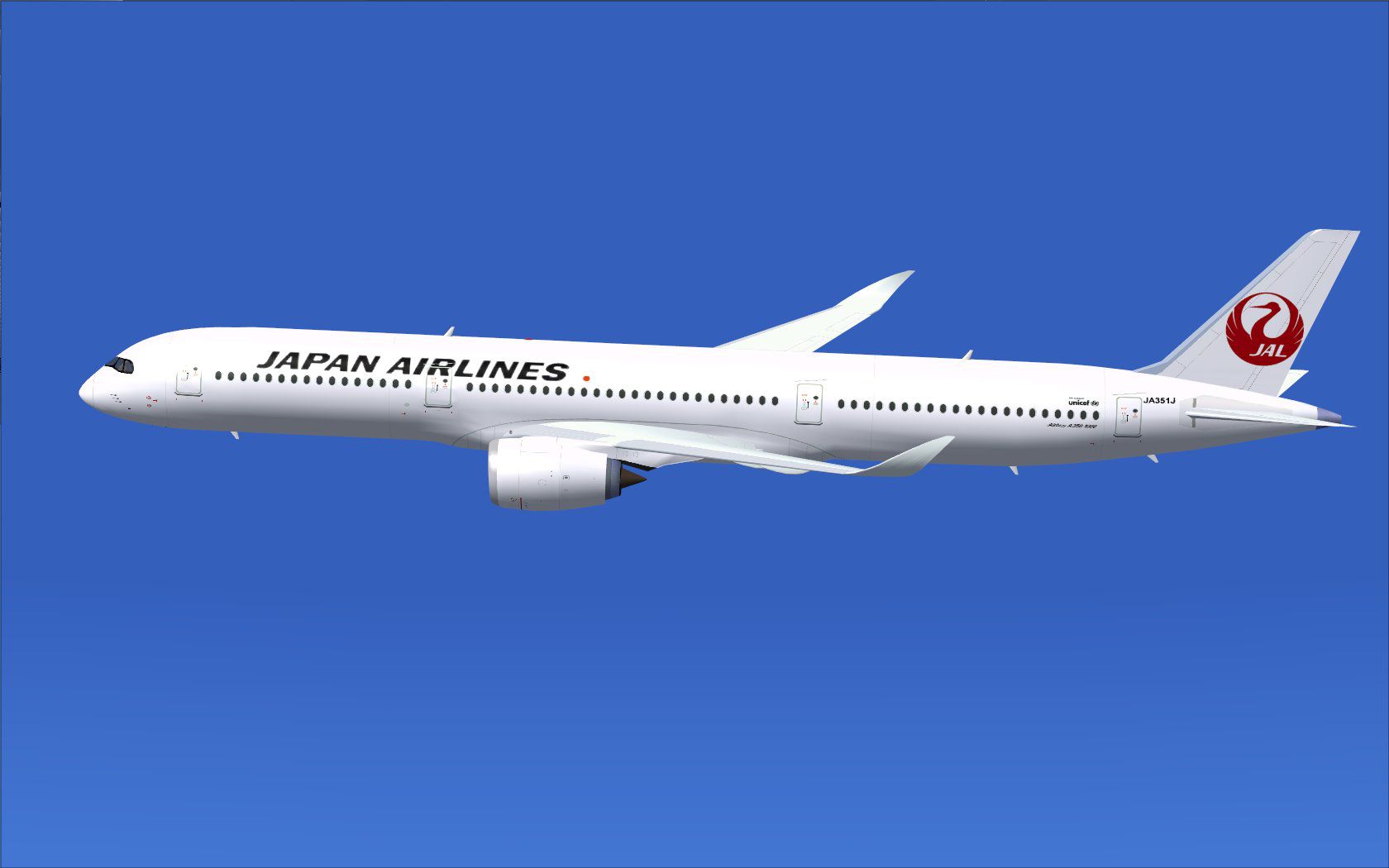
This freeware release offers a meticulously crafted Japan Airlines Airbus A350-1000 for FSX, featuring advanced ground utility animations and refined external visuals. It arrives in Version 4 by CamSim, with model design and paintwork from Camil Valiquette. Users interested in in-depth systems simulation will appreciate the interactive ground support and detailed livery created for superior immersion.
The Airbus A350-1000 stands as a modern, wide-body jet renowned for its extended range and fuel-efficient performance. Japan Airlines, recognized as a major carrier in Japan, has introduced the A350 family to accommodate both domestic and international routes. This release captures that modern aesthetic with a crisp exterior and an operational set of ground services.
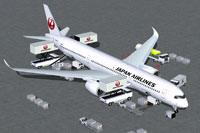
Screenshot of Japan Airlines Airbus A350-1000 with ground services.
CamSim has integrated Animated Ground Servicing (AGS). This feature deploys a series of trucks and loaders that latch onto and detach from trailers and freight compartments. It enhances realism during turnaround scenarios and allows simmers to visualize the aircraft in an authentic airport environment.
Follow these steps when installing in Flight Simulator X:
Several specialized controls activate the included AGS system:
Press Shift+E to open or close Door M2 with integrated air stairs.
Press Shift+E+2 for Door M1, which also triggers default FSX ground animations.
Press Shift+D to access or secure the cargo hatches.
Press Shift+C to begin or end the AGS visuals.
Map additional commands by exploring FSX’s Options menu. Assign:
This build refines ground handling animations, delivering a more dynamic ramp experience. The time spent on the tarmac feels busier thanks to moving vehicles and interactive cargo systems. Combined with the A350-1000’s aerodynamic design, this plugin offers a comprehensive solution for those seeking a modern, long-haul twin-engine aircraft in their collection.
Developed and painted by CamSim under the guidance of Camil Valiquette, this rendition captures Japan Airlines’ trademark livery, showcasing the carrier’s sleek branding. Expect an agile experience that showcases the jet’s performance and underscores the advanced engineering of the real-world airliner.
Free for all simmers · 5.27 MB · Scanned clean Oct 2026
Download speed: Free tier is capped at 0.5 Mbps (this file takes approximately 1 min at the cap). PRO members download at full line speed.
This add-on may require the following files to function properly. If this is a repaint, the dependency below is likely the base aircraft package.
FSX\SimObjects\Airplanes\. The folder must contain an aircraft.cfg file. Effects go into FSX\Effects\; gauges go into FSX\Gauges\.readme.txt or README file. It tells you exactly where files go, what dependencies are needed, and any quirks specific to this add-on.The archive 350v4jalx.zip has 36 files and directories contained within it.
This list displays the first 500 files in the package. If the package has more, you will need to download it to view them.
| Filename/Directory | File Date | File Size |
|---|---|---|
| CamSim Airbus 350-1000 V4 Japan Airlines | 04.30.13 | 0 B |
| 350-1000.air | 02.25.10 | 12.75 kB |
| 350v4jal_.jpg | 04.28.13 | 70.11 kB |
| 350v4jal_ags.jpg | 04.30.13 | 260.02 kB |
| aircraft.cfg | 04.30.13 | 15.28 kB |
| Effects.zip | 03.25.06 | 1.80 kB |
| file_id.diz | 04.30.13 | 239 B |
| model.350-1000 ags v4 | 04.30.13 | 0 B |
| 350-1000 ags v4.mdl | 12.18.12 | 2.80 MB |
| Model.cfg | 06.11.12 | 34 B |
| PANEL | 04.30.13 | 0 B |
| 787_350_panel_background.bmp | 02.25.10 | 2.25 MB |
| 787_350_panel_background_night.bmp | 02.25.10 | 2.25 MB |
| Airbus_A321.cab | 09.04.06 | 2.72 MB |
| panel.cfg | 02.25.10 | 5.48 kB |
| panel camsim 787-350 afx_2.jpg | 04.09.10 | 182.86 kB |
| Read Me_FSX.txt | 04.30.13 | 2.36 kB |
| SOUND | 04.30.13 | 0 B |
| Sound.cfg | 11.04.09 | 35 B |
| texture.jal | 04.30.13 | 0 B |
| 359fuse_t.bmp | 04.23.13 | 1.00 MB |
| 35eng_t.bmp | 04.08.11 | 1.00 MB |
| 35int_l.bmp | 04.29.13 | 4.00 MB |
| 35int_t.bmp | 04.30.13 | 1.00 MB |
| 35tail_t.bmp | 04.23.13 | 1.00 MB |
| 35wings_t.bmp | 07.19.09 | 1.00 MB |
| 787ext_L.bmp | 04.29.13 | 4.00 MB |
| 787ext_t.bmp | 04.30.13 | 1.00 MB |
| gris_t.bmp | 12.09.09 | 16.07 kB |
| pilot1.bmp | 03.04.10 | 257.05 kB |
| pilot1_l.bmp | 12.06.06 | 1.00 MB |
| tail.bmp | 12.02.12 | 1.00 MB |
| thumbnail.jpg | 04.30.13 | 4.06 kB |
| w_t.bmp | 12.06.08 | 16.07 kB |
| flyawaysimulation.txt | 10.29.13 | 959 B |
| Go to Fly Away Simulation.url | 01.22.16 | 52 B |
Only PRO members can place votes.
More FSX & P3D add-ons hand-picked based on this download.
FSX Civil Aircraft
This freeware update offers a fully equipped Japan Airlines Airbus A350-1000 …
 FSX Civil Aircraft
This freeware release from CamSim showcases an advanced wide-body in United A…
 FSX Civil Aircraft
Experience an accurately rendered Lufthansa A350-1000, perfectly aligned with…
 FSX Civil Aircraft
This release merges an enhanced ground crew experience with the distinctive B…
 FSX Civil Aircraft
This refined rendition of the Cathy Pacific Airbus A350-1000 for FSX focuses …
 FSX Civil Aircraft
This freeware set features a fully functional paint kit for the Airbus A350-1…
 FSX Civil Aircraft
This enhanced package offers a refined Japan Airlines Airbus A350-900, meticu…
 FSX Civil Aircraft
Experience a refined Emirates-liveried Airbus A350-1000 XWB for FSX, featurin…
Be the first to leave a comment on this download.
Be the first to share your thoughts on this download.