

 FSX Civil Aircraft
Braniff Medium Blue Jellybean Boeing 707
This classic repaint captures Braniff International’s Medium Blue Jellybean l…
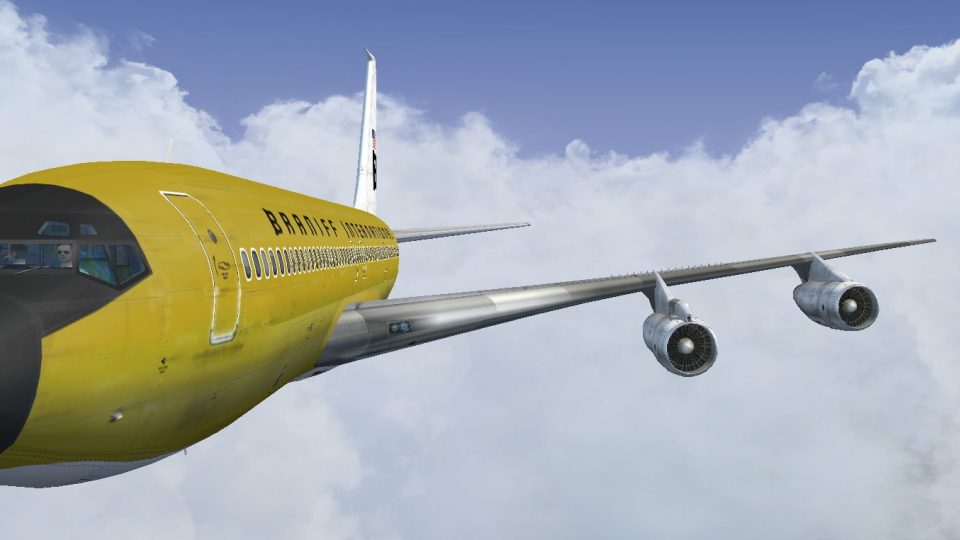
Braniff International’s Ochre “Jellybean” livery gets a faithful 1968-era makeover on Boeing 707-300 N7077, with crisp markings, period-correct striping, and nuanced shading that suits classic jetliner flying. Built for Microsoft Flight Simulator X, the repaint requires the payware Captain Sim 707-300 base package.
 Rate
Rate
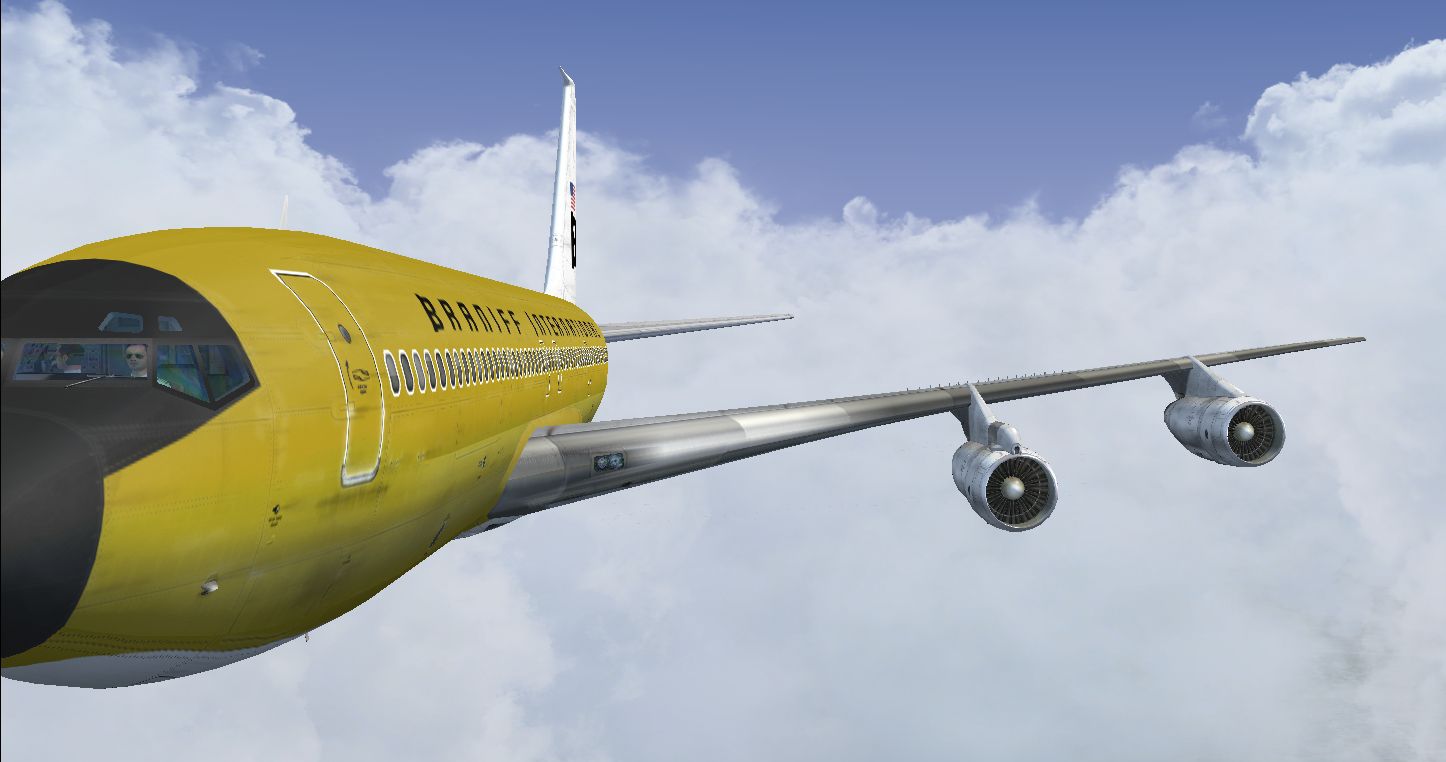

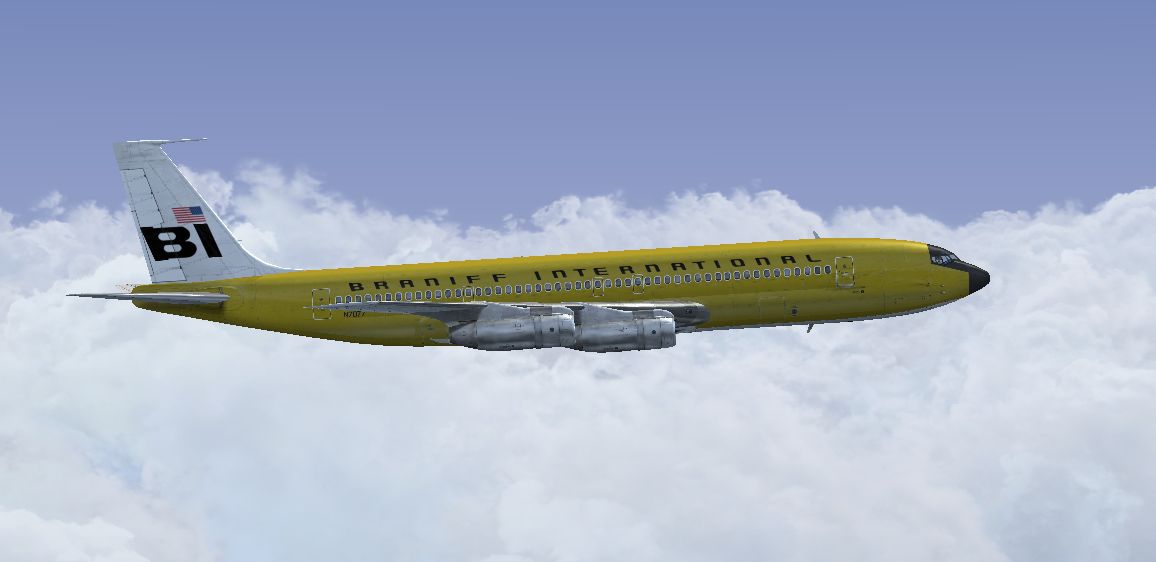
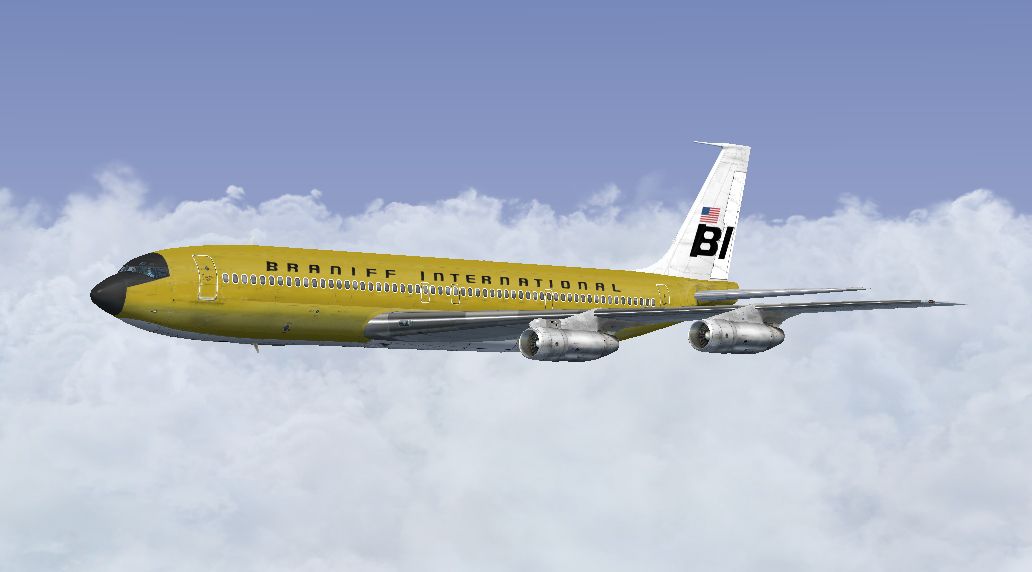
This repaint showcases Braniff International’s remarkable Ochre Jellybean color scheme applied to the Boeing 707-300 series airliner, specifically tail number N7077 from around 1968. Created by Marc Brown for use with the Captain Sim B707 package (a payware add-on), these textures bring a classic flair to Microsoft Flight Simulator X and highlight one of Braniff’s most iconic paint variants.
The Boeing 707 revolutionized commercial aviation in the late 1950s and remained a long-serving member of many airline fleets. Braniff International, known for its vibrant liveries, adopted the so-called “Jellybean” approach by coloring their aircraft in unique, attention-grabbing hues. The Ochre version, representing a golden-orange tone, offered fliers a fresh visual experience during the airline's progressive rebranding phase of the 1960s.
N7077’s Ochre Jellybean exterior stood out on the ramps with its bold color palettes and minimalistic logos, reflecting Braniff’s drive for strong brand recognition. This textural package, assembled by Marc Brown, captures subtle details such as the fuselage striping, registration identifiers, and the distinctive Braniff lettering, ensuring the spirit of the era is accurately represented.
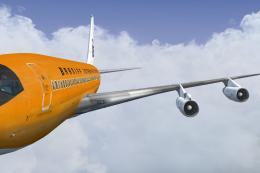
Screenshot of Braniff Ochre Jellybean Boeing 707 in flight.
Because this release is textures only, a legitimate copy of the payware Captain Sim B707-300 product is mandatory. Follow the succinct guide below to merge these authentic repaints into your flight simulator:
These files bring out precise rivet lines, custom shading, and historically accurate markings. The textures blend smoothly with the Captain Sim 707 flight model, reinforcing realistic reflections and advanced specular highlights. Ensure you operate them under Microsoft Flight Simulator X for the intended visual fidelity and performance. If you encounter any installation inconsistencies, verify that the aircraft.cfg updates align with your simulator’s existing paint entries.
This meticulously crafted Braniff repaint was developed by Marc Brown. His attention to tonal accuracy and period-correct liveries provides a genuine vintage aviation experience. The payware Boeing 707 base package from Captain Sim is still required, as these texture files do not include the core 707 model.
Free for all simmers · 7.34 MB · Scanned clean Oct 2026
Download speed: Free tier is capped at 0.5 Mbps (this file takes approximately 2 mins at the cap). PRO members download at full line speed.
texture.{airline}) inside FSX\SimObjects\Airplanes\{base-aircraft}\.aircraft.cfg in Notepad. Add a new [fltsim.X] section per the readme.readme.txt or README file. It tells you exactly where files go, what dependencies are needed, and any quirks specific to this add-on.The archive braniff_707_ochre.zip has 16 files and directories contained within it.
This list displays the first 500 files in the package. If the package has more, you will need to download it to view them.
| Filename/Directory | File Date | File Size |
|---|---|---|
| 2014-3-27_16-44-19-190.jpg | 03.28.14 | 228.00 kB |
| 2014-3-27_16-44-24-195.jpg | 03.28.14 | 305.40 kB |
| 2014-3-27_16-44-30-848.jpg | 03.28.14 | 246.17 kB |
| Read Me.txt | 03.28.14 | 3.68 kB |
| texture.N7077 | 03.28.14 | 0 B |
| b707_3_T.dds | 03.16.14 | 4.00 MB |
| b707_4_T.dds | 03.07.14 | 4.00 MB |
| b707_b1_T.dds | 03.15.14 | 4.00 MB |
| b707_b2_T.dds | 03.15.14 | 4.00 MB |
| b707_b5_T.dds | 03.15.14 | 4.00 MB |
| b707_b6_T.dds | 03.16.14 | 4.00 MB |
| texture.cfg | 09.06.10 | 118 B |
| thumbnail.jpg | 03.26.14 | 468.65 kB |
| thumbnail.jpg | 03.26.14 | 468.65 kB |
| flyawaysimulation.txt | 10.29.13 | 959 B |
| Go to Fly Away Simulation.url | 01.22.16 | 52 B |
Only PRO members can place votes.
More FSX & P3D add-ons hand-picked based on this download.
FSX Civil Aircraft
This classic repaint captures Braniff International’s Medium Blue Jellybean l…
 FSX Civil Aircraft
This freeware repaint offers a meticulously recreated Braniff International D…
 FSX Civil Aircraft
This freeware repaint brings to life the Braniff International Beige Jellybea…
 FSX Civil Aircraft
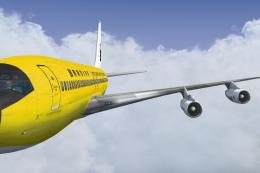
This freeware repaint showcases a 1968-era Braniff International Panagra “Yel…
 FSX Civil Aircraft
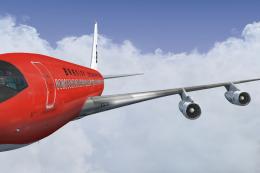
Experience the vivid heritage of Braniff International with this meticulously…
 FSX Civil Aircraft
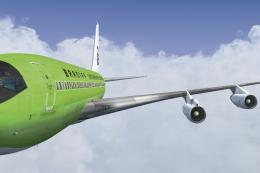
This repaint for the Captain Sim B707-300 features Braniff International’s di…
 FSX Civil Aircraft
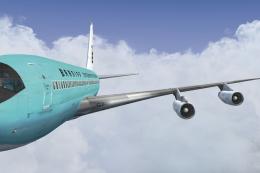
Immerse yourself in a distinctive piece of jet-era history with this speciali…
 FSX Civil Aircraft
This publication highlights a faithful Braniff International “Orange Jellybea…
Be the first to leave a comment on this download.
Be the first to share your thoughts on this download.