

 FSX Civil Aircraft
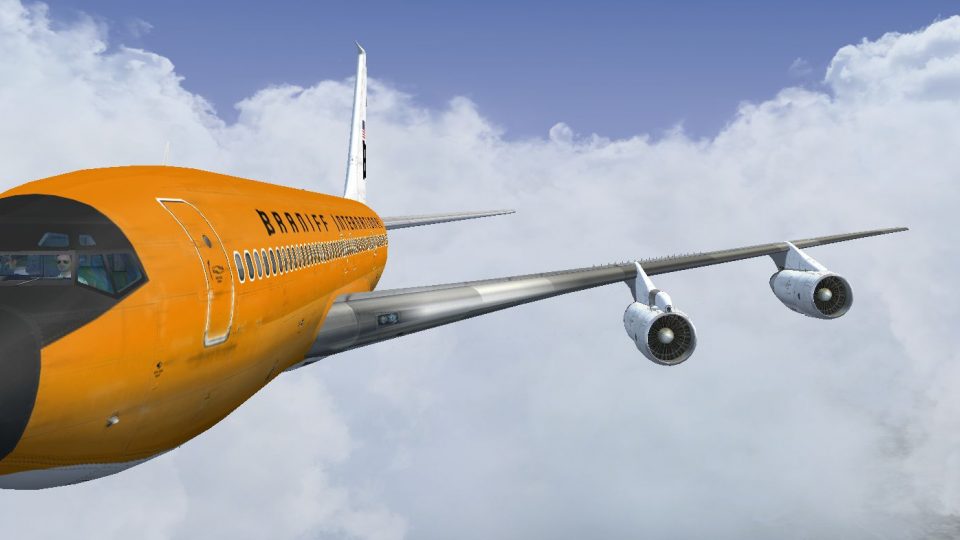
Braniff Boeing 727-100 "Jellybean Orange" N7273
This repaint celebrates Braniff International’s distinctive “Jellybean Orange…
Braniff International’s “Orange Jellybean” livery brings a vivid 1968-era look to the Captain Sim Boeing 707-300, capturing the airline’s bold design language and classic jet-age presence. Built for Microsoft Flight Simulator X, the repaint delivers period-accurate exterior textures and requires the Captain Sim 707 package for proper use.
 Rate
Rate
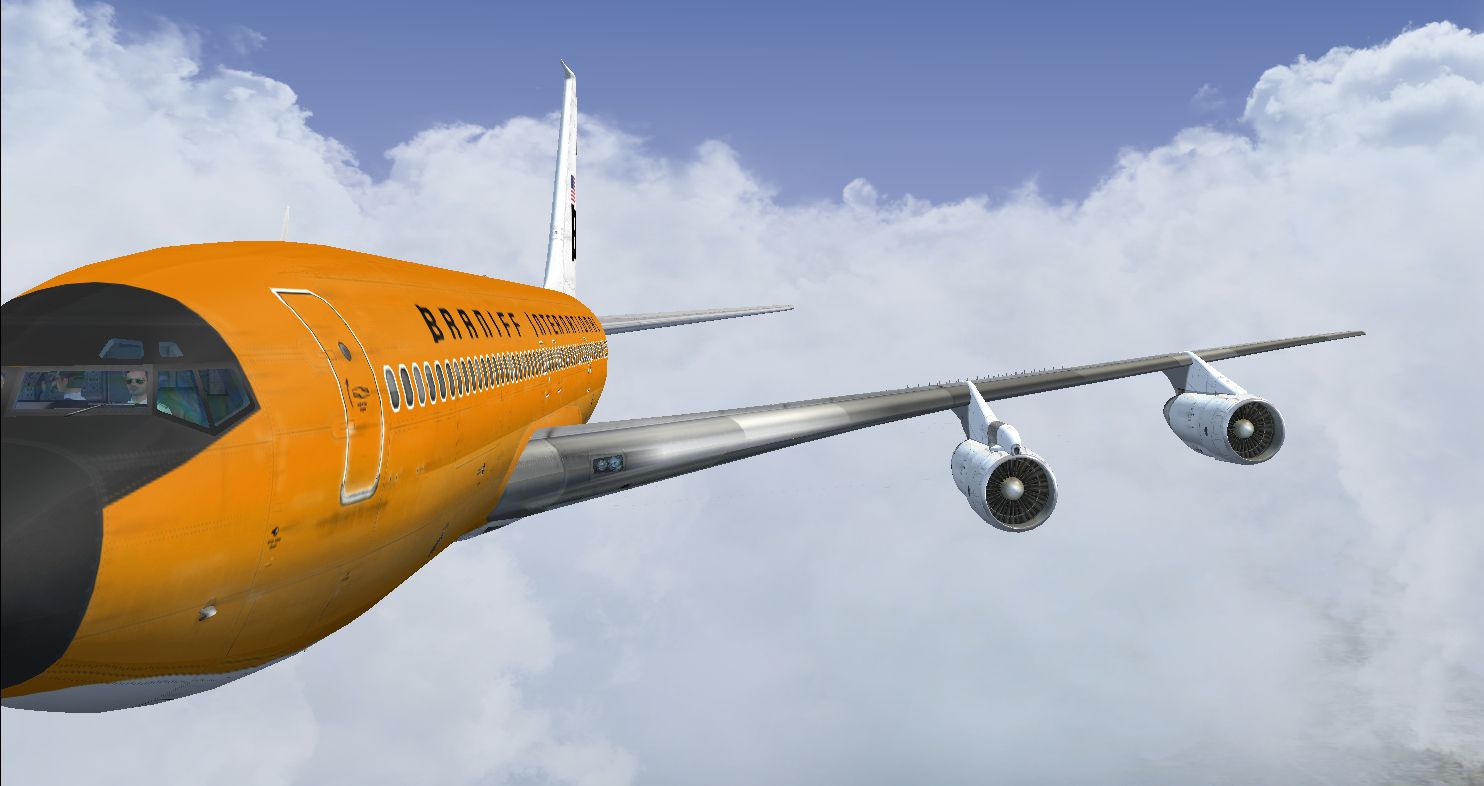
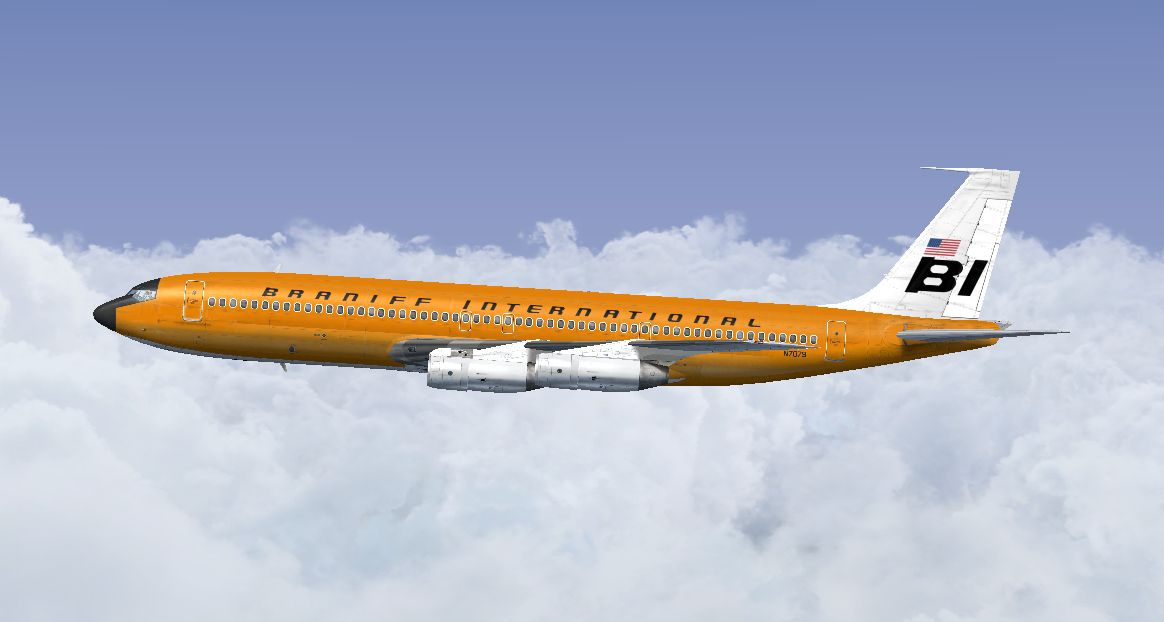
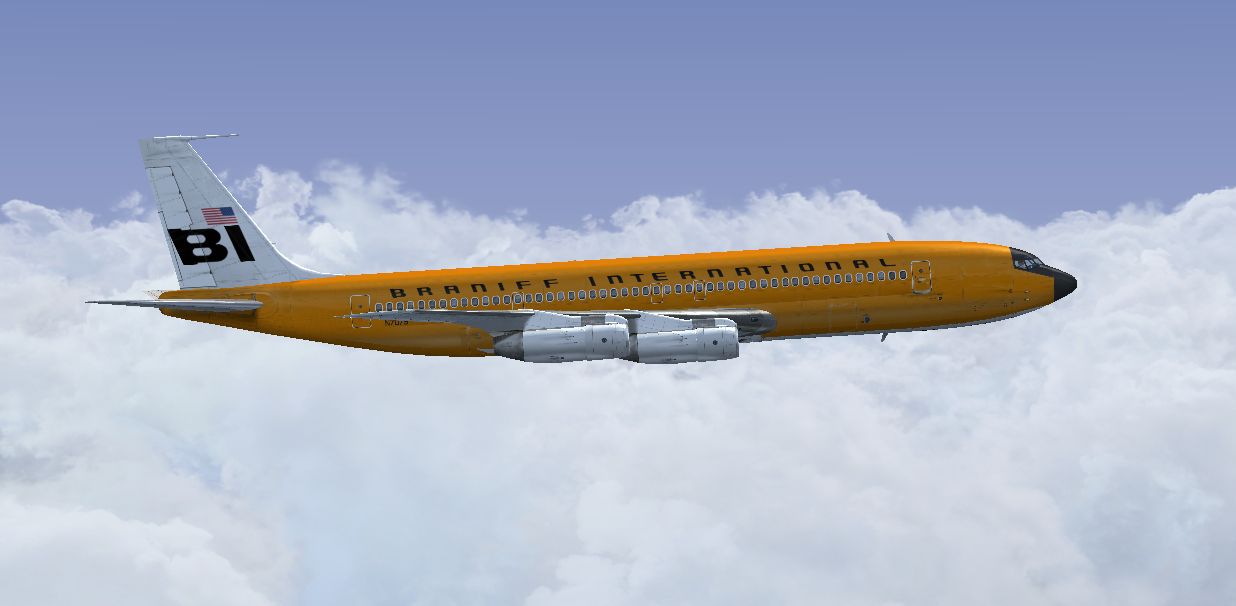
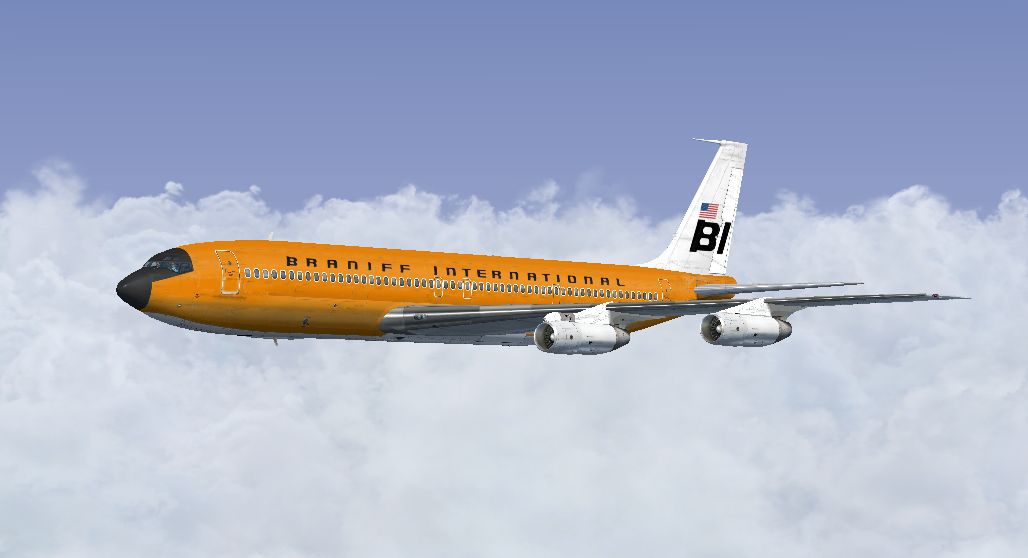
This publication highlights a faithful Braniff International “Orange Jellybean” texture set for the Captain Sim Boeing 707-300, originally flown around 1968. The add-on targets Microsoft Flight Simulator X users eager to enrich their classic jet collection with a vibrant livery. This repaint, contributed by Marc Brown, pays homage to one of Braniff’s most recognizable color schemes, reflecting the era in which the airline was notable for its unique and attention-grabbing designs.
Braniff International introduced several memorable “Jellybean” liveries through the late 1960s, and the striking orange paint job was among the most iconic. This bright finish starkly contrasted the predominantly white or blue liveries employed by other carriers at the time. By incorporating this texture set into your Captain Sim Boeing 707-300, you can revisit a moment when Braniff’s bold color palette turned heads globally.
The Boeing 707, introduced during the 1950s, helped launch the jet age in commercial aviation. With its swept-wing design and four powerful turbofan engines, the 707 became a cornerstone of intercontinental travel. Braniff’s fleet of 707s connected various routes in the Americas, providing passengers with a comfortable and swift experience. This repaint offers simmers an opportunity to capture a piece of that significant aviation heritage.
Screenshot showing the Braniff Orange Jellybean Boeing 707 in flight.
This repaint is designed specifically for the payware Captain Sim Boeing 707-300 package. In order to make use of these textures, you will need to have the Captain Sim 707 already installed. The vibrant orange exterior is meticulously tailored to match Braniff’s vintage identity, ensuring a realistic outcome within the simulation.
Ensure that the title line inside the added block matches the fltsim.X number you specify. If your last paint scheme was [fltsim.6], for example, then replace the new entry’s index with 7. This keeps your aircraft roster organized and functional within the simulator.
This “Orange Jellybean” repaint has been generously created by Marc Brown, reflecting a passion for preserving classic airline aesthetics. His dedication enables Microsoft Flight Simulator X virtual pilots to experience Braniff’s iconic flair on a legendary Boeing 707 airframe.
Free for all simmers · 7.31 MB · Scanned clean Oct 2026
Download speed: Free tier is capped at 0.5 Mbps (this file takes approximately 2 mins at the cap). PRO members download at full line speed.
texture.{airline}) inside FSX\SimObjects\Airplanes\{base-aircraft}\.aircraft.cfg in Notepad. Add a new [fltsim.X] section per the readme.readme.txt or README file. It tells you exactly where files go, what dependencies are needed, and any quirks specific to this add-on.The archive braniff_707_orange.zip has 16 files and directories contained within it.
This list displays the first 500 files in the package. If the package has more, you will need to download it to view them.
| Filename/Directory | File Date | File Size |
|---|---|---|
| 2014-3-27_16-45-18-907.jpg | 03.28.14 | 288.55 kB |
| 2014-3-27_16-45-32-498.jpg | 03.28.14 | 279.93 kB |
| 2014-3-27_16-45-39-165.jpg | 03.28.14 | 222.01 kB |
| Read Me.txt | 03.28.14 | 3.68 kB |
| texture.N7079 | 03.27.14 | 0 B |
| b707_3_T.dds | 03.16.14 | 4.00 MB |
| b707_4_T.dds | 03.07.14 | 4.00 MB |
| b707_b1_T.dds | 03.15.14 | 4.00 MB |
| b707_b2_T.dds | 03.15.14 | 4.00 MB |
| b707_b5_T.dds | 03.15.14 | 4.00 MB |
| b707_b6_T.dds | 03.13.14 | 4.00 MB |
| texture.cfg | 09.06.10 | 118 B |
| thumbnail.jpg | 03.26.14 | 504.89 kB |
| thumbnail.jpg | 03.26.14 | 504.89 kB |
| flyawaysimulation.txt | 10.29.13 | 959 B |
| Go to Fly Away Simulation.url | 01.22.16 | 52 B |
Only PRO members can place votes.
More FSX & P3D add-ons hand-picked based on this download.
FSX Civil Aircraft
This repaint celebrates Braniff International’s distinctive “Jellybean Orange…
 FSX Civil Aircraft
This classic repaint captures Braniff International’s Medium Blue Jellybean l…
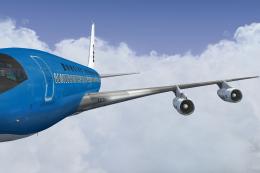 FSX Civil Aircraft
This freeware repaint offers a meticulously recreated Braniff International D…
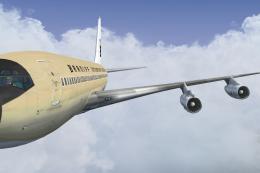 FSX Civil Aircraft
This freeware repaint brings to life the Braniff International Beige Jellybea…
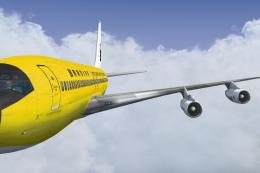 FSX Civil Aircraft
This freeware repaint showcases a 1968-era Braniff International Panagra “Yel…
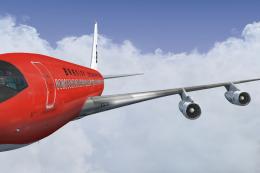 FSX Civil Aircraft
Experience the vivid heritage of Braniff International with this meticulously…
 FSX Civil Aircraft
This repaint for the Captain Sim B707-300 features Braniff International’s di…
 FSX Civil Aircraft
Immerse yourself in a distinctive piece of jet-era history with this speciali…
Be the first to leave a comment on this download.
Be the first to share your thoughts on this download.