

 FSX Civil Aircraft
Virgin Australia Airbus A330-200
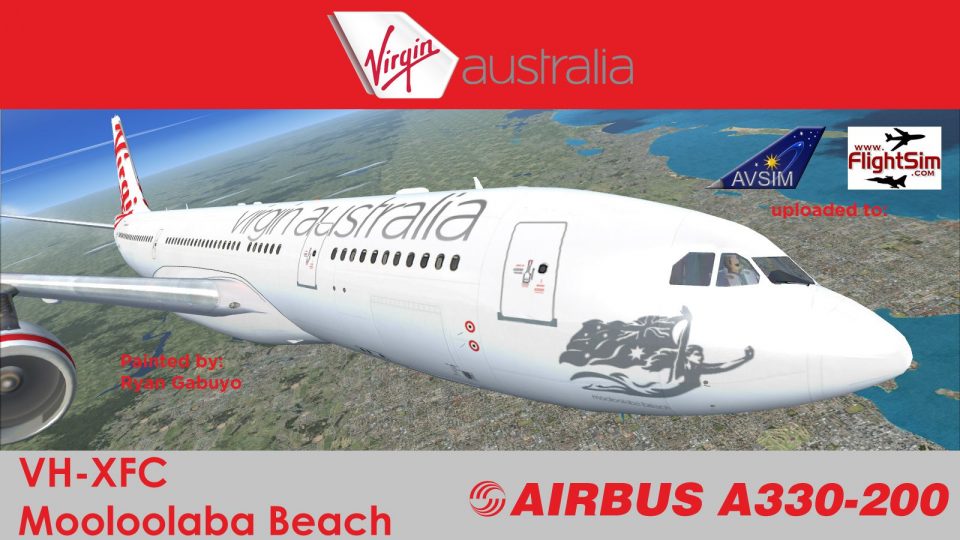
Virgin Australia Airbus A330-200. Repaint of Tom Ruth's A330-200 in Virgin Au…
Virgin Australia Airbus A330-200 livery for VH-XFC brings a polished, airline-accurate look to the Thomas Ruth widebody in FSX, with refined alpha-channel shine and subtle reflectivity. Requires the Thomas Ruth A330-200 model and SP1, SP2, or Acceleration for correct display in the virtual cockpit and exterior views.
 Rate
Rate
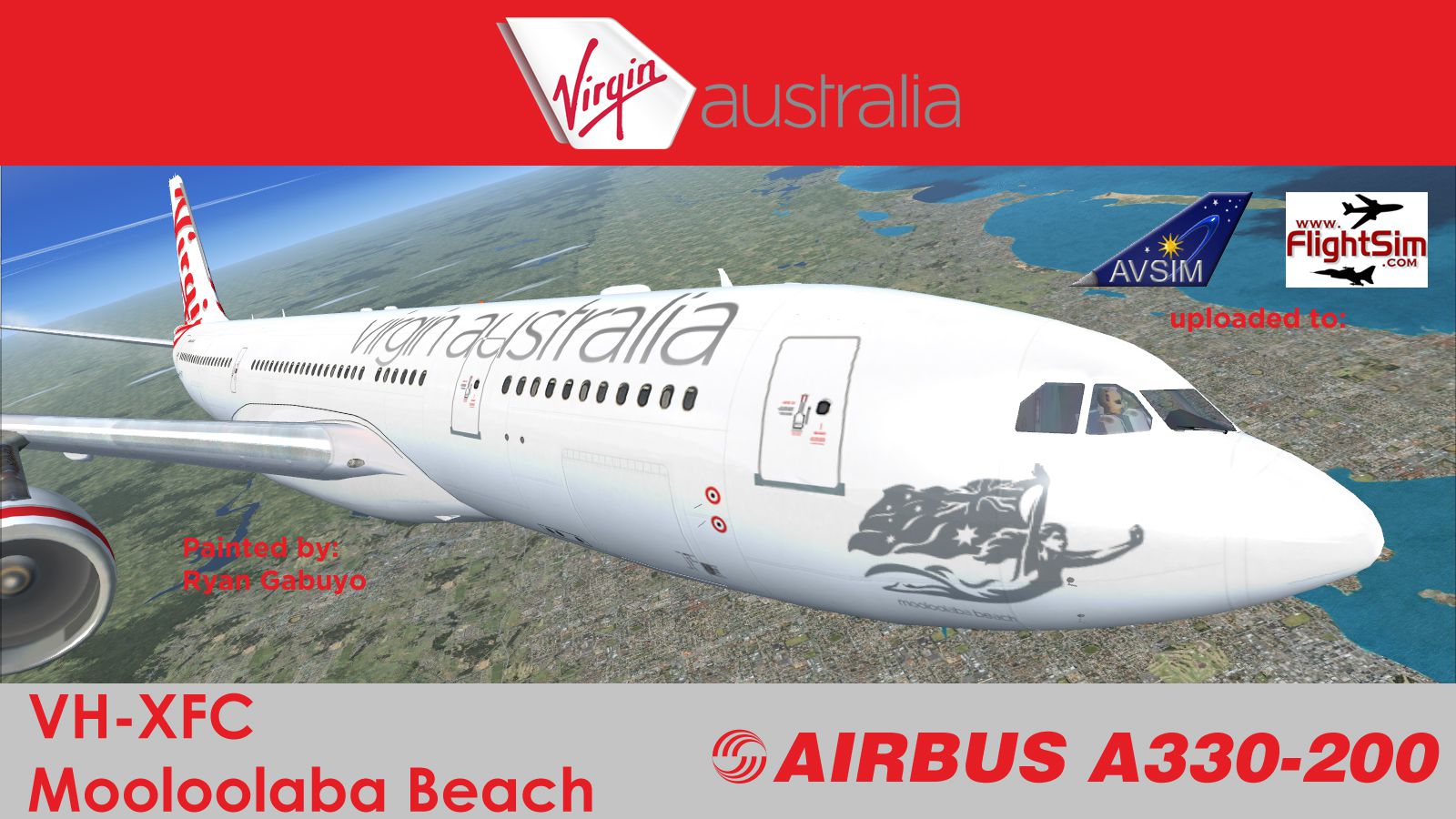
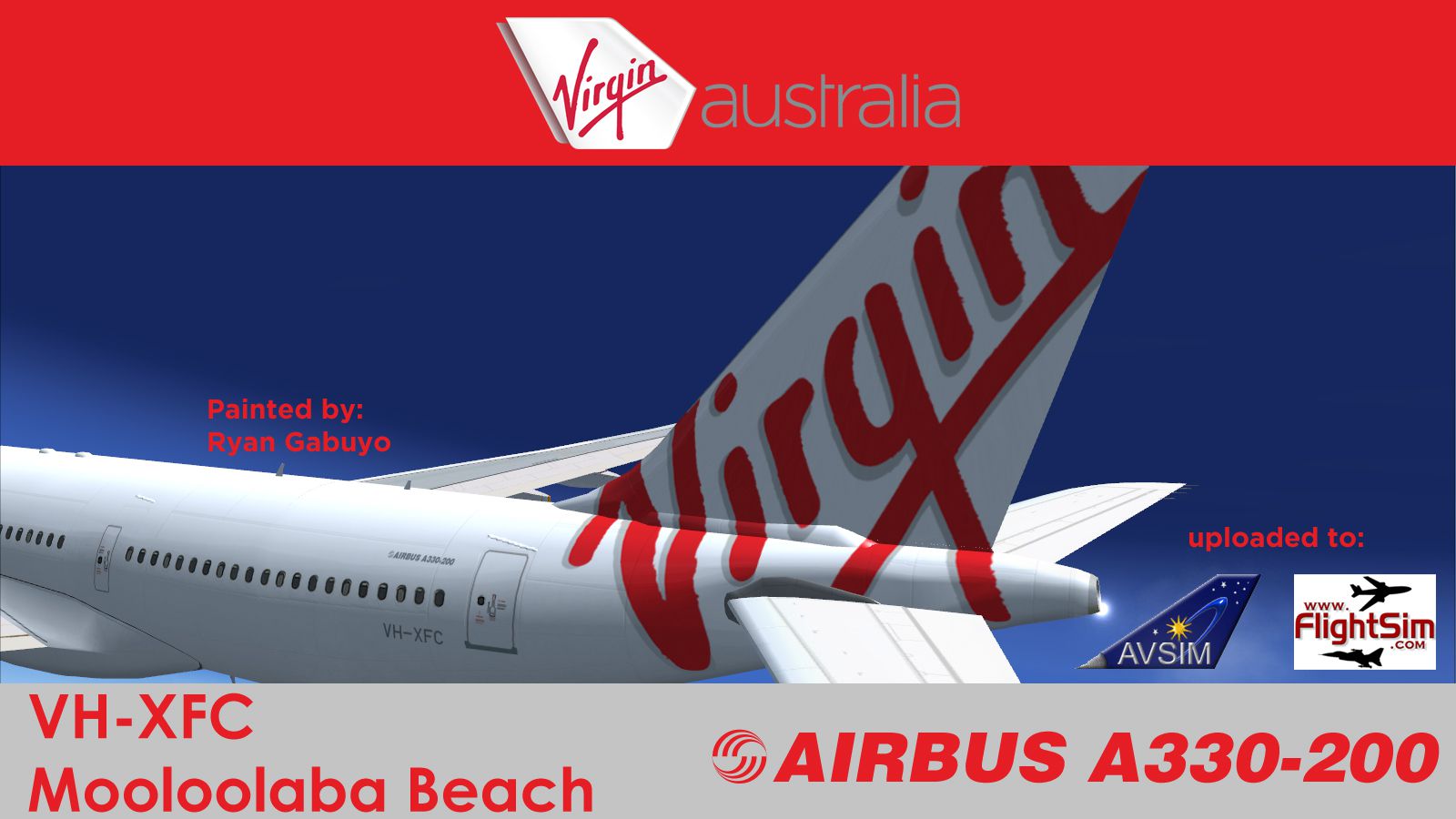
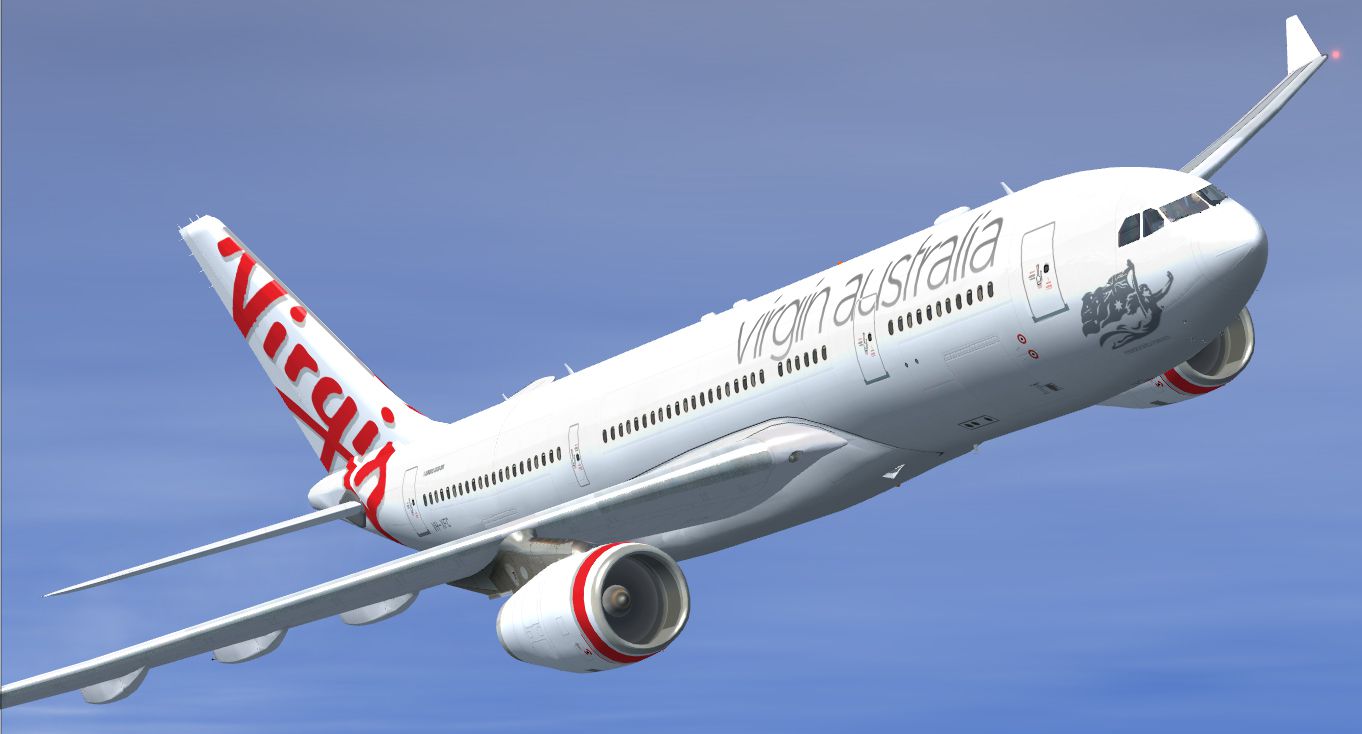

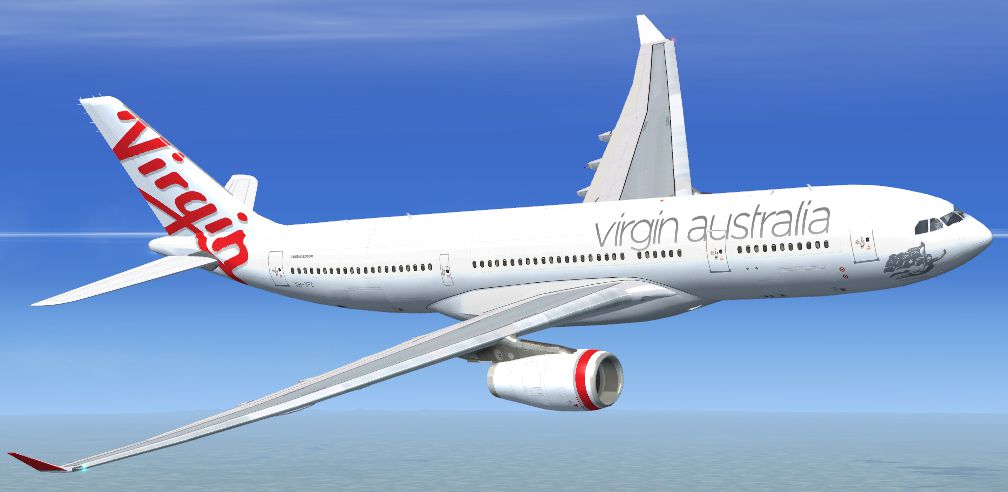
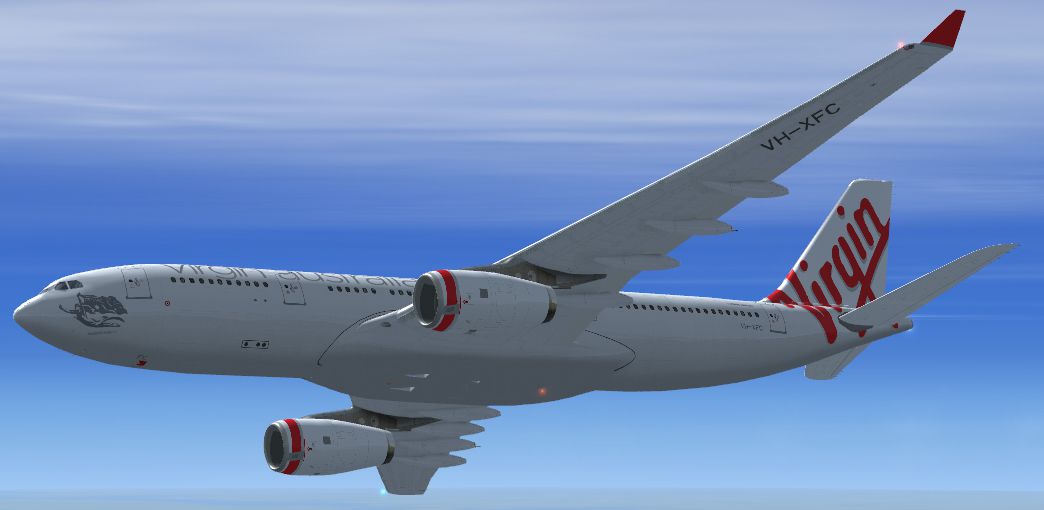

Texture only package for use with the Thomas Ruth A330-200 model (TOMA332B.ZIP) in Virgin Australia Airlines livery, registered VH-XFC. Model requires SP1, SP2, or the Acceleration expansion pack in order to be displayed correctly. By Ryan Gabuyo.

Screenshot of Virgin Australia Airlines Airbus A330-200 in flight.
These textures also include alpha channels to make them just a tad shinier and reflective. It is, however, in an "experimental" stage, all repaints for Thomas Ruth's planes since my Air Europa paints haven't used any. *I have only edited them to remove the extra shine on the leading edges of the tailfin and horizontal stabilizer.
Free for all simmers · 6.93 MB · Scanned clean Oct 2026
Download speed: Free tier is capped at 0.5 Mbps (this file takes approximately 2 mins at the cap). PRO members download at full line speed.
This file is a repaint — the package below is the base model it paints onto. Install it first, or the textures will have nothing to load onto.
texture.{airline}) inside FSX\SimObjects\Airplanes\{base-aircraft}\.aircraft.cfg in Notepad. Add a new [fltsim.X] section per the readme.readme.txt or README file. It tells you exactly where files go, what dependencies are needed, and any quirks specific to this add-on.The archive tom_a332voz.zip has 25 files and directories contained within it.
This list displays the first 500 files in the package. If the package has more, you will need to download it to view them.
| Filename/Directory | File Date | File Size |
|---|---|---|
| tom_a332voz | 05.13.12 | 0 B |
| 32-bit | 05.13.12 | 0 B |
| main.dds | 05.13.12 | 16.00 MB |
| main_light.dds | 05.12.12 | 4.00 MB |
| texture.cfg | 02.07.10 | 140 B |
| thumbnail.jpg | 05.13.12 | 40.61 kB |
| wing_l.dds | 05.12.12 | 4.00 MB |
| wing_r.dds | 05.12.12 | 4.00 MB |
| fltsim.txt | 05.13.12 | 634 B |
| readme.txt | 05.13.12 | 2.52 kB |
| texture.VOZ | 05.13.12 | 0 B |
| main.dds | 05.13.12 | 4.00 MB |
| main_light.dds | 05.13.12 | 1.00 MB |
| texture.cfg | 02.07.10 | 140 B |
| thumbnail.jpg | 05.13.12 | 40.61 kB |
| wing_l.dds | 05.13.12 | 1.00 MB |
| wing_r.dds | 05.13.12 | 1.00 MB |
| tom_a332voz_1.jpg | 05.13.12 | 248.13 kB |
| tom_a332voz_2.jpg | 05.13.12 | 269.03 kB |
| tom_a332voz_3.jpg | 05.13.12 | 232.51 kB |
| tom_a332voz_4.jpg | 05.13.12 | 343.48 kB |
| tom_a332voz_5.jpg | 05.13.12 | 528.22 kB |
| tom_a332voz_6.jpg | 05.13.12 | 904.34 kB |
| flyawaysimulation.txt | 10.29.13 | 959 B |
| Go to Fly Away Simulation.url | 01.22.16 | 52 B |
Only PRO members can place votes.
More FSX & P3D add-ons hand-picked based on this download.
FSX Civil Aircraft
Virgin Australia Airbus A330-200. Repaint of Tom Ruth's A330-200 in Virgin Au…
 FSX Civil Aircraft
This specialized repaint reflects the iconic branding of Virgin Australia’s R…
 FSX Civil Aircraft
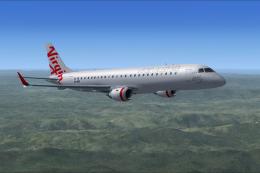
Flyable AI Aardvark Embraer E-Jet. Painted in the new Virgin Australia livery…
 FSX Civil Aircraft
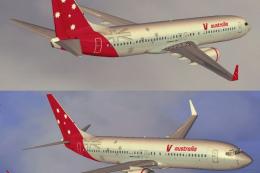
Expand your Microsoft Flight Simulator X collection with this free Virgin Aus…
 FSX Civil Aircraft
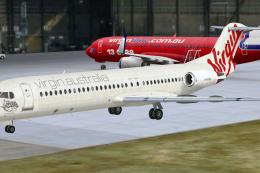
Virgin Australia Fokker 100, registration VH-XWN, "Bundeena Beach". This repa…
 FSX Civil Aircraft
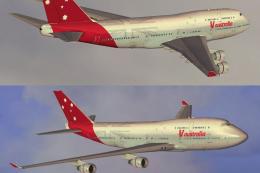
This update provides a meticulously crafted Virgin Australia repaint for the …
 FSX Civil Aircraft
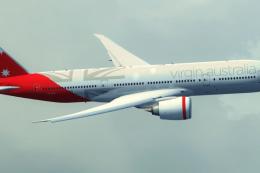
A Virgin Australia B777-200 LR fictional repaint for the payware PMDG 777-200…
 FSX Civil Aircraft
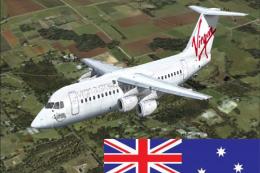
Textures for the Avro RJ100 model from Qualitywings. By Steve Southey. Screen…
Be the first to leave a comment on this download.
Be the first to share your thoughts on this download.