

 FSX Civil Aircraft
Virgin Australia Boeing 747-400
This update provides a meticulously crafted Virgin Australia repaint for the …
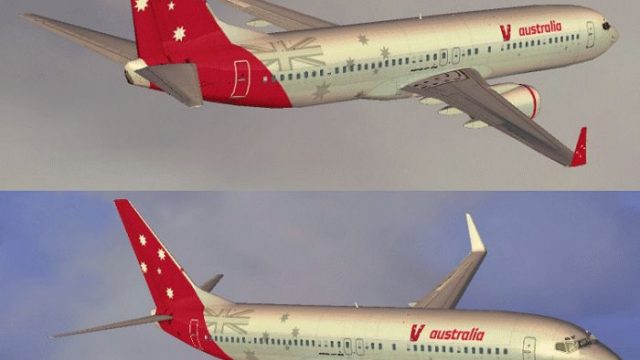
Virgin Australia’s Boeing 737-800 livery brings crisp airline branding and clean fuselage lines to the default jet, with accurately placed logos, tail artwork, winglets, and window alignment for a believable ramp presence. Designed for Microsoft Flight Simulator X, it requires the stock 737-800 model and focuses on high-fidelity textures.
 Rate
Rate
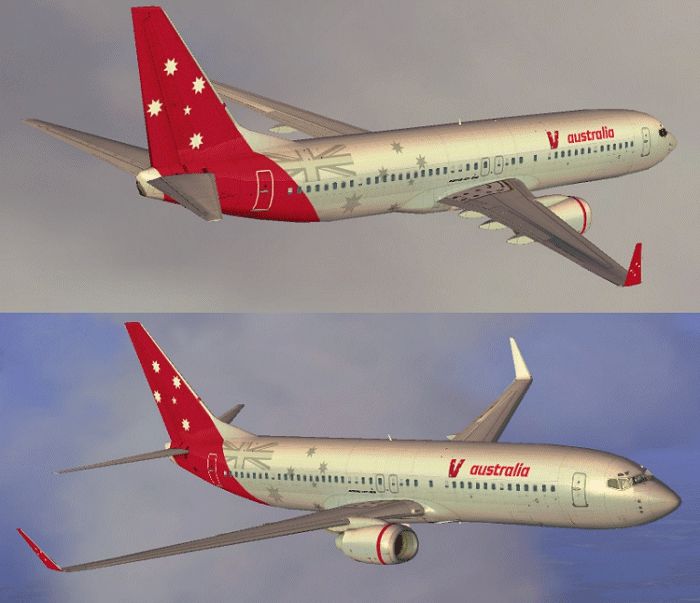

Expand your Microsoft Flight Simulator X collection with this free Virgin Australia Boeing 737-800 repaint. Developed by Jon Murchison, this file provides detailed textures for the default 737-800, capturing the airline’s distinctive branding and clean fuselage lines. Featuring precise logos and well-defined color placement, this repaint delivers a realistic depiction of one of Australia’s most recognized narrow-body jets.
The Boeing 737-800 belongs to the Next Generation (NG) series, featuring improved aerodynamics, updated avionics, and enhanced fuel efficiency. Virgin Australia, well-known for connecting major cities and regional hubs, operates these aircraft across various domestic routes. The 737-800 typically accommodates up to 189 passengers, and its balanced thrust-to-weight ratio provides excellent performance during both climb and descent.
This repaint showcases the dynamic curvature of the fuselage together with faithfully rendered emblems. The tail graphic, in particular, has been carefully matched to the real aircraft’s proportions. The winglets, titles, and cabin windows align accurately, preserving the look and feel of the full-scale counterpart.

This add-on does not include the main aircraft model. You will need the default FSX 737-800 already installed. If needed, the base model is available in the Fly Away Simulation mod library. All credit goes to Jon Murchison for the creation of this repaint.
Free for all simmers · 1.62 MB · Scanned clean Oct 2026
Download speed: Free tier is capped at 0.5 Mbps. PRO members download at full line speed.
texture.{airline}) inside FSX\SimObjects\Airplanes\{base-aircraft}\.aircraft.cfg in Notepad. Add a new [fltsim.X] section per the readme.readme.txt or README file. It tells you exactly where files go, what dependencies are needed, and any quirks specific to this add-on.The archive vaust738.zip has 11 files and directories contained within it.
This list displays the first 500 files in the package. If the package has more, you will need to download it to view them.
| Filename/Directory | File Date | File Size |
|---|---|---|
| b737_800_1_LM.dds | 09.04.06 | 170.79 kB |
| b737_800_1_T.dds | 09.10.07 | 1.00 MB |
| b737_800_1_T_Specular.dds | 09.04.06 | 1.33 MB |
| Fresnel_Ramp.dds | 09.04.06 | 640 B |
| texture.cfg | 08.14.06 | 137 B |
| thumbnail.jpg | 09.10.07 | 20.81 kB |
| Texture.VAUST | 09.13.07 | 0 B |
| README _INSTALL.txt | 09.13.07 | 1.93 kB |
| VAUST_738.gif | 09.13.07 | 198.58 kB |
| flyawaysimulation.txt | 10.29.13 | 959 B |
| Go to Fly Away Simulation.url | 01.22.16 | 52 B |
Only PRO members can place votes.
More FSX & P3D add-ons hand-picked based on this download.
FSX Civil Aircraft
This update provides a meticulously crafted Virgin Australia repaint for the …
 FSX Civil Aircraft
A Virgin Australia B777-200 LR fictional repaint for the payware PMDG 777-200…
 FSX Civil Aircraft
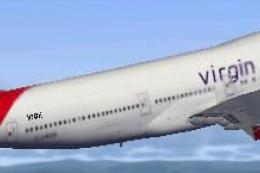
Virgin Atlantic Boeing 747 Virgin Jersey Girl and Pretty Woman. This is a Vir…
 FSX Civil Aircraft
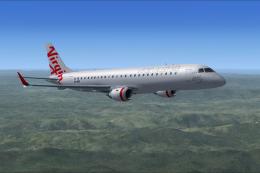
Flyable AI Aardvark Embraer E-Jet. Painted in the new Virgin Australia livery…
 FSX Civil Aircraft
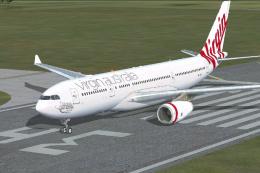
Virgin Australia Airbus A330-200. Repaint of Tom Ruth's A330-200 in Virgin Au…
 FSX Civil Aircraft
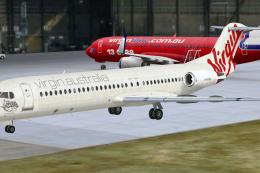
Virgin Australia Fokker 100, registration VH-XWN, "Bundeena Beach". This repa…
 FSX Civil Aircraft
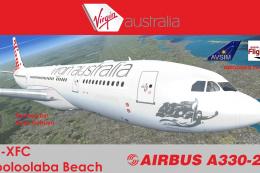
Texture only package for use with the Thomas Ruth A330-200 model (TOMA332B.ZI…
 FSX Civil Aircraft
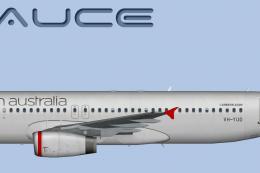
This specialized repaint reflects the iconic branding of Virgin Australia’s R…
Be the first to leave a comment on this download.
Be the first to share your thoughts on this download.