

 FSX Civil Aircraft
Virgin Australia Airbus A330-200
Virgin Australia Airbus A330-200. Repaint of Tom Ruth's A330-200 in Virgin Au…
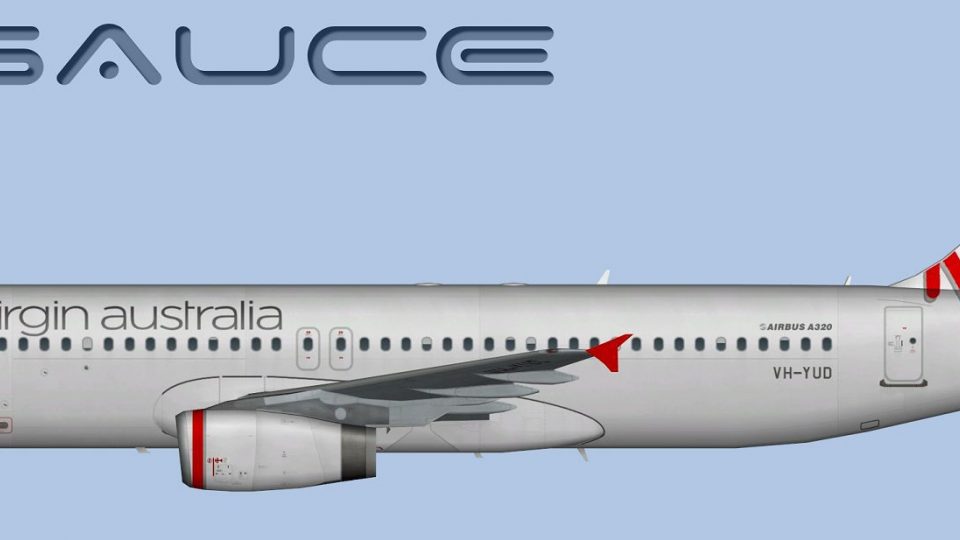
Virgin Australia Regional Airbus A320 repaint brings the airline’s distinctive regional branding to the freeware FAIB A320 with crisp, accurate exterior textures. Designed for Microsoft Flight Simulator X, it includes DDS and BMP files plus optional Targa sources for flexible editing, and requires the FAIB A320 base model for seamless AI traffic integration.
 Rate
Rate
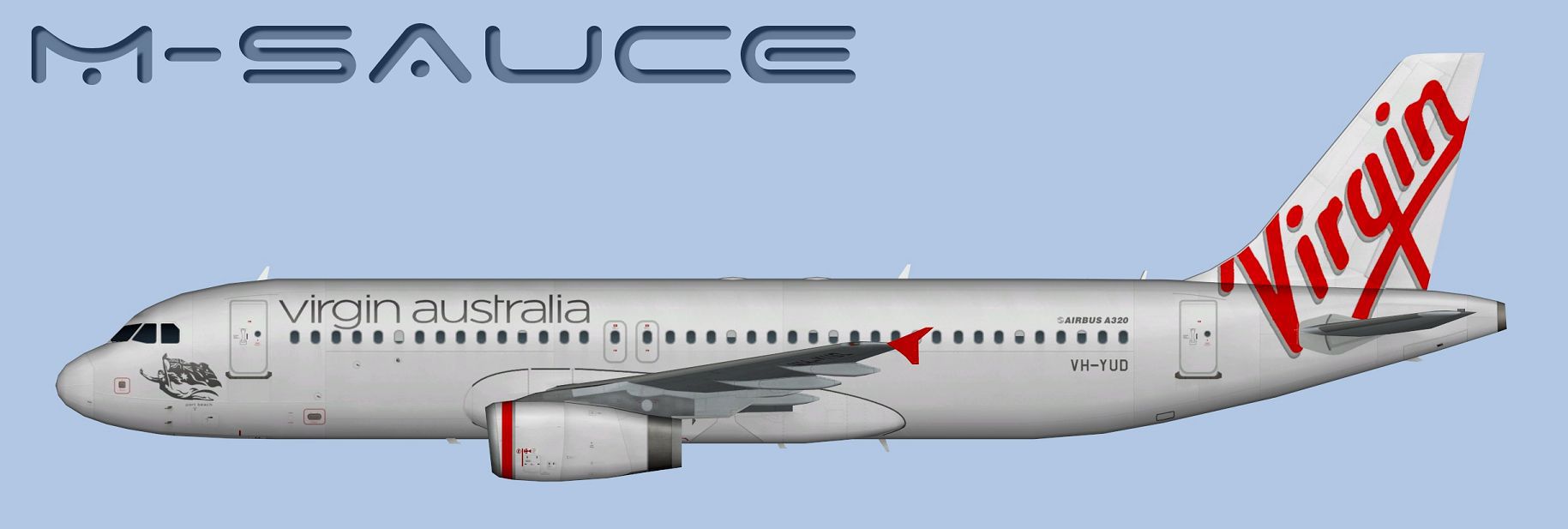
This specialized repaint reflects the iconic branding of Virgin Australia’s Regional division, adapted exclusively for the freeware FAIB Airbus A320 model. The package, prepared by Mariano Bonaccorso, incorporates detailed textures that integrate seamlessly within Microsoft Flight Simulator X. It provides enthusiasts with an authentic depiction of an aircraft often employed to connect remote communities and major city hubs.
Profile view of the updated livery applied to the aircraft model.
texture folder into the correct aircraft directory supplied with the FAIB A320 base package. Next, open the configuration file within that same aircraft folder.atc_airline or title) to reflect your specific simulator’s naming conventions.[fltsim.X]
title=AI A320 OZW
sim=FAIB_A320
model=IAE
texture=OZW
atc_airline=OZWEST
atc_parking_codes=OZW,VOZ
atc_parking_types=GATE
ui_manufacturer=Airbus
ui_type=A320
ui_variation=Virgin Australia Regional
description=AI Aircraft from FAIB
This repaint is attributed to FSX AI Bureau for their dependable A320 freeware model. Special thanks go to Mariano Bonaccorso for his meticulous work on the textures showcased here. The add-on is freeware and does not include the base model—be sure to secure that model separately from the Fly Away Simulation mod library to enjoy this repaint in your simulator.
Free for all simmers · 7.51 MB · Scanned clean Oct 2026
Download speed: Free tier is capped at 0.5 Mbps (this file takes approximately 2 mins at the cap). PRO members download at full line speed.
texture.{airline}) inside FSX\SimObjects\Airplanes\{base-aircraft}\.aircraft.cfg in Notepad. Add a new [fltsim.X] section per the readme.readme.txt or README file. It tells you exactly where files go, what dependencies are needed, and any quirks specific to this add-on.The archive faib_a320_ozw.zip has 12 files and directories contained within it.
This list displays the first 500 files in the package. If the package has more, you will need to download it to view them.
| Filename/Directory | File Date | File Size |
|---|---|---|
| FAIB_A320_IAE_T.dds | 02.22.14 | 5.33 MB |
| FS9 | 02.22.14 | 0 B |
| FAIB_A320_IAE_L.bmp | 01.02.14 | 1.33 MB |
| FAIB_A320_IAE_T.bmp | 02.22.14 | 682.74 kB |
| Targas | 02.22.14 | 0 B |
| FS9_OZW.tga | 02.22.14 | 4.00 MB |
| OZW.tga | 02.22.14 | 16.00 MB |
| Installation.txt | 02.22.14 | 1.83 kB |
| Preview.jpg | 02.22.14 | 91.05 kB |
| Thumbnail.png | 02.22.14 | 5.58 kB |
| flyawaysimulation.txt | 10.29.13 | 959 B |
| Go to Fly Away Simulation.url | 01.22.16 | 52 B |
Only PRO members can place votes.
More FSX & P3D add-ons hand-picked based on this download.
FSX Civil Aircraft
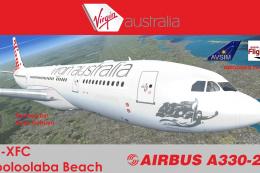
Virgin Australia Airbus A330-200. Repaint of Tom Ruth's A330-200 in Virgin Au…
 FSX Civil Aircraft
Texture only package for use with the Thomas Ruth A330-200 model (TOMA332B.ZI…
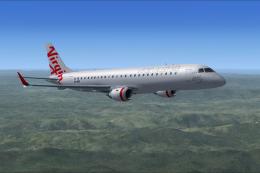 FSX Civil Aircraft
Flyable AI Aardvark Embraer E-Jet. Painted in the new Virgin Australia livery…
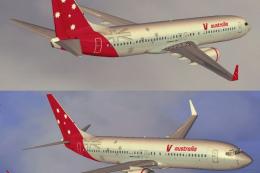 FSX Civil Aircraft
Expand your Microsoft Flight Simulator X collection with this free Virgin Aus…
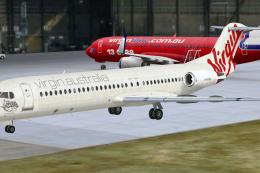 FSX Civil Aircraft
Virgin Australia Fokker 100, registration VH-XWN, "Bundeena Beach". This repa…
 FSX Civil Aircraft
This update provides a meticulously crafted Virgin Australia repaint for the …
 FSX Civil Aircraft
A Virgin Australia B777-200 LR fictional repaint for the payware PMDG 777-200…
 FSX Civil Aircraft
Textures for the Avro RJ100 model from Qualitywings. By Steve Southey. Screen…
Be the first to leave a comment on this download.
Be the first to share your thoughts on this download.