


FSX AI McDonnell Douglas MD-83 Made Flyable
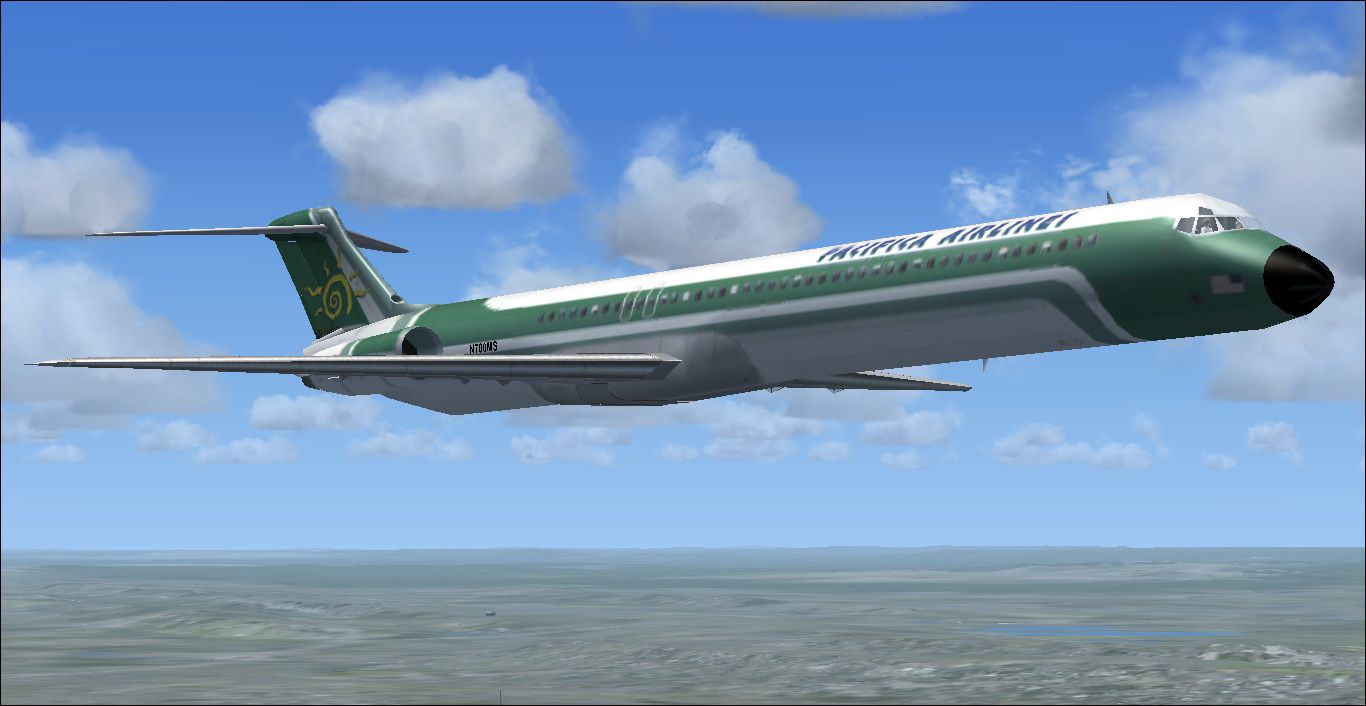
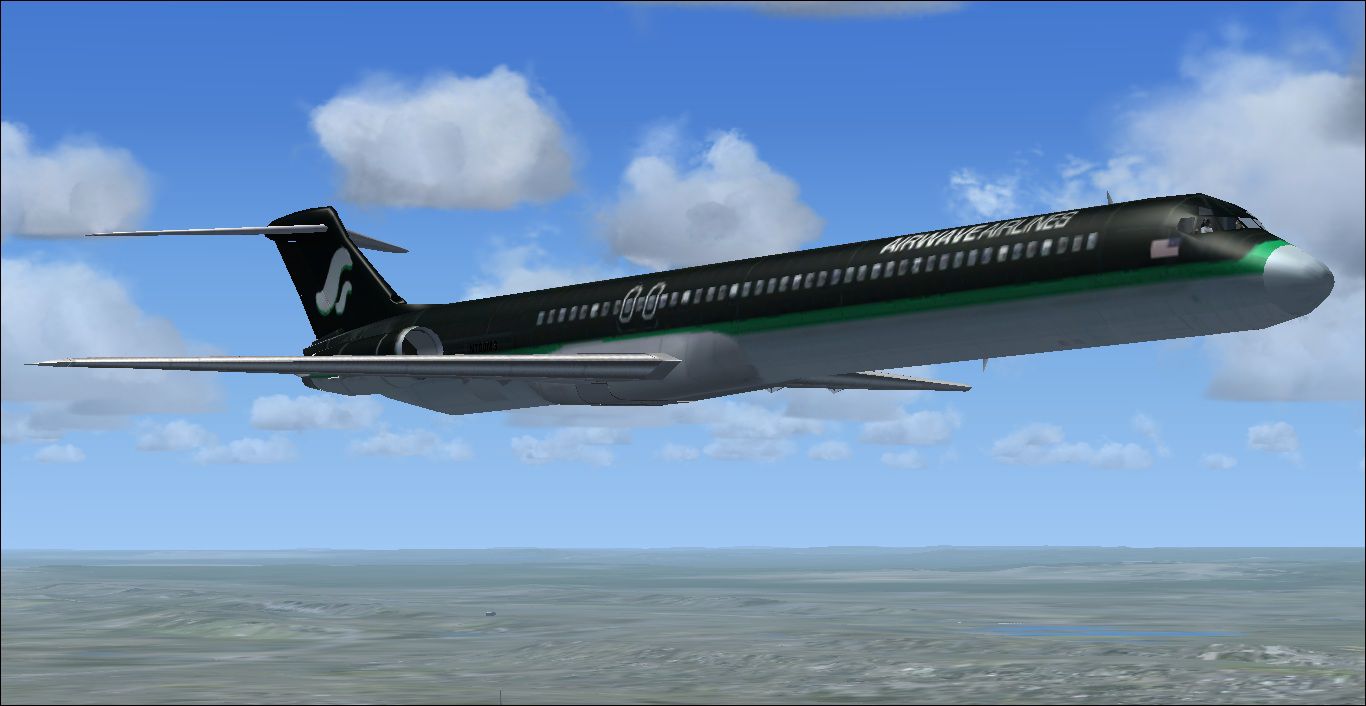
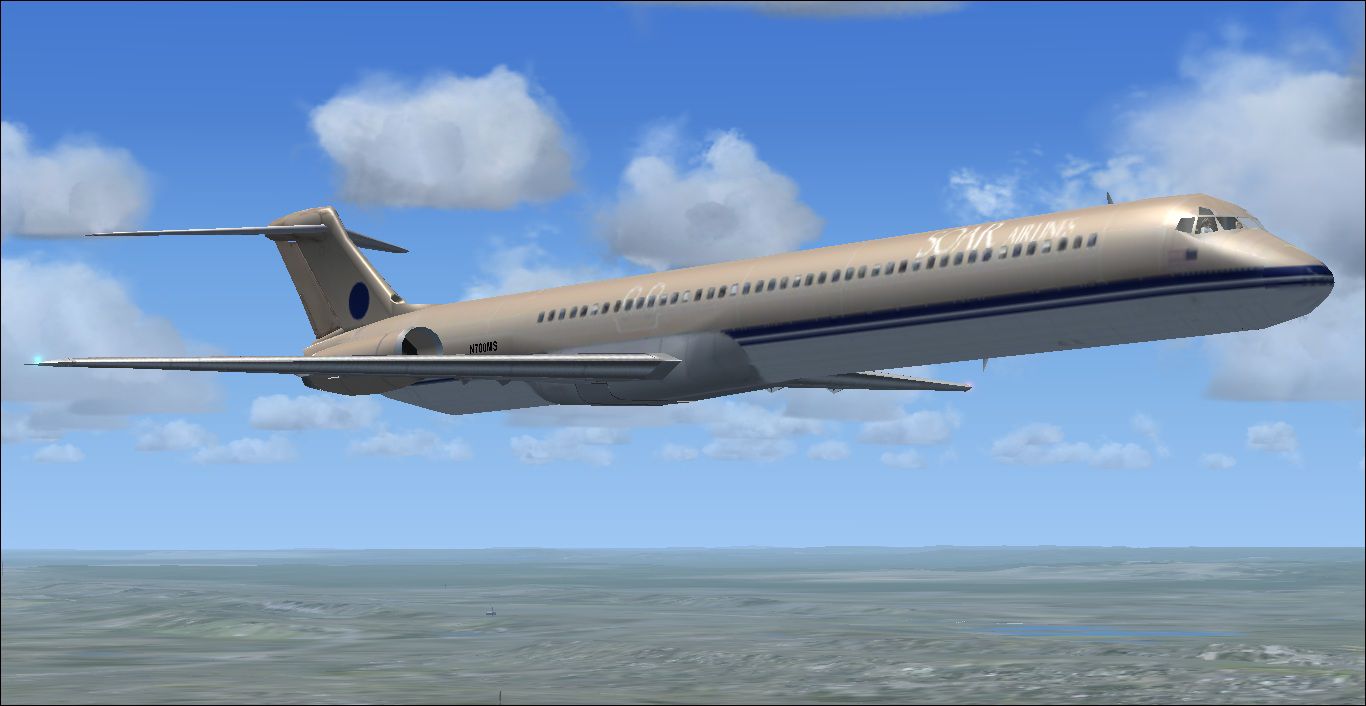
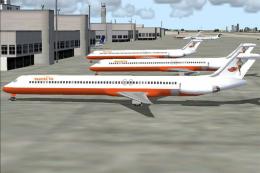
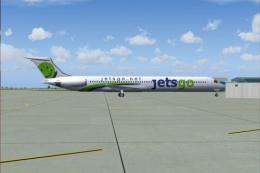
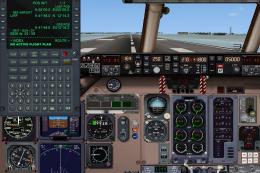
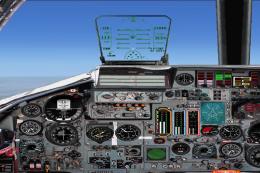
McDonnell Douglas MD-83 AI traffic becomes a fully flyable airliner in FSX, finished in the fictional Soar, Airwave, and Pacifica liveries. It uses the default 737-800 panel without a virtual cockpit and CRJ-700 sounds, while adding opening doors, animated control surfaces, thrust reversers, spoilers, and extra wing, tail, and gear views.
 5/5
(1)
1.5K downloads
Flight Simulator X
5/5
(1)
1.5K downloads
Flight Simulator X  Prepar3D
- Type:Patch
- File: md-83_flyable.zip
- Size:25.12 MB
- Scan:
Clean (0d)
- Access:Freeware
- Content:Everyone

 Description
 Comments
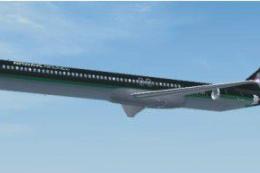
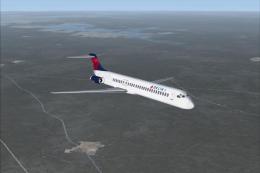
 This is the default AI MD83 made flyable. It has all three fictional airlines: Soar Airlines, Airwave Airlines, and Pacifica Airlines. Uses the default B737-800 panel with no VC and the CRJ-700 sounds. The aircraft has opening doors. There are moving flaps, rudder, ailerons, elevator, thrust reversers, and spoilers. Includes added views; there is gear view, tail view, and wing views. Made flyable by Tyler Lawrence.
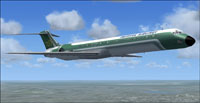
Screenshot of McDonnell Douglas MD-83 in flight.
Images & Screenshots

The archive md-83_flyable.zip has 8 files and directories contained within it.
File Contents
This list displays the first 500 files in the package. If the package has more, you will need to download it to view them.
| Filename/Directory | File Date | File Size |
|---|---|---|
| MD-83 | 05.06.12 | 0 B |
| Texture.jpg | 05.06.12 | 156.59 kB |
| Texture2.jpg | 05.06.12 | 160.44 kB |
| Texture3.jpg | 05.06.12 | 158.95 kB |
| MD-83 made flyable.exe | 05.06.12 | 24.78 MB |
| Readme!.txt | 05.06.12 | 2.36 kB |
| flyawaysimulation.txt | 10.29.13 | 959 B |
| Go to Fly Away Simulation.url | 01.22.16 | 52 B |

Installation Instructions
Most of the freeware add-on aircraft and scenery packages in our file library come with easy installation instructions which you can read above in the file description. For further installation help, please see our Flight School for our full range of tutorials or view the README file contained within the download. If in doubt, you may also ask a question or view existing answers in our dedicated Q&A forum.


0 comments
Leave a Response