

 FSX General Aviation Aircraft
Piper Cherokee Made Flyable - Update
Piper Cherokee Made Flyable - Update. An update to the previous version, whic…
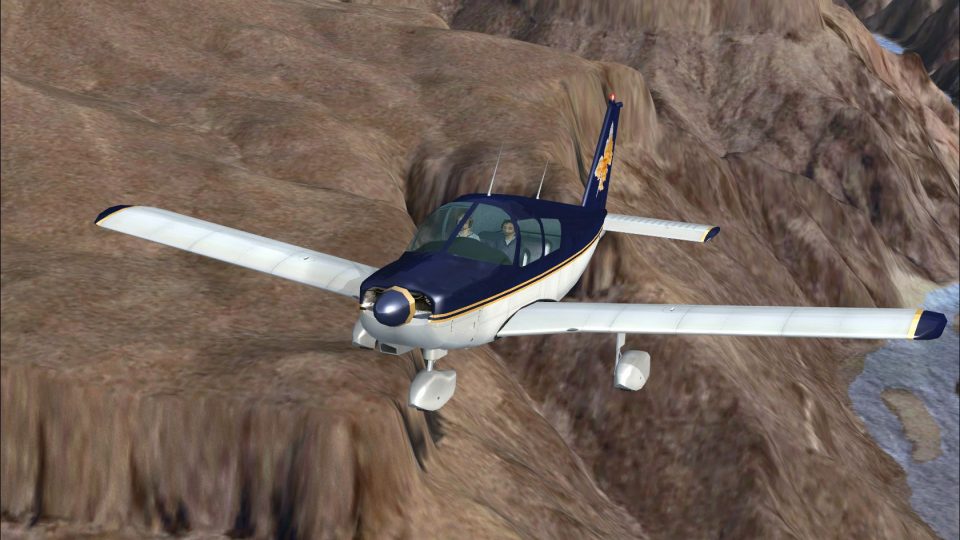
The default Piper Cherokee becomes fully flyable in FSX with crisp high-resolution textures and three distinctive paint schemes, including two Chinese-inspired liveries plus a clean white option. A standalone aircraft folder includes C172-aliased 2D panel, updated aircraft.cfg entries, added camera views, corrected ground stance, and a defined radios section.
 Rate
Rate
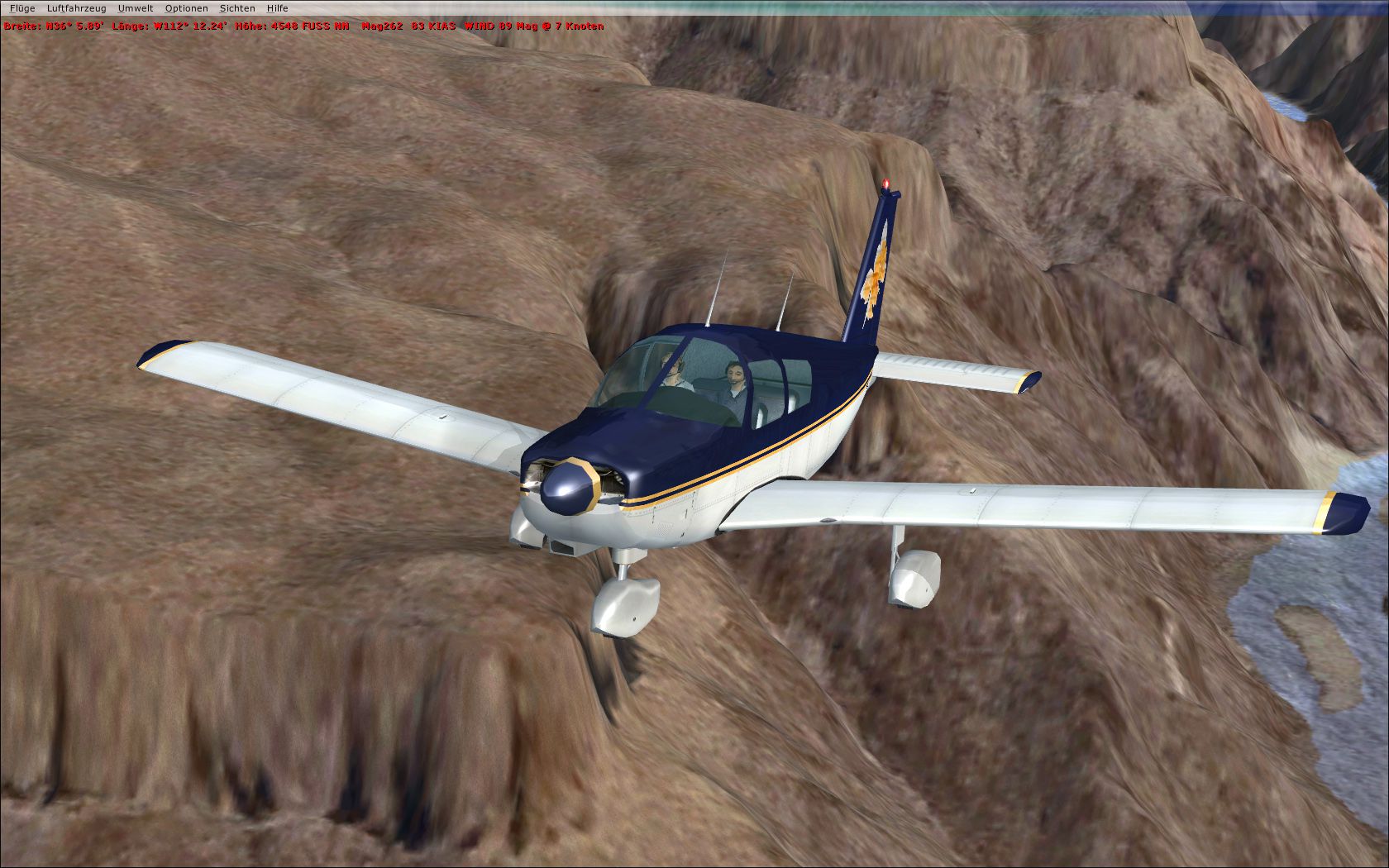
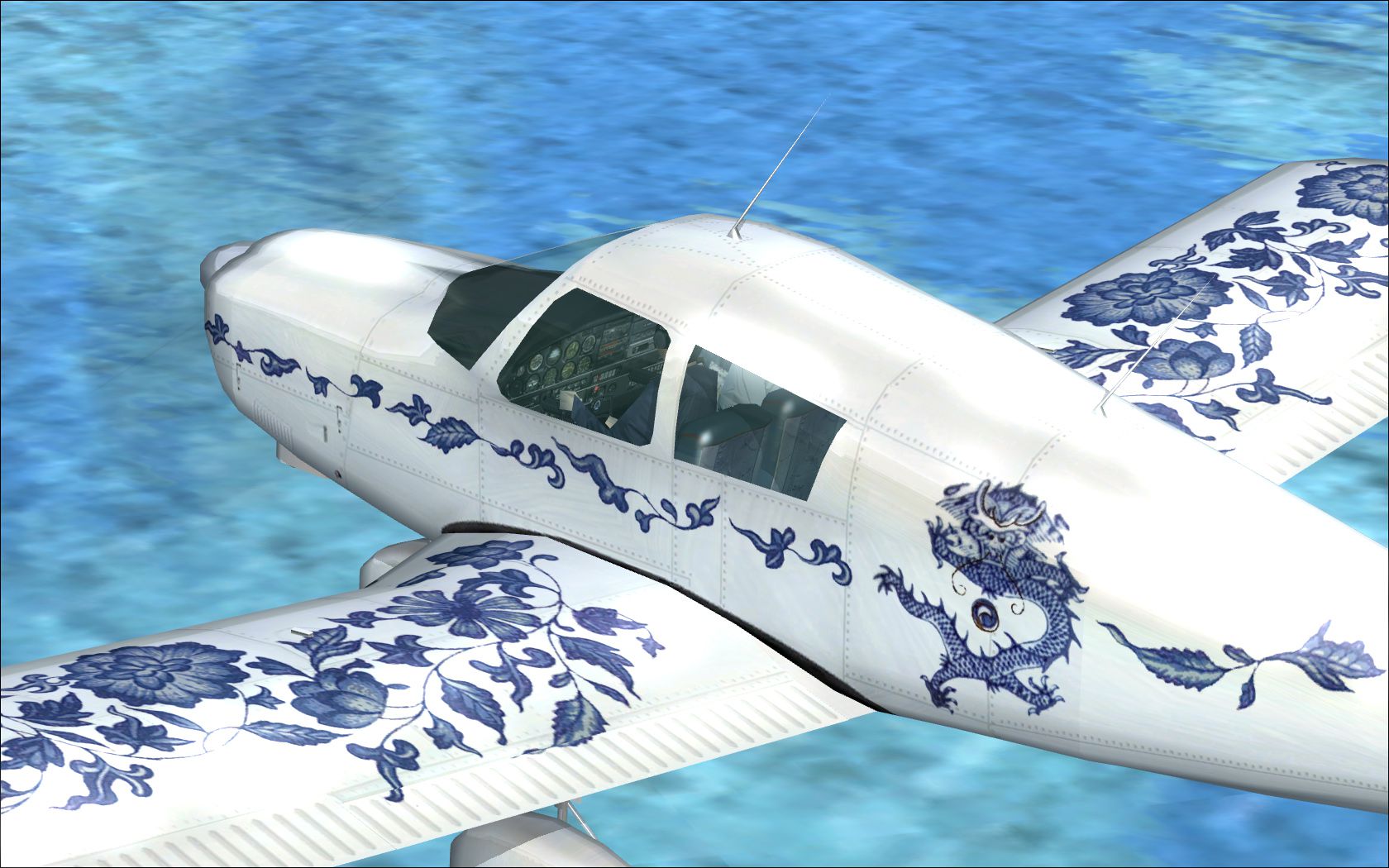
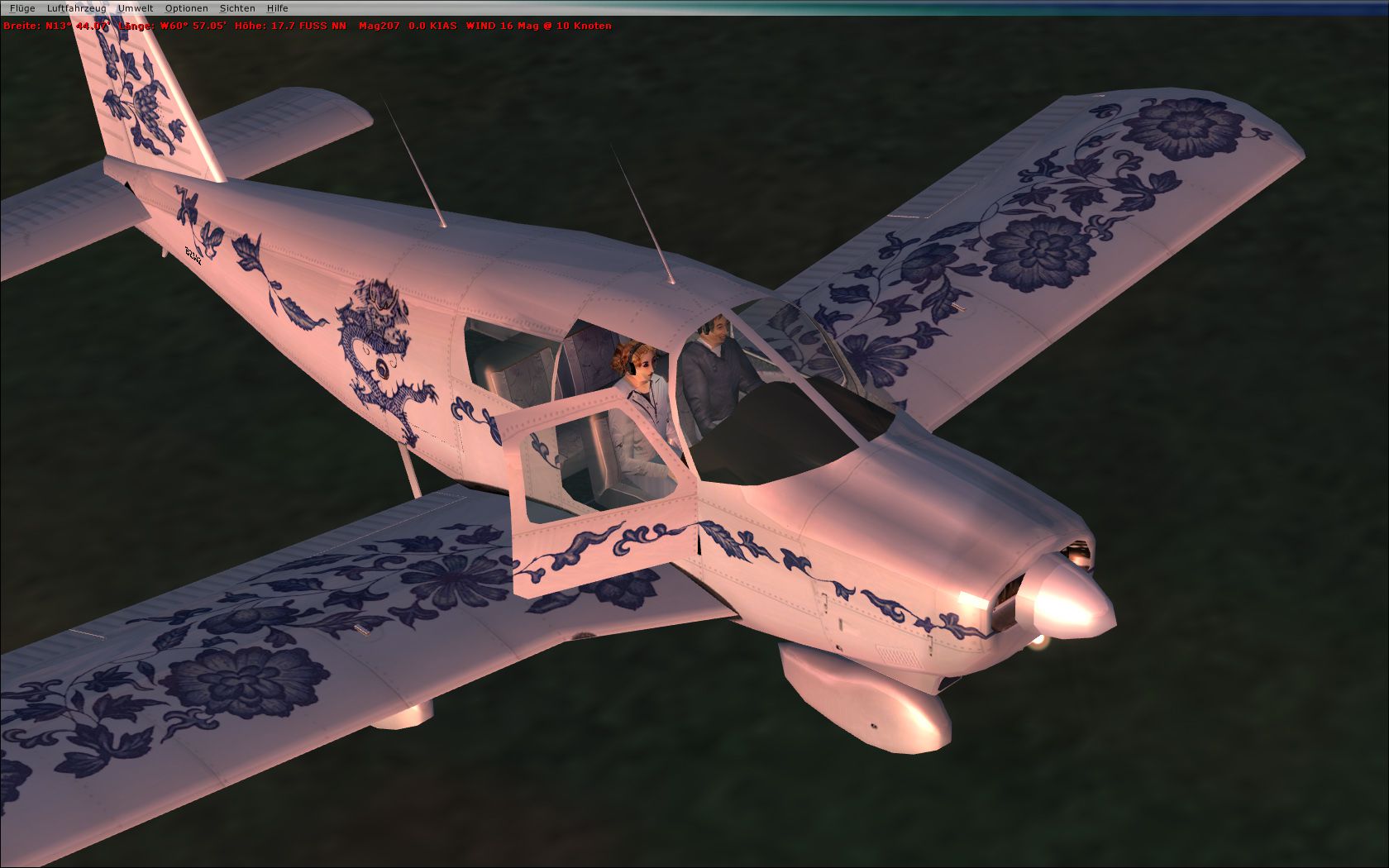
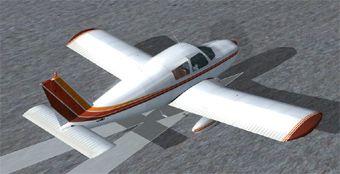
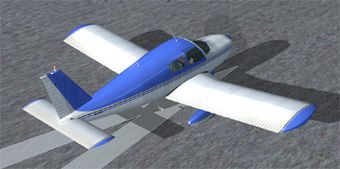
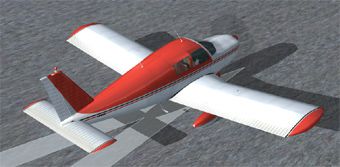

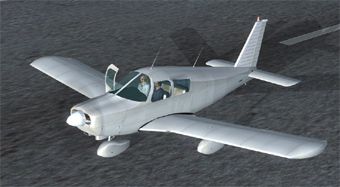
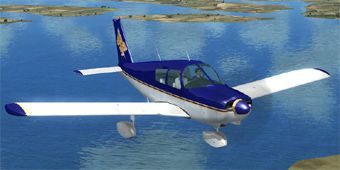
Default Piper Cherokee Made Flyable. New high res textures. It's the whole plane which works as a standalone. 2D panel aliased to the default C172, no VC. Includes three paint schemes, two in Chinese style and a bare white one. Aircraft.cfg with added camera definitions and radio section. By Frank Schnibben.
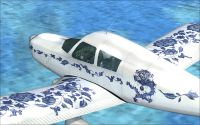
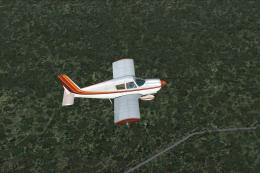
Default Piper Cherokee in flight.
Here comes the default Piper Cherokee flyable in asian outfits. Ming blue-white bone china, daffodil spring feelings and seats covered with chinese silk.
This is a stand alone package. Simply unzip the content of the downloaded file into your fsx SimObjects/Airplanes folder.
If you want to fly in the default PA28_180 liveries too: Just copy the three texture folders from the PA28_180 folder over to the Cherokee folder. The paint schemes will appear in the aircraft preview. Don't change anything in the PA28_180 folder itself without having skills to do so, fsx is using the original stuff for AI traffic! I added three thumbnails for the default textures. Put them into the referred folders.
Modifications in the aircraft.cfg:
- added (not substituted) entries for the repaints
- cameradefinitions (tail, nose and wing tip views)
- fixed static pitch and height on ground
- added [radios] description
Sound and panel are aliased to the Cessna Skyhawk. Especially the 2D panel works fine due to its various W-key views. However, it's not very piper-like. Therefore I recommend to use one of the photorealistic panels created by Pierre Fasseaux (fp28f_v1.zip or - a little bit more comfortable - the Arrow panel fp28r_v2.zip) and Aaron Swindle's powerful Lycoming sound (new172sn.zip - still free as yet).
My new textures come in high res quality - The panel skin is based on a screenshot of Pierre Fasseaux's Piper panel v1, with his kindly permission.
But why creating high res textures for an odd AI model? The simpler the model, the more fps. That's it. High resolution or not. Enjoy a non (okay: less) stuttering tour from EGLL over London or through highly detailed australian FTX sceneries e.g.
Besides, Microsoft's planes often are underestimated. Even that little AI Cherokee really flies stable and behaves like she should to.
*** All files successfully tested in Vista/DX10 ***
Frank Schnibben
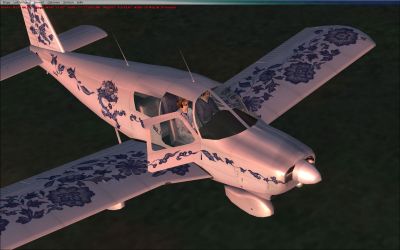
Default Piper Cherokee.
Free for all simmers · 4.73 MB · Scanned clean Oct 2026
Download speed: Free tier is capped at 0.5 Mbps (this file takes approximately 1 min at the cap). PRO members download at full line speed.
SimObjects\Airplanes\, Addon Scenery\, Effects\, or Gauges\.readme.txt or README file. It tells you exactly where files go, what dependencies are needed, and any quirks specific to this add-on.The archive chero_00.zip has 40 files and directories contained within it.
This list displays the first 500 files in the package. If the package has more, you will need to download it to view them.
| Filename/Directory | File Date | File Size |
|---|---|---|
| Chero_00 | 05.06.10 | 0 B |
| aircraft.cfg | 05.06.10 | 20.50 kB |
| Chero_00.gif | 05.06.10 | 10.42 kB |
| file_id.diz | 05.06.10 | 320 B |
| model | 05.06.10 | 0 B |
| model.cfg | 05.12.06 | 27 B |
| Pa28_180.mdl | 11.19.07 | 546.08 kB |
| pa28_1.jpg | 05.06.10 | 614.01 kB |
| pa28_2.jpg | 05.06.10 | 463.71 kB |
| pa28_4.jpg | 05.06.10 | 684.53 kB |
| panel | 05.06.10 | 0 B |
| Panel.cfg | 05.06.10 | 28 B |
| Piper_PA28_180.air | 09.04.06 | 6.22 kB |
| readme.txt | 05.06.10 | 2.03 kB |
| sound | 05.06.10 | 0 B |
| sound.cfg | 03.27.10 | 50 B |
| texture.3 | 05.06.10 | 0 B |
| fresnel_ramp.dds | 04.28.07 | 640 B |
| Pa28_180_t.dds | 05.05.10 | 4.00 MB |
| Prop_Pa28_180.dds | 05.30.06 | 85.46 kB |
| Thumbnail.jpg | 05.05.10 | 47.61 kB |
| texture.4 | 05.06.10 | 0 B |
| fresnel_ramp.dds | 04.28.07 | 640 B |
| Pa28_180_t.dds | 05.05.10 | 4.00 MB |
| Prop_Pa28_180.dds | 05.30.06 | 85.46 kB |
| Thumbnail.jpg | 05.05.10 | 52.02 kB |
| texture.5 | 05.06.10 | 0 B |
| fresnel_ramp.dds | 04.28.07 | 640 B |
| Pa28_180_t.dds | 05.04.10 | 4.00 MB |
| Prop_Pa28_180.dds | 05.30.06 | 85.46 kB |
| Thumbnail.jpg | 05.04.10 | 48.29 kB |
| thumbnails | 05.06.10 | 0 B |
| texture | 05.06.10 | 0 B |
| texture.1 | 05.06.10 | 0 B |
| Thumbnail.jpg | 05.06.10 | 50.19 kB |
| texture.2 | 05.06.10 | 0 B |
| Thumbnail.jpg | 05.06.10 | 50.49 kB |
| Thumbnail.jpg | 05.06.10 | 51.32 kB |
| flyawaysimulation.txt | 10.29.13 | 959 B |
| Go to Fly Away Simulation.url | 01.22.16 | 52 B |
Only PRO members can place votes.
More FSX & P3D add-ons hand-picked based on this download.
FSX General Aviation Aircraft
Piper Cherokee Made Flyable - Update. An update to the previous version, whic…
 FSX General Aviation Aircraft
Piper PA28-180 Cherokee. This file contains the default FS2004 PA28-180 with …
 FSX General Aviation Aircraft
FSX Piper Cherokee Arrow N55699 Pro Flight. Textures only; requires PA28R201.…
 FSX General Aviation Aircraft
Textures only for the payware Carenado Piper Cherokee model. By Luis Jimenez …
 FSX General Aviation Aircraft
A panel update to the TI-AHQ texture for the payware Carenado Cherokee (TICO_…
 FSX General Aviation Aircraft
Textures only for the payware Carenado Piper Cherokee. Repaint by Pohaku Kana…
 FSX General Aviation Aircraft
Five British repaints for the payware Carenado Cherokee 180F. These Cherokees…
 FSX General Aviation Aircraft
Get acquainted with an exceptional freeware repaint crafted exclusively for t…
Be the first to leave a comment on this download.
Be the first to share your thoughts on this download.