


 FSX Military Aircraft
F-15 Strike Eagle
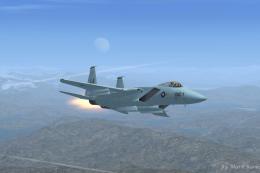
This is Nathan Fife's F-15 For FSX. Painted in the Air Superiority Blue Paint…
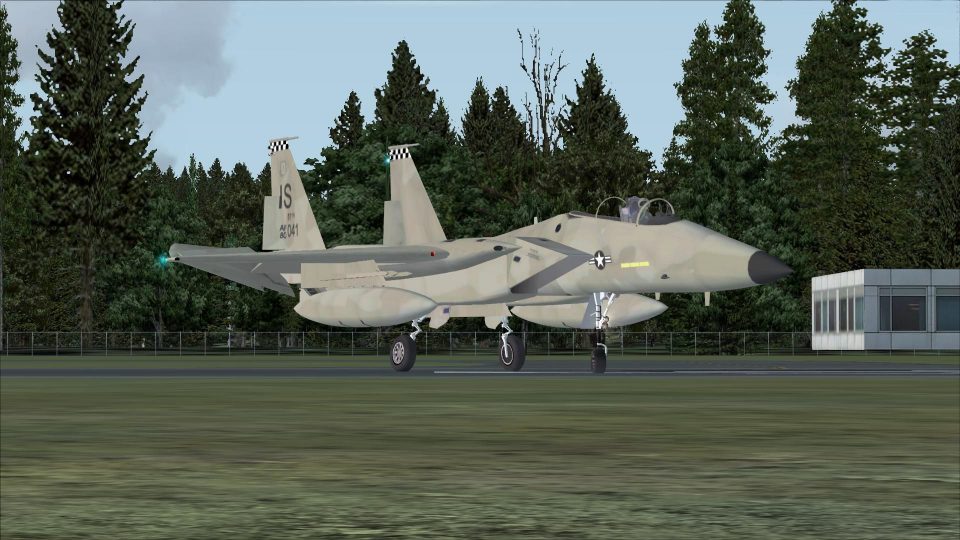
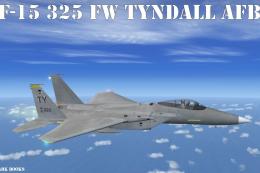
McDonnell Douglas F-15E Strike Eagle package delivers two low-visibility USAF liveries for FSX, including “Desert Dawg” desert camo and a 325th Fighter Wing Tyndall AFB tactical gray scheme. Updated textures, effects, and refined flight dynamics enhance handling and presentation, and it requires the Coral Flight v2 F-15 Strike Eagle base model.
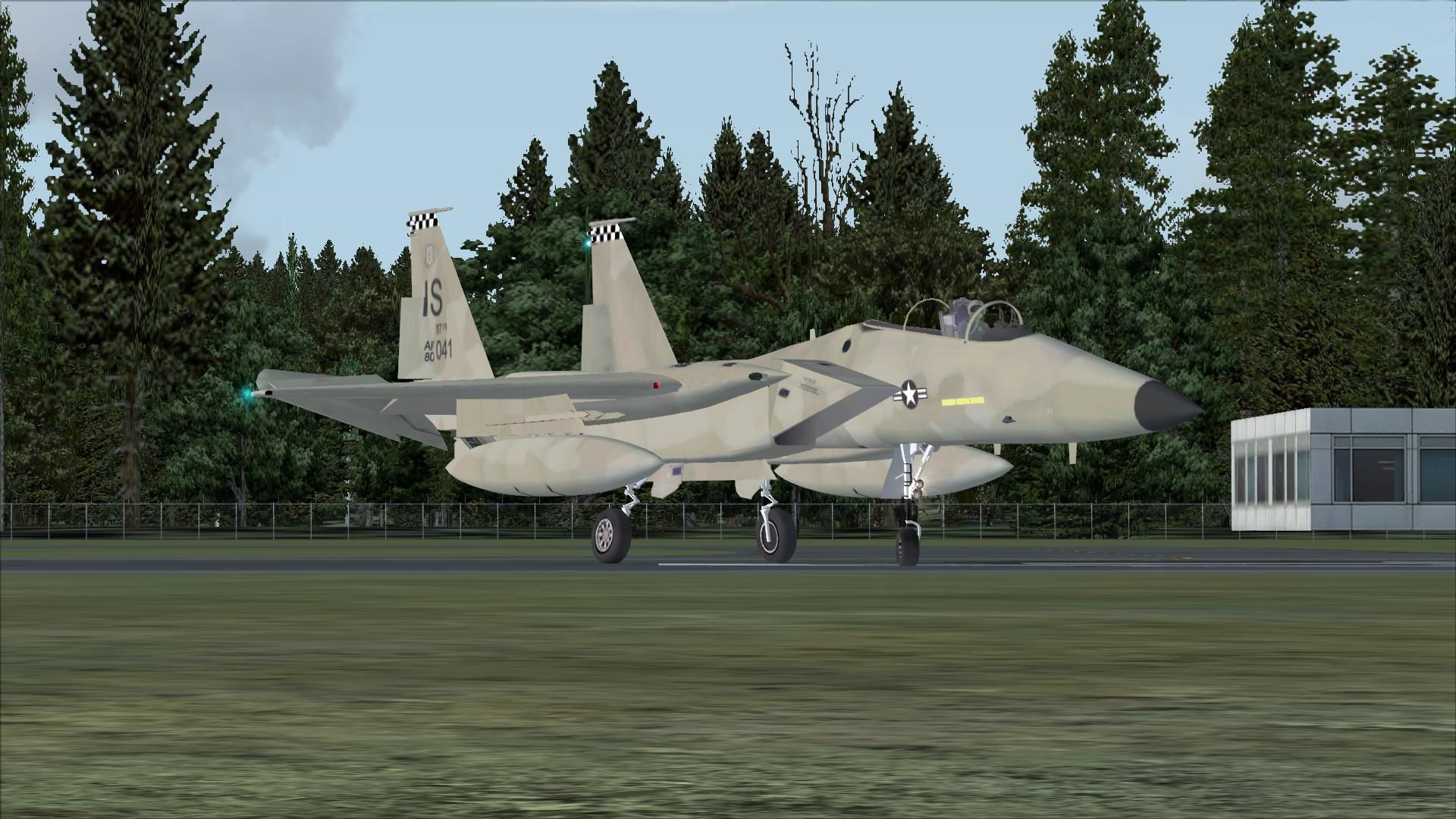
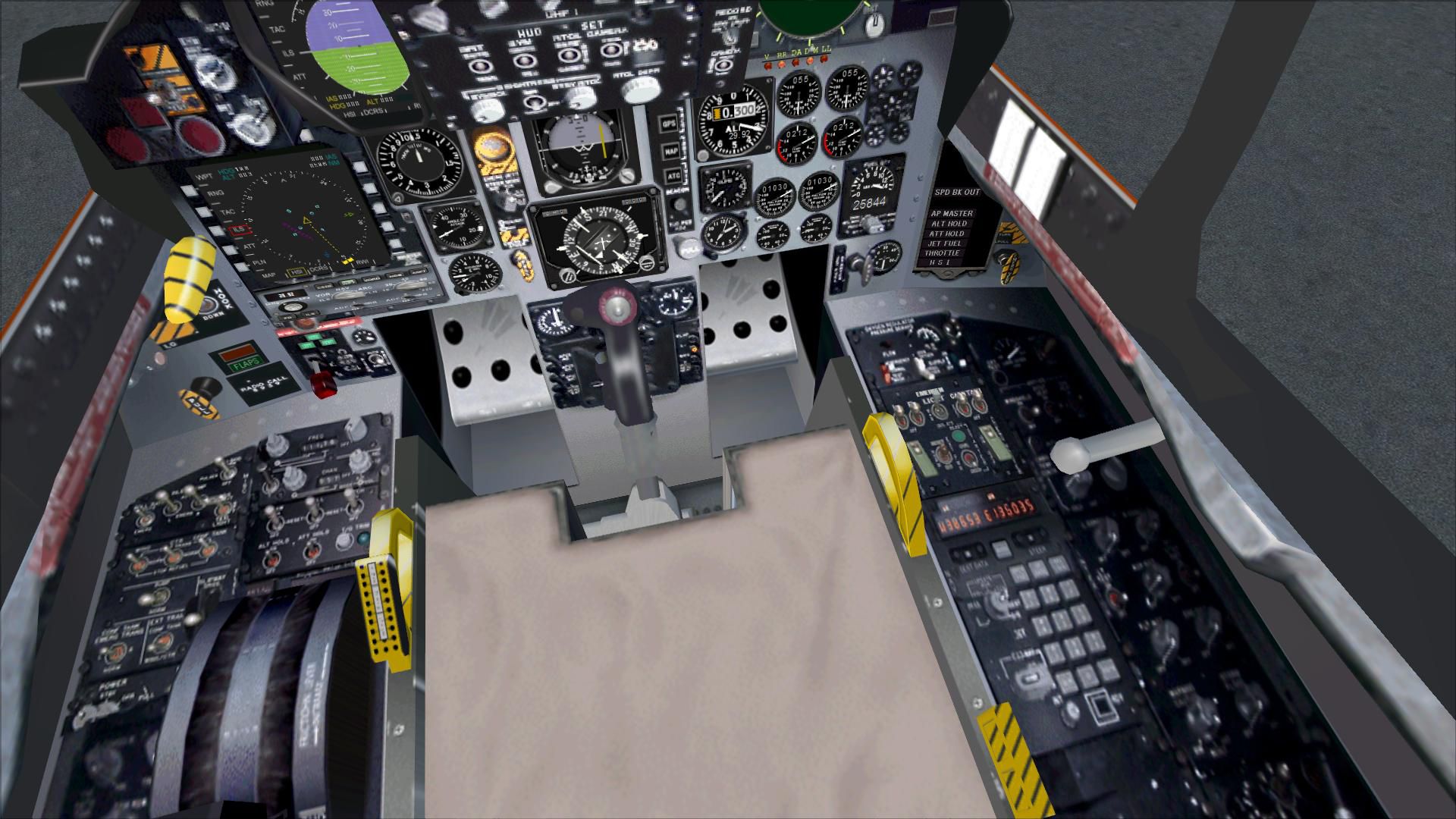
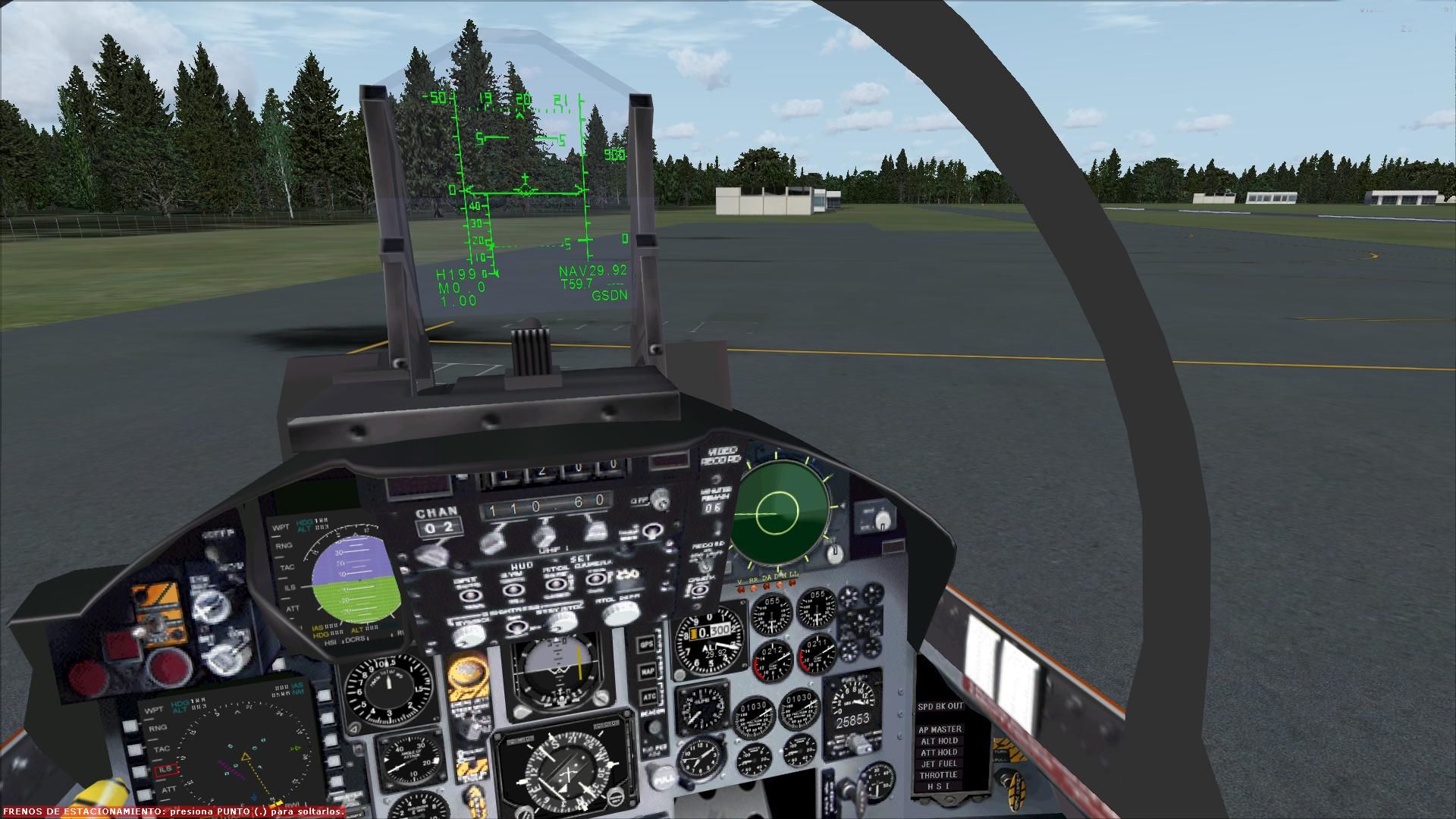
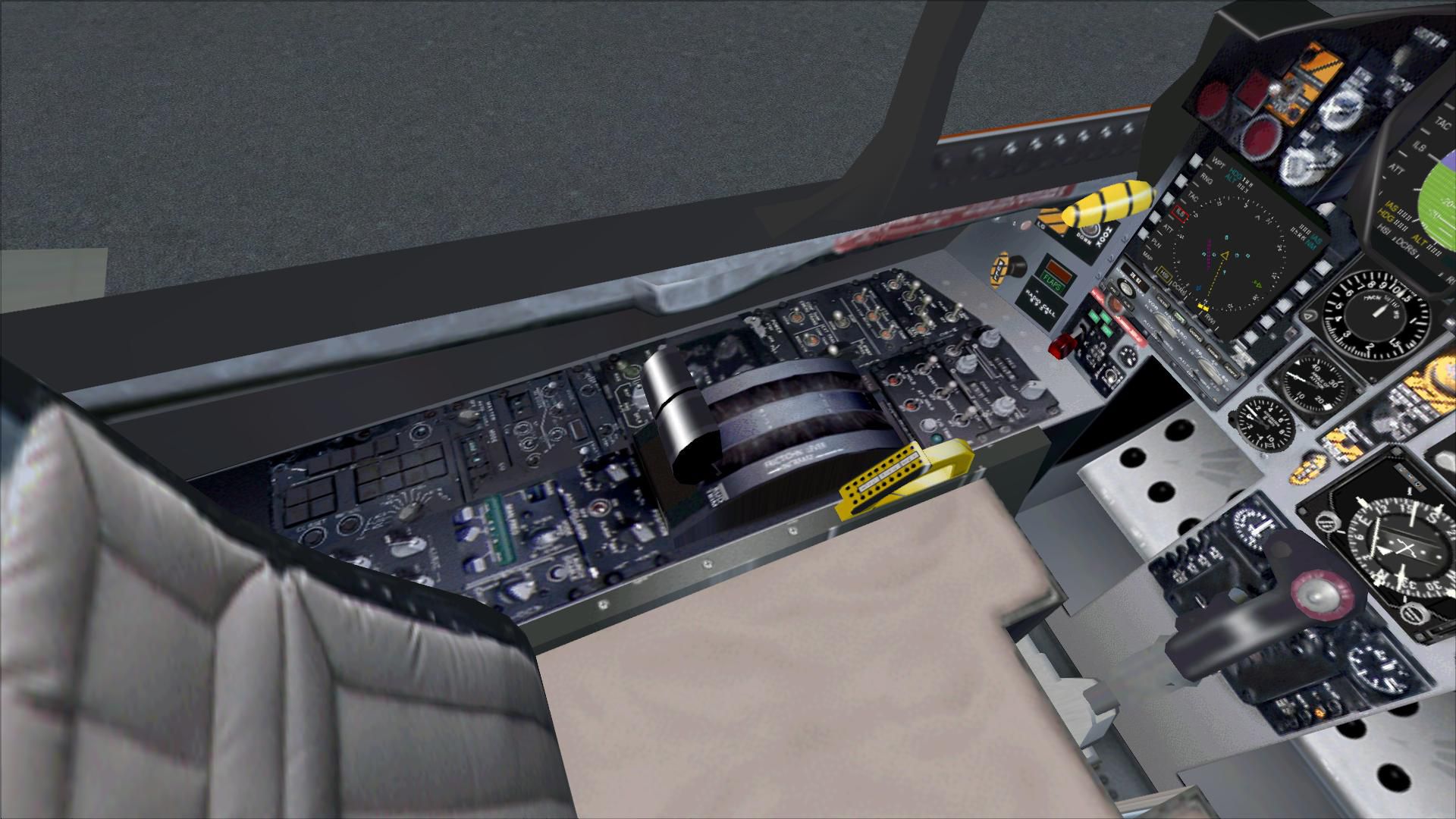

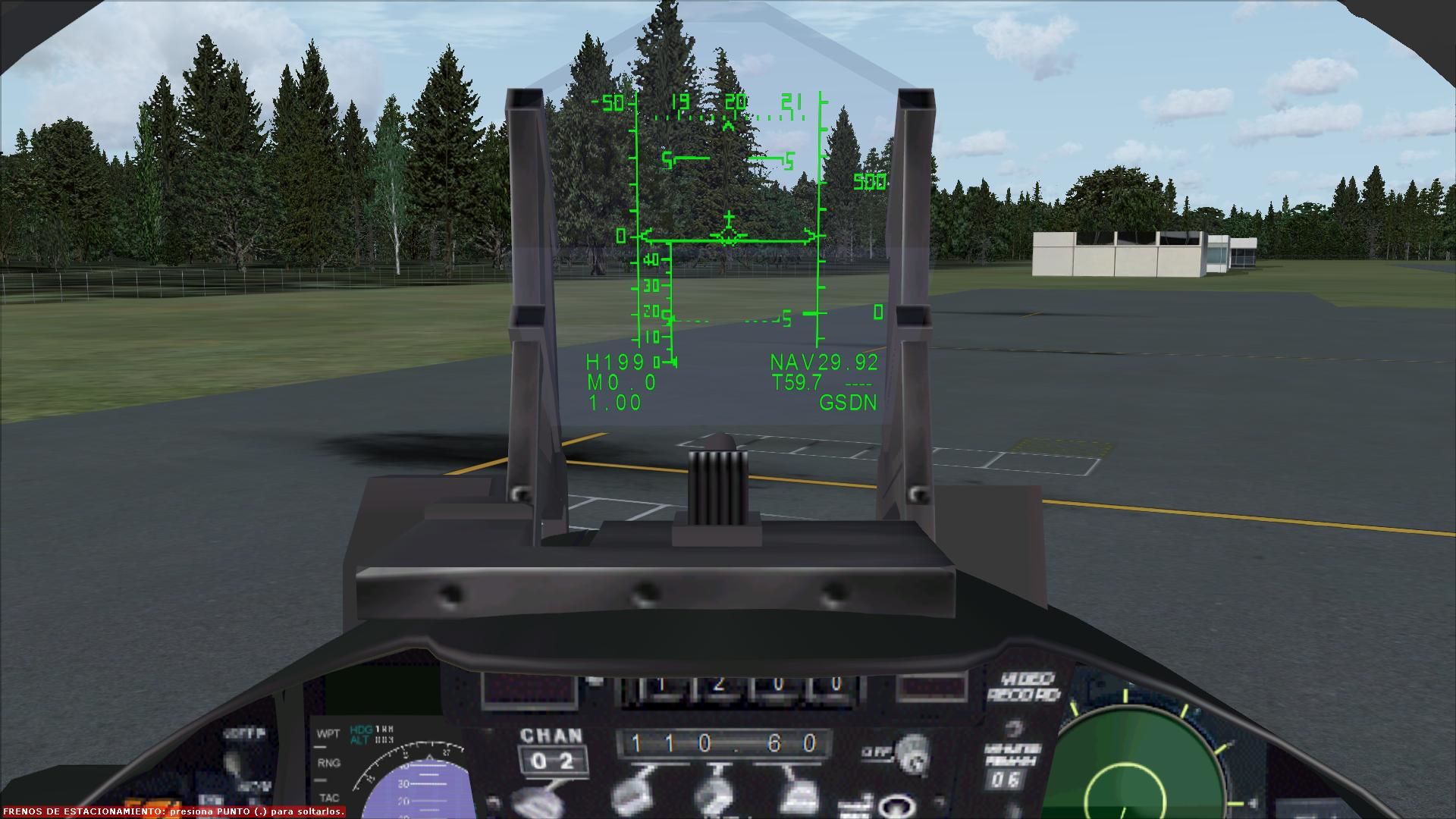
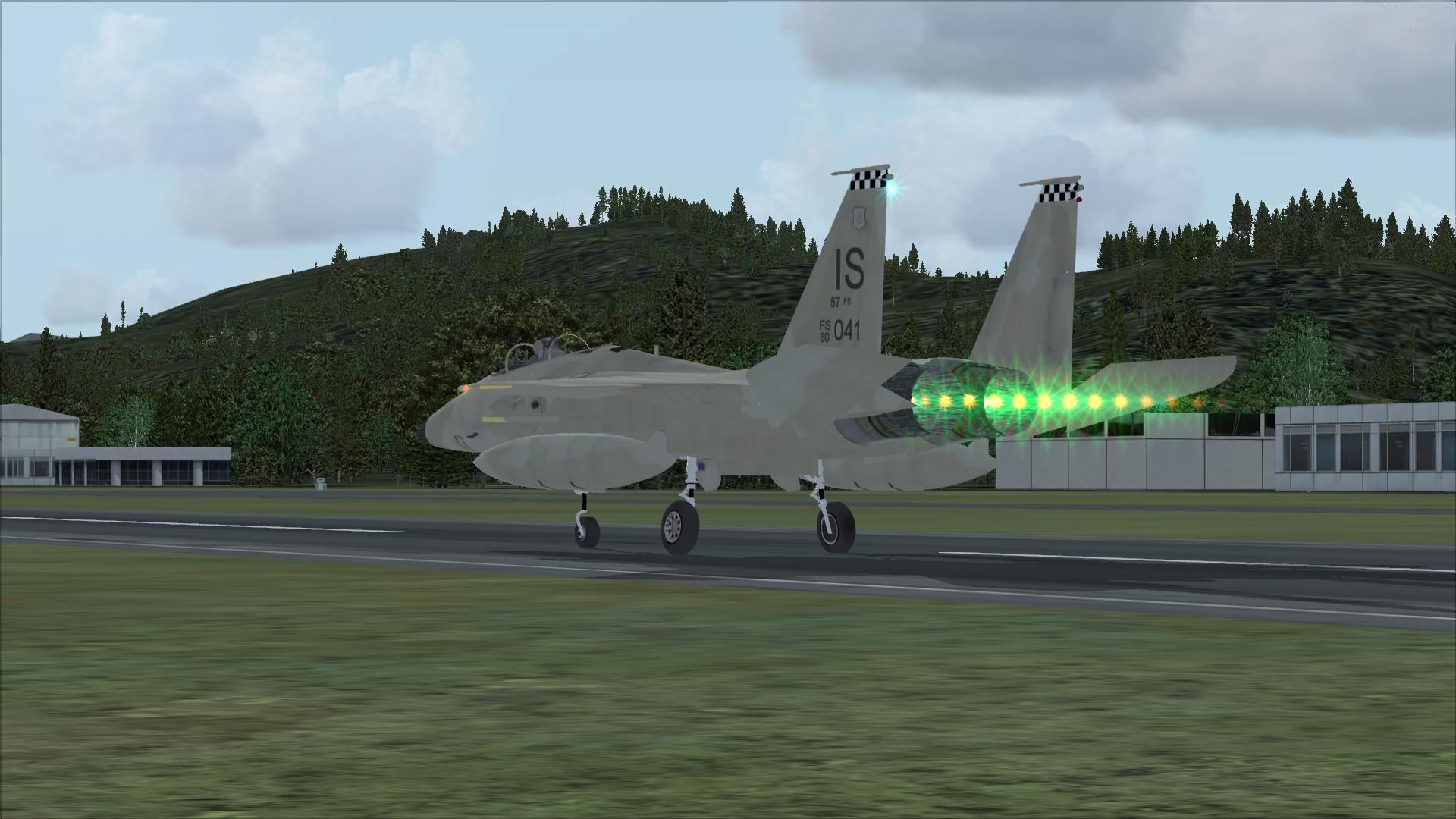
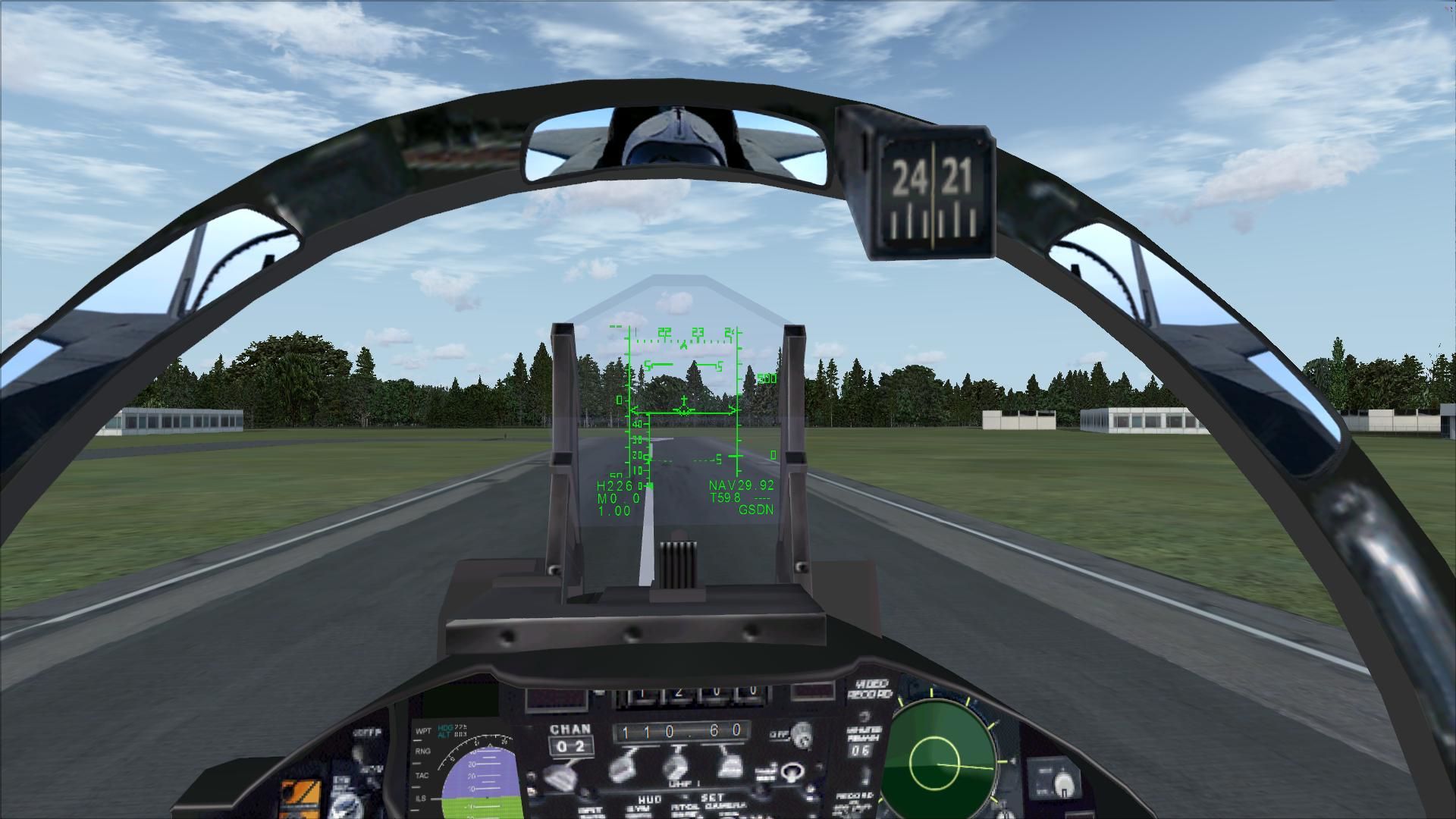
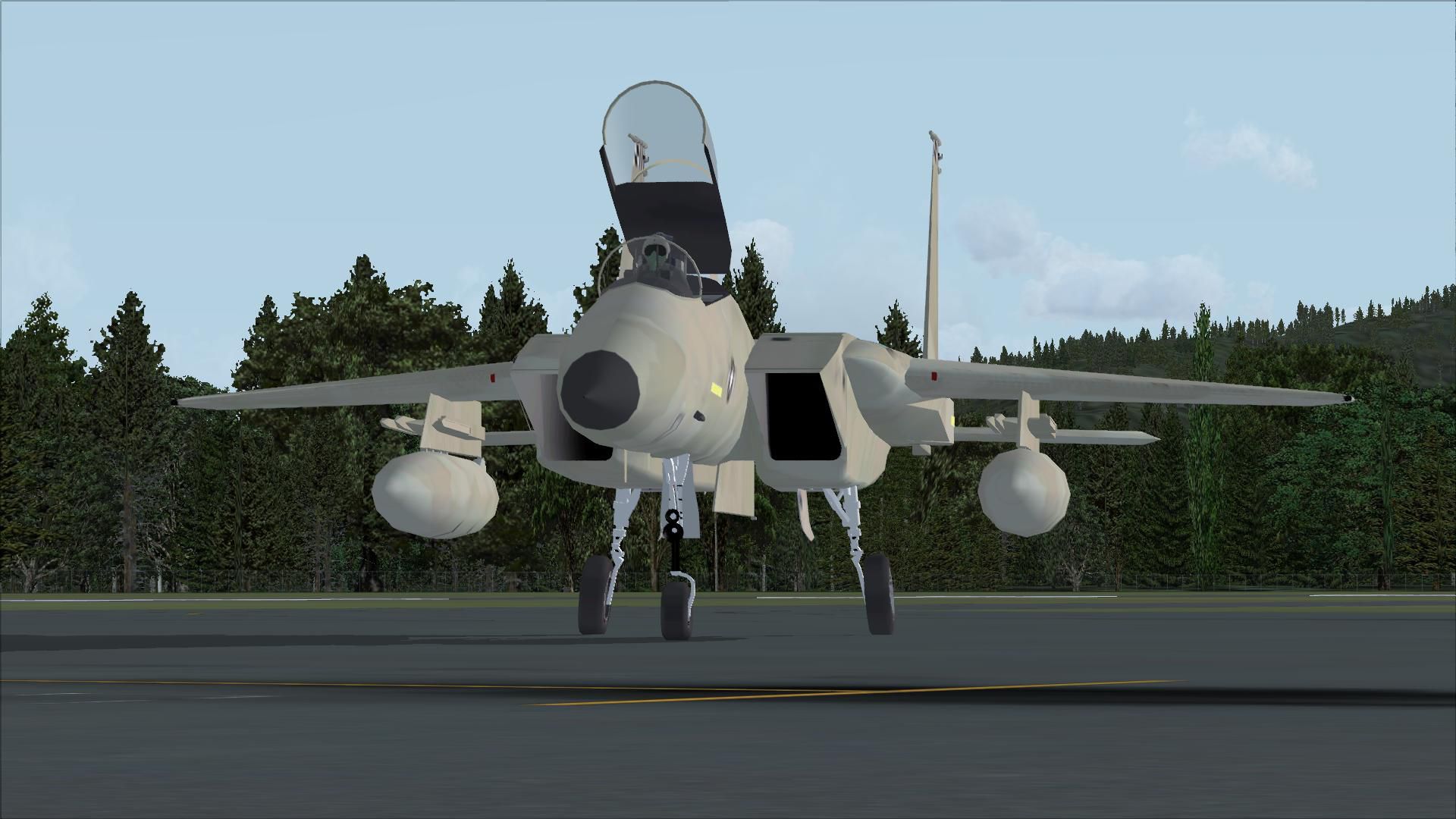

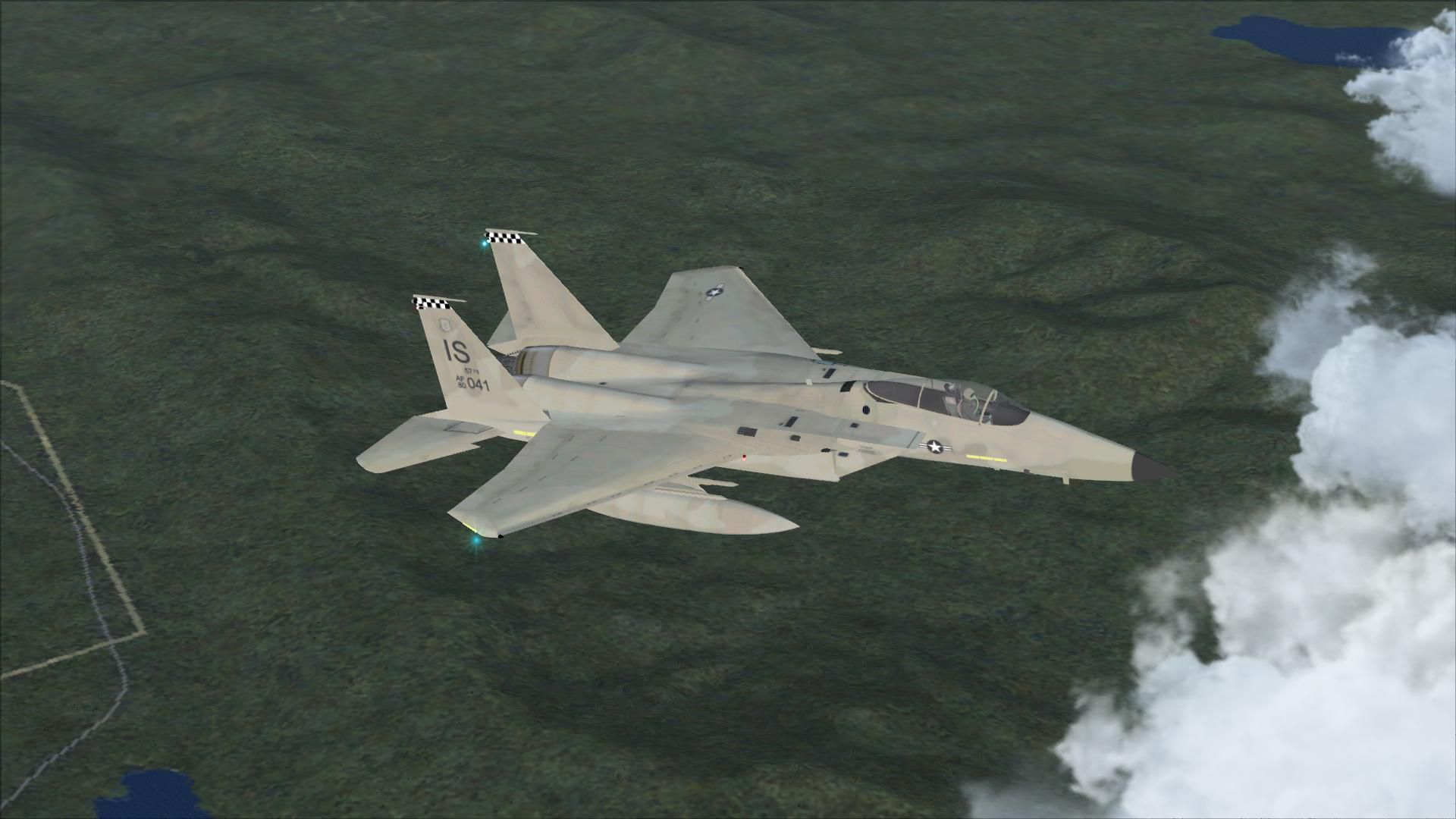

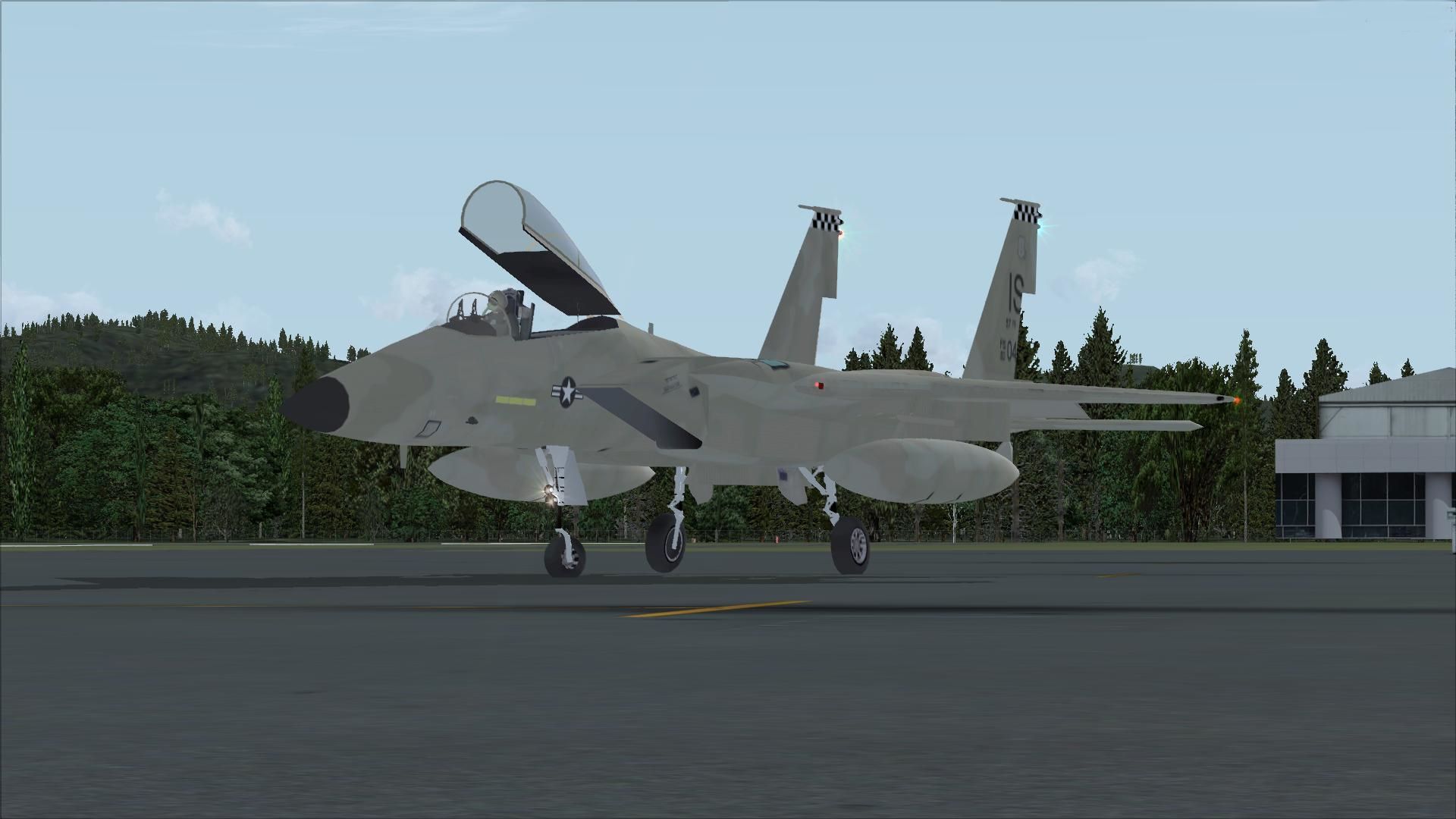
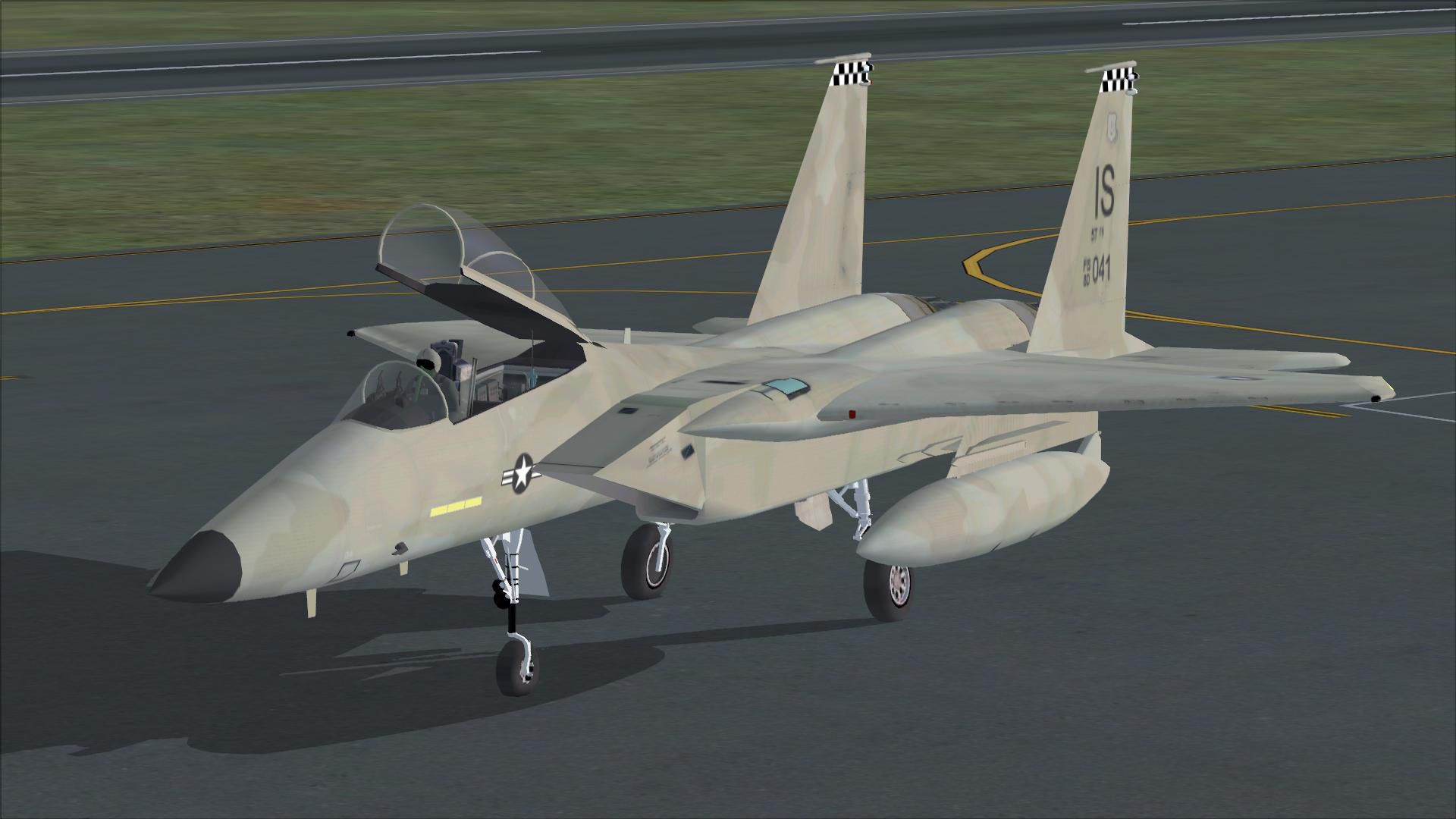

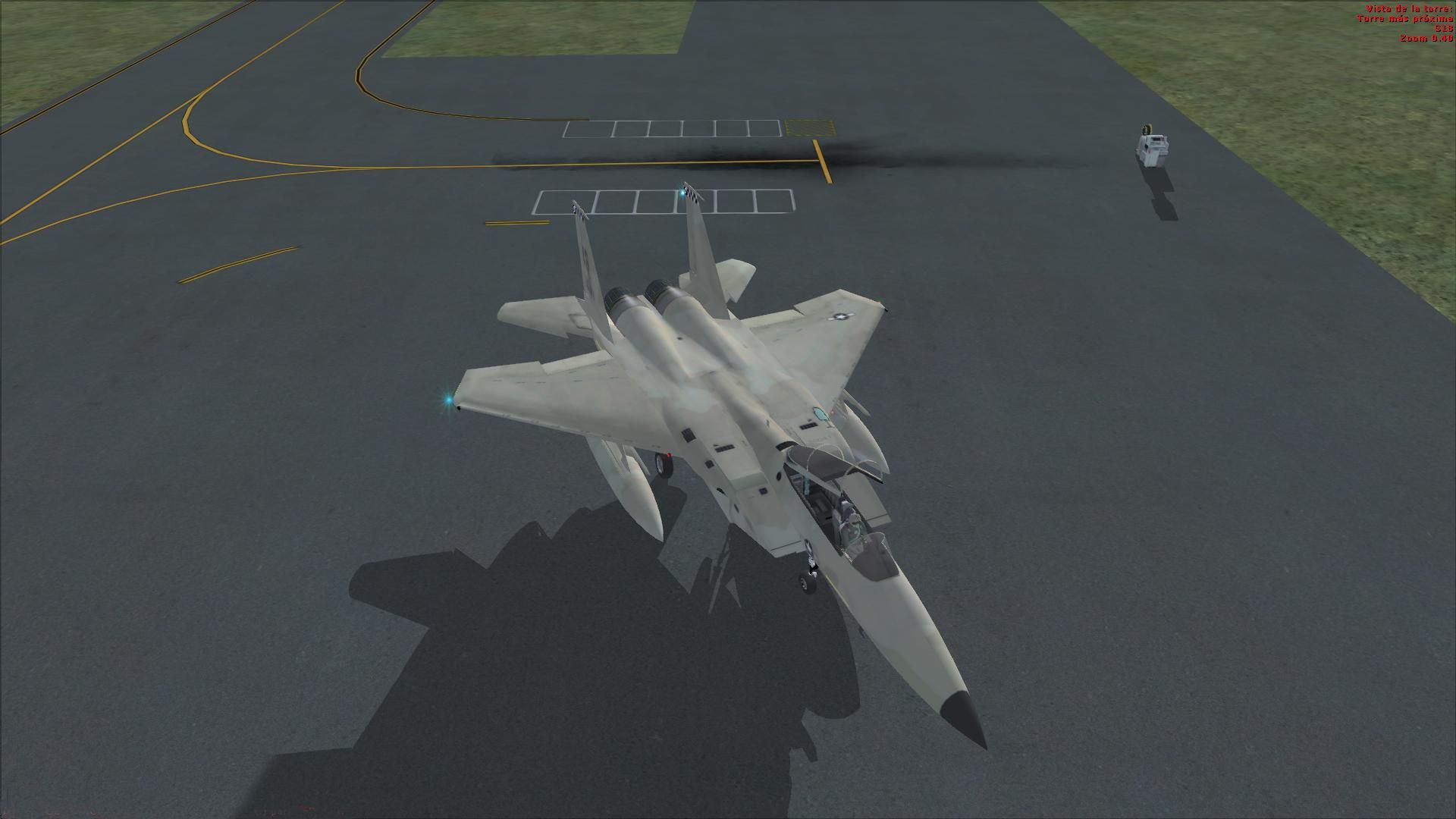
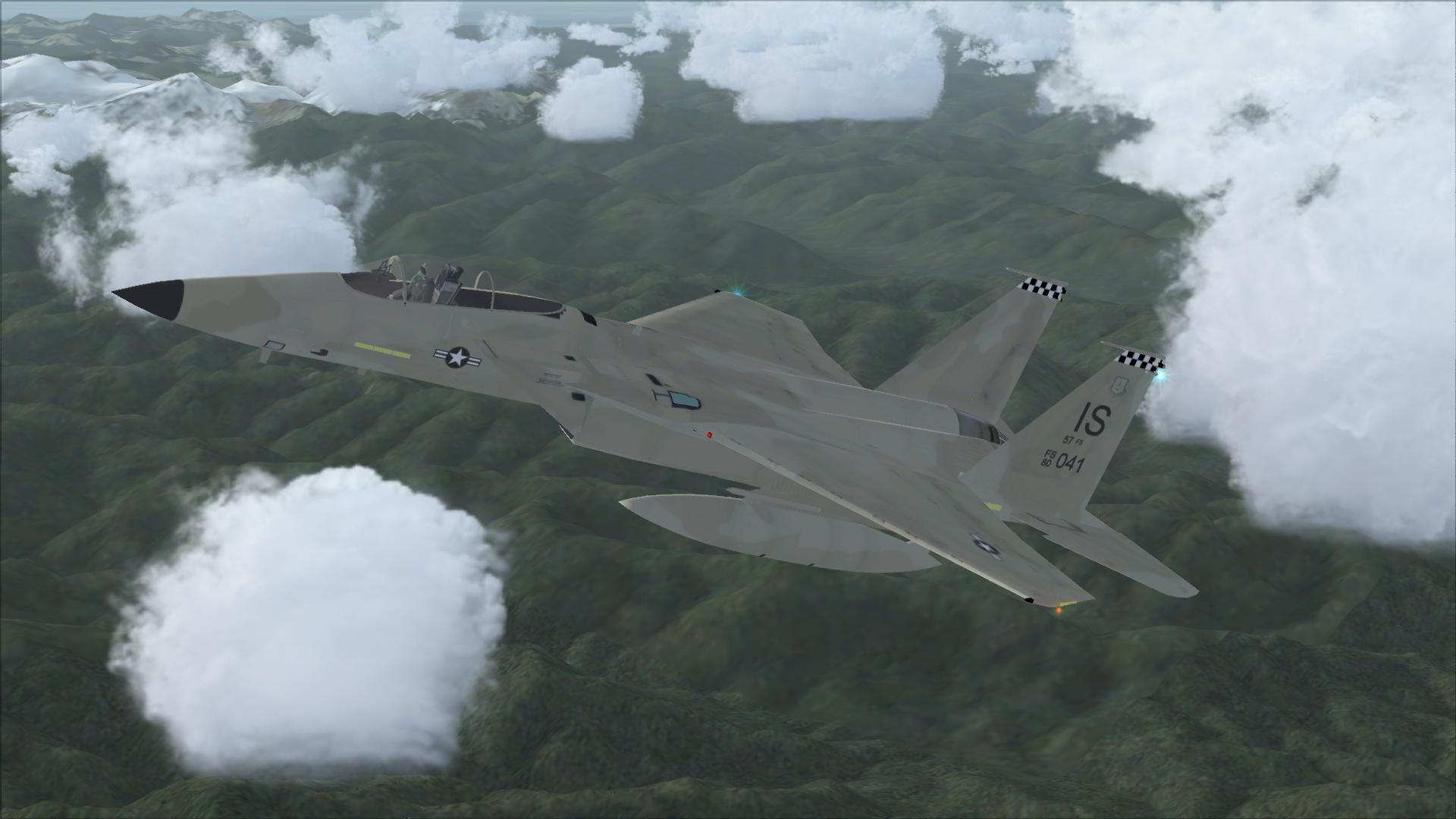
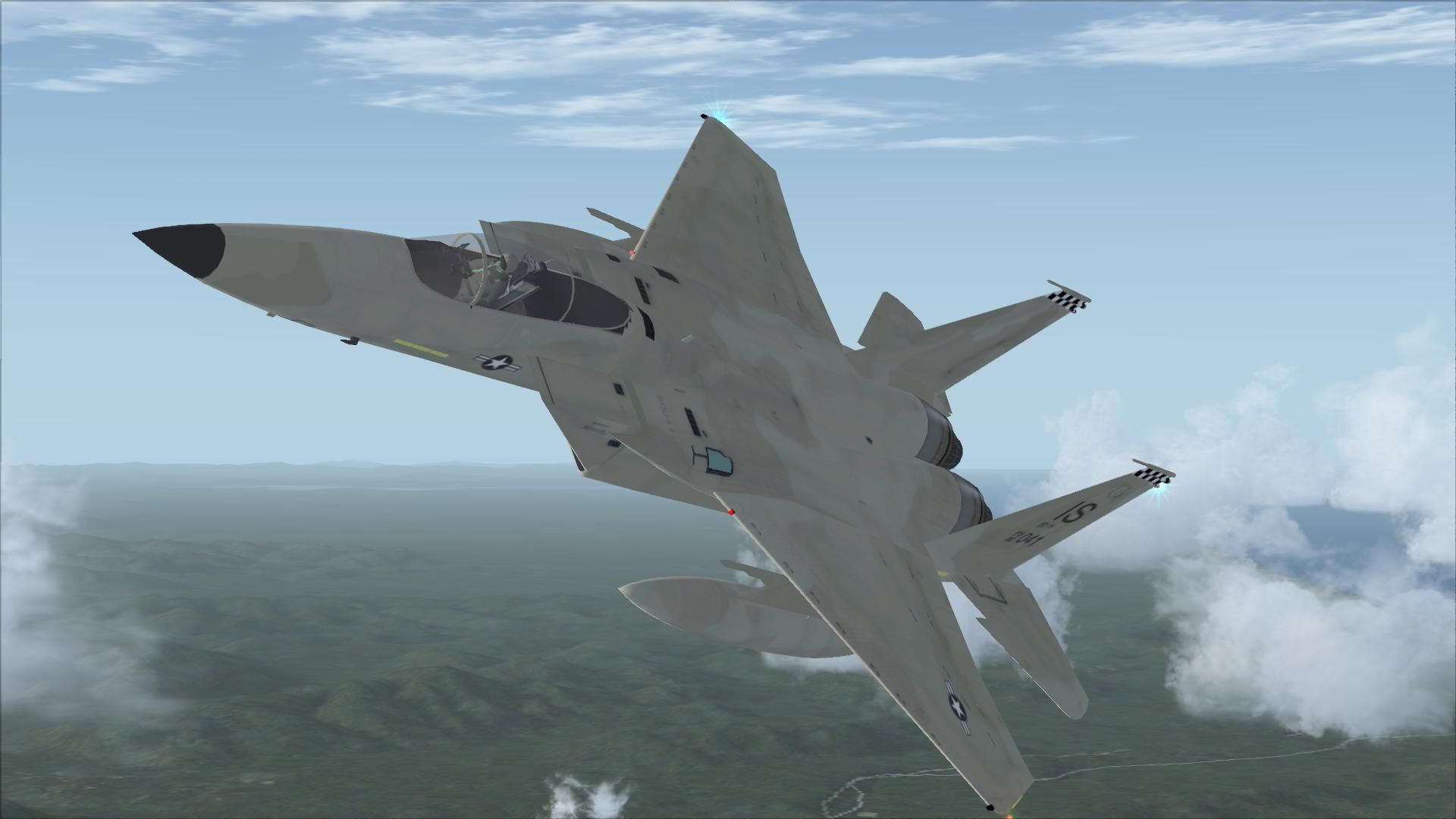
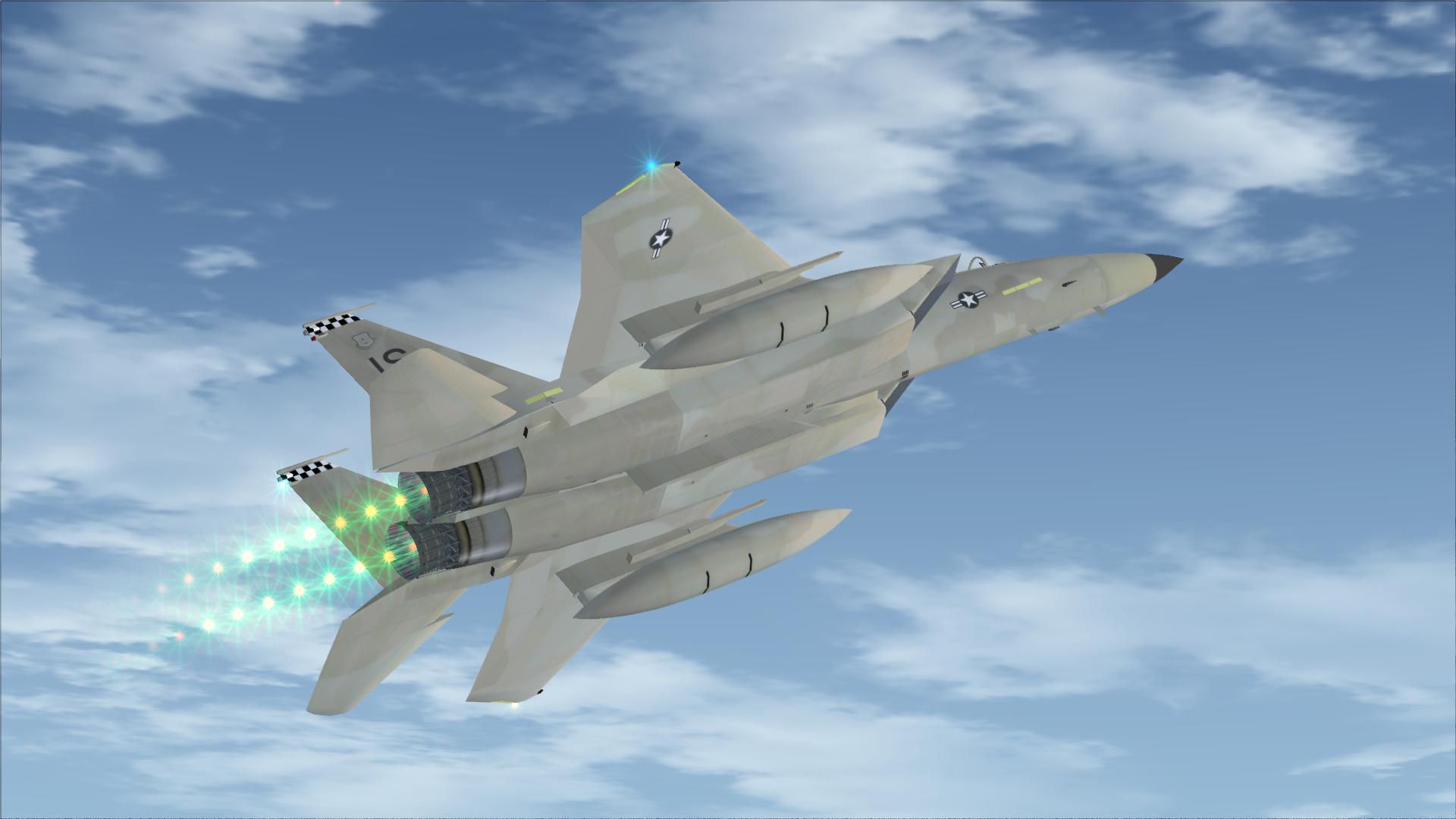
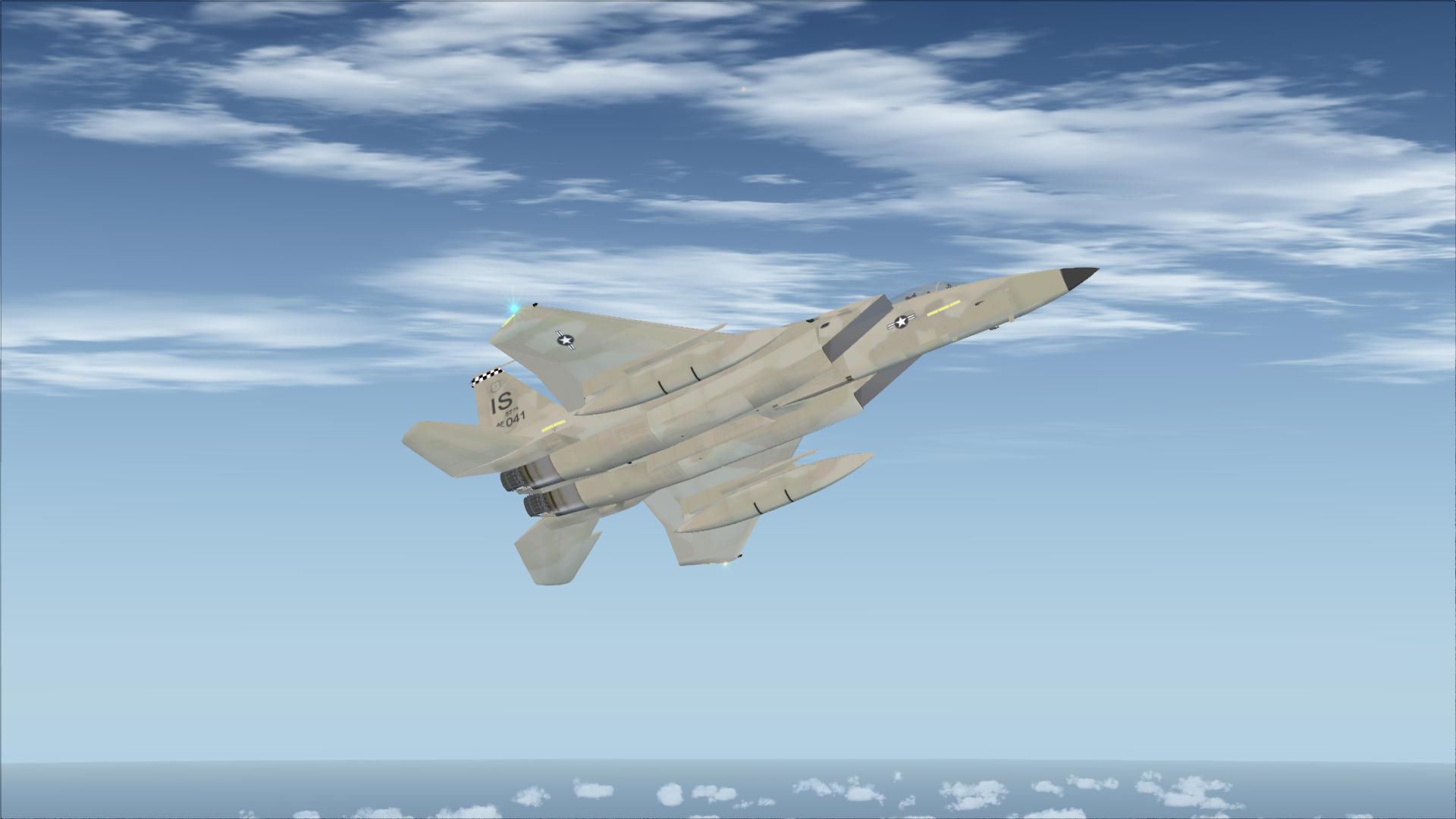
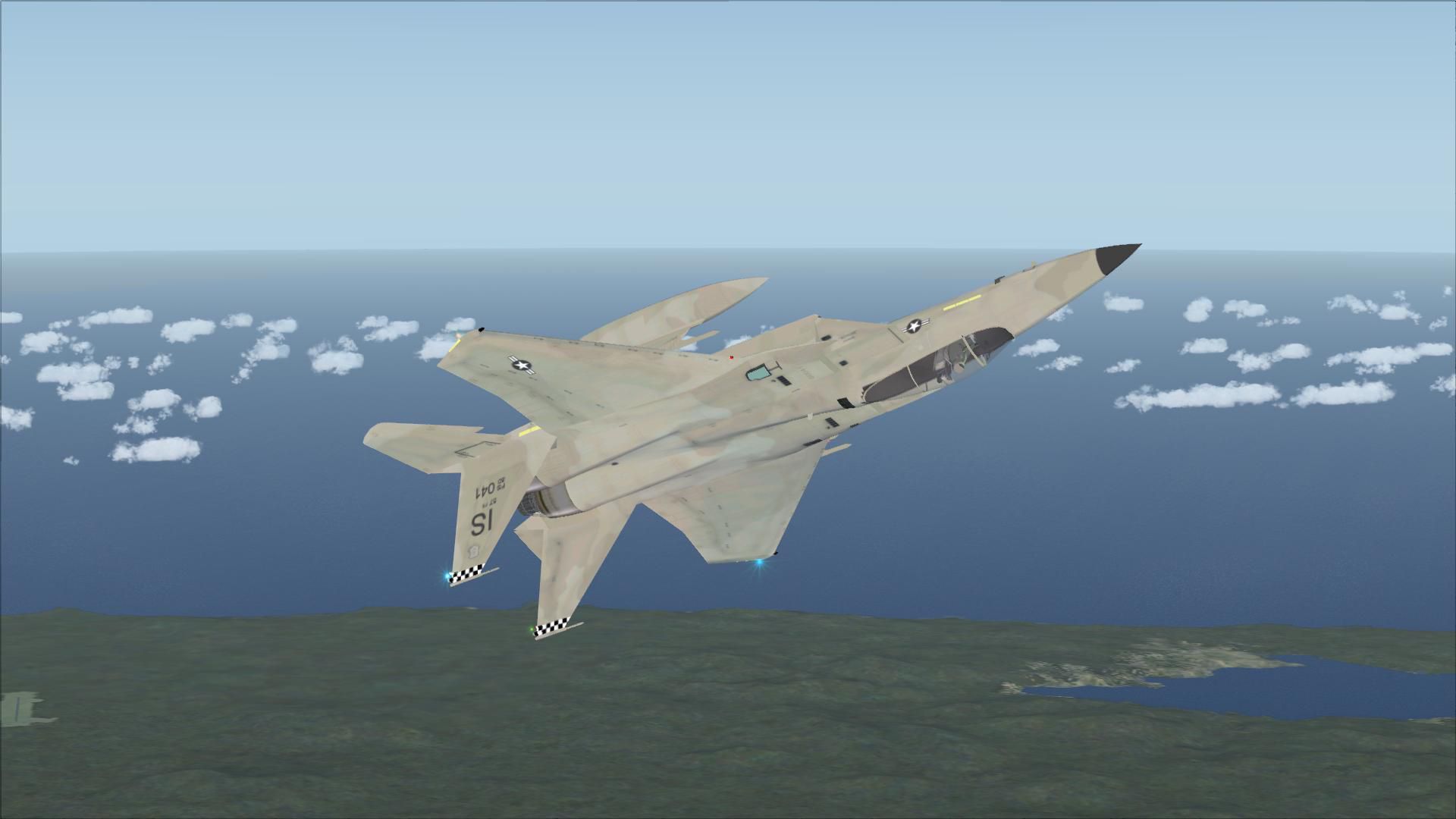
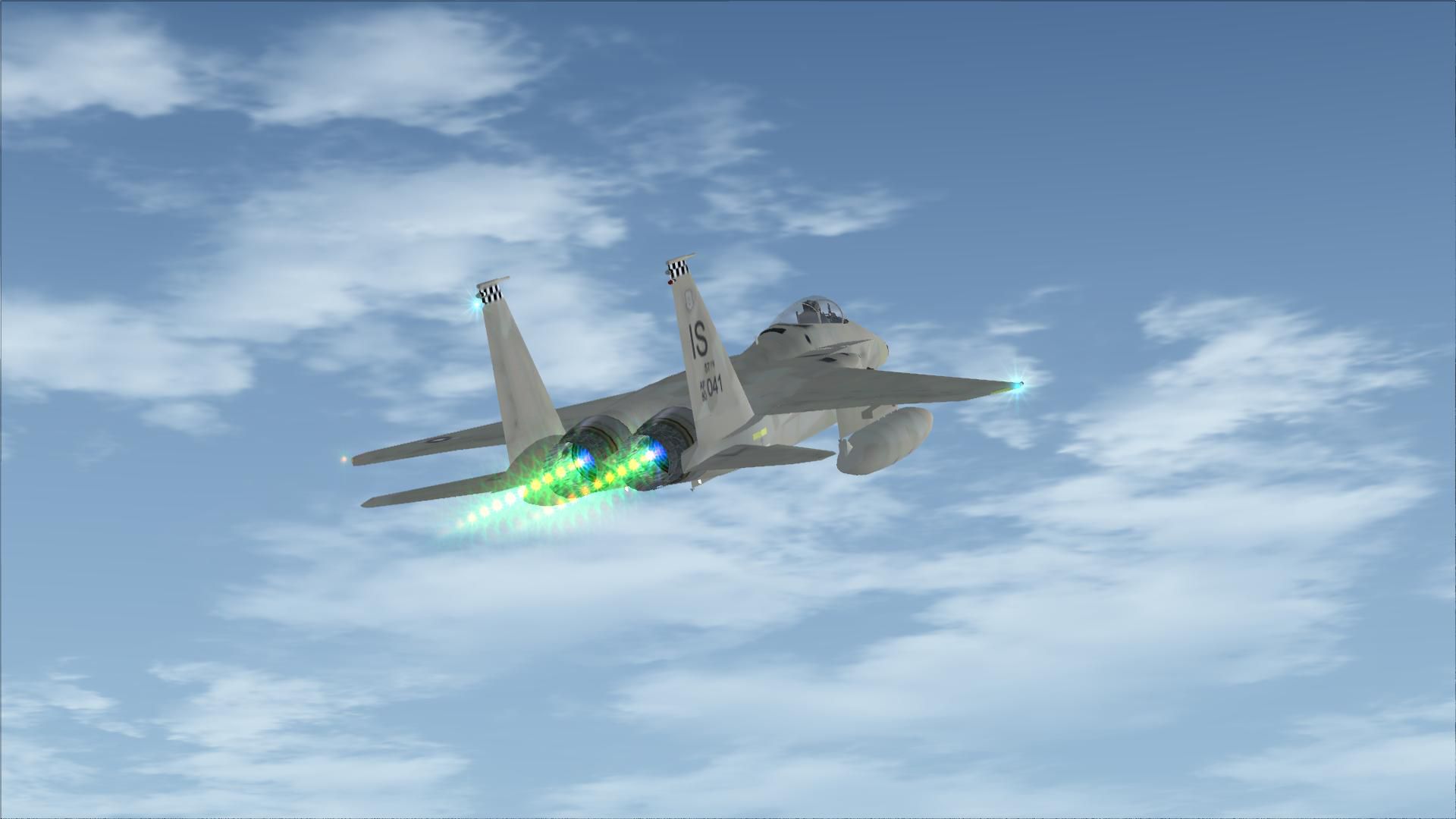

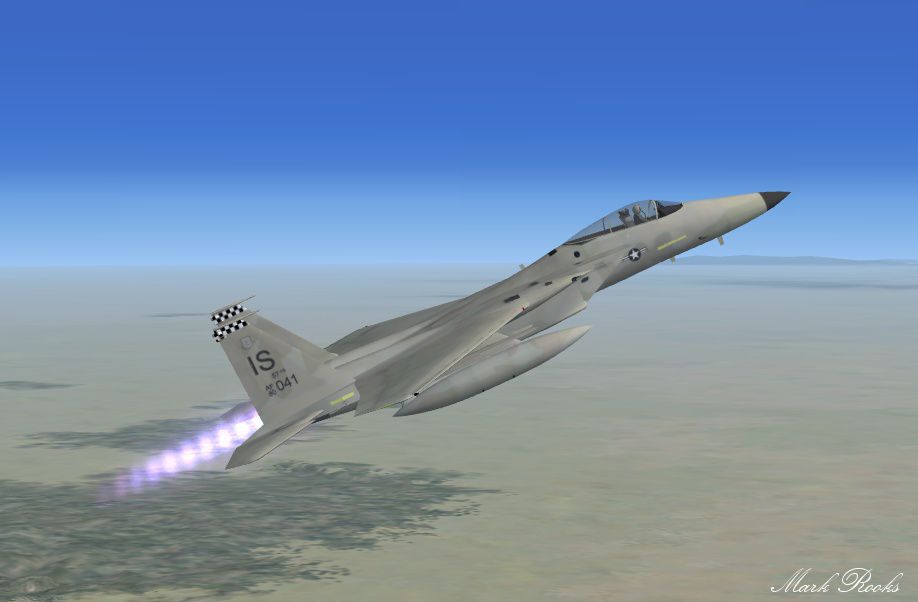
This is a two Eagle livery of the Coral Flight v2 F15 Strike Eagle. The United States Air Force selected McDonnell Douglas' design in 1967 to meet the service's need for a dedicated air superiority fighter. The Eagle first flew in July 1972, and entered service in 1976. Eagle #1 is a United States Air force Strike eagle in low visibility desert camo entitled Desert Dawg. Eagle #2 is a member of The 325th Fighter Wing based at Tyndall AFB painted in a low visibility tactical gray. Package includes FSX updates by Danny Garnier. Textures and updated flight dynamics by Mark Rooks of RDG Aircraft.
 Installation:
As always back up any original files.
Free for all simmers · 19.62 MB · Scanned clean
Download speed: Free tier is capped at 0.5 Mbps (this file takes approximately 5 mins at the cap). PRO members download at full line speed.
SimObjects\Airplanes\, Addon Scenery\, Effects\, or Gauges\.readme.txt or README file. It tells you exactly where files go, what dependencies are needed, and any quirks specific to this add-on.The archive f-15_eagles_pkg.zip has 32 files and directories contained within it.
This list displays the first 500 files in the package. If the package has more, you will need to download it to view them.
| Filename/Directory | File Date | File Size |
|---|---|---|
| Effects.zip | 11.25.12 | 157.32 kB |
| F-15 Eagles Package.zip | 07.21.13 | 12.36 MB |
| Light Smoke Canopy.zip | 02.14.11 | 4.77 kB |
| Read Me First.txt | 07.21.13 | 1.99 kB |
| Screen Shot.jpg | 07.21.13 | 83.21 kB |
| Text.txt | 07.21.13 | 640 B |
| flyawaysimulation.txt | 10.29.13 | 959 B |
| Go to Fly Away Simulation.url | 01.22.16 | 52 B |
| Screenshots | 07.23.19 | 0 B |
| screen-1.jpg | 07.17.19 | 145.93 kB |
| screen-10.jpg | 07.17.19 | 240.84 kB |
| screen-11.jpg | 07.17.19 | 268.30 kB |
| screen-12.jpg | 07.17.19 | 466.56 kB |
| screen-13.jpg | 07.17.19 | 778.02 kB |
| screen-14.jpg | 07.17.19 | 992.96 kB |
| screen-15.jpg | 07.17.19 | 657.14 kB |
| screen-16.jpg | 07.17.19 | 83.24 kB |
| screen-17.jpg | 07.17.19 | 93.41 kB |
| screen-18.jpg | 07.17.19 | 106.05 kB |
| screen-19.jpg | 07.17.19 | 108.86 kB |
| screen-2.jpg | 07.17.19 | 198.11 kB |
| screen-20.jpg | 07.17.19 | 130.05 kB |
| screen-21.jpg | 07.17.19 | 102.75 kB |
| screen-22.jpg | 07.17.19 | 101.57 kB |
| screen-23.jpg | 07.17.19 | 166.31 kB |
| screen-3.jpg | 07.17.19 | 142.52 kB |
| screen-4.jpg | 07.17.19 | 236.20 kB |
| screen-5.jpg | 07.17.19 | 156.41 kB |
| screen-6.jpg | 07.17.19 | 626.37 kB |
| screen-7.jpg | 07.17.19 | 445.94 kB |
| screen-8.jpg | 07.17.19 | 801.53 kB |
| screen-9.jpg | 07.17.19 | 586.68 kB |
More FSX & P3D add-ons hand-picked based on this download.
FSX Military Aircraft
This is Nathan Fife's F-15 For FSX. Painted in the Air Superiority Blue Paint…
 FSX Military Aircraft
This is a two Eagle livery of the Coral Flight v2 F15 Strike Eagle for Flight…
 FSX Military Aircraft
This complete freeware package features the USAF F-15 Eagle in the colors of …
 FSX Military Aircraft
USAF F-15 Strike Eagle, 325 FW, Tyndall AFB. A repaint of Nathan Fife's F15 S…
 FSX Military Aircraft
An update of the Brett Haskins FS2004 - Sukhoi Su-15T -'FLAGON-A' package and…
 FSX Military Aircraft
FSX Tactical Air Command F-15. A repaint of Nathan Fife's McDonnell Douglas F…
 FSX Military Aircraft
FSX MiG-15 Comes with two different paint types, a complete flat camo paint a…
 FSX Military Aircraft
This enhanced F-15 Strike Eagle freeware package features the early “Air Supe…
Read what other simmers think, or add your own.
