

 FSX Military Aircraft
USAF F-15 Strike Eagle
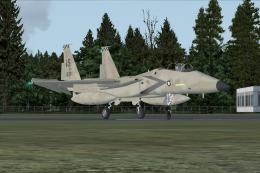
USAF F-15 Strike Eagle, 325 FW, Tyndall AFB. A repaint of Nathan Fife's F15 S…
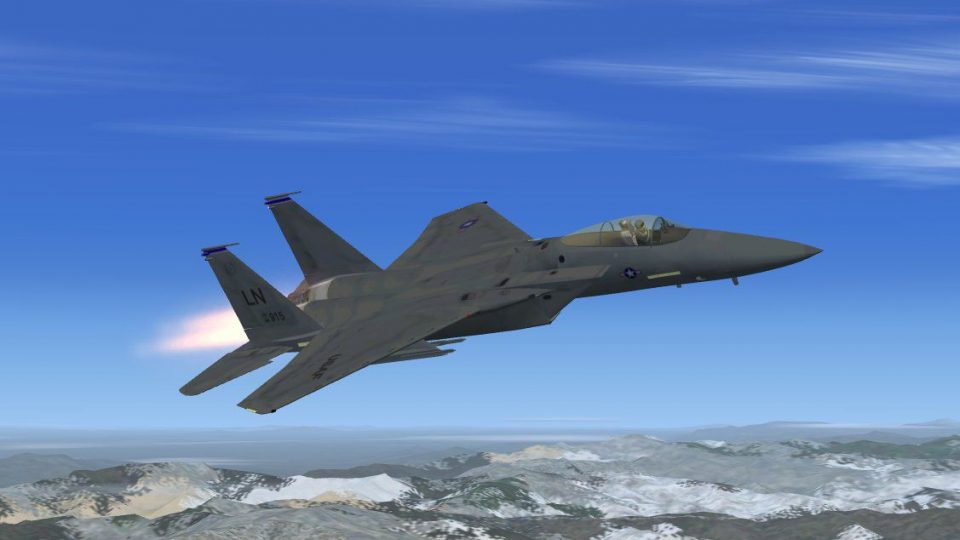
USAF F-15 Eagle 492 Fighter Squadron “Madhatters” brings a faithful RAF Lakenheath jet to Microsoft Flight Simulator X with distinctive squadron markings, refined flight dynamics, tuned sounds, and vivid afterburner and smoke effects. A detailed virtual cockpit and updated panel support immersive air-superiority sorties, with optional tinted canopy variants for different looks.
 Rate
Rate
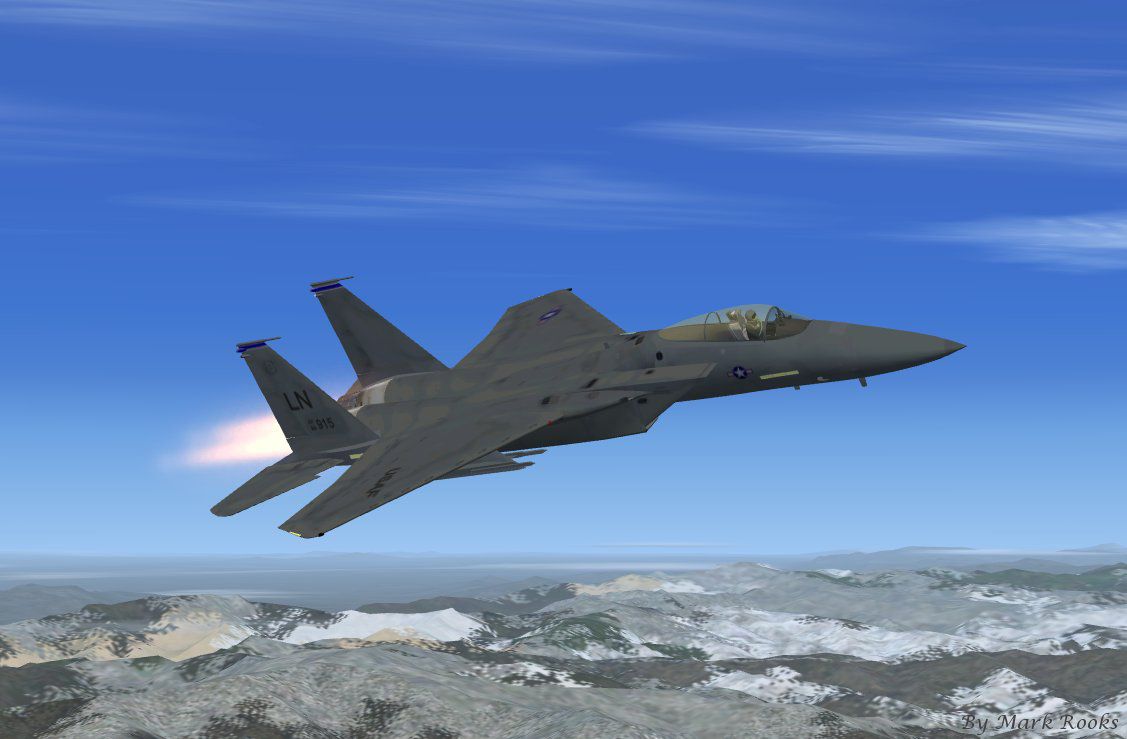
This complete freeware package features the USAF F-15 Eagle in the colors of the 492 Fighter Squadron, known as the “Madhatters.” The featured livery pays tribute to their well-documented tradition of adopting local headgear from wherever the squadron is stationed. Originally crafted by Nathan Fife, this version has been fully updated by contributors—including a new panel by Danny Garnier—to function seamlessly in Microsoft Flight Simulator X. It offers authentic highlights such as afterburner effects and a detailed virtual cockpit. Mark Rooks of RDG Aircraft provided the textures, while Tim Conrad (also known as Piglet) contributed his expertise in shaping design fidelity.
The F-15 Eagle, developed by McDonnell Douglas, is celebrated for its remarkable air superiority record and impressive combat performance. This particular rendition showcases the markings of the 492 FS, which operates from RAF Lakenheath. They have demonstrated mission readiness worldwide, earning recognition for their “Anywhere, Anytime” motto. Because the squadron has been deployed in various international settings, the “Madhatters” nickname emerged from the custom of sporting culturally significant headgear during each stationing period.
In this model, expect authentic flight dynamics, refined textures, and carefully tuned sounds. The afterburner and smoke effects replicate the powerful thrust generated by the F100 turbofan engines, while the cockpit (both 2D and virtual) delivers a detailed perspective of flight operations. A tinted canopy option is also included, with an alternative smoke-colored design for those who prefer a different aesthetic.
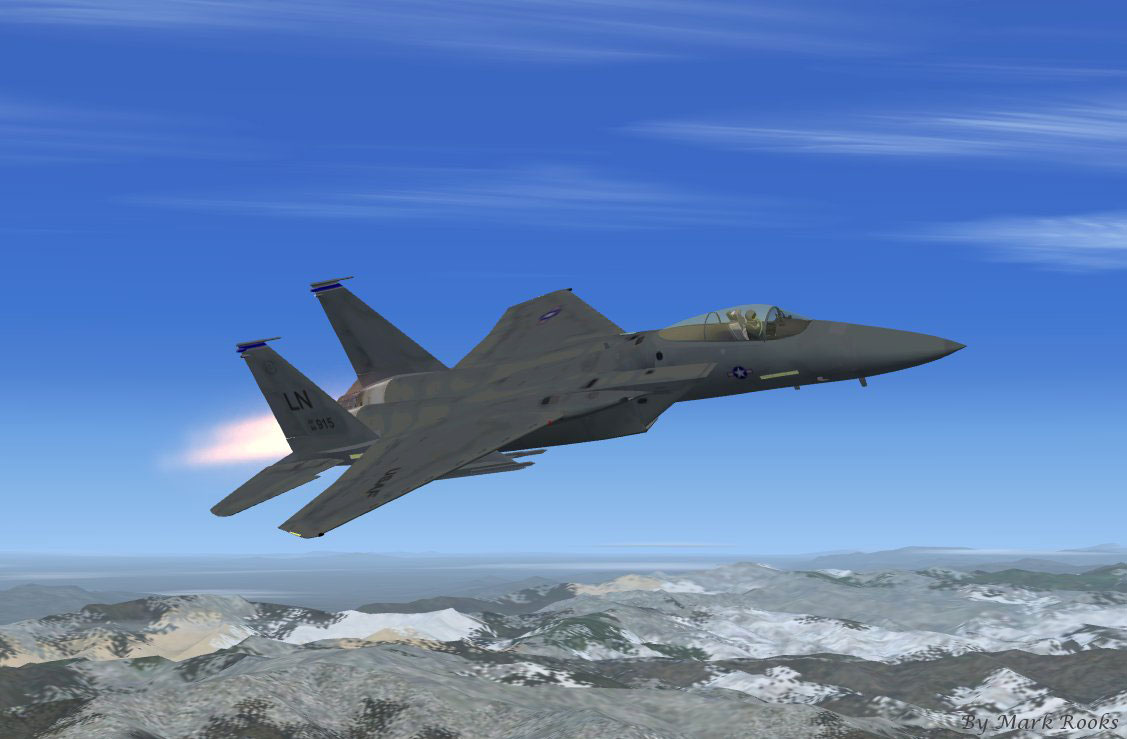
USAF F-15 Eagle 492 in flight.
Use these files at your own discretion. Neither the creators nor RDG Aircraft accept responsibility for any potential hardware or software issues that might occur. They certify the files were virus-free at the time of upload. By installing these materials, you acknowledge and accept these terms.
Enjoy the new paint scheme, and look out for local support efforts like Mercy Flights if you wish to contribute. The development team—headed by Nathan Fife, with textures from Mark Rooks, and additional upgrades by Danny Garnier—extends their thanks. Tim Conrad, also known as Piglet, conveys that this model aligns with his personal building style. If any minor imperfections exist, please remember that it is a free release intended to broaden the simulation experience.
Free for all simmers · 12.6 MB · Scanned clean Oct 2026
Download speed: Free tier is capped at 0.5 Mbps (this file takes approximately 4 mins at the cap). PRO members download at full line speed.
SimObjects\Airplanes\, Addon Scenery\, Effects\, or Gauges\.readme.txt or README file. It tells you exactly where files go, what dependencies are needed, and any quirks specific to this add-on.The archive fsxf-15alice.zip has 9 files and directories contained within it.
This list displays the first 500 files in the package. If the package has more, you will need to download it to view them.
| Filename/Directory | File Date | File Size |
|---|---|---|
| 492FS Screen.jpg | 02.19.11 | 84.54 kB |
| Effects.zip | 02.14.11 | 7.70 kB |
| F-15 492 FS The Madhatters.zip | 02.19.11 | 7.36 MB |
| Light Smoke Canopy.zip | 02.14.11 | 4.77 kB |
| Pictures and History.zip | 02.19.11 | 5.15 MB |
| Read Me First.txt | 02.19.11 | 2.74 kB |
| Text.txt | 02.19.11 | 621 B |
| flyawaysimulation.txt | 10.29.13 | 959 B |
| Go to Fly Away Simulation.url | 01.22.16 | 52 B |
Only PRO members can place votes.
More FSX & P3D add-ons hand-picked based on this download.
FSX Military Aircraft
USAF F-15 Strike Eagle, 325 FW, Tyndall AFB. A repaint of Nathan Fife's F15 S…
 FSX Military Aircraft
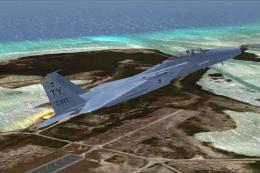
This is a two Eagle livery of the Coral Flight v2 F15 Strike Eagle. The Unite…
 FSX Military Aircraft
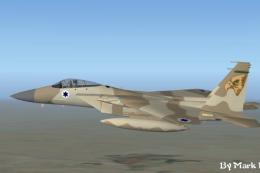
This is Nathan Fife's F-15 For FSX. Painted in the Air Superiority Blue Paint…
 FSX Military Aircraft
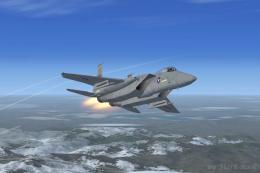
This is a two Eagle livery of the Coral Flight v2 F15 Strike Eagle for Flight…
 FSX Military Aircraft
This package provides a freeware simulation of the single-seat F-15 Eagle in …
 FSX Military Aircraft
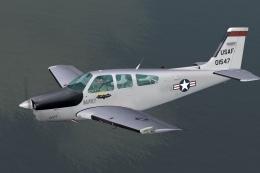
Repaints of the payware Carenado Beechcraft F33 Bonanza. During the later yea…
 FSX Military Aircraft
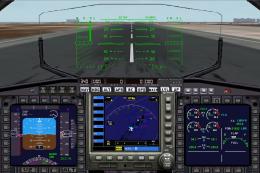
FSX Tactical Air Command F-15. A repaint of Nathan Fife's McDonnell Douglas F…
 FSX Military Aircraft
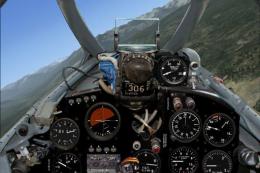
FSX MiG-15 Comes with two different paint types, a complete flat camo paint a…
Be the first to leave a comment on this download.
Be the first to share your thoughts on this download.