










 FSX Historic & Vintage Aircraft
Supermarine Spitfire MK IA Prototype K5054 3
Supermarine Spitfire MK IA Prototype K5054 - Farnborough, September 1939. Rep…
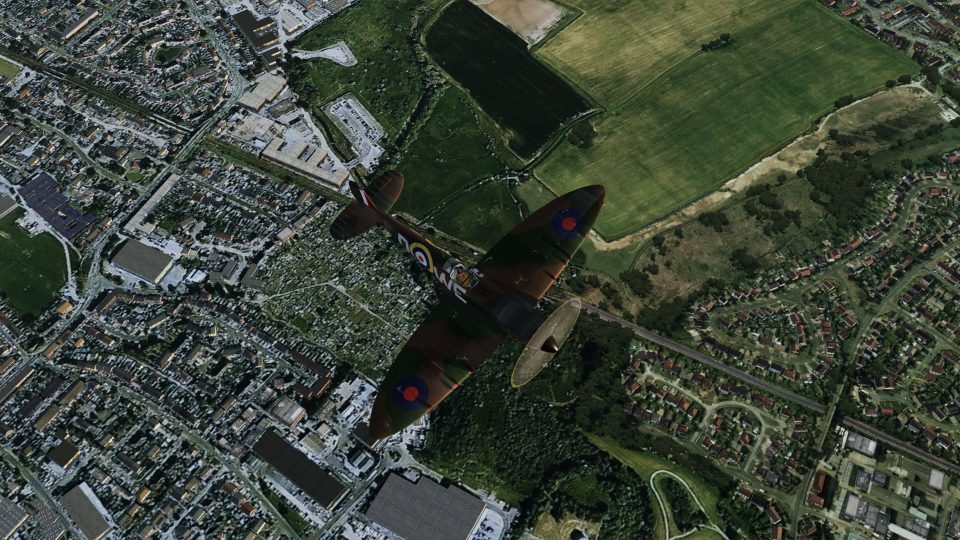
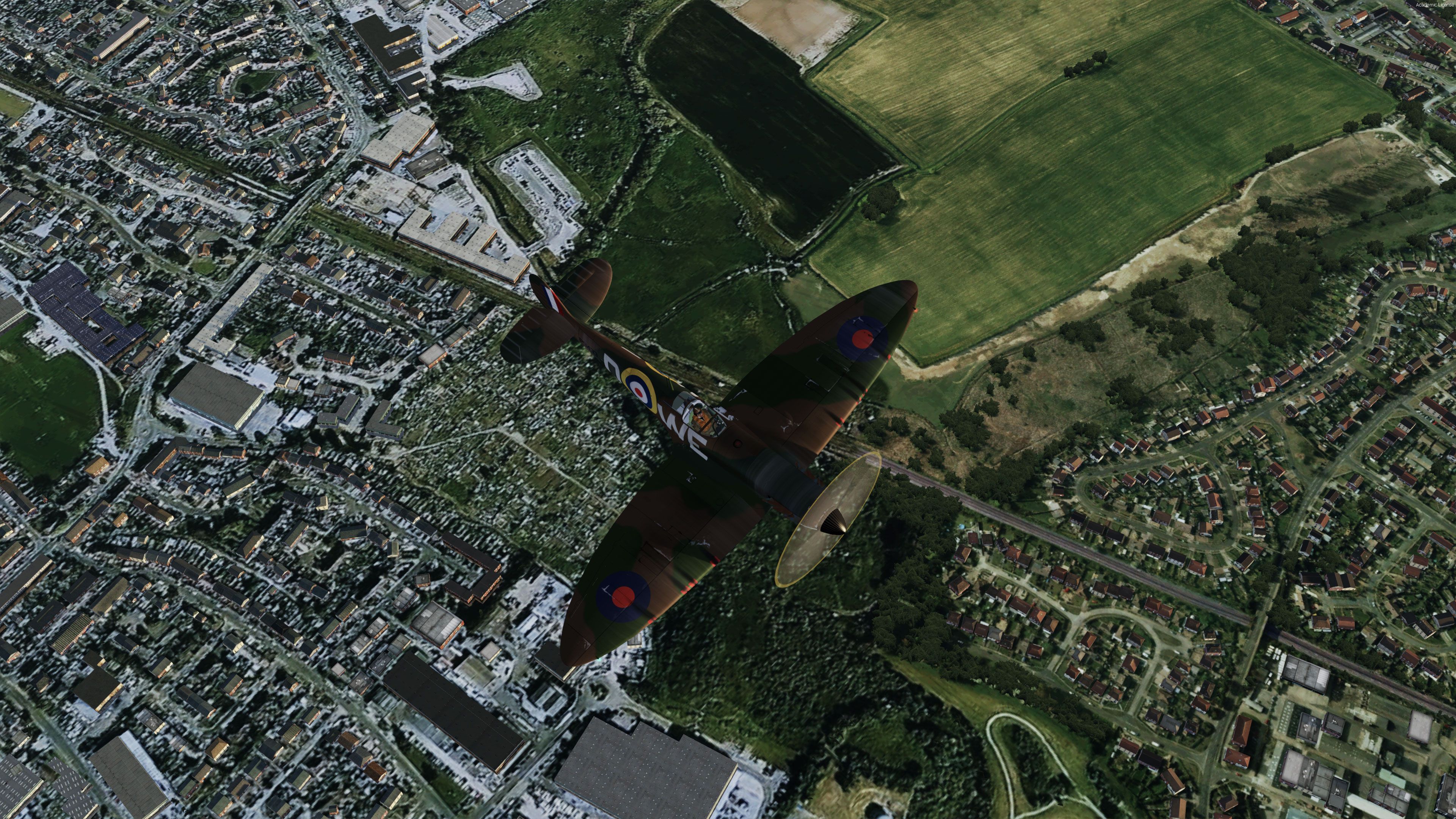
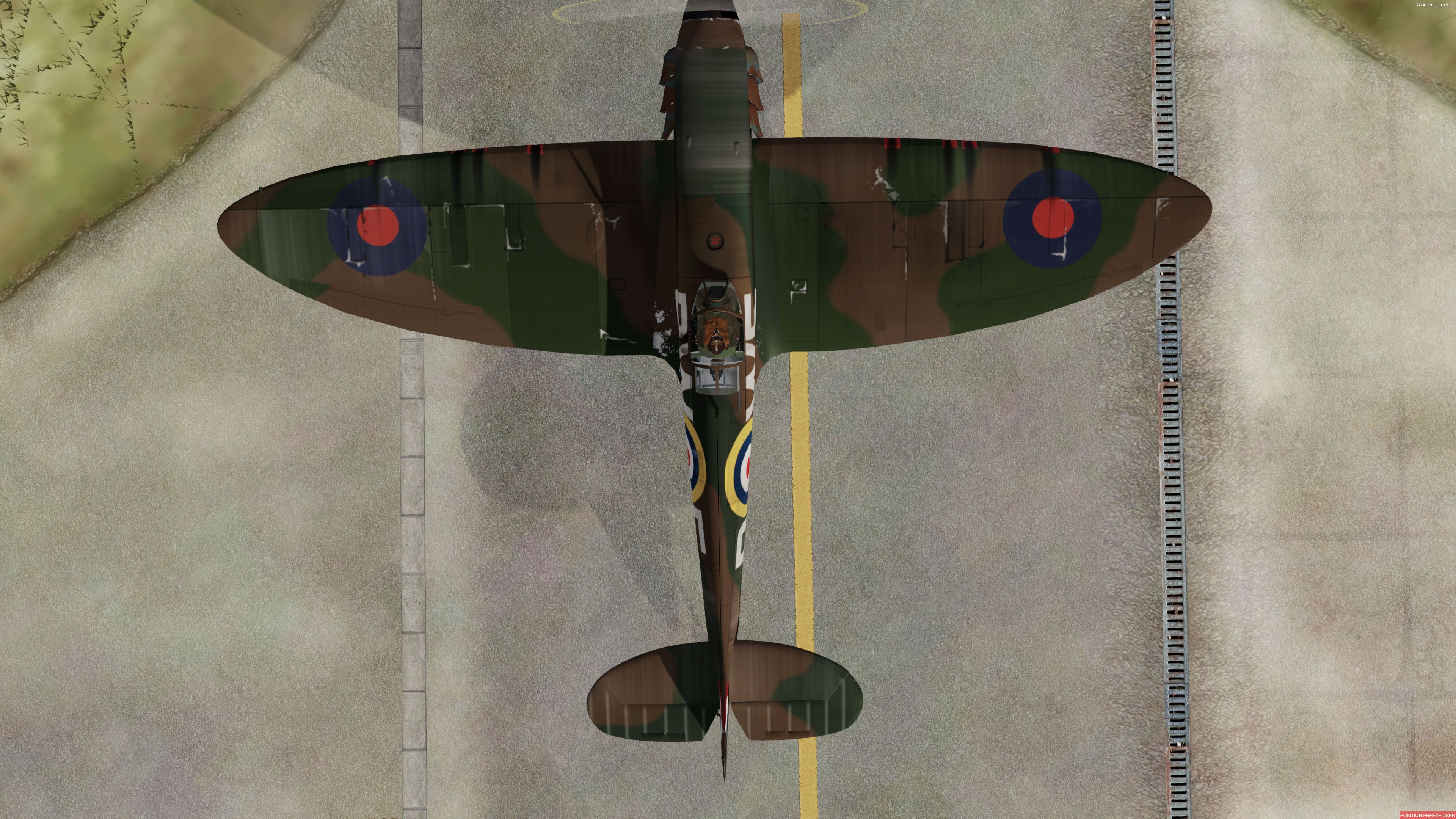
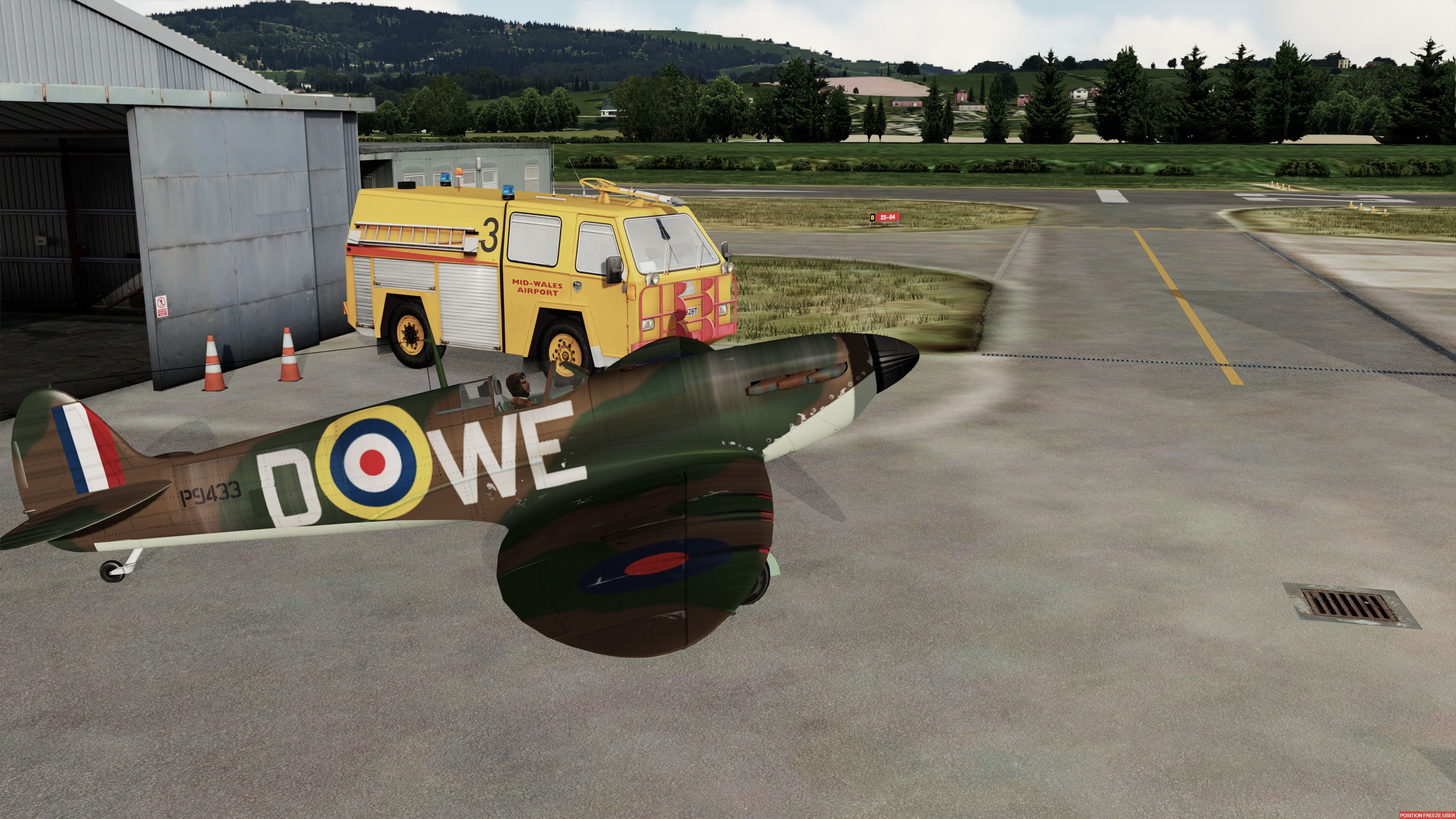
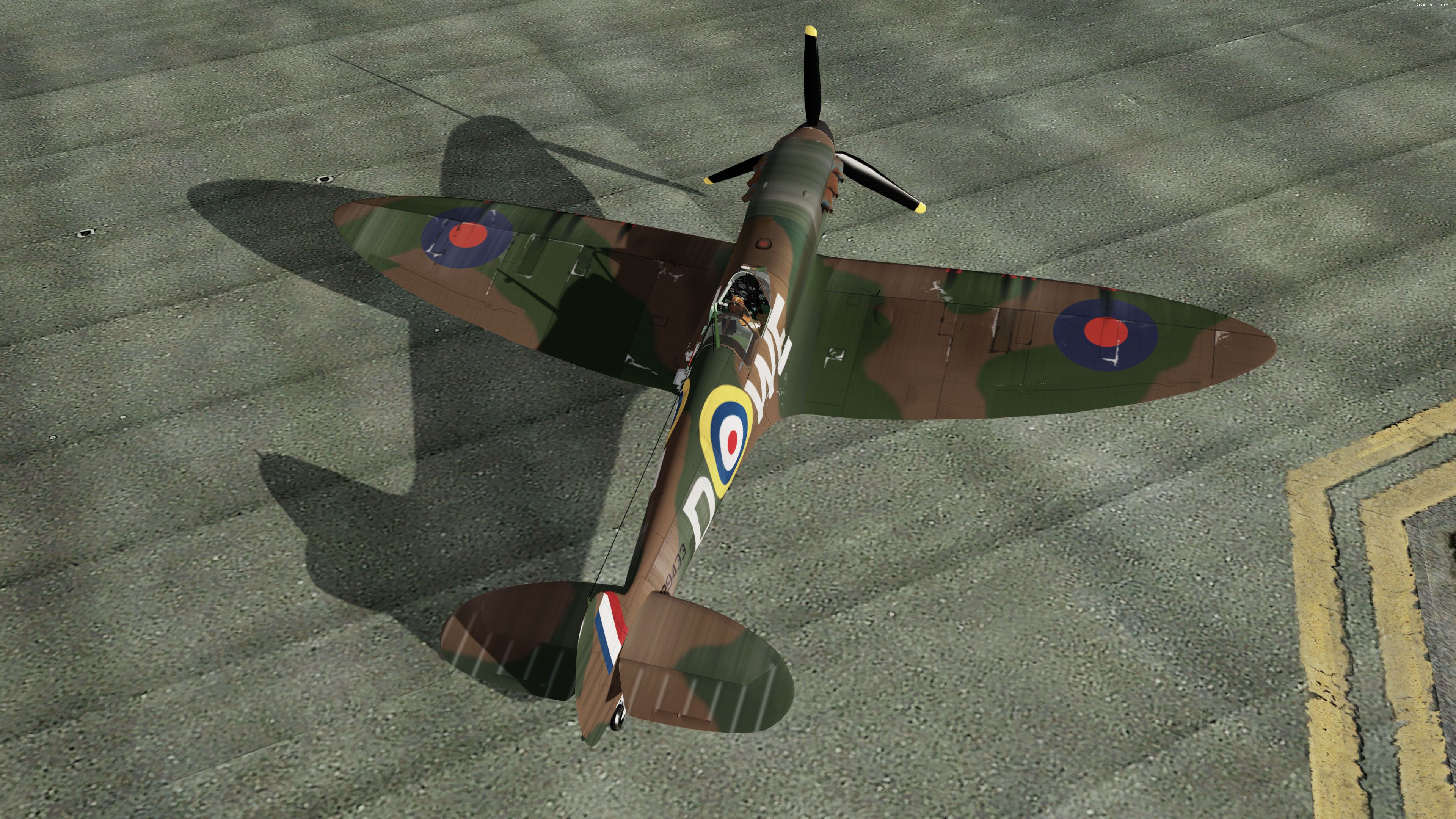
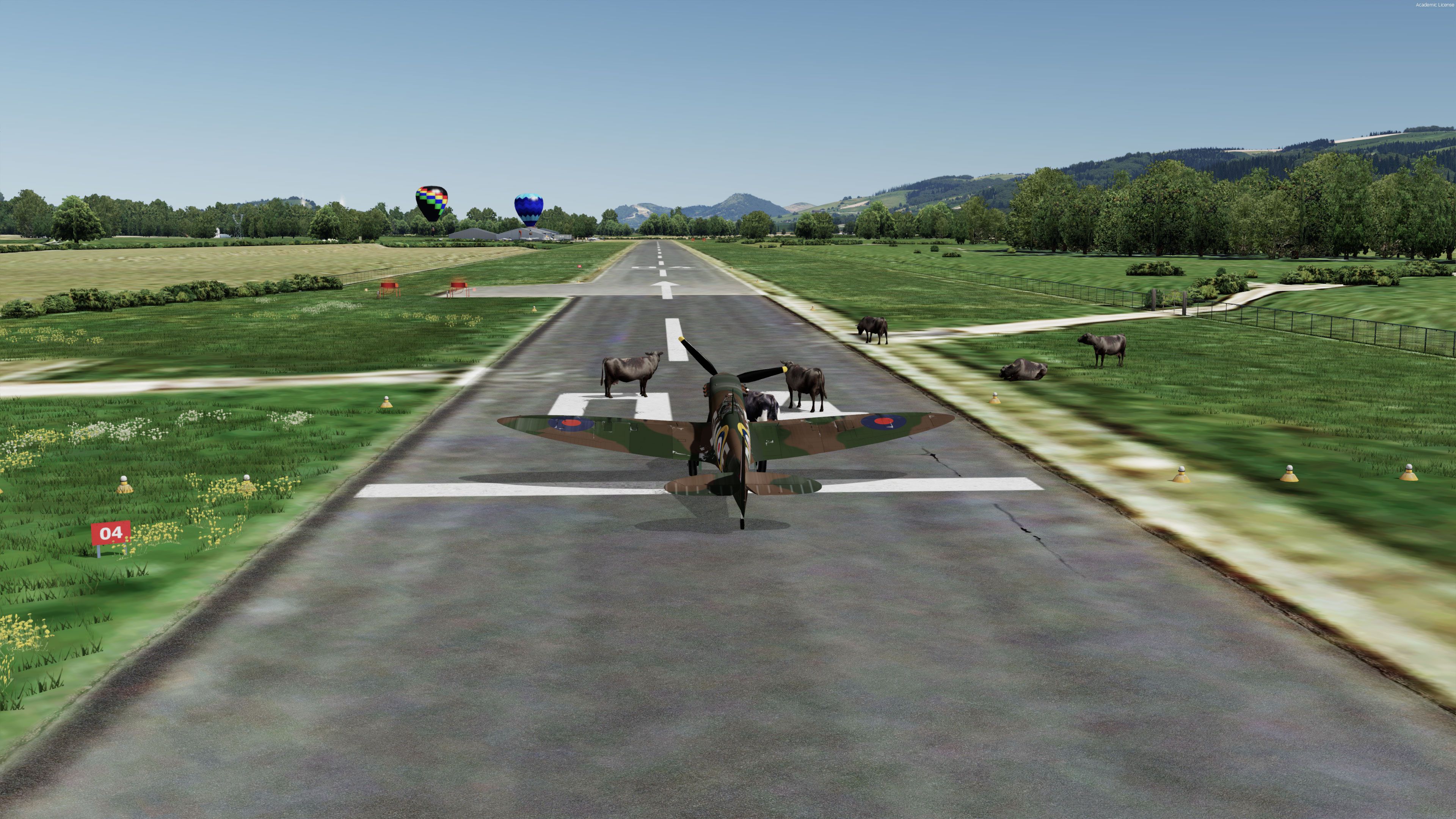
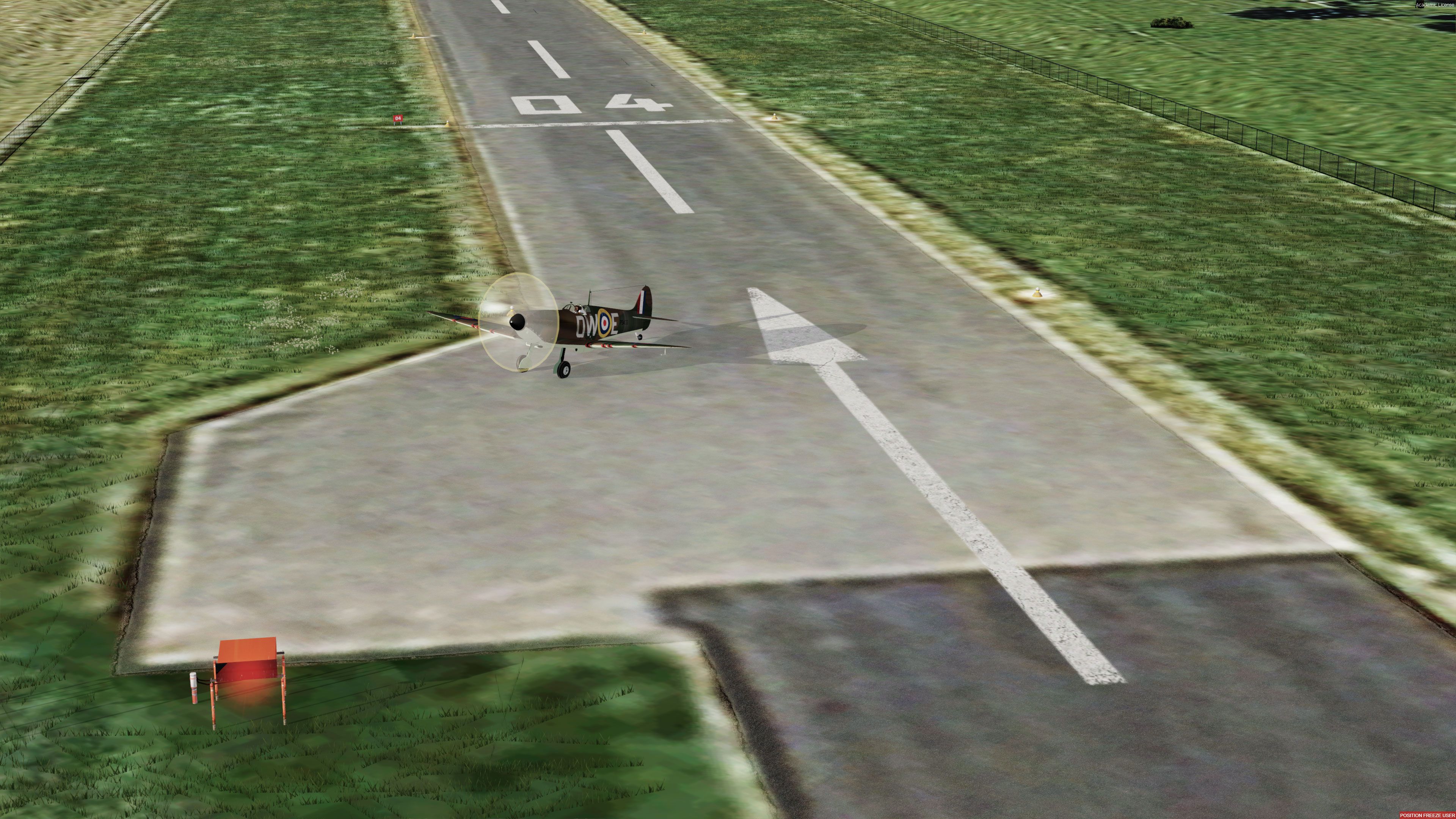
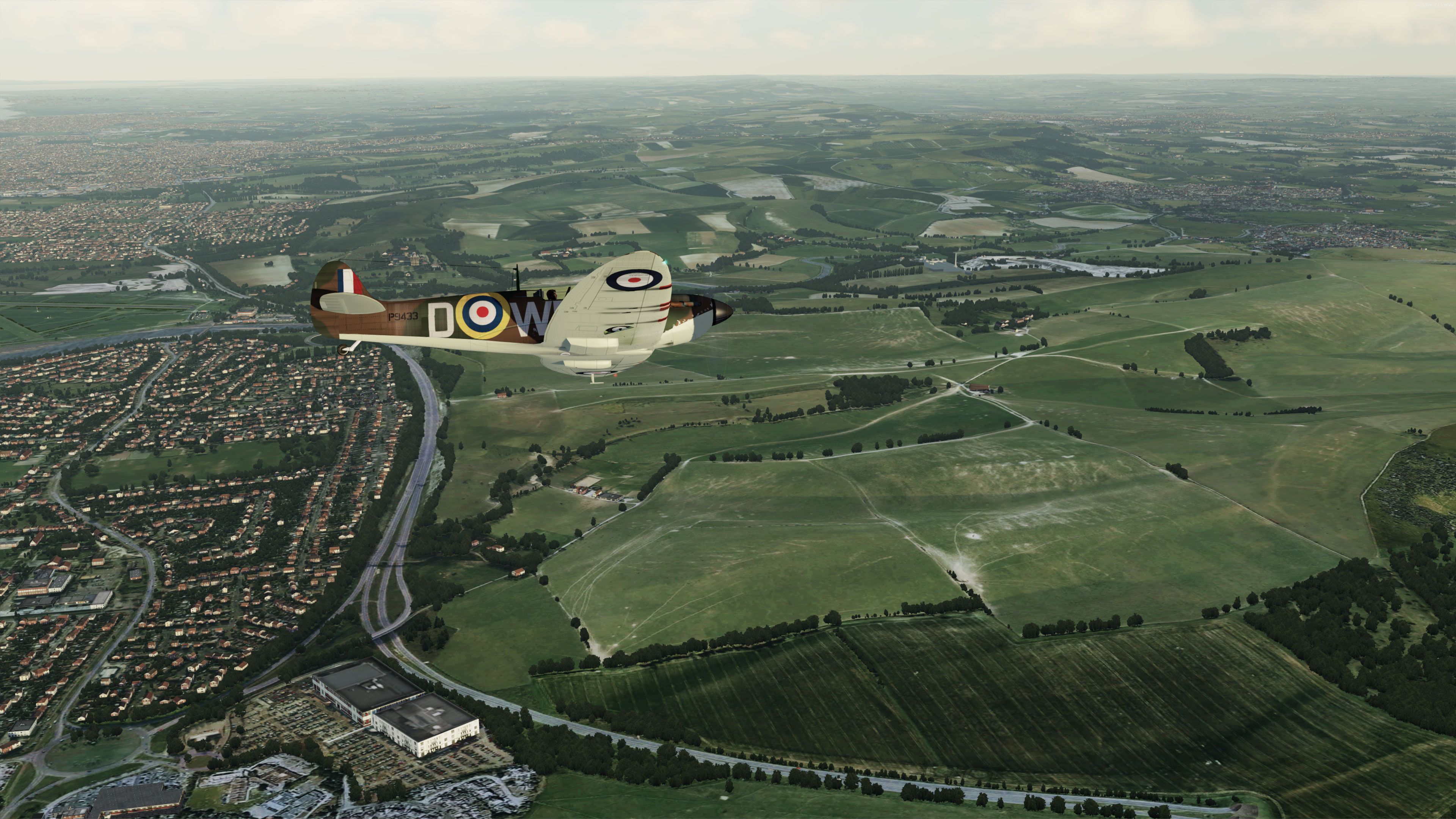
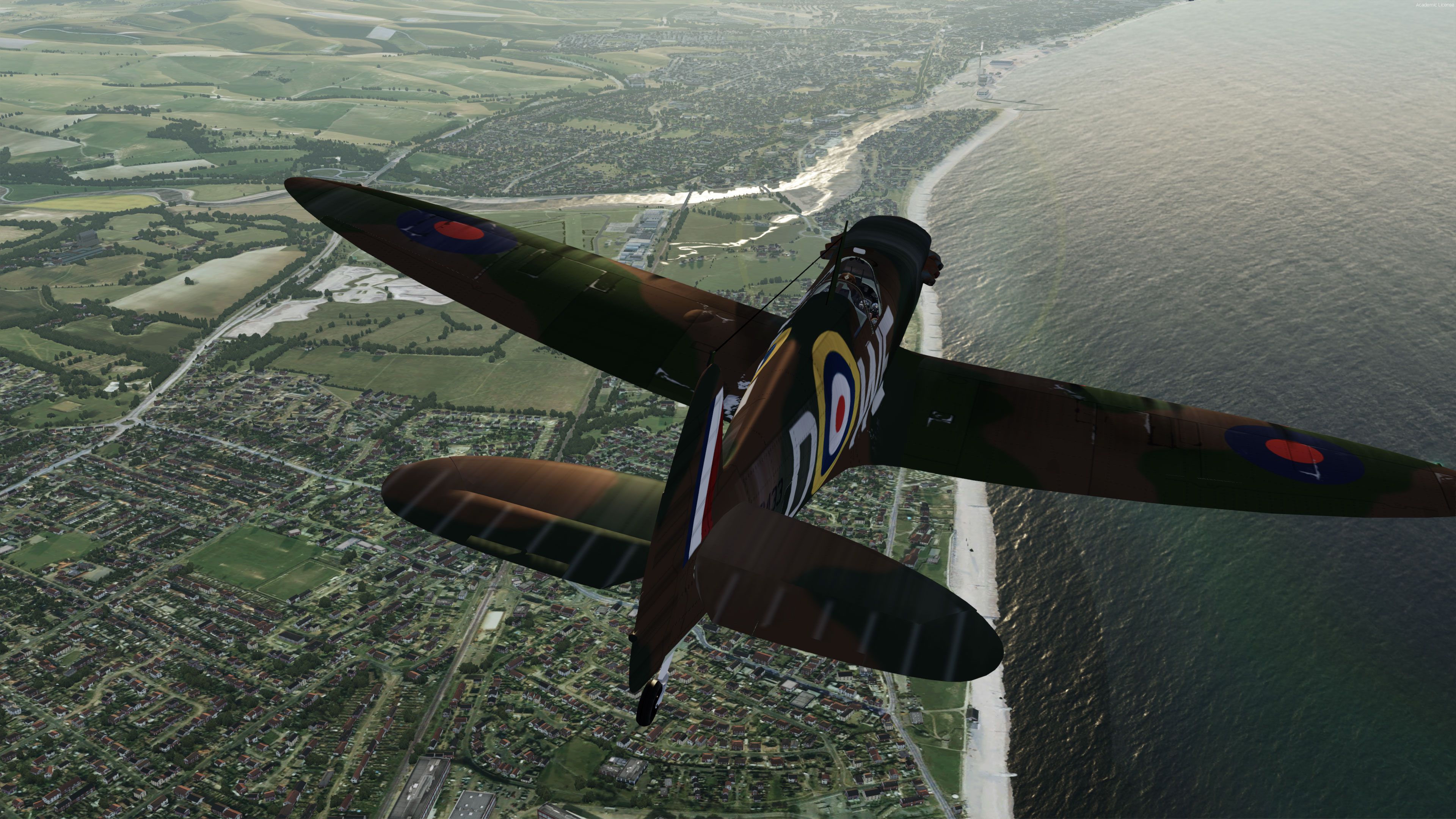
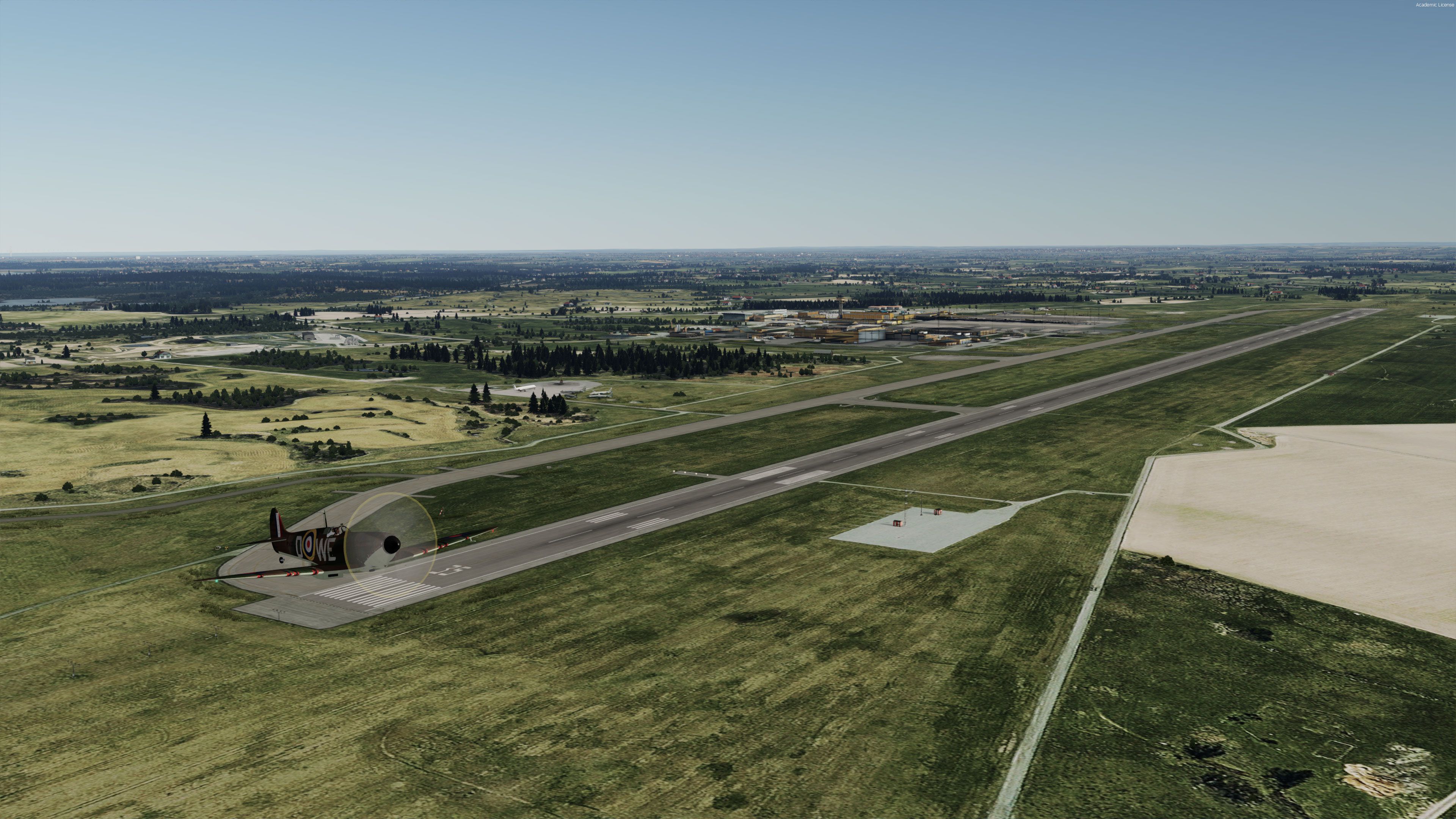
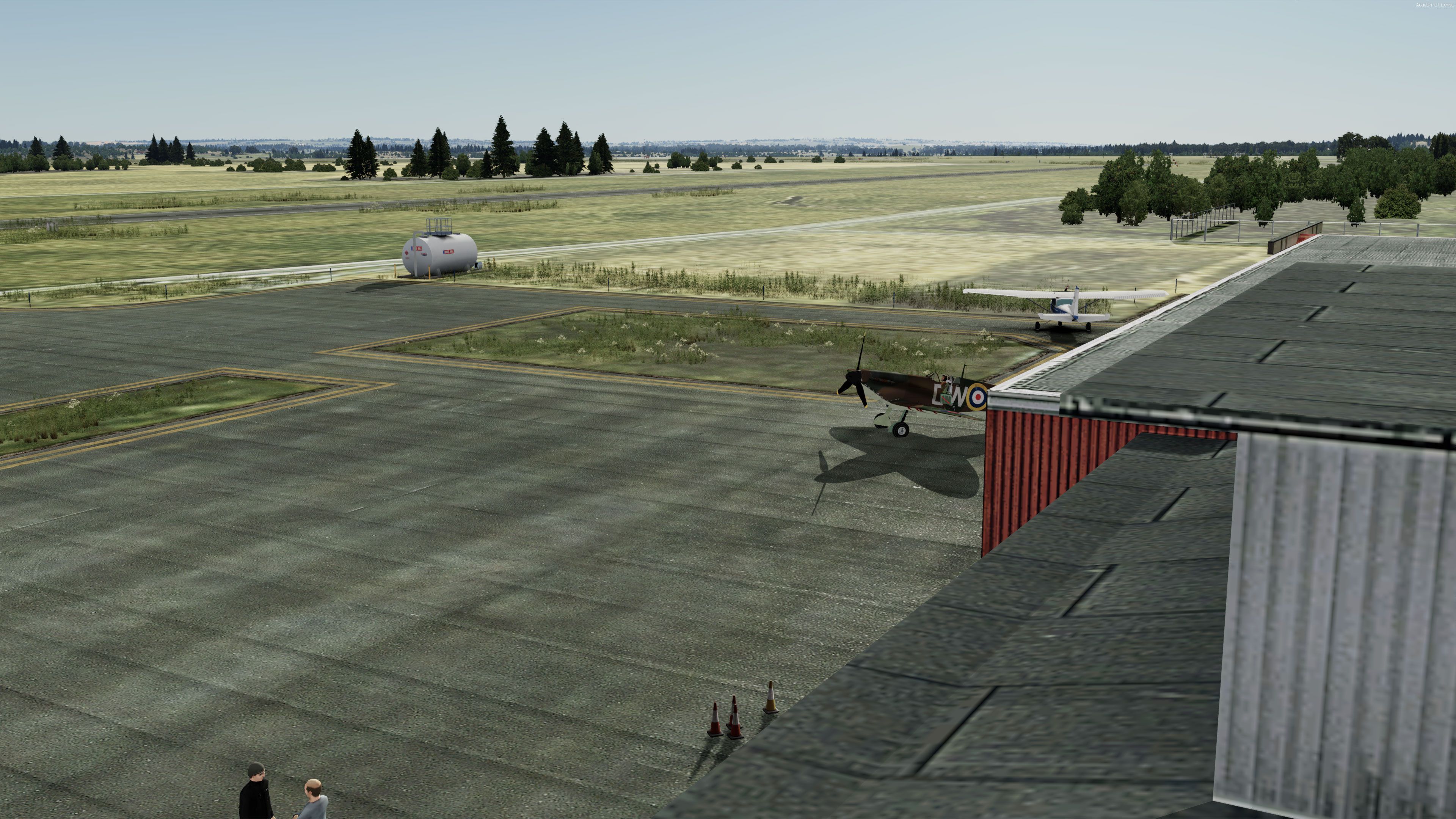
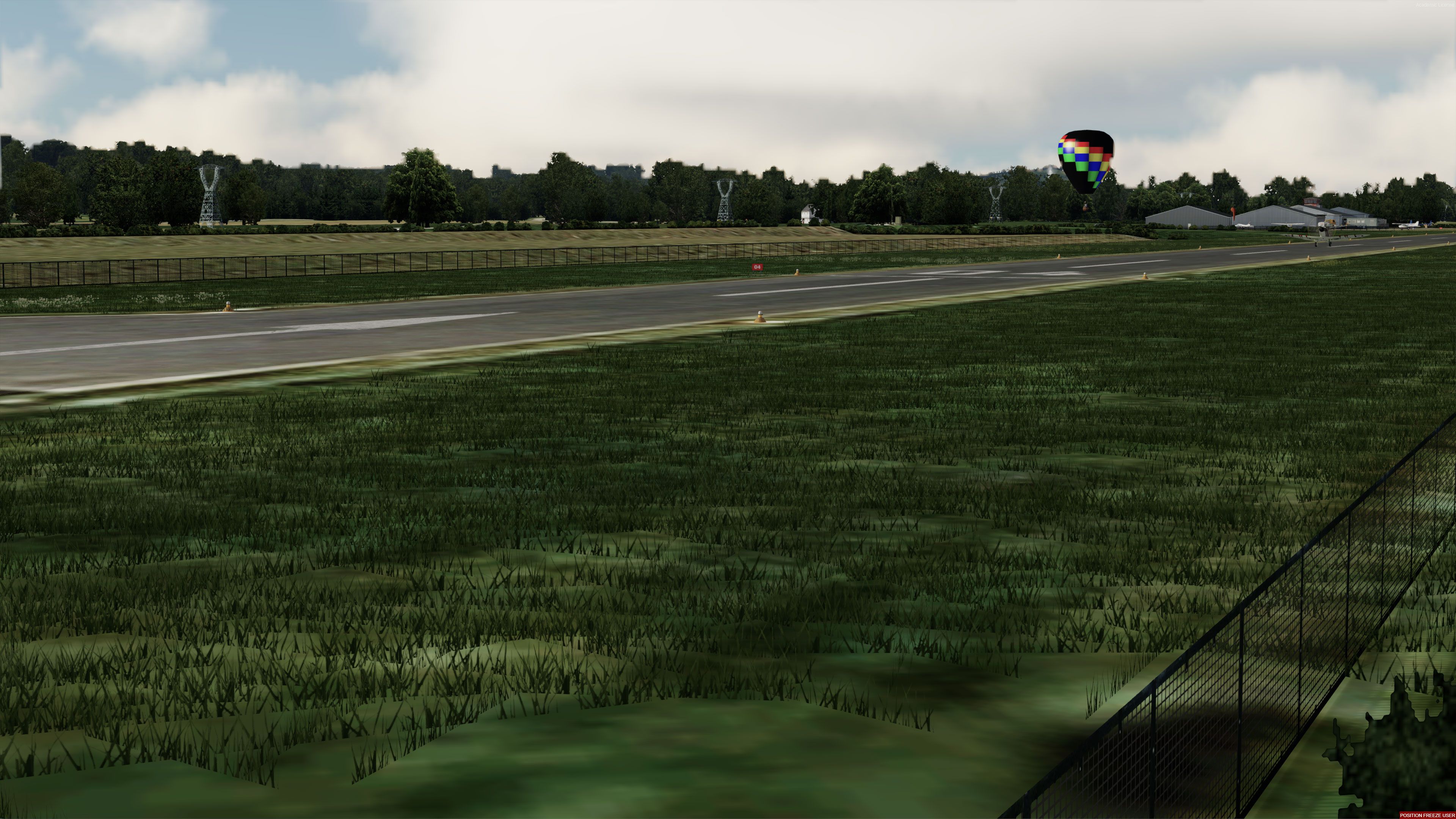
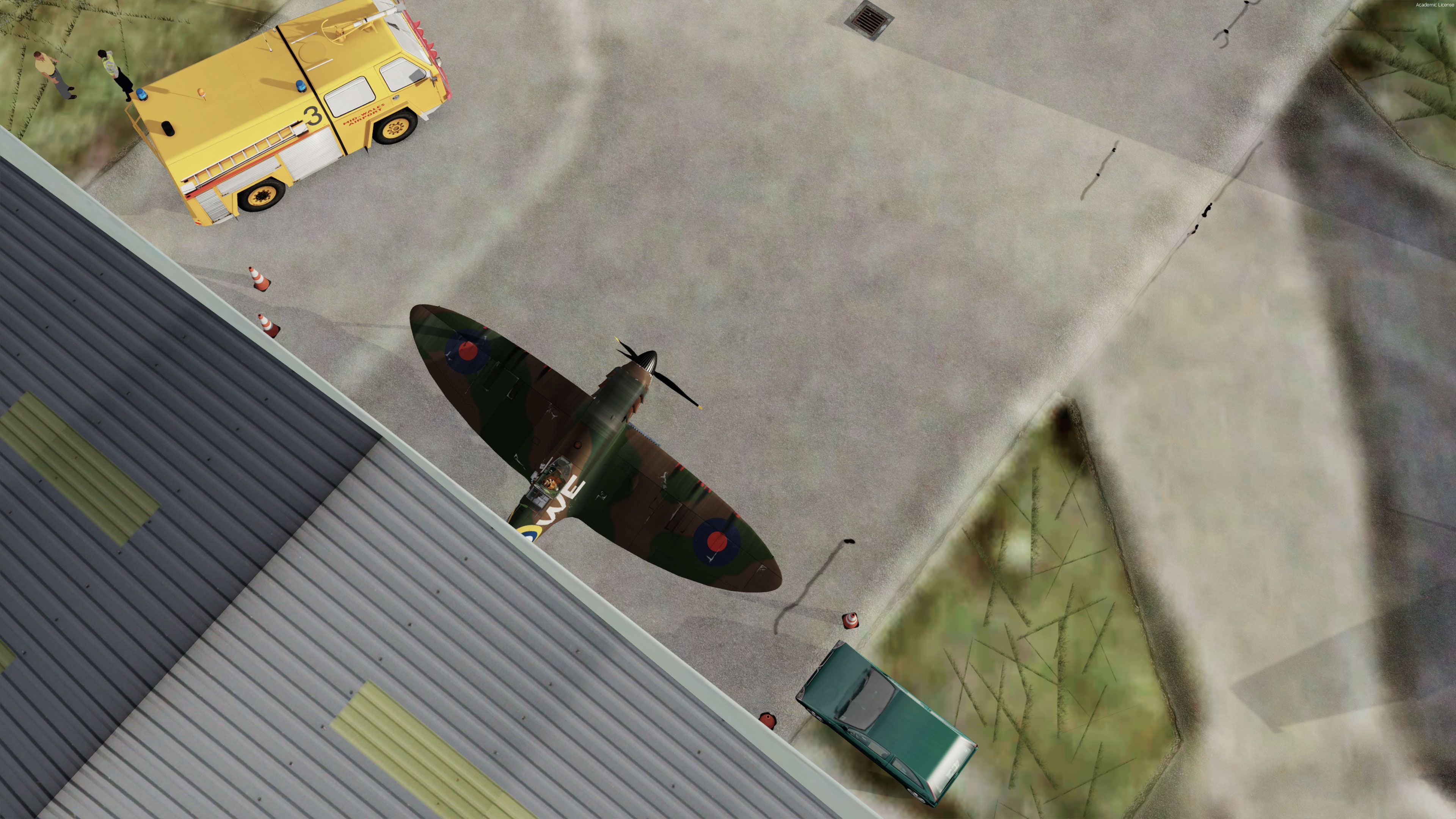
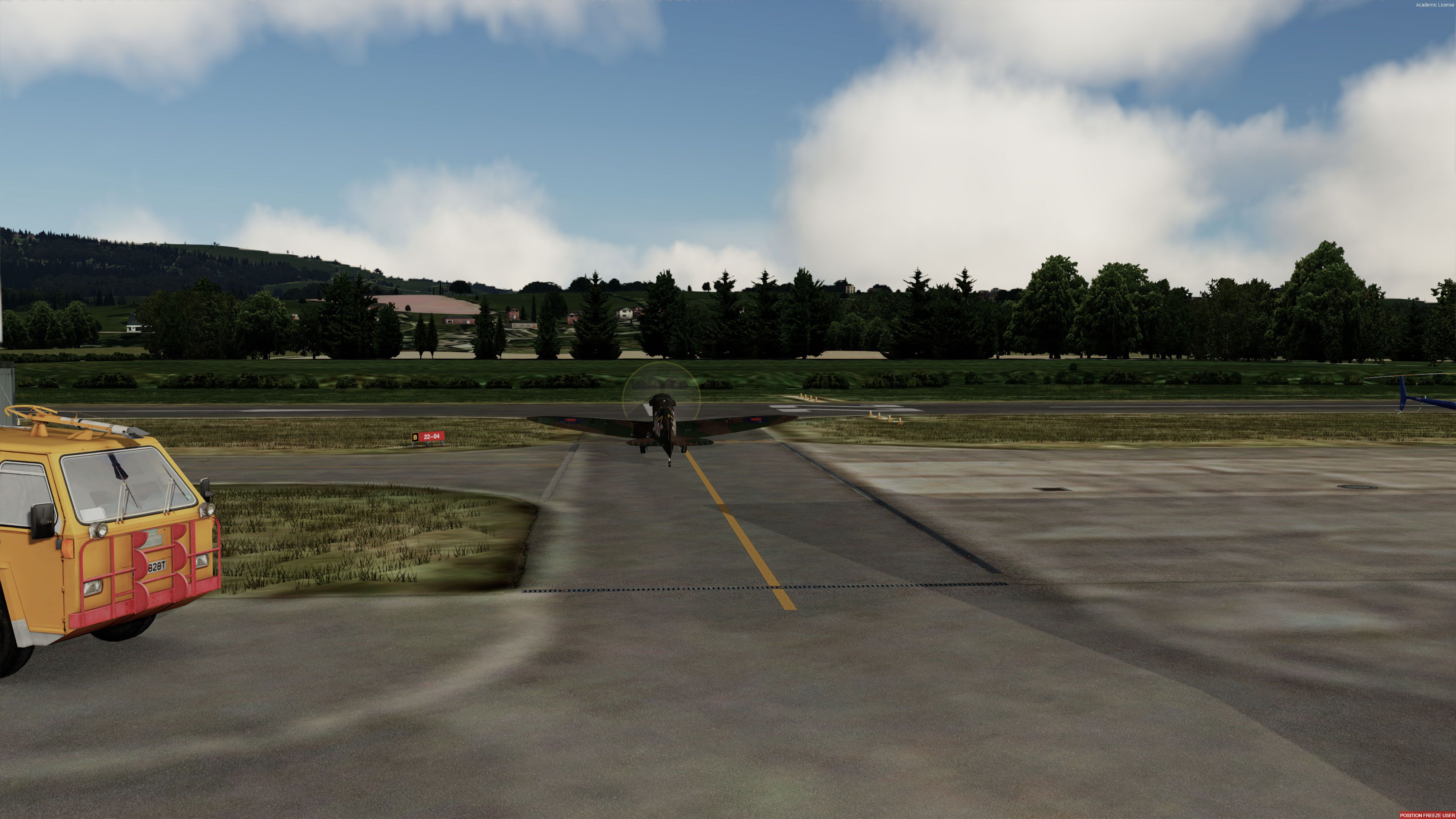
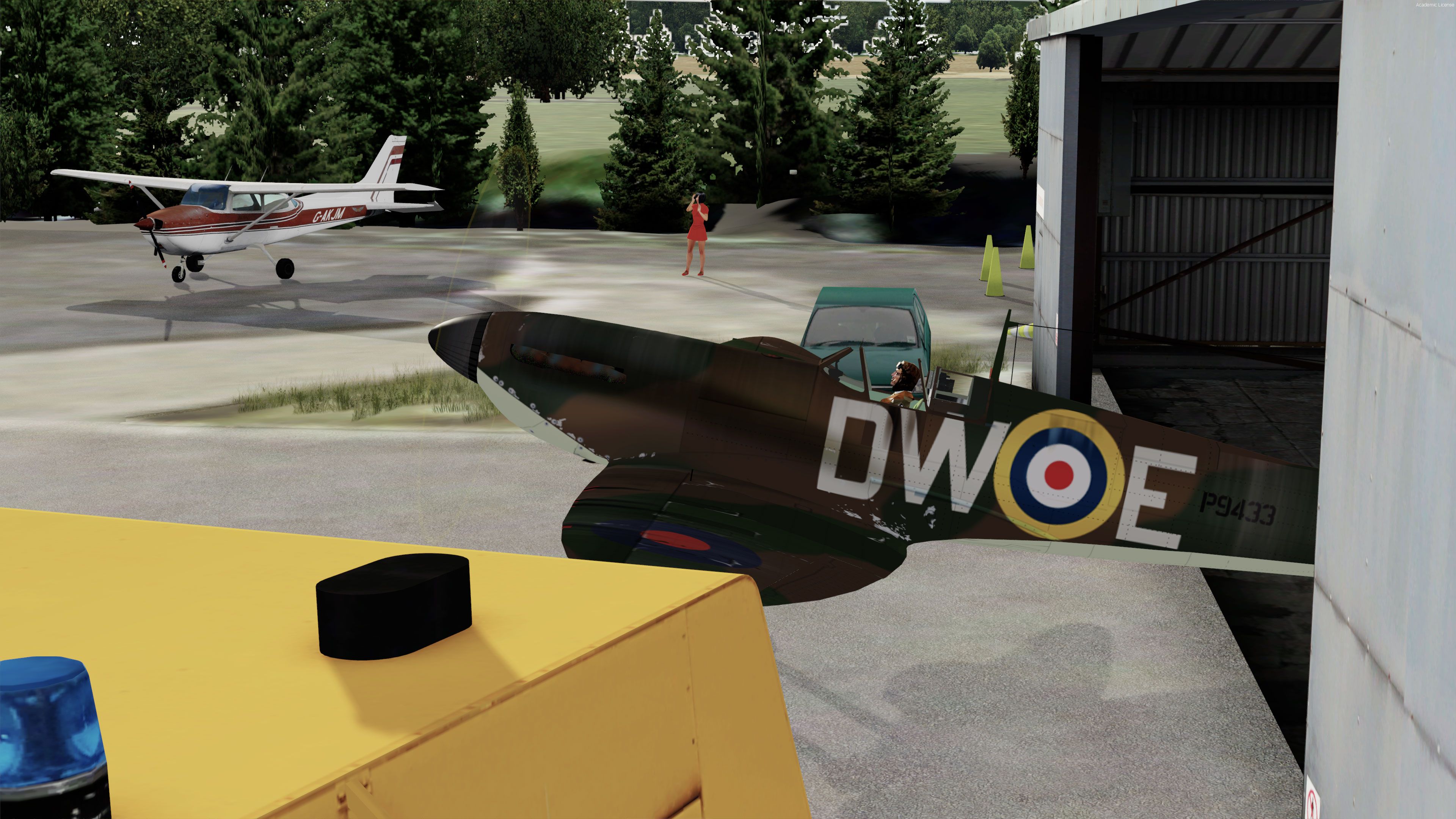
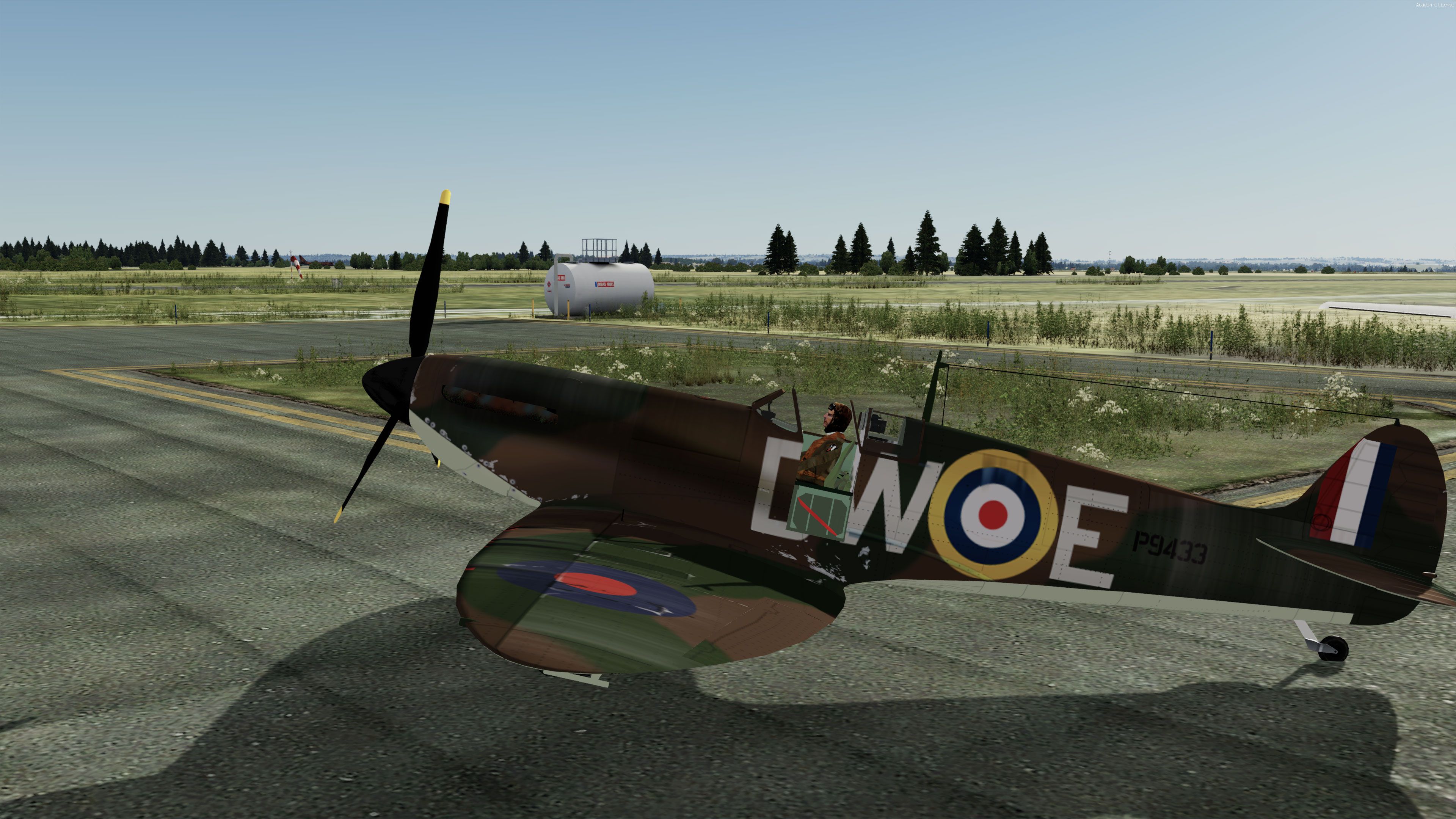
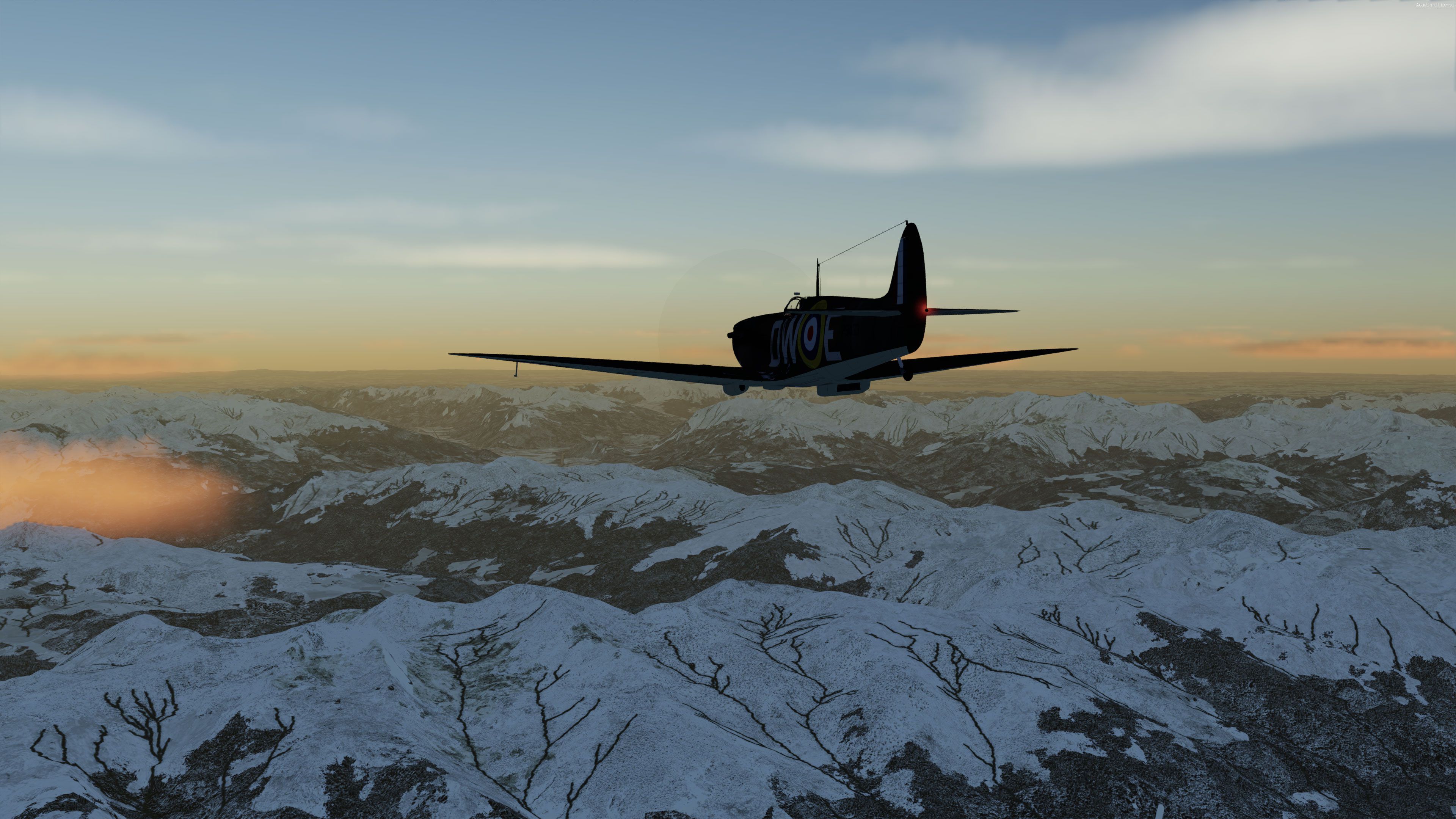
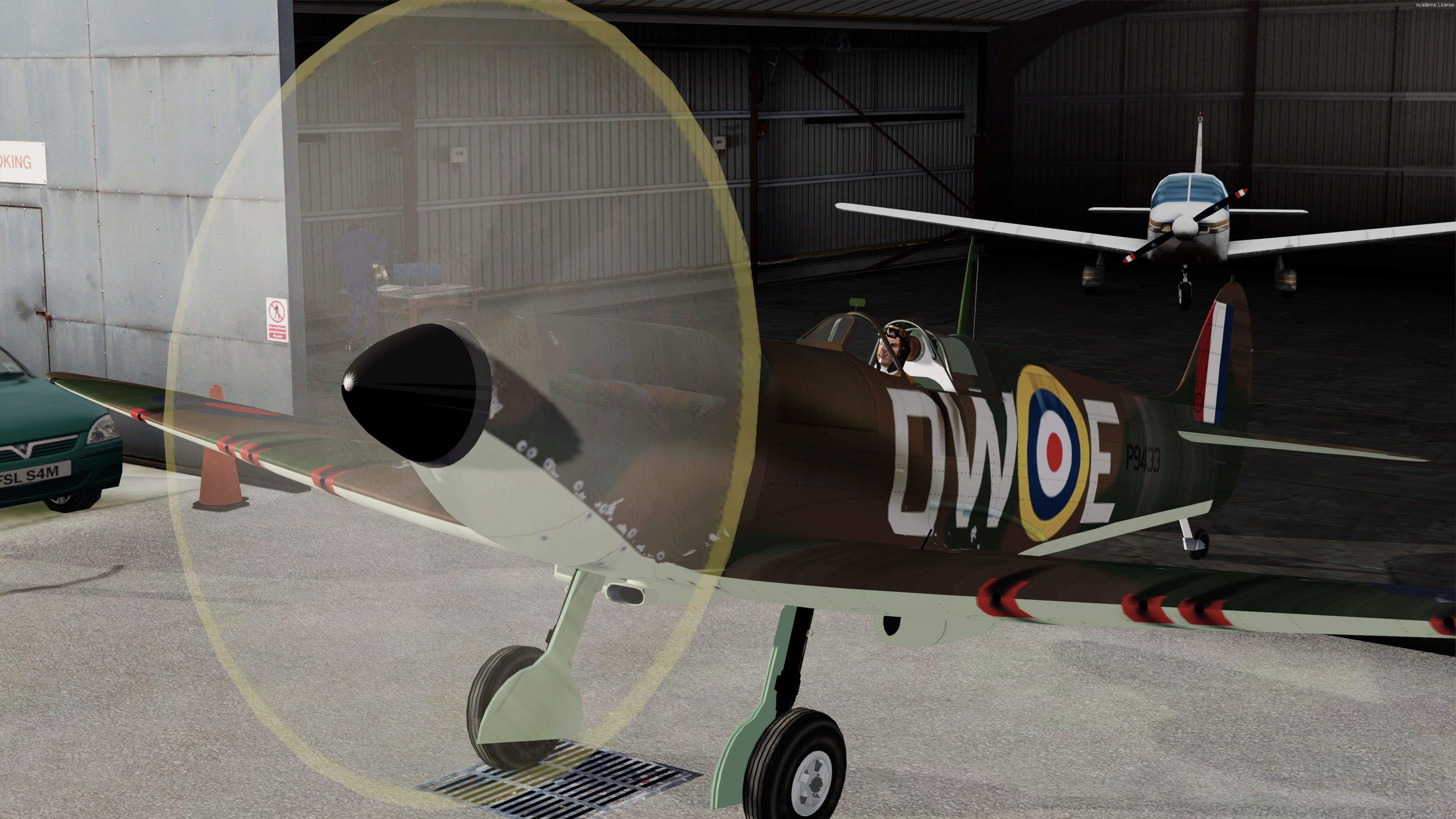
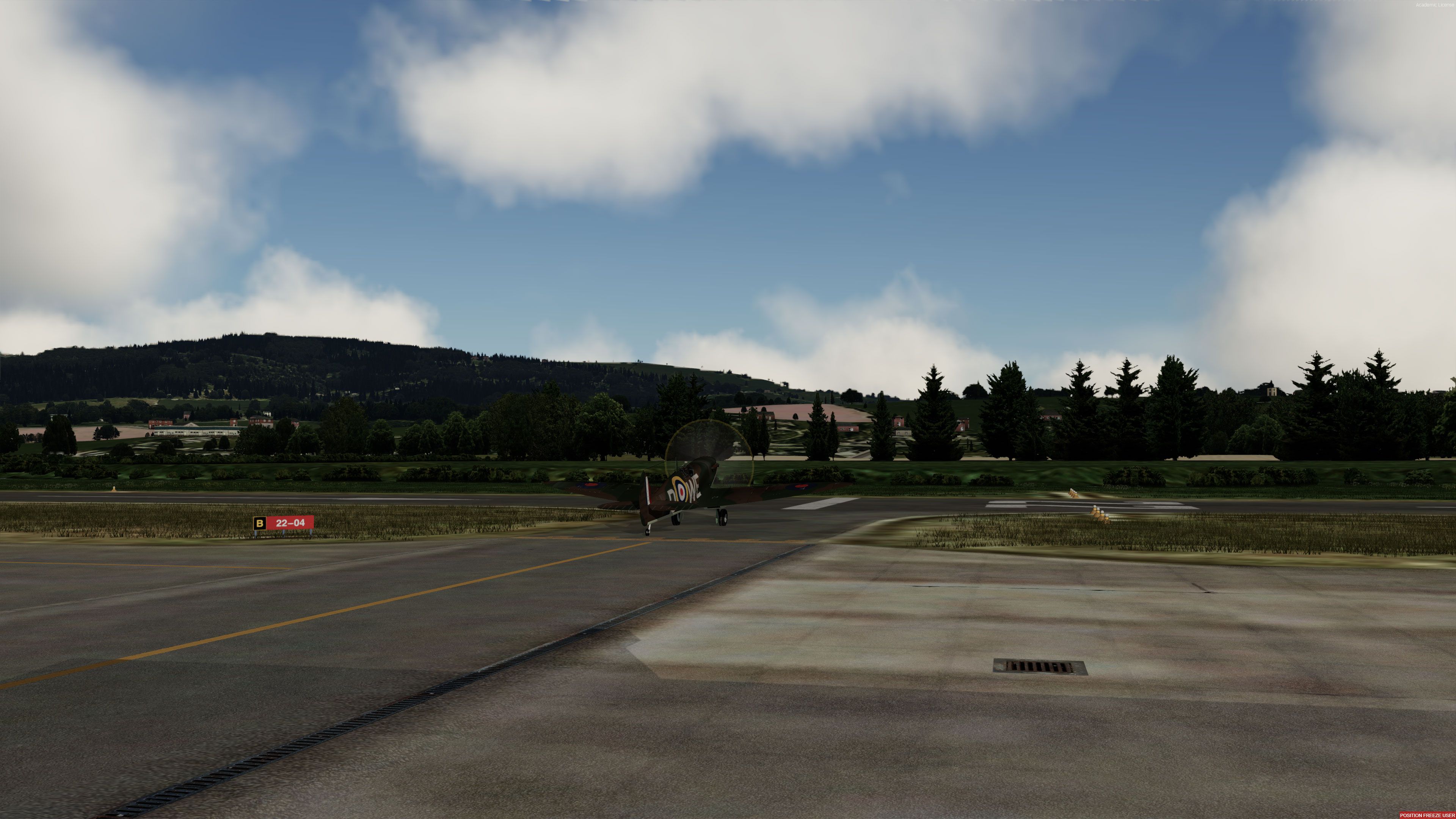
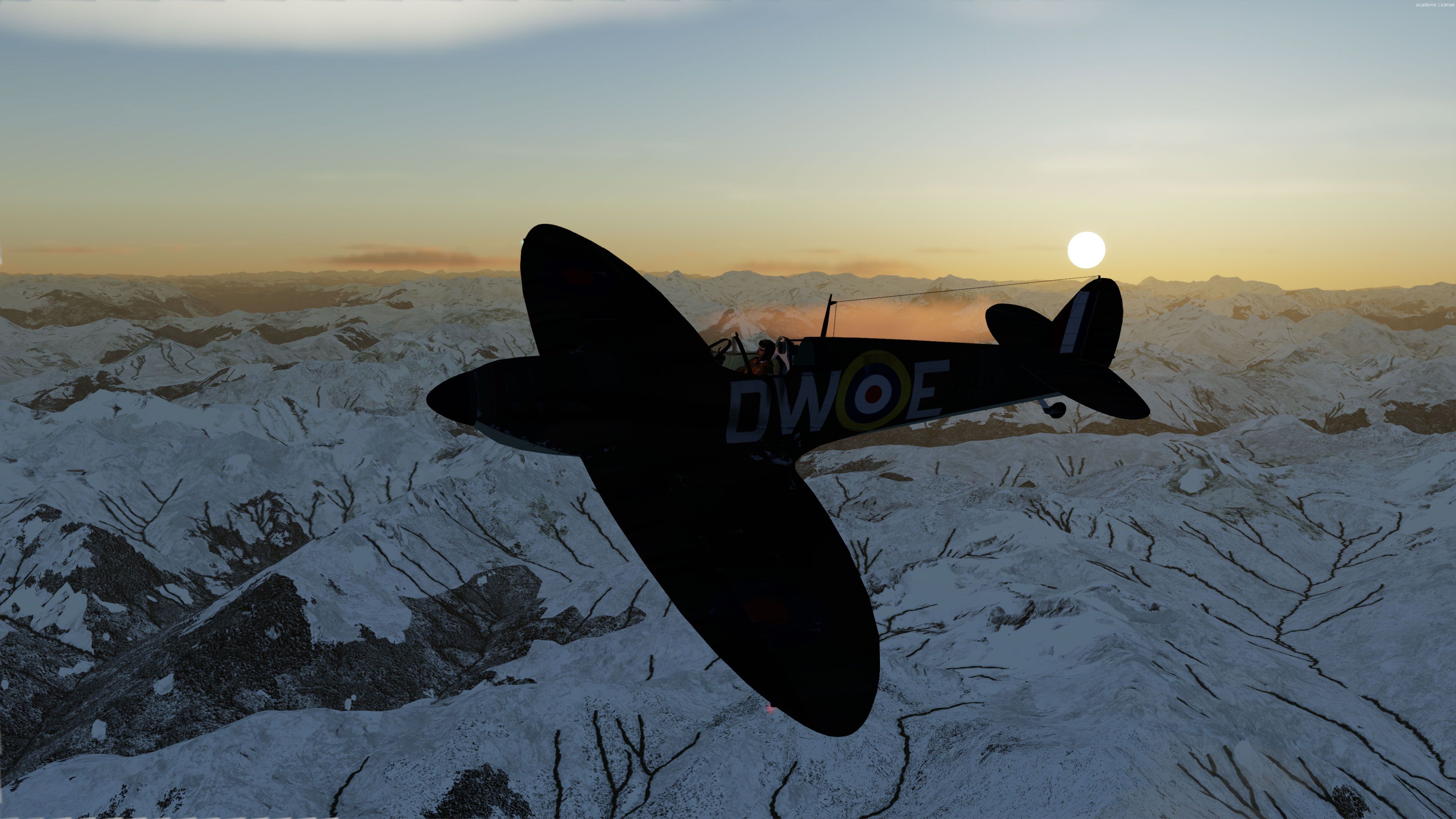
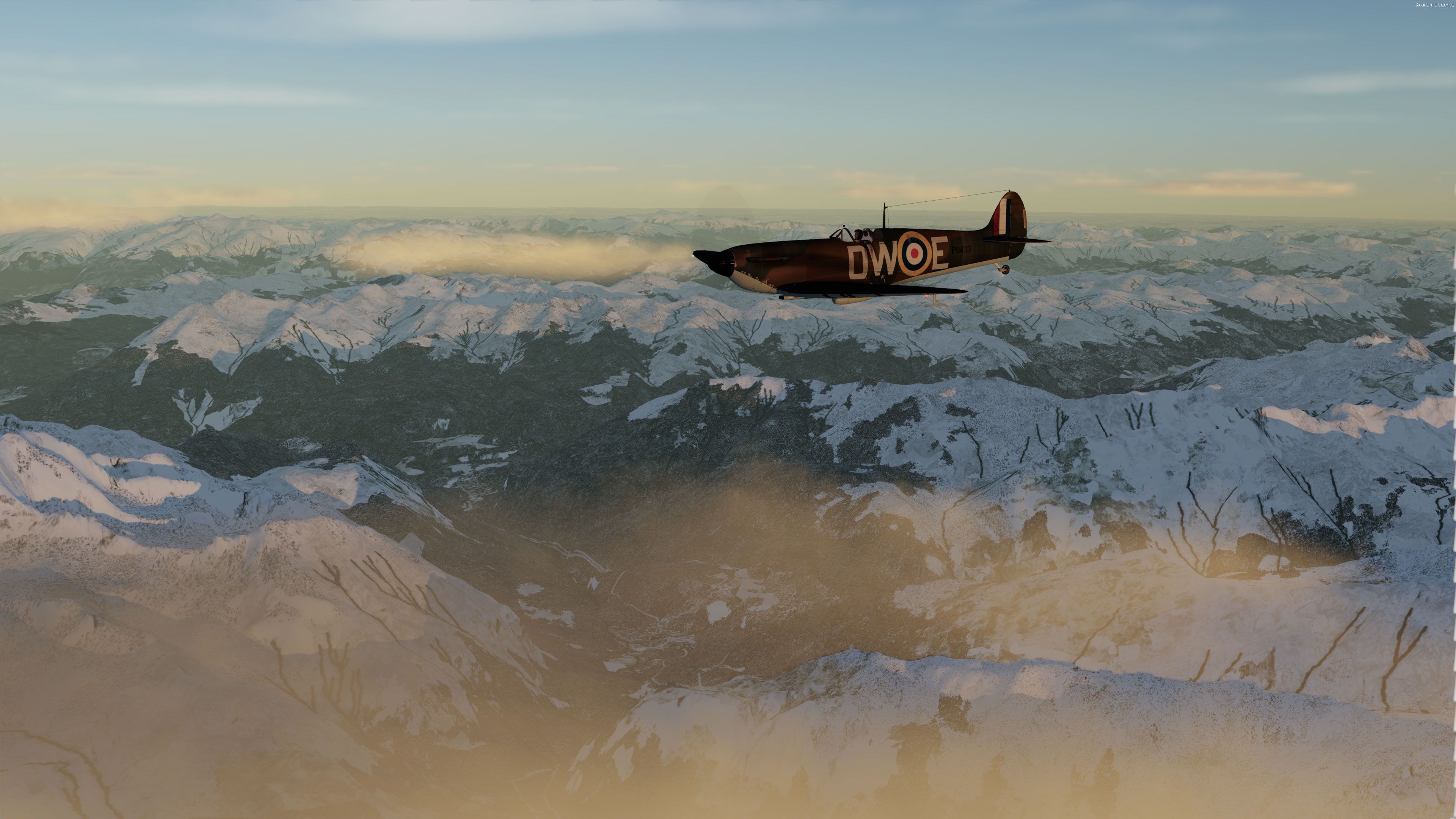
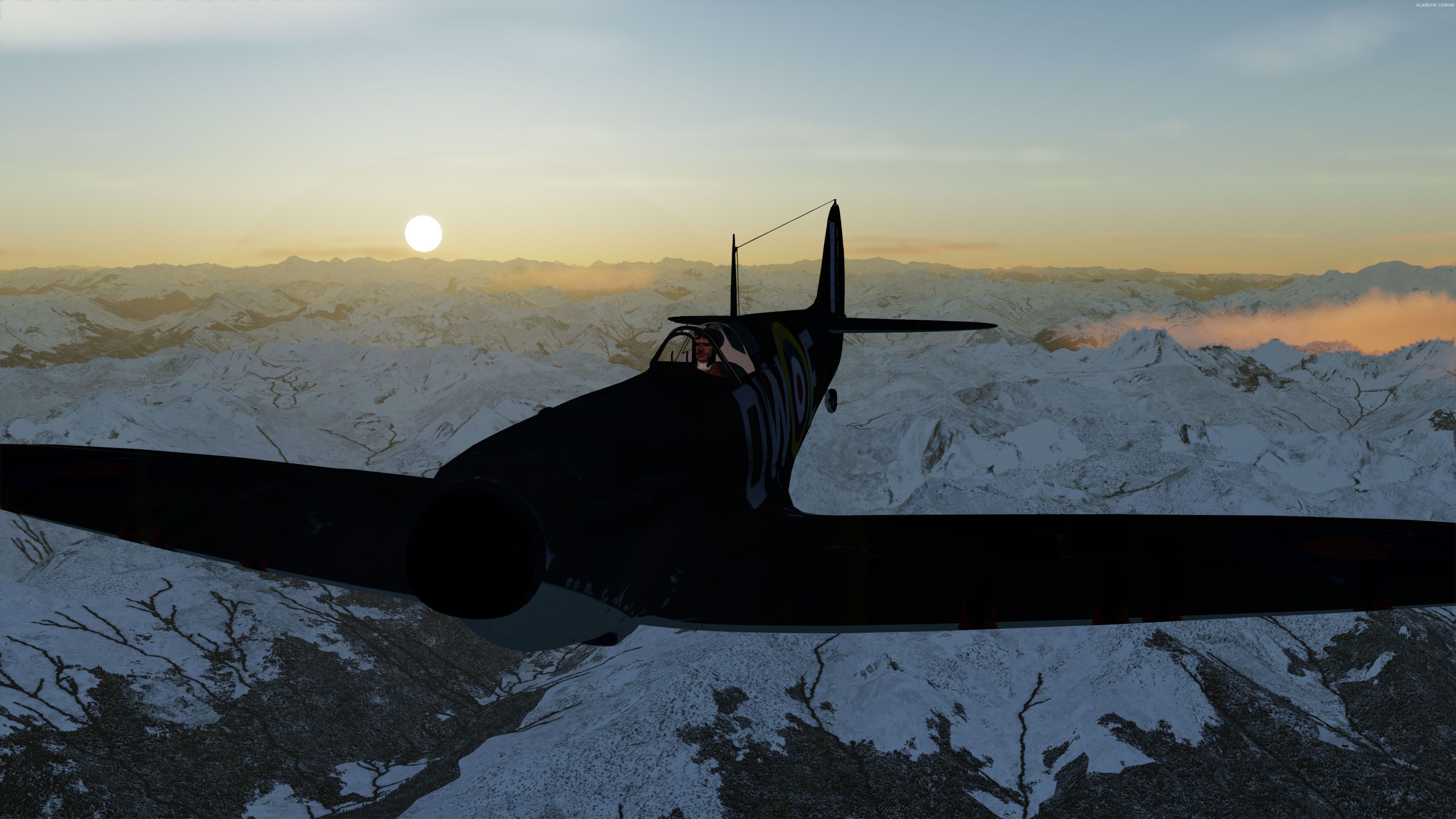
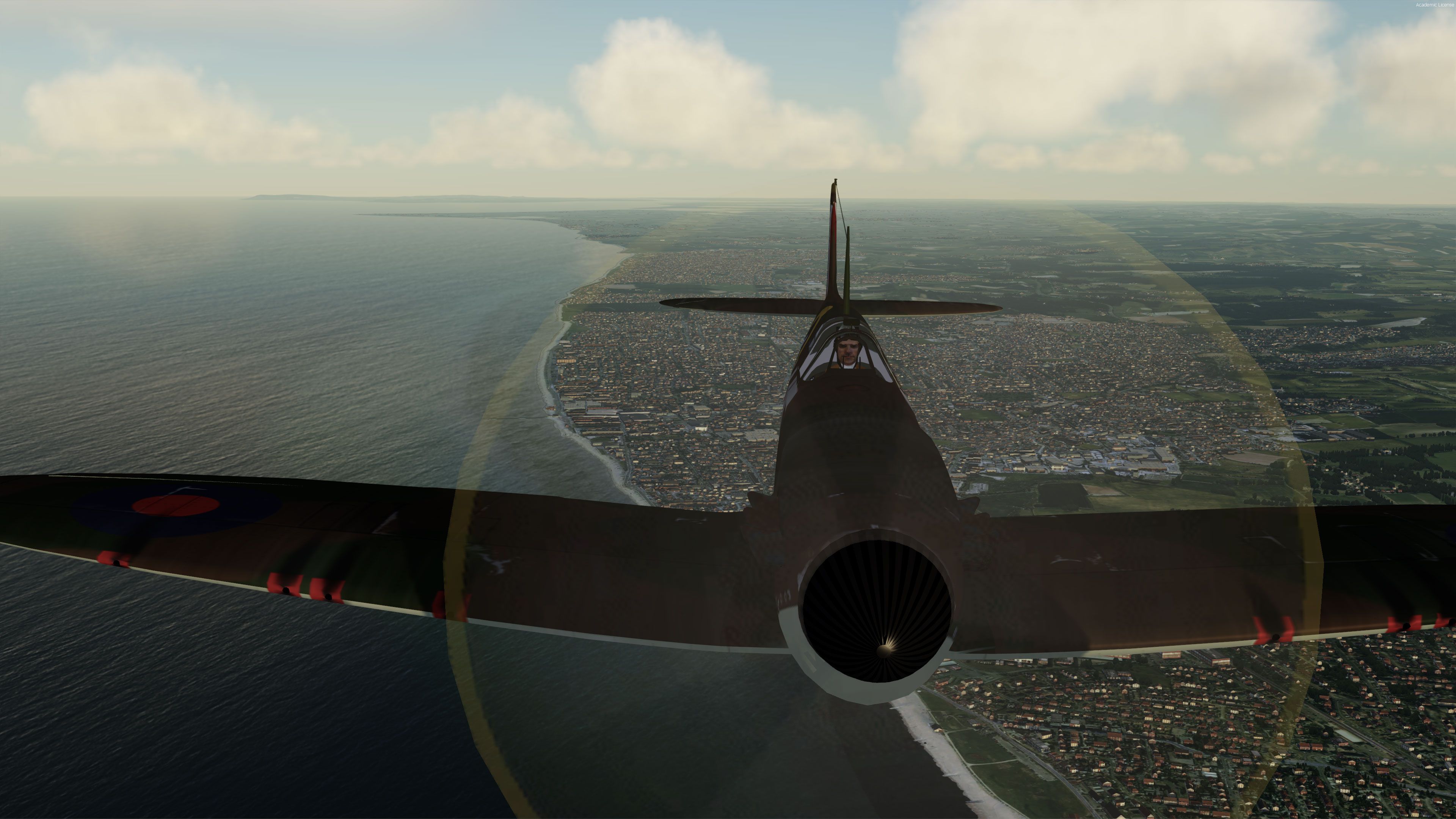
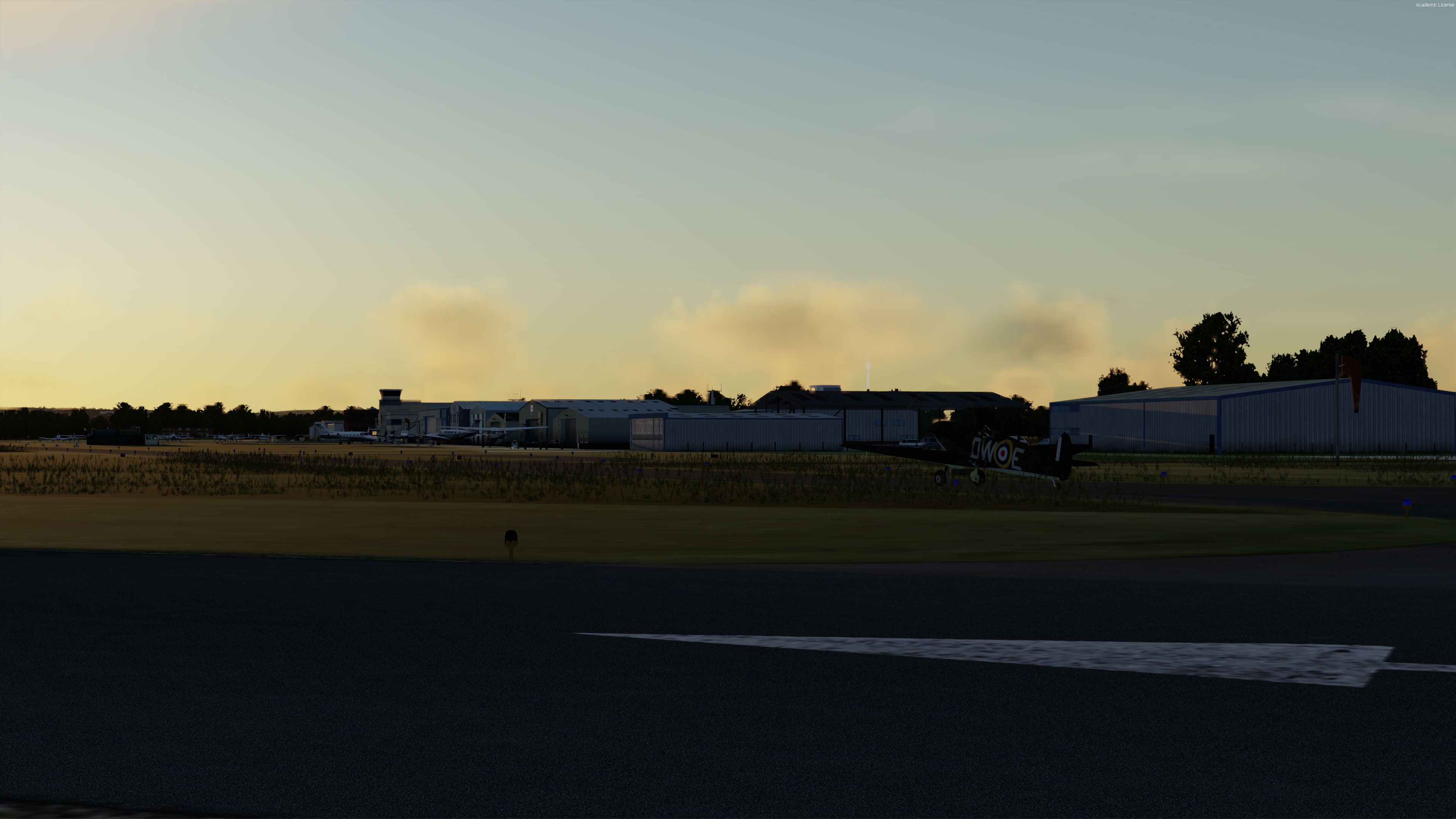
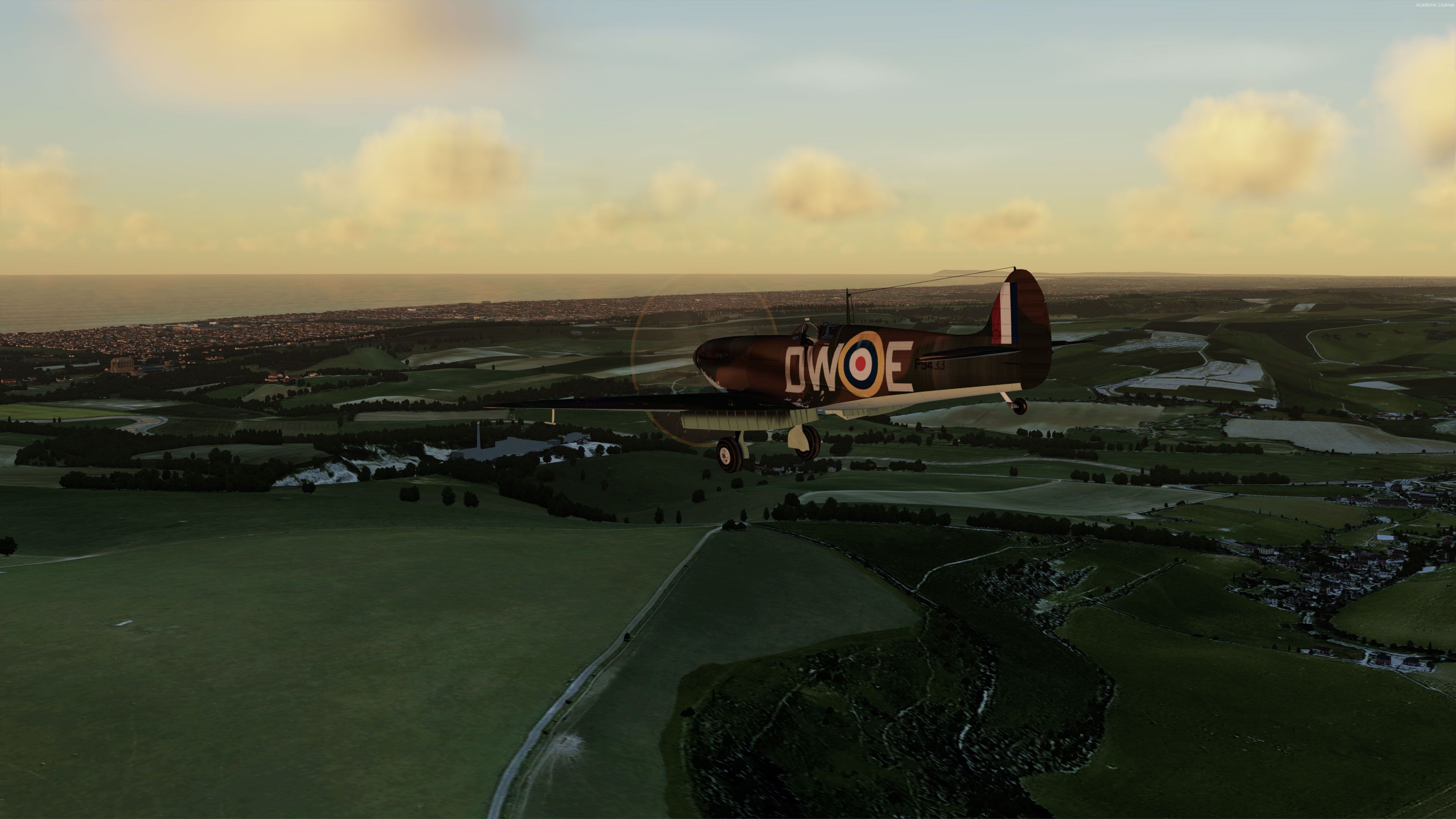
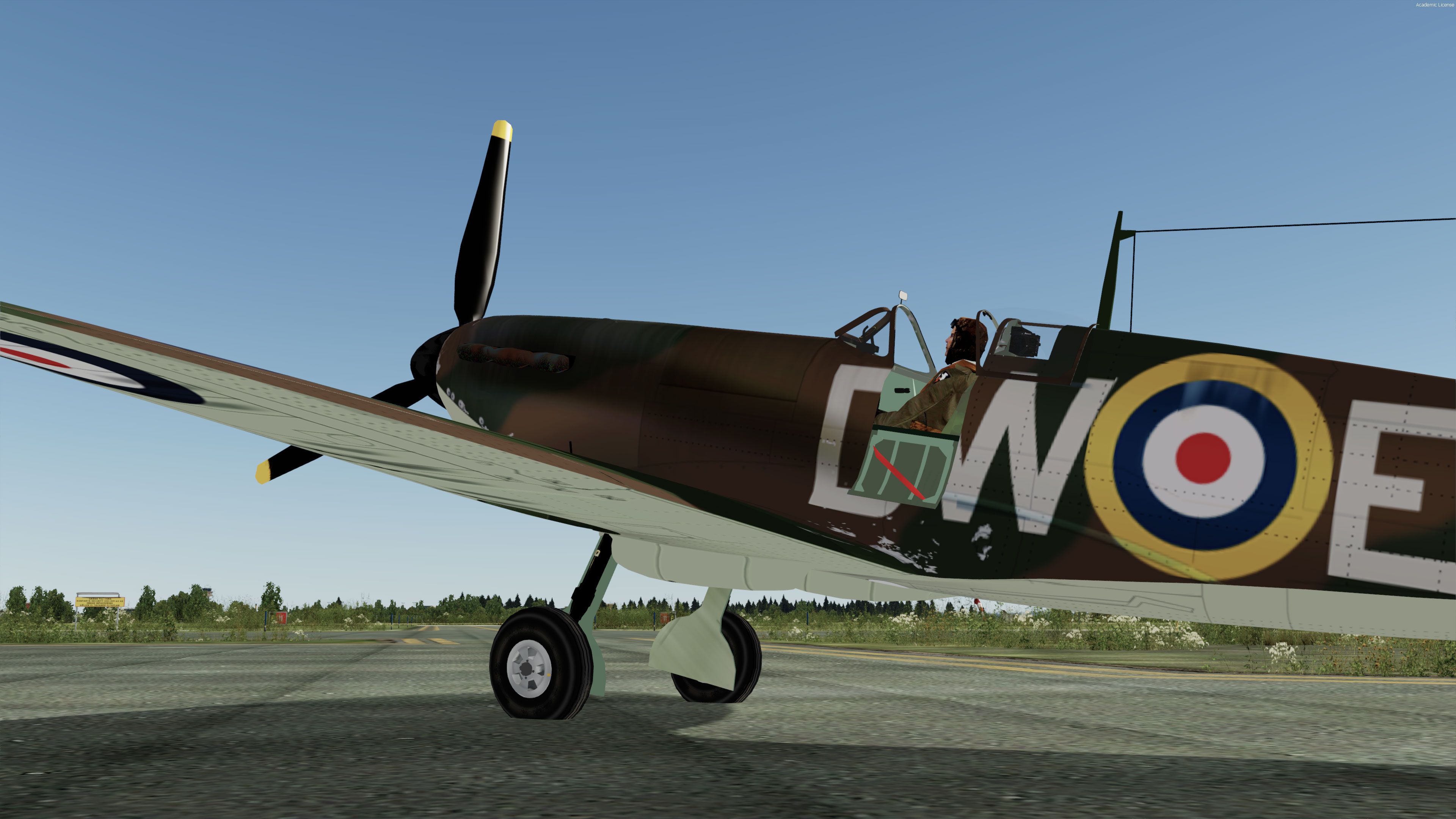
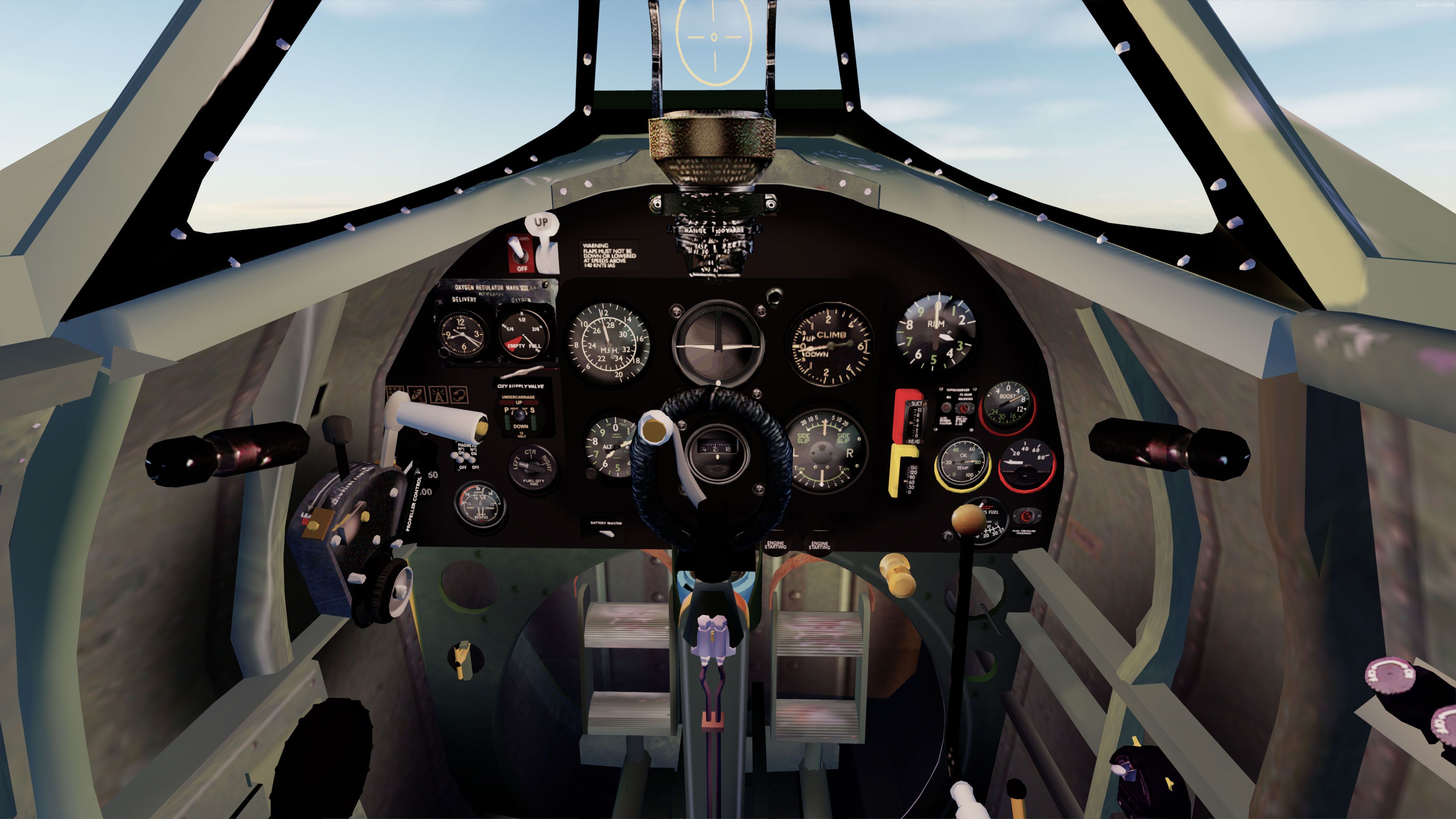
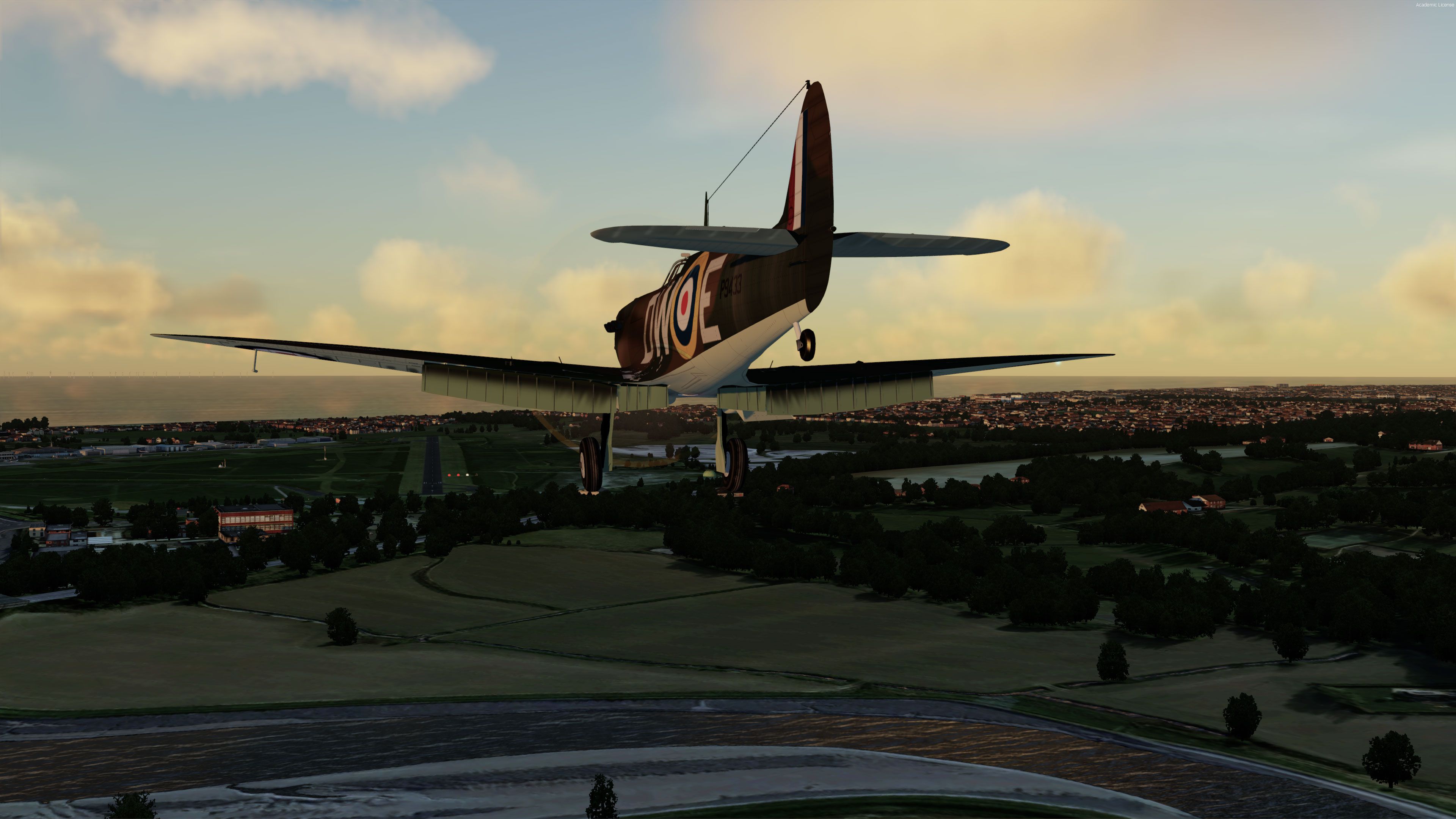
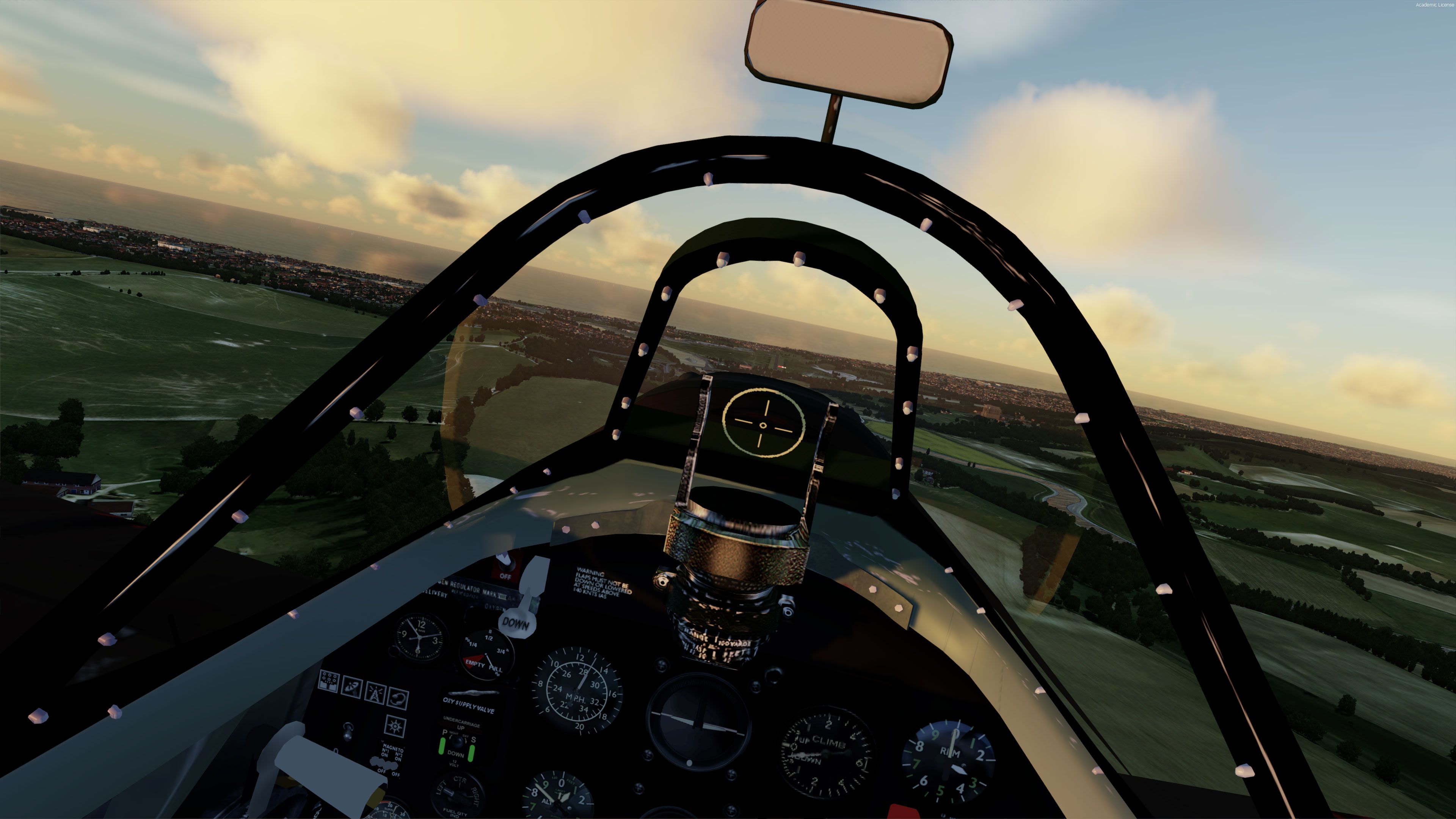
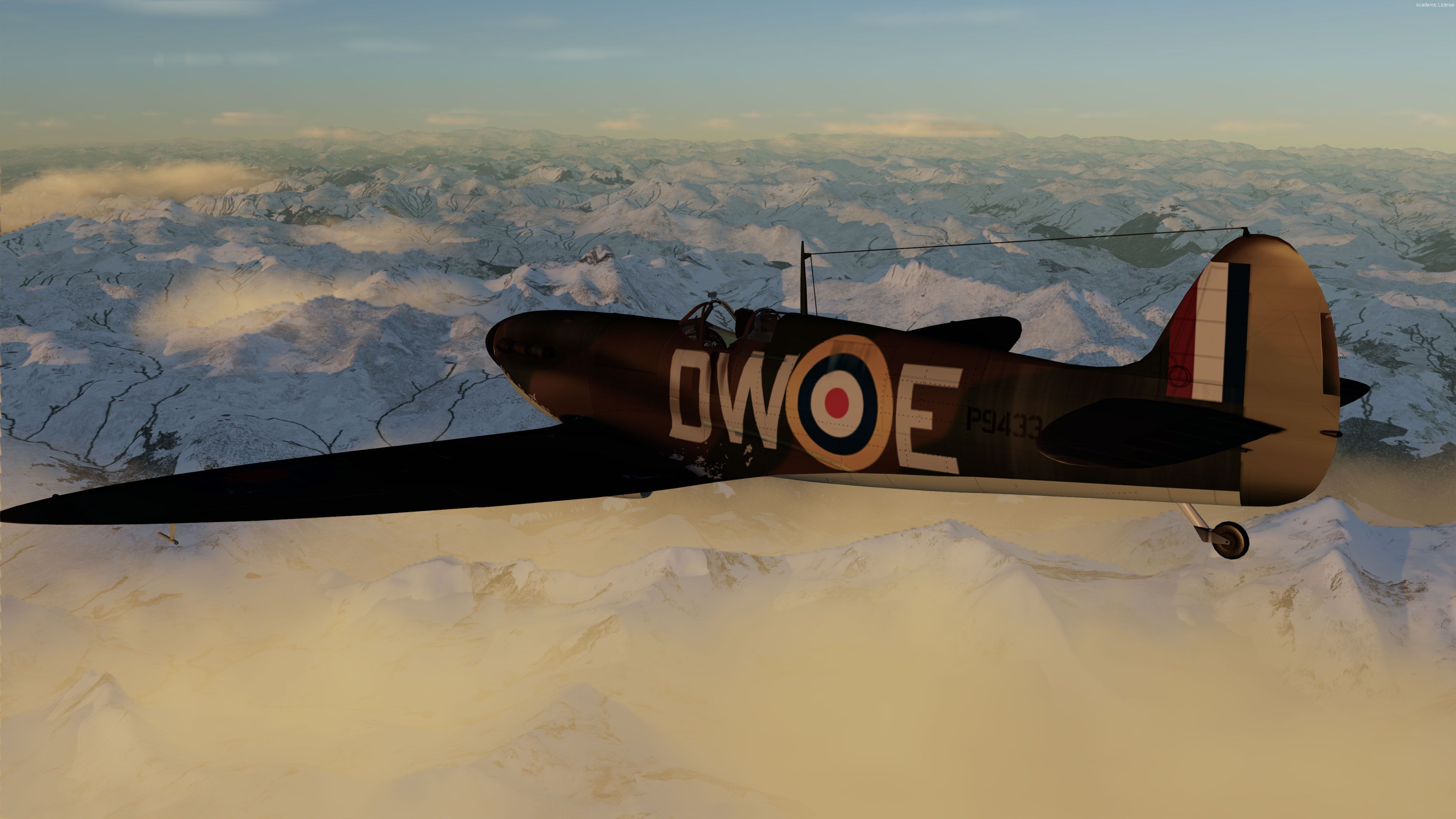
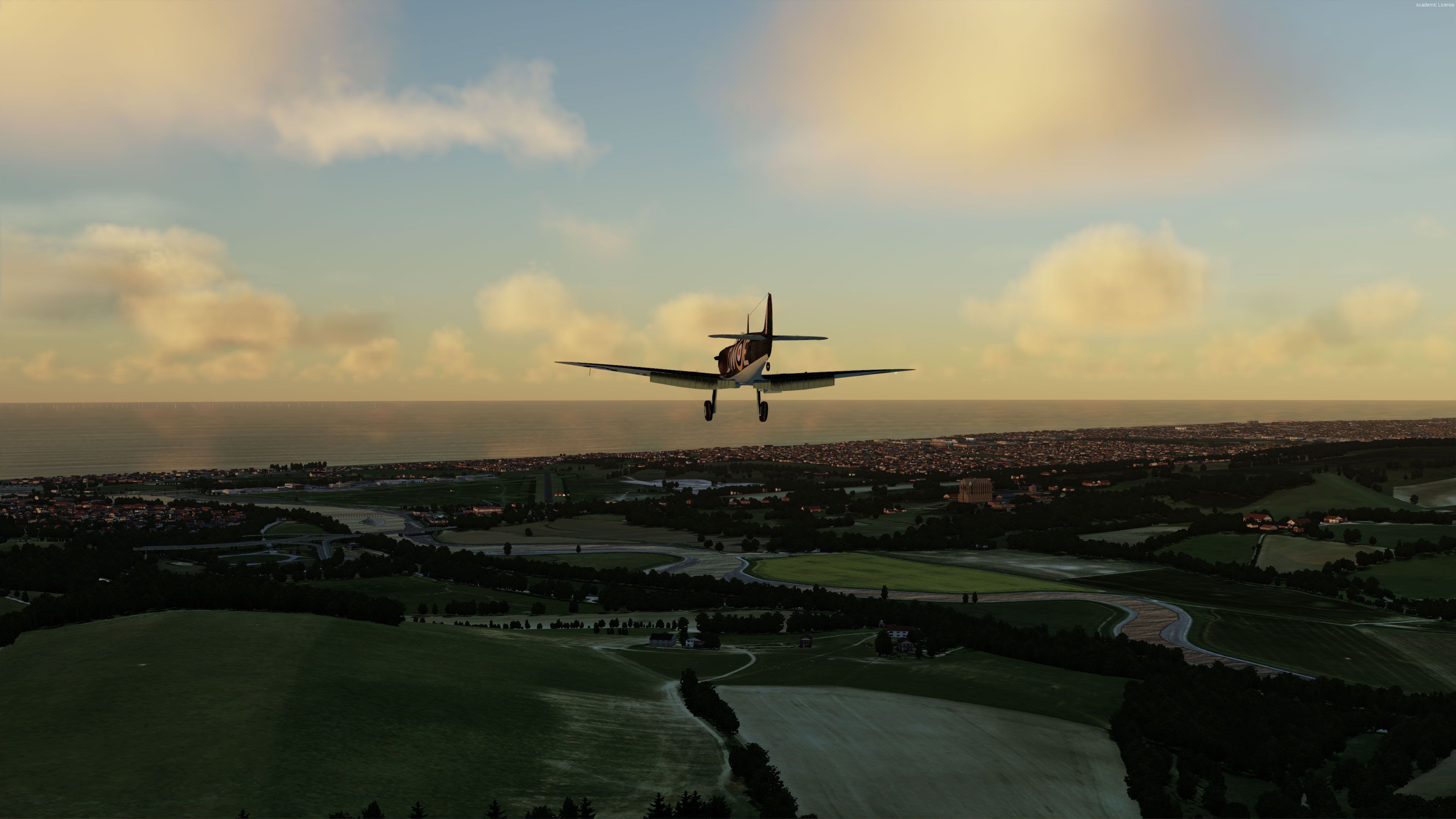
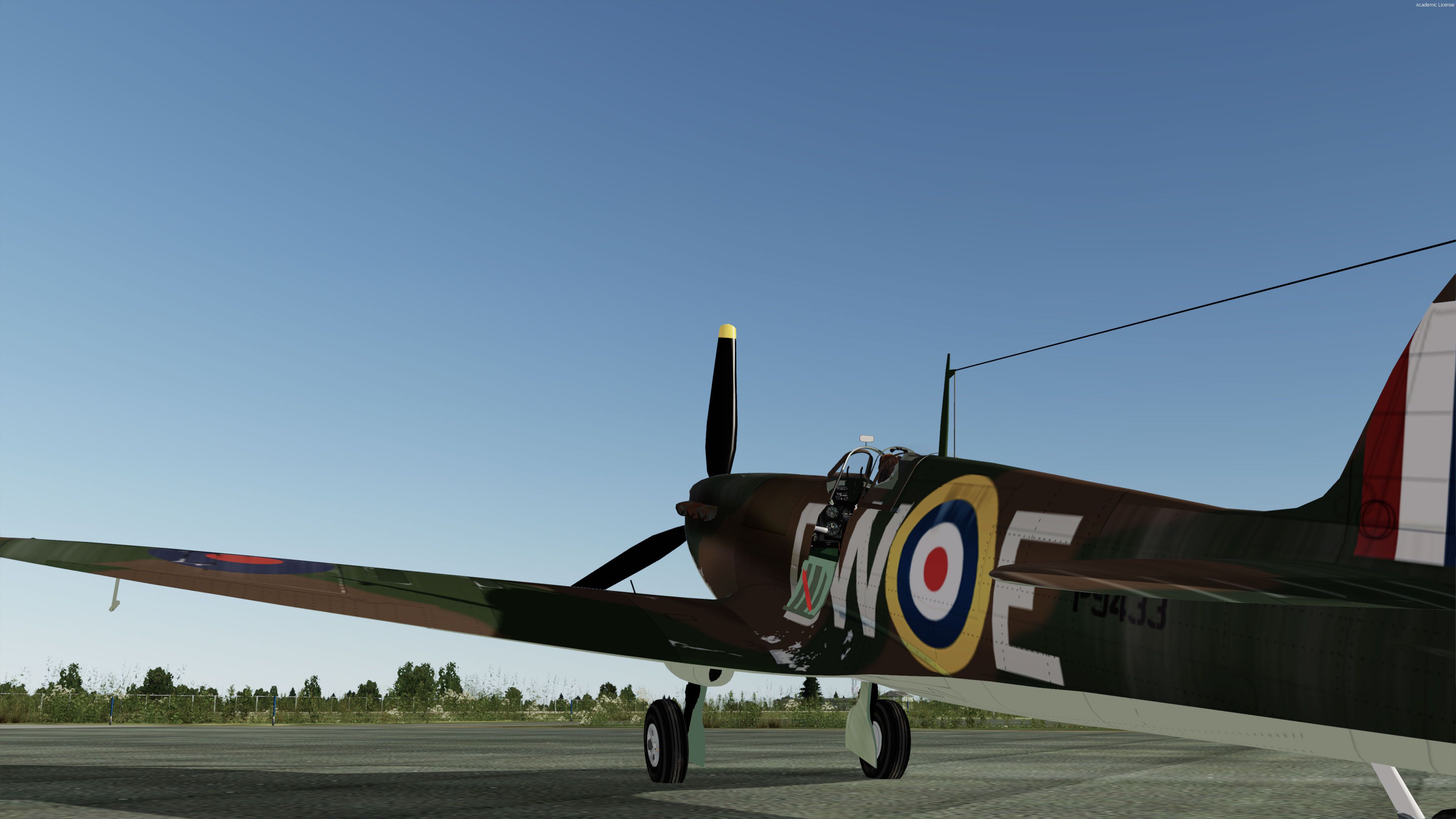
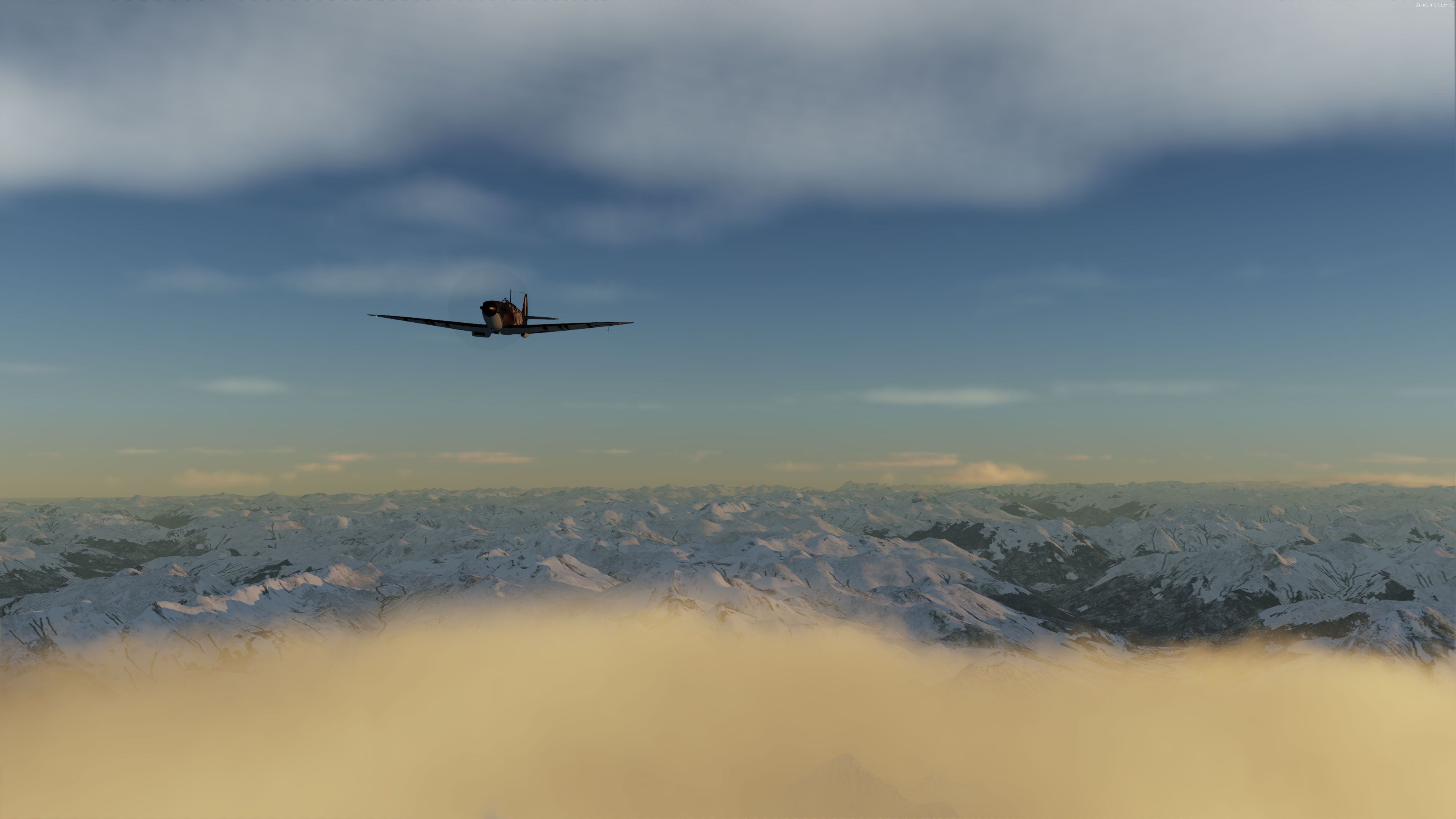
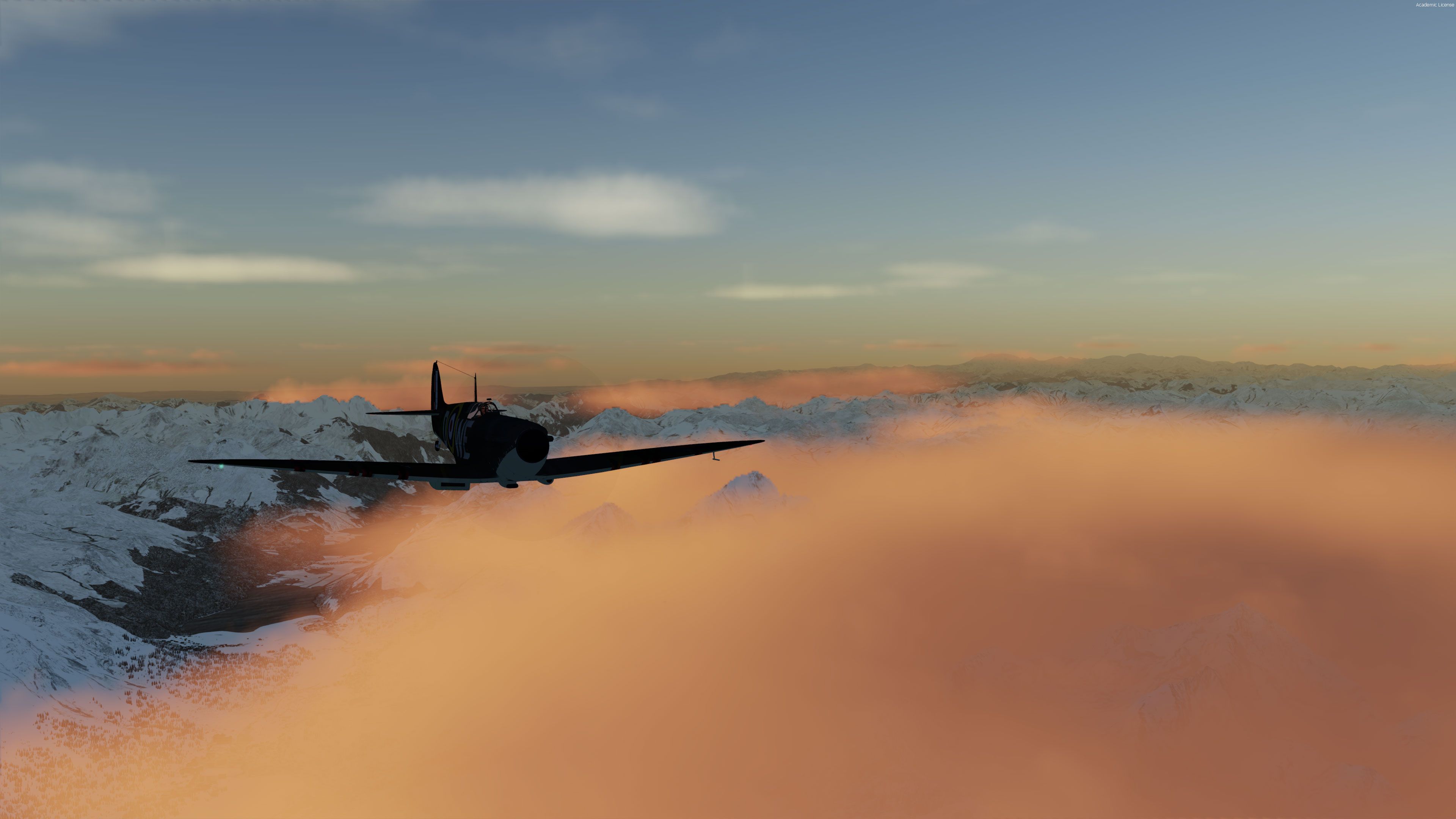
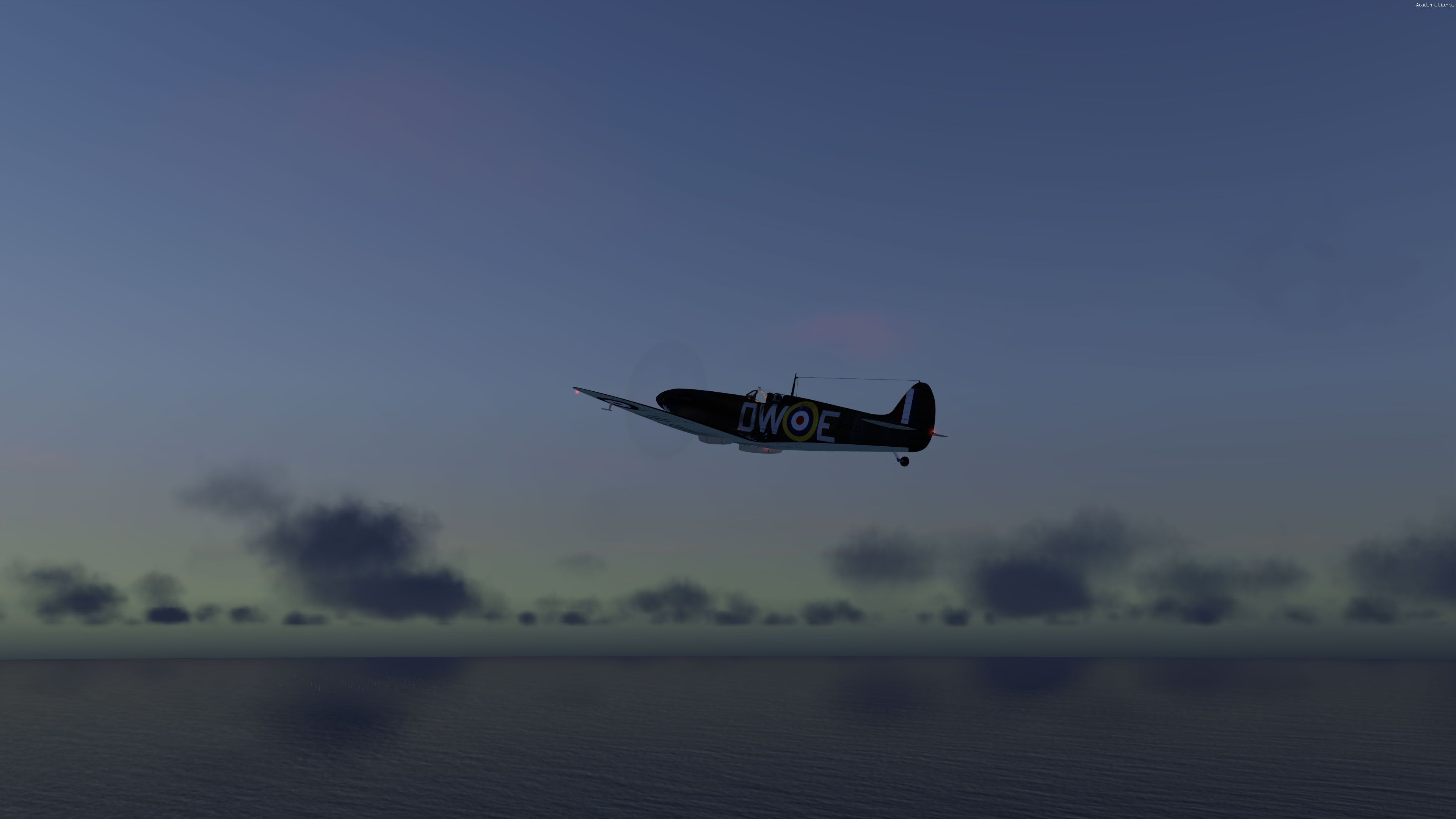
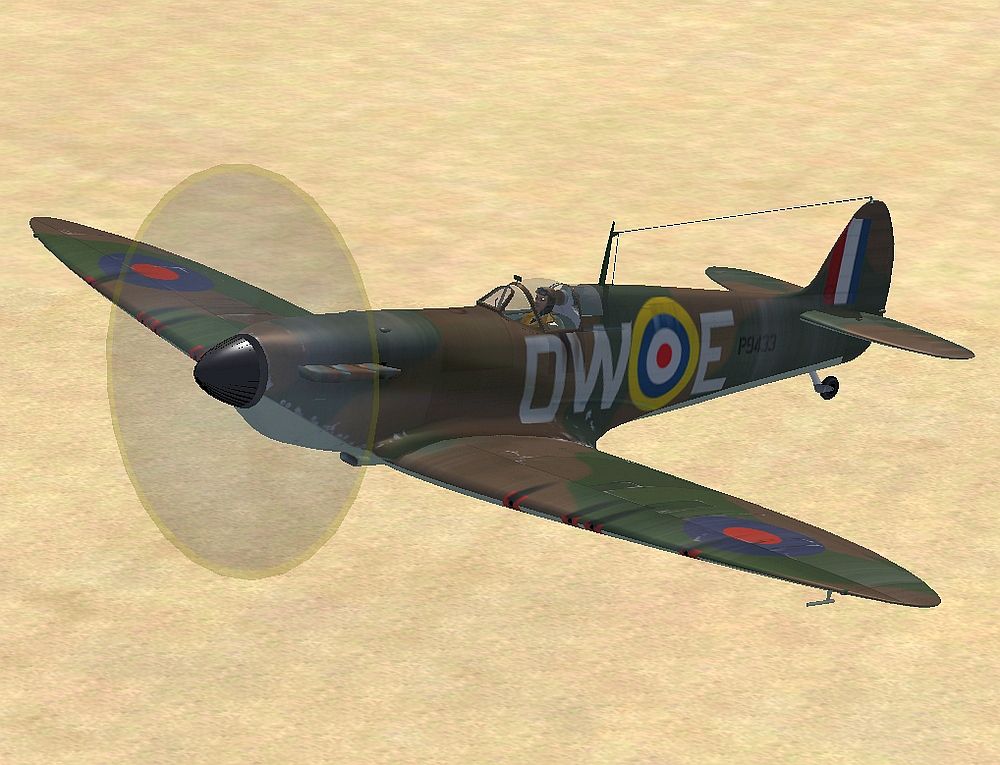
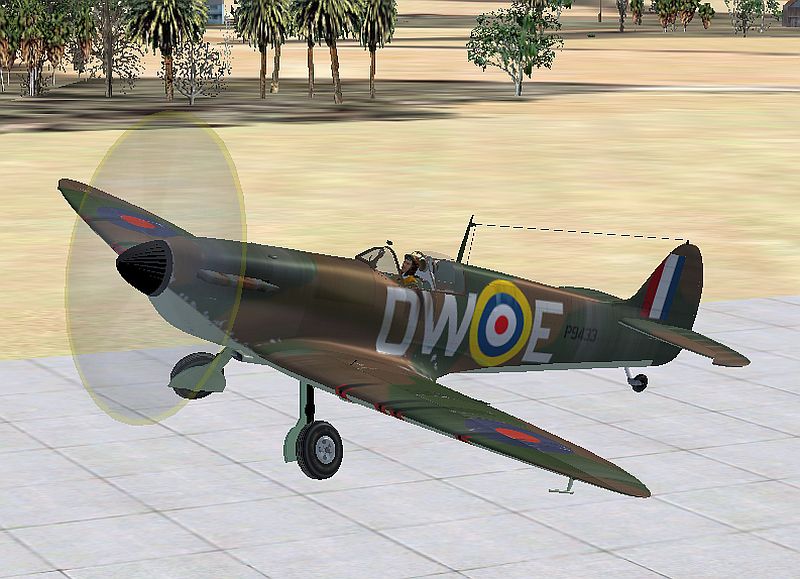
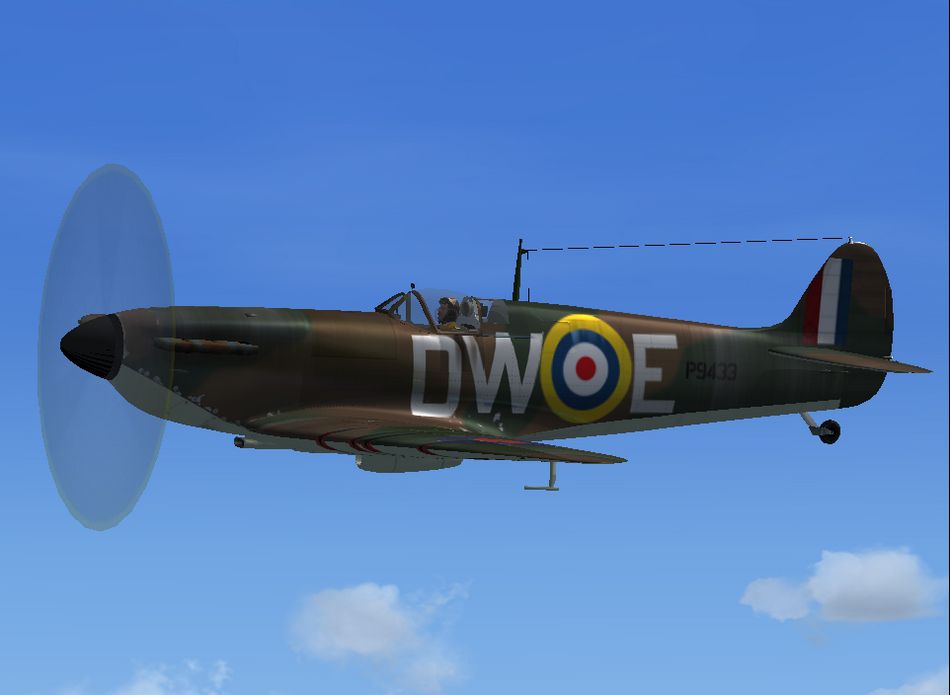
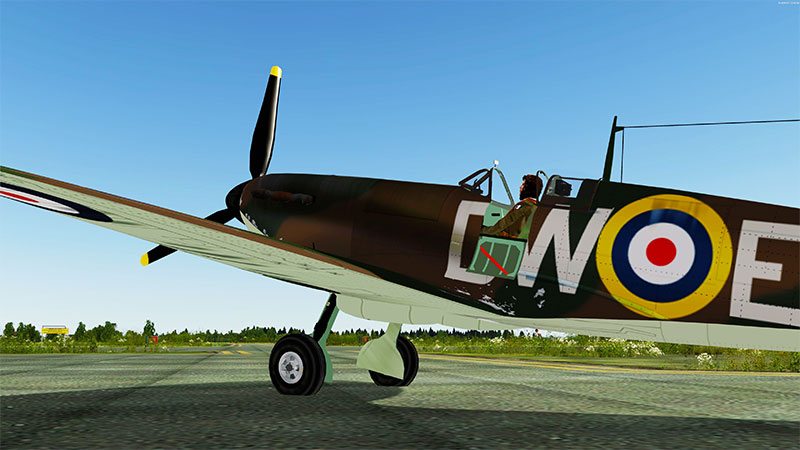
Supermarine Spitfire Mk I A brings early Battle of Britain performance to FSX and Prepar3D v4/v5 with a fully modeled exterior and a detailed 3D virtual cockpit. Authentic effects add engine smoke, exhaust flames, wing vortices under load, and triggerable cannon flash, smoke, and cartridge ejection for lively warbird immersion.
 Rate
Rate
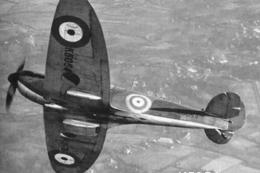
The first production Spitfire, the mark I was powered by a Merlin III giving 1,030 hp and a maximum speed of 367 mph. This is the mark that mostly fought in the Battle of Britain. It entered service in 1938 with 19 and 66 Squadrons. In all some 1,566 Mk I Spitfires were produced.
This model is complete and also includes a 3D Virtual Cockpit (VC) and is compatible with all versions of FSX and P3Dv4.
Effects
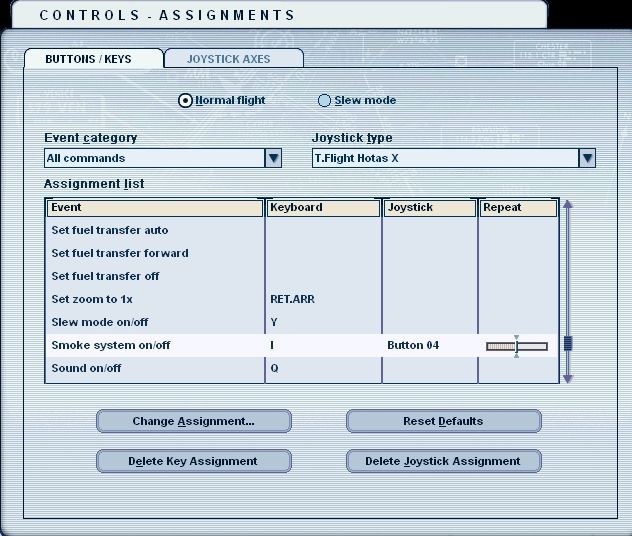
It is much nicer however if you put the standard Strobe key (i) to the trigger from your joystick. You can change this in the Key menu.
Installation
Flying the model
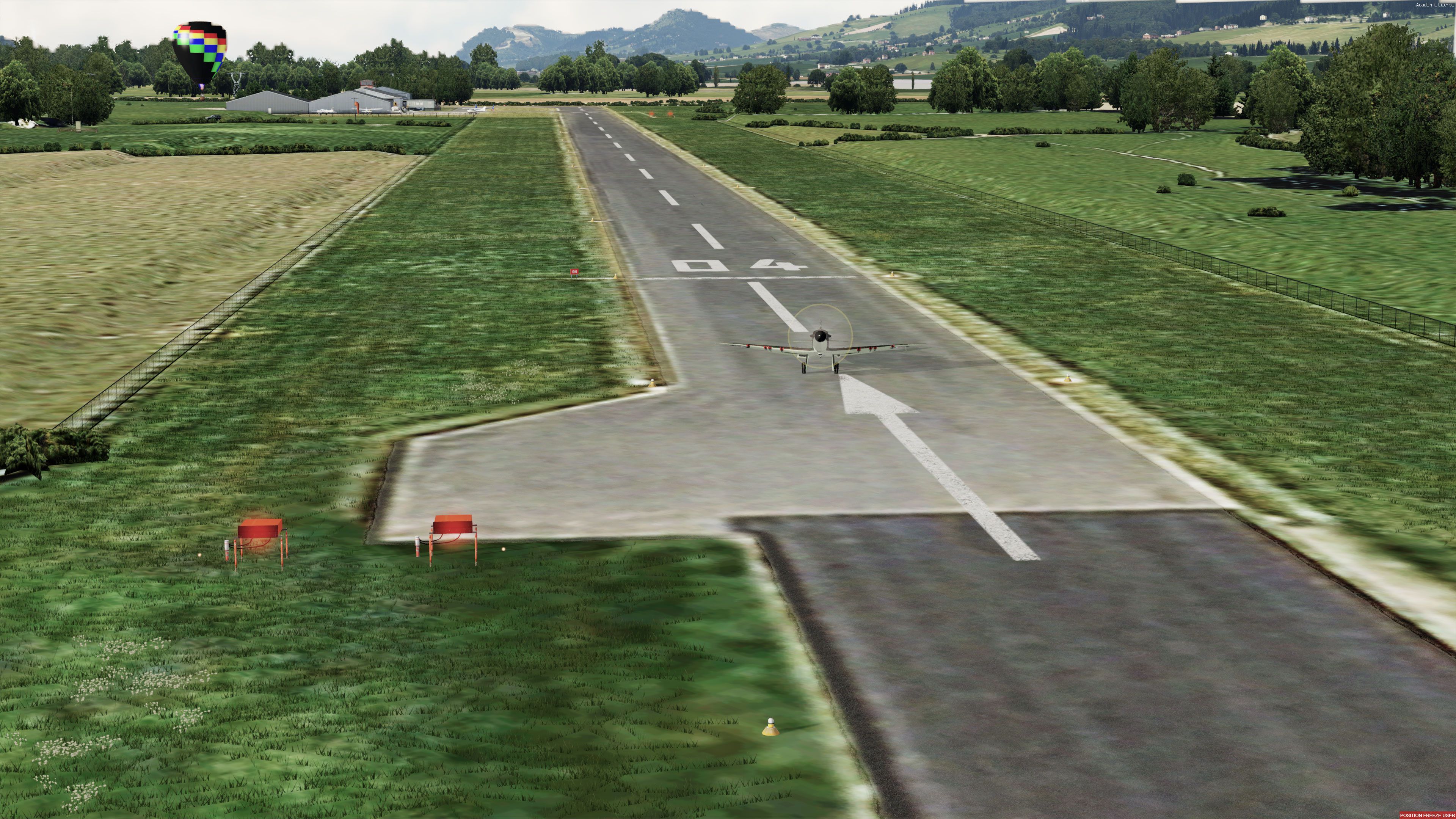
This plane is a fair, noncritical but very powerful flying machine.
TAKE-OFF
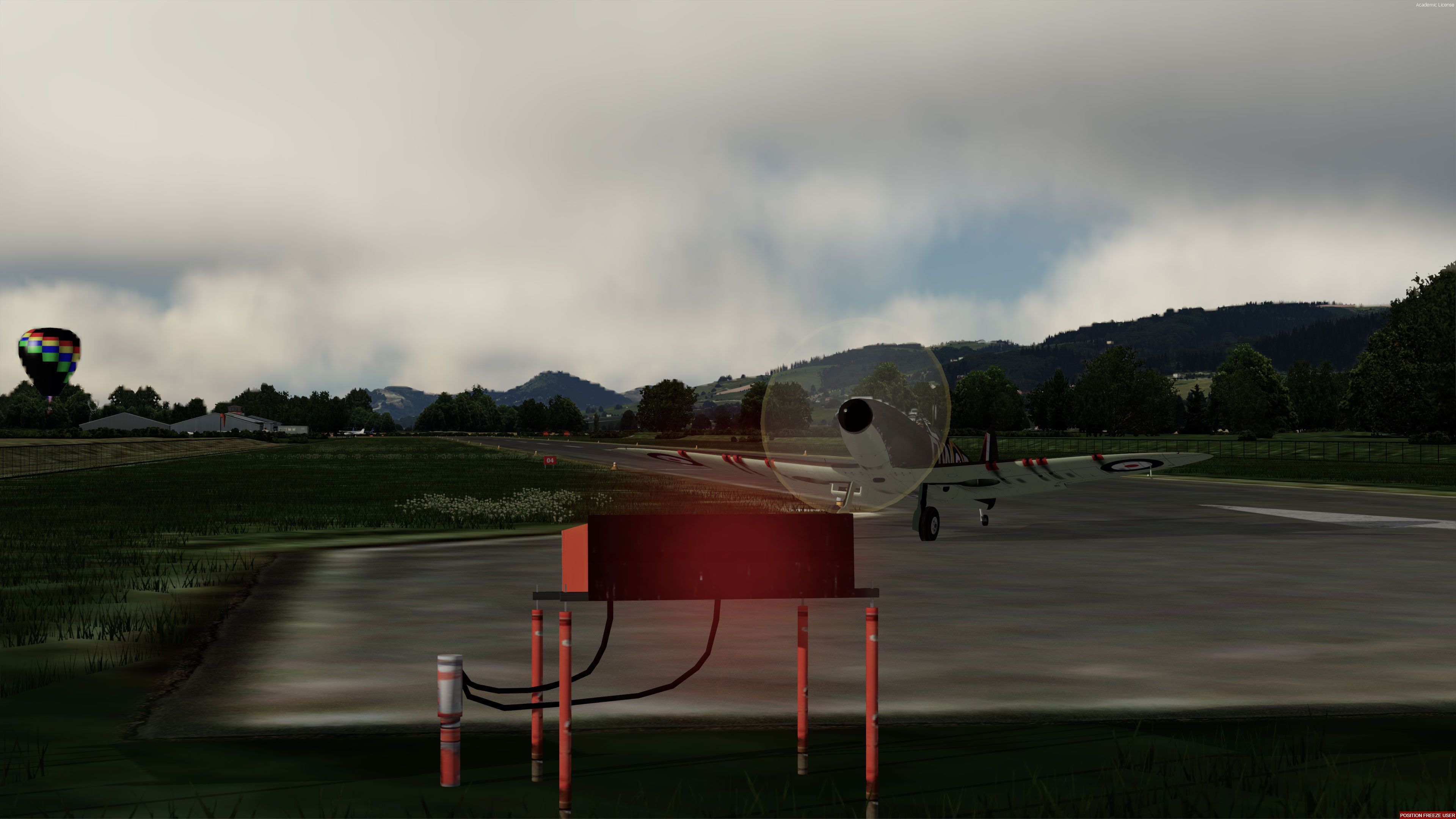
If you have manual rudder enabled, be ready to apply hard rudder and brake when you hit the throttle! Better apply throttle proportionally and slowly at first.
Like with the real plane, much use of elevator trim will be needed.
Developer: A.F. Scrub.
Free for all simmers · 54.25 MB · Scanned clean Oct 2026
Download speed: Free tier is capped at 0.5 Mbps (this file takes approximately 15 mins at the cap). PRO members download at full line speed.
SimObjects\Airplanes\, Addon Scenery\, Effects\, or Gauges\.readme.txt or README file. It tells you exactly where files go, what dependencies are needed, and any quirks specific to this add-on.The archive spit_mk1a.zip has 156 files and directories contained within it.
This list displays the first 500 files in the package. If the package has more, you will need to download it to view them.
| Filename/Directory | File Date | File Size |
|---|---|---|
| Spit_mk1A | 01.08.19 | 0 B |
| Aircraft.cfg | 01.08.19 | 15.02 kB |
| Aircraft.cfg.txt | 01.07.19 | 13.02 kB |
| Effects | 01.06.19 | 0 B |
| 20can.wav | 07.25.00 | 307.08 kB |
| FSX_Wing_Guns.fx | 11.16.07 | 10.48 kB |
| fx_engstrt_jenny.fx | 05.12.06 | 11.98 kB |
| fx_tiremark_6.fx | 09.06.13 | 4.99 kB |
| fx_tracer.bmp | 07.26.06 | 2.73 kB |
| fx_V12_Exhaust.fx | 01.18.05 | 1.24 kB |
| fx_V12_IDLE_port.fx | 01.28.05 | 14.45 kB |
| fx_V12_IDLE_starb.fx | 01.28.05 | 14.46 kB |
| fx_V12_MAX_port.fx | 01.28.05 | 7.84 kB |
| fx_V12_MAX_starb.fx | 01.28.05 | 7.85 kB |
| guns firing.jpg | 01.08.19 | 278.37 kB |
| in flight.jpg | 12.28.18 | 557.13 kB |
| manual.pdf | 09.01.04 | 2.45 MB |
| Model | 01.07.19 | 0 B |
| model.cfg | 01.07.19 | 50 B |
| spit_mk1a.mdl | 01.07.19 | 1.77 MB |
| spit_mk1a_Int.mdl | 01.07.19 | 1.44 MB |
| panel | 01.08.19 | 0 B |
| AH_spitgauges.cab | 02.06.14 | 1.18 MB |
| Autopilot.cab | 07.18.13 | 112.88 kB |
| AuxPanel.bmp | 03.09.01 | 127.19 kB |
| cessna182s.gau | 06.13.03 | 448.00 kB |
| fighters.cab | 01.08.19 | 607.89 kB |
| Panel.cfg | 01.07.19 | 5.61 kB |
| Panel.cfg.txt | 01.07.19 | 5.56 kB |
| Seafire_mainpanel.bmp | 01.06.04 | 769.05 kB |
| Thrust.BMP | 02.24.02 | 14.97 kB |
| WEP.gau | 07.16.05 | 84.00 kB |
| smoke button.jpg | 12.13.18 | 178.86 kB |
| sound | 01.08.19 | 0 B |
| CAGEAR.WAV | 09.17.99 | 31.23 kB |
| CASTALL.WAV | 09.17.99 | 6.79 kB |
| CE1A.wav | 02.20.02 | 90.89 kB |
| CE1B.WAV | 02.20.02 | 128.17 kB |
| CE2A.wav | 02.20.02 | 87.39 kB |
| CE2B.WAV | 02.20.02 | 24.99 kB |
| CE3A.wav | 02.20.02 | 83.16 kB |
| CE4A.wav | 02.20.02 | 75.39 kB |
| CEP1A.WAV | 02.20.02 | 50.81 kB |
| CEP1B.WAV | 02.20.02 | 45.81 kB |
| CEP2A.WAV | 02.20.02 | 27.81 kB |
| CEP2B.WAV | 02.20.02 | 32.81 kB |
| CESHUTA.WAV | 02.20.02 | 61.06 kB |
| CESHUTB.WAV | 02.20.02 | 66.55 kB |
| CESTRTA.WAV | 02.20.02 | 40.31 kB |
| CESTRTB.WAV | 02.20.02 | 100.31 kB |
| copyright.txt | 02.28.02 | 256 B |
| flaps.wav | 02.20.02 | 39.89 kB |
| geardn.wav | 02.20.02 | 76.18 kB |
| gearup.wav | 02.20.02 | 88.31 kB |
| L.wav | 02.20.02 | 12.88 kB |
| R.wav | 02.20.02 | 10.93 kB |
| simplesound.cfg | 05.15.07 | 38 B |
| sound.cfg | 02.20.02 | 7.61 kB |
| XCE1a.WAV | 02.20.02 | 51.79 kB |
| XCE1B.WAV | 02.20.02 | 67.81 kB |
| XCE2A.WAV | 02.20.02 | 95.31 kB |
| XCE2B.WAV | 02.20.02 | 52.79 kB |
| XCE3A.WAV | 02.20.02 | 68.48 kB |
| XCE4A.wav | 02.20.02 | 118.54 kB |
| XCEP1A.WAV | 02.20.02 | 24.42 kB |
| XCEP1B.WAV | 02.20.02 | 29.47 kB |
| XCEP2A.WAV | 02.20.02 | 33.98 kB |
| XCEP2B.WAV | 02.20.02 | 21.74 kB |
| XCESHUTA.WAV | 02.20.02 | 64.73 kB |
| XCESHUTB.WAV | 02.20.02 | 64.98 kB |
| XCESTRTA.WAV | 02.20.02 | 29.48 kB |
| XCESTRTB.WAV | 02.20.02 | 49.81 kB |
| SPIT 1A_README.txt | 01.07.19 | 4.02 kB |
| Spit1A.diz | 12.28.18 | 338 B |
| Spitfire check.htm | 08.12.04 | 38.57 kB |
| Spitfire_MK1A.air | 11.14.17 | 11.58 kB |
| Spitfire_ref.htm | 08.13.04 | 3.37 kB |
| take off.jpg | 01.07.19 | 359.03 kB |
| TEXTURE.DWE | 01.07.19 | 0 B |
| canopy_t.bmp | 08.16.04 | 341.40 kB |
| exhaust_t.bmp | 10.17.04 | 256.07 kB |
| Frame_t.bmp | 10.27.04 | 1.00 MB |
| Glass_t.dds | 11.20.17 | 64.12 kB |
| gunsight.bmp | 01.07.19 | 85.43 kB |
| gunsightglass.bmp | 01.07.19 | 21.43 kB |
| intspit1_l.bmp | 08.14.04 | 85.43 kB |
| intspit1_t.bmp | 11.01.04 | 4.00 MB |
| intspit2_l.bmp | 08.14.04 | 85.43 kB |
| intspit2_t.bmp | 10.14.04 | 4.00 MB |
| intspit3_l.bmp | 08.14.04 | 85.43 kB |
| intspit3_t.bmp | 01.07.19 | 5.33 MB |
| Leftbox_t.bmp | 10.26.04 | 256.07 kB |
| p51h_pilot.bmp | 07.21.04 | 682.75 kB |
| panel_l.bmp | 08.14.04 | 85.43 kB |
| panel_t.bmp | 10.31.04 | 4.00 MB |
| propdisk3.bmp | 12.18.17 | 85.43 kB |
| propstill.bmp | 09.25.18 | 341.43 kB |
| sight.bmp | 07.22.04 | 256.07 kB |
| spinner.bmp | 12.20.18 | 85.43 kB |
| spit1_l.bmp | 08.14.04 | 85.43 kB |
| spit1_t.bmp | 11.07.04 | 4.00 MB |
| spit2_l.bmp | 08.14.04 | 85.43 kB |
| spit2_t.bmp | 11.07.04 | 4.00 MB |
| spit3_l.bmp | 08.14.04 | 85.43 kB |
| spit3_t.bmp | 11.05.04 | 4.00 MB |
| spit4_l.bmp | 08.14.04 | 85.43 kB |
| spit4_t.bmp | 10.31.04 | 4.00 MB |
| Spit_gear_l.bmp | 08.14.04 | 85.43 kB |
| Spit_gear_t.bmp | 10.12.04 | 4.00 MB |
| thumbnail.jpg | 12.20.18 | 210.30 kB |
| VCockpit.jpg | 01.07.19 | 626.98 kB |
| flyawaysimulation.txt | 10.29.13 | 959 B |
| Go to Fly Away Simulation.url | 01.22.16 | 52 B |
| Screenshots | 08.25.20 | 0 B |
| screen-1.jpg | 08.25.20 | 1.37 MB |
| screen-10.jpg | 08.25.20 | 1.15 MB |
| screen-11.jpg | 08.25.20 | 956.00 kB |
| screen-12.jpg | 08.25.20 | 1.02 MB |
| screen-13.jpg | 08.25.20 | 255.57 kB |
| screen-14.jpg | 08.25.20 | 206.53 kB |
| screen-15.jpg | 08.25.20 | 1.39 MB |
| screen-16.jpg | 08.25.20 | 1.34 MB |
| screen-17.jpg | 08.25.20 | 1.78 MB |
| screen-18.jpg | 08.25.20 | 814.62 kB |
| screen-19.jpg | 08.25.20 | 1.35 MB |
| screen-2.jpg | 08.25.20 | 1.41 MB |
| screen-20.jpg | 08.25.20 | 664.21 kB |
| screen-21.jpg | 08.25.20 | 664.05 kB |
| screen-22.jpg | 08.25.20 | 559.60 kB |
| screen-23.jpg | 08.25.20 | 607.21 kB |
| screen-24.jpg | 08.25.20 | 563.80 kB |
| screen-25.jpg | 08.25.20 | 652.41 kB |
| screen-26.jpg | 08.25.20 | 624.92 kB |
| screen-27.jpg | 08.25.20 | 640.11 kB |
| screen-28.jpg | 08.25.20 | 879.18 kB |
| screen-29.jpg | 08.25.20 | 612.46 kB |
| screen-3.jpg | 08.25.20 | 1.04 MB |
| screen-30.jpg | 08.25.20 | 377.57 kB |
| screen-31.jpg | 08.25.20 | 678.74 kB |
| screen-32.jpg | 08.25.20 | 383.03 kB |
| screen-33.jpg | 08.25.20 | 943.92 kB |
| screen-34.jpg | 08.25.20 | 530.83 kB |
| screen-35.jpg | 08.25.20 | 1.01 MB |
| screen-36.jpg | 08.25.20 | 879.33 kB |
| screen-37.jpg | 08.25.20 | 1.01 MB |
| screen-38.jpg | 08.25.20 | 487.96 kB |
| screen-39.jpg | 08.25.20 | 656.92 kB |
| screen-4.jpg | 08.25.20 | 1.48 MB |
| screen-40.jpg | 08.25.20 | 1.36 MB |
| screen-41.jpg | 08.25.20 | 1.25 MB |
| screen-42.jpg | 08.25.20 | 1.30 MB |
| screen-5.jpg | 08.25.20 | 894.71 kB |
| screen-6.jpg | 08.25.20 | 1.23 MB |
| screen-7.jpg | 08.25.20 | 1.58 MB |
| screen-8.jpg | 08.25.20 | 1.33 MB |
| screen-9.jpg | 08.25.20 | 575.72 kB |
Only PRO members can place votes.
More FSX & P3D add-ons hand-picked based on this download.
FSX Historic & Vintage Aircraft
Supermarine Spitfire MK IA Prototype K5054 - Farnborough, September 1939. Rep…
 FSX Historic & Vintage Aircraft
Textures only. The captured Spitfire PR MkXI of the 2./Versuchsverband OKL - …
 FSX Historic & Vintage Aircraft
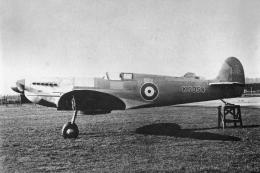
Supermarine Spitfire MK IA Prototype K5054 - Eastleigh, March 1936. At 16.30 …
 FSX Historic & Vintage Aircraft
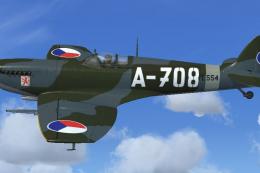
RAS2008 Spitfire Mk IX Aircraft.cfg File with late (larger) rudder. A Superma…
 FSX Historic & Vintage Aircraft
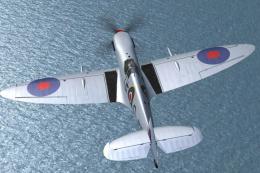
Repaint for RealAir's Spitfire Mk IX 2007 depicting the RAF's Battle of Brita…
 FSX Historic & Vintage Aircraft
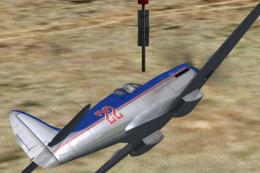
Spitfire Mk XIV 'Bluebird' Racer. Fictional polished metal racer with contra-…
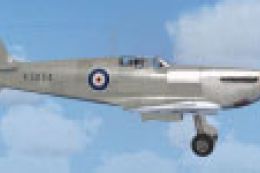 FSX Historic & Vintage Aircraft
Spitfire MK IA Prototype K5054 - Eastleigh, March 1936. Texture fix for SPIT1…
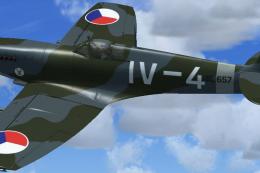 FSX Historic & Vintage Aircraft
Brno Slatina Airfield, 7th fighter squadron, 3rd fighter division, 1947. Mode…
Read what other simmers think, or add your own.

Very nice plane and it is great to have an early Spitfire for P4D. The good cockpit, good flight characteristics, and all the features you're looking for. I gave it 4 stars only because it comes with just 1 skin and that one is inaccurate. Packaged with half a dozen quality skins, it would be perfect.

What a joy to have such gifts. Thank you very much. I remain your unconditional, loyal subscriber. Thank you.

Will this work in FSX Demo? Some of A.F. Scrub's aircraft have been tested in FSX Demo.

Aircraft flies and looks great but it doesn't fire guns upon activating them with the O button on the keyboard and then firing the weapons button on the joystick:)/(


HI,
Have installed as per instructions, but no autopilot, nor guns on I key. Not yet checked "4" joystick key for guns. No bullet casing animations. I see the autopilot in the config file = 0. Is it possible to enable this?. The autopilot panel appears but nothing works on it. But all else seems ok. Nice to fly too :)