

 FSX Historic & Vintage Aircraft
Howard DGA-15P
Howard DGA-15P. The Howard DGA-15 was first produced in 1940 and was quite lu…
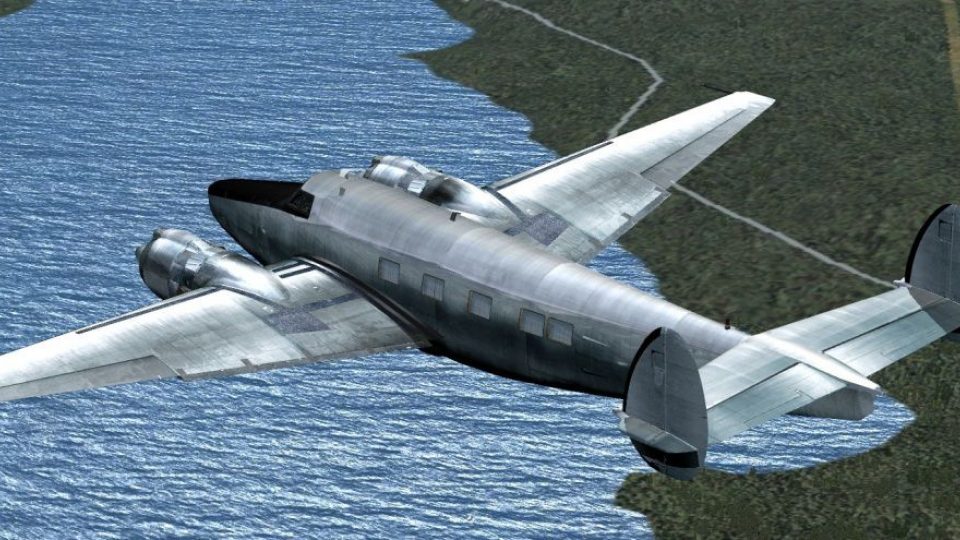
The Howard 500 brings a polished classic twin to FSX, FSX: Steam Edition, and Prepar3D v4/v5 with corrected engine mapping, a 3D virtual cockpit, and a tuned custom flight model. Five passenger and cargo model variants ship with custom panel, gauges, and sounds, plus 16 liveries for varied operations.
 Rate
Rate
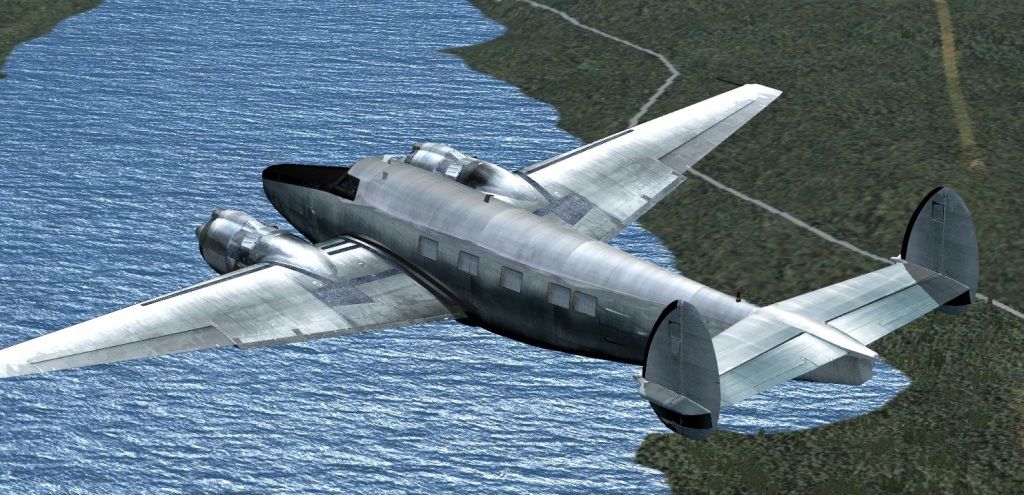
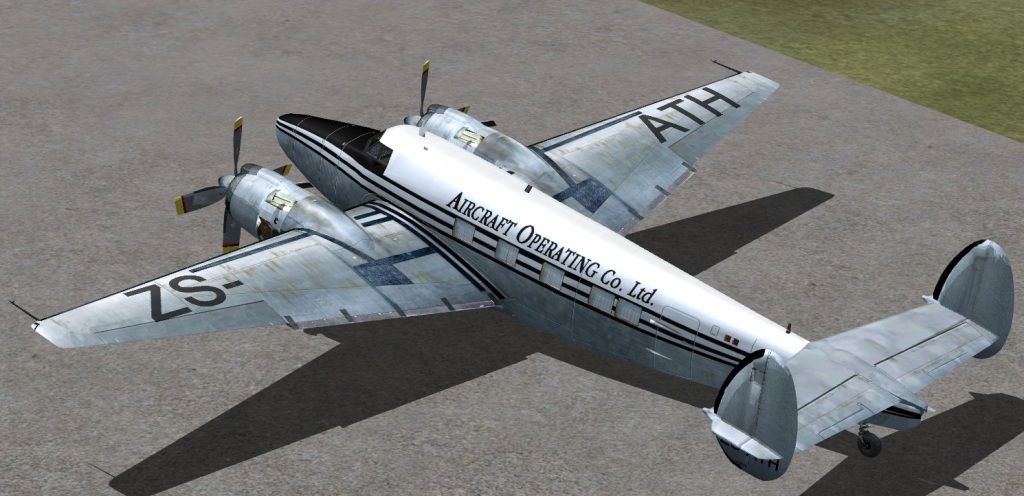
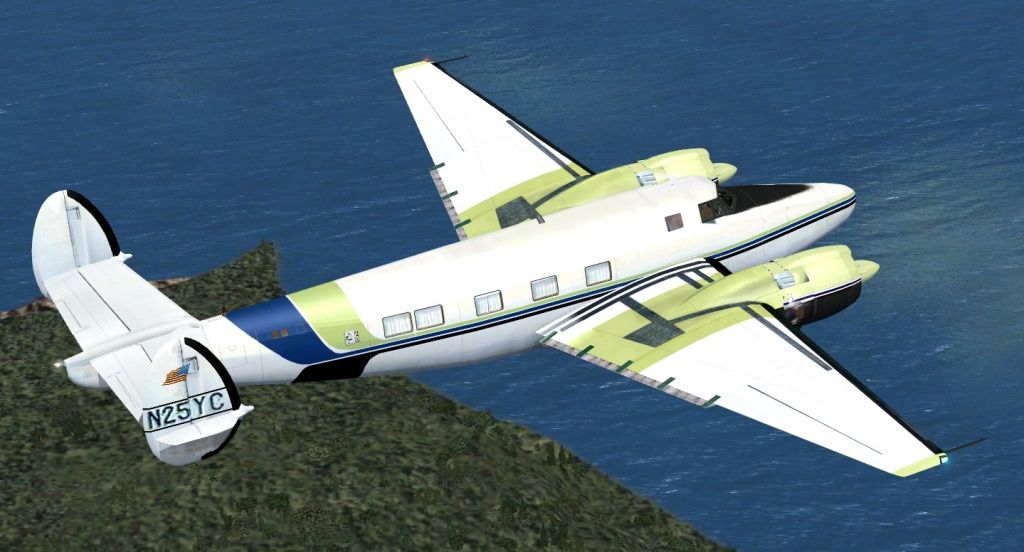
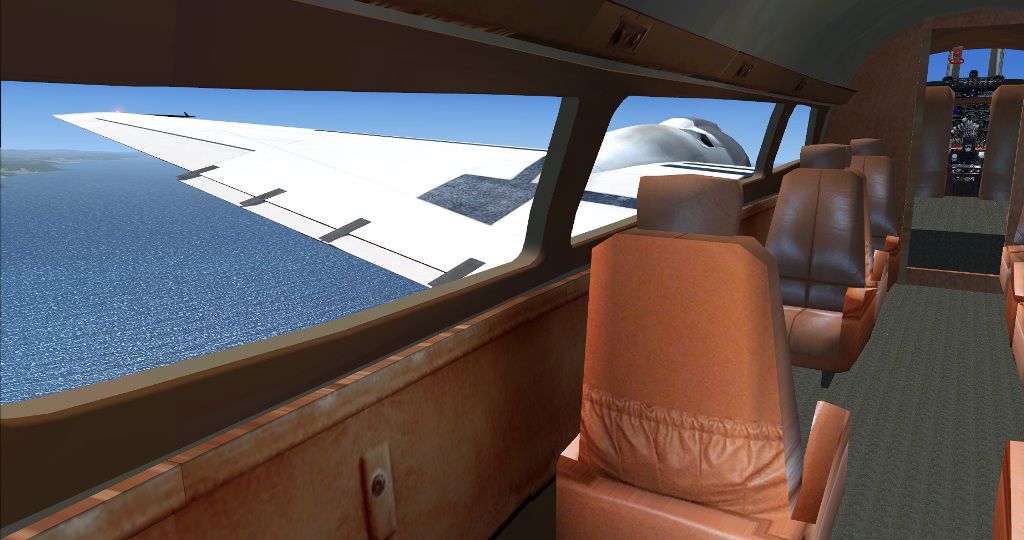
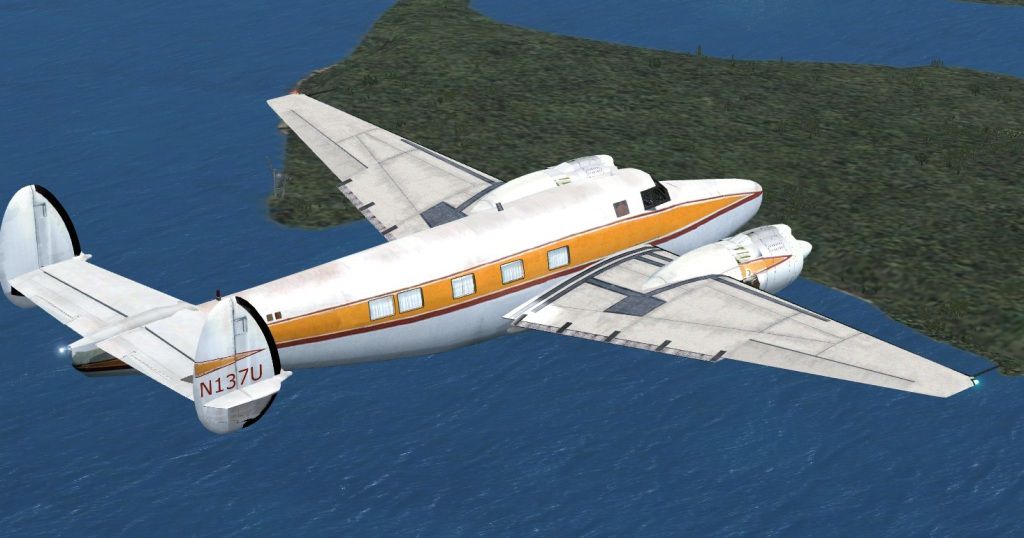
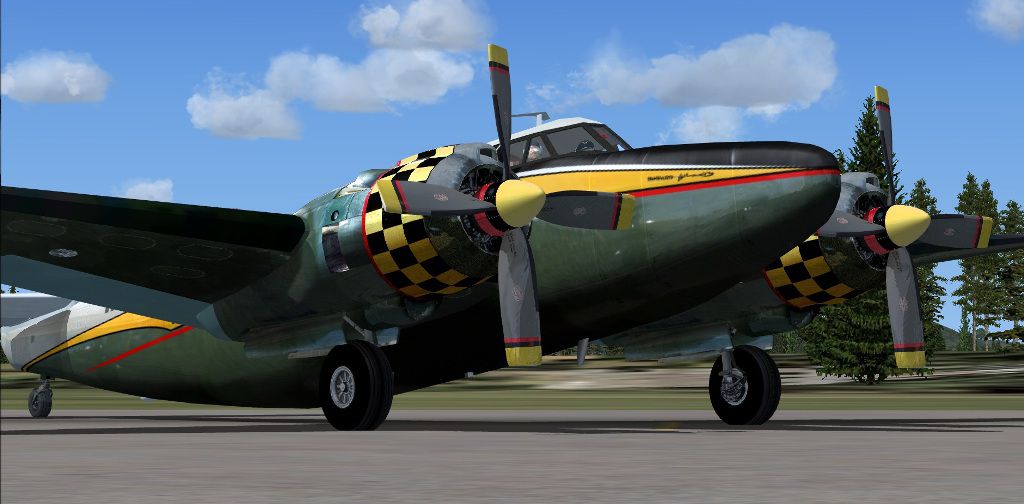
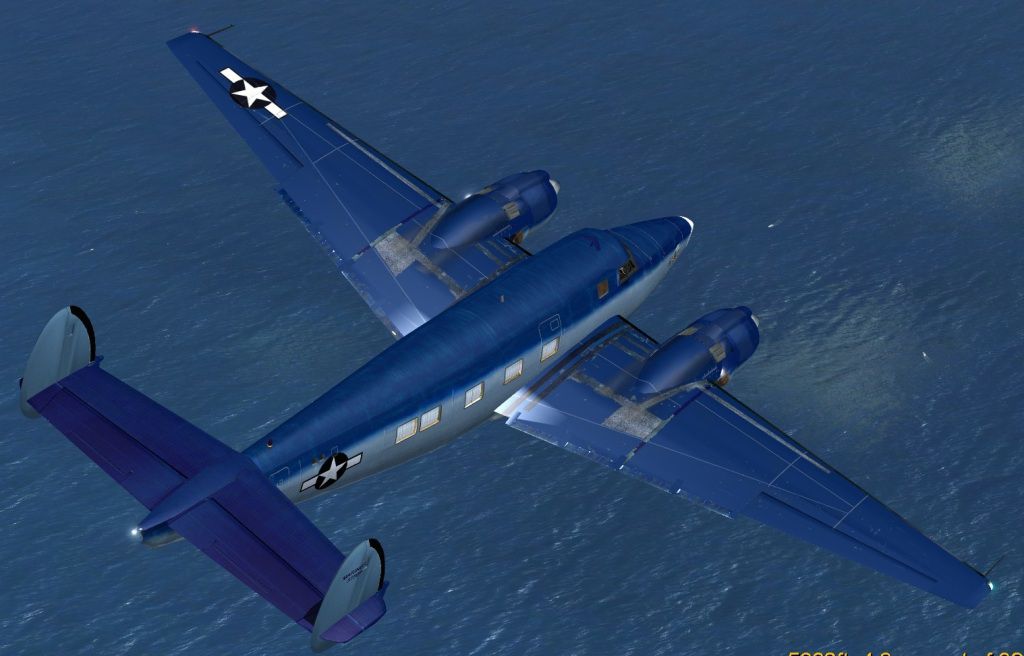
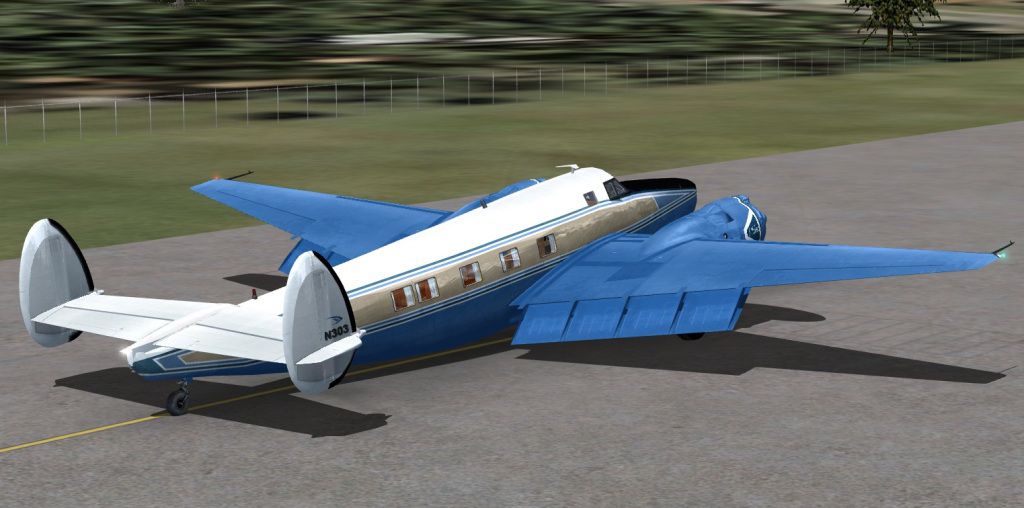
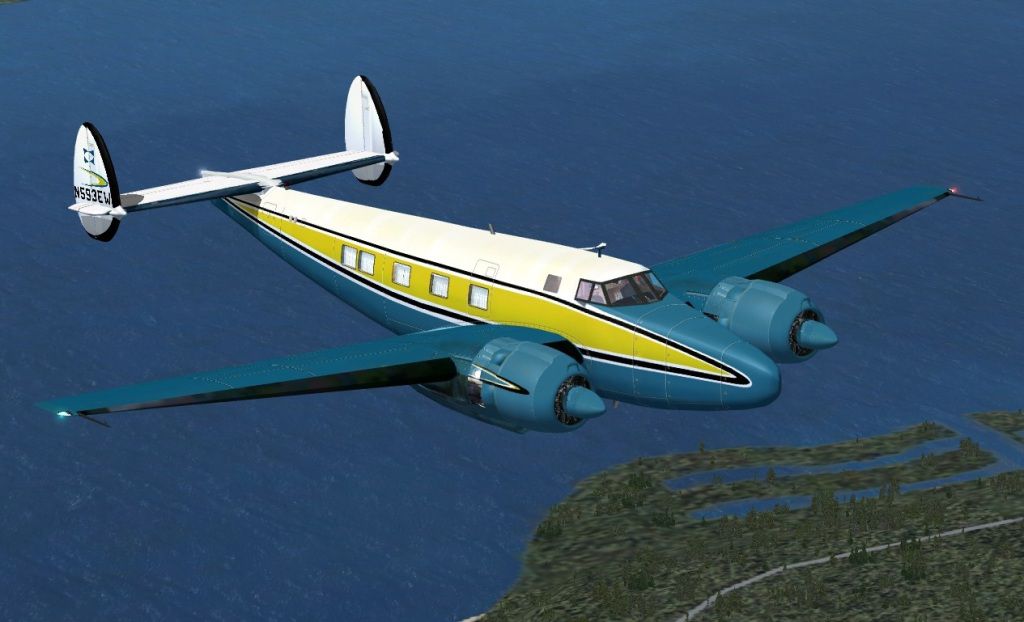


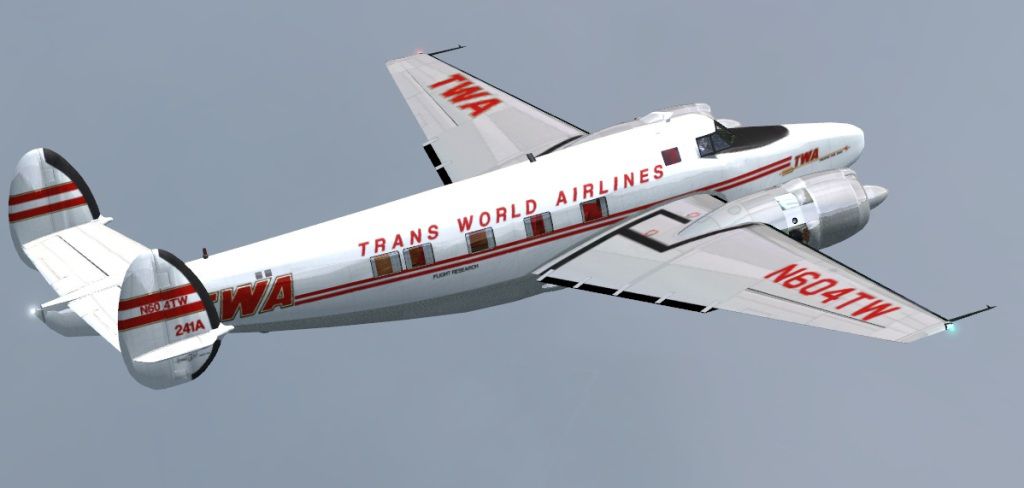
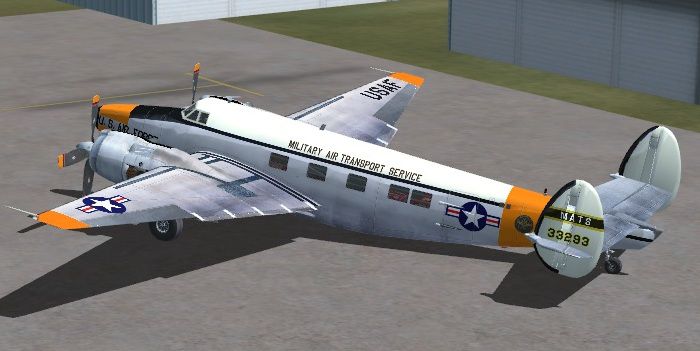

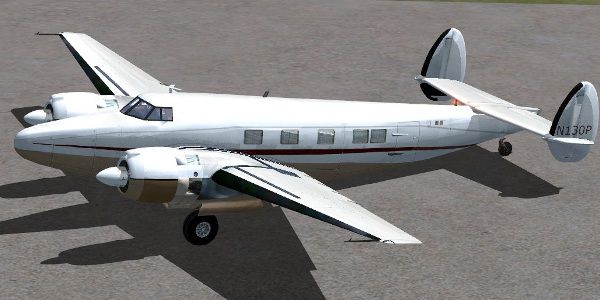
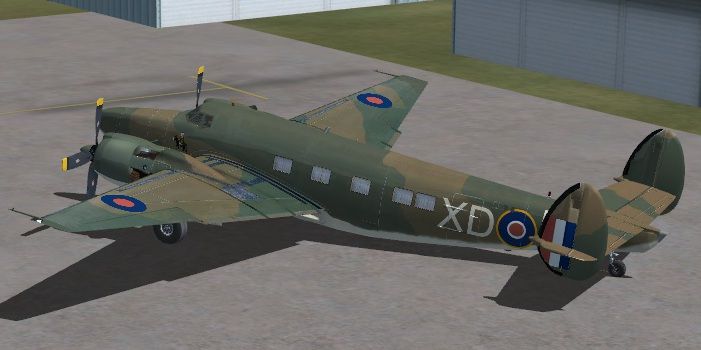
Modified to Correct Engine Mapping - Texture issue.
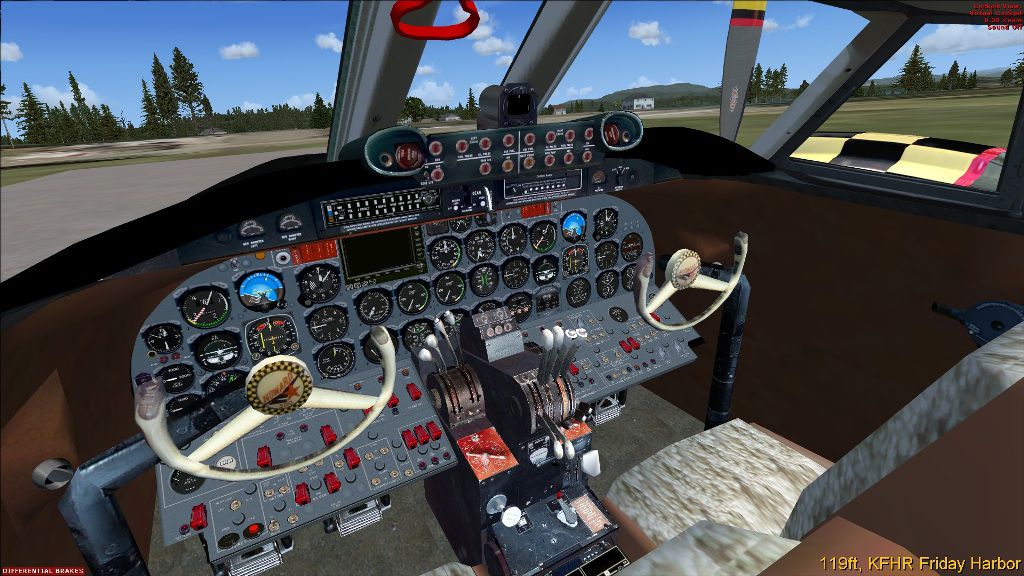
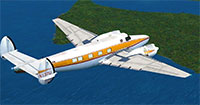 Works in FSX, FSX: Steam Edition and Prepar3D (all versions including the latest P3Dv4). Includes a 3D virtual cockpit (VC).
Pkg includes 5 models (Passenger and Cargo - Original Mapping and Revised Tail Mapping), custom panel and gauges, custom sounds, custom Flight Model, and 16 liveries.
Tested in FSXA and P3Dv4 without issues however your appearances of the various liveries may be different based on your options settings.
Optional Paints Available by Web Search by - Tony Radmilovich, Matthew Garraway, Heather, Cha Seung Ho, Gregory W. Hux, and Siegfried Schaeffer, and others.
INSTALLATION
NOTE: The Installer is manual; it is simply used because it has better compression than my Winzip version. It does not update the registry; it does not install an "uninstall" program. Just point it to a TEMP folder to decompress, then install manually.
NOTE: See Operations Controls for yoke visibility, doors, curtains, etc.
Free for all simmers · 124.54 MB · Scanned clean Oct 2026
Download speed: Free tier is capped at 0.5 Mbps (this file takes approximately 35 mins at the cap). PRO members download at full line speed.
SimObjects\Airplanes\, Addon Scenery\, Effects\, or Gauges\.readme.txt or README file. It tells you exactly where files go, what dependencies are needed, and any quirks specific to this add-on.The archive hw5fsxms.zip has 28 files and directories contained within it.
This list displays the first 500 files in the package. If the package has more, you will need to download it to view them.
| Filename/Directory | File Date | File Size |
|---|---|---|
| Bare Metal.jpg | 01.18.19 | 241.50 kB |
| BLUE.jpg | 01.18.19 | 155.10 kB |
| CABIN.jpg | 01.29.19 | 157.72 kB |
| COASTAL.jpg | 01.15.19 | 64.86 kB |
| FILE_ID.txt | 04.15.19 | 691 B |
| FSX Installation.txt | 04.13.19 | 773 B |
| hw5fsxms.exe | 04.15.19 | 122.50 MB |
| Install.iit | 04.13.19 | 103.25 kB |
| MATS.jpg | 01.15.19 | 74.14 kB |
| N130P.jpg | 01.22.19 | 63.81 kB |
| N137U.jpg | 01.18.19 | 151.23 kB |
| N25YC.jpg | 01.18.19 | 161.06 kB |
| N303.jpg | 01.18.19 | 135.84 kB |
| N4362F.jpg | 01.18.19 | 124.86 kB |
| N500DR.jpg | 01.22.19 | 112.92 kB |
| N500HP-1.jpg | 01.18.19 | 134.84 kB |
| N500HP-2.jpg | 01.18.19 | 135.37 kB |
| N593EW.jpg | 01.18.19 | 143.36 kB |
| Readme.txt | 04.13.19 | 1.75 kB |
| Thumbs.db | 04.13.19 | 83.00 kB |
| TWA.jpg | 01.22.19 | 72.21 kB |
| USE and DISTRIBUTION.txt | 01.30.19 | 1.07 kB |
| VC.jpg | 01.18.19 | 232.78 kB |
| YV-183CP.jpg | 01.15.19 | 72.36 kB |
| ZS-ATH.jpg | 01.18.19 | 165.29 kB |
| hw5fsxms | 04.15.19 | 0 B |
| flyawaysimulation.txt | 10.29.13 | 959 B |
| Go to Fly Away Simulation.url | 01.22.16 | 52 B |
Only PRO members can place votes.
More FSX & P3D add-ons hand-picked based on this download.
FSX Historic & Vintage Aircraft
Howard DGA-15P. The Howard DGA-15 was first produced in 1940 and was quite lu…
 FSX Historic & Vintage Aircraft
Now version 3.14 (V3.1406). This package includes the latest Douglas C-47 Sky…
 FSX Historic & Vintage Aircraft
This is A.F. Scrub's Submarine MK-22 Spitfire Updated For Flight Simulator X.…
 FSX Historic & Vintage Aircraft
Note this aircraft originally was made by Gary Herbert due to the fact that h…
 FSX Historic & Vintage Aircraft
An FSX-native Boeing-Stearman Model 75 freeware aircraft add-on with a range …
 FSX Historic & Vintage Aircraft
Delve into the realm of historic aviation with the Mitsubishi A6M Zero Comple…
 FSX Historic & Vintage Aircraft
North American P-51D Mustang v1.1. The freeware Alphasim P-51 Mustang upgrade…
 FSX Historic & Vintage Aircraft
The Supermarine Spiteful was a direct development of the Spitfire using a new…
Read what other simmers think, or add your own.

Do the fuel tanks switches work? I switch tanks but the fuel was still coming out of the tank that was not selected. Any ideas?

Very nice. Classic aircraft with great VC and fun to fly. works great with FSX Steam.

Love it! Easy to play and has AP and GPS 500... Got the 2D panel and virtual too! Works booth on FSX Steam and P3D v4.
It is a very good Oldie, good for both FSX and P3D-4, virtual cockpit with GPS, and classical FSX Auto Pilot. It has good sound and is easy for T.O., Navigation, and landing !!! No 2D Cockpit.

Fun plane! Easy download! I like old propliners. Not only do I like doing the downloads, but I like learning the history of the plane. Thanks!
Nice plane, easy download. I have always liked the old propliners and the history behind them. Thanks!