


 Canada
  MSFS Scenery
Grand Canyon National Park Airport (KGCN)
This mod developed by JustOkayPilot brings Grand Canyon National Park Airport…
Banff Airport (CYBA) scenery restores the Banff National Park airfield as a usable strip, recreating a 1990s-era flying club atmosphere with day and night lighting, varied mountain vegetation, wildlife fencing, utility lines, and detailed Cascade Pond surroundings. It adds ramp or runway starts, a helipad, refueling, local ATC comms, plus optional static wildlife in Microsoft Flight Simulator.
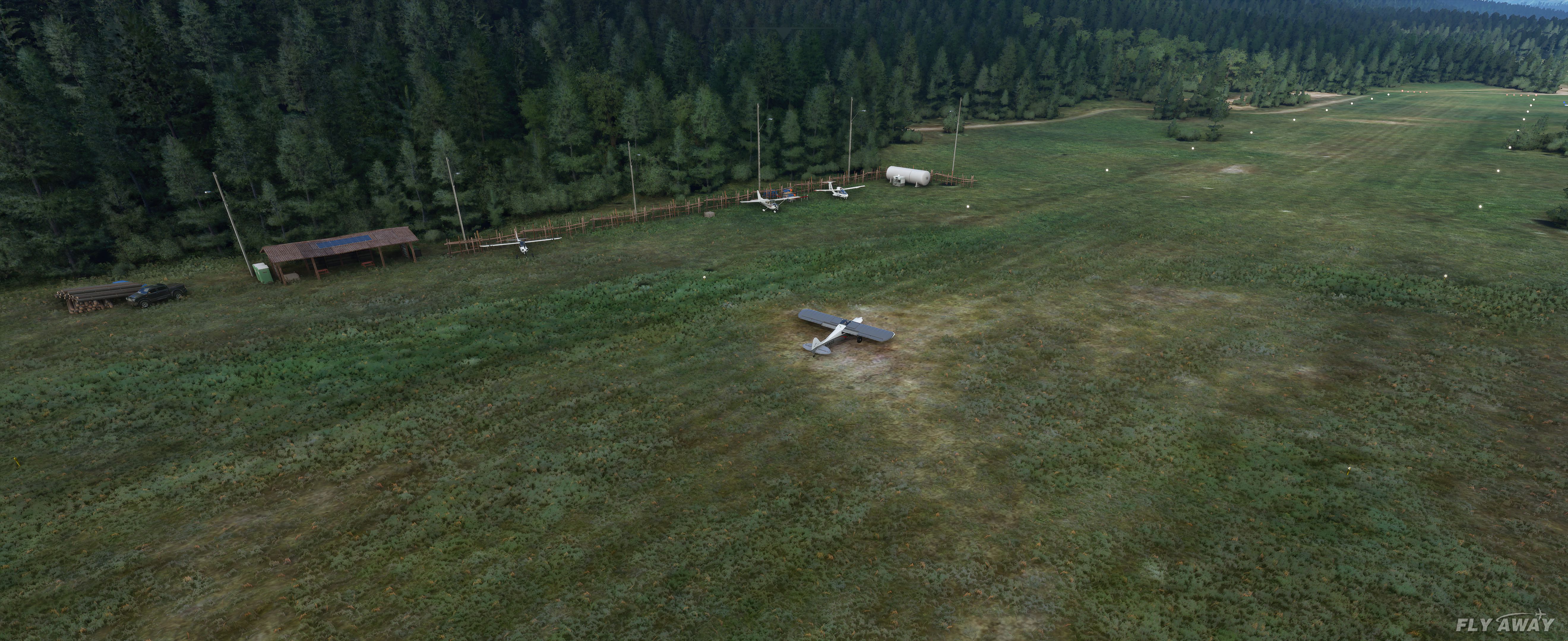
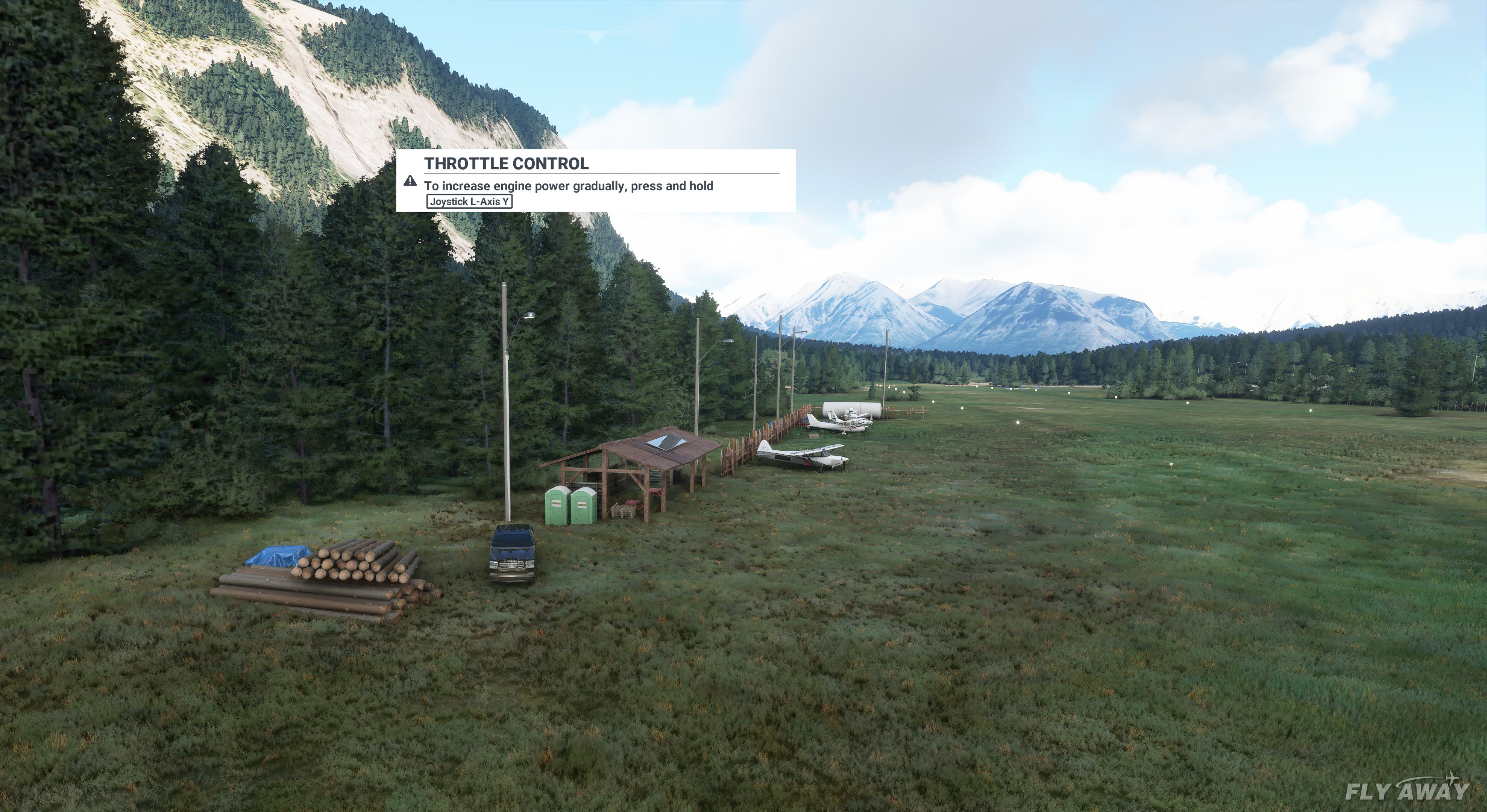
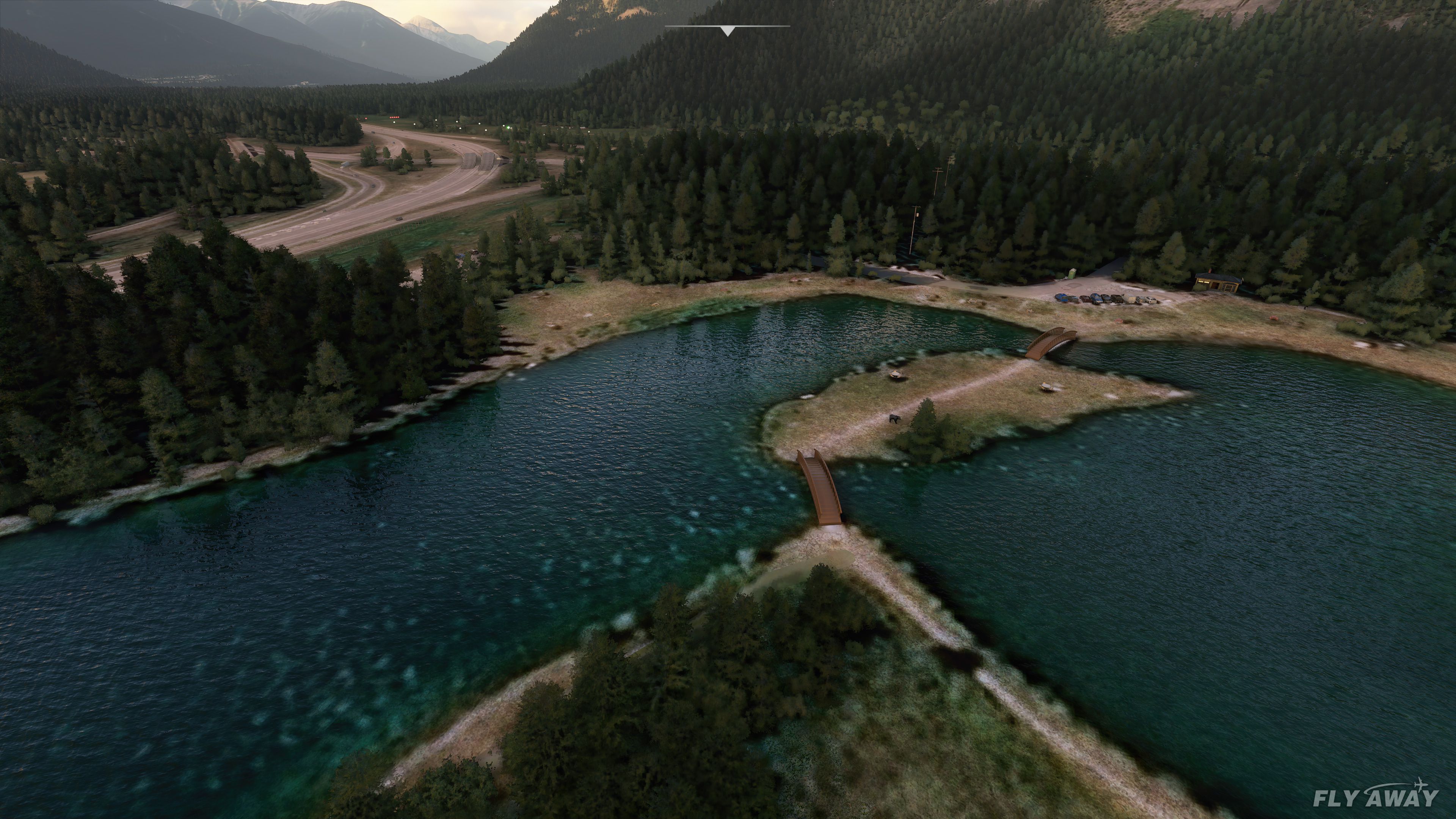
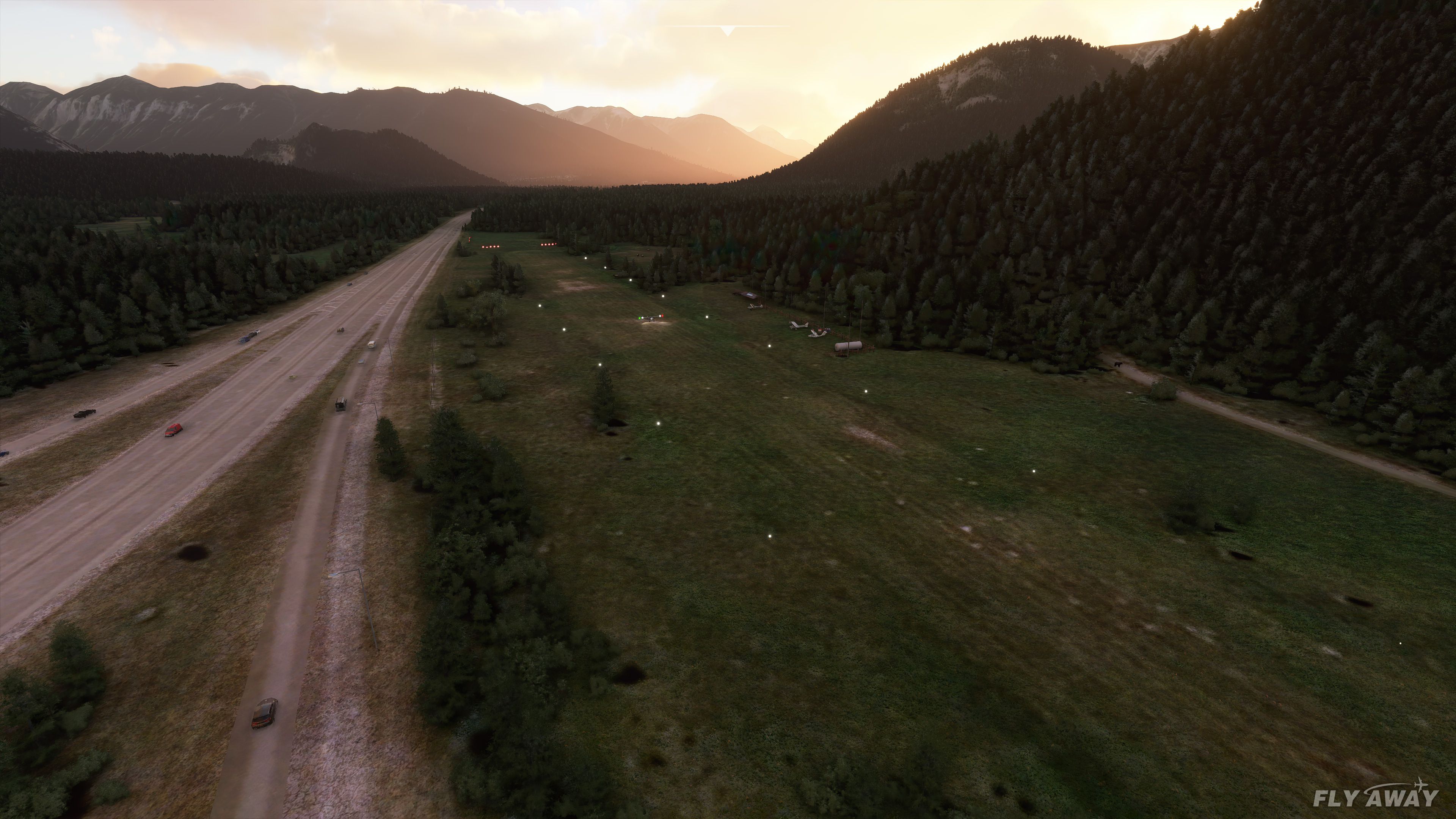
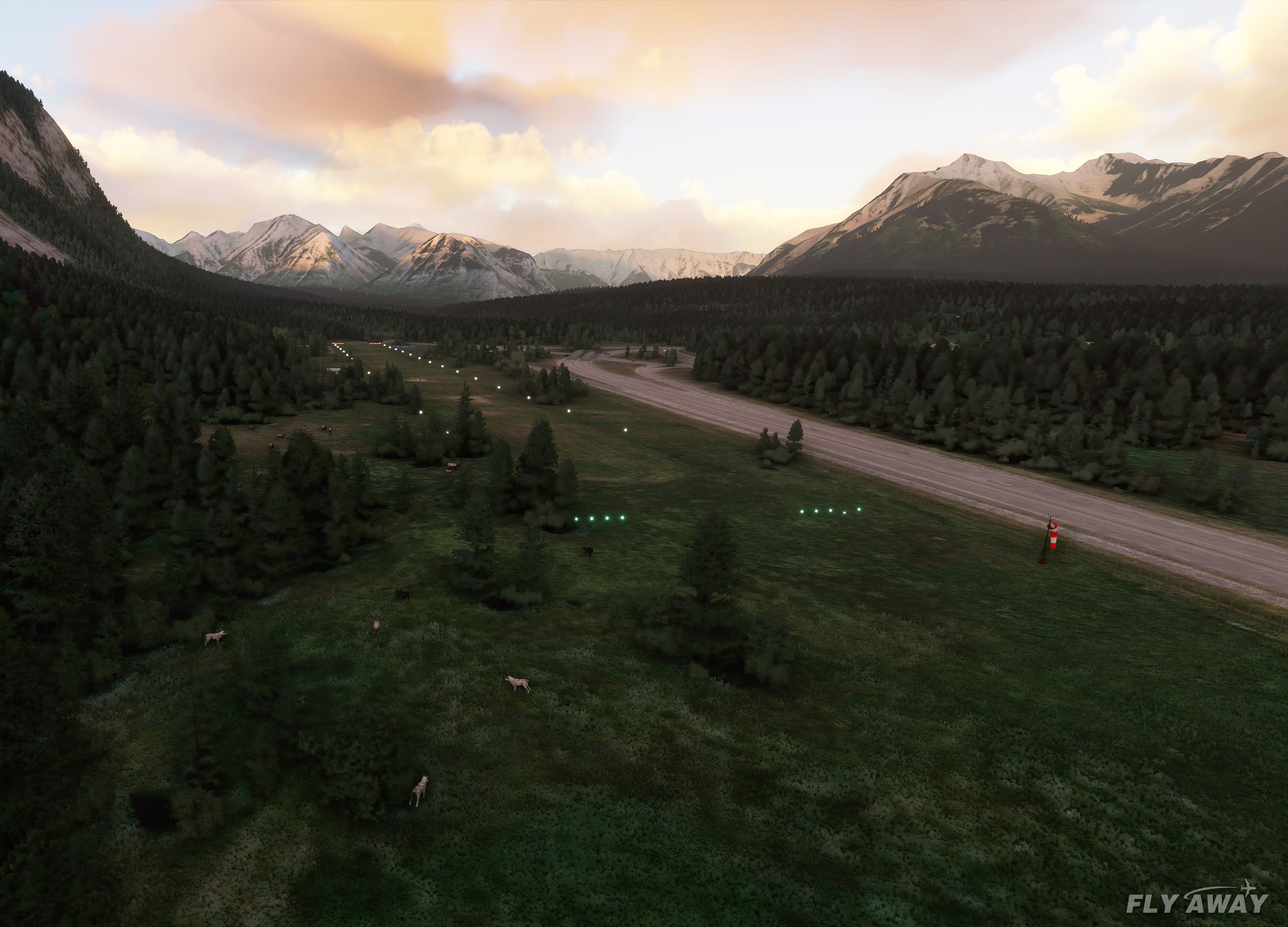
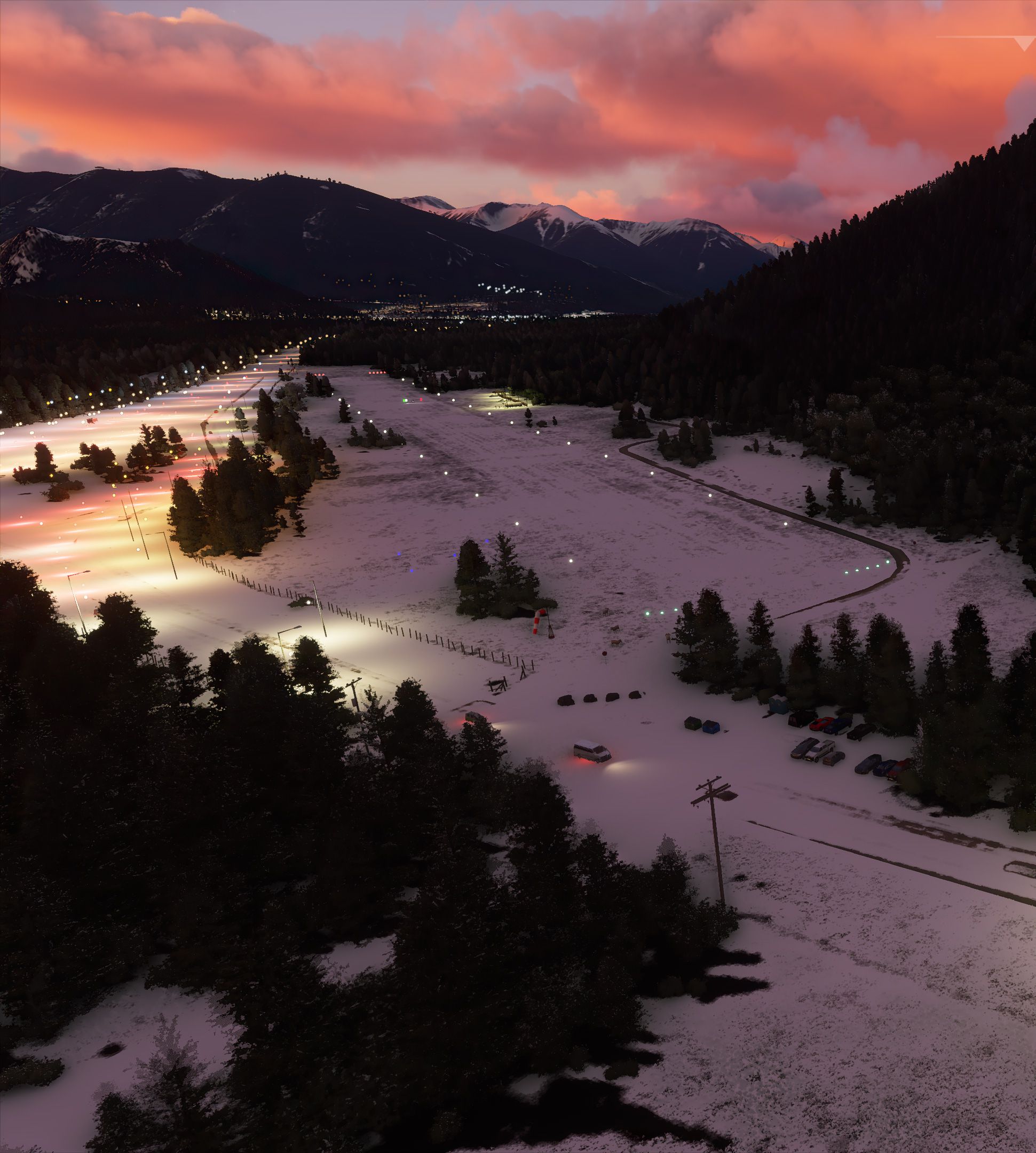

Banff Airport (CYBA) Alberta, Canada Scenery transforms what was previously an emergency-use airfield into a lively flight club environment ideal for exploring the dramatic Canadian Rockies. By restoring CYBA with day/night lighting, ATC communications, and a new refueling area, developer Rory McAlduff has brought back an airfield that had been dormant since the 1990s, all while capturing the charm of Banff National Park with dynamic tree variations and optional static wildlife.
Version 2.0 introduces the picturesque Cascade Pond, enhanced ground textures, and a helipad for more diverse operations. As someone who has navigated many virtual cockpits through the years, I appreciate how this add-on seamlessly blends scenery details—like detailed parking and fencing—into an immersive, scenic approach for MSFS 2020. It’s a joy for VFR flyers wanting a low-level tour of the Rockies and a must-have for anyone looking to broaden their Canadian airport collection.
A rendition of Banff Airport (CYBA) Alberta, Canada bringing the airport to active use in Microsoft Flight Simulator (MSFS) 2020 release.
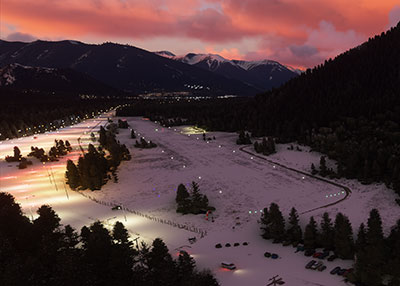 The airport is listed as emergency use only in the real-world making it non-accessible in the sim.
This add-on by developer Rory McAlduff makes the airport functional within the sim and they have also brought it up to date adding new features and changes to the airport.
Banff CYBA is now version 2.0 which includes Cascade Pond and an optional static animal set.
This re-enables the Banff National Park airfield (CYBA) which is officially listed as emergency use only so is unfortunately unavailable in MSFS as a functional airfield by default.
I have returned the area into a flying club back before it got shut down in the 1990s
This area currently includes
Installation
Add the following to your MSFS "community" folder.
There are two folders provided...
The placement of animals is static for now but It is a representation of what I have driven past in this area and have seen happening. Not every day, but if you are gonna fly by, might as well have something to look at.
Feedback is welcome.
Developer: Rory McAlduff.
Currently, the developer does not publish a public donation page. If this changes we will add it here.
Free for all simmers · 29.9 MB · Scanned clean Oct 2026
Download speed: Free tier is capped at 2 Mbps (this file takes approximately 2 mins at the cap). PRO members download at full line speed.
%LOCALAPPDATA%\Packages\Microsoft.FlightSimulator_8wekyb3d8bbwe\LocalCache\Packages\Community\. Steam version: %APPDATA%\Microsoft Flight Simulator\Packages\Community\. Tip: enable Developer Mode in MSFS to see your exact Community folder path.readme.txt or README file. It tells you exactly where files go, what dependencies are needed, and any quirks specific to this add-on.Only PRO members can place votes.
More MSFS add-ons hand-picked based on this download.
MSFS Scenery
This mod developed by JustOkayPilot brings Grand Canyon National Park Airport…
 MSFS Scenery
Sandane Airport (ENSD) is located on the beautiful west coast of Norway and i…
 MSFS Scenery
Enhance your flight simulation experience with this mod for Microsoft Flight …
 MSFS Scenery
The Disney World airport/STOLport (also known as the Lake Buena Vista airport…
 MSFS Scenery
Enhance your flight simulation experience with a detailed rendition of Madrid…
 MSFS Scenery
A complete and extensive replacement freeware scenery package for Paris–Le Bo…
 MSFS Scenery
A highly detailed rendition of Gainesville Regional Airport (KGNV), Florida (…
 MSFS Scenery
A rendition of George T. Lewis Airport for Microsoft Flight Simulator (MSFS) …
Read what other simmers think, or add your own.

Do you think you could ever expand the scenery to include the Fairmont Banff Springs, it is so beautiful.

Hello Rory,
I just downloaded this Banff Airport add-on and I gotta say, Amazing! Just flew from Banff to Calgary on my second real flight in the sim. Incredible detail and it really hit the homesick spot. Thanks so much for doing this.