




 MSFS Scenery
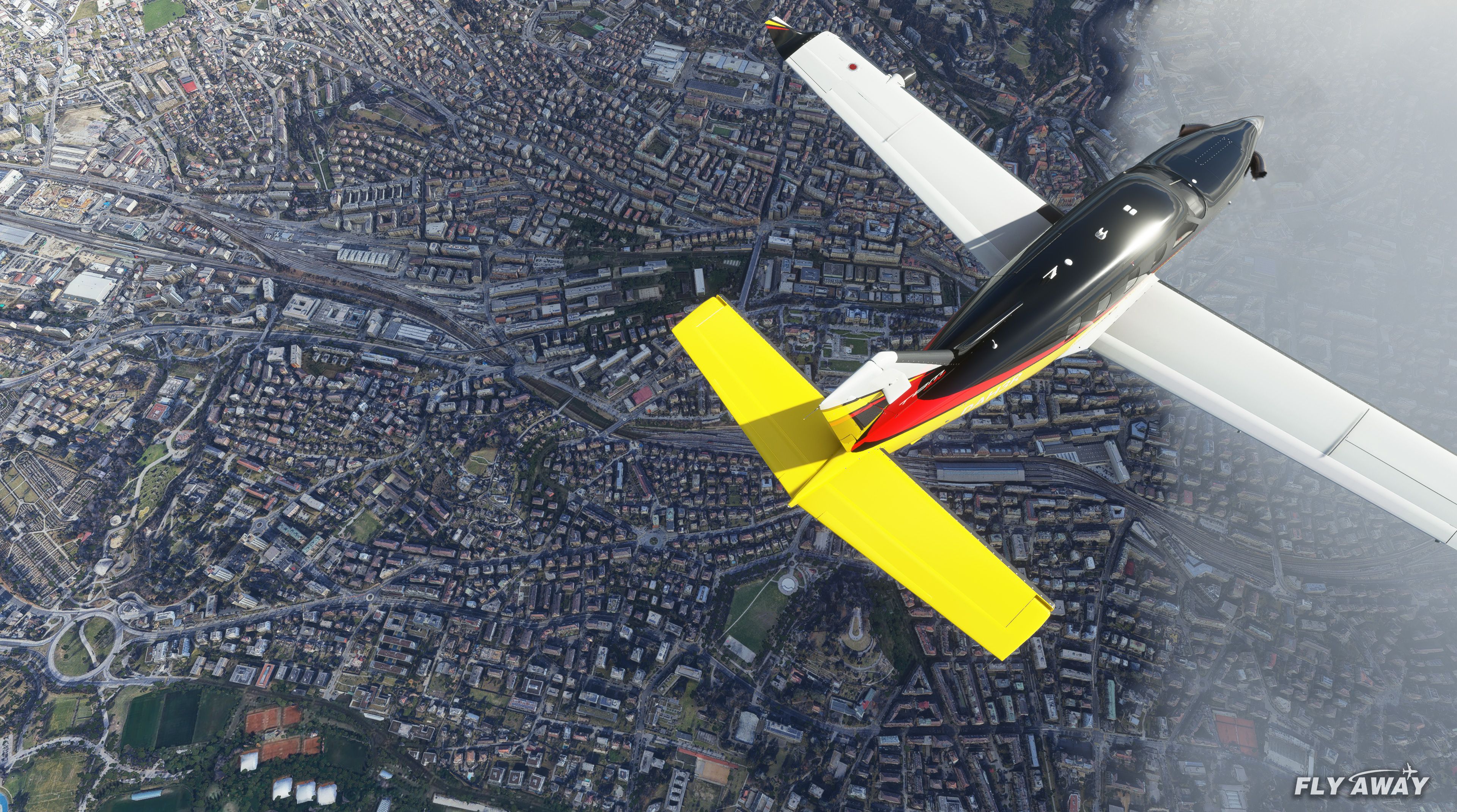
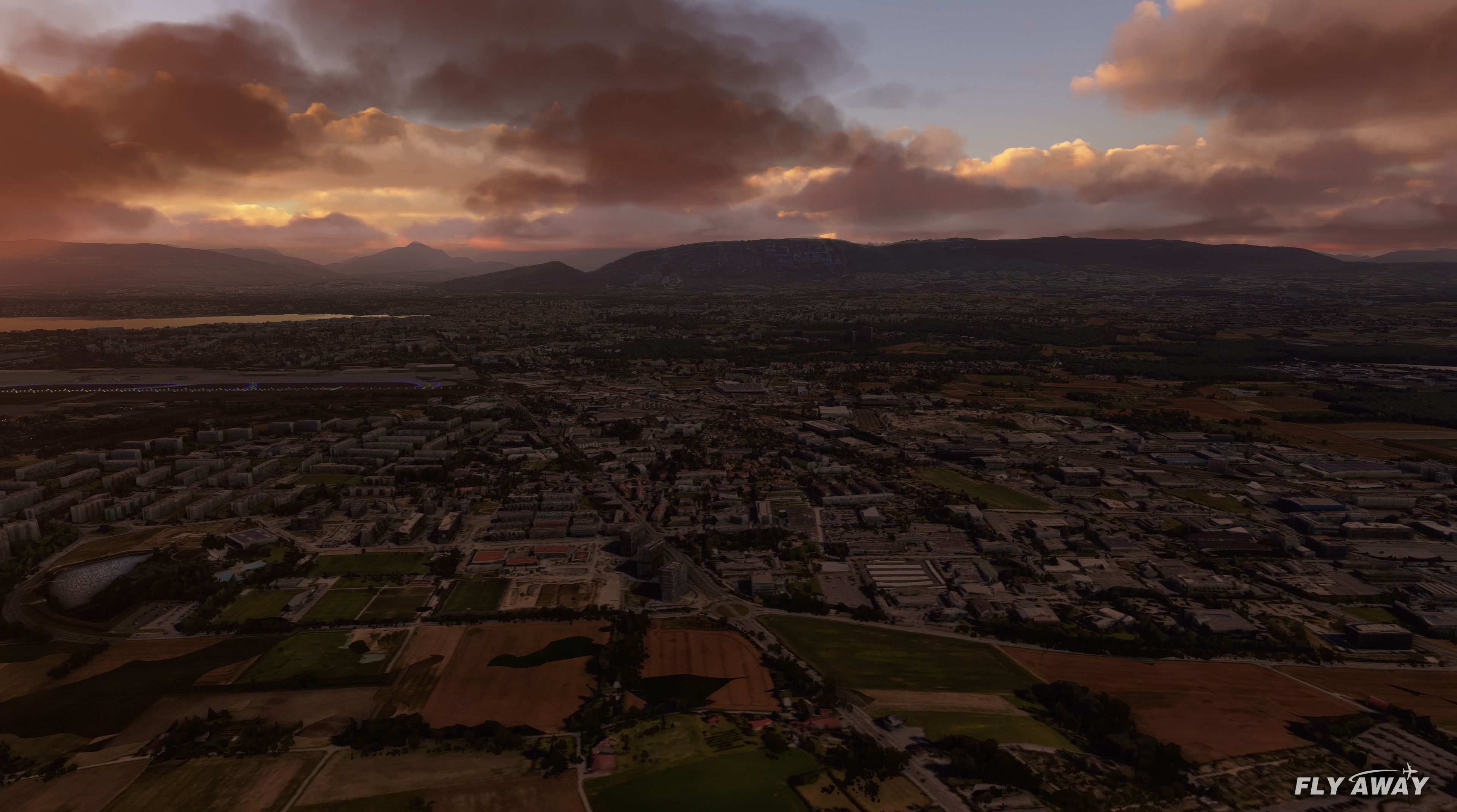
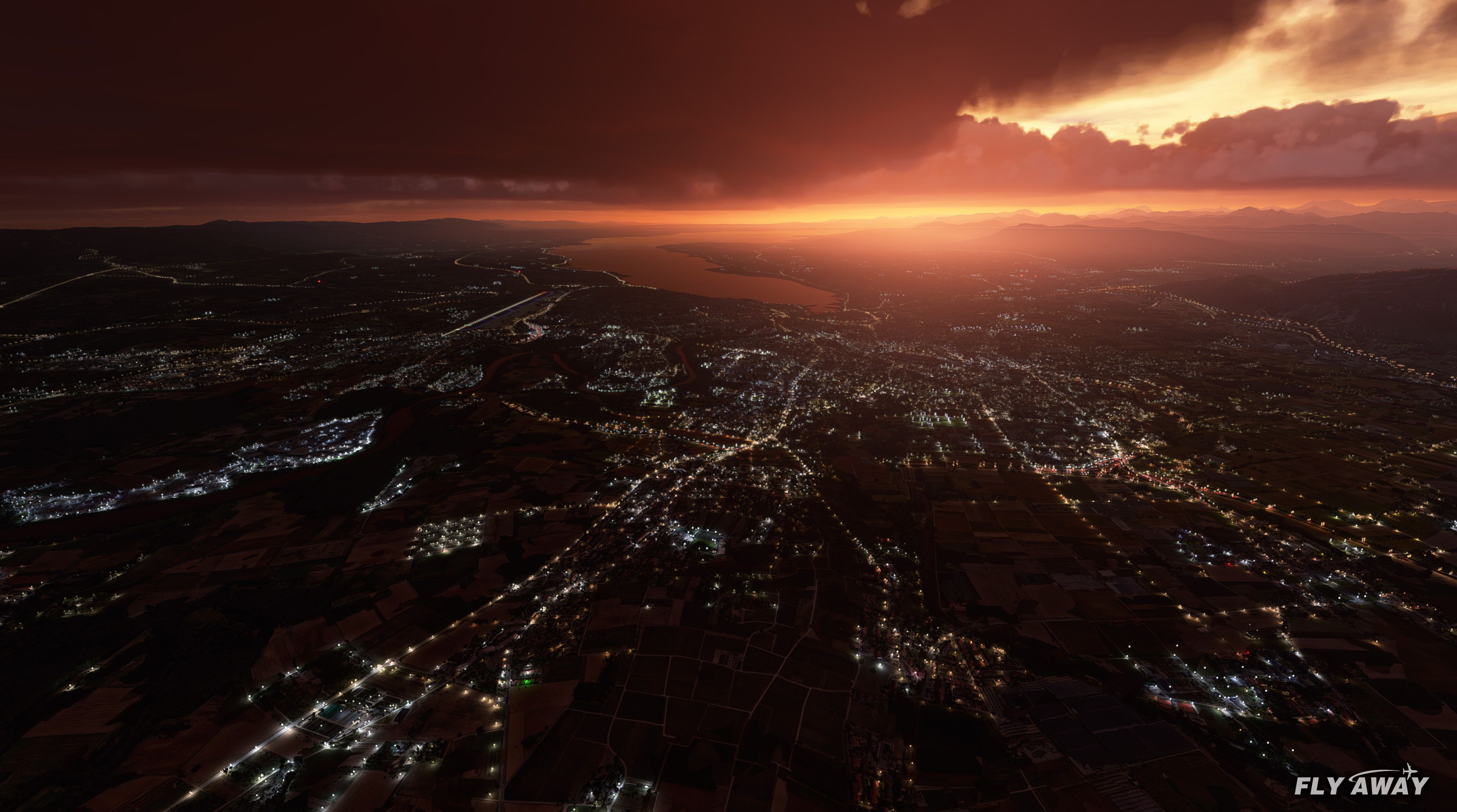
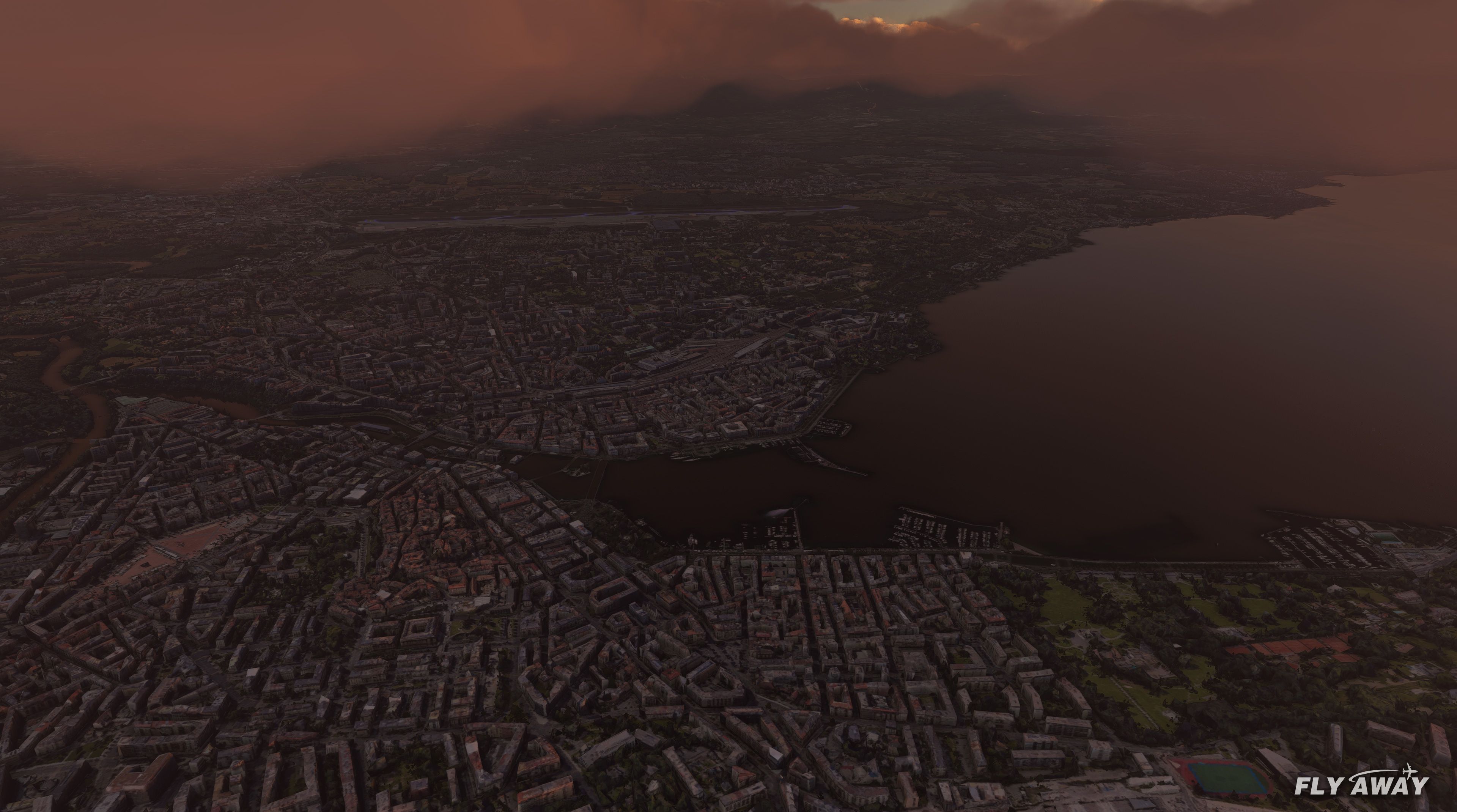
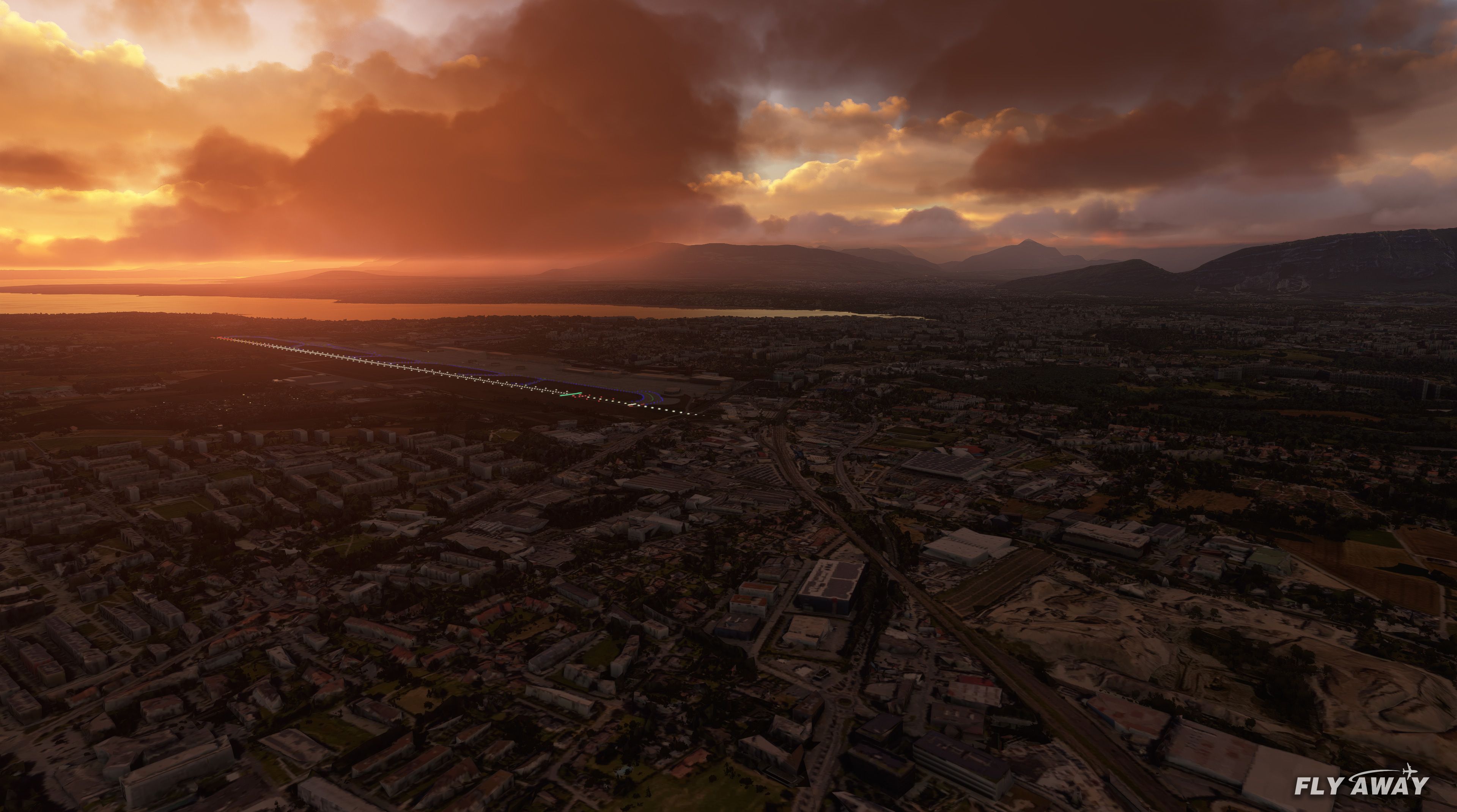
Geneva, Switzerland Complete
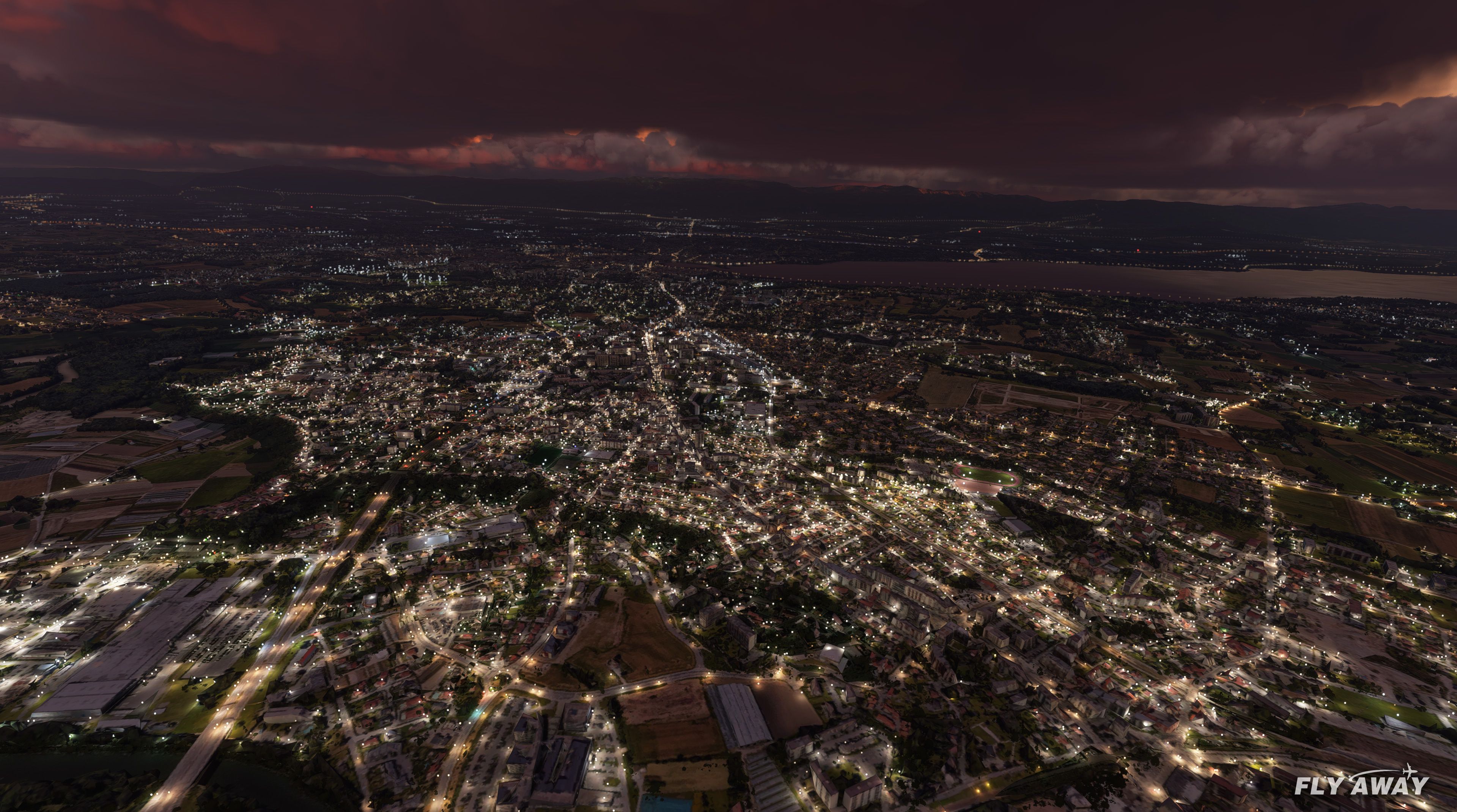
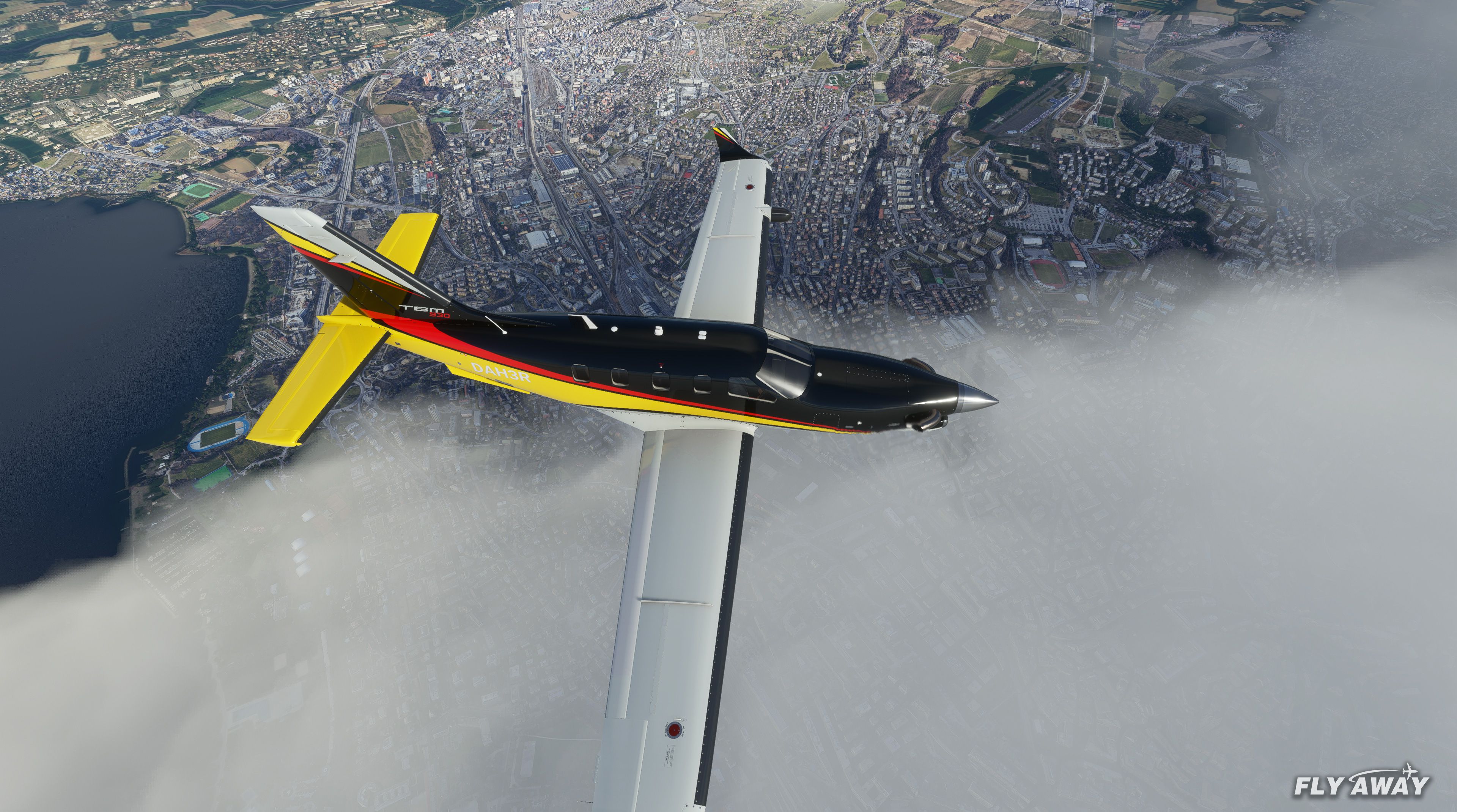
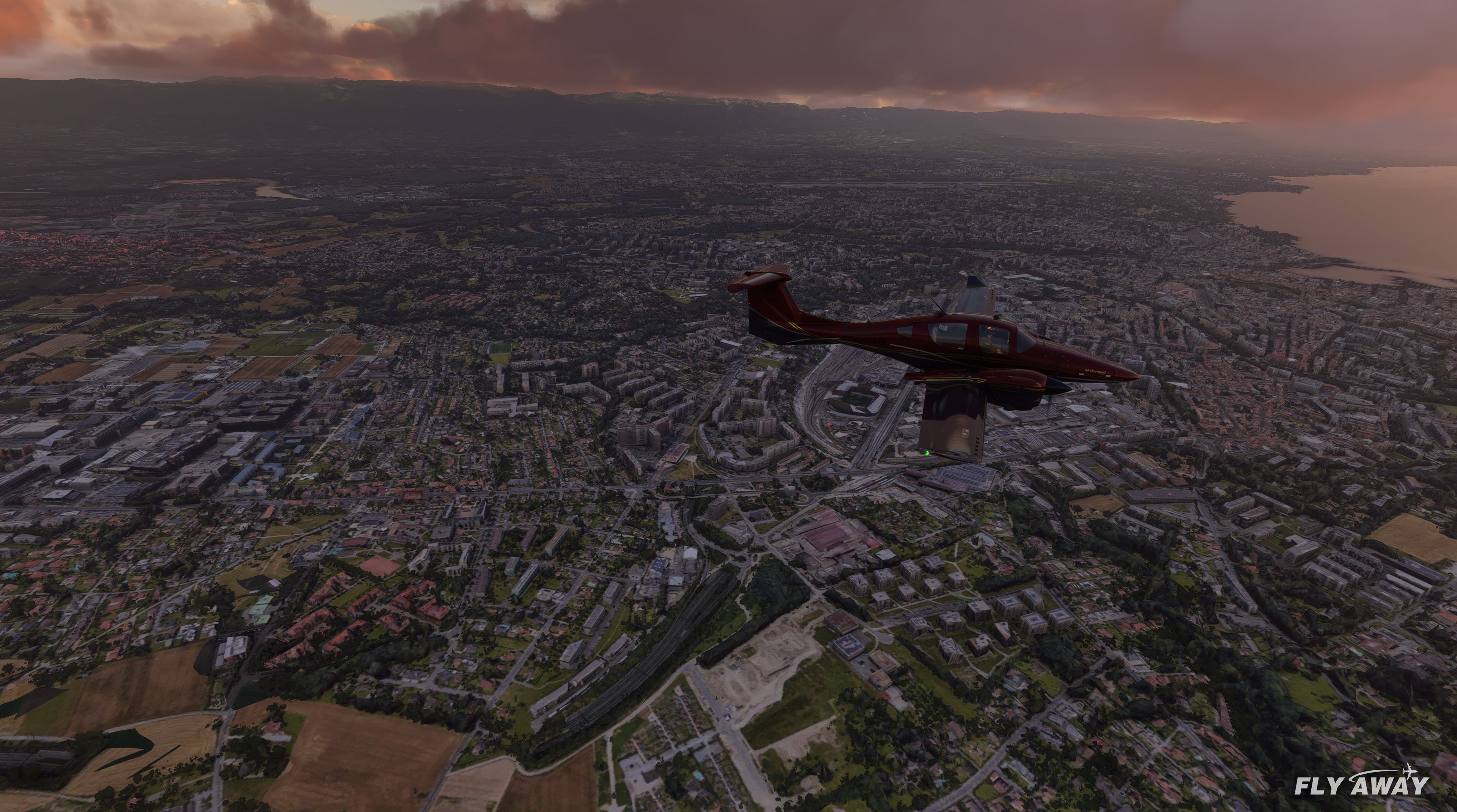
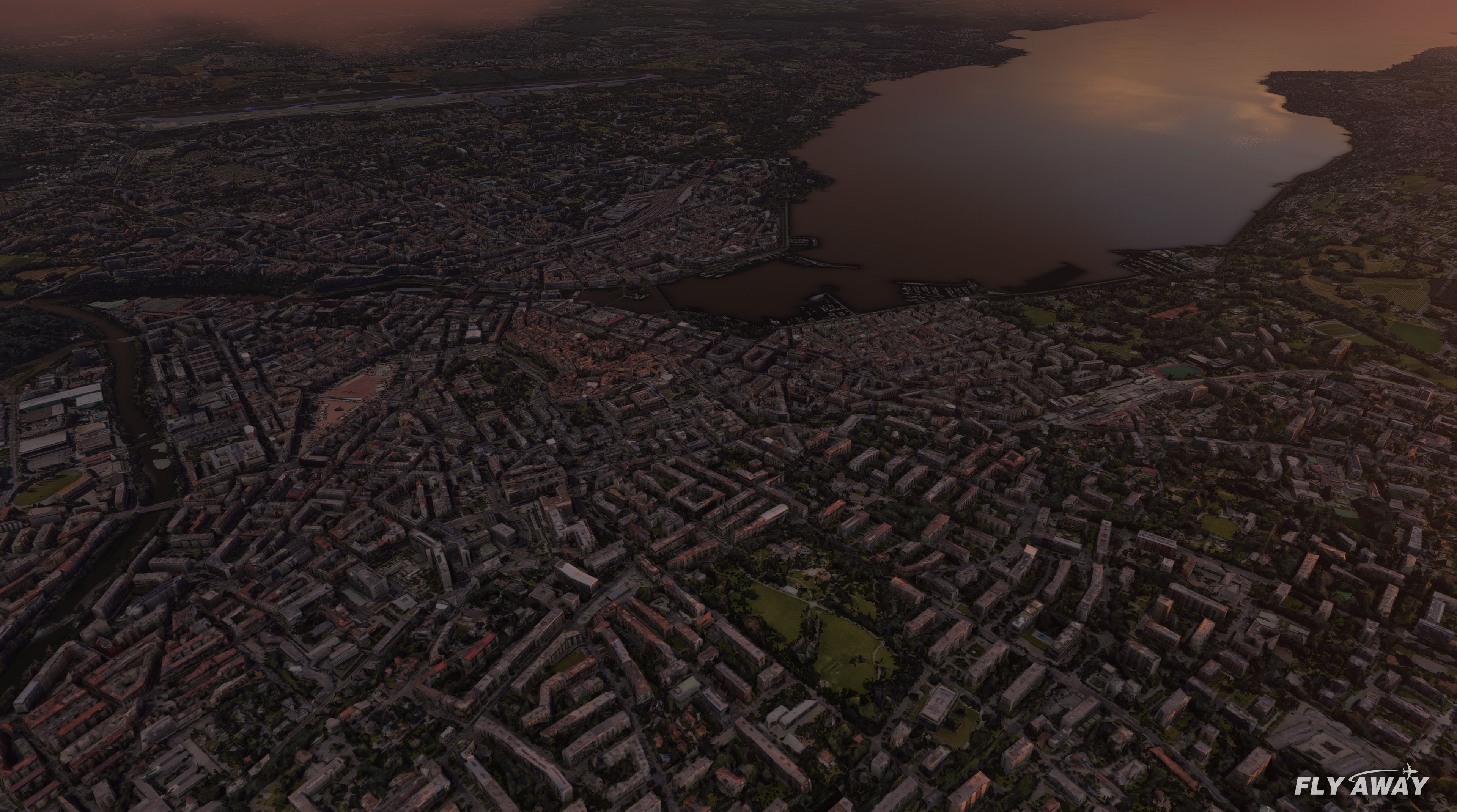
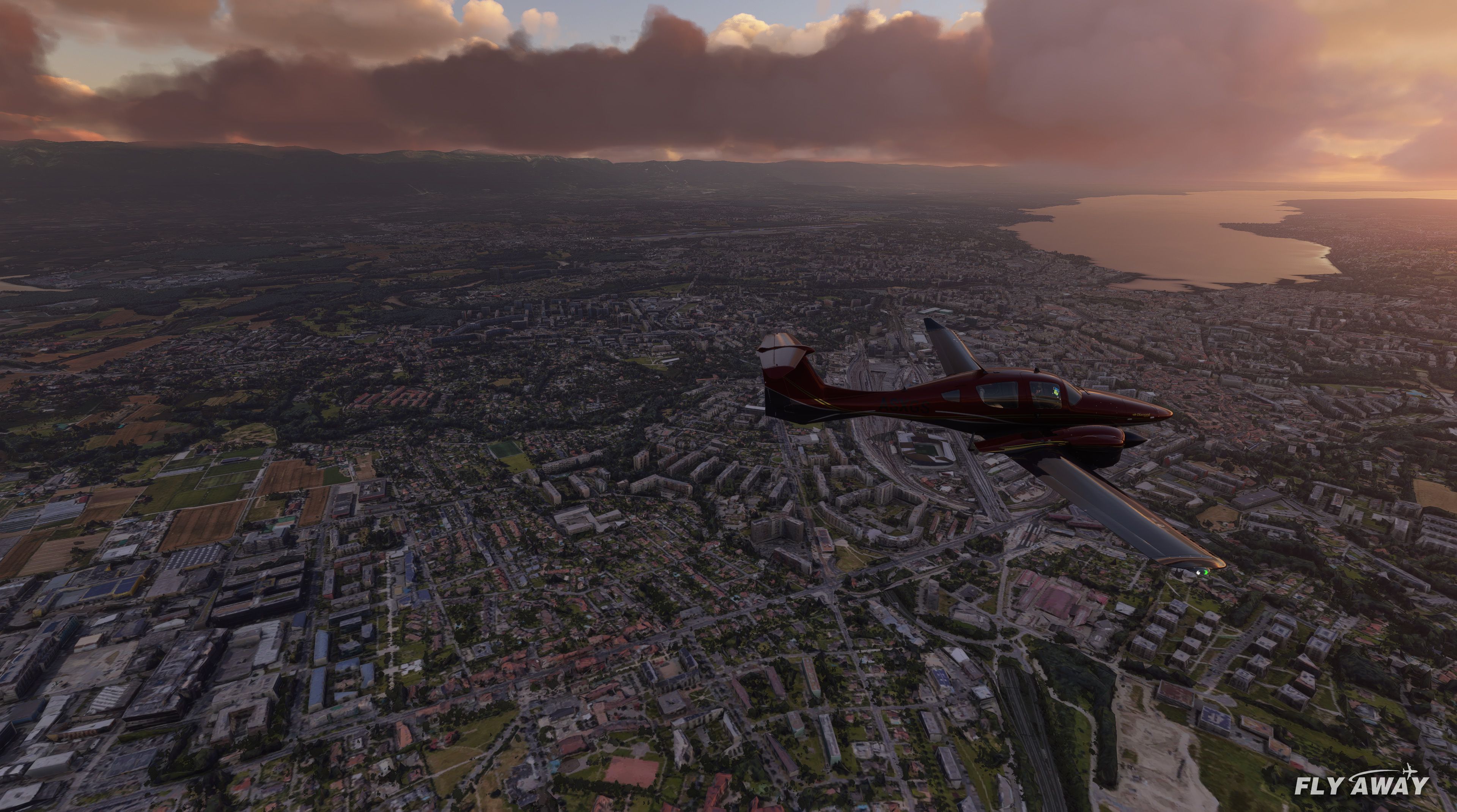
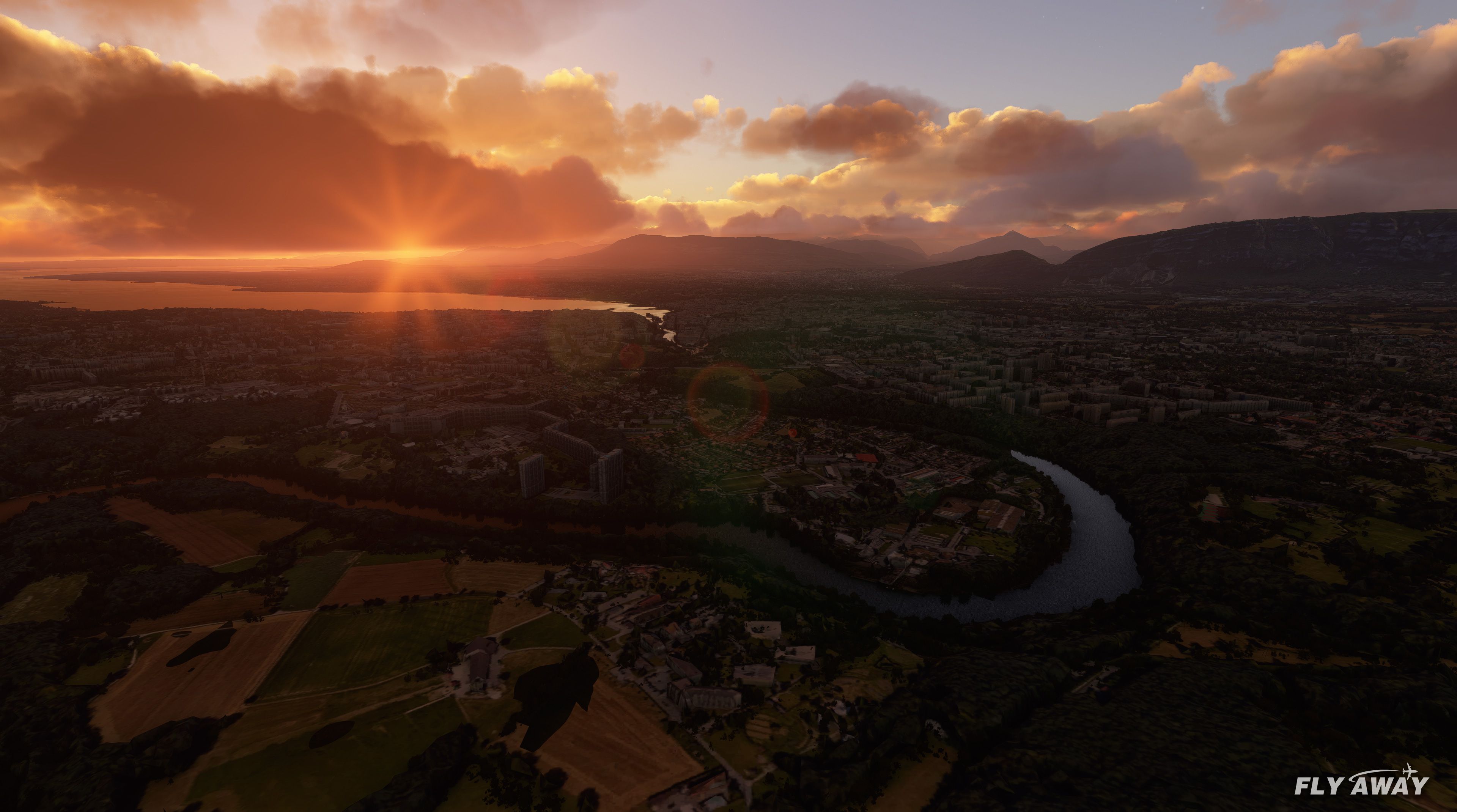
A complete scenery replacement for Geneva, Switzerland using accurate and mor…
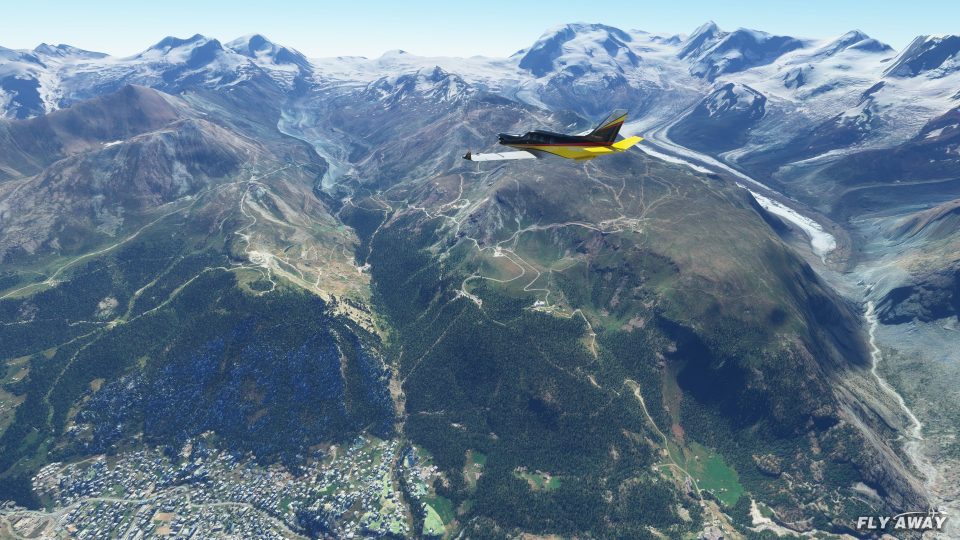
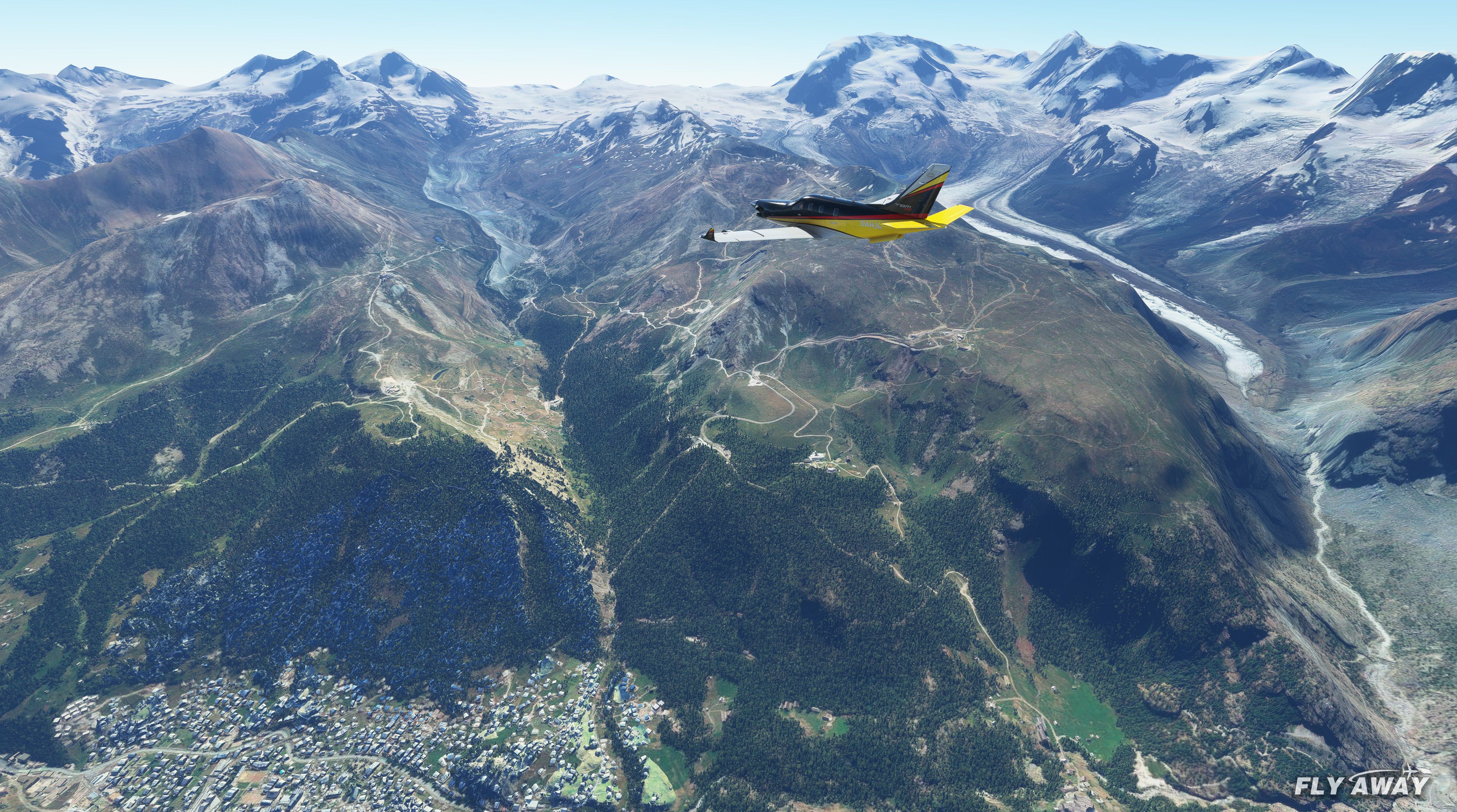
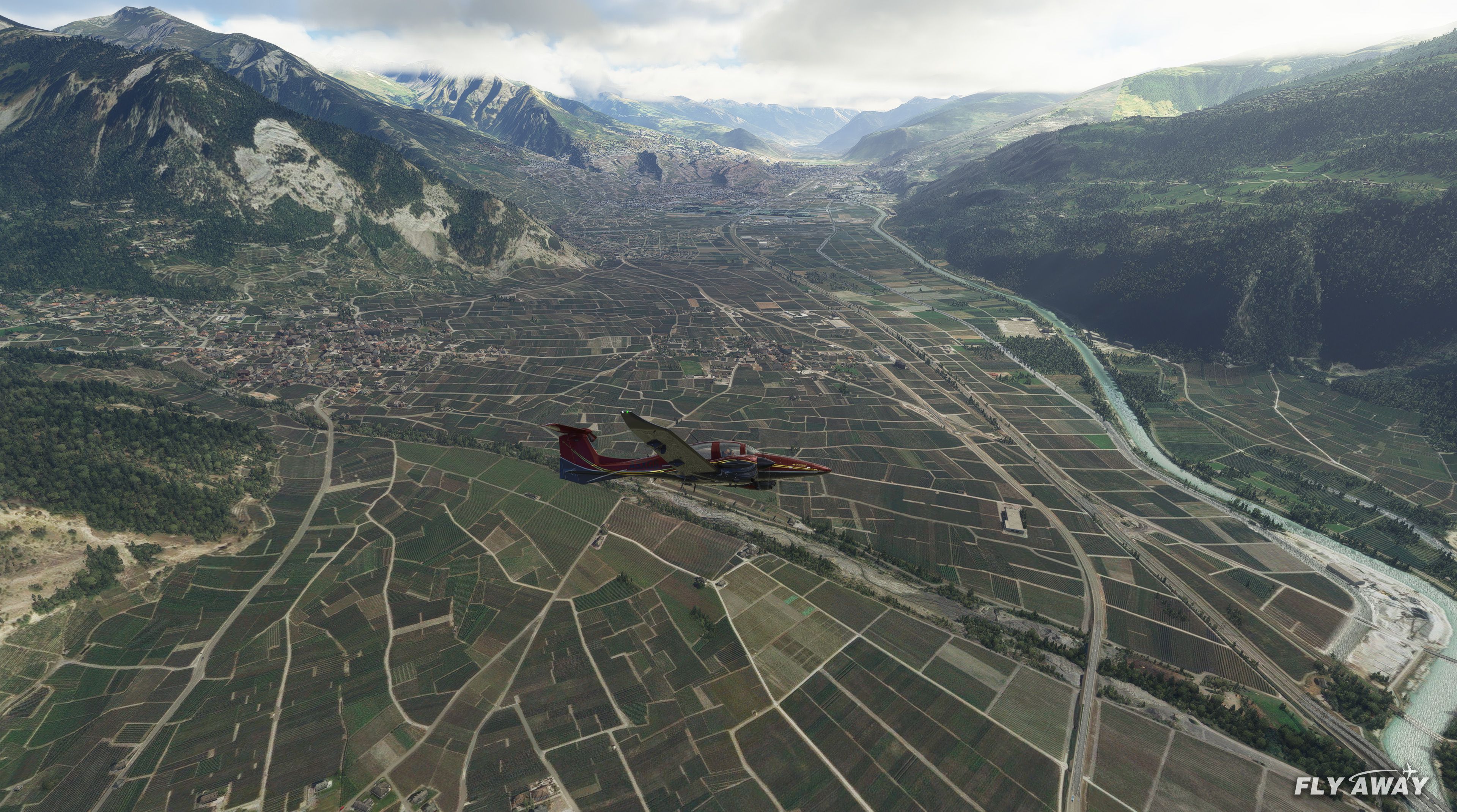
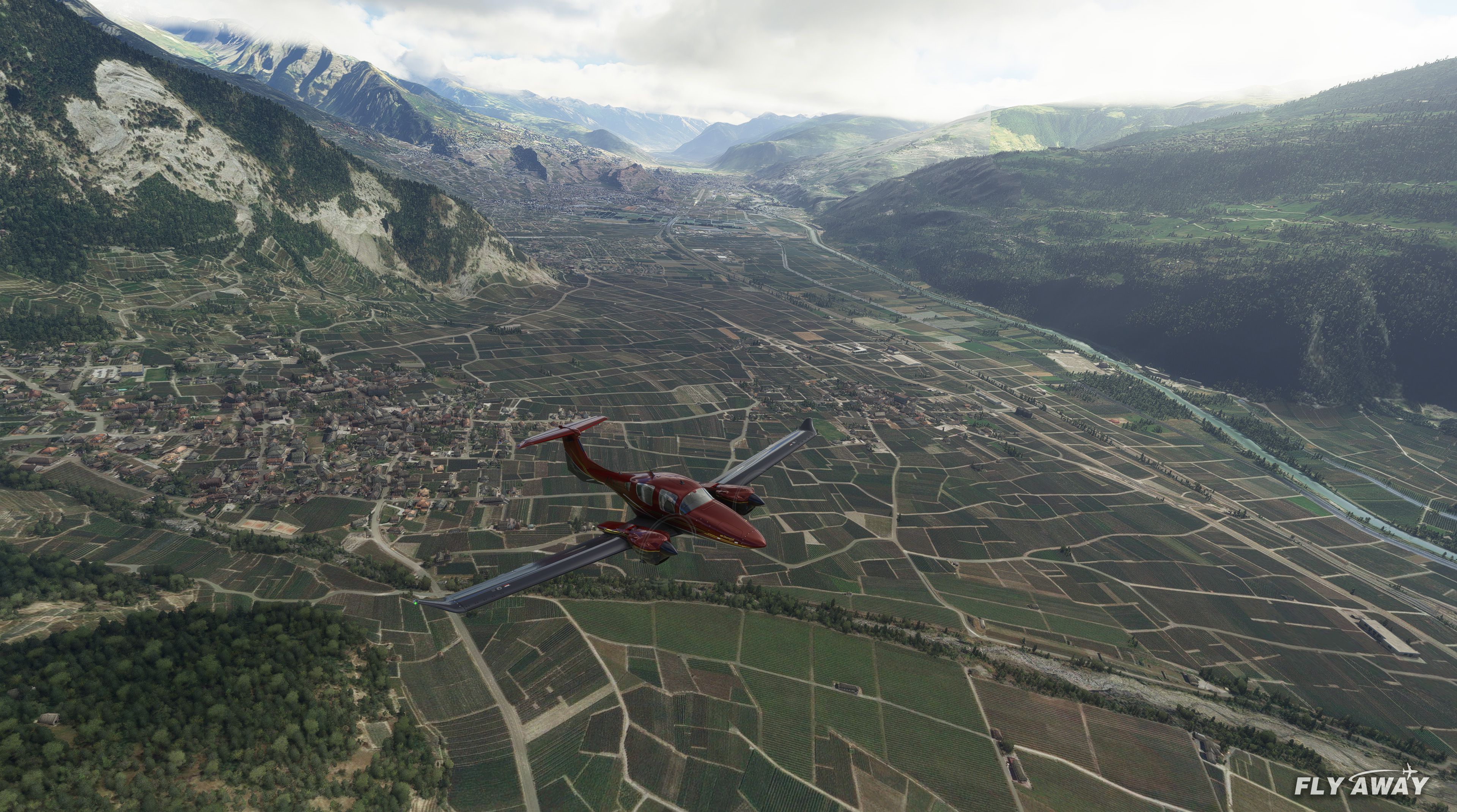
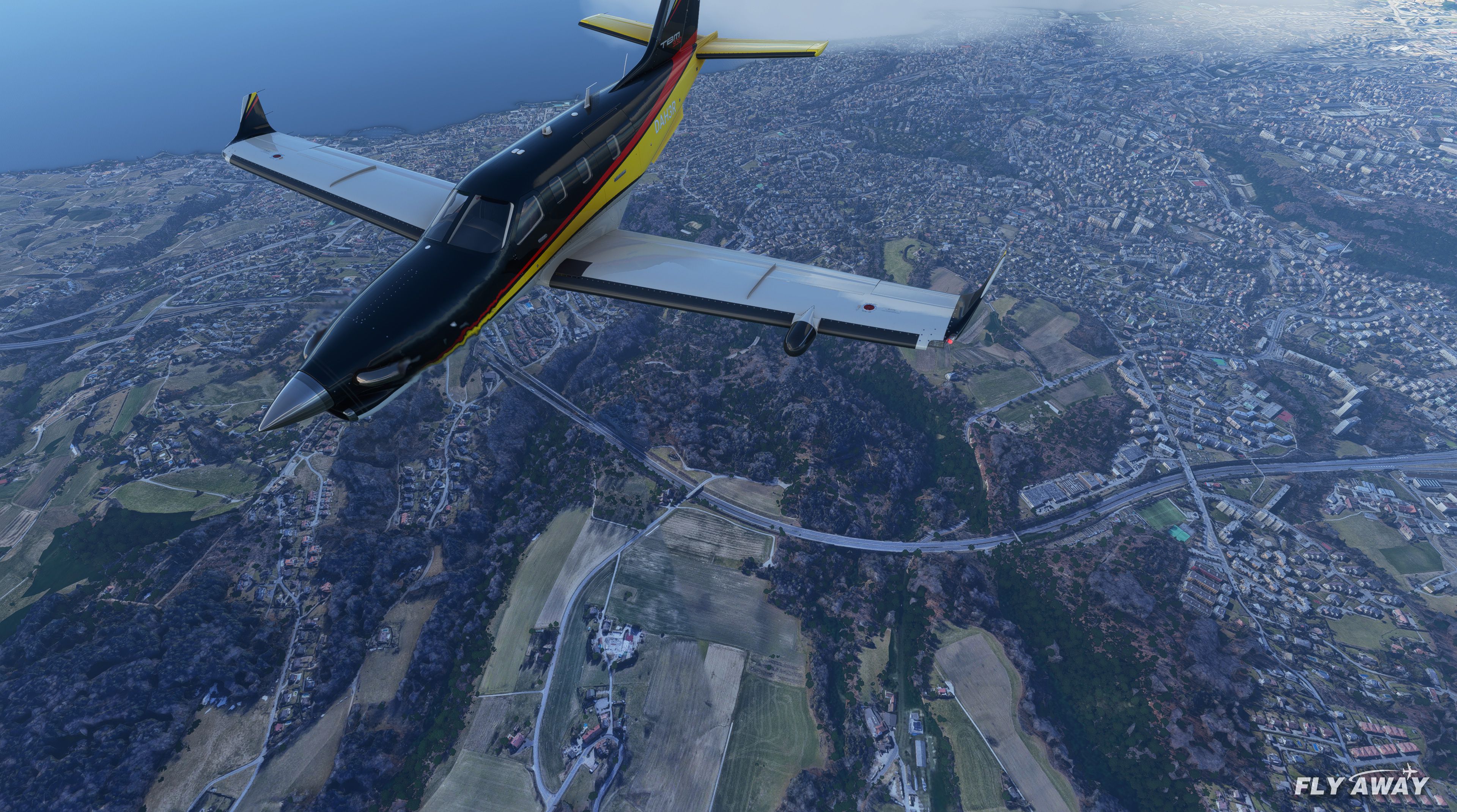
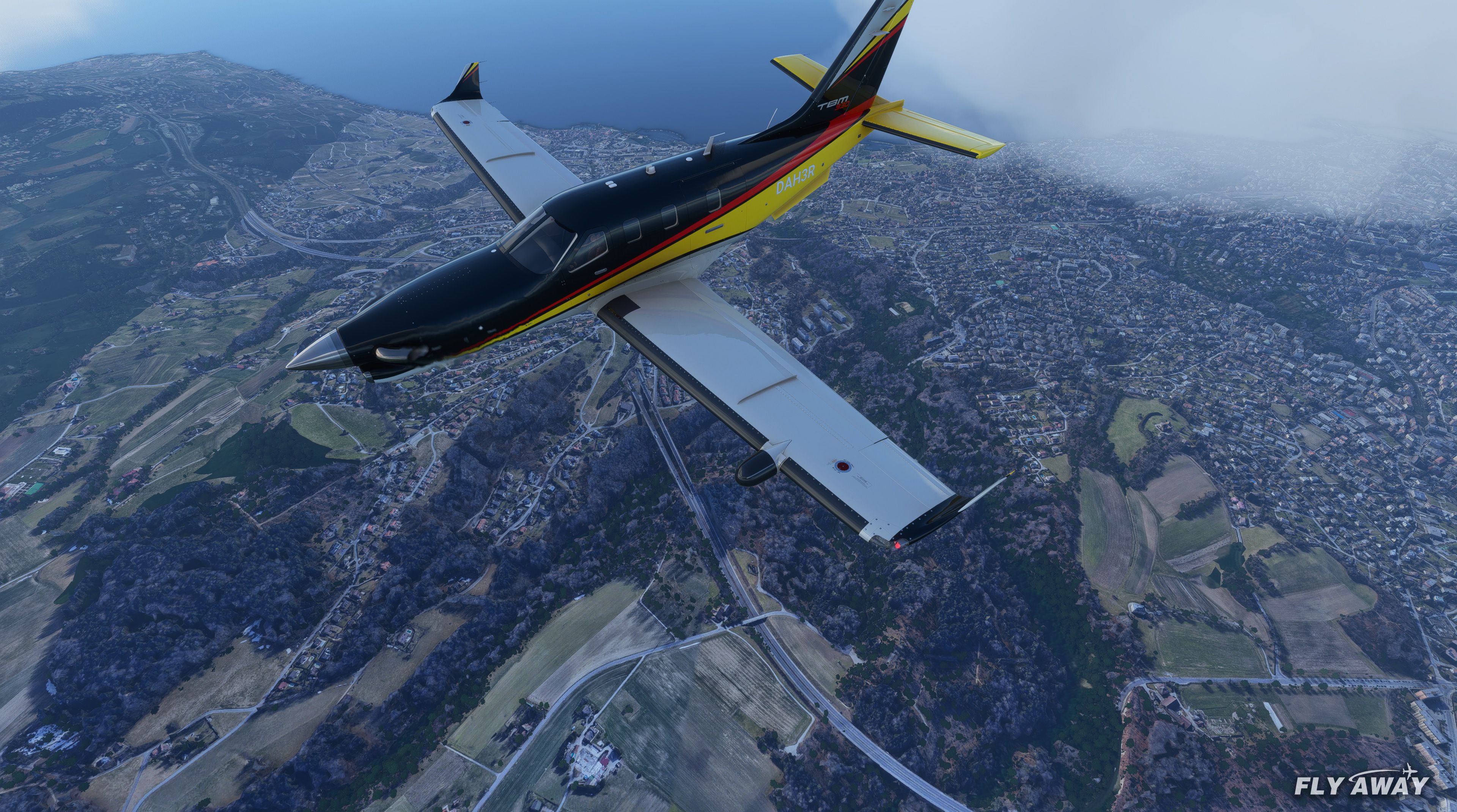
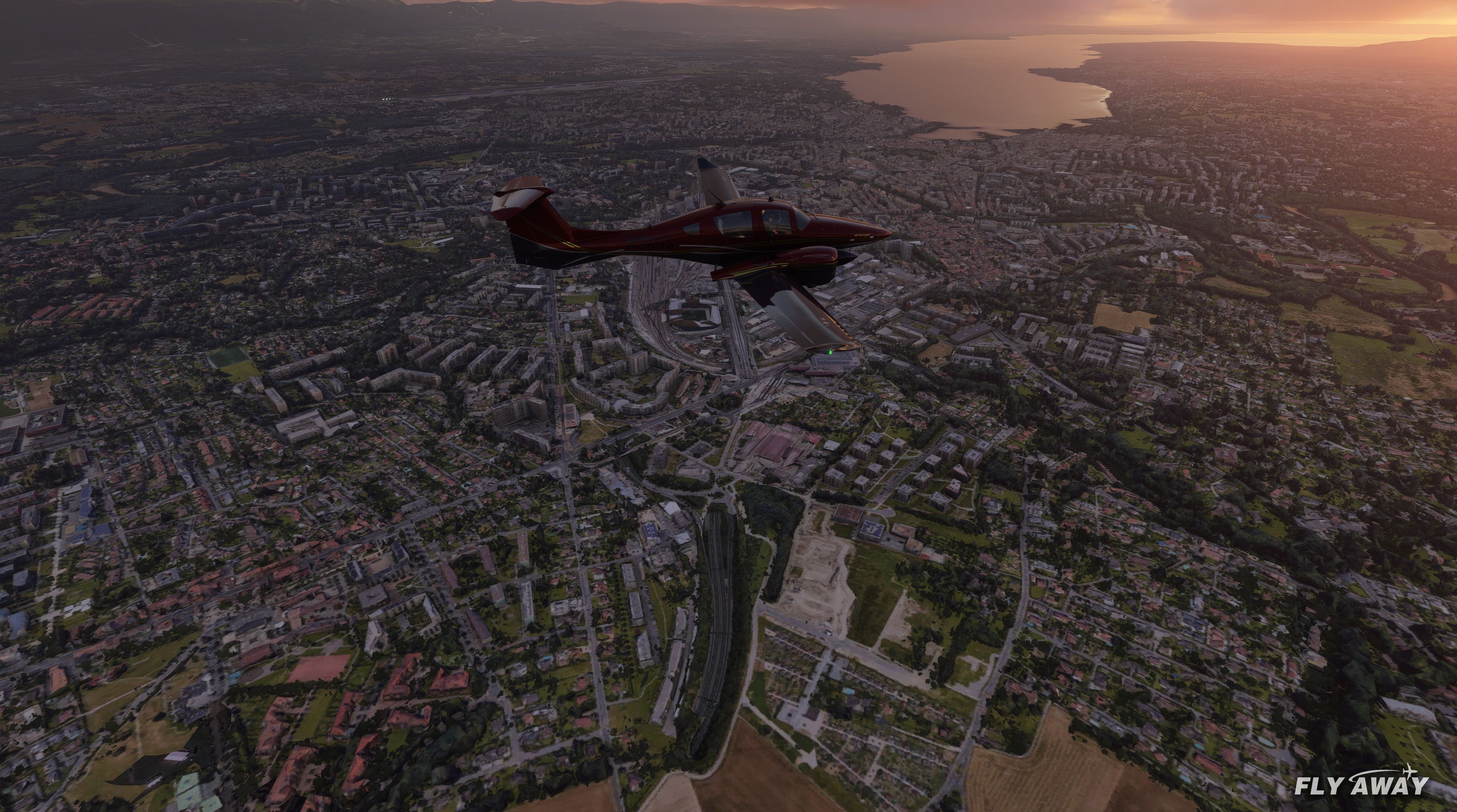
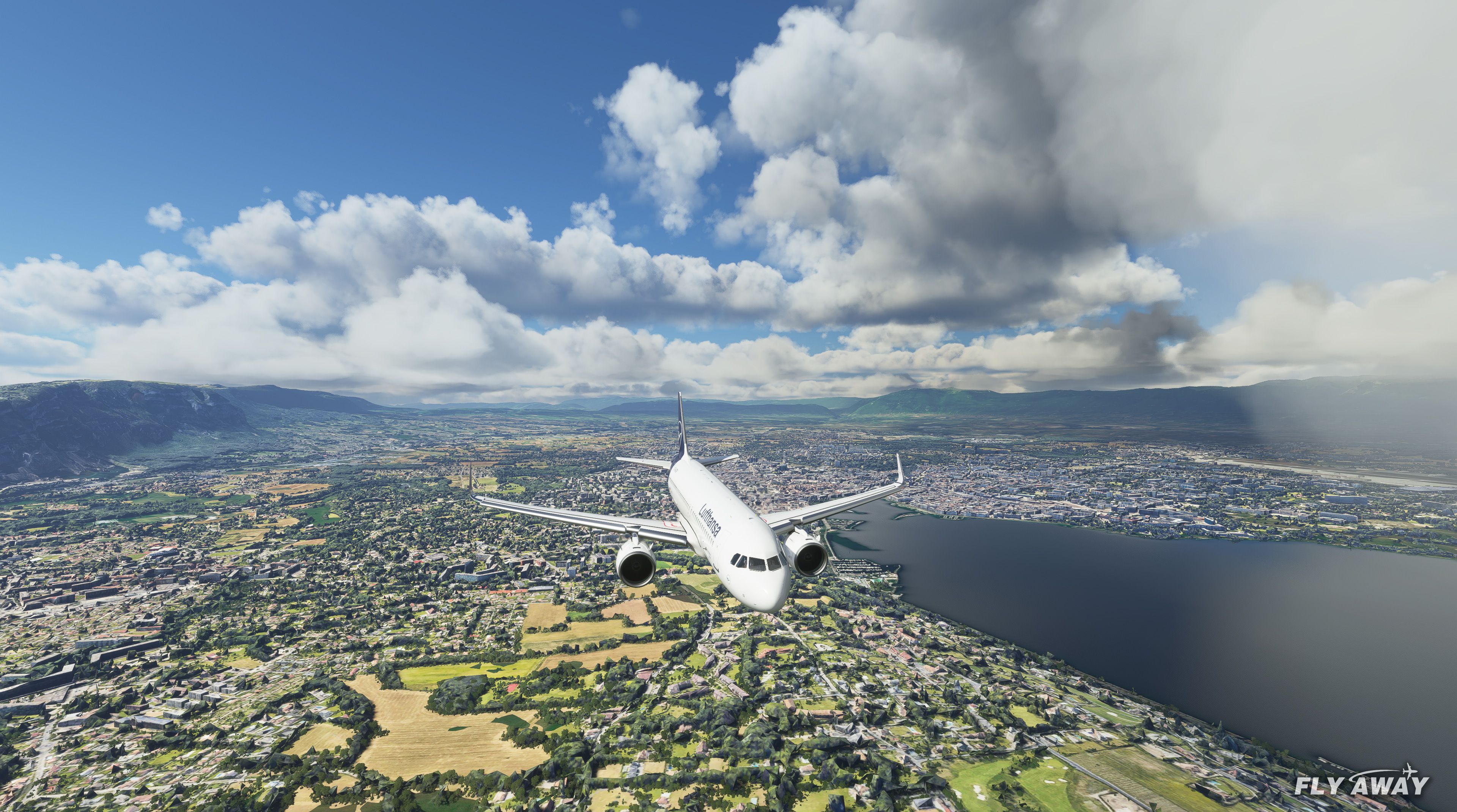
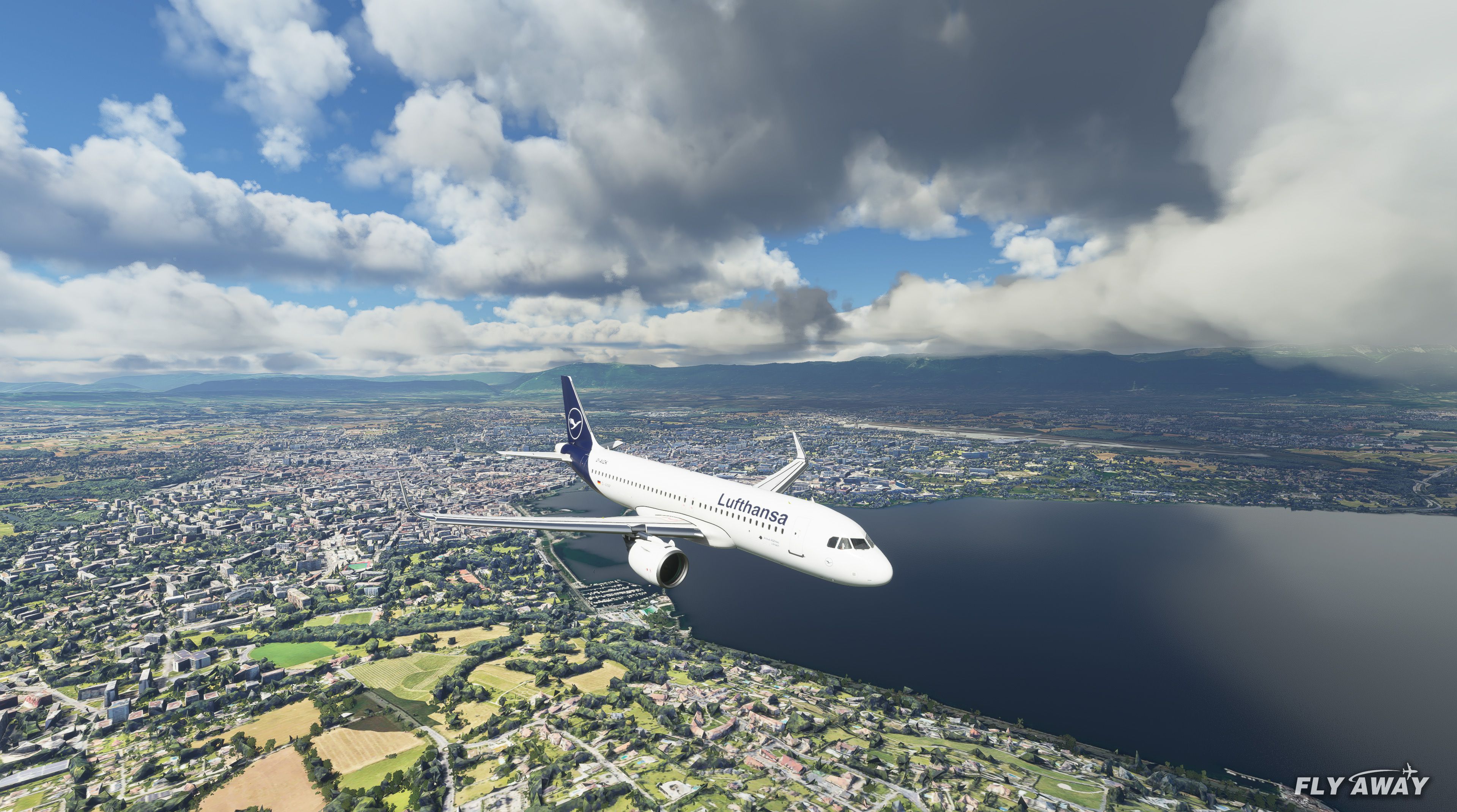
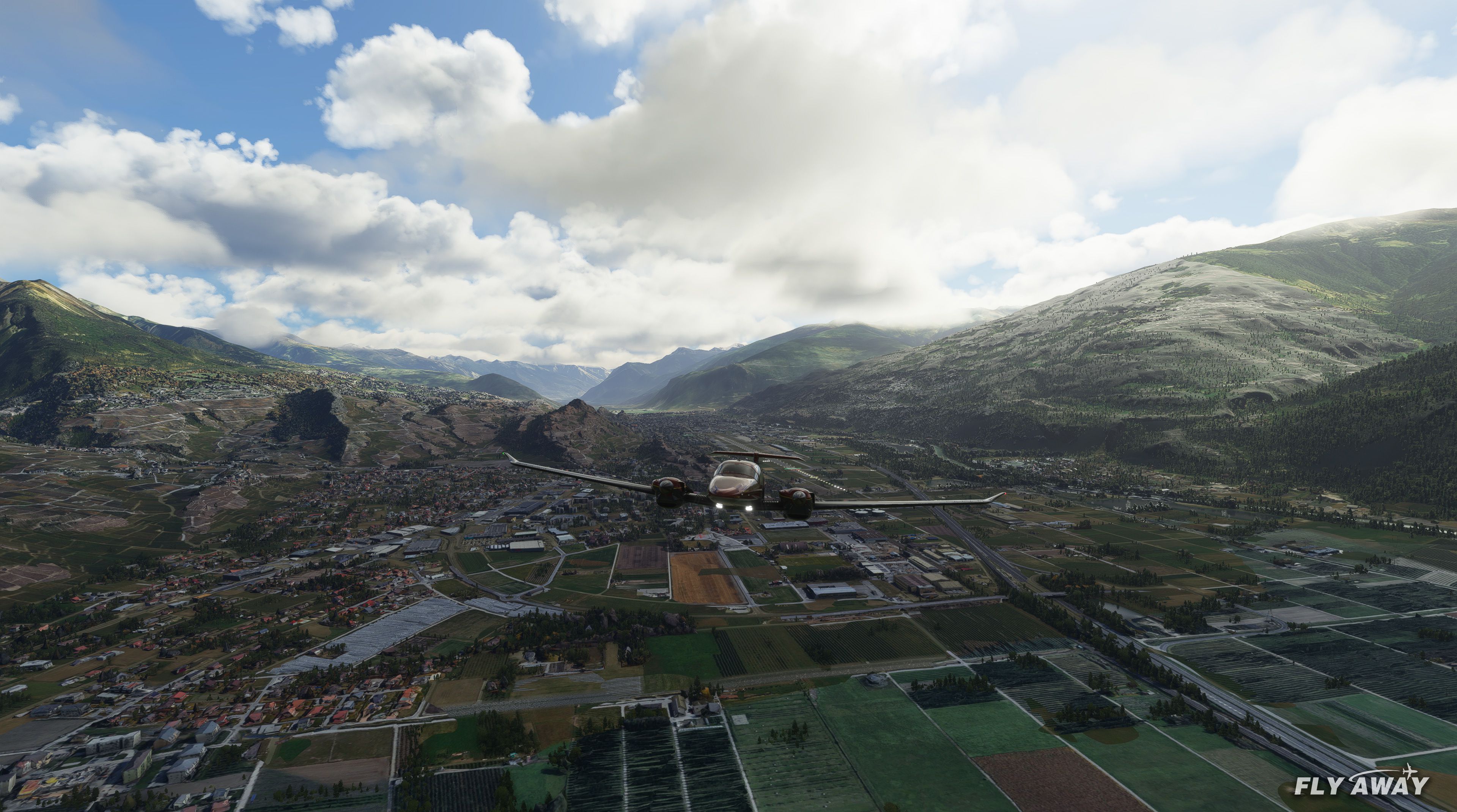
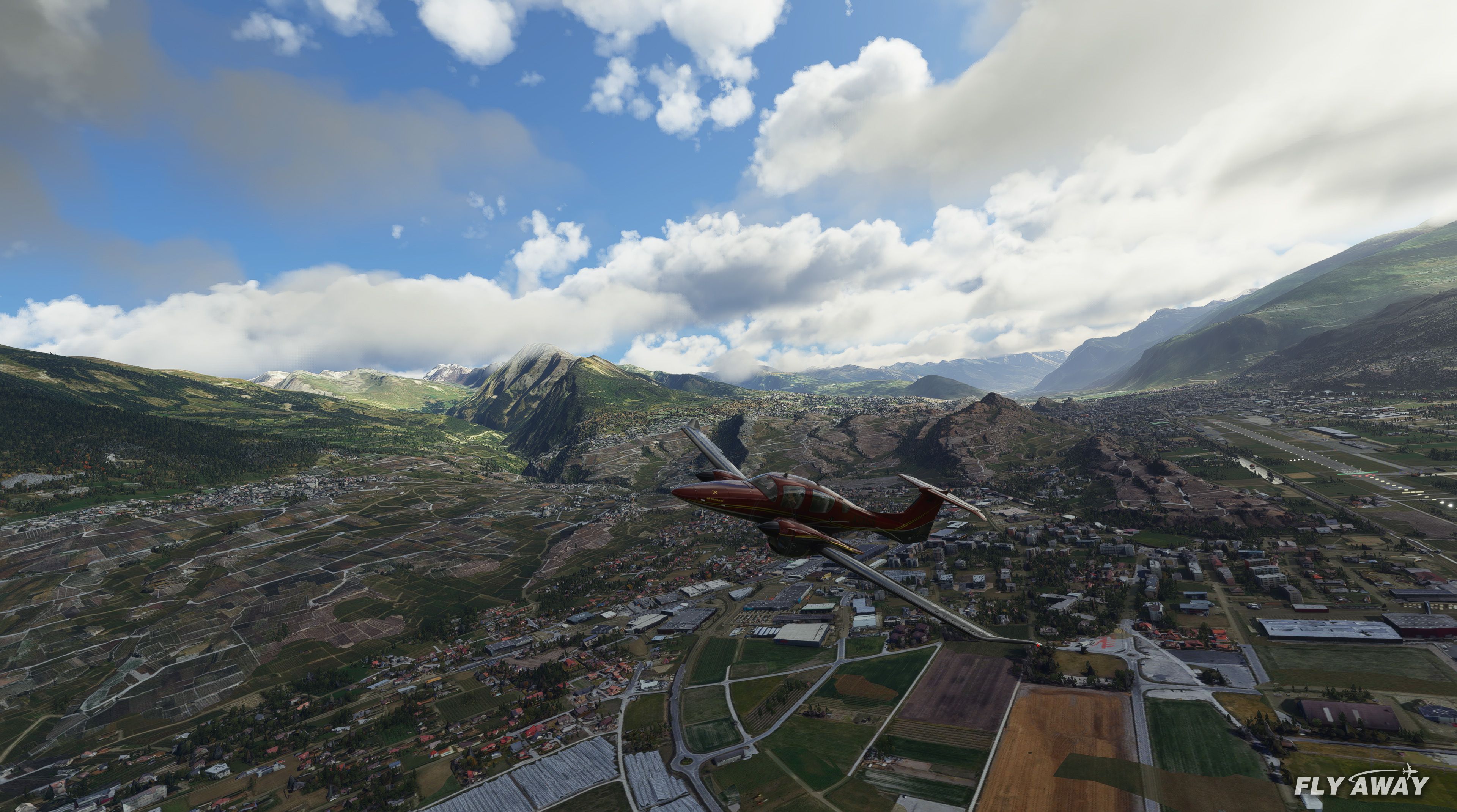
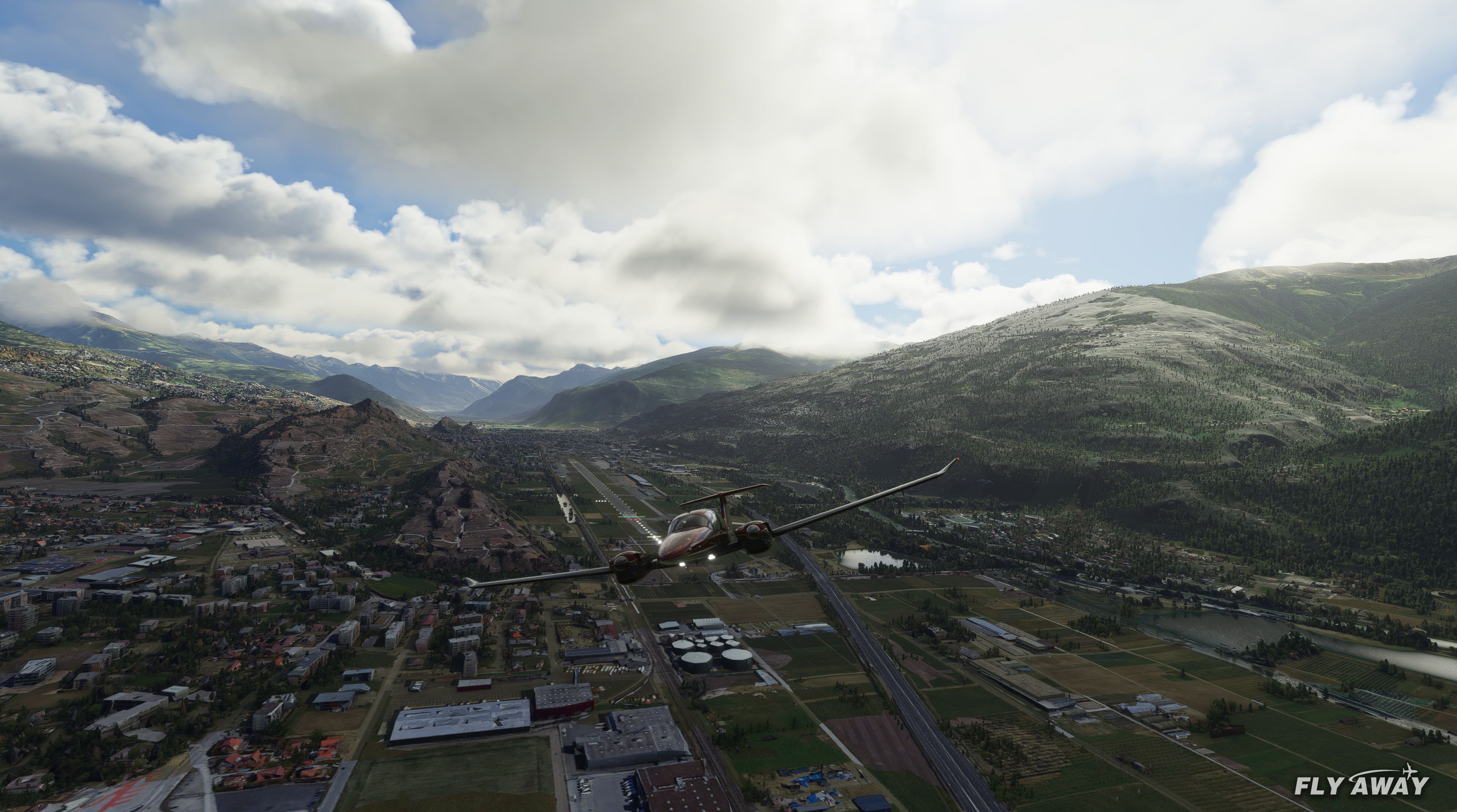
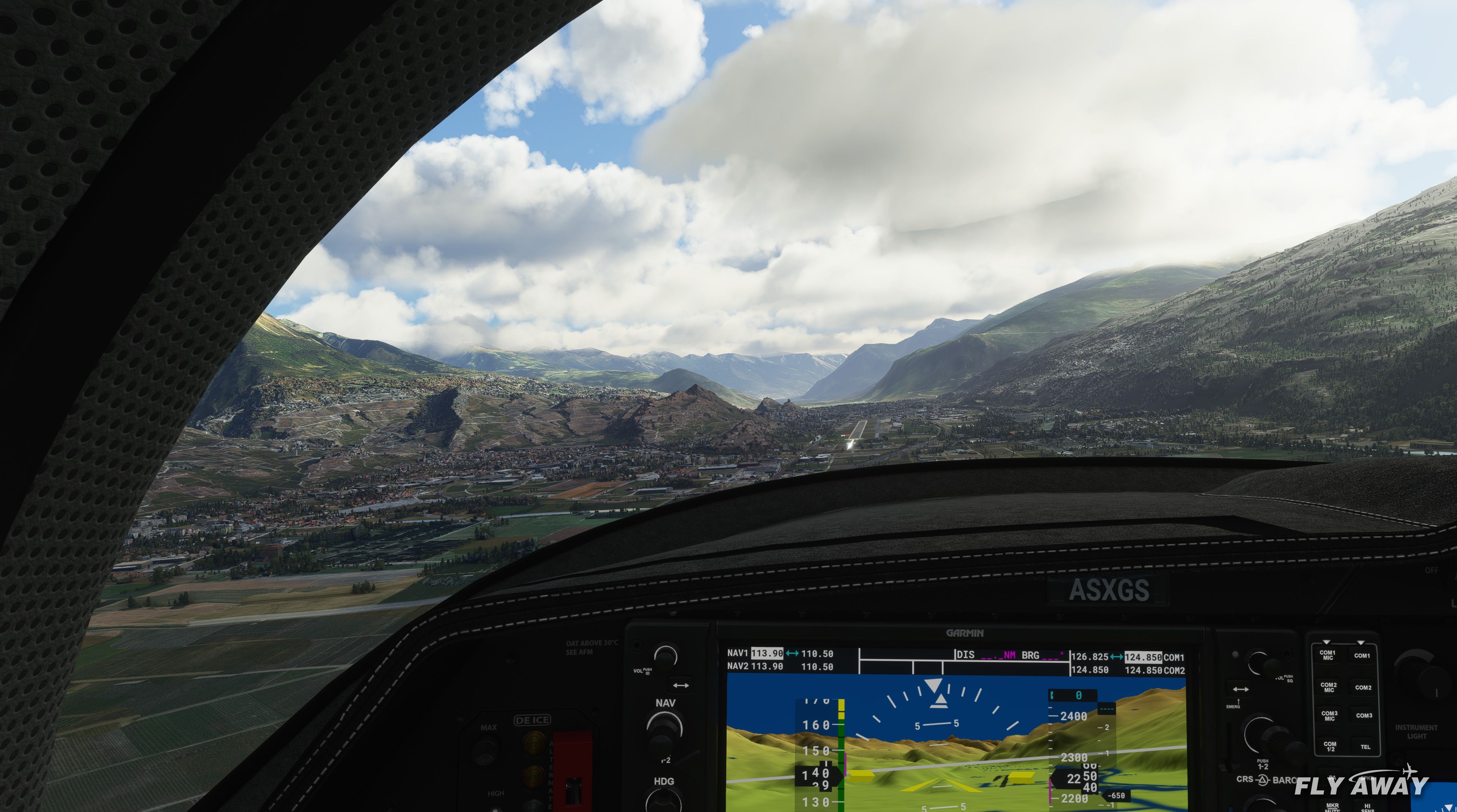
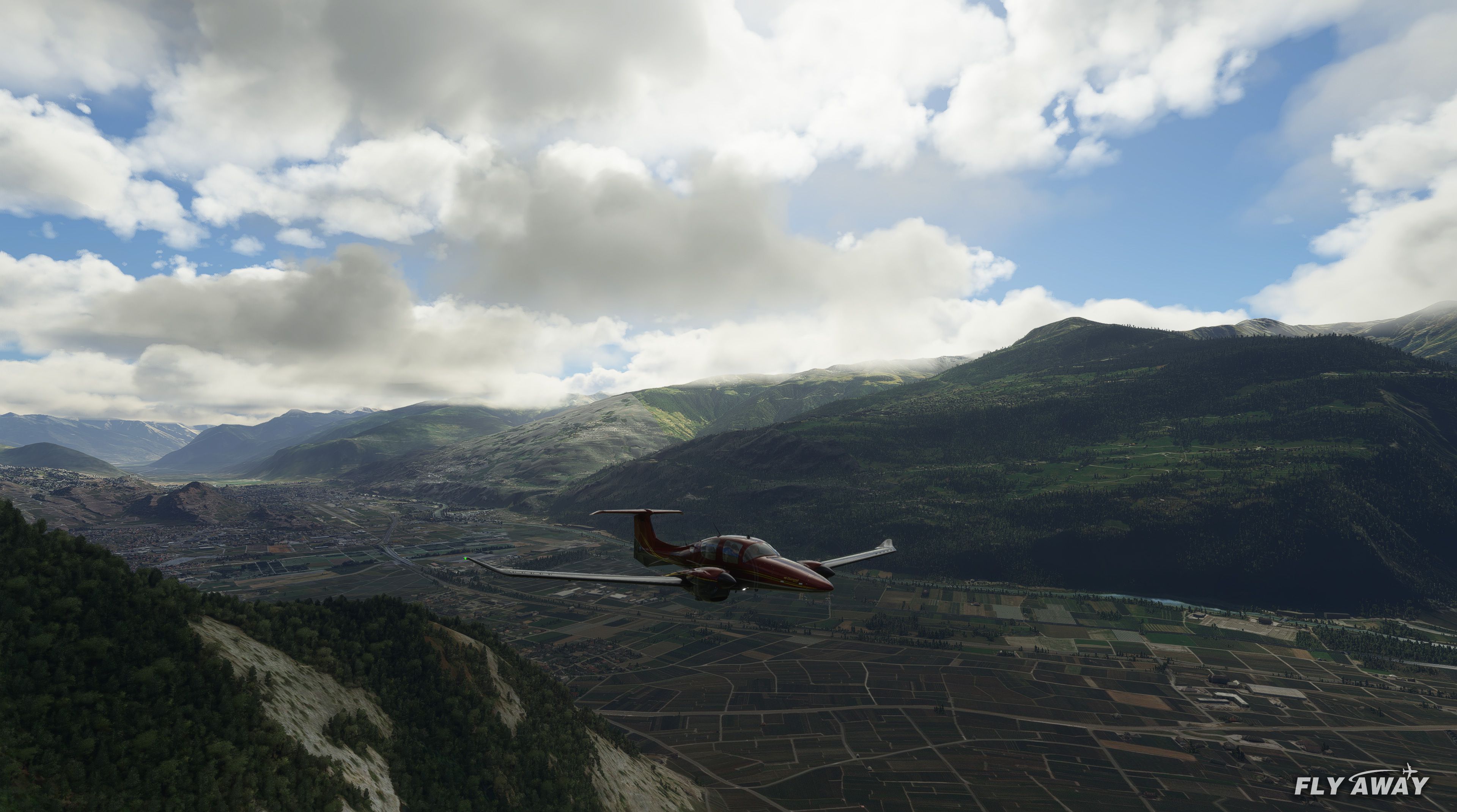
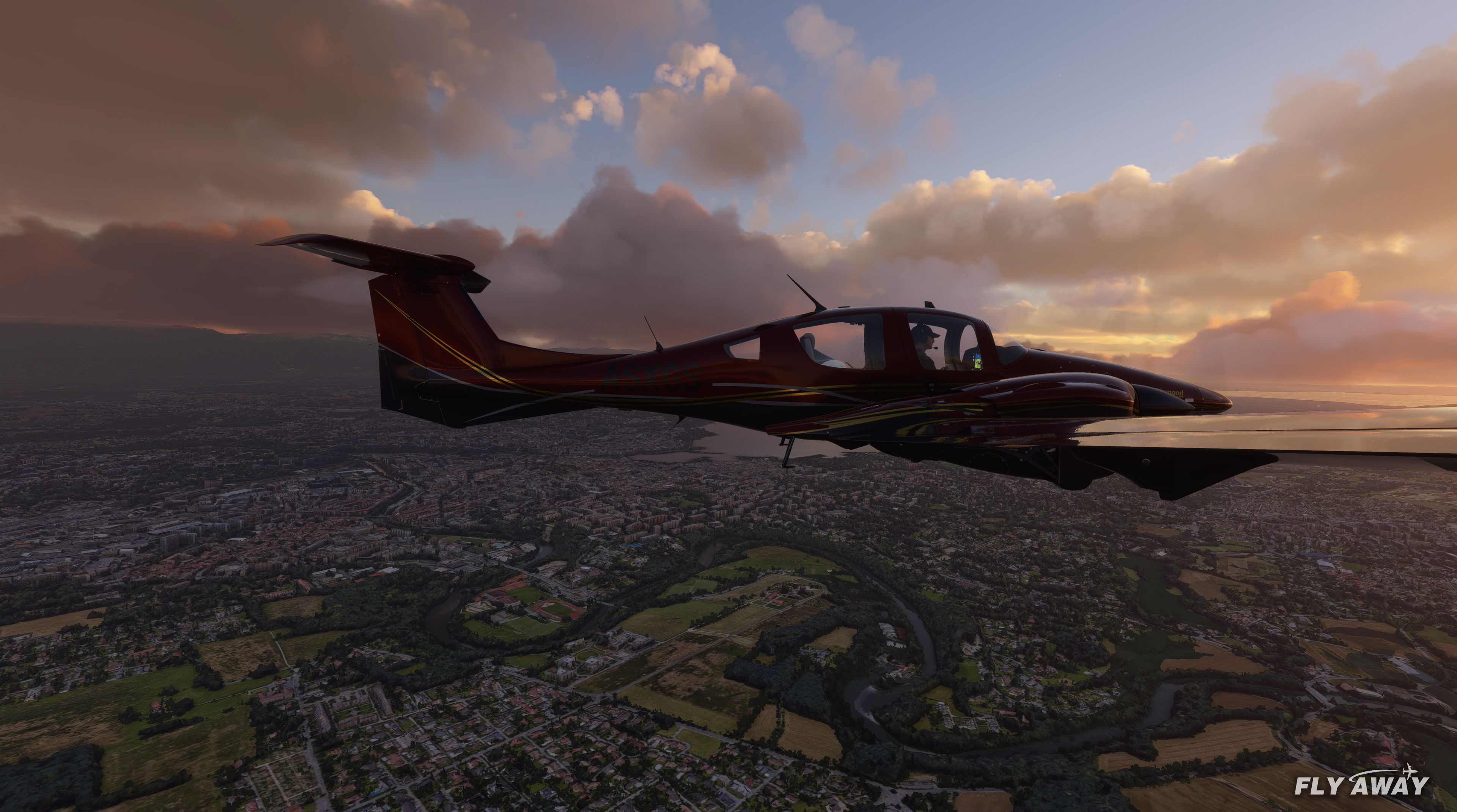
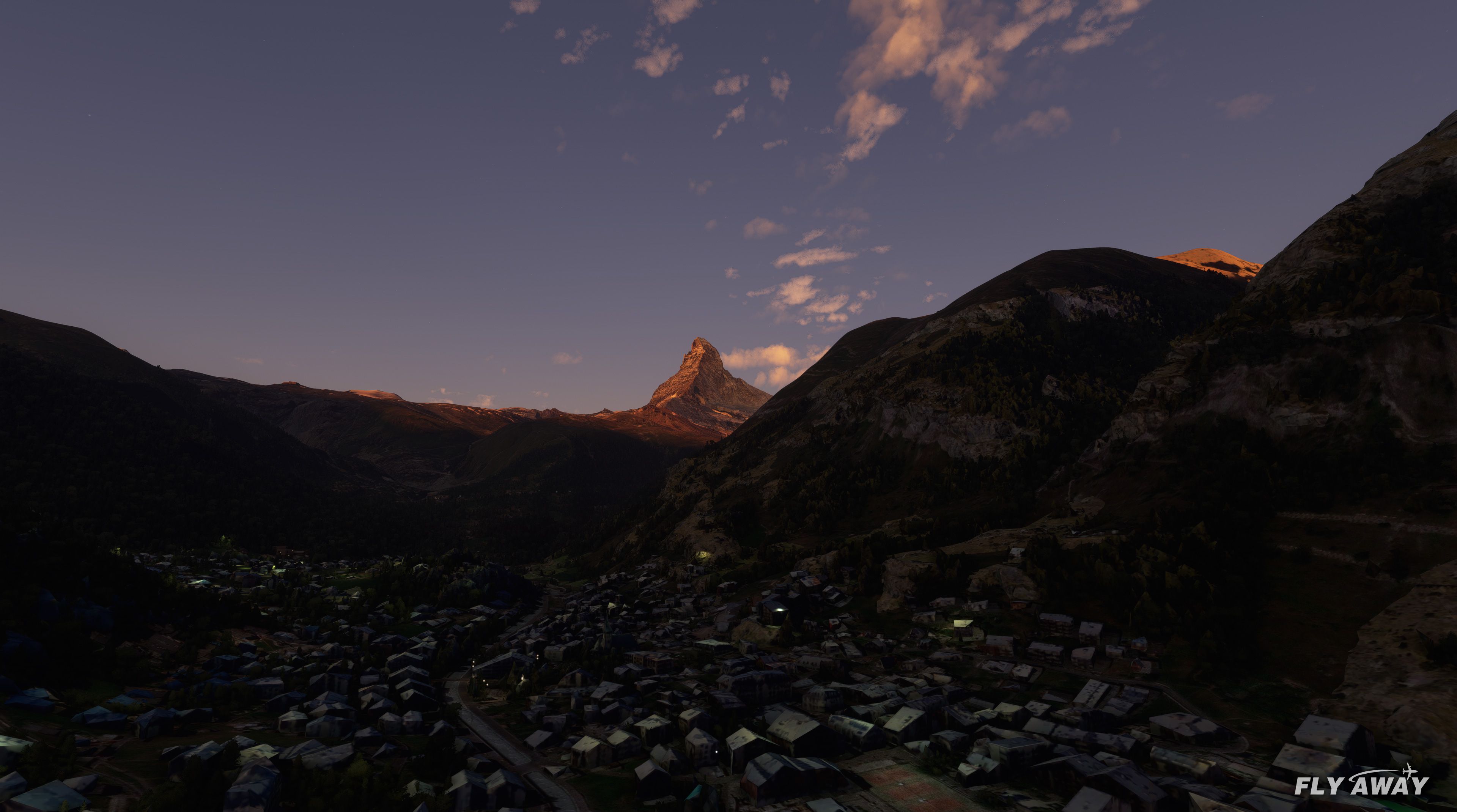
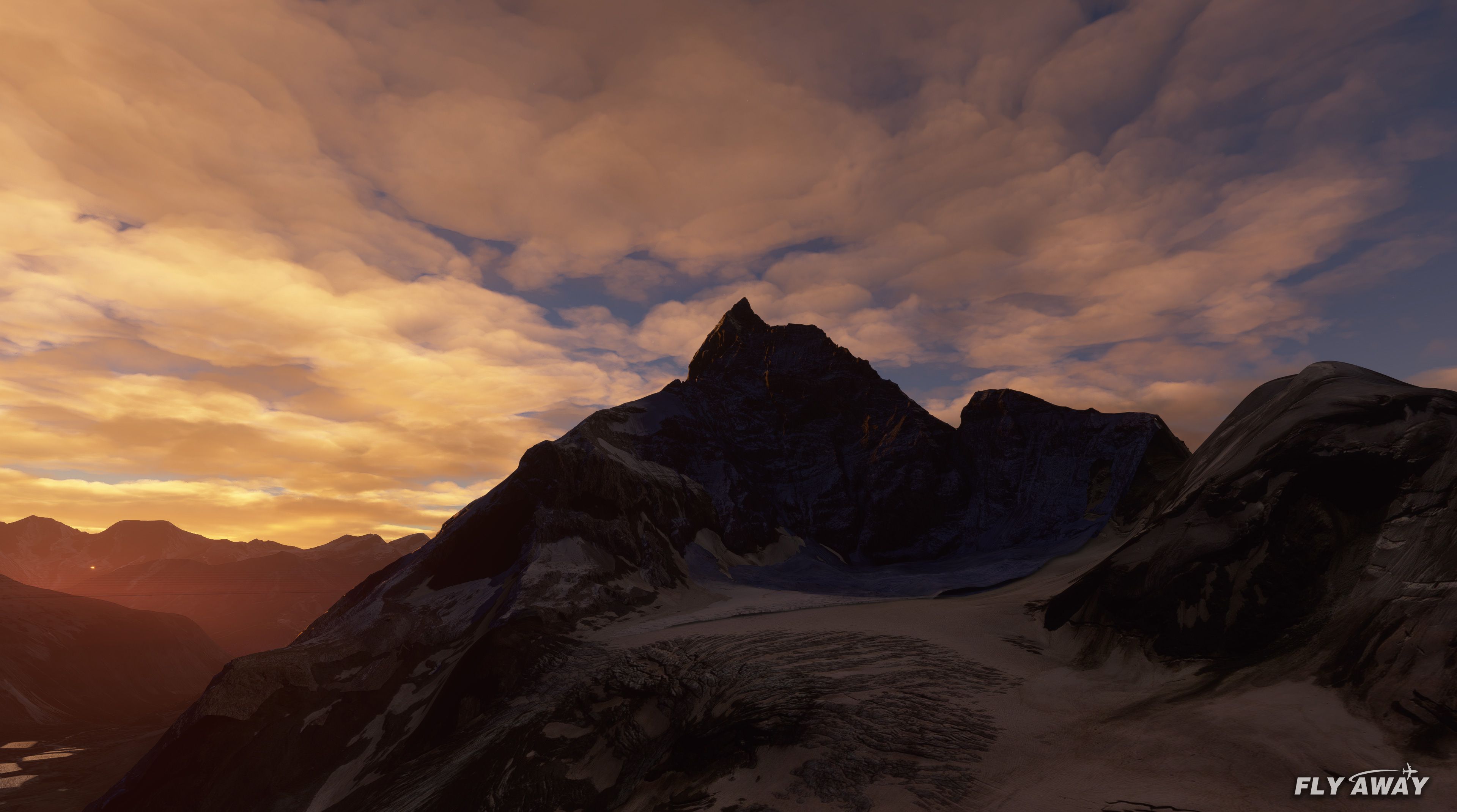
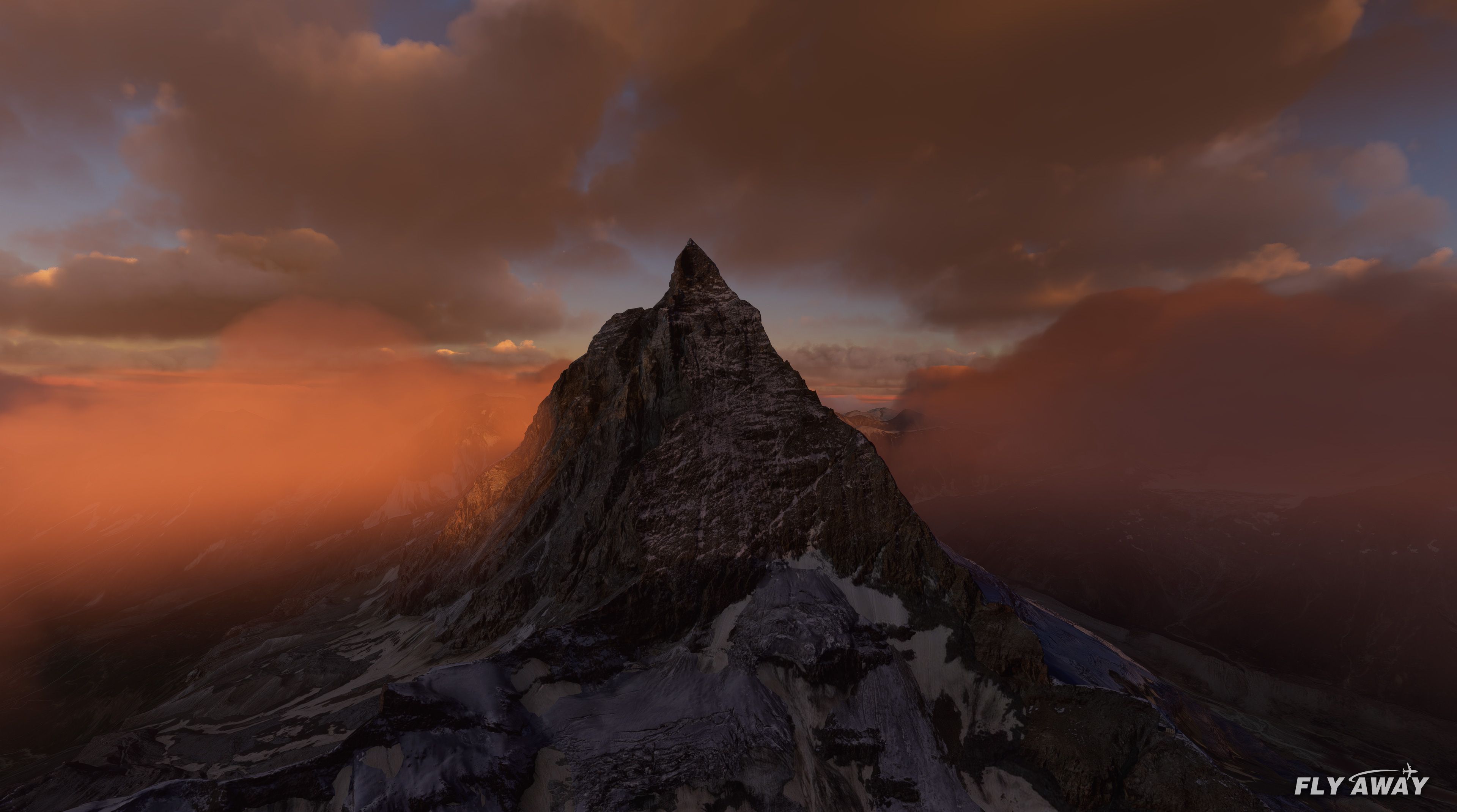
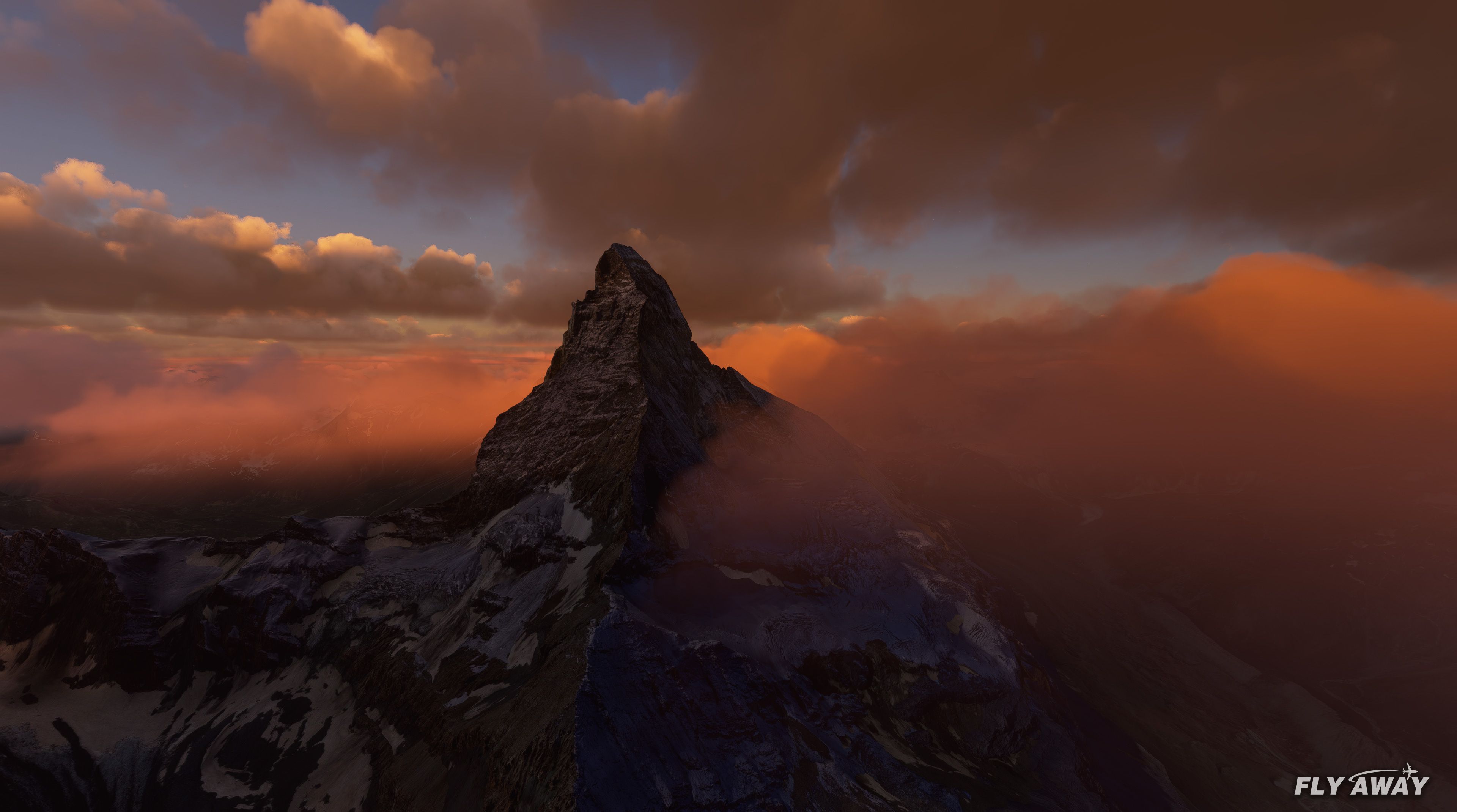
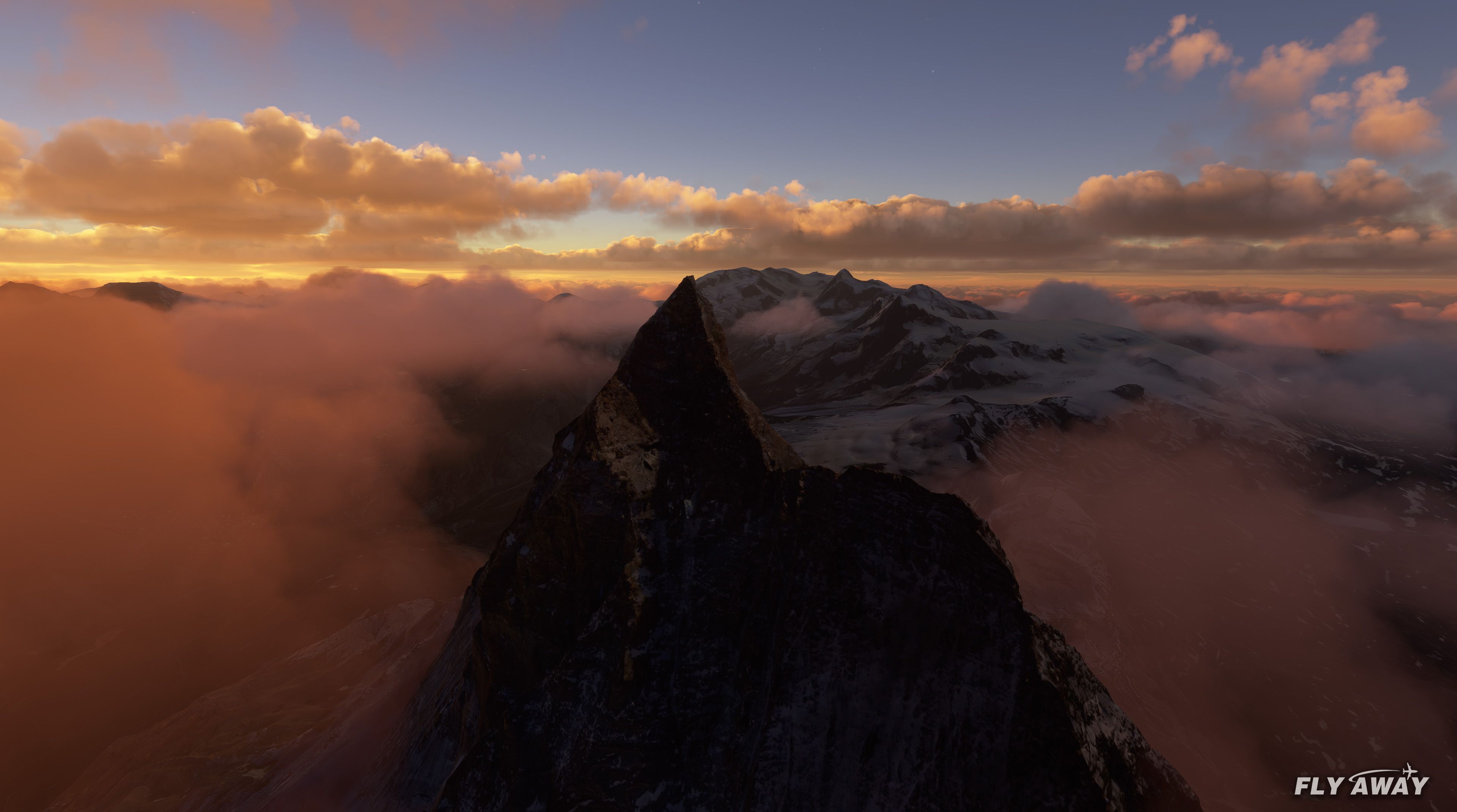
Switzerland Scenery Packs refresh Bern, Geneva, Lausanne, Lucerne, Sion, and Zermatt with sharper ground imagery, improved textures, and new 3D building shapes, plus a photoreal Matterhorn for more convincing alpine flights. Built for Microsoft Flight Simulator (2020), it uses alternative data sources to enhance key cities and landmarks beyond the defaults.
 Rate
Rate
 Switzerland

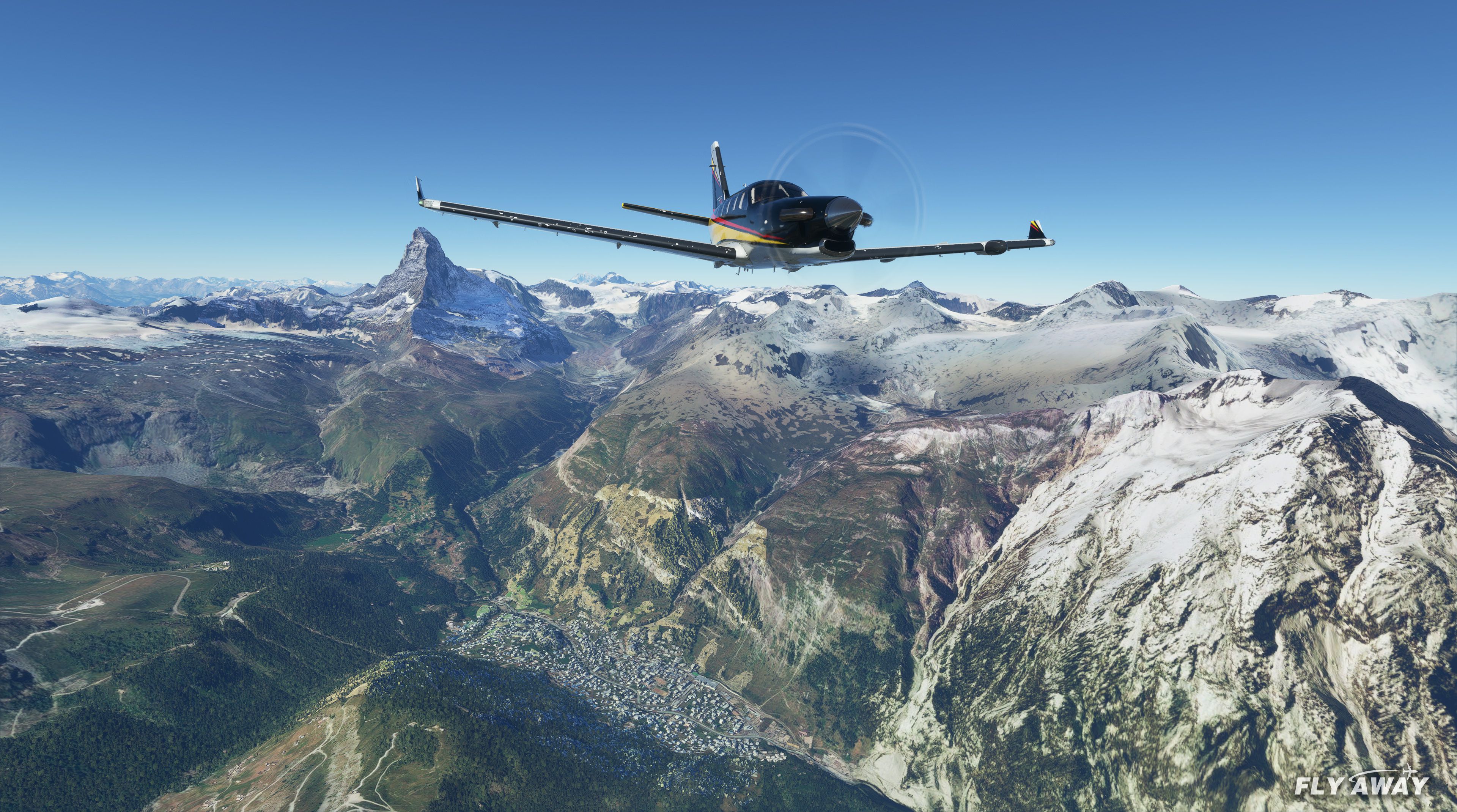
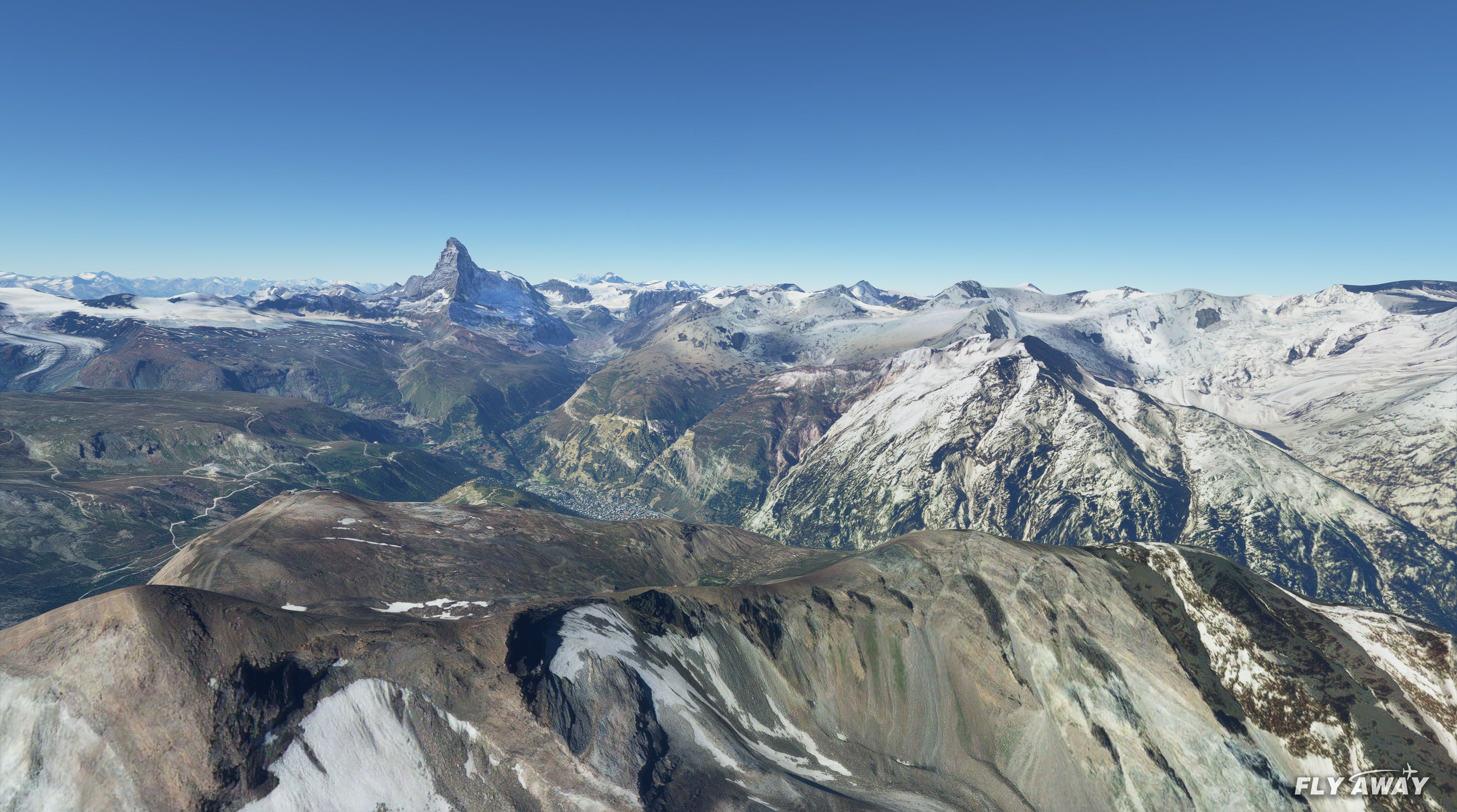
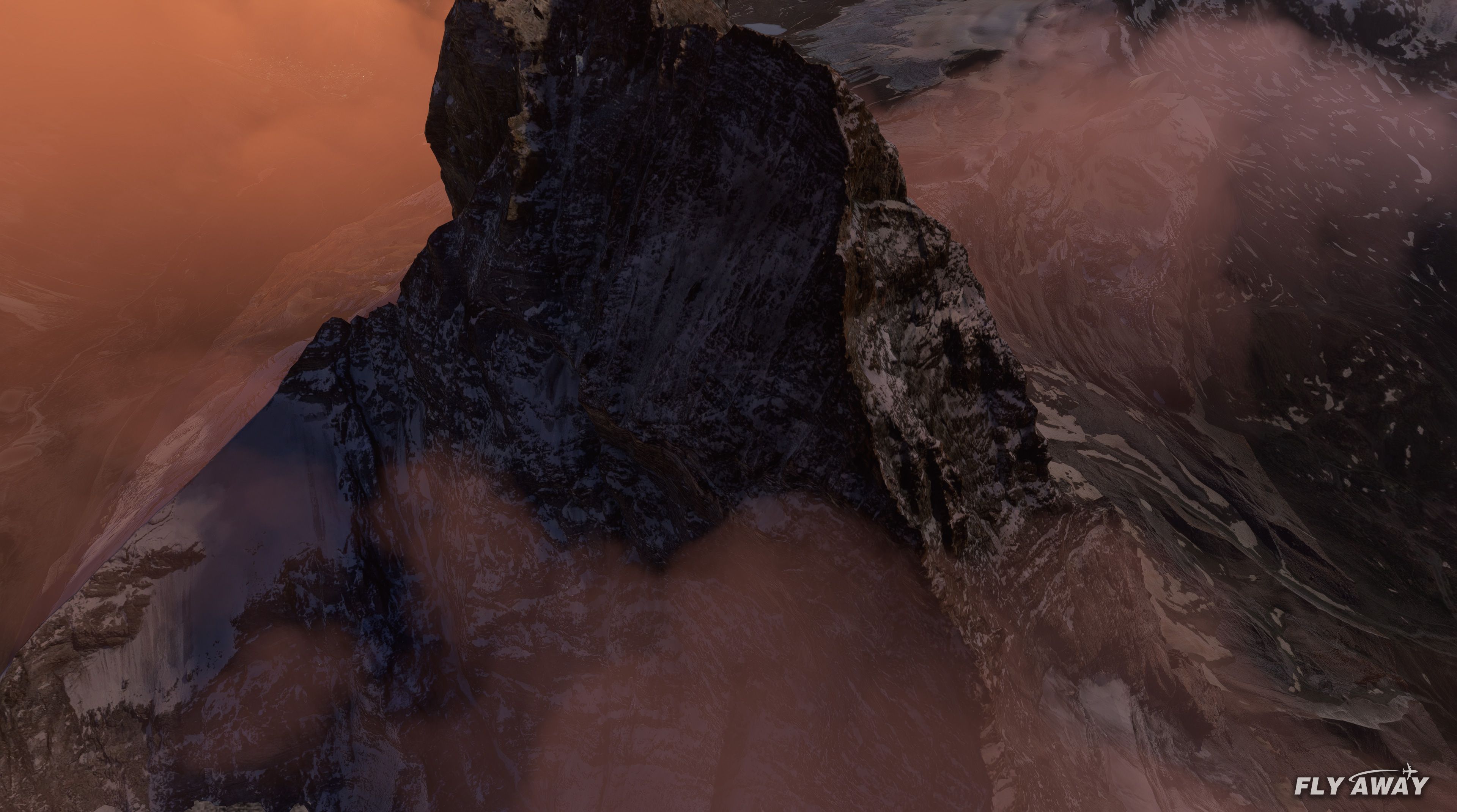
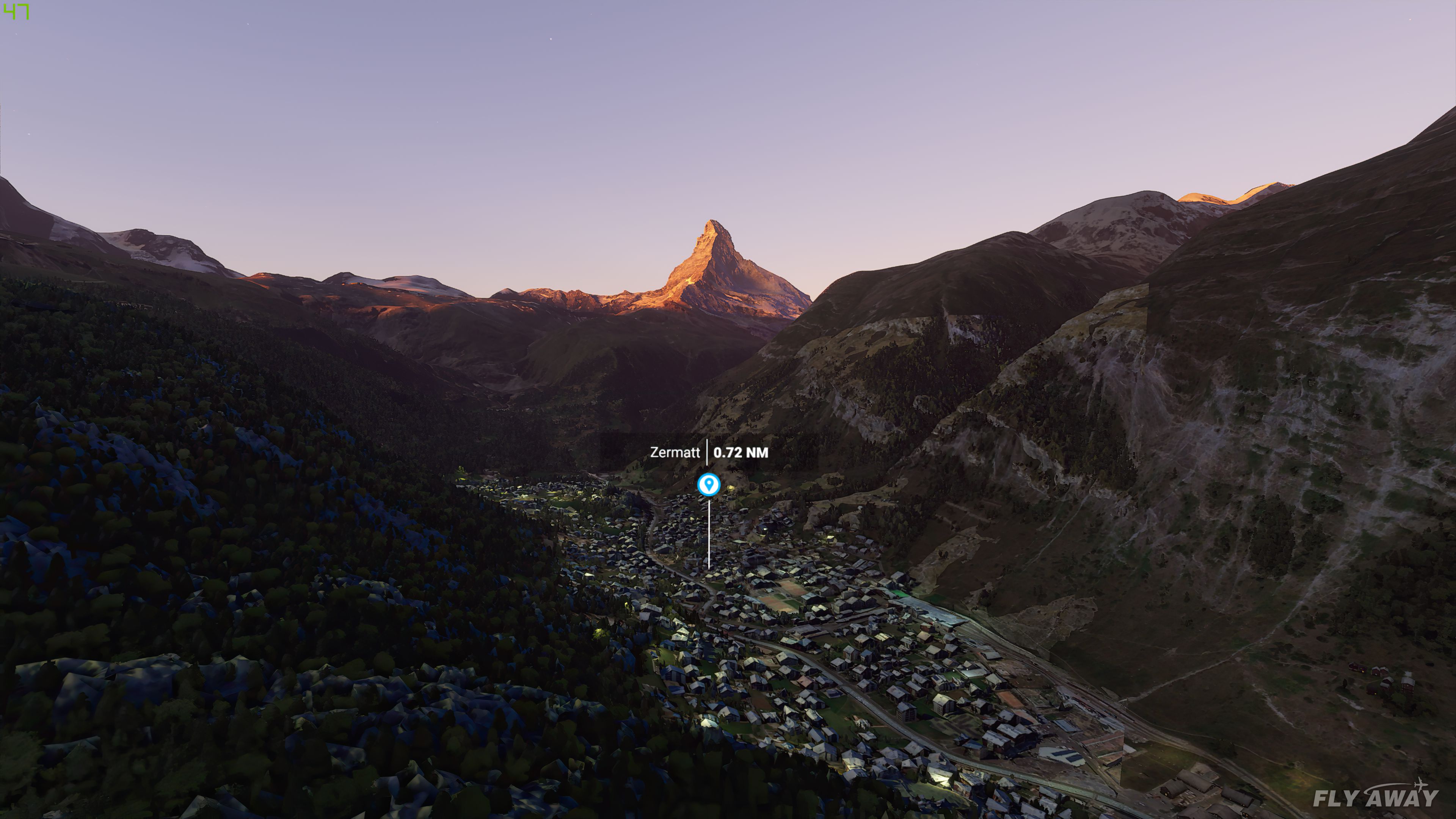
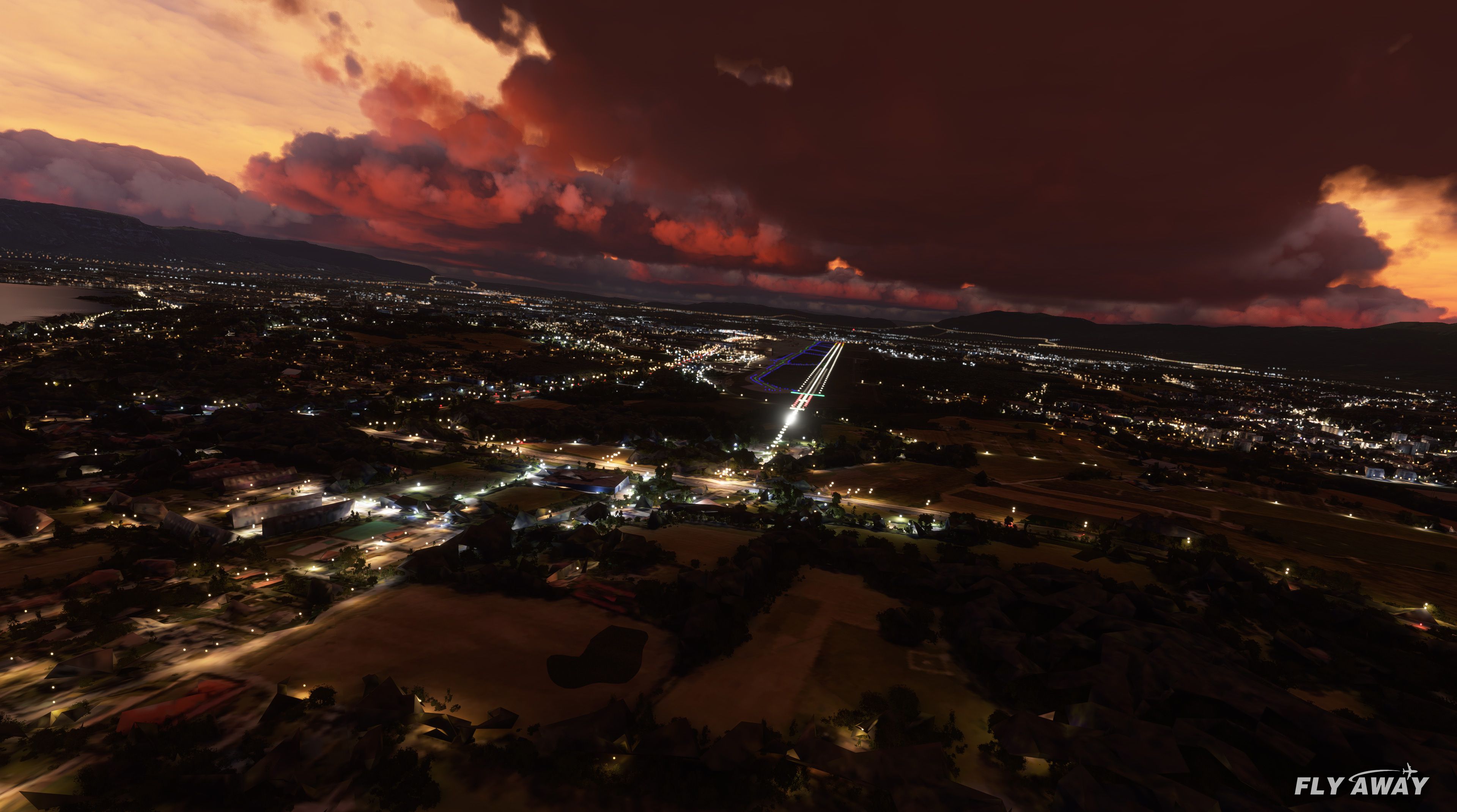
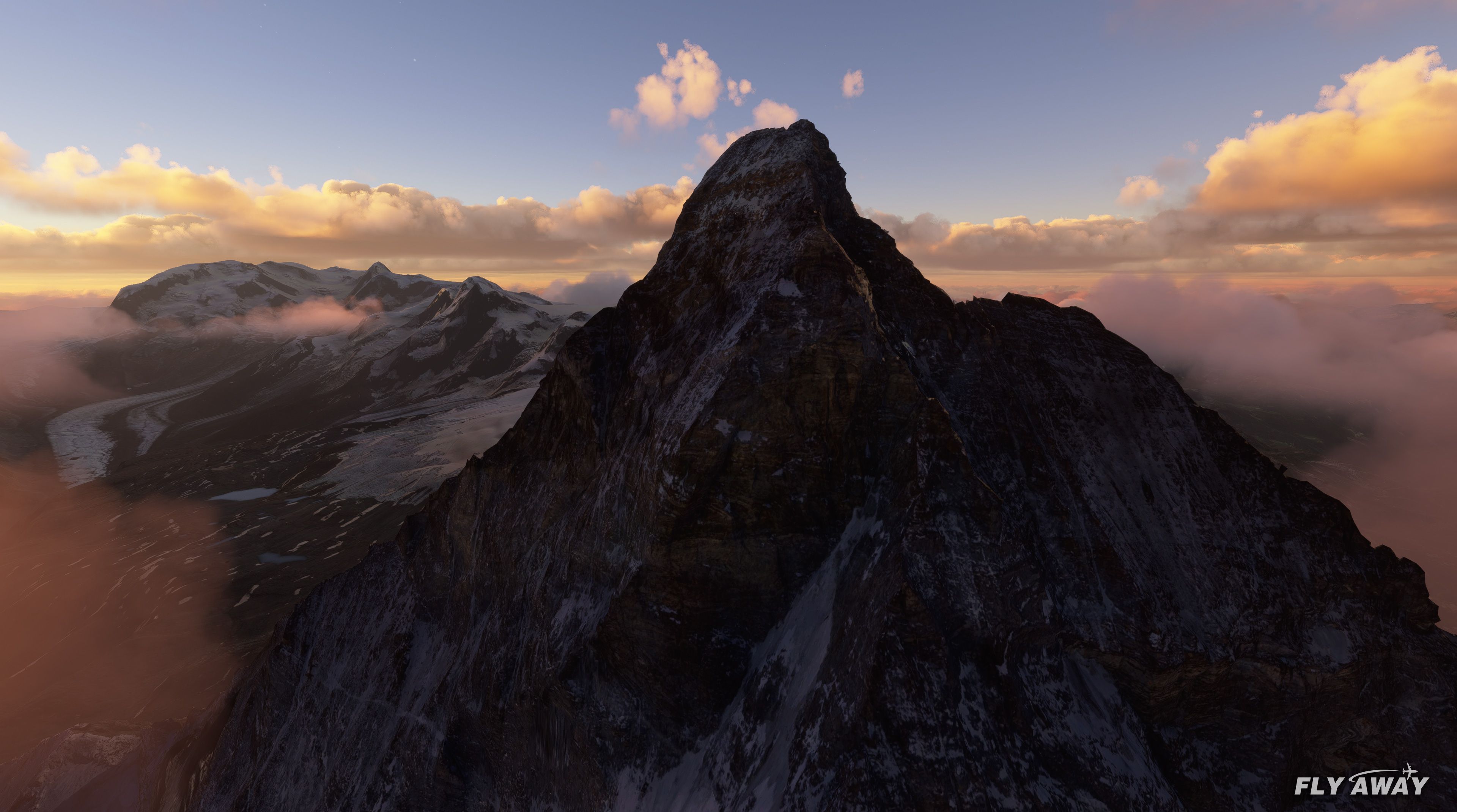
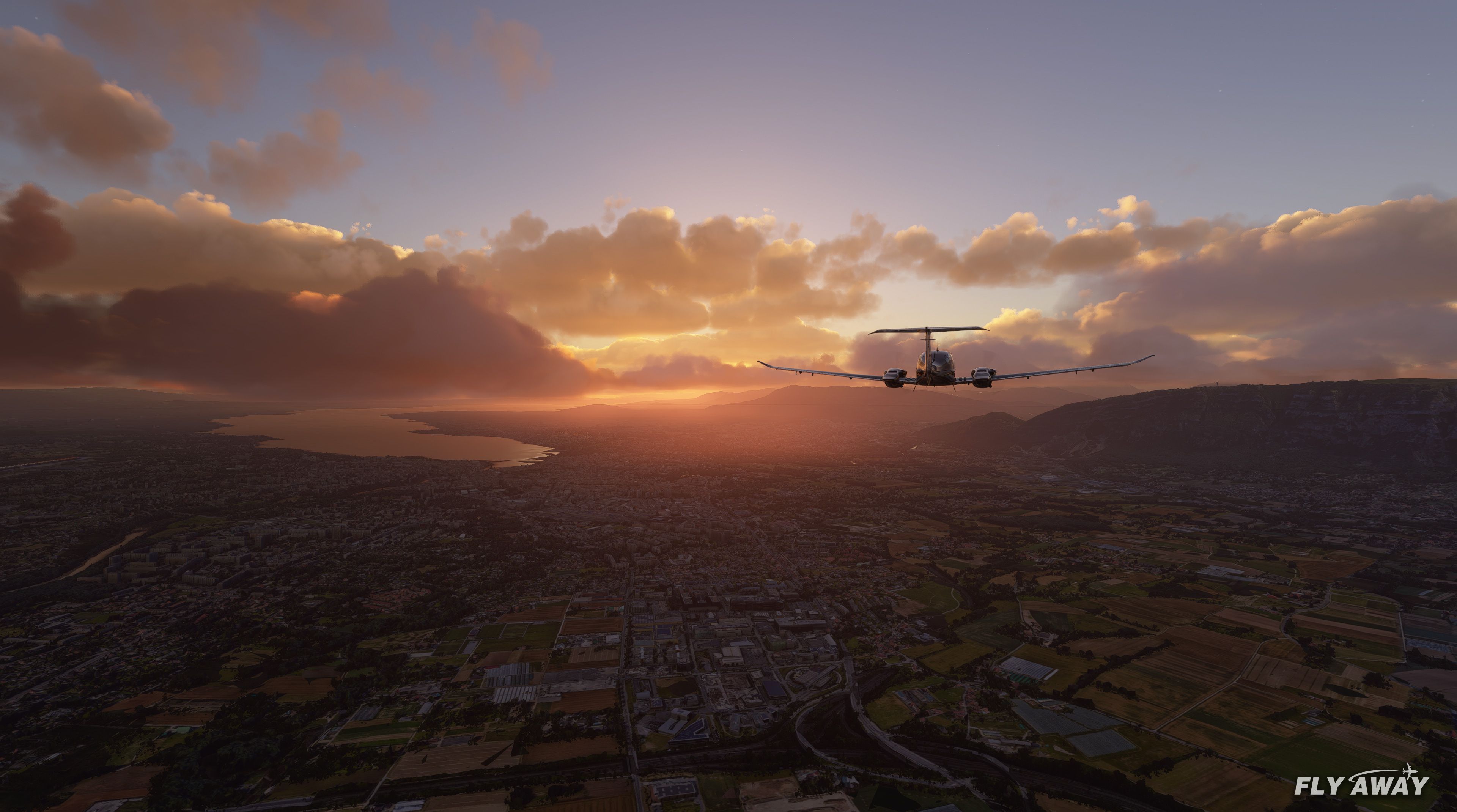
As a long-time flight simulation enthusiast, I’ve found the MSFS Switzerland Scenery Packs to be a significant step up from the default Microsoft Flight Simulator scenery. Developer Haydn94 expertly enhanced iconic Swiss destinations such as Bern, Geneva, Lausanne, Lucerne, Sion, and Zermatt, adding fresh 3D building shapes and upgraded ground textures. The standout highlight is the photorealistic Matterhorn, which provides a dramatic visual centerpiece for mountain flying.
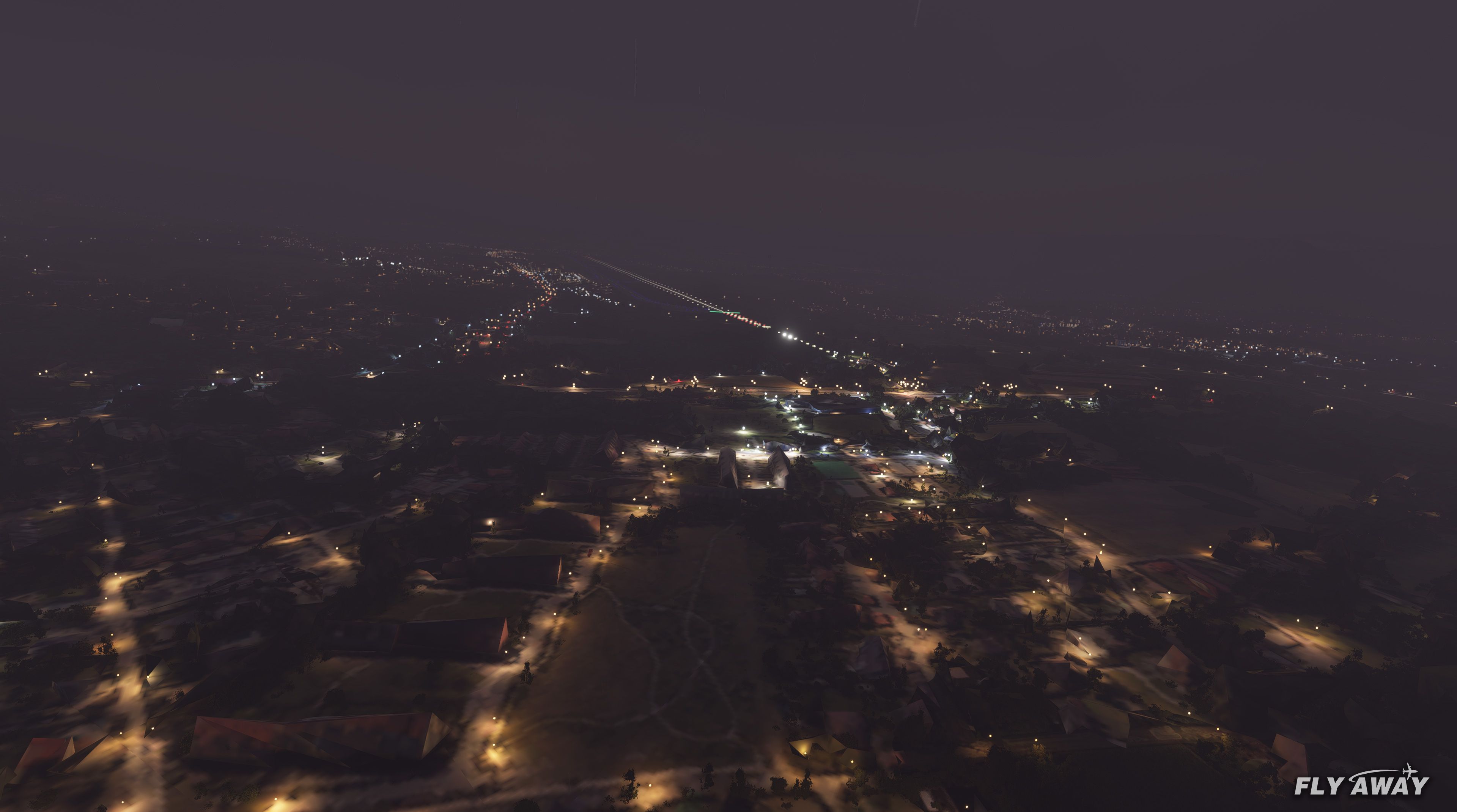
From my experience testing the mod in Microsoft Flight Simulator, the reworked cities offer a much richer landscape for sightseeing and VFR flights. While it’s not on par with full photogrammetry or premium payware, the improvements are substantial and bring genuine atmosphere to the Swiss Alps. Overall, this pack delivers smoother terrain transitions, clearer landmarks, and a reliable balance of performance and detail that keeps your flights engaging without overloading the sim.
A quick rework of several Swiss cities and landmarks such as the Matterhorn using alternative data sources (not the default) for the new Microsoft Flight Simulator (2020) release.
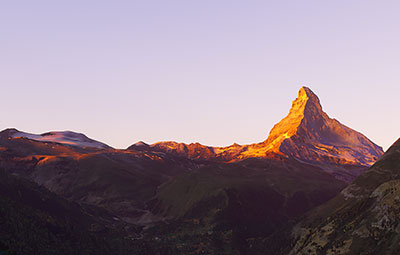 The developer, Haydn94 created this pack as they were not happy with the MSFS defaults for the region and thought users would find this useful.
This pack reworks and covers the following areas in Switzerland;
New 3D building shapes, textures, and details have been added for all of the areas above. Also, ground textures have been changed/upgraded from the default.
Zermatt if of course home to the iconic Matterhorn mountain (which is also included in photorealistic detail) and this scenery pack brings some eye-candy when flying around the mountain.
Note from the developer:
"...the sim is unstable with large quantities of data at the moment and therefore the packages have to be reasonably small in size which is hard to achieve with this method other than reducing quality.
The packages will never be anywhere near as good as a photogrammetry cityscape or a 3rd party payware scenery.
These are made to improve the sim vs the default for myself and are only made available to others so that those who may also prefer this vs the default have access.
They will not suit all peoples tastes and unfortunately, they will have to wait for a better freeware or payware scenery, I myself am waiting for the same thing."
Developer: Haydn94 (Haydn Jones).
Currently, the developer does not publish a public donation page. If this changes we will add it here.
Free for all simmers · 2.99 GB · Scanned clean Oct 2026
Download speed: Free tier is capped at 2 Mbps (this file takes approximately 3h 34m at the cap). PRO members download at full line speed.
%LOCALAPPDATA%\Packages\Microsoft.FlightSimulator_8wekyb3d8bbwe\LocalCache\Packages\Community\. Steam version: %APPDATA%\Microsoft Flight Simulator\Packages\Community\. Tip: enable Developer Mode in MSFS to see your exact Community folder path.readme.txt or README file. It tells you exactly where files go, what dependencies are needed, and any quirks specific to this add-on.Only PRO members can place votes.
More MSFS add-ons hand-picked based on this download.
MSFS Scenery
A complete scenery replacement for Geneva, Switzerland using accurate and mor…
 MSFS Scenery
A large freeware scenery add-on pack put together by the developer who goes b…
 MSFS Scenery
This pack by the developer who simply goes by the name of Chris brings the me…
 MSFS Scenery
Enhance your Microsoft Flight Simulator experience with the Downtown Los Ange…
 MSFS Scenery
A new, easy-to-install, and accurate replacement of the default Paris photore…
 MSFS Scenery
A massive freeware pack created by the developer Srinivasman containing over …
 MSFS Scenery
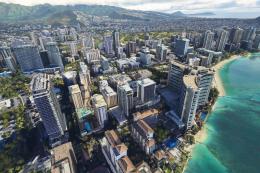
This is a complete replacement scenery pack covering the entire city of Honol…
 MSFS Scenery
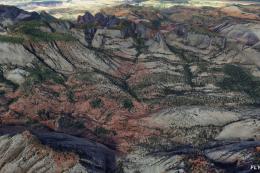
A complete overhaul of Zion Canyon National Park in Utah, the USA for Microso…
Read what other simmers think, or add your own.

Unfortunately, doesn't work with my MSFS with the latest patch. I can only see some distorted shapes. :-( Hope to download a working version one day as the scenery looks great in the photos. Greetings to the authors.

How does this have 5 stars and only negative comments? Since there has been no update and I don't know how to install this anyway, I'm not gonna try ...

It doesn't work properly regarding greens, buildings, trees, etc. All of them are massive distorted or truncated. Regarding these problems, I had to deinstall all of these files.

Hi, same for me, I can only see distorted shapes, all buildings are truncated, Matterhorn has major texture issues. Any installation instructions or something we are missing? Thanks for the excellent work! Greetings to you guys.

After decompression, 6.2 GB of data! Unfortunately, this scenery disturbed my MSFS, even on my powerful config. Low FPS, flying textures, aircraft instability, photogrammetry issues. After the uninstallation, all issues were resolved.

On the new version, the image of the Matterhorn and 300 meters higher than the valley, too bad courage, well done anyway.

How do you install a package like this? I've looked for "Readme" and checked the Knowledge Center, but don't seem to relate to these files. It doesn't look like other packages where a directory in the zip file gets placed in the Community folder. Thanks.

Does not work. The buildings are truncated and the elevation is poor. Please give installation instructions (if the files are not corrupted). Thank you.