









 MSFS Civil Jet Aircraft
Ryanair Santa Livery Mega Pack for A320 Stock/Flybywire & PMDG 737
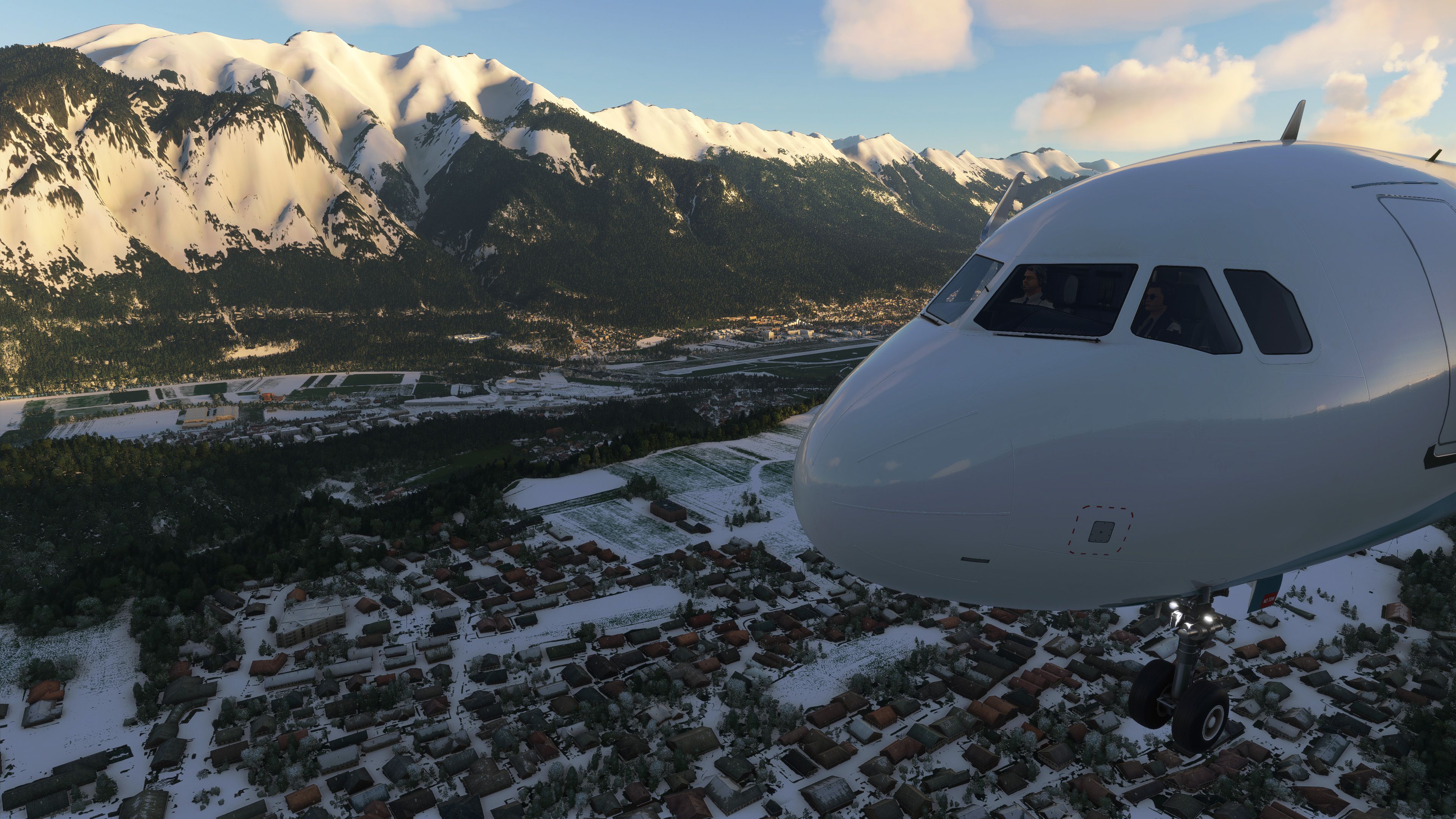
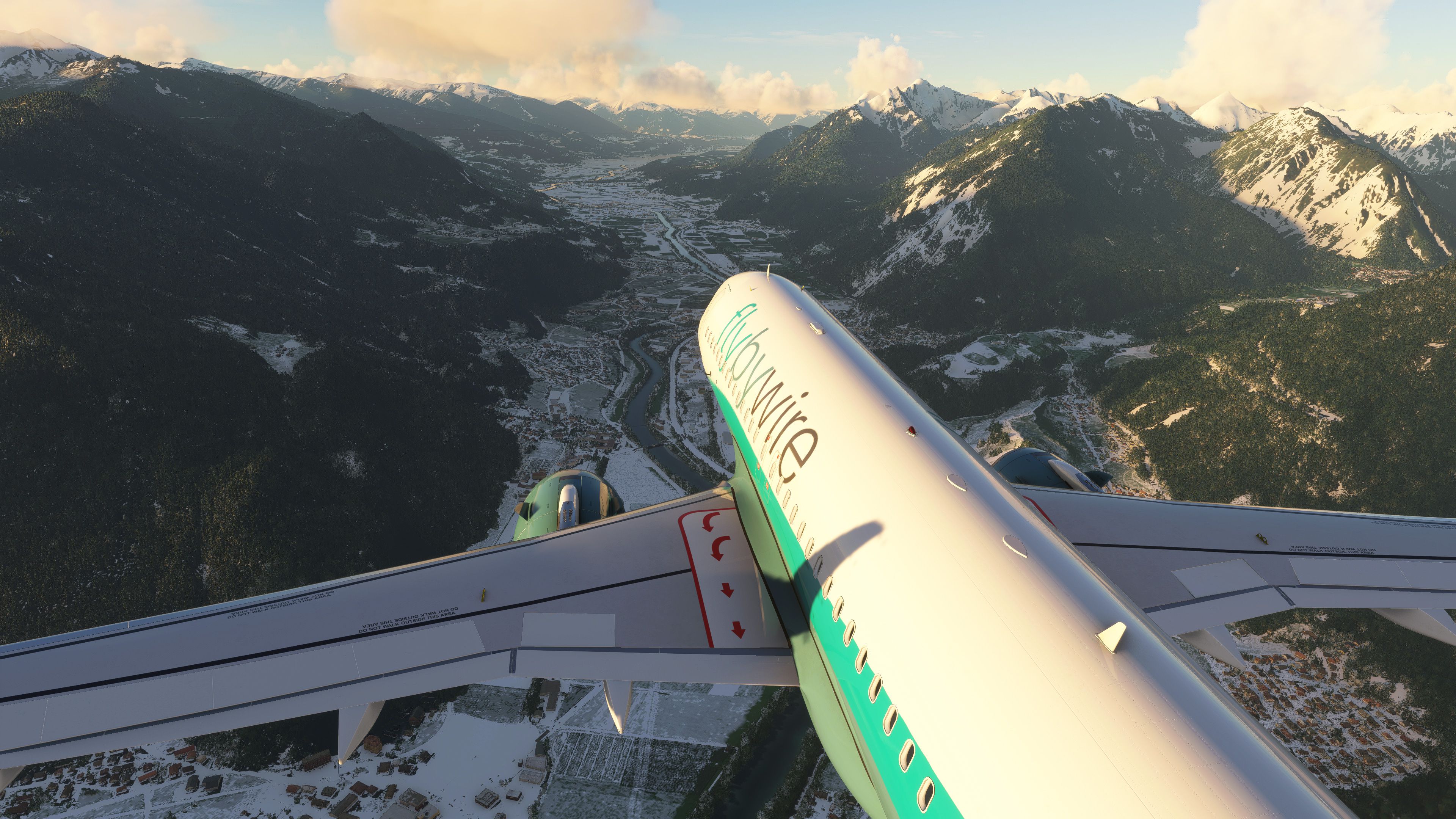
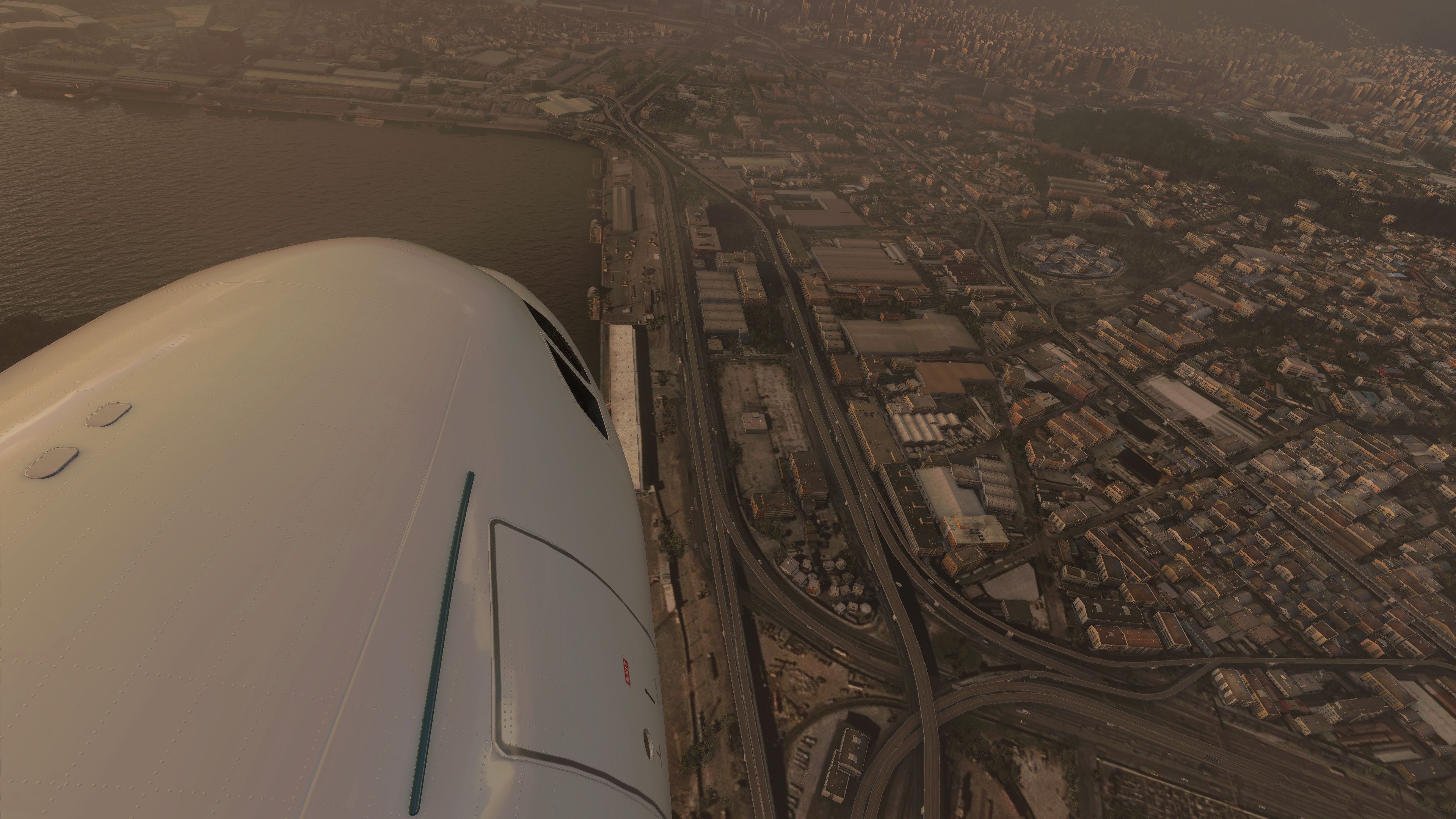
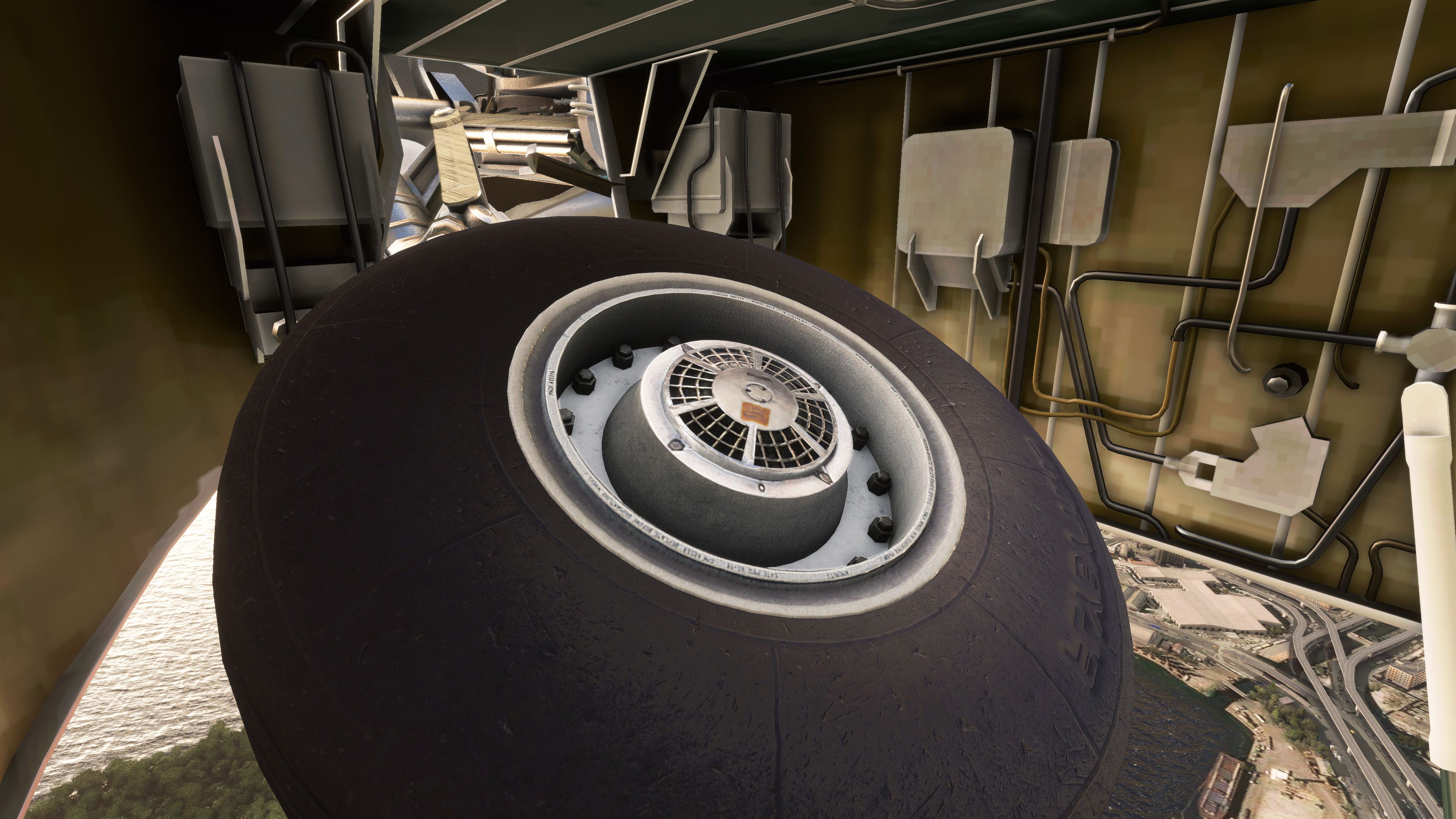
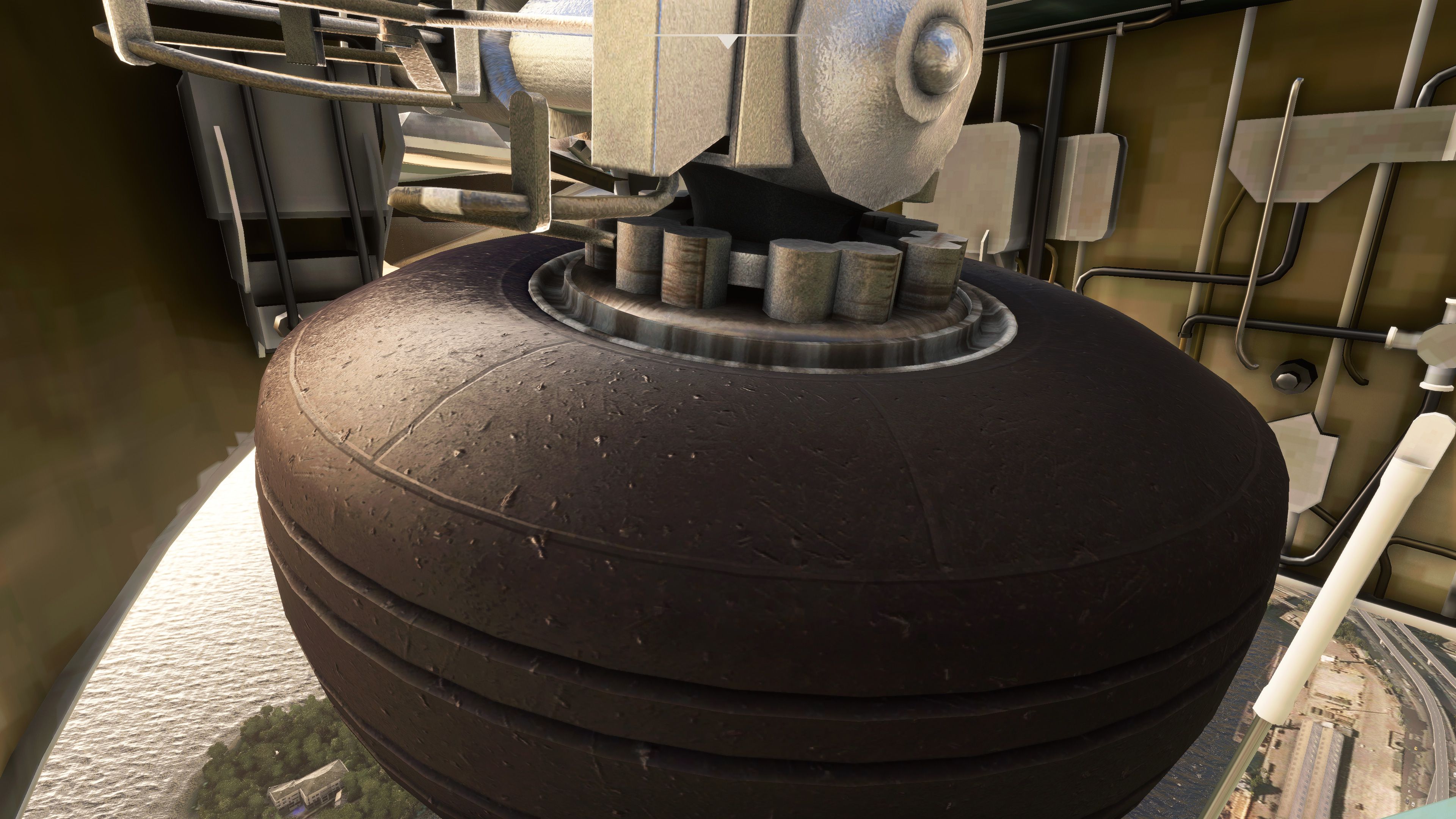
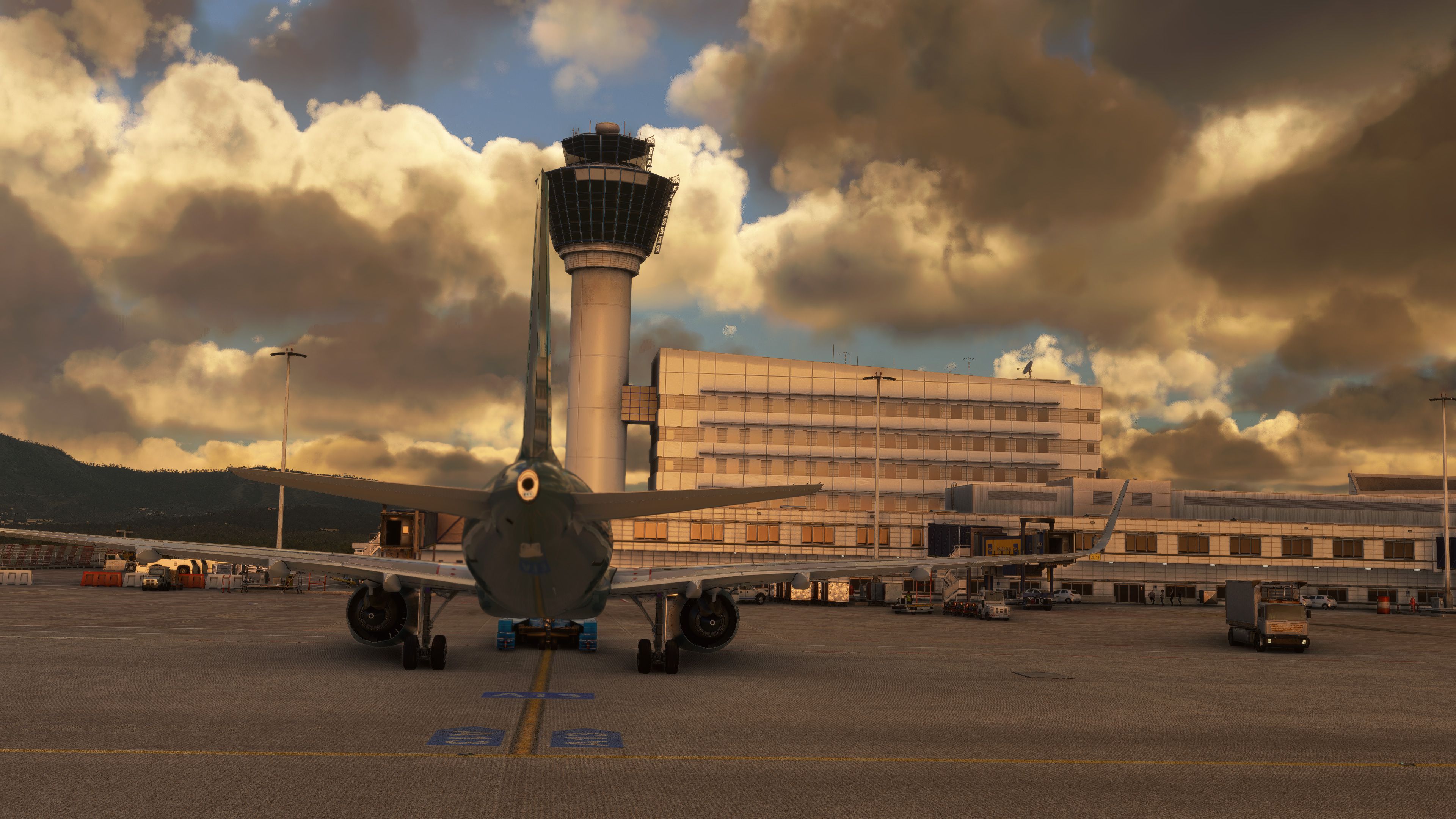
Introducing the comprehensive Ryanair Santa Repaint Mega Pack, meticulously c…
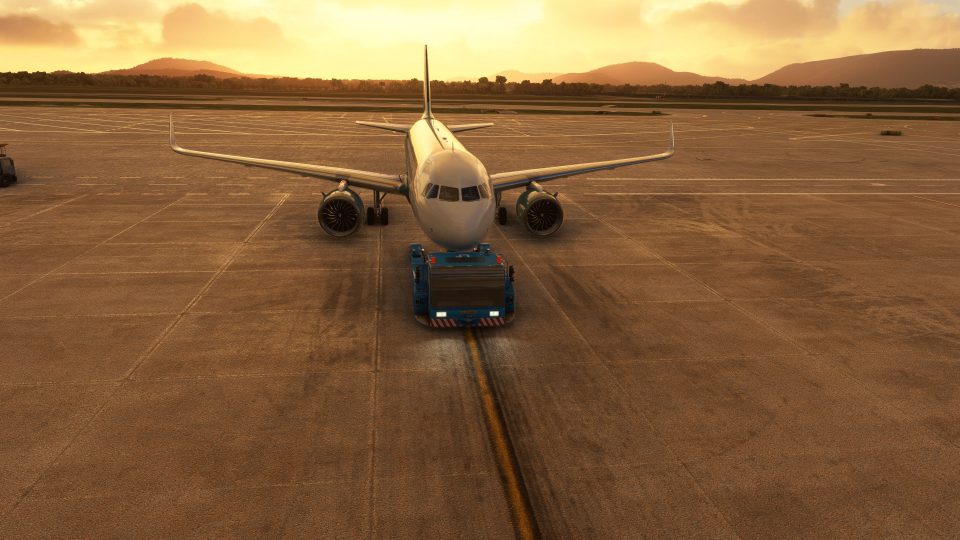
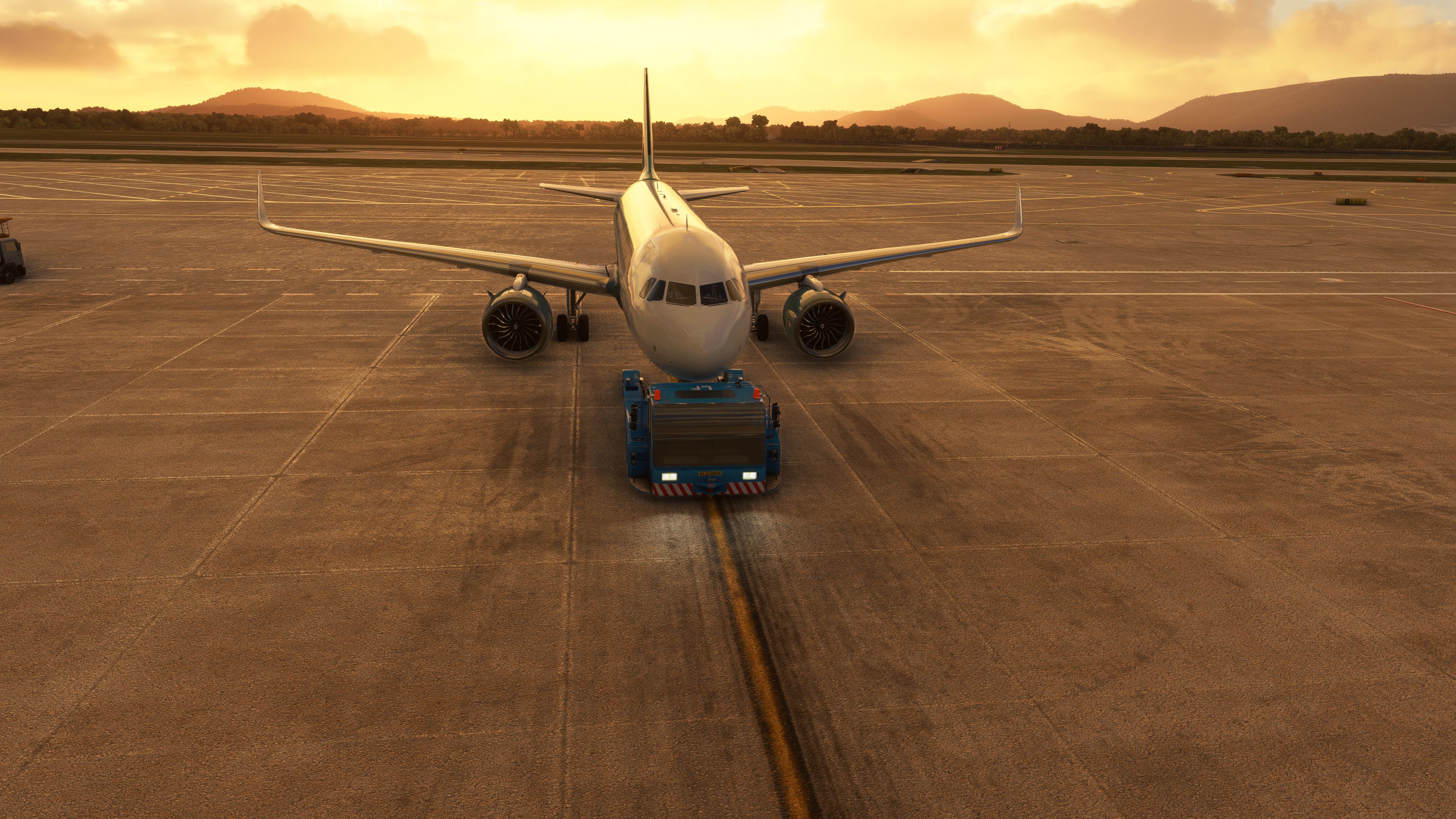
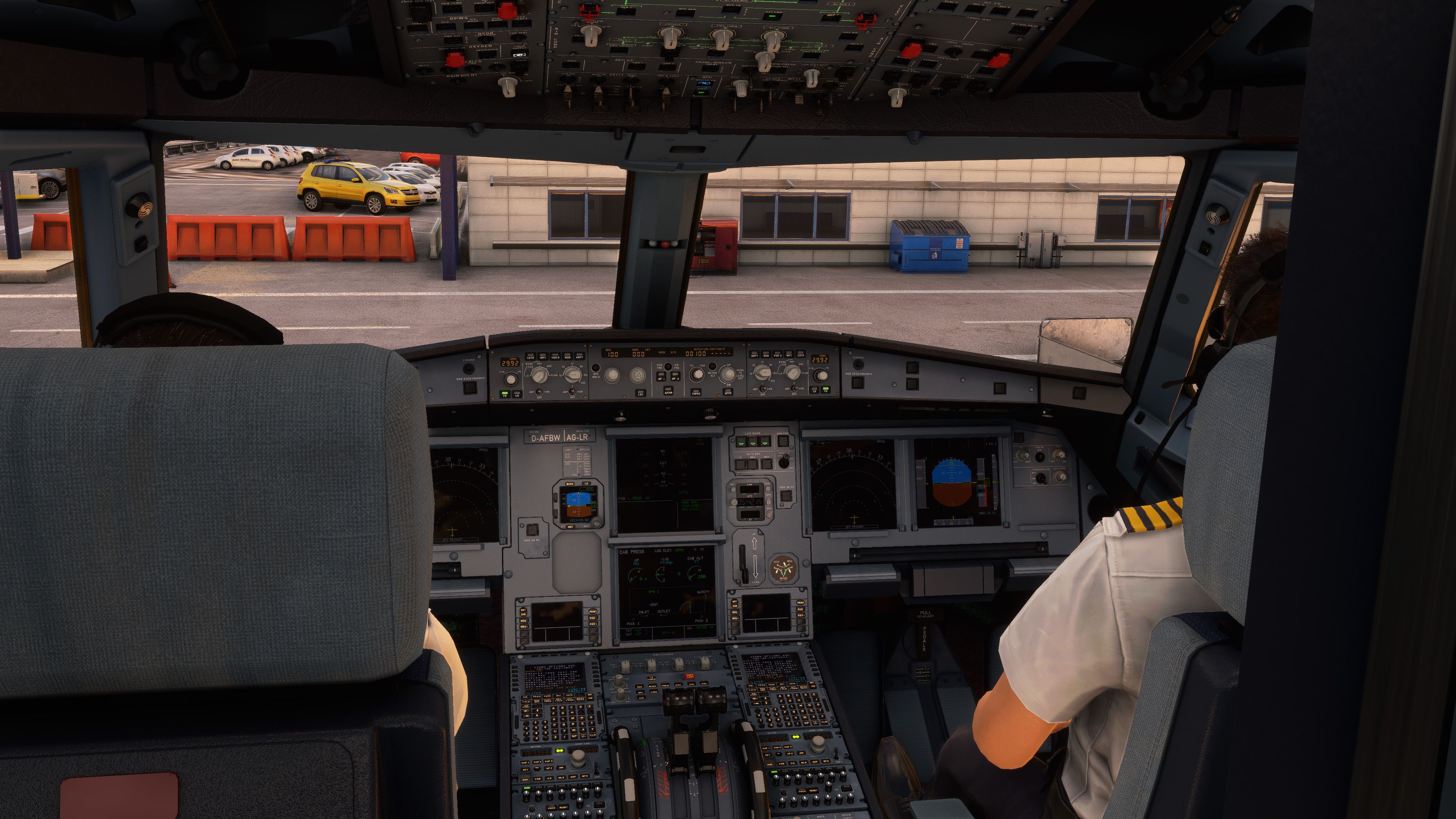
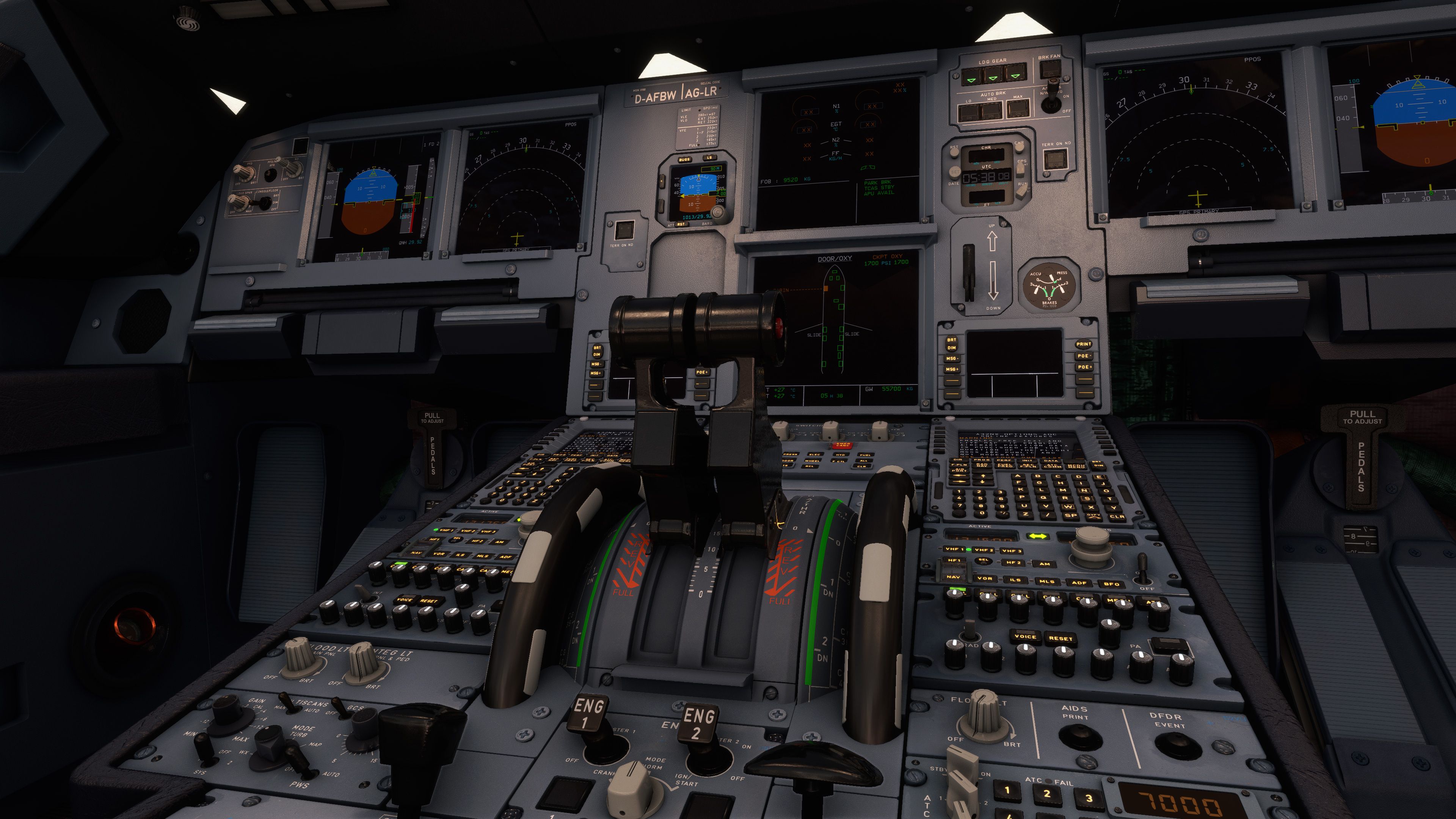
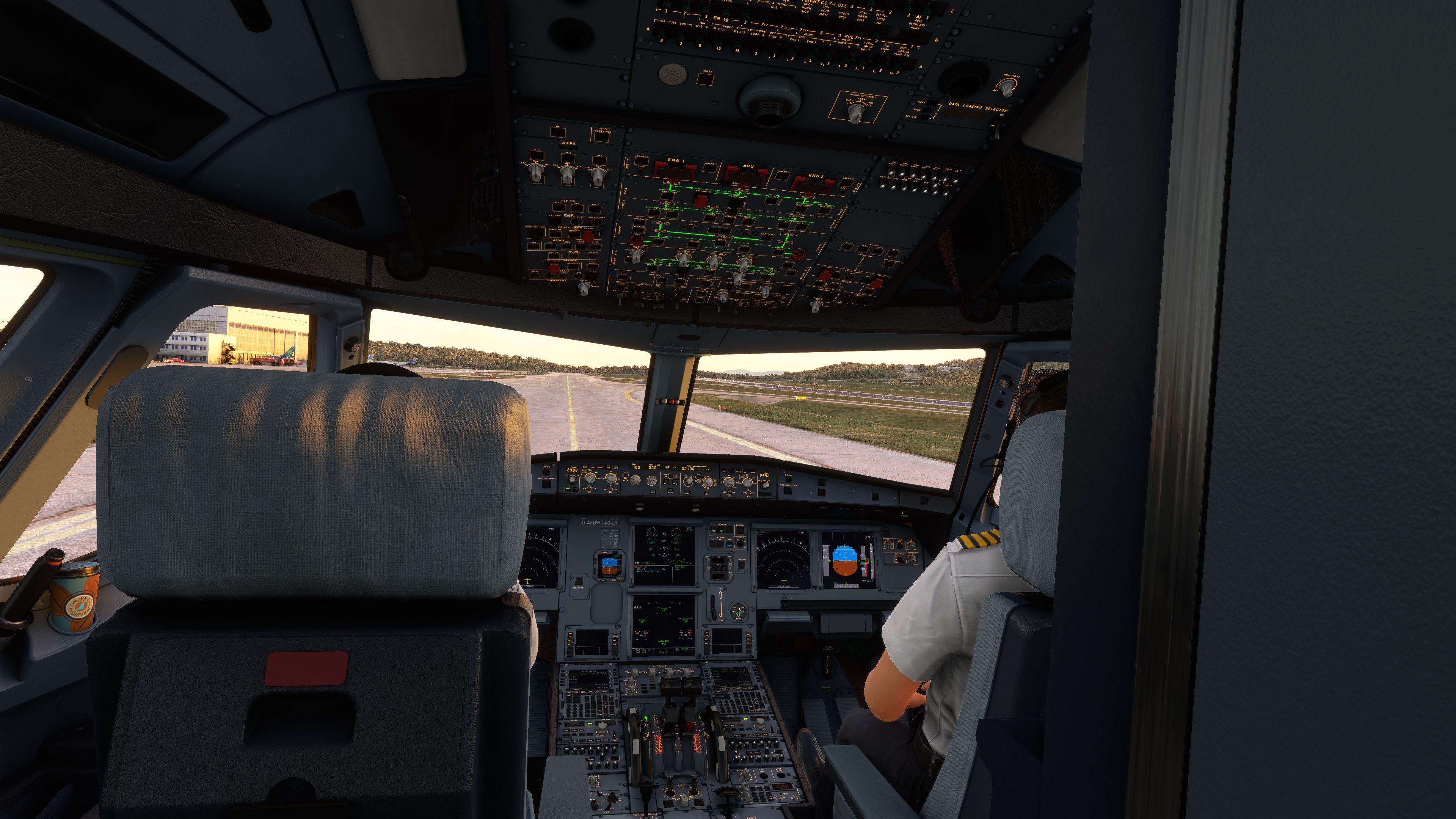
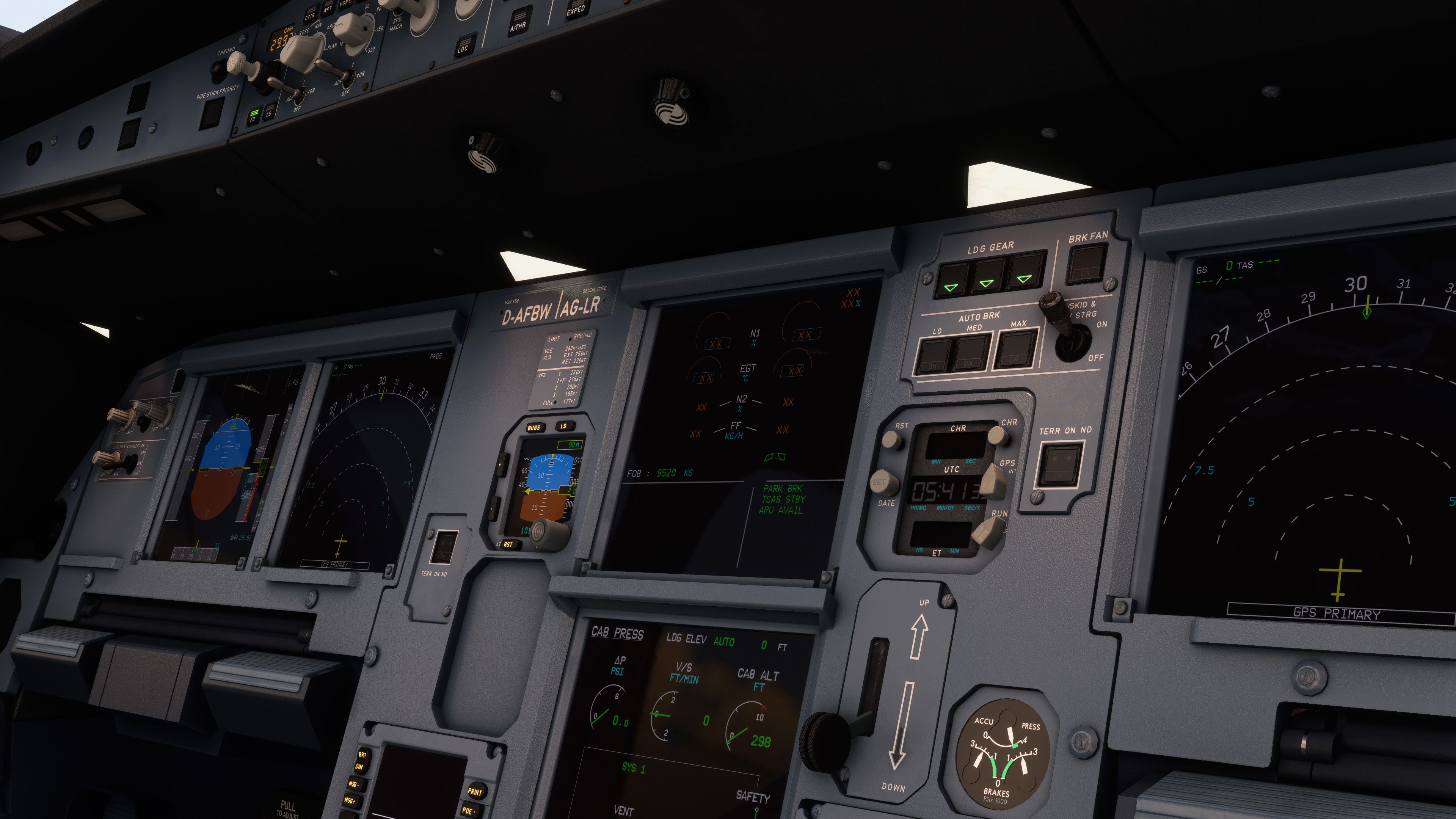
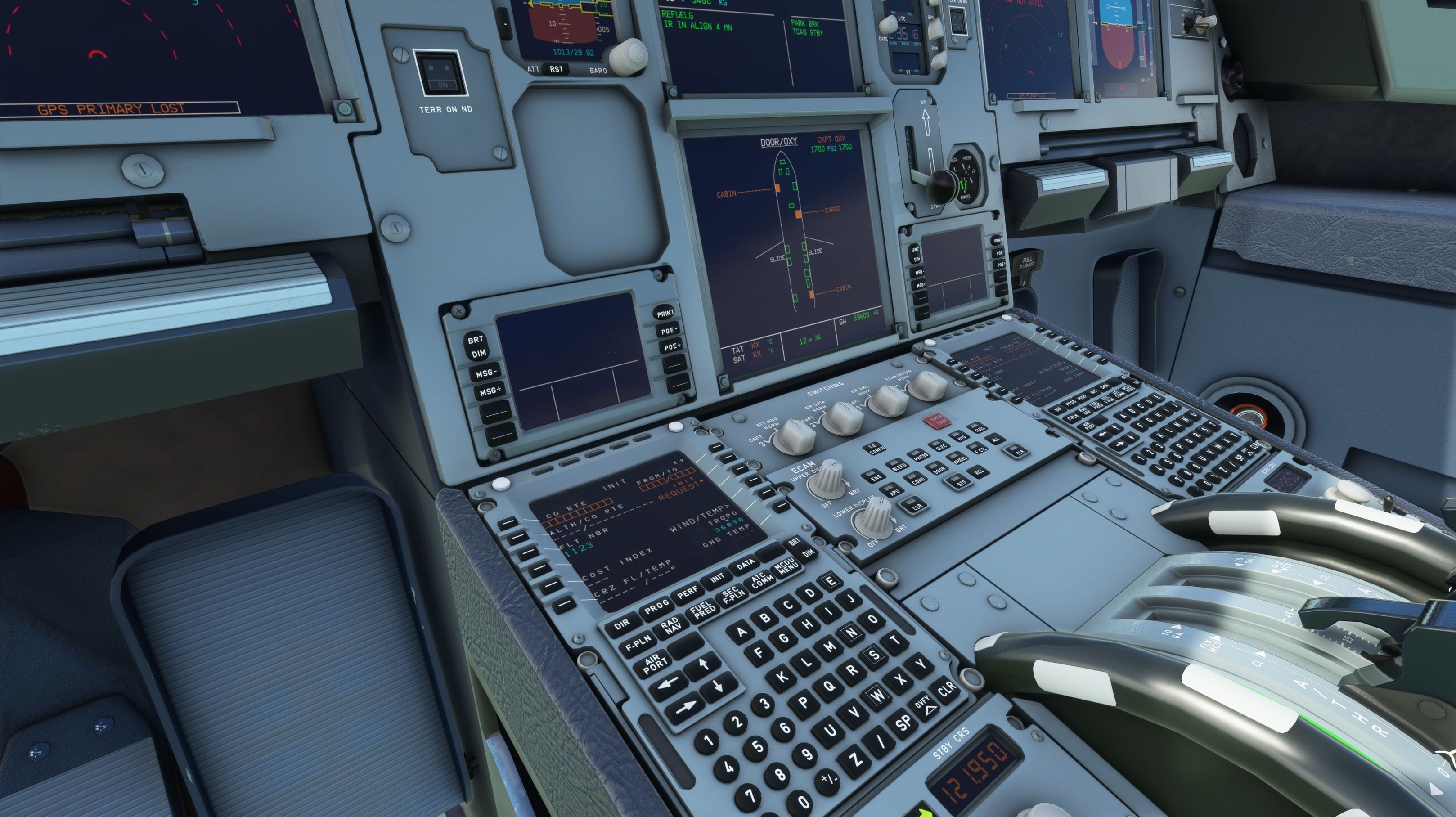
FlyByWire’s A32NX refines the Airbus A320neo into a richly modeled airliner for Microsoft Flight Simulator, pairing a deep virtual cockpit with a full electronic flight bag, custom sound set, and streamlined SimBrief flight planning. The open-source package includes thorough documentation plus a paint kit for creating and sharing liveries.
 Rate
Rate

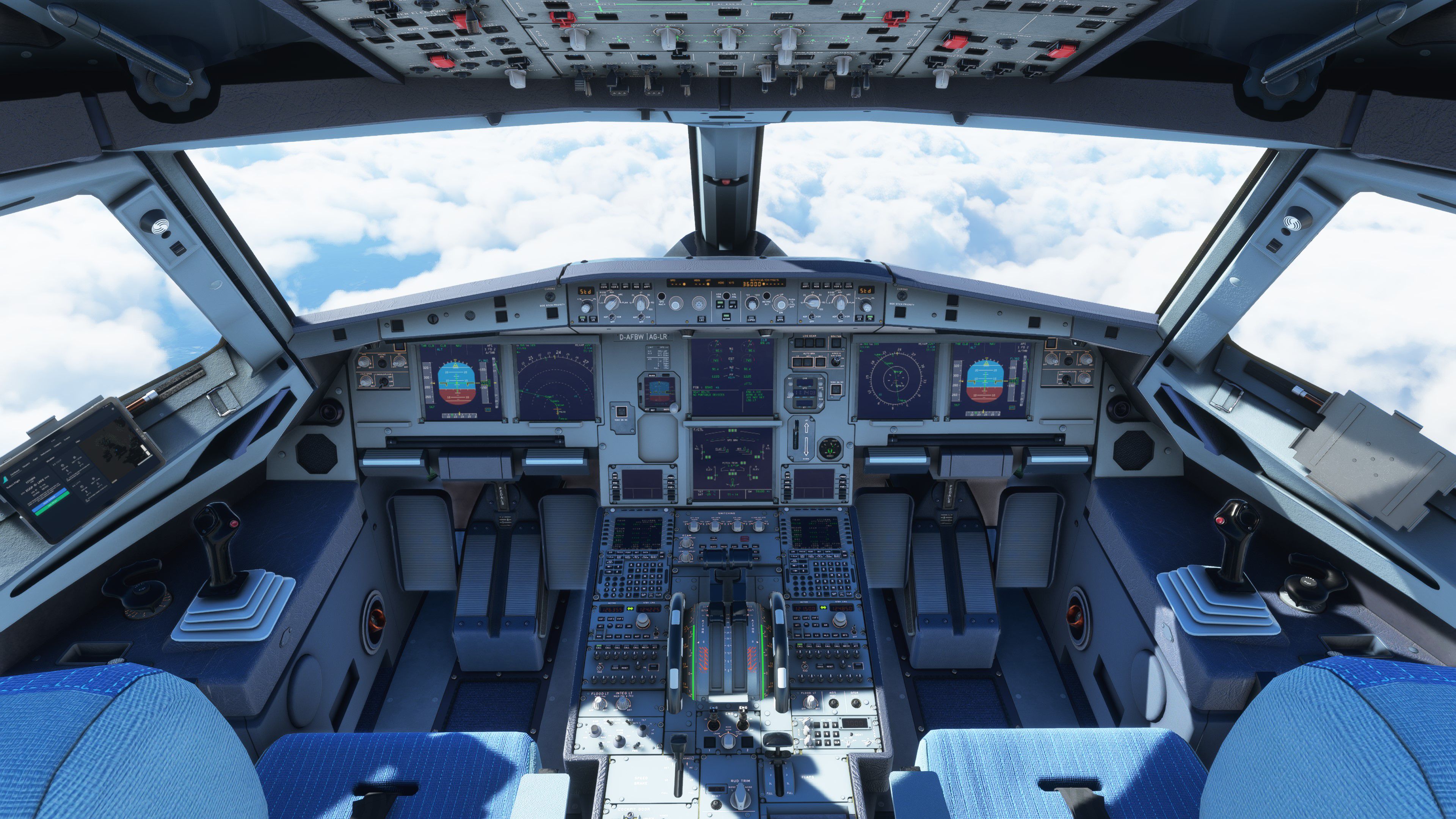
FlyByWire’s A32NX mod extensively upgrades the default A320 Neo in Microsoft Flight Simulator with open-source enhancements and added realism. Having tested it myself, I can confirm the standout features include a comprehensive in-cockpit electronic flight bag that streamlines performance calculations, deeply realistic custom sound sets, and seamless Simbrief integration. Regular updates from a dedicated community ensure the systems remain accurate and robust, elevating the overall flight experience for both casual and serious virtual pilots.
Beyond improved handling and systems, this mod offers a versatile paint kit for creating or customizing liveries, with hundreds of repaints already available and more in development. Guided by detailed documentation and backed by the GNU General Public License v3.0, the A32NX is a collaborative labor of love that showcases just how far a freeware project can push simulator realism. It is a must-have add-on that truly transforms the A320 Neo into a more authentic and enjoyable aircraft to fly.
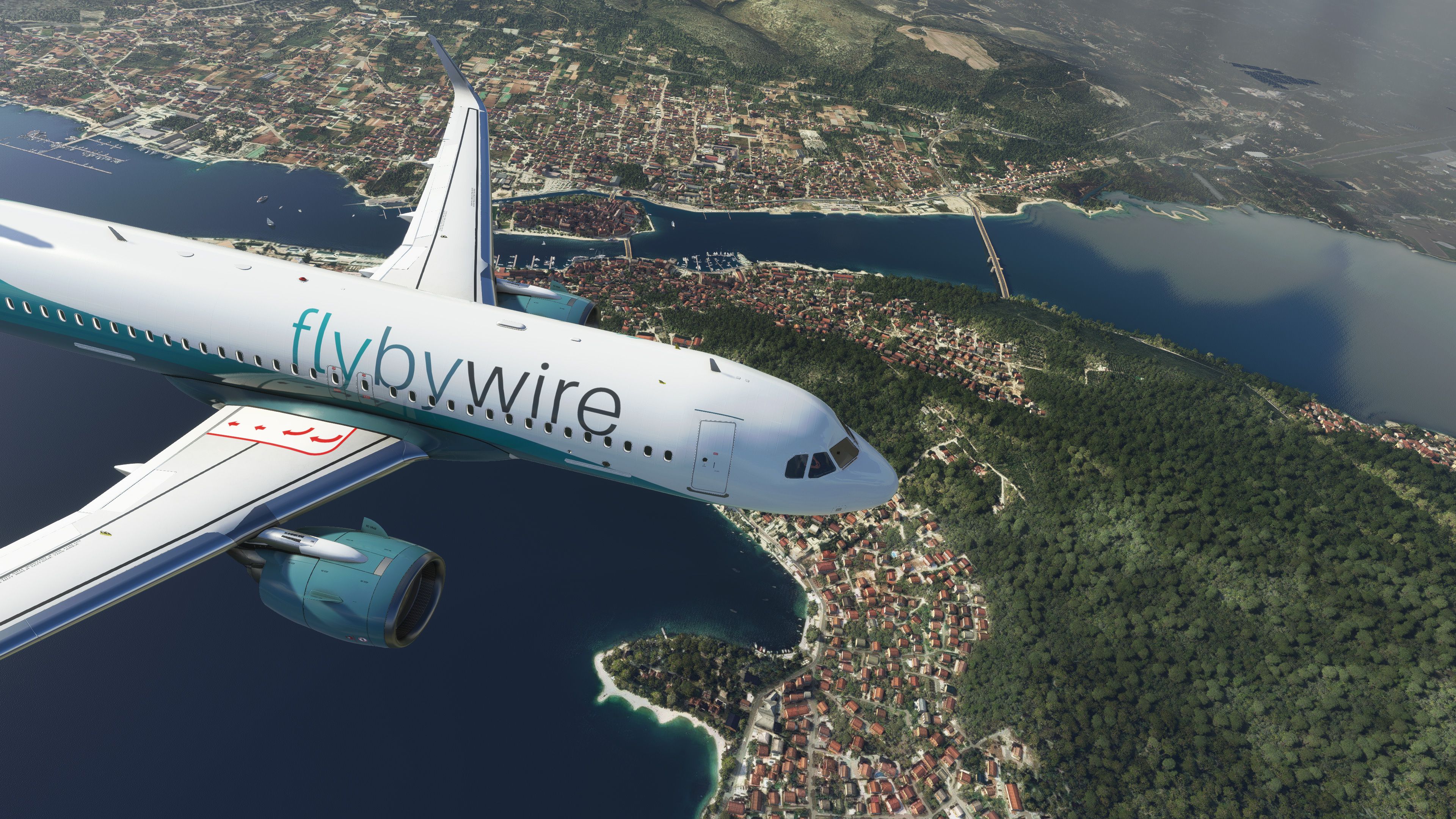
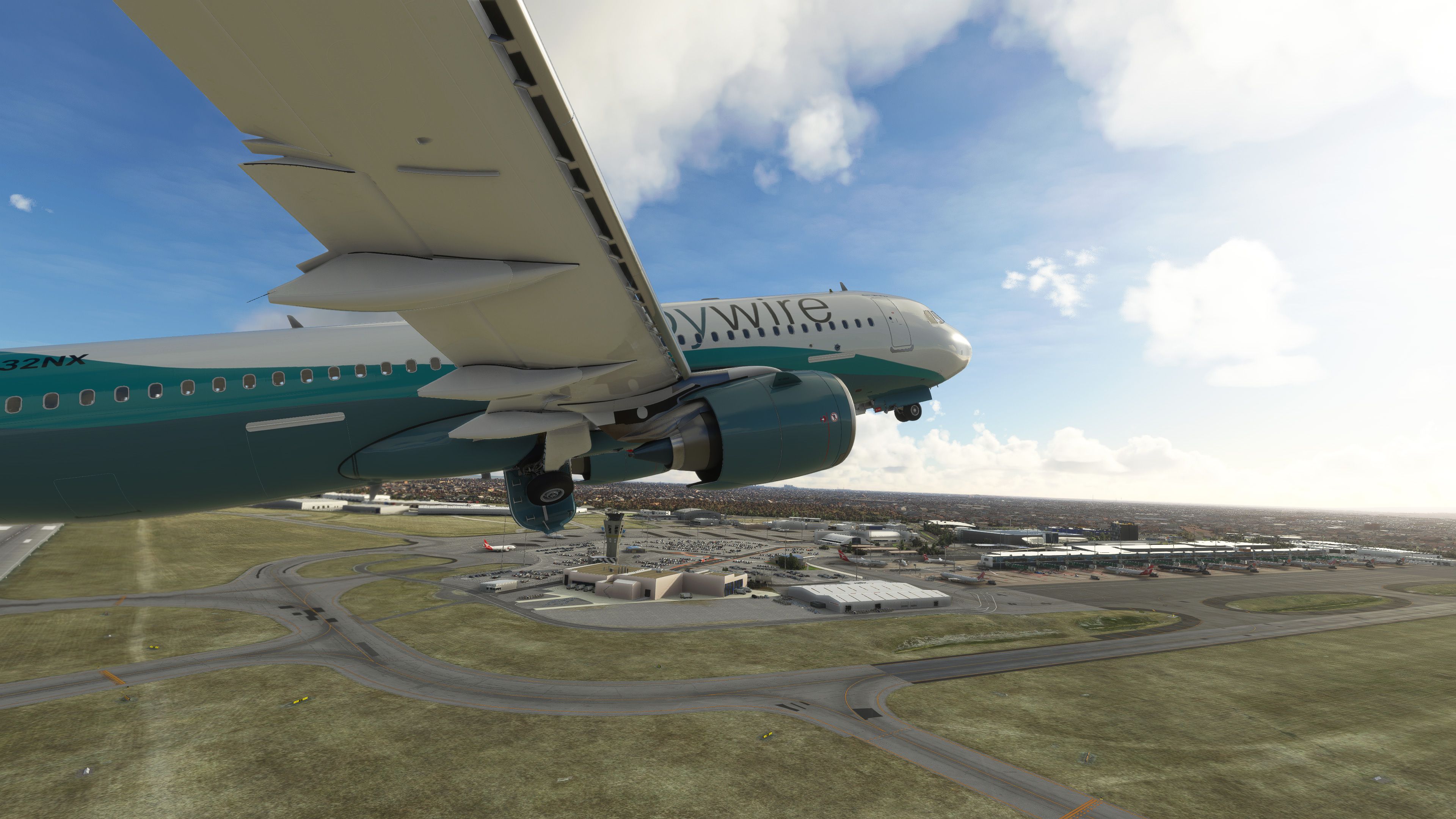
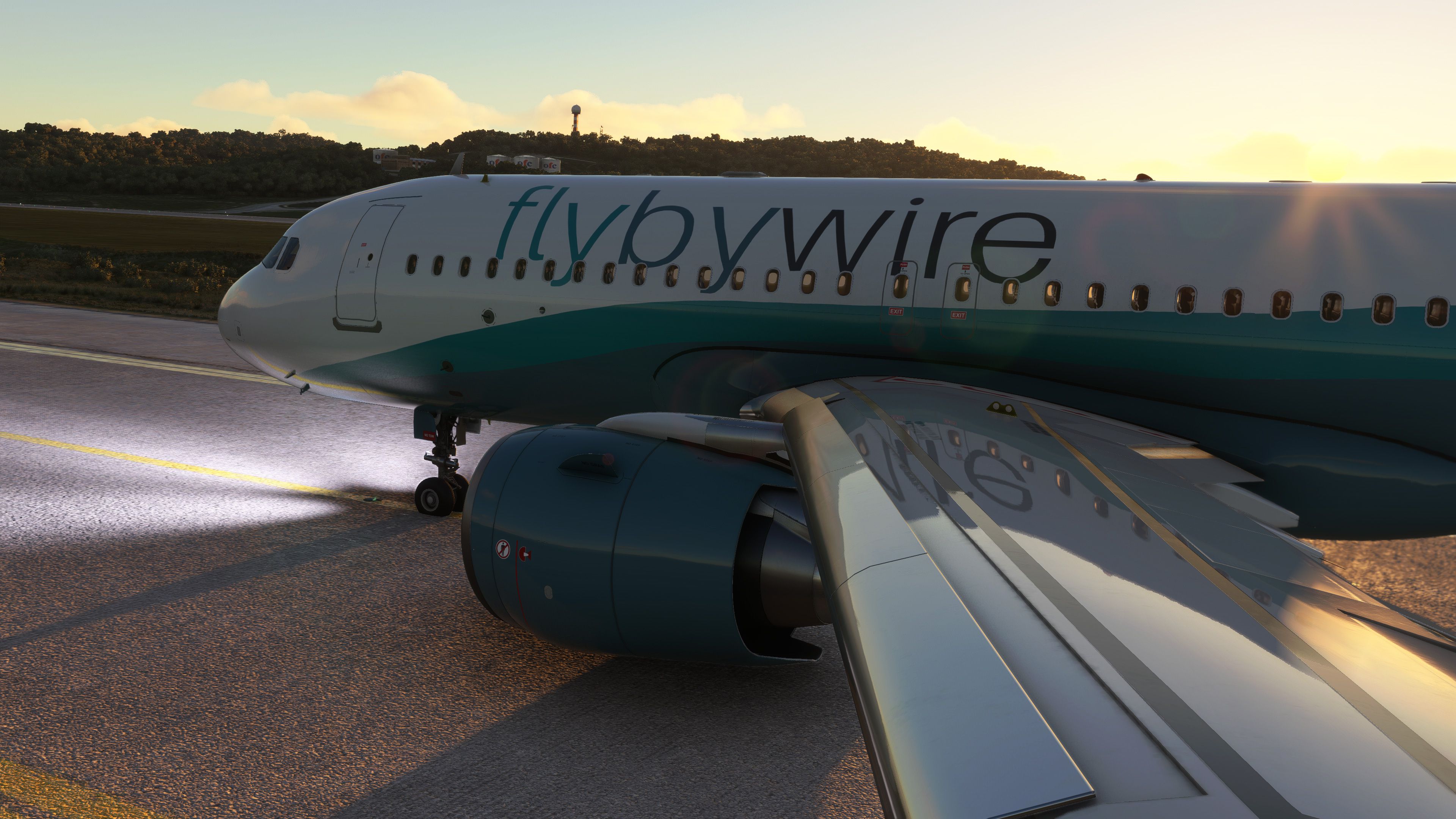
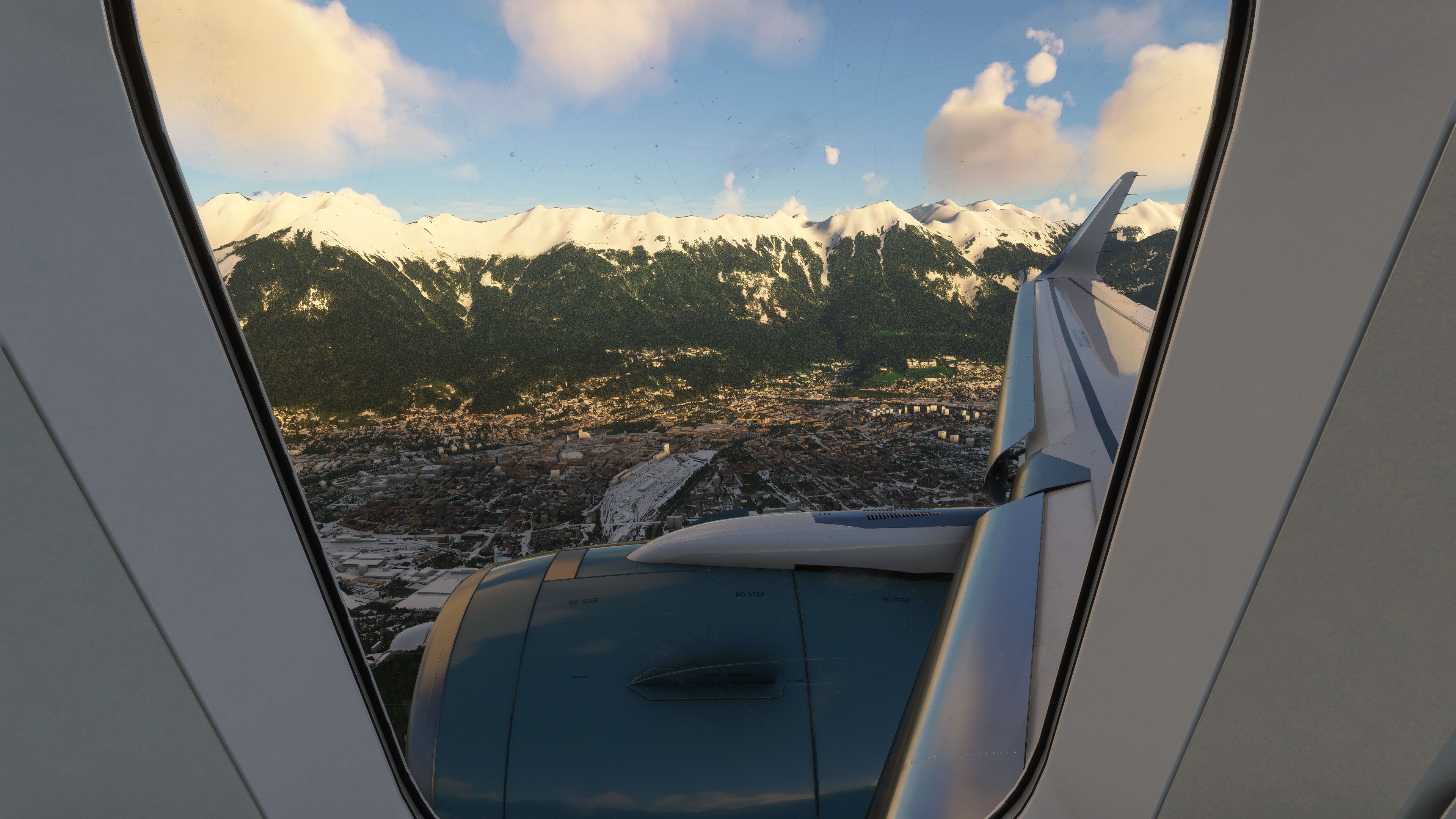
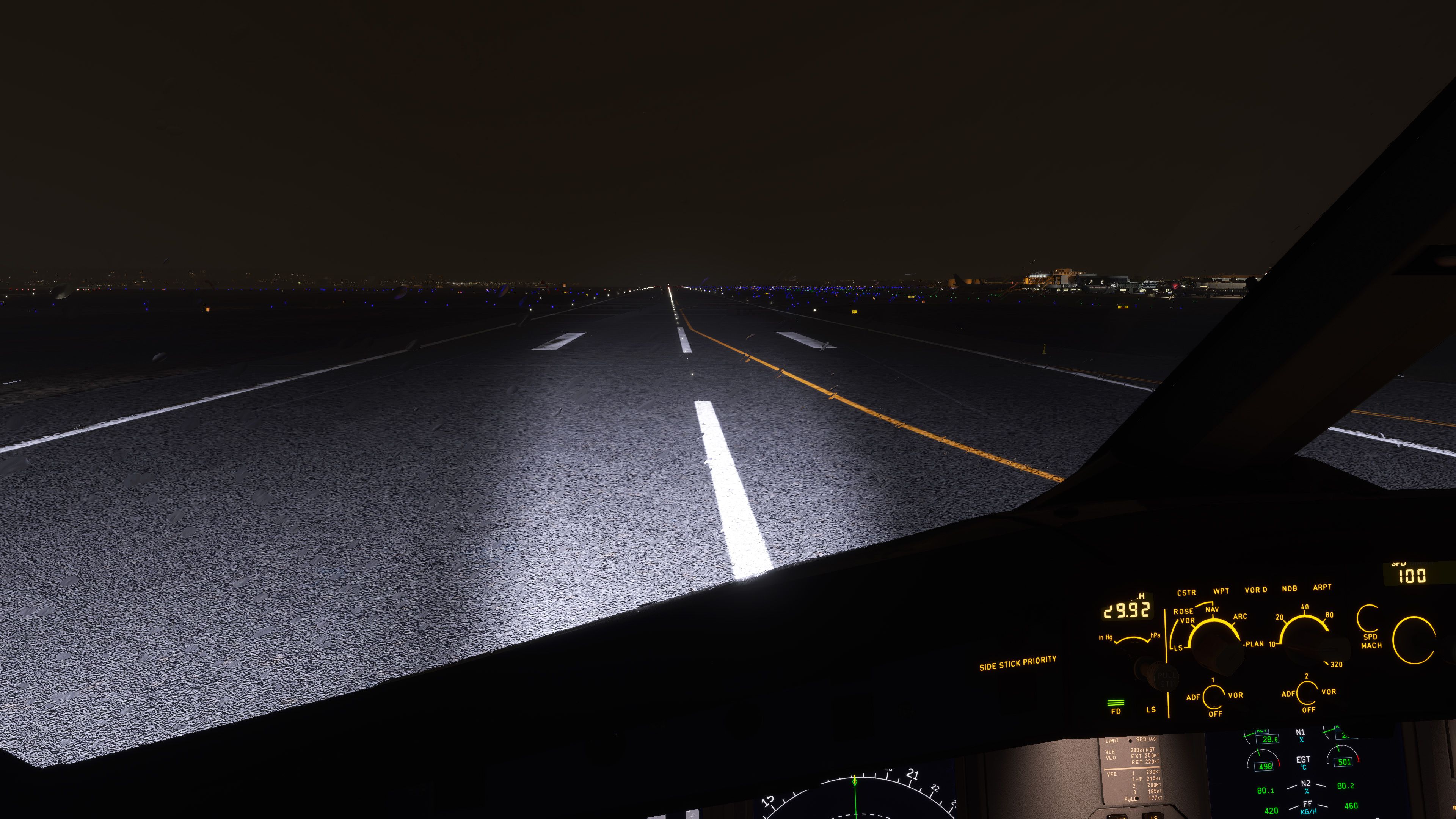
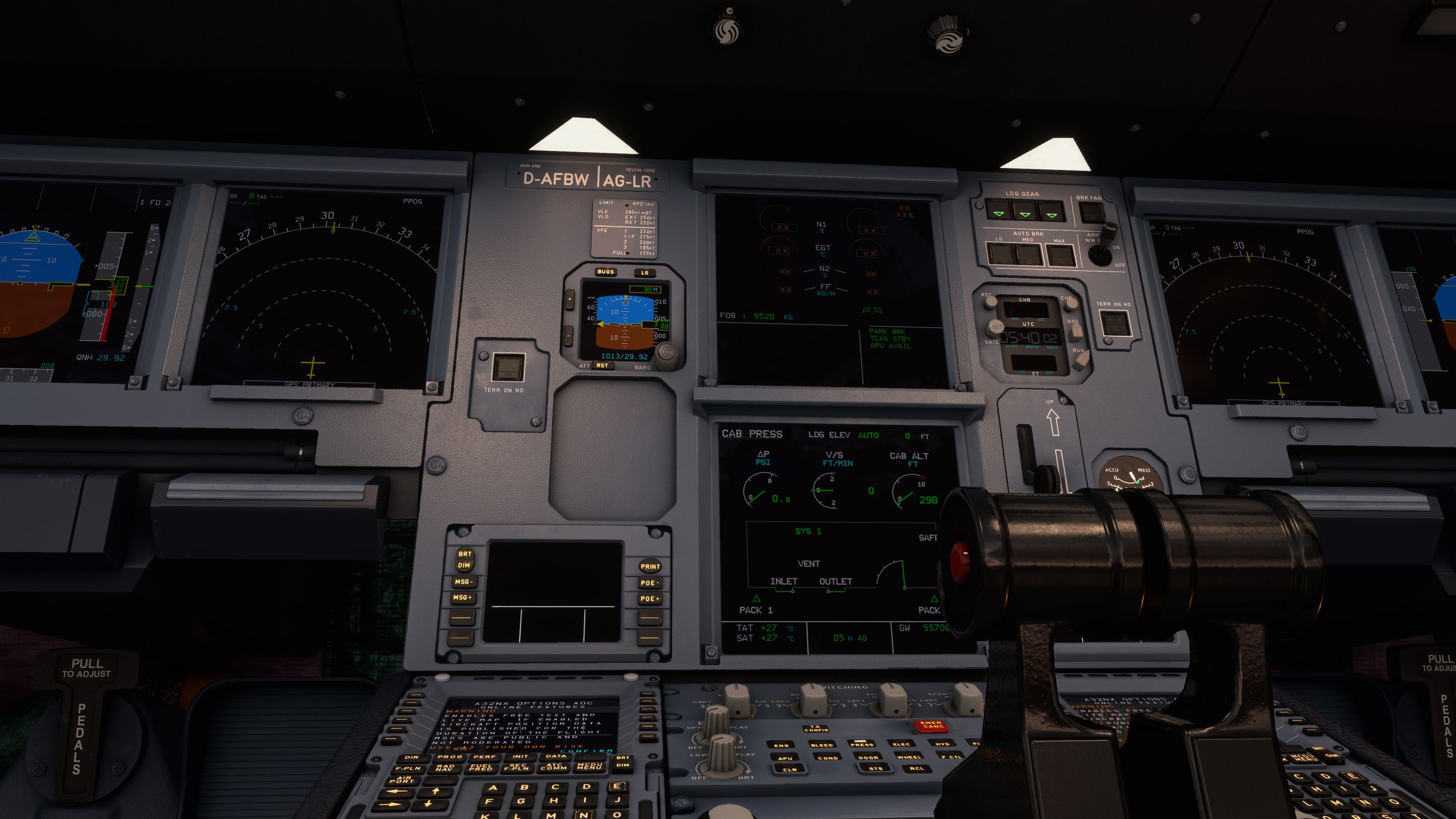
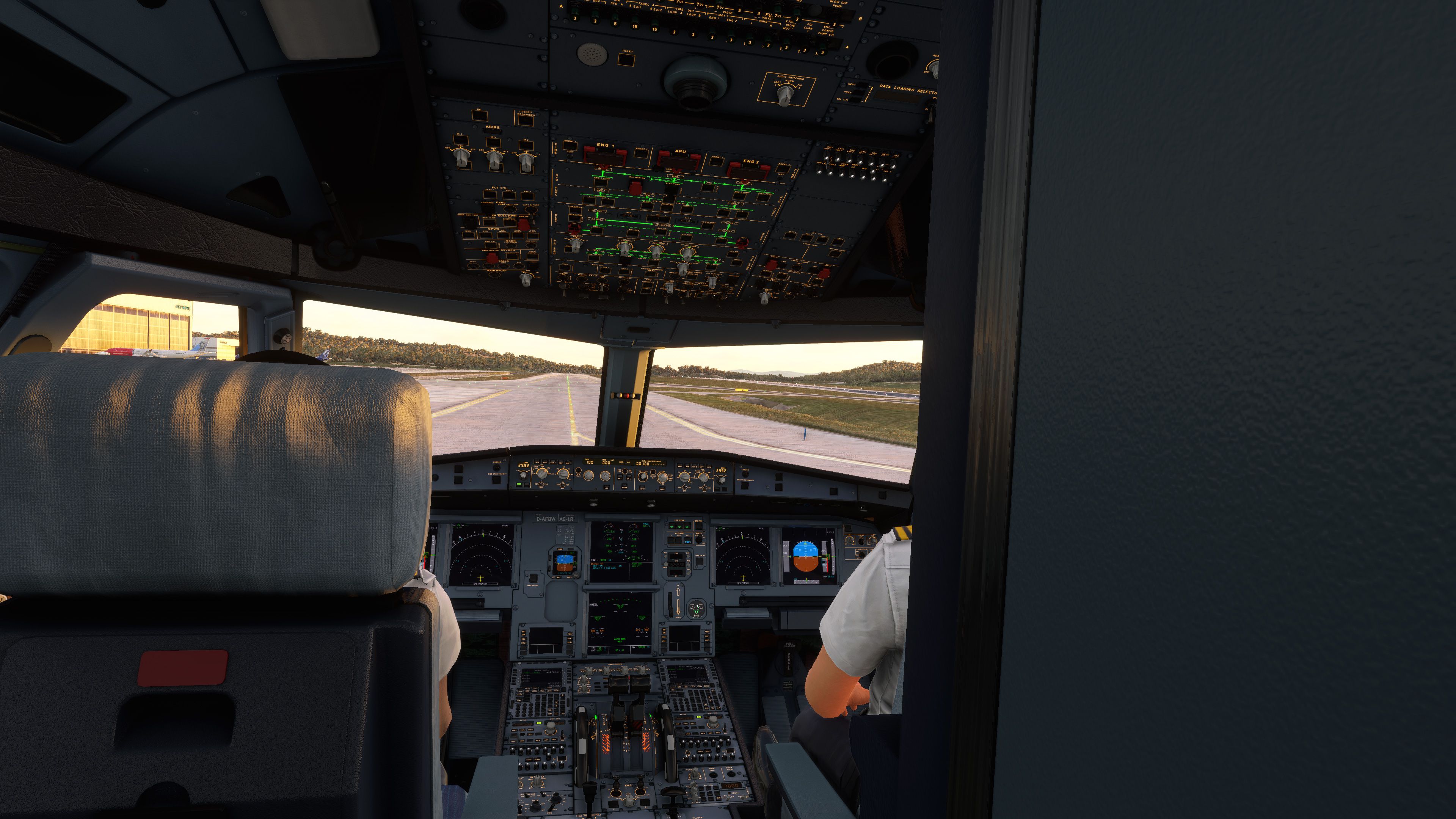
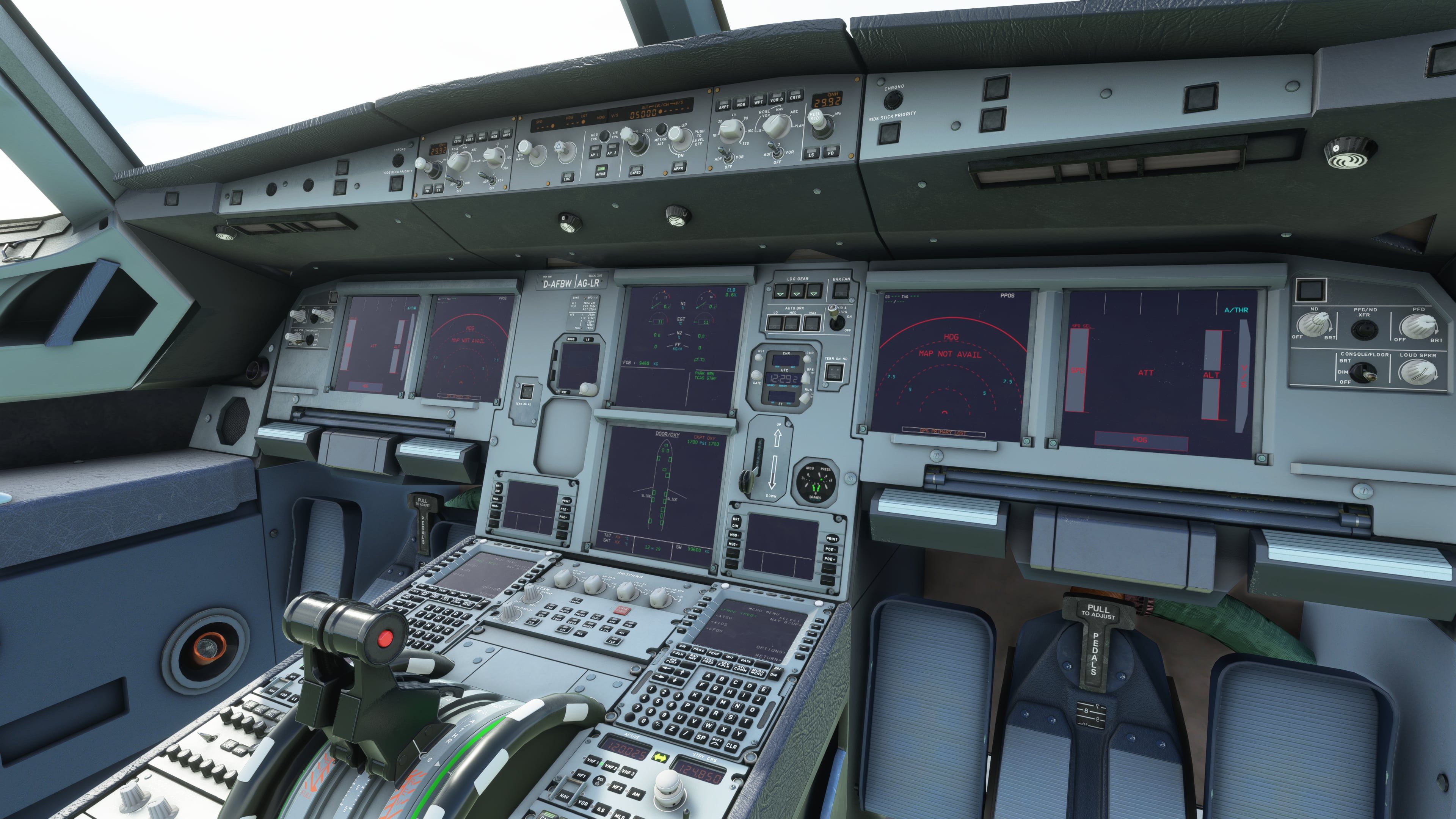
The FlyByWire Airbus A320 Neo A32NX is a complete freeware aircraft package for Microsoft Flight Simulator 2020 and Microsoft Flight Simulator 2024, replacing the default-style A320neo experience with a deeper open-source simulation of Airbus systems, cockpit workflow, custom avionics, EFB tools, sounds, and ongoing stable-build updates from the FlyByWire development team.
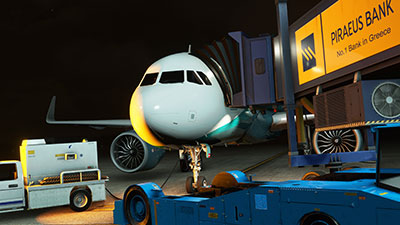 This Fly Away Simulation release contains the full freeware base model of the FlyByWire A32NX, the well-known third-party Airbus A320neo project created by the FlyByWire team. It is built for the modern Microsoft Flight Simulator platform and now includes compatibility for both MSFS 2020 and MSFS 2024.
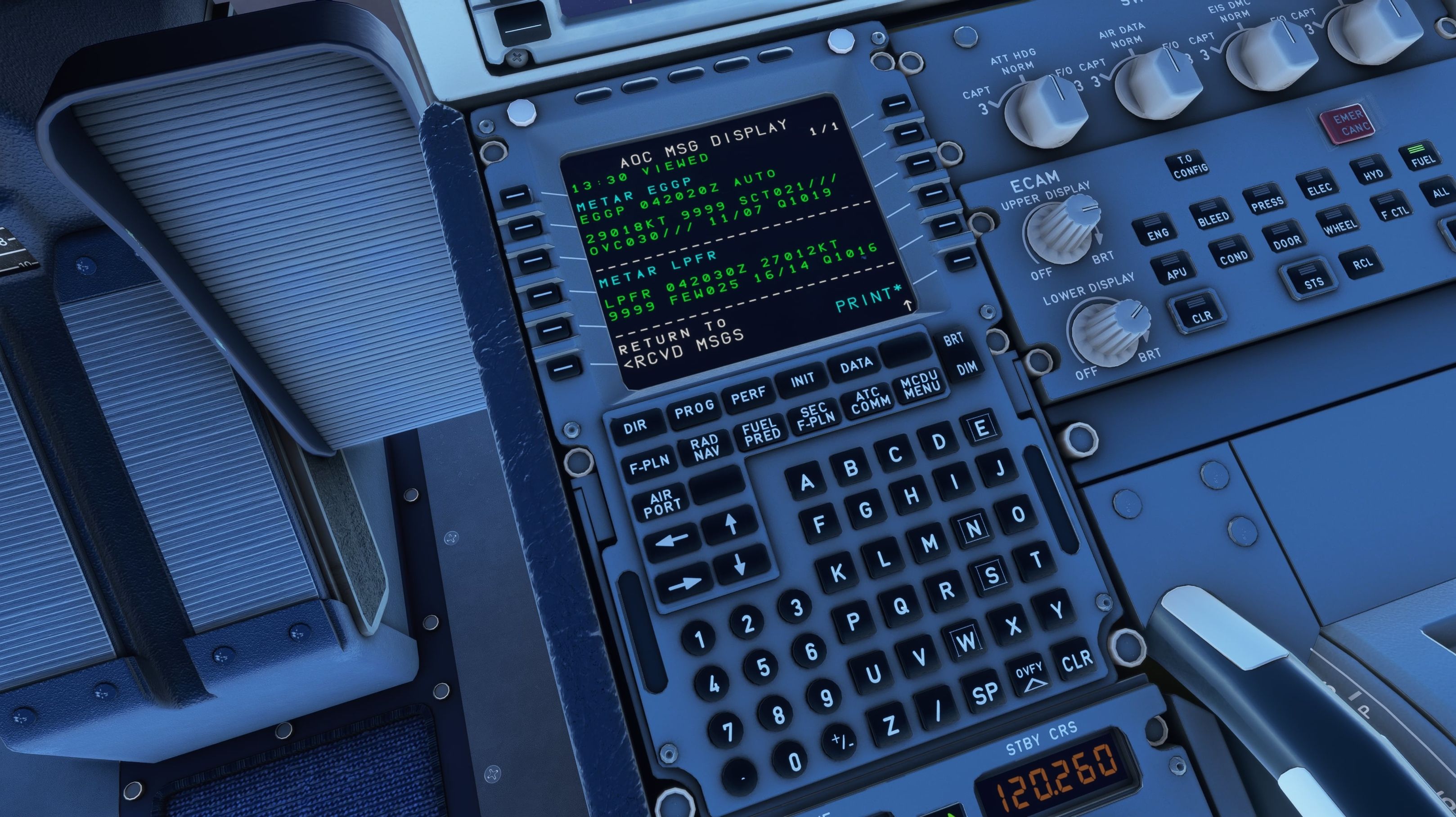
The real Airbus A320neo is one of the most widely used short- and medium-haul airliners in service, and the A32NX focuses on the cockpit logic that makes Airbus operation distinctive: managed modes, ECAM-driven abnormal handling, flight envelope protection, and a heavy reliance on the FMGC [Flight Management and Guidance Computer] rather than traditional “point-and-fly” autopilot behavior. FlyByWire’s version builds on that foundation with custom systems instead of simply leaning on the stock aircraft logic.
The A32NX is not just a repaint or a minor panel edit. FlyByWire has rebuilt large parts of the aircraft around custom avionics, custom systems code, and a cockpit workflow aimed at sim pilots who want more procedural depth than the default A320neo provides.
This package has been updated to include the version compatible with Microsoft Flight Simulator 2024 while retaining support for Microsoft Flight Simulator 2020. Recent FlyByWire release notes include changes specifically aimed at MSFS 2024 behavior, including lighting fixes, runway-spawn radio tuning, jetway and passenger stair handling, airport loading timing, and measures to reduce long simulator freezes in some MSFS 2024 scenarios.
Because the A32NX has its own systems depth, simulator-version compatibility matters. FlyByWire contributors have adjusted framework code, avionics behavior, and aircraft interaction logic so the aircraft remains usable across both simulator generations.
The latest listed changes cover a broad range of A32NX systems. Rather than treating these as cosmetic tweaks, many updates affect how the aircraft behaves during normal line flying and edge-case operations.
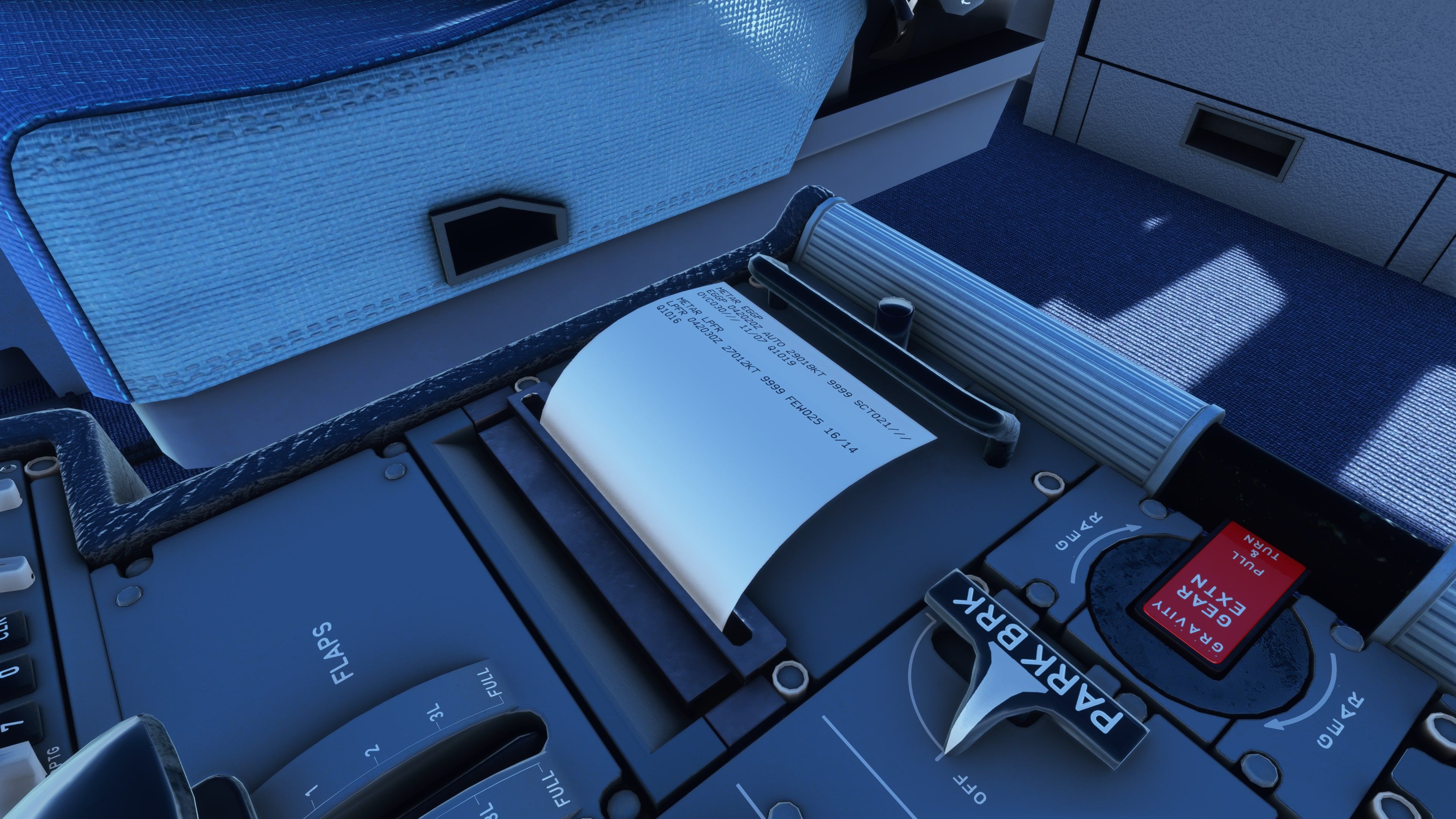
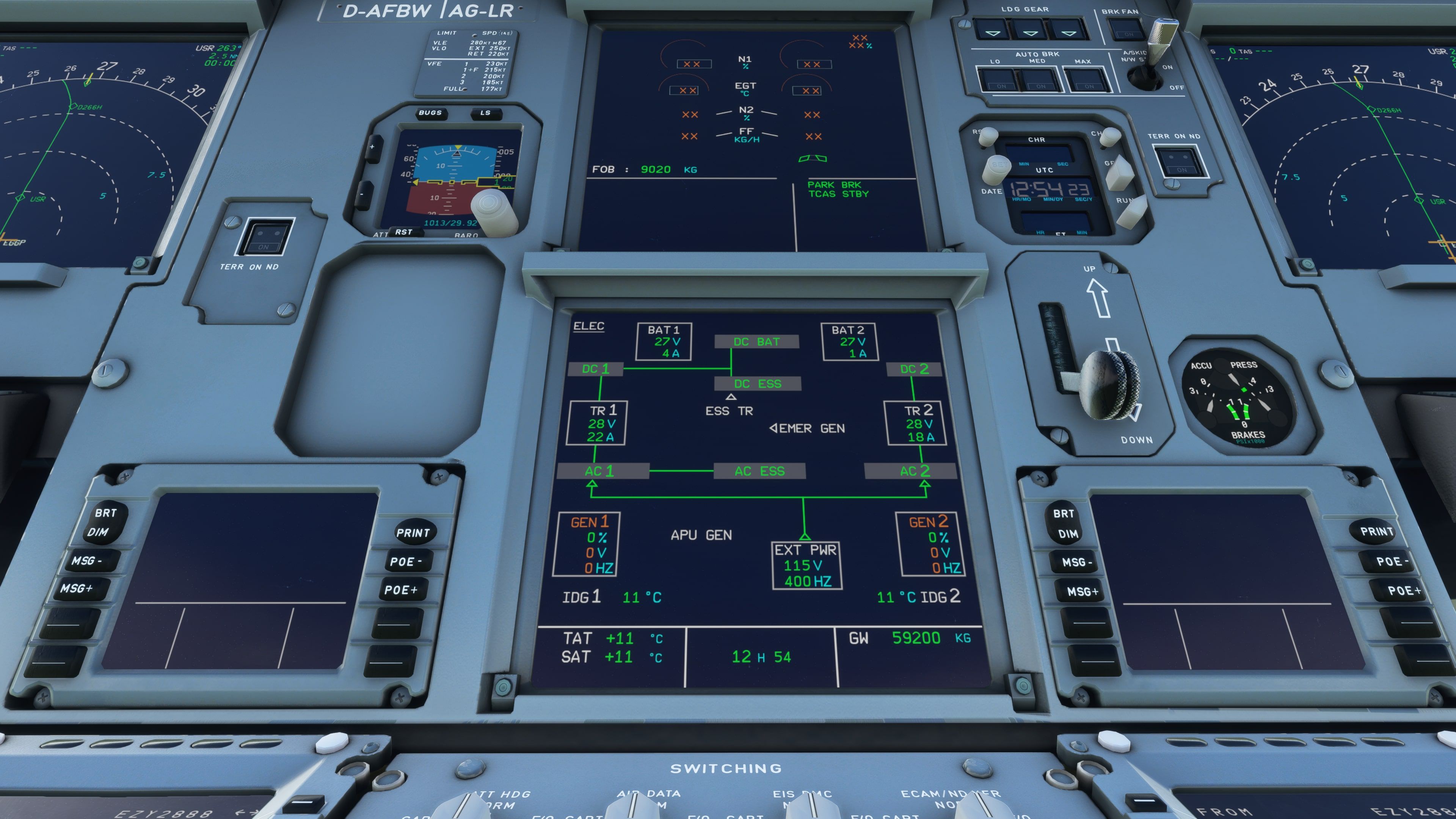
The flyPad is one of the more useful parts of the A32NX in day-to-day flying. It provides cockpit-based access to configuration, aircraft states, weight and balance, fuel, performance calculations, checklists, and support pages. Recent updates include improvements to takeoff and landing performance calculators, troubleshooting information, status labels, settings-page overflow handling, and clearer unit behavior.
Release notes also list updates to Hoppie ACARS handling, ATSU behavior, and METAR source selection. These features are particularly useful for pilots flying online-style procedures or longer sectors where datalink-style interaction, weather planning, and flight plan consistency matter.
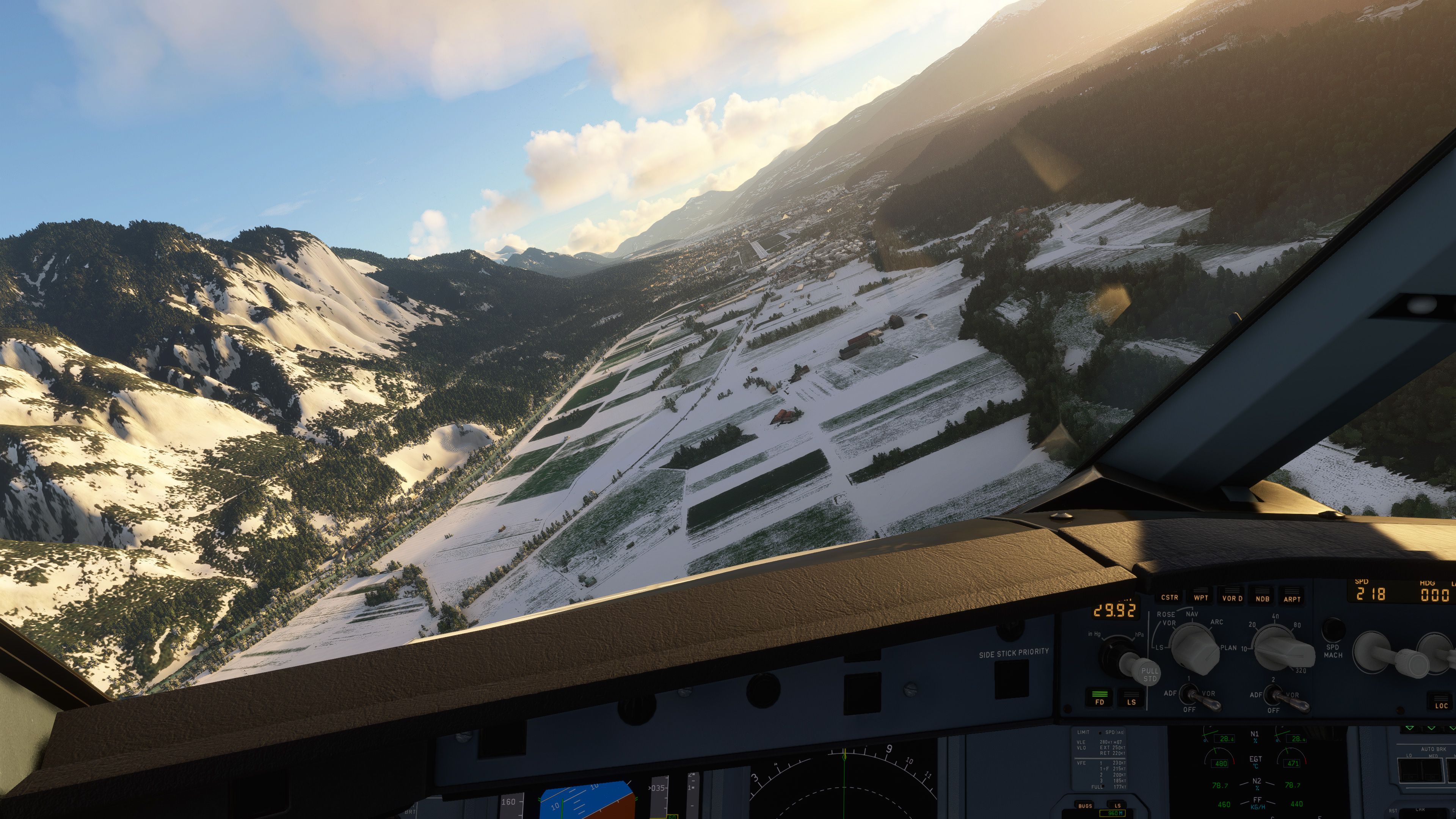
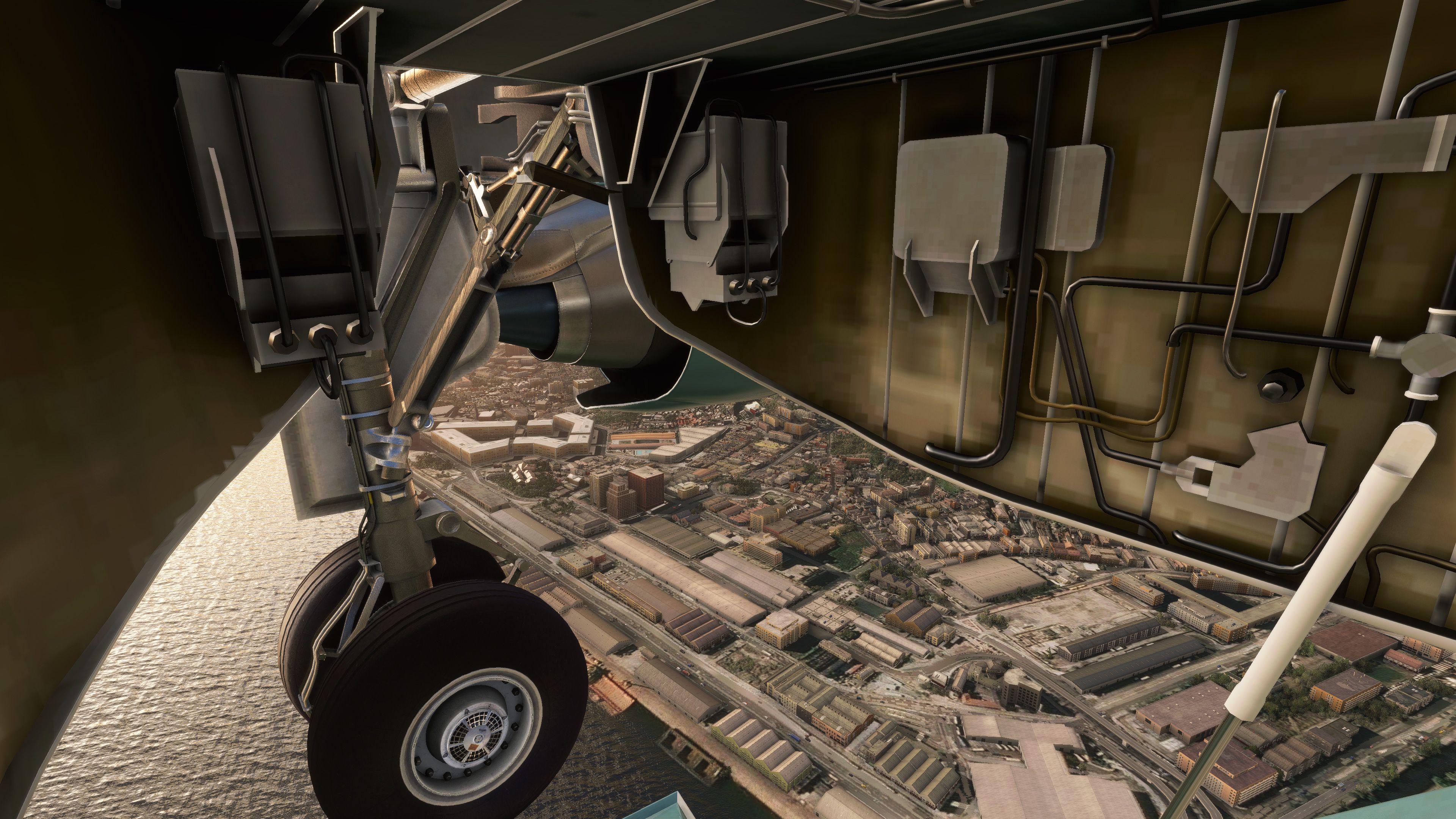
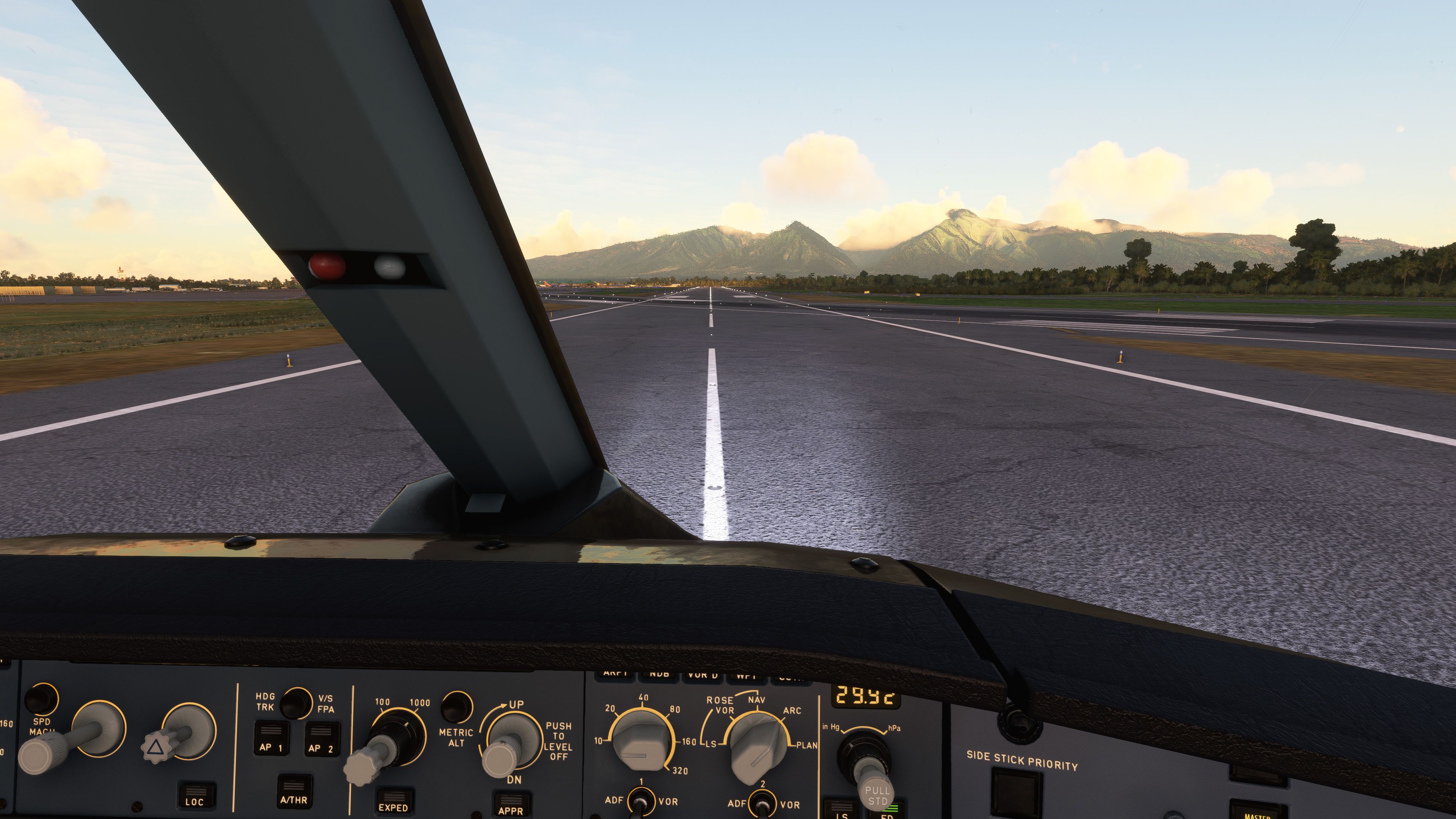
FlyByWire’s A320neo also includes continued 3D model and cockpit usability work. Recent changes include fixes for MSFS 2024 lighting, smoother speedbrake animation, corrected FCU decal appearance, mouse-drag support for knobs in lock mode, and fixes for knobs snapping back at maximum values. Earlier development work added refinements such as cockpit lighting changes, model and texture improvements, folding armrests, windshield wipers, wheel chocks, safety cones, and improved flight deck geometry.
The Virtual Reality camera position has also been adjusted, which helps VR users start from a more practical default viewpoint in the cockpit.
The aircraft is developed by FlyByWire as an open-source freeware project. The release notes credit a large contributor group, including tracernz / Mike, lukecologne / Luke, BlueberryKing, heclak, Frank Kopp, Andreas Guther, Benjamin Dupont, Jonathan / Jonny23787, Lucas / Lucas-IQ21, Fragtality, Gurgel100 / Pascal, Crocket63, Maximilian Reuter / chaoz, bruno_pt99, Nufflee, 2Cas, Benedict Etzel, Miquel Juhe, and many other named contributors across avionics, systems, model, sounds, performance tools, and simulator integration.
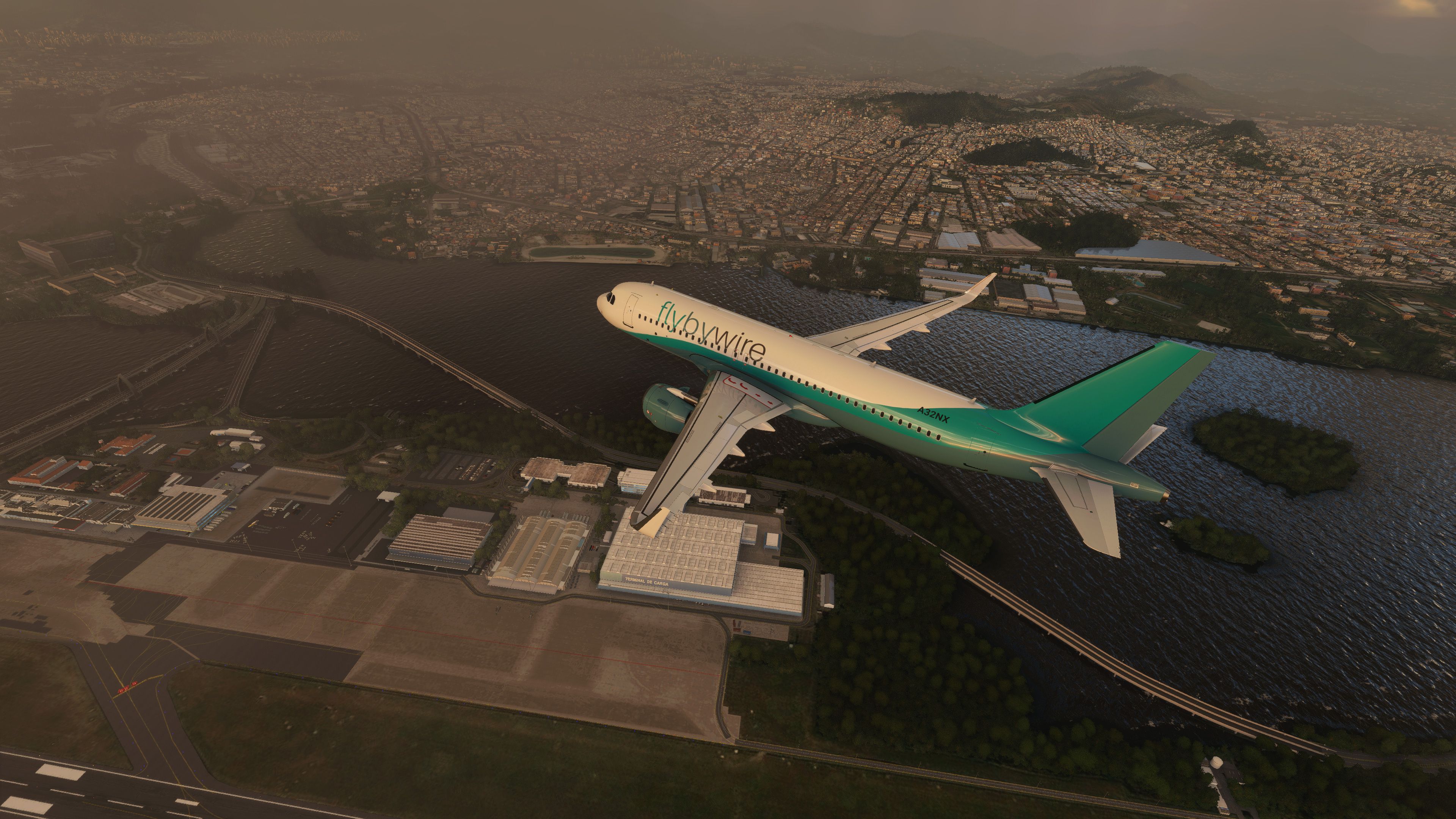
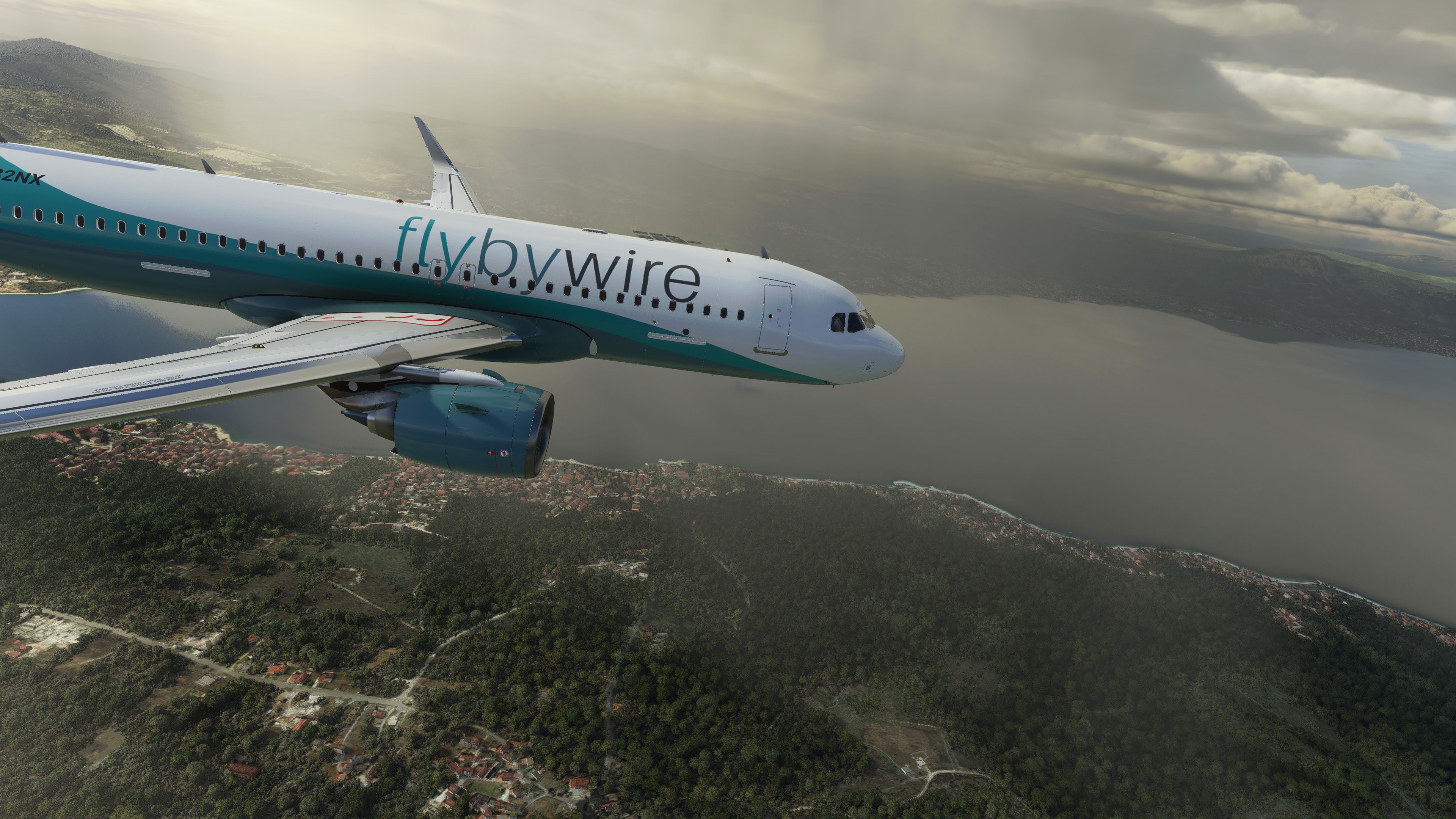
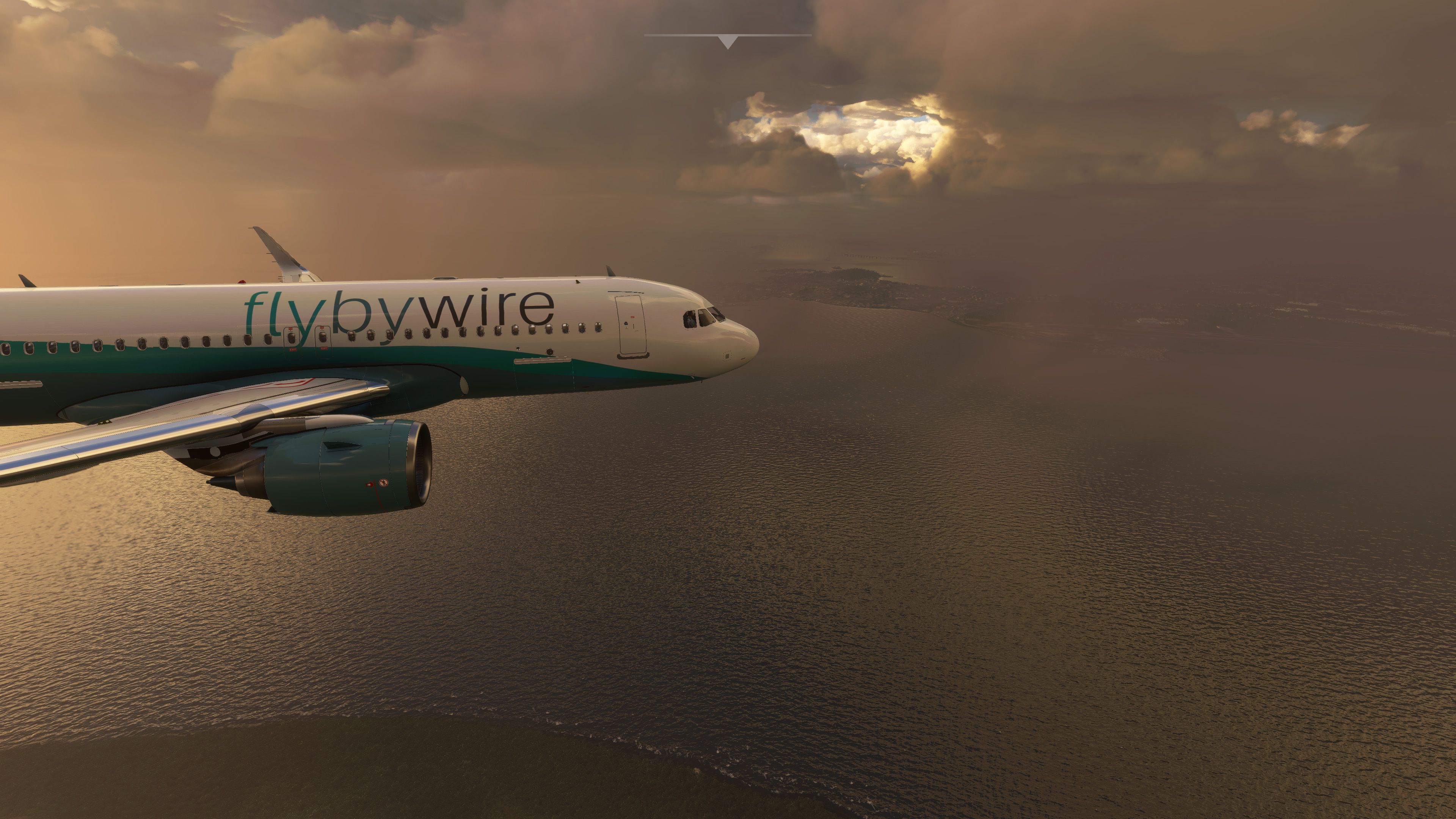
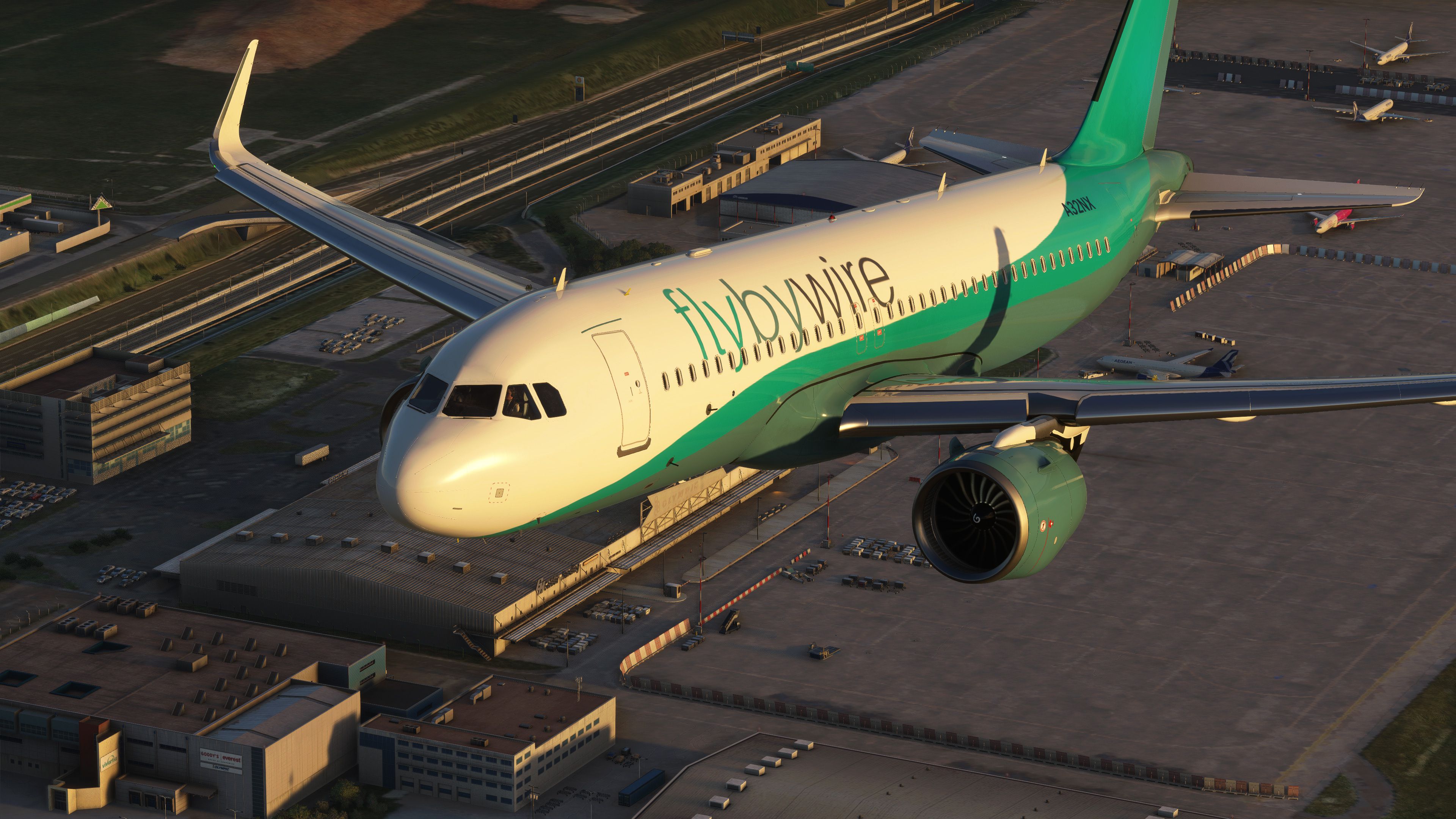
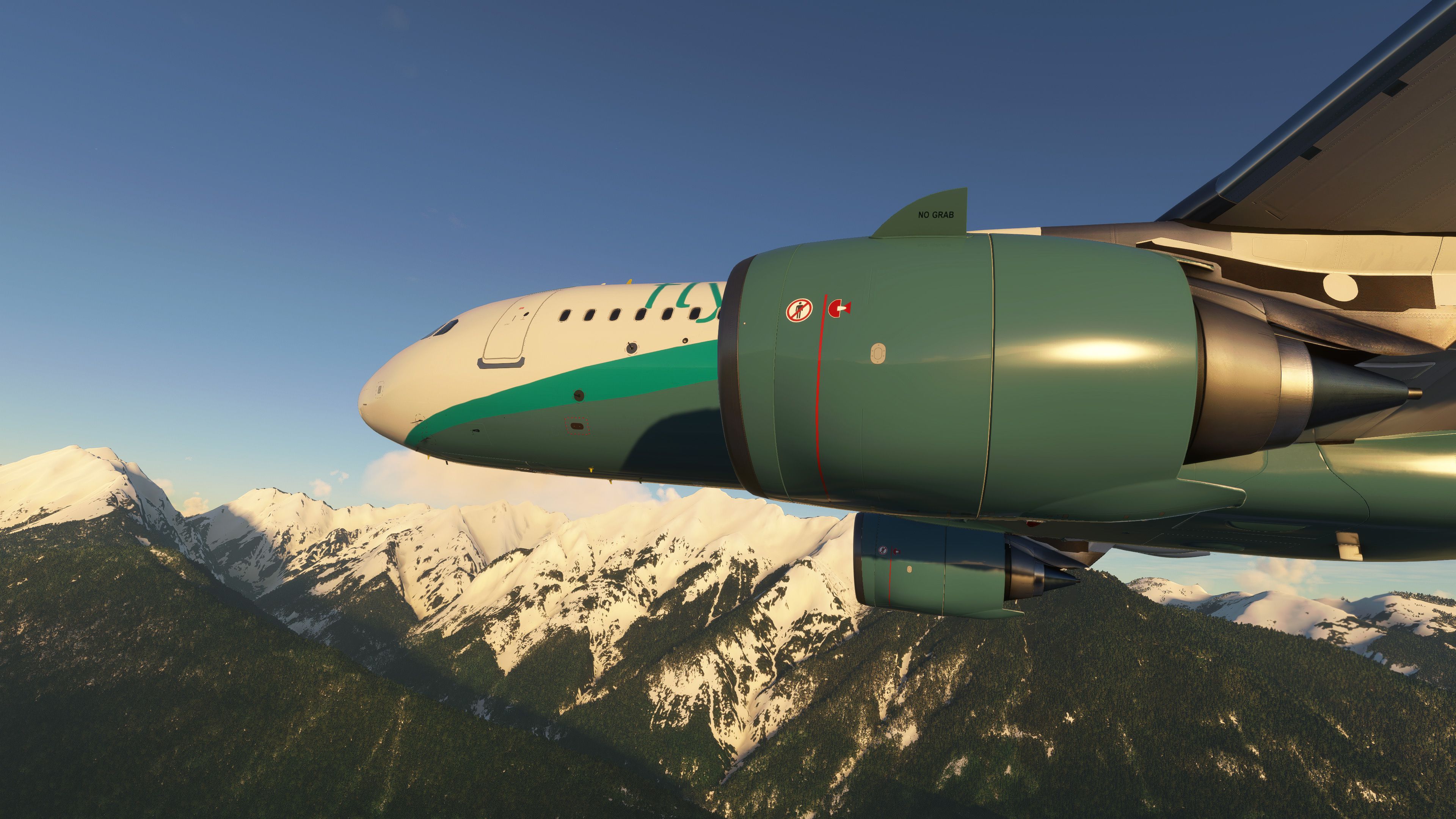
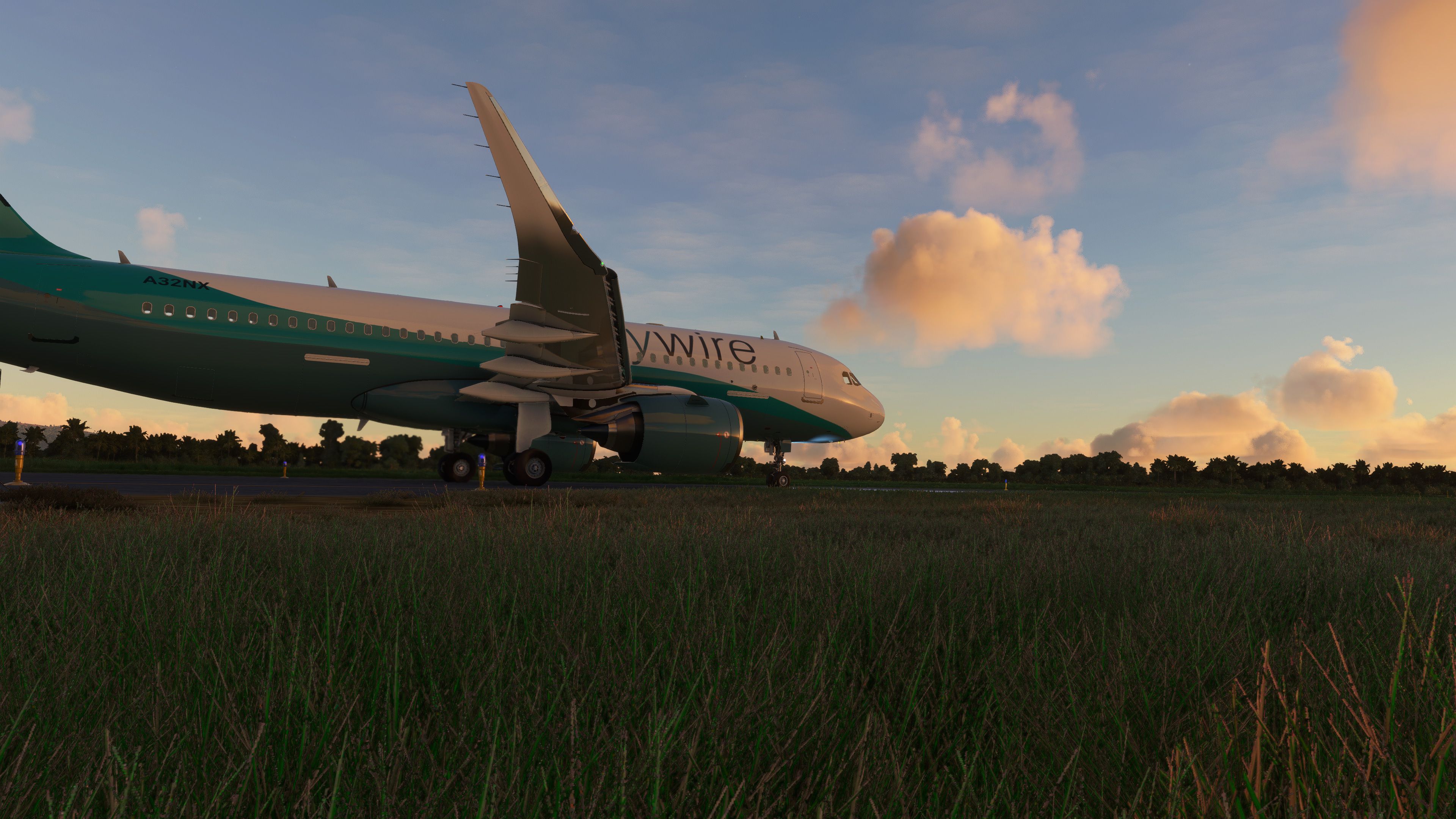
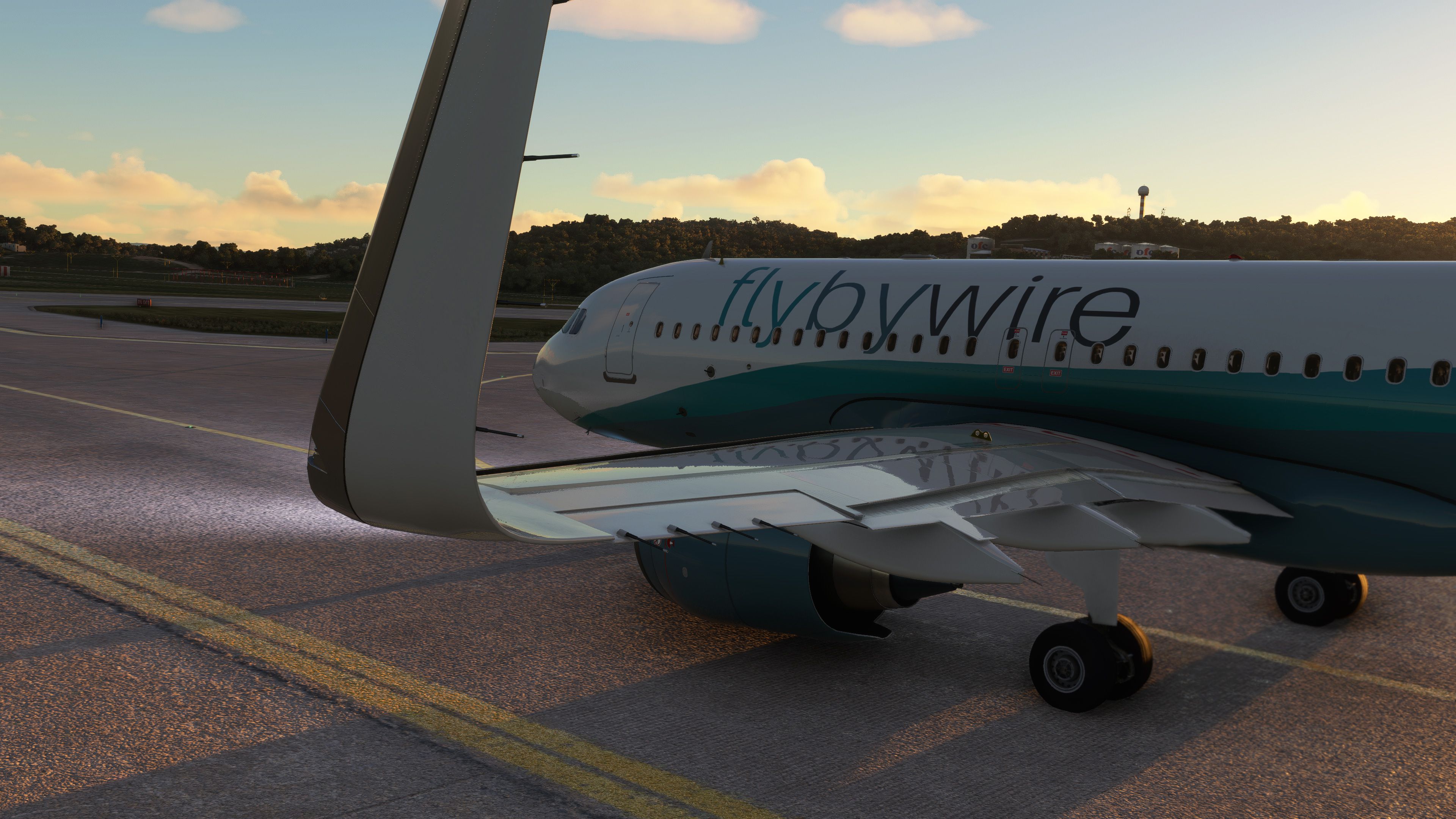
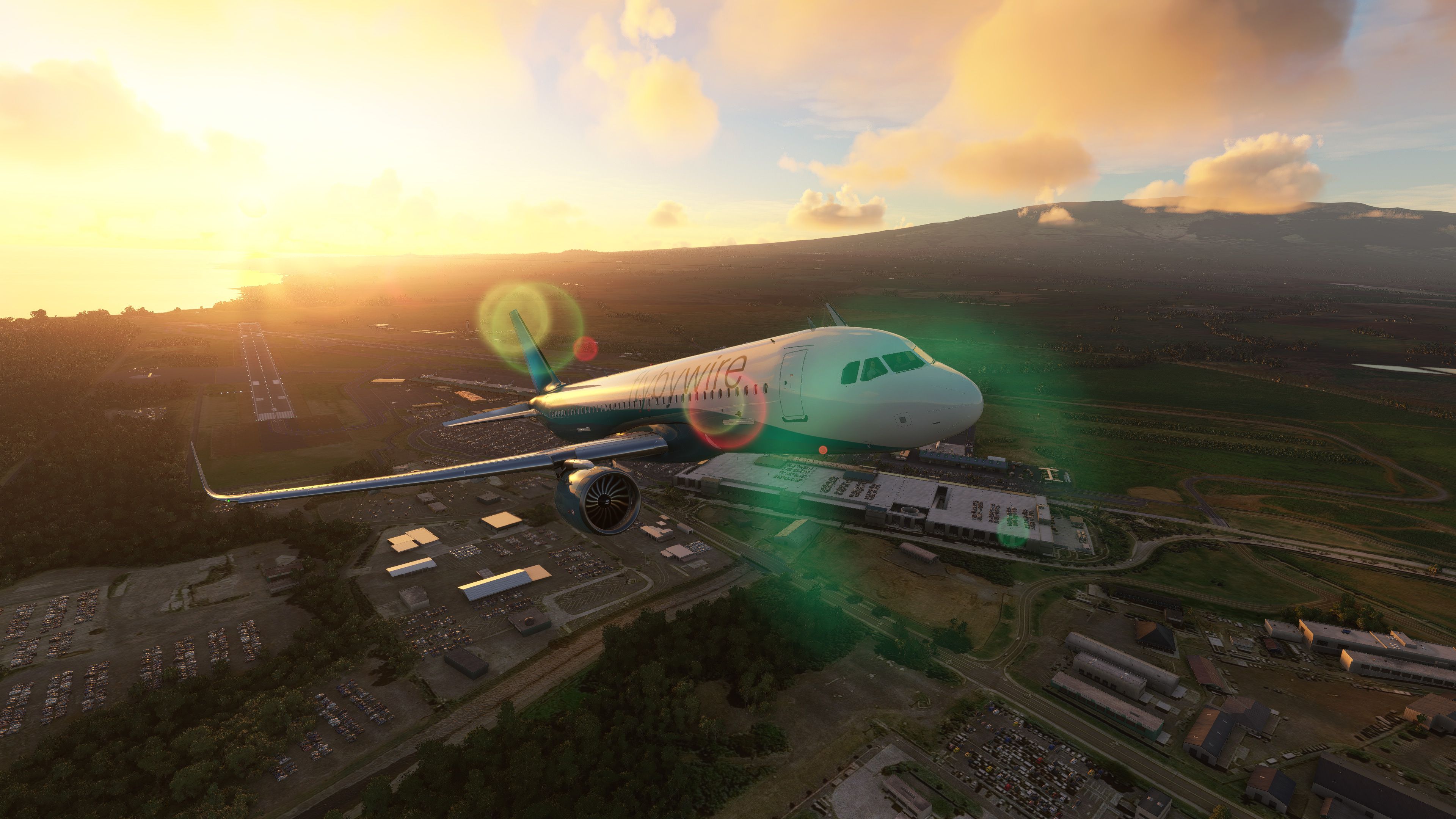
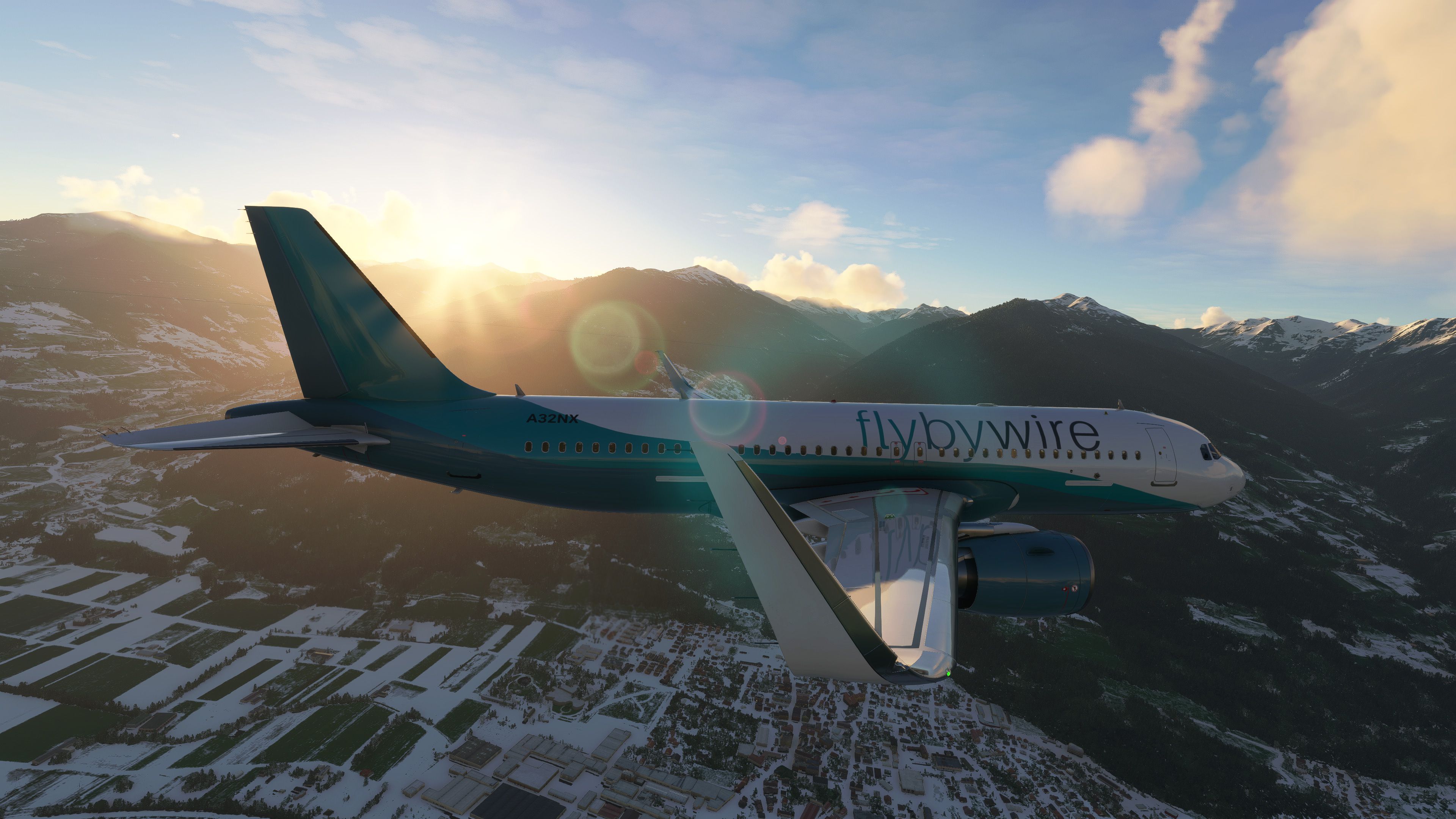
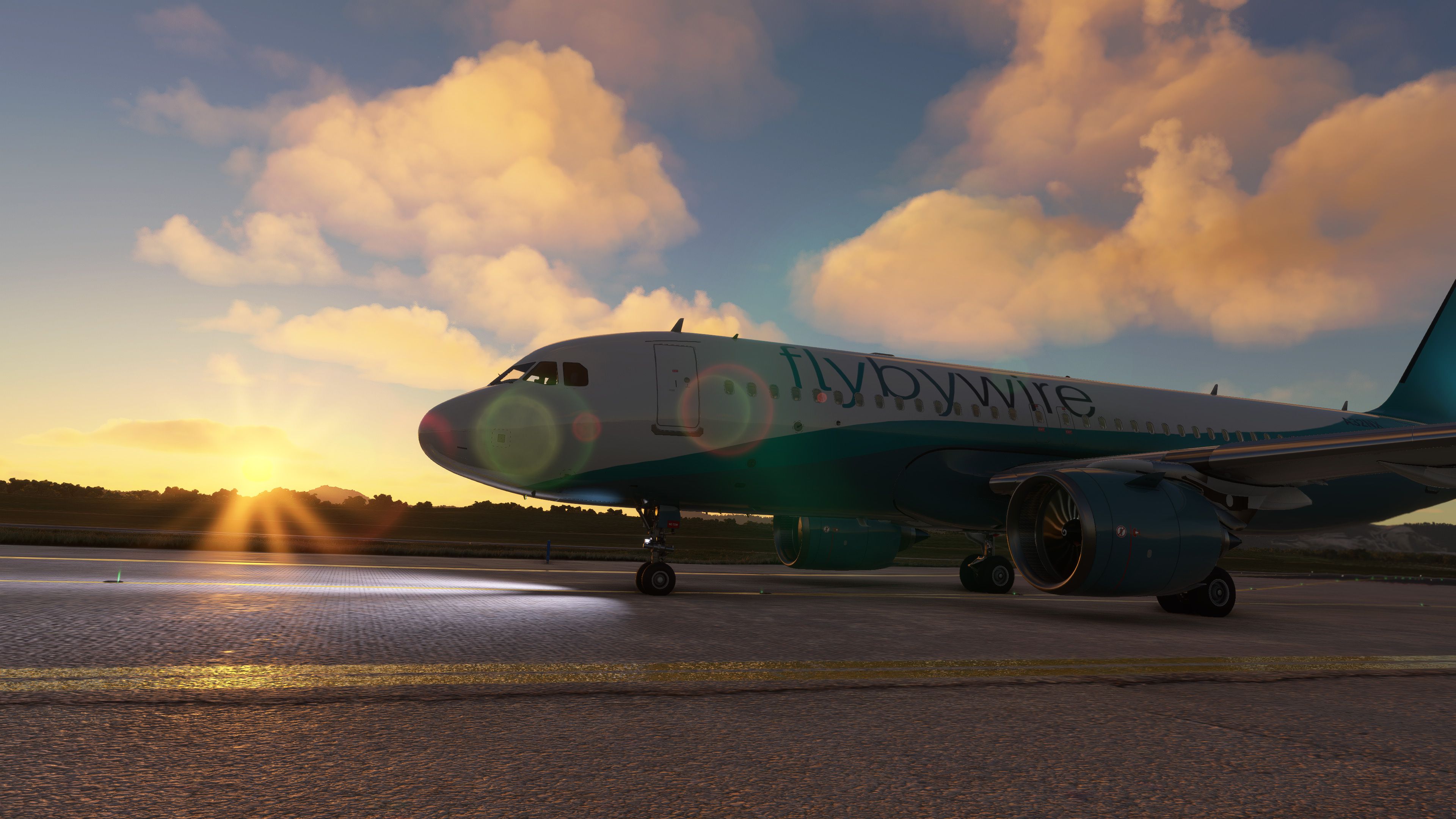
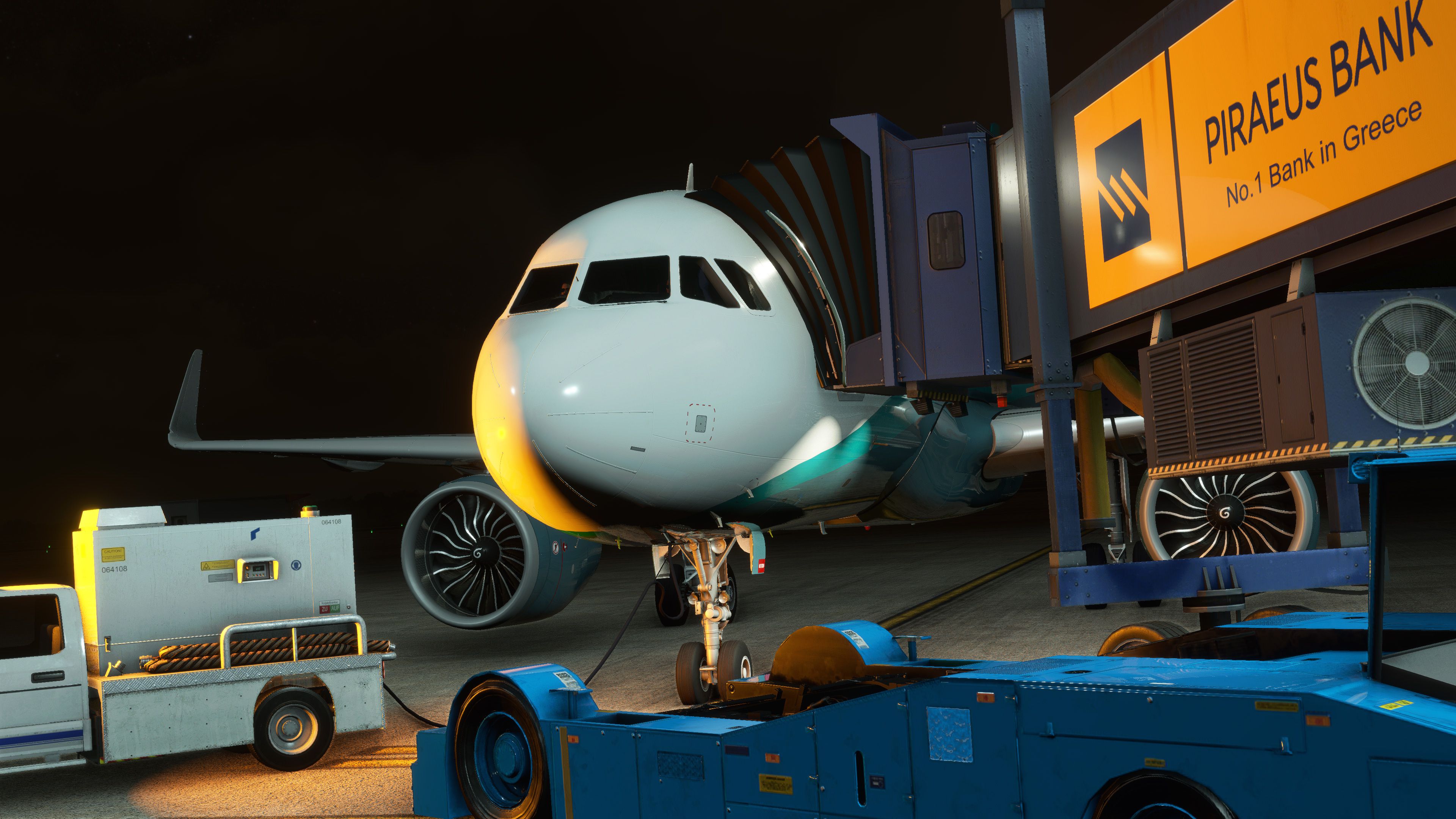
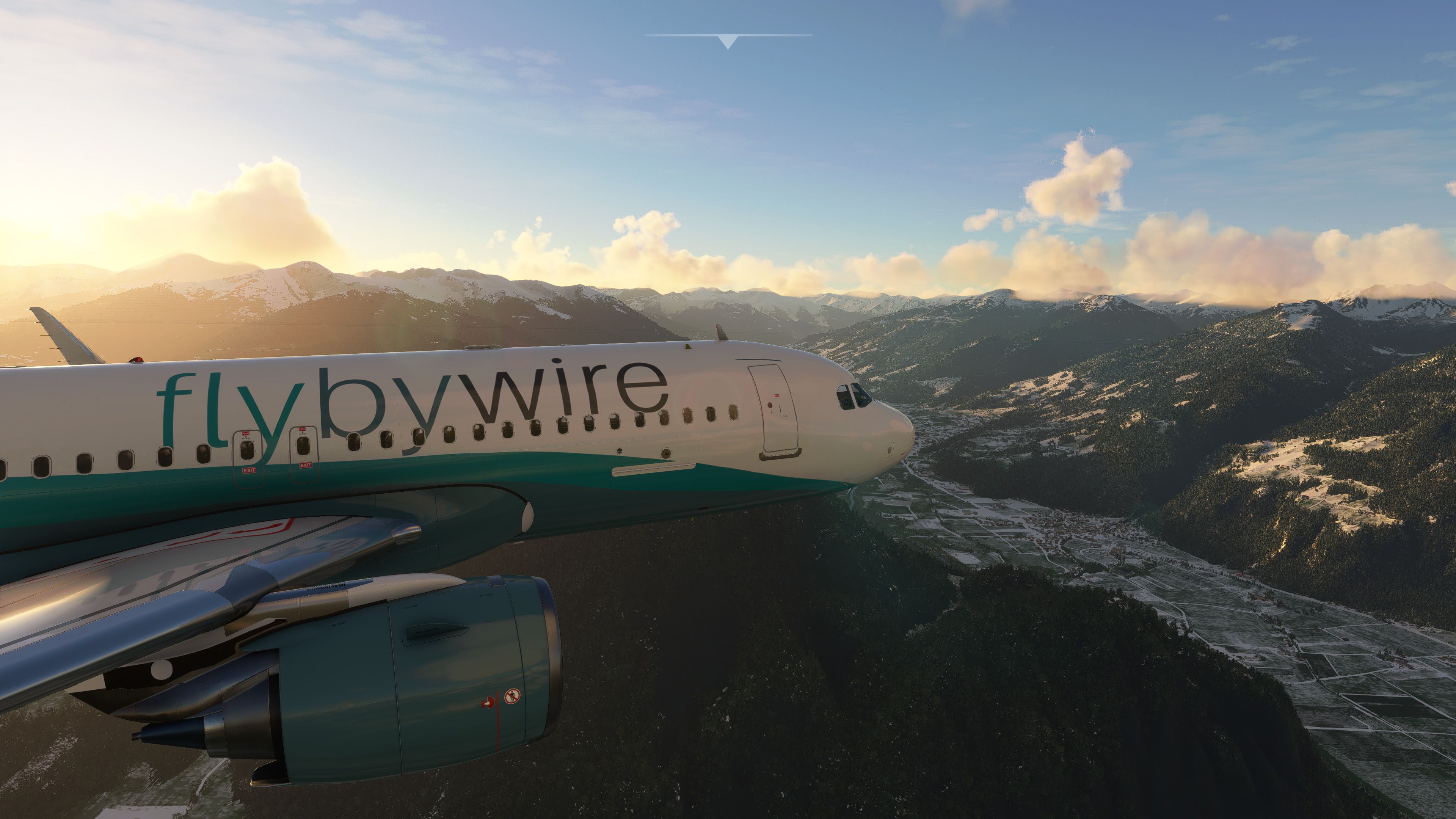
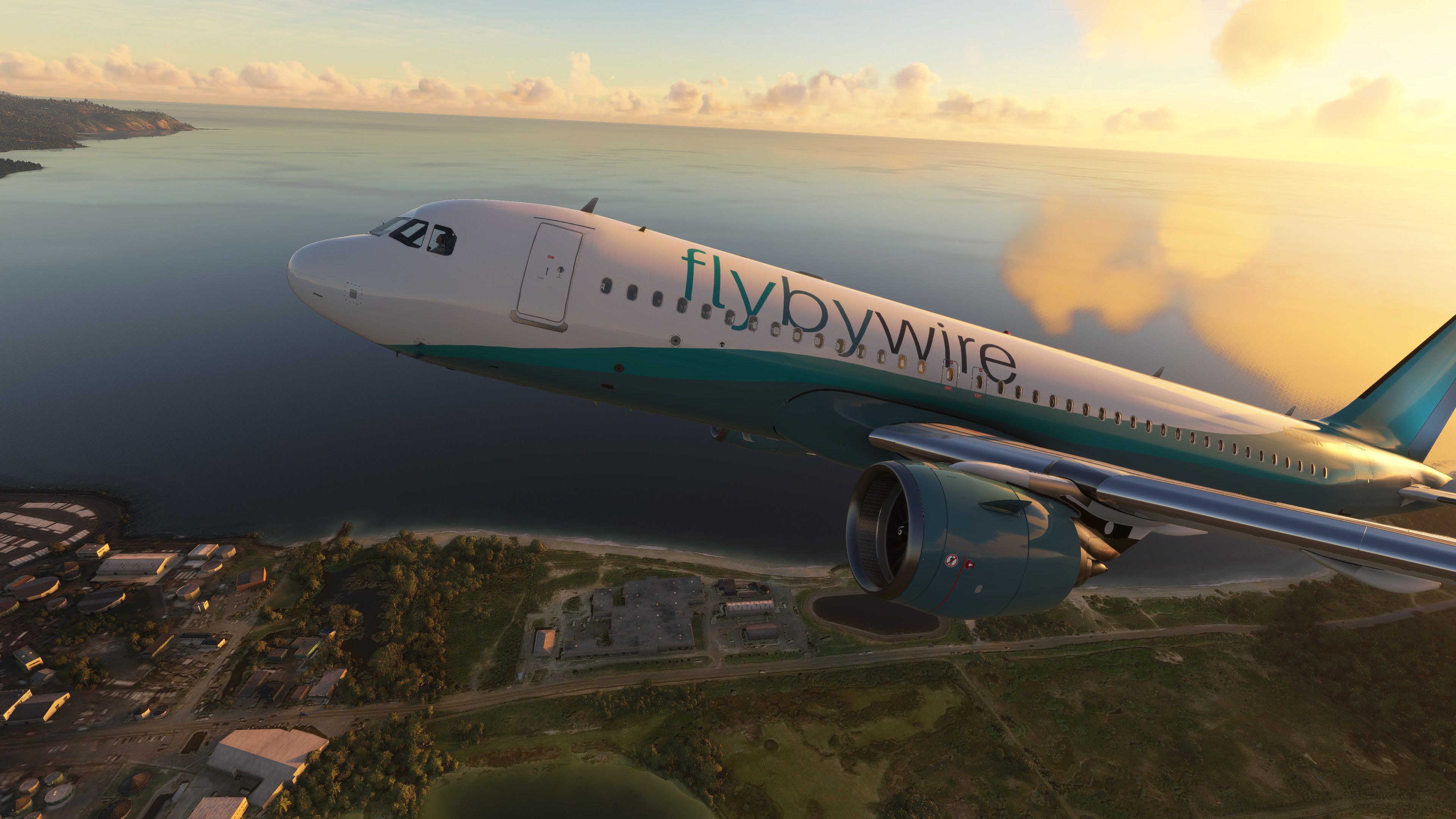
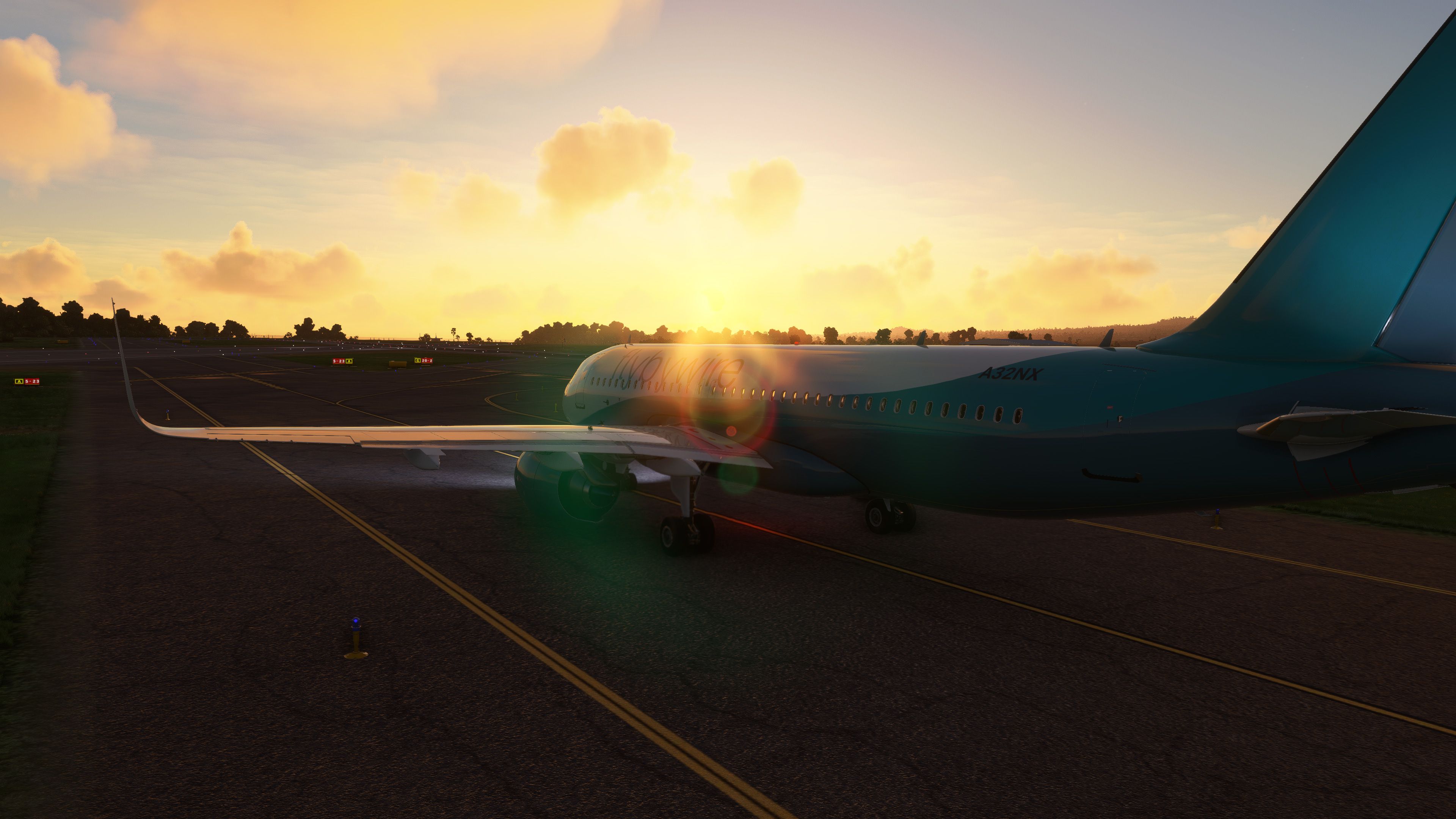
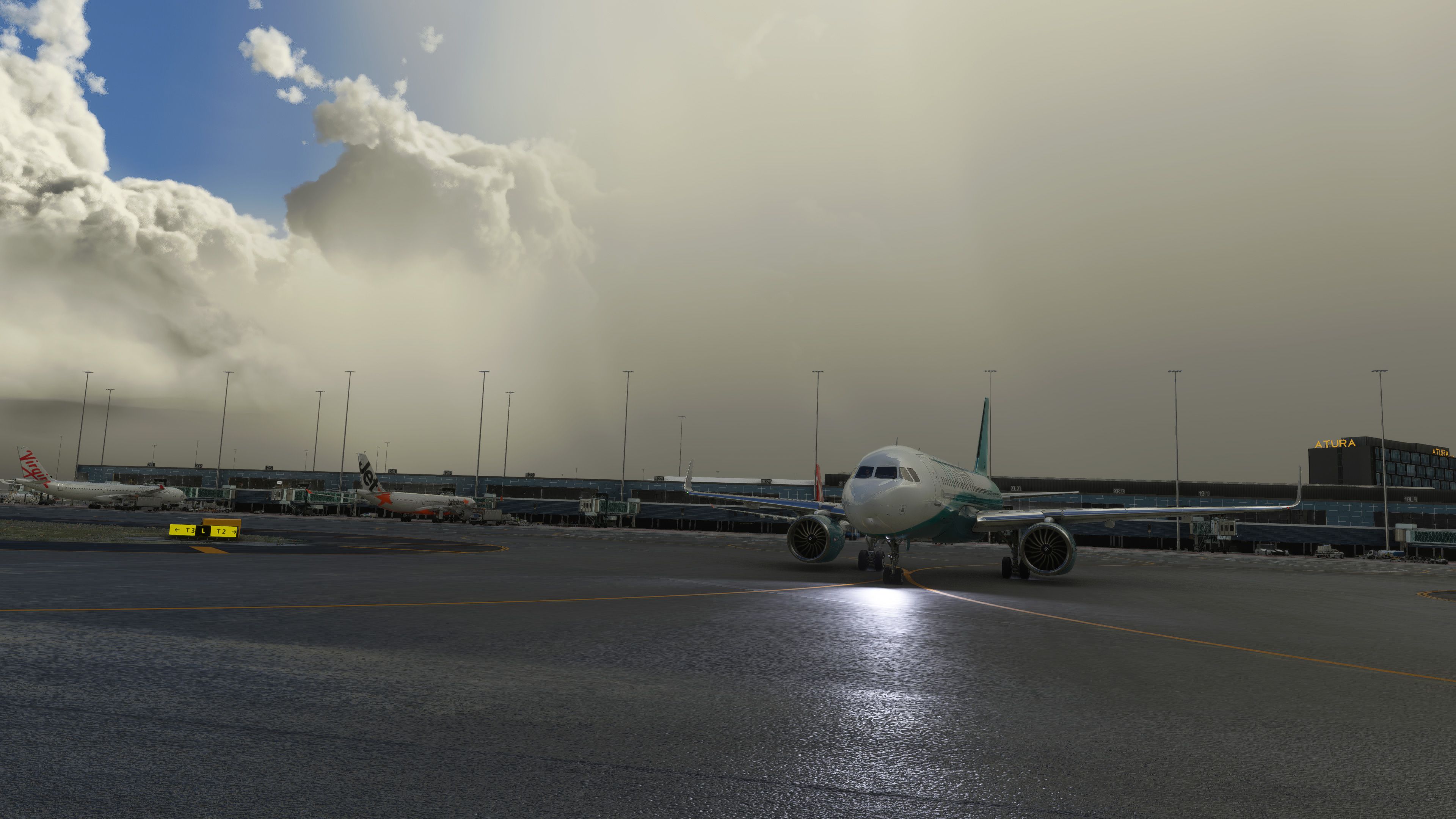
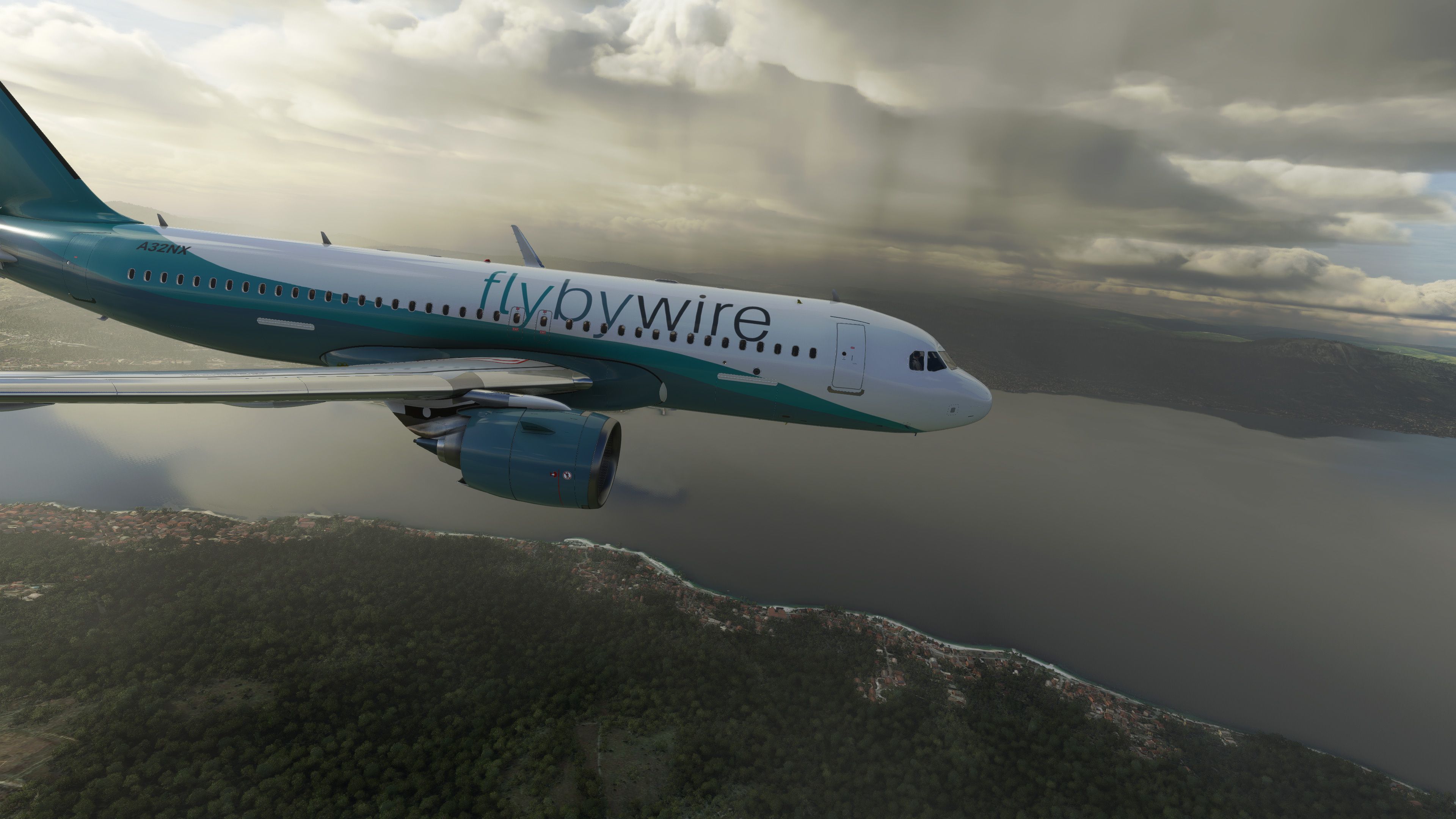
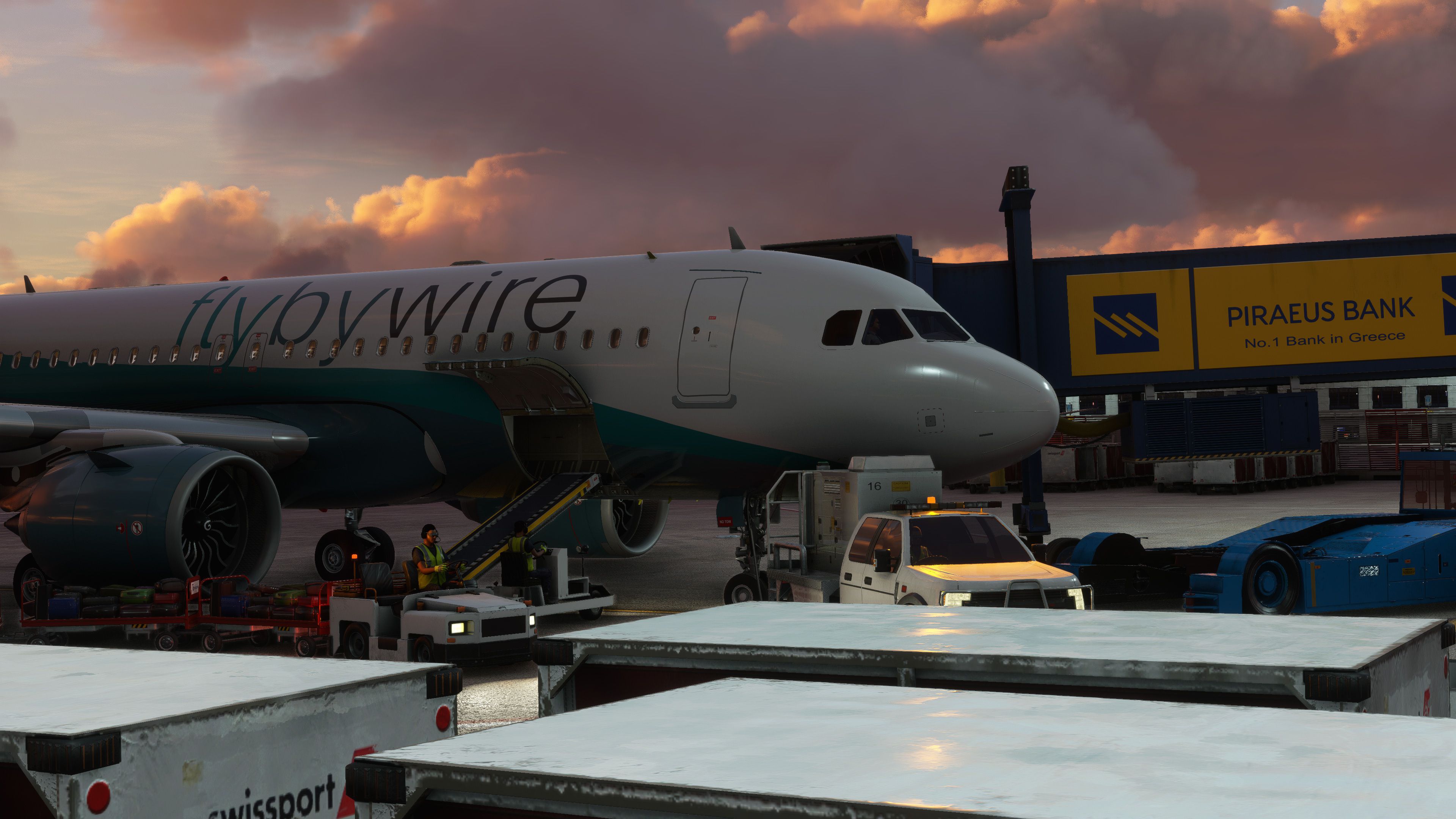
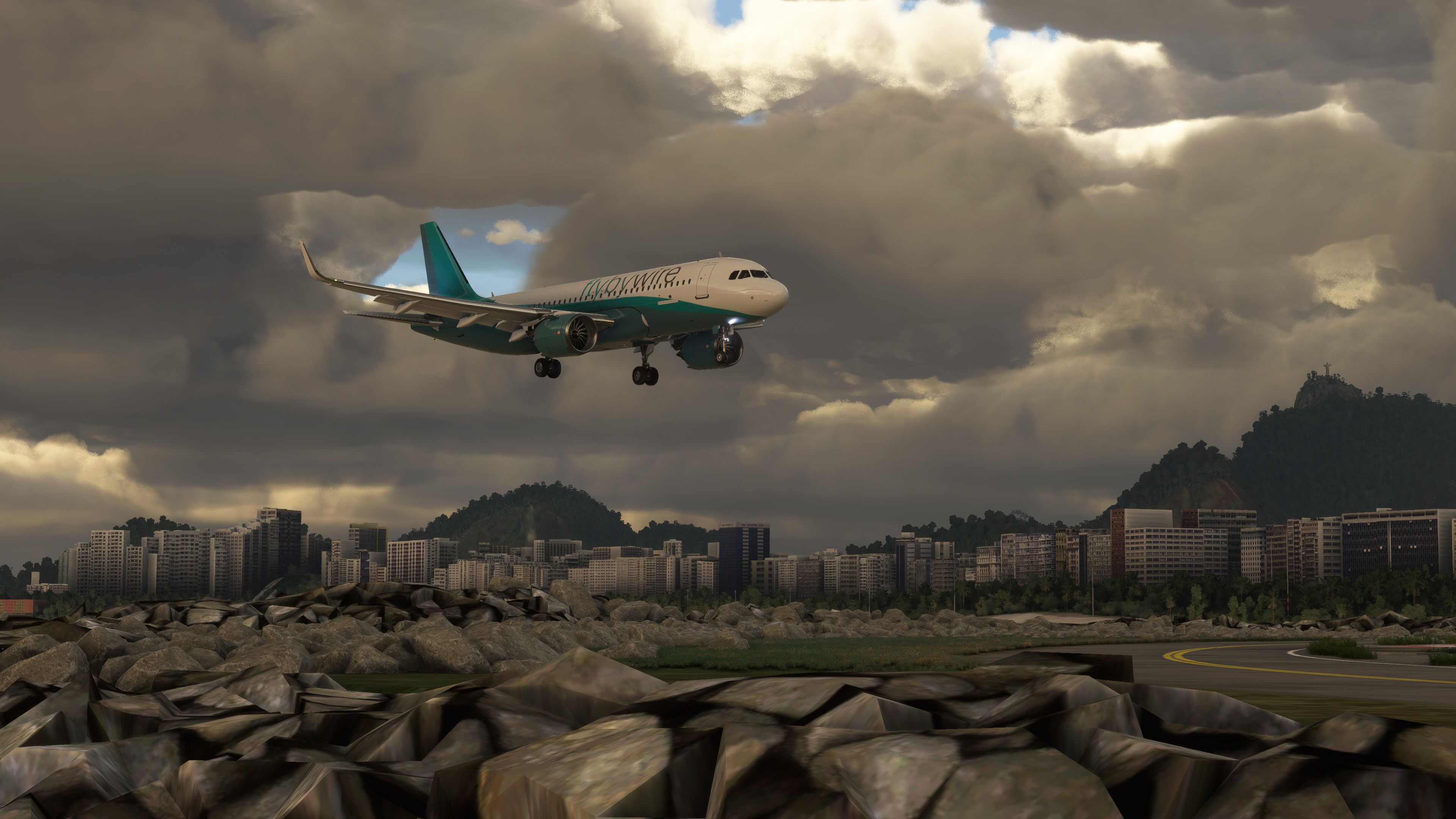
This download includes the default FlyByWire repaint supplied with the base A32NX package. The aircraft has extensive repaint support, and additional liveries may be made available separately through the Fly Away Simulation file library when developers submit compatible packages.
A paint kit is included for users who want to create their own A32NX liveries. The paint kit included with this package was developed by skoy21, who permits upload with proper credit. After creating a repaint, users may need to follow the FlyByWire livery conversion process for correct compatibility with the aircraft package.
To install this Fly Away Simulation package, extract the downloaded ZIP archive and copy the following folder into your Microsoft Flight Simulator Community folder:
flybywire-aircraft-a320-neo
After copying the folder, start the simulator and select the FlyByWire A32NX from the aircraft selection menu. If you are replacing an older manual installation, remove the previous flybywire-aircraft-a320-neo folder first to avoid duplicate or mixed files.
The FlyByWire A32NX is released as freeware under the GNU General Public License v3.0. That license permits redistribution and modification under its stated terms. This Fly Away Simulation download is provided as a complete freeware aircraft package with the base model included.
Free for all simmers · 2.61 GB · Scanned clean Oct 2026
Download speed: Free tier is capped at 2 Mbps (this file takes approximately 3h 7m at the cap). PRO members download at full line speed.
%LOCALAPPDATA%\Packages\Microsoft.FlightSimulator_8wekyb3d8bbwe\LocalCache\Packages\Community\. Steam version: %APPDATA%\Microsoft Flight Simulator\Packages\Community\. Tip: enable Developer Mode in MSFS to see your exact Community folder path.readme.txt or README file. It tells you exactly where files go, what dependencies are needed, and any quirks specific to this add-on.Only PRO members can place votes.
More MSFS add-ons hand-picked based on this download.
MSFS Civil Jet Aircraft
Introducing the comprehensive Ryanair Santa Repaint Mega Pack, meticulously c…
 MSFS Civil Jet Aircraft
A highly detailed repaint of the default Airbus A320 NEO in Malev (Hungarian …
 MSFS Civil Jet Aircraft
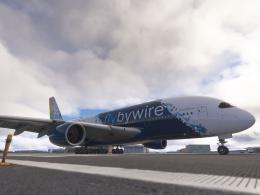
The FlyByWire A380X is a free, open-source, high-fidelity Airbus A380-800 for…
 MSFS Civil Jet Aircraft
A livery pack for the default Airbus A320neo in Microsoft Flight Simulator (M…
 MSFS Civil Jet Aircraft
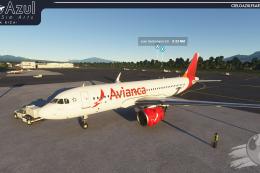
A brand-new repaint/livery for the Airbus A320neo (ASOBO) in Avianca Costa Ri…
 MSFS Civil Jet Aircraft
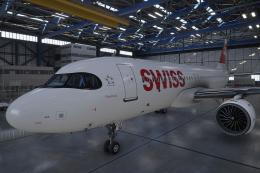
A pack containing a complete rendition of 8K resolution liveries for the defa…
 MSFS Civil Jet Aircraft
The MSFS Native Airbus A330-900neo Mega Pack by Headwind Simulations brings a…
 MSFS Civil Jet Aircraft
Step into the cockpit of the Airbus A330-200, affectionately dubbed the "butt…
Read what other simmers think, or add your own.

hello, I have the same problem as drefla07, I've downloaded an A320 fbw neo but it doesn't appear in Word Map, it's in the market place but when I want to install it, it stays "ghost plane", we ear the motors but no plane... Is somebody could help me? thank's a lot.

Tried copying the folder as mentioned (community folder) but I keep getting an error message that the path is too long. Any help would be greatly appreciated.
I was able to get the file copied.
However, it looks the same as the default Asobo; no EFB, or anything else. What am I doing wrong?

I download the a320-neo(A32NX), and installed as directed to my Community Folder.
After starting the sim, I selected the just installed A32NX, it is invisible, no cockpit, no external views. What is the problem? Thanks

Hi, I bought an Airbus A320nx on Flyaway, problem, after booting up, when I select fly now it freezes and gets dark on display, is there anything that can be done? other aircraft in the sim is ok.
