

 MSFS Civil Jet Aircraft
United Airlines Airbus A320 Livery
A livery pack for the default Airbus A320neo in Microsoft Flight Simulator (M…
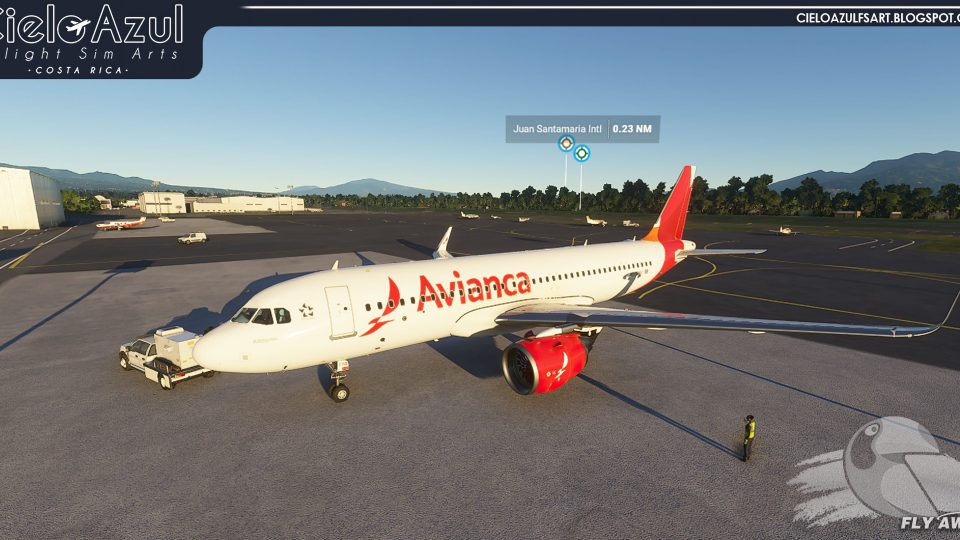
Avianca Costa Rica’s Airbus A320neo livery brings registration N776AV to the default Asobo jet with crisp tail branding, accurate titles, and a clean paint finish that suits both airline routes and casual hops. Designed for Microsoft Flight Simulator, it adds authentic Central American carrier detail to the virtual cockpit experience.
 Rate
Rate
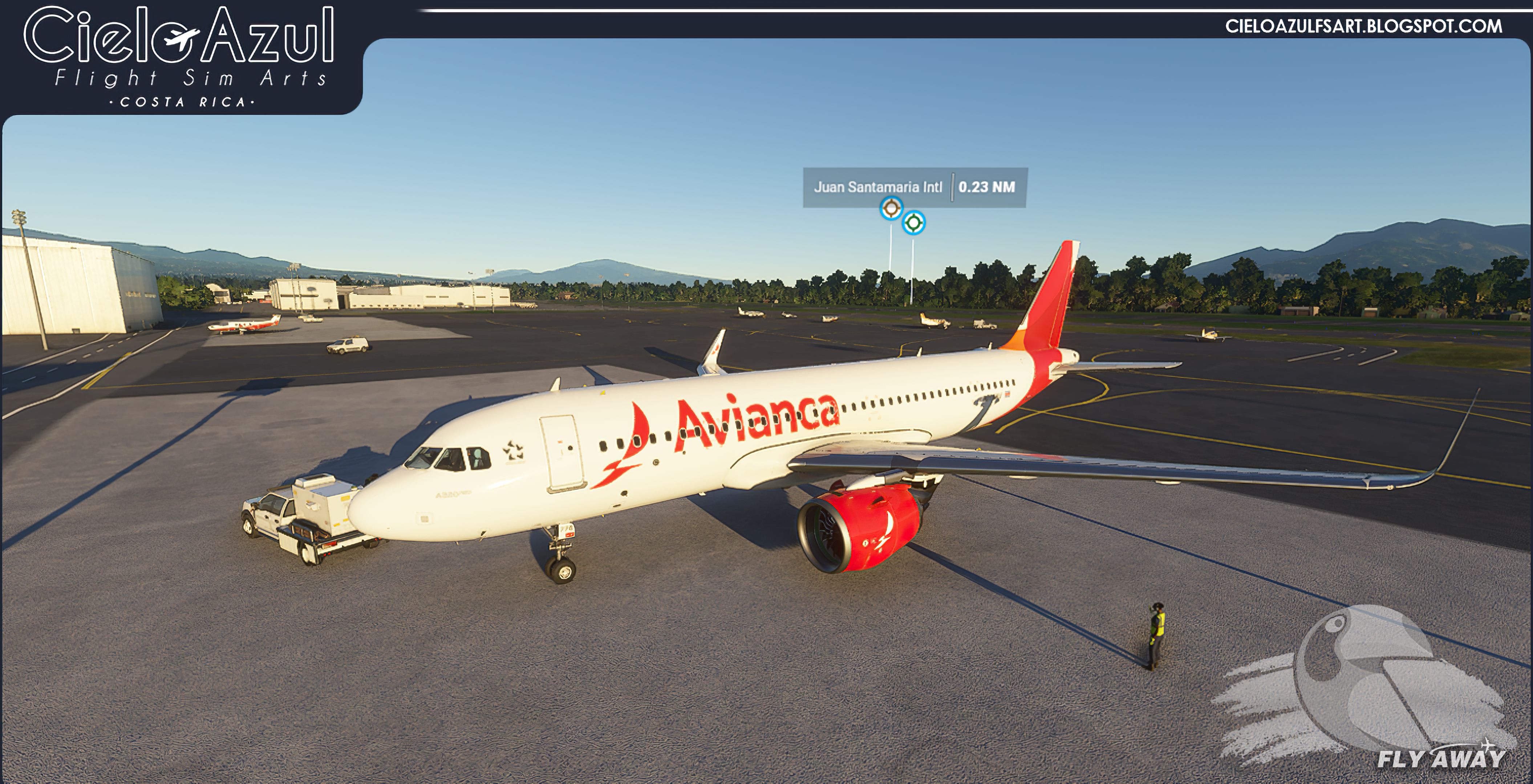
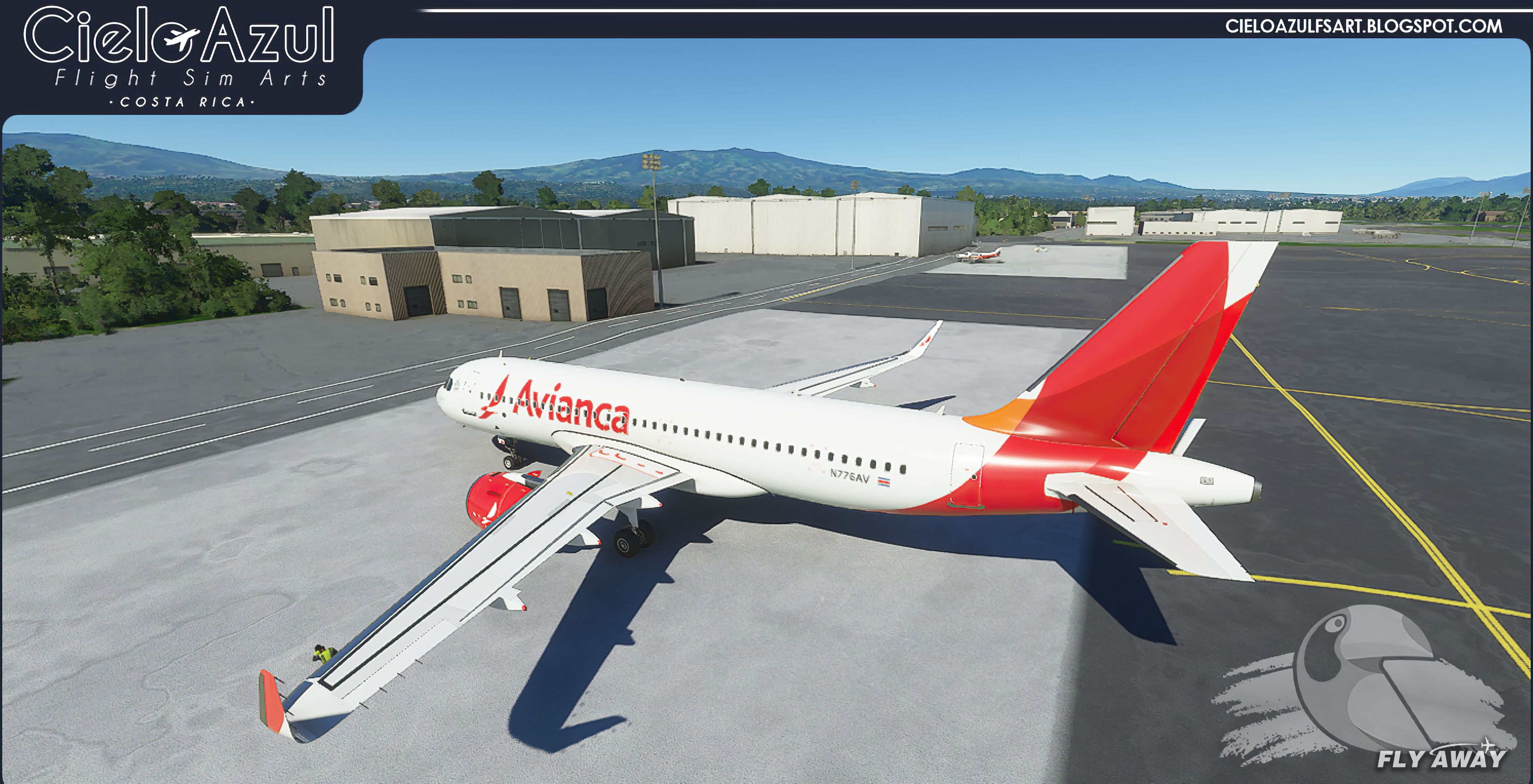
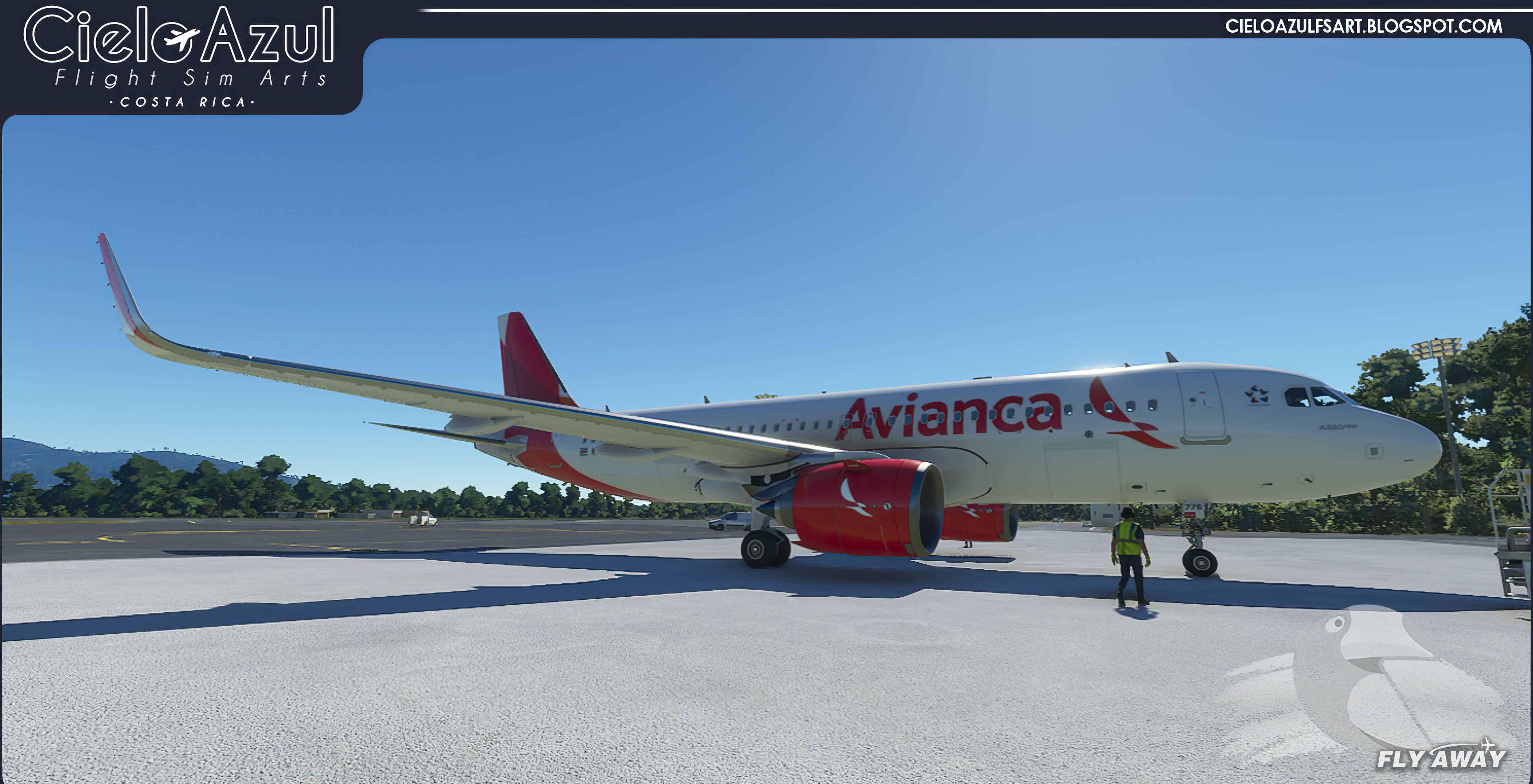
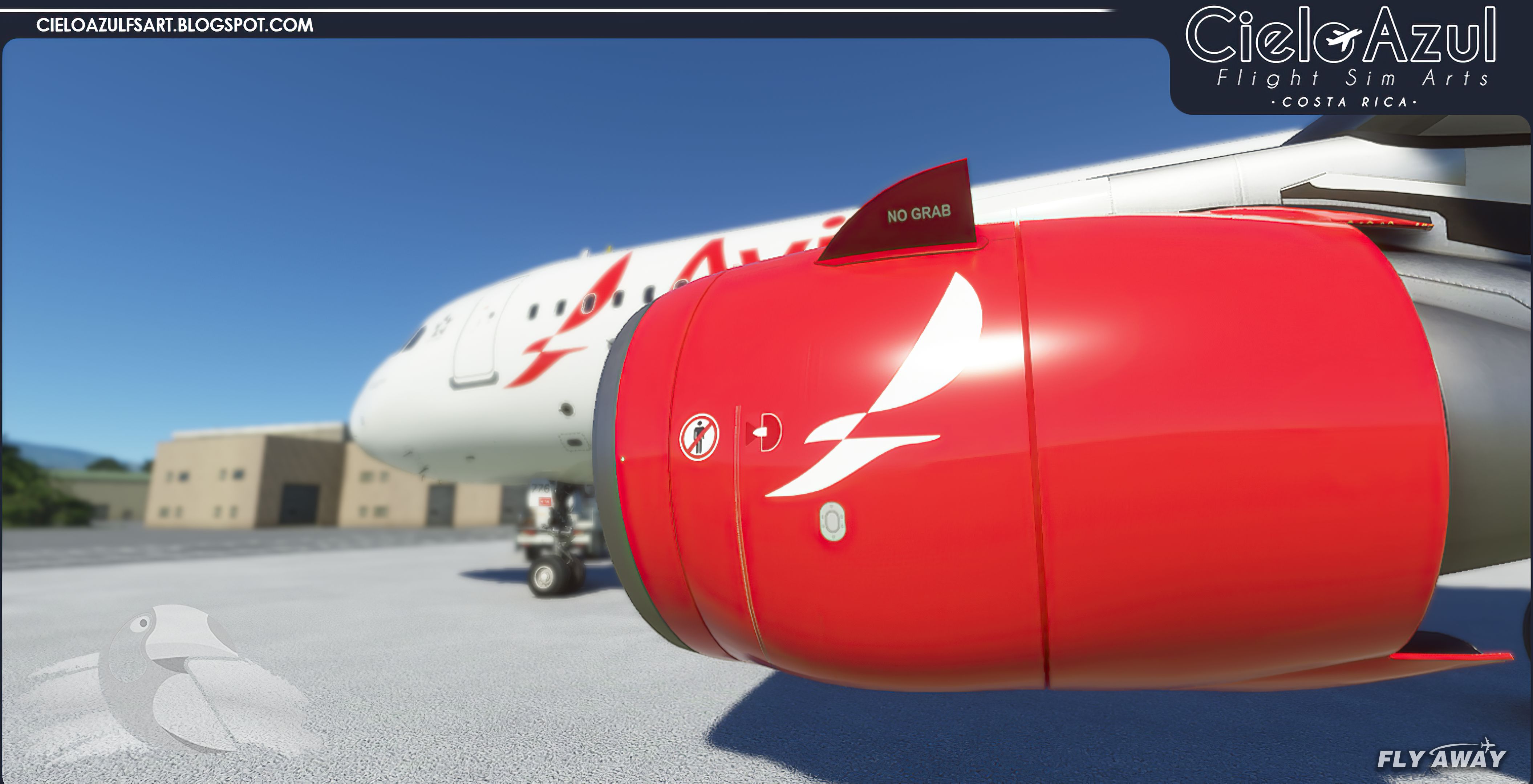

This updated Avianca Costa Rica Airbus A320 N776AV livery brings a vibrant and realistic paint scheme to Microsoft Flight Simulator. Created by Cielo Azul FS Arts 2020 and Leonardo Corrales, the mod captures every detail of the real-world aircraft, reflecting the airline’s regional identity and modern design. From the crisp registration markings to the polished exterior finish, it offers an impressive level of authenticity that will enhance any virtual flight in Central, North, or South American skies.
Now at version v1.3, this livery provides a smooth addition to your fleet with minimal performance impact. Avianca Costa Rica’s route network seamlessly suits the A320’s capabilities, making each takeoff and landing feel genuinely immersive. Long-time simmers will appreciate the careful texturing and attention to detail, while newcomers will find it a quick way to add variety to their hangar. Having put it through its paces, it strikes the right balance between visual fidelity and performance, making it a worthwhile addition for any Airbus A320 enthusiast.
A brand-new repaint/livery for the Airbus A320neo (ASOBO) in Avianca Costa Rica livery.
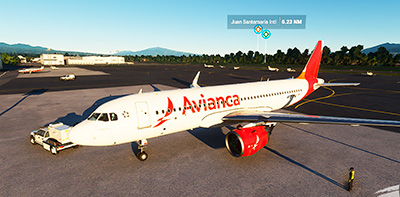 Avianca is a Columbian airline but has a division in Costa Rica named "Avianca Costa Rica". It's actually the national airline now and has scheduled services to over 35 destinations in Central, North, and South America.
This repaint by the developer Cielo Azul FS Arts 2020 / Leonardo Corrales brings the Avianca Costa Rica Airbus A320 with registration N776AV to your copy of the Microsoft Flight Simulator (MSFS) 2020 release.
The current version is v1.3 - we will update this page if the developer releases a new/updated version.
Installation
Developer: Cielo Azul FS Arts 2020 / Leonardo Corrales.
Donate to the developer
Visit the developer's website and make a donation here.
Free for all simmers · 127.24 MB · Scanned clean Oct 2026
Download speed: Free tier is capped at 2 Mbps (this file takes approximately 9 mins at the cap). PRO members download at full line speed.
%LOCALAPPDATA%\Packages\Microsoft.FlightSimulator_8wekyb3d8bbwe\LocalCache\Packages\Community\. Steam version: %APPDATA%\Microsoft Flight Simulator\Packages\Community\. Tip: enable Developer Mode in MSFS to see your exact Community folder path.readme.txt or README file. It tells you exactly where files go, what dependencies are needed, and any quirks specific to this add-on.Only PRO members can place votes.
More MSFS add-ons hand-picked based on this download.
MSFS Civil Jet Aircraft
A livery pack for the default Airbus A320neo in Microsoft Flight Simulator (M…
 MSFS Civil Jet Aircraft
A pack containing a complete rendition of 8K resolution liveries for the defa…
 MSFS Civil Jet Aircraft
Introducing the comprehensive Ryanair Santa Repaint Mega Pack, meticulously c…
 MSFS Civil Jet Aircraft
A complete freeware add-on for Microsoft Flight Simulator (MSFS) 2020 release…
 MSFS Civil Jet Aircraft
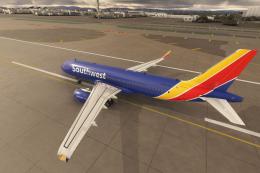
A high-definition Southwest Airlines livery/repaint for the default Microsoft…
 MSFS Civil Jet Aircraft
A freeware livery for the default MSFS 2020 A320neo bringing the JetBlue 'Bar…
 MSFS Civil Jet Aircraft
A completely fictional livery for the default Microsoft Flight Simulator (MSF…
 MSFS Civil Jet Aircraft
A fully-featured repaint/livery of the default Boeing 787-10 in the China Eas…
Be the first to leave a comment on this download.
Be the first to share your thoughts on this download.