

 MSFS Civil Jet Aircraft
easyJet Airbus A320neo (G-UZHA) 8K Livery
An add-on for MSFS 2020 brings the easyJet A320neo registration G-UZHA livery…
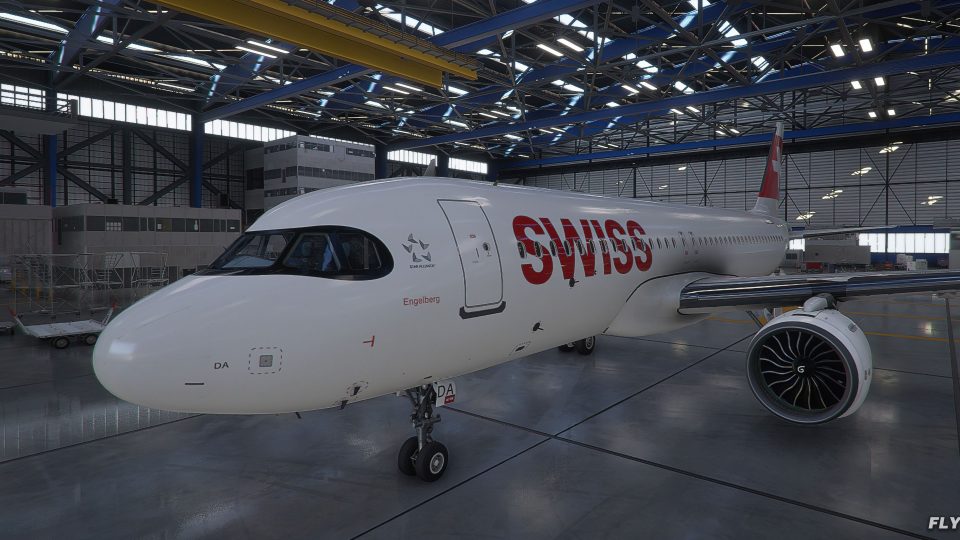
SWISS International Air Lines colors arrive on the default Airbus A320 with an 8K livery pack that stays crisp up close, adds refined markings, improved “raccoon” cockpit window detailing, a truer rudder logo, subtle gloss, and extra real-world touches. Includes AI model support and updates for Microsoft Flight Simulator.
 Rate
Rate
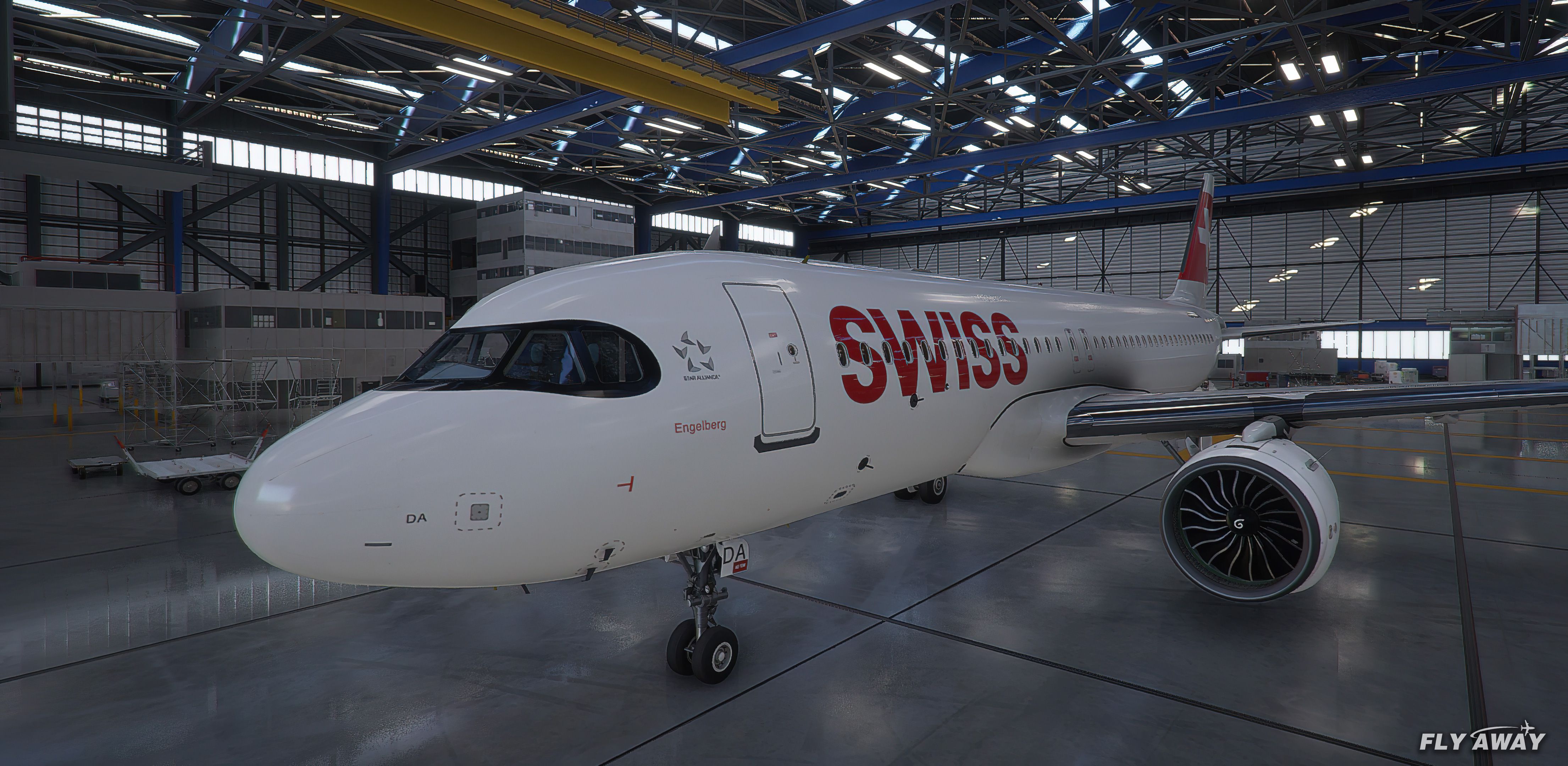
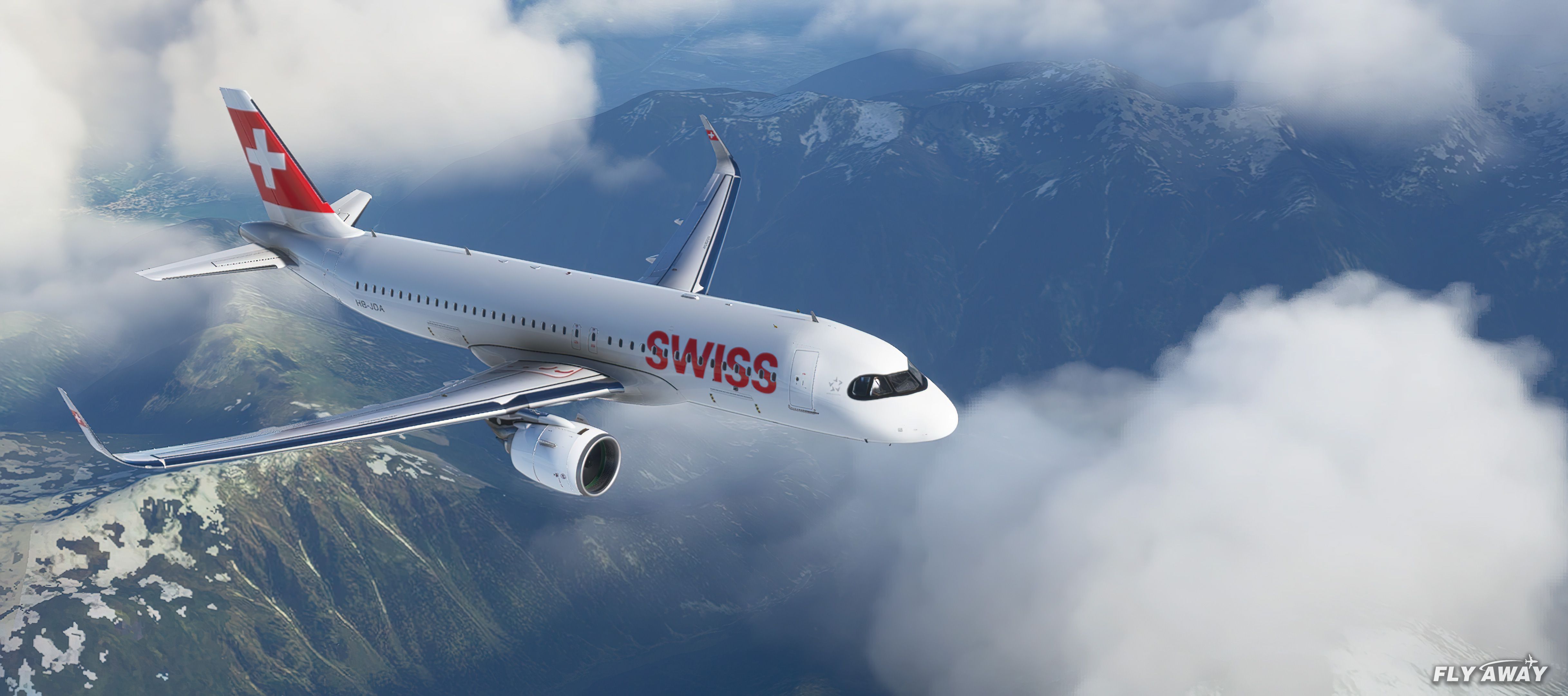
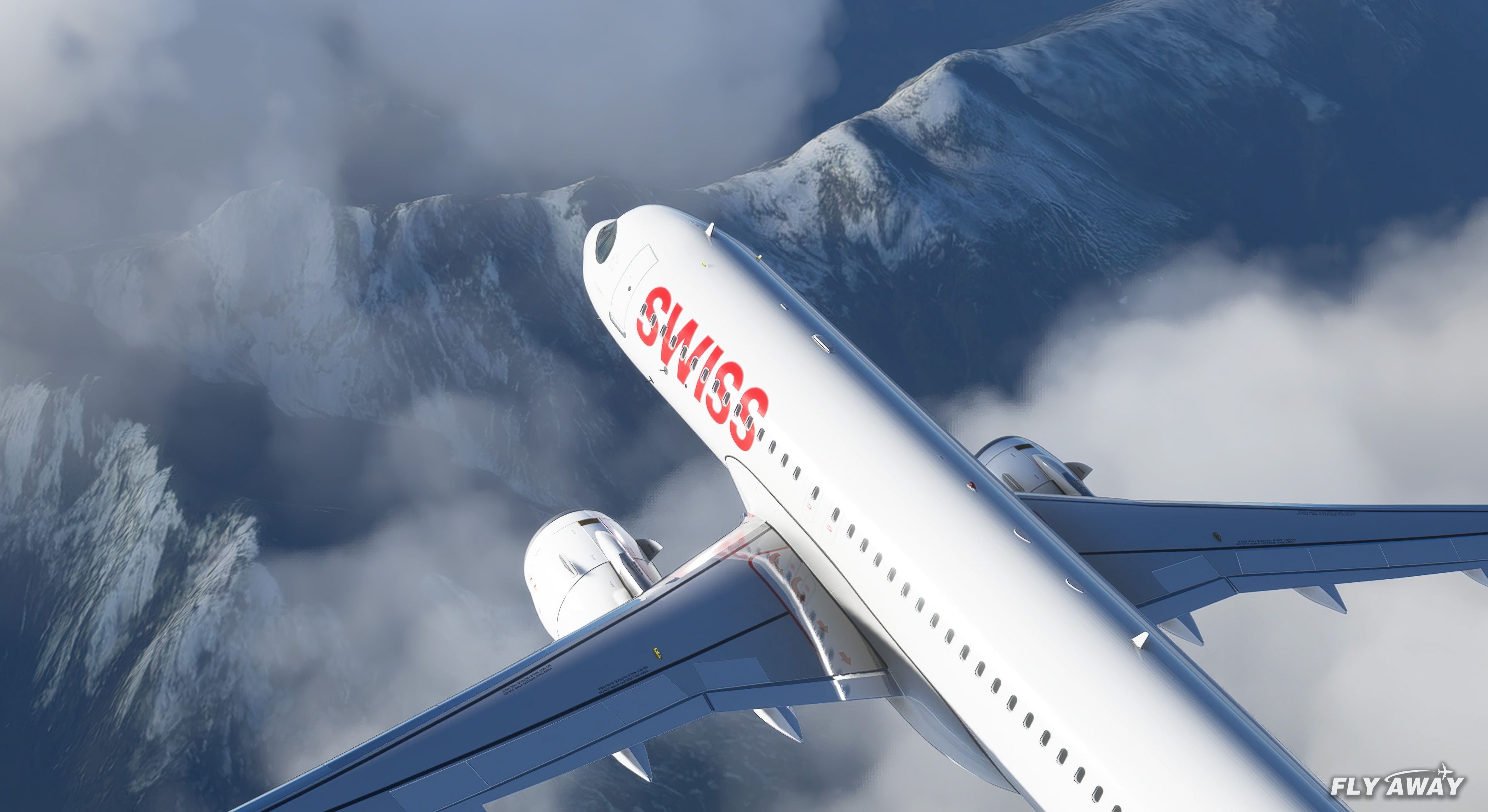
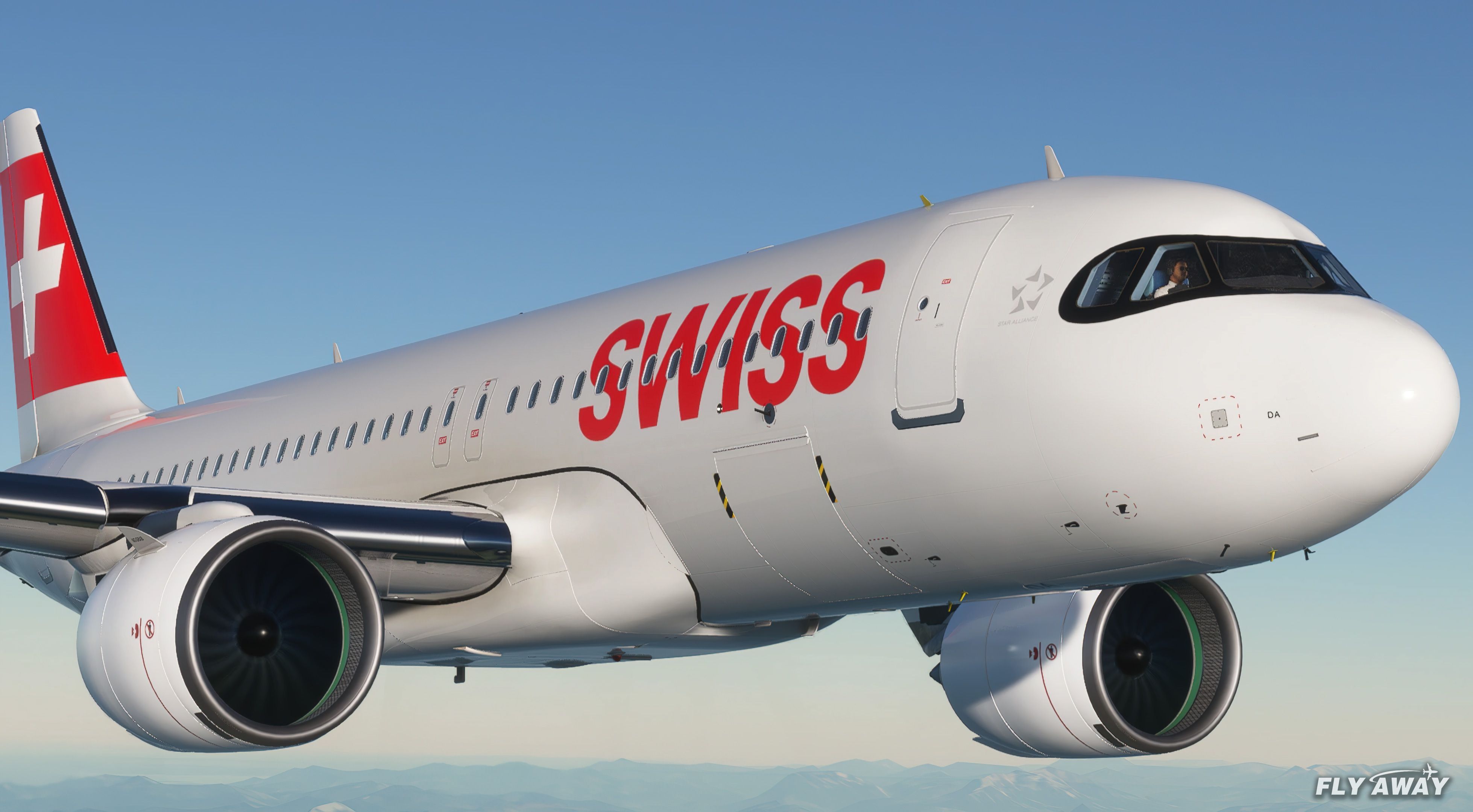
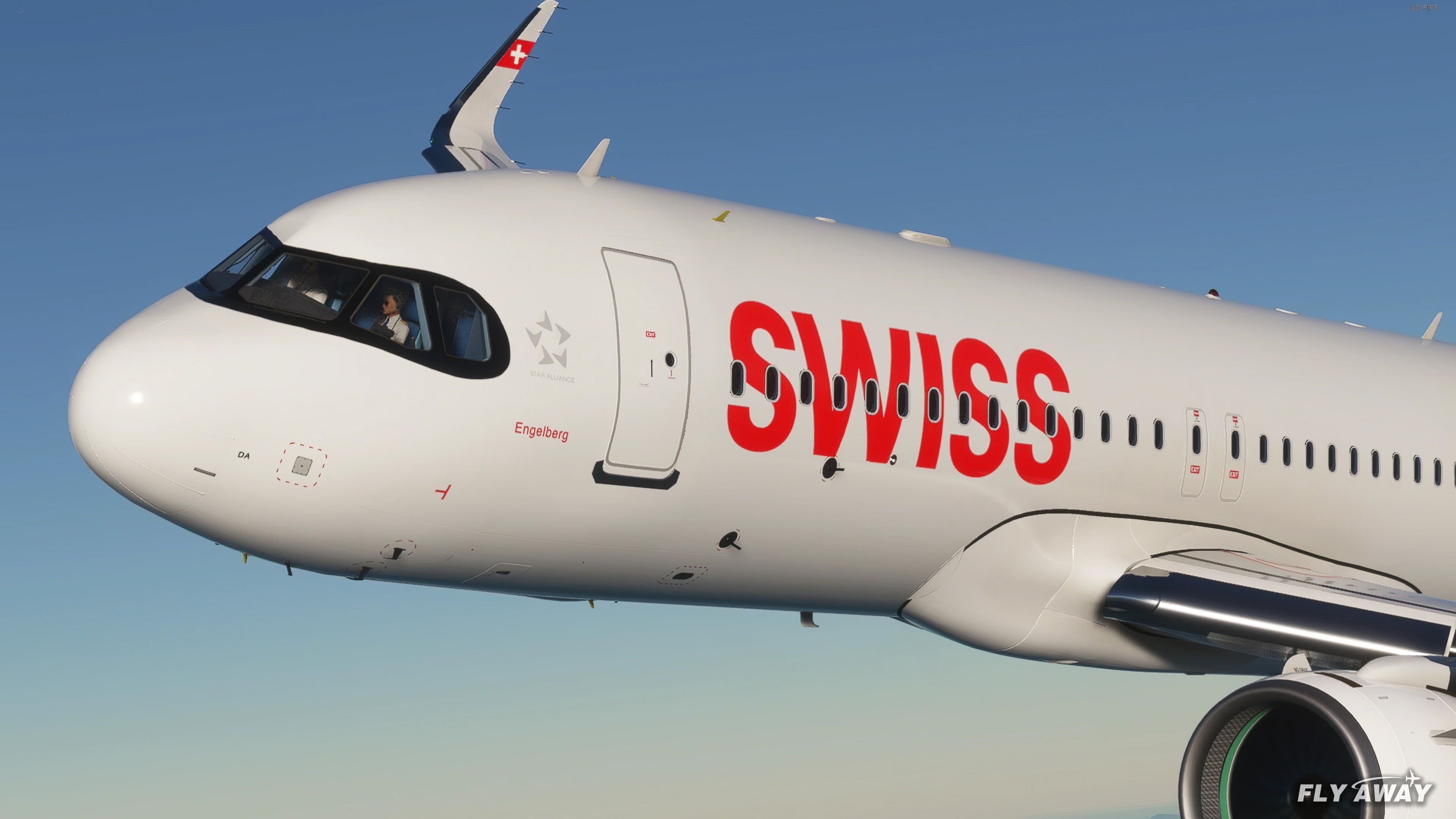

SWISS International Airlines A320 8K Livery offers a stunning high-resolution repaint for the default Airbus A320 in Microsoft Flight Simulator. Created by the talented developer, tomihbk, this pack delivers incredibly sharp textures that bring every detail to life, from the symmetrical SWISS titles to the updated “raccoon eyes” and refined rudder logo. The AI model has also been enhanced, ensuring consistent visuals across the board, while the added gloss and premium finish give the aircraft a realistic shine during both takeoff and landing.
As an experienced simmer who has personally tested this mod, I can say the improvements are striking—even when zoomed in close. These 8K textures are regularly updated to maintain compatibility with the latest sim patches, ensuring a smooth and stable experience. If you’re seeking a true-to-life livery that replicates the crisp detailing and vibrant colors of SWISS’s real-world fleet, you won’t be disappointed with this immersive add-on.
A pack containing a complete rendition of 8K resolution liveries for the default Airbus A320 in SWISS International Airlines colors and paints.
 The developer, tomihbk has released several versions of this pack recently - all including upgrades and expansions to the original.
The current versions are released in 8K resolution and the textures do truly look stunning in MSFS - even up close to the aircraft and zoomed in.
We are unsure if this A320 repaint is based on any real-world aircraft registration but we do know that SWISS do indeed employ many A320s in their aircraft portfolio.
Some of the other updates over the previous generations;
The developer expects to continue the development of this pack and release updated to improve the release.
Installation
Copy the Asobo_A320_NEO_SWISS folder into your MSFS Community folder.
Original Developer: tomihbk.
*This mod doesn't appear to have been submitted by the original developer. This version may include tweaks, modifications, or updates on the original file.
The original developer (tomihbk) does publish a public donation page and you can Buy them a Coffee here or donate via PayPal here.
Submitted by: William Luxton (willio2k).
Free for all simmers · 120.85 MB · Scanned clean Oct 2026
Download speed: Free tier is capped at 2 Mbps (this file takes approximately 8 mins at the cap). PRO members download at full line speed.
%LOCALAPPDATA%\Packages\Microsoft.FlightSimulator_8wekyb3d8bbwe\LocalCache\Packages\Community\. Steam version: %APPDATA%\Microsoft Flight Simulator\Packages\Community\. Tip: enable Developer Mode in MSFS to see your exact Community folder path.readme.txt or README file. It tells you exactly where files go, what dependencies are needed, and any quirks specific to this add-on.Only PRO members can place votes.
More MSFS add-ons hand-picked based on this download.
MSFS Civil Jet Aircraft
An add-on for MSFS 2020 brings the easyJet A320neo registration G-UZHA livery…
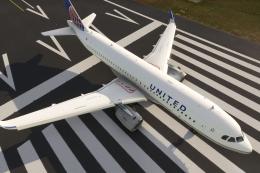 MSFS Civil Jet Aircraft
A livery pack for the default Airbus A320neo in Microsoft Flight Simulator (M…
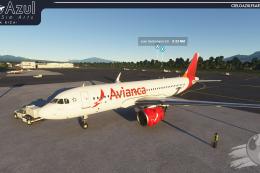 MSFS Civil Jet Aircraft
A brand-new repaint/livery for the Airbus A320neo (ASOBO) in Avianca Costa Ri…
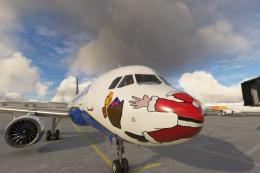 MSFS Civil Jet Aircraft
Introducing the comprehensive Ryanair Santa Repaint Mega Pack, meticulously c…
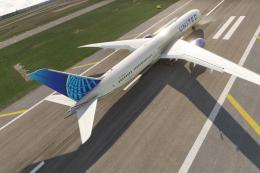 MSFS Civil Jet Aircraft
A complete freeware add-on for Microsoft Flight Simulator (MSFS) 2020 release…
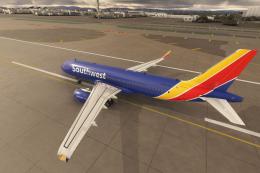 MSFS Civil Jet Aircraft
A high-definition Southwest Airlines livery/repaint for the default Microsoft…
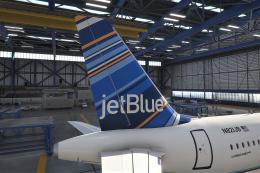 MSFS Civil Jet Aircraft
A freeware livery for the default MSFS 2020 A320neo bringing the JetBlue 'Bar…
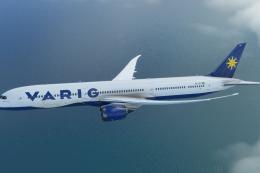 MSFS Civil Jet Aircraft
A completely fictional livery for the default Microsoft Flight Simulator (MSF…
Read what other simmers think, or add your own.

I have been a flight simmer since 1983 with MS. I have other platforms which I occasionally use but MSFS2020 is by far and away from my favorite. I have never experienced such quality and beauty as MSFS2020.