



 Thailand

 MSFS Scenery
Grand Canyon National Park Airport (KGCN)
This mod developed by JustOkayPilot brings Grand Canyon National Park Airport…
Koh Samui Airport (VTSM) comes alive with a detailed terminal, tropical landscaping, and signature landmarks like the Big Buddha, plus added coastal scenery elements for richer approaches. In Microsoft Flight Simulator, the package refines taxiway lines, stand numbering, signage, lighting, ground services, and AI-friendly operations for smoother, more authentic ground handling.
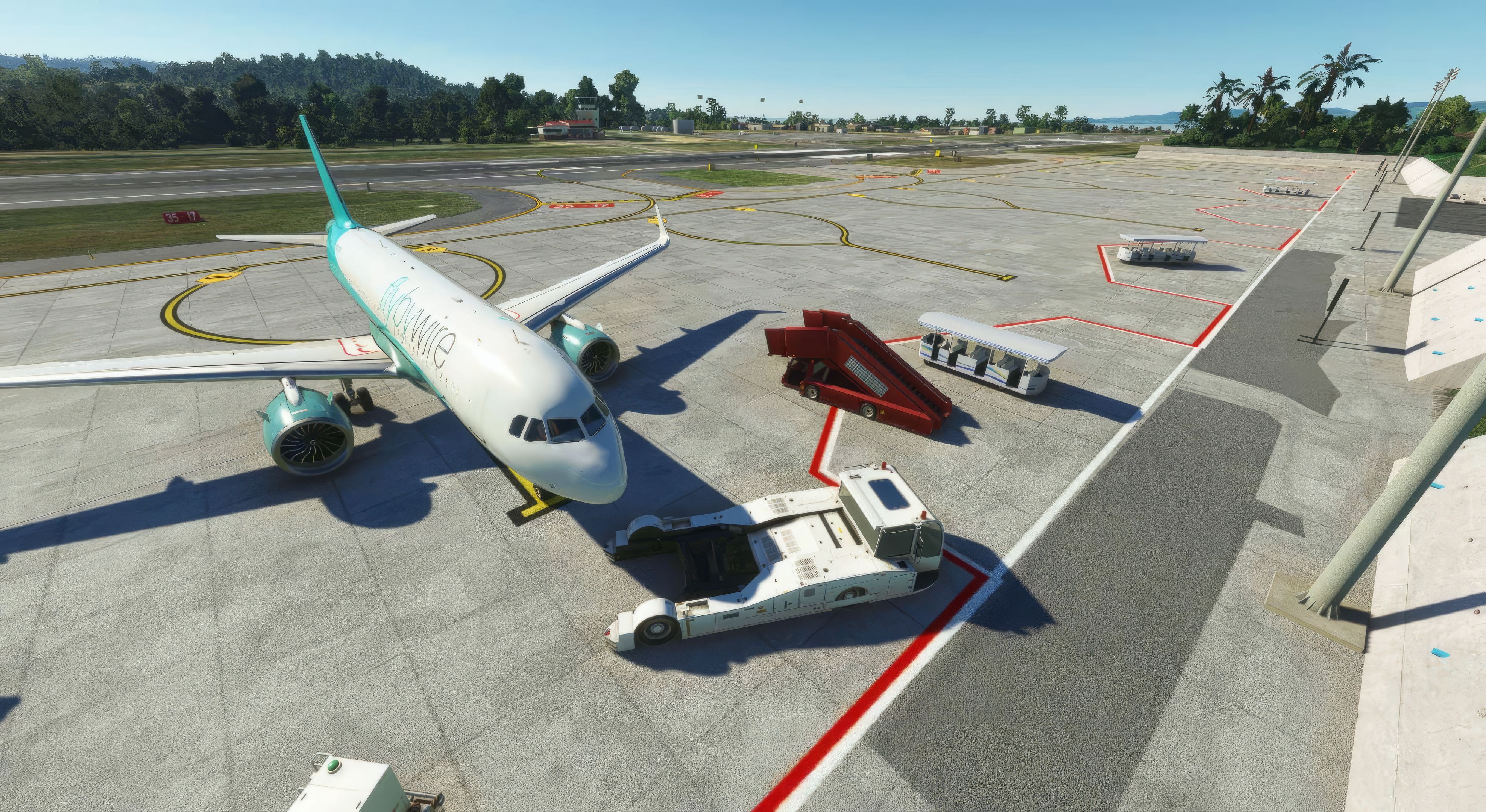
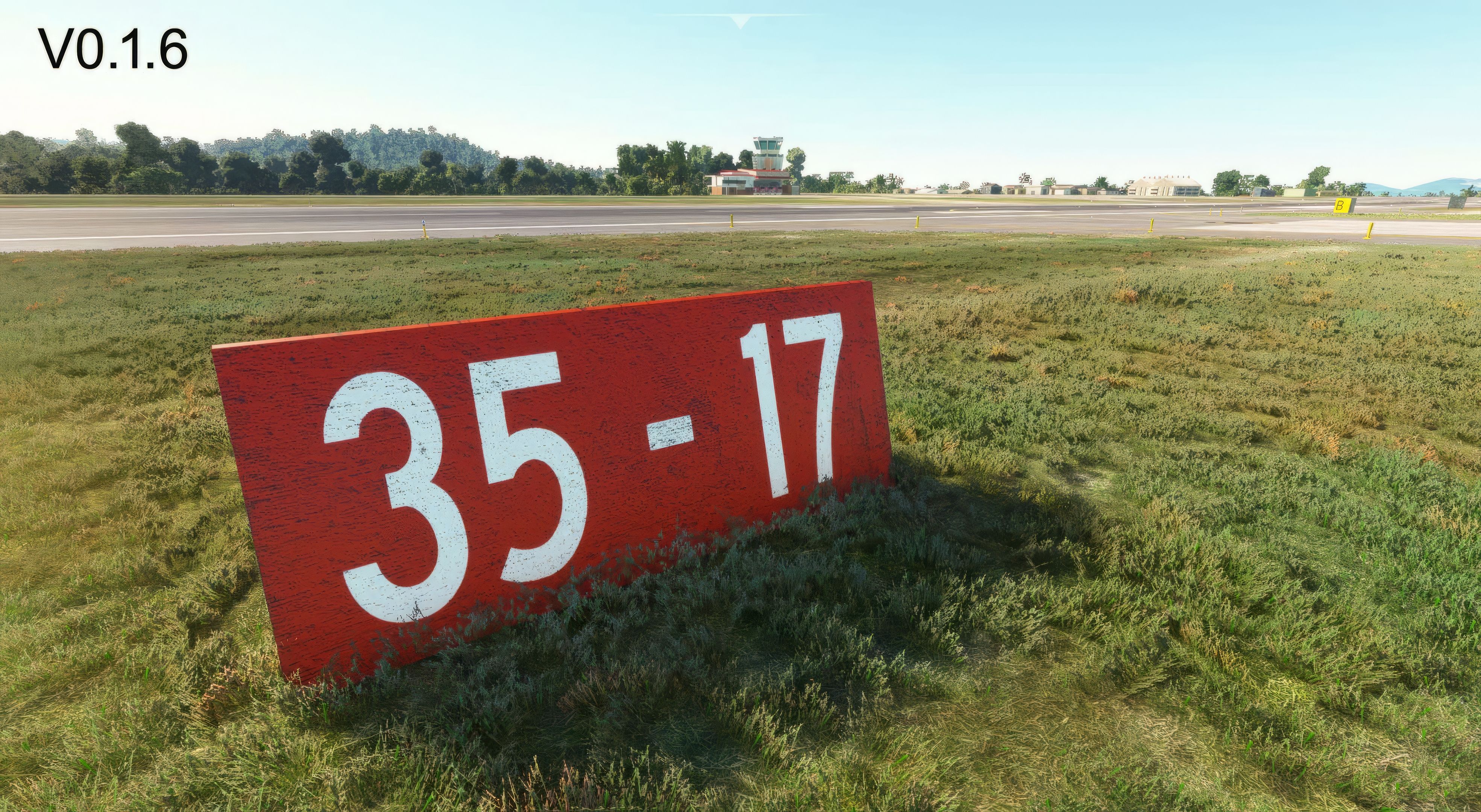
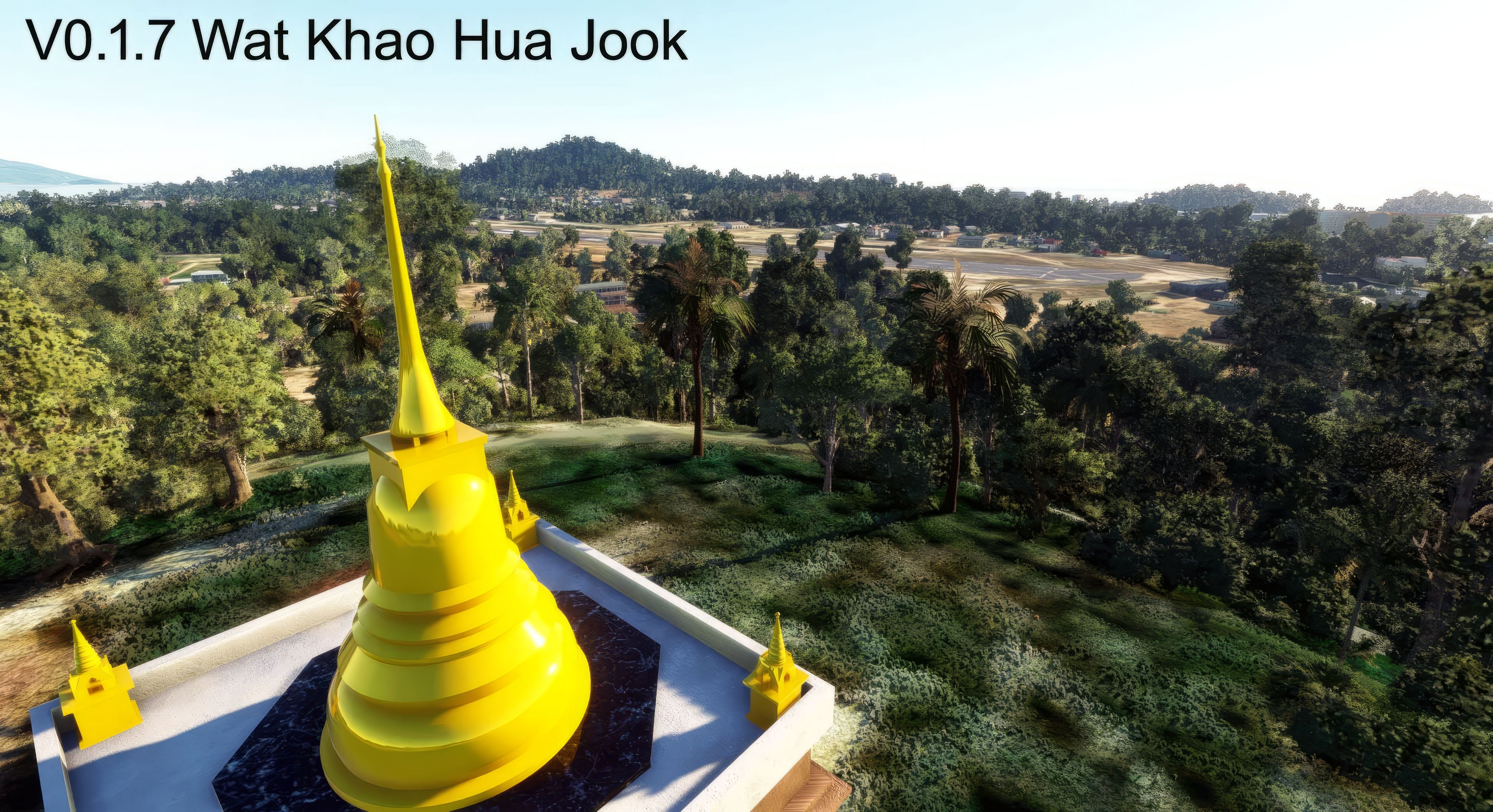
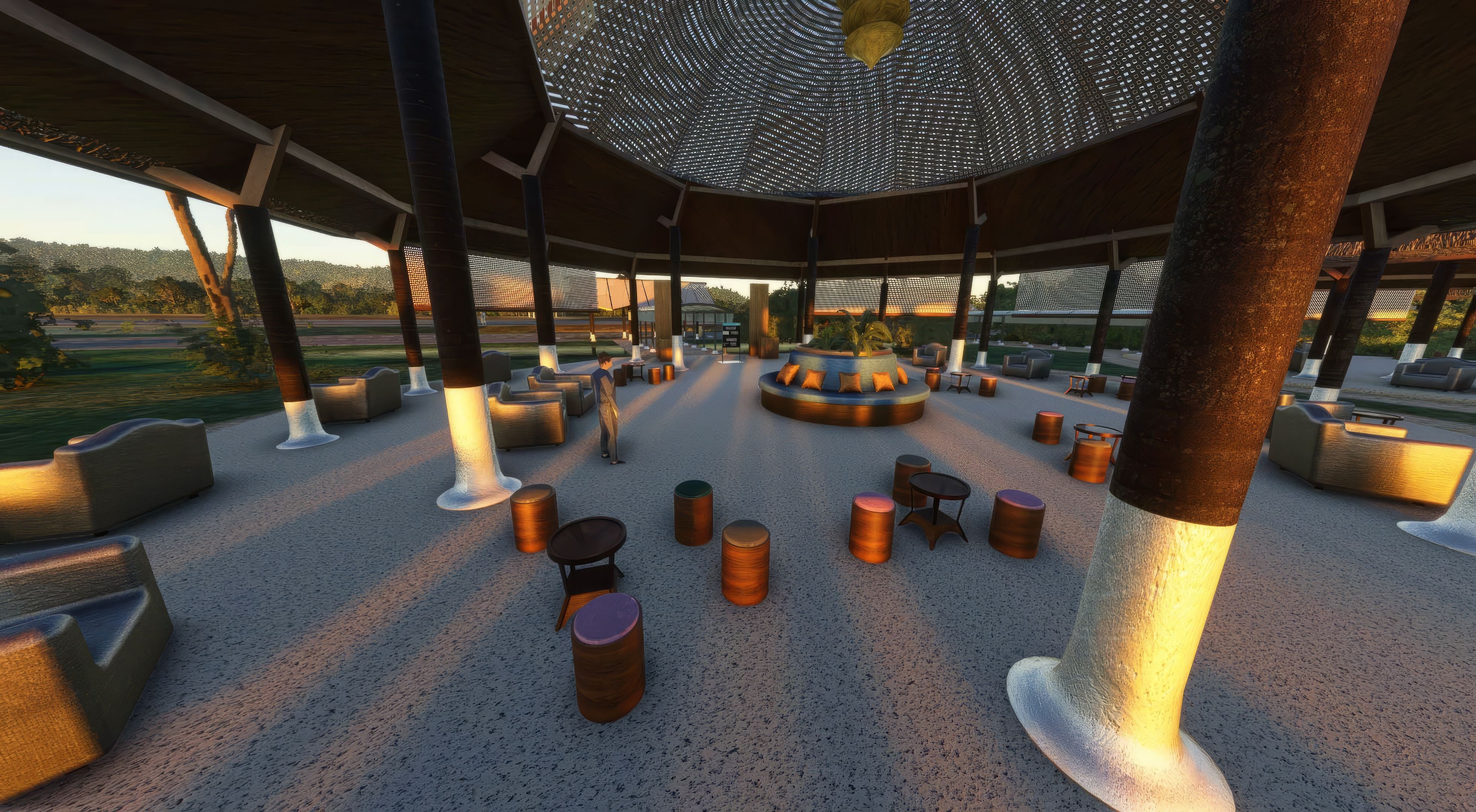
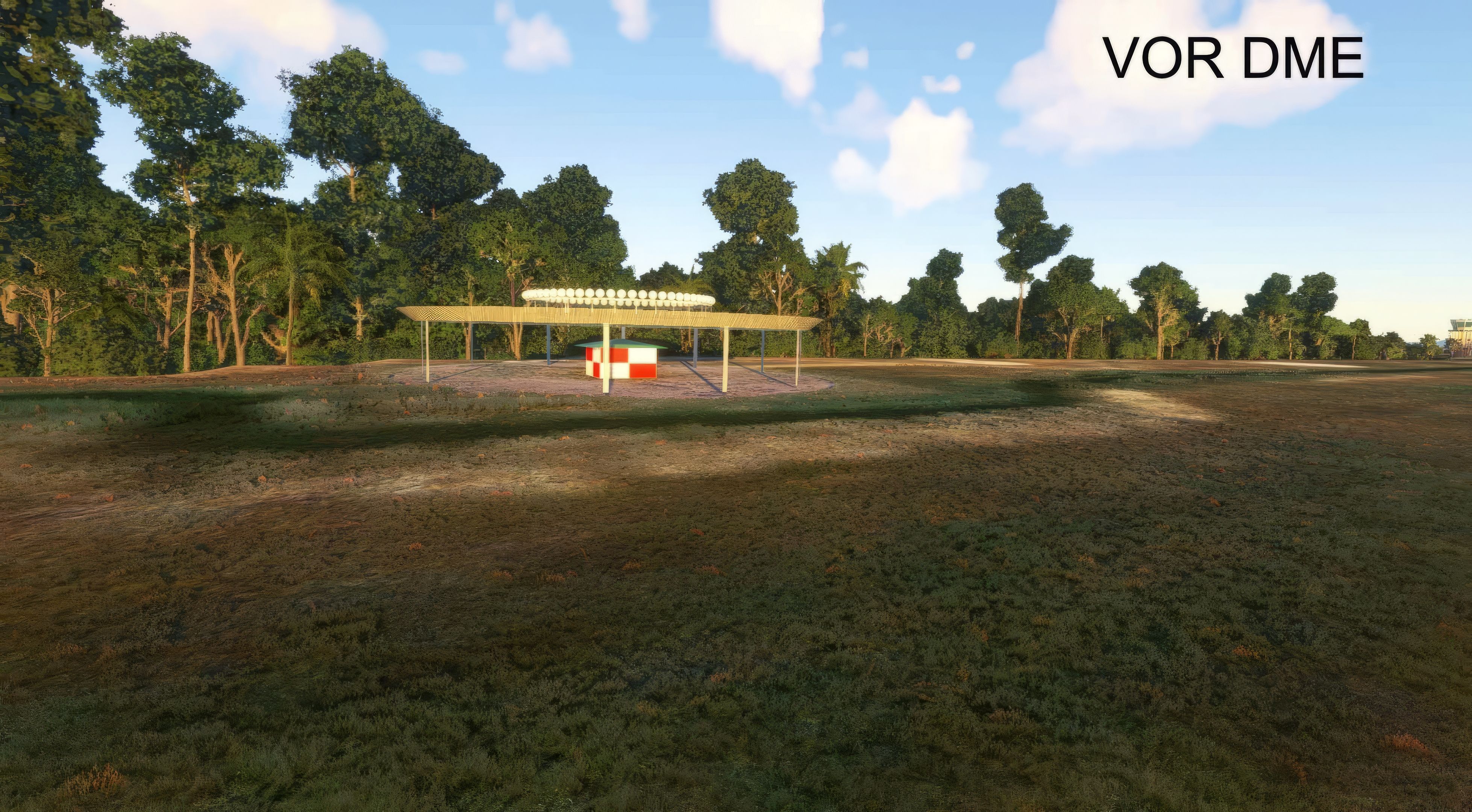
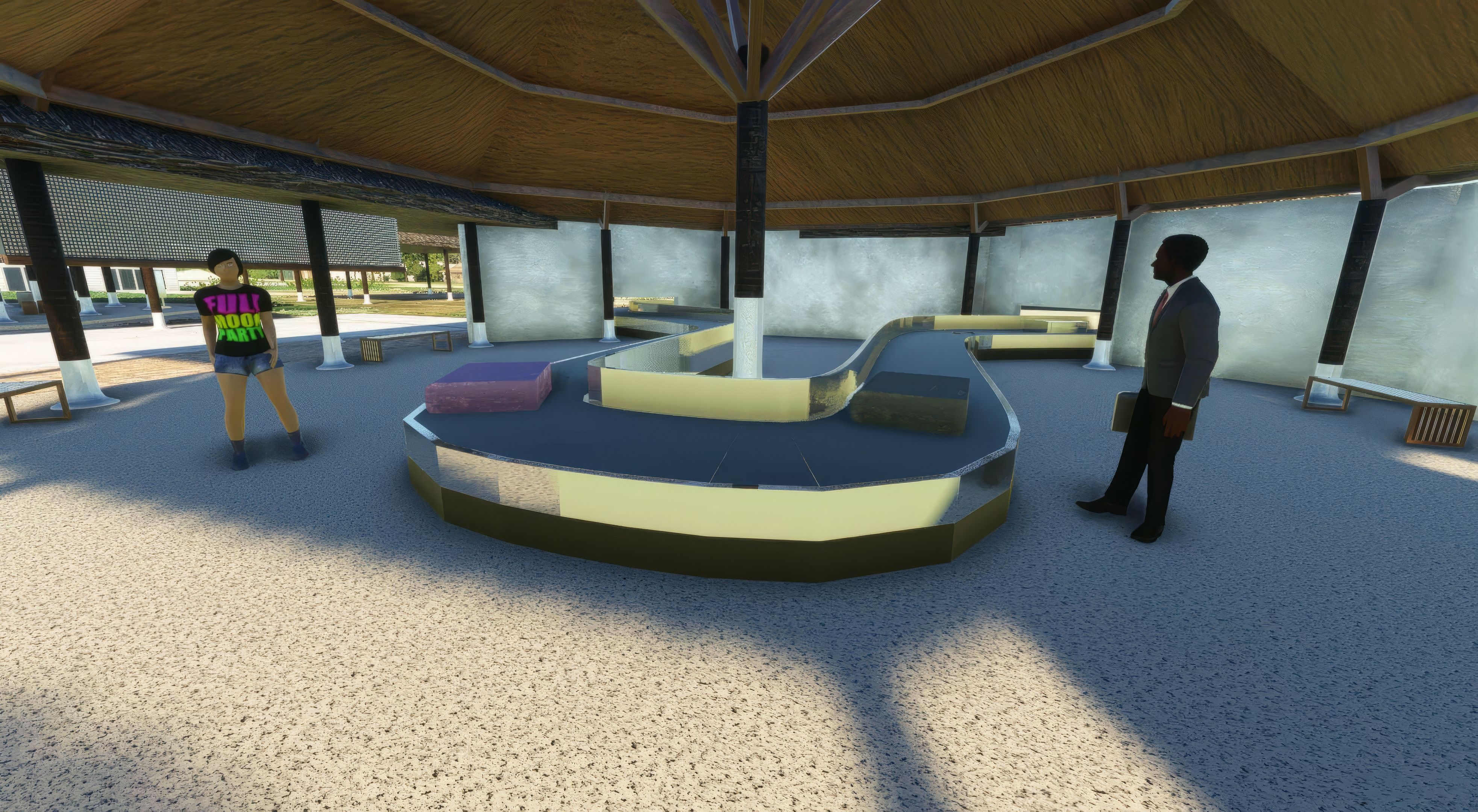
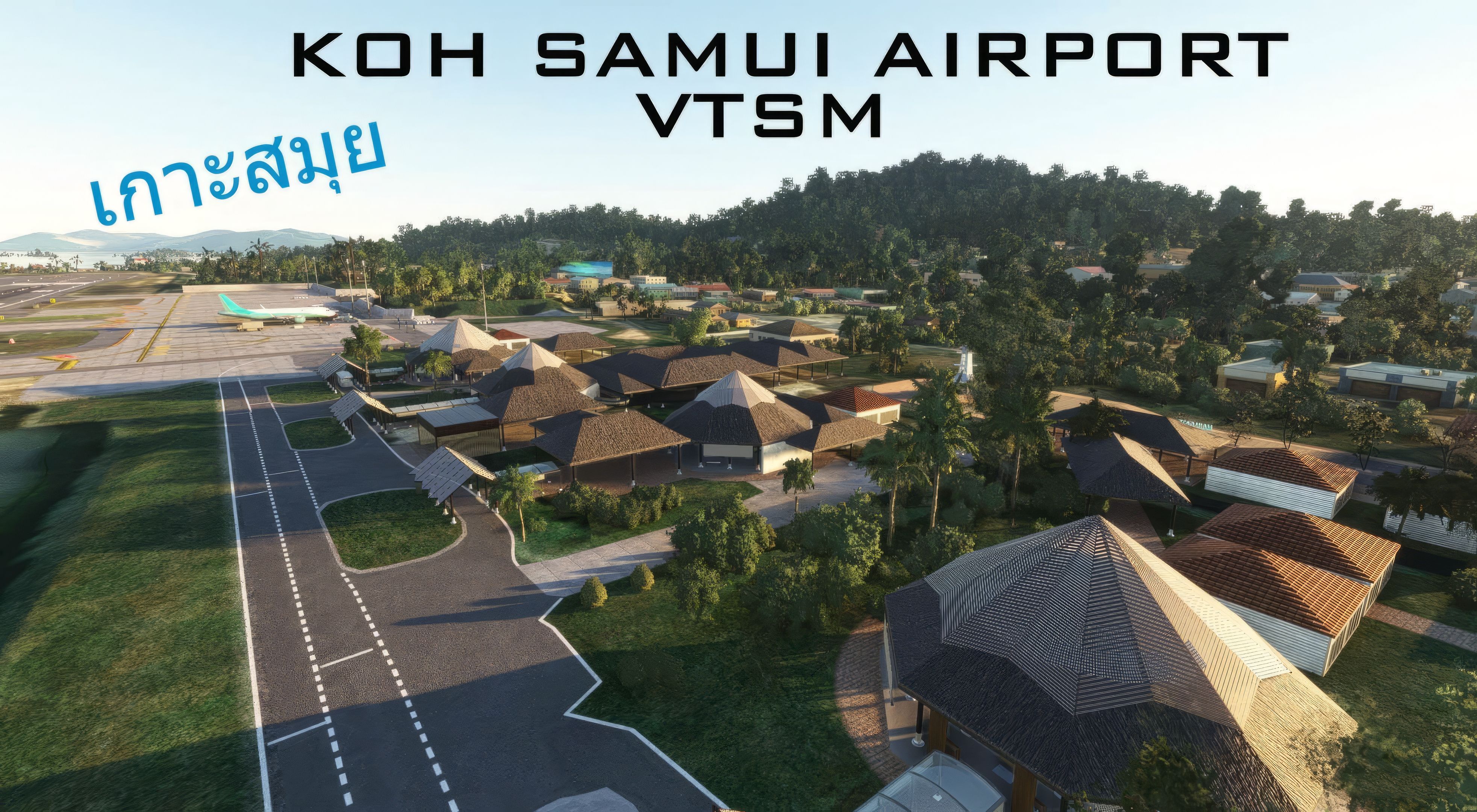
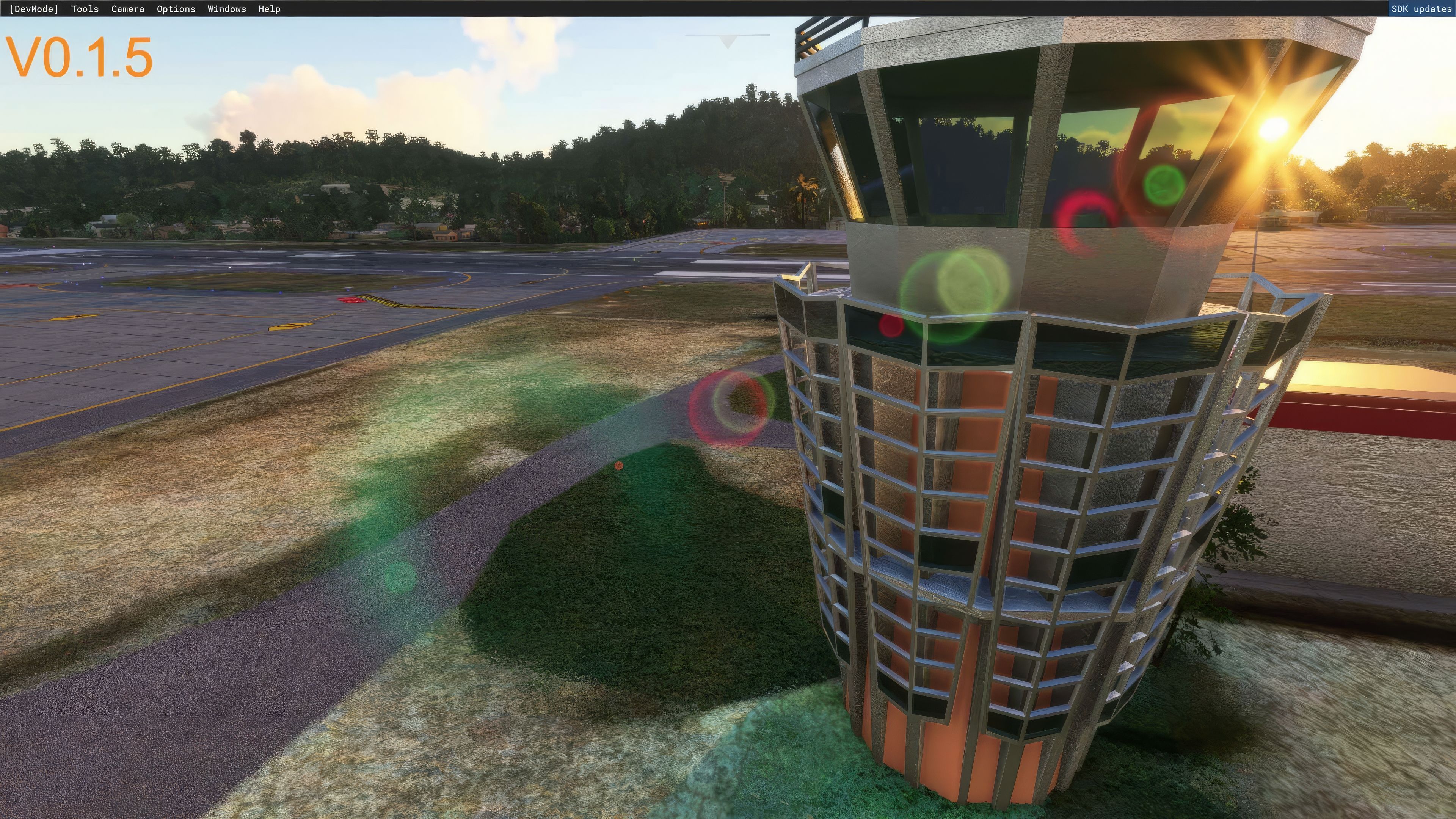
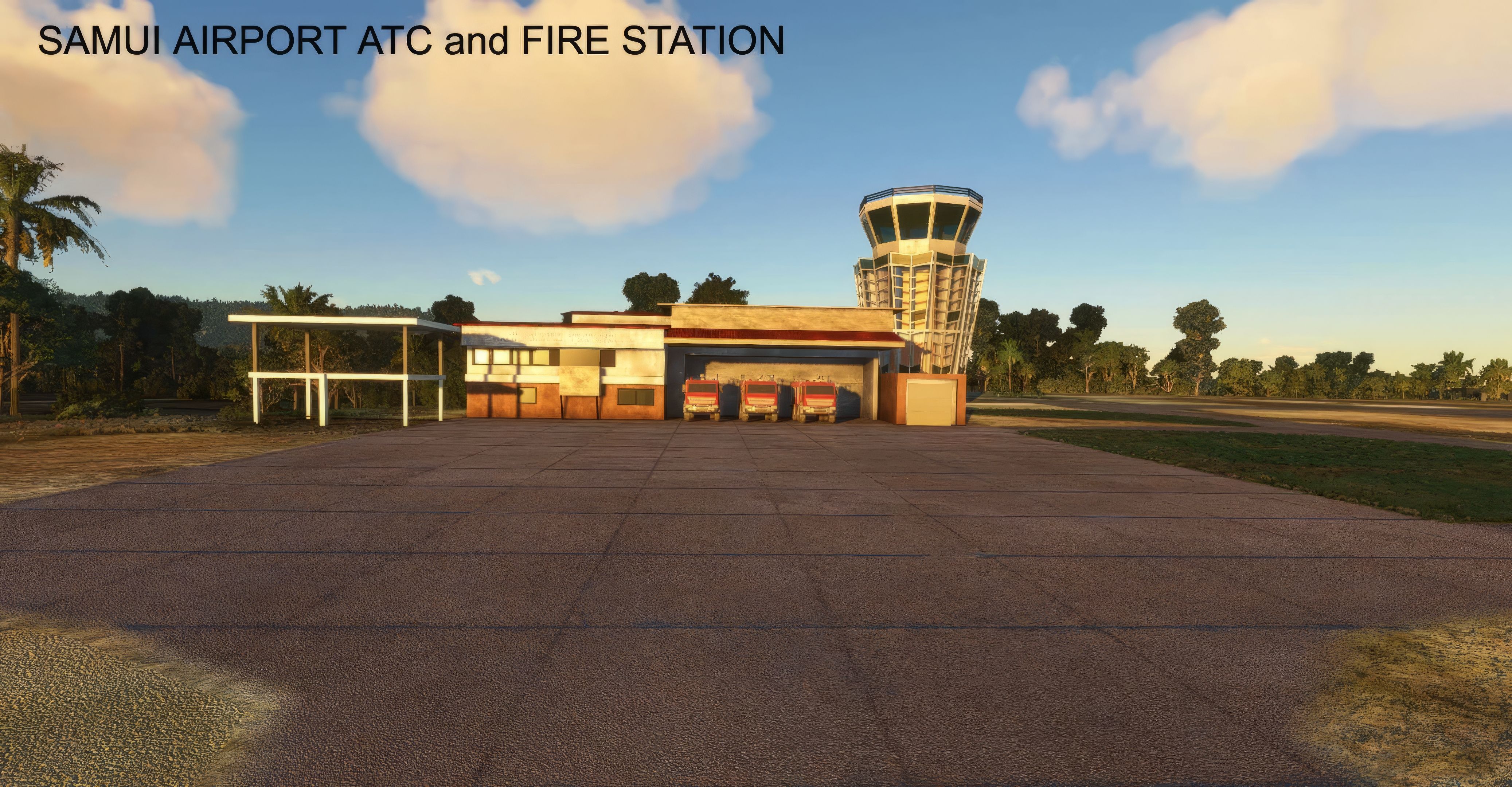
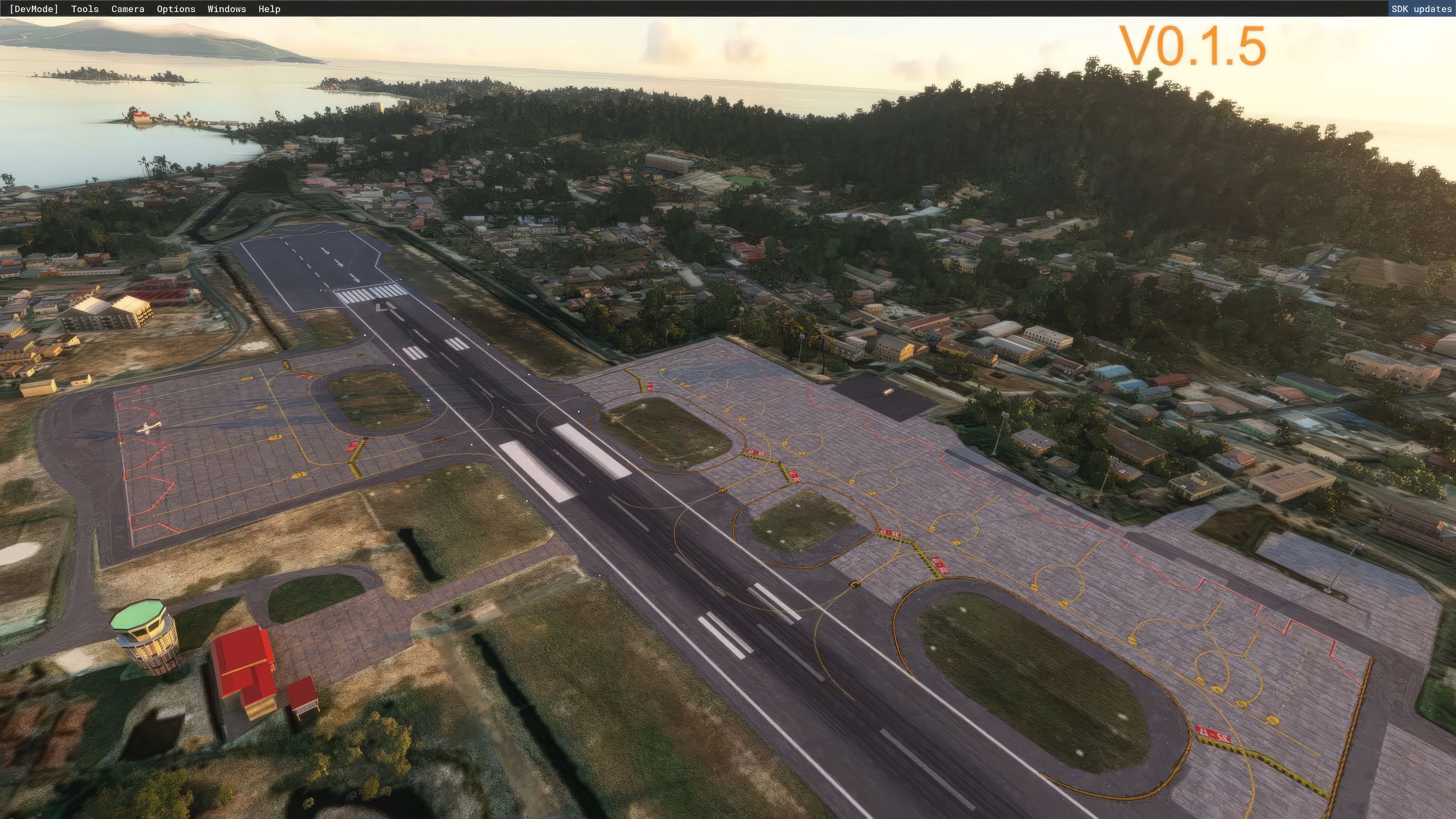
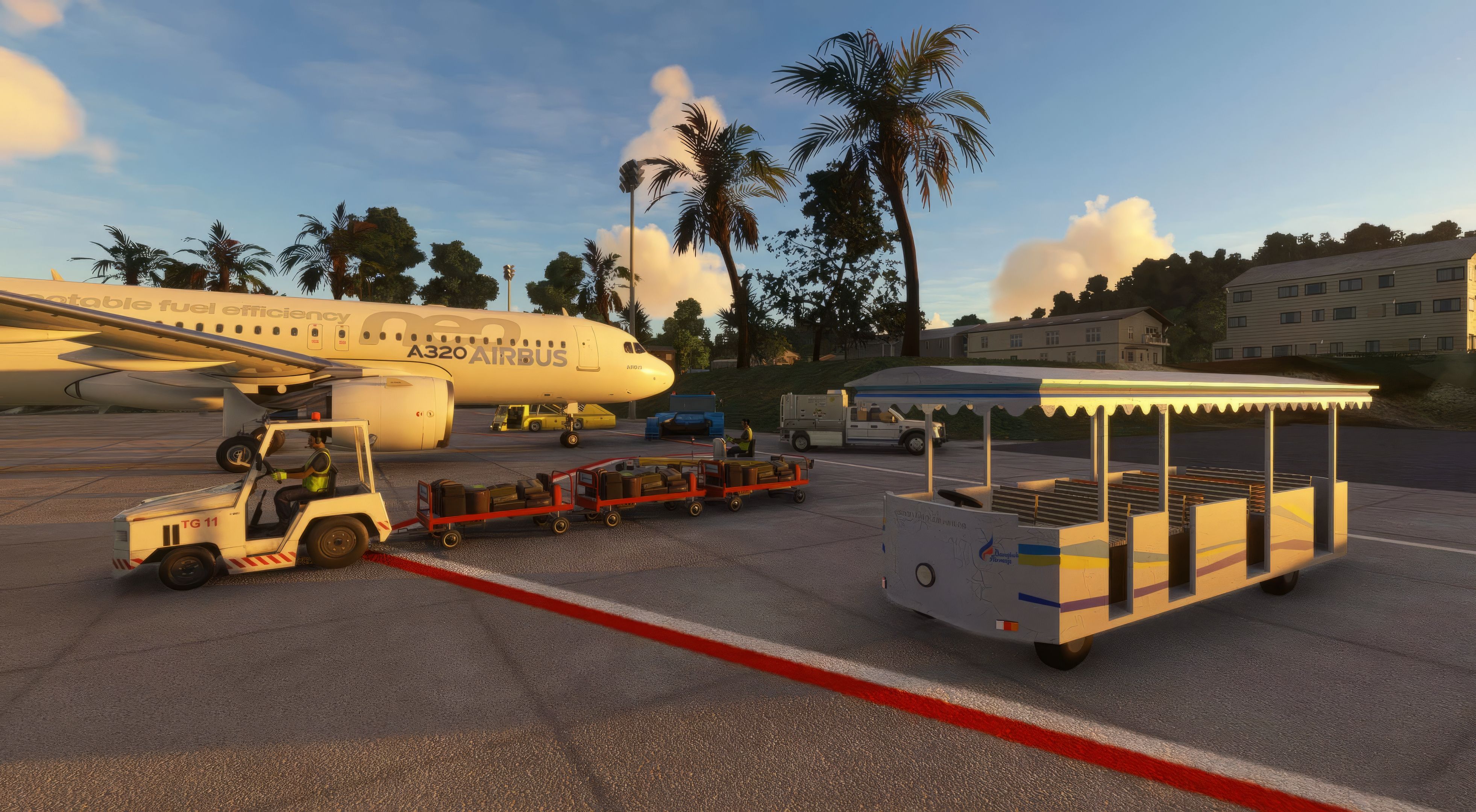
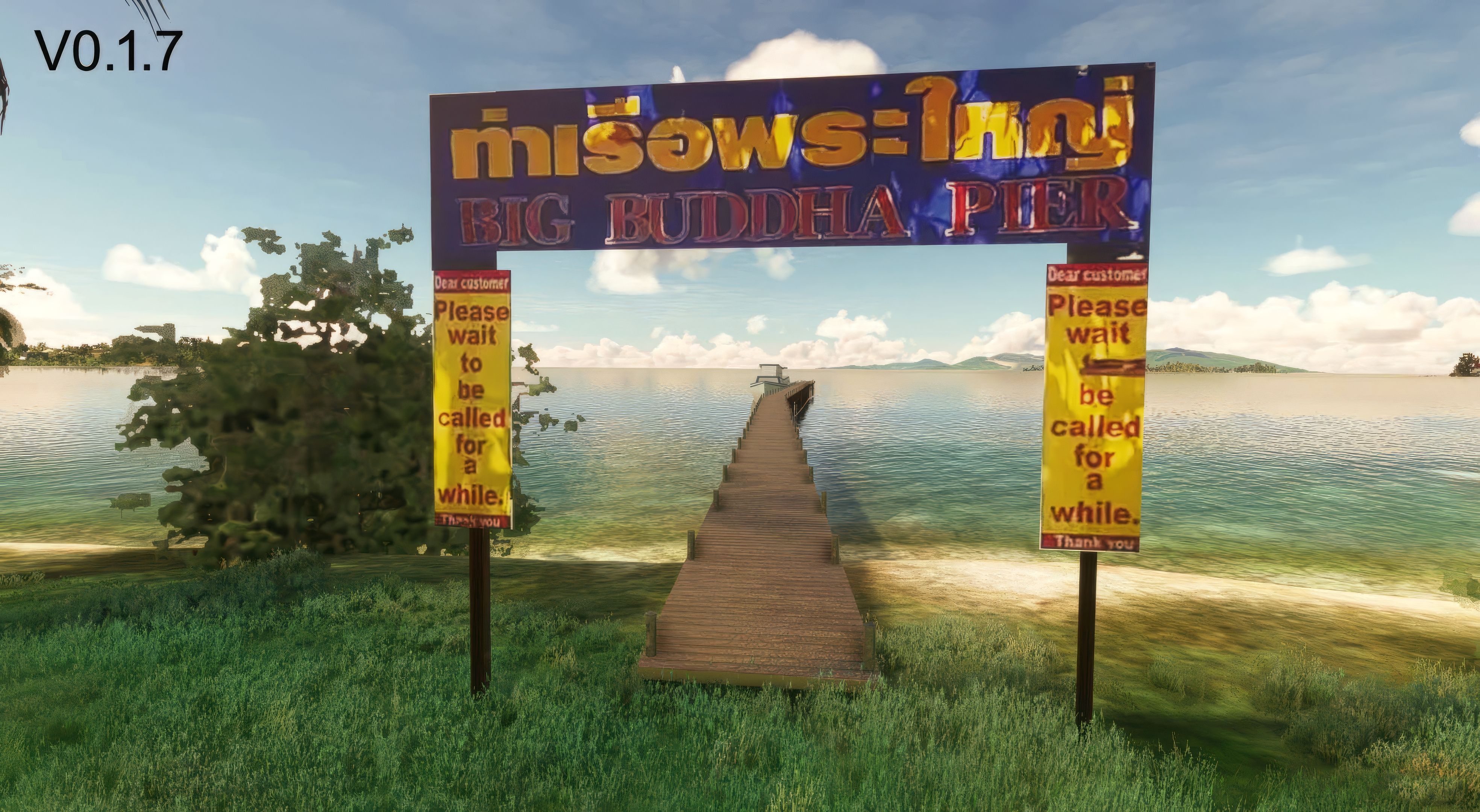

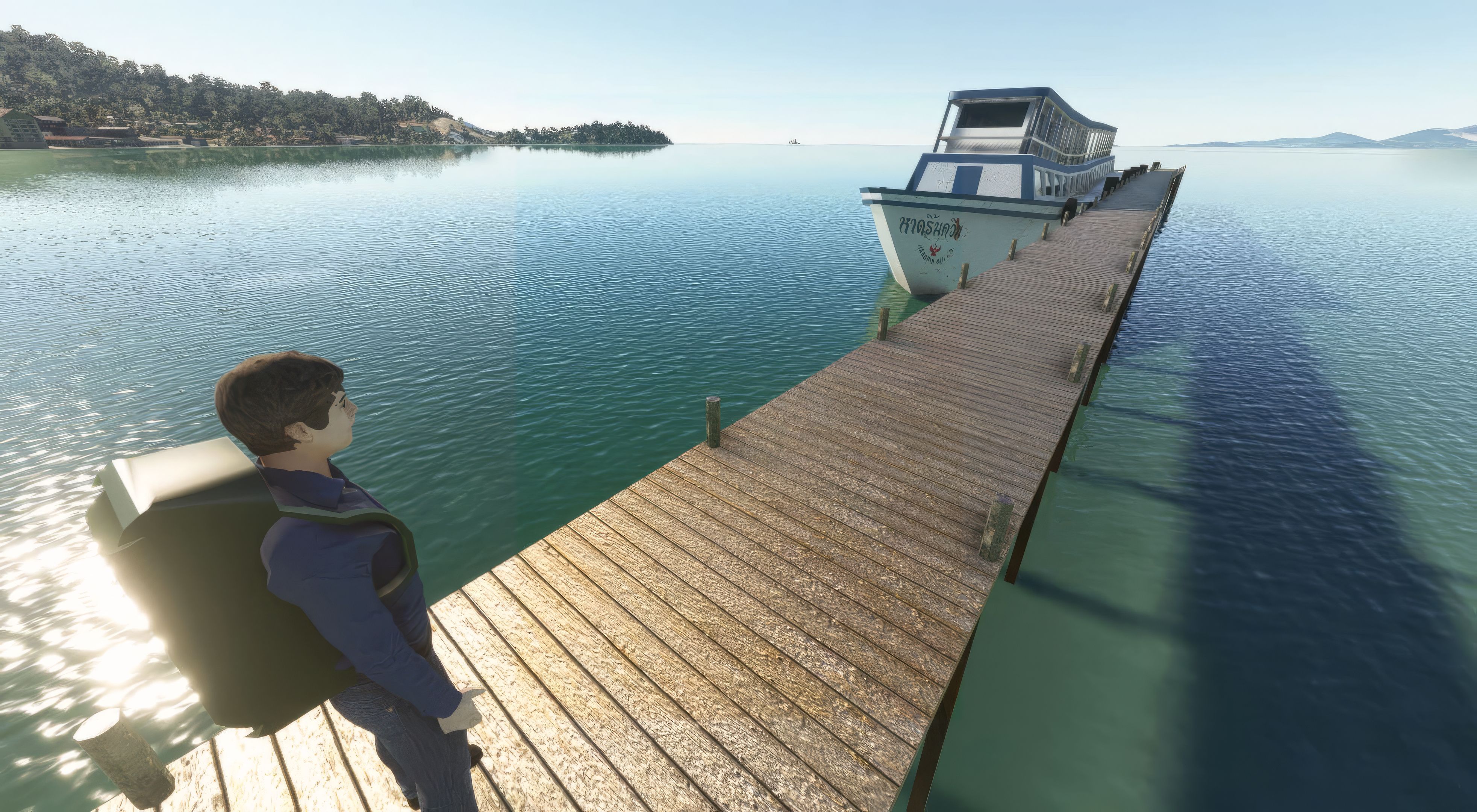
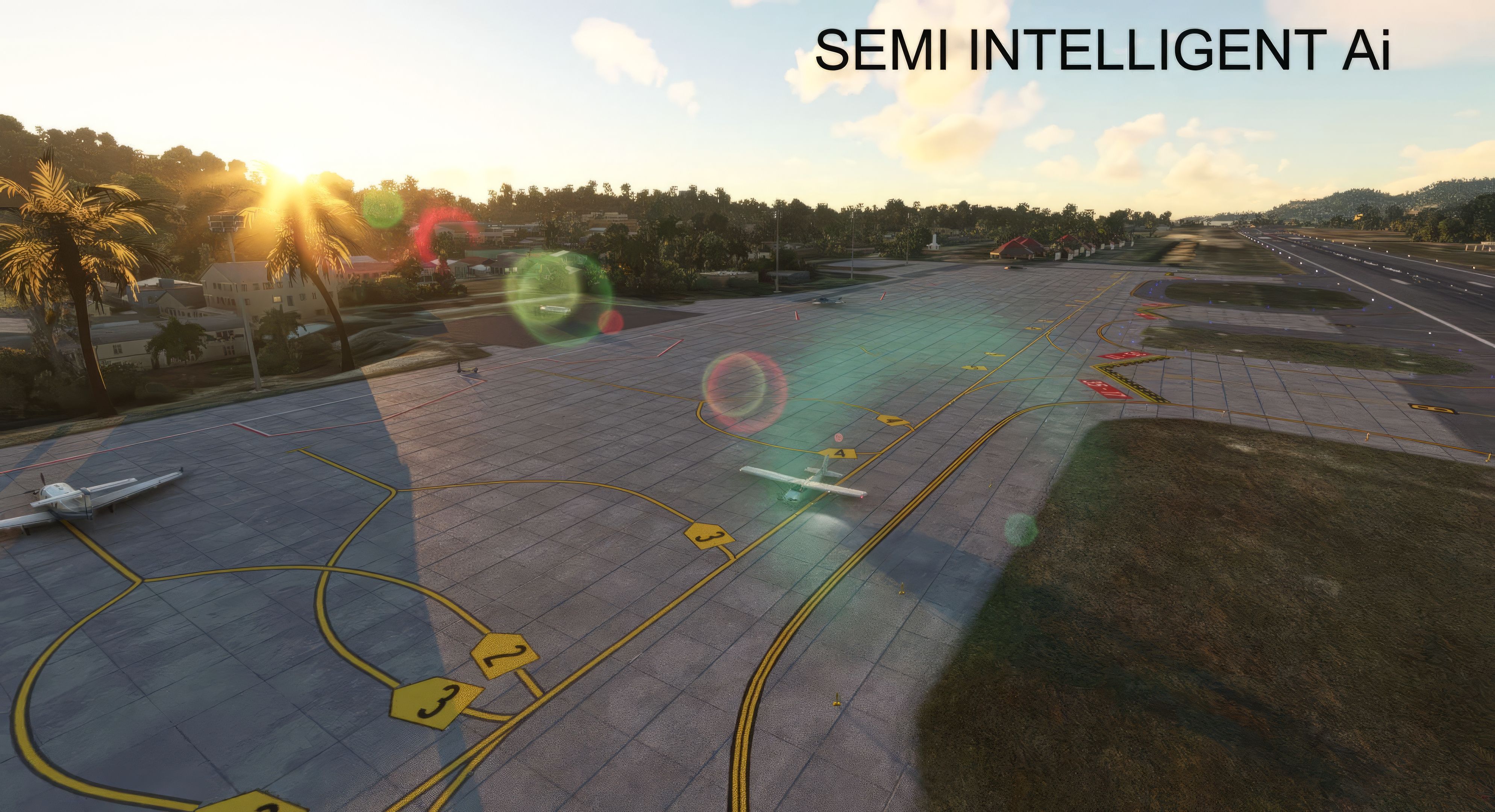
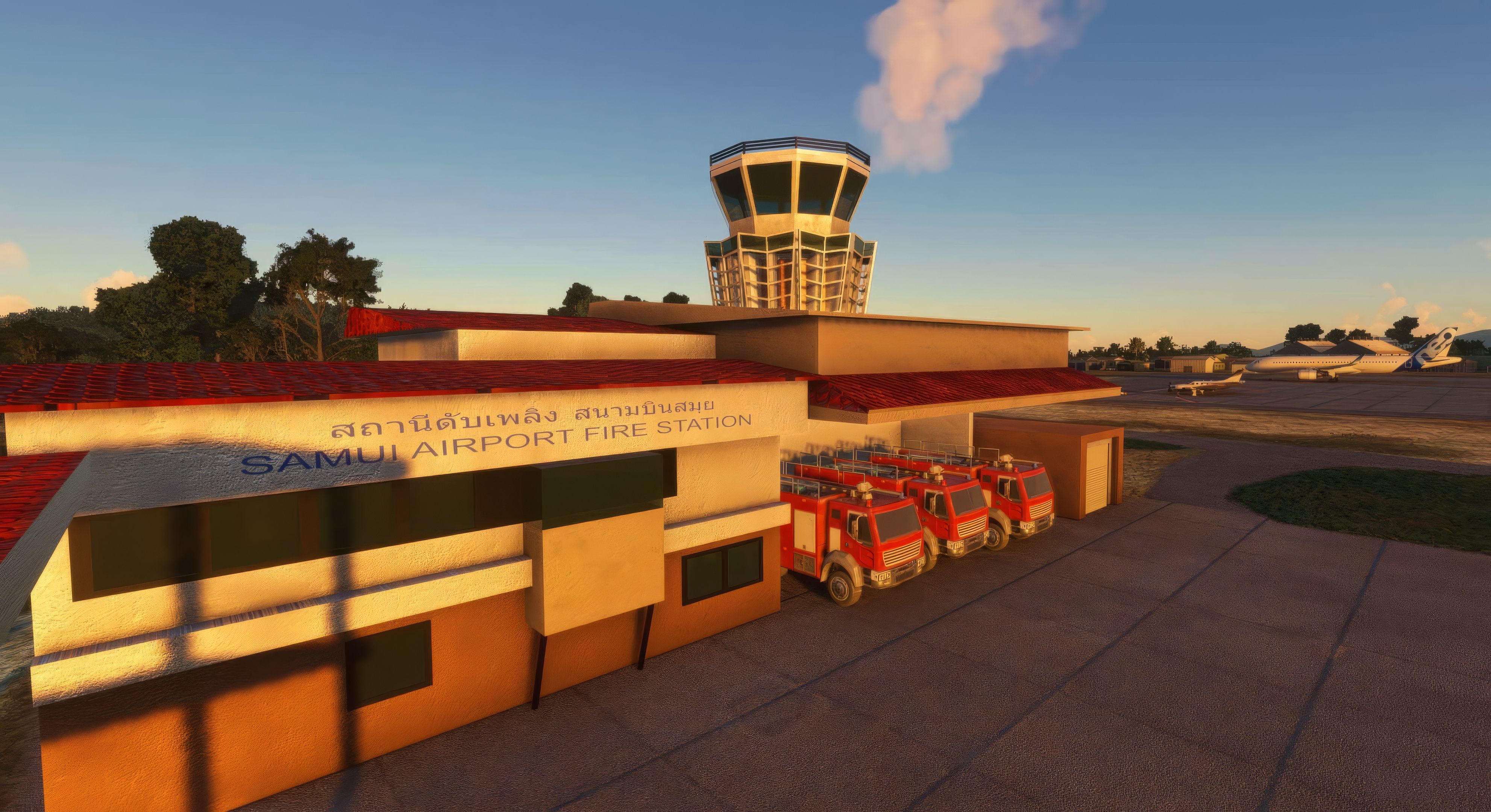
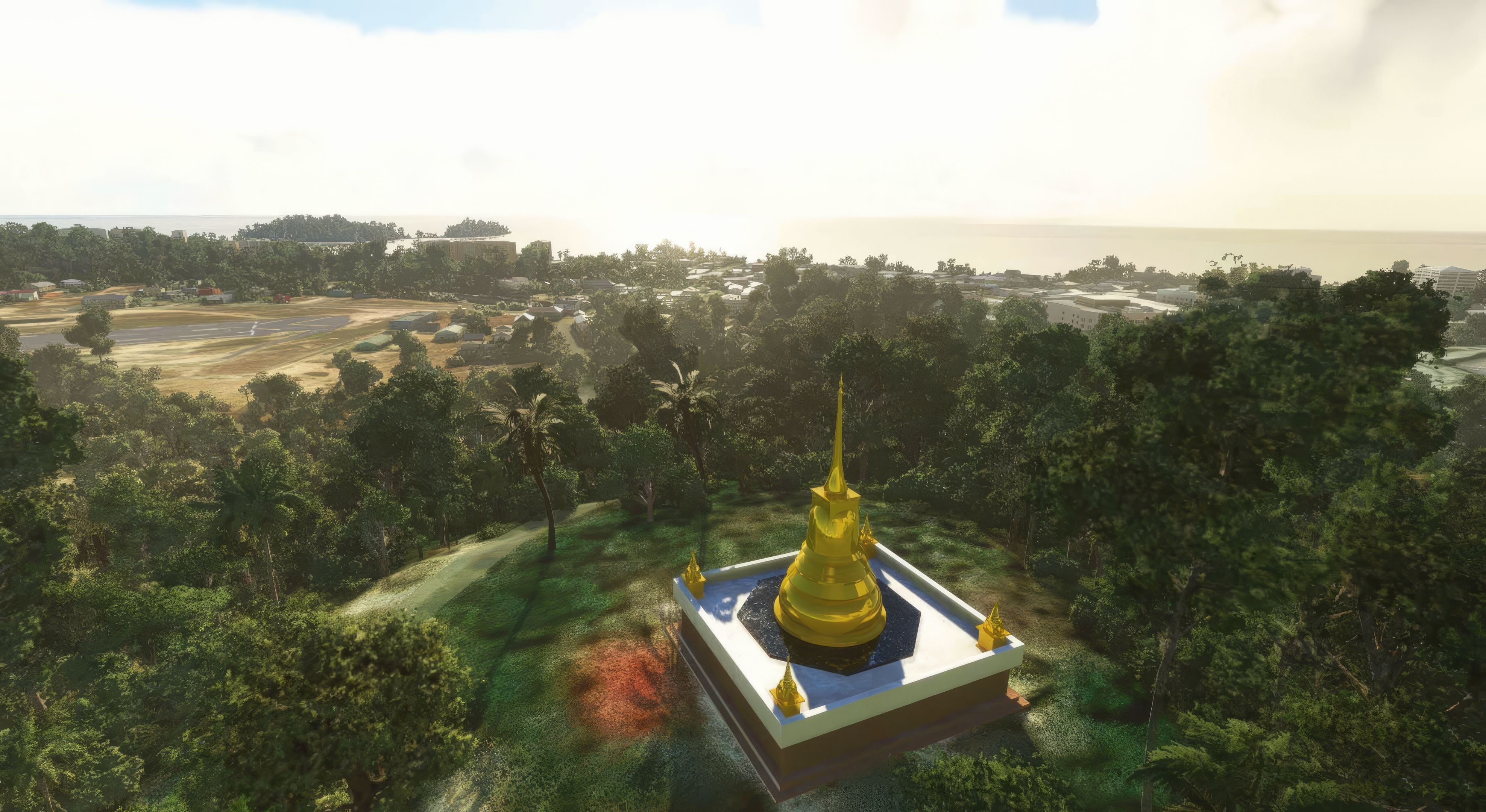
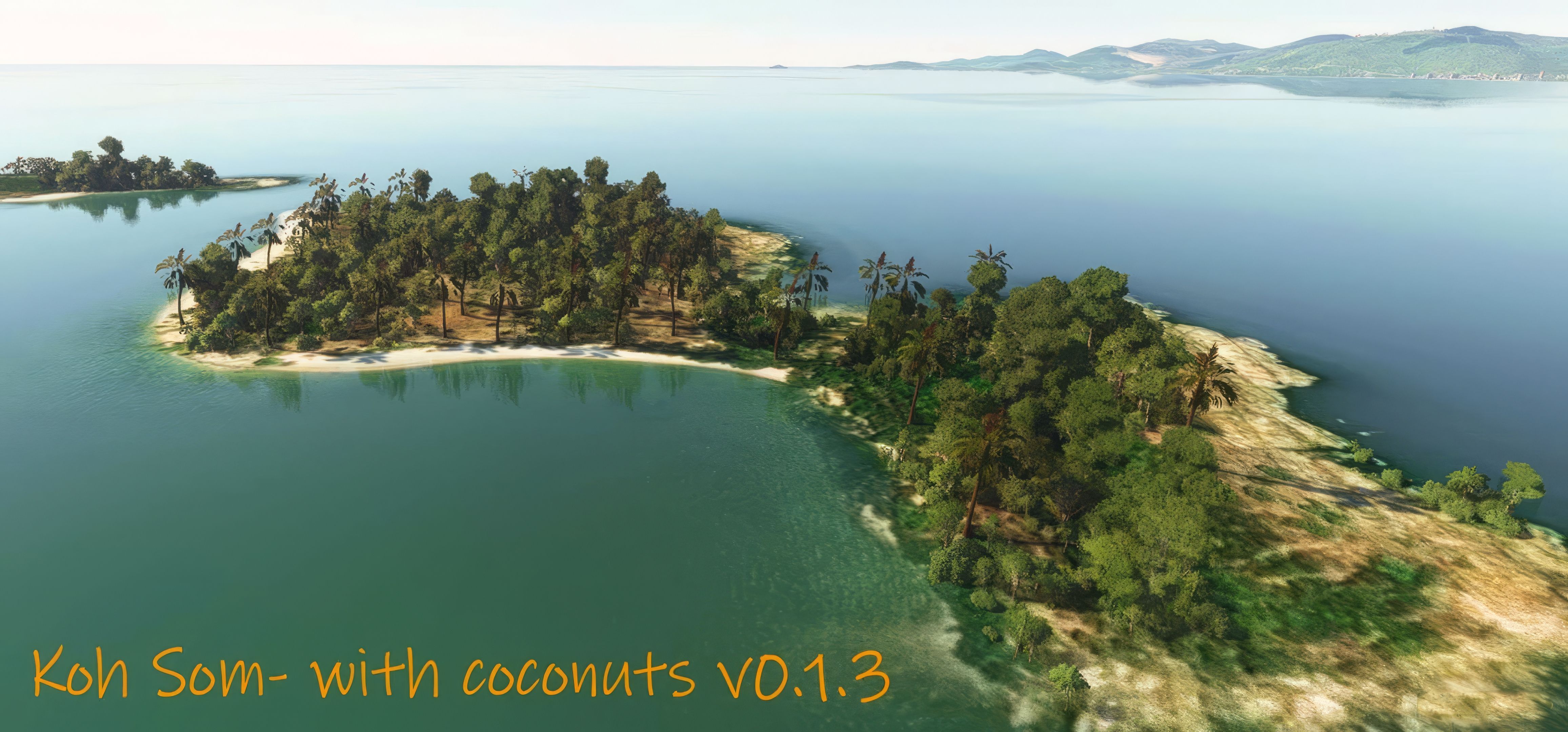
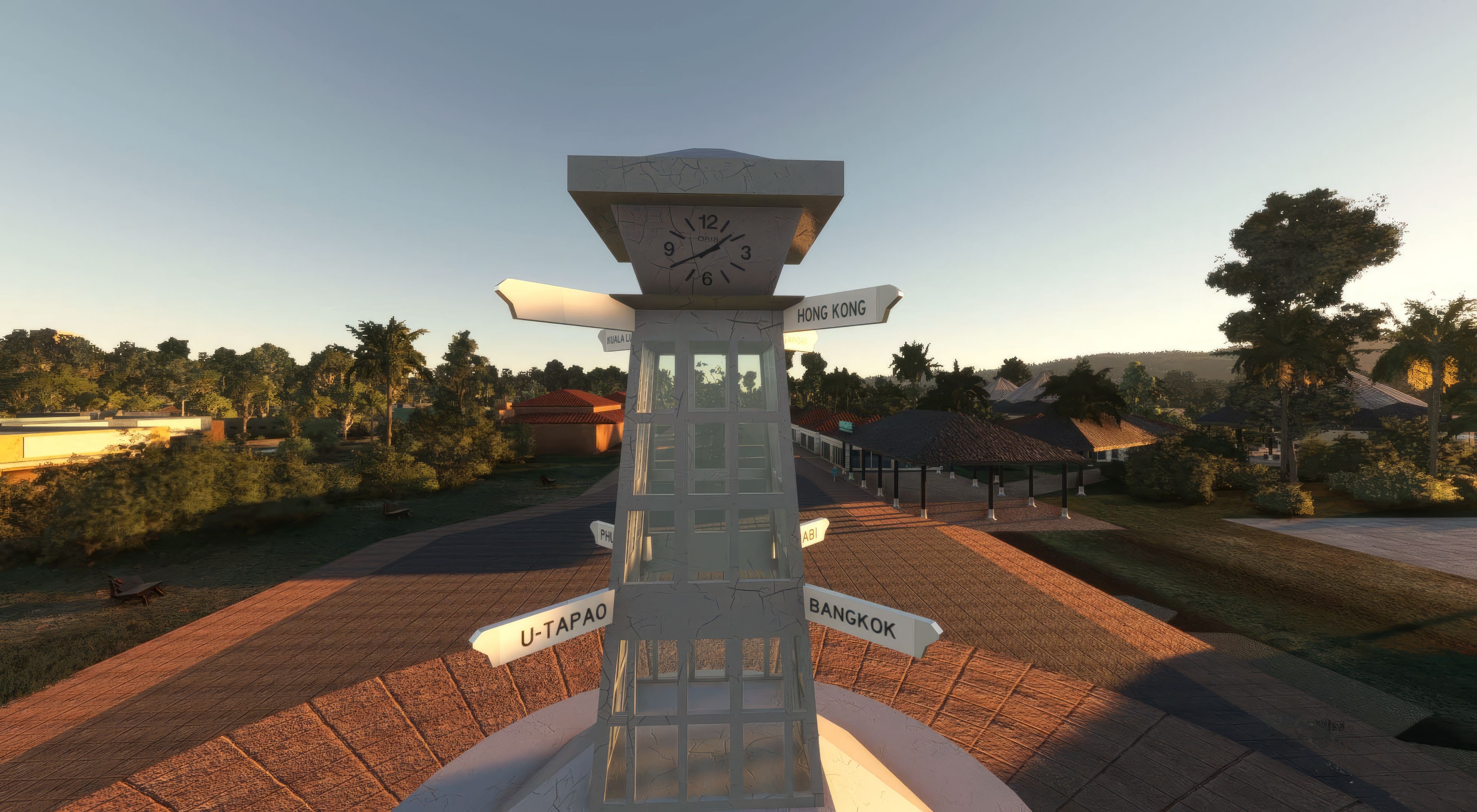
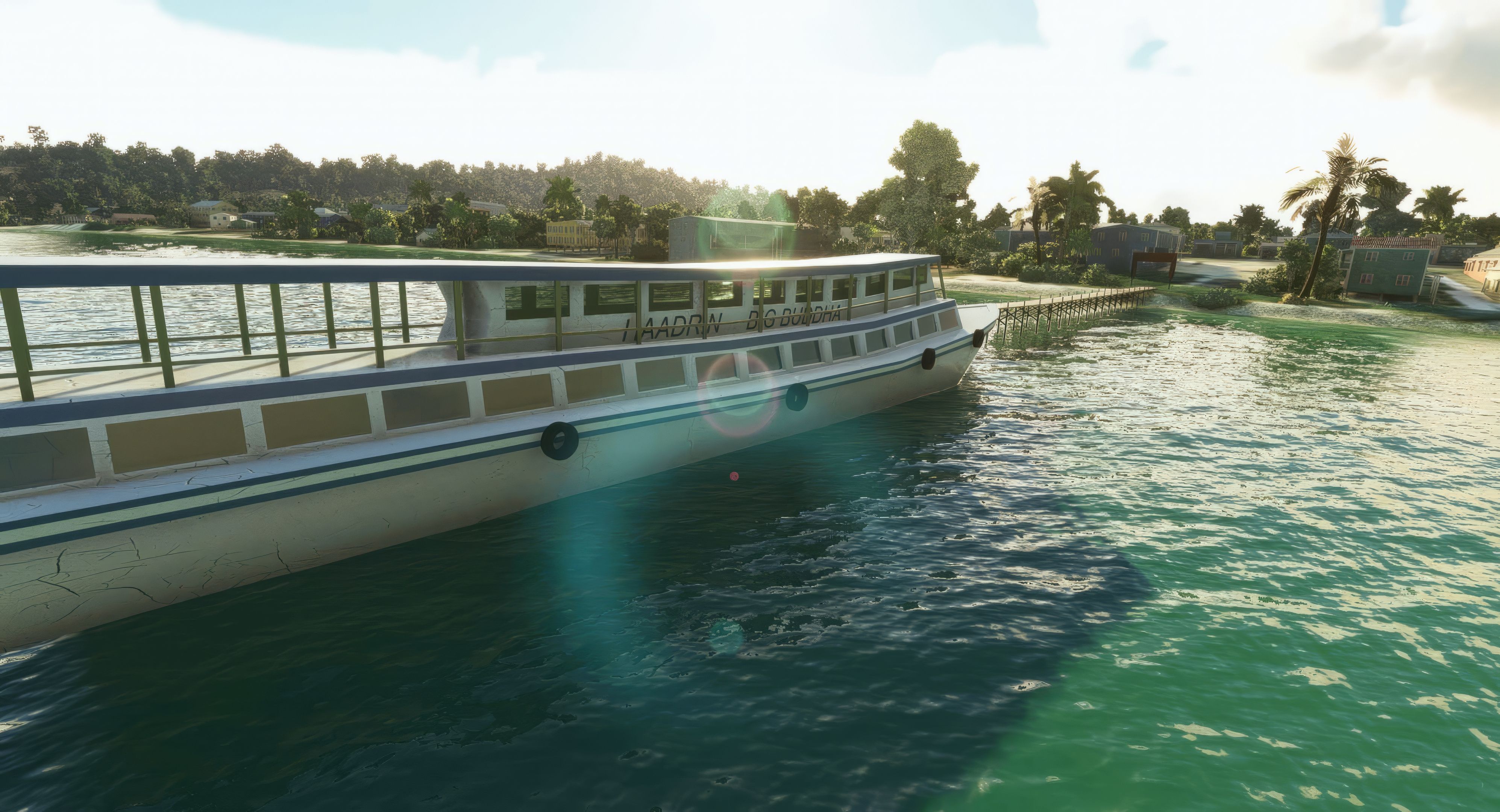
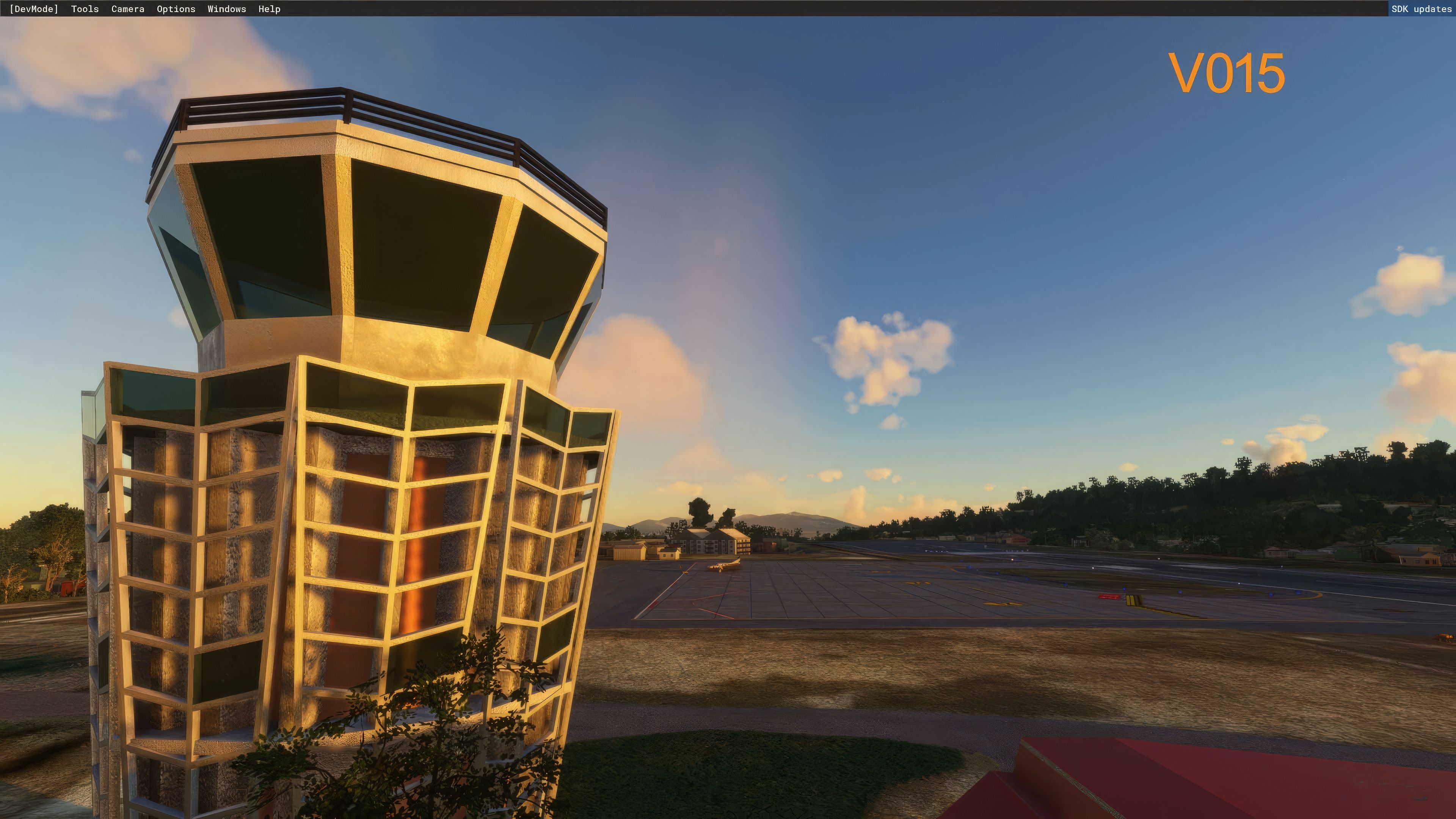
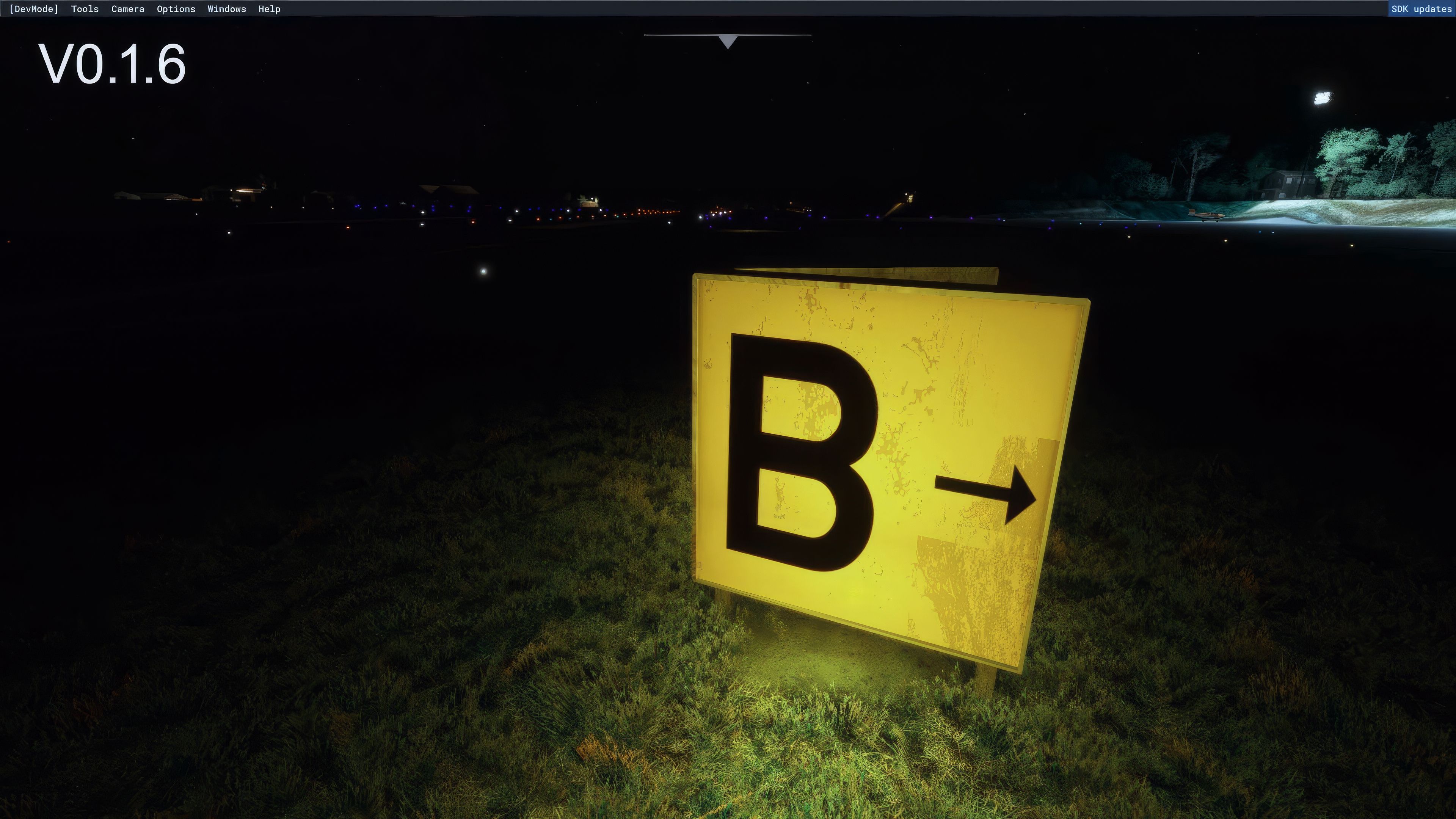
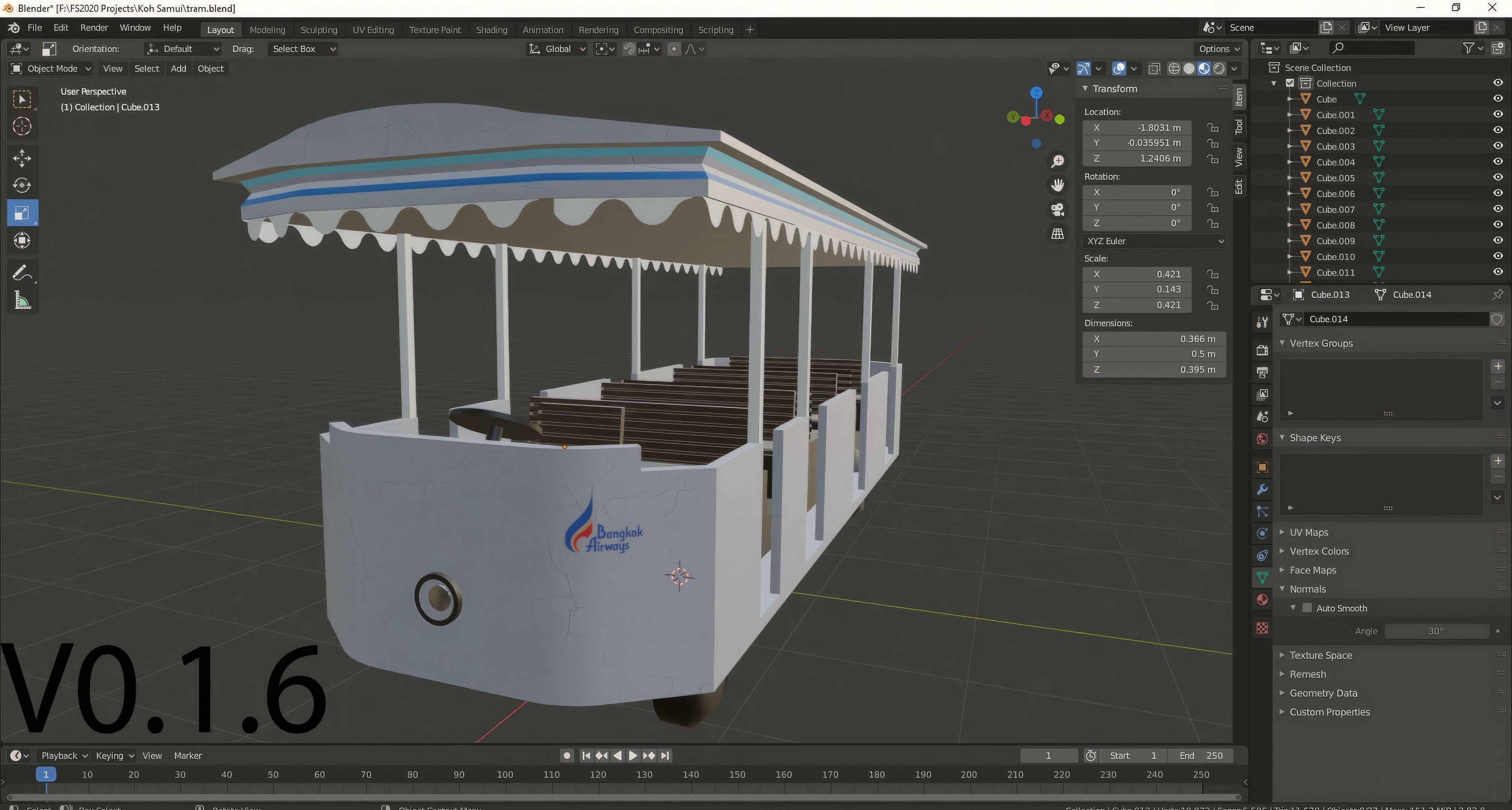

The free MSFS Koh Samui Airport (VTSM) mod brings an immersive flight environment to Thailand’s scenic Gulf of Siam, recreating the aerodrome with accurate stand numbers, taxiway lines, and runway markings. High-fidelity 3D models, like the optimized Big Buddha, enhance the stunning tropical scenery, while authentic local landmarks and carefully managed ground services elevate the airport experience. This advanced scenery environment captures the island’s relaxed ambience and busy atmosphere, providing a seamless blend of performance and realism.
From adjustable runway lighting and terrain modeling to AI-friendly features and meticulously placed signage, each element showcases a technical masterpiece that energizes flight operations. Enhanced gate areas, functional baggage carousels, and PBR-textured structures give the airfield a lifelike feel, creating a smooth, detailed setting that enthusiasts and newcomers alike will find thrilling. It’s a masterful demonstration of how passion and dedication from the flight sim community can transform a virtual sky into an unforgettable aviation adventure.
Embark on an immersive flying experience with the latest addition to the freeware scenery for Microsoft Flight Simulator (MSFS) 2020 release – the meticulously crafted Koh Samui Airport (VTSM) mod. This scenery add-on brings to life one of Thailand's most picturesque and bustling airports, nestled in the Gulf of Siam.
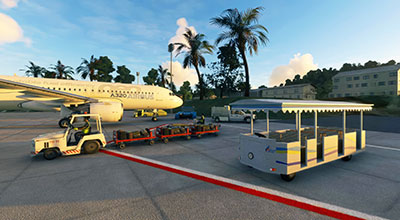 Designed with an expert touch and a keen eye for detail, the mod offers a realistic rendition of the airport's unique characteristics. From the towering Big Buddha, now optimized for better performance, to the vibrant, tropical surroundings, every aspect of VTSM has been carefully reworked. The scenery encapsulates the airport's distinct environment, including Samui's regulation-compliant low-rise buildings, providing an authentic visual experience.
Beyond aesthetics, the add-on boasts a comprehensive overhaul of airport functionality. Pilots can navigate with enhanced accuracy thanks to updated taxiway lines, accurate stand numbers, and runway markings. The incorporation of new elements such as the Big Buddha Pier and Haadrin Queen ferry boat adds layers of depth to the simulation, making every approach or departure a new discovery.
The dedication to realism extends to the technical underpinnings of the mod. Whether it's the precise runway lighting adjustments or the careful placement of ground services, each update ensures a seamless and realistic flying experience. With continual updates and improvements, the Koh Samui Airport scenery mod stands as a testament to the dedication of the flight simulation community, offering an unparalleled flying experience free of charge.
The MSFS Koh Samui Airport scenery mod is not just a visual overhaul but a technical masterpiece. Here are some of the key technical features that enhance the simulation experience:
These technical features collectively make the VTSM scenery mod not only a visual treat but also a delight for those who appreciate the technicalities of flight simulation. Each update and refinement brings the virtual Koh Samui Airport closer to its real-world counterpart, offering an immersive and authentic flying experience.
This version introduces Projected Mesh taxiway lines, an innovative approach to enhancing taxiway visuals. While these lines are slightly wider than in real life, they offer improved resolution and smoother edges, augmenting the pilot's navigational experience. Additionally, significant updates to the gates and terminal area, including a detailed clocktower and promenade, enrich the airport's ambiance.
A pivotal update, Version 0.1.7, addresses critical spawn points, ensuring accurate start positions on runways. The inclusion of the Big Buddha Pier and Haadrin Queen ferry boat enhances the coastal scenery, adding a new dimension to the visual experience. This version also introduces new parking bay centrelines, inspired by EGKK style, and improved terrain modeling around Wat Khao Hua Jook.
With a focus on authenticity, this update adds Taxiway signage, including precise markers. Runway 35 sees a significant improvement with the elimination of the threshold bump, creating a smoother landing experience. Enhancements to the runway lighting system, bringing it from low to high brightness, and more accurately positioned runway edge lights, mirror real-life conditions more closely.
This version brings vital additions like ATC and Firestation facilities, a fully modeled VOR DME, and enhanced parking positions. AI functionality sees an improvement, with the AI planes demonstrating more realistic behavior, including autonomous takeoffs.
The East Apron Parking area becomes fully operational in this version, offering a range of parking stands. Notably, the Big Buddha receives a stunning PBR texture overhaul, adding a touch of realism with gold, roof tiles, and side walls reflecting real-world materials.
Earlier versions laid the foundation for this detailed scenery. Version 0.1.3 saw the deployment of Coconut Palm trees, enhancing the tropical feel. The runway leveling and addition of new taxiways brought increased realism to ground operations. The initial versions set the stage for ATC integration and basic airport modeling, ensuring a solid baseline for future enhancements.
Simply extract the archive and copy the kohsamui-vtsm-mkvy folder into your MSFS community folder.
Free for all simmers · 308.94 MB · Scanned clean Oct 2026
Download speed: Free tier is capped at 2 Mbps (this file takes approximately 22 mins at the cap). PRO members download at full line speed.
%LOCALAPPDATA%\Packages\Microsoft.FlightSimulator_8wekyb3d8bbwe\LocalCache\Packages\Community\. Steam version: %APPDATA%\Microsoft Flight Simulator\Packages\Community\. Tip: enable Developer Mode in MSFS to see your exact Community folder path.readme.txt or README file. It tells you exactly where files go, what dependencies are needed, and any quirks specific to this add-on.MKVY: An aficionado in enhancing Microsoft Flight Simulator (MSFS) 2020 landscapes, particularly UK scenery. Based in the heart of British aviation, MKVY's modding expertise is grounded in real-world experience gained on the tarmac of a prominent UK airport. His adage, "the aviation industry is throwing money at me as I work on the ramp", mirrors his passion for aviation and simulation precision. MKVY emphasizes the importance of meticulous backup practices in mod development, advocating for regular SDK (Software Development Kit) saves to safeguard progress. His work reflects an intricate understanding of aviation nuances, appealing to both novices and veterans in flight simulation.
Are you MKVY? Sign in to Fly Away Creators for download stats, comment replies and updates. Make add-ons? Publish them here.
Only PRO members can place votes.
More MSFS add-ons hand-picked based on this download.
MSFS Scenery
This mod developed by JustOkayPilot brings Grand Canyon National Park Airport…
 MSFS Scenery
Sandane Airport (ENSD) is located on the beautiful west coast of Norway and i…
 MSFS Scenery
Enhance your flight simulation experience with this mod for Microsoft Flight …
 MSFS Scenery
The Disney World airport/STOLport (also known as the Lake Buena Vista airport…
 MSFS Scenery
Enhance your flight simulation experience with a detailed rendition of Madrid…
 MSFS Scenery
A complete and extensive replacement freeware scenery package for Paris–Le Bo…
 MSFS Scenery
A highly detailed rendition of Gainesville Regional Airport (KGNV), Florida (…
 MSFS Scenery
A rendition of George T. Lewis Airport for Microsoft Flight Simulator (MSFS) …
Read what other simmers think, or add your own.

Please put and release a free downloadable addon of Ellinikon International Airport (IATA: ATH, ICAO: LGAT) for (MSFS) 2020 that accepts the default AI traffic of (MSFS) 2020 and AI traffic addons for (MSFS) 2020 without taking out both the default AI traffic of (MSFS) 2020 and AI traffic addons for (MSFS) 2020.
Please publish it at https://flyawaysimulation.com/downloads/files/24912/msfs-koh-samui-airport-vtsm-scenery/.
Thanks.