

 MSFS Civil Jet Aircraft
Native Airbus A330-900neo Mega Pack
The MSFS Native Airbus A330-900neo Mega Pack by Headwind Simulations brings a…
The Ilyushin Il-76 brings the iconic Soviet heavy-lift transport to Microsoft Flight Simulator with improved flight dynamics, updated physics for high-altitude performance, and a fully functional virtual cockpit. Multiple liveries, modern GPWS alerts with refreshed sounds, working animations, and a complete checklist round out a polished cargo-focused experience.
 Rate
Rate
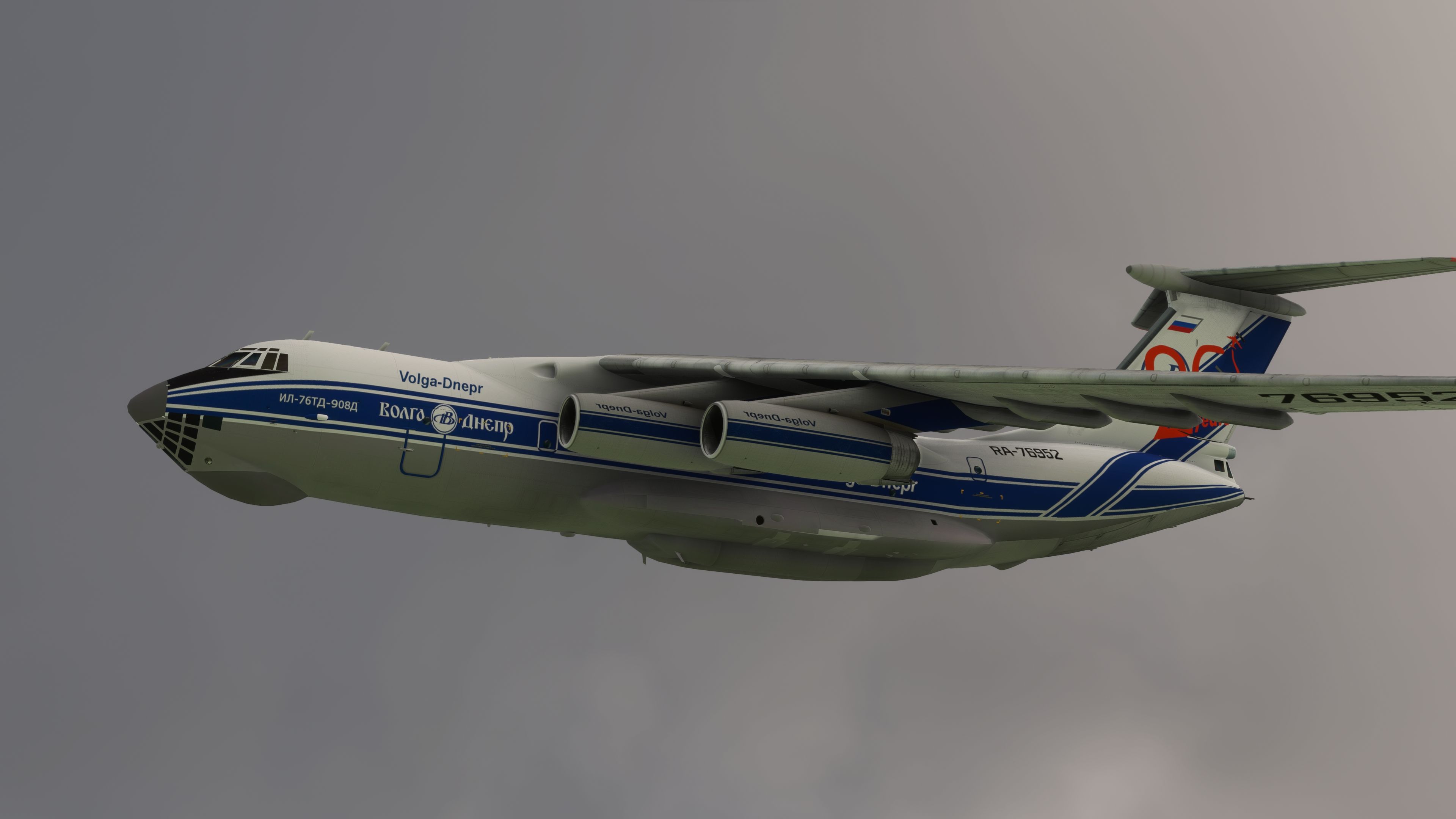
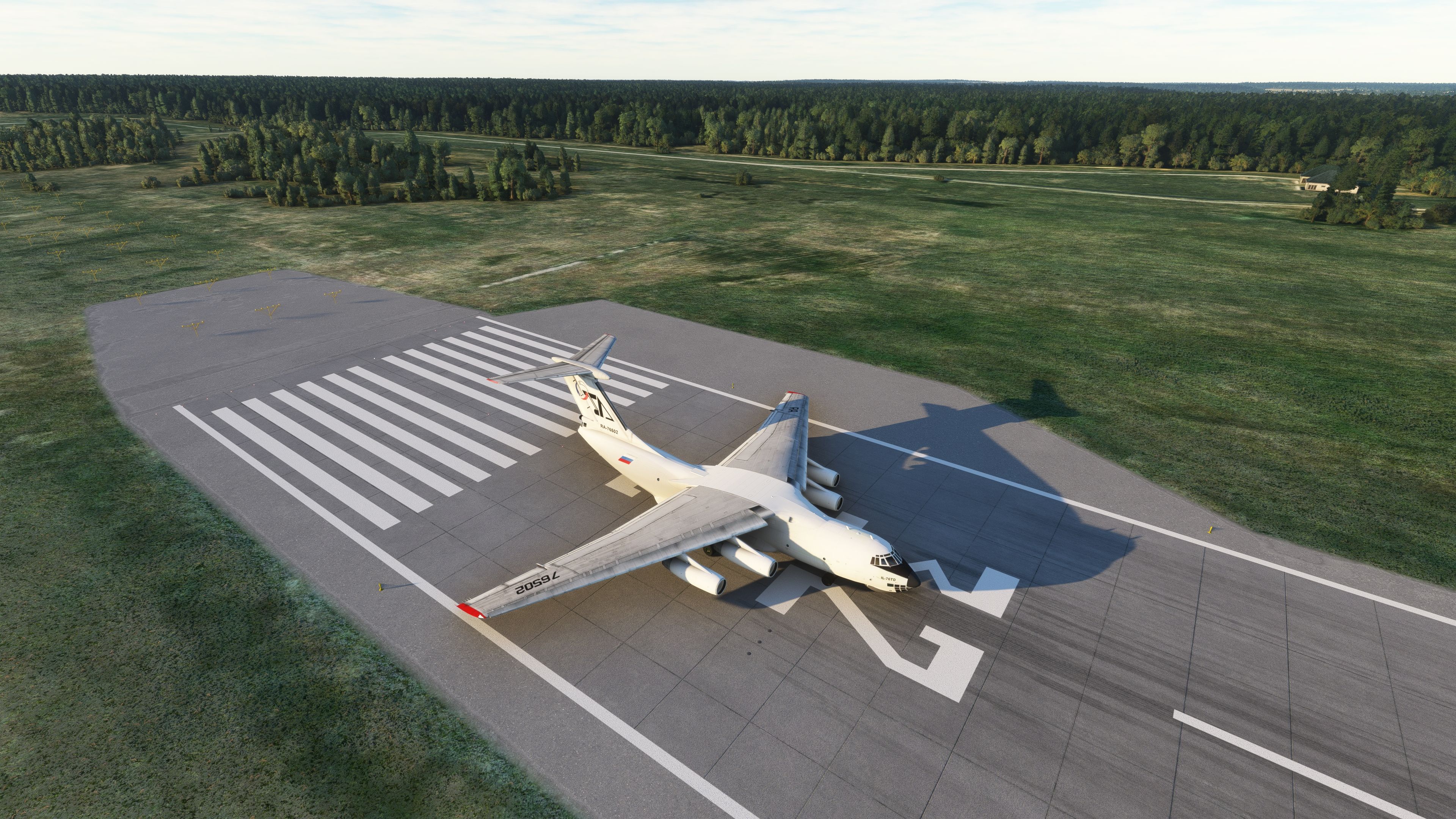
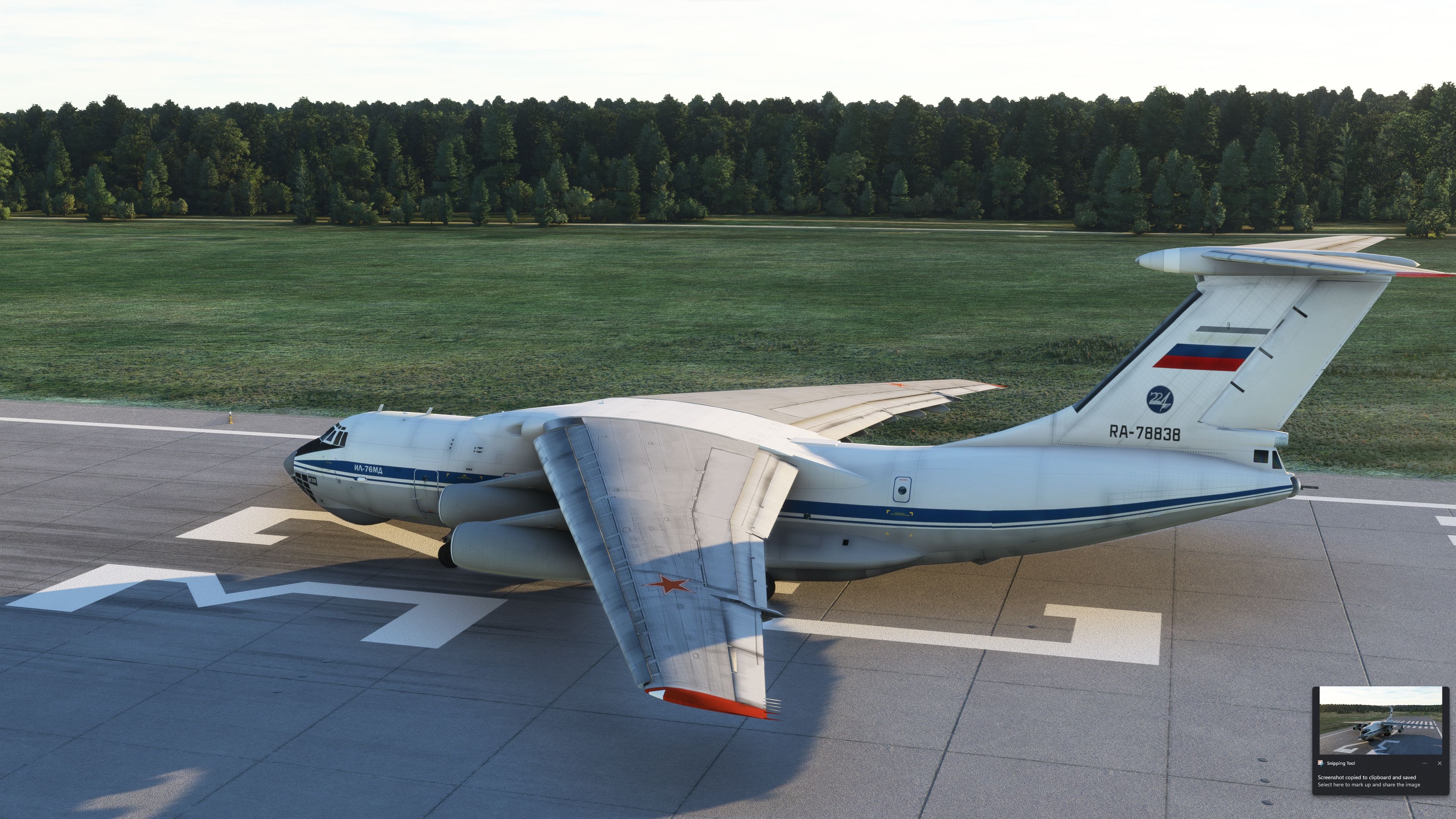
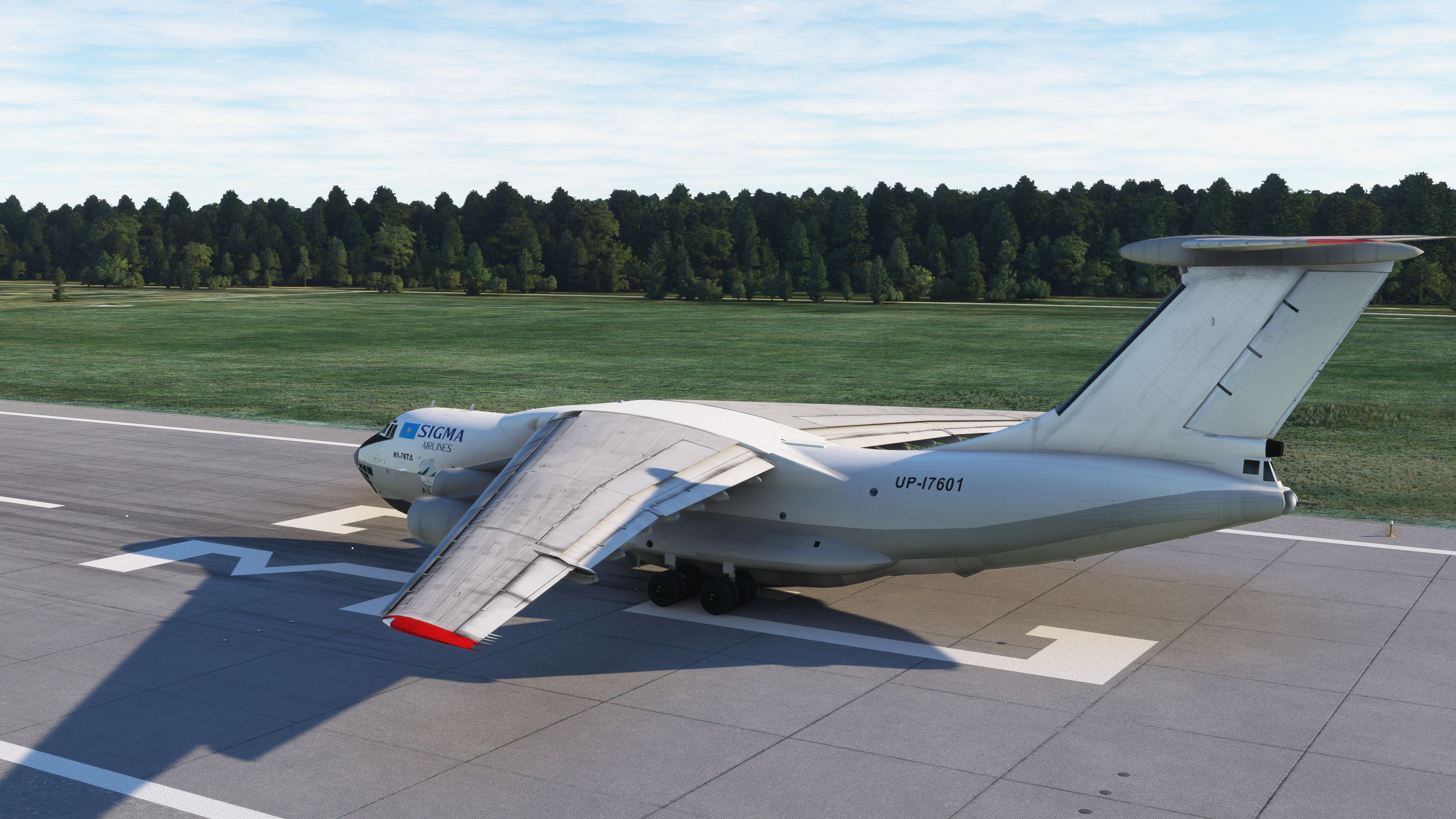
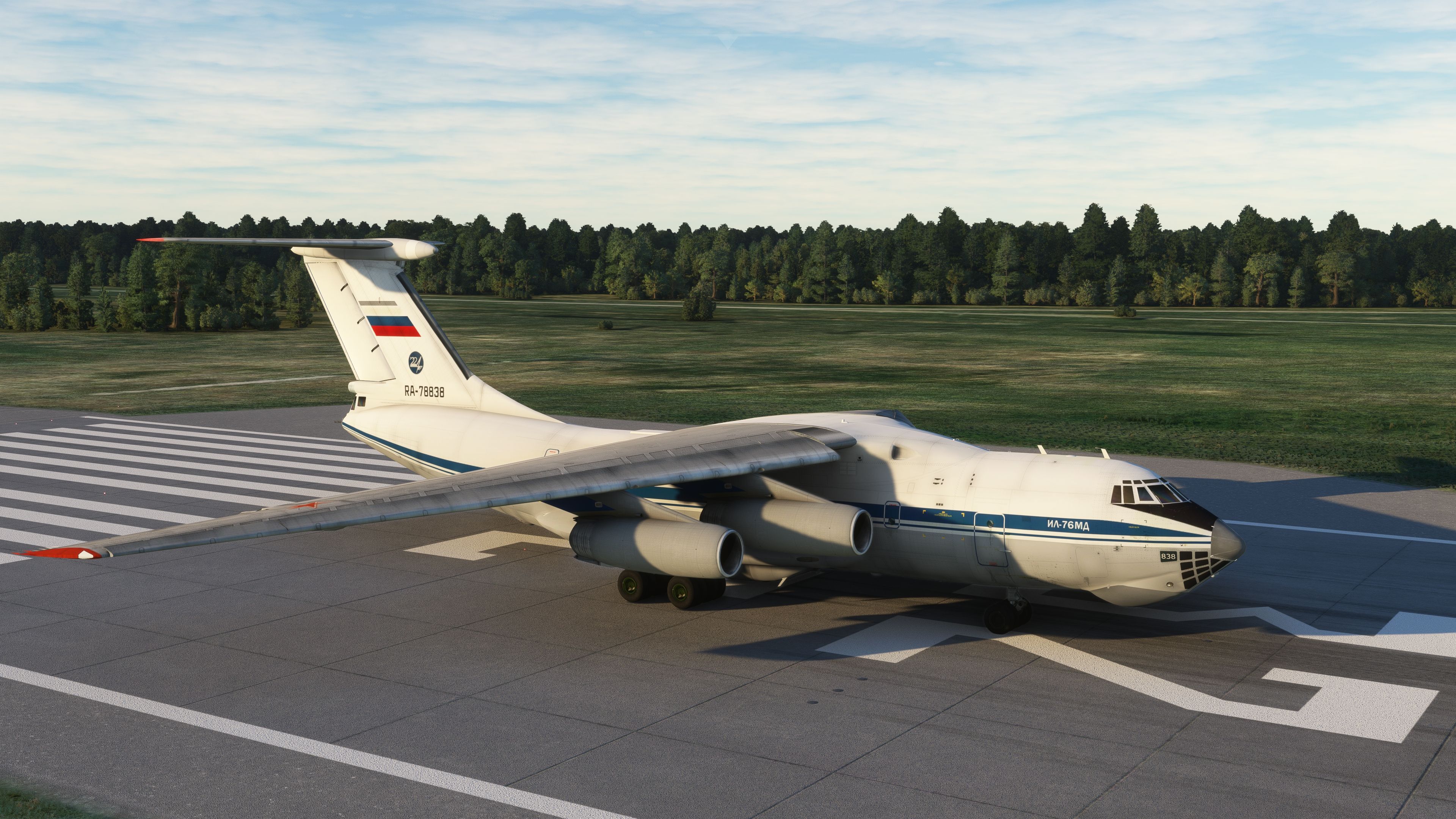
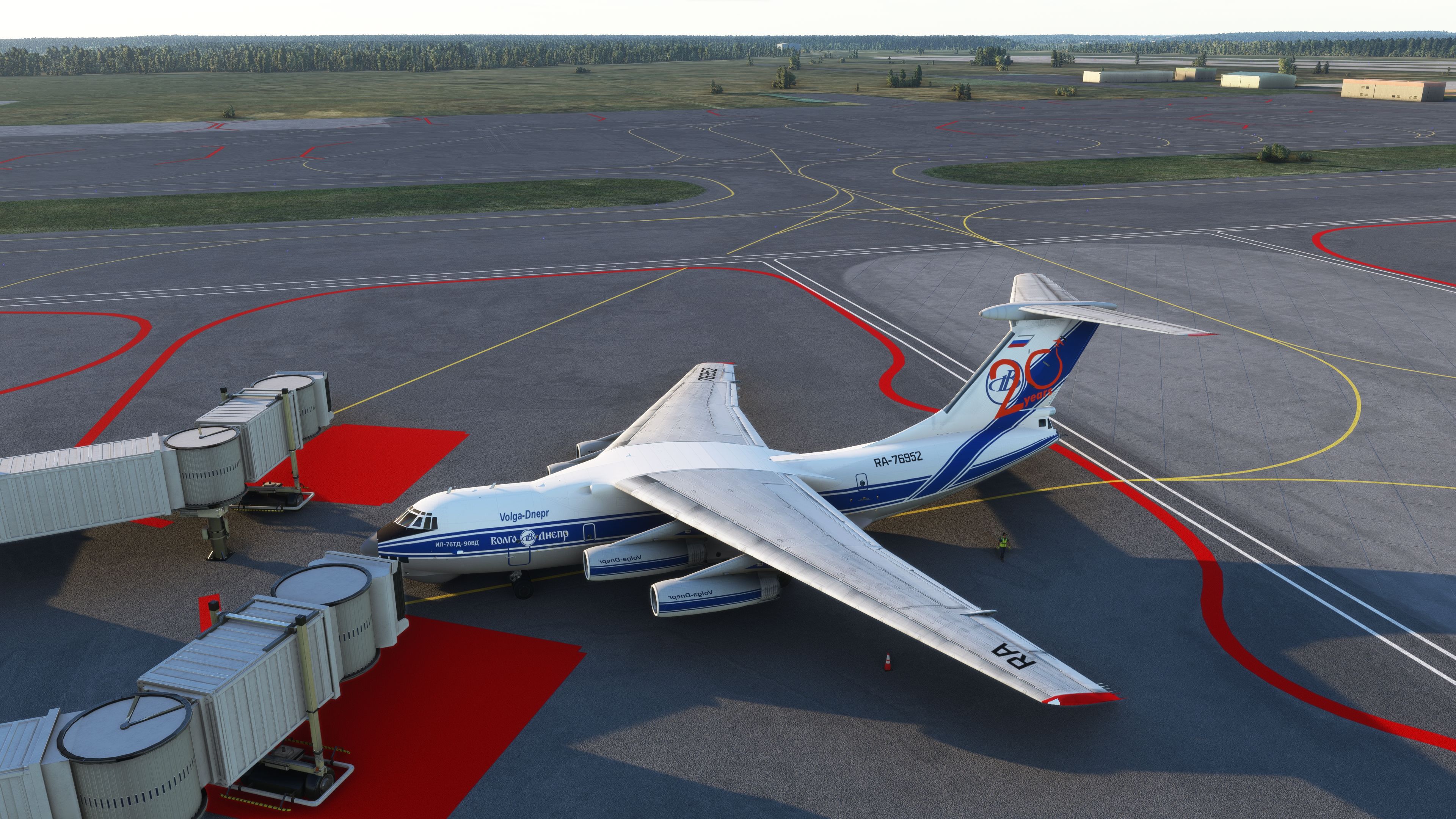
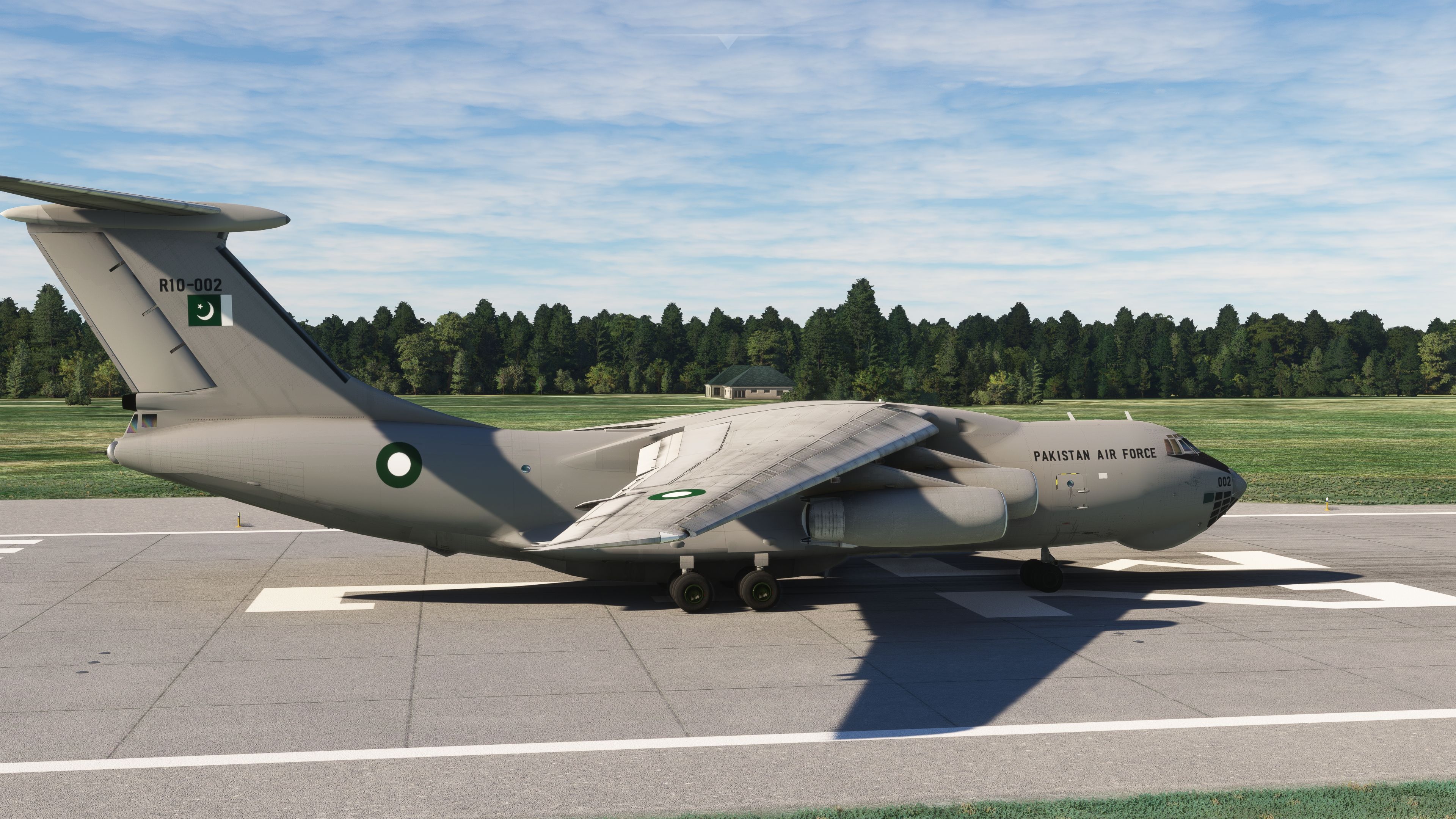
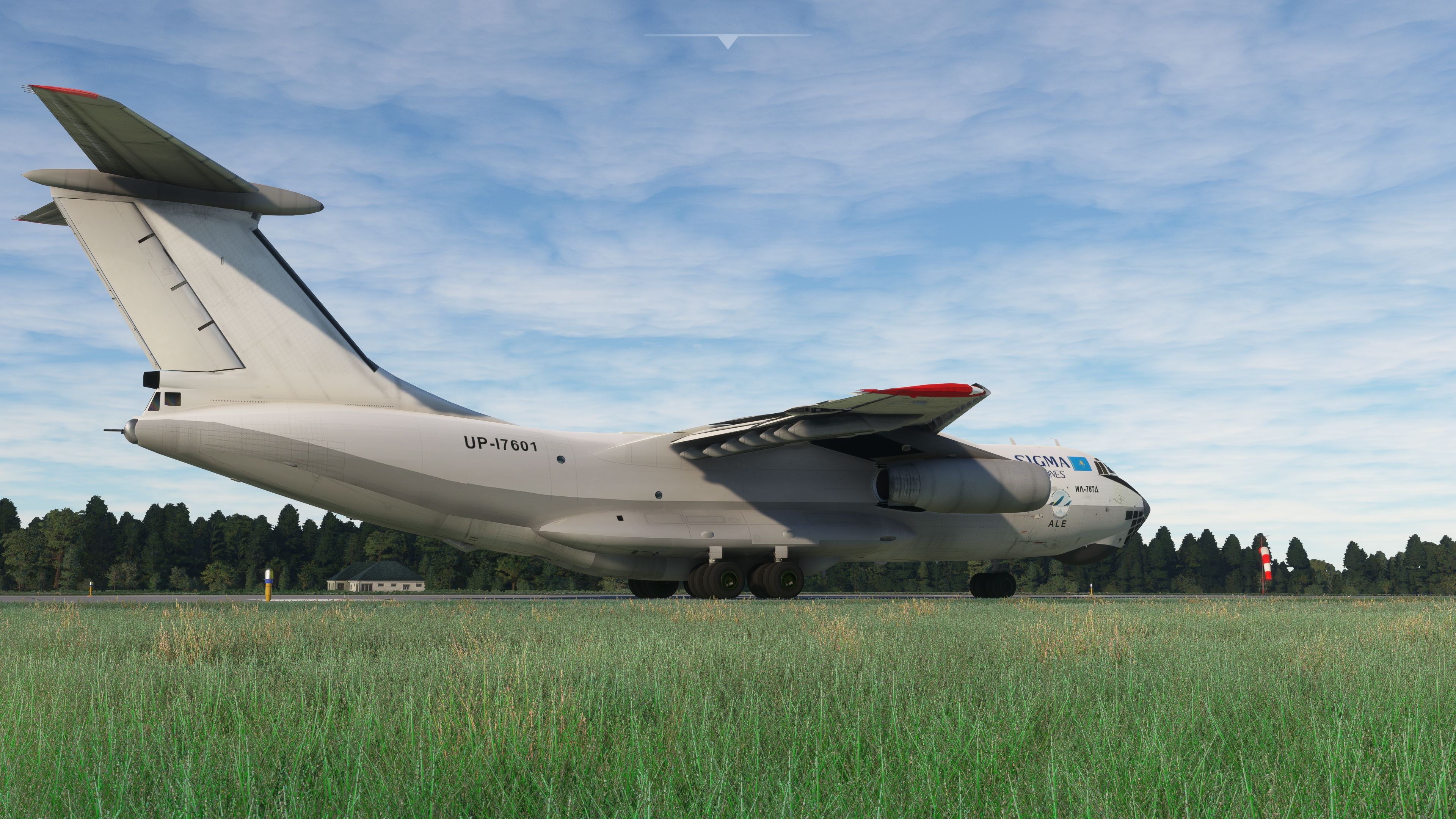
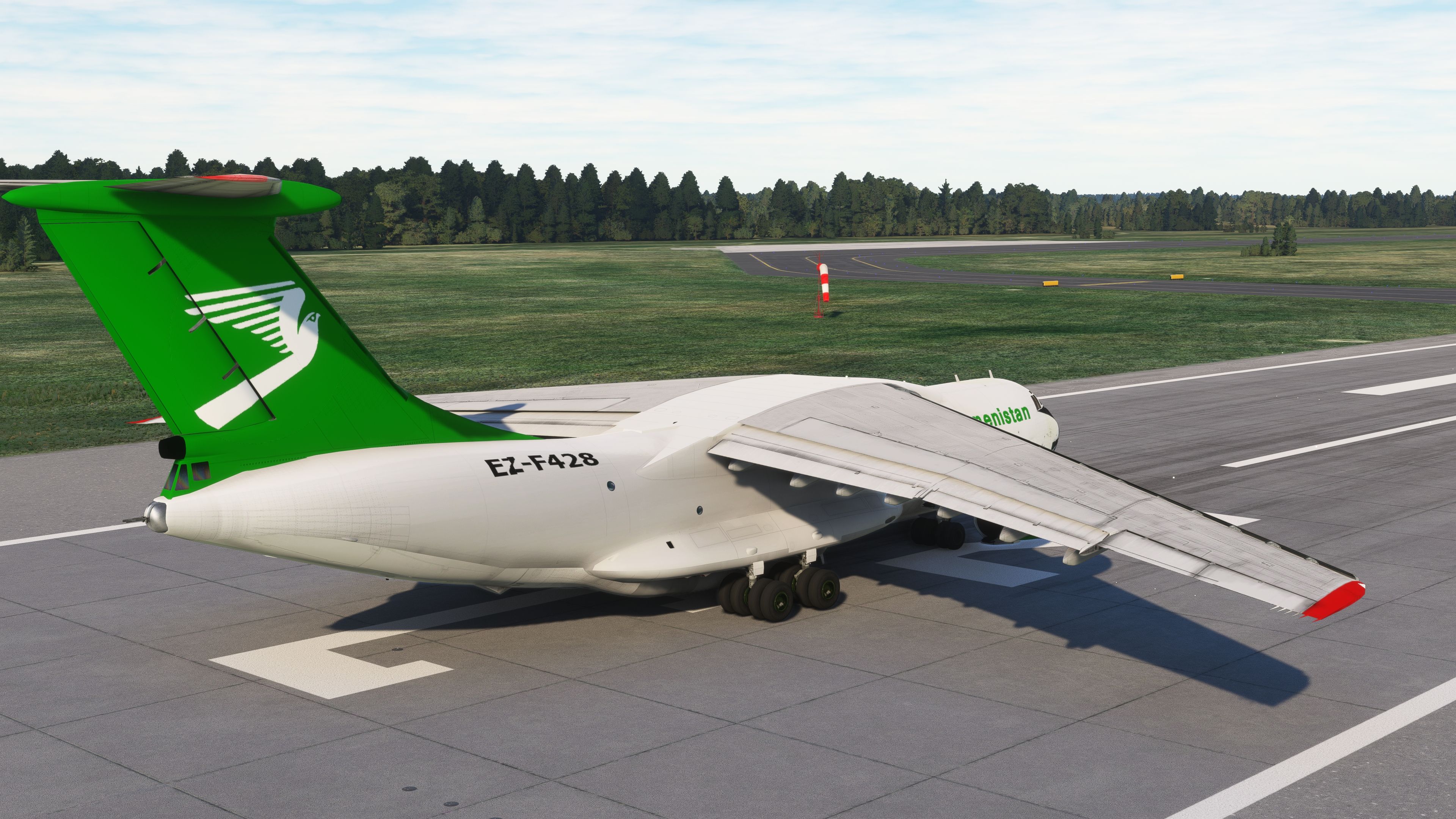
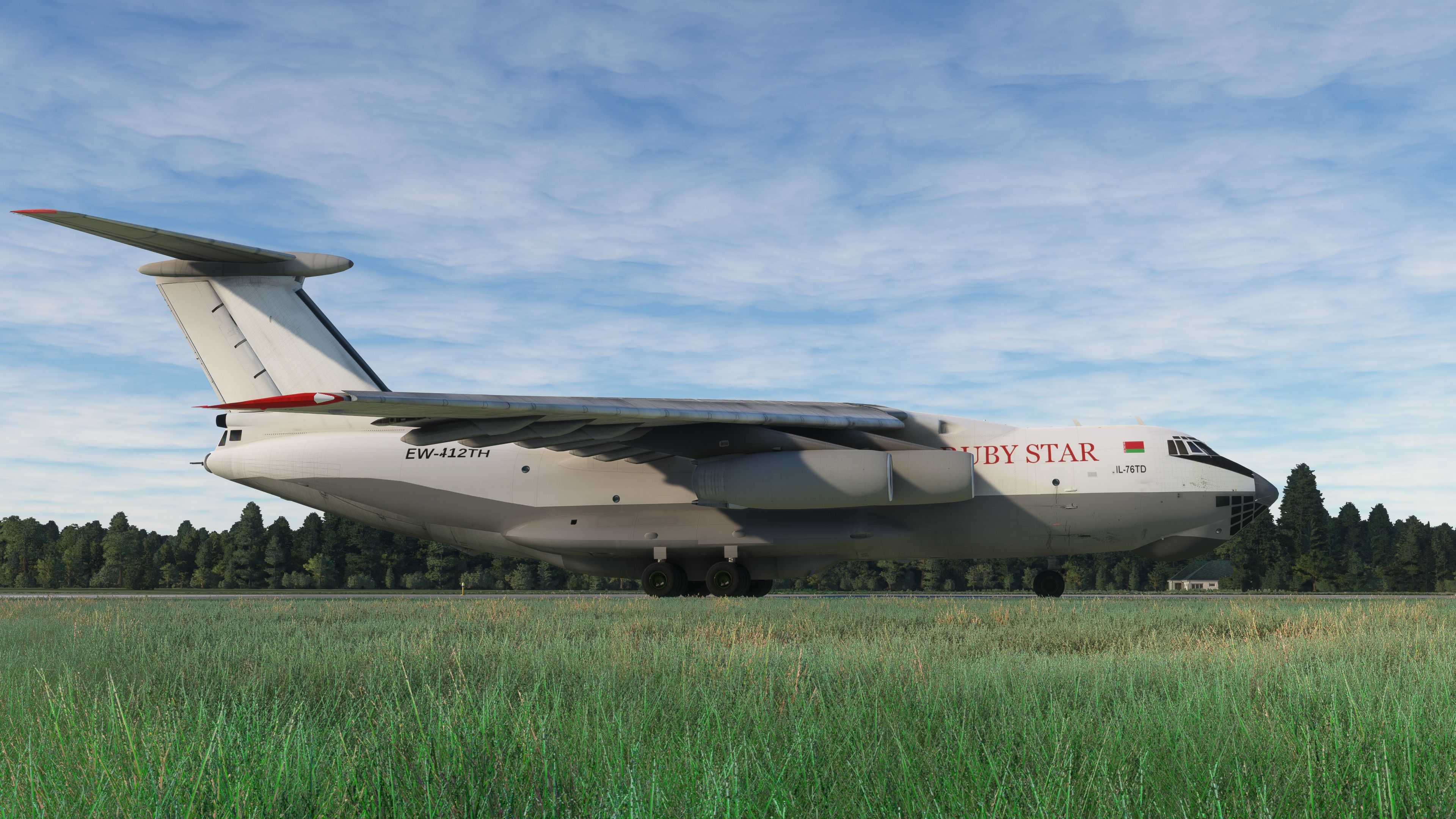
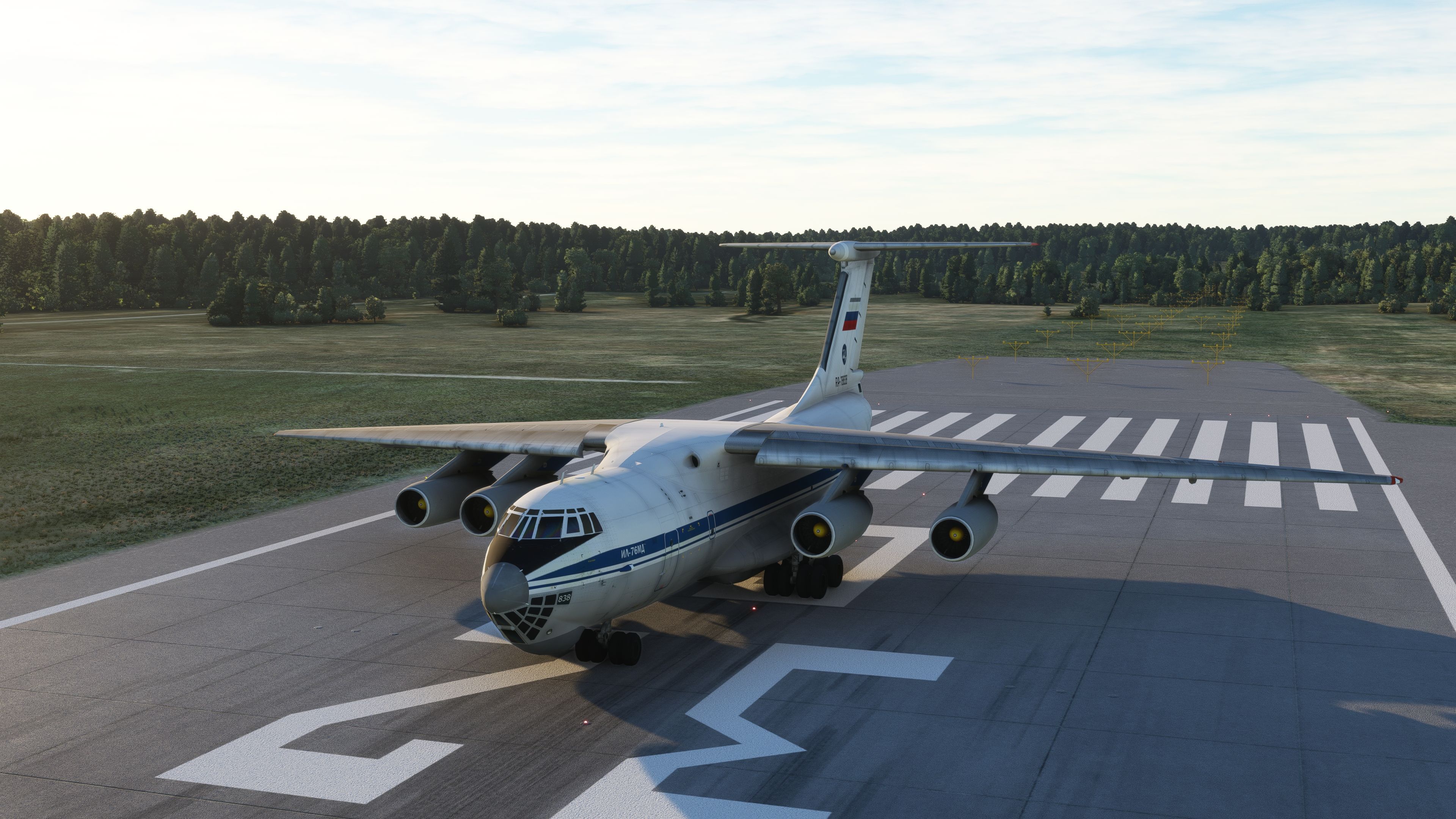
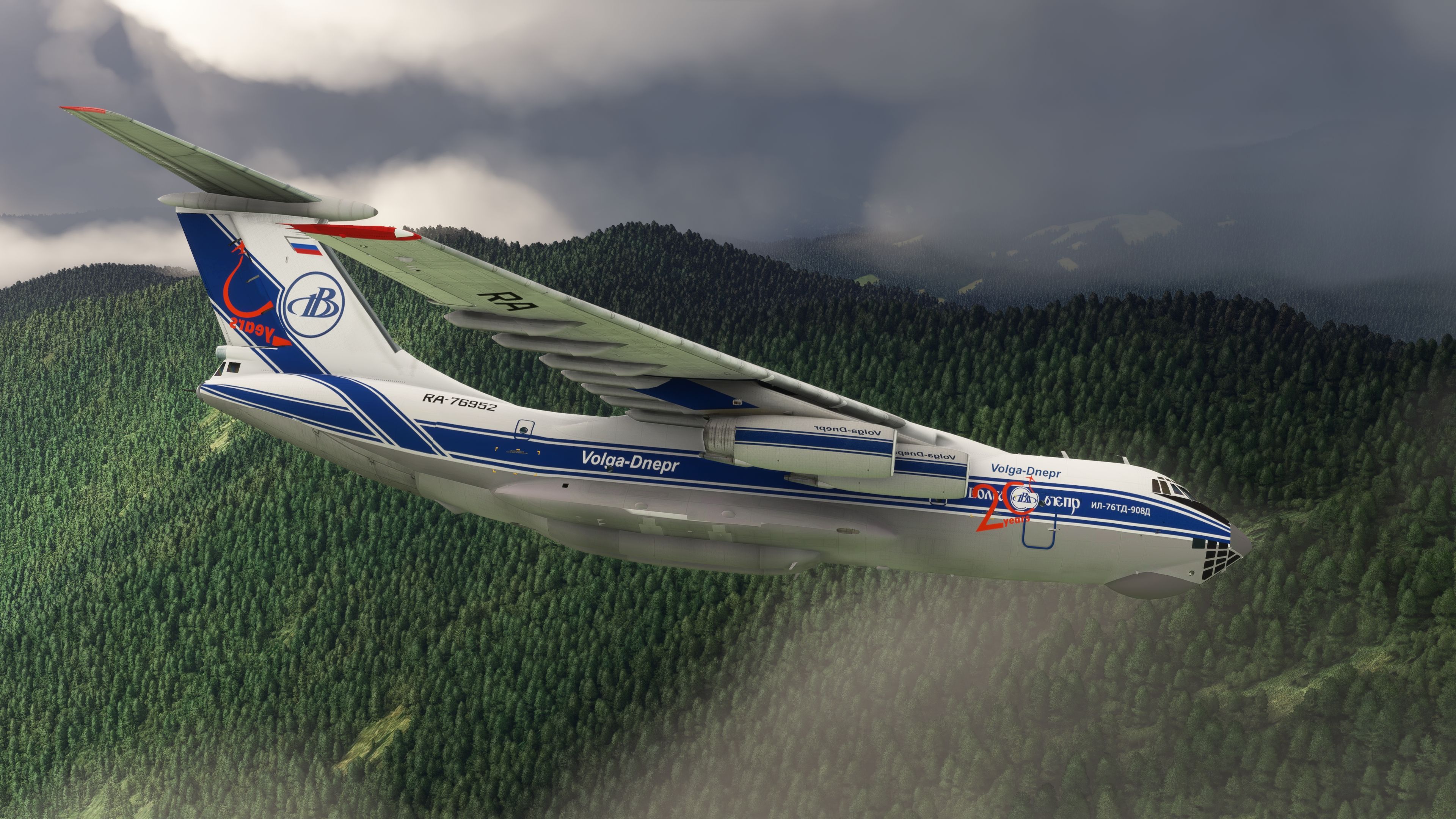
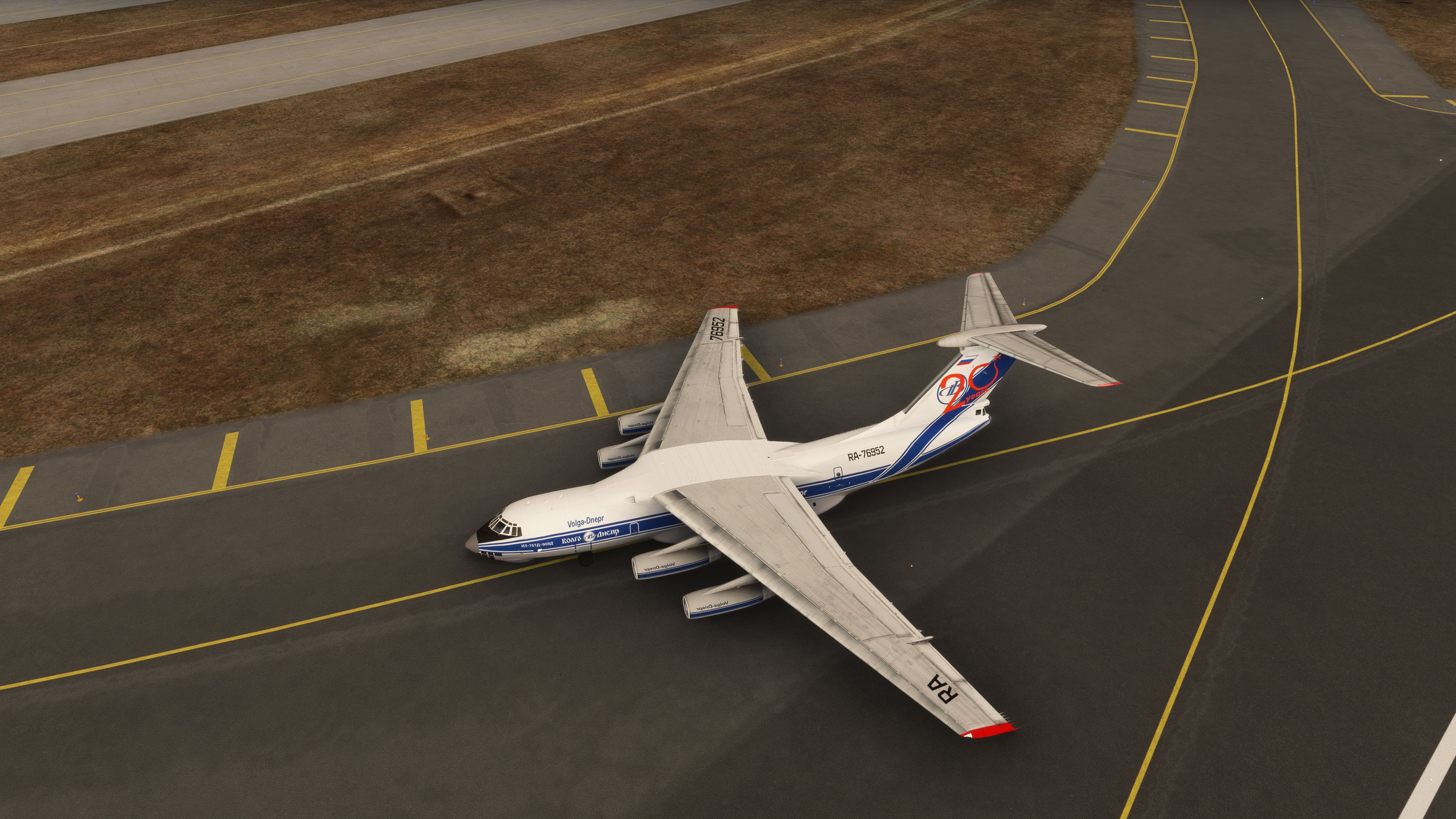
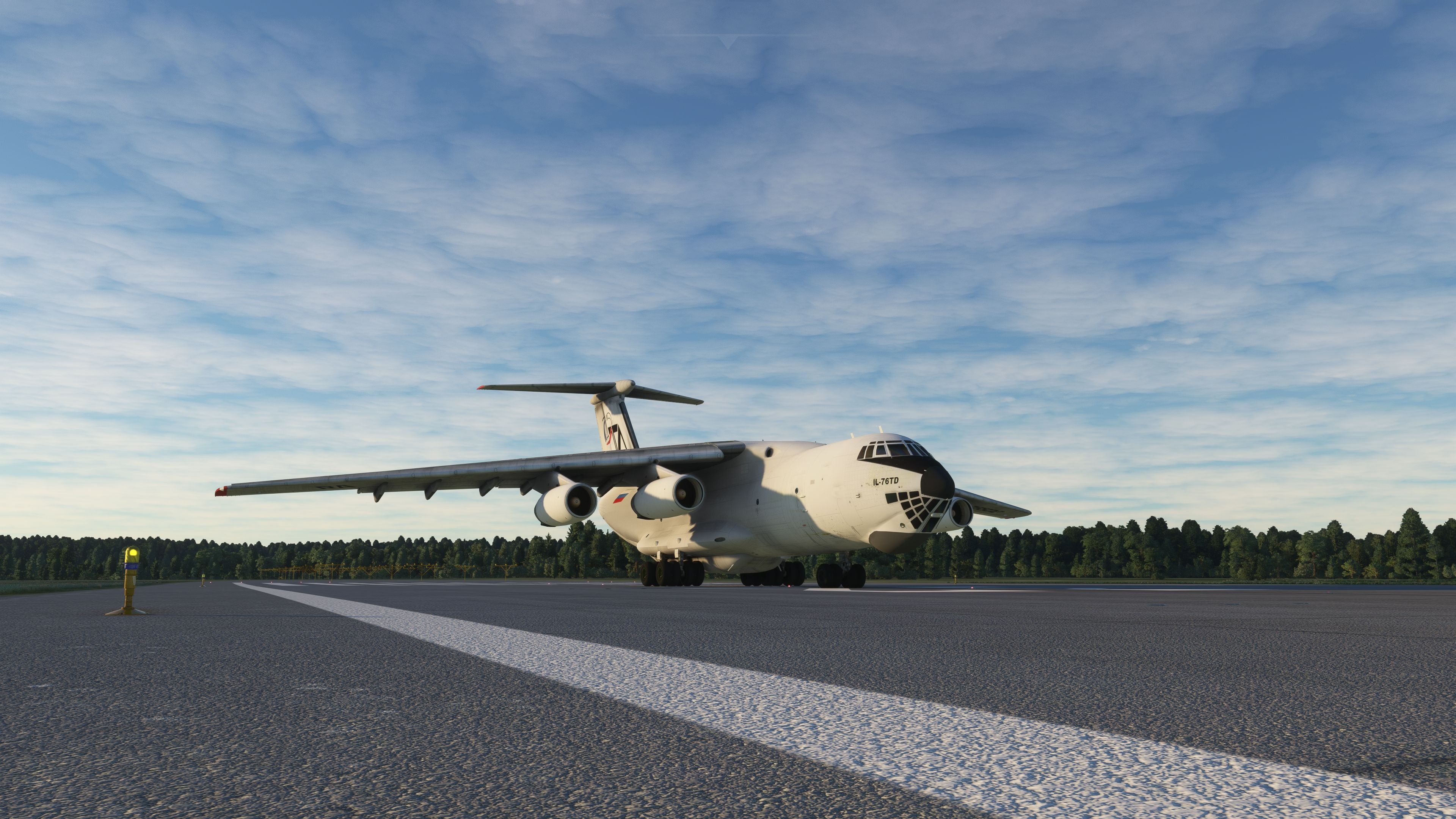
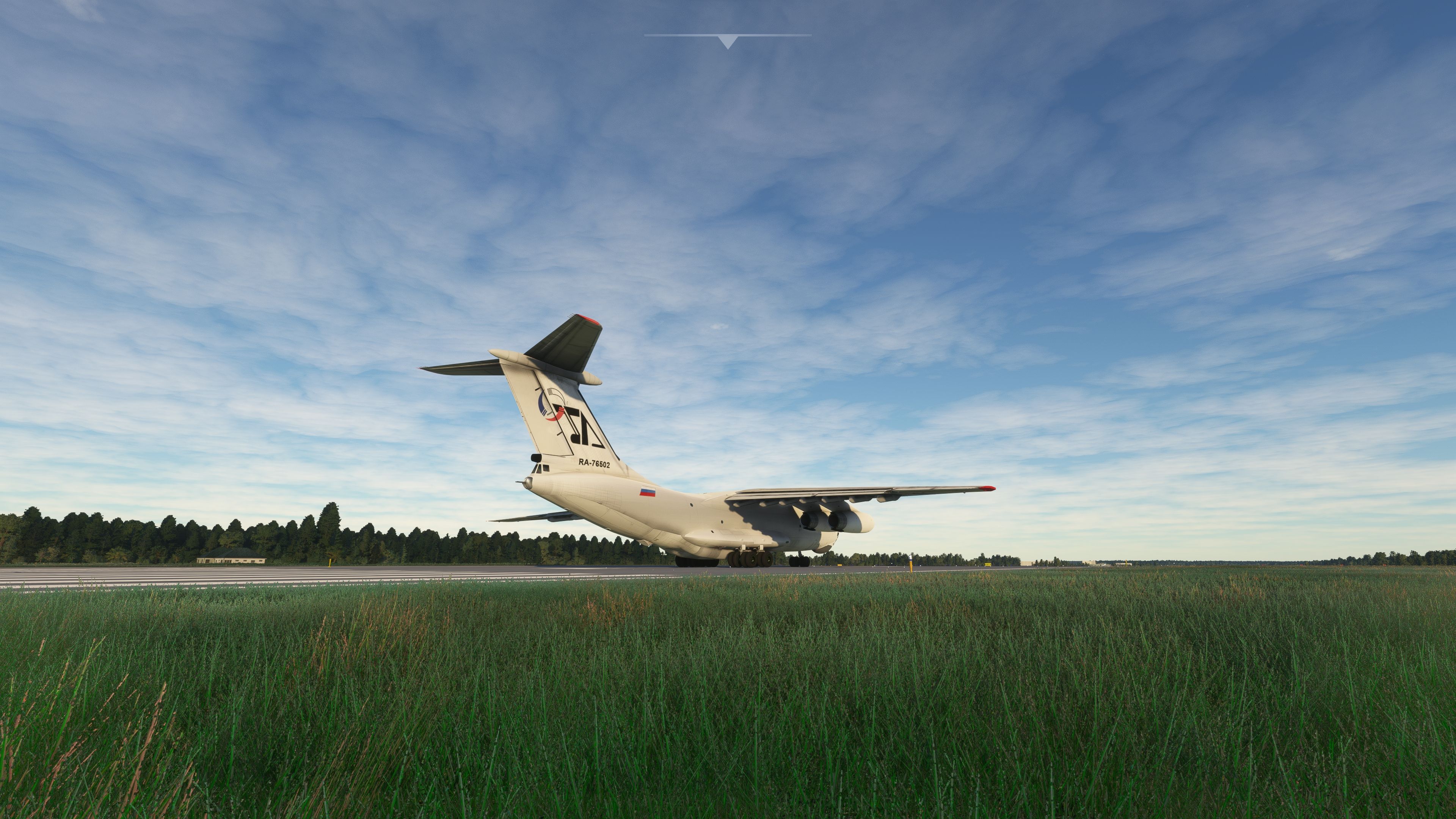
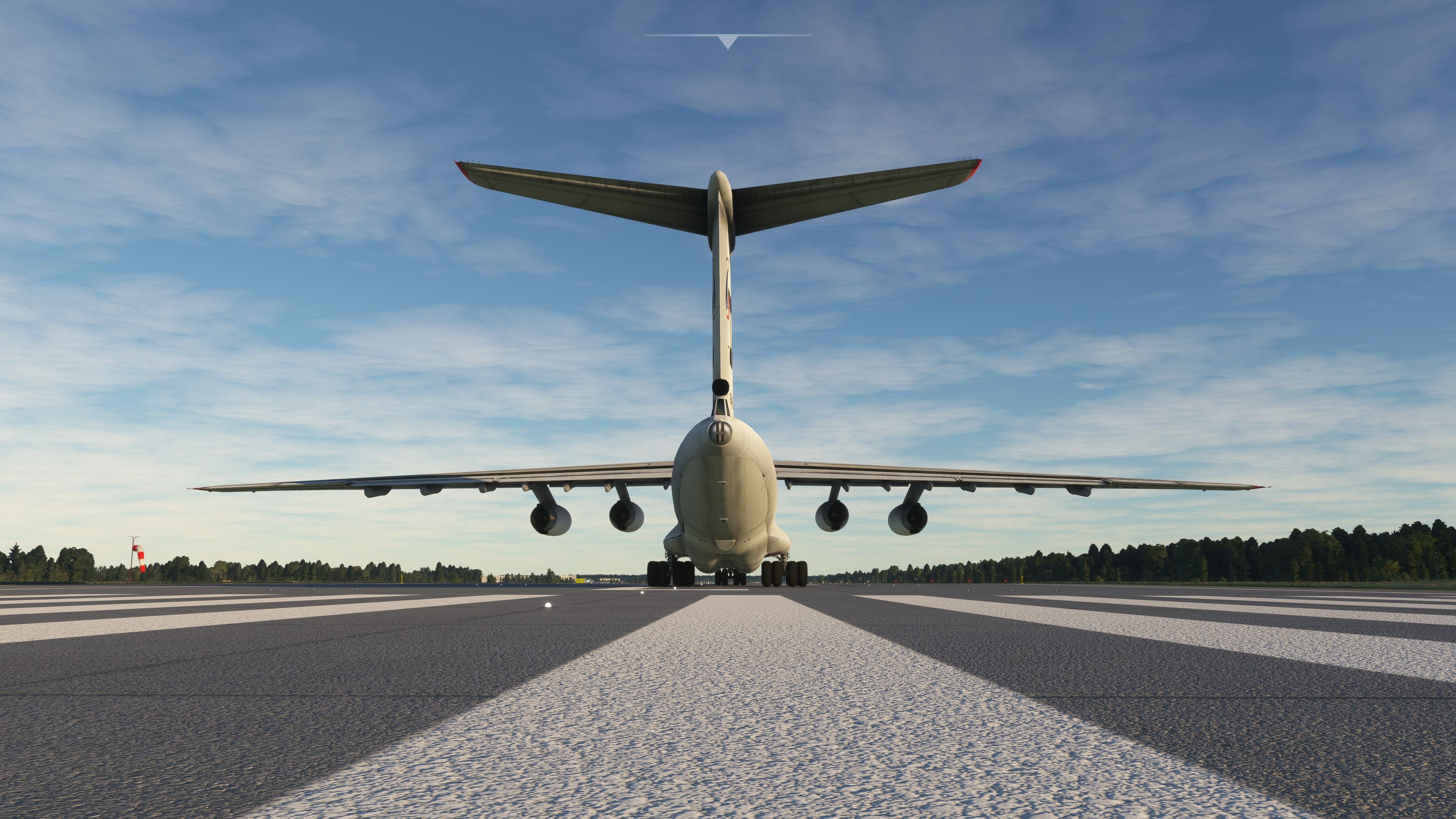
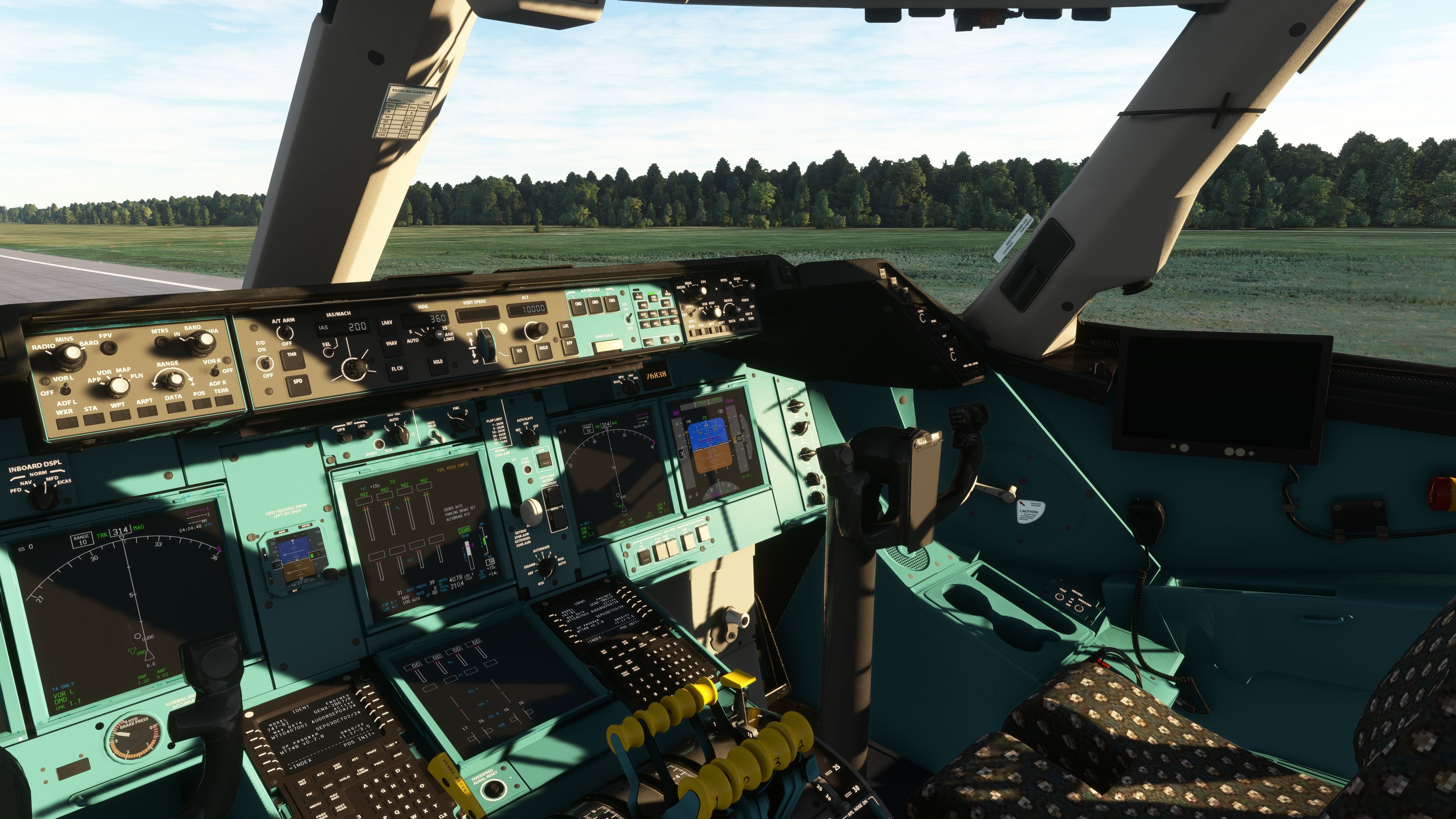
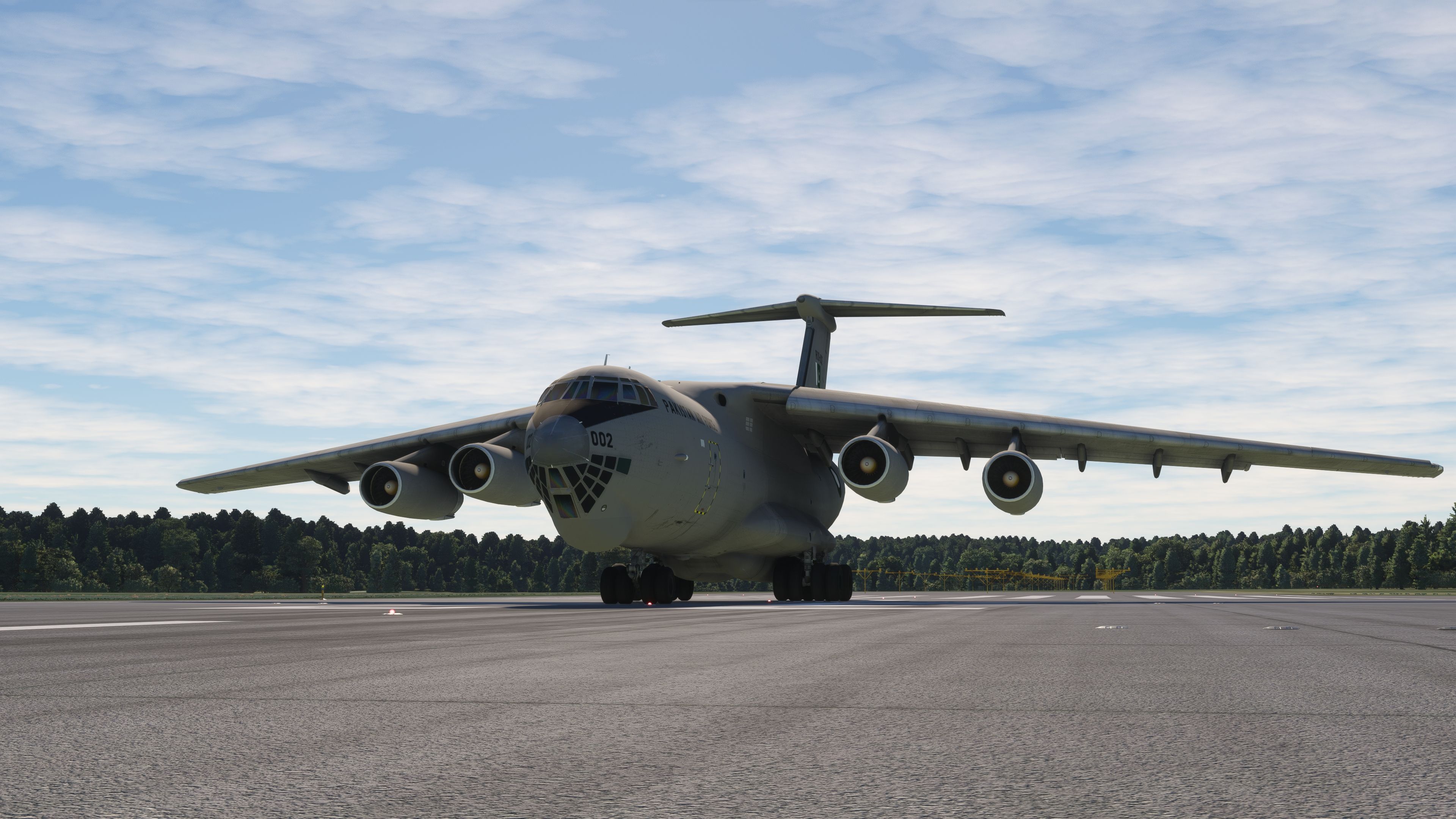

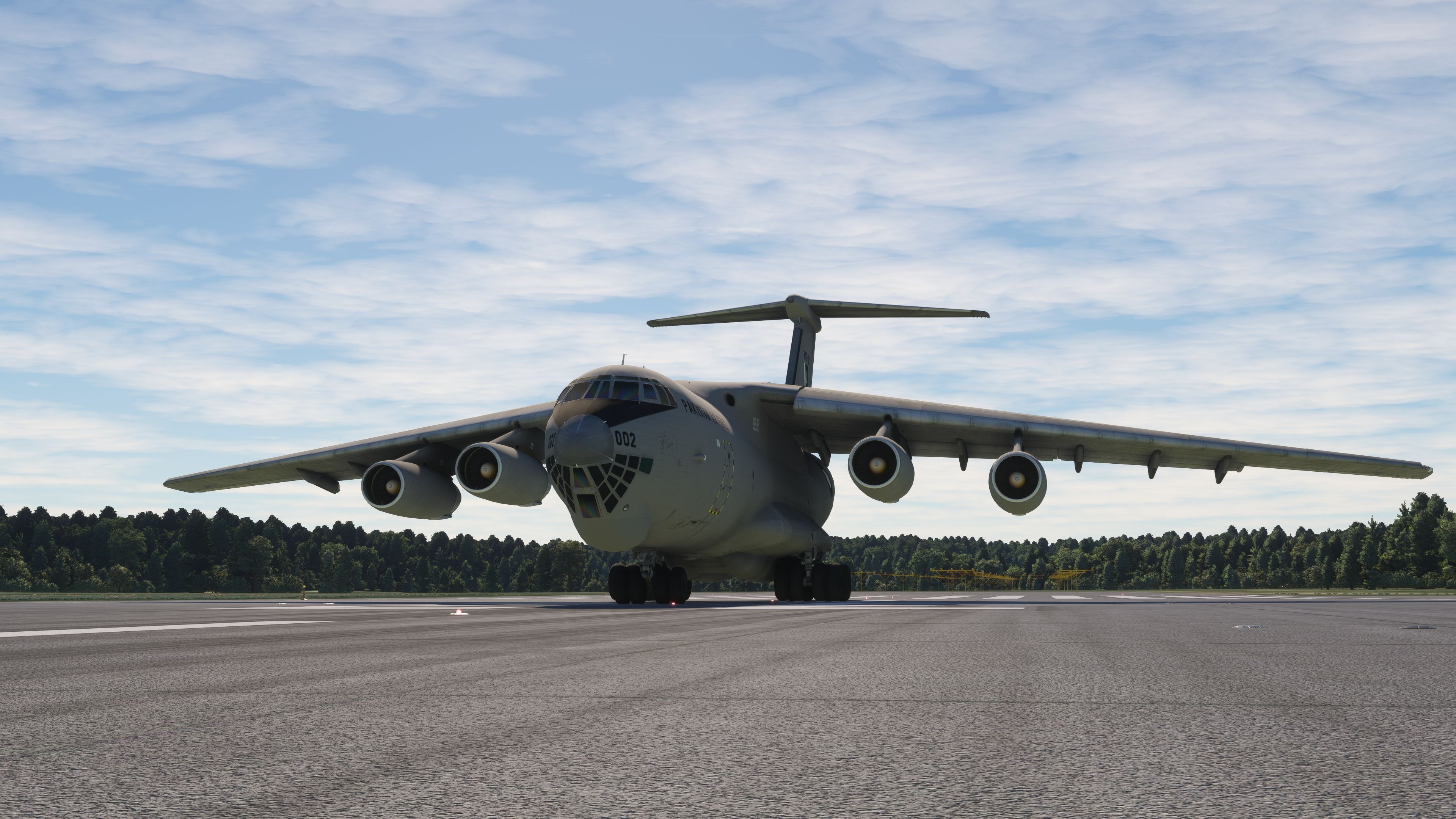
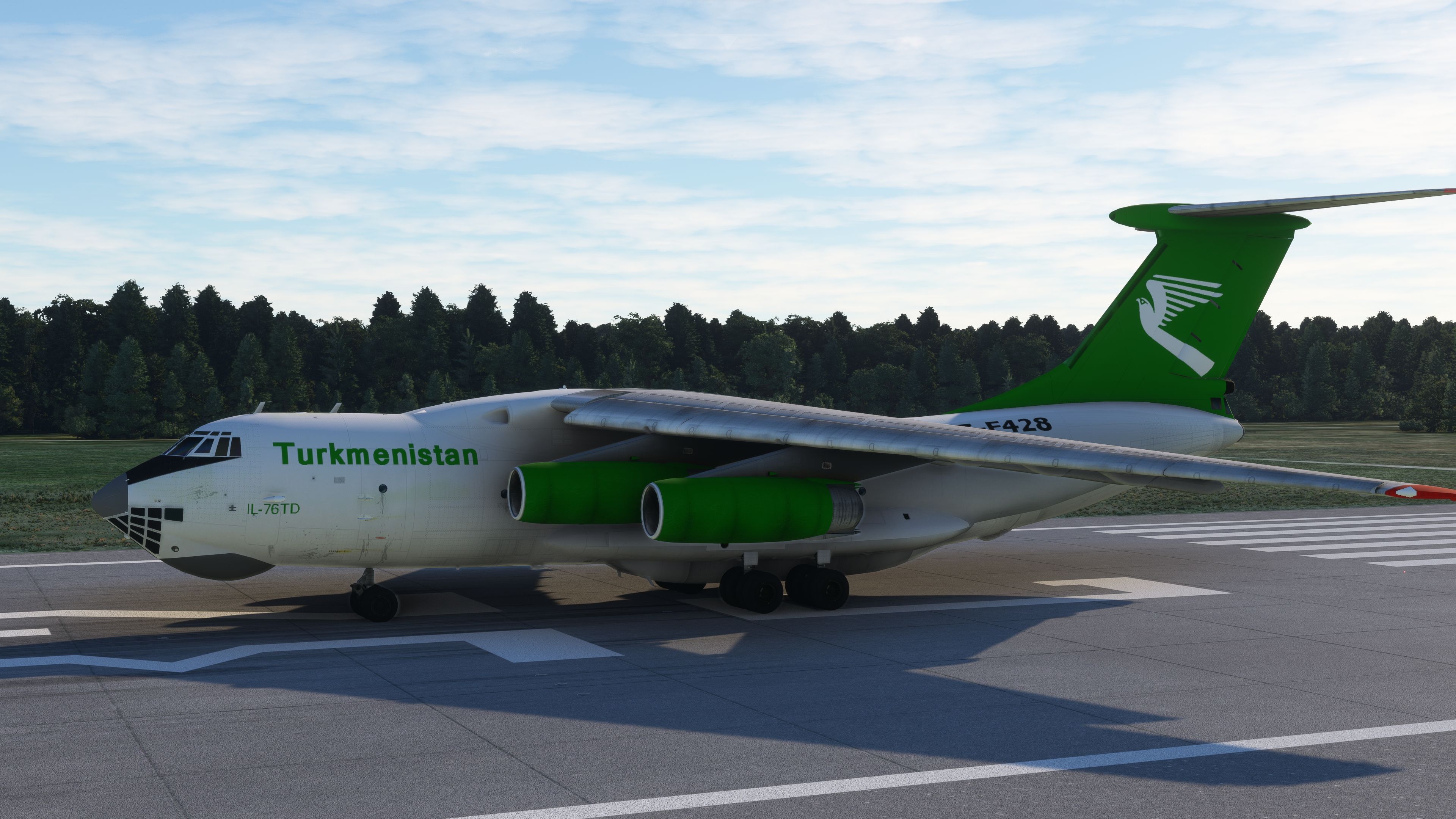
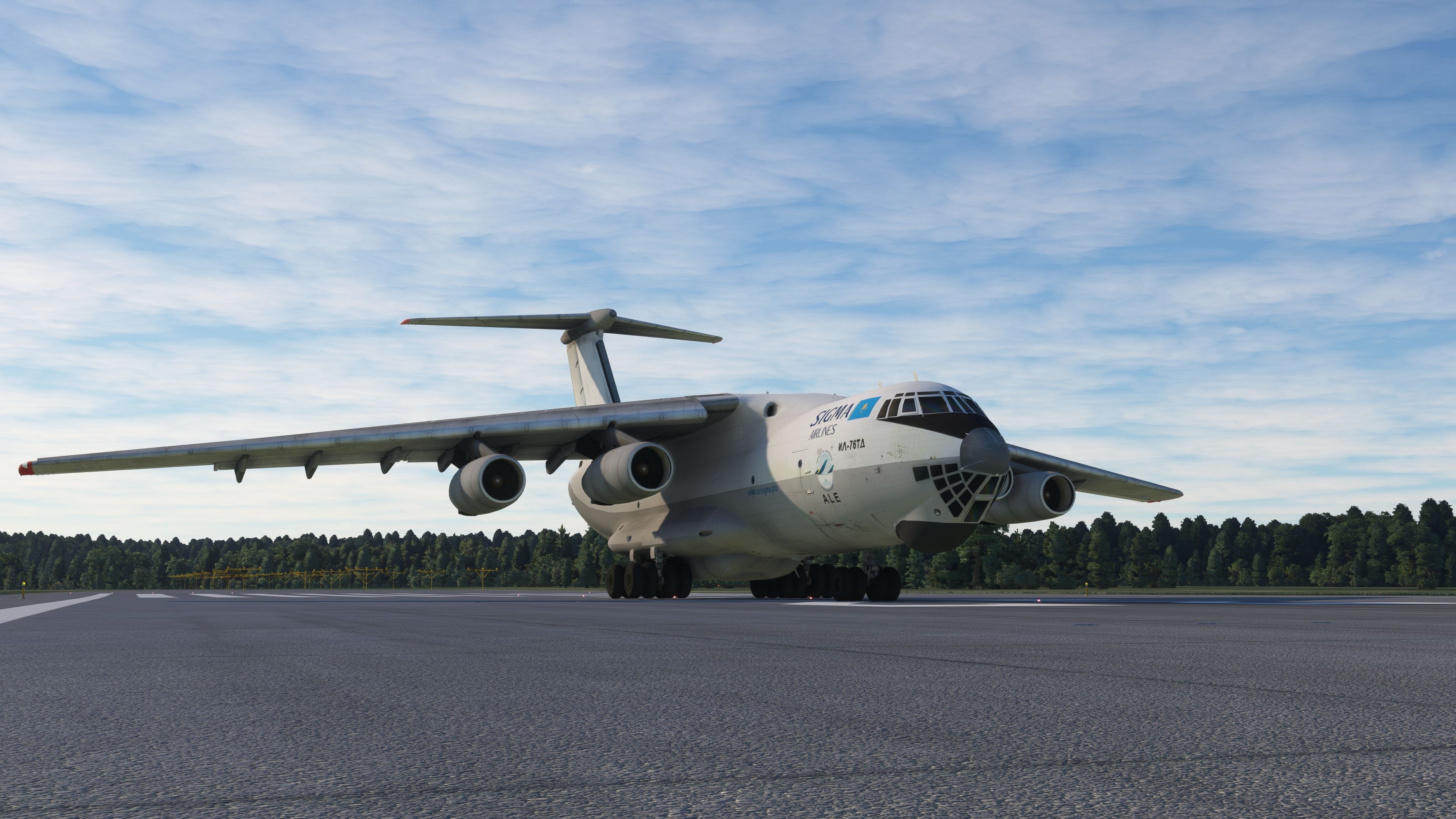
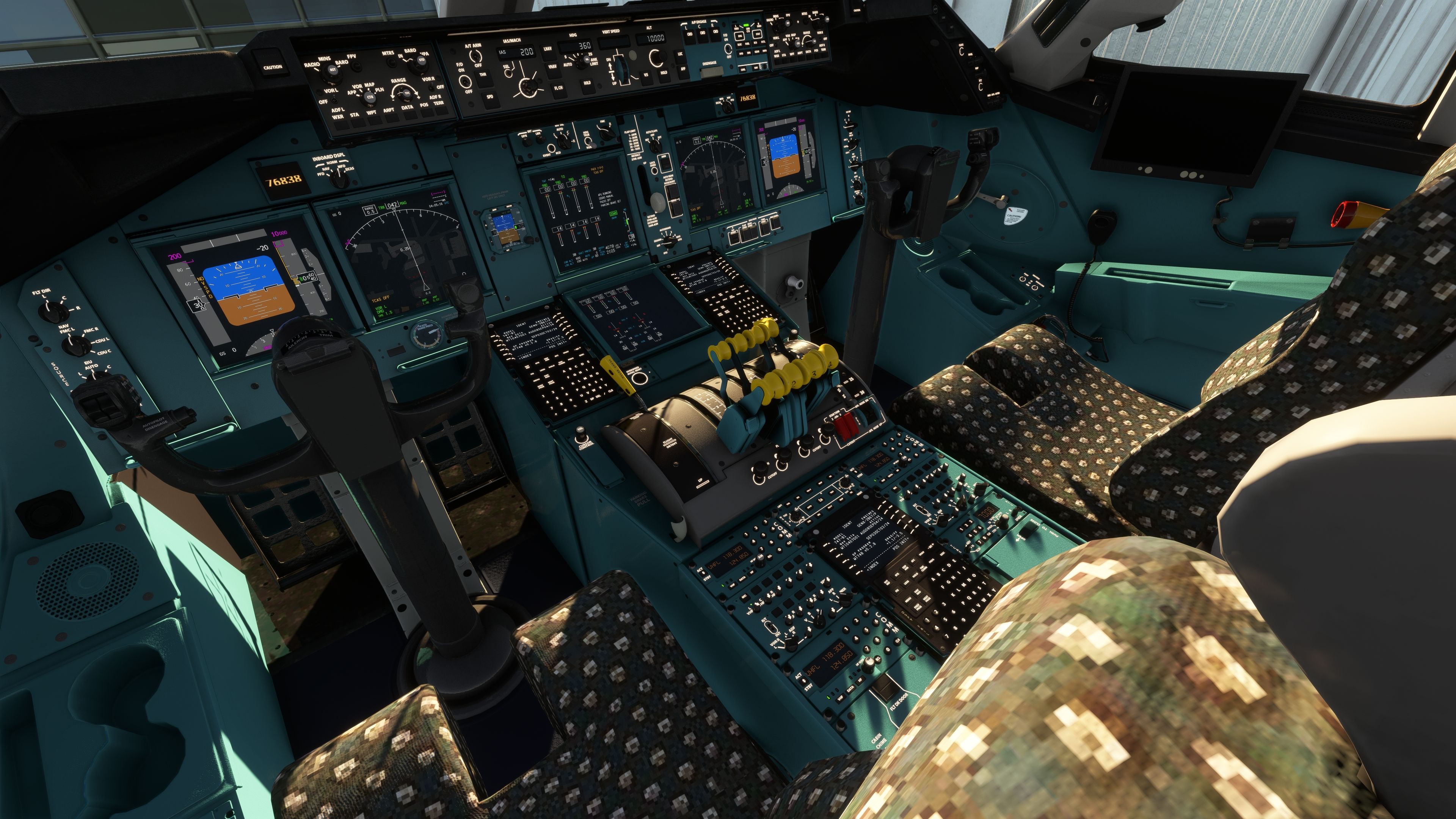
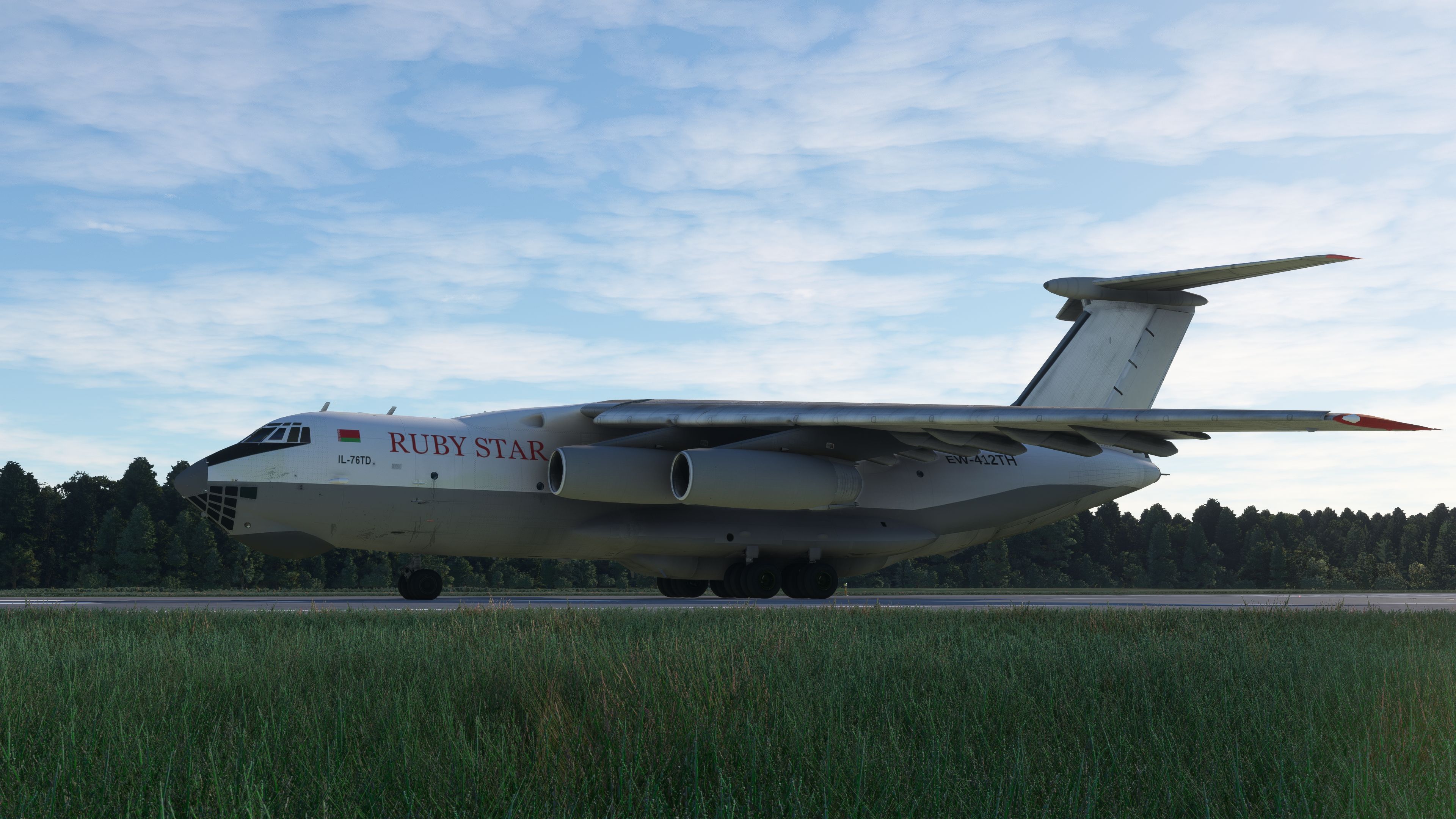
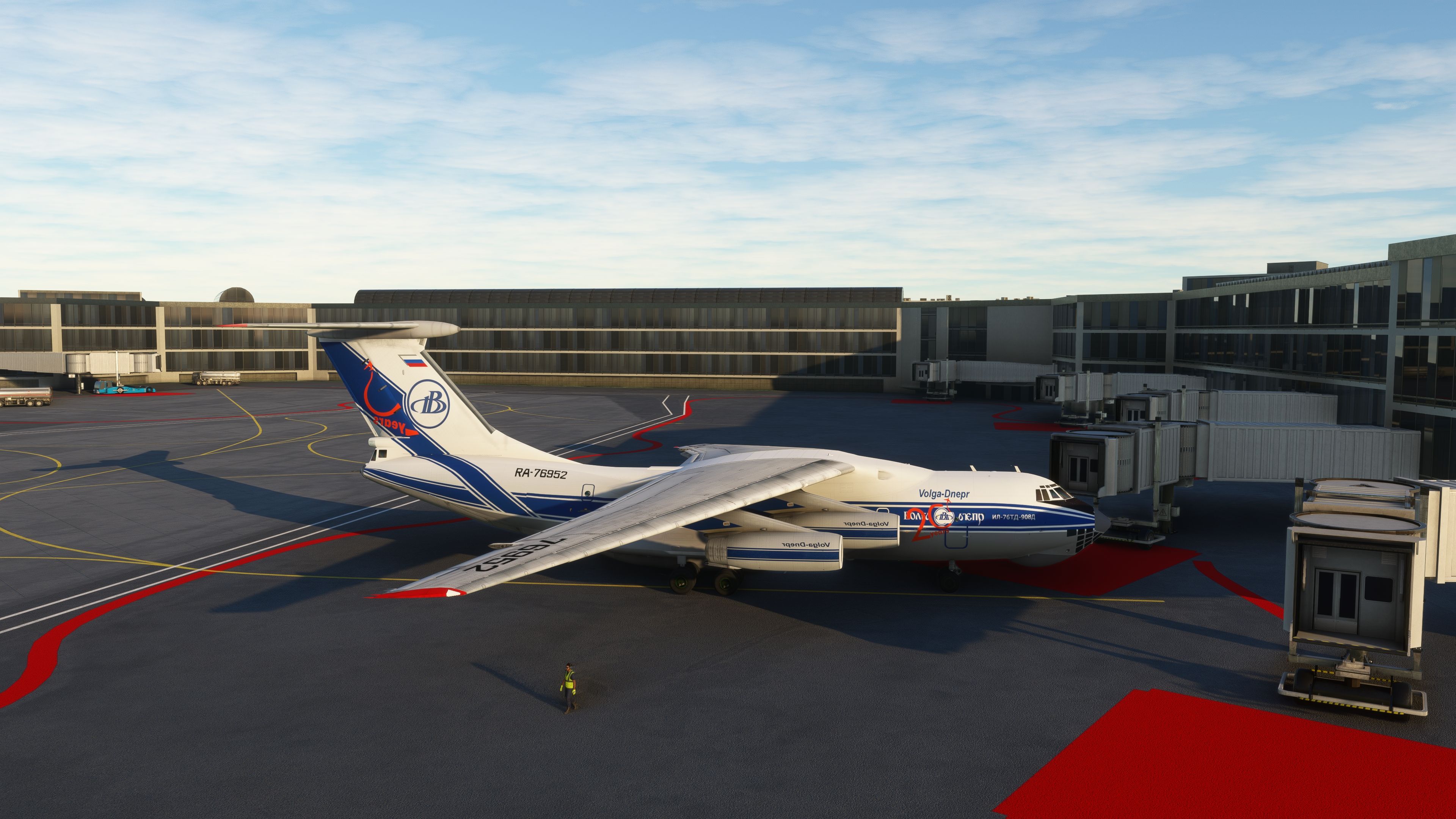
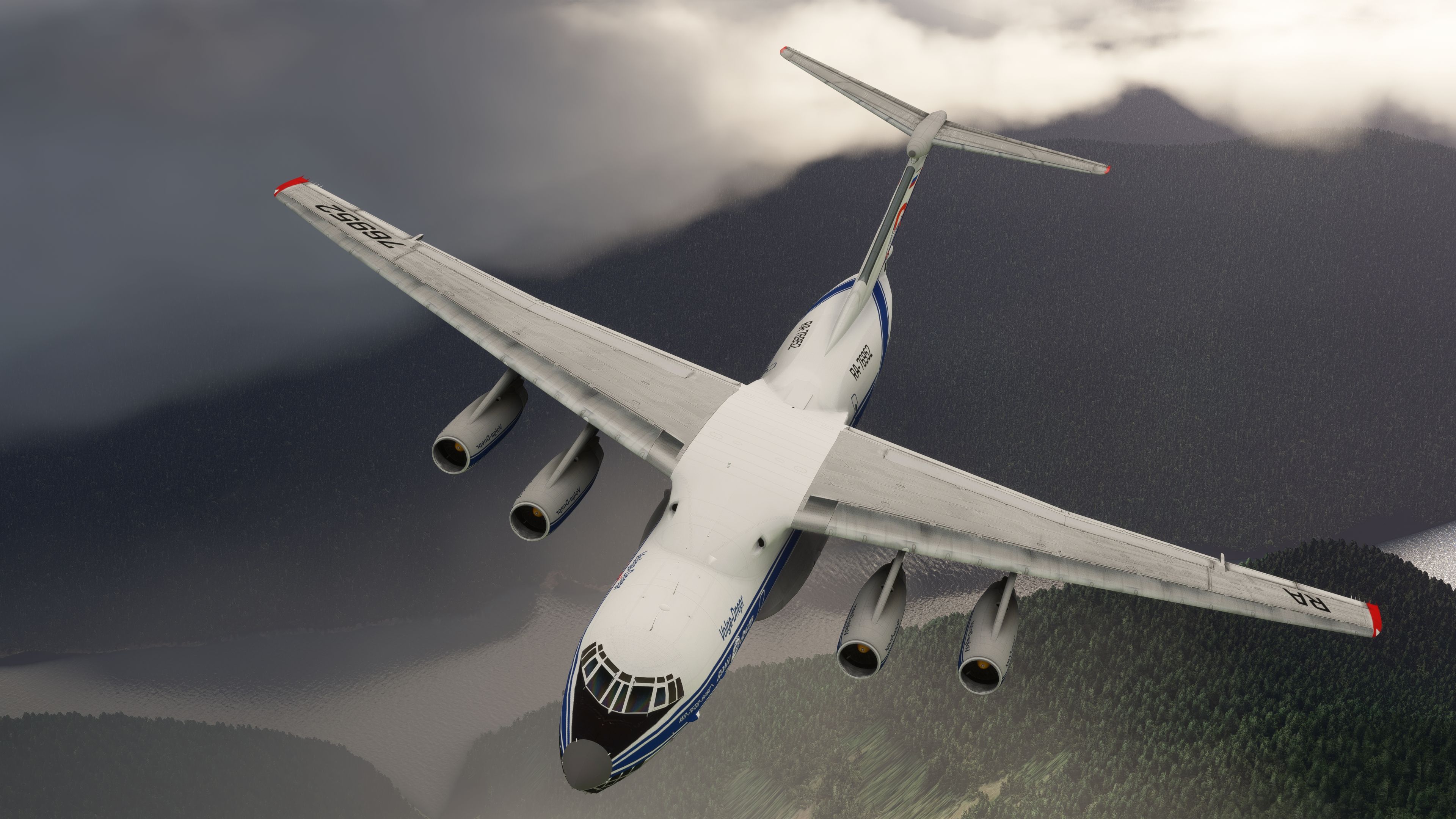
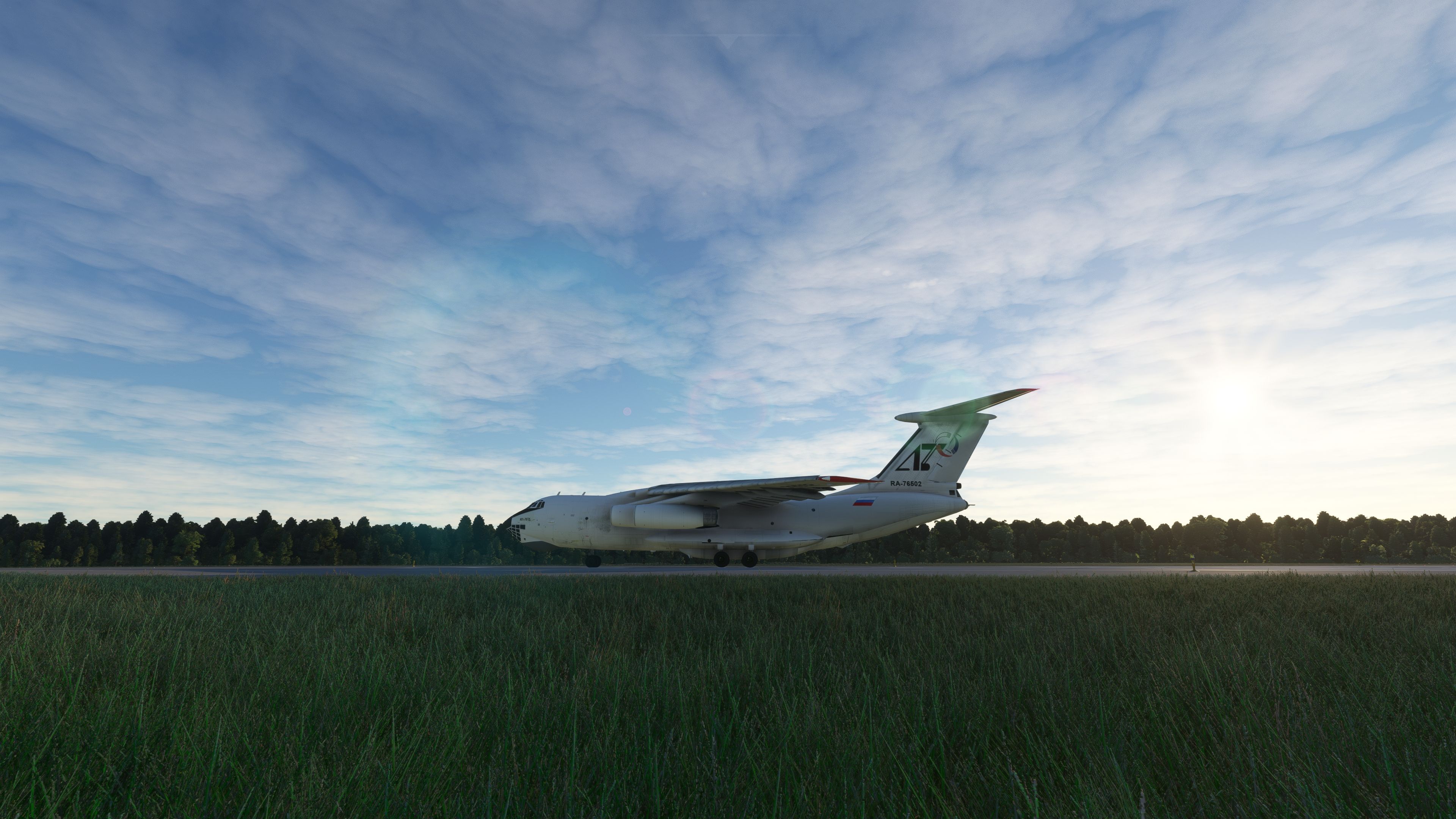
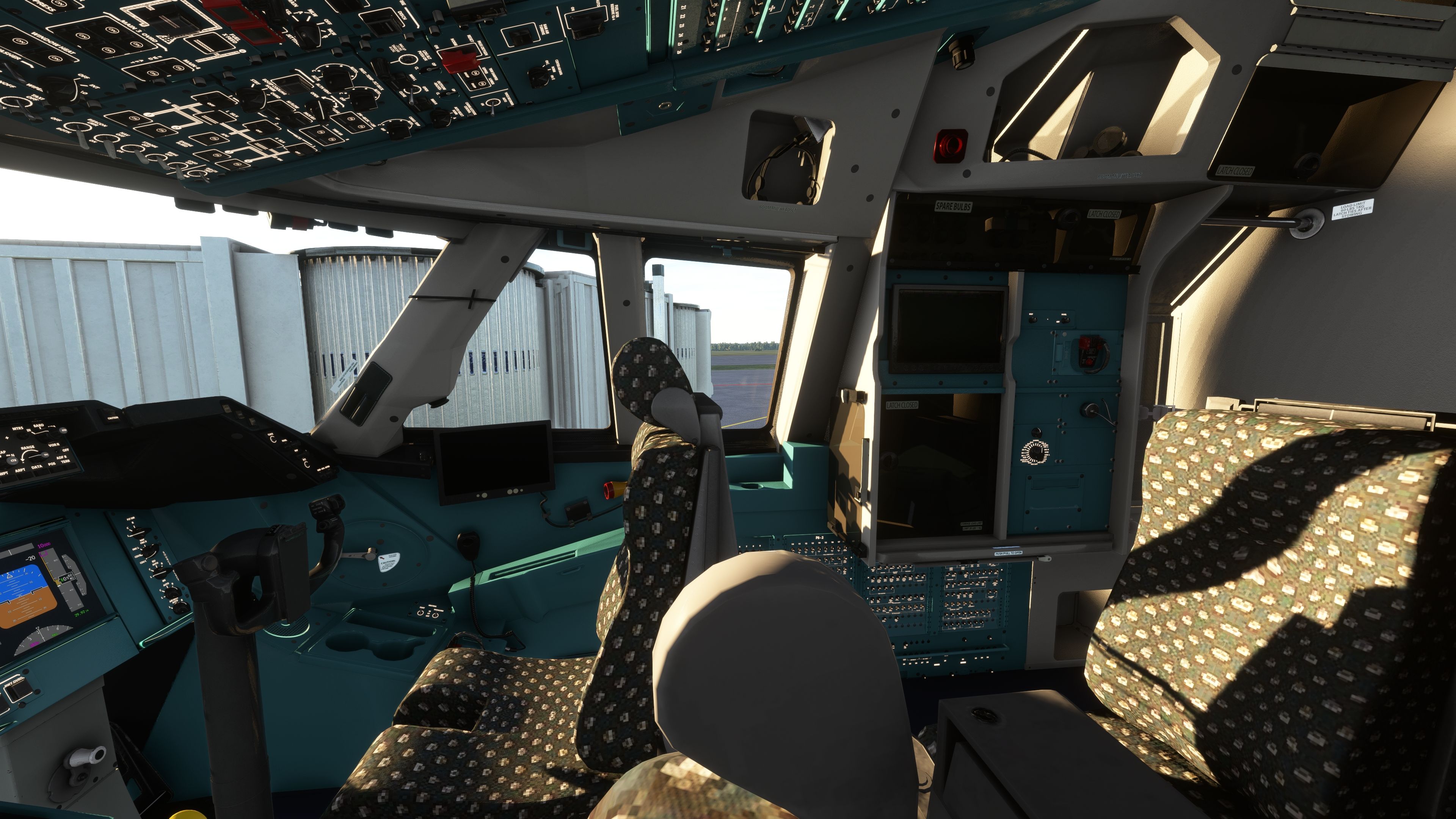
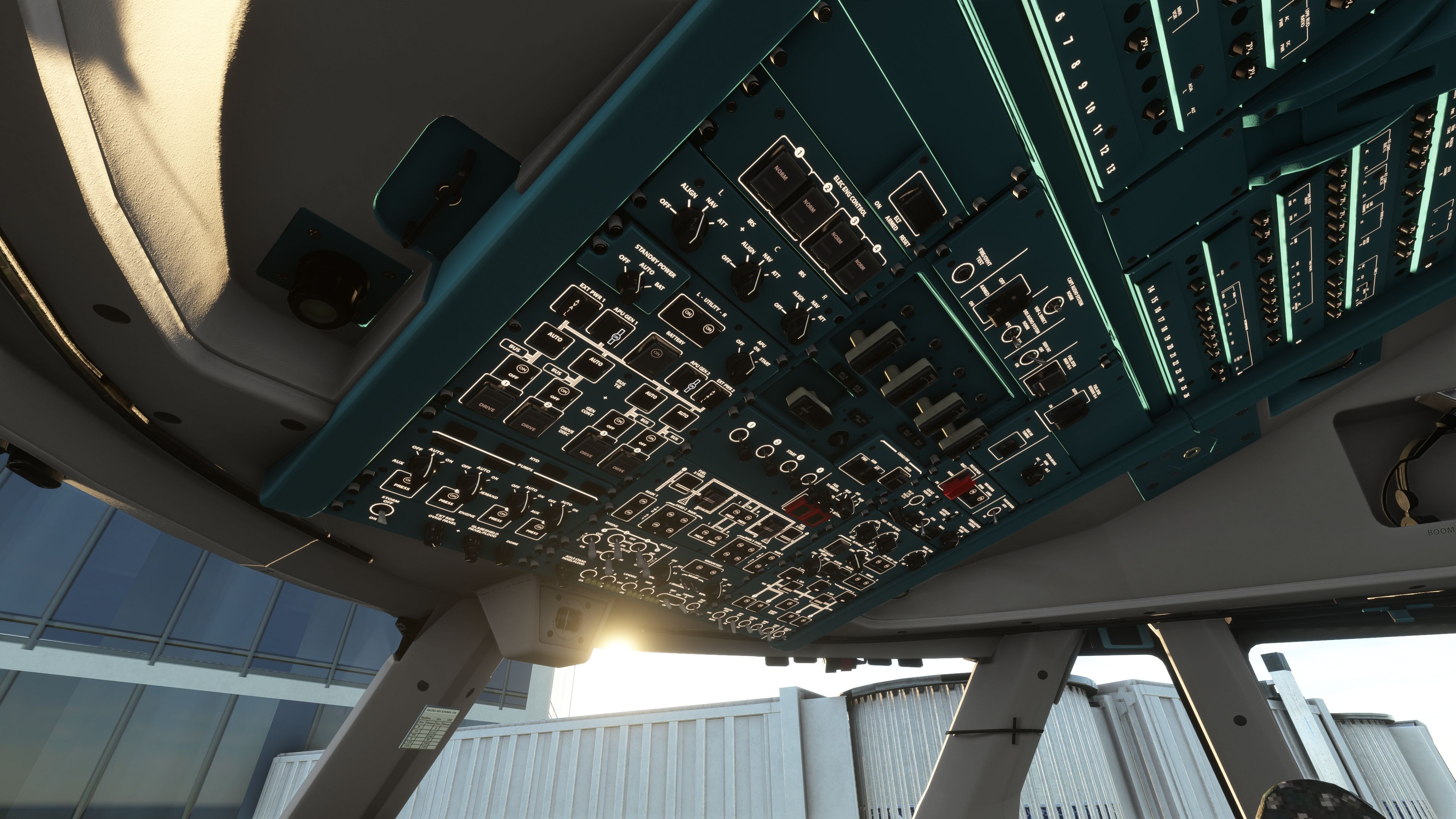
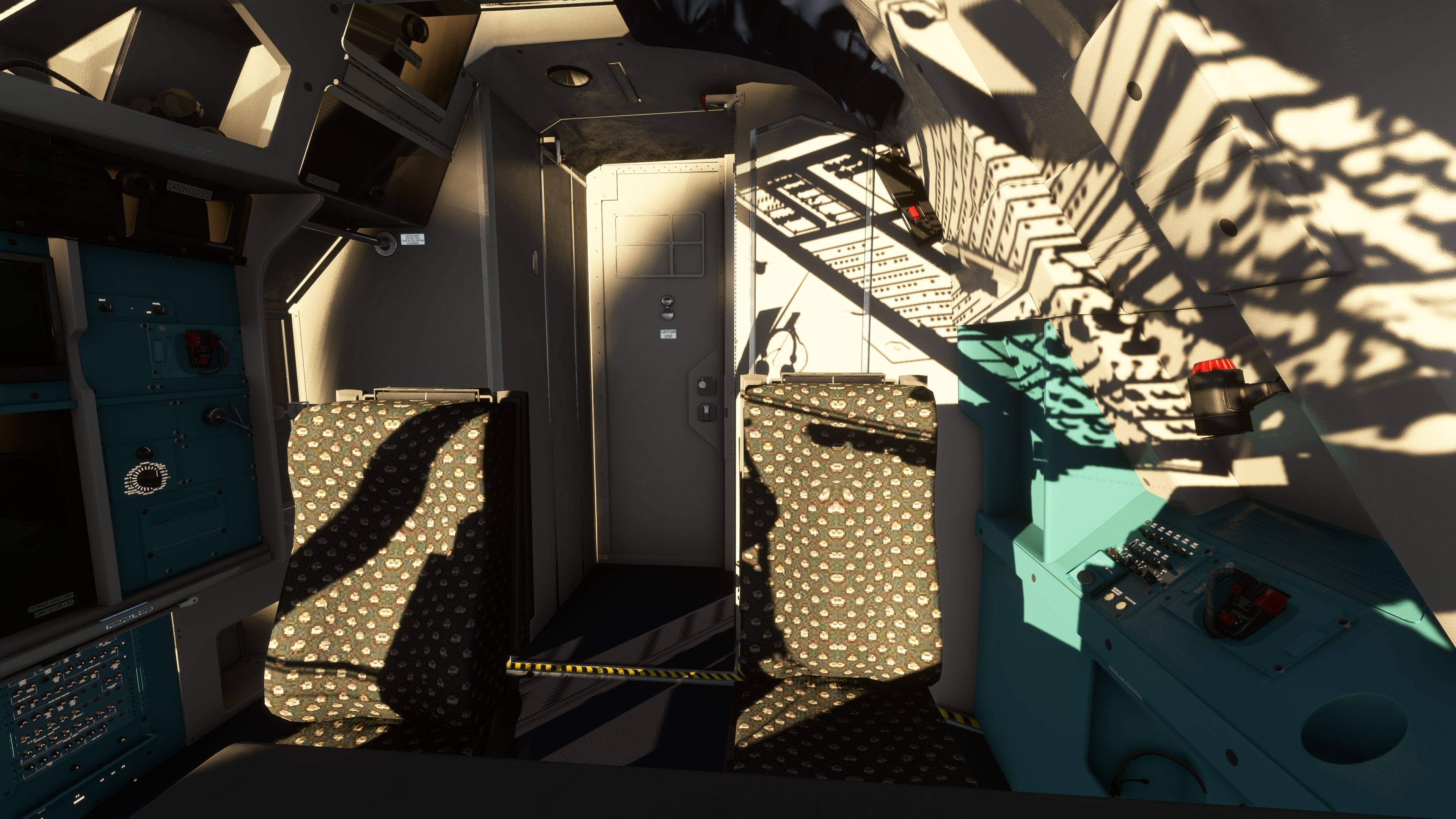
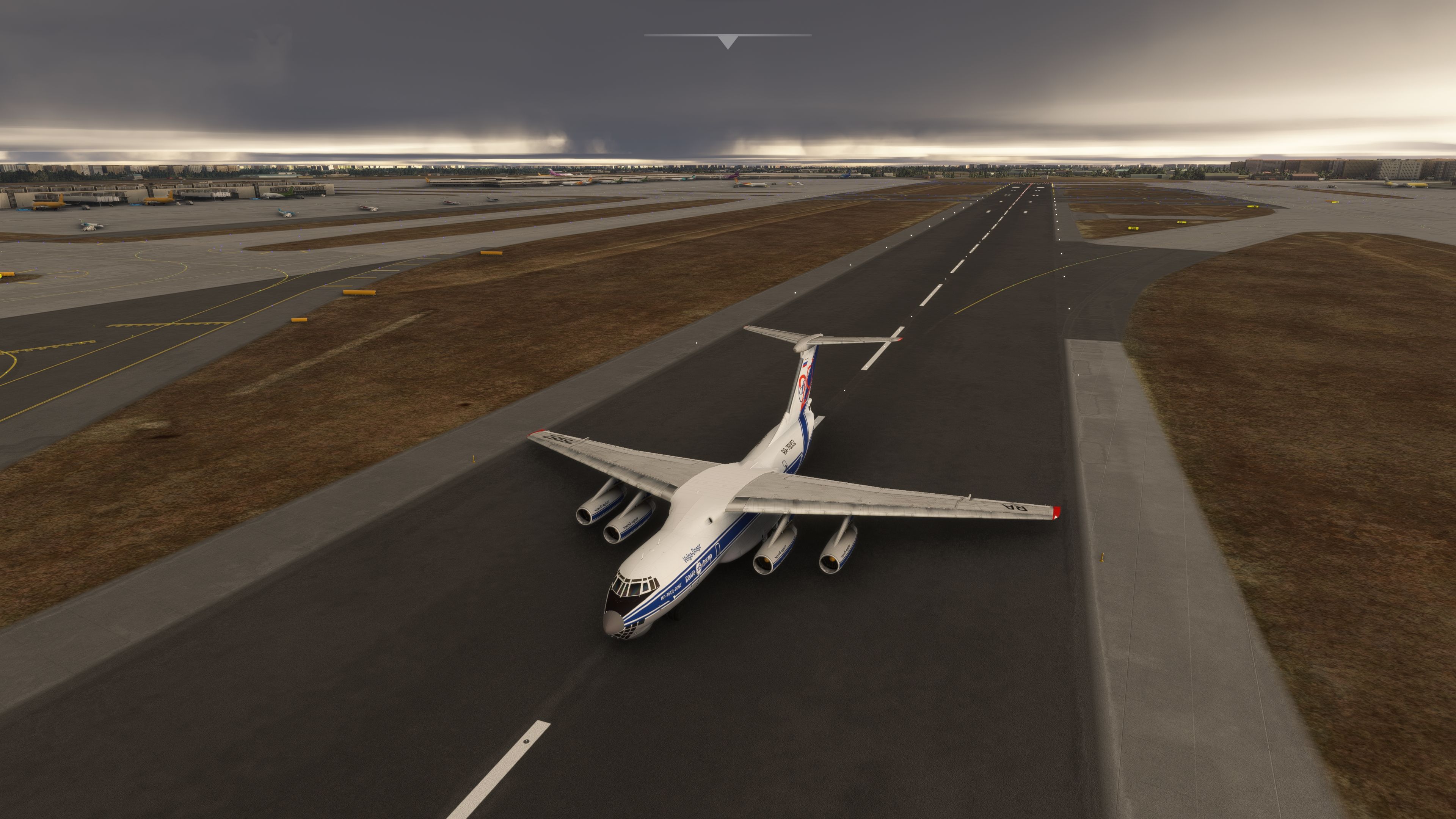
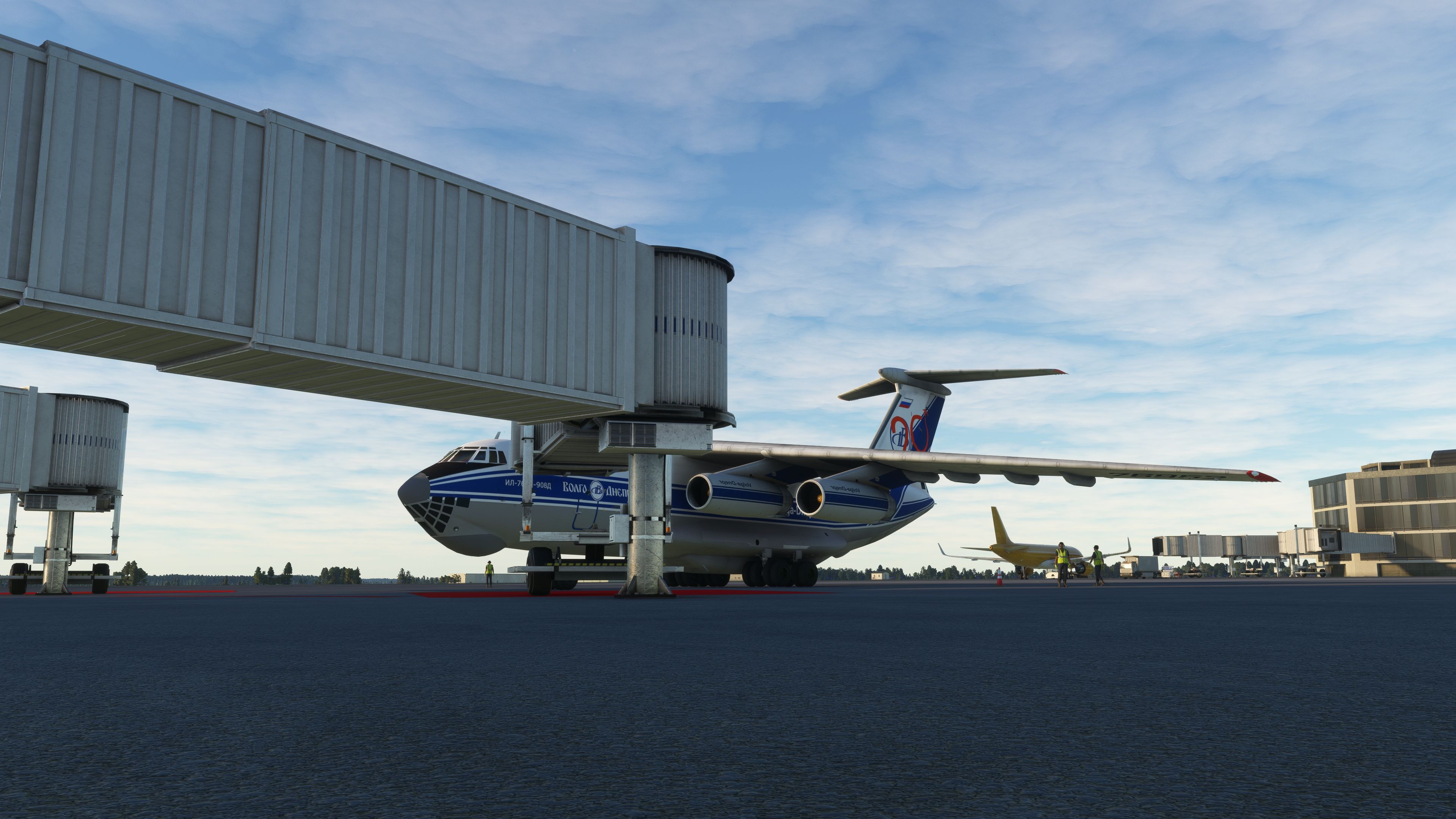
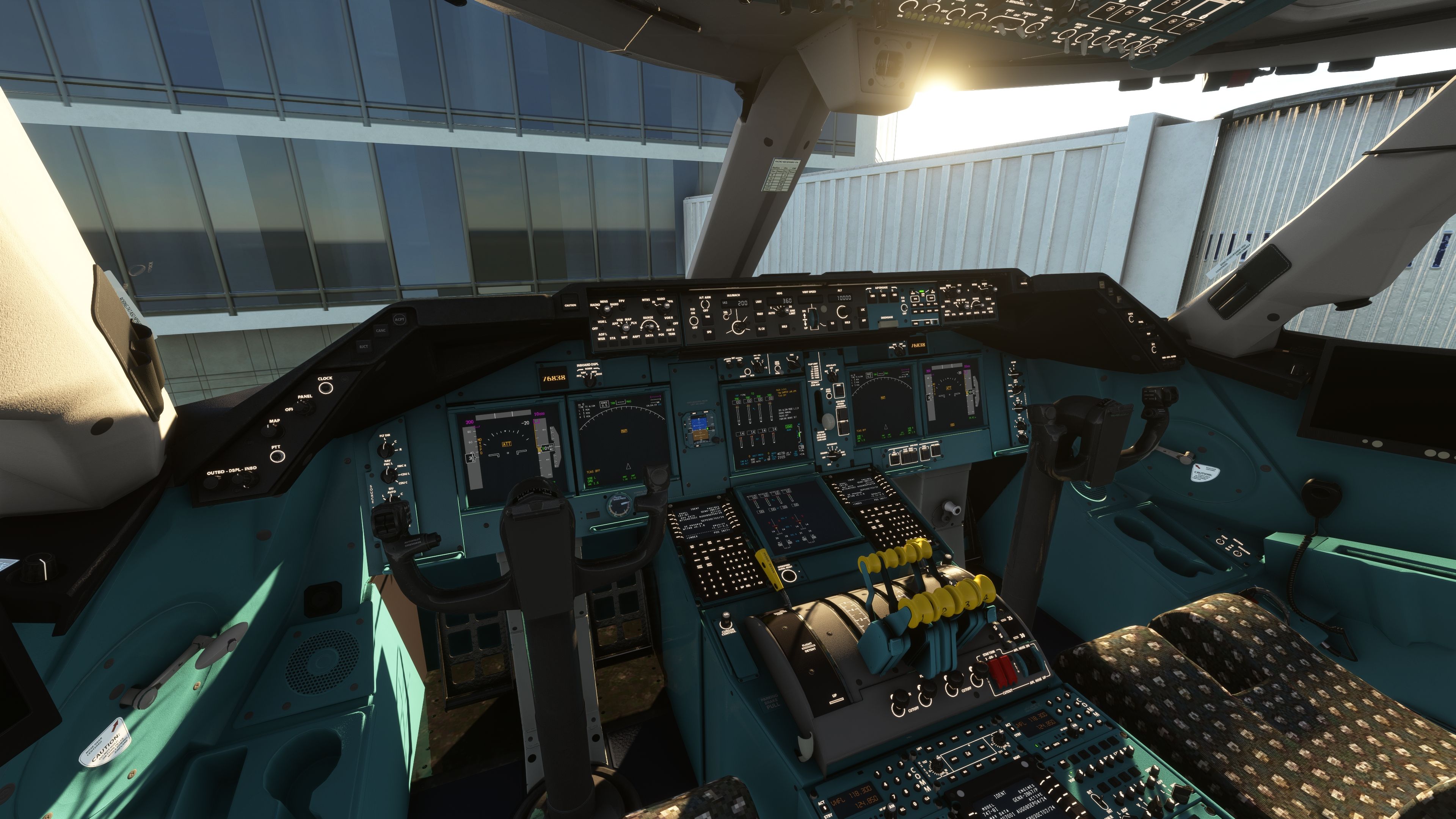
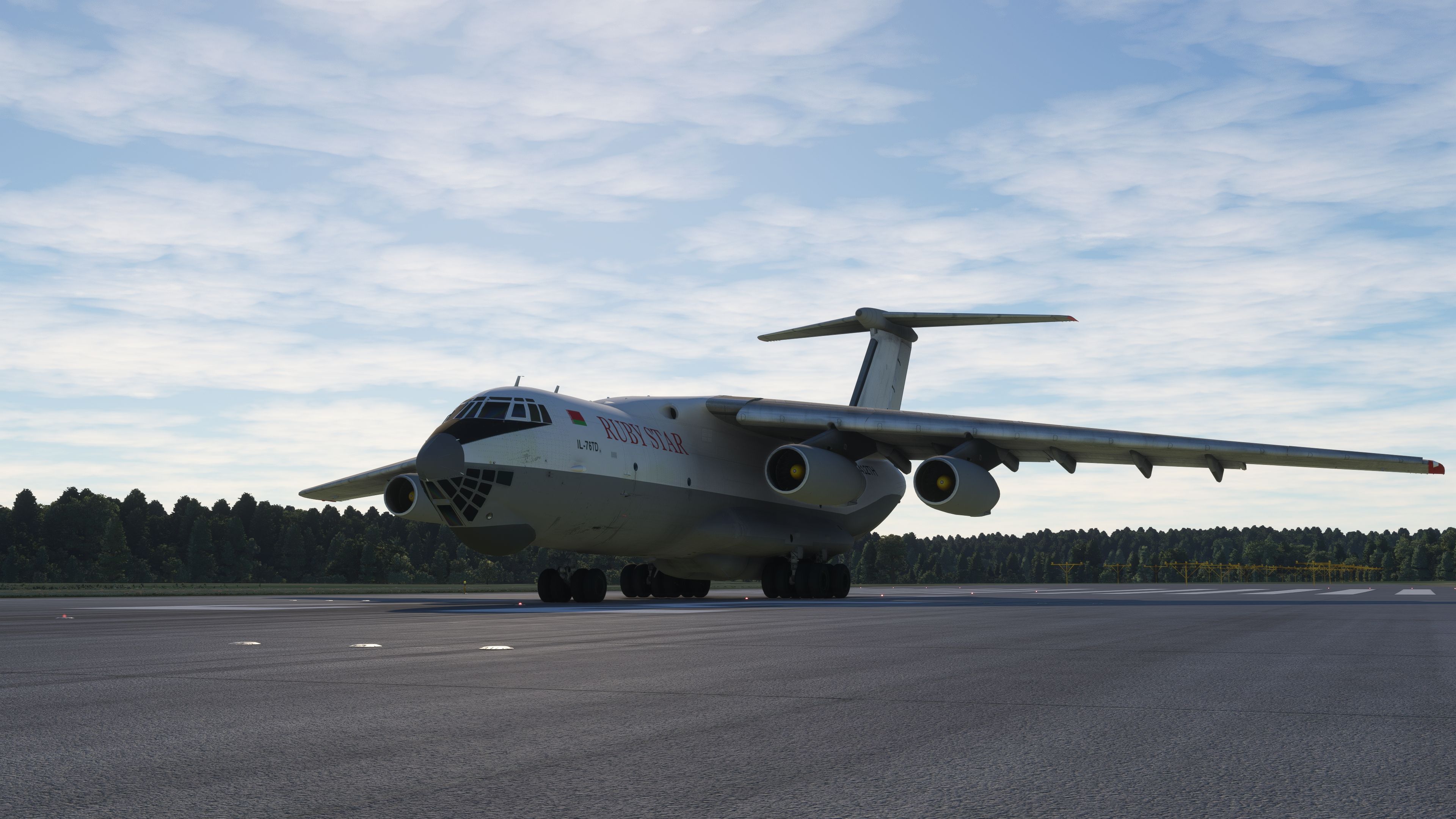
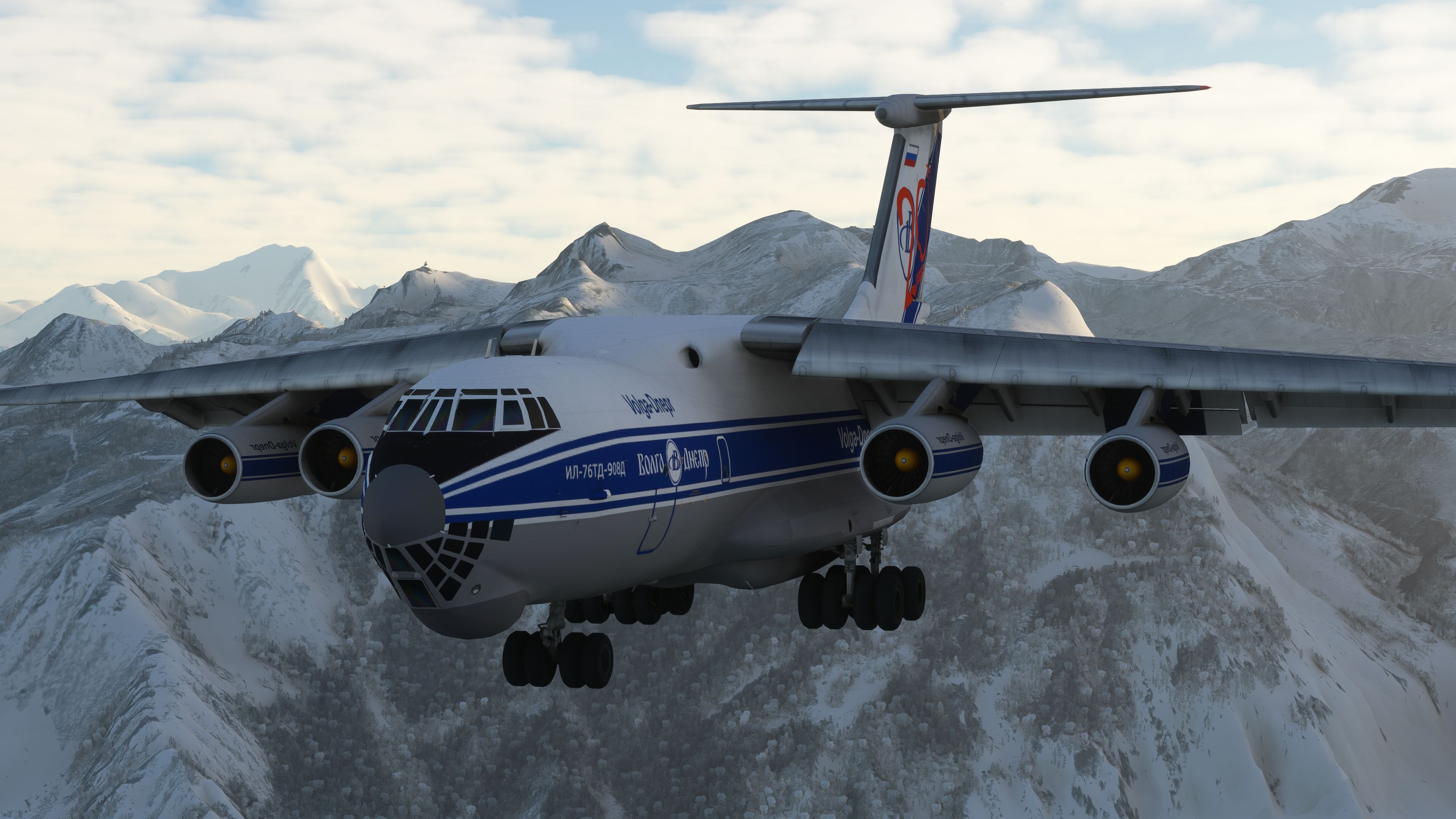
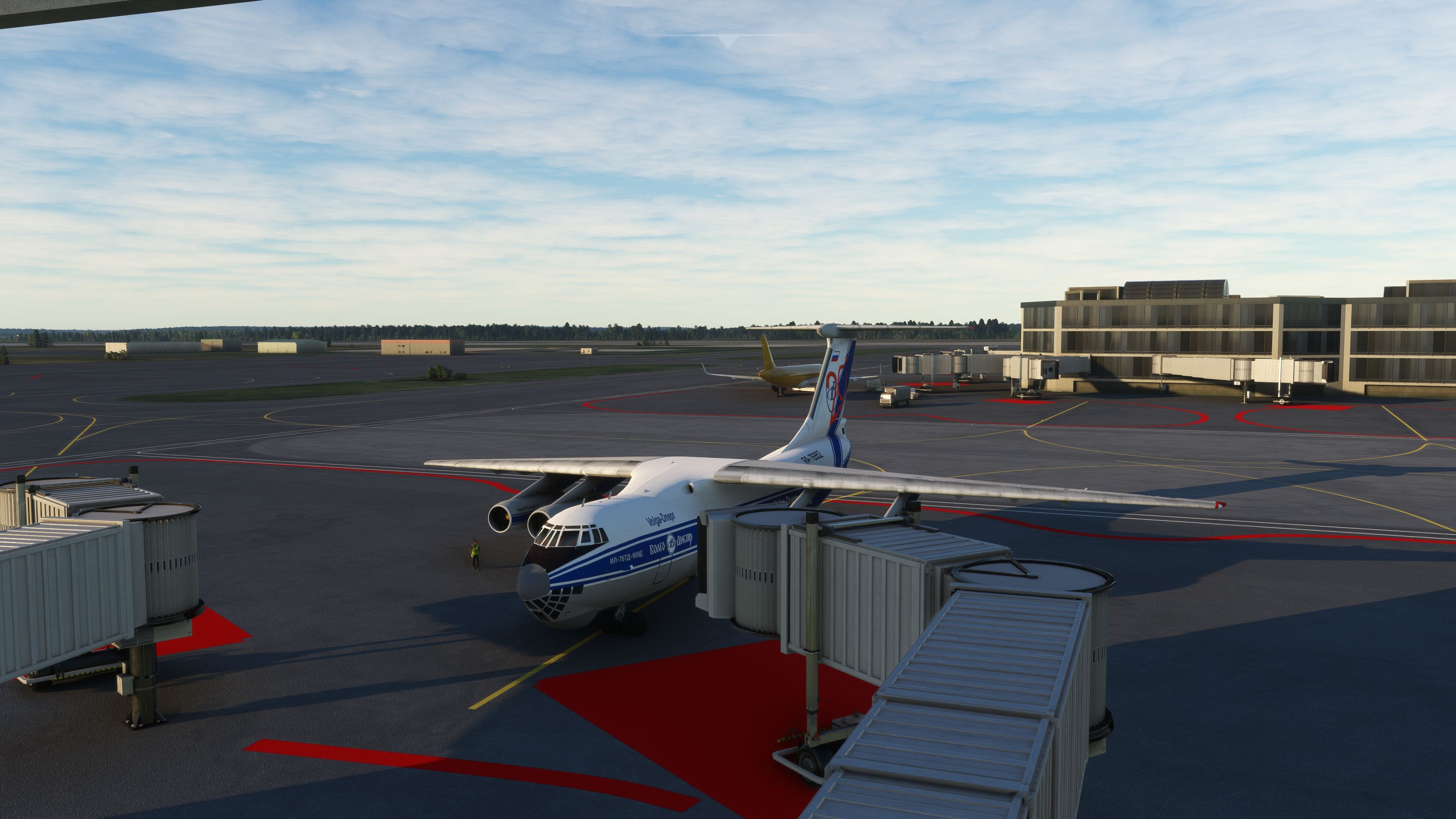
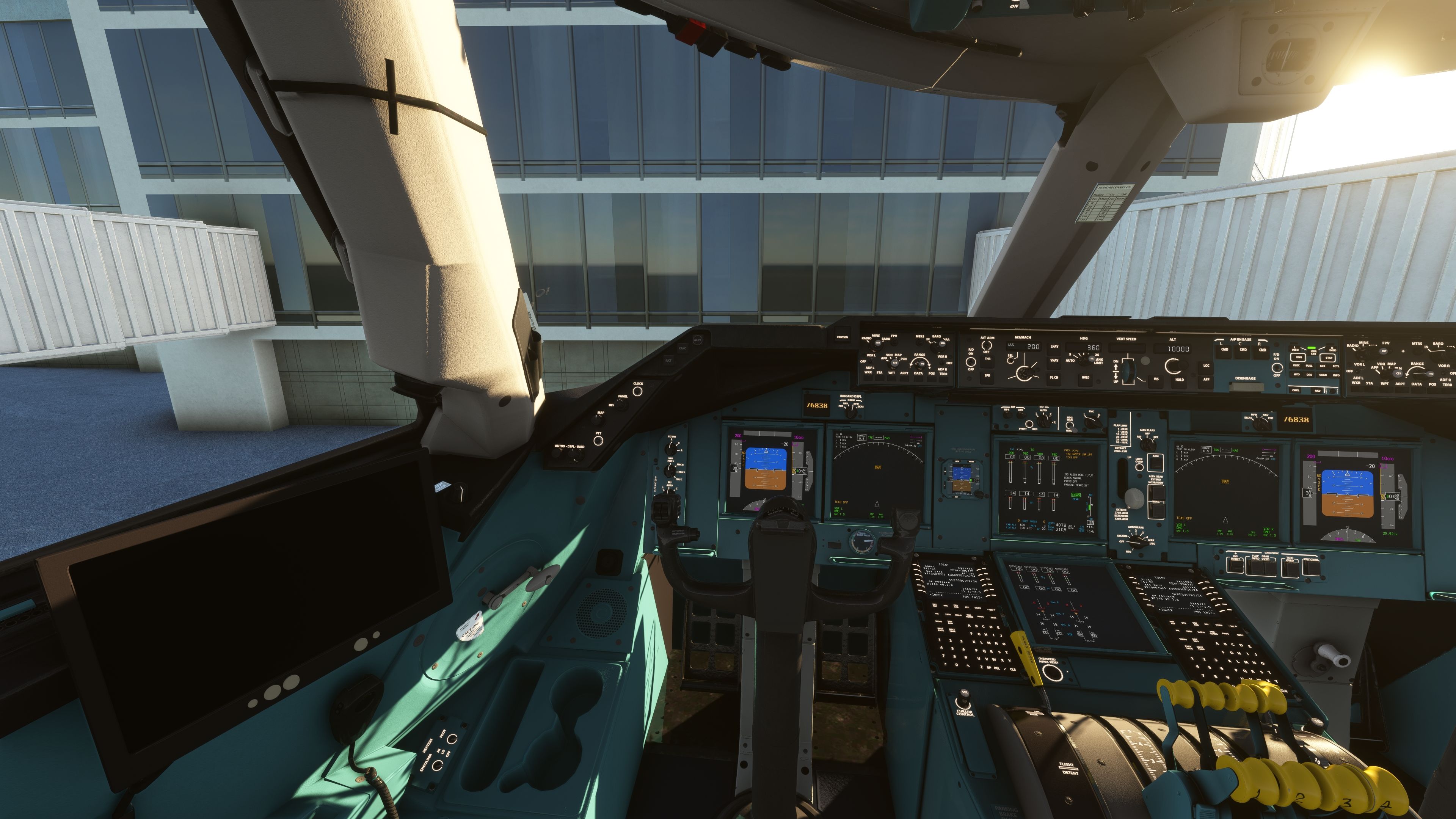
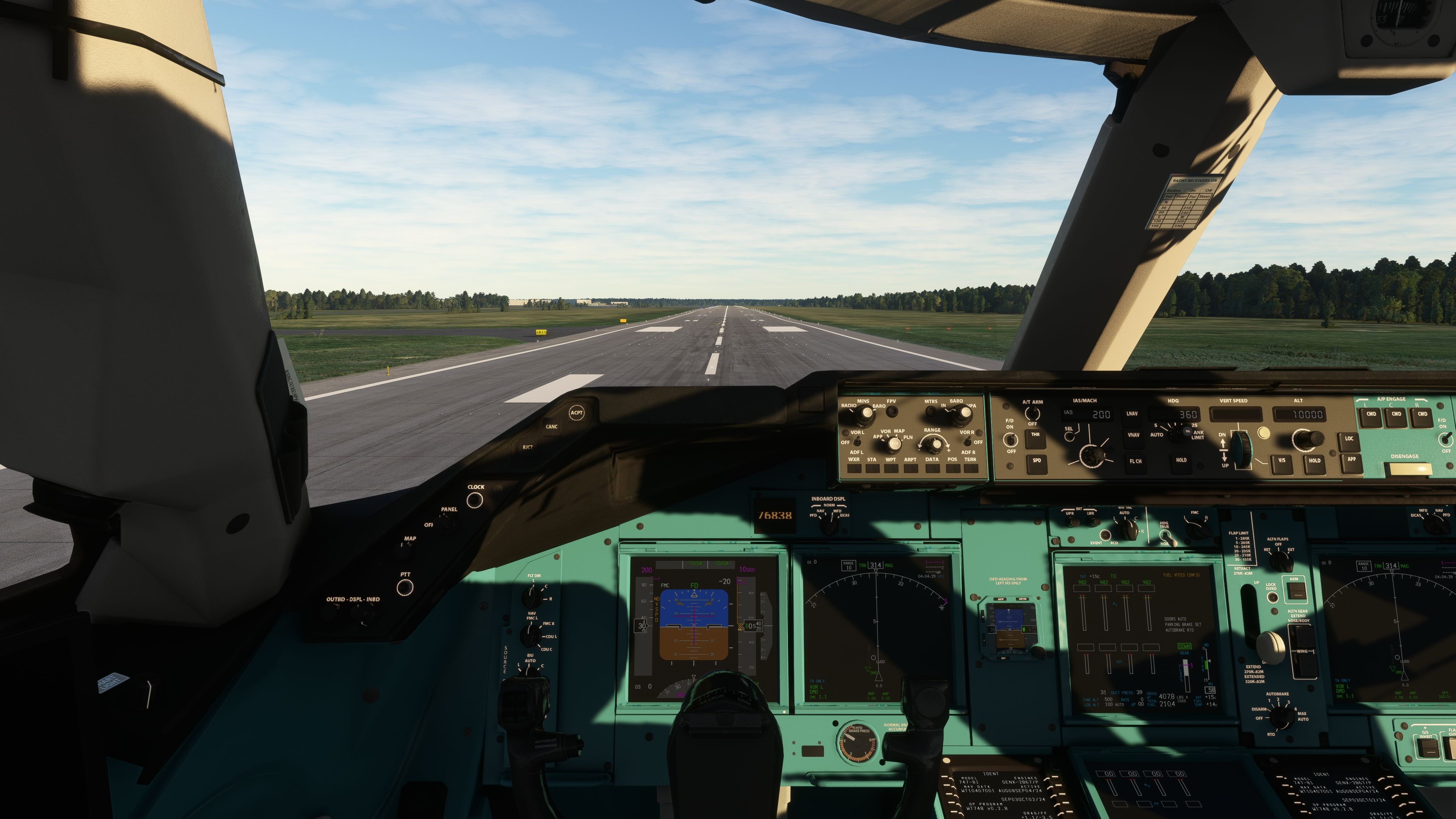

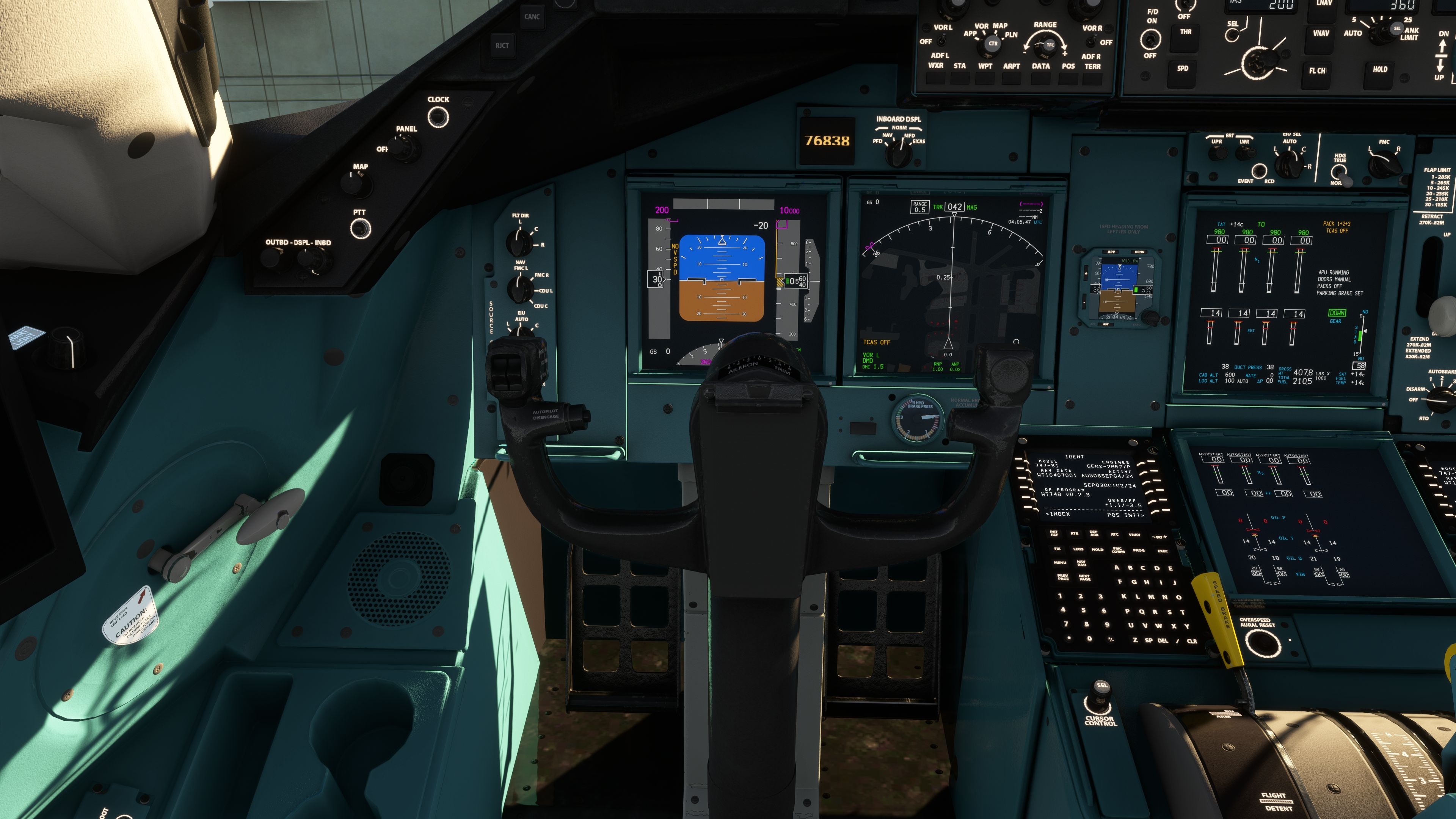

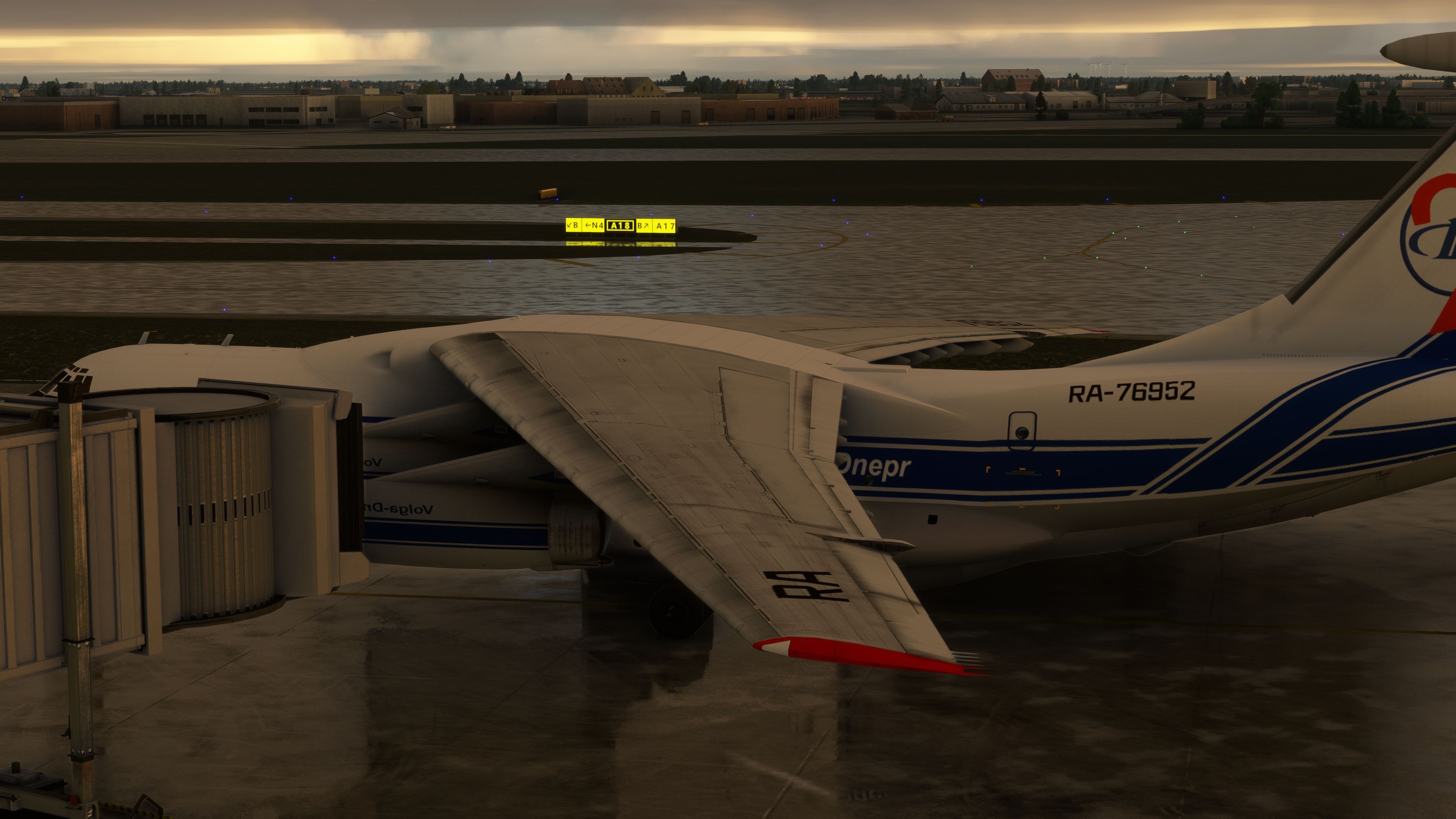
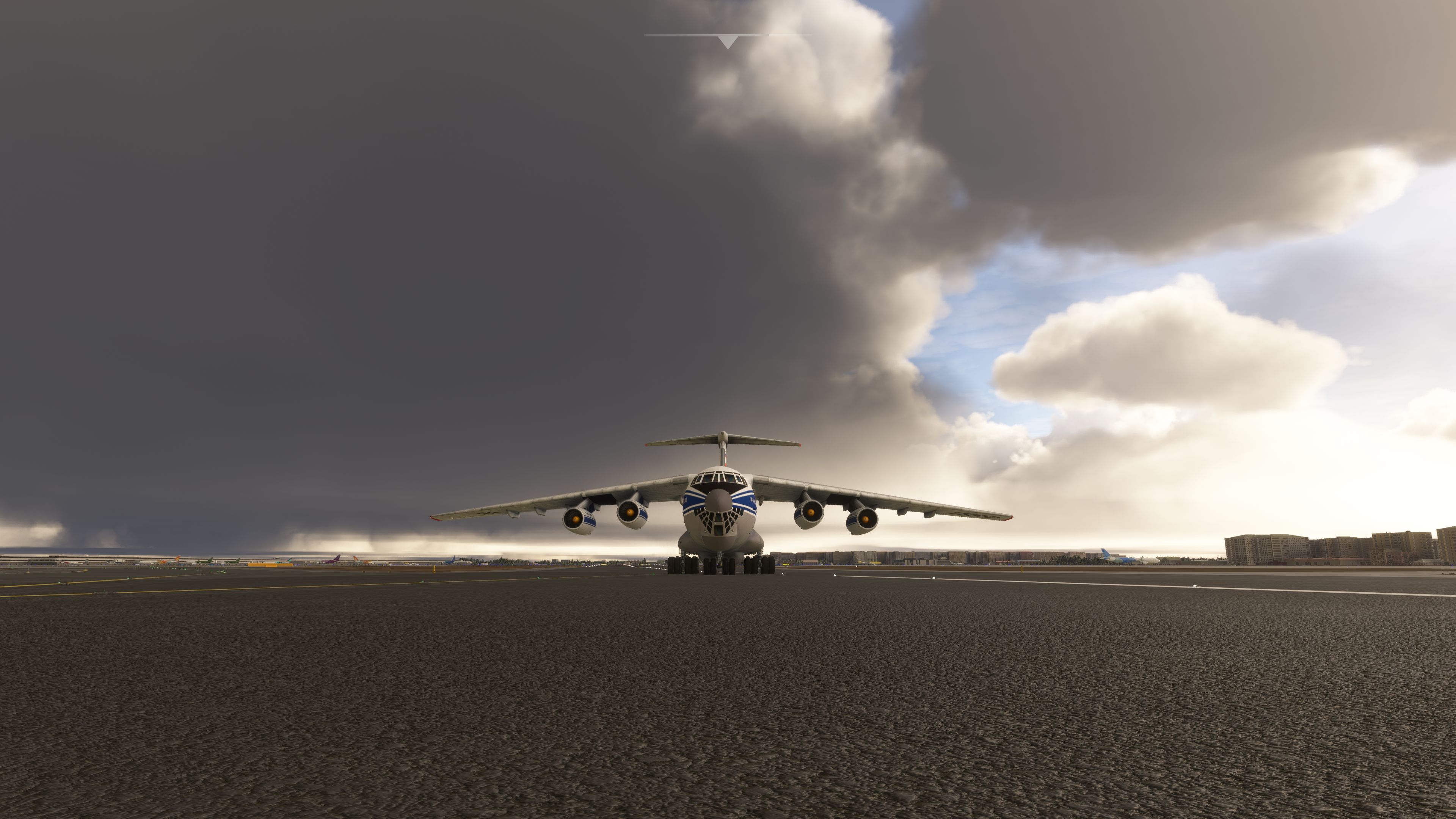

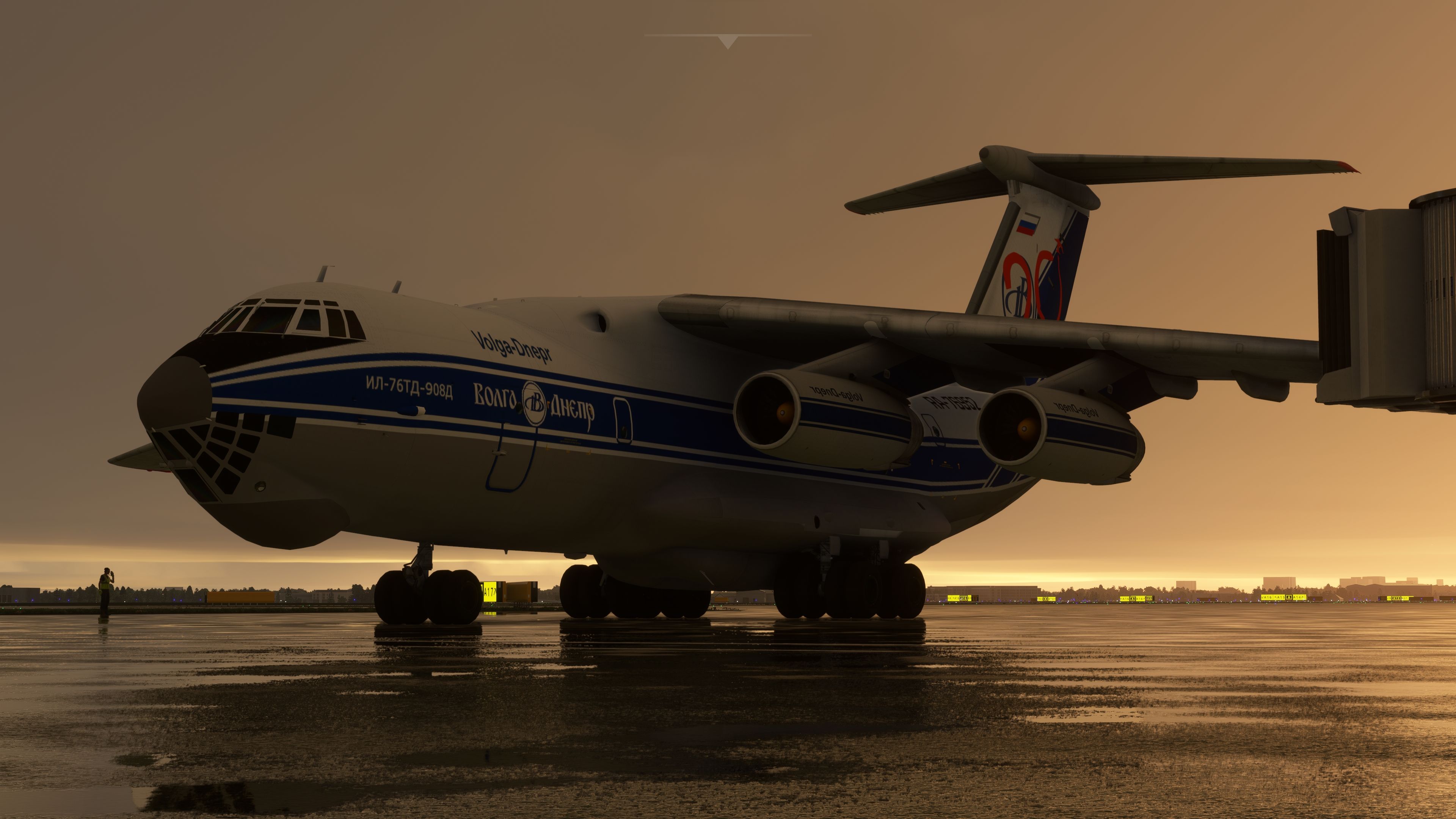
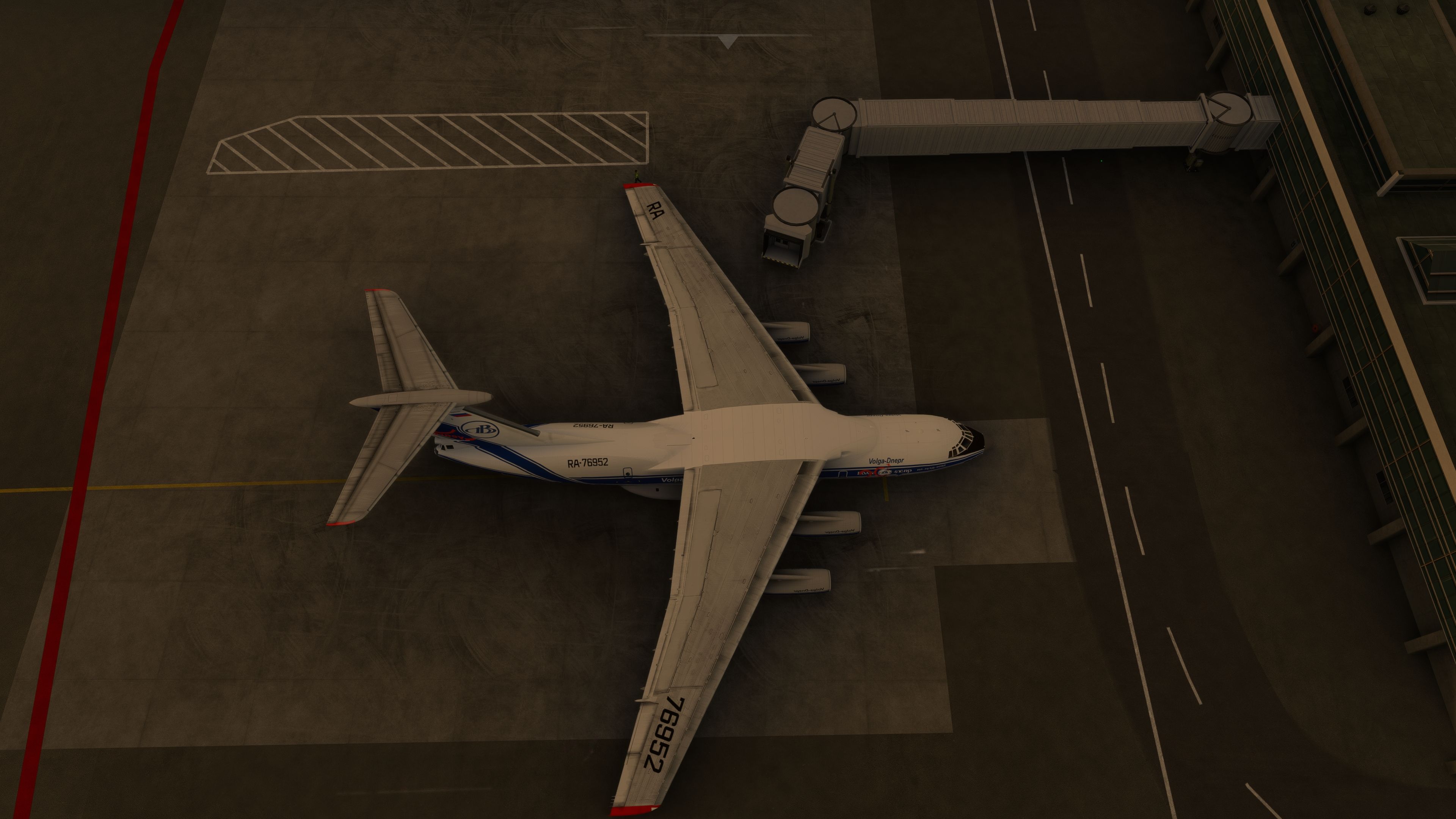
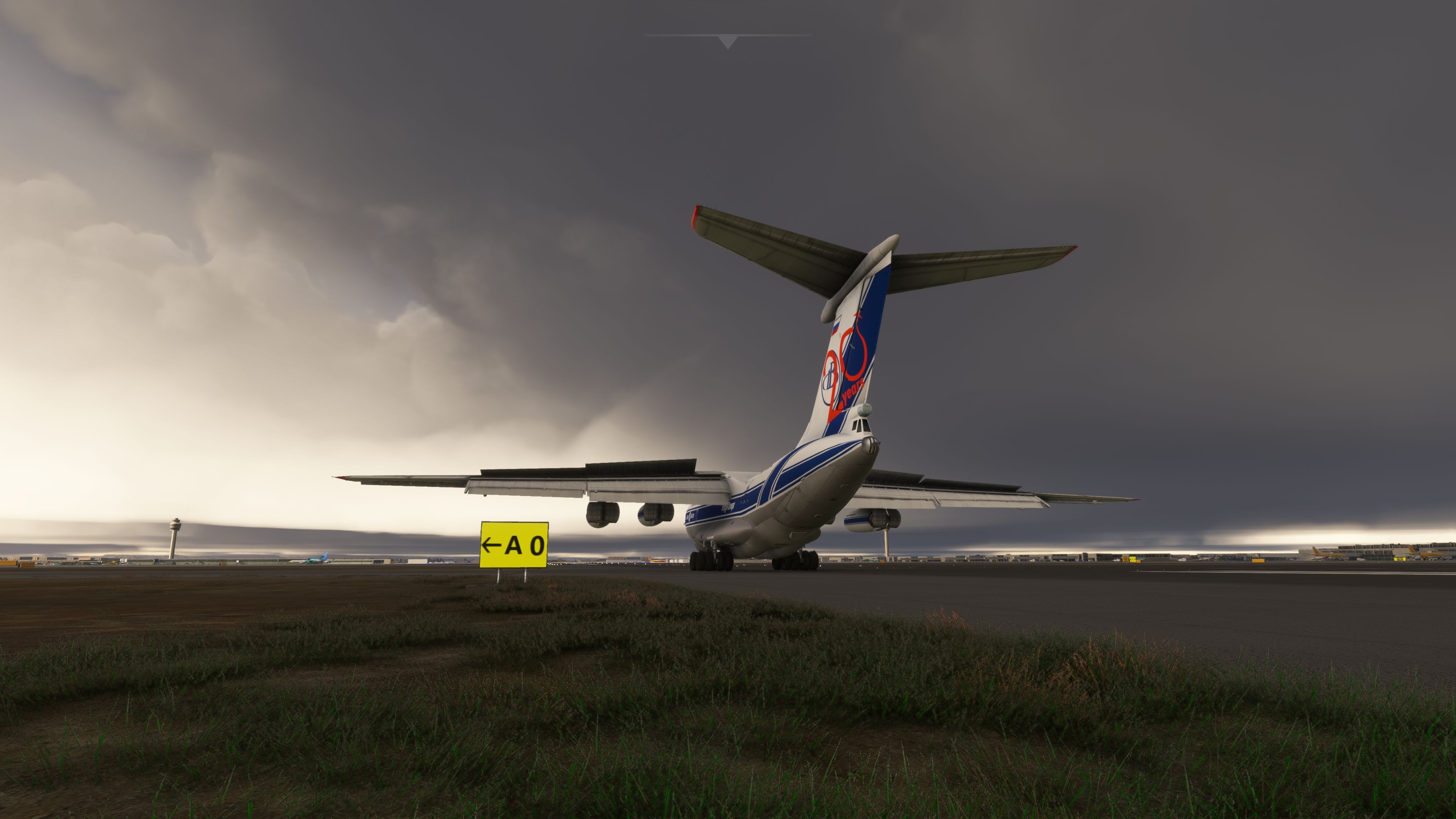
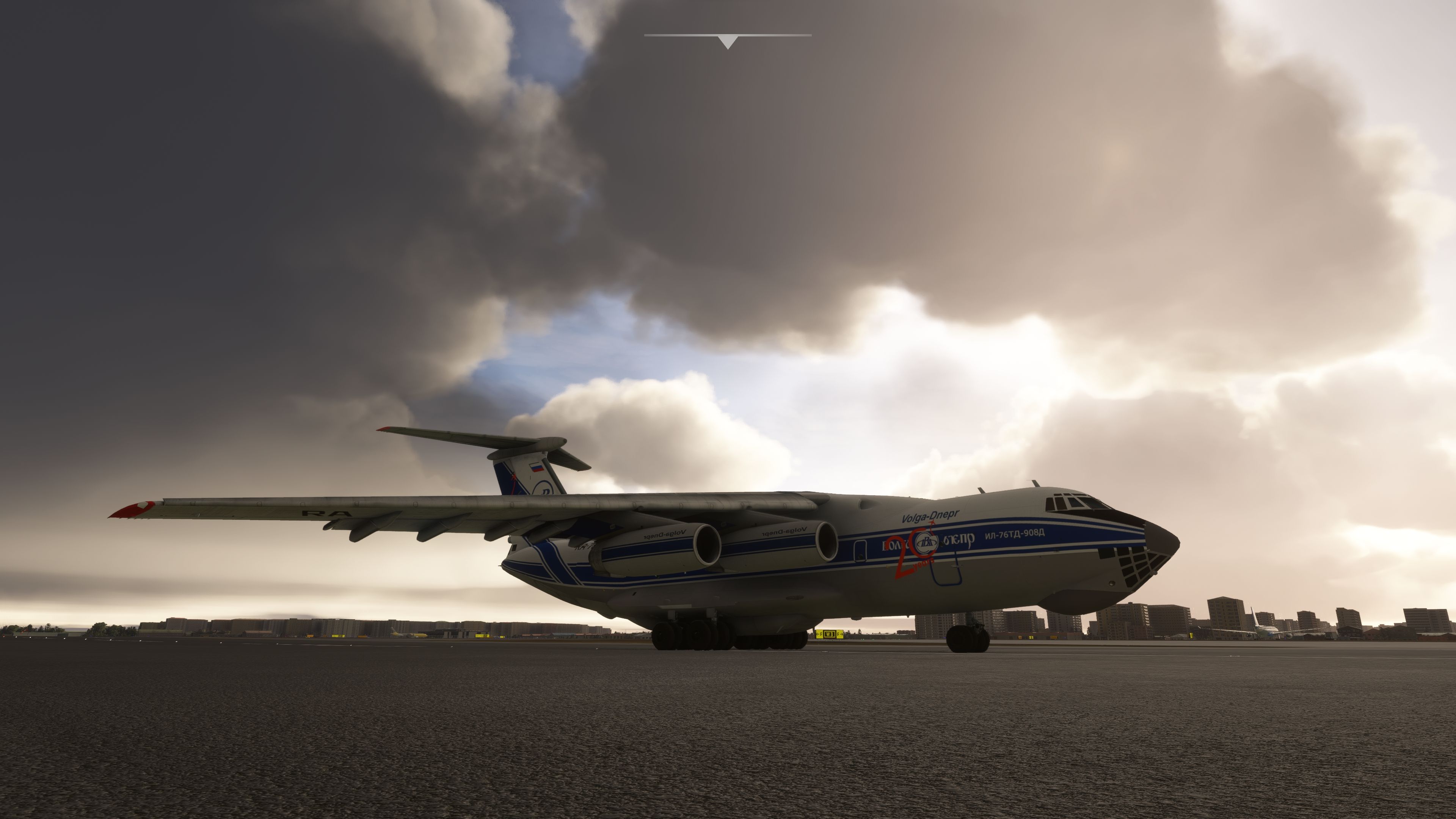
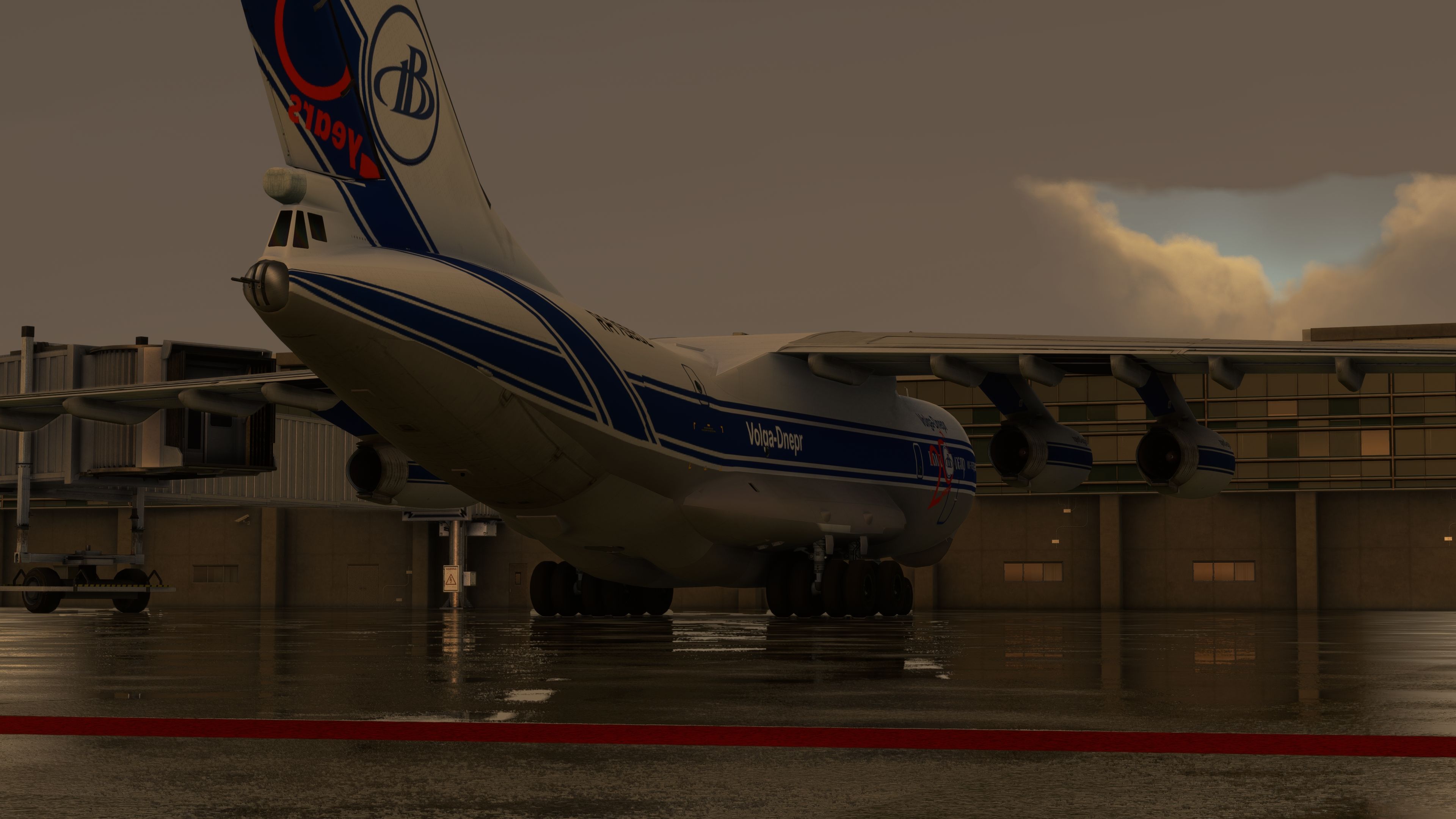
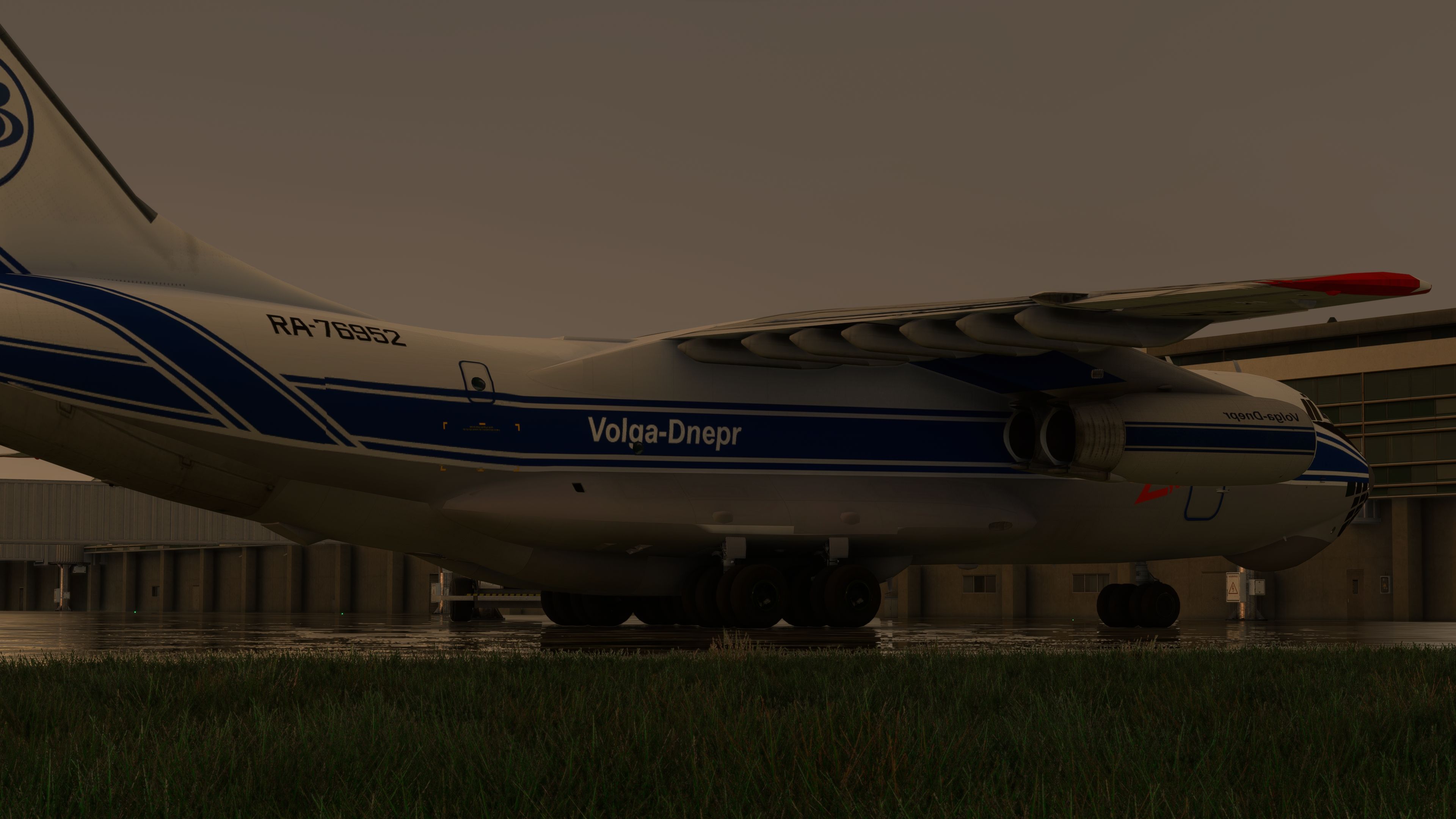
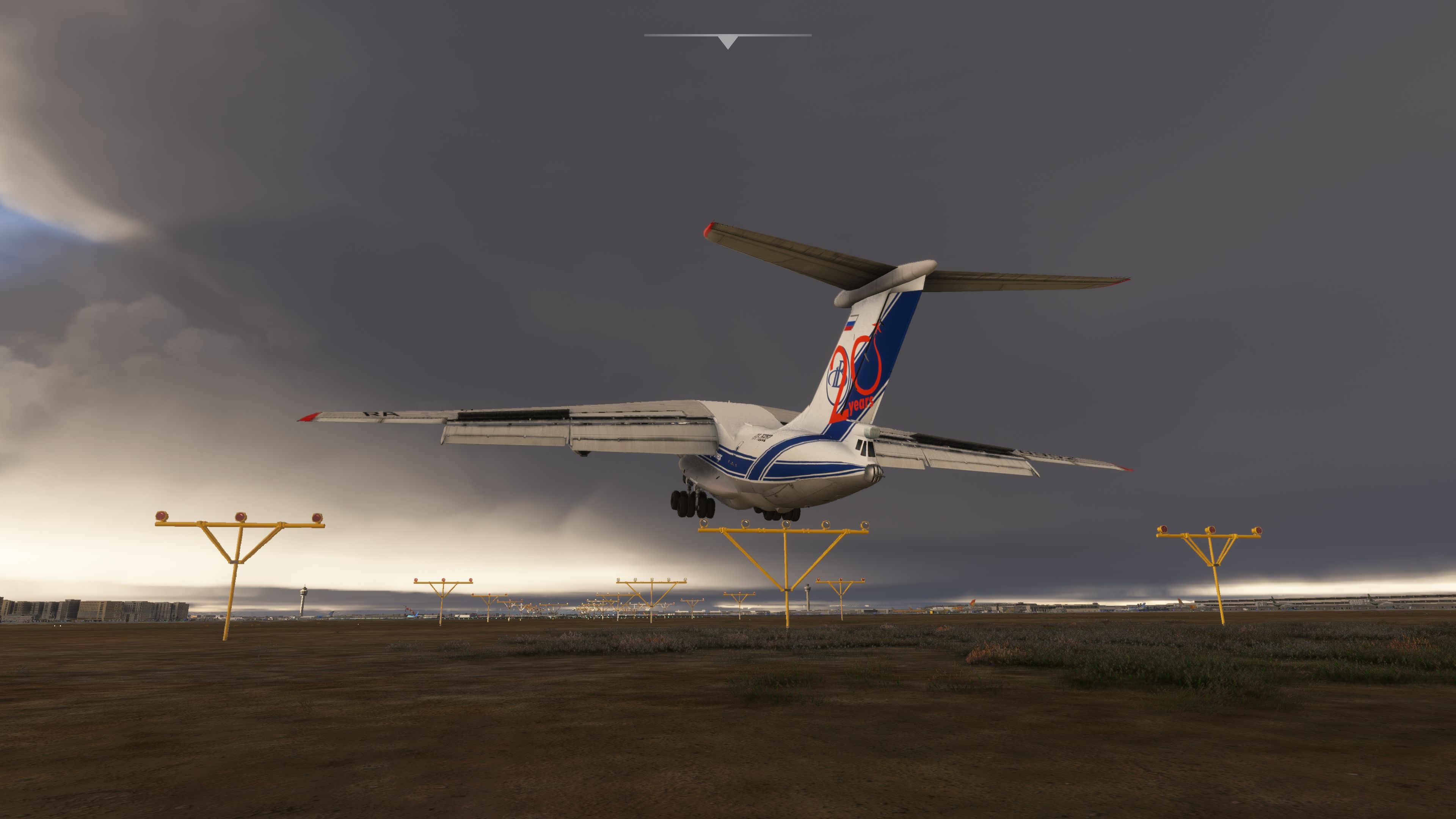

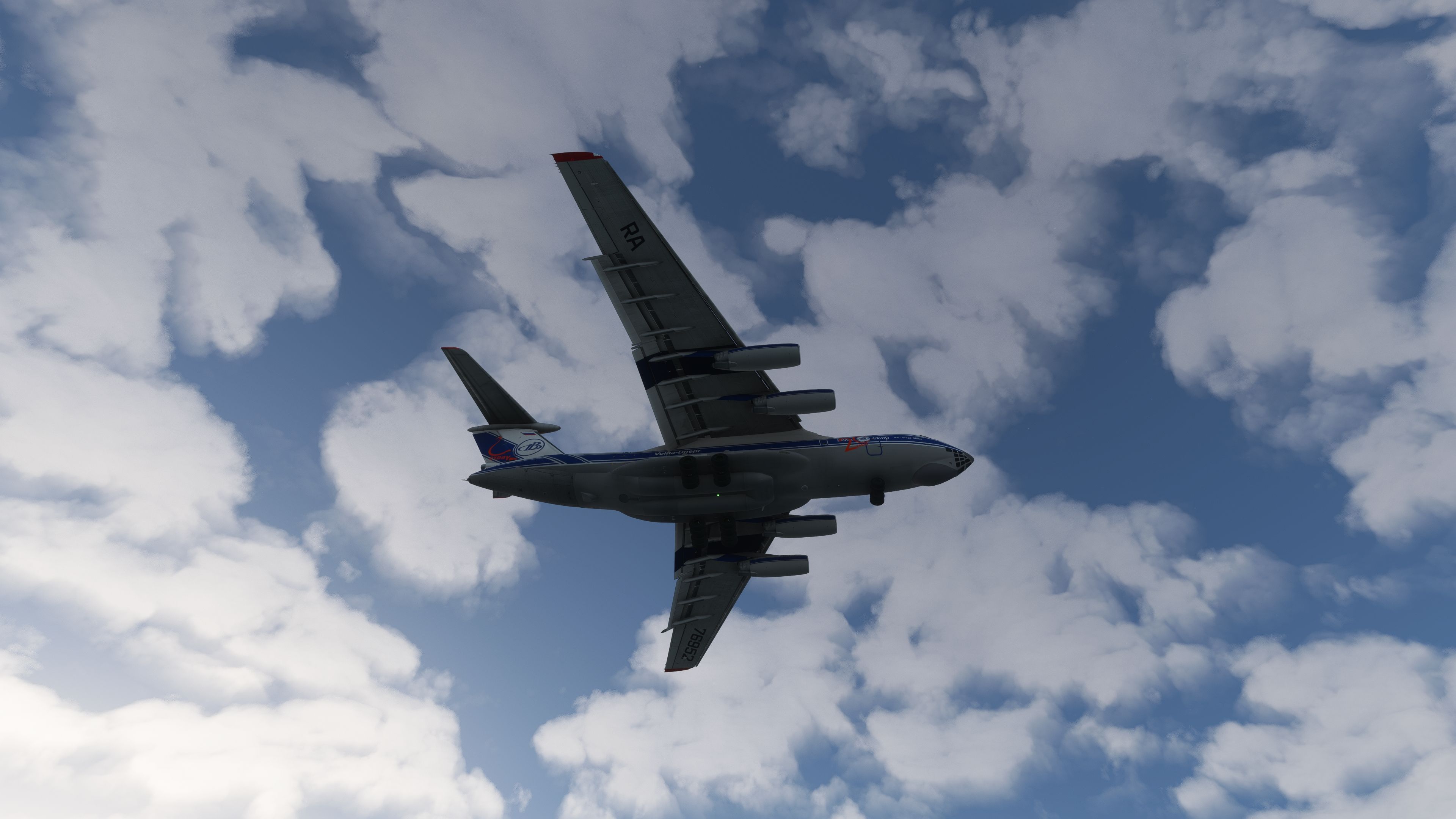
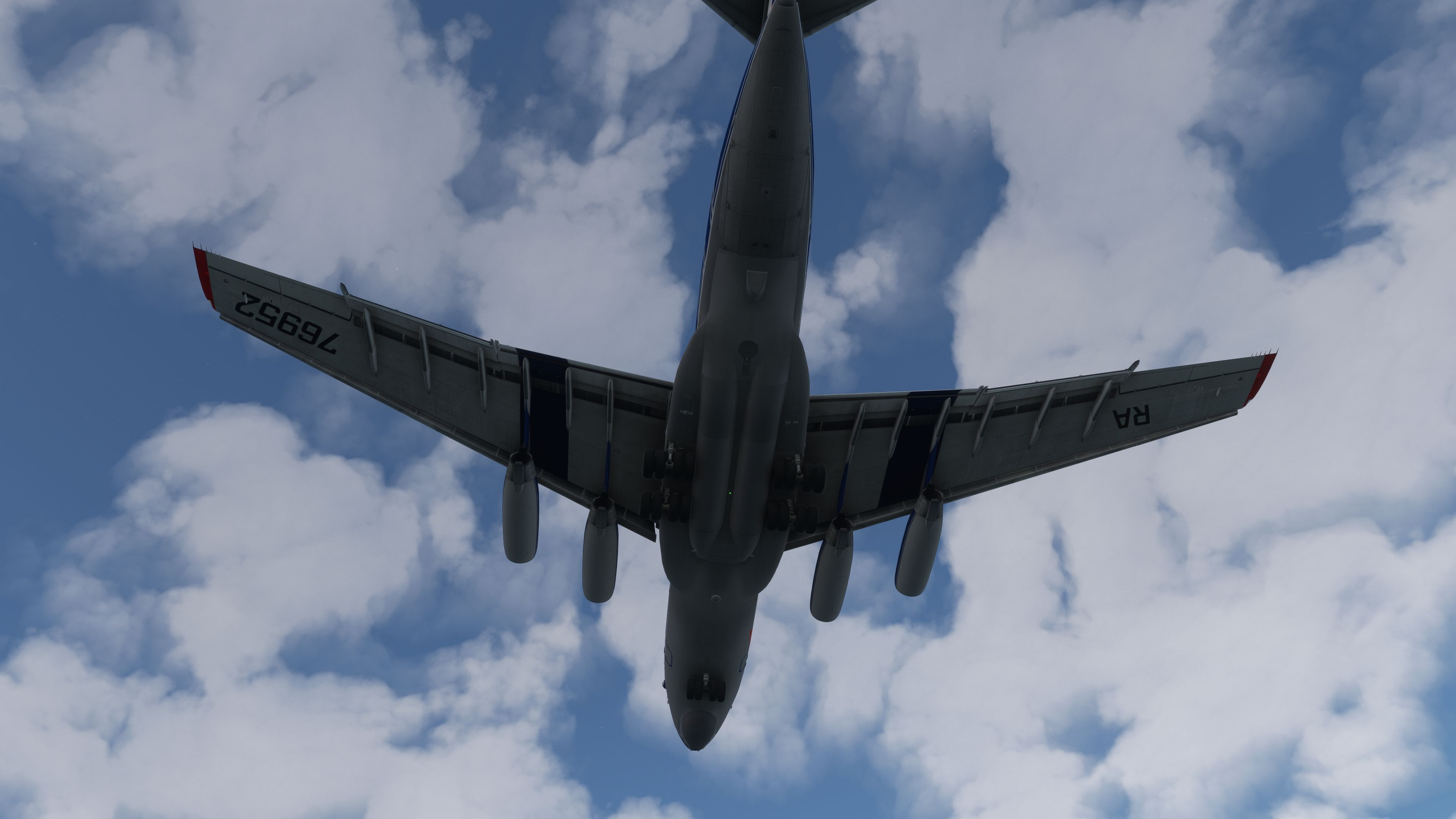
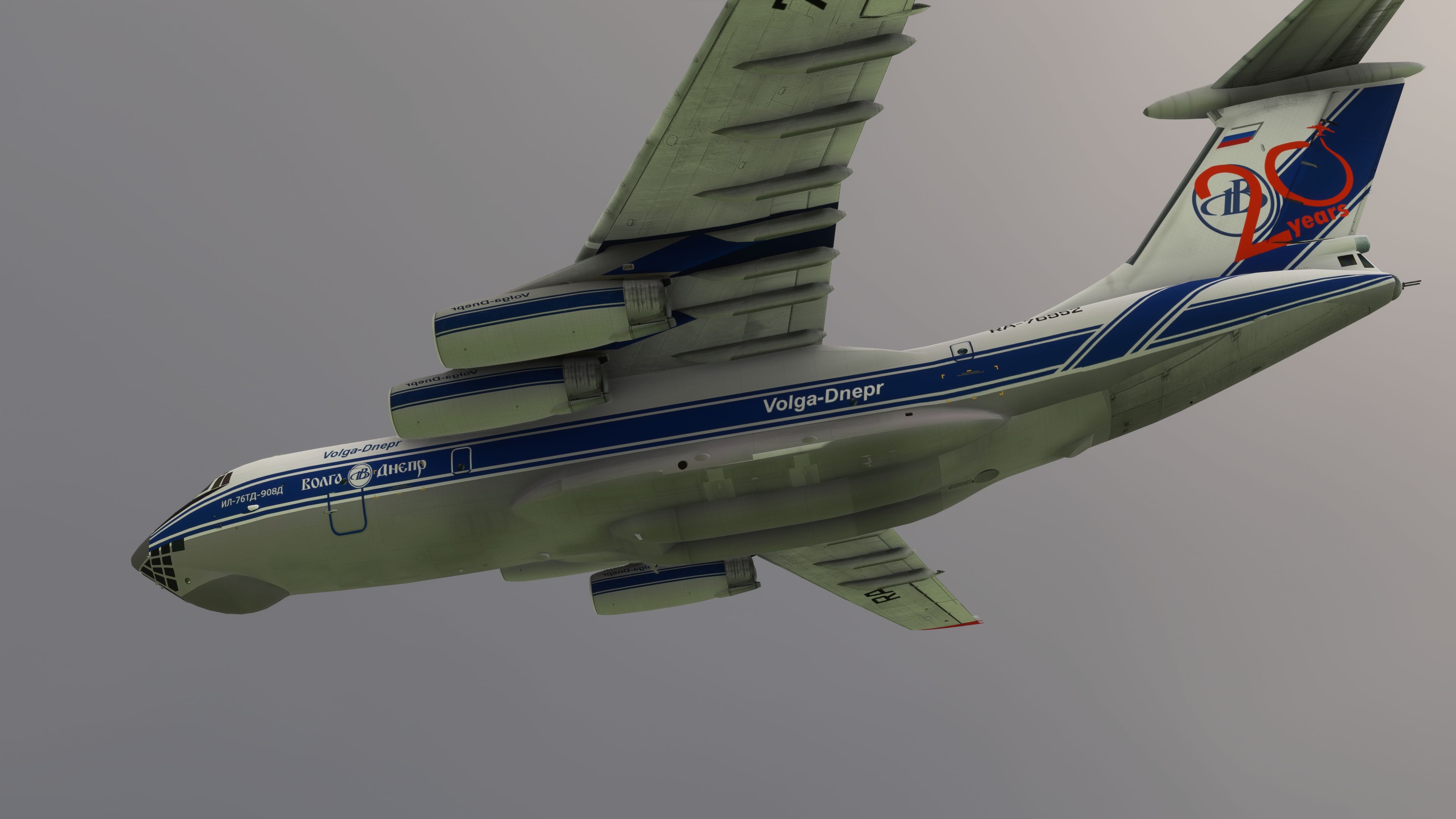
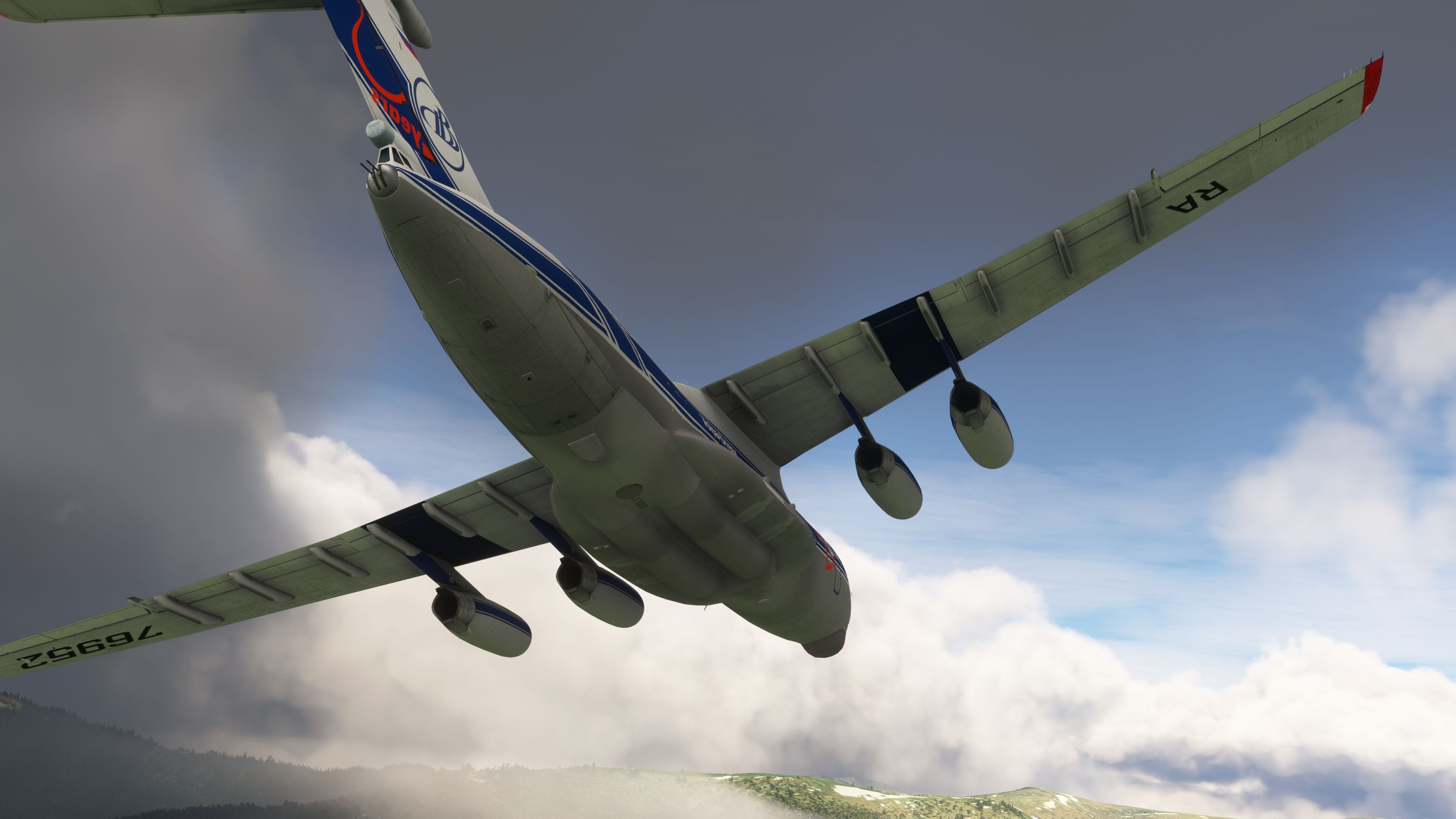
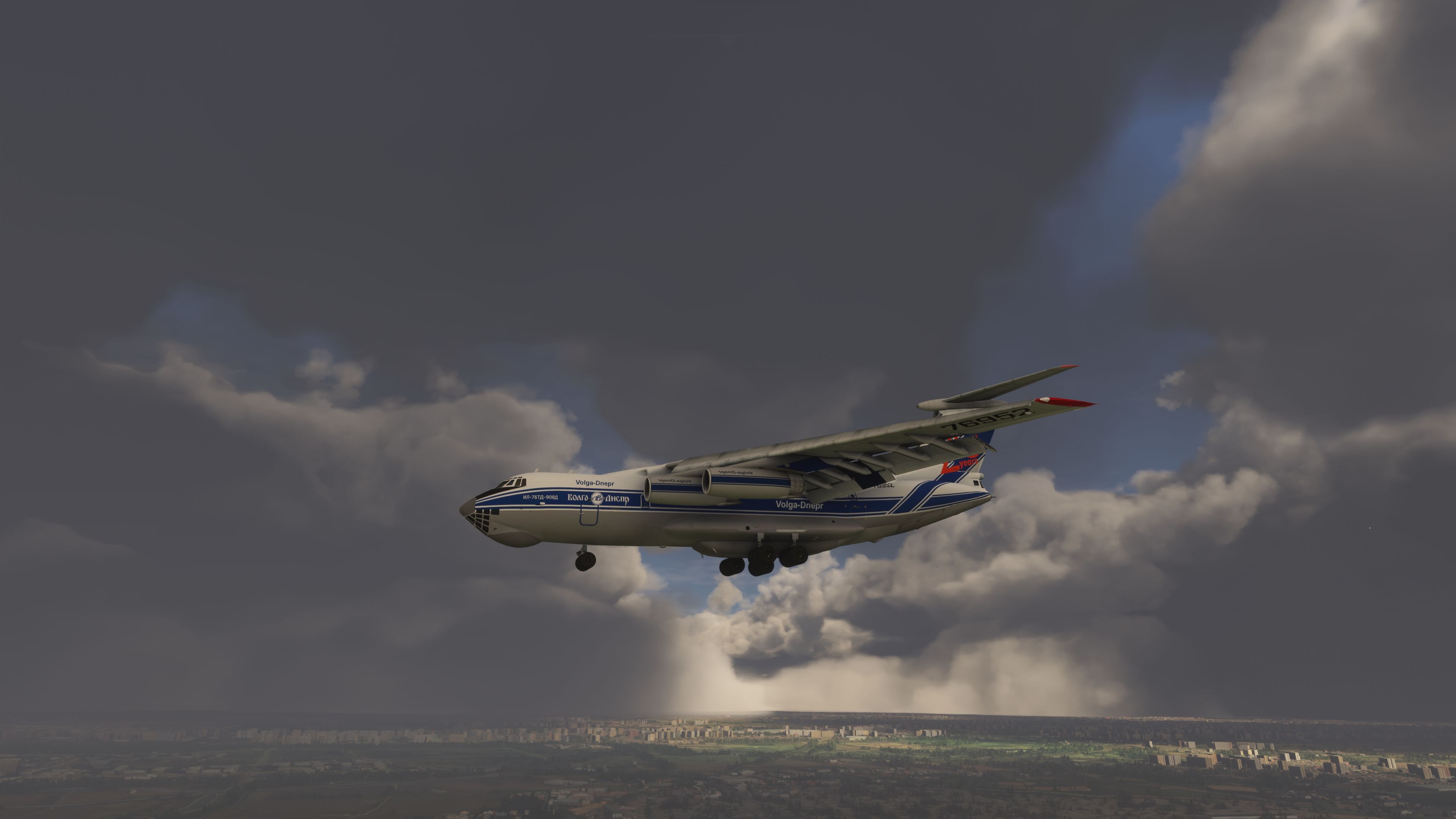
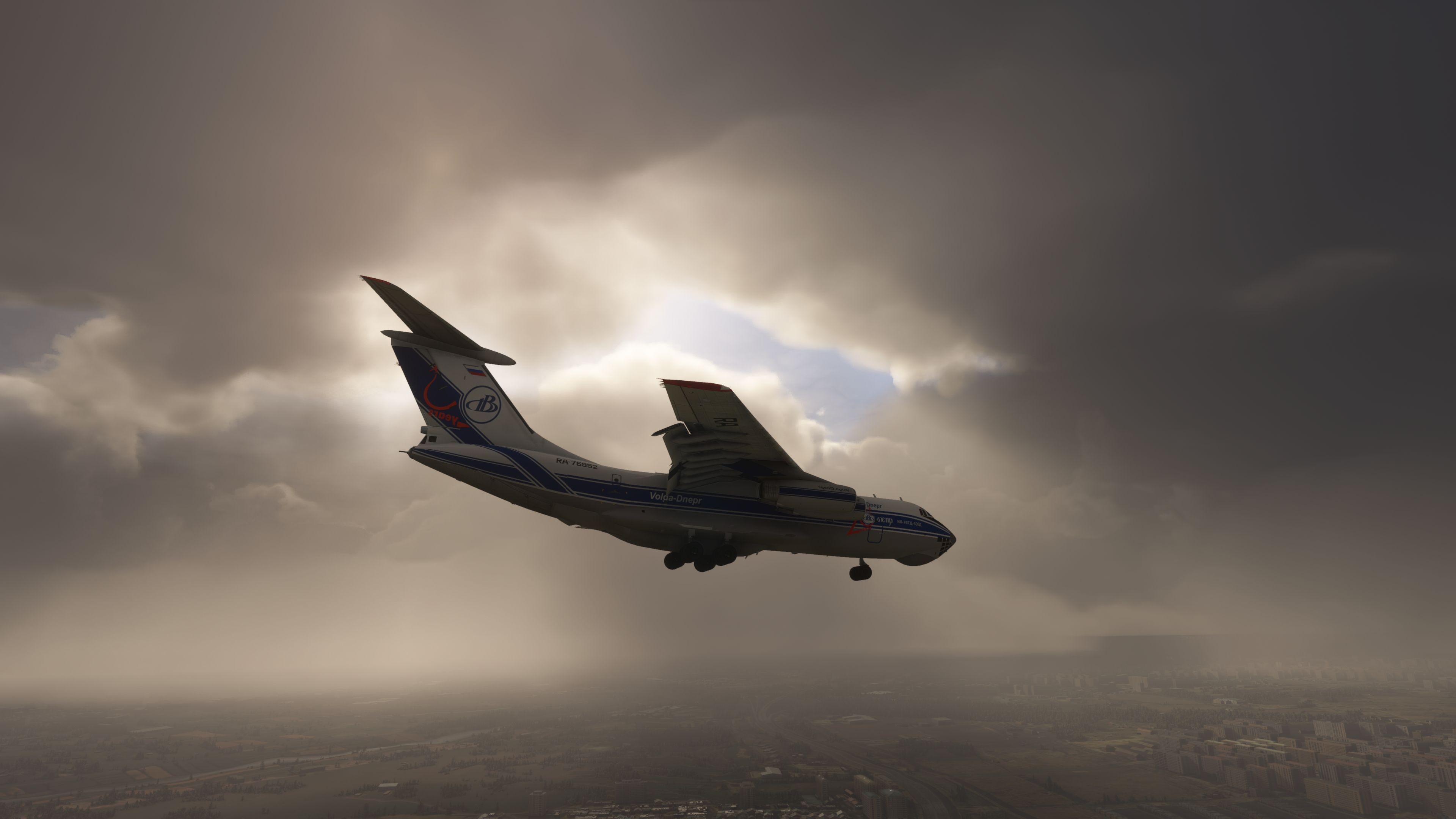
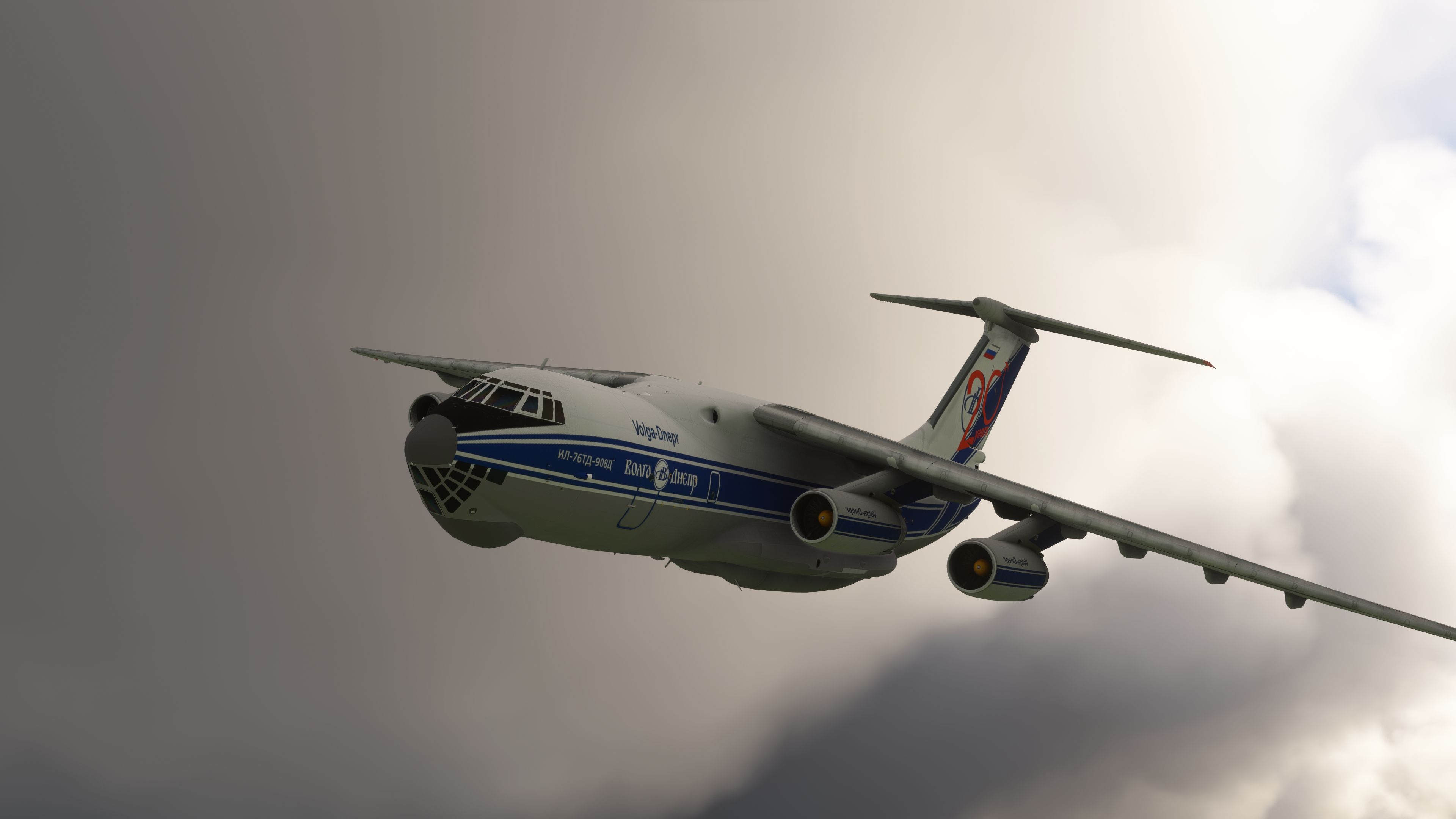
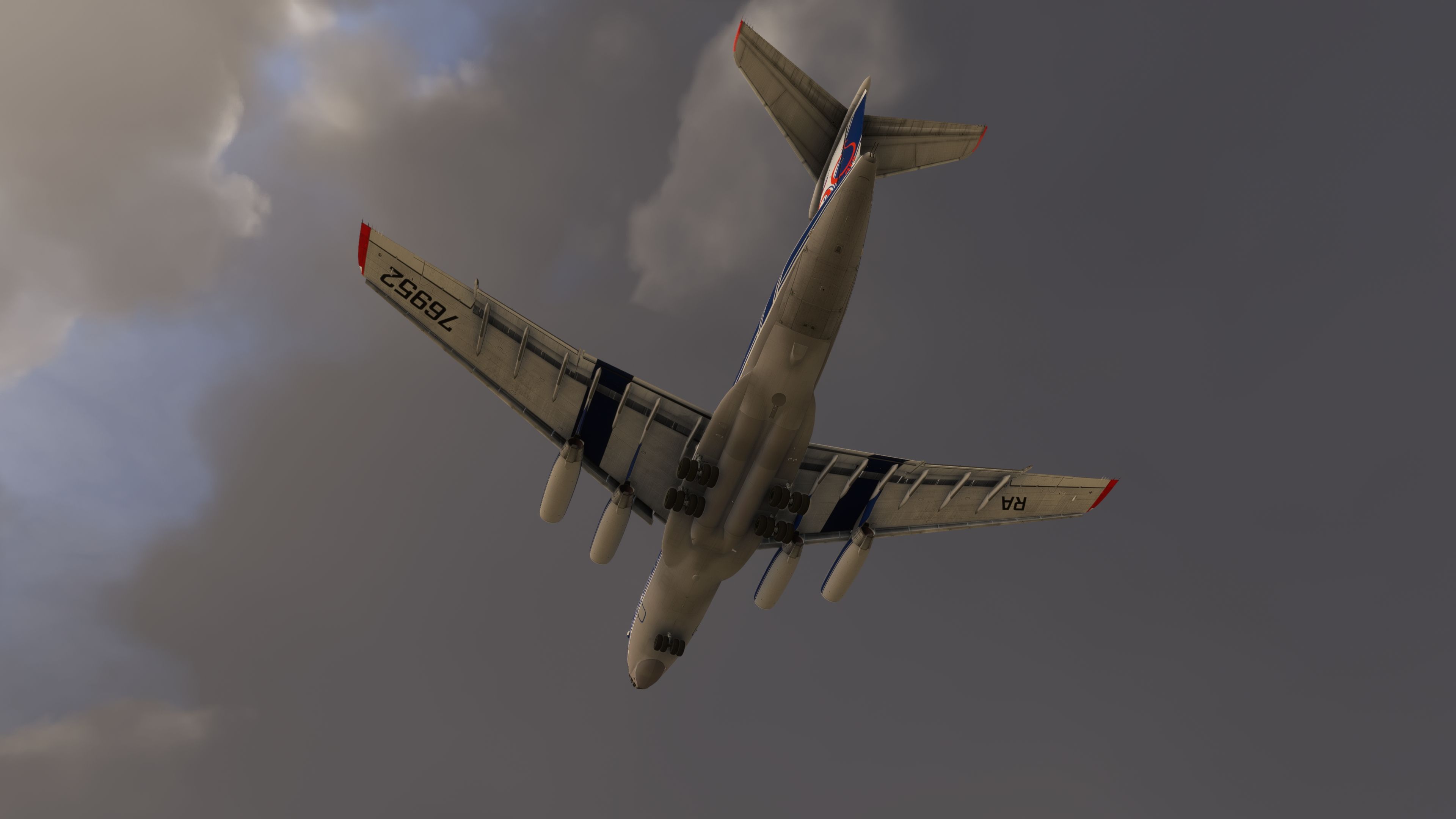

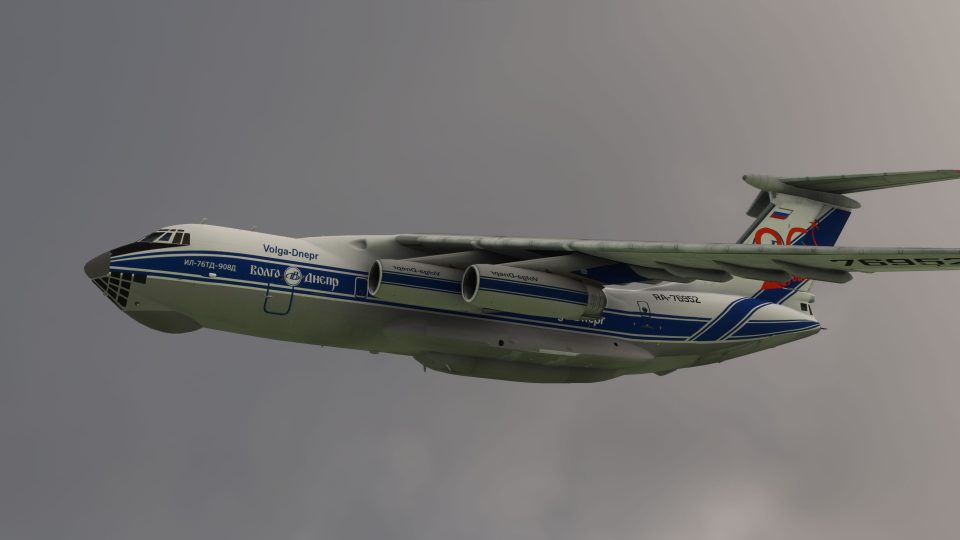
This comprehensive add-on recreates the Ilyushin Il-76’s rugged design, showcasing its quad-engine might, heavy-lifting heritage, and distinctive Soviet-era cargo capabilities. From the reinforced airframe to the robust physics updates, this transporter channels its famous load-hauling prowess, smoothly transitioning between high-altitude operations and runway handling in the virtual skies.
Inside the cockpit, pilots will find fully interactive instruments, modernized avionics, and an immersive Ground Proximity Warning System that enhances flight safety and realism. Having tested it extensively, I can attest to its detailed performance and satisfying handling characteristics, elevating the feel of operating a true heavyweight classic in Microsoft Flight Simulator. The result is an engaging, nostalgia-filled experience for anyone seeking an authentic Soviet cargo aircraft simulation.
Introducing the Ilyushin Il-76 for Microsoft Flight Simulator (MSFS 2020), a detailed adaptation of the legendary Soviet transporter. Known for its robust design and heavy-lifting capabilities, this quad-engine aircraft serves as an essential asset for cargo and various aerial tasks.
 Key Features
Please note, the capability for a cold and dark start is not available, aligning the mod closer to ready-to-fly scenarios rather than full pre-flight setups.
This version of the Ilyushin Il-76 not only brings nostalgia but also includes significant technical enhancements:
This freeware add-on is straightforward to install, requiring users to extract the archive and then place the il_76md folder into their Community folder.
Regular updates are planned to further refine functionalities and introduce additional features. Users are encouraged to provide feedback for continuous improvement.
Free for all simmers · 529.81 MB · Scanned clean Aug 2026
Download speed: Free tier is capped at 2 Mbps (this file takes approximately 37 mins at the cap). PRO members download at full line speed.
%LOCALAPPDATA%\Packages\Microsoft.FlightSimulator_8wekyb3d8bbwe\LocalCache\Packages\Community\. Steam version: %APPDATA%\Microsoft Flight Simulator\Packages\Community\. Tip: enable Developer Mode in MSFS to see your exact Community folder path.readme.txt or README file. It tells you exactly where files go, what dependencies are needed, and any quirks specific to this add-on.Only PRO members can place votes.
More MSFS add-ons hand-picked based on this download.
MSFS Civil Jet Aircraft
The MSFS Native Airbus A330-900neo Mega Pack by Headwind Simulations brings a…
 MSFS Civil Jet Aircraft
This freeware Antonov An-225 “Mriya” package by Fahri Öztürk (@DerAnakonda) b…
 MSFS Civil Jet Aircraft
The FlyByWire Airbus A320 Neo A32NX is a complete freeware aircraft package f…
 MSFS Civil Jet Aircraft
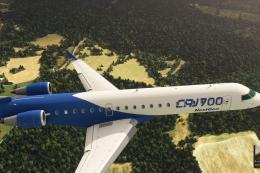
This add-on brings the Bombardier CRJ-700 which featured in the base release …
 MSFS Civil Jet Aircraft
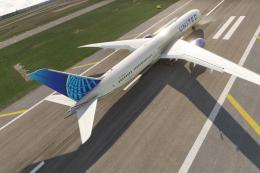
A complete freeware add-on for Microsoft Flight Simulator (MSFS) 2020 release…
 MSFS Civil Jet Aircraft
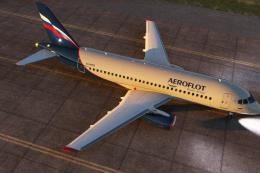
This freeware Sukhoi SuperJet 100-95 package for Microsoft Flight Simulator b…
 MSFS Civil Jet Aircraft
Step into the cockpit of the Airbus A330-200, affectionately dubbed the "butt…
 MSFS Civil Jet Aircraft
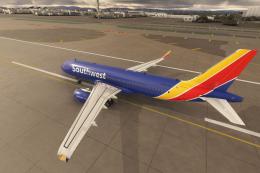
A high-definition Southwest Airlines livery/repaint for the default Microsoft…
Read what other simmers think, or add your own.

It doesn't show up in Flight Simulator, but it does show up in the available aircraft I can choose to fly.
This happens to a few of the models I've downloaded and installed, but not being very familiar with FS2020/24, I have no idea why.

Having a problem with getting any sort of accurate fuel burn, but otherwise I absolutely love this plane! I was the first to get it added to OnAir for use :)
