

 FSX Civil Aircraft
Qatar Airbus A350-900 XWB V2
Experience an updated rendition of Qatar’s acclaimed Airbus A350-900 XWB, met…
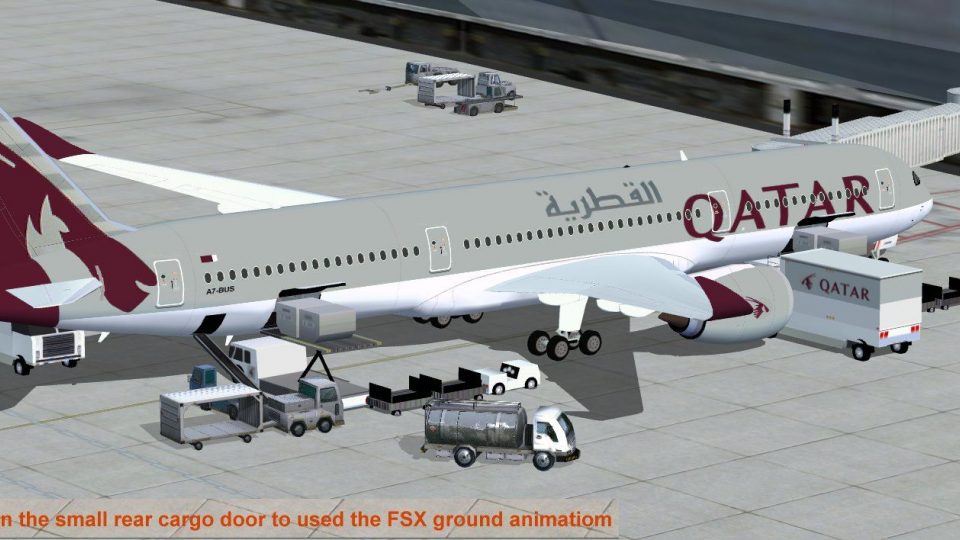
Qatar Airways’ Airbus A350-900 XWB arrives as a detailed freeware wide-body for FSX, featuring a refined nose profile, corrected cockpit window geometry, and upgraded wing and winglet shaping for a more authentic silhouette. Animated ground support services add interactive doors, cargo access, and service vehicle sequences to enrich ramp operations.
 Rate
Rate
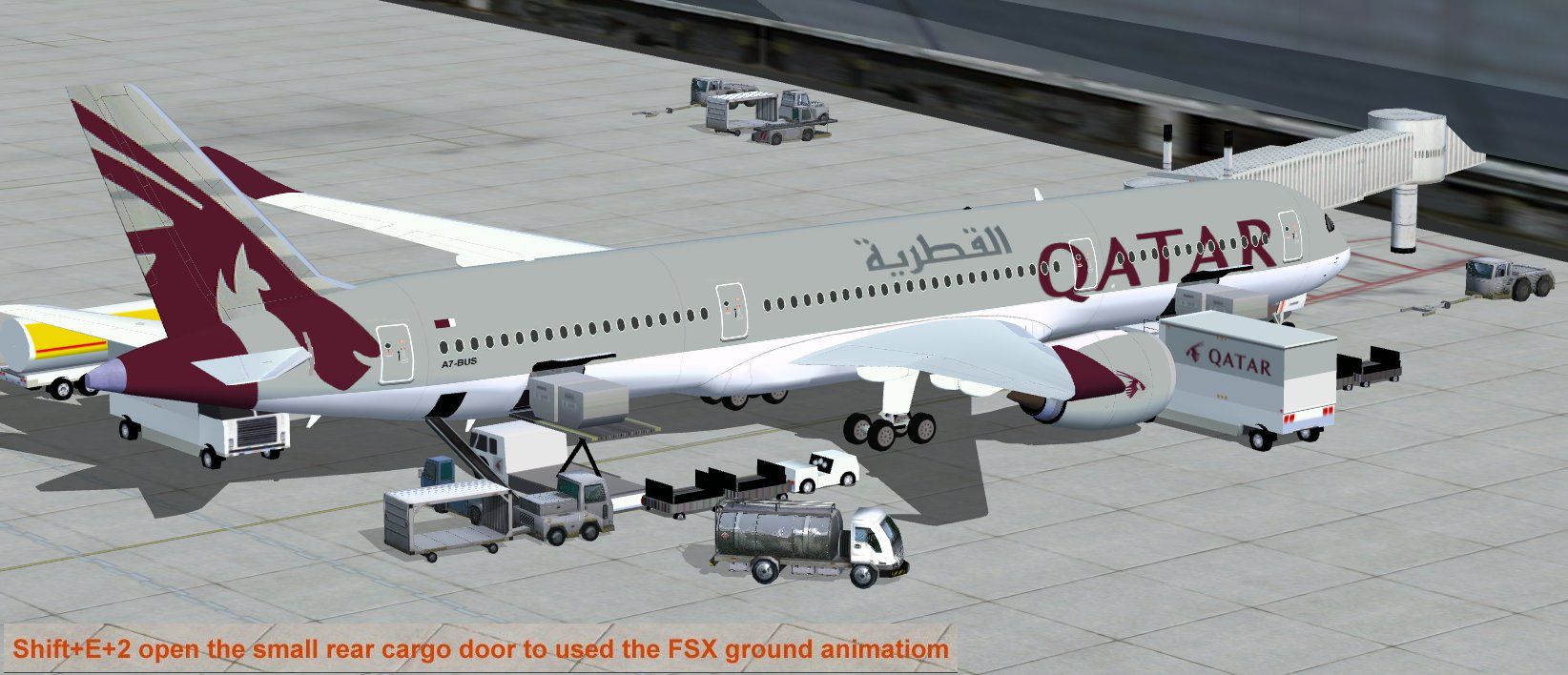
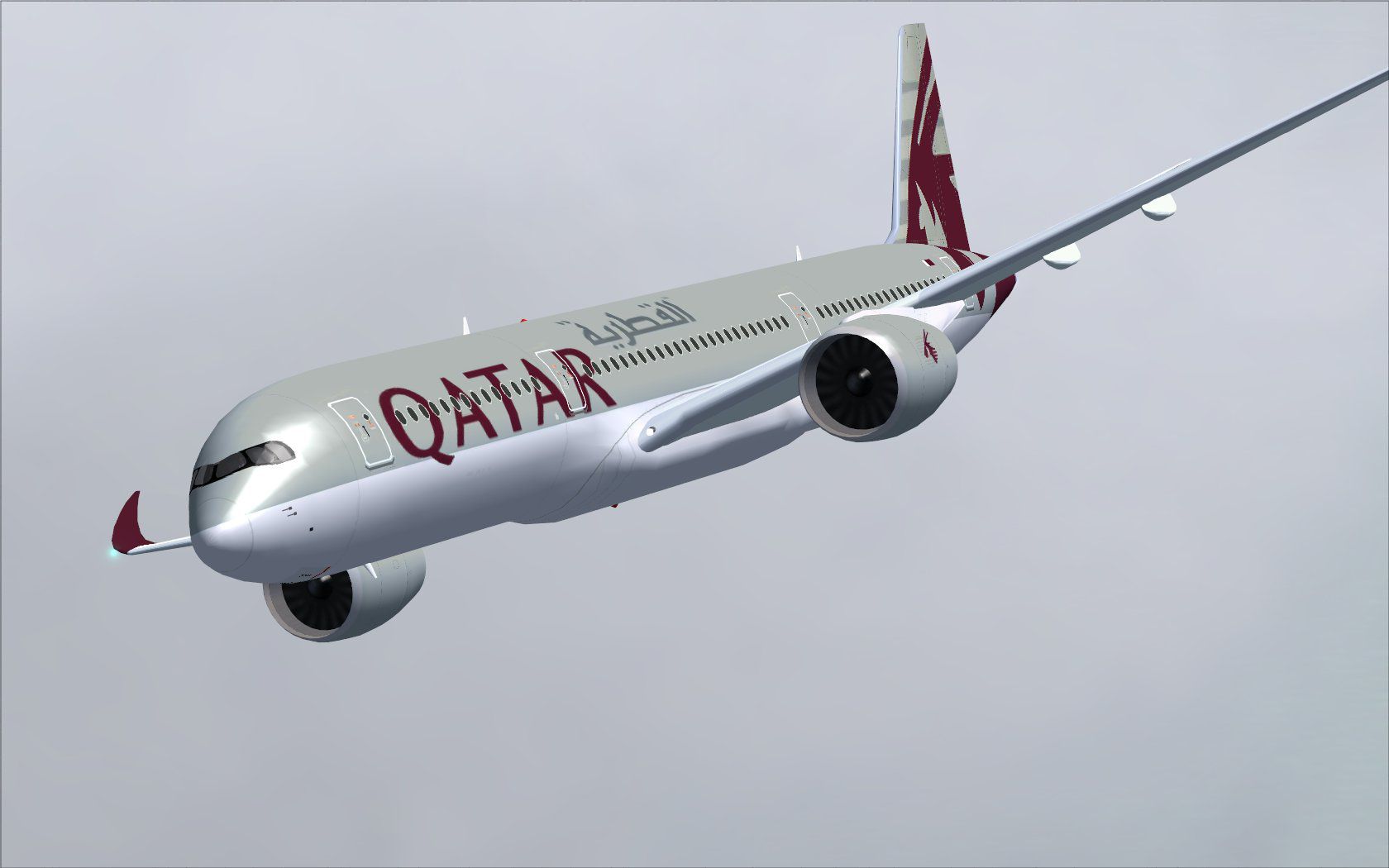
This comprehensive freeware release showcases a fully functional model of an advanced wide-body twinjet presented in a striking Qatar livery. It features a newly refined nose shape, cockpit window geometry, and enhanced wing surfaces, all meticulously designed by creator and painter Camil Valiquette. This package also incorporates animated ground support services to expand immersion and functionality in the simulator environment.
The second version of this aircraft model adopts a reconfigured forward fuselage profile, updated flight deck windows, and subtly modified wing designs. In addition, it integrates a refined set of winglets, closely mirroring the real-world airframe. Thanks to Valiquette’s improvements, the aircraft now brings a more authentic and immersive flying experience to virtual pilots who value accurate visual details.
This freeware release includes an internal ground support system that can activate and retract various service vehicles. These animations bring added depth to ground operations by providing interactive elements that respond to user inputs. Below is a concise reference for the key commands:
To ensure the ground animations function correctly, set the following key assignments under Options:
The real-world aircraft marks a significant step forward in composite material usage and aerodynamic refinement. Qatar’s fleet features the airframe for medium- to long-range routes, benefiting from the efficient engines and advanced flight control systems. In this virtual edition, details such as the optional window treatments and carefully modeled fuselage sections replicate these updates, delivering an experience that focuses on sophisticated visuals and functional ground operations.
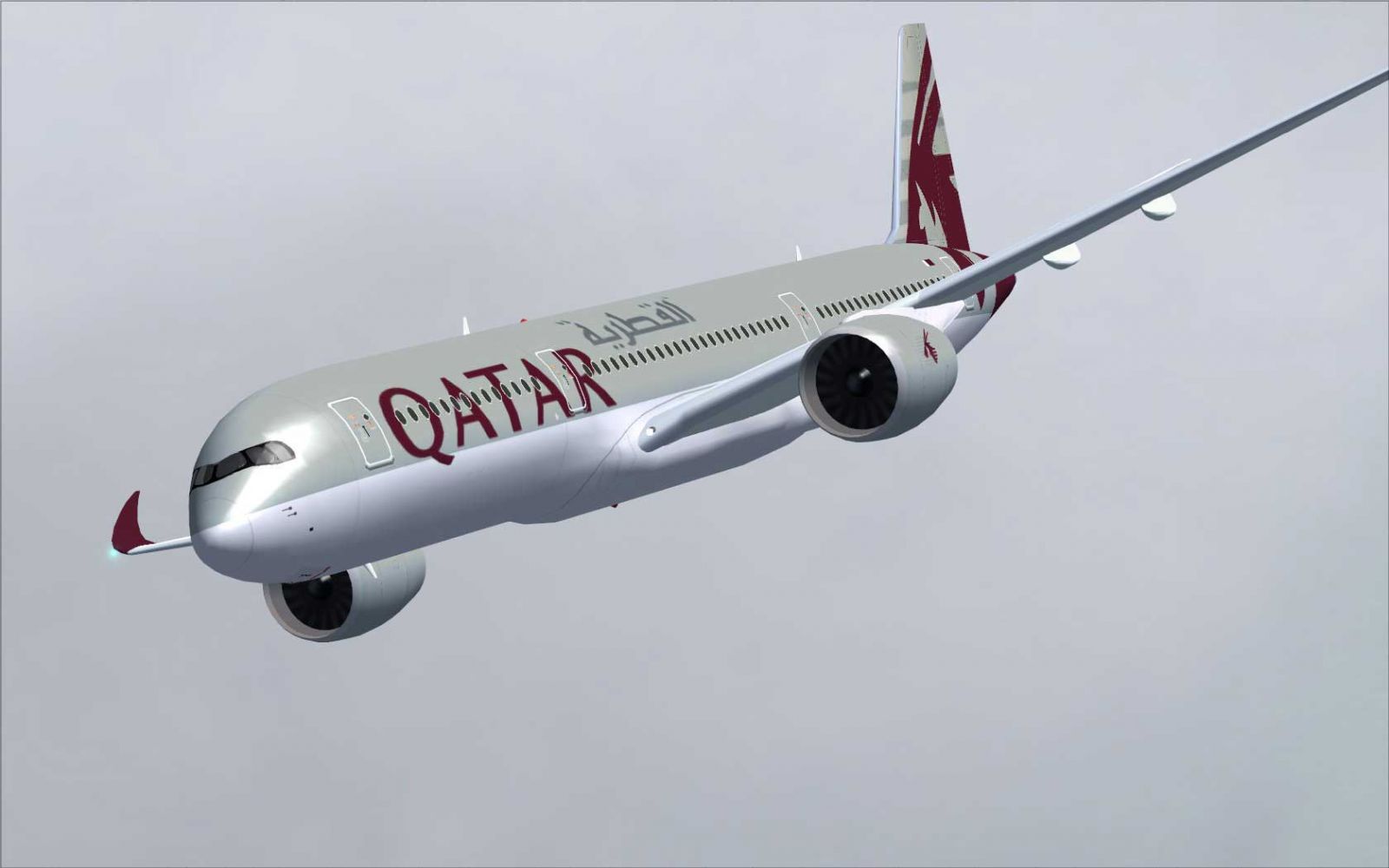
Qatar Airbus A350-900 XWB.
Free for all simmers · 2.34 MB · Scanned clean Sep 2026
Download speed: Free tier is capped at 0.5 Mbps. PRO members download at full line speed.
This add-on may require the following files to function properly. If this is a repaint, the dependency below is likely the base aircraft package.
FSX\SimObjects\Airplanes\. The folder must contain an aircraft.cfg file. Effects go into FSX\Effects\; gauges go into FSX\Gauges\.readme.txt or README file. It tells you exactly where files go, what dependencies are needed, and any quirks specific to this add-on.The archive 359qr2_x.zip has 31 files and directories contained within it.
This list displays the first 500 files in the package. If the package has more, you will need to download it to view them.
| Filename/Directory | File Date | File Size |
|---|---|---|
| CamSim Airbus 350-900 V2 Qatar | 08.10.09 | 0 B |
| 359.air | 02.09.07 | 12.75 kB |
| 359qr fsx ags.jpg | 08.10.09 | 188.15 kB |
| 359qr_.jpg | 08.04.09 | 83.15 kB |
| aircraft.cfg | 08.10.09 | 15.34 kB |
| Effects.zip | 03.25.06 | 1.80 kB |
| file_id.diz | 08.10.09 | 323 B |
| model.359 ags | 08.10.09 | 0 B |
| 359 ags.mdl | 07.29.09 | 2.53 MB |
| Model.cfg | 03.27.07 | 26 B |
| PANEL | 08.10.09 | 0 B |
| panel.cfg | 05.27.09 | 33 B |
| Read Me_FSX.txt | 08.10.09 | 1.83 kB |
| SOUND | 08.10.09 | 0 B |
| Sound.cfg | 05.27.09 | 30 B |
| texture.qr | 08.10.09 | 0 B |
| 359fuse_t.bmp | 08.04.09 | 1.00 MB |
| 35eng_t.bmp | 08.04.09 | 1.00 MB |
| 35int_L.bmp | 08.06.09 | 4.00 MB |
| 35int_t.bmp | 08.10.09 | 1.00 MB |
| 35tail_t.bmp | 08.04.09 | 1.00 MB |
| 35wings_t.bmp | 08.04.09 | 1.00 MB |
| 787ext_L.bmp | 08.06.09 | 4.00 MB |
| 787ext_t.bmp | 08.10.09 | 1.00 MB |
| gris_t.bmp | 03.17.06 | 16.07 kB |
| pilot1.bmp | 02.06.07 | 256.07 kB |
| pilot1_l.bmp | 12.06.06 | 1.00 MB |
| thumbnail.jpg | 08.10.09 | 6.16 kB |
| w_t.bmp | 12.06.08 | 16.07 kB |
| flyawaysimulation.txt | 10.29.13 | 959 B |
| Go to Fly Away Simulation.url | 01.22.16 | 52 B |
Only PRO members can place votes.
More FSX & P3D add-ons hand-picked based on this download.
FSX Civil Aircraft
Experience an updated rendition of Qatar’s acclaimed Airbus A350-900 XWB, met…
 FSX Civil Aircraft
This update introduces a refined release of the Airbus A350-1000 for FSX, fea…
 FSX Civil Aircraft
This updated package offers a newly refined Qatar-themed Airbus A350-800 XWB …
 FSX Civil Aircraft
This latest rendition of the Qatar Airbus A350-800 XWB incorporates refined e…
 FSX Civil Aircraft
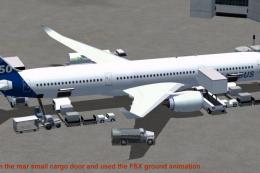
This package features the refined House Colors Airbus A350-900 XWB in Version…
 FSX Civil Aircraft
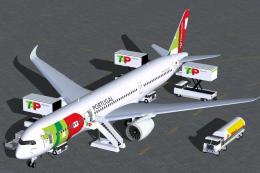
TAP Portugal Airbus A350-900 XWBv2. Versions 2 is an all new version of theA3…
 FSX Civil Aircraft
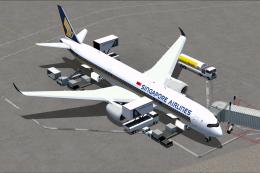
Singapore Airlines Airbus A350-900 XWB v2. Versions 2 is an all new version o…
 FSX Civil Aircraft
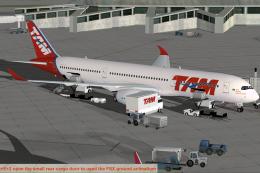
Experience a detailed rendition of the TAM Airbus A350-900 XWB within FSX wit…
Be the first to leave a comment on this download.
Be the first to share your thoughts on this download.