

 FSX Civil Aircraft
Emirates Airbus A350-1000 XWB V2
Experience a refined Emirates-liveried Airbus A350-1000 XWB for FSX, featurin…
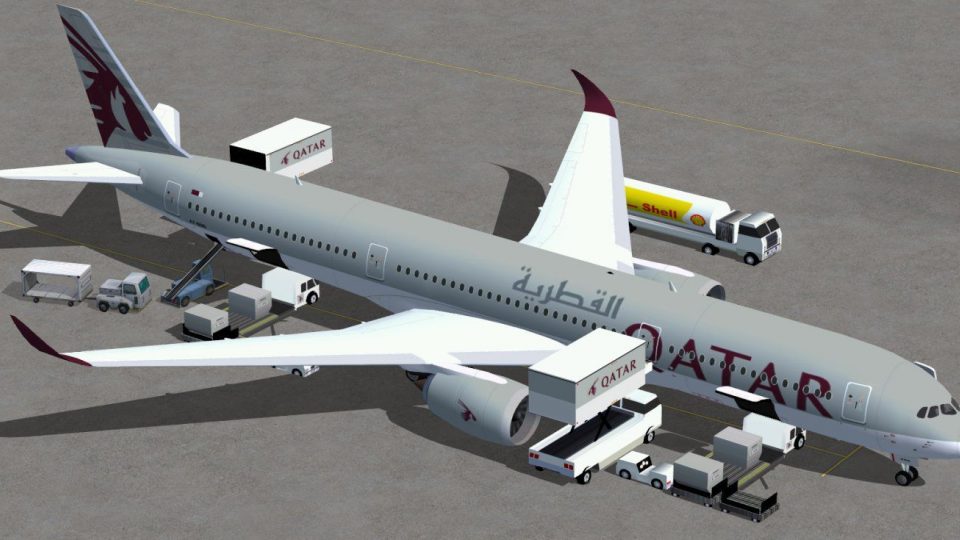
Qatar Airways’ Airbus A350-1000 XWB arrives for FSX with a refined exterior model, including reshaped cockpit windows, a revised nose profile, updated wings and winglets, plus accurate airline textures. Built-in animated ground servicing adds passenger and cargo loading sequences, while performance-friendly optimization keeps long-haul operations smooth and visually convincing.
 Rate
Rate
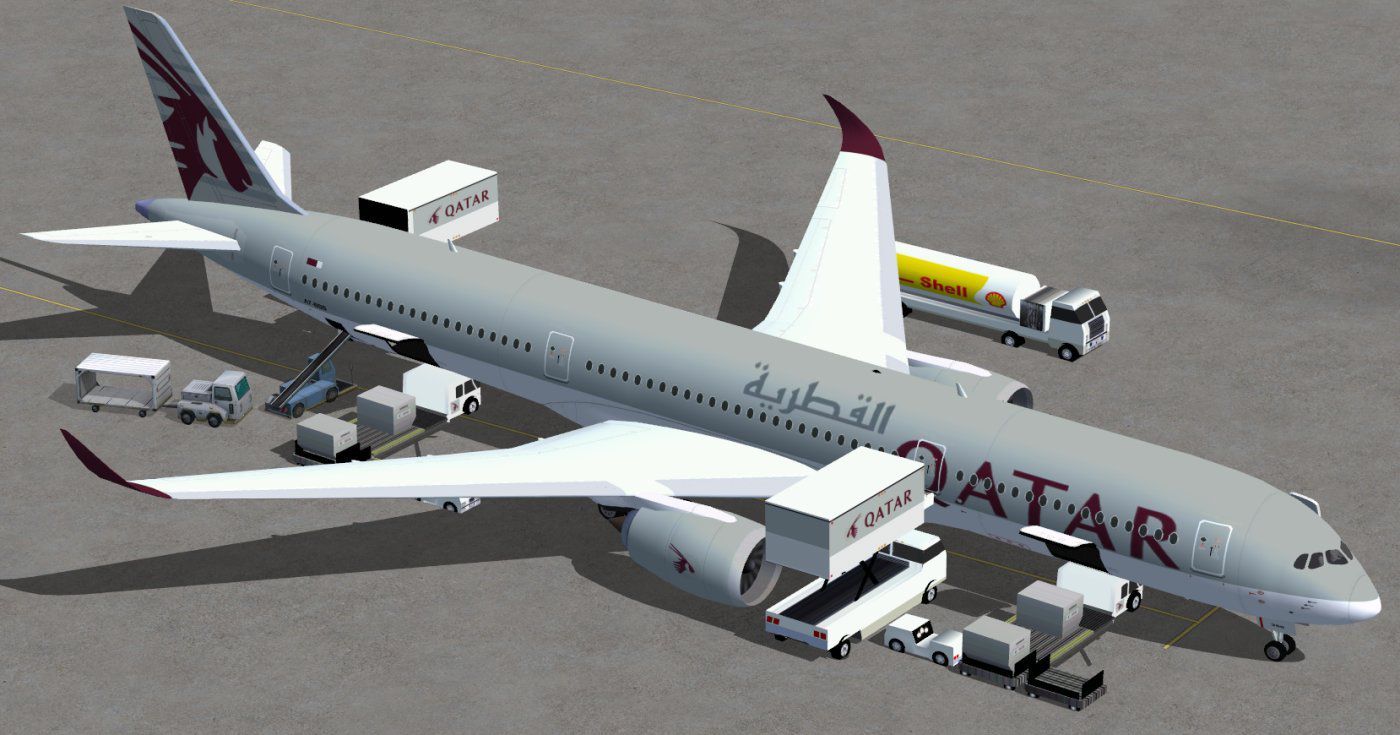

This update introduces a refined release of the Airbus A350-1000 for FSX, featuring newly shaped cockpit windows, updated wing structures, and enhanced ground service animations. Developed and painted by Camil Valiquette, this freeware package delivers a detailed rendition of Qatar's notable wide-body twin-jet aircraft while incorporating various performance-friendly improvements.
Version 2 offers a revised nose profile and streamlined winglets. Each element of the external model has been carefully revisited to ensure fidelity to the real-world A350-1000 specifications. In addition, the revamped cockpit window layout closely matches the aircraft’s modern shape. Camil Valiquette, the creator, has accurately captured these visual details, complementing the aerodynamic lines that characterize this long-range jet.
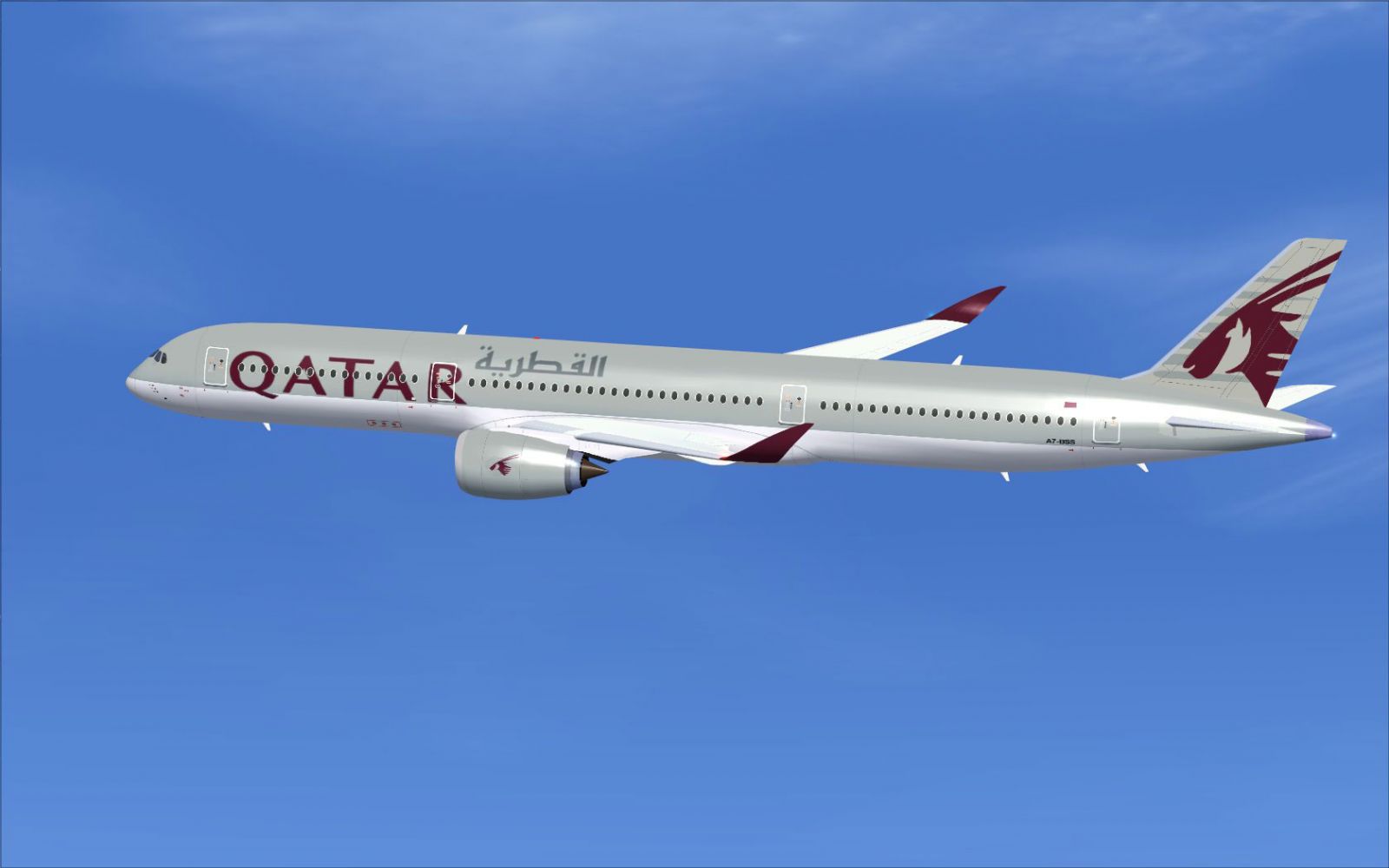
Qatar Airbus A350-1000 XWB in flight.
This release comes with built-in Animated Ground Servicing (AGS). When configured as noted, these animations allow realistic loading operations for both passenger and cargo sections. The package is specifically designed to function smoothly in FSX while maintaining a balance between aesthetic detail and overall resource usage.
To take advantage of these functions, verify that you have assigned the following controls in the Simulator’s “Options” menu:
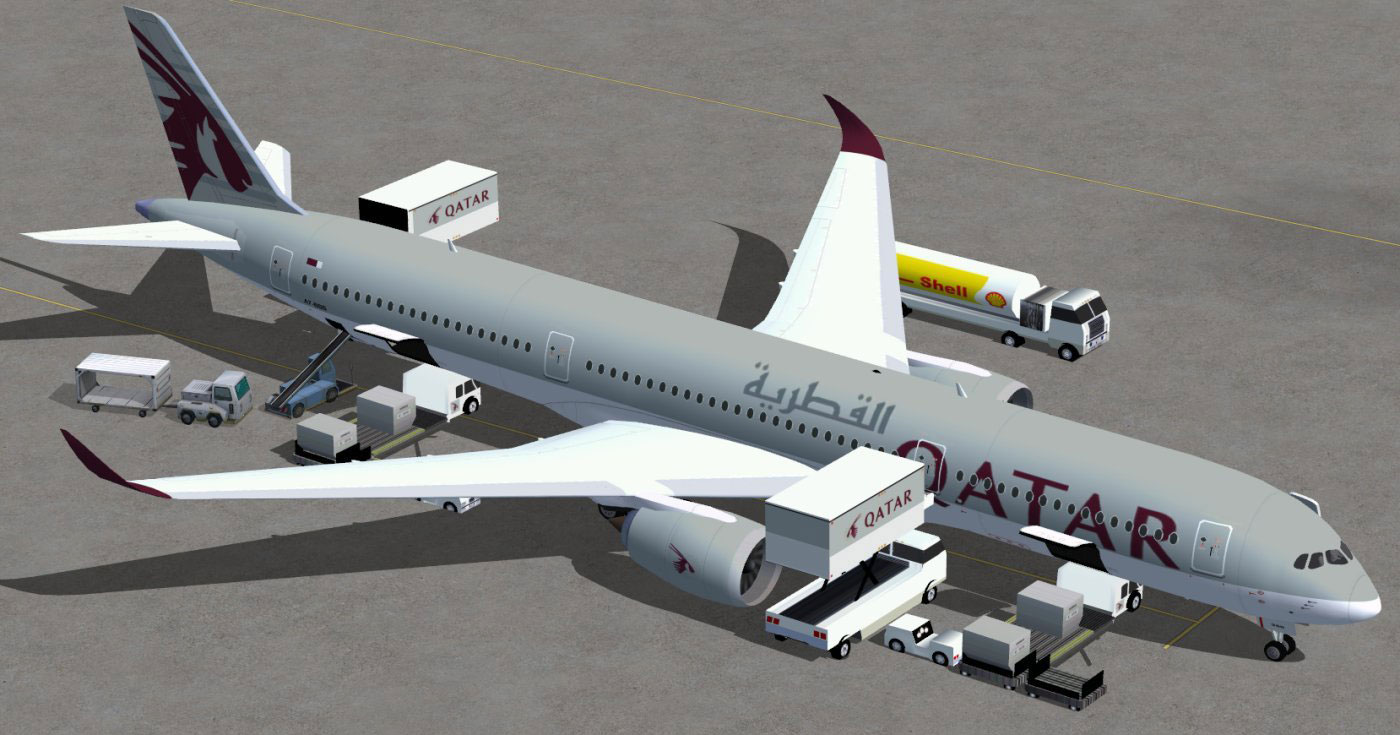
Qatar Airbus A350-1000 XWB on tarmac.
The Airbus A350-1000 represents the largest member of the A350 XWB family, designed to combine extensive range capabilities with moderate fuel consumption. As a major operator of this type, Qatar has showcased the jet’s advanced aerodynamics and versatile service features that appeal to both passengers and airlines alike. This model, envisioned by Camil Valiquette, highlights the airframe's distinctive lines and captures the carrier’s livery with accurate texturing.
All components needed to enjoy this freeware release are included in this single package, making it straightforward to get airborne quickly. Whether you are interested in long-haul performance or simply enjoy the advanced flight deck environment, this add-on provides a well-rounded experience in FSX.
Free for all simmers · 5.02 MB · Scanned clean Oct 2026
Download speed: Free tier is capped at 0.5 Mbps (this file takes approximately 1 min at the cap). PRO members download at full line speed.
This add-on may require the following files to function properly. If this is a repaint, the dependency below is likely the base aircraft package.
FSX\SimObjects\Airplanes\. The folder must contain an aircraft.cfg file. Effects go into FSX\Effects\; gauges go into FSX\Gauges\.readme.txt or README file. It tells you exactly where files go, what dependencies are needed, and any quirks specific to this add-on.The archive 350v2qrntc0.zip has 34 files and directories contained within it.
This list displays the first 500 files in the package. If the package has more, you will need to download it to view them.
| Filename/Directory | File Date | File Size |
|---|---|---|
| CamSim Airbus 350-1000 V2 Qatar | 04.09.11 | 0 B |
| 350-1000.air | 02.25.10 | 12.75 kB |
| 350v2qrags0.jpg | 04.09.11 | 147.65 kB |
| 350v2qr_ntc_.jpg | 04.09.11 | 78.83 kB |
| aircraft.cfg | 04.09.11 | 15.22 kB |
| Effects.zip | 03.25.06 | 1.80 kB |
| file_id.diz | 04.09.11 | 268 B |
| model.350-1000 ags | 04.09.11 | 0 B |
| 350-1000 ags.mdl | 12.03.09 | 2.62 MB |
| Model.cfg | 08.09.07 | 31 B |
| PANEL | 04.09.11 | 0 B |
| 787_350_panel_background.bmp | 02.25.10 | 2.25 MB |
| 787_350_panel_background_night.bmp | 02.25.10 | 2.25 MB |
| Airbus_A321.cab | 09.04.06 | 2.72 MB |
| panel.cfg | 02.25.10 | 5.48 kB |
| Read Me_FSX.txt | 04.09.11 | 2.06 kB |
| SOUND | 04.09.11 | 0 B |
| Sound.cfg | 08.30.09 | 35 B |
| texture.qr | 04.09.11 | 0 B |
| 359fuse_t.bmp | 04.09.11 | 1.00 MB |
| 35eng_t.bmp | 04.08.11 | 1.00 MB |
| 35int_L.bmp | 08.06.09 | 4.00 MB |
| 35int_t.bmp | 08.10.09 | 1.00 MB |
| 35tail_t.bmp | 09.16.10 | 1.00 MB |
| 35wings_t.bmp | 08.04.09 | 1.00 MB |
| 787ext_L.bmp | 08.06.09 | 4.00 MB |
| 787ext_t.bmp | 08.10.09 | 1.00 MB |
| gris_t.bmp | 12.09.09 | 16.07 kB |
| pilot1.bmp | 12.06.06 | 256.07 kB |
| pilot1_l.bmp | 12.06.06 | 1.00 MB |
| thumbnail.jpg | 04.09.11 | 4.15 kB |
| w_t.bmp | 12.06.08 | 16.07 kB |
| flyawaysimulation.txt | 10.29.13 | 959 B |
| Go to Fly Away Simulation.url | 01.22.16 | 52 B |
Only PRO members can place votes.
More FSX & P3D add-ons hand-picked based on this download.
FSX Civil Aircraft
Experience a refined Emirates-liveried Airbus A350-1000 XWB for FSX, featurin…
 FSX Civil Aircraft
Immerse yourself in a modern wide-body experience with this British Airways A…
 FSX Civil Aircraft
This comprehensive freeware package introduces a Qantas-liveried Airbus A350-…
 FSX Civil Aircraft
FSX Thai Airways International Airbus A350-1000 XWB (Extra Wide Body). Featur…
 FSX Civil Aircraft
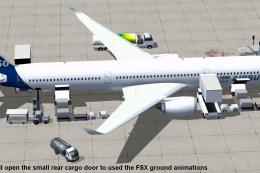
This updated freeware package depicts the House Colors Airbus A350-1000 XWB V…
 FSX Civil Aircraft
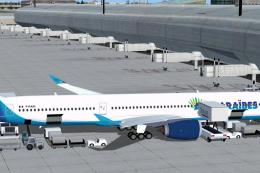
Experience the second release of this freeware Air Caraibes Airbus A350-1000 …
 FSX Civil Aircraft
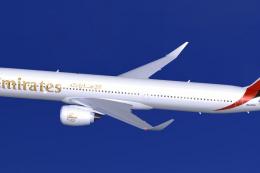
FSX Emirates Airbus A350-1000 XWB, including a new Animated Ground Servicing …
 FSX Civil Aircraft
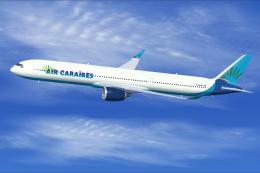
Experience a distinctive upgrade to your simulator with this freeware Air Car…
Read what other simmers think, or add your own.

Unfortunately, Qatar Airways cheated us for our miles and we will not fly anymore this airline with very bad service. Because of our cancellation Qatar Airways looses at least 15 flight per year through our company
Karl Fehringer CEO