

 FSX Civil Aircraft
Qatar Airbus A350-900 XWB
This comprehensive freeware release showcases a fully functional model of an …
Qatar Airways’ Airbus A350-900 XWB V2 brings a refined wide-body model to Microsoft Flight Simulator X with updated nose and cockpit window geometry, current tail markings, and crisp exterior textures that highlight wing structures and fuselage detail. Integrated Animated Ground Servicing adds responsive door and cargo animations for more convincing turnaround scenes.
 Rate
Rate
Experience an updated rendition of Qatar’s acclaimed Airbus A350-900 XWB, meticulously modeled for use in Microsoft Flight Simulator X. In this version, created by Camil Valiquette, you will notice refined aerodynamic elements, modern cockpit windows, and the latest tail markings inspired by Qatar Airways’ fleet. Enthusiasts will appreciate the improved wing structures and the integrated ground service animations, all offered as a complete freeware package on Fly Away Simulation.
The real Airbus A350-900 is a long-range, wide-body jetliner known for its composite-heavy construction and efficient engines, which improve operating costs while reducing emissions. In this FSX-specific adaptation, you get to see the revised nose shape and updated coloring that reflects the latest Qatar Airways livery. The included textures replicate fine details of the airframe—particularly around the winglets and fuselage rivets—providing an immersive representation of the actual aircraft.
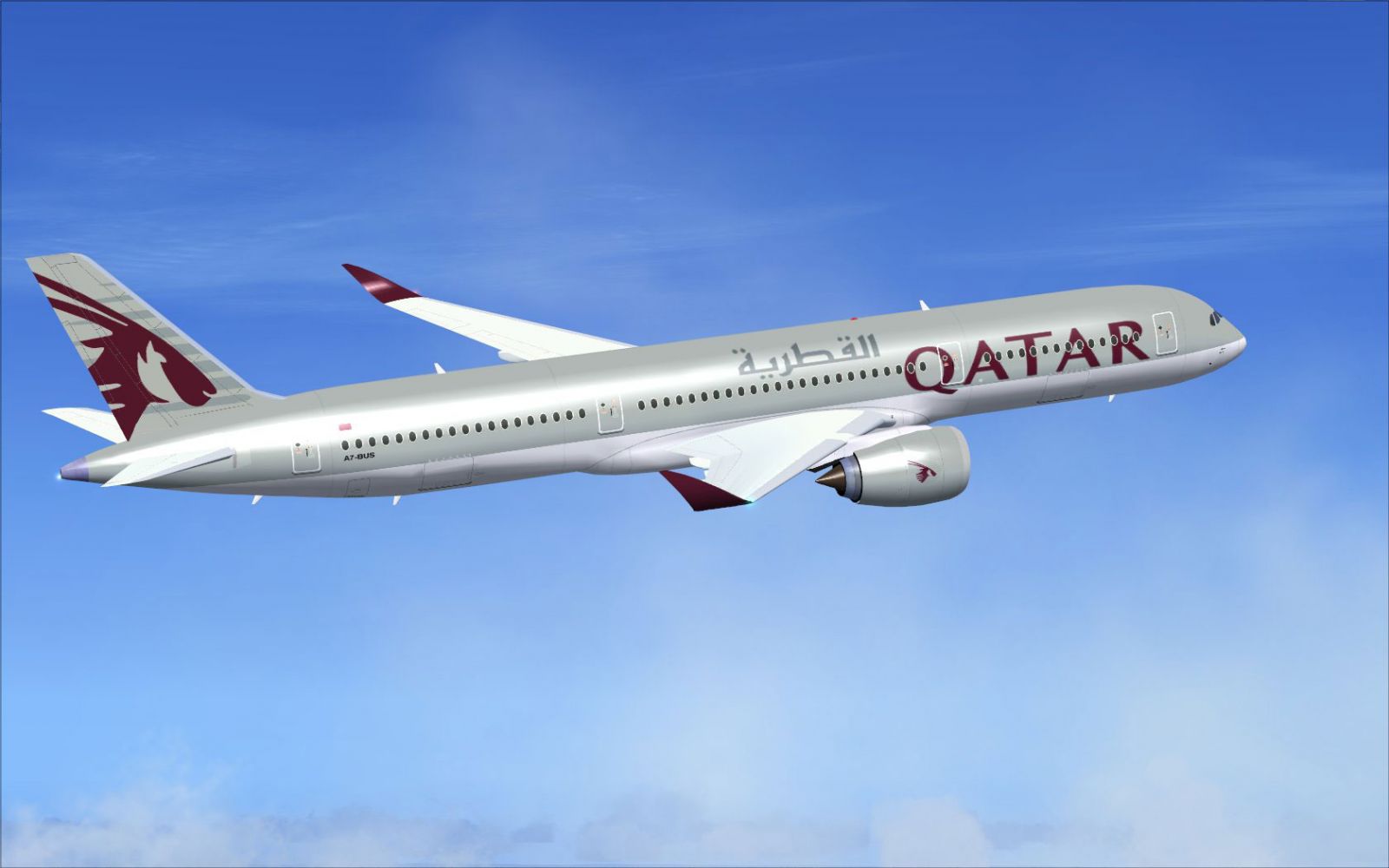
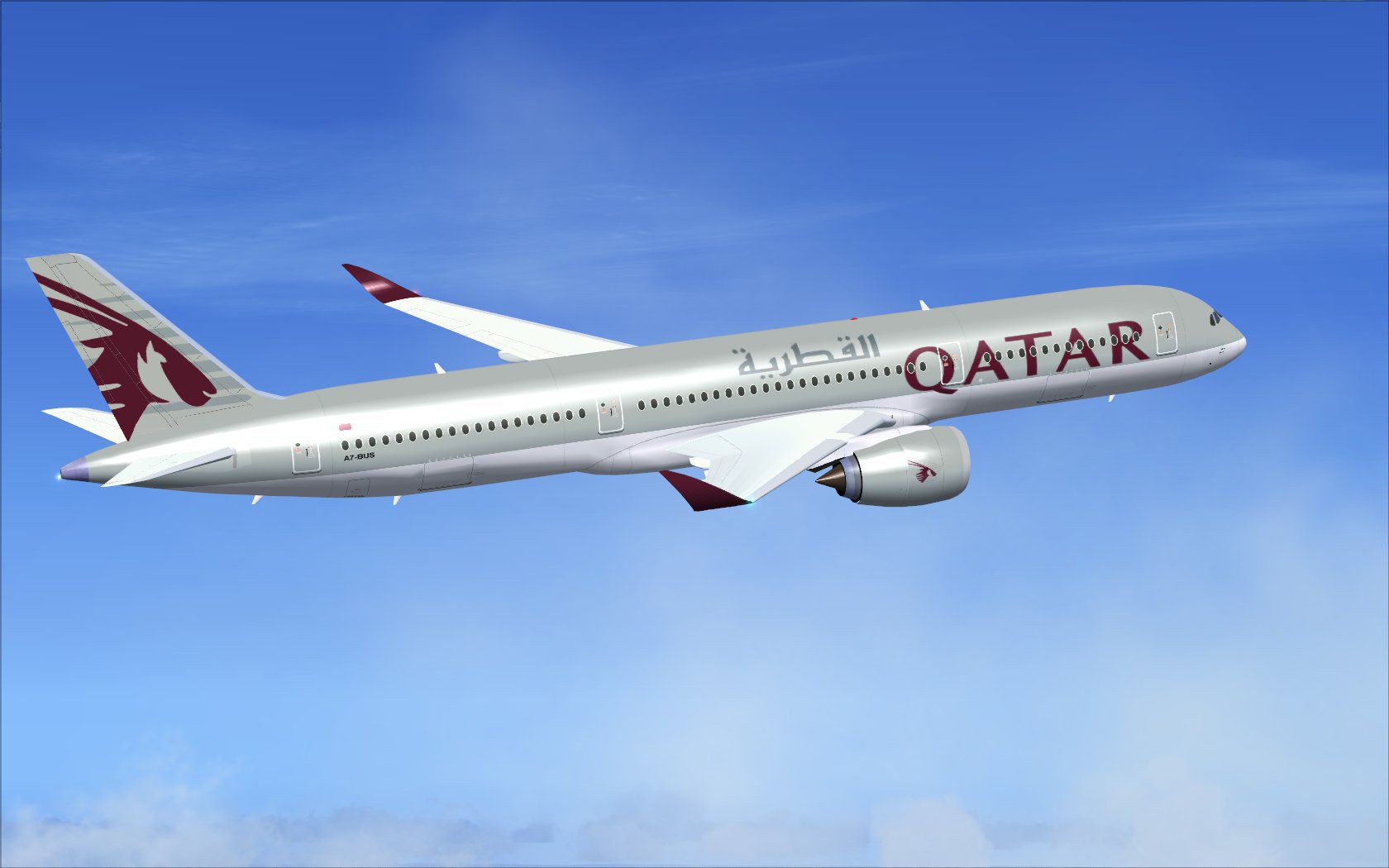
Qatar Airbus A350-900 XWB in flight.
Camil Valiquette is the mind behind this model’s external design and paint scheme. This release builds upon a version first unveiled during the Paris Air Show 2009, presenting signature Qatari tail branding and an adjusted nose line to match the latest production standards. The package is entirely freeware, offering a straightforward install process that ensures you can add it to your virtual hangar with ease.
The result is a complete setup that merges both external and internal enhancements without needing extra add-ons.
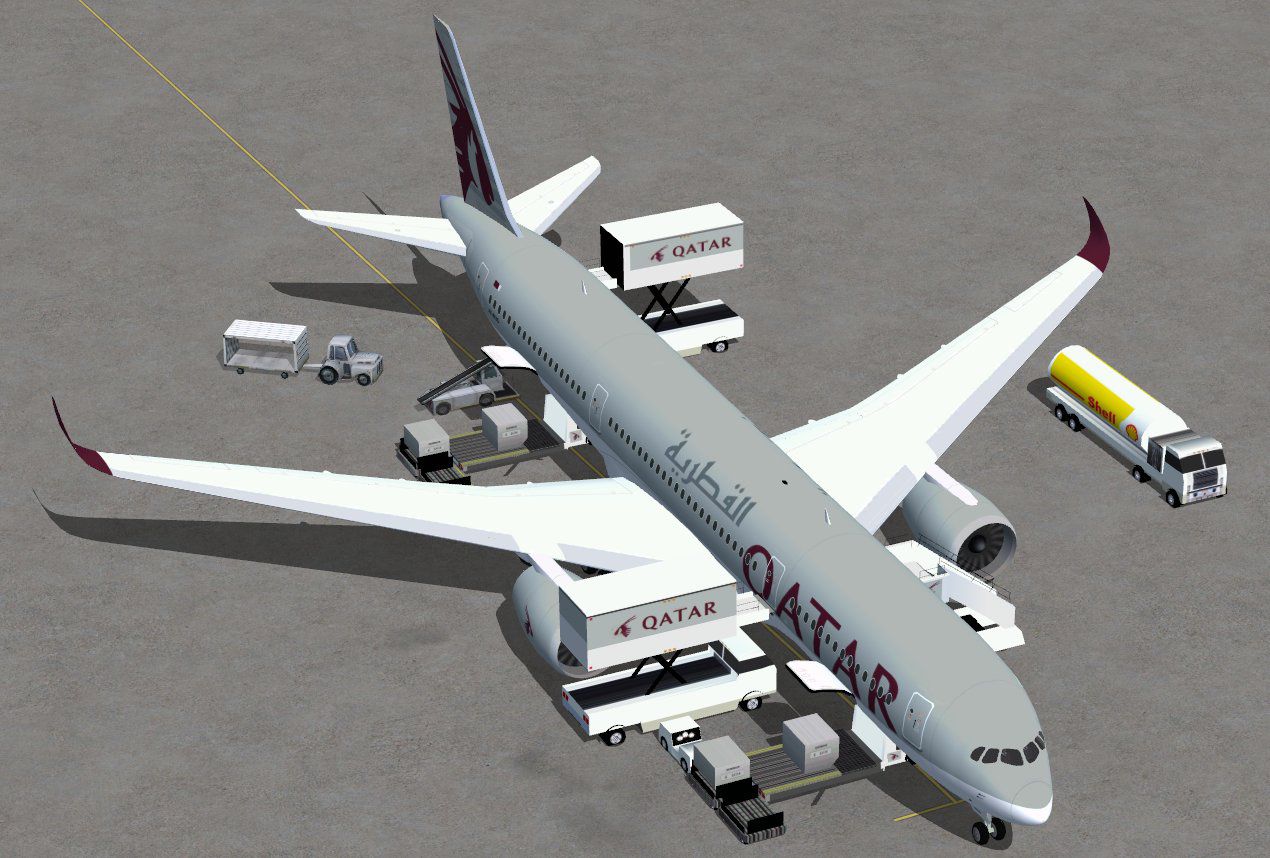
This updated rendition includes Animated Ground Servicing, which triggers a variety of ground support vehicles and doors that coordinate with FSX ground operations. Below are the essential command mappings:
For optimal control, assign “Wing fold/unfold” to Shift + C and “Tail hook up/down” to Shift + D in your simulator’s control settings. This mapping ensures all animations remain responsive and accurately portrayed.
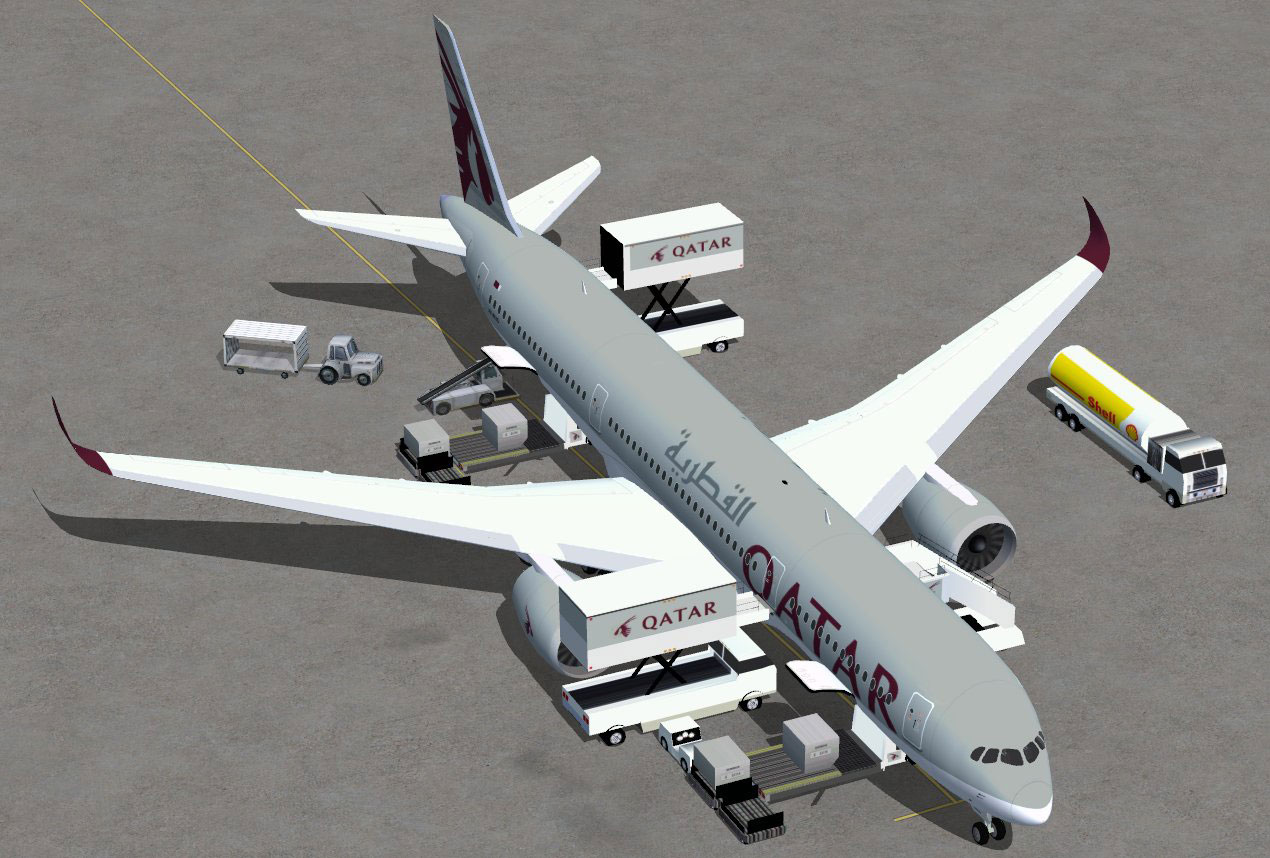
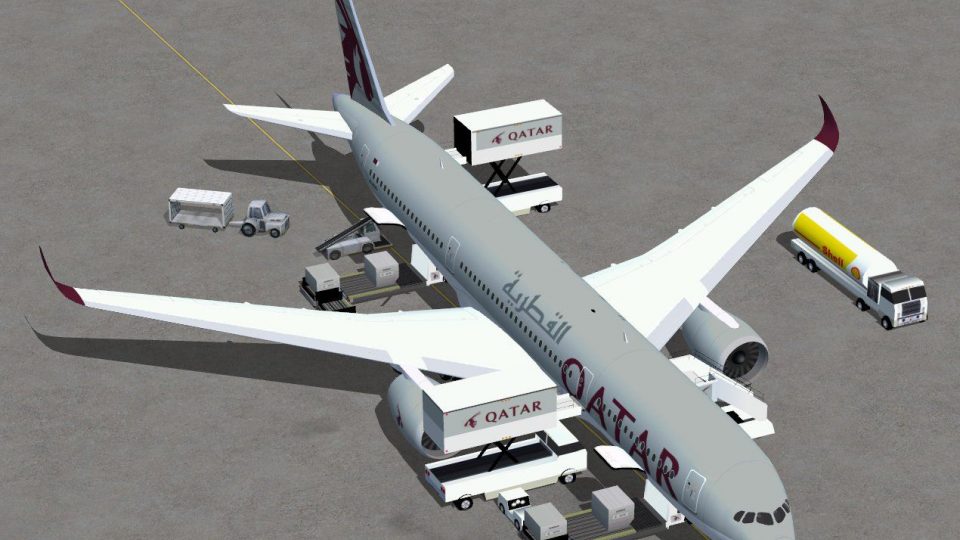
Qatar Airbus A350-900 XWB on tarmac.
Qatar Airways is recognized globally for maintaining a cutting-edge fleet and impeccable onboard service standards, which perfectly aligns with the Airbus A350’s modern cabin design and advanced avionics. This freeware mod lets you recreate the airline’s operational style in accurate detail, enhanced further by the advanced performance and ground handling characteristics in FSX.
All visuals, structural components, and ground features have been carefully merged into one cohesive package, allowing sim pilots to explore Qatar’s sophisticated approach to passenger and cargo transport.
Free for all simmers · 5.02 MB · Scanned clean Oct 2026
Download speed: Free tier is capped at 0.5 Mbps (this file takes approximately 1 min at the cap). PRO members download at full line speed.
This add-on may require the following files to function properly. If this is a repaint, the dependency below is likely the base aircraft package.
FSX\SimObjects\Airplanes\. The folder must contain an aircraft.cfg file. Effects go into FSX\Effects\; gauges go into FSX\Gauges\.readme.txt or README file. It tells you exactly where files go, what dependencies are needed, and any quirks specific to this add-on.The archive 359v2qrntc0.zip has 34 files and directories contained within it.
This list displays the first 500 files in the package. If the package has more, you will need to download it to view them.
| Filename/Directory | File Date | File Size |
|---|---|---|
| CamSim Airbus 350-900 V2 Qatar ntc | 04.09.11 | 0 B |
| 359.air | 02.25.10 | 12.75 kB |
| 359v2qrntcags0.jpg | 04.09.11 | 174.05 kB |
| 359v2qr_ntc_.jpg | 04.06.11 | 100.29 kB |
| aircraft.cfg | 04.09.11 | 15.36 kB |
| Effects.zip | 03.25.06 | 1.80 kB |
| file_id.diz | 04.14.11 | 350 B |
| model.359 ags | 04.09.11 | 0 B |
| 359 ags.mdl | 11.23.09 | 2.53 MB |
| Model.cfg | 03.27.07 | 26 B |
| PANEL | 04.09.11 | 0 B |
| 787_350_panel_background.bmp | 02.25.10 | 2.25 MB |
| 787_350_panel_background_night.bmp | 02.25.10 | 2.25 MB |
| Airbus_A321.cab | 09.04.06 | 2.72 MB |
| panel.cfg | 02.25.10 | 5.48 kB |
| Read Me_FSX.txt | 08.10.09 | 1.83 kB |
| SOUND | 04.09.11 | 0 B |
| Sound.cfg | 05.27.09 | 30 B |
| texture.qr | 04.09.11 | 0 B |
| 359fuse_t.bmp | 09.16.10 | 1.00 MB |
| 35eng_t.bmp | 04.08.11 | 1.00 MB |
| 35int_L.bmp | 08.06.09 | 4.00 MB |
| 35int_t.bmp | 08.10.09 | 1.00 MB |
| 35tail_t.bmp | 09.16.10 | 1.00 MB |
| 35wings_t.bmp | 08.04.09 | 1.00 MB |
| 787ext_L.bmp | 08.06.09 | 4.00 MB |
| 787ext_t.bmp | 08.10.09 | 1.00 MB |
| gris_t.bmp | 03.17.06 | 16.07 kB |
| pilot1.bmp | 02.07.07 | 256.07 kB |
| pilot1_l.bmp | 12.06.06 | 1.00 MB |
| thumbnail.jpg | 04.09.11 | 5.70 kB |
| w_t.bmp | 12.06.08 | 16.07 kB |
| flyawaysimulation.txt | 10.29.13 | 959 B |
| Go to Fly Away Simulation.url | 01.22.16 | 52 B |
Only PRO members can place votes.
More FSX & P3D add-ons hand-picked based on this download.
FSX Civil Aircraft
This comprehensive freeware release showcases a fully functional model of an …
 FSX Civil Aircraft
This updated package offers a newly refined Qatar-themed Airbus A350-800 XWB …
 FSX Civil Aircraft
This package features the refined House Colors Airbus A350-900 XWB in Version…
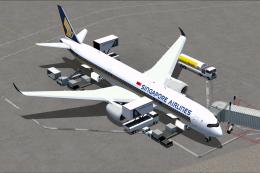 FSX Civil Aircraft
Singapore Airlines Airbus A350-900 XWB v2. Versions 2 is an all new version o…
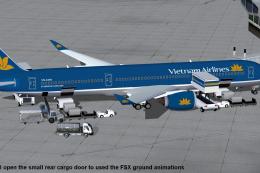 FSX Civil Aircraft
This comprehensive freeware package features Vietnam Airlines' Airbus A350-90…
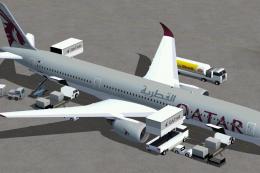 FSX Civil Aircraft
This update introduces a refined release of the Airbus A350-1000 for FSX, fea…
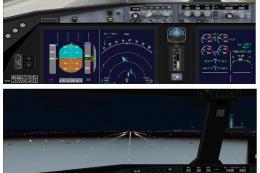 FSX Civil Aircraft
This latest rendition of the Qatar Airbus A350-800 XWB incorporates refined e…
 FSX Civil Aircraft
TAP Portugal Airbus A350-900 XWBv2. Versions 2 is an all new version of theA3…
Be the first to leave a comment on this download.
Be the first to share your thoughts on this download.