

 FSX Civil Aircraft
Singapore Airlines Airbus A350-900 XWB
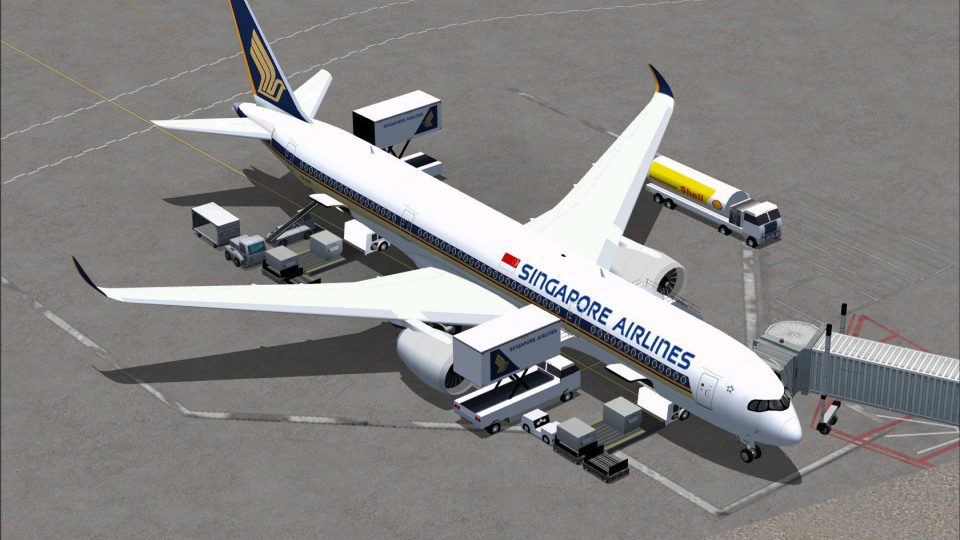
FSX Singapore Airlines Airbus A350-900 XWB (Extra Wide Body) with Animated Gr…
Singapore Airlines’ Airbus A350-900 XWB v2 brings a refined widebody model to FSX with a reshaped nose, updated cockpit windows, and redesigned wings and winglets inspired by the Paris Air Show concept. Animated Ground Servicing adds door and cargo animations plus night effects to enrich ramp and turnaround scenes.
 Rate
Rate

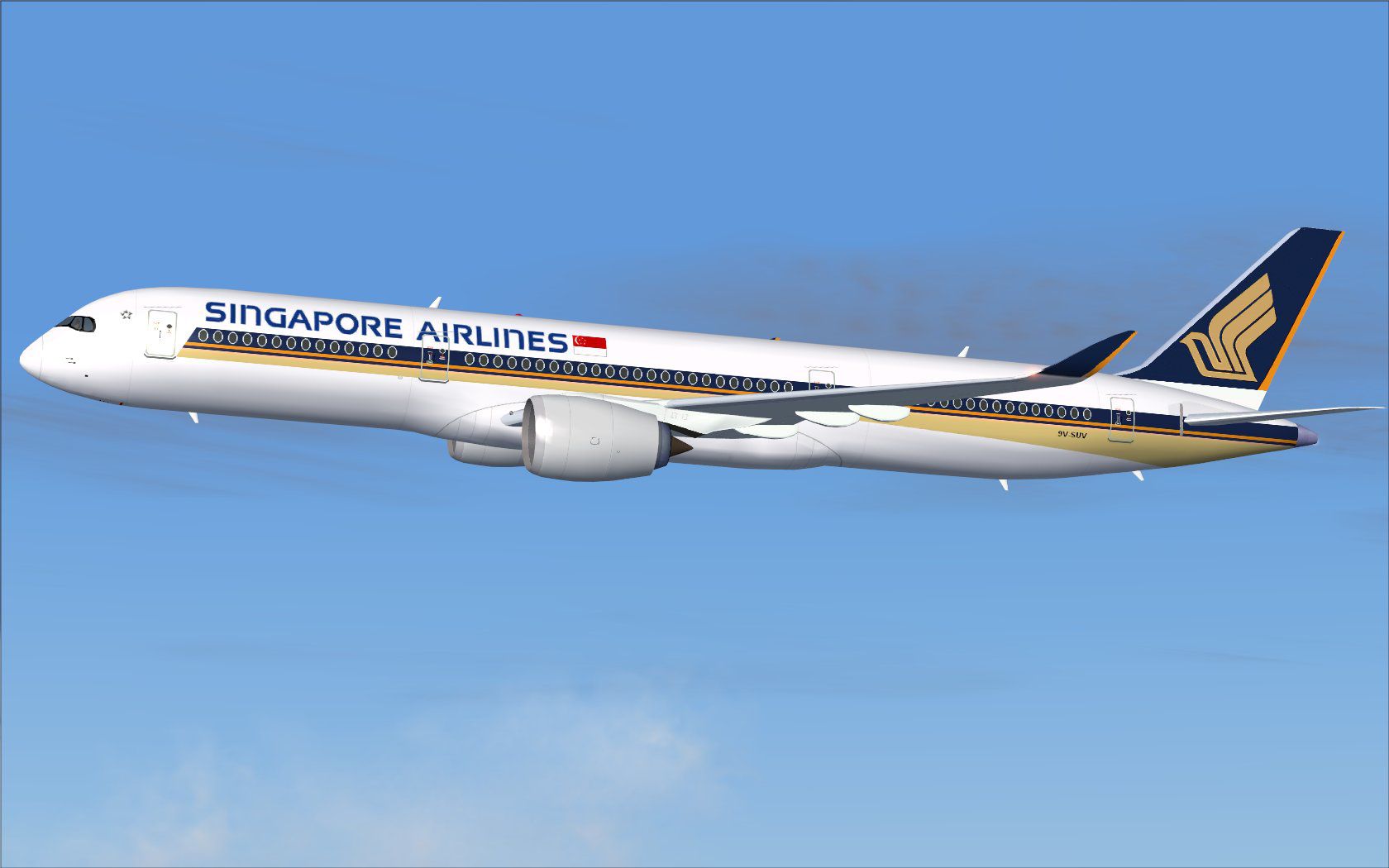
Singapore Airlines Airbus A350-900 XWB v2. Versions 2 is an all new version of the A350-900 seen at the Paris Air Show 2009, with a new nose, new cockpit windows, new wings and winglets. This CamSim version 2 also includes an updated new Animated Ground Servicing (AGS). Model design and paint by Camil Valiquette.
Aircraft: Singapore Airlines Airbus A350-900 XWB V2
Model design and paint by: Camil Valiquette
INSTALLATIONS: FSX


	1- Unzip all files in your FSX /Airplane folder.
Skip 2 if you already have one of my AGS aircrafts
2- Unzip the Effects.zip (night effects) in your FSX main folder.(Should goes in Effects folder)
Animations Info:
This aircraft come with Animated Ground Servicing (AGS)
Press Shift+E to open / close the passenger doors.

	Press Shift+E+2 to open / close the small rear cargo doors.(to be used with the FSX ground animations) "NEW ANIMATION"

	Press Shift+D to open / close the cargo doors

	Press Shift+C to start / end the animations
To fully used your animation make sure that you add these commands in Options:

	1- Wing fold/unfold = SHIFT + C

	2- Tail hook up/down = SHIFT + D
Special notes:


	1- This aircraft model is made available for the private use of Microsoft

	Flight Simulator enthusiasts. Under no circumstances,

	may this zip file, be modify or sold for profit.
Singapore Airlines Airbus A350-900 XWB shortly after take-off.
Free for all simmers · 2.46 MB · Scanned clean Oct 2026
Download speed: Free tier is capped at 0.5 Mbps. PRO members download at full line speed.
This add-on may require the following files to function properly. If this is a repaint, the dependency below is likely the base aircraft package.
FSX\SimObjects\Airplanes\. The folder must contain an aircraft.cfg file. Effects go into FSX\Effects\; gauges go into FSX\Gauges\.readme.txt or README file. It tells you exactly where files go, what dependencies are needed, and any quirks specific to this add-on.The archive 359sq2_x.zip has 31 files and directories contained within it.
This list displays the first 500 files in the package. If the package has more, you will need to download it to view them.
| Filename/Directory | File Date | File Size |
|---|---|---|
| CamSim Airbus 350-900 V2 Singapore Airlines | 09.11.09 | 0 B |
| 359.air | 02.09.07 | 12.75 kB |
| 359sqfs9_.jpg | 09.10.09 | 98.16 kB |
| 359sqfsx.jpg | 09.11.09 | 316.68 kB |
| aircraft.cfg | 09.11.09 | 15.38 kB |
| Effects.zip | 03.25.06 | 1.80 kB |
| file_id.diz | 09.11.09 | 336 B |
| model.359 ags | 09.11.09 | 0 B |
| 359 ags.mdl | 07.29.09 | 2.53 MB |
| Model.cfg | 03.27.07 | 26 B |
| PANEL | 09.11.09 | 0 B |
| panel.cfg | 05.27.09 | 33 B |
| Read Me_FSX.txt | 09.11.09 | 2.07 kB |
| SOUND | 09.11.09 | 0 B |
| Sound.cfg | 05.27.09 | 30 B |
| texture.sq | 09.11.09 | 0 B |
| 359fuse_t.bmp | 09.07.09 | 1.00 MB |
| 35eng_t.bmp | 09.07.09 | 1.00 MB |
| 35int_l.bmp | 09.10.09 | 4.00 MB |
| 35int_t.bmp | 09.10.09 | 1.00 MB |
| 35tail_t.bmp | 06.22.07 | 1.00 MB |
| 35wings_t.bmp | 09.07.09 | 1.00 MB |
| 787ext_L.bmp | 09.10.09 | 4.00 MB |
| 787ext_t.bmp | 09.10.09 | 1.00 MB |
| gris_t.bmp | 03.17.06 | 16.07 kB |
| pilot1.bmp | 09.11.09 | 257.05 kB |
| pilot1_l.bmp | 12.06.06 | 1.00 MB |
| thumbnail.jpg | 09.10.09 | 4.76 kB |
| w_t.bmp | 12.06.08 | 16.07 kB |
| flyawaysimulation.txt | 10.29.13 | 959 B |
| Go to Fly Away Simulation.url | 01.22.16 | 52 B |
Only PRO members can place votes.
More FSX & P3D add-ons hand-picked based on this download.
FSX Civil Aircraft
FSX Singapore Airlines Airbus A350-900 XWB (Extra Wide Body) with Animated Gr…
 FSX Civil Aircraft
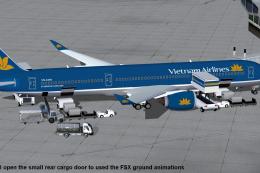
This comprehensive freeware package features Vietnam Airlines' Airbus A350-90…
 FSX Civil Aircraft
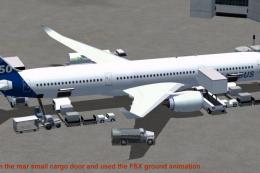
This package features the refined House Colors Airbus A350-900 XWB in Version…
 FSX Civil Aircraft
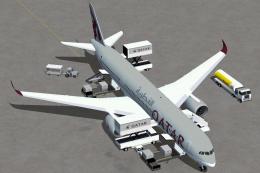
Experience an updated rendition of Qatar’s acclaimed Airbus A350-900 XWB, met…
 FSX Civil Aircraft
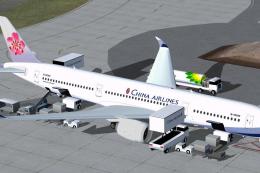
Explore a modern representation of the Airbus A350-900 XWB adorned in China A…
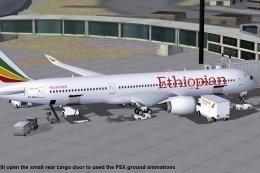 FSX Civil Aircraft
This compact freeware package showcases an updated twin-engine widebody that …
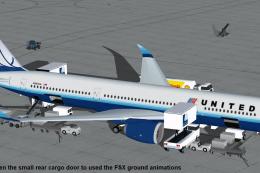 FSX Civil Aircraft
The United Airlines Airbus A350-900 XWB v2 add-on offers an advanced wide-bod…
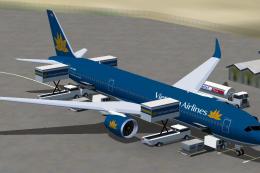 FSX Civil Aircraft
FSX Vietnam Airlines Airbus A350-900 XWB, with Animated Ground Servicing (AGS…
Read what other simmers think, or add your own.


Pls fix this problem.
I did exactly as written in the file but when i played it, the virtual cockpit was not there. Is it not part of the download or am i doing something wrong. How do I get it??