

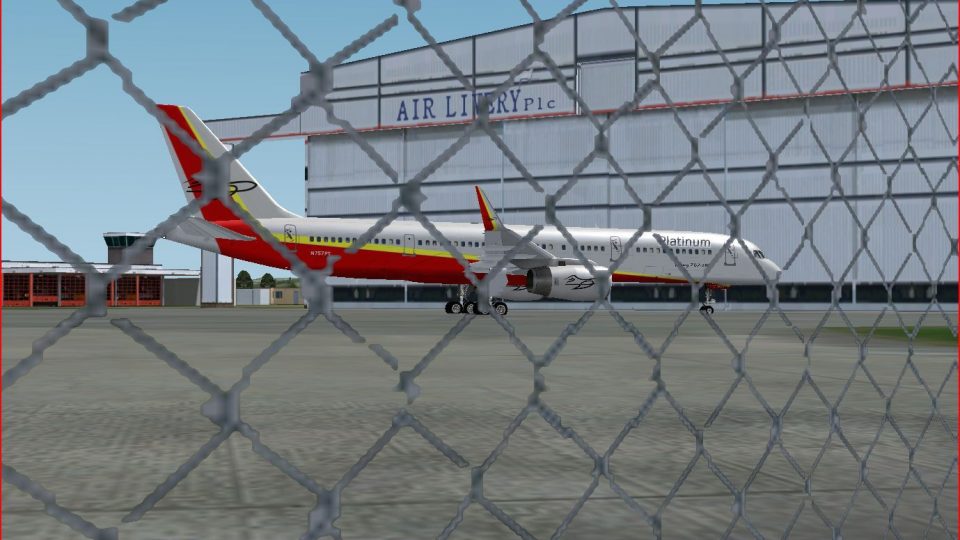
 FSX Civil Aircraft
Platinum Airways Boeing 777-200
Platinum Airways Boeing 777-200. Platinum Airways is a very virtual KISS airl…
Platinum Airways’ Boeing 757-200 brings a polished, winglet-free narrowbody to Microsoft Flight Simulator X with dynamic shine, detailed animations, opening passenger and cargo doors, cabin crew models, and both wing views and a virtual cockpit. A chart-based, pilot-informed flight model supports multiple engine variants, accurate performance, lighting effects, and comprehensive damage profiles.
 Rate
Rate
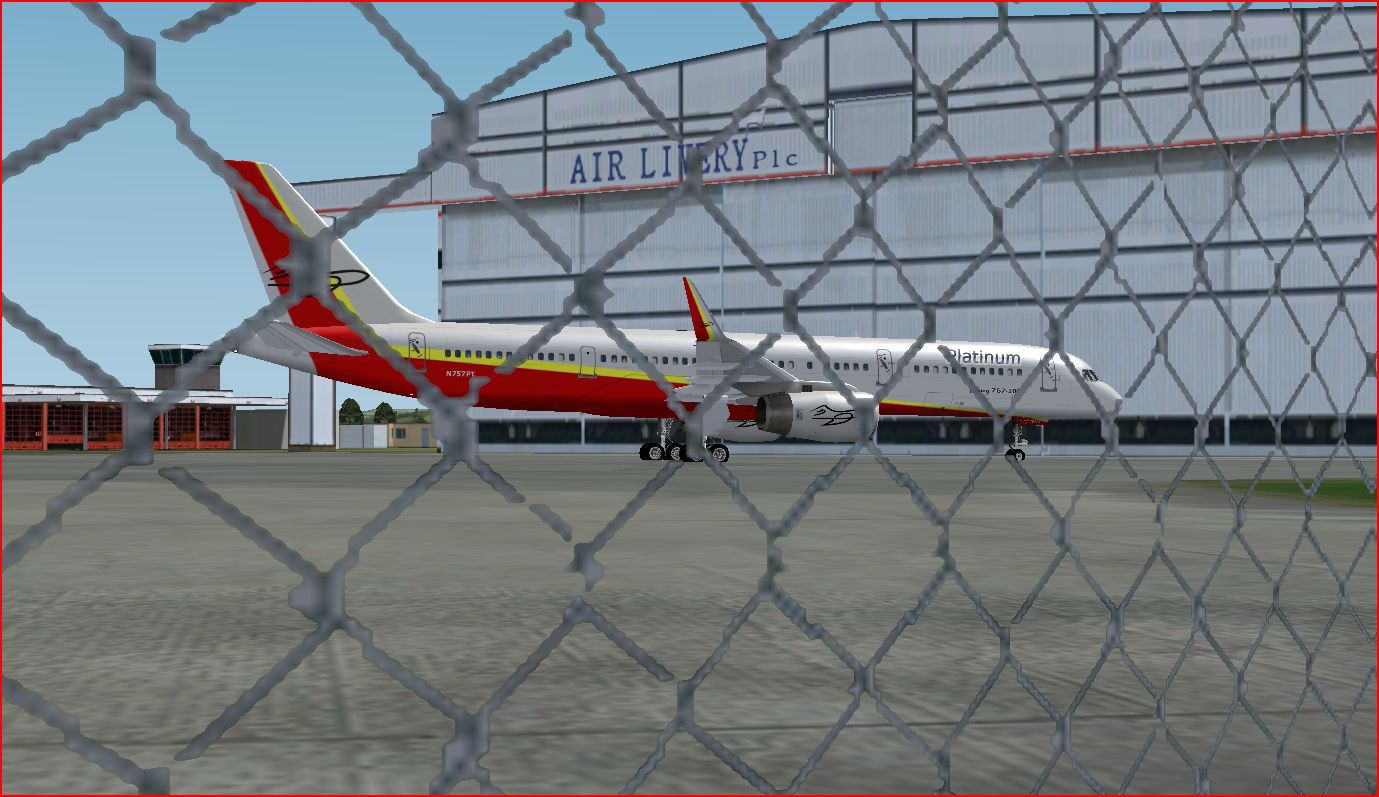
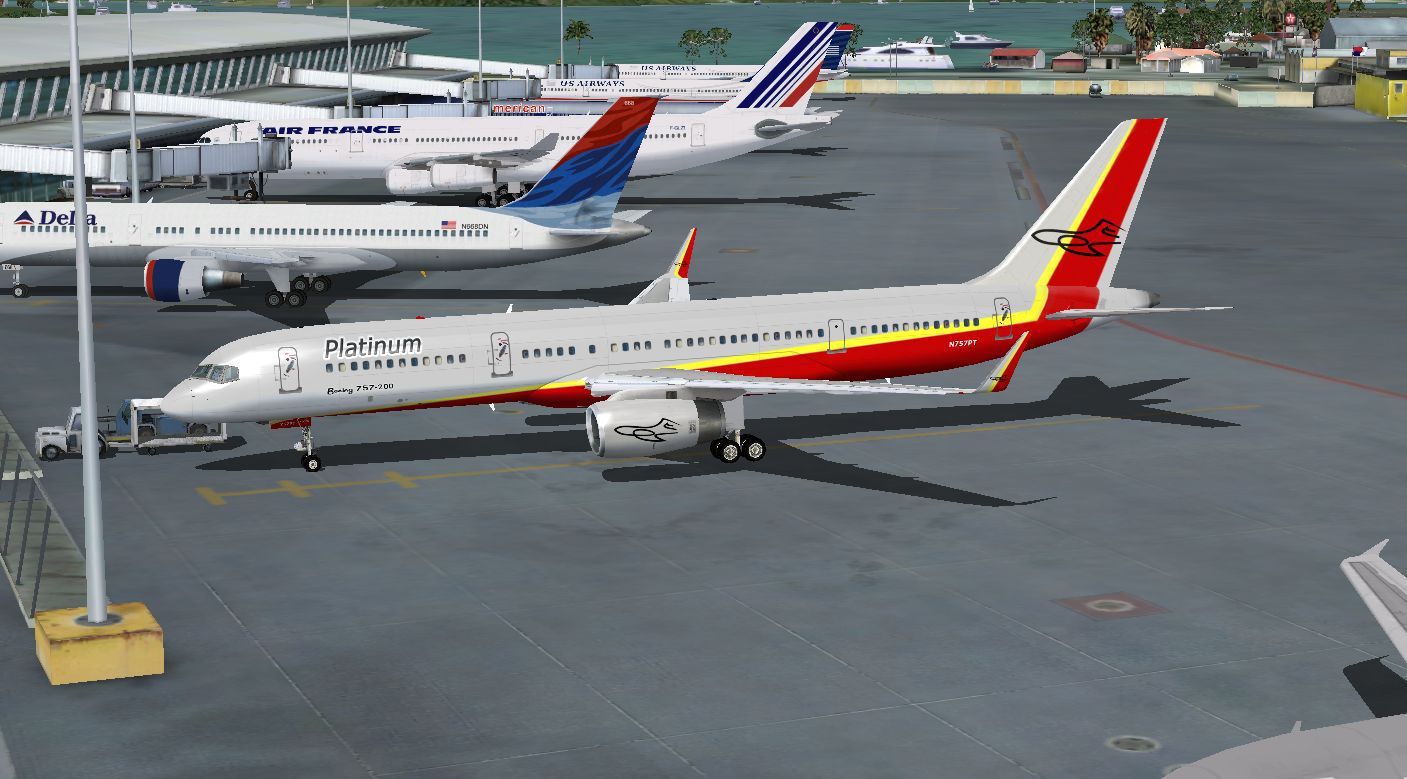
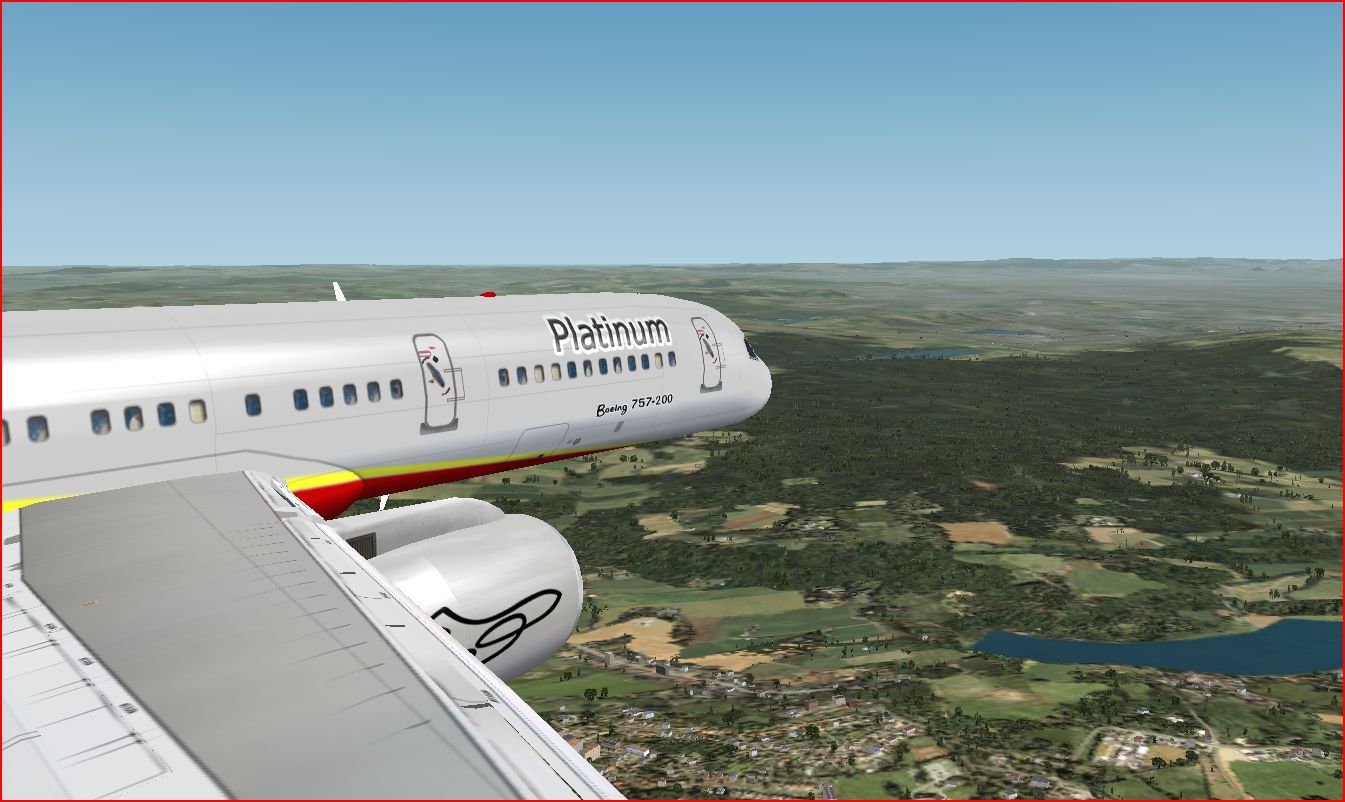
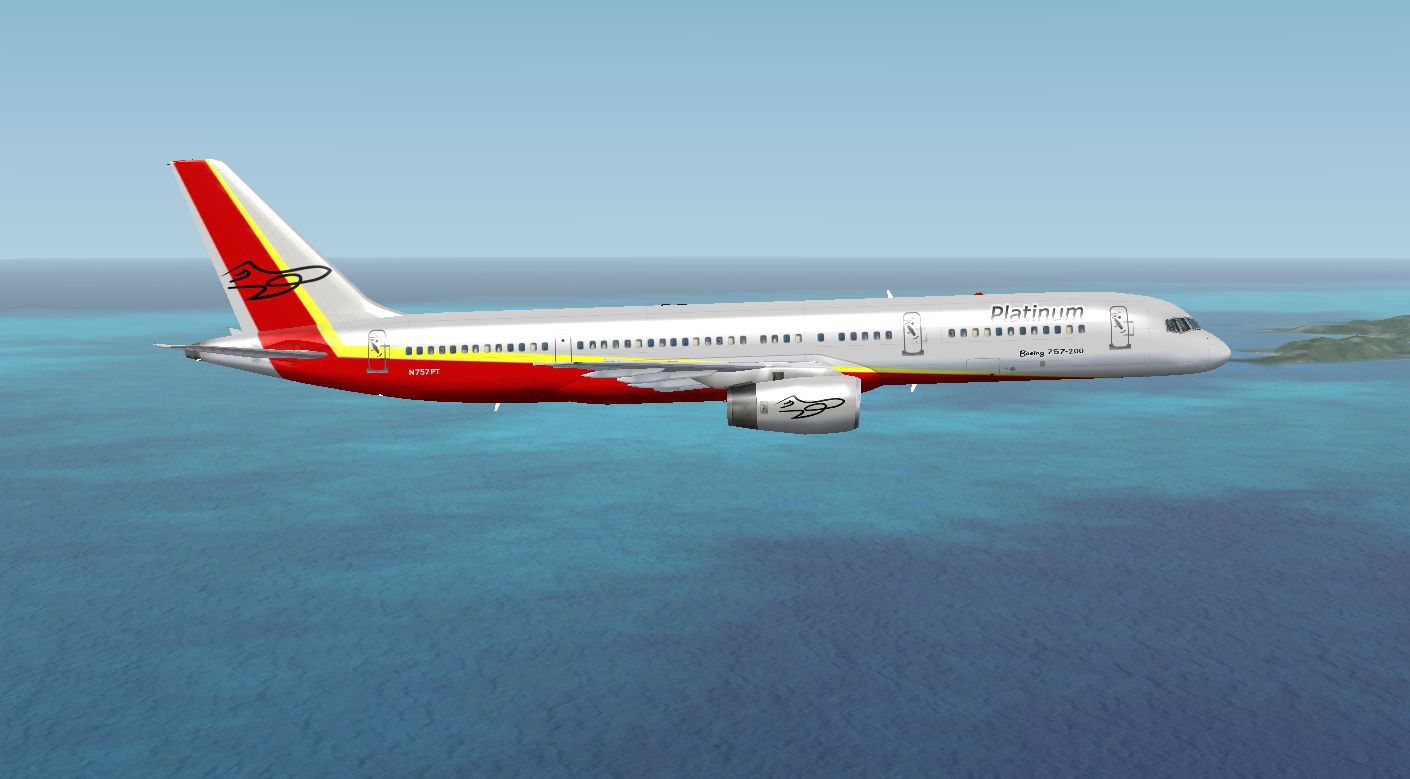
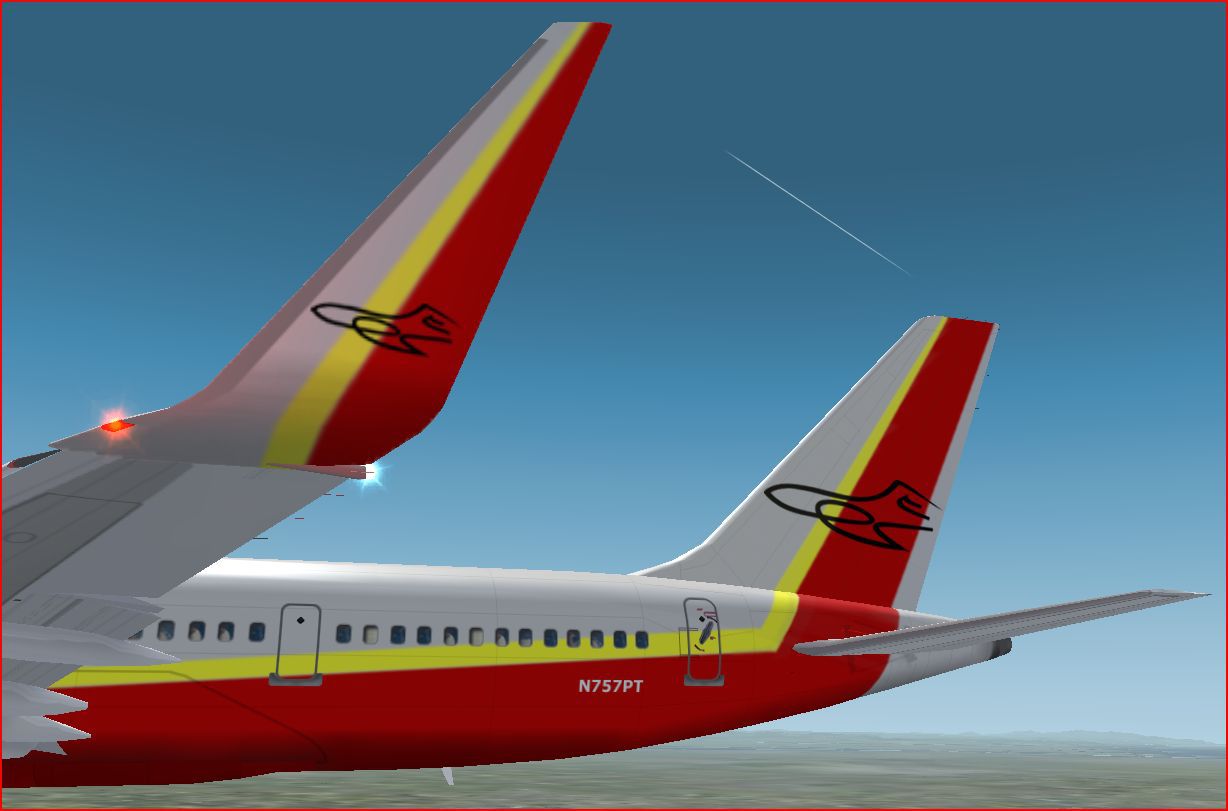
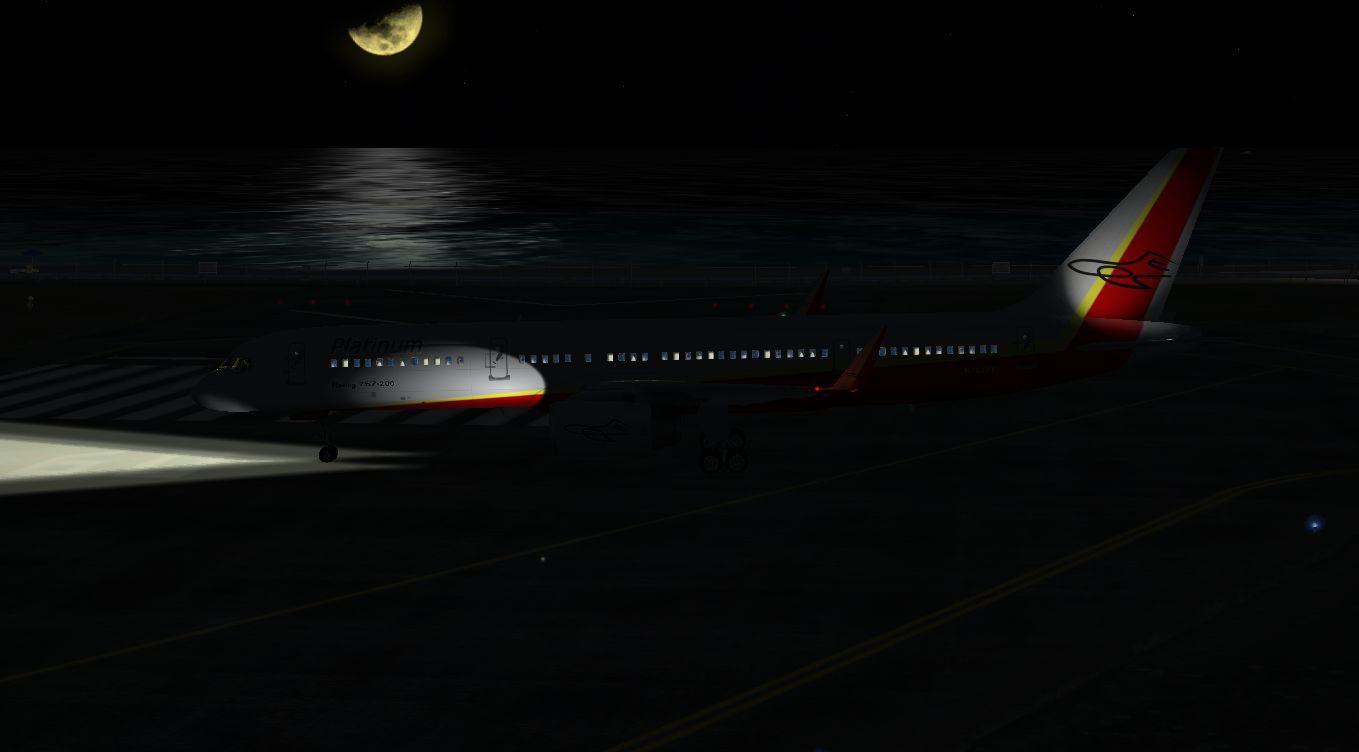
Platinum Airways Boeing 757-200 (no winglets). Platinum Airways is a very virtual KISS airline that combines liberated open skies with strategic hubs. Model by Project Open Sky. Textures by Ben Johnson.
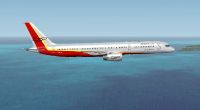
Platinum Airways Boeing 757-200 in flight.
Platinum Airways B757-200
*******************************************************************************
This aircraft is made by Project OpenSky
Model Designers : Lee Rosario, Albert Bouwman, C. Vincent Cho, Hiroshi Igami
Flight Dynamics Designer : Warren C. Daniel
FDE Advisor's : Nick Peterson, Simon Ng Hin Tat
Tested : Project-Opensky Members
Master textures : Jaco du Preez & Ben Hewitt
Painted : Ben Thomson
*******************************************************************************
Features ( in depth ):
- Dynamic shine
- Wingview or Virtual Cockpit
- Opening Doors & cargo doors
- 3d Flight Attendants in the cabine
- All normal animations
- realistic FDE
- first appearance of accurate C32A specific FDE, with 757-200 variants
- accurate dimensions
- accurate specifications
- accurate flight performance based on performance charts
- accurate flight performance based on certified pilot input
- full damage profiles for major body locations, flaps, struts, tires and engines
- different engine variants
- different engine performance, thrust maps, and fuel burn per different engine type
- different and accurate gauges based on engine type and performance
- default and alternate gear points for aircraft look vs. performance feel
- full operations manual complete with speed charts
- new detailed lighting effects for FS2004
*******************************************************************************
Install: (also refer to README.txt)
Just unzip the file and send the Aircrafts folder to the FSX/FS2004 AIRCRAFT FOLDER.
Copy effects into the main effects folder.
If you use the virtual cockpit you have to download the VC texture from www.avsim.com
IMPORTANT!!
To install the VC you need to go into the aircraft.cfg and after the line model= add the two letters > VC
This will change the model from the wing view model to the virtual cockpit model.
*******************************************************************************
Door assignments for the Project Opensky Boeing 757-200.
PAX door 1 = Shift + E
PAX door 2 = Tailhook
Normal lugage doors = Shift + E + 2
Big Cargo door = Wingfold
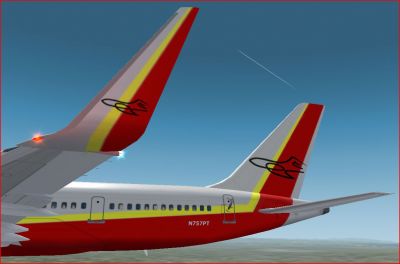
Tail and wing decal on Platinum Airways Boeing 757-200.
Free for all simmers · 6.3 MB · Scanned clean Oct 2026
Download speed: Free tier is capped at 0.5 Mbps (this file takes approximately 2 mins at the cap). PRO members download at full line speed.
FSX\SimObjects\Airplanes\. The folder must contain an aircraft.cfg file. Effects go into FSX\Effects\; gauges go into FSX\Gauges\.readme.txt or README file. It tells you exactly where files go, what dependencies are needed, and any quirks specific to this add-on.The archive fsxplatinumairwaysb757-200.zip has 45 files and directories contained within it.
This list displays the first 500 files in the package. If the package has more, you will need to download it to view them.
| Filename/Directory | File Date | File Size |
|---|---|---|
| FSX Platinum Airways B757-200 | 01.27.11 | 0 B |
| Aircraft.cfg | 01.27.11 | 19.00 kB |
| B757-200-RR-RB211-535E4.air | 11.18.04 | 9.31 kB |
| capture 5.JPG | 01.18.11 | 159.67 kB |
| Capture1.JPG | 01.18.11 | 145.17 kB |
| Capture2.JPG | 01.18.11 | 80.24 kB |
| capture3.JPG | 01.18.11 | 161.12 kB |
| capture4.JPG | 01.18.11 | 52.21 kB |
| effects.zip | 01.21.06 | 5.03 kB |
| file_id.diz | 02.03.11 | 286 B |
| Model | 01.27.11 | 0 B |
| model.cfg | 10.23.03 | 66 B |
| posky752RRe4-1.mdl | 10.21.03 | 1.30 MB |
| panel | 01.27.11 | 0 B |
| panel.cfg | 01.24.11 | 31 B |
| POSKYReadme.txt | 01.27.11 | 3.22 kB |
| README.txt | 01.27.11 | 2.16 kB |
| sound | 01.27.11 | 0 B |
| sound.cfg | 01.24.11 | 31 B |
| texture.platinum | 01.27.11 | 0 B |
| OS752_winglet_t.bmp | 01.18.11 | 1.00 MB |
| posky757fuse1_L.bmp | 01.18.11 | 4.00 MB |
| posky757fuse1_t.bmp | 01.17.11 | 4.00 MB |
| posky757fuse2_L.bmp | 01.27.11 | 4.00 MB |
| posky757fuse2_t.bmp | 01.17.11 | 4.00 MB |
| posky757gauge_l.bmp | 09.17.03 | 257.05 kB |
| posky757gear_l.bmp | 10.12.03 | 64.07 kB |
| posky757gear_t.bmp | 01.18.11 | 4.00 MB |
| posky757lwing_L.bmp | 05.22.05 | 256.07 kB |
| posky757lwing_t.bmp | 09.13.03 | 4.00 MB |
| posky757misc1_l.bmp | 05.22.05 | 256.07 kB |
| posky757misc1_t.bmp | 01.17.11 | 4.00 MB |
| posky757misc2_l.bmp | 10.23.03 | 4.00 MB |
| posky757misc2_t.bmp | 01.17.11 | 4.00 MB |
| posky757RR_l.bmp | 10.12.03 | 64.07 kB |
| posky757RR_t.bmp | 01.18.11 | 4.00 MB |
| posky757rwing_L.bmp | 05.22.05 | 256.07 kB |
| posky757rwing_t.bmp | 09.13.03 | 4.00 MB |
| Texture.cfg | 01.27.11 | 79 B |
| thumbnail.jpg | 01.18.11 | 95.02 kB |
| Thumbs.db | 03.26.07 | 109.00 kB |
| thumbnail.JPG | 01.18.11 | 95.02 kB |
| PT B757Thumb.jpg | 02.03.11 | 9.26 kB |
| flyawaysimulation.txt | 10.29.13 | 959 B |
| Go to Fly Away Simulation.url | 01.22.16 | 52 B |
Only PRO members can place votes.
More FSX & P3D add-ons hand-picked based on this download.
FSX Civil Aircraft
Platinum Airways Boeing 777-200. Platinum Airways is a very virtual KISS airl…
 FSX Civil Aircraft
Historic Jetliners Groups (Vista Liners) - Erick Cantu B727-200 for FSX. Repa…
 FSX Civil Aircraft
This freeware release features Thomas Ruth’s Airbus A330-200, offered as a fu…
 FSX Civil Aircraft
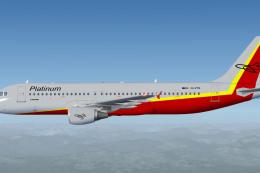
Platinum Airways blends a straightforward operational ethos (sometimes referr…
 FSX Civil Aircraft
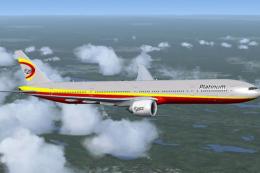
Project Open Sky B777-300 ER full aircraft, repainted in Platinum Airways' ne…
 FSX Civil Aircraft
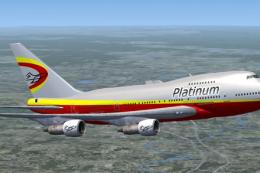
Project Open Sky B747 SP full aircraft, repainted in Platinum Airways' new li…
 FSX Civil Aircraft
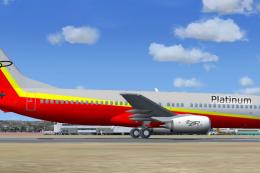
Platinum Airways Boeing 737-800. Platinum Airways is a very virtual KISS airl…
 FSX Civil Aircraft
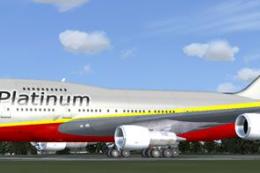
Platinum Airways Boeing 747 SP. Platinum Airways is a very virtual KISS airli…
Read what other simmers think, or add your own.

In the Description it says Virtual Cockpit, When I looked at the Aircraft, I saw no Virtual Cockpit and went into 2D Cockpit and it was 737-800 Cockpit.