

 FSX Civil Aircraft
Pegasus Airlines Boeing 737-800 NGX TC-CPE
Textures in high definition (4096x4096) only for the payware PMDG 737 NGX. Re…
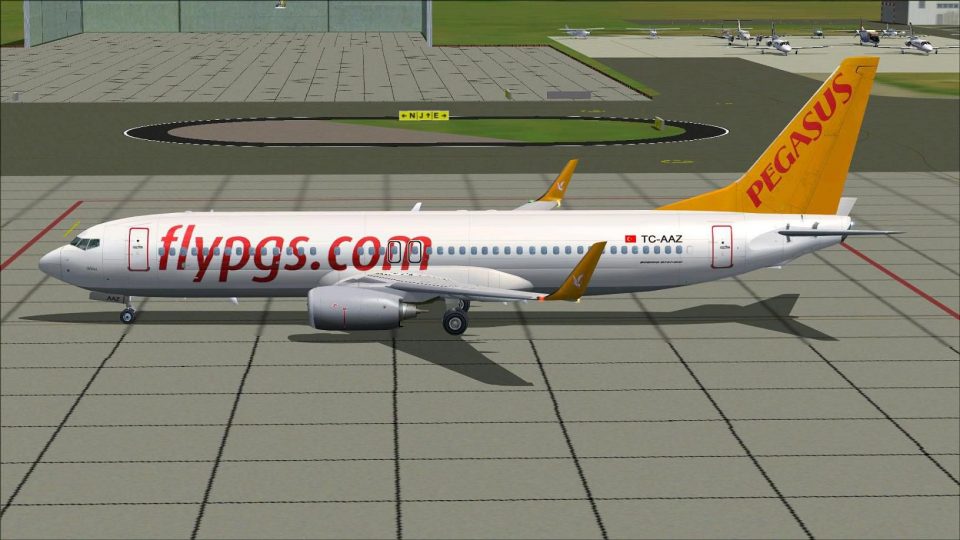
Pegasus Airlines Boeing 737-800 brings TC-AAZ with blended winglets to FSX using the Project Open Sky base model and a crisp, authentic livery. Expect animated control surfaces, wing flex, reversers and bogies, reflective textures, functional lighting, opening passenger door, and pilot-tested flight dynamics for believable short- to medium-haul operations.
 Rate
Rate
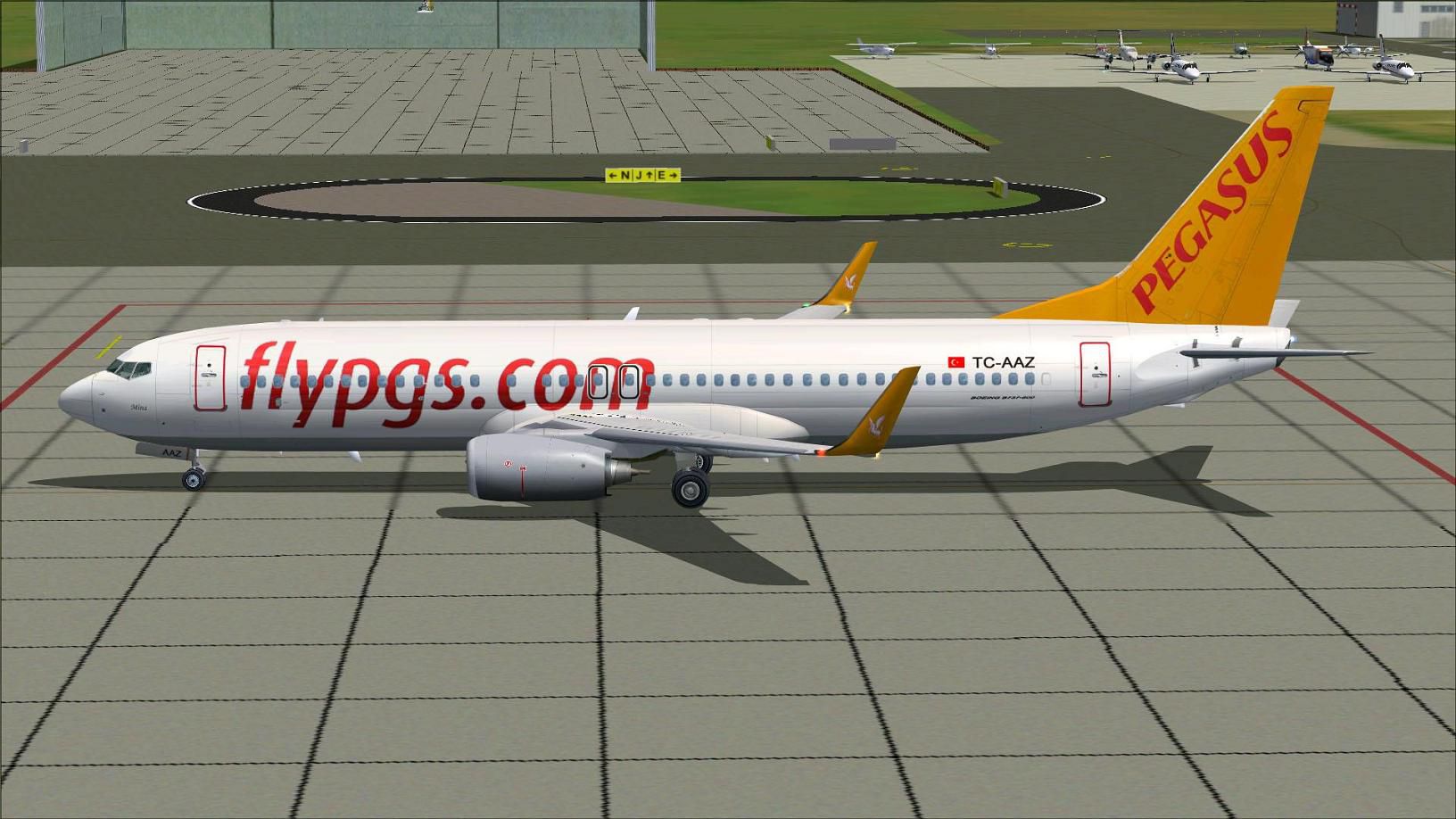
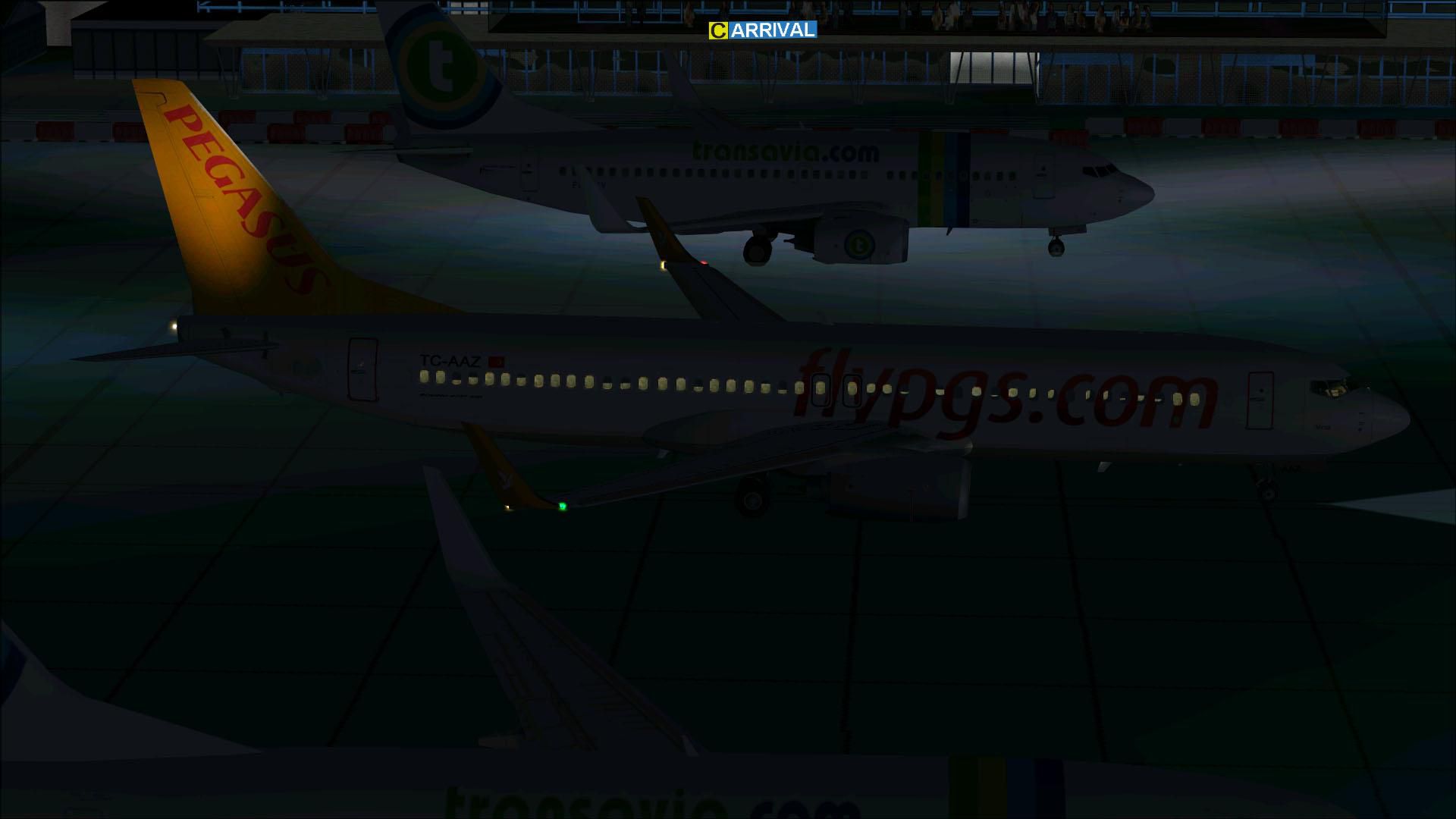

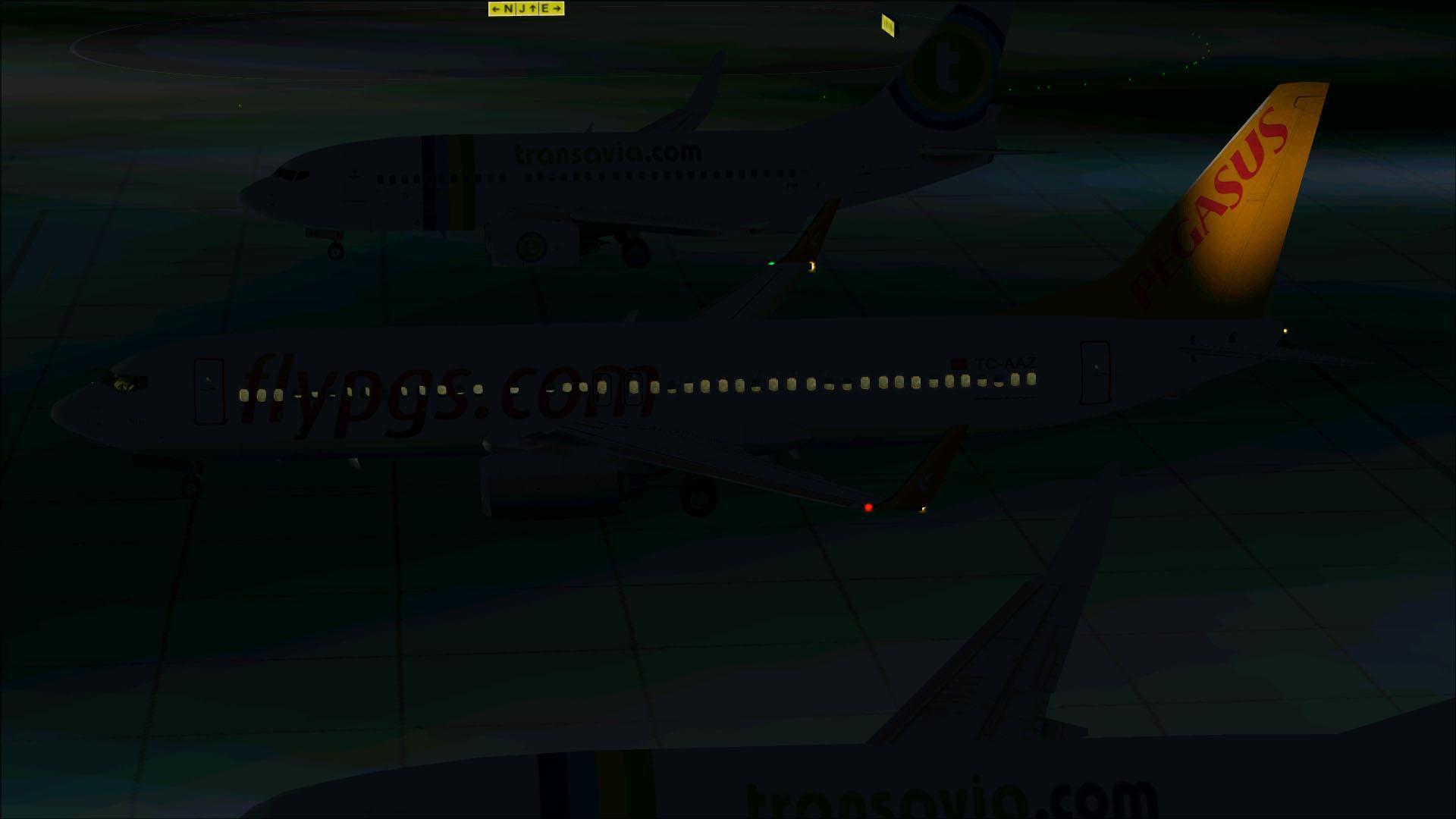
Experience a comprehensive Pegasus Airlines Boeing 737-800 freeware package designed for Microsoft Flight Simulator X, featuring the official Project Open Sky base model and a meticulous livery created by Mathieu Vos. This add-on offers a true-to-life flying experience for enthusiasts who appreciate accurate details, dynamic animations, and seamless integration.
This release represents one of the most recognizable narrow-body aircraft in the skies, the Boeing 737-800. The Next Generation series is well known for its reliability, fuel efficiency, and advanced avionics. Pegasus Airlines, a Turkish low-cost carrier founded in 1989, has operated these twin-engine jets across Europe and the Middle East, often departing from its primary hub at Istanbul Sabiha Gökçen International Airport. The airline’s distinctive branding and streamlined fleet make it popular among virtual pilots aiming to explore shorter or medium-range routes.
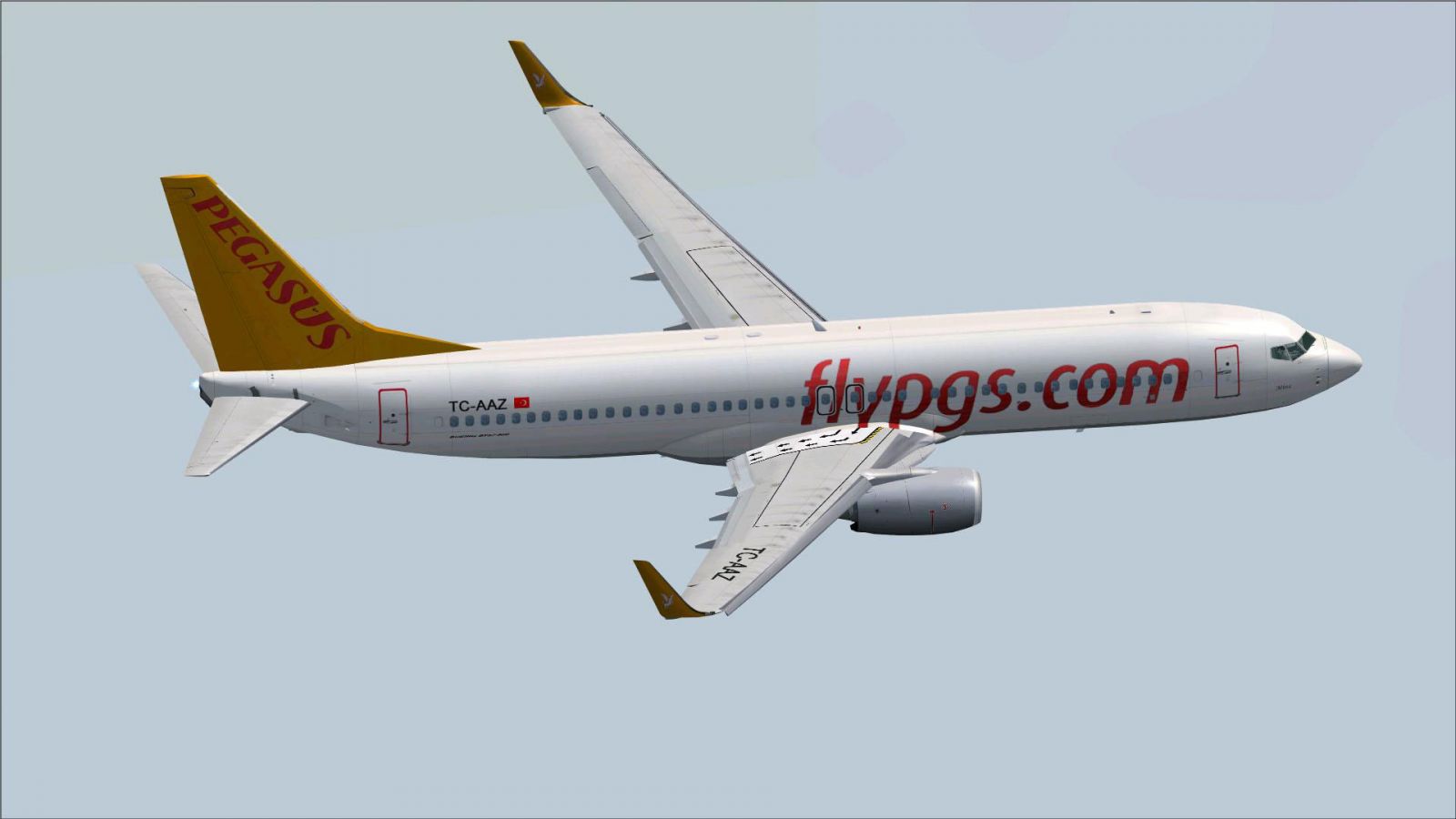
Pegasus Airlines Boeing 737-800 in flight.
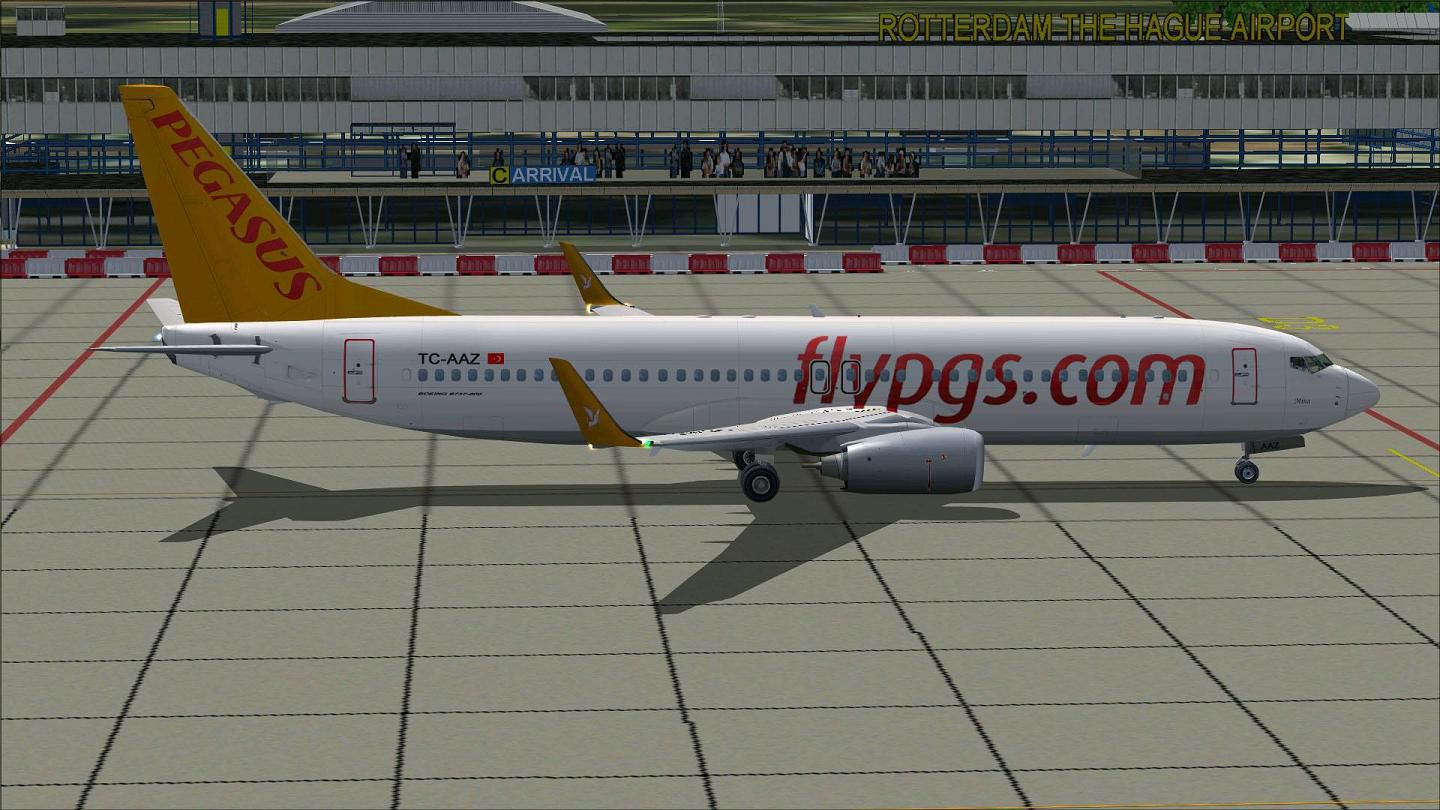
This rendition stands out thanks to the expertise of Project Open Sky, known for crafting high-fidelity base models, along with precise testing performed by their dedicated members. The external paint job is the handiwork of Mathieu Vos, who focused on replicating TC-AAZ with blended winglets to optimize realism. Every detail aims to reflect the distinctive style and operational characteristics of the actual airline.
Beyond the usual animations, transparent navigation light lenses and precisely placed logo decals enhance the aircraft’s overall authenticity. This model was specifically checked for accurate spoiler deployment, so you can rely on proper aerodynamic behavior during descent or speed adjustments.

Pegasus Airlines Boeing 737-800 at airport.
To integrate this aircraft into your simulator, simply locate the Project Open Sky Boeing 737-800 folder in your installation directory. Then copy the provided Texture folder into that location. Next, insert the supplied configuration lines into your aircraft.cfg file, ensuring they match the correct sequence. Once you start Microsoft Flight Simulator X, select the Pegasus Airlines livery under the Boeing 737-800 category.
With that, you can load up the cockpit, apply power, and taxi to the runway for a realistic regional or medium-haul flight. Shift+E commands will operate the passenger door, making the aircraft come alive with ground services. Enjoy the visual fidelity of the reflective fuselage, dynamic animations, and the distinctive Pegasus Airlines color scheme on every flight.
Free for all simmers · 8.1 MB · Scanned clean Oct 2026
Download speed: Free tier is capped at 0.5 Mbps (this file takes approximately 2 mins at the cap). PRO members download at full line speed.
FSX\SimObjects\Airplanes\. The folder must contain an aircraft.cfg file. Effects go into FSX\Effects\; gauges go into FSX\Gauges\.readme.txt or README file. It tells you exactly where files go, what dependencies are needed, and any quirks specific to this add-on.The archive b7378xpgt.zip has 54 files and directories contained within it.
This list displays the first 500 files in the package. If the package has more, you will need to download it to view them.
| Filename/Directory | File Date | File Size |
|---|---|---|
| Aircraft.cfg | 08.28.11 | 22.26 kB |
| B7378XPGT.gif | 08.28.11 | 5.14 kB |
| boeing737-800_check.htm | 12.31.05 | 77.28 kB |
| boeing737-800_ref.htm | 12.31.05 | 27.17 kB |
| Install.txt | 08.28.11 | 2.83 kB |
| model.Wnoeyebrow | 08.28.11 | 0 B |
| model.cfg | 04.25.11 | 27 B |
| OSX738WE.MDL | 04.25.11 | 1.35 MB |
| OSBoeing737-800w.air | 12.11.08 | 8.90 kB |
| Posky 737-800.txt | 08.28.11 | 2.54 kB |
| PoskyB738PegasusTC-AAZ.jpg | 08.23.11 | 103.14 kB |
| PoskyB738PegasusTC-AAZ2.jpg | 08.23.11 | 78.58 kB |
| PoskyB738PegasusTC-AAZ3.jpg | 08.28.11 | 194.51 kB |
| PoskyB738PegasusTC-AAZ4.jpg | 08.28.11 | 180.96 kB |
| PoskyB738PegasusTC-AAZ5.jpg | 08.23.11 | 99.57 kB |
| Readme.txt | 08.28.11 | 2.83 kB |
| sound | 08.28.11 | 0 B |
| sound.cfg | 02.13.11 | 32 B |
| Texture.Pegasus | 08.28.11 | 0 B |
| Os737ng_ANTCOL_RED.BMP | 09.05.06 | 1.43 kB |
| Os737ng_Cockpitgray.bmp | 09.05.06 | 1.43 kB |
| Os737ng_darkgray.bmp | 09.05.06 | 1.43 kB |
| Os737ng_engine_L.bmp | 02.16.06 | 64.07 kB |
| Os737ng_engine_t.bmp | 08.23.11 | 4.00 MB |
| Os737ng_gsu.bmp | 04.09.11 | 4.00 MB |
| Os737ng_gsu2.bmp | 04.09.11 | 4.00 MB |
| Os737ng_WINGROOT_GRAY.BMP | 09.05.06 | 1.43 kB |
| Os737ng_WINGTIP_GREEN_GLASS.bmp | 09.05.06 | 1.43 kB |
| Os737ng_WINGTIP_RED_GLASS.bmp | 09.05.06 | 1.43 kB |
| Os737ngstair_l.bmp | 06.26.08 | 341.40 kB |
| Os737ngstair_t.bmp | 08.18.07 | 256.07 kB |
| Os738body_l_l.bmp | 08.23.11 | 1.00 MB |
| Os738body_l_t.bmp | 08.25.11 | 4.00 MB |
| Os738body_r_l.bmp | 08.23.11 | 1.00 MB |
| Os738body_r_t.bmp | 08.25.11 | 4.00 MB |
| OS738Option.bmp | 12.20.05 | 16.07 kB |
| OS738Option2.bmp | 04.09.11 | 256.07 kB |
| Os738parts_t.bmp | 08.18.07 | 1.00 MB |
| OS738W_WING_L_l.bmp | 08.18.07 | 1.00 MB |
| OS738W_WING_L_T.bmp | 08.23.11 | 4.00 MB |
| OS738W_WING_R_l.bmp | 08.18.07 | 1.00 MB |
| OS738W_WING_R_T.bmp | 08.23.11 | 4.00 MB |
| ostug_L.bmp | 12.15.05 | 1.00 MB |
| ostug_T.bmp | 08.12.11 | 1.00 MB |
| Thumbnail.jpg | 08.23.11 | 99.57 kB |
| 737_compass.BMP | 05.12.06 | 95.51 kB |
| 737_Panel_Decals_2.bmp | 05.12.06 | 257.05 kB |
| 737-800_panel_background.bmp | 05.12.06 | 769.05 kB |
| 737-800_panel_background_night.bmp | 05.12.06 | 769.05 kB |
| B737_800.cab | 09.26.07 | 2.01 MB |
| panel.cfg | 07.27.06 | 6.08 kB |
| upper_640.bmp | 05.12.06 | 18.99 kB |
| flyawaysimulation.txt | 10.29.13 | 959 B |
| Go to Fly Away Simulation.url | 01.22.16 | 52 B |
Only PRO members can place votes.
More FSX & P3D add-ons hand-picked based on this download.
FSX Civil Aircraft
Textures in high definition (4096x4096) only for the payware PMDG 737 NGX. Re…
 FSX Civil Aircraft
Pegasus Airlines Boeing 737-82R, registration TC-AAS, TC-API. Textures in hig…
 FSX Civil Aircraft
Continental Boeing 737-800. Fictional textures for the default B737-800. Repa…
 FSX Civil Aircraft
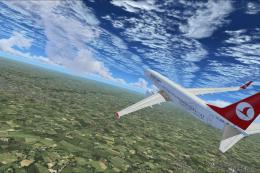
Turkish Airlines Boeing 737-800. Textures by Alex James for the default B737-…
 FSX Civil Aircraft
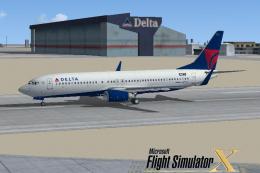
FSX Delta Airlines Boeing 737-800, registration N3744F. A repaint for the def…
 FSX Civil Aircraft
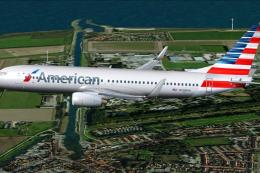
This package features a Boeing 737-823 wearing American Airlines’ modern pain…
 FSX Civil Aircraft
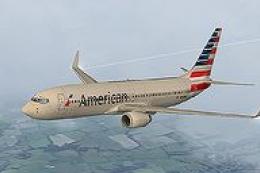
This carefully crafted repaint showcases American Airlines’ updated color arr…
 FSX Civil Aircraft
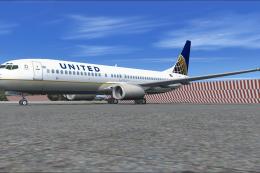
The United Airlines Boeing 737-800 featured here brings an updated paint sche…
Be the first to leave a comment on this download.
Be the first to share your thoughts on this download.