

 FSX Civil Aircraft
Southwest Boeing 737-800 Gold/Blue
FSX Southwest Boeing 737-800. Southwest "gold" and "blue" repaints for the de…
Blue Air Web.com’s Boeing 737-800, registered YR-BIA, brings a crisp Romanian carrier livery to a high-detail Project OpenSky model for Microsoft Flight Simulator X. Expect advanced animations, wing flex, reflective textures, realistic lighting, deployable thrust reversers, and flight dynamics tuned to real-world performance for an immersive virtual cockpit airliner experience.
 Rate
Rate
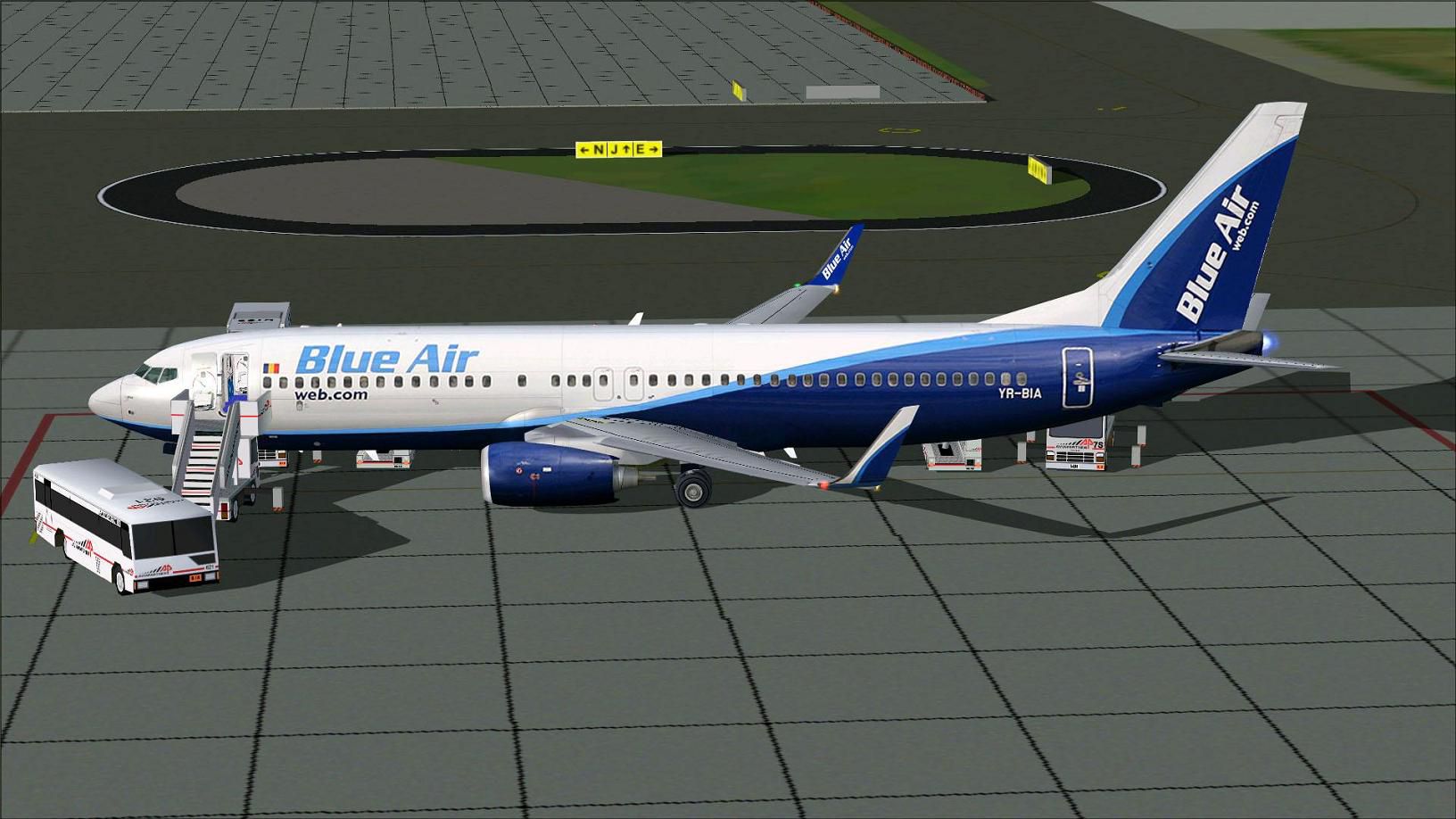
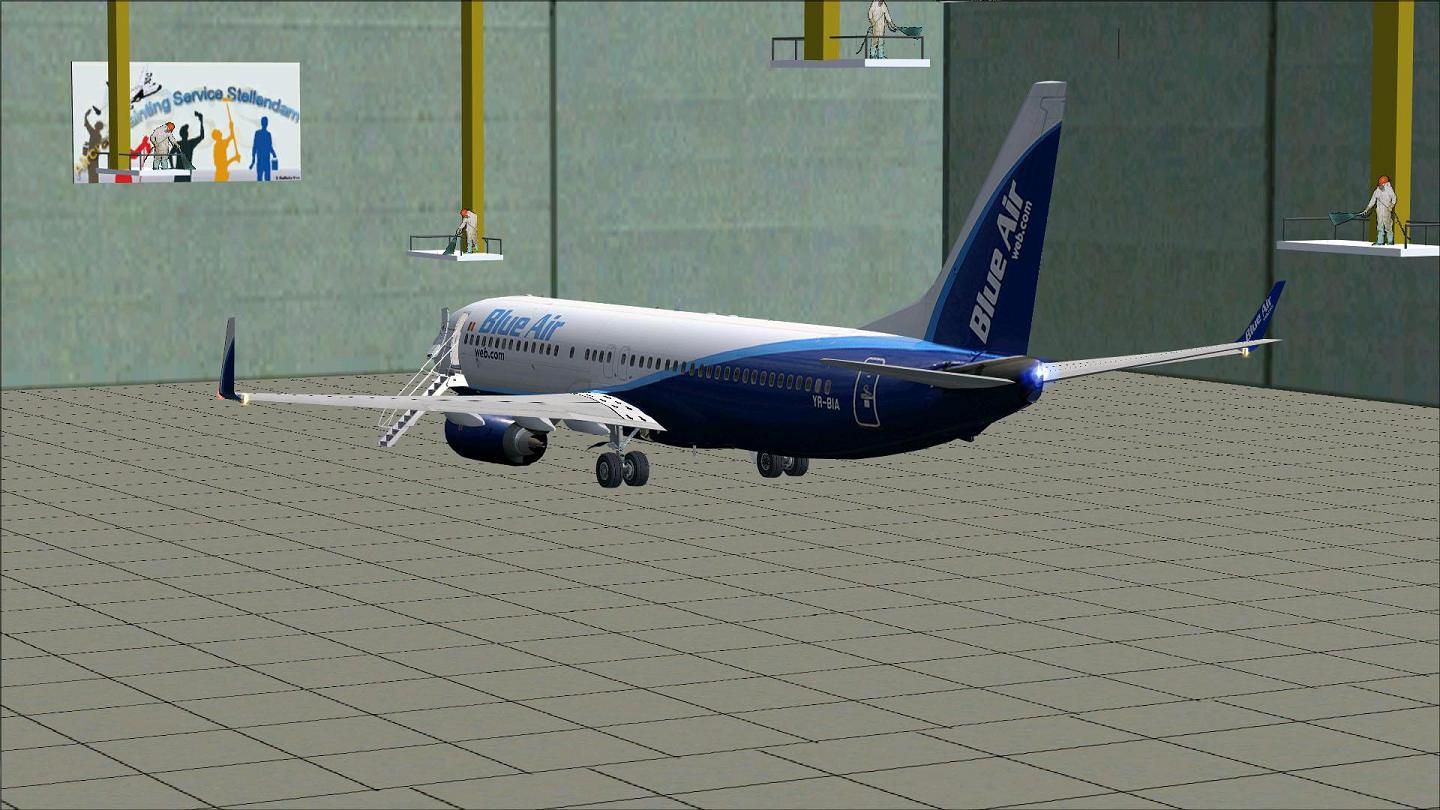
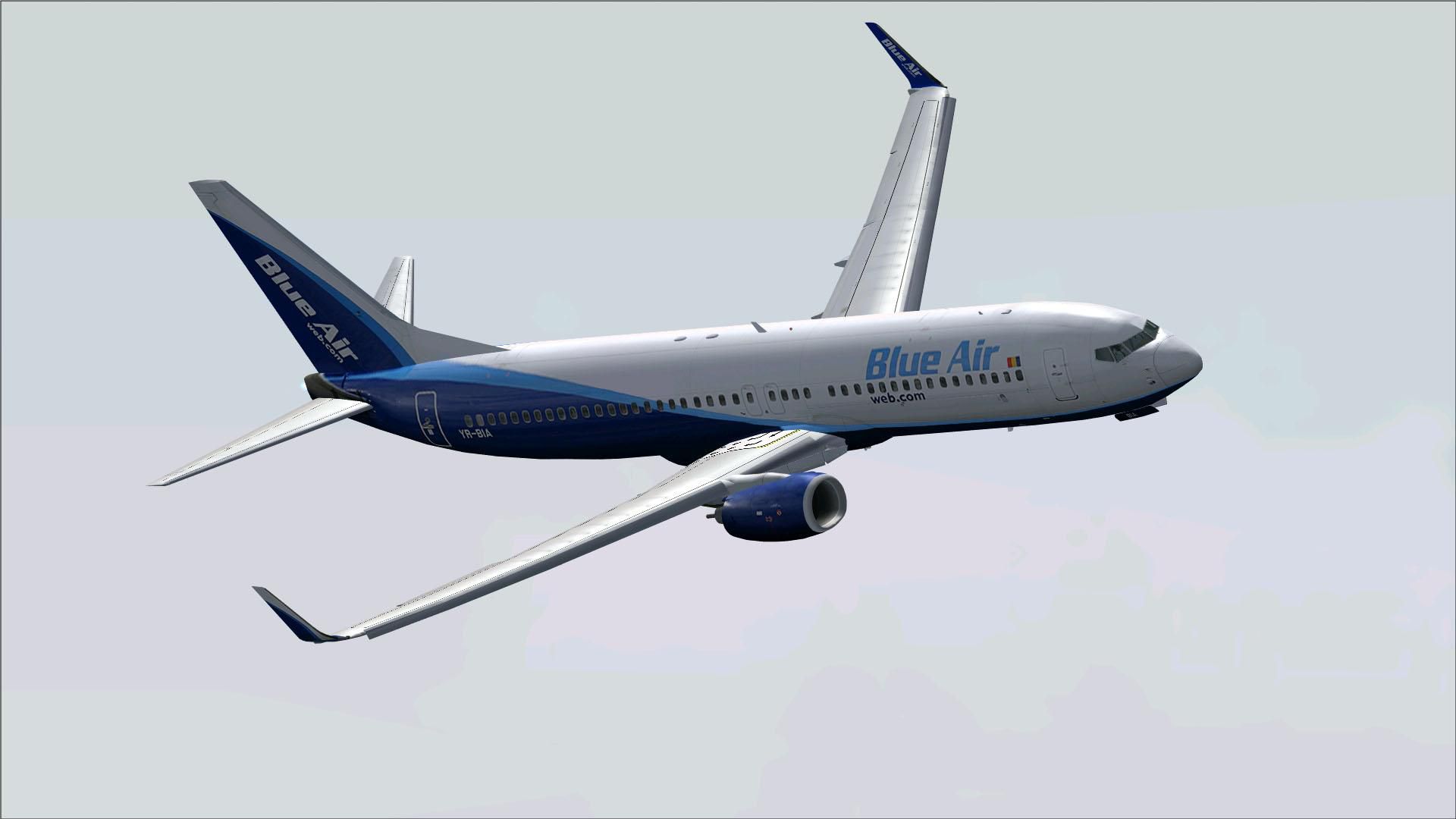

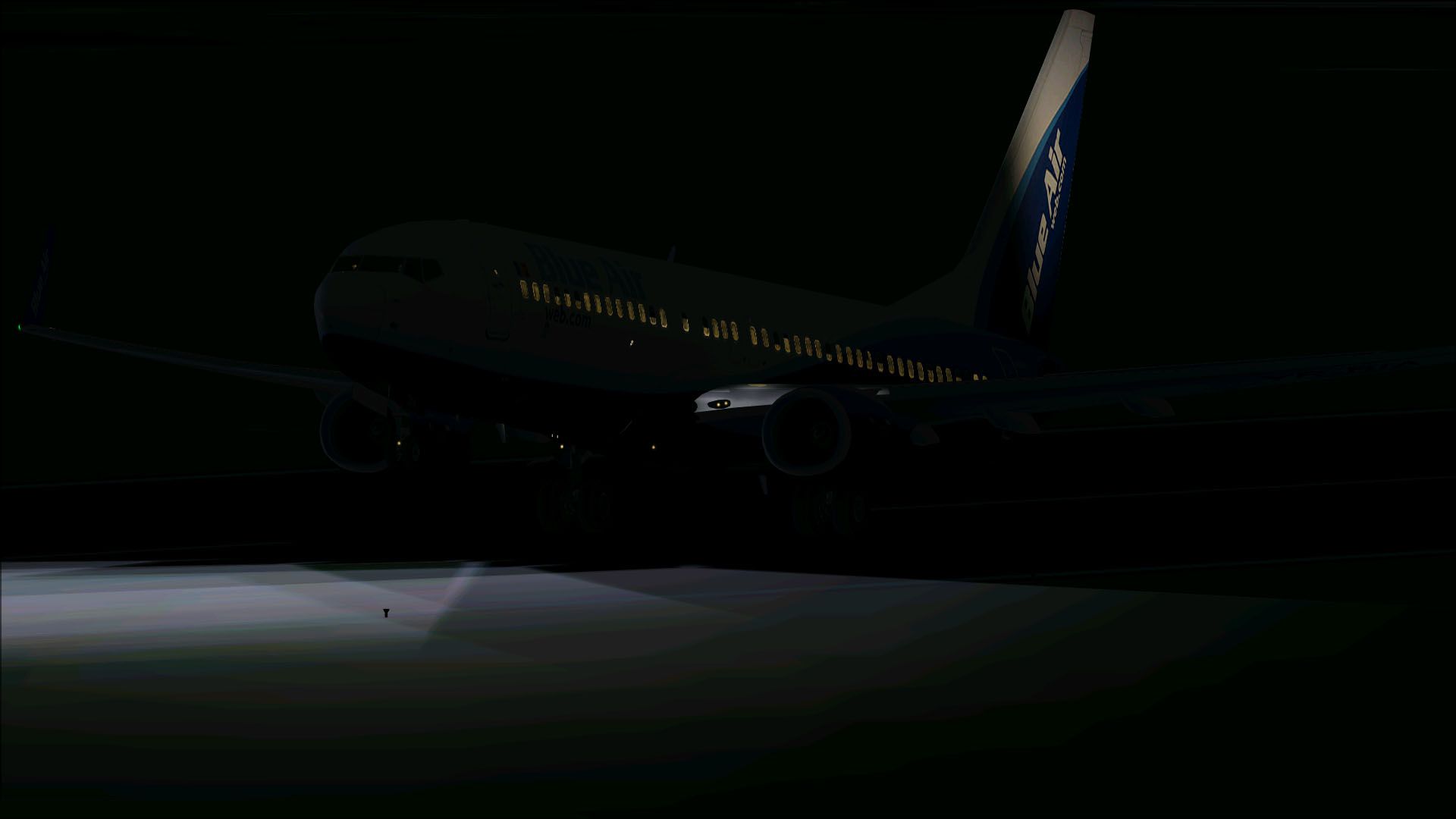
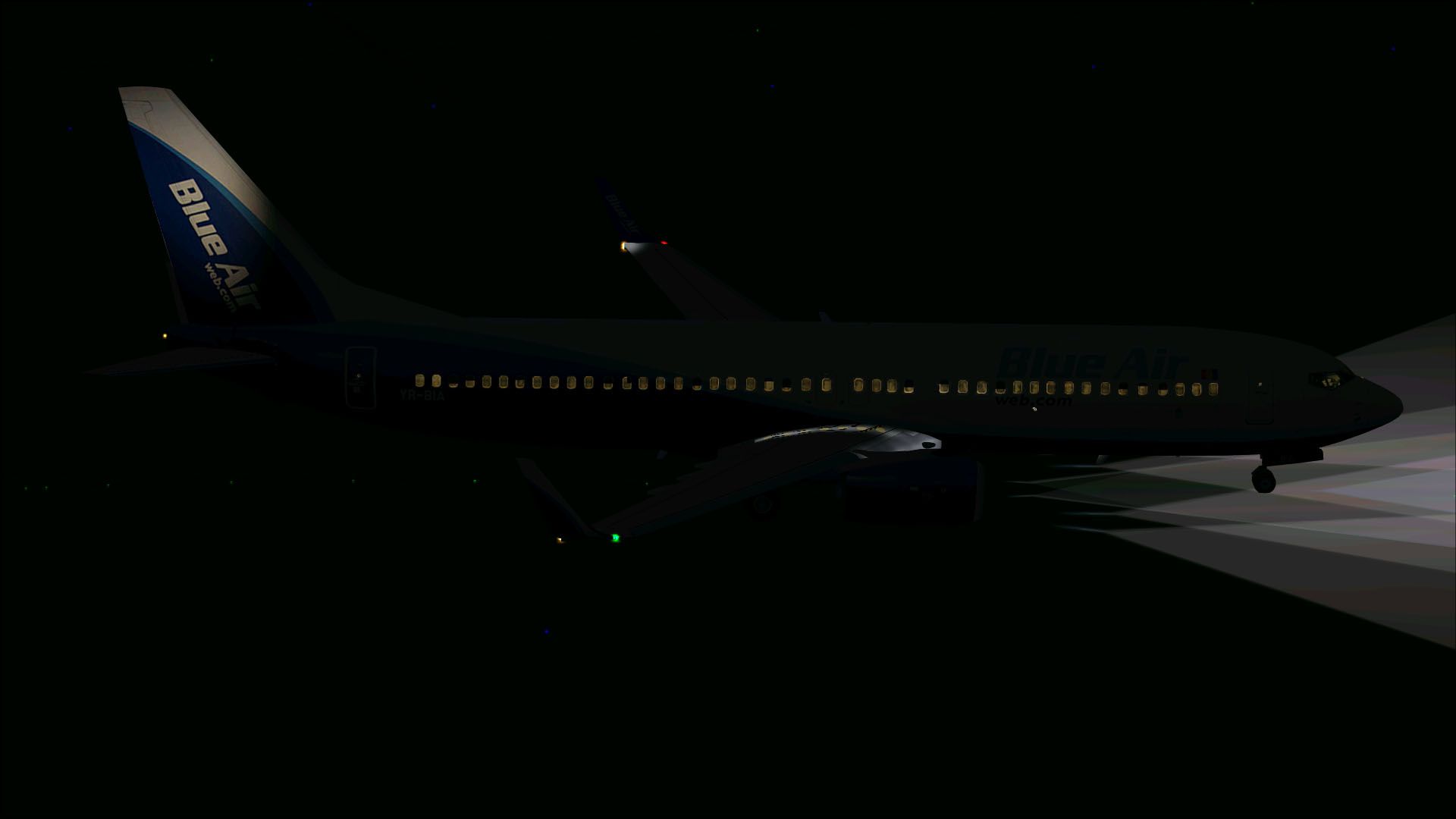
Take flight in a complete Boeing 737-800 package adorned with Blue Air Web.com markings, identified by registration YR-BIA. Developed by Project OpenSky and expertly repainted by Mathieu Vos, this freeware release is fully compatible with Microsoft Flight Simulator X. It incorporates a high-fidelity model, advanced animations, and an authentic livery that represents a well-known Romanian carrier known for operating cost-effective services across Europe.
Blue Air Web.com is recognized for its updated branding and modern fleet. The 737-800 variant, part of Boeing’s Next Generation lineup, features efficient fuel consumption and reliable performance. This narrow-body aircraft typically accommodates short to medium-haul operations, making it perfect for those seeking an authentic commercial airliner experience within the simulator.
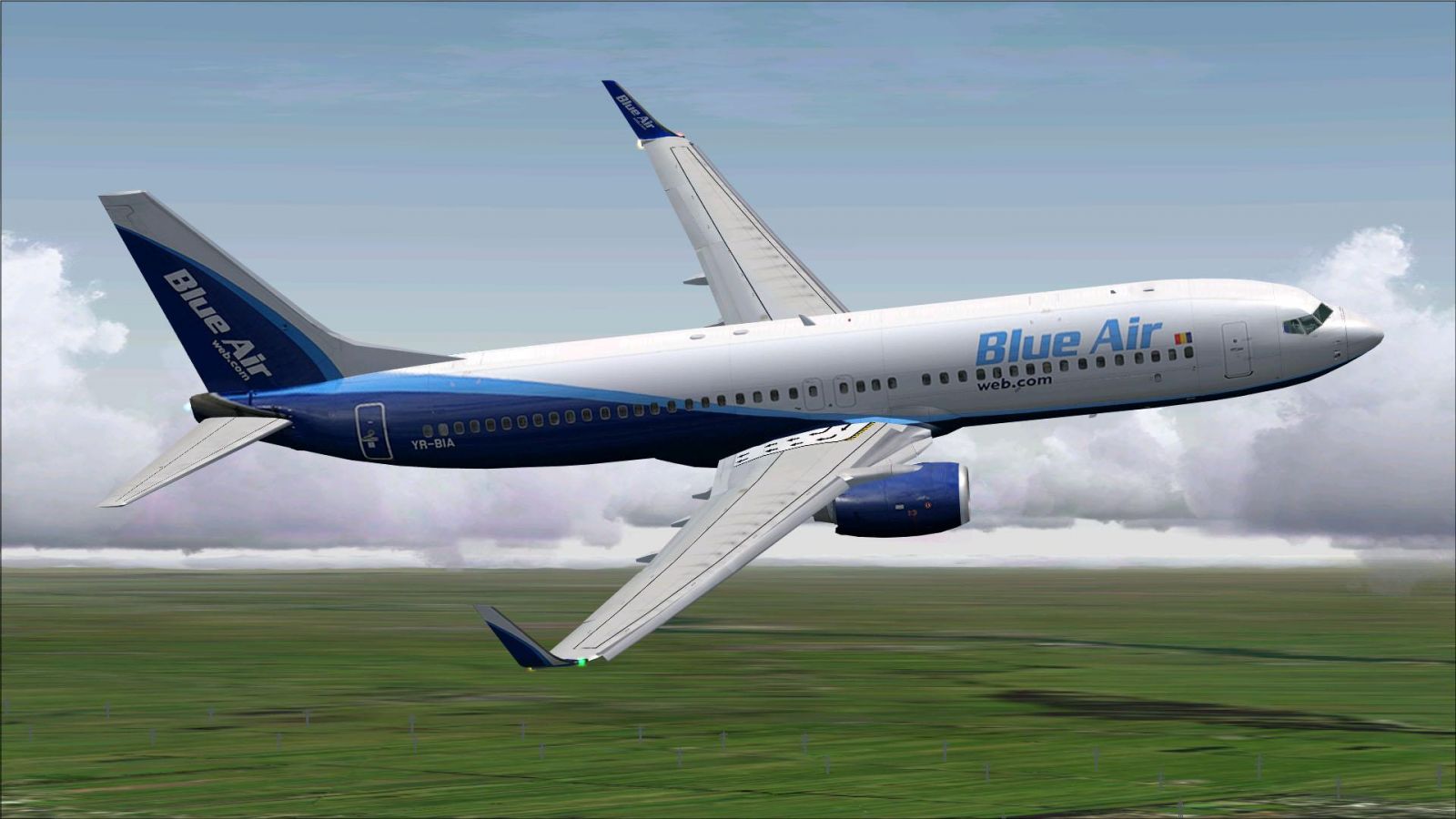
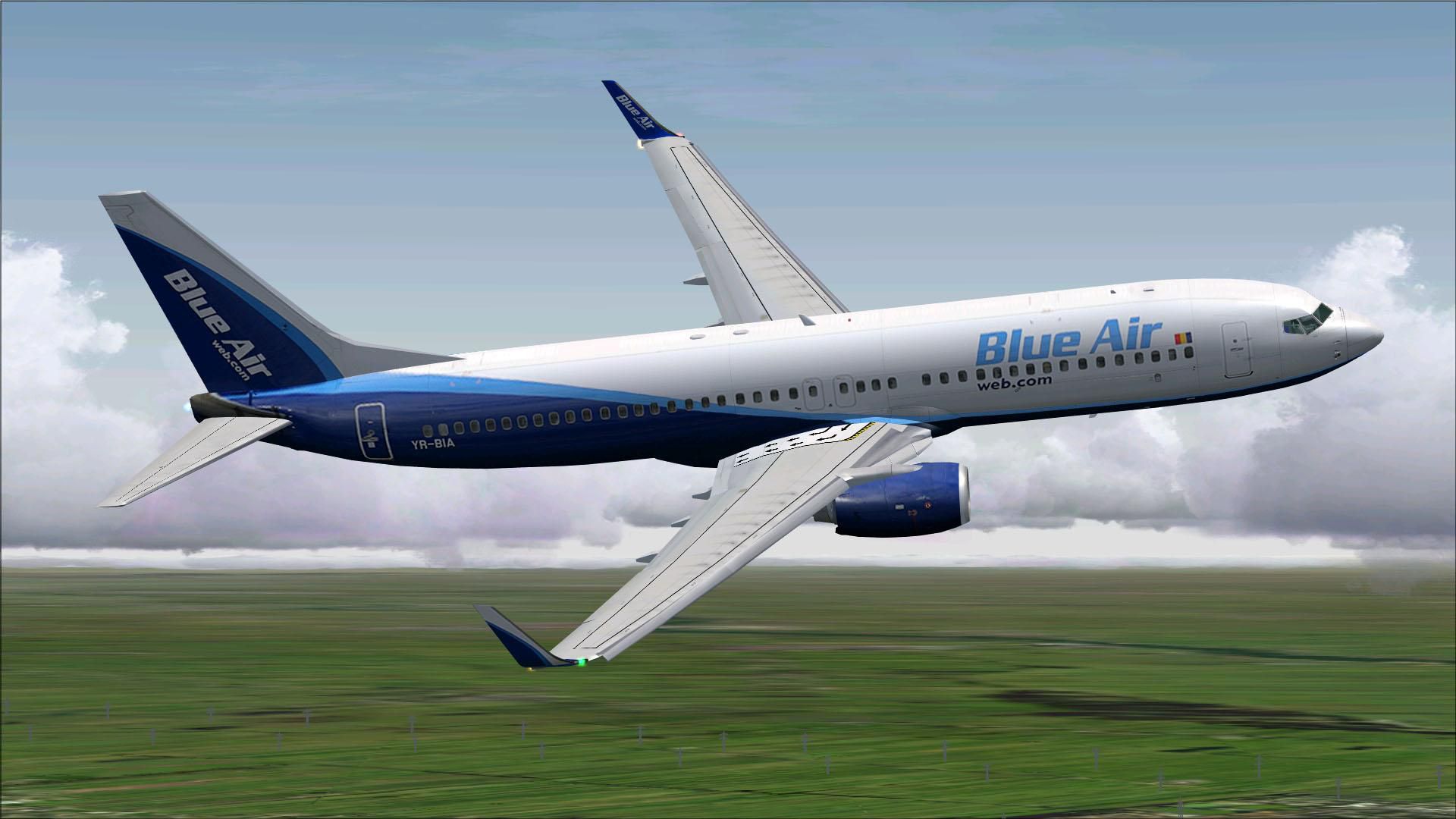
Blue Air Web.com Boeing 737-800 in flight.
This project showcases the combined efforts of Project OpenSky for the highly detailed base model and Mathieu Vos for the precise repaint. Their collective work brings out the unique blue-striped fuselage, crisp logo placements, and the authentic registration for added realism. Beyond the new paint, the structural model captures every functional element of the real aircraft.
To incorporate this aircraft into your virtual hangar, simply extract the downloaded package and move the newly provided Texture folder into your existing Project OpenSky 737-800 directory. Then, edit your aircraft.cfg file to reference the texture and entries for the Blue Air Web.com repaint. After the simulator recognizes the updated configuration, you will be ready to explore routes matching typical short-to-medium haul missions.

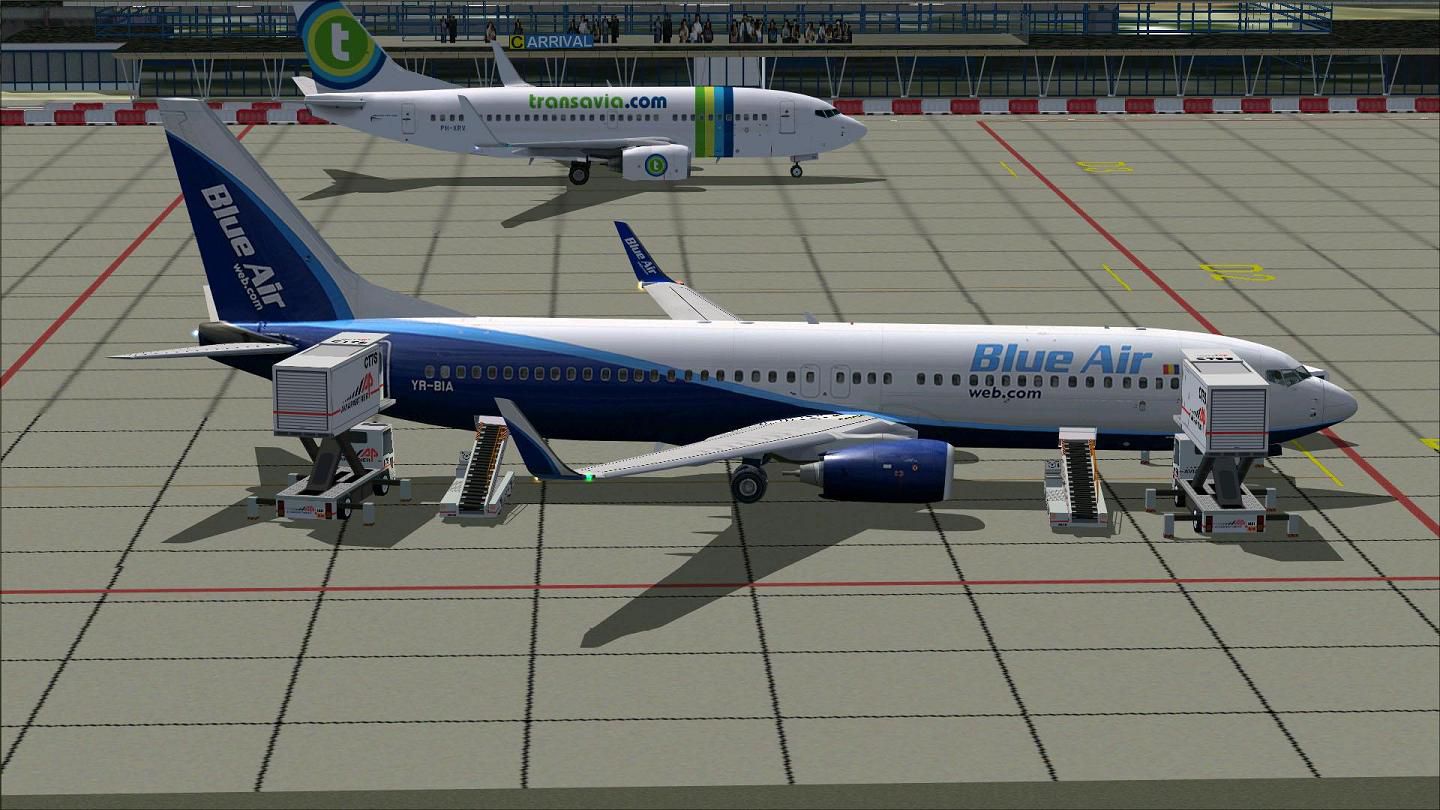
Blue Air Web.com Boeing 737-800 with ground services.
To work the passenger door, press Shift + E, which activates the animated access point. Utilize the advanced flight deck systems and pay special attention to the improved aerodynamics for controlled ascents and descents. This model’s focus on precision and detail makes it well-suited for those who appreciate accurate performance in a virtual cockpit environment.
By adding this thoroughly developed Boeing 737-800 in Blue Air Web.com colors, you will elevate your flight simulation sessions with a balance of realism and immersive visuals. This package, offered free of charge, provides a polished representation of a modern airliner widely recognized in Europe’s aviation market.
Free for all simmers · 10.29 MB · Scanned clean Oct 2026
Download speed: Free tier is capped at 0.5 Mbps (this file takes approximately 3 mins at the cap). PRO members download at full line speed.
FSX\SimObjects\Airplanes\. The folder must contain an aircraft.cfg file. Effects go into FSX\Effects\; gauges go into FSX\Gauges\.readme.txt or README file. It tells you exactly where files go, what dependencies are needed, and any quirks specific to this add-on.The archive b7378xjor.zip has 57 files and directories contained within it.
This list displays the first 500 files in the package. If the package has more, you will need to download it to view them.
| Filename/Directory | File Date | File Size |
|---|---|---|
| Aircraft.cfg | 08.28.11 | 22.26 kB |
| B7378XJOR.gif | 08.28.11 | 8.23 kB |
| boeing737-800_check.htm | 12.31.05 | 77.28 kB |
| boeing737-800_ref.htm | 12.31.05 | 27.17 kB |
| Install.txt | 08.28.11 | 2.85 kB |
| model.Wnoeyebrow | 08.28.11 | 0 B |
| model.cfg | 04.25.11 | 27 B |
| OSX738WE.MDL | 04.25.11 | 1.35 MB |
| OSBoeing737-800w.air | 12.11.08 | 8.90 kB |
| Posky 737-800.txt | 08.28.11 | 2.54 kB |
| PoskyB738BlueairYR-BIA.jpg | 08.28.11 | 174.59 kB |
| PoskyB738BlueairYR-BIA2.jpg | 08.28.11 | 185.50 kB |
| PoskyB738BlueairYR-BIA3.jpg | 08.25.11 | 176.17 kB |
| PoskyB738BlueairYR-BIA4.jpg | 08.25.11 | 100.12 kB |
| PoskyB738BlueairYR-BIA5.jpg | 08.28.11 | 171.35 kB |
| PoskyB738BlueairYR-BIA6.jpg | 08.27.11 | 91.72 kB |
| PoskyB738BlueairYR-BIA7.jpg | 08.28.11 | 97.20 kB |
| PoskyB738BlueairYR-BIA8.jpg | 08.28.11 | 103.79 kB |
| Readme.txt | 08.28.11 | 2.85 kB |
| sound | 08.28.11 | 0 B |
| sound.cfg | 02.13.11 | 32 B |
| Texture.Blue Air | 08.28.11 | 0 B |
| Os737ng_ANTCOL_RED.BMP | 09.05.06 | 1.43 kB |
| Os737ng_Cockpitgray.bmp | 09.05.06 | 1.43 kB |
| Os737ng_darkgray.bmp | 09.05.06 | 1.43 kB |
| Os737ng_engine_L.bmp | 02.16.06 | 64.07 kB |
| Os737ng_engine_t.bmp | 08.25.11 | 4.00 MB |
| Os737ng_gsu.bmp | 04.09.11 | 4.00 MB |
| Os737ng_gsu2.bmp | 04.09.11 | 4.00 MB |
| Os737ng_WINGROOT_GRAY.BMP | 09.05.06 | 1.43 kB |
| Os737ng_WINGTIP_GREEN_GLASS.bmp | 09.05.06 | 1.43 kB |
| Os737ng_WINGTIP_RED_GLASS.bmp | 09.05.06 | 1.43 kB |
| Os737ngstair_l.bmp | 06.26.08 | 341.40 kB |
| Os737ngstair_t.bmp | 08.18.07 | 256.07 kB |
| Os738body_l_l.bmp | 08.27.11 | 1.00 MB |
| Os738body_l_t.bmp | 08.28.11 | 4.00 MB |
| Os738body_r_l.bmp | 08.27.11 | 1.00 MB |
| Os738body_r_t.bmp | 08.28.11 | 4.00 MB |
| OS738Option.bmp | 12.20.05 | 16.07 kB |
| OS738Option2.bmp | 04.09.11 | 256.07 kB |
| Os738parts_t.bmp | 08.18.07 | 1.00 MB |
| OS738W_WING_L_l.bmp | 08.18.07 | 1.00 MB |
| OS738W_WING_L_T.bmp | 08.25.11 | 4.00 MB |
| OS738W_WING_R_l.bmp | 08.18.07 | 1.00 MB |
| OS738W_WING_R_T.bmp | 08.25.11 | 4.00 MB |
| ostug_L.bmp | 12.15.05 | 1.00 MB |
| ostug_T.bmp | 08.12.11 | 1.00 MB |
| Thumbnail.jpg | 08.25.11 | 176.17 kB |
| 737_compass.BMP | 05.12.06 | 95.51 kB |
| 737_Panel_Decals_2.bmp | 05.12.06 | 257.05 kB |
| 737-800_panel_background.bmp | 05.12.06 | 769.05 kB |
| 737-800_panel_background_night.bmp | 05.12.06 | 769.05 kB |
| B737_800.cab | 09.26.07 | 2.01 MB |
| panel.cfg | 07.27.06 | 6.08 kB |
| upper_640.bmp | 05.12.06 | 18.99 kB |
| flyawaysimulation.txt | 10.29.13 | 959 B |
| Go to Fly Away Simulation.url | 01.22.16 | 52 B |
Only PRO members can place votes.
More FSX & P3D add-ons hand-picked based on this download.
FSX Civil Aircraft
FSX Southwest Boeing 737-800. Southwest "gold" and "blue" repaints for the de…
 FSX Civil Aircraft
This complimentary repaint adds the distinctive Virgin Blue exterior to the s…
 FSX Civil Aircraft
Textures only for the default B737-800. Repaint by Jon Murchison. Screenshot …
 FSX Civil Aircraft
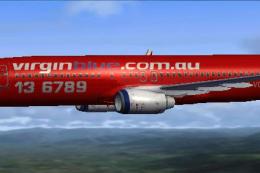
FSX Virgin Blue Boeing 737-800, registration VH-VOL. Textures only for the de…
 FSX Civil Aircraft
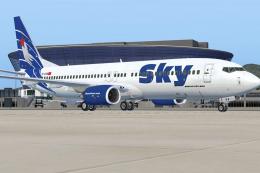
Sky Airlines ceased operations in June 2013 but did have a rage of different …
 FSX Civil Aircraft
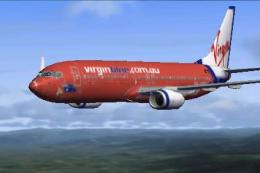
Textures only for the default B737-800. Repaint by Timothy Mathews. Screensho…
 FSX Civil Aircraft
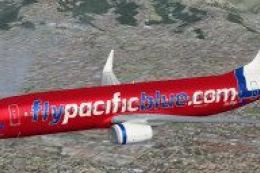
Registration ZK-PBD "Pacific Pearl" and Polynesian Blue ZK-PBF "Tapu'itea". T…
 FSX Civil Aircraft
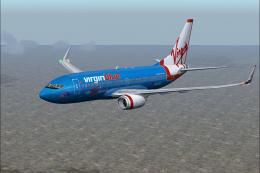
FSX Virgin Blue Boeing 737-700 in standard and 50th anniversary livery. Model…
Read what other simmers think, or add your own.

Seems like a good repaint, would have been nice to have split it up by airline though.