

 FSX General Aviation Aircraft
Tomahawk Texture Without Registration
Tomahawk Texture Without Registration. Nearly blank texture for Chincul PA-A-…
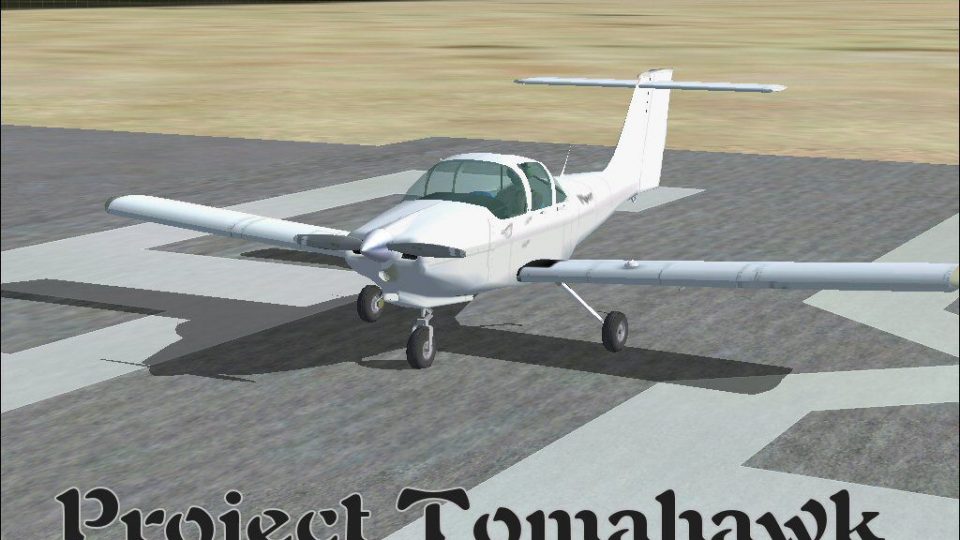
Project Tomahawk brings the Piper PA-38 Tomahawk trainer to Microsoft Flight Simulator X with authentic handling, a clear two-seat virtual cockpit, and a tailored panel and sound set for immersive starts and pattern work. It includes updated textures plus blank BMP repaint templates, and bundles model, airfile, gauges, and configuration files for a complete package.
 Rate
Rate
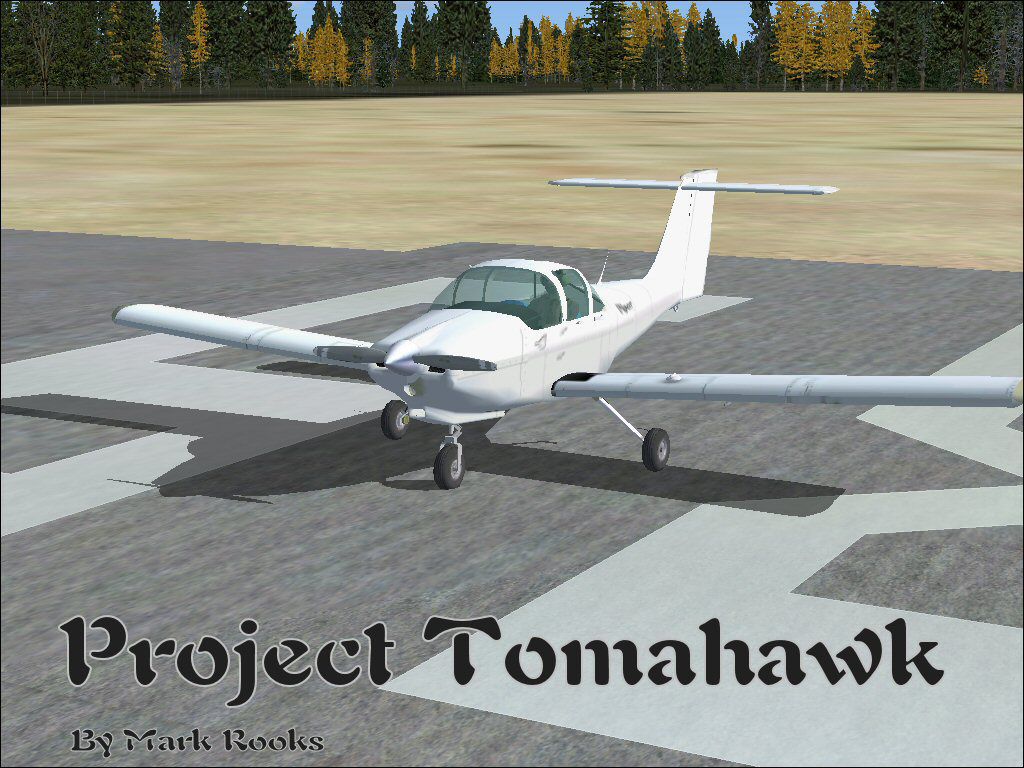
This complete freeware edition of Alcala-Sim’s Piper Tomahawk for FSX offers a fully functional two-seat trainer, featuring blank paint files for those who wish to design or personalize their own liveries. Developed to offer a simple platform for creative texture experimentation, it includes BMP-format templates and updated textures by Mark Rooks (RSDG Aircraft), also known as “Fire Ball.” Model files, sound, panel, and other critical elements come bundled to streamline the installation process while maintaining the authentic look and handling characteristics of the Piper Tomahawk aircraft.

Project Tomahawk on runway.
The Piper Tomahawk, introduced in the late 1970s, was conceived to serve as a training platform rivaling other popular flight school aircraft. Its elevator design and distinctive T-tail configuration offer unique handling qualities, making it particularly valuable for instructing new pilots. Many who train in a Piper Tomahawk appreciate its crisp control feedback and easy-to-maintain structure.
This freeware rendition is brought to you by Alcala-Sim and enhanced with textures by Mark Rooks of RSDG Aircraft (“Fire Ball”). Please consider supporting Mercy Flight in your area, as Mark often advocates community service with his releases.
Below, you will find an adaptation of his original reflections, referencing the storied nature of airborne operations and special forces:
The earth shuddered, clouds parted, and parachutes spilled across the sky. They were Airborne, embodying a determined spirit. Then the land was swept by Rangers, whose storm-like presence rumbled across mountains and seas, revealing a fearsome strength. Next, Special Forces emerged, wearing green berets as they rose from water or descended from the heavens—working together to restore harmony. Finally, those who lacked the resilience of mind and body followed, known simply as “LEGS,” and they were indeed found to be feeble.
— Words inspired by Col. Robert K. Suchke
“Fire Ball”
— Mark Rooks
Free for all simmers · 13.51 MB · Scanned clean Oct 2026
Download speed: Free tier is capped at 0.5 Mbps (this file takes approximately 4 mins at the cap). PRO members download at full line speed.
SimObjects\Airplanes\, Addon Scenery\, Effects\, or Gauges\.readme.txt or README file. It tells you exactly where files go, what dependencies are needed, and any quirks specific to this add-on.The archive pptfsx.zip has 7 files and directories contained within it.
This list displays the first 500 files in the package. If the package has more, you will need to download it to view them.
| Filename/Directory | File Date | File Size |
|---|---|---|
| Gauges.zip | 09.28.08 | 530.45 kB |
| Piper Tomahawk Project.zip | 09.28.08 | 12.83 MB |
| Read Me First.txt | 09.28.08 | 5.42 kB |
| Reg. Text.txt | 09.28.08 | 259 B |
| Tomahawk Project.jpg | 09.28.08 | 163.42 kB |
| flyawaysimulation.txt | 10.29.13 | 959 B |
| Go to Fly Away Simulation.url | 01.22.16 | 52 B |
Only PRO members can place votes.
More FSX & P3D add-ons hand-picked based on this download.
FSX General Aviation Aircraft
Tomahawk Texture Without Registration. Nearly blank texture for Chincul PA-A-…
 FSX General Aviation Aircraft
Textures only for payware Alabeo PA-38 Tomahawk. This archive contains a smal…
 FSX General Aviation Aircraft
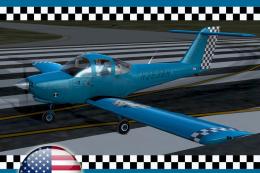
Fictional repaint with US registration for FSX payware Alabeo PA38 Tomahawk. …
 FSX General Aviation Aircraft
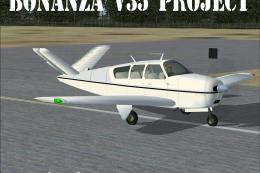
Featuring a distinct V-tail arrangement, the Project V35 Bonanza is a freewar…
 FSX General Aviation Aircraft
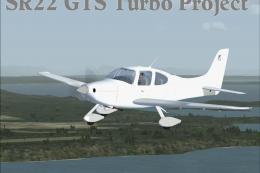
Project SR22GTS G3 Turbo. This is Wolfram Beckert, Guenter Kraemer, Thomas Ro…
 FSX General Aviation Aircraft
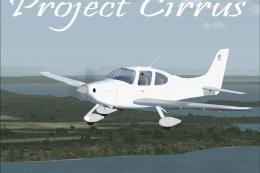
Cirrus Project. This is a repaint of Wolfram Beckert, Guenter Kraemer and Tho…
 FSX General Aviation Aircraft
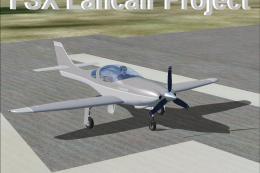
This fully redesigned Lancair Legacy 2000 freeware package brings an agile, h…
 FSX General Aviation Aircraft
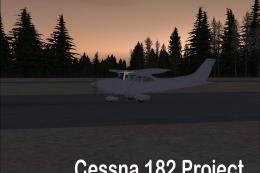
Cessna 182 Project. This is a 2004 default Cessna 182 Skylane modified for Fl…
Read what other simmers think, or add your own.


I tested the file and flown the plane on the same airports, there is a problem with pitch up, it gets stuck forcing a trim that doesn’t seem to be able to rise the altitude over 1200 feet. On a stretch of 15 minutes, it was impossible to get to 3,500 feet almost at a stall. First, I thought it was the engine, but as soon as I level the plain I got to over 100knots which is a good airspeed for the plane. It was a single person load so “it was light”. Also, the fuel tanks are separated and you have to switch them, in the model they consume together, its an important part of the flying dynamic, especially because of the wing weight on fly effects. It's not really close to the fly experience even been one of the most popular training planes of all.