

 FSX Civil Aircraft
Project Opensky - Boeing 747SP House Colours
Boeing House Colours Old & New colours. FS2004 aircraft includes updated file…
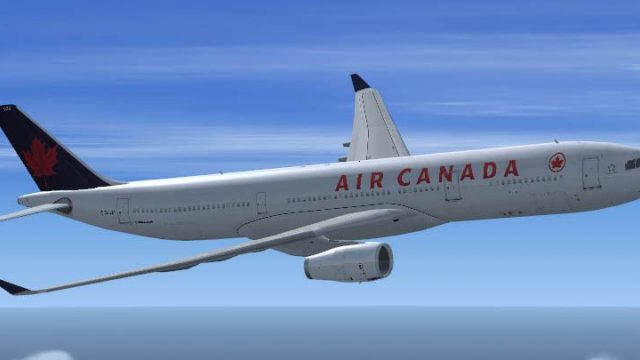
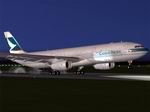
Project Opensky’s Airbus A330-300 brings a clean Airbus House scheme plus Air Canada, Cathay Pacific, and SAS variations, with optional SATCOM details and DXT3 textures tuned for sharp visuals and smooth performance in FSX. Requires the default Airbus A321 2D panel for cockpit and avionics, supporting classic panel flying.
 Rate
Rate
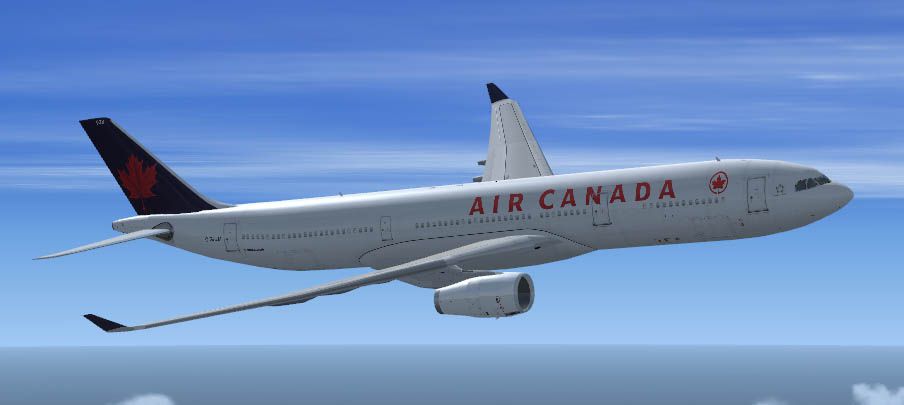

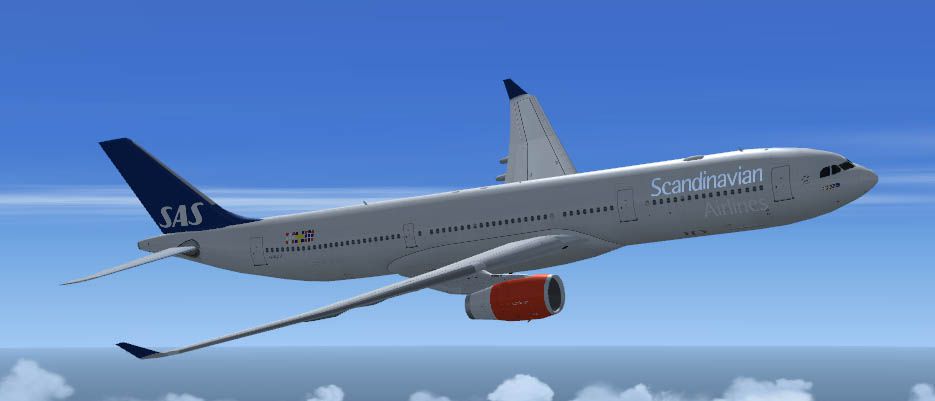
(With and without SATCOM), Air Canada, Cathay Pacific and Scandinavian Airlines (SAS - with SATCOM) liveries. . Designed to be a competitor to the Boeing 777-200, Airbus Industries has out done itself creating a beautiful and fuel efficient flying machine capable of delivering passengers in safety and comfort well into the 21st Century and possibly beyond. Included in this package you will find the Airbus House scheme (With and without SATCOM), Air Canada, Cathay Pacific and Scandinavian Airlines (SAS - with SATCOM) liveries. All textures have been modified in DXT-3 format for crisp visuals without comprimising frame rates. Includes the FS-X default Airbus A321 (due to no A330 panel available for FS-X to date). This model has no Virtual Coclpit (VC) and is meant to fly using the 2-D panel only! This file is for FS-X Only! Modified by Brian C. Selb.
Free for all simmers · 7.98 MB · Scanned clean Oct 2026
Download speed: Free tier is capped at 0.5 Mbps (this file takes approximately 2 mins at the cap). PRO members download at full line speed.
FSX\SimObjects\Airplanes\. The folder must contain an aircraft.cfg file. Effects go into FSX\Effects\; gauges go into FSX\Gauges\.readme.txt or README file. It tells you exactly where files go, what dependencies are needed, and any quirks specific to this add-on.The archive A330_FSX2.zip has 8 files and directories contained within it.
This list displays the first 500 files in the package. If the package has more, you will need to download it to view them.
| Filename/Directory | File Date | File Size |
|---|---|---|
| Setup.exe | 12.09.06 | 7.90 MB |
| a330_v21.gif | 12.08.06 | 4.78 kB |
| Air Canada A330-300RR.jpg | 11.18.06 | 37.24 kB |
| Cathay Pacific A330-300RR.jpg | 10.14.03 | 143.08 kB |
| README.txt | 12.09.06 | 4.40 kB |
| Scandinavian A330-300RR.jpg | 11.18.06 | 35.78 kB |
| flyawaysimulation.txt | 10.29.13 | 959 B |
| Go to Fly Away Simulation.url | 01.22.16 | 52 B |
Only PRO members can place votes.
More FSX & P3D add-ons hand-picked based on this download.
FSX Civil Aircraft
Boeing House Colours Old & New colours. FS2004 aircraft includes updated file…
 FSX Civil Aircraft
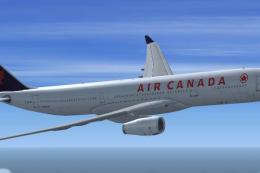
Airbus House scheme (With and without SATCOM), Air Canada, Cathay Pacific and…
 FSX Civil Aircraft
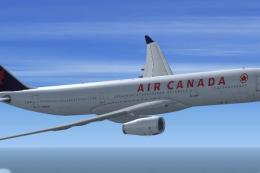
Designed to be a competitor to the Boeing 777-200, Airbus Industries has out …
 FSX Civil Aircraft
FSX Air Berlin Boeing 737-800. Model by Project Open Sky. Repaint by Misha Gr…
 FSX Civil Aircraft
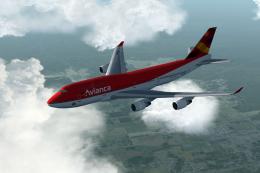
Project Opensky B747-400 recovery package for Microsoft Flight Simulator X/Lo…
 FSX Civil Aircraft
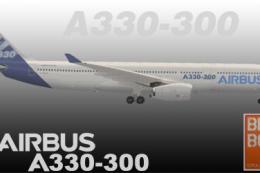
This repaint package brings the distinctive Airbus House Livery to the Blackb…
 FSX Civil Aircraft
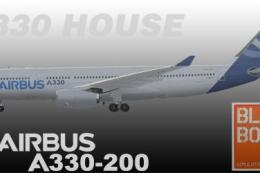
Airbus house livery for the payware Blackbox Simulations A330 Prologue. By Br…
 FSX Civil Aircraft
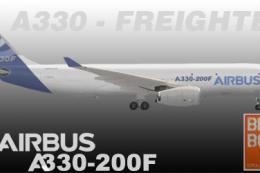
Experience a carefully rendered Airbus House Livery for the A330-200F, design…
Read what other simmers think, or add your own.

looks good, however it has a glich on the throttle, it keeps going to shut off so I crash all the time.