

 FSX General Aviation Aircraft
Taquan Air DHC-2 Beaver
This free repaint modifies the default de Havilland Canada DHC-2 Beaver used …
Alaska Air Charter livery for the default de Havilland Canada DHC-2 Beaver brings a believable bush-air-taxi look with crisp markings and light weathering, pairing perfectly with rugged STOL flying over tundra, water, and snow in FSX. Requires the freeware base Beaver model and suits scenic hops, cargo runs, and backcountry roleplay.
 Rate
Rate
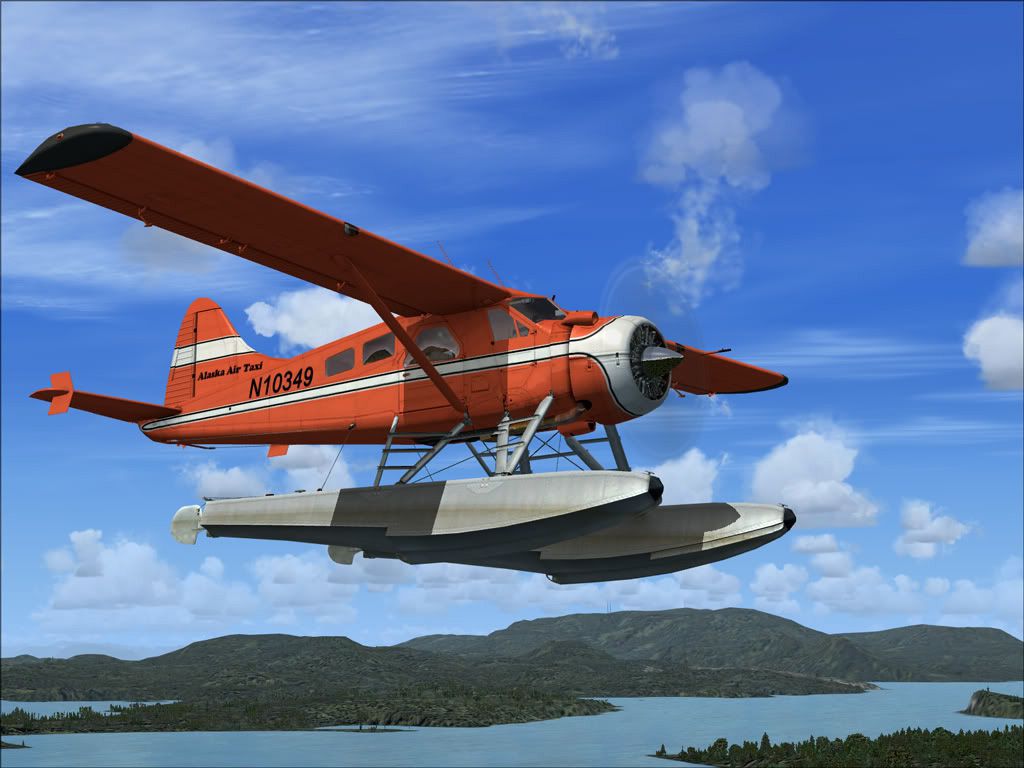
Embark on authentic backcountry flights with this specialized Alaska Air Charter repaint for the default DeHavilland Canada DHC-2 Beaver in Microsoft Flight Simulator X. Created by Henry William, this livery emulates real-world air taxi operations and introduces a fresh visual aesthetic for rugged bush adventures in harsh northern territories.
The venerable DHC-2 Beaver is celebrated for its short takeoff and landing (STOL) performance as well as its unwavering robustness in extreme environments. Originally devised for Canadian bush duties, it remains a reliable workhorse thanks to its adaptable airframe and durable design. The aircraft’s wide stance, all-metal fuselage, and power-to-weight ratio make it ideal for off-airport landings on tundra, water, or snow.
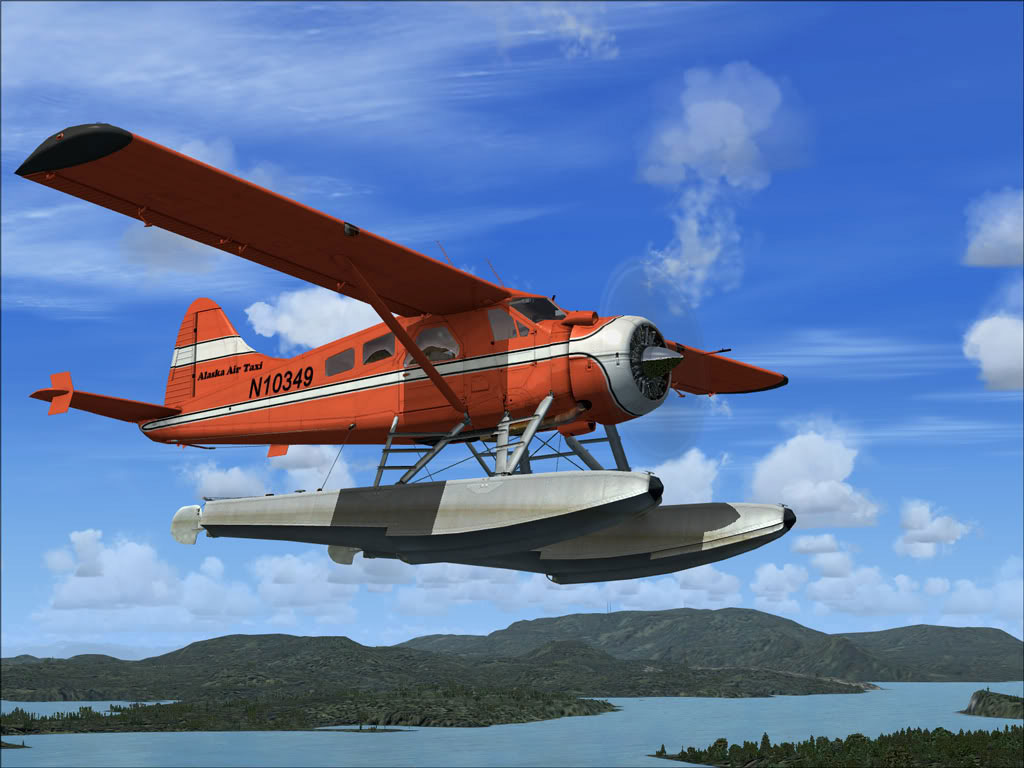
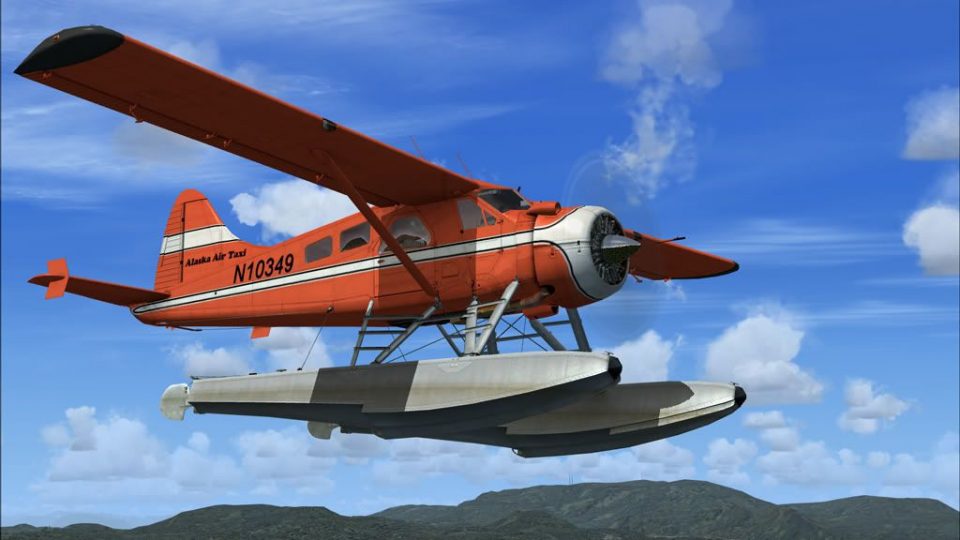
Alaska Air Charter DHC-2 Beaver in flight.
texture.aac folder into:C:\Program Files\Microsoft Games\Microsoft Flight Simulator X\SimObjects\Airplanes\DeHavilland_Beaver_DHC2aircraft.cfg file in the same directory and insert the following entry after your last [fltsim.x] block. Replace xx with the next available number in sequence:[fltsim.xx] title= DeHavilland Beaver DHC2 aac sim=DeHavilland_Beaver_DHC2 model= panel= sound= texture=aac kb_checklists=DehavillandBeaverDHC2_check kb_reference=DehavillandBeaverDHC2_ref atc_id=N9766Z ui_manufacturer="de Havilland" ui_type="Beaver DHC2" ui_variation="Alaska Air Taxi" ui_typerole="Single Engine Prop" ui_createdby="Microsoft Corporation" description="When pilots talk about the de Havilland Beaver, the word that inevitably comes up is workhorse. For more than 50 years this sturdy aircraft has flown into and out of remote locations aided by its power, all-metal ruggedness, wide stance, and short-takeoff-and-landing (STOL) capability. Whether fitted with wheels, skis, or pontoons, the Beaver is a can-do airplane. Often referred to as a “flying half-ton truck,” the Beaver is more versatile, and tougher, than any light truck. It was designed from the beginning to meet the needs of Canadian bush pilots, and no better plane for the purpose has come along. After half a century of service, the Beaver is still the thoroughbred of workhorse aircraft."
After these configuration updates, you can discover remote airfields and water runways throughout Alaska, all while enjoying the captivating visuals of this repaint.
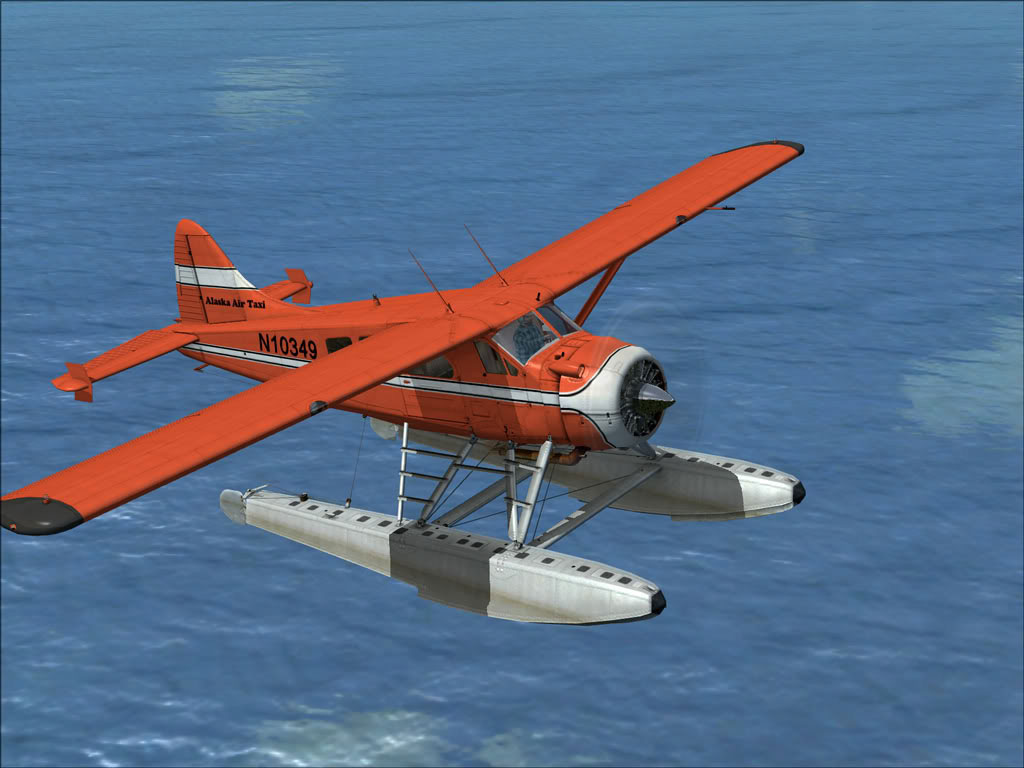
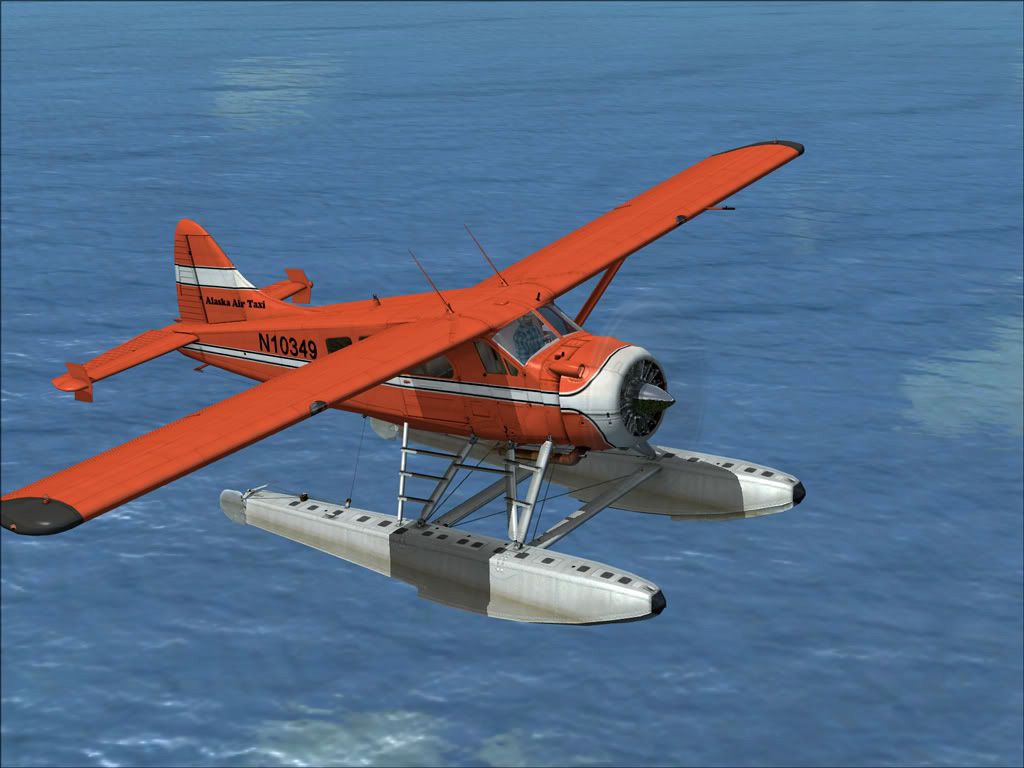
Alaska Air Charter DHC-2 Beaver flying low over water.
This repaint was developed by Henry William. Please note that the base aircraft model is freeware and must be obtained separately from the Fly Away Simulation mod library.
Free for all simmers · 2.96 MB · Scanned clean Oct 2026
Download speed: Free tier is capped at 0.5 Mbps. PRO members download at full line speed.
texture.{airline}) inside FSX\SimObjects\Airplanes\{base-aircraft}\.aircraft.cfg in Notepad. Add a new [fltsim.X] section per the readme.readme.txt or README file. It tells you exactly where files go, what dependencies are needed, and any quirks specific to this add-on.The archive alairch.zip has 19 files and directories contained within it.
This list displays the first 500 files in the package. If the package has more, you will need to download it to view them.
| Filename/Directory | File Date | File Size |
|---|---|---|
| aach.jpg | 01.09.10 | 145.21 kB |
| aach2.jpg | 01.09.10 | 128.83 kB |
| ReadMe.txt | 01.09.10 | 1.74 kB |
| small.gif | 01.09.10 | 13.44 kB |
| texture.aac | 01.09.10 | 0 B |
| DeHavilland_Beaver_DHC2_1_T.dds | 06.23.09 | 4.00 MB |
| DeHavilland_Beaver_DHC2_1_T_Spec.dds | 09.04.06 | 1.33 MB |
| DeHavilland_Beaver_DHC2_2_T.dds | 09.04.06 | 341.45 kB |
| DeHavilland_Beaver_DHC2_2_T_Spec.dds | 09.04.06 | 341.45 kB |
| Fresnel_Ramp.dds | 09.04.06 | 640 B |
| prop_Beaver_1.dds | 09.04.06 | 85.46 kB |
| prop_Beaver_2.dds | 09.04.06 | 85.46 kB |
| texture.cfg | 08.14.06 | 137 B |
| thumbnail.jpg | 08.20.09 | 44.20 kB |
| Thumbs.db | 01.09.10 | 9.00 kB |
| Thumbs.db | 01.09.10 | 20.00 kB |
| alairch | 01.09.10 | 0 B |
| flyawaysimulation.txt | 10.29.13 | 959 B |
| Go to Fly Away Simulation.url | 01.22.16 | 52 B |
Only PRO members can place votes.
More FSX & P3D add-ons hand-picked based on this download.
FSX General Aviation Aircraft
This free repaint modifies the default de Havilland Canada DHC-2 Beaver used …
 FSX General Aviation Aircraft
SaltSpring Air DHC-2 Beaver, registration C-GVPB. A repaint for the default D…
 FSX General Aviation Aircraft
Regal Air DeHavilland DHC-2 Beaver, registration N9877R. The Beaver 'N9877R' …
 FSX General Aviation Aircraft
Repaint for the Aerosoft DH-2 Beaver as restored by Wrightair. Repaint by Ada…
 FSX General Aviation Aircraft
De Havilland DHC-2 Beaver D-FVIP The Beaver 'D-FVIP' (c/n 1512), owned by the…
 FSX General Aviation Aircraft
This repaint, meticulously prepared by Henry William for the default DeHavill…
 FSX General Aviation Aircraft
This exclusive repaint offers a crisp bare-metal and red rendition of the cla…
 FSX General Aviation Aircraft
This freeware package adds a specialized rendition of the De Havilland Canada…
Be the first to leave a comment on this download.
Be the first to share your thoughts on this download.