

 FSX General Aviation Aircraft
Alaska Air Charter DHC-2 Beaver
Embark on authentic backcountry flights with this specialized Alaska Air Char…
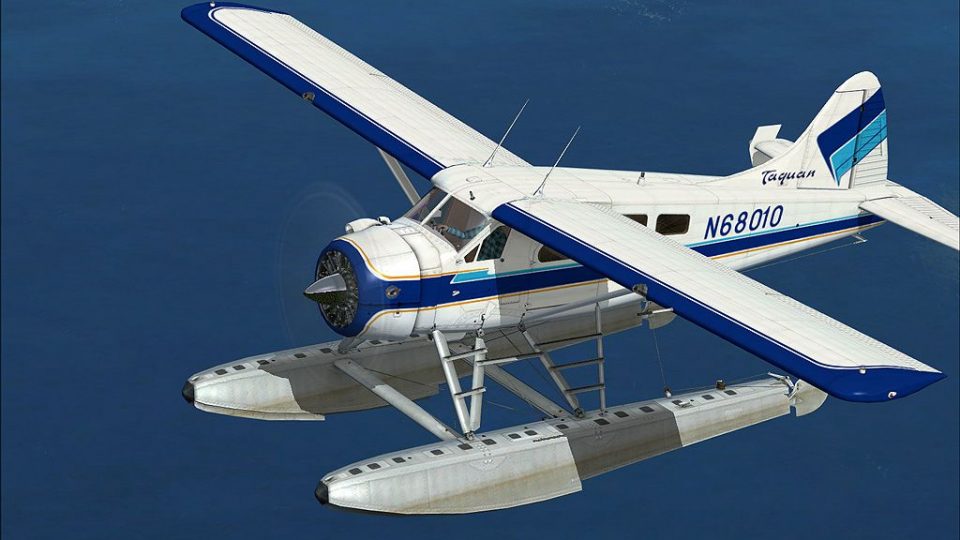
Taquan Air’s de Havilland Canada DHC-2 Beaver paint scheme brings Southeast Alaska floatplane character to rugged bush flying, with crisp striping and authentic operator markings that match real-world aircraft. Built for the default Beaver in Microsoft Flight Simulator X, it preserves the original handling and virtual cockpit, and requires the base model.
 Rate
Rate
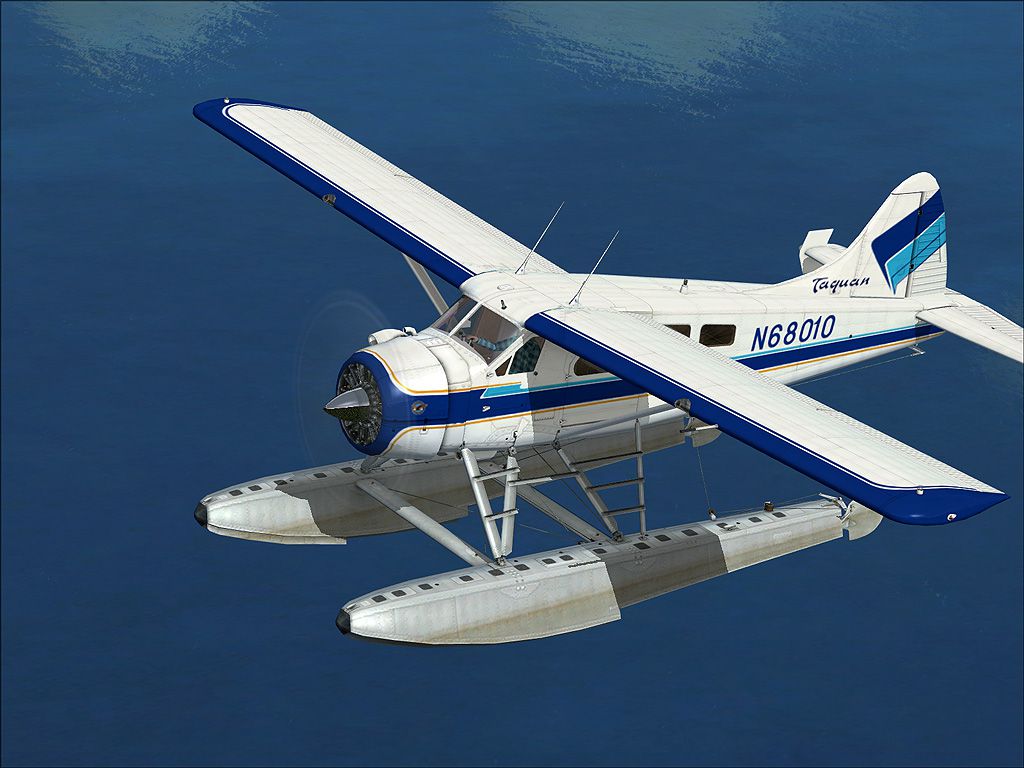
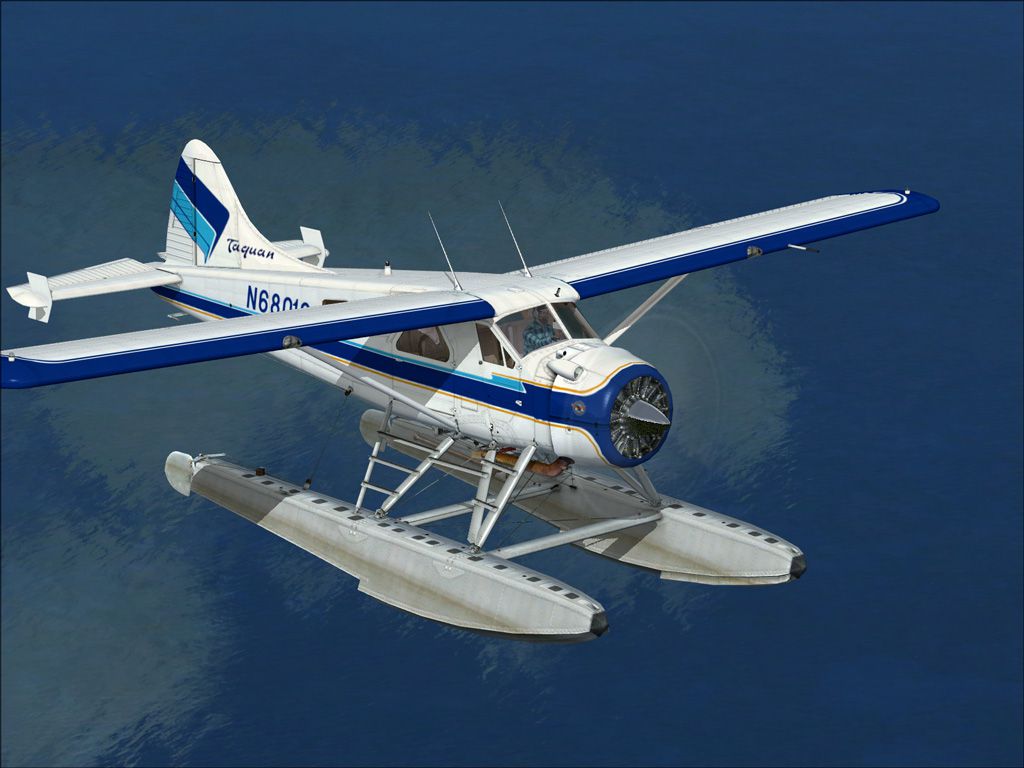
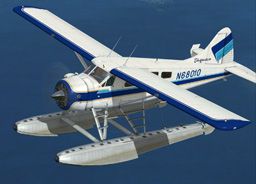
This free repaint modifies the default de Havilland Canada DHC-2 Beaver used in Microsoft Flight Simulator X to match the real-world Taquan Air paint scheme by Henry William. It accurately replicates the appearance of Taquan Air’s Alaskan floatplane operations, bringing lifelike authenticity to virtual flights in rugged bush environments.
Taquan Air is an operator well-known for conducting scenic tours and commercial services around Ketchikan and other parts of Southeast Alaska. This repaint captures the airline’s recognizable markings, including the vivid striping and company insignia. In real-world operations, the DHC-2 Beaver has been a workhorse for bush flying, thanks to its sturdy airframe and STOL (Short Takeoff and Landing) characteristics. This add-on aims to replicate those aesthetic elements while also preserving the aircraft’s original performance profile.
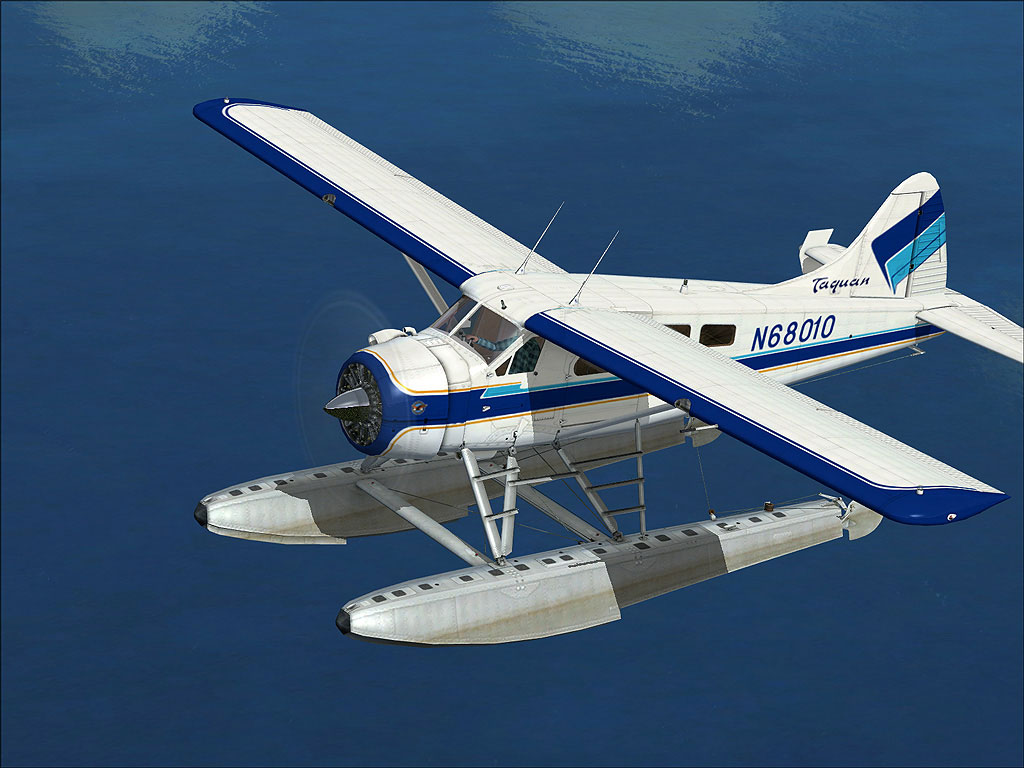
Taquan Air DHC-2 Beaver in flight.
This repaint integrates seamlessly with the default DHC-2 Beaver configuration in Microsoft Flight Simulator X. It retains the robust nature of de Havilland’s all-metal construction, wide landing-gear stance, and floats, ideal for handling short strips or water landings that you often find throughout remote Alaskan regions.
Important: To remove the default tail number, select the aircraft from the menu and click “Details.” Then, deselect “Show Tail Number.”
[fltsim.xx]
title= DeHavilland Beaver DHC2 taq
sim=DeHavilland_Beaver_DHC2
model=
panel=
sound=
texture=taquan
kb_checklists=DehavillandBeaverDHC2_check
kb_reference=DehavillandBeaverDHC2_ref
atc_id=N9766Z
ui_manufacturer="de Havilland"
ui_type="Beaver DHC2"
ui_variation=" Taquan"
ui_typerole="Single Engine Prop"
ui_createdby="Microsoft Corporation"
description="When pilots talk about the de Havilland Beaver, the word that inevitably comes up is workhorse. For more than 50 years this sturdy aircraft has flown into and out of remote locations aided by its power, all-metal ruggedness, wide stance, and short-takeoff-and-landing (STOL) capability. Whether fitted with wheels, skis, or pontoons, the Beaver is a can-do airplane. Often referred to as a flying half-ton truck, the Beaver is more versatile, and tougher, than any light truck. It was designed from the beginning to meet the needs of Canadian bush pilots, and no better plane for the purpose has come along. After half a century of service, the Beaver is still the thoroughbred of workhorse aircraft."
After saving the aircraft.cfg file, load Microsoft Flight Simulator X, locate the Taquan Air Beaver in your aircraft list, and begin exploring Alaskan skies.
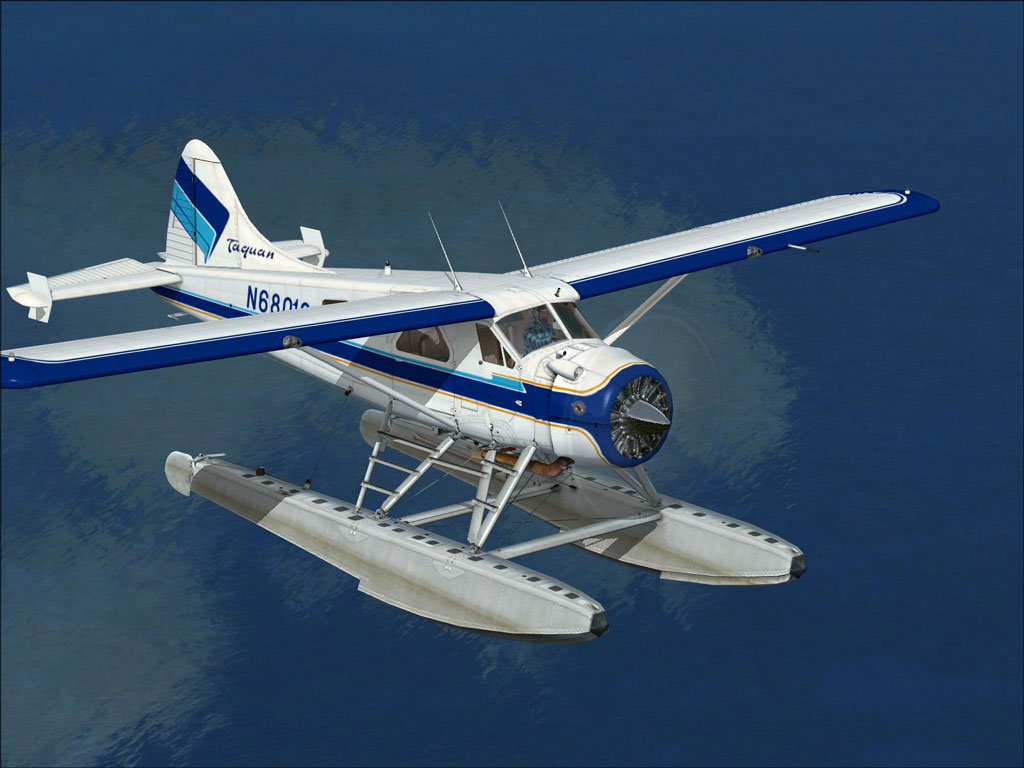
Taquan Air DHC-2 Beaver in flight.
This repaint package does not include the base DHC-2 model. You may acquire the freeware model from the Fly Away Simulation mod library for a complete setup. Once installed, take advantage of the powerful Beaver design for bush flying, water landings, and scenic tours across challenging Alaskan terrain.
Created by Henry William.
Free for all simmers · 3.17 MB · Scanned clean Oct 2026
Download speed: Free tier is capped at 0.5 Mbps. PRO members download at full line speed.
texture.{airline}) inside FSX\SimObjects\Airplanes\{base-aircraft}\.aircraft.cfg in Notepad. Add a new [fltsim.X] section per the readme.readme.txt or README file. It tells you exactly where files go, what dependencies are needed, and any quirks specific to this add-on.The archive taq_bev.zip has 19 files and directories contained within it.
This list displays the first 500 files in the package. If the package has more, you will need to download it to view them.
| Filename/Directory | File Date | File Size |
|---|---|---|
| ReadMe.txt | 06.18.09 | 1.73 kB |
| small.gif | 06.18.09 | 12.23 kB |
| t1.jpg | 06.16.09 | 252.61 kB |
| t2.jpg | 06.16.09 | 212.06 kB |
| texture.taquan | 06.18.09 | 0 B |
| DeHavilland_Beaver_DHC2_1_T.dds | 06.18.09 | 4.00 MB |
| DeHavilland_Beaver_DHC2_1_T_Spec.dds | 09.04.06 | 1.33 MB |
| DeHavilland_Beaver_DHC2_2_T.dds | 09.04.06 | 341.45 kB |
| DeHavilland_Beaver_DHC2_2_T_Spec.dds | 09.04.06 | 341.45 kB |
| Fresnel_Ramp.dds | 09.04.06 | 640 B |
| prop_Beaver_1.dds | 09.04.06 | 85.46 kB |
| prop_Beaver_2.dds | 09.04.06 | 85.46 kB |
| texture.cfg | 08.14.06 | 137 B |
| thumbnail.jpg | 06.16.09 | 41.89 kB |
| Thumbs.db | 06.18.09 | 5.50 kB |
| Thumbs.db | 06.18.09 | 12.00 kB |
| taq_bev | 06.18.09 | 0 B |
| flyawaysimulation.txt | 10.29.13 | 959 B |
| Go to Fly Away Simulation.url | 01.22.16 | 52 B |
Only PRO members can place votes.
More FSX & P3D add-ons hand-picked based on this download.
FSX General Aviation Aircraft
Embark on authentic backcountry flights with this specialized Alaska Air Char…
 FSX General Aviation Aircraft
SaltSpring Air DHC-2 Beaver, registration C-GVPB. A repaint for the default D…
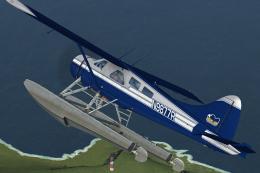 FSX General Aviation Aircraft
Regal Air DeHavilland DHC-2 Beaver, registration N9877R. The Beaver 'N9877R' …
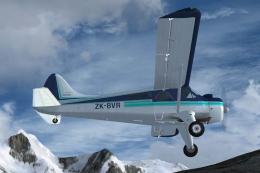 FSX General Aviation Aircraft
Repaint for the Aerosoft DH-2 Beaver as restored by Wrightair. Repaint by Ada…
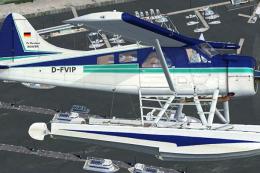 FSX General Aviation Aircraft
De Havilland DHC-2 Beaver D-FVIP The Beaver 'D-FVIP' (c/n 1512), owned by the…
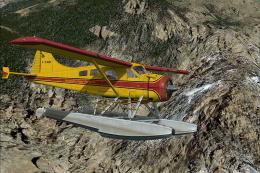 FSX General Aviation Aircraft
This repaint, meticulously prepared by Henry William for the default DeHavill…
 FSX General Aviation Aircraft
This exclusive repaint offers a crisp bare-metal and red rendition of the cla…
 FSX General Aviation Aircraft
This freeware package adds a specialized rendition of the De Havilland Canada…
Be the first to leave a comment on this download.
Be the first to share your thoughts on this download.