

 FSX Military Aircraft
US Navy Blue Angels 2011 F/A-18
US Navy Blue Angels 2011 F/A-18. These textures will only work for FSX and re…
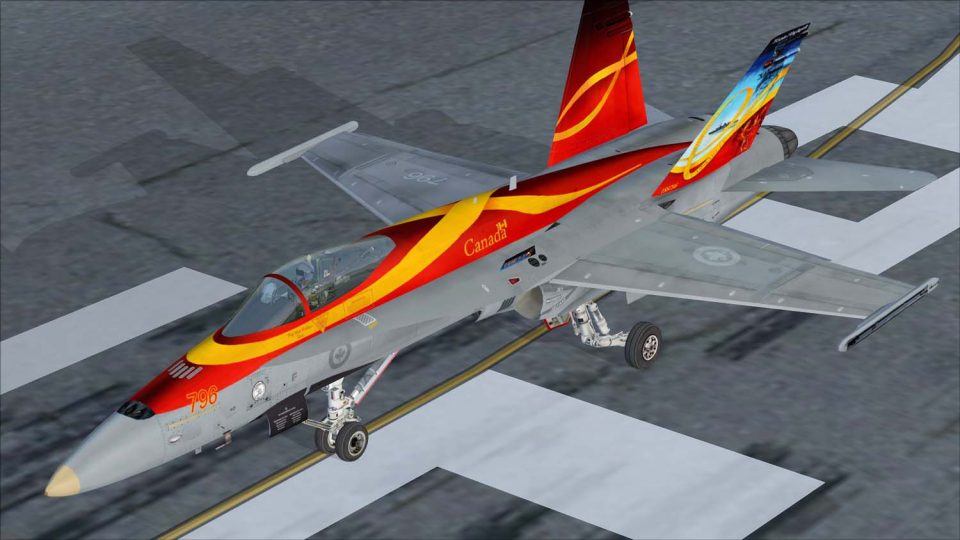
F/A-18C CF-18 2011 Demonstrator markings bring the Canadian air show Hornet to life with crisp artwork, faithful color balance, and sharp panel-line definition that reads well in varied lighting. Built for Microsoft Flight Simulator X Acceleration, it requires the default Acceleration F/A-18 base model to display the full repaint.
 Rate
Rate
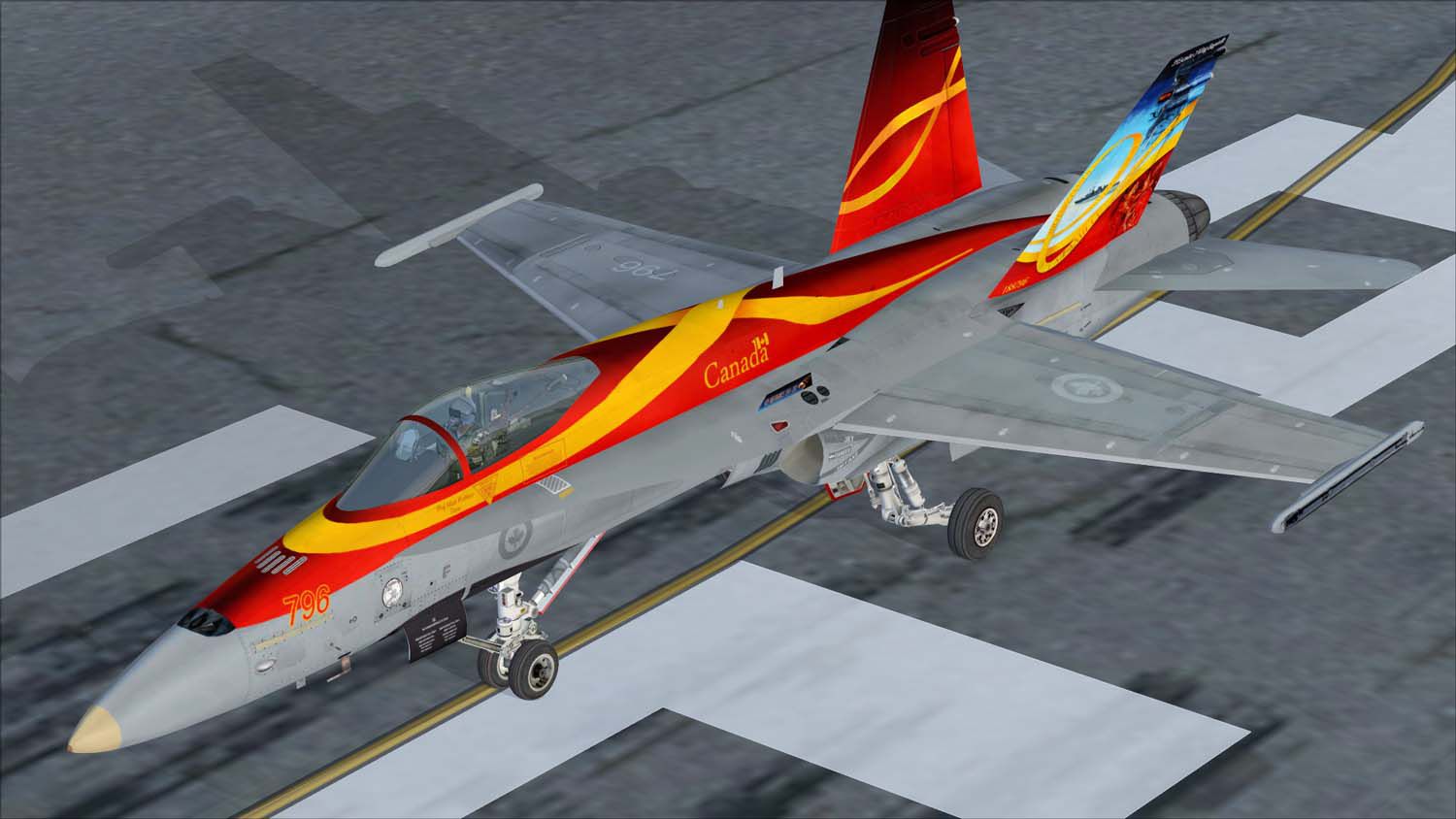
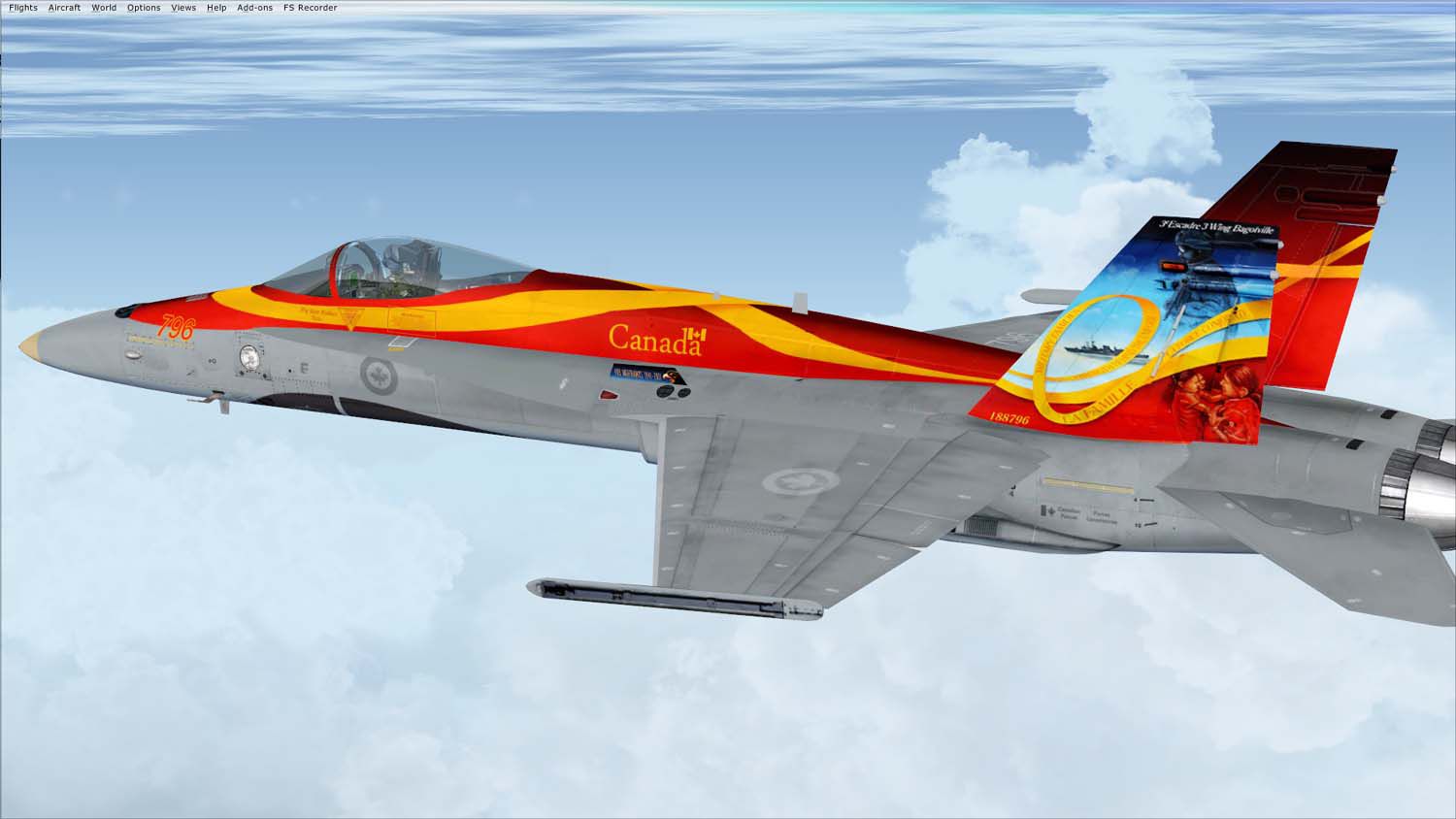
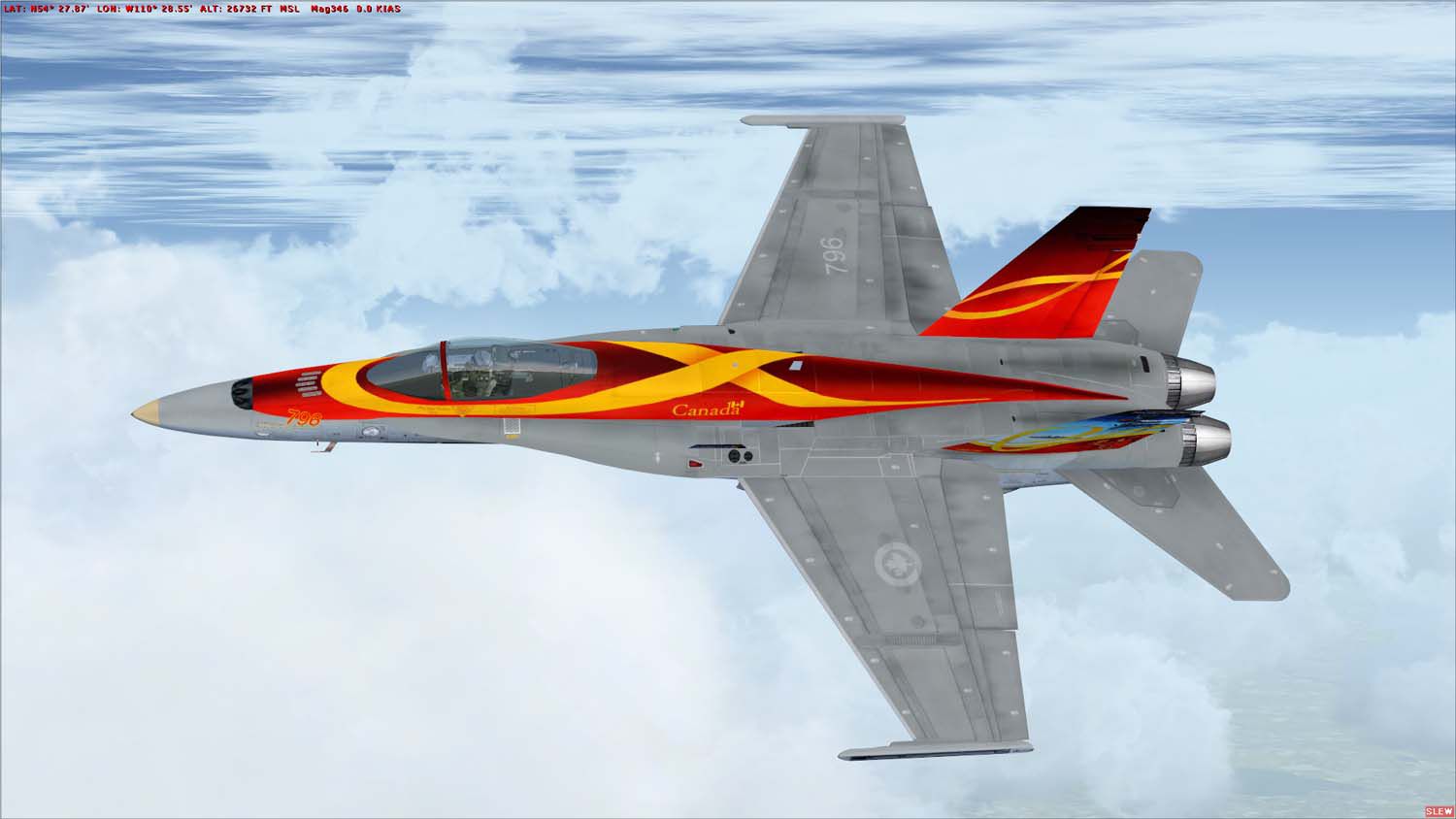
This freeware repaint package features the F/A-18C CF-18 in its unique 2011 demonstration markings, designed for Microsoft Flight Simulator X Acceleration. It originates from a creative collaboration by Ray Gagnon and Matt Webber. This texture set delivers a detailed and historically inspired look that Canadian aviation enthusiasts will appreciate, reflecting the striking full-scale demonstration paint scheme used to display the CF-18's capabilities during public air shows.
The F/A-18C CF-18 2011 Demonstrator repaint depicts the single-seat Hornet with refined exterior markings that replicate the Canadian Forces’ commemorative color scheme. The real-world CF-18 is known for its distinctive false canopy on the underside and specialized performance enhancements, which distinguish it from similar Hornet airframes. This repaint incorporates:
Collectors of modern military jets in Microsoft Flight Simulator X (particularly the Acceleration hornet variant) will find this livery a noteworthy addition.
The Boeing F/A-18 Hornet combines durable carrier operations engineering with advanced aerodynamic features that optimize agility, especially at elevated angles of attack. Key design elements include robust twin engines, angled vertical stabilizers, and an intuitive flight control system. These contribute to the Hornet’s reputation for remarkable versatility in front-line service across numerous air forces worldwide. The Canadian CF-18 variant integrates a spotlight on the port side and structural differences to handle unique operational environments.
F/A-18C CF-18 2011 Demonstrator in flight.
[fltsim.xx]

title=FA-18 2011CF18Demo

sim=FA-18

model=

panel=

sound=

texture=2011CF18Demo

kb_checklists=boeing_FA18_check

kb_reference=boeing_FA18_ref

atc_id=CF769

atc_airline=Air Force

atc_flight_number=769

ui_manufacturer="Boeing"

ui_type="CF-18A"

ui_variation=2011 Demonstrator

ui_typerole="RCAF"

ui_createdby=Repaint by Ray Gagnon with special thanks to Matt "Taco" Webber

description="The Hornet combines the ruggedness required of carrier-borne aircraft with speed and superior agility, especially at high angles of attack. Its powerful engines, canted vertical stabilizers, horizontal stabilators, large leading- and trailing-edge flaps, and sophisticated flight control system all contribute to a level of performance that makes the Hornet a versatile front-line fighter in several air forces around the world."
An existing freeware base package for the default F/A-18 Acceleration model is required. You can find this base model in the Fly Away Simulation library.
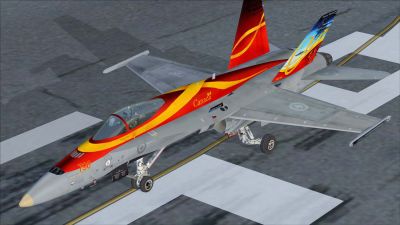
F/A-18C CF-18 2011 Demonstrator on runway.
Free for all simmers · 3.2 MB · Scanned clean Oct 2026
Download speed: Free tier is capped at 0.5 Mbps. PRO members download at full line speed.
texture.{airline}) inside FSX\SimObjects\Airplanes\{base-aircraft}\.aircraft.cfg in Notepad. Add a new [fltsim.X] section per the readme.readme.txt or README file. It tells you exactly where files go, what dependencies are needed, and any quirks specific to this add-on.The archive cf-18_2011_demonstrator.zip has 18 files and directories contained within it.
This list displays the first 500 files in the package. If the package has more, you will need to download it to view them.
| Filename/Directory | File Date | File Size |
|---|---|---|
| 2011 demo land.jpg | 09.20.11 | 103.12 kB |
| 2011 demo left side.jpg | 09.20.11 | 88.24 kB |
| 2011 demo top.jpg | 09.20.11 | 80.82 kB |
| FILE_ID.DIZ | 09.22.11 | 204 B |
| readme!.txt | 09.23.11 | 2.81 kB |
| Texture.2011CF18Demo | 09.22.11 | 0 B |
| F-18_Main01_T.dds | 09.20.11 | 1.33 MB |
| F-18_Main01_T_Bump.dds | 09.06.09 | 1.33 MB |
| F-18_Main02_T.dds | 09.20.11 | 1.33 MB |
| F-18_Main03_T.dds | 09.18.11 | 1.33 MB |
| F-18_Main04_T.dds | 09.20.11 | 1.33 MB |
| F-18_Main05_T.dds | 09.20.11 | 1.33 MB |
| F-18_Wingl_T.dds | 09.20.11 | 1.33 MB |
| F-18_WingR_T.dds | 09.20.11 | 1.33 MB |
| texture.cfg | 08.22.07 | 162 B |
| thumbnail.jpg | 09.20.11 | 4.41 kB |
| flyawaysimulation.txt | 10.29.13 | 959 B |
| Go to Fly Away Simulation.url | 01.22.16 | 52 B |
Only PRO members can place votes.
More FSX & P3D add-ons hand-picked based on this download.
FSX Military Aircraft
US Navy Blue Angels 2011 F/A-18. These textures will only work for FSX and re…
 FSX Military Aircraft
Canadian Air Force/RCAF CF-18 Squadrons low vis repaints for VRS F/A-18 Super…
 FSX Military Aircraft
This freeware release features a custom repaint of the CF-18 2010 Demo Hornet…
 FSX Military Aircraft
This freeware package introduces a subtle low-visibility paint scheme for the…
 FSX Military Aircraft
This repaint pack offers a low-visibility CF-18 425 Squadron (Alouettes) text…
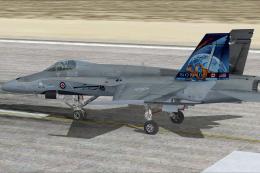 FSX Military Aircraft
This repaint offers a faithful depiction of the Royal Canadian Air Force CF-1…
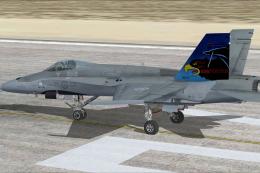 FSX Military Aircraft
This download adds a carefully detailed CF-18 409 Squadron Nighthawks livery …
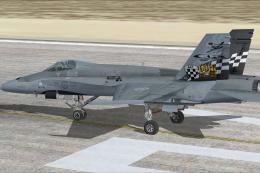 FSX Military Aircraft
Immerse yourself in a tribute to the Royal Canadian Air Force with this CF-18…
Be the first to leave a comment on this download.
Be the first to share your thoughts on this download.