

 FSX Military Aircraft
CF-18 409 Sqn
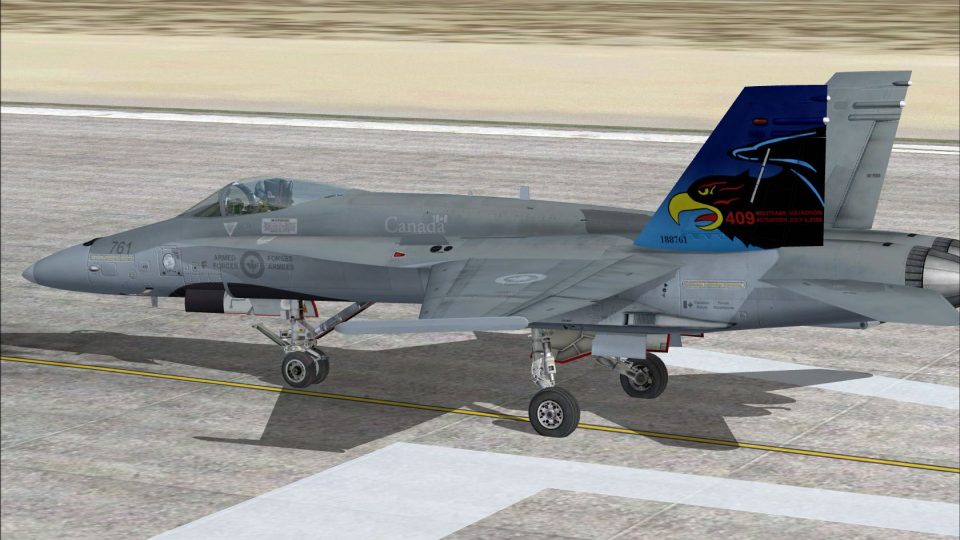
This freeware repaint brings a low-visibility CF-18 409 Squadron “Nighthawks”…
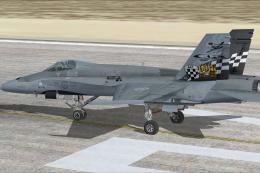
Royal Canadian Air Force CF-18 409 Squadron “Nighthawks” markings bring authentic tail art, national insignia, and a precise color palette to the Acceleration F/A-18C Hornet in Microsoft Flight Simulator X. The repaint keeps the default flight model and virtual cockpit behavior intact, and requires the stock Acceleration F/A-18C.
 Rate
Rate
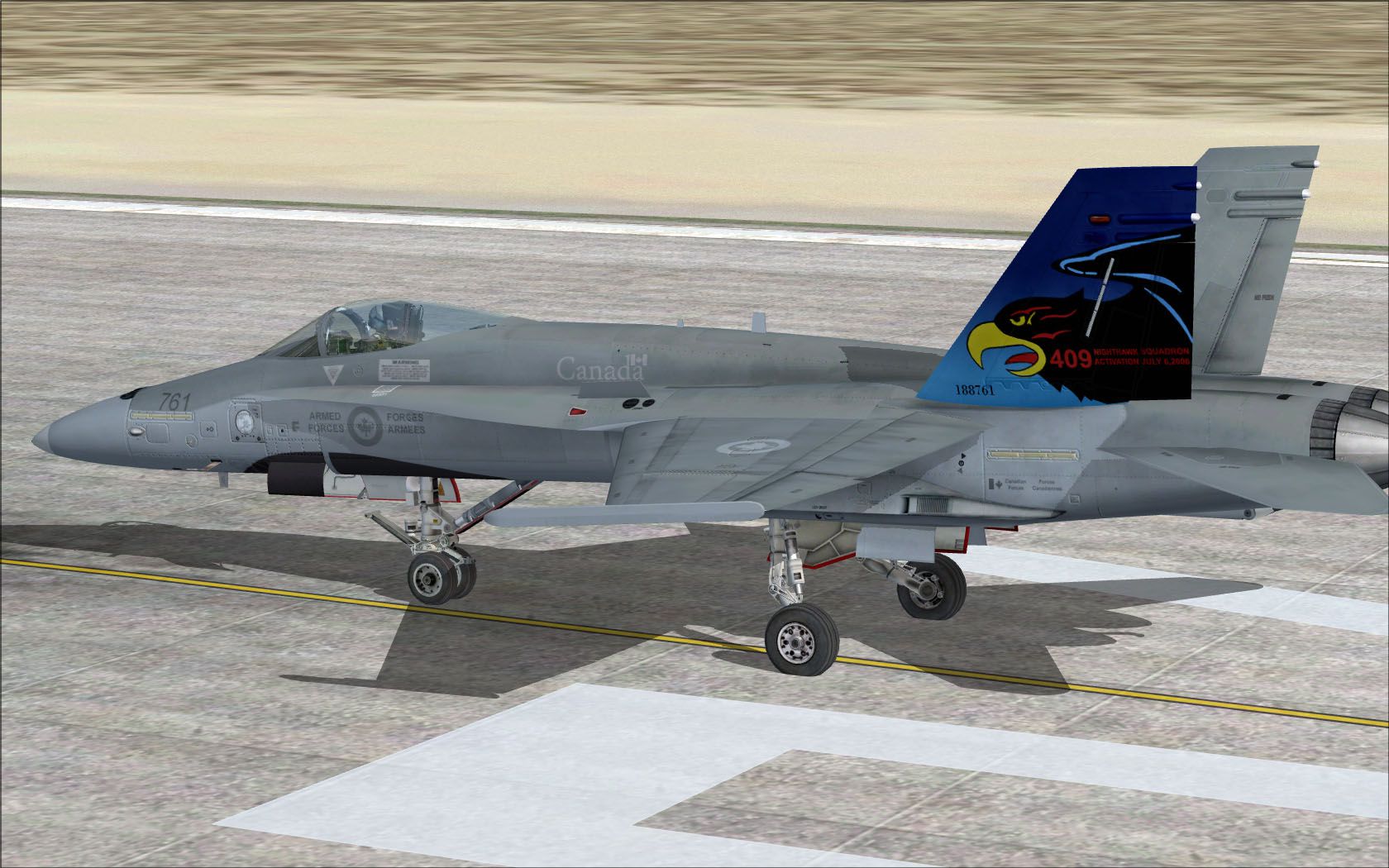
This download adds a carefully detailed CF-18 409 Squadron Nighthawks livery to the existing Acceleration F/A-18C Hornet in Microsoft Flight Simulator X. Created by Ray Gagnon, this package provides textures representing the Royal Canadian Air Force’s agile, carrier-capable fighter, complete with markings that echo the real-world 409 “Nighthawks” Squadron heritage.
The Canadian Forces CF-18 is derived from the core Boeing F/A-18 Hornet, but it includes specialized features such as a dedicated searchlight and modified electronics. Pilots in 409 Squadron rely on these technical refinements for both domestic and overseas missions. By implementing a precise color palette and authentic national insignia, Ray Gagnon’s repaint captures the essence of the “Nighthawks” known for their nighttime operational focus. These textures only complement the default Acceleration F-18 cockpit systems, flight capabilities, and overall high-maneuverability airframe design.

CF-18 409 Sqn in flight.
[fltsim.XX]
title=FA-18 nighthawks
sim=FA-18
model=
panel=
sound=
texture=nighthawks
kb_checklists=boeing_FA18_check
kb_reference=boeing_FA18_ref
atc_id=CF761
atc_airline=Air Force
atc_flight_number=761
ui_manufacturer="Boeing"
ui_type=CF-18
ui_variation=409 Sqn Nighthawks
ui_typerole=RCAF
ui_createdby=repaint by Ray Gagnon
description="The Hornet combines the ruggedness required of carrier-borne aircraft with speed and superior agility, especially at high angles of attack. Its powerful engines, canted vertical stabilizers, horizontal stabilators, large leading- and trailing-edge flaps, and sophisticated flight control system all contribute to a level of performance that makes the Hornet a versatile front-line fighter in several air forces around the world."
Established to provide tactical air support, 409 Squadron operates from Canadian airbases, leveraging the advanced controls of the Hornet to excel in both defensive and offensive roles. The CF-18’s combat-proven design ensures reliable response to a wide range of mission profiles. The in-simulator experience replicates these characteristics, and the high-fidelity livery accurately showcases the signature “Nighthawks” tail art and fuselage details.
If you enjoy additional custom Hornet designs, consider exploring more of Ray Gagnon’s work as well as the broader offerings at “The Hornet’s Nest.” This CF-18 mod is freeware and requires the standard F/A-18 that comes with the Acceleration expansion. The original base model is not included; download the required aircraft from the Fly Away Simulation library. These textures are fully compatible with the default systems, visual effects, and flight model of the Acceleration F-18.
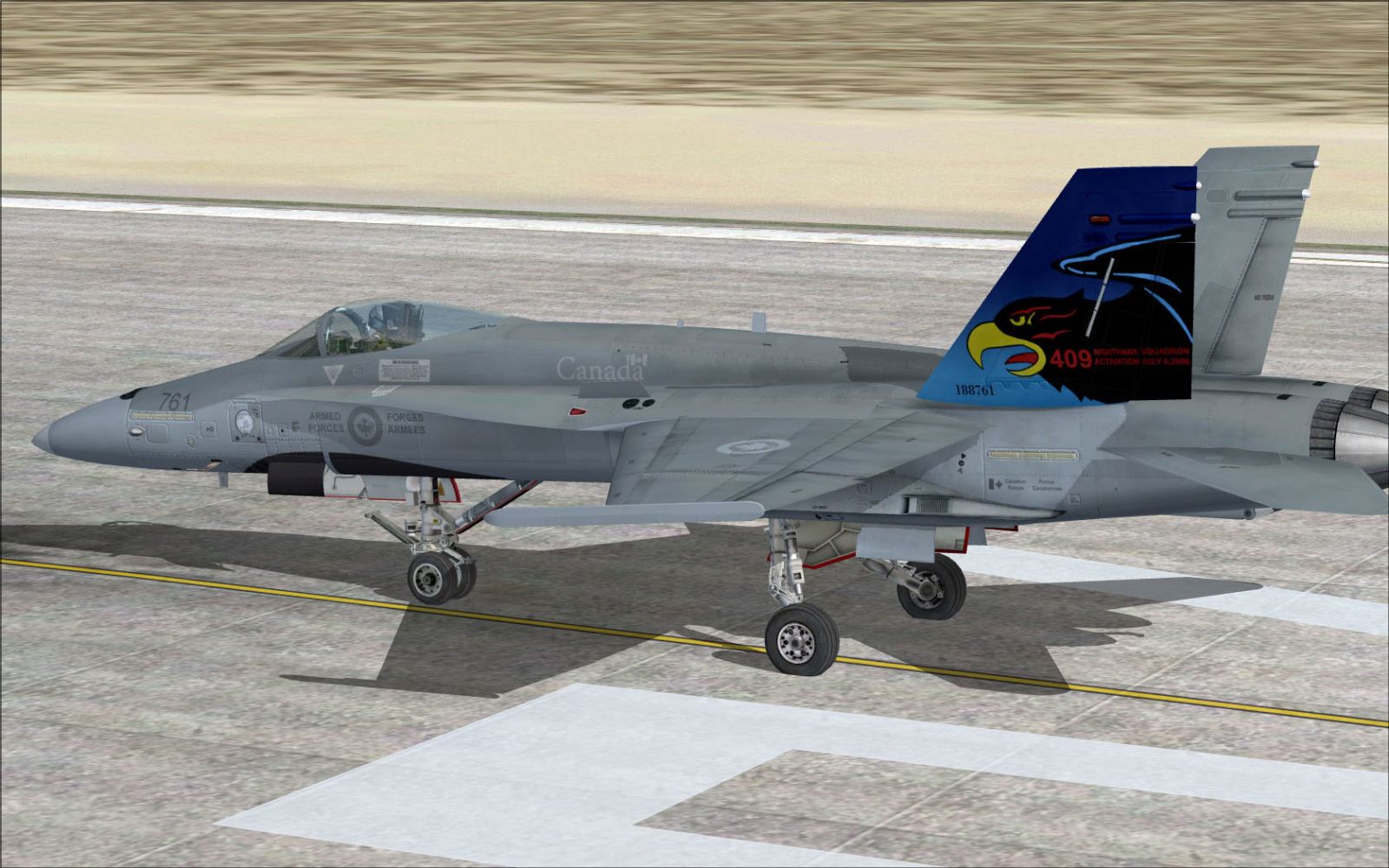
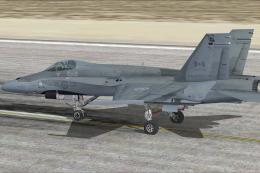
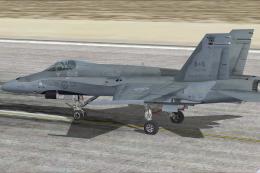
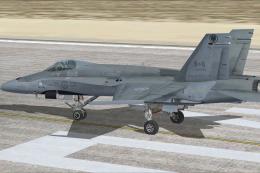
CF-18 409 Sqn on runway.
Free for all simmers · 3.06 MB · Scanned clean Oct 2026
Download speed: Free tier is capped at 0.5 Mbps. PRO members download at full line speed.
texture.{airline}) inside FSX\SimObjects\Airplanes\{base-aircraft}\.aircraft.cfg in Notepad. Add a new [fltsim.X] section per the readme.readme.txt or README file. It tells you exactly where files go, what dependencies are needed, and any quirks specific to this add-on.The archive 409sqnnighthawks.zip has 15 files and directories contained within it.
This list displays the first 500 files in the package. If the package has more, you will need to download it to view them.
| Filename/Directory | File Date | File Size |
|---|---|---|
| 409 Sqn Nighthawks.jpg | 04.21.10 | 279.44 kB |
| FILE_ID.DIZ | 04.21.10 | 137 B |
| readme!.txt | 06.17.10 | 2.87 kB |
| texture.nighthawks | 06.17.10 | 0 B |
| F-18_Main01_T.dds | 04.18.10 | 1.33 MB |
| F-18_Main02_T.dds | 04.16.10 | 1.33 MB |
| F-18_Main03_T.dds | 04.20.10 | 1.33 MB |
| F-18_Main04_T.dds | 04.18.10 | 1.33 MB |
| F-18_Main05_T.dds | 09.08.09 | 1.33 MB |
| F-18_Wingl_T.dds | 04.18.10 | 1.33 MB |
| F-18_WingR_T.dds | 04.18.10 | 1.33 MB |
| texture.cfg | 08.22.07 | 162 B |
| thumbnail.jpg | 04.20.10 | 3.29 kB |
| flyawaysimulation.txt | 10.29.13 | 959 B |
| Go to Fly Away Simulation.url | 01.22.16 | 52 B |
Only PRO members can place votes.
More FSX & P3D add-ons hand-picked based on this download.
FSX Military Aircraft
This freeware repaint brings a low-visibility CF-18 409 Squadron “Nighthawks”…
 FSX Military Aircraft
This freeware package introduces a subtle low-visibility paint scheme for the…
 FSX Military Aircraft
This repaint pack offers a low-visibility CF-18 425 Squadron (Alouettes) text…
 FSX Military Aircraft
This repaint offers a faithful depiction of the Royal Canadian Air Force CF-1…
 FSX Military Aircraft
Immerse yourself in a tribute to the Royal Canadian Air Force with this CF-18…
 FSX Military Aircraft
Enhance your Microsoft Flight Simulator X experience by adding a precisely de…
 FSX Military Aircraft
This specialized repaint introduces a low visibility Canadian Forces (CF) 416…
 FSX Military Aircraft
This repaint package showcases the distinctive look of the Canadian CF-18 ass…
Be the first to leave a comment on this download.
Be the first to share your thoughts on this download.