


FSX Dubai Oil Rigs Scenery
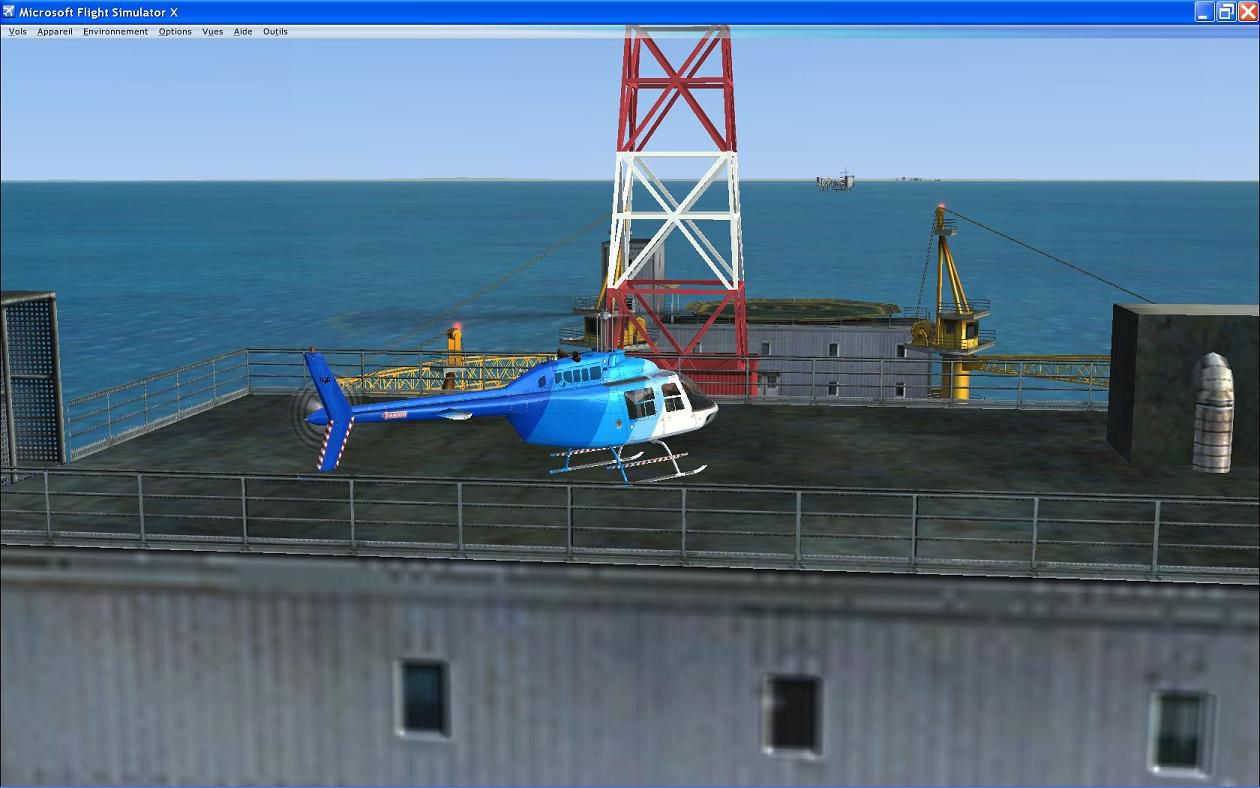
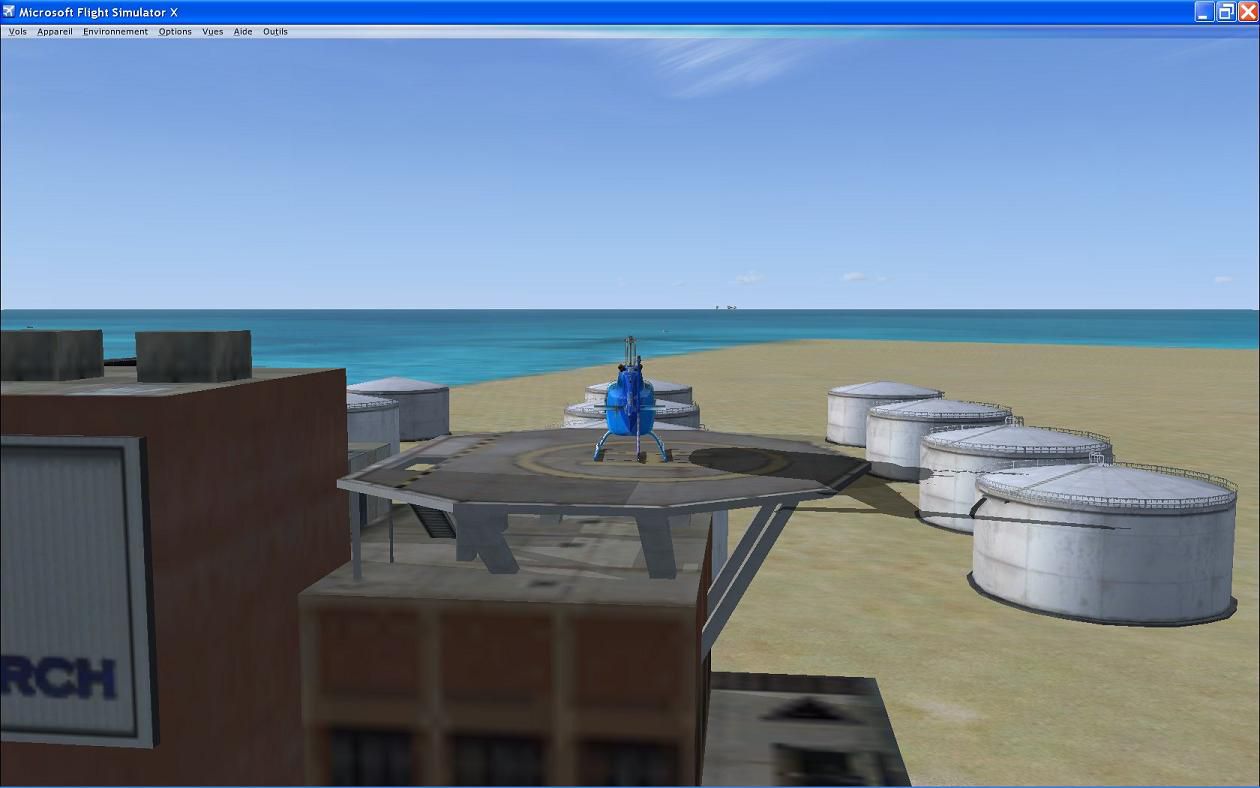
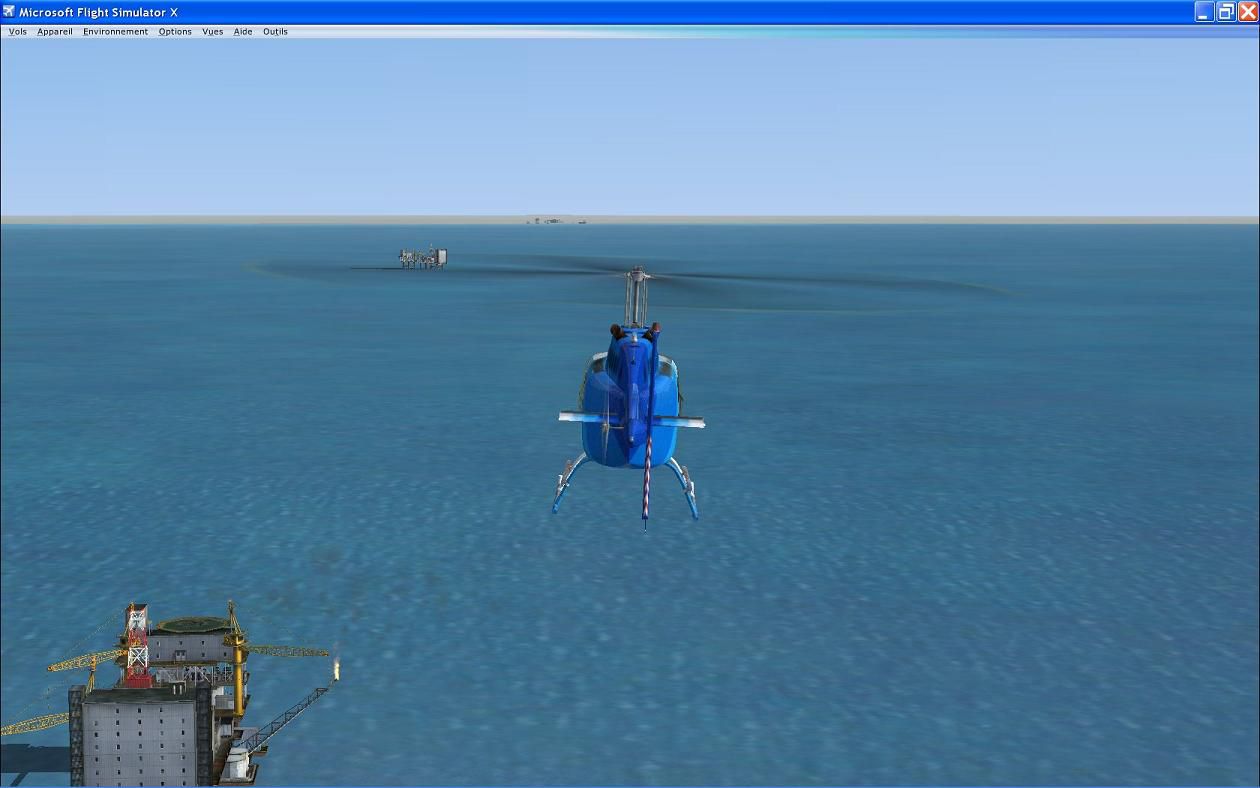
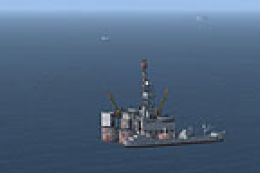
Dubai Oil Rigs Scenery brings two fictional offshore oil platforms to life off the Dubai coast, paired with onshore fuel tanks, a refinery, and a company headquarters for added industrial realism. Landable helipads sit on both rigs and the HQ rooftop, creating fresh helicopter start points and approach challenges in FSX.

 United Arab Emirates
 - File: fsxdubai.zip
- Size:645.22 KB
- Scan:
Clean (5d)

- Access:Freeware
- Content:Everyone

 Description
 Comments
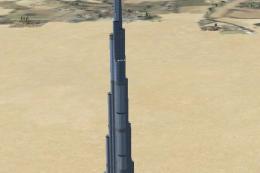
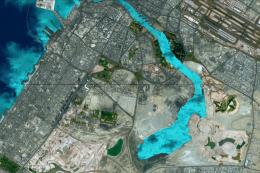
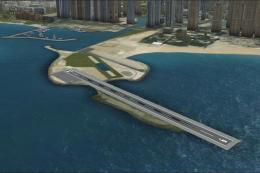
 Dubai Oil Rigs. This scenery shows two fictional oilrigs offshore Dubai and fuel tanks, a refinery, and a company HQ building onshore. Helipads on oilrigs and on HQ building are all landable. By Michel Revaz.
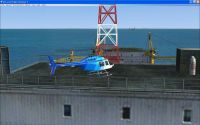
Dubai Oil Rigs Scenery.
INSTALLATION:
-This scenery is for FSX.
-Unzip the "FSX_C_Dubai_oilrigs.zip" folder to a location of your choice.
-Open the "C_AddonScenery01" folder and simply drag and drop the "C_Dubai_oilrigs" folder, with all it's content, in your usual Addon scenery folder in FSX.
-Open the "C_Flights01" folder and just drag and drop the 6 files in your usual saved flights folder for FSX.
-Start FSX, go to the "scenery library" and add the scenery.
-If you are familiar to Addon scenery, just do it as usual.
-If you are new to Addon scenery and if you need more instructions, please refer to informations on the web or to someone in the above category :-)
FLY:
Load the flight called "C_Dubai_oilrigs" to take of from an oilrig helipad.
Load the flight called "C_Dubai_oilrigs_HQ" to take of from the HQ building helipad.
DISCLAIMER:
This is freeware to be used as freeware.
The author is not responsible for use and/or missuse consequences of this addon.
CREDITS:
All library objects are original MS FSX. Scenery built with original MS FSX/SDK "Object placement tool" and compiled with Abacus "Scenery Shortcut". Thanks to their authors and conceptors.
LEGAL STUFF:
This is freeware to be used as freeware.
No commercial use of any kind can be made of the enclosed files without my written permission and consentment.
AUTHOR:
Michel Revaz
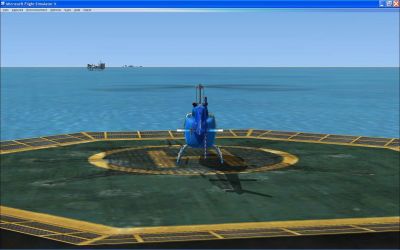
Dubai Oil Rigs Scenery.
Images & Screenshots

Finding the Scenery
- FSX/Prepar3D Coordinates:
-
25.20480000,55.27080000
Use the downloaded flight plan file by launching FSX/P3D, selecting "Load Flight Plan" in the flight planner, and choosing the .pln file. Your aircraft will be positioned directly at the add-on’s location. - Decimal Degrees (DD):
-
Latitude: 25.204800°
Longitude: 55.270800° - Degrees, Minutes, Seconds (DMS):
-
Latitude: 25° 12' 17.280" N
Longitude: 55° 16' 14.880" E
Map Location

The archive fsxdubai.zip has 20 files and directories contained within it.
File Contents
This list displays the first 500 files in the package. If the package has more, you will need to download it to view them.
| Filename/Directory | File Date | File Size |
|---|---|---|
| C_Addon Scenery01 | 06.19.07 | 0 B |
| C_Dubai_oilrigs | 06.19.07 | 0 B |
| scenery | 06.19.07 | 0 B |
| C_Dubai_oilrigs.bgl | 06.19.07 | 1.21 kB |
| C_Flights01 | 06.19.07 | 0 B |
| C_Dubai_oilrigs.FLT | 06.19.07 | 10.82 kB |
| C_Dubai_oilrigs.FSSAVE | 06.19.07 | 140.98 kB |
| C_Dubai_oilrigs.WX | 06.19.07 | 148.59 kB |
| C_Dubai_oilrigs_HQ.FLT | 06.19.07 | 10.76 kB |
| C_Dubai_oilrigs_HQ.FSSAVE | 06.19.07 | 153.63 kB |
| C_Dubai_oilrigs_HQ.WX | 06.19.07 | 148.30 kB |
| file_id.txt | 06.19.07 | 246 B |
| readme.txt | 06.19.07 | 3.38 kB |
| screenshot_l16.jpg | 06.19.07 | 111.09 kB |
| screenshot_l17.jpg | 06.19.07 | 106.26 kB |
| screenshot_l18.jpg | 06.19.07 | 78.63 kB |
| screenshot_l19.jpg | 06.19.07 | 83.17 kB |
| FILE_ID.DIZ | 06.29.07 | 228 B |
| flyawaysimulation.txt | 10.29.13 | 959 B |
| Go to Fly Away Simulation.url | 01.22.16 | 52 B |

Installation Instructions
Most of the freeware add-on aircraft and scenery packages in our file library come with easy installation instructions which you can read above in the file description. For further installation help, please see our Flight School for our full range of tutorials or view the README file contained within the download. If in doubt, you may also ask a question or view existing answers in our dedicated Q&A forum.



0 comments
Leave a Response