


 United States of America
  FSX Scenery
SF Bay Area Living World
SF Bay Area Living World. Adds to the living world and as real as it gets the…
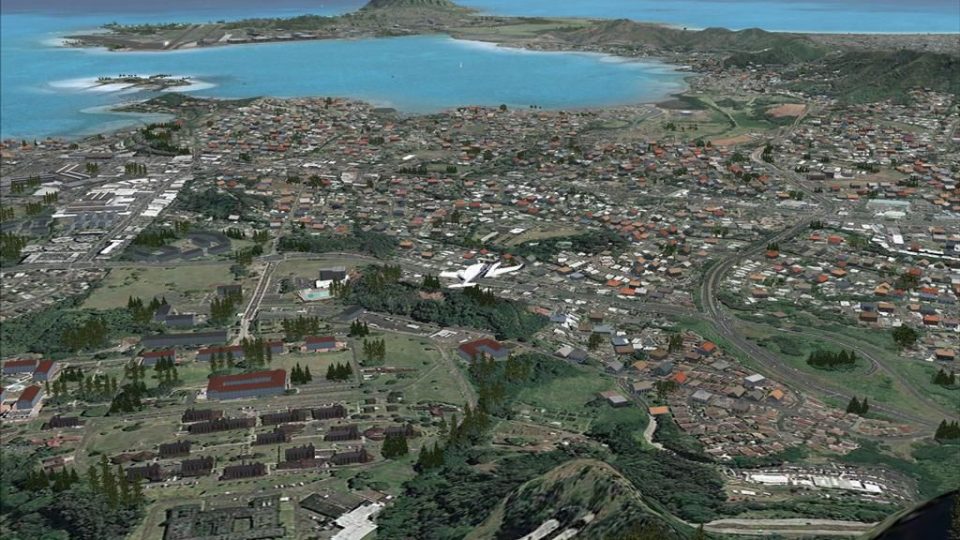
Kaneohe Bay Area scenery brings dense, believable autogen around Marine Corps Air Facility Kaneohe Bay (PHNG) on Oahu, enhancing the photo-real coastline and neighborhoods with carefully placed default and Acceleration-era objects. Built for FSX, it requires MegaSceneryX Hawaii Honolulu and Oahu Island to provide the underlying imagery.
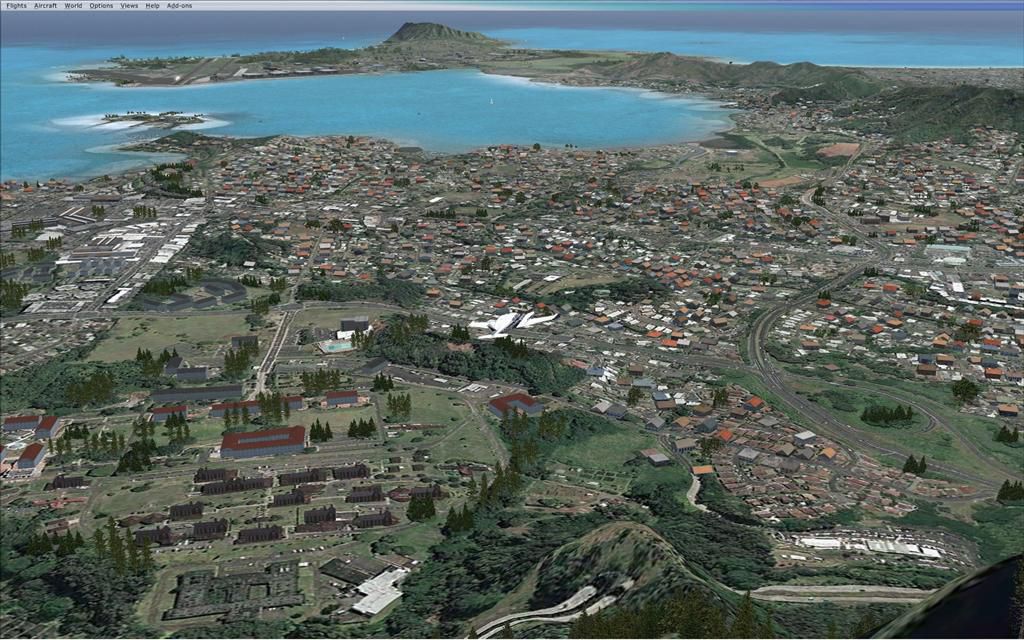

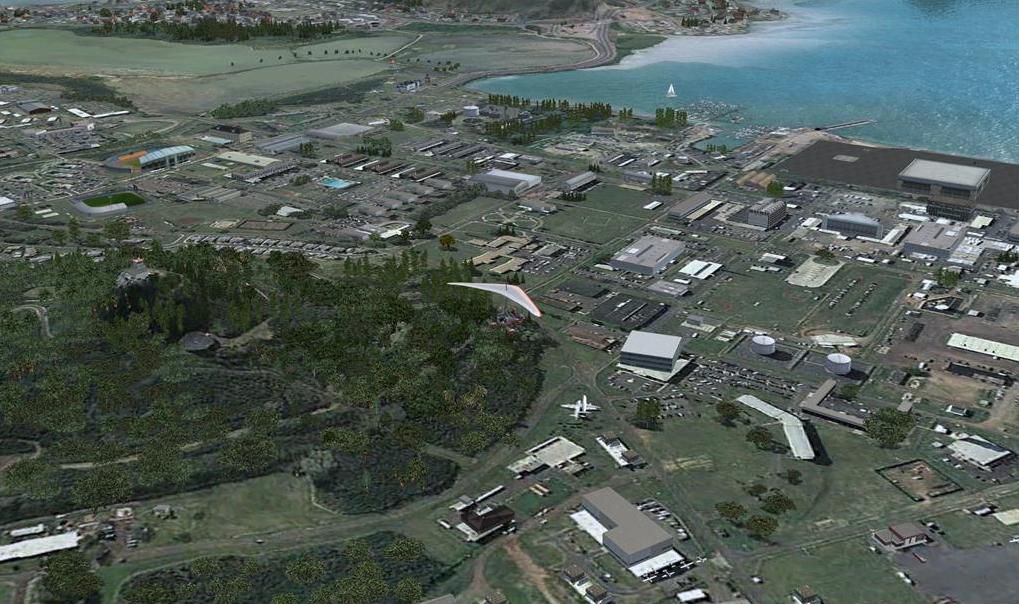
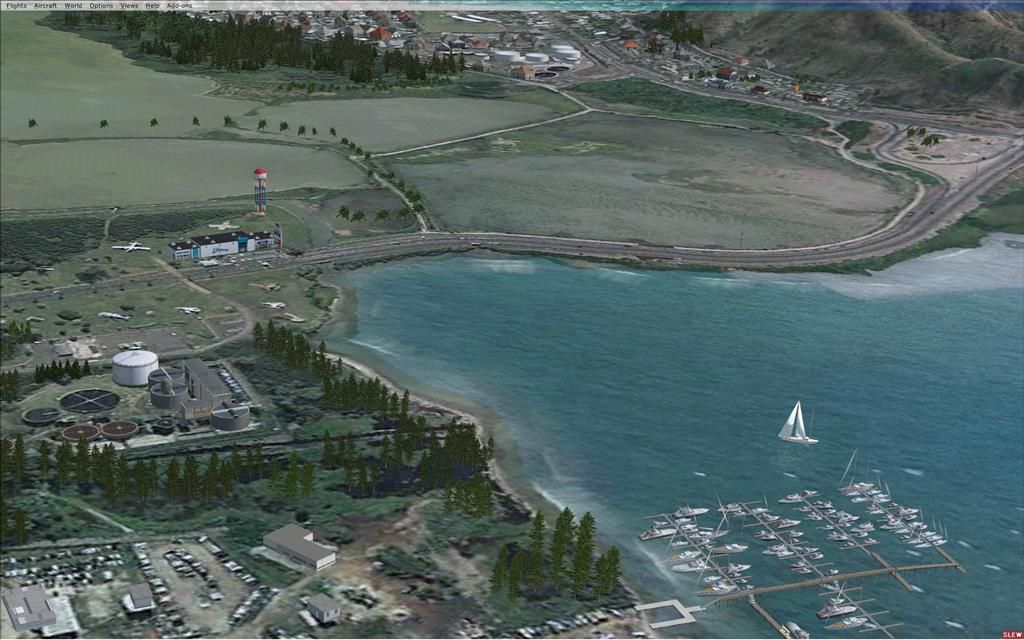
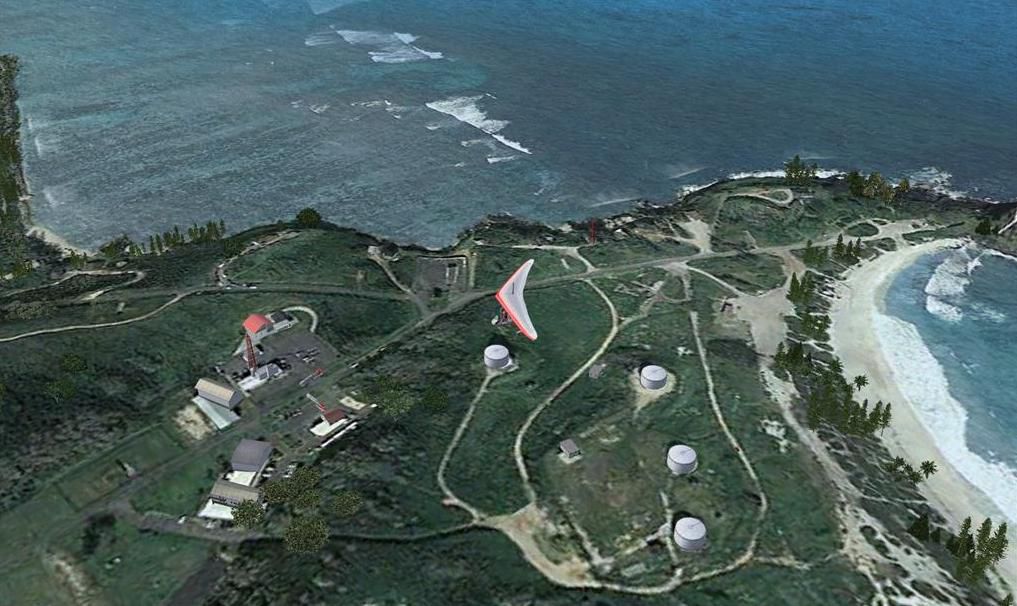

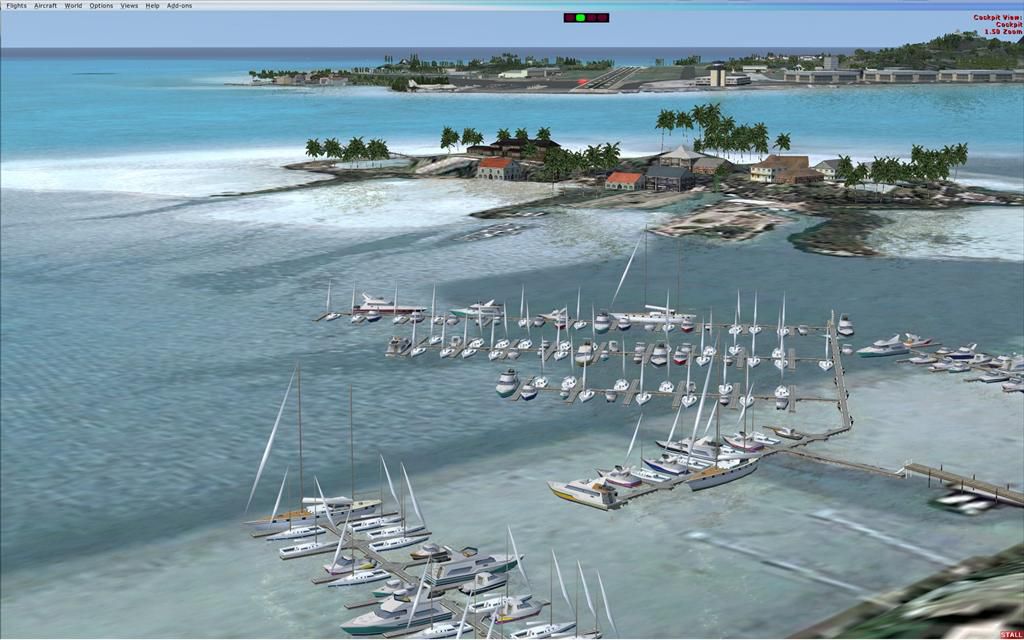
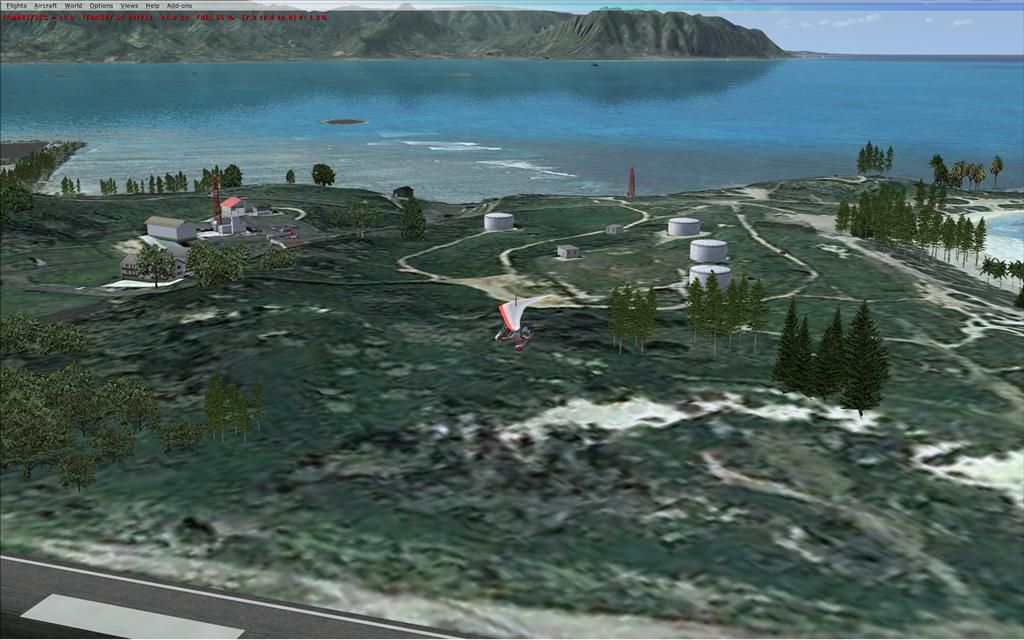

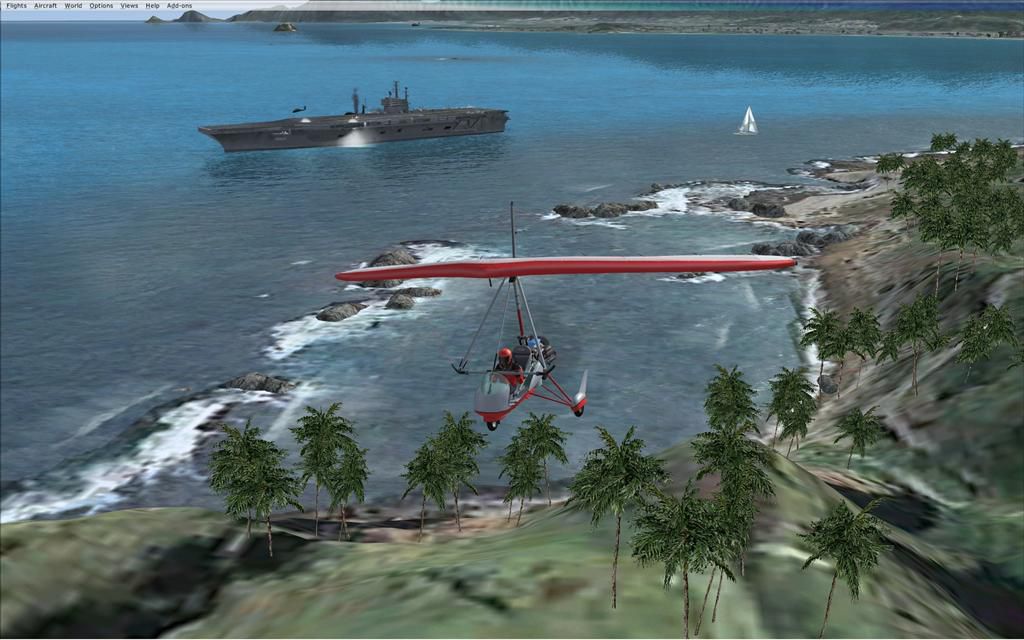
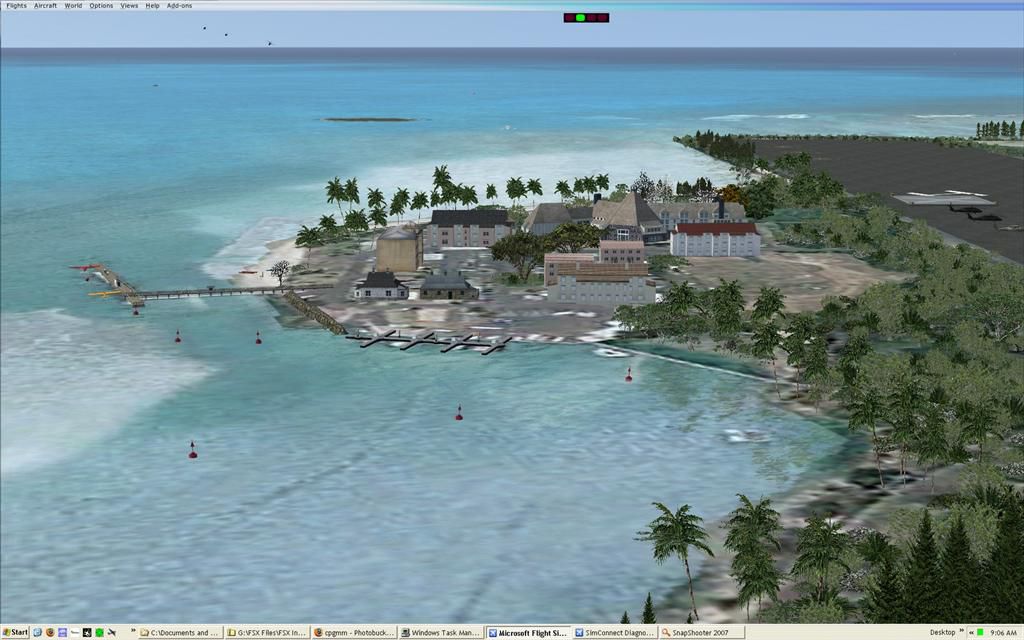
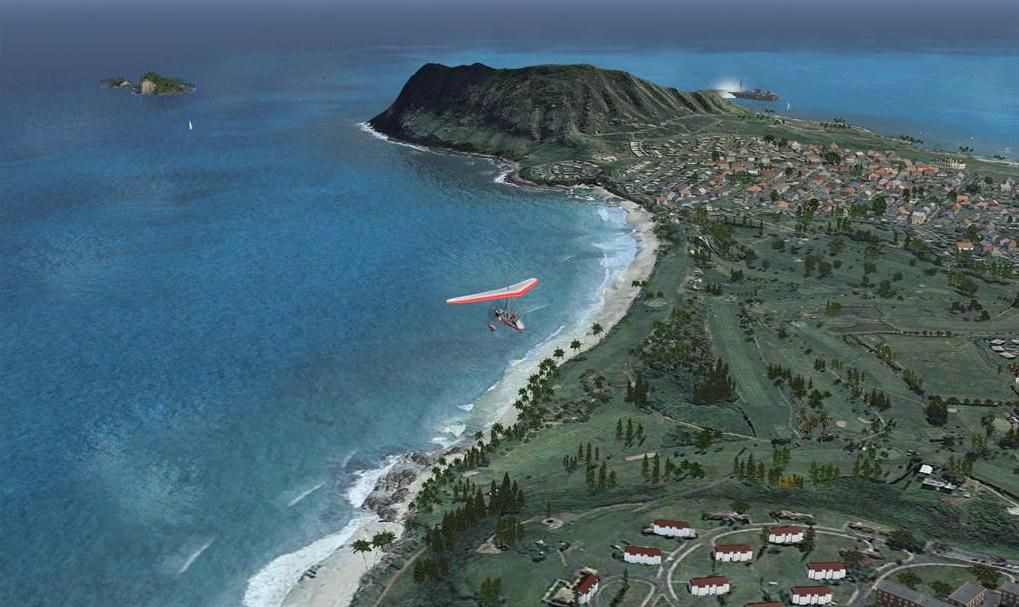
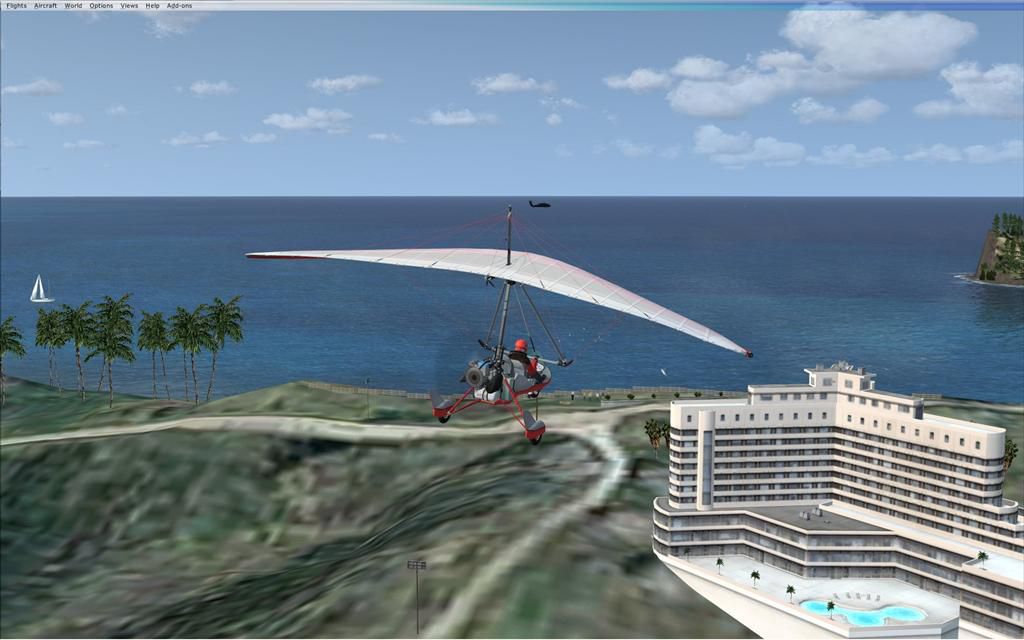

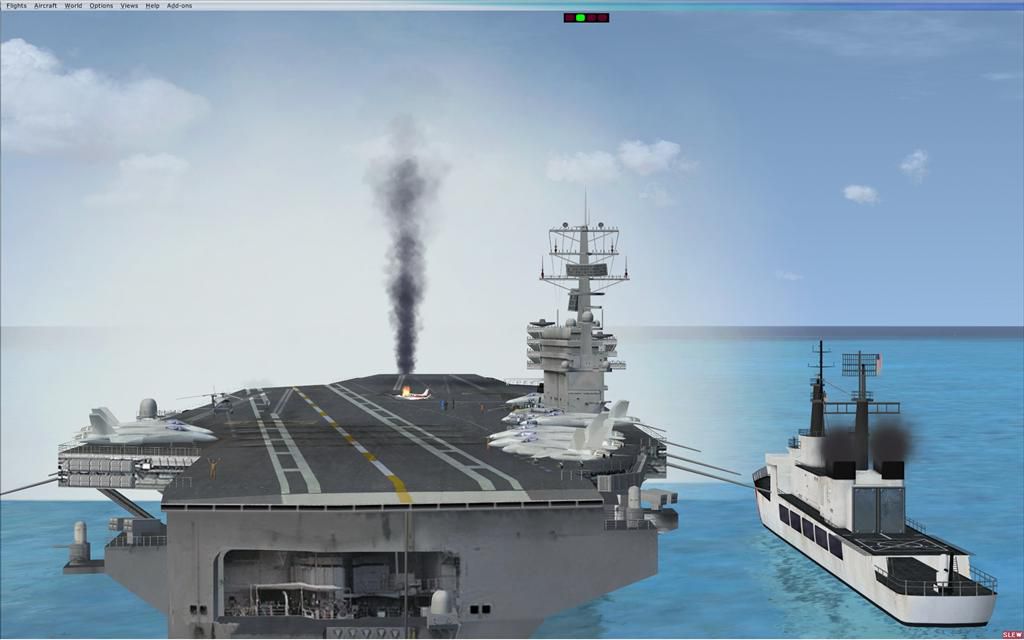
Kaneohe Bay Area (PHNG), Hawaii (HI), v1.0. This is the Part II autogen scenery for the Island of Oahu series that sits on top of "MegaSceneryX - Hawaii - Honolulu and Oahu Island". This set covers the area around the Kaneohe Bay MCAF Airport. By Manny Mahadevan.
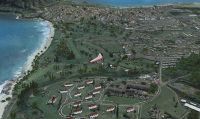
Kaneohe Bay Area Scenery.
Description:
This scenery is the PART II autogen scenery for the Island of Oahu series that I am working on, that sits on top of "MegaSceneryX - Hawaii - Honolulu and Oahu Island", SO IT REQUIRES THE MEGASCENERY X - Hawaii - Honolulu & Oahu Island" photo scenery.
This Autogen scenery is around the PHNG Airport locale.
I used autogens from default FSX as well as the FSX Acceleration. IF you did not install acceleration, it should not be an issue. You would just not see some of the autogens from the acceleration package.
Installation:
1. Extract the zip into your main FSX Addon Scenery folder, or into a temporary folder, and then move it to wherever your addon sceneries are, which ever method you prefer.
2. Move the MM_PHNG_Screenies.zip out of that folder or delete it after viewing the screenshots so as not to clutter.
3. Start up FSX and when the welcome screen, or initial menu comes on, select settings, then click on Scenery Library, and Add Area. Find the Addon Scenery folder and open it, then find the MM_PHNG folder and click on it. The name MM_PHNG should now appear in the title window, then click OK. Then you will see MM_PHNG at the top of your scenery library list, and click the OK tab at the bottom.
4. That's it!
Notes:
Even though this scenery only uses autogens, it would still take a hit on performance (FPS), so you may want to use the density settings in order to adjust the scenery for the best results on your computer.
IF the Density settings is not sufficiant to adjust, you could simply rename (remove) some of the BGLs in the scenery folder as .tmp and restart FSX.
Some of the candidate bgls to remove to make the scenery sparce are
1. MM_PHNG Deep.bgl
2. MM_PHNG Mid Pac Cntry club.bgl
On the other hand,
If you have a powerful PC that can handle more density in the scenery, then you may want to look into the "BONUS" Folder.
I have an extra folder there called "BONUS" that contains lot more goodies. IF your PC can handle it, you may move some or all the BGLs from the Bonus folder into the "scenery" folder. IF you FPS gets down to less less than 14FPS, I would advice against using the bgls from the "Bonus" foder. These are FPS expensive bgls. But I leave it to your descretion.
Credits:
I want to first acknowledge the beta testers..particularly Glen Oberg,Harlank and Solar Eagle. Glen Oberg and Harlank also helped me with my previous PHJR (Part I) scenery and I forgot to give credit to them in the readme file of my MM_PHJR scenery (Part I).
I also want to thank Flight 1's "Instant Scenery" team without which I couldn't have done this. The same goes for Megascenery for their amazing color rich high res photo scenery for the Island of O'ahu.
Part I - MM_PHJR
Part II - MM_PHNJ
And coming soon
PART III - O'ahu (minus Honolulu).
Manny Mahadevan
Flower Mound
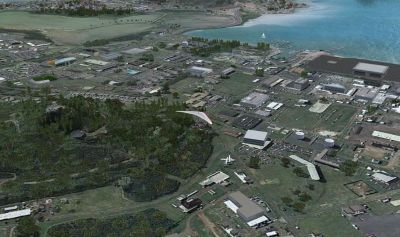
Kaneohe Bay Area Scenery.
Free for all simmers · 1.66 MB · Scanned clean Oct 2026
Download speed: Free tier is capped at 0.5 Mbps. PRO members download at full line speed.
FSX\Addon Scenery\ containing scenery and texture sub-folders.readme.txt or README file. It tells you exactly where files go, what dependencies are needed, and any quirks specific to this add-on.Use these coordinates to fly directly to this location once the mod is installed.
21.44500000,-157.76800000
Launch FSX or Prepar3D and use Flights → Load to open the downloaded .pln file. Your aircraft will be positioned at this location.
The archive mmphngv1.zip has 55 files and directories contained within it.
This list displays the first 500 files in the package. If the package has more, you will need to download it to view them.
| Filename/Directory | File Date | File Size |
|---|---|---|
| MM_PHNG | 01.29.08 | 0 B |
| Bonus | 01.29.08 | 0 B |
| MM_PHNG Coast Guard.bgl | 01.10.08 | 236 B |
| MM_PHNG Aircraft Carrier A.bgl | 01.10.08 | 1.31 kB |
| MM_PHNG Airport GA Static.bgl | 01.11.08 | 380 B |
| MM_PHNG Animals.bgl | 01.15.08 | 556 B |
| MM_PHNG hover Chopper A.bgl | 01.07.08 | 140 B |
| MM_PHNG hover Chopper B.bgl | 01.07.08 | 140 B |
| MM_PHNG hover Chopper C.bgl | 01.07.08 | 140 B |
| MM_PHNG MCD.bgl_requires mcdmil_zip | 01.14.08 | 4.18 kB |
| MM_PHNG sail boat.bgl | 01.07.08 | 140 B |
| MM_PHNG Static Choppers.bgl | 01.08.08 | 1.18 kB |
| MM_PHNG Static Military Aircrafts.bgl | 01.08.08 | 1.18 kB |
| MM_PHNG with UT.bak | 01.11.08 | 32.56 kB |
| MM_PHNG Read Me.txt | 01.29.08 | 4.28 kB |
| MM_PHNG_Screenies | 01.29.08 | 0 B |
| Approach to Phng.jpg | 01.20.08 | 104.75 kB |
| carrier.jpg | 01.13.08 | 59.42 kB |
| PHNG Deep.jpg | 01.27.08 | 157.79 kB |
| PHNG Deep1.jpg | 01.27.08 | 102.68 kB |
| pic1.JPG | 01.12.08 | 132.91 kB |
| Pic2.JPG | 01.12.08 | 129.79 kB |
| Pic3.JPG | 01.12.08 | 106.21 kB |
| Pic4.JPG | 01.12.08 | 109.00 kB |
| Pic5.JPG | 01.12.08 | 95.35 kB |
| Pic6).jpg | 01.20.08 | 98.48 kB |
| Screen - Saturday - 23 (Large).jpg | 01.12.08 | 60.12 kB |
| Screen - Saturday - 24 (Large).jpg | 01.12.08 | 78.60 kB |
| Screen - Saturday - 25 (Large).jpg | 01.12.08 | 100.05 kB |
| Screen - Saturday - 26 (Large).jpg | 01.12.08 | 104.23 kB |
| Screen - Saturday - 32 (Large).jpg | 01.12.08 | 111.29 kB |
| Thumbs.db | 01.29.08 | 150.00 kB |
| scenery | 01.29.08 | 0 B |
| MM_PHNG Building.bgl | 01.13.08 | 140 B |
| MM_PHNG Airport GA floats.bgl | 01.11.08 | 236 B |
| MM_PHNG Airport Objects.bgl | 01.11.08 | 4.89 kB |
| MM_PHNG Bldgs.bgl | 01.11.08 | 4.37 kB |
| MM_PHNG Bldgs_Airport Tower.bgl | 01.07.08 | 140 B |
| MM_PHNG Bldgs_B.bgl | 01.07.08 | 4.46 kB |
| MM_PHNG C.bgl | 01.11.08 | 2.62 kB |
| MM_PHNG D.bgl | 01.12.08 | 4.15 kB |
| MM_PHNG Deep.bgl | 01.27.08 | 29.87 kB |
| MM_PHNG E.bgl | 01.18.08 | 16.40 kB |
| MM_PHNG Golf.bgl | 01.08.08 | 7.61 kB |
| MM_PHNG hover Chopper D.bgl | 01.07.08 | 188 B |
| MM_PHNG Mid Pac Cntry club.bgl | 01.17.08 | 7.28 kB |
| MM_PHNG missing bridge.bgl | 01.11.08 | 140 B |
| MM_PHNG Missing Veg fix.bgl | 01.11.08 | 16.14 kB |
| MM_PHNG Quarry.bgl | 01.18.08 | 1.26 kB |
| MM_PHNG without UT.bgl | 01.14.08 | 30.31 kB |
| MM_PHNG_A.bgl | 01.06.08 | 3.59 kB |
| MM_PHNG_Pali_Golf.bgl | 01.29.08 | 5.01 kB |
| MM_PHNG_Rocks.bgl | 01.10.08 | 7.79 kB |
| flyawaysimulation.txt | 10.29.13 | 959 B |
| Go to Fly Away Simulation.url | 01.22.16 | 52 B |
Only PRO members can place votes.
More FSX & P3D add-ons hand-picked based on this download.
FSX Scenery
SF Bay Area Living World. Adds to the living world and as real as it gets the…
 FSX Scenery
Montego Bay Airport Scenery. Scenery for Sangster International Airport (MKJS…
 FSX Scenery
Green Bay Austin Straubel International Airport (KGRB), Wisconsin (WI). A com…
 FSX Scenery
Scenery Morecambe Bay Gas Rigs. Gas rigs in Morecambe-Bay, slightly west of B…
 FSX Scenery
Boundary Bay Airport (CZBB), British Columbia, Canada. All buildings have bee…
 FSX Scenery
Jeffreys Bay Airfield. Jeffreys Bay Airport in the Eastern Cape, South Africa…
 FSX Scenery
Kasaba Bay Airport (FLKY), Nsumbu National Park, Lake Tanganyika, Zambia, v1.…
 FSX Scenery
Boundary Bay Airport. This is a complete redo of the default CZBB Boundary Ai…
Be the first to leave a comment on this download.
Be the first to share your thoughts on this download.