


 Canada
  FSX Scenery
V2 Boundary Bay Airport
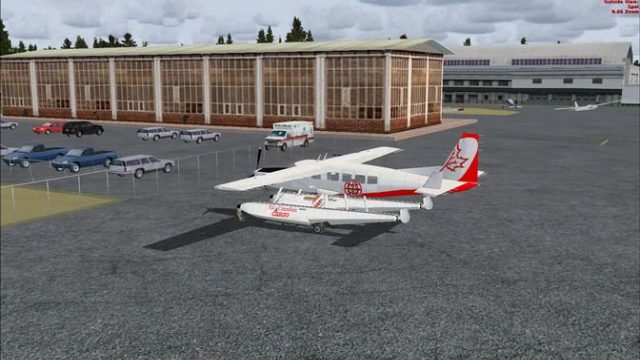
Boundary Bay Airport. This is a complete redo of the default CZBB Boundary Ai…
Boundary Bay Airport (CZBB) scenery brings the British Columbia training field to life with accurately repositioned buildings, flight school areas, fuel tanks, parking, GA aircraft, and maintenance hangars for more believable ground operations just 2 NM from Vancouver International. Designed for FSX, it suits light-aircraft circuits and quick hops toward Vancouver Island or Harrison Hot Springs.
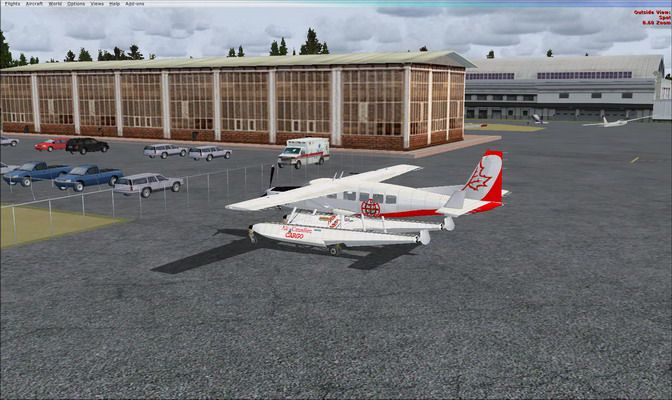

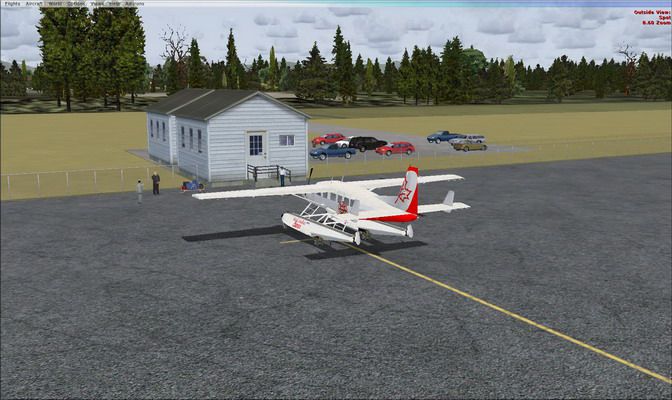
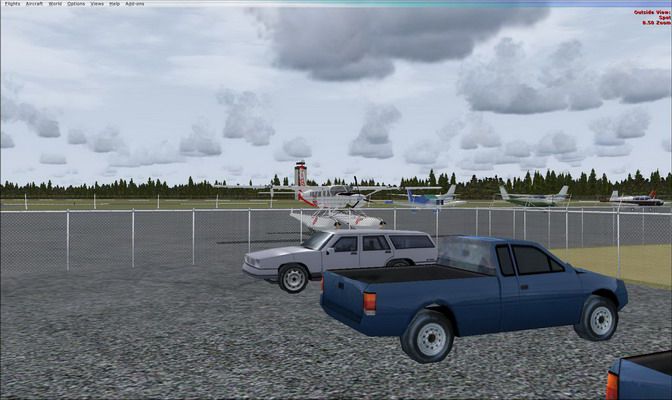
Boundary Bay Airport (CZBB), British Columbia, Canada. All buildings have been moved to their correct locations. By Daniel Louvet.
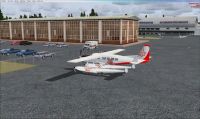
Boundary Bay Airport Scenery.
2Nm from CYVR, Boundary Bay is a training airport - Perfect for light aircrafts and perfect hop to Vancouver island or Harrison Hot spring.
I have repositioned all building, fuel tank, parking lot, Flight schools, GA aircrafts parked and maintenance hangar as it is in reality. The FSX one was not convincing enough! Hope this will make your stop-over more enjoyable!
Installation:
Drop the .bgl file in your FSX/Addon scenery/scenery folder.
ONLY!
Dan
Boundary Bay Airport Scenery.
Free for all simmers · 367.56 KB · Scanned clean Oct 2026
Download speed: Free tier is capped at 0.5 Mbps. PRO members download at full line speed.
FSX\Addon Scenery\ containing scenery and texture sub-folders.readme.txt or README file. It tells you exactly where files go, what dependencies are needed, and any quirks specific to this add-on.Use these coordinates to fly directly to this location once the mod is installed.
49.07167000,-123.01361000
Launch FSX or Prepar3D and use Flights → Load to open the downloaded .pln file. Your aircraft will be positioned at this location.
The archive czbb-1.zip has 9 files and directories contained within it.
This list displays the first 500 files in the package. If the package has more, you will need to download it to view them.
| Filename/Directory | File Date | File Size |
|---|---|---|
| fsx 2009-03-04 15-38-45-60.jpg | 03.04.09 | 88.83 kB |
| fsx 2009-03-04 17-49-03-50.jpg | 03.04.09 | 95.90 kB |
| fsx 2009-03-04 17-49-31-29.jpg | 03.04.09 | 75.77 kB |
| small.gif | 03.04.09 | 8.21 kB |
| small.jpg | 03.04.09 | 92.69 kB |
| Read me.txt | 03.06.09 | 538 B |
| CZBB.BGL | 03.04.09 | 11.20 kB |
| flyawaysimulation.txt | 10.29.13 | 959 B |
| Go to Fly Away Simulation.url | 01.22.16 | 52 B |
Only PRO members can place votes.
More FSX & P3D add-ons hand-picked based on this download.
FSX Scenery
Boundary Bay Airport. This is a complete redo of the default CZBB Boundary Ai…
 FSX Scenery
Boundary Airport (CZBB), British Columbia, Canada. A complete redo based on G…
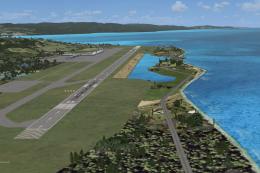 FSX Scenery
Montego Bay Airport Scenery. Scenery for Sangster International Airport (MKJS…
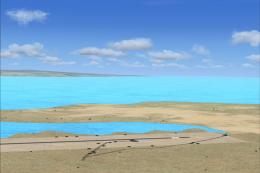 FSX Scenery
Kasaba Bay Airport (FLKY), Nsumbu National Park, Lake Tanganyika, Zambia, v1.…
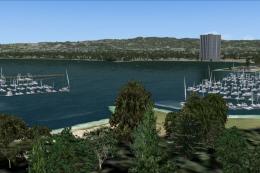 FSX Scenery
SF Bay Area Living World. Adds to the living world and as real as it gets the…
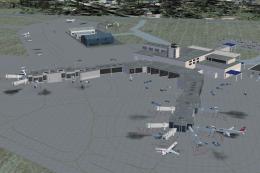 FSX Scenery
Green Bay Austin Straubel International Airport (KGRB), Wisconsin (WI). A com…
 FSX Scenery
Kaneohe Bay Area (PHNG), Hawaii (HI), v1.0. This is the Part II autogen scene…
 FSX Scenery
Scenery Morecambe Bay Gas Rigs. Gas rigs in Morecambe-Bay, slightly west of B…
Be the first to leave a comment on this download.
Be the first to share your thoughts on this download.