


 United States of America
  FSX Scenery
Kaneohe Bay Area
Kaneohe Bay Area (PHNG), Hawaii (HI), v1.0. This is the Part II autogen scene…
San Francisco Bay Area Living World Scenery brings the waterfront to life with accurately placed ships, marinas, and bird activity aligned to the default coastline, plus an operational aircraft carrier for added immersion. Designed for Microsoft Flight Simulator X, it requires Acceleration for the functional carrier and supports SP2 installations.
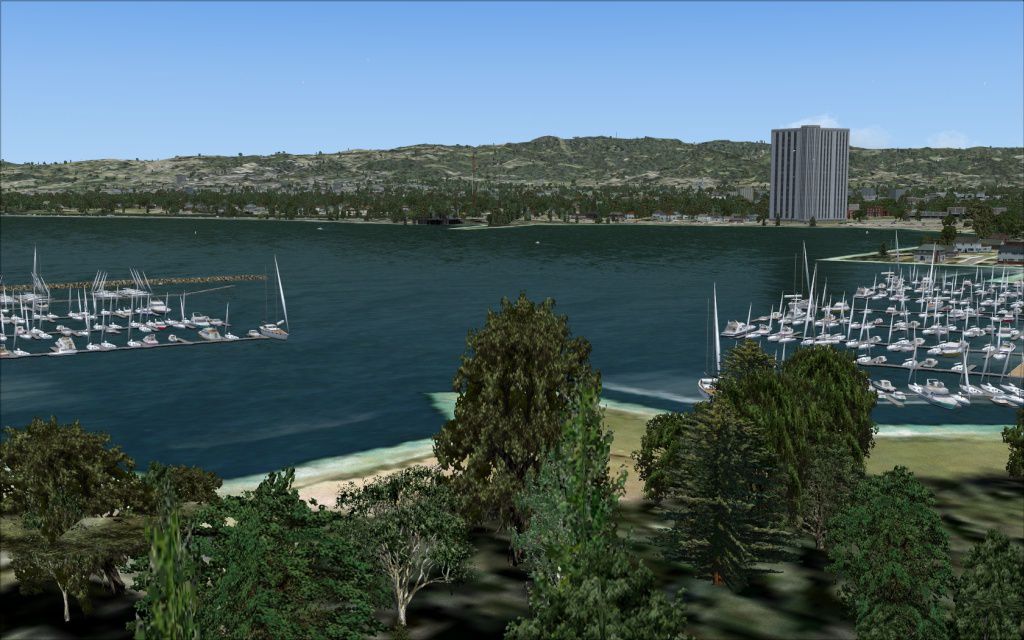
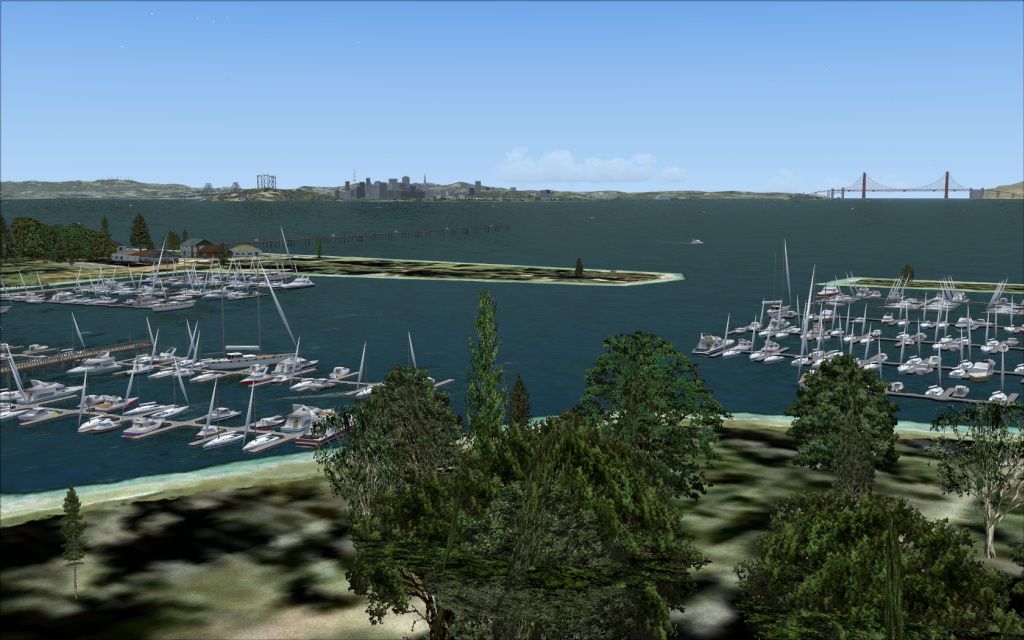
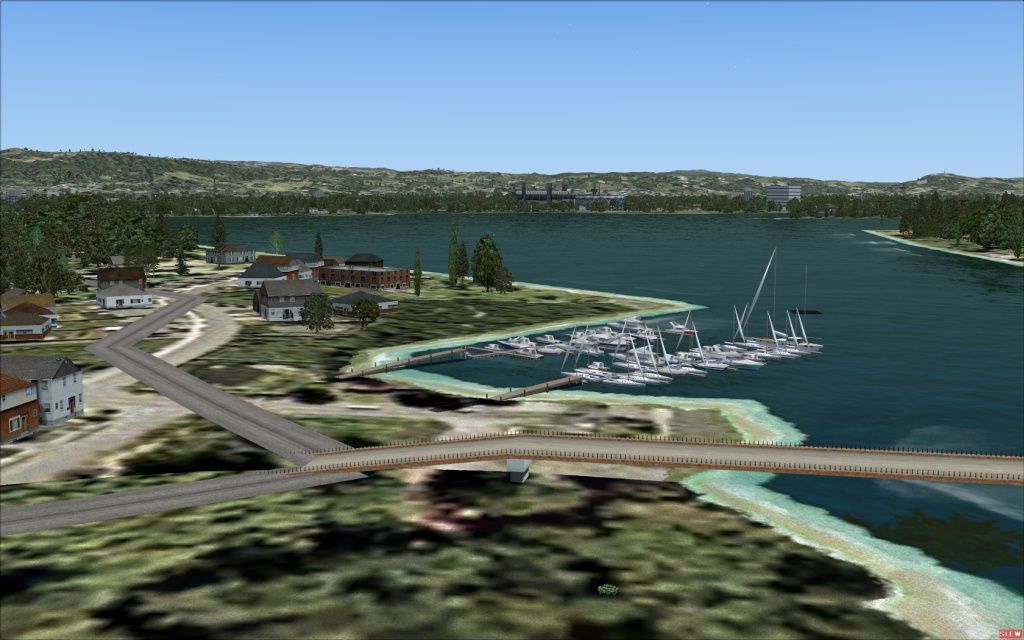
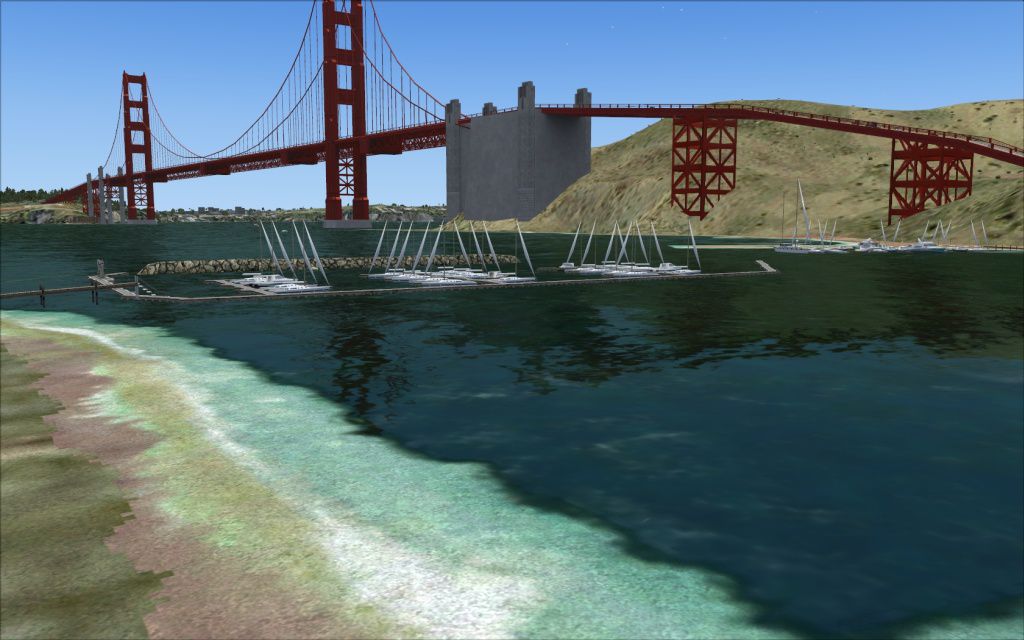
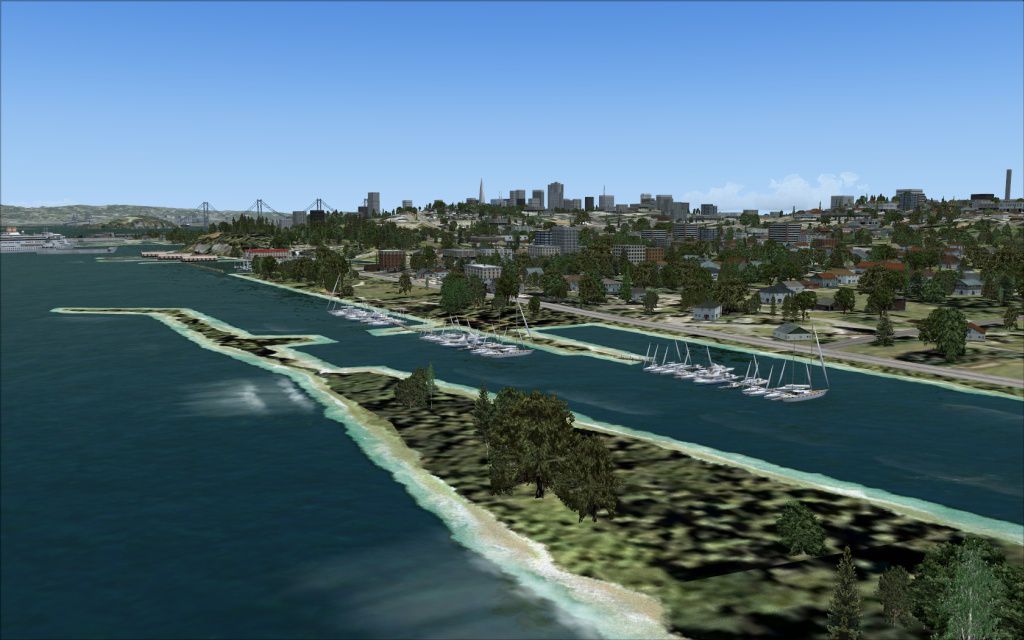
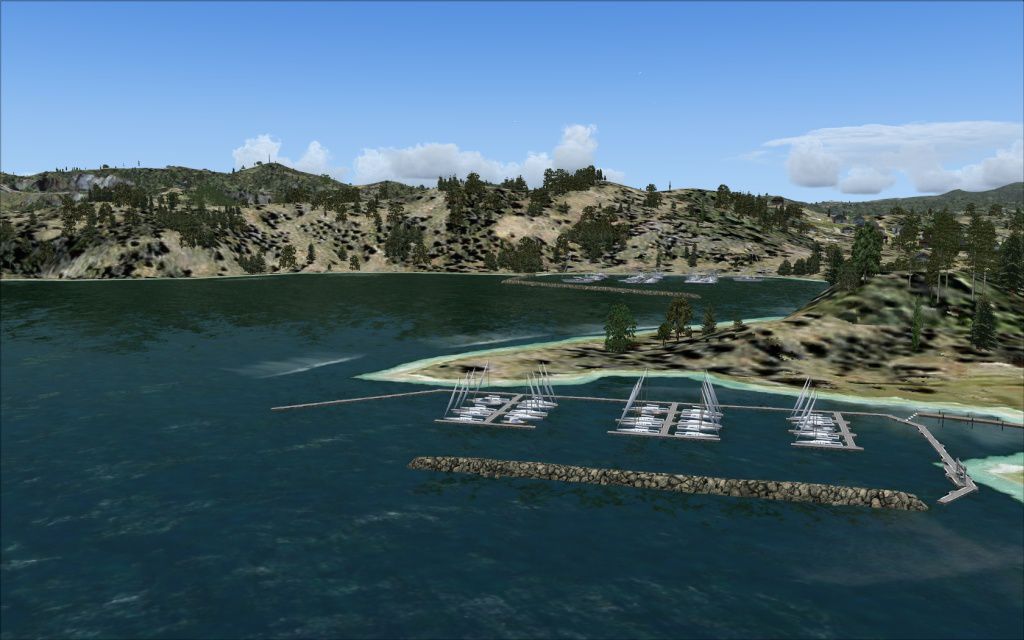
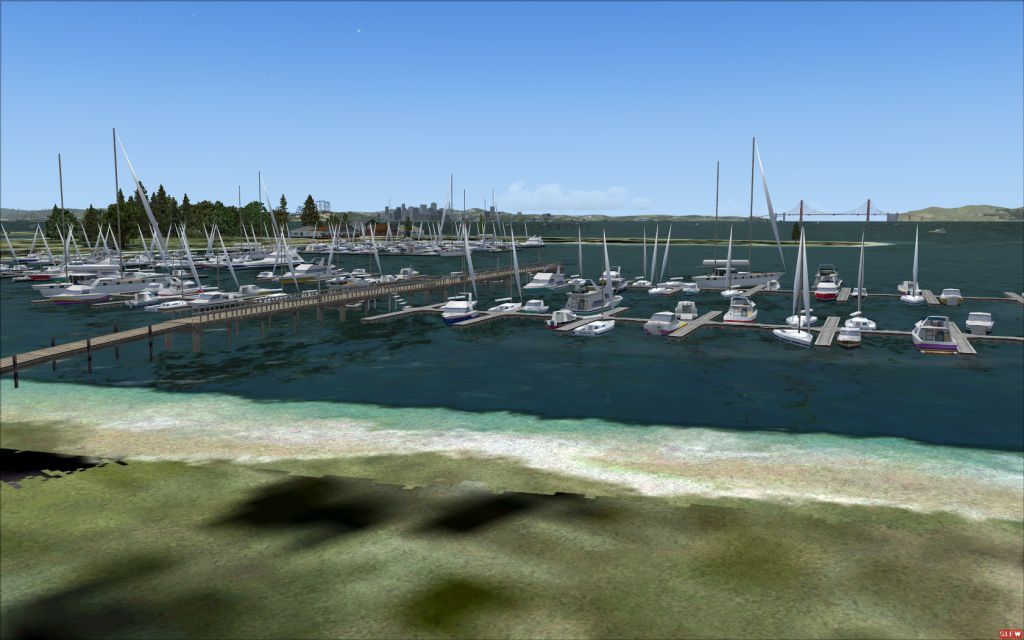
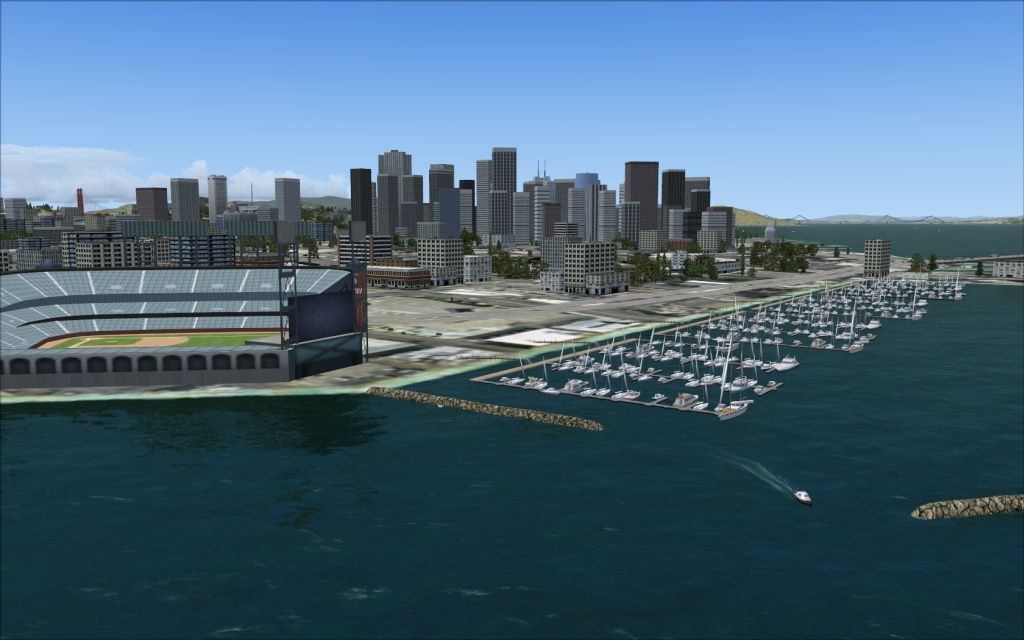

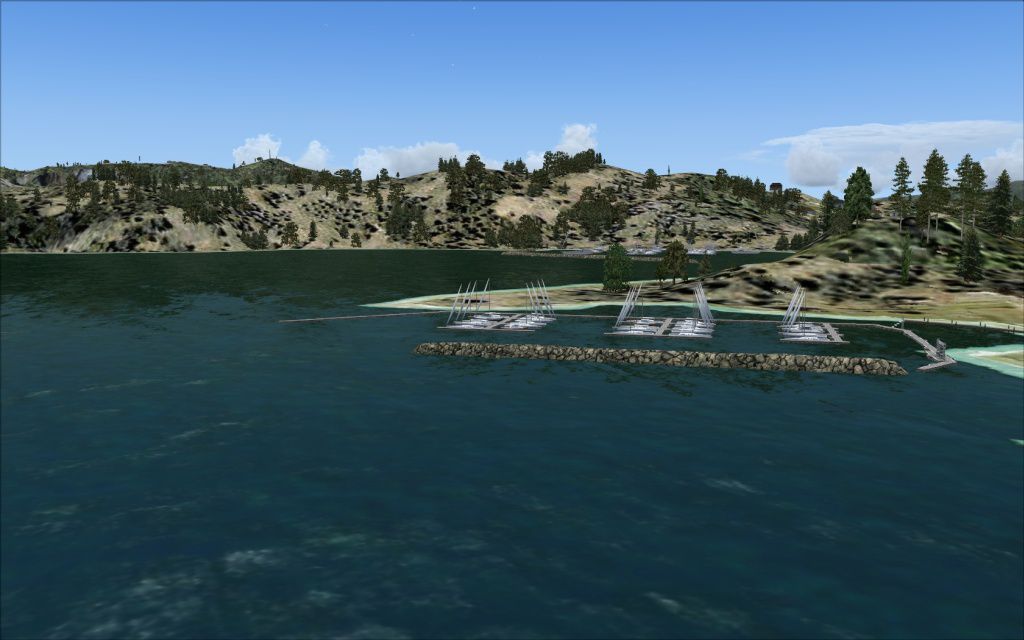
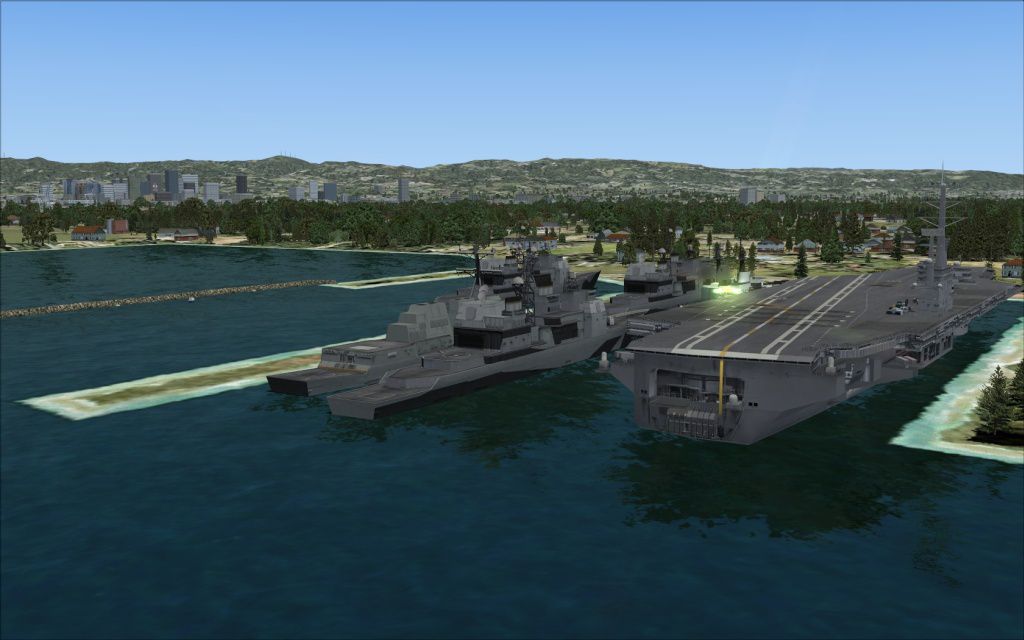
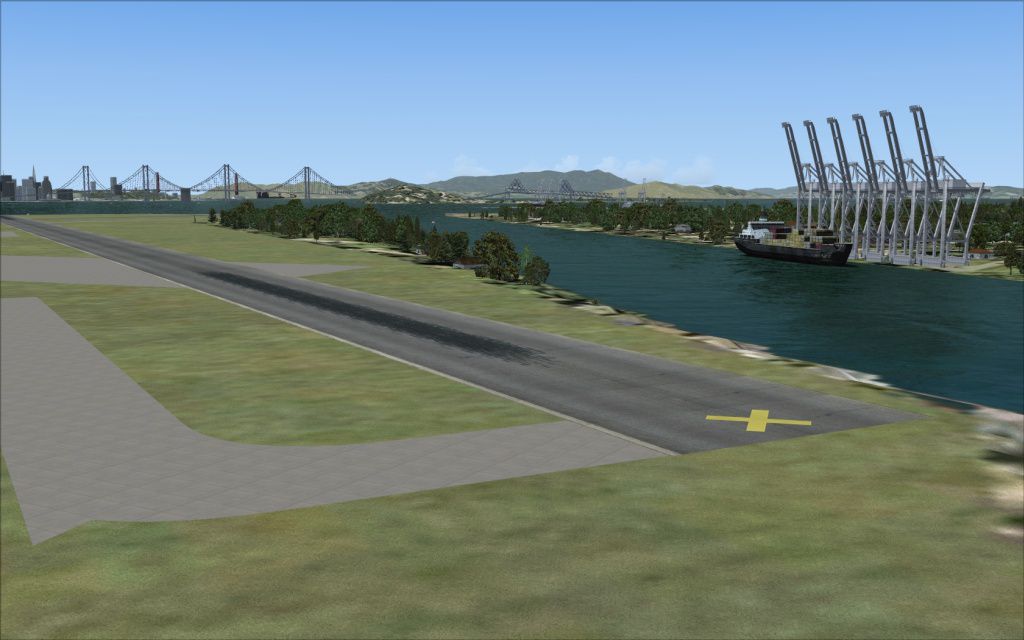

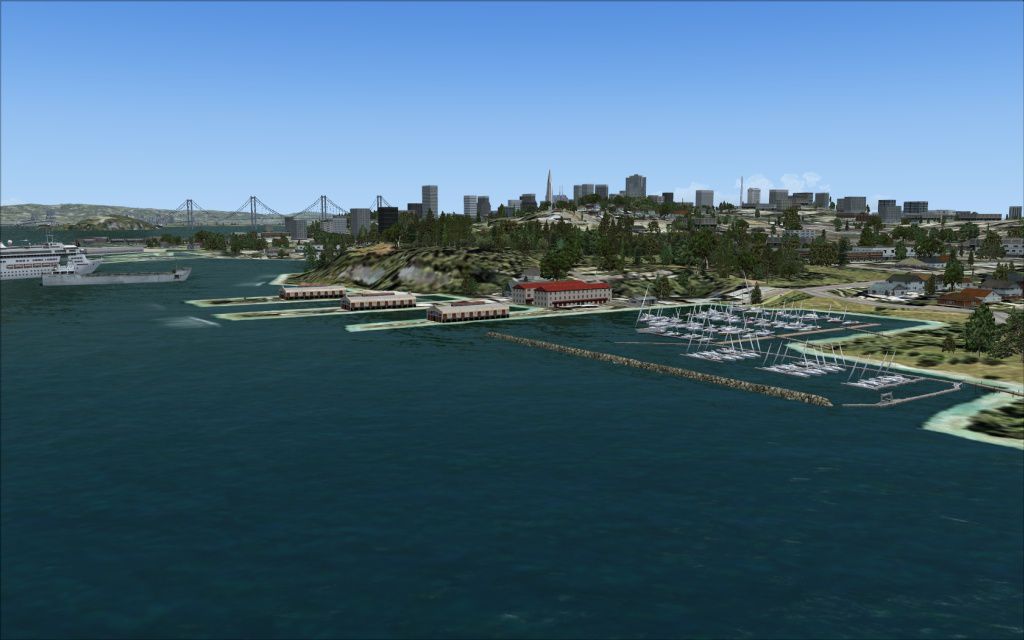

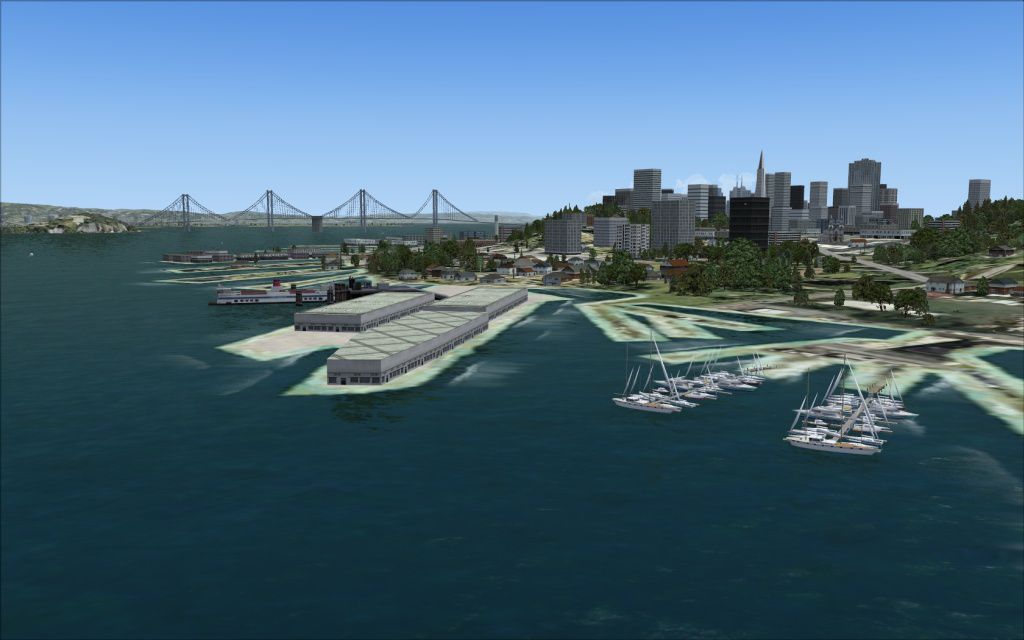
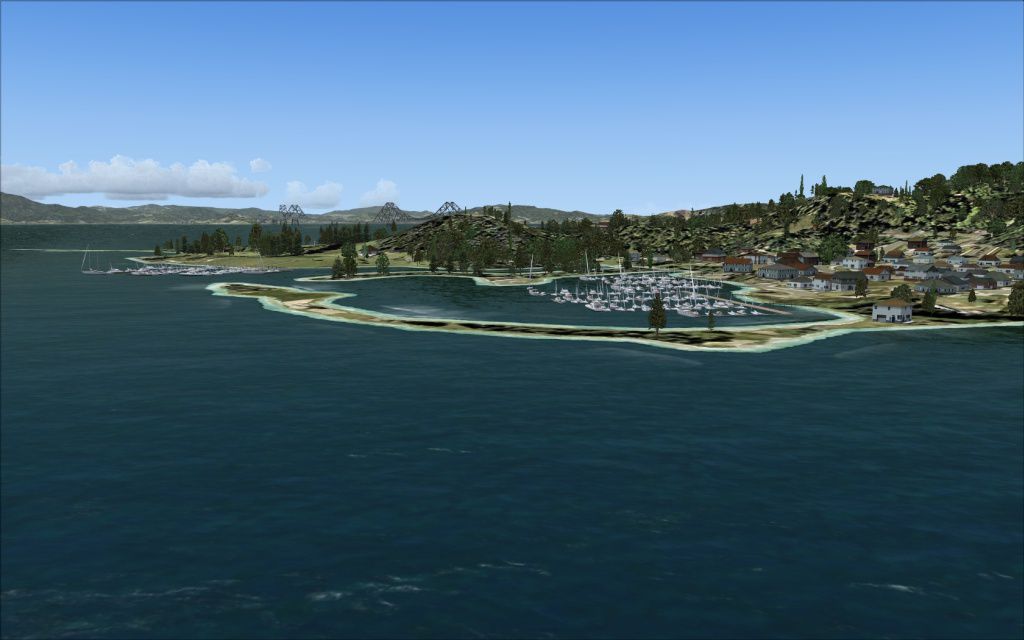

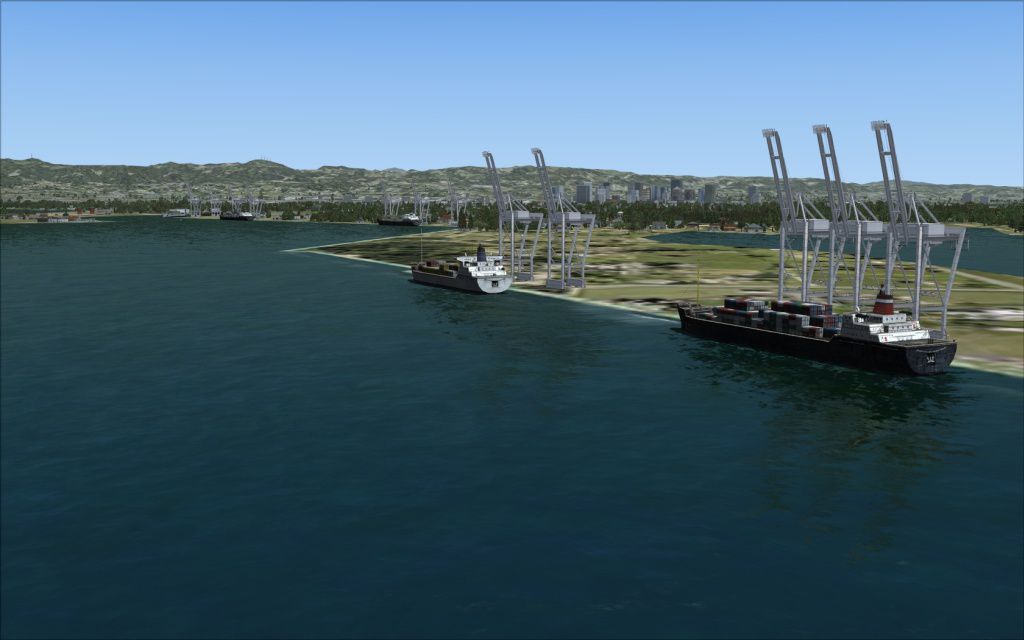
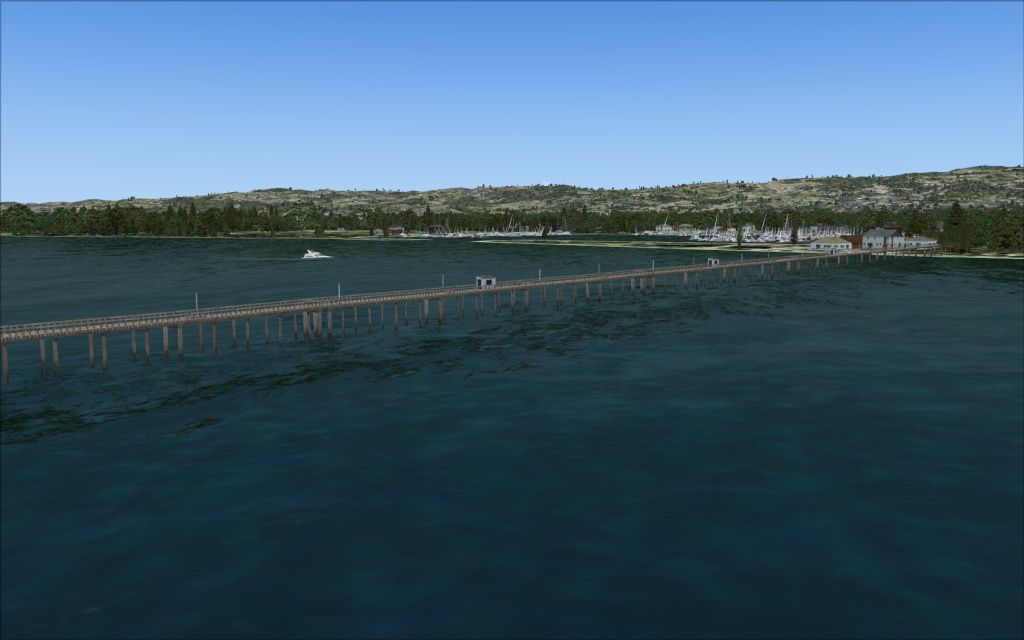
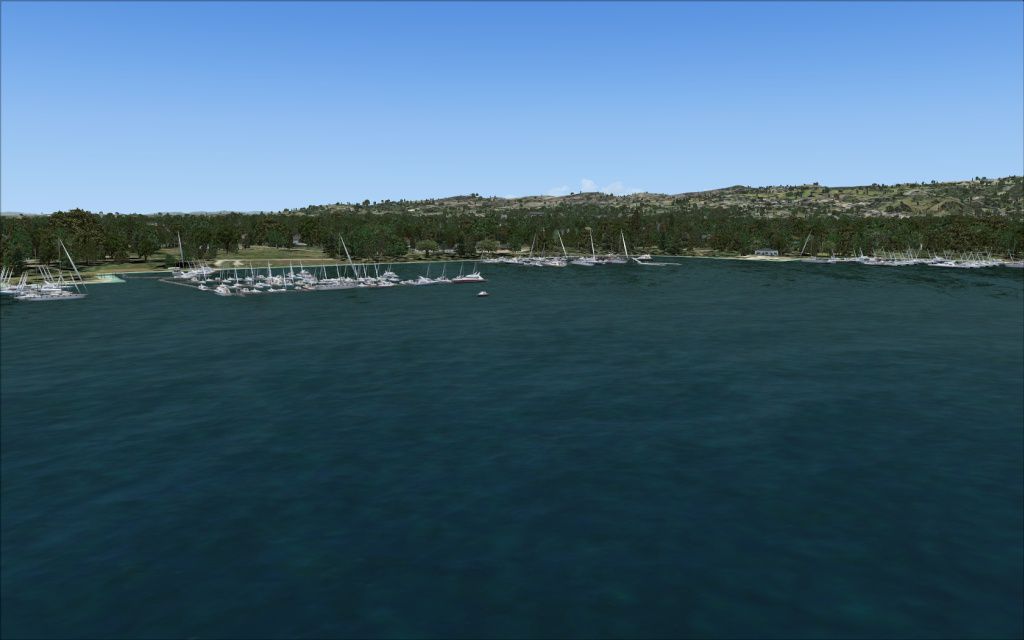
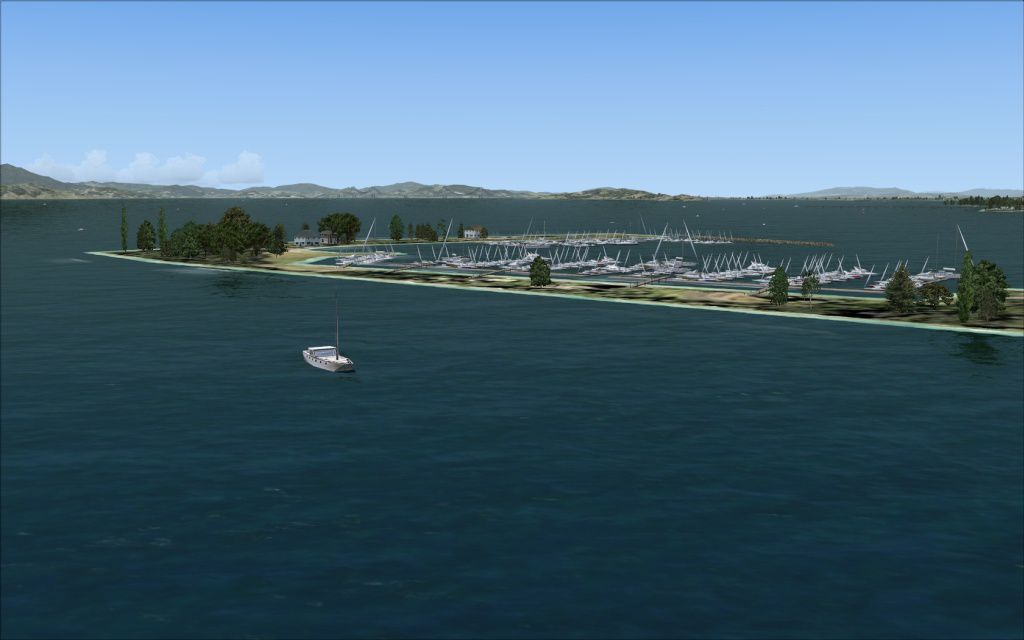
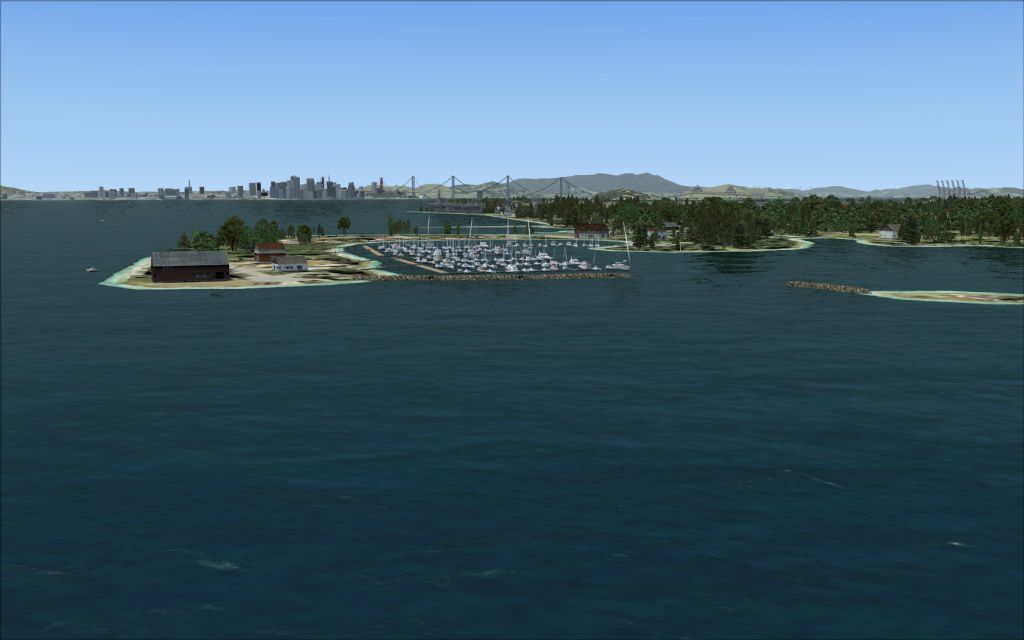
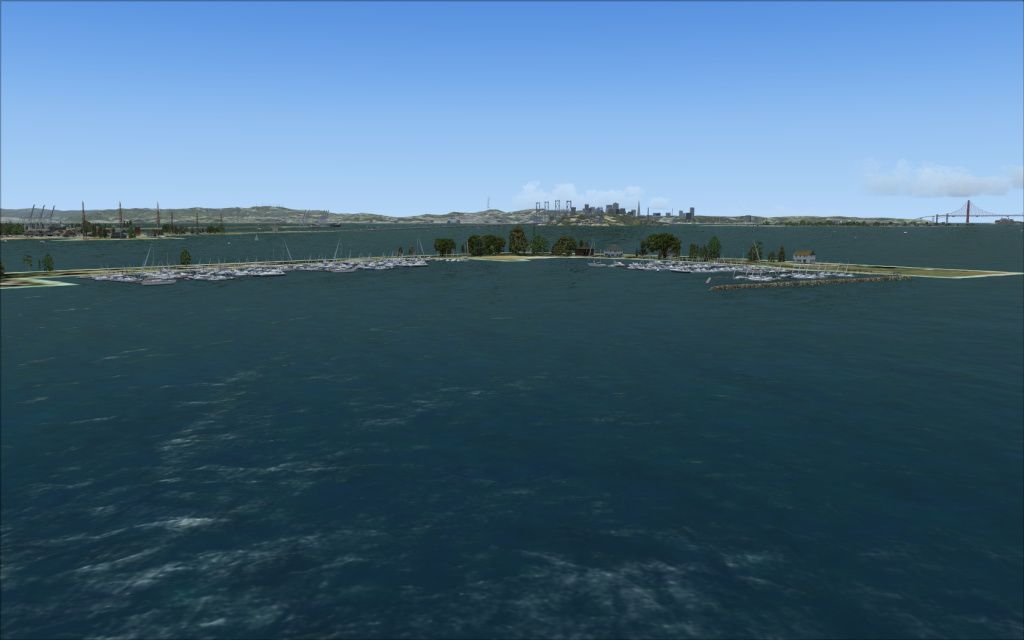
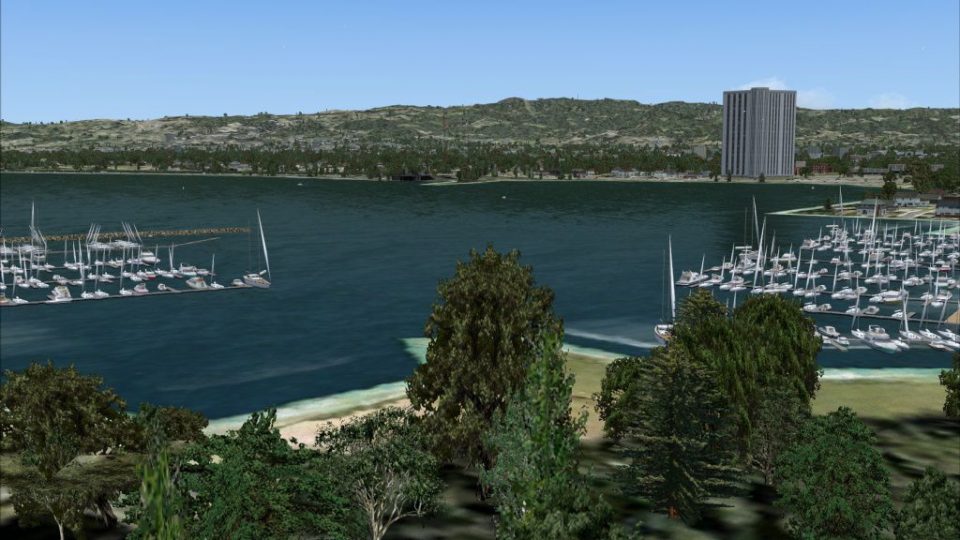
SF Bay Area Living World. Adds to the living world and as real as it gets themes by adding ships, birds, marinas and even a fully functional carrier (Acceleration required) to the San Francisco Bay Area, California (CA). By Orion Lyau.
SF Bay Area Living World Scenery.
This scenery add ships, birds, marinas and even a fully functional carrier* to the San Francisco Bay area. Their location is accurate to satelite images (lined up with the default FSX coastline).
*The Acceleration expansion pack is required for the functional carrier.
Installation instructions:
1. Extract zip file.
2. Open the installs folder.
3. Open the folder that corresponds to the version of FSX that you are running, either Acceleration or SP2.
4. Copy the folder sfbaylivingworld and its contents to \Microsoft Flight Simulator X\Addon Scenery\.
5. ACCELERATION USERS ONLY - Open the folder carrier and copy the file "trafficNGZcarrier.bgl" to \Microsoft Flight Simulator X\Scenery\World\Scenery.
6. Launch Microsoft Flight Simulator X.
7. From the main menu click on "Settings" and then the "Scenery Library" button.
8. Click "Add Area..." and browse to the \Microsoft Flight Simulator X\Addon Scenery\sfbaylivingworld folder.
9. Click OK and the scenery library should rebuild.
10. Enjoy the scenery!
Note: If you have a previous version of my Berkeley Marina scenery installed, please remove it before installing.
Uninstallation:
Remove the entry from the scenery library and delete the sfbaylivingworld folder from \Microsoft Flight Simulator X\Addon Scenery\.
If you have Acceleraetion, also delete the file "trafficNGZcarrier.bgl" from \Microsoft Flight Simulator X\Scenery\World\Scenery.
Requirements:
Microsoft Flight Simulator X: Acceleration or Microsoft Flight Simulator X SP2.
History:
1.0 (Initial Release).
Orion Lyau (Developer)
Known Issues:
Scenery objects may not align to UTX coastlines or any other scenery addon that modifies coastlines.
Special Thanks:
Paul Wheeler - Hosting the Striking Software website.
FAQ:
Q. The scenery does not align to my coastlines.
A. This scenery was designed for the default FSX coastlines, so it may not line up correctly with other 3rd party coastlines such as those in UTX.
Q. Help! I can't find any of the marinas, ships or birds.
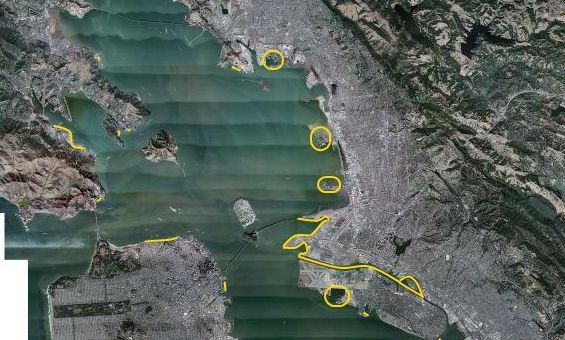
A. Please see the coverage map. All the scenery objects should be outlined or highlighted with yellow.
While every effort has been made to ensure the quality and compatibility of this package, we do not assume any responsibility should this package damage or harm your PC, FSX or any other installed software in any way.
----You are installing them at your own risk.----
Although we are associated with FS Water Configurator, I or any member of the Striking Software team are not obliged to provide official support for this package. However, if you have problems we will do our best to help.
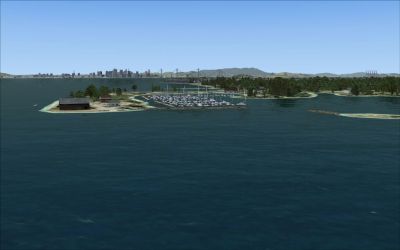
SF Bay Area Living World Scenery.
Free for all simmers · 3.88 MB · Scanned clean Oct 2026
Download speed: Free tier is capped at 0.5 Mbps (this file takes approximately 1 min at the cap). PRO members download at full line speed.
FSX\Addon Scenery\ containing scenery and texture sub-folders.readme.txt or README file. It tells you exactly where files go, what dependencies are needed, and any quirks specific to this add-on.Use these coordinates to fly directly to this location once the mod is installed.
37.77490000,-122.41940000
Launch FSX or Prepar3D and use Flights → Load to open the downloaded .pln file. Your aircraft will be positioned at this location.
The archive sfbaylivingworld.zip has 53 files and directories contained within it.
This list displays the first 500 files in the package. If the package has more, you will need to download it to view them.
| Filename/Directory | File Date | File Size |
|---|---|---|
| readme.txt | 06.14.09 | 5.87 kB |
| Acceleration | 06.10.09 | 0 B |
| carrier | 06.10.09 | 0 B |
| trafficNGZcarrier.bgl | 06.10.09 | 741 B |
| sfbaylivingworld | 06.10.09 | 0 B |
| scenery | 06.10.09 | 0 B |
| att_park.BGL | 06.10.09 | 1.21 kB |
| berkeley.BGL | 06.10.09 | 796 B |
| emeryville.BGL | 06.10.09 | 1.03 kB |
| last.BGL | 06.10.09 | 1.29 kB |
| marin.BGL | 06.10.09 | 1.53 kB |
| nsf.BGL | 06.10.09 | 924 B |
| oakland_alameda.BGL | 06.10.09 | 5.23 kB |
| richmond.BGL | 06.10.09 | 1.03 kB |
| SP2 | 06.10.09 | 0 B |
| sfbaylivingworld | 06.10.09 | 0 B |
| scenery | 06.10.09 | 0 B |
| att_park.BGL | 06.10.09 | 1.21 kB |
| berkeley.BGL | 06.10.09 | 796 B |
| emeryville.BGL | 06.10.09 | 1.03 kB |
| last.BGL | 06.10.09 | 1.29 kB |
| marin.BGL | 06.10.09 | 1.53 kB |
| nsf.BGL | 06.10.09 | 924 B |
| oakland_alameda.BGL | 06.10.09 | 5.23 kB |
| richmond.BGL | 06.10.09 | 1.03 kB |
| sp2.BGL | 06.10.09 | 220 B |
| 2009-6-11_13-50-10-957.jpg | 06.11.09 | 204.00 kB |
| 2009-6-11_13-51-24-432.jpg | 06.11.09 | 116.89 kB |
| 2009-6-11_13-52-42-454.jpg | 06.11.09 | 140.67 kB |
| 2009-6-11_13-53-14-367.jpg | 06.11.09 | 161.90 kB |
| 2009-6-11_13-54-6-626.jpg | 06.11.09 | 147.09 kB |
| 2009-6-11_13-55-12-468.jpg | 06.11.09 | 166.60 kB |
| 2009-6-11_13-55-46-228.jpg | 06.11.09 | 131.86 kB |
| 2009-6-11_14-0-50-783.jpg | 06.11.09 | 119.56 kB |
| 2009-6-11_14-10-47-23.jpg | 06.11.09 | 121.72 kB |
| 2009-6-11_14-11-43-531.jpg | 06.11.09 | 140.46 kB |
| 2009-6-11_14-1-20-679.jpg | 06.11.09 | 245.37 kB |
| 2009-6-11_14-13-0-719.jpg | 06.11.09 | 159.60 kB |
| 2009-6-11_14-13-13-119.jpg | 06.11.09 | 186.67 kB |
| 2009-6-11_14-14-4-824.jpg | 06.11.09 | 160.92 kB |
| 2009-6-11_14-2-26-837.jpg | 06.11.09 | 221.44 kB |
| 2009-6-11_14-3-9-379.jpg | 06.11.09 | 186.56 kB |
| 2009-6-11_14-4-20-667.jpg | 06.11.09 | 121.54 kB |
| 2009-6-11_14-5-6-661.jpg | 06.11.09 | 110.49 kB |
| 2009-6-11_14-6-26-330.jpg | 06.11.09 | 195.53 kB |
| 2009-6-11_14-8-16-661.jpg | 06.11.09 | 148.22 kB |
| 2009-6-11_14-8-2-473.jpg | 06.11.09 | 186.76 kB |
| 2009-6-11_14-8-30-434.jpg | 06.11.09 | 141.55 kB |
| 2009-6-11_14-9-36-382.jpg | 06.11.09 | 161.28 kB |
| 2009-6-11_14-9-6-483.jpg | 06.11.09 | 162.84 kB |
| coverage map.jpg | 06.10.09 | 193.29 kB |
| flyawaysimulation.txt | 10.29.13 | 959 B |
| Go to Fly Away Simulation.url | 01.22.16 | 52 B |
Only PRO members can place votes.
More FSX & P3D add-ons hand-picked based on this download.
FSX Scenery
Kaneohe Bay Area (PHNG), Hawaii (HI), v1.0. This is the Part II autogen scene…
 FSX Scenery
Kjeller Area Scenery X, Norway. Scenery around Kjeller airport with photoreal…
 FSX Scenery
Montego Bay Airport Scenery. Scenery for Sangster International Airport (MKJS…
 FSX Scenery
Green Bay Austin Straubel International Airport (KGRB), Wisconsin (WI). A com…
 FSX Scenery
Scenery Morecambe Bay Gas Rigs. Gas rigs in Morecambe-Bay, slightly west of B…
 FSX Scenery
Boundary Bay Airport (CZBB), British Columbia, Canada. All buildings have bee…
 FSX Scenery
Jeffreys Bay Airfield. Jeffreys Bay Airport in the Eastern Cape, South Africa…
 FSX Scenery
Kasaba Bay Airport (FLKY), Nsumbu National Park, Lake Tanganyika, Zambia, v1.…
Be the first to leave a comment on this download.
Be the first to share your thoughts on this download.