


 United States of America
  FSX Scenery
Naval Air Station Meridian
Naval Air Station Meridian (KNMM), Mississippi (MS). Naval Air Station Meridi…
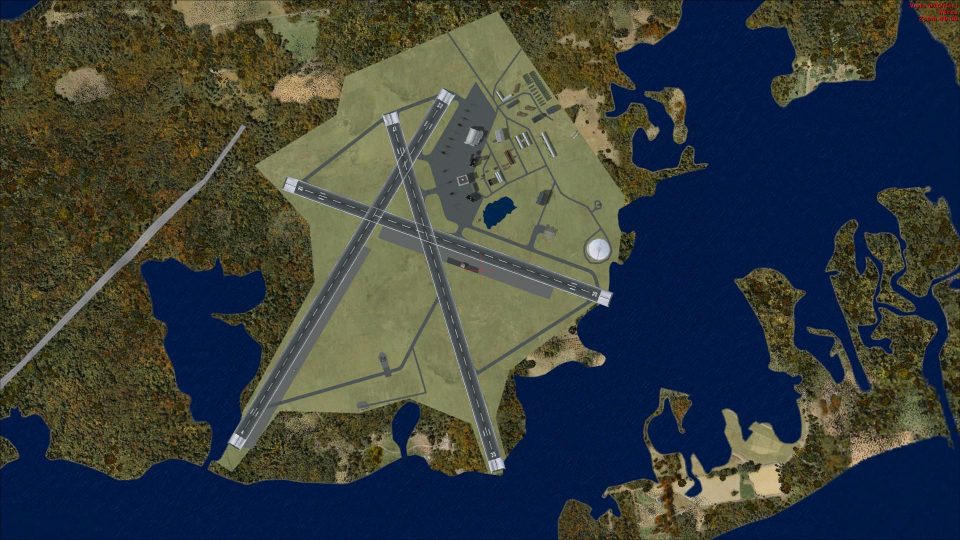
Charlestown Naval Auxiliary Air Station (KALF) scenery brings Rhode Island’s WWII-era training field back to life in FSX, reflecting its circa-1945 layout used by night fighter squadrons. Built from aerial and satellite references with Airport Design Editor, it restores runway geometry and airfield footprint within today’s Ninigret Park setting.
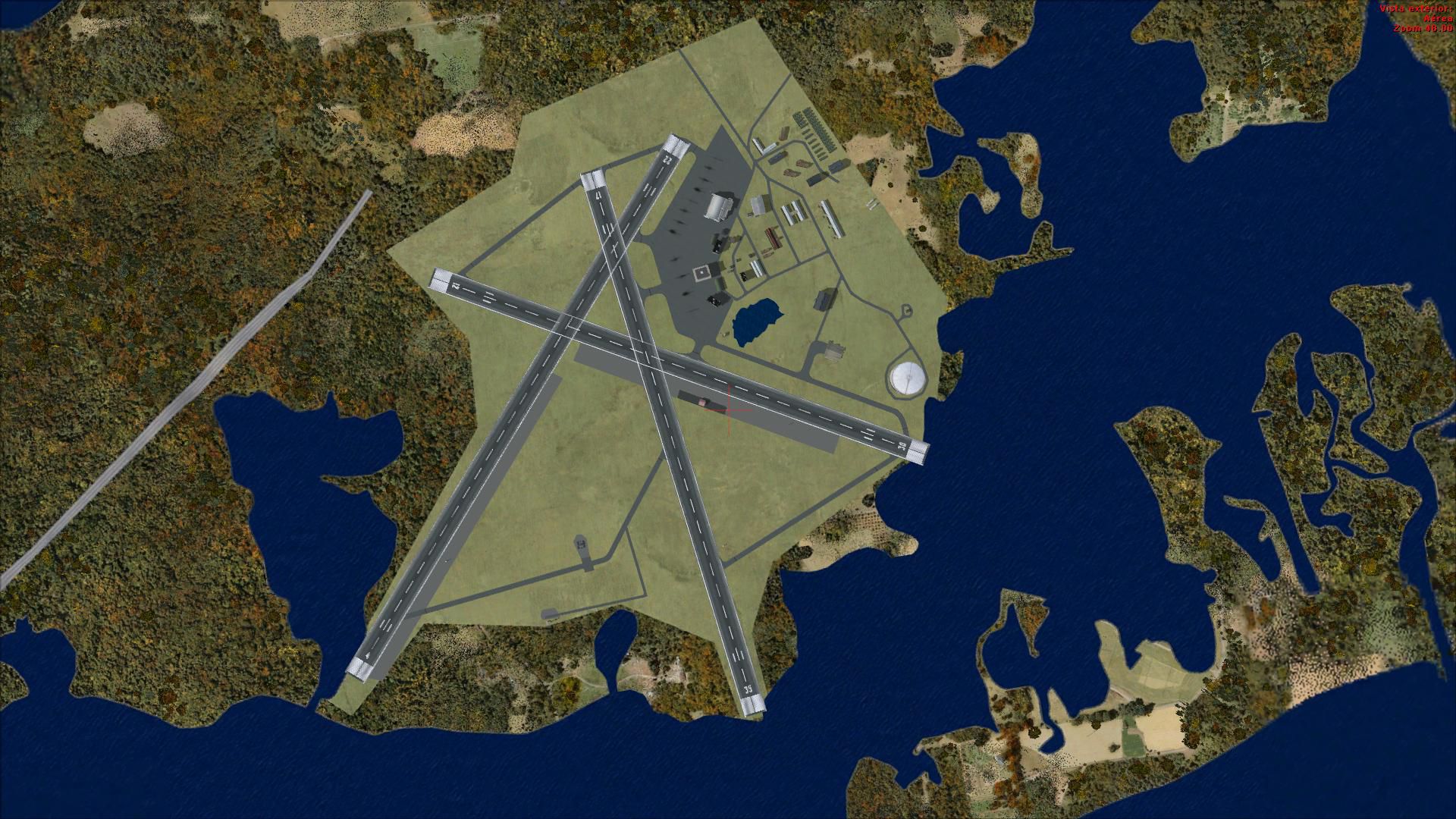
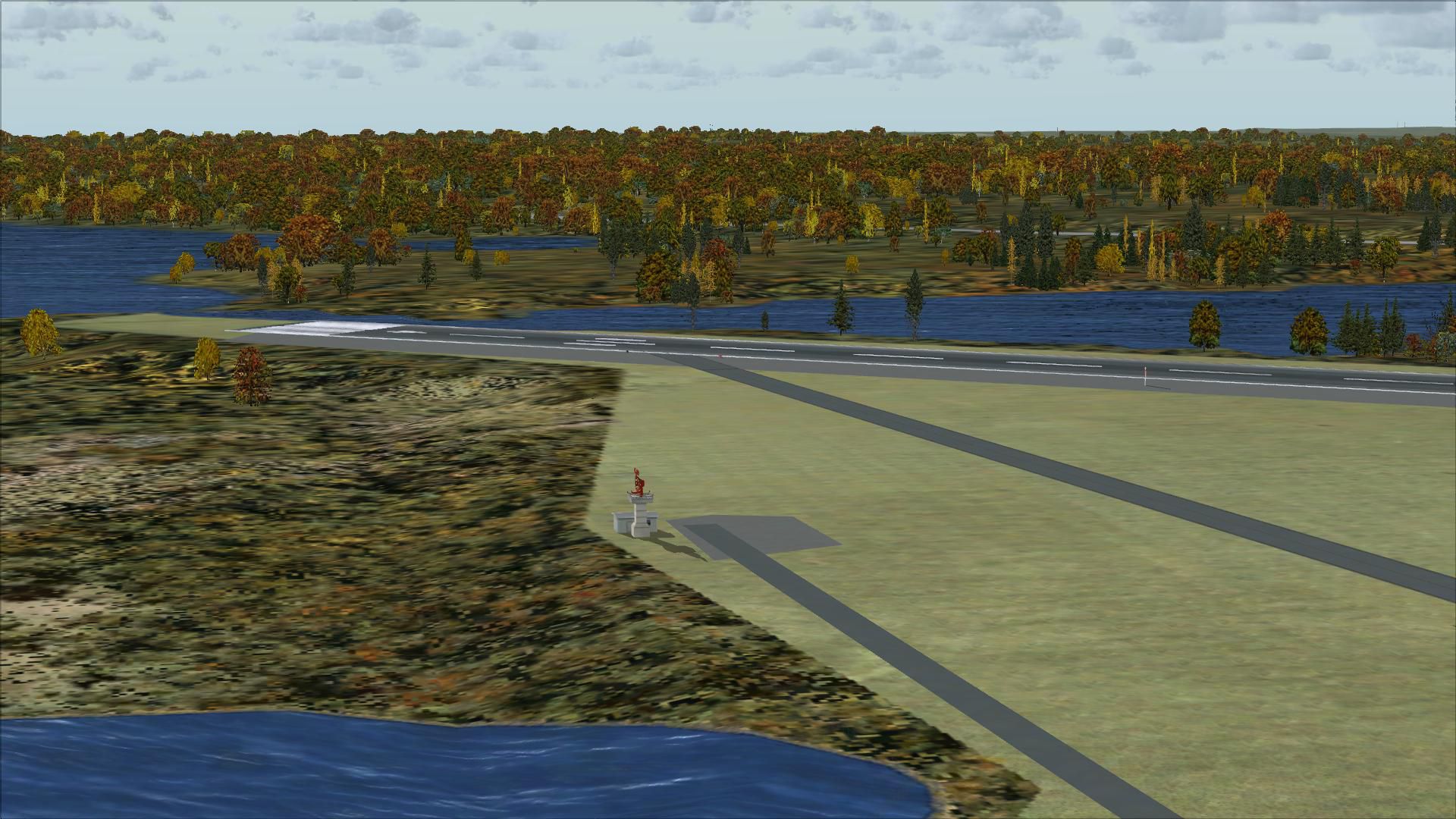
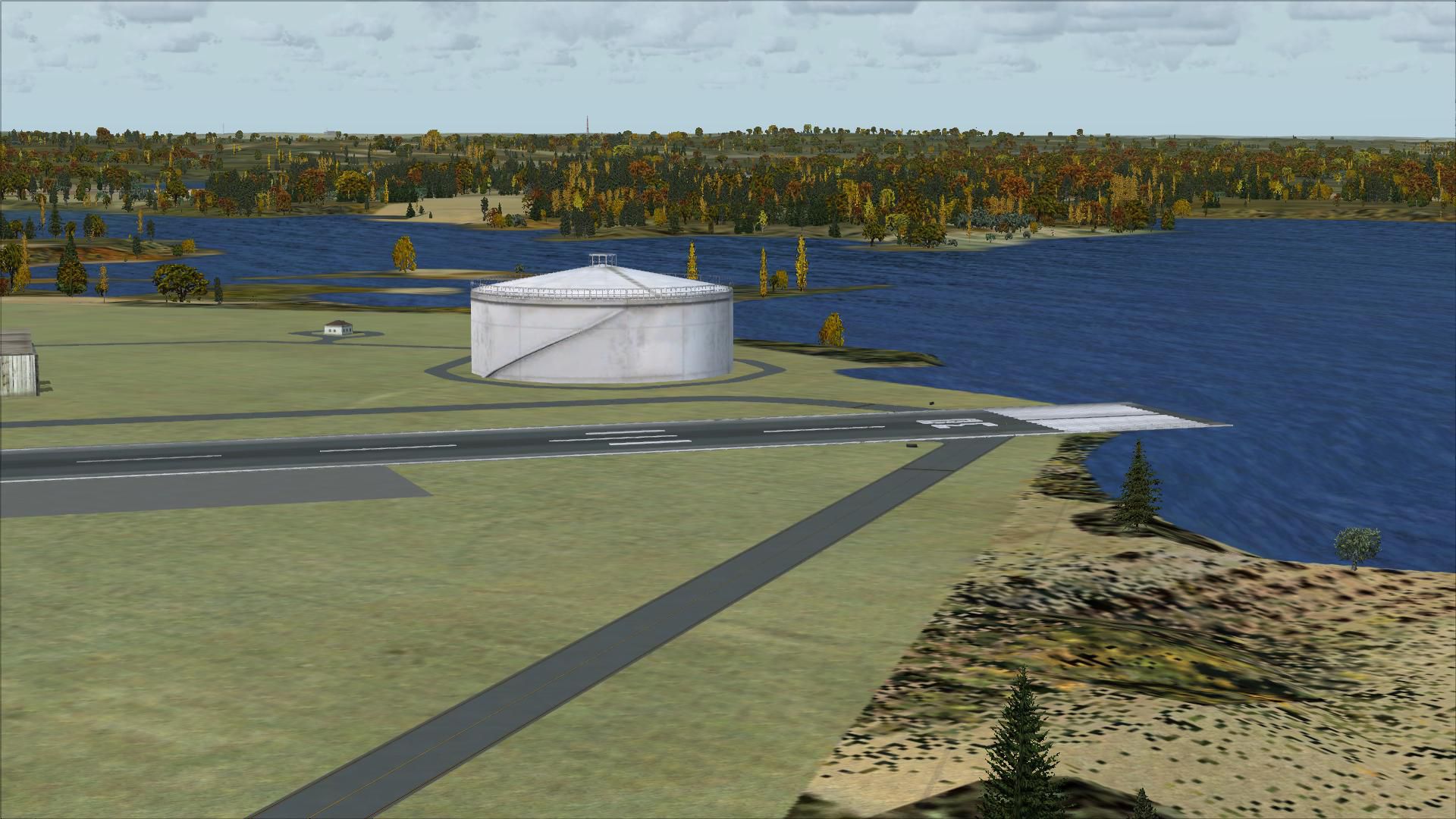
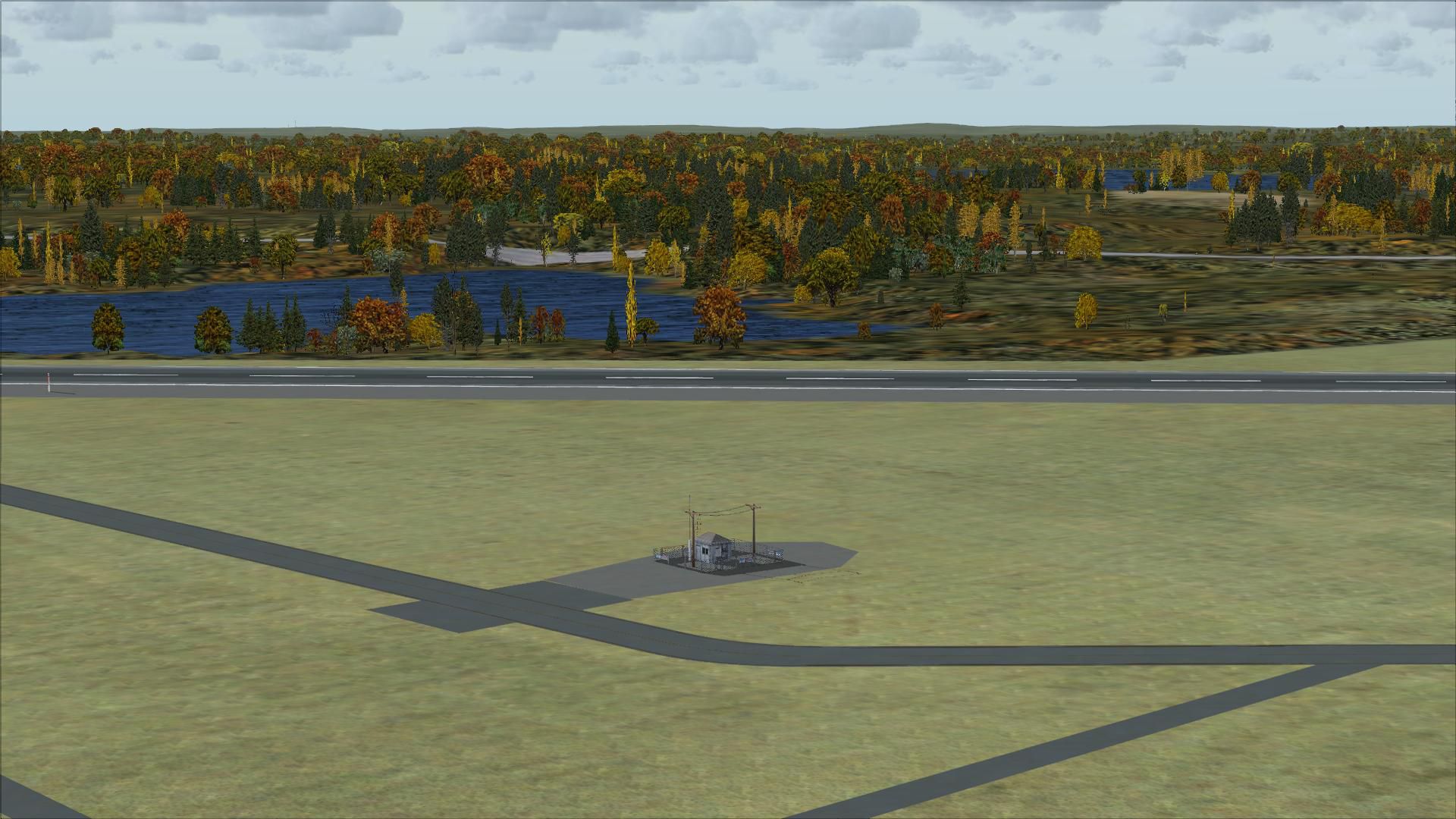
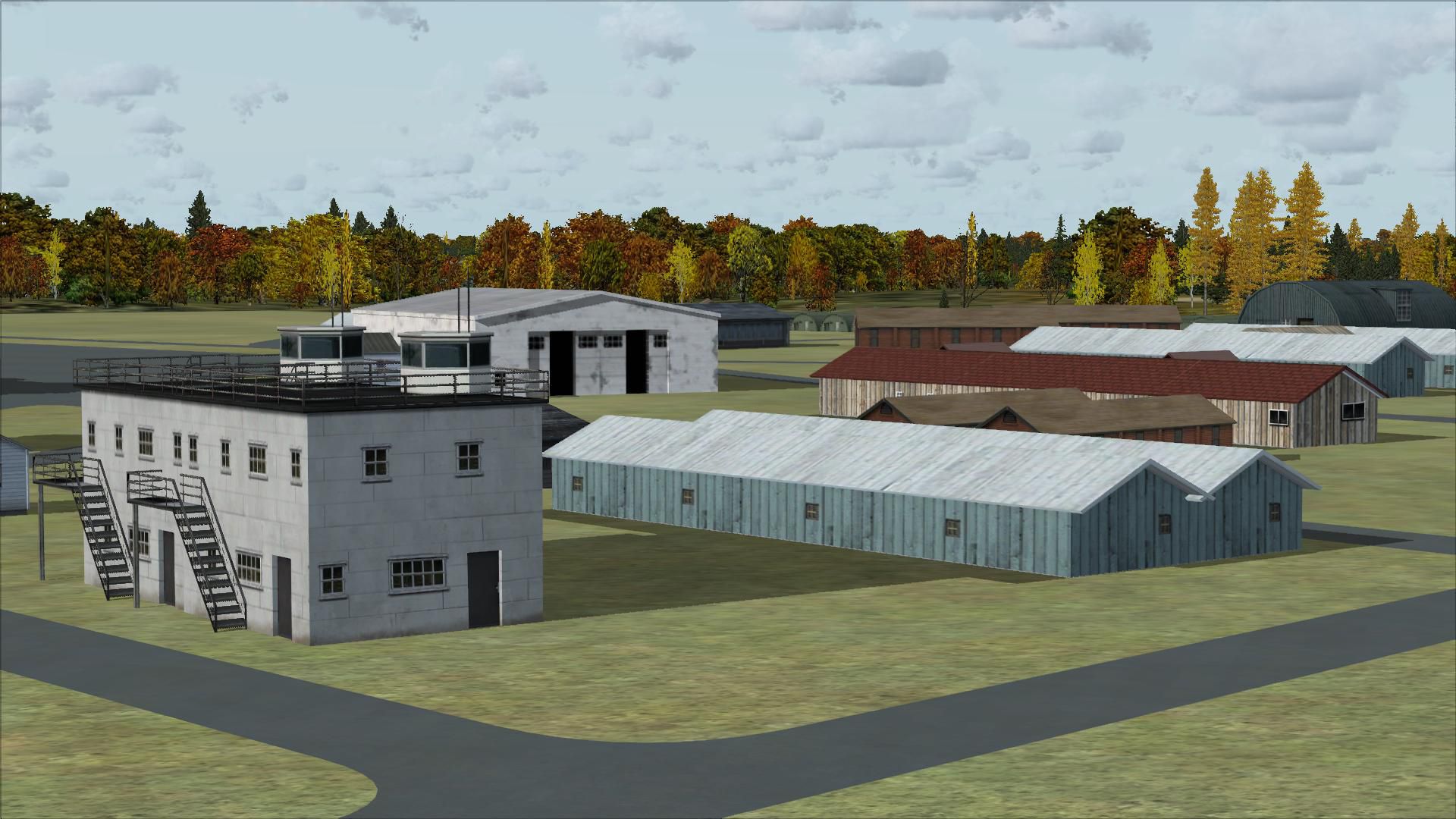
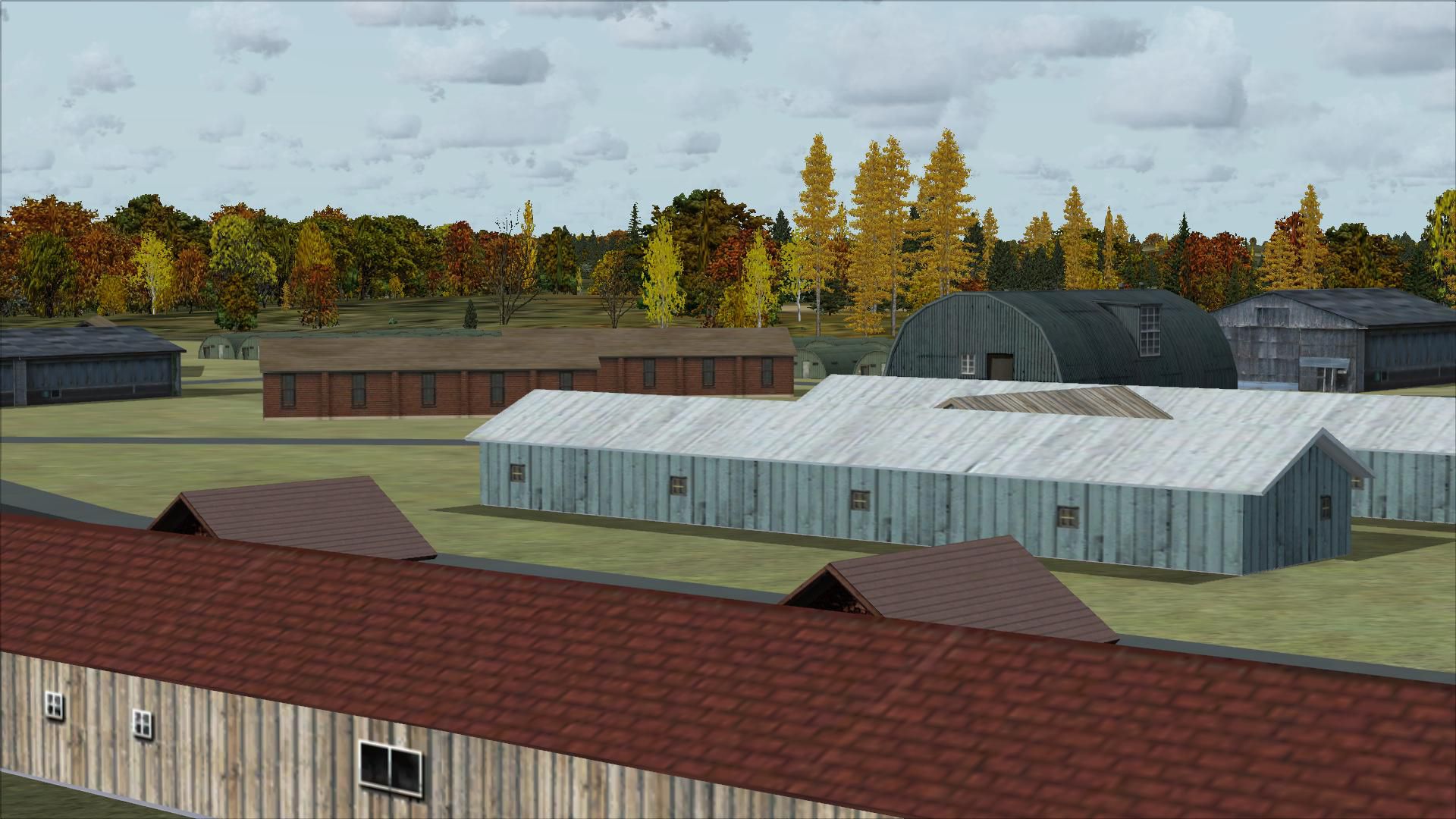
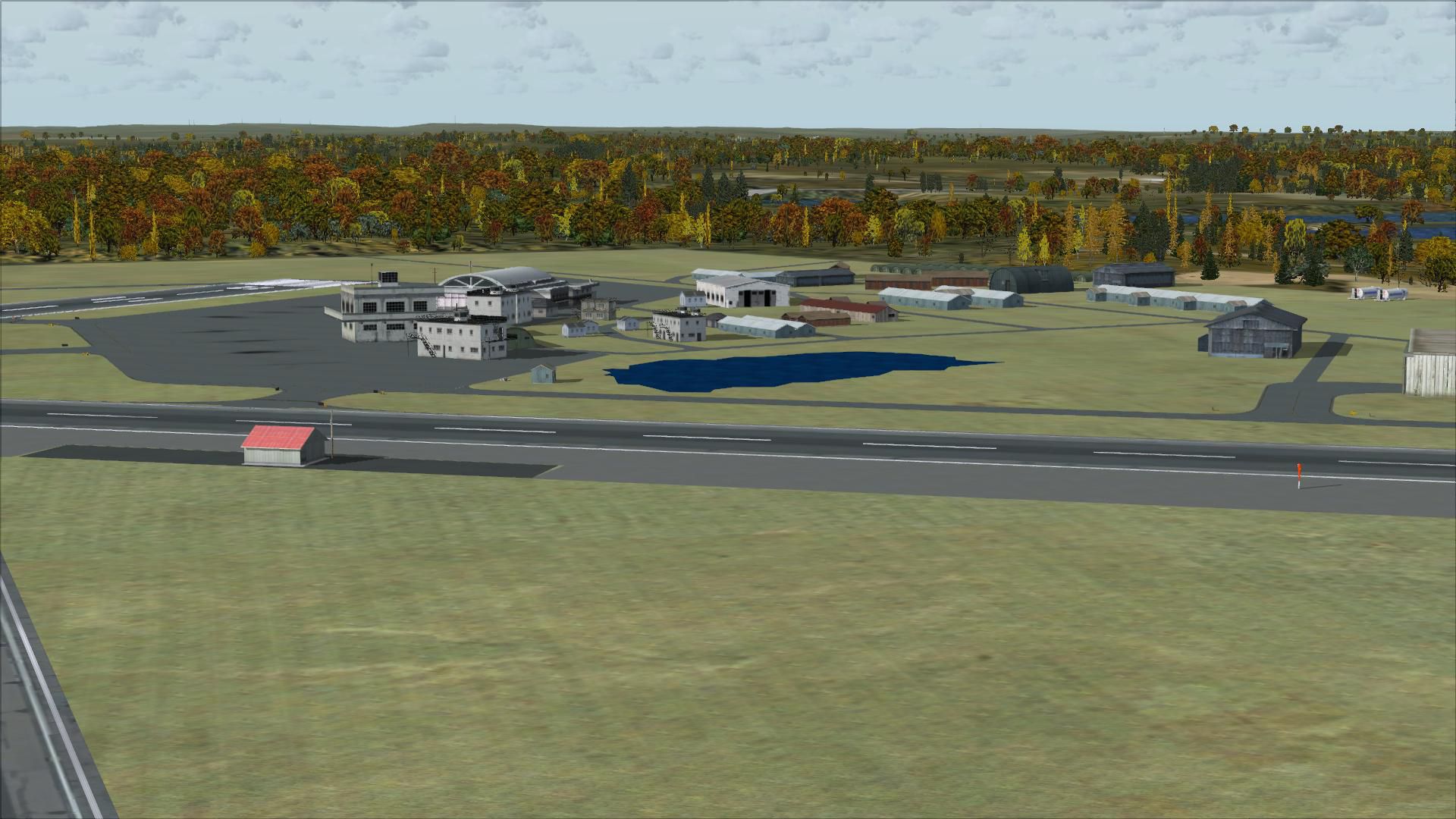

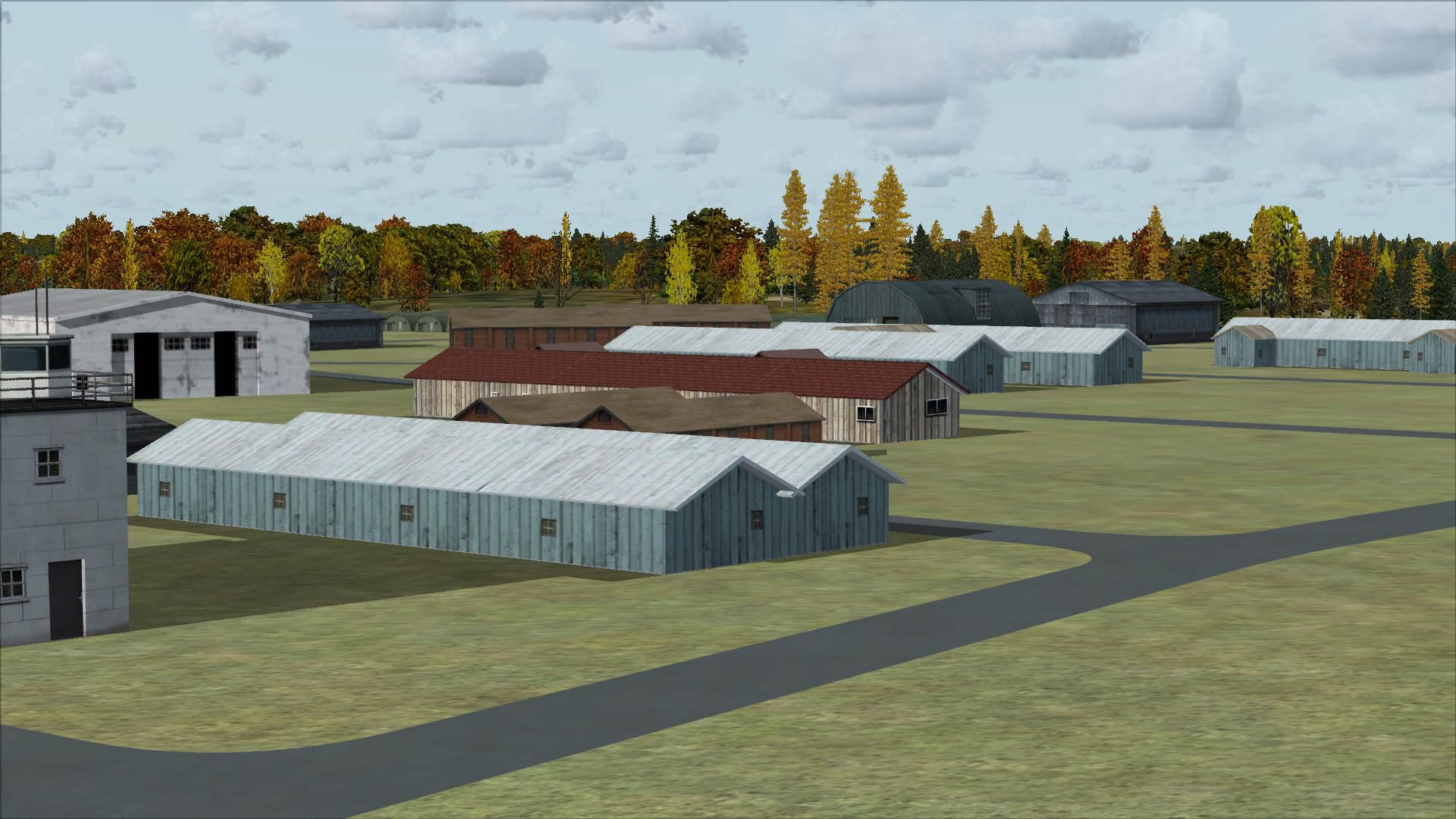

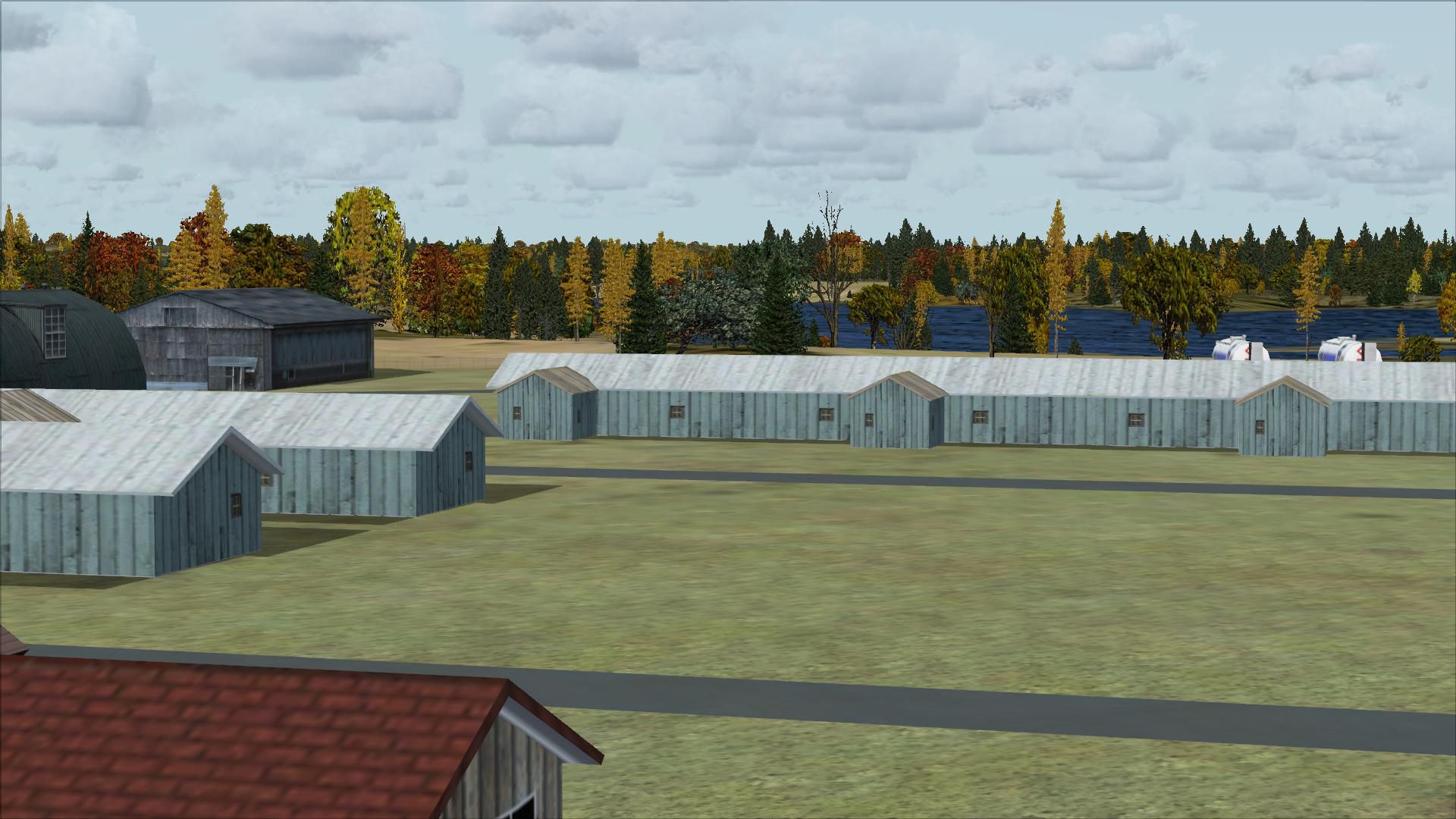
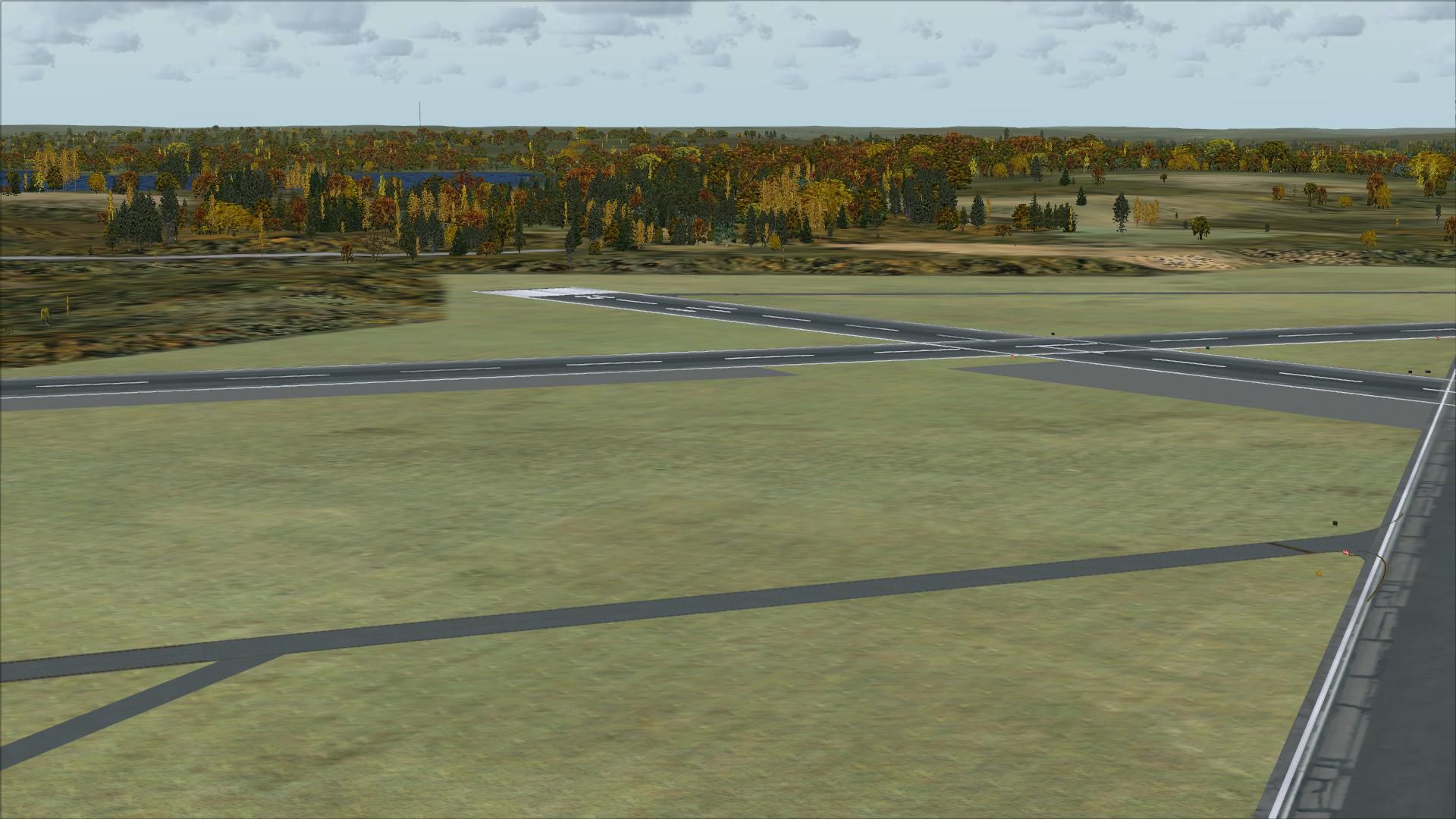
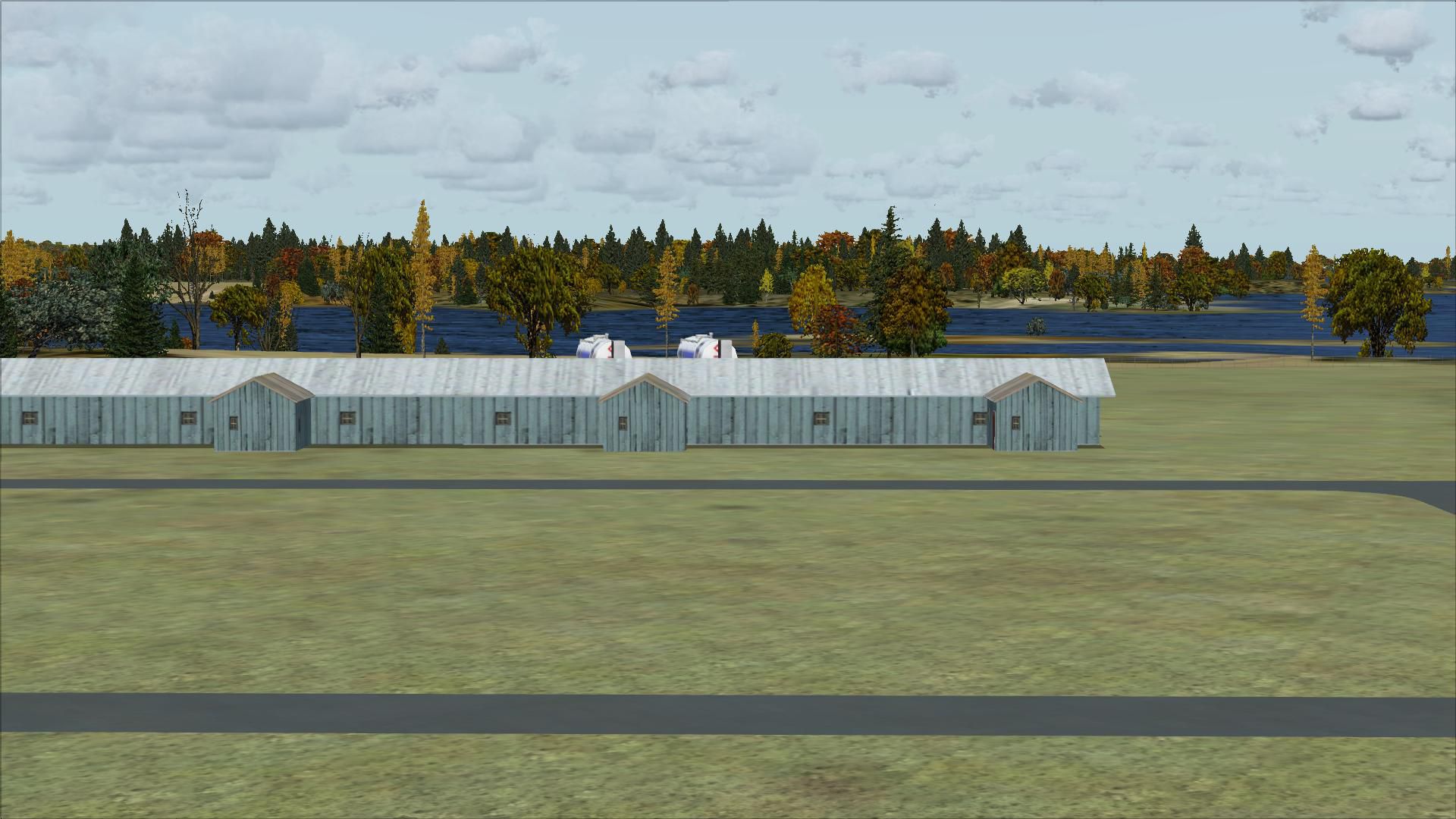
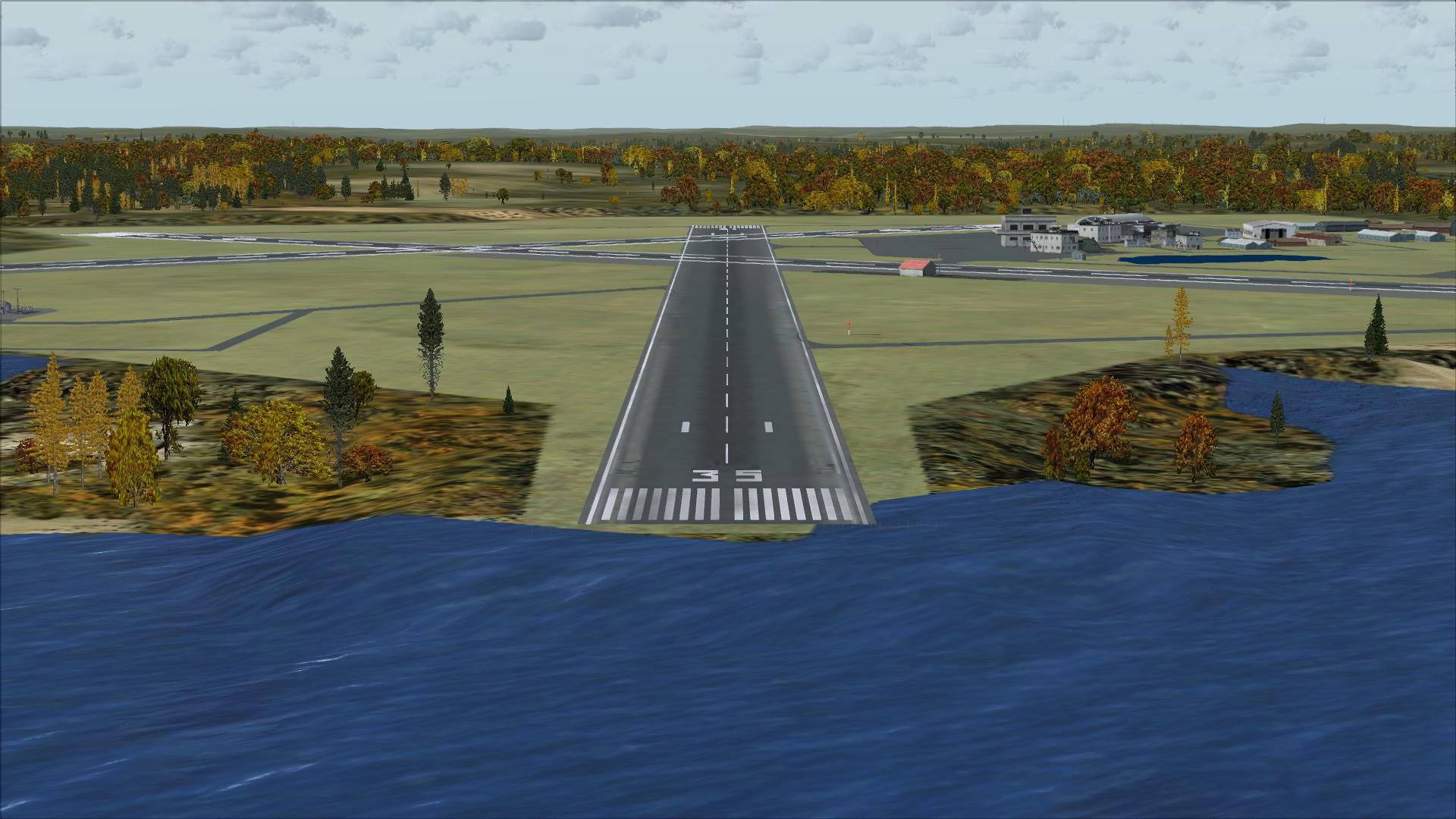

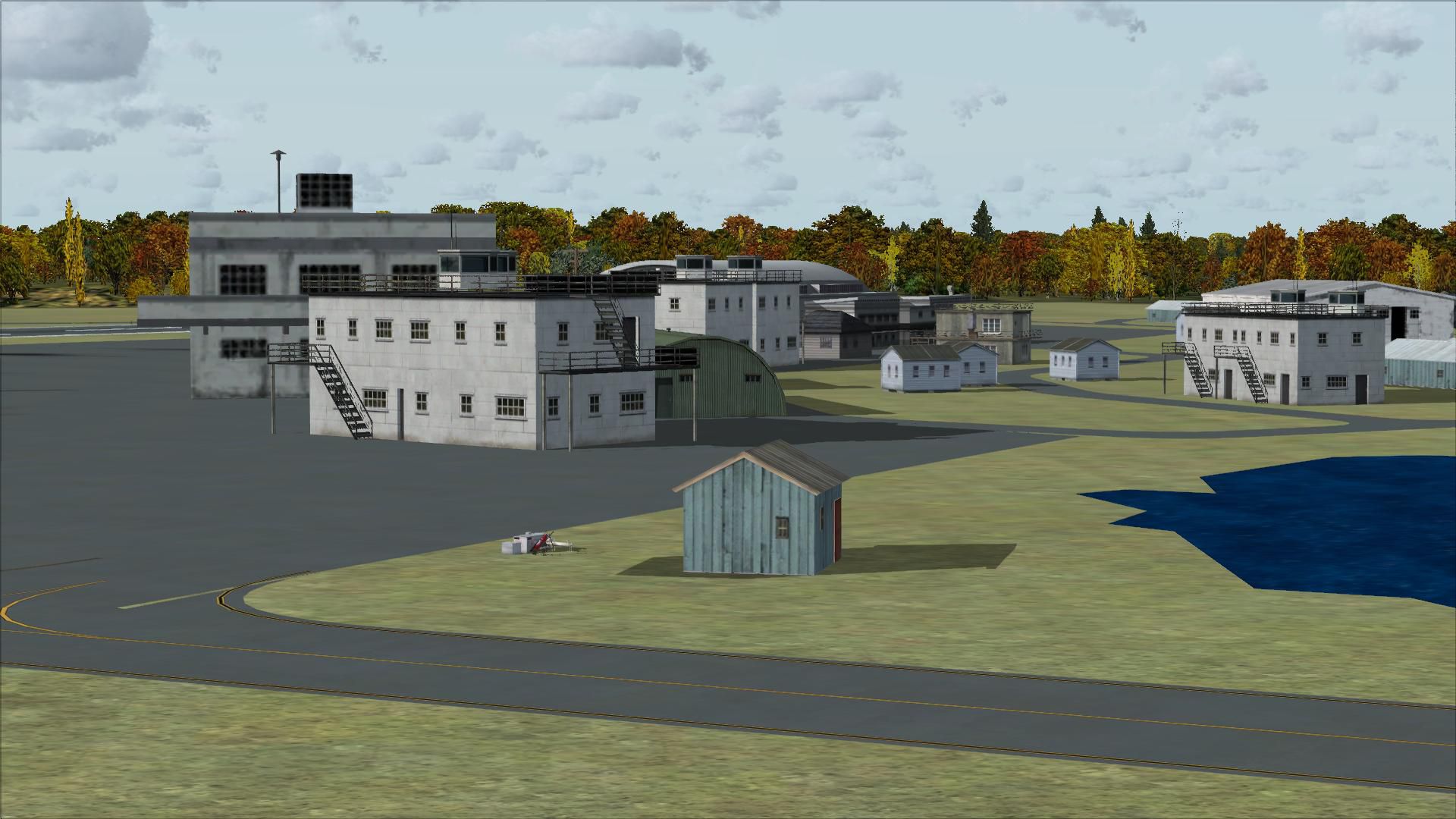
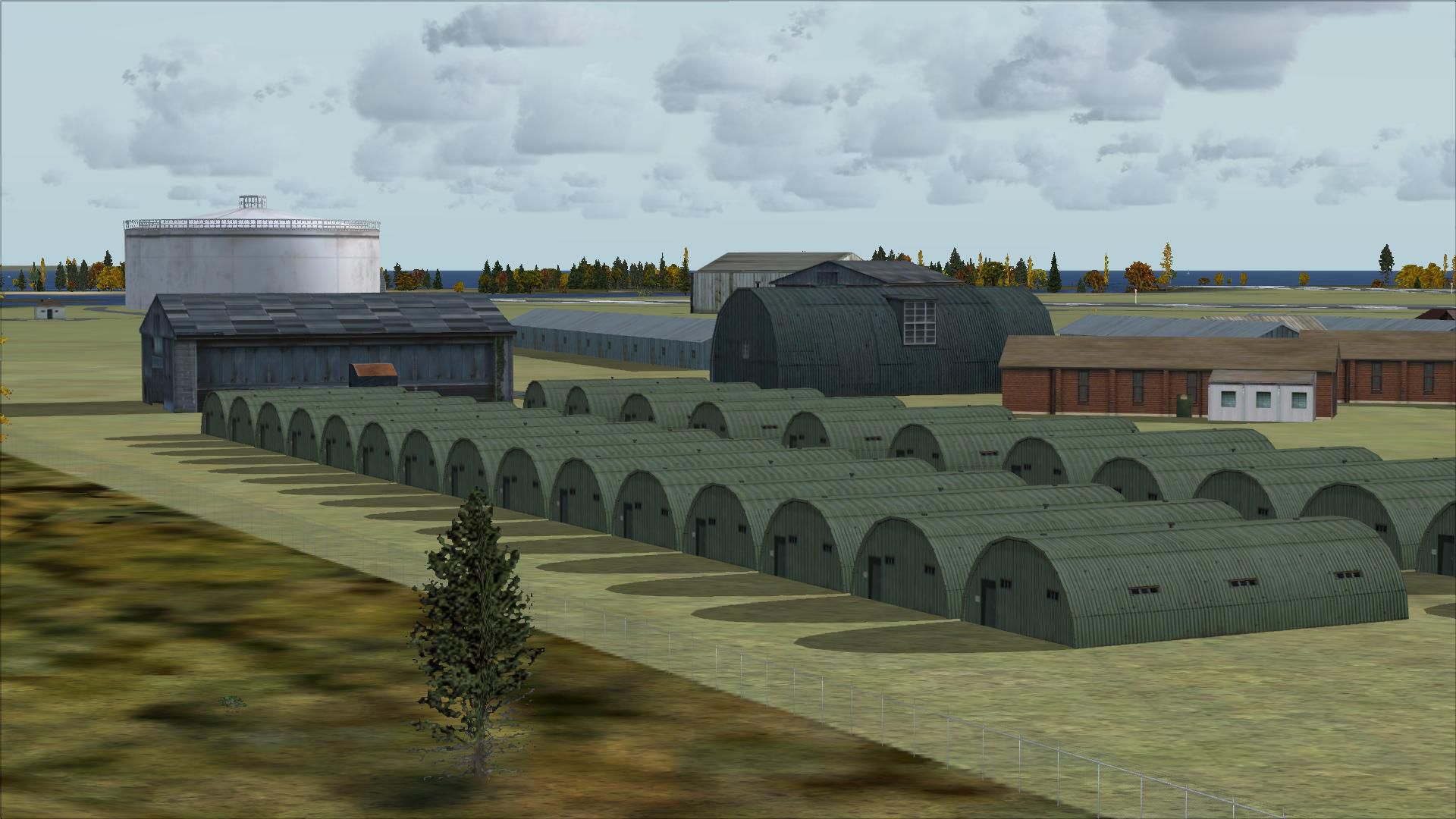
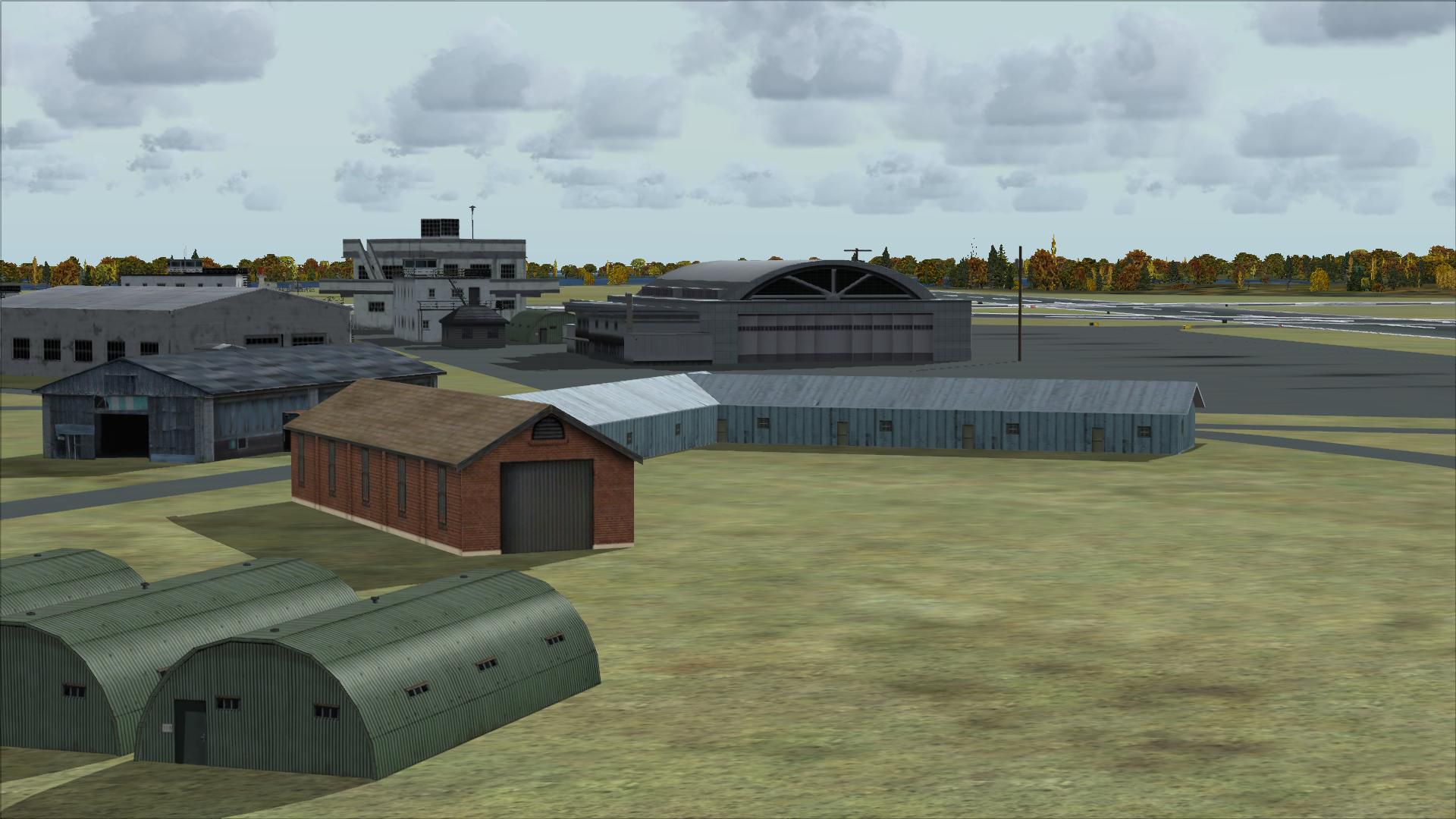
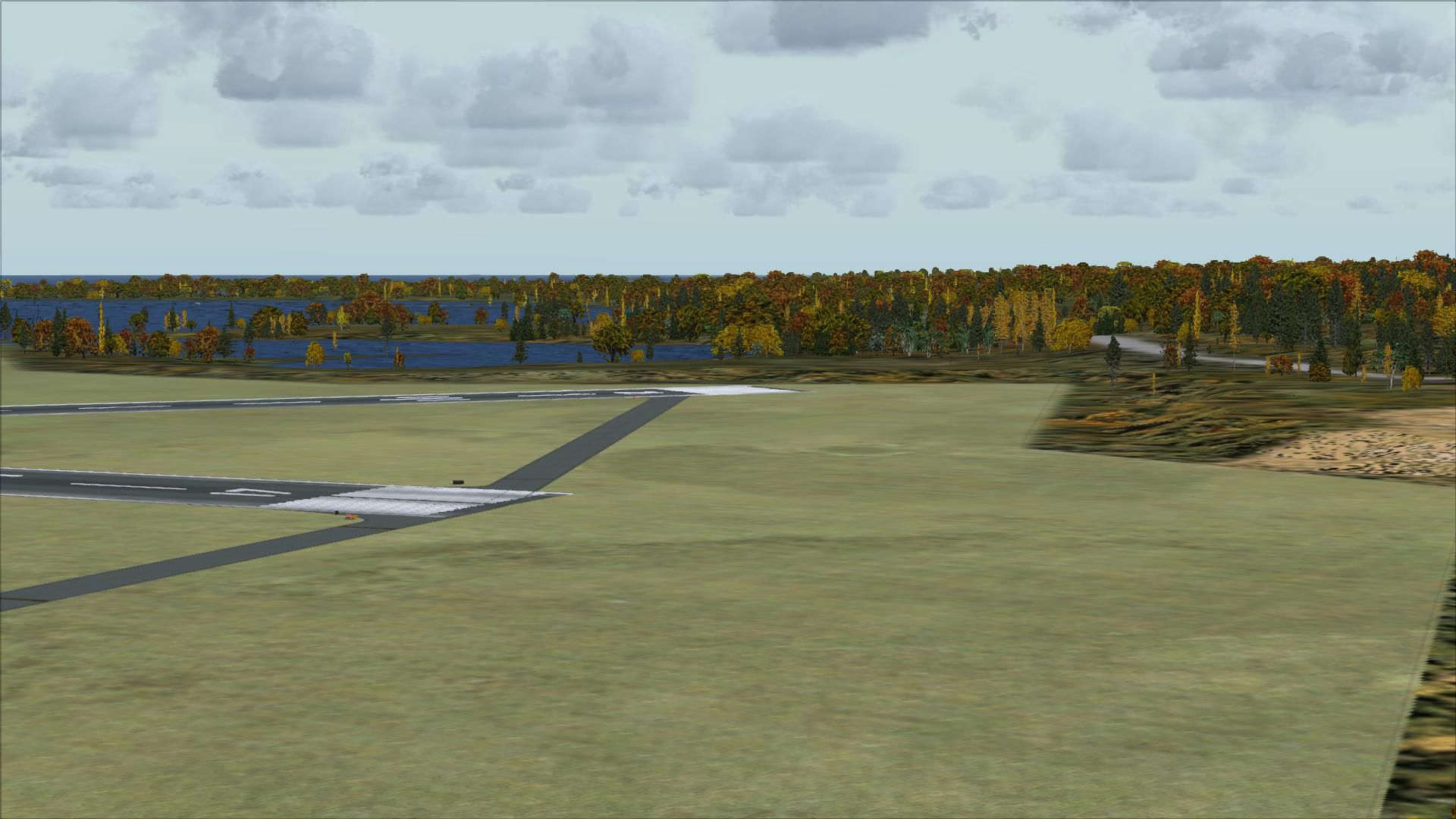
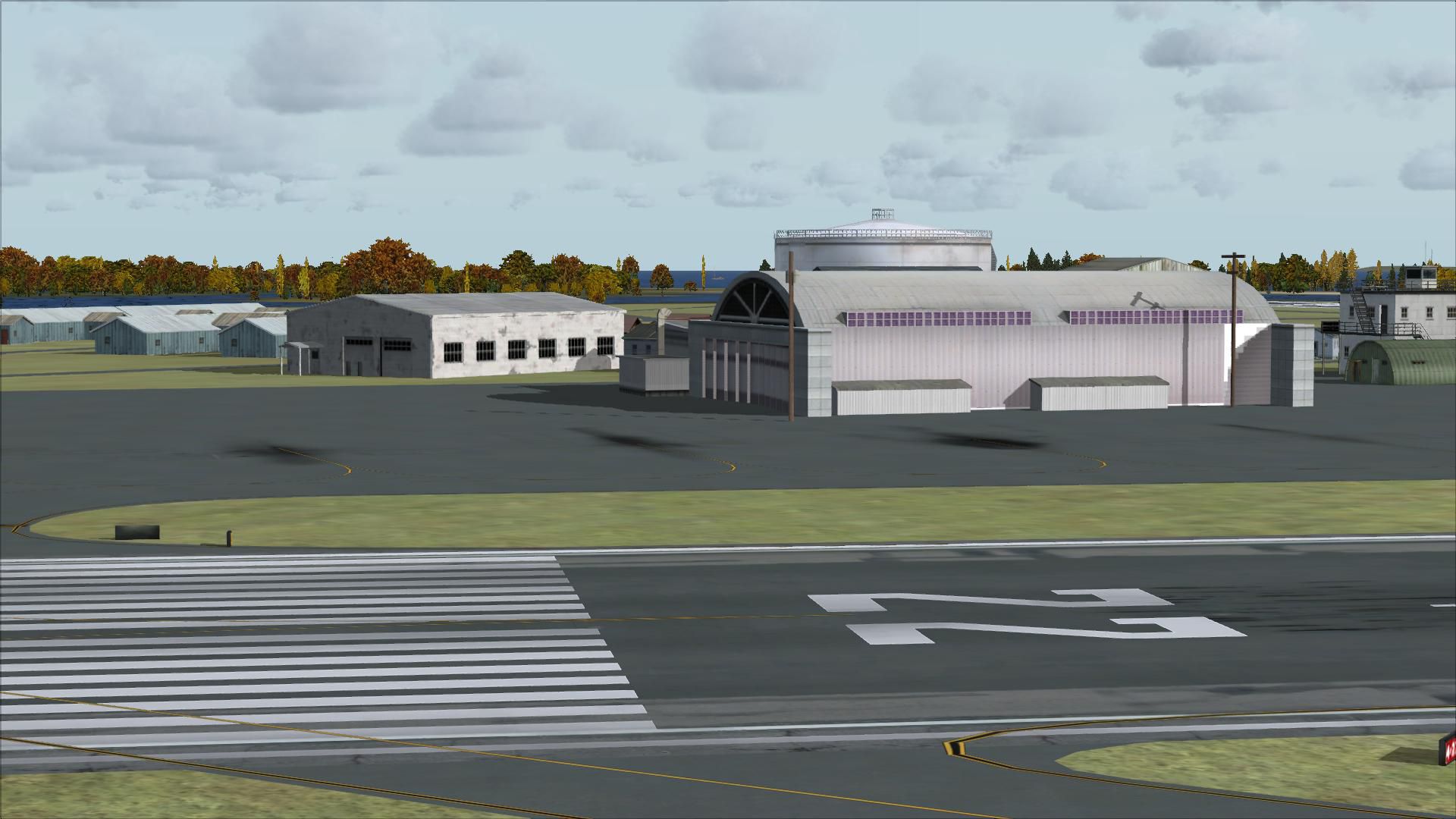
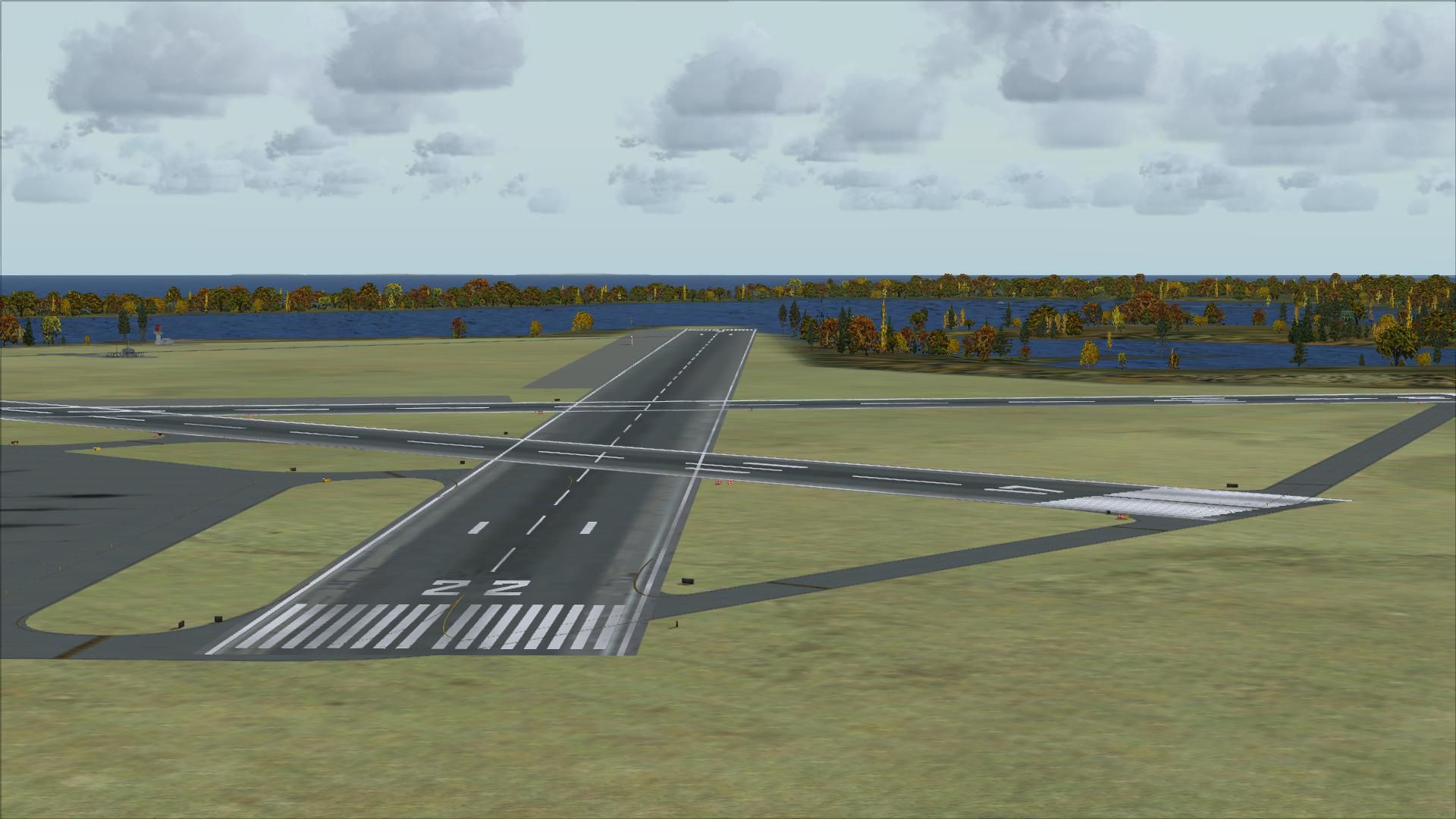

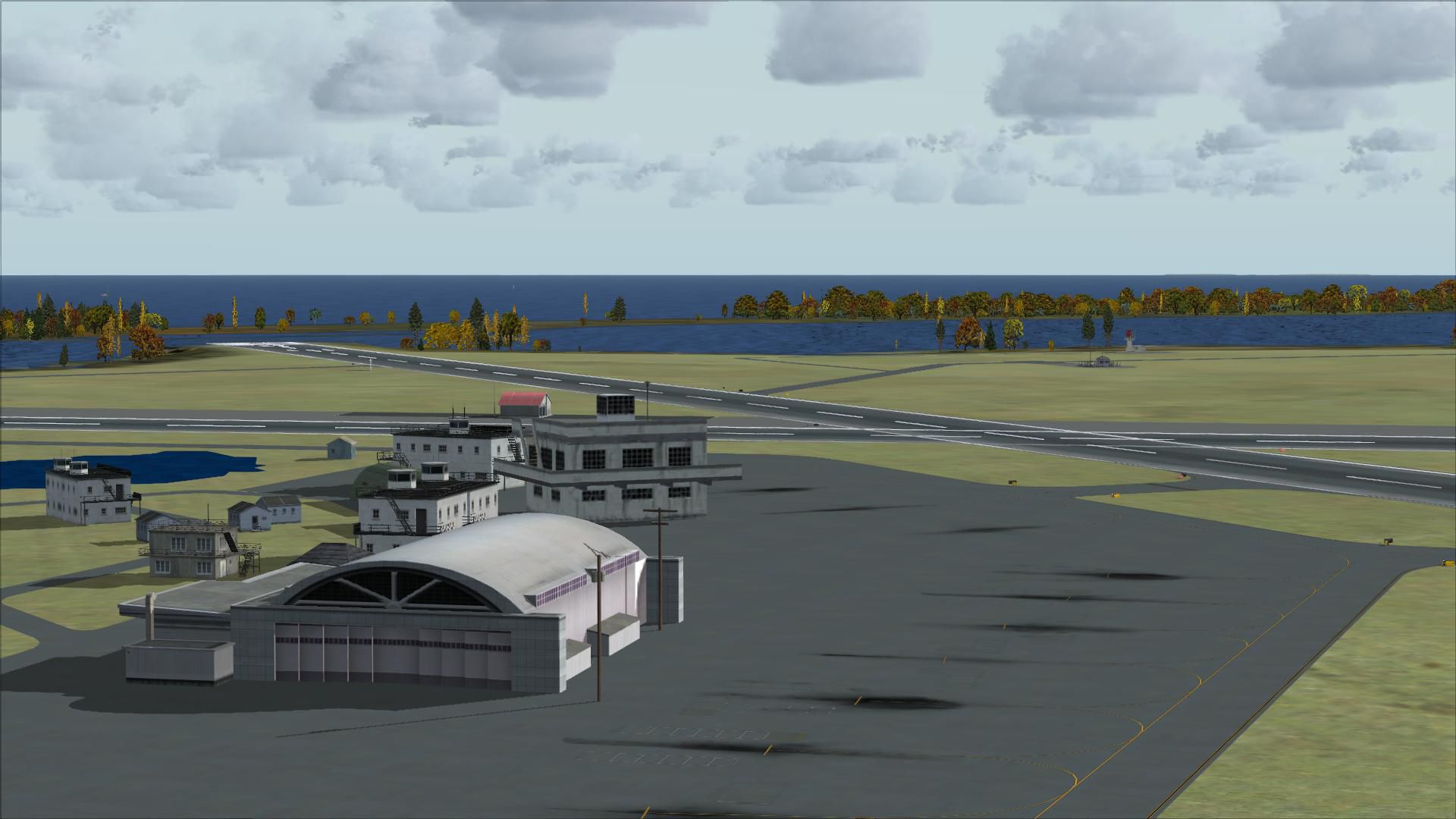
Charlestown Naval Auxiliary Air Station (KALF), RI. The Charlestown Naval Auxiliary Air Station (NAAS) was built by the Navy in 1942 in Charlestown, Rhode Island as a satellite to Quonset Naval Air Station. During World War II it was used to train night fighter squadrons on the F6F Hellcat and TBM Avenger.
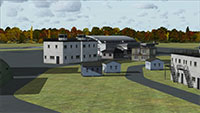 In the late 50s and early 60s, it was used by the Coast Guard and for drag racing. The Navy closed Charlestown in 1974.
The Station is now part of Ninigret Park & Wildlife Refuge but the outlines of the runways can still be seen on satellite photos.
The model recreates Charlestown NAAS as it was about 1945.
Created by Fred Highland from aerial and satellite photos using Airport Design Editor.
Installation:
Developer: Fred Highland.
Free for all simmers · 5.14 MB · Scanned clean Aug 2026
Download speed: Free tier is capped at 0.5 Mbps (this file takes approximately 1 min at the cap). PRO members download at full line speed.
FSX\Addon Scenery\ containing scenery and texture sub-folders.readme.txt or README file. It tells you exactly where files go, what dependencies are needed, and any quirks specific to this add-on.Use these coordinates to fly directly to this location once the mod is installed.
41.39000000,-71.64000000
Launch FSX or Prepar3D and use Flights → Load to open the downloaded .pln file. Your aircraft will be positioned at this location.
The archive kalf.zip has 30 files and directories contained within it.
This list displays the first 500 files in the package. If the package has more, you will need to download it to view them.
| Filename/Directory | File Date | File Size |
|---|---|---|
| KALF_ADE_FDH.BGL | 05.26.08 | 13.94 kB |
| KALF_ADE_FDH_CVX.bgl | 05.26.08 | 585 B |
| readme.txt | 05.27.08 | 1002 B |
| FILE_ID.DIZ | 06.05.08 | 664 B |
| flyawaysimulation.txt | 10.29.13 | 959 B |
| Go to Fly Away Simulation.url | 01.22.16 | 52 B |
| Screenshots | 09.13.19 | 0 B |
| screen-1.jpg | 09.10.19 | 230.01 kB |
| screen-10.jpg | 09.10.19 | 221.08 kB |
| screen-11.jpg | 09.10.19 | 252.75 kB |
| screen-12.jpg | 09.10.19 | 241.41 kB |
| screen-13.jpg | 09.10.19 | 240.25 kB |
| screen-14.jpg | 09.10.19 | 249.92 kB |
| screen-15.jpg | 09.10.19 | 239.38 kB |
| screen-16.jpg | 09.10.19 | 232.53 kB |
| screen-17.jpg | 09.10.19 | 209.33 kB |
| screen-18.jpg | 09.10.19 | 211.10 kB |
| screen-19.jpg | 09.10.19 | 185.96 kB |
| screen-2.jpg | 09.10.19 | 249.64 kB |
| screen-20.jpg | 09.10.19 | 200.94 kB |
| screen-21.jpg | 09.10.19 | 164.39 kB |
| screen-22.jpg | 09.10.19 | 179.20 kB |
| screen-23.jpg | 09.10.19 | 194.71 kB |
| screen-3.jpg | 09.10.19 | 240.29 kB |
| screen-4.jpg | 09.10.19 | 263.12 kB |
| screen-5.jpg | 09.10.19 | 234.81 kB |
| screen-6.jpg | 09.10.19 | 257.35 kB |
| screen-7.jpg | 09.10.19 | 297.11 kB |
| screen-8.jpg | 09.10.19 | 365.30 kB |
| screen-9.jpg | 09.10.19 | 219.32 kB |
Only PRO members can place votes.
More FSX & P3D add-ons hand-picked based on this download.
FSX Scenery
Naval Air Station Meridian (KNMM), Mississippi (MS). Naval Air Station Meridi…
 FSX Scenery
Jacksonville Naval Air Station, Florida (FL). This is an enhanced version of …
 FSX Scenery
Cengiz Topel Naval Air Station (LTBQ), Izmit, Turkey (TR). Topel is for FSX w…
 FSX Scenery
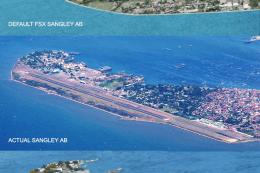
Sangley Airbase And Naval Station. A very accurate depiction of Sangley Air B…
 FSX Scenery
This freeware scenery upgrade for Fort Worth Naval Air Station (KNFW) in Texa…
 FSX Scenery
Presented here is NAS Argentia, a former base of the United States Navy that …
 FSX Scenery
Grand Bahama Auxiliary Airfield (MYGM), Bahamas. About 20 miles east of Freep…
 FSX Scenery
KXNO North Field Auxiliary, South Carolina (SC). It is owned by the US Air Fo…
Read what other simmers think, or add your own.

This is an OUTSTANDING scenery. As a boy, Charlestown NAS in Charlestown, RI served for the Hellcat, Avenger, and S2 (Cod) as a staging and practice site for carrier landings. They continually flew over our campsite at Burlinggame State Campgroud in the late 50 's through early 60's. My love of aviation came from that experience as the pilots waved to us kids at the campground beach.
This scenery installed easily and is extremely enjoyable to use. Flying in that area is fun too. Fly to either Quonset NAS in N. Kingston or (which I hope someone will do scenery for) or Block Island (KBID) for a couple of short hops.