


 France
  FSX Scenery
Cons Field Racing Edition
Cons Field Racing Edition LFBB, Bordeaux, France. Equiped with new gates, rin…
Bordeaux–Mérignac Airport (LFBB) gets a refreshed, more immersive look with v4.5 scenery for Microsoft Flight Simulator X, featuring updated runway work, improved parking, and a richer spread of custom airfield objects, including distinctive details around the apron. It uses default assets and requires RWY12 object libraries for the full set of scenery items.
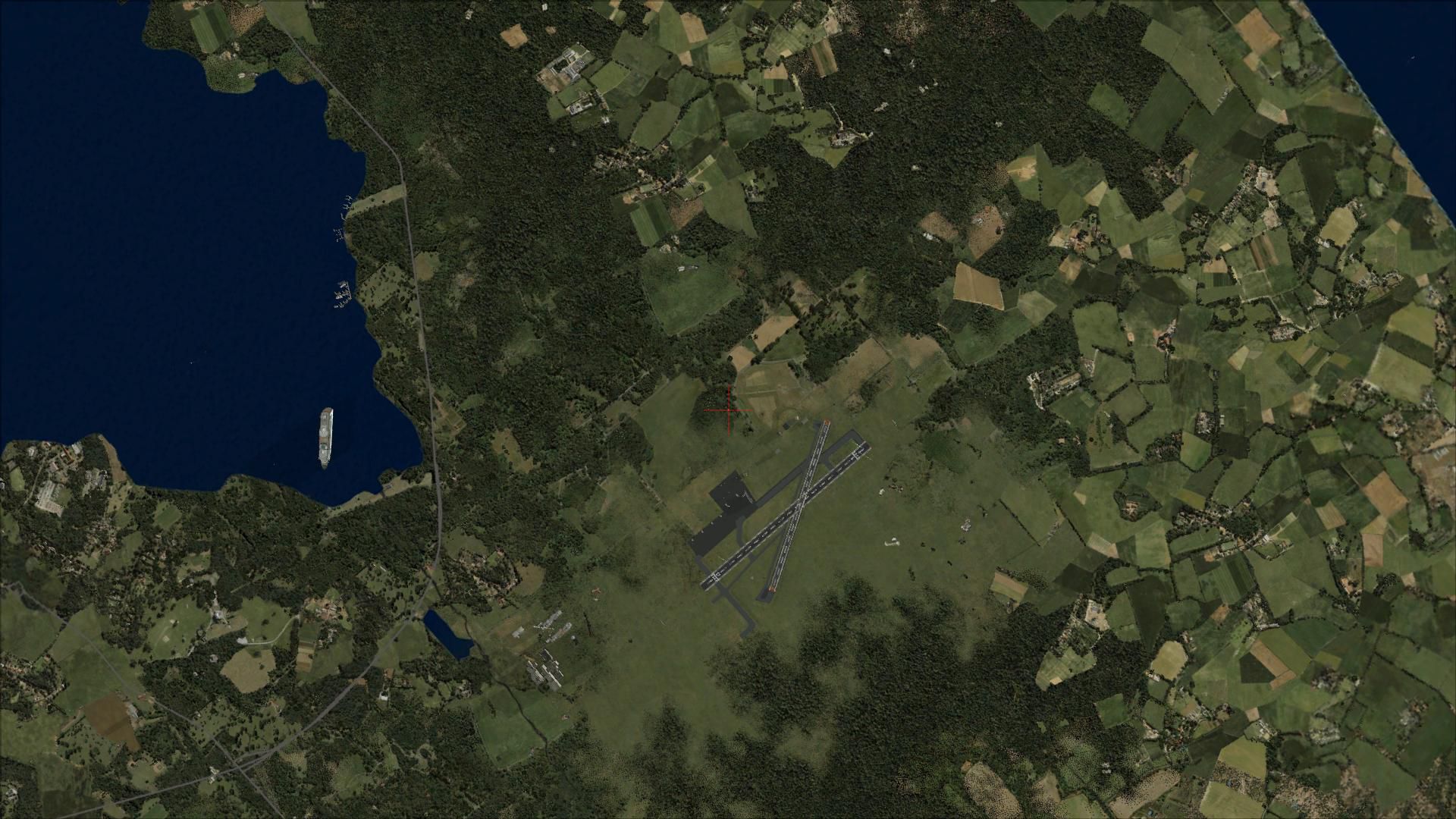
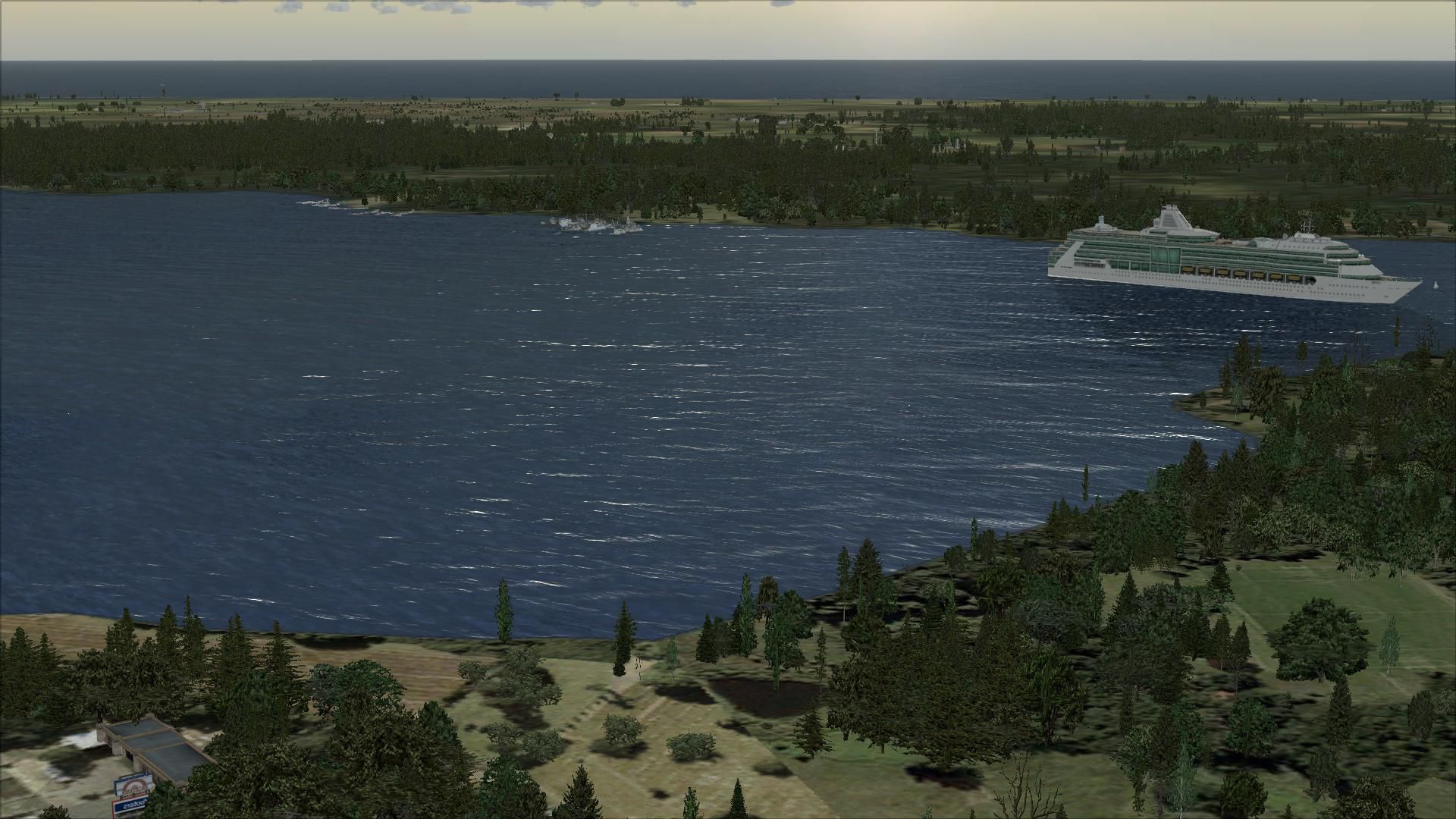
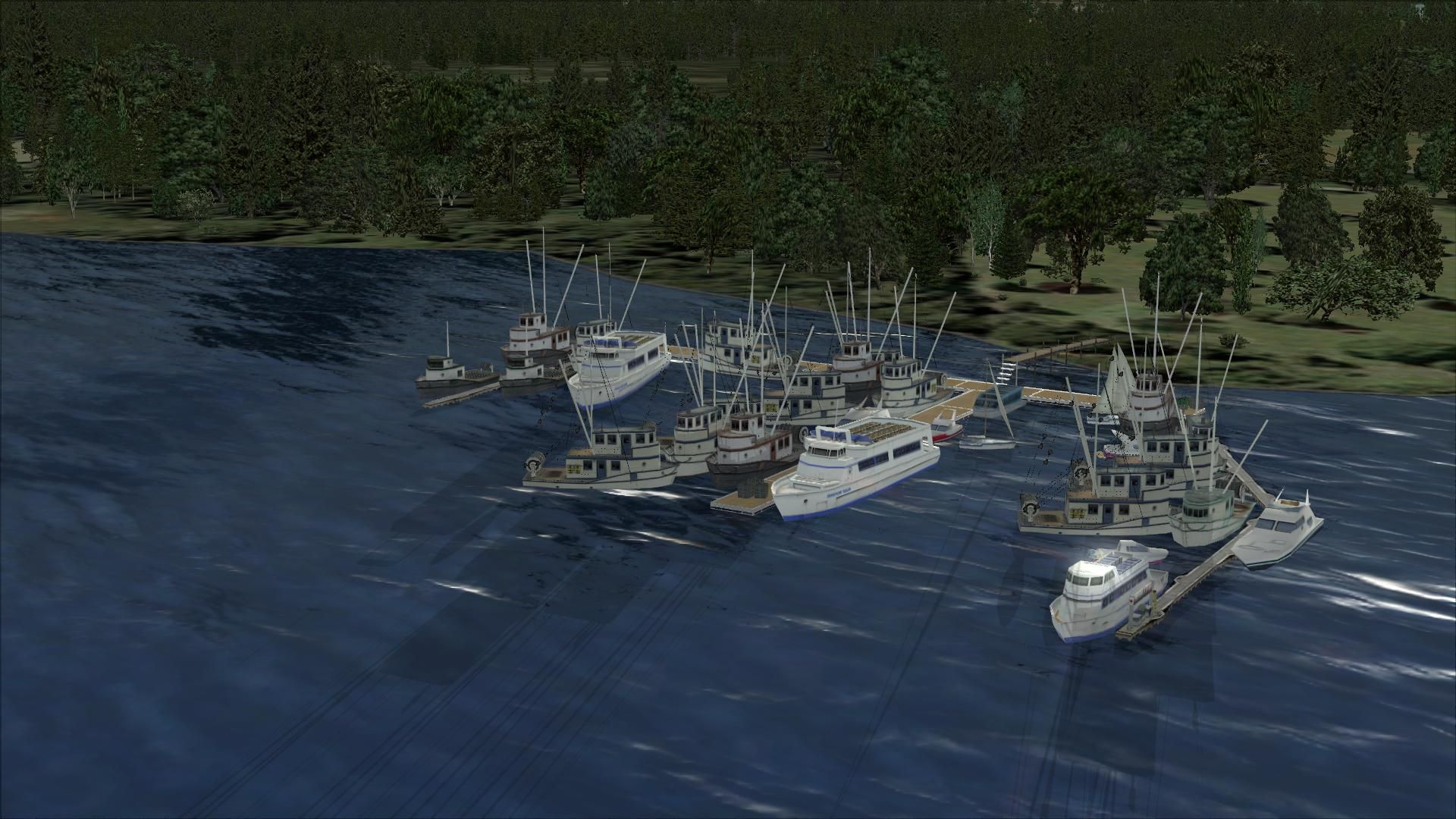
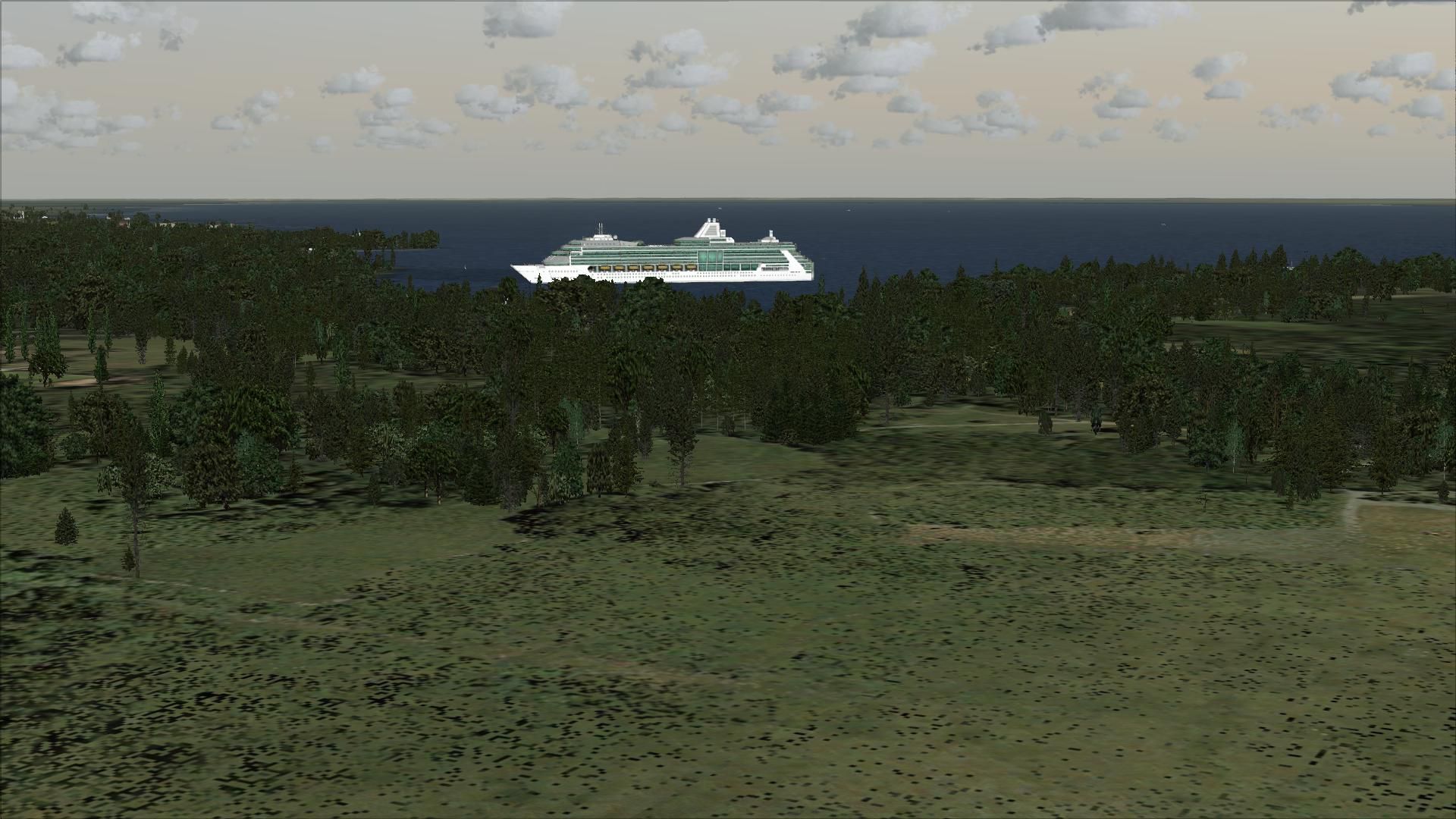

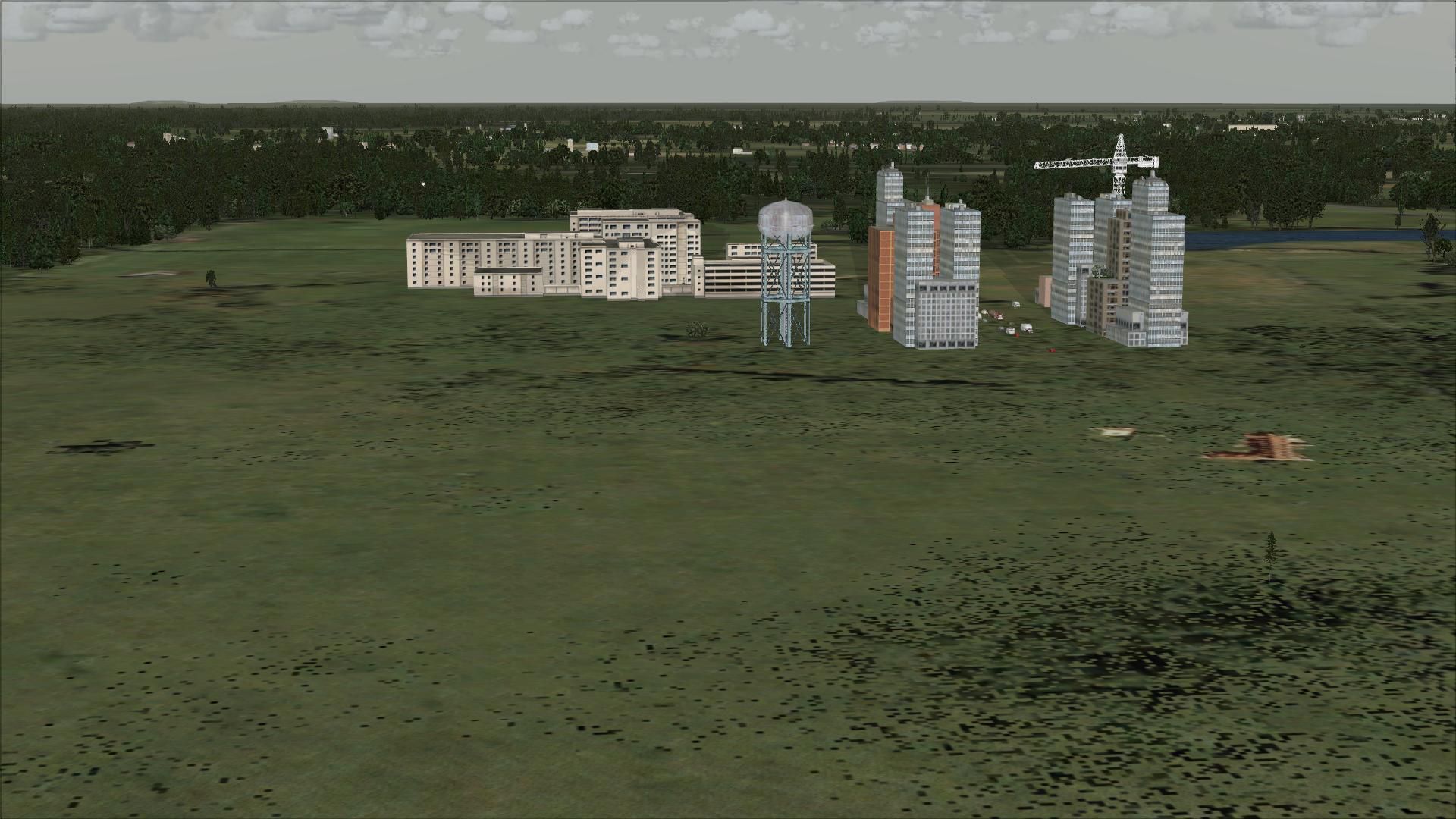
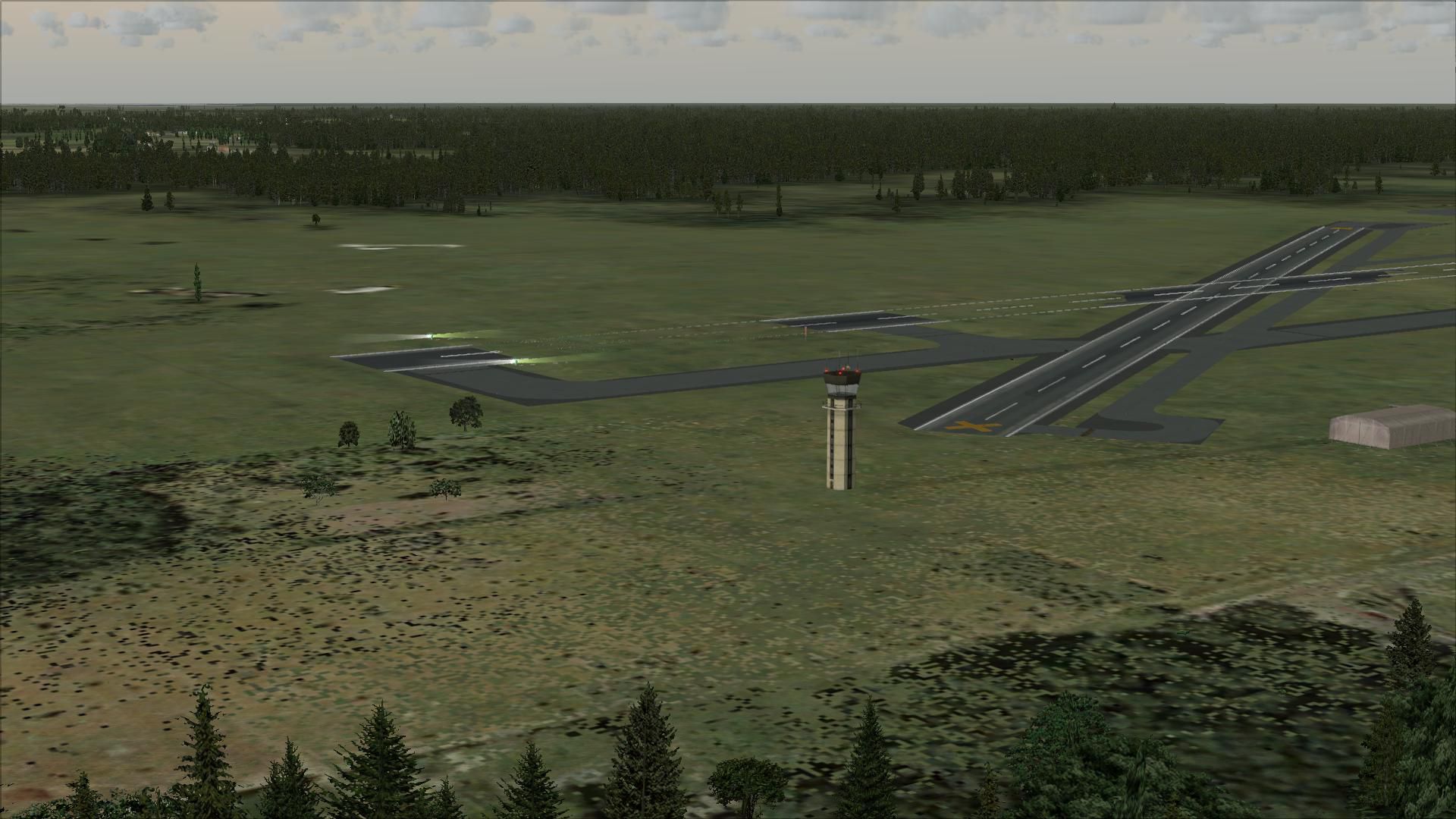
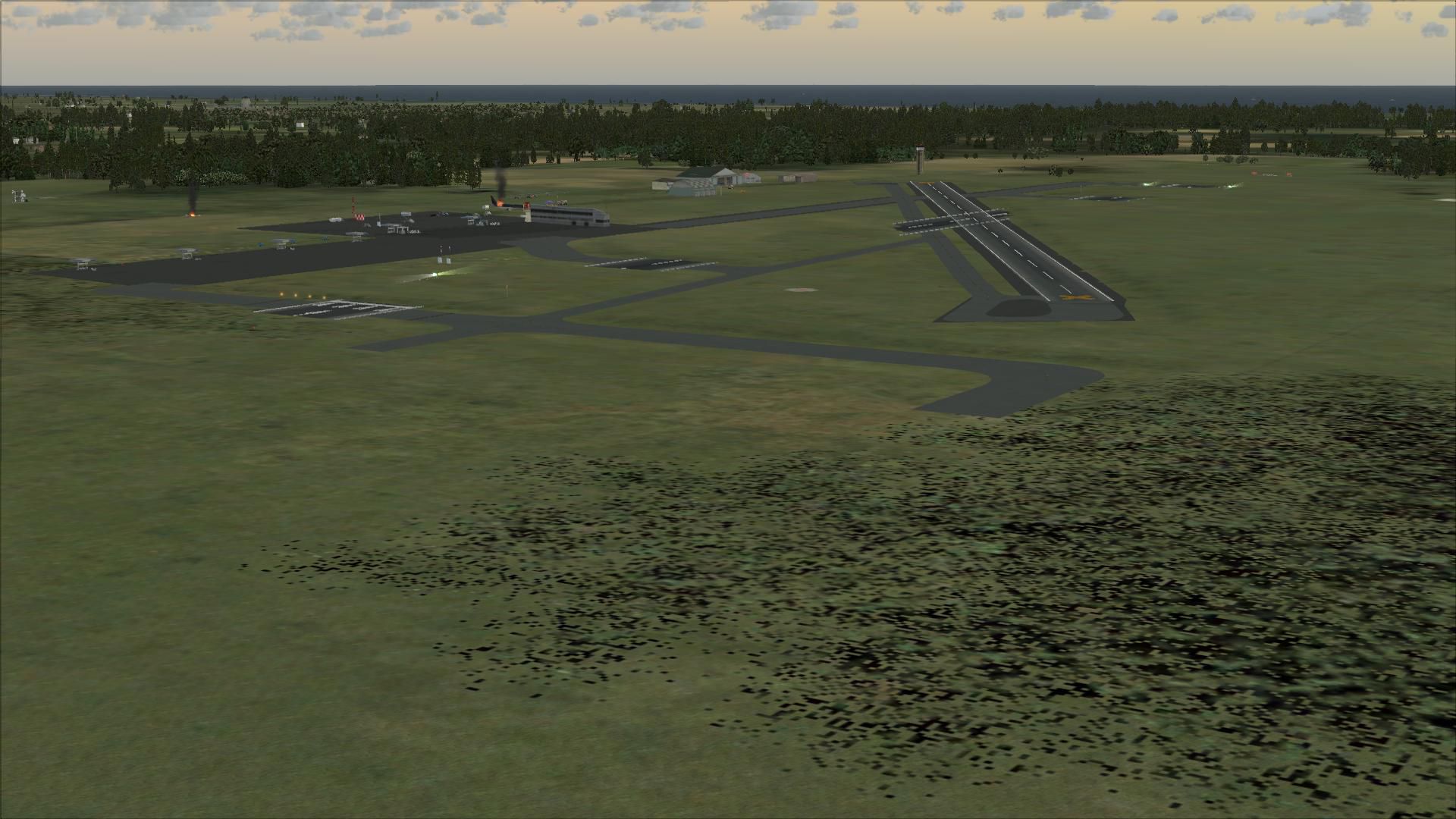

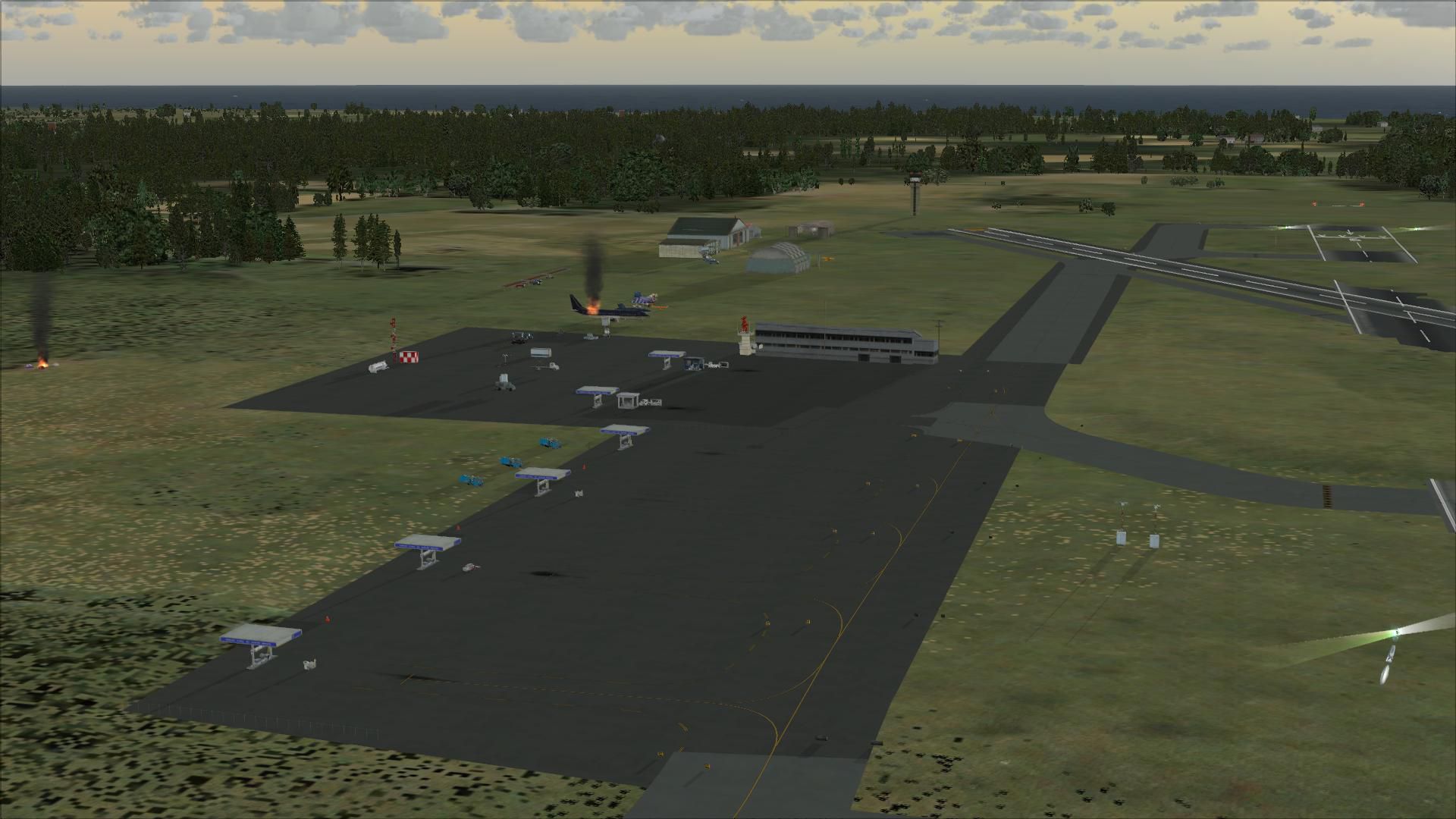
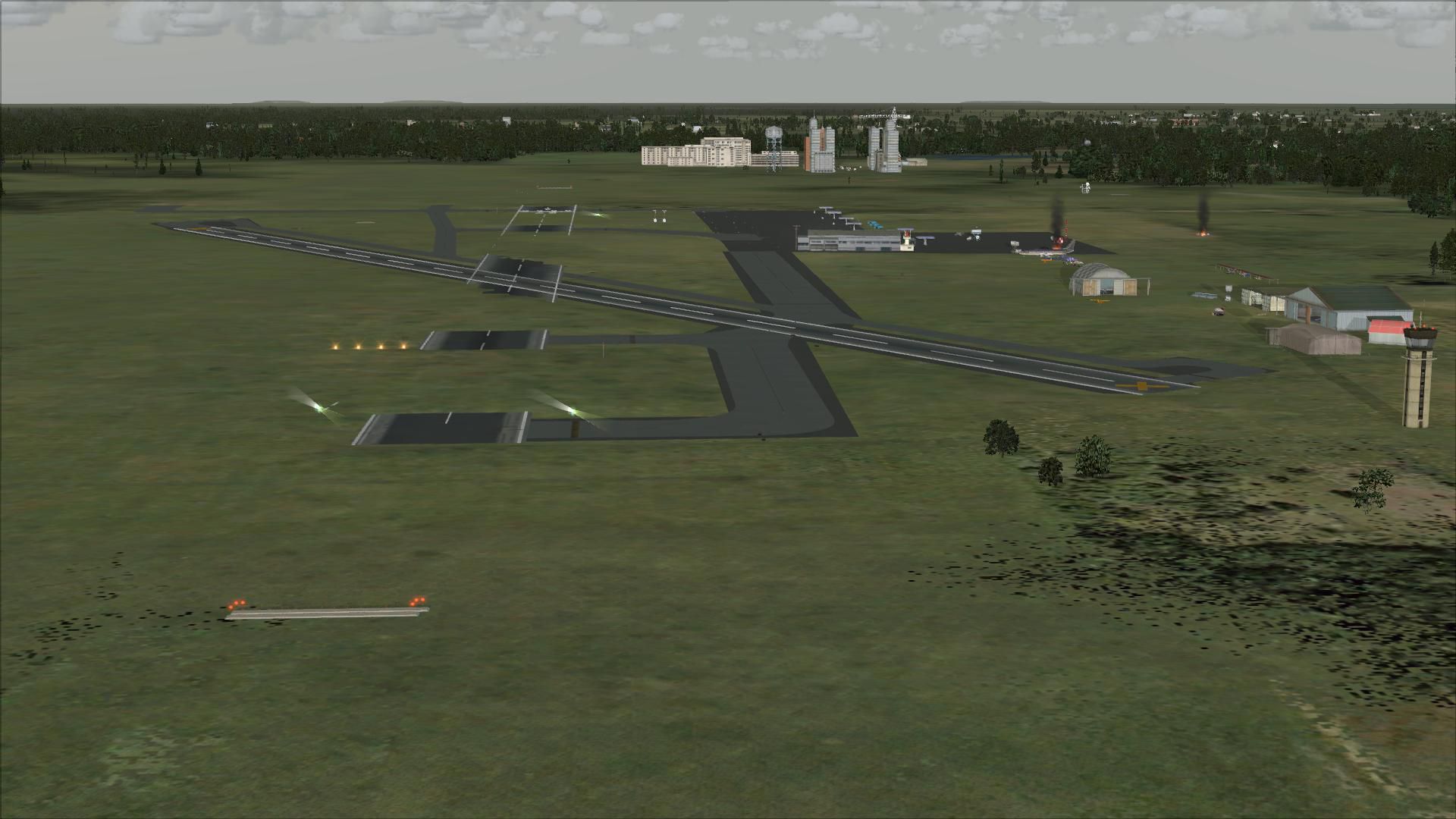
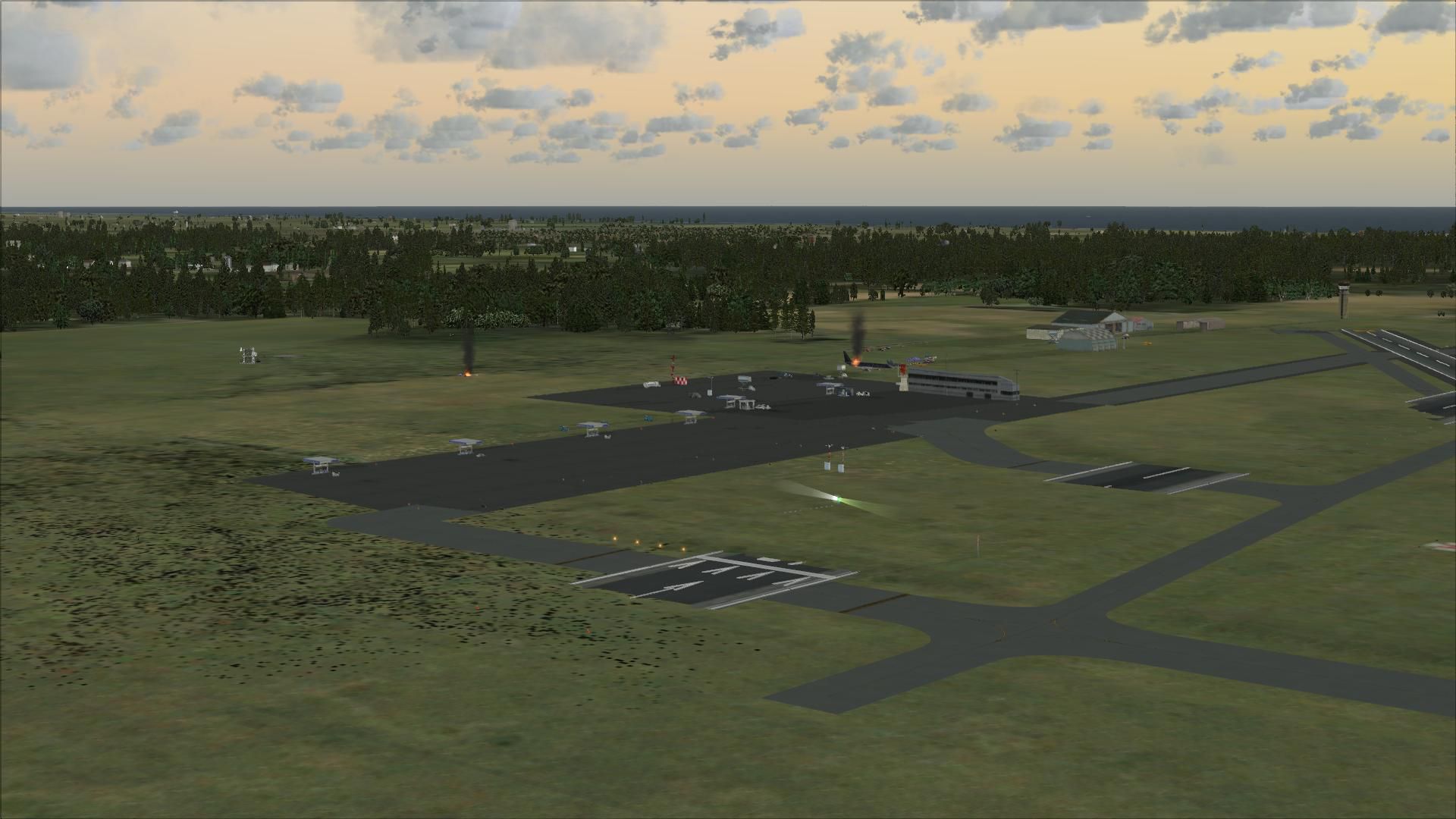
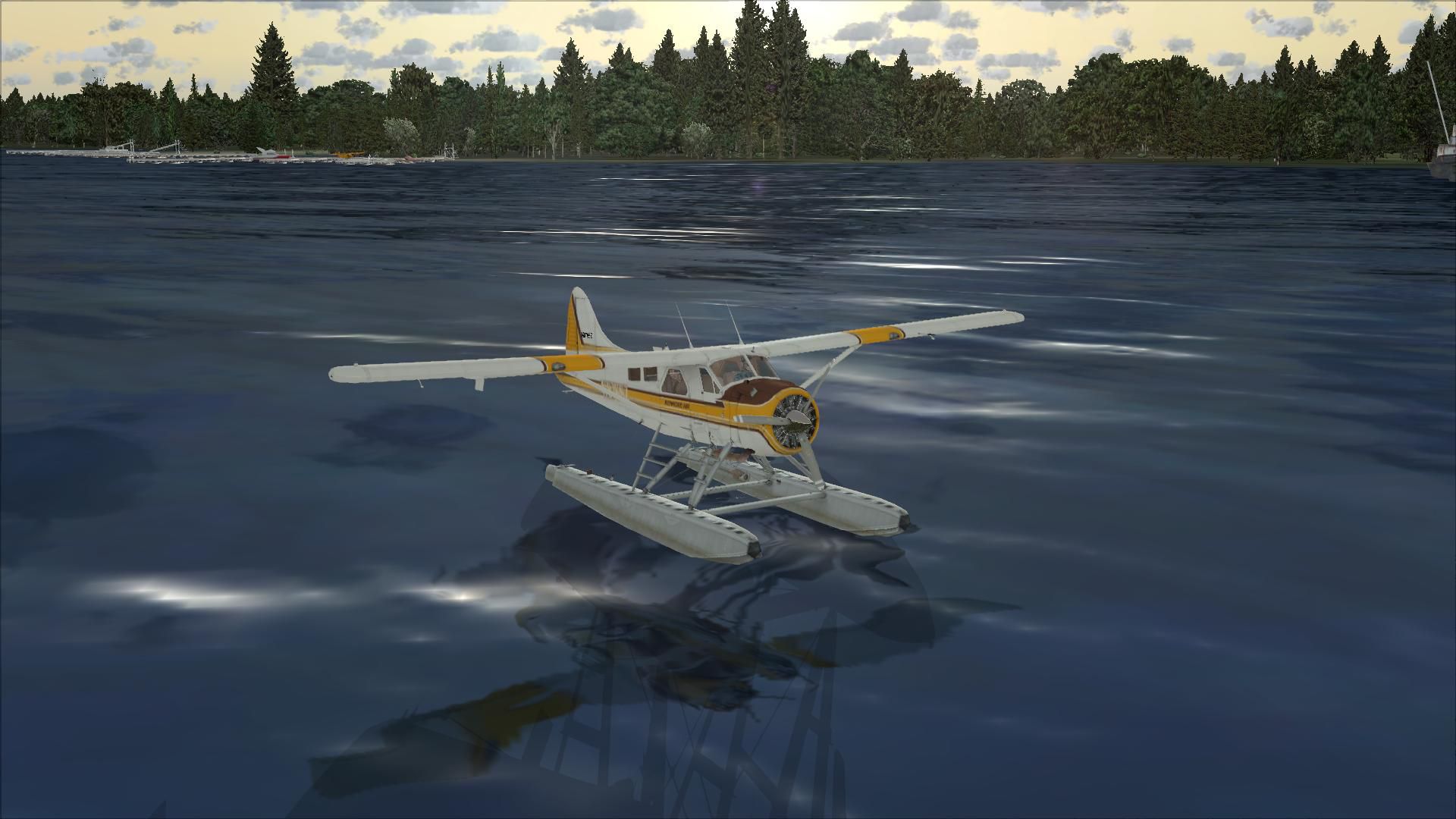
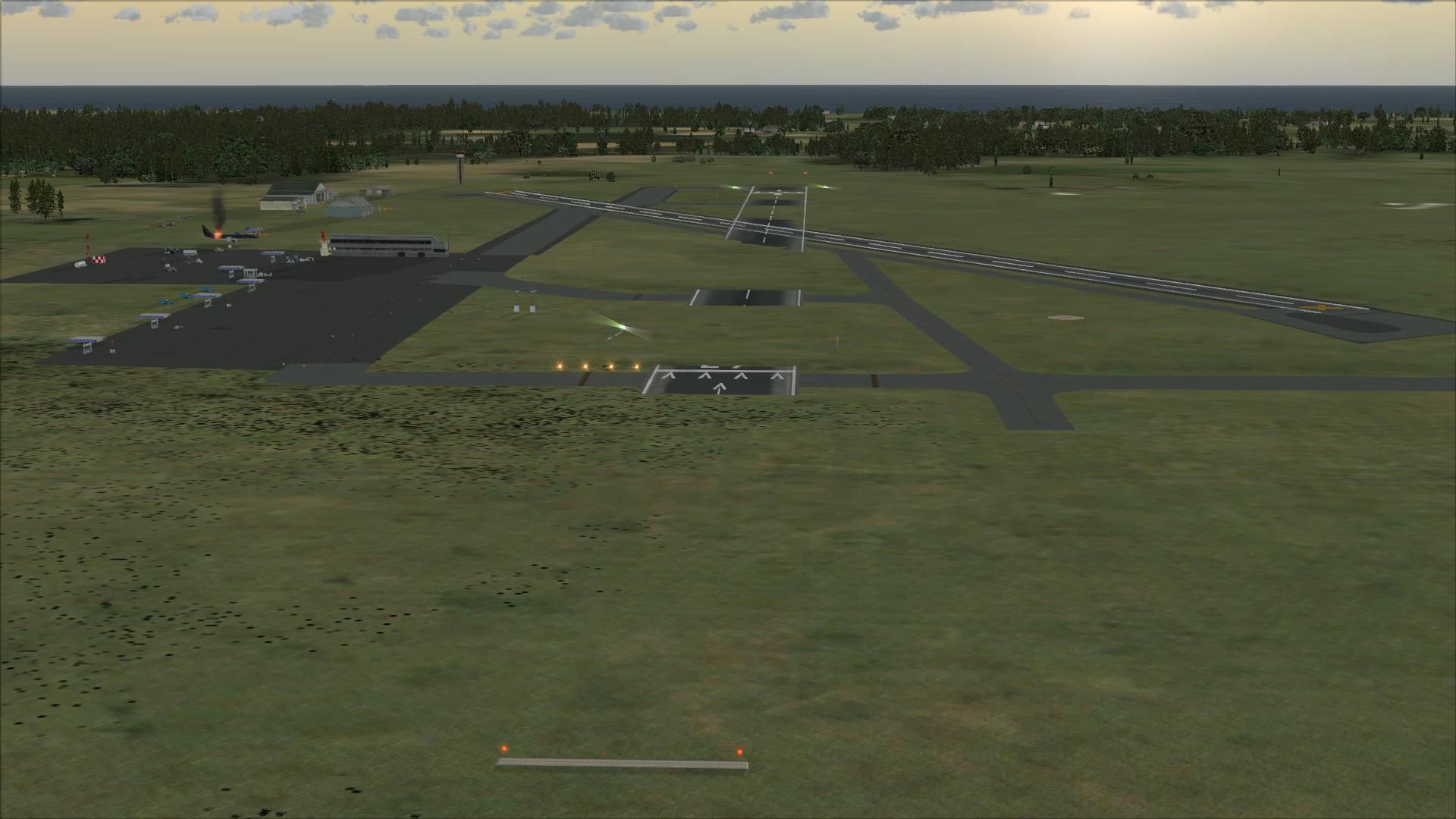
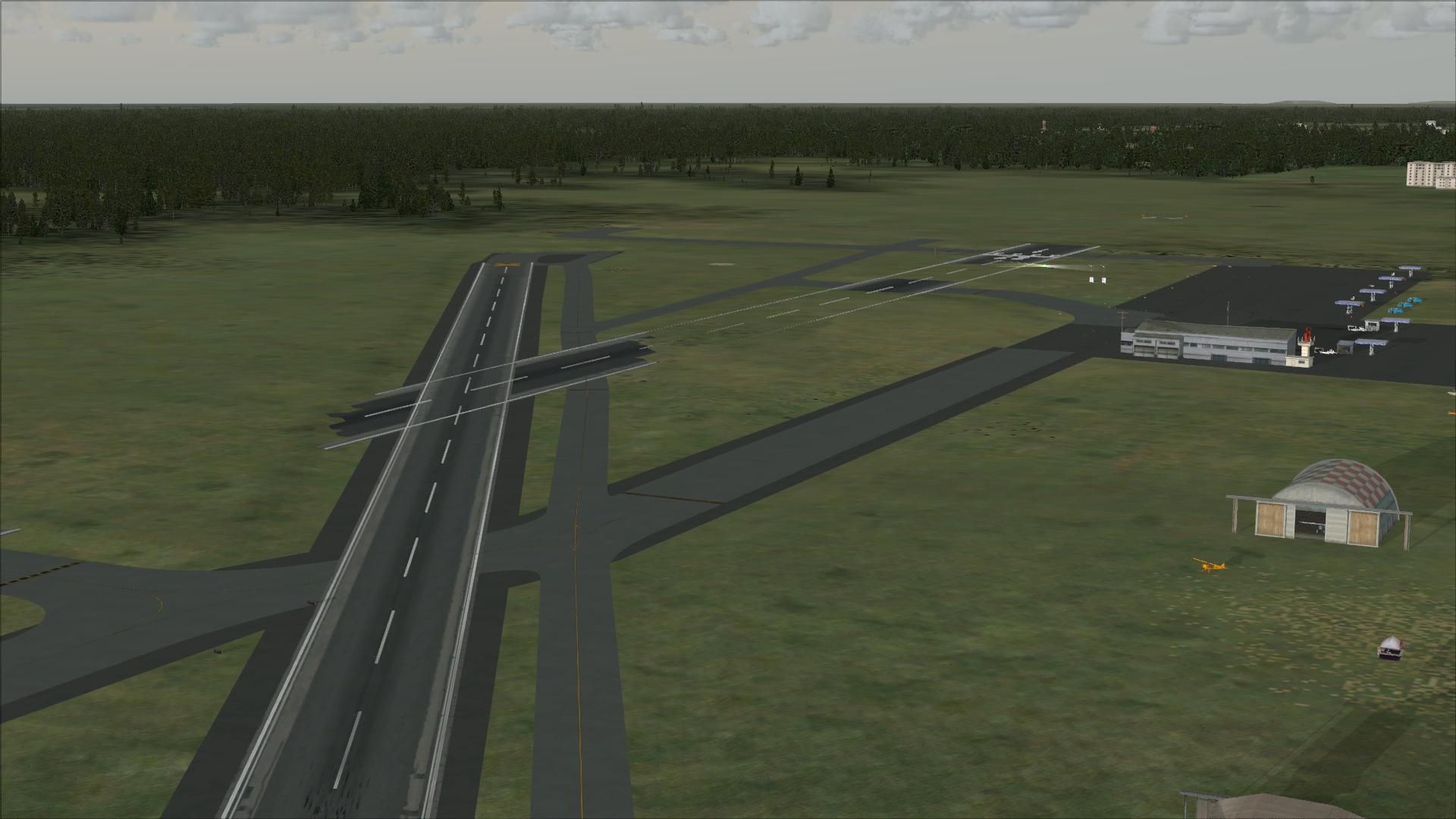
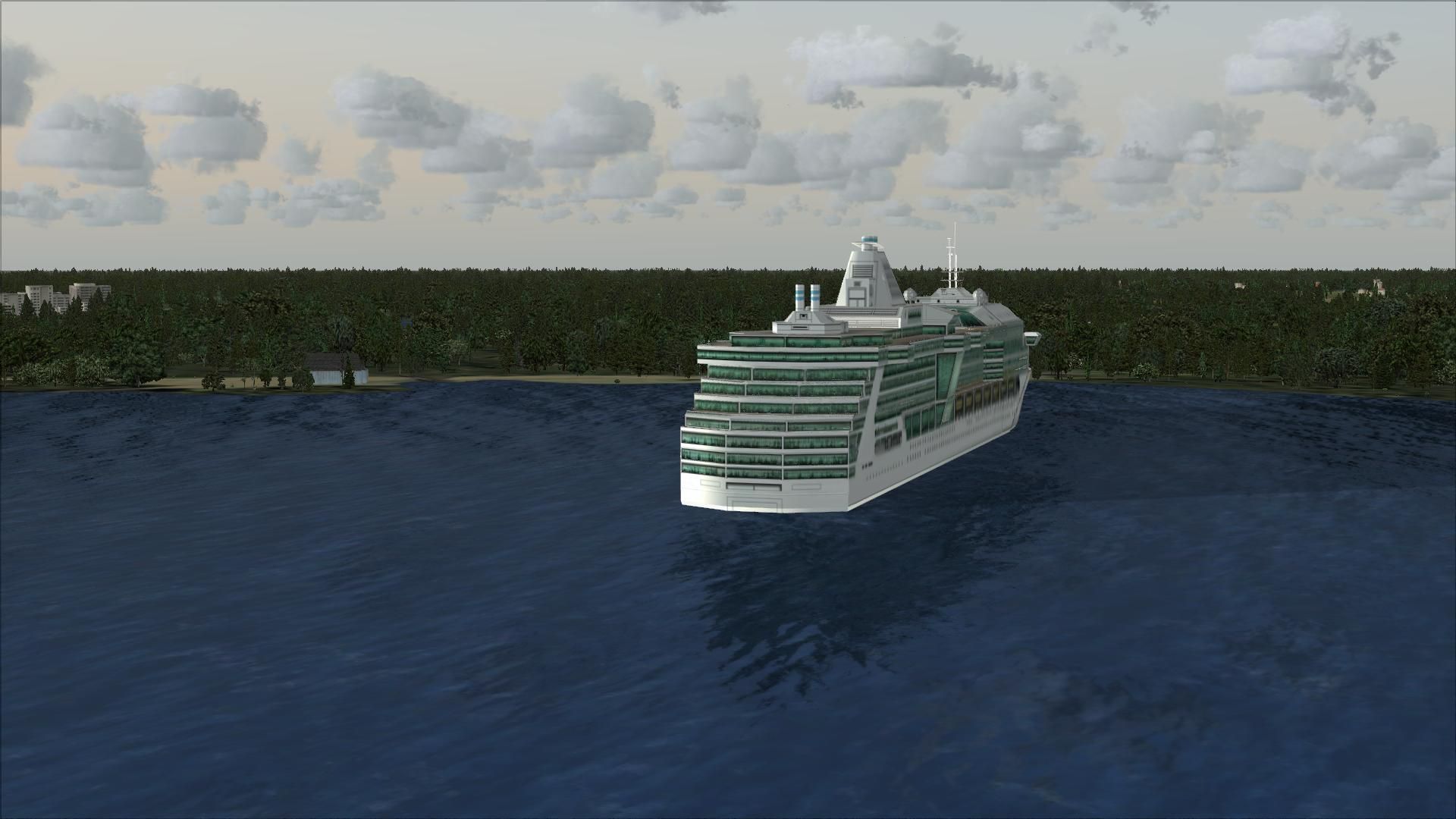
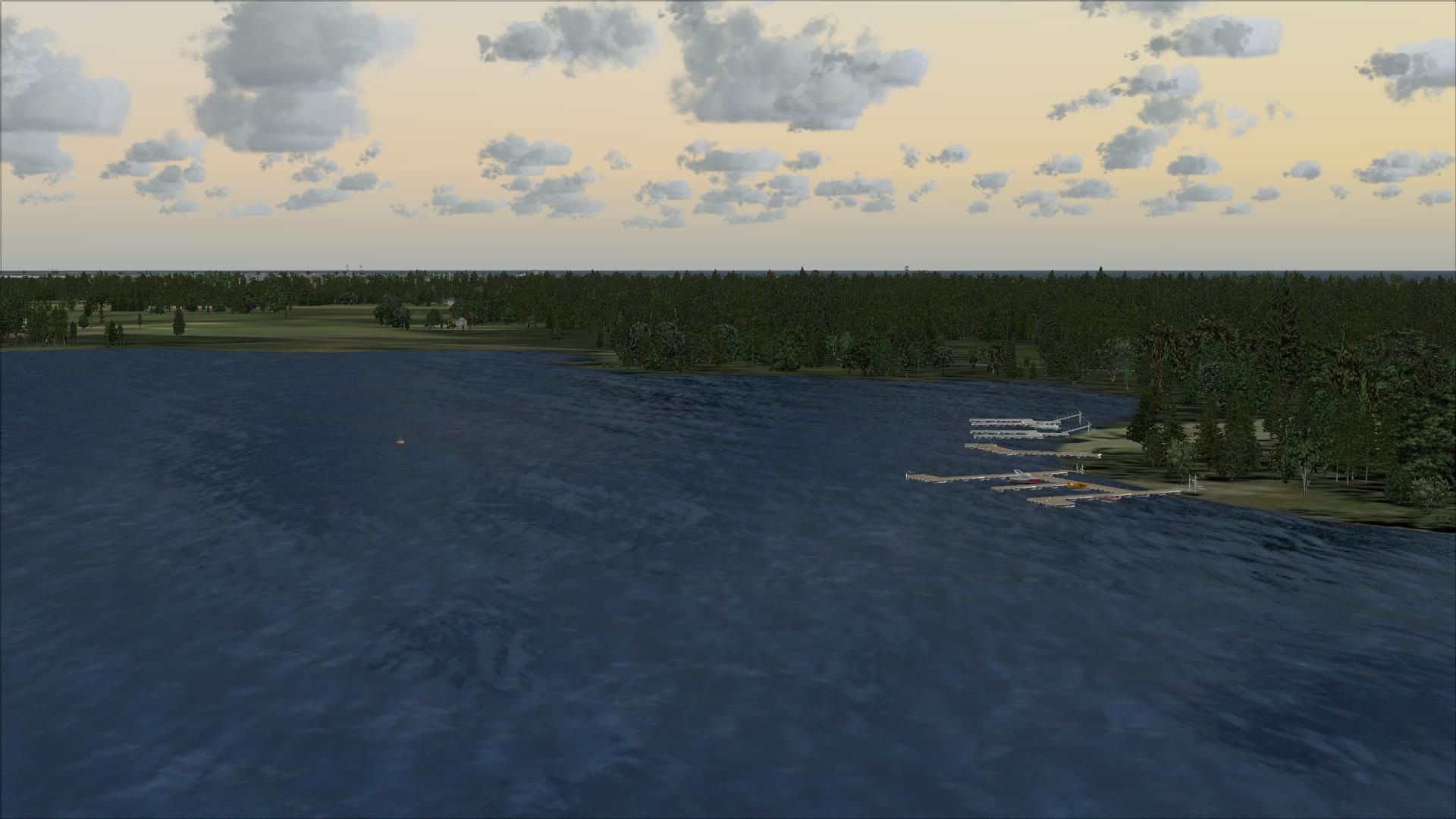
Cons LFBB v4.5. Scenery of Bordeaux/Merignac Airport, France. New and improved runways with detailed new objects which include dolphins, parking and more. By Conrad Asman.
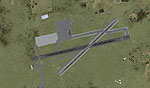
Cons LFBB Scenery.
INSTALLATION:
1. Unzip this package to a temporary directory.
2. copy the "LFBB" Folder into yuor Addon Scenery Folder.
NOTE: This scenery uses both default FSX AND RWY12 scenery objects. If you don't have RWY12 objects installed (available from Flightsim.com), remove the LFBB_RWY12(A) AND LFBB_RWY12(B) Obj.BGL file after installation is done. The scenery will work fine, but with very little objects.
CREDITS:
Thanks to the following for their contributions to Flight Simming:
2. The crew at FSX Planner which was used to create the FSX airport facility data, parking positions etc.
3. Peter Stark for creating "Tony's ranch" and for guiding us all in the PC Pilot tutoral.
Enjoy,
Conrad Asman, South Africa
Free for all simmers · 45 MB · Scanned clean Aug 2026
Download speed: Free tier is capped at 0.5 Mbps (this file takes approximately 13 mins at the cap). PRO members download at full line speed.
FSX\Addon Scenery\ containing scenery and texture sub-folders.readme.txt or README file. It tells you exactly where files go, what dependencies are needed, and any quirks specific to this add-on.Use these coordinates to fly directly to this location once the mod is installed.
44.82833500,-0.71555600
Launch FSX or Prepar3D and use Flights → Load to open the downloaded .pln file. Your aircraft will be positioned at this location.
The archive lfbb_v45.zip has 26 files and directories contained within it.
This list displays the first 500 files in the package. If the package has more, you will need to download it to view them.
| Filename/Directory | File Date | File Size |
|---|---|---|
| thumbnail.BMP | 10.27.09 | 6.56 MB |
| ReadMe.txt | 09.05.09 | 1015 B |
| CON'S AIRPORT V4.5.exe | 10.30.09 | 37.62 MB |
| flyawaysimulation.txt | 10.29.13 | 959 B |
| Go to Fly Away Simulation.url | 01.22.16 | 52 B |
| Screenshots | 08.28.19 | 0 B |
| screen-1.jpg | 08.27.19 | 181.10 kB |
| screen-10.jpg | 08.27.19 | 160.80 kB |
| screen-11.jpg | 08.27.19 | 240.90 kB |
| screen-12.jpg | 08.27.19 | 257.92 kB |
| screen-13.jpg | 08.27.19 | 189.83 kB |
| screen-14.jpg | 08.27.19 | 245.10 kB |
| screen-15.jpg | 08.27.19 | 261.56 kB |
| screen-16.jpg | 08.27.19 | 195.83 kB |
| screen-17.jpg | 08.27.19 | 178.97 kB |
| screen-18.jpg | 08.27.19 | 230.74 kB |
| screen-19.jpg | 08.27.19 | 185.95 kB |
| screen-2.jpg | 08.27.19 | 159.61 kB |
| screen-20.jpg | 08.27.19 | 315.96 kB |
| screen-3.jpg | 08.27.19 | 116.02 kB |
| screen-4.jpg | 08.27.19 | 95.75 kB |
| screen-5.jpg | 08.27.19 | 120.75 kB |
| screen-6.jpg | 08.27.19 | 156.99 kB |
| screen-7.jpg | 08.27.19 | 267.36 kB |
| screen-8.jpg | 08.27.19 | 289.04 kB |
| screen-9.jpg | 08.27.19 | 202.24 kB |
Only PRO members can place votes.
More FSX & P3D add-ons hand-picked based on this download.
FSX Scenery
Cons Field Racing Edition LFBB, Bordeaux, France. Equiped with new gates, rin…
 FSX Scenery
Skara Scenery Bonaire X. Flamingo International Airport or Bonaire Internatio…
 FSX Scenery
Iwo Jima Scenery 1945 Update. This is a complete scenery with added effects a…
FSX Scenery
Kjeller Area Scenery X, Norway. Scenery around Kjeller airport with photoreal…
 FSX Scenery
FSX Loney's Alaska For FSX. This is a compilation of the author's Alaskan sce…
 FSX Scenery
For users of Flight Simulator X (and FSX: Steam Edition) and/or Prepar3D, ter…
 FSX Scenery
This freeware release by developer Aime Leclercq introduces revised highways …
 FSX Scenery
Team GEX Enhanced Autogen World. This package upgrades 522 world wide autogen…
Read what other simmers think, or add your own.
