


 Bahamas
  FSX Scenery
Grand Bahama International Airport
(MYGF). Grand Bahama International is the main gateway into Freeport, Bahamas…
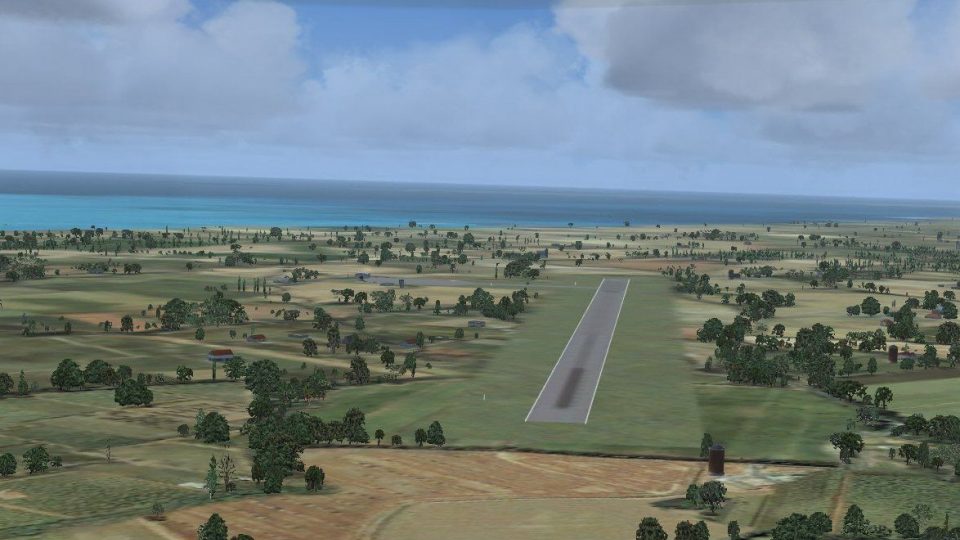
Grand Bahama Auxiliary Airfield (MYGM) brings this Bahamian strip to life about 20 miles east of Freeport, adding detailed airport scenery, library objects, and ramp lighting for day and night operations in Microsoft Flight Simulator X. Includes required object and ramp light libraries for seamless placement into the scenery environment.
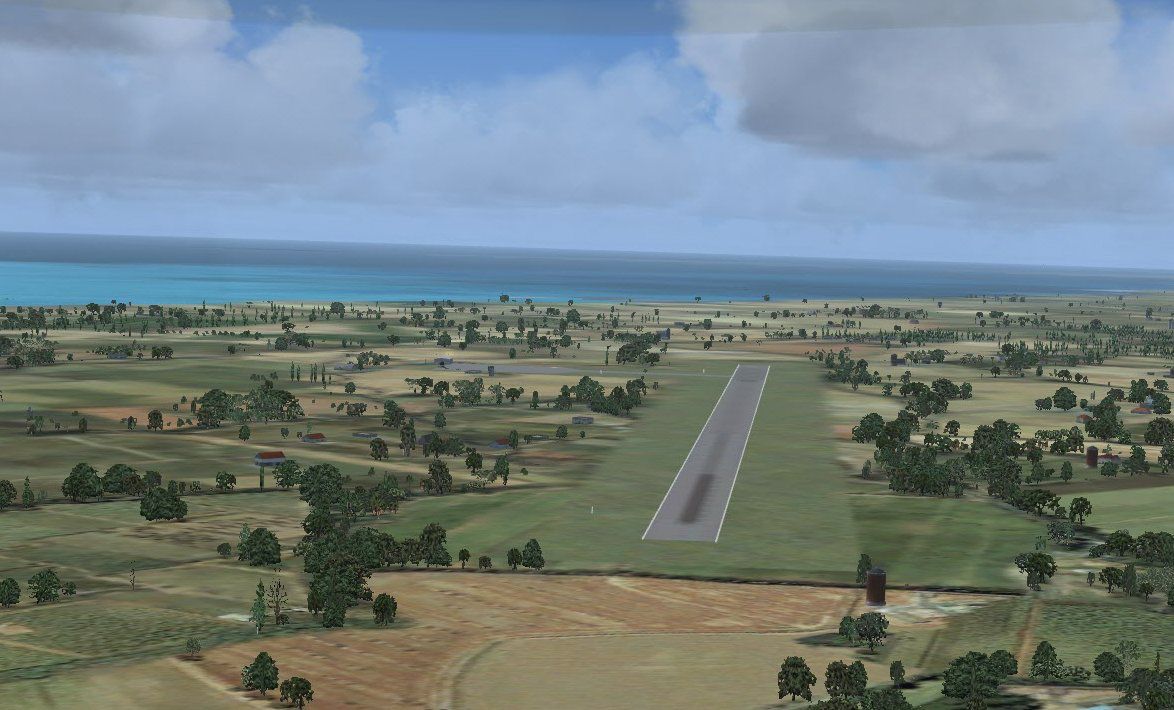
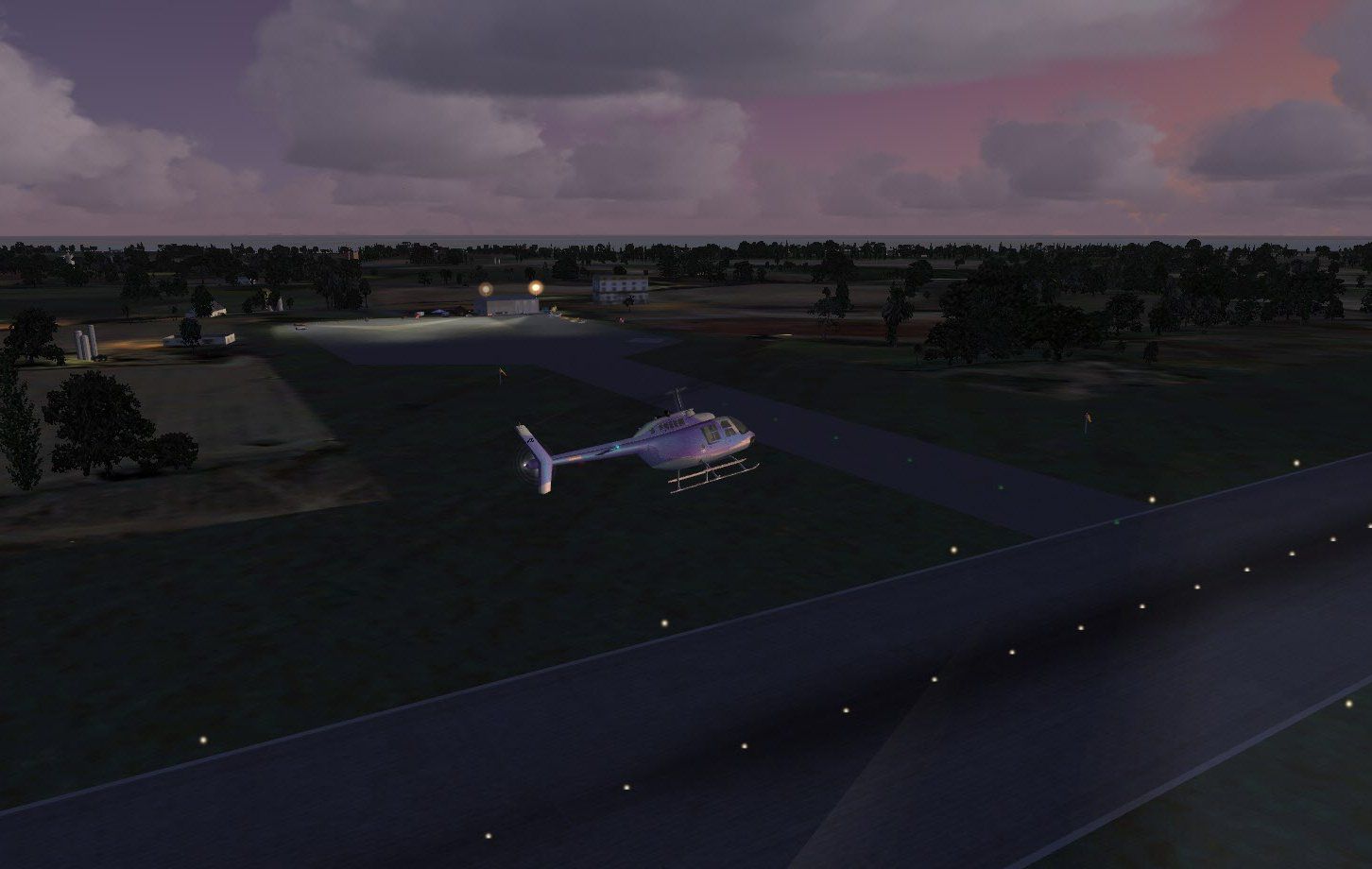
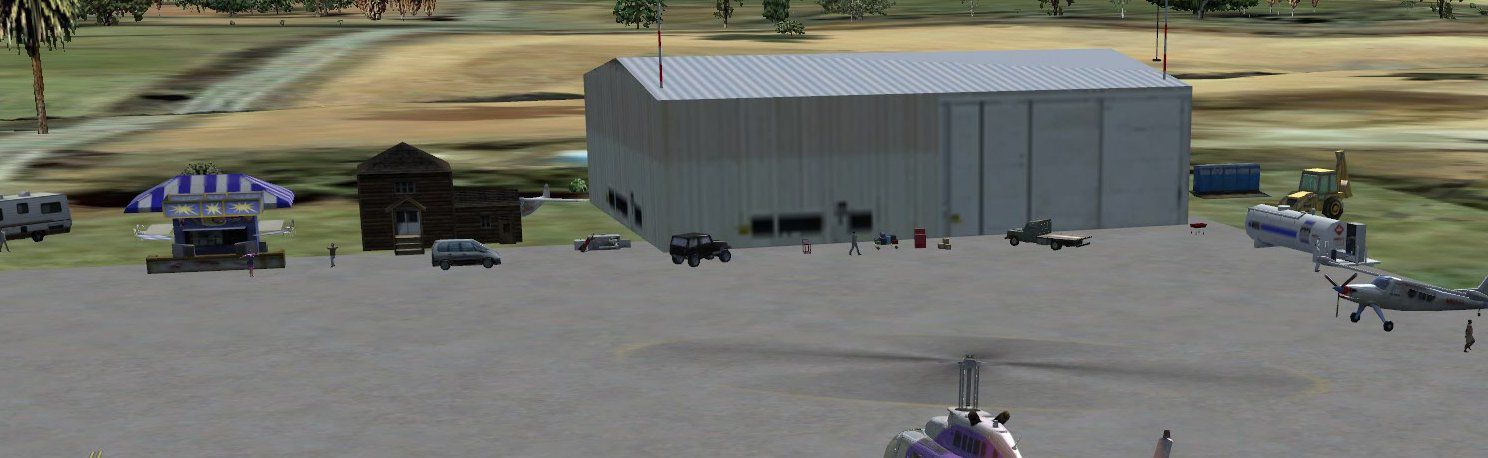
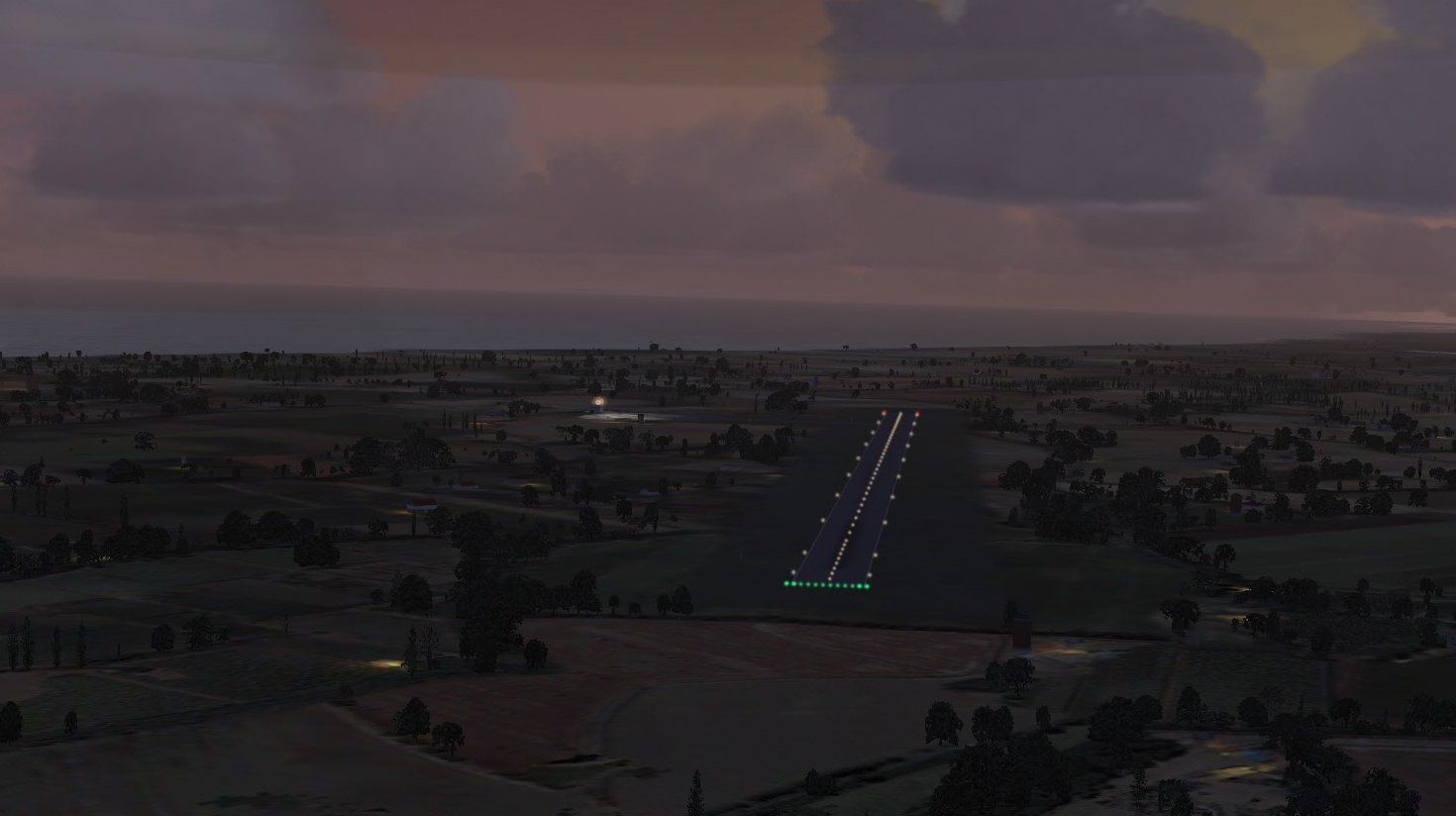
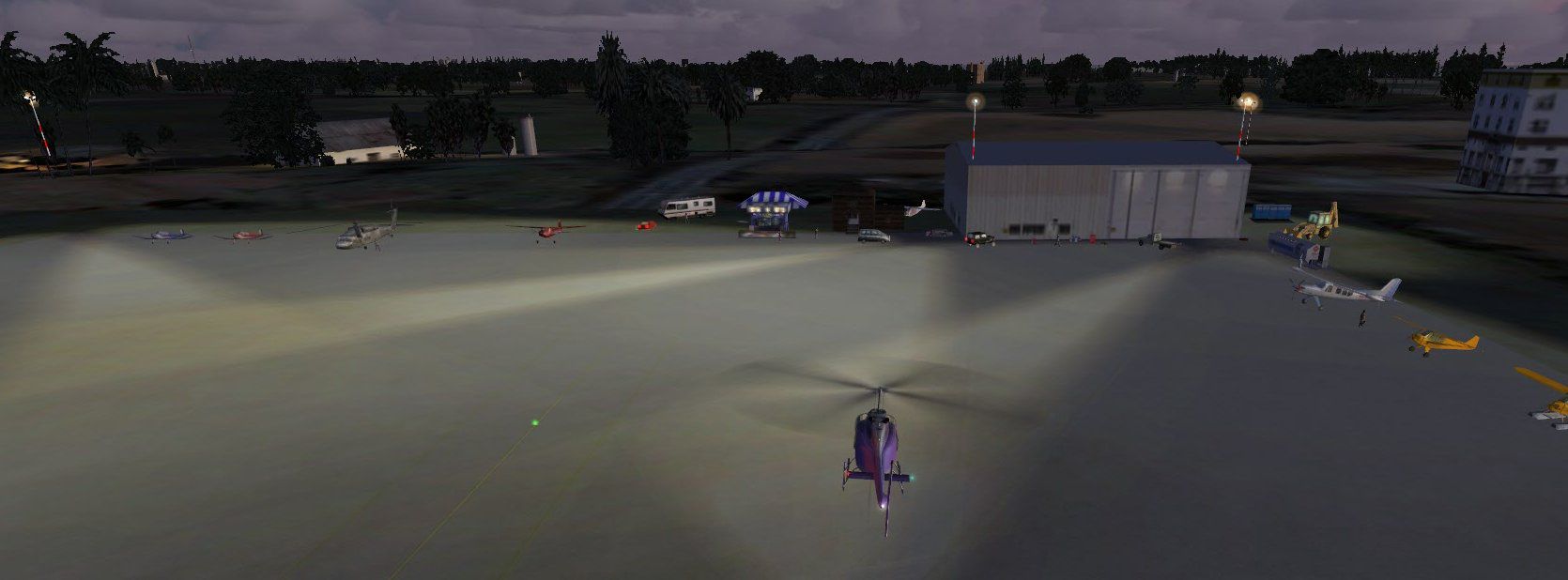
Grand Bahama Auxiliary Airfield (MYGM), Bahamas. About 20 miles east of Freeport. FSX says it is closed but the Bahamas say differently. All files included. By Jimmy R. Martin.
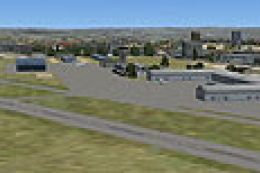
Screenshot of Grand Bahama Auxiliary Airfield Scenery.
Simply place the scenery and texture files into your addon scenery folder. No need to activate!
library objects used plus ramp light library included.
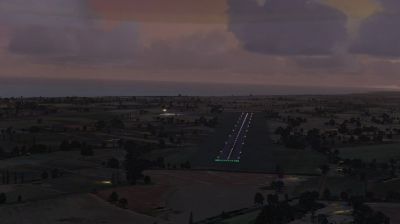
Screenshot of Grand Bahama Auxiliary Airfield Scenery at night.
Free for all simmers · 629.24 KB · Scanned clean Sep 2026
Download speed: Free tier is capped at 0.5 Mbps. PRO members download at full line speed.
FSX\Addon Scenery\ containing scenery and texture sub-folders.readme.txt or README file. It tells you exactly where files go, what dependencies are needed, and any quirks specific to this add-on.Use these coordinates to fly directly to this location once the mod is installed.
26.53000000,-78.33000000
Launch FSX or Prepar3D and use Flights → Load to open the downloaded .pln file. Your aircraft will be positioned at this location.
The archive mygm_fsx.zip has 22 files and directories contained within it.
This list displays the first 500 files in the package. If the package has more, you will need to download it to view them.
| Filename/Directory | File Date | File Size |
|---|---|---|
| file_id.diz | 12.04.11 | 196 B |
| installation.txt | 12.04.11 | 215 B |
| MYGM_FSX.txt | 12.04.11 | 175 B |
| PS0179..jpg | 12.04.11 | 95.47 kB |
| PS0180..jpg | 12.04.11 | 140.36 kB |
| PS0181..jpg | 12.04.11 | 99.84 kB |
| PS0182..jpg | 12.04.11 | 91.06 kB |
| PS0183..jpg | 12.04.11 | 100.21 kB |
| RAMPLIGHTS included.txt | 12.04.11 | 1.46 kB |
| scenery | 12.04.11 | 0 B |
| MYGM_ADEX_ADE.BGL | 12.04.11 | 1.47 kB |
| MYGM_ADEX_ADE.xml | 12.04.11 | 9.60 kB |
| MYGM_ADEX_jRm.ad2.ad2 | 12.04.11 | 43.66 kB |
| MYGM_ADEX_XXX.ad2.ad2 | 12.04.11 | 43.67 kB |
| MYGM_FSX.bgl | 12.04.11 | 2.11 kB |
| RampLight_Library.bgl | 01.11.05 | 30.63 kB |
| texture | 12.04.11 | 0 B |
| ESDG_ramp.BMP | 01.09.05 | 32.07 kB |
| ESDG_ramp_lm.BMP | 01.09.05 | 32.07 kB |
| MYGM_FSX | 12.04.11 | 0 B |
| flyawaysimulation.txt | 10.29.13 | 959 B |
| Go to Fly Away Simulation.url | 01.22.16 | 52 B |
Only PRO members can place votes.
More FSX & P3D add-ons hand-picked based on this download.
FSX Scenery
(MYGF). Grand Bahama International is the main gateway into Freeport, Bahamas…
 FSX Scenery
Charlestown Naval Auxiliary Air Station (KALF), RI. The Charlestown Naval Aux…
 FSX Scenery
KXNO North Field Auxiliary, South Carolina (SC). It is owned by the US Air Fo…
 FSX Scenery
Freeport Grand Bahamas Airport. (MYGF). Freeport International Airport is the…
 FSX Scenery
Grand Central Airport (FAGC), Johannesburg, South Africa. By Jacques Botha. G…
 FSX Scenery
Scenery Grand Forks Int'l Airport. This scenery updates Grand Forks Internati…
 FSX Scenery
OZx Grand Canyon Add-Ins, Arizona (AZ). This file is for use with the Grand C…
 FSX Scenery
(KGJT), Colorado (CO), USA. AFCAD for default/stock FSX airport only. Made wi…
Be the first to leave a comment on this download.
Be the first to share your thoughts on this download.