

 FSX Historic & Vintage Aircraft
U.S. Army TL-19 Bird Dog
This is Massimo Taccoli's FSX Cessna TL-19 Bird Dog painted in high visibilit…
Army Cessna L-19 Bird Dog brings the classic O-1 liaison aircraft to life with an authentic US Army paint scheme, a finely modeled exterior, a detailed virtual cockpit with custom gauges, and flight dynamics tuned for stable low-speed observation work in FSX. The package also includes reference photos for added historical context.
 Rate
Rate
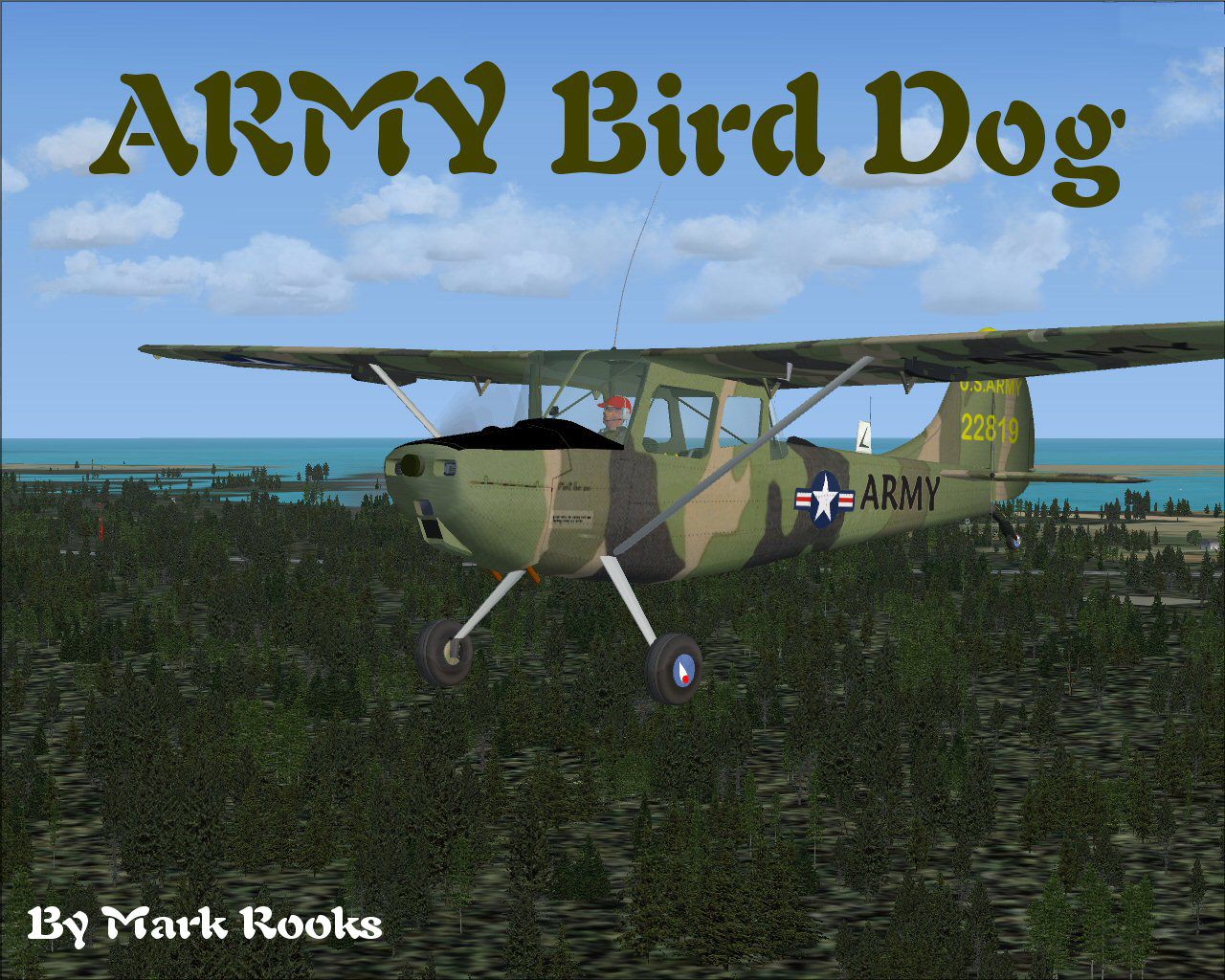
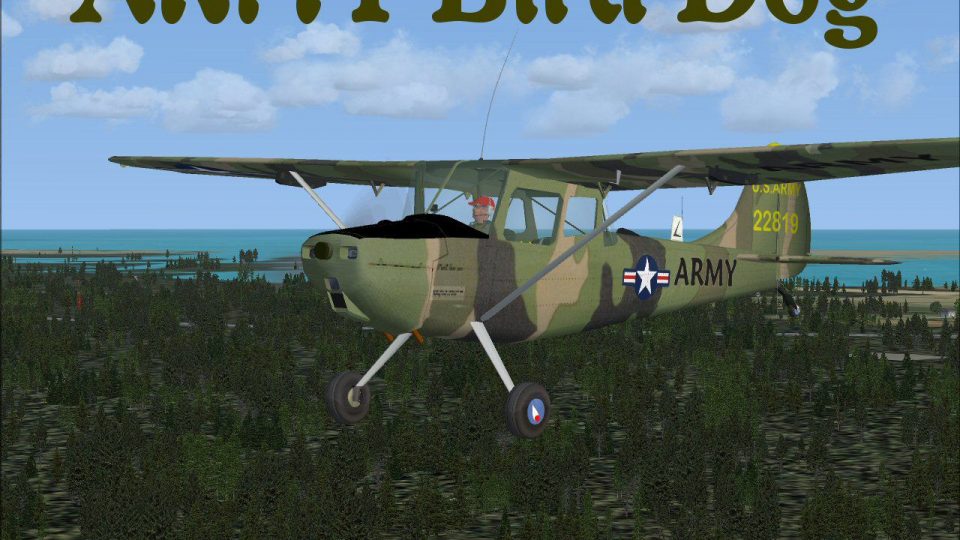
This comprehensive freeware package depicts a single-engine L-19 Bird Dog—an iconic Army liaison aircraft developed for observation and reconnaissance purposes. It features a carefully crafted exterior model with authentic markings from the United States Army, plus a detailed cockpit and accurate flight characteristics. The authors behind this rendition include Massimo Taccoli (base model), Chris Coarse (flight dynamics), Dennis Seeley (gauges), and Mark Rooks ("Fire Ball") of RSDG Aircraft (textures). Within the download, you will also discover reference photos of the genuine airframe.
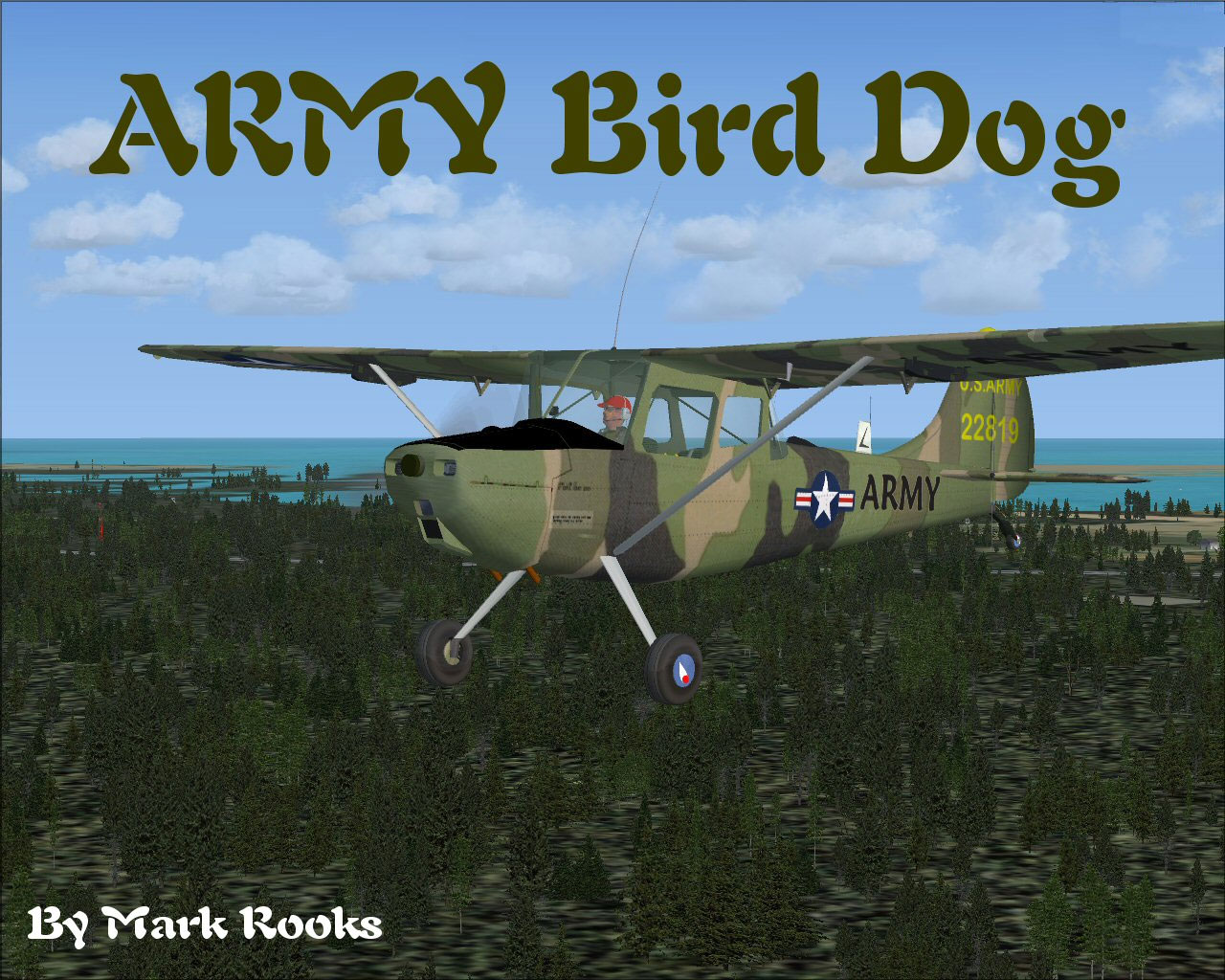
Screenshot of Army Cessna L-19 Bird Dog in flight.
This model reflects the robust build and short-field capabilities the real-world aircraft demonstrated in service. Designed under the designation O-1 (also called L-19), it served extensively for artillery spotting and front-line coordination, particularly noted for its high-wing configuration and stable low-speed handling.
Once these steps are followed, the Bird Dog should be available in your Microsoft Flight Simulator X aircraft selection menu.
Mark Rooks (“Fire Ball”) diligently adapted the textures and ensured precise placement for the Army camouflage. Col. Robert K. Suchke and Frank D. Merrill provided inspirational content often shared among enlisted aviation units, celebrating paratroopers, rangers, and special forces. This project blends technical care with a nod to historical and military heritage.
Enjoy the newly repainted L-19 Bird Dog, and appreciate the collaborative efforts by Massimo Taccoli, Chris Coarse, Dennis Seeley, and Mark Rooks. This freeware aircraft mod aims to pay tribute to one of the most notable liaison platforms in Army aviation history.
Free for all simmers · 10.18 MB · Scanned clean Oct 2026
Download speed: Free tier is capped at 0.5 Mbps (this file takes approximately 3 mins at the cap). PRO members download at full line speed.
FSX\SimObjects\Airplanes\. The folder must contain an aircraft.cfg file. Effects go into FSX\Effects\; gauges go into FSX\Gauges\.readme.txt or README file. It tells you exactly where files go, what dependencies are needed, and any quirks specific to this add-on.The archive abd19.zip has 8 files and directories contained within it.
This list displays the first 500 files in the package. If the package has more, you will need to download it to view them.
| Filename/Directory | File Date | File Size |
|---|---|---|
| Bird Dog screen.jpg | 04.27.08 | 282.10 kB |
| L-19 Bird Dog ARMY.zip | 04.27.08 | 3.81 MB |
| Original Read_me.txt | 12.11.06 | 5.53 kB |
| Pictures.zip | 04.27.08 | 6.09 MB |
| Read Me First.txt | 04.27.08 | 5.45 kB |
| Reg. Text.txt | 04.27.08 | 256 B |
| flyawaysimulation.txt | 10.29.13 | 959 B |
| Go to Fly Away Simulation.url | 01.22.16 | 52 B |
Only PRO members can place votes.
More FSX & P3D add-ons hand-picked based on this download.
FSX Historic & Vintage Aircraft
This is Massimo Taccoli's FSX Cessna TL-19 Bird Dog painted in high visibilit…
 FSX Historic & Vintage Aircraft
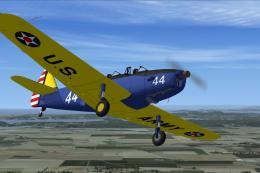
Army repaint of Tim Conrad's PT-19; requires original aircraft PT-19-1.ZIP. R…
 FSX Historic & Vintage Aircraft
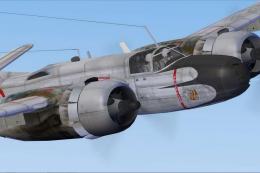
This repaint depicts an Invader from Group 1/19 "Gascogne," stationed in Indo…
 FSX Historic & Vintage Aircraft
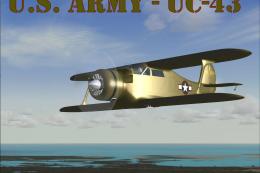
This is SimTech's Beech Model 17, modified for Flight Simulator X. One of the…
 FSX Historic & Vintage Aircraft
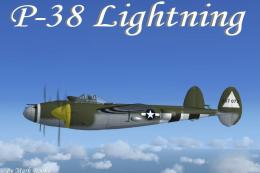
Enhance your virtual hangar with this freeware Lockheed P-38 Lightning model …
 FSX Historic & Vintage Aircraft
A repaint of the default DC3 in WW2 olive drab livery. By Todd Schlappi. Scre…
 FSX Historic & Vintage Aircraft
Weapons configuration for the P-38 "Fear the Reaper" by David Copley. Require…
 FSX Historic & Vintage Aircraft
This is the J.E. Narcizo Fairchild PT26 modified For FSX. The PT-26 was the p…
Read what other simmers think, or add your own.
