

 FSX Historic & Vintage Aircraft
Army Cessna L-19 Bird Dog
This comprehensive freeware package depicts a single-engine L-19 Bird Dog—an …
U.S. Army Cessna TL-19 Bird Dog in high-visibility orange brings an authentic Fort Rucker-era instrument trainer to FSX, pairing Massimo Taccoli’s model with updated textures and refinements by Mark Rooks. Expect a period-correct external finish, a practical virtual cockpit for training-style flying, and a classic liaison aircraft feel.
 Rate
Rate
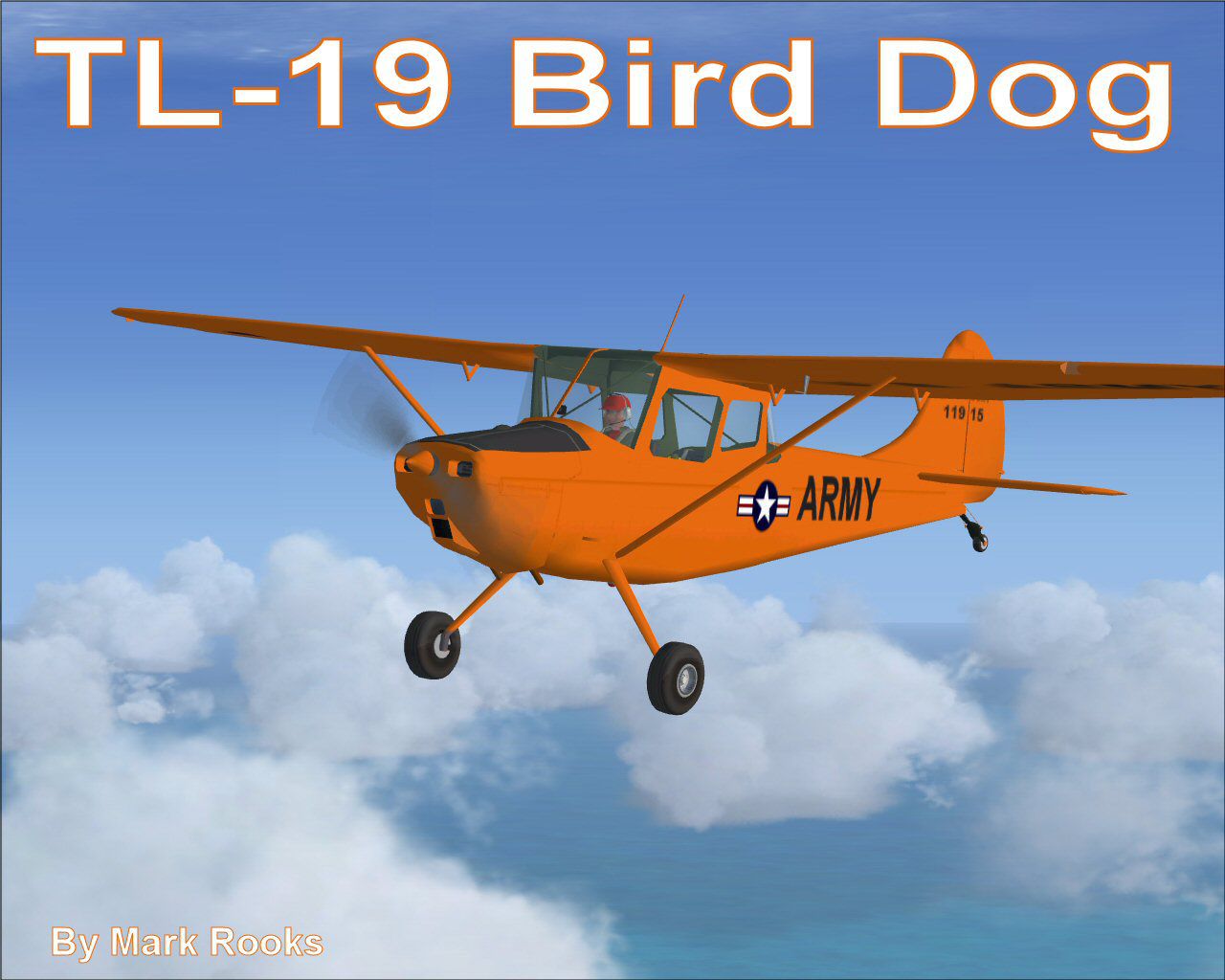
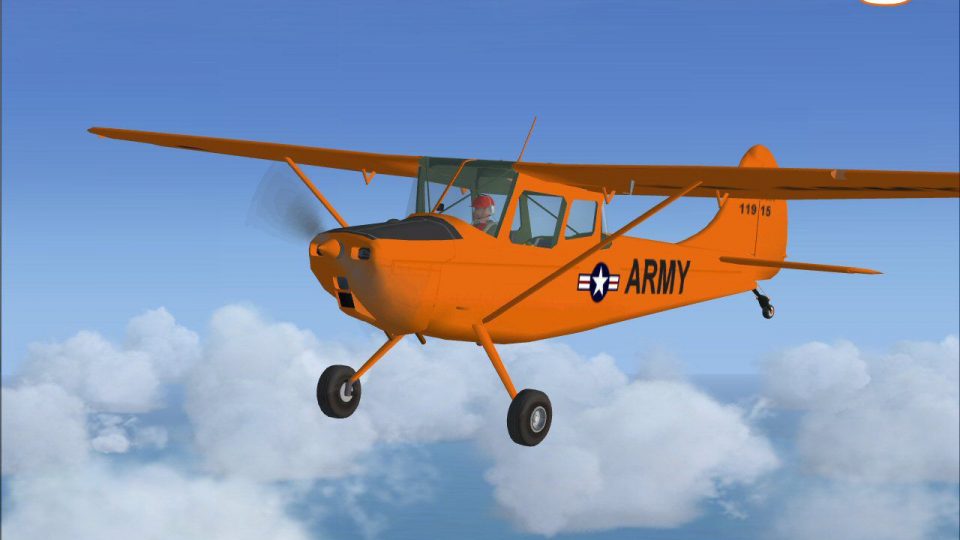
This is Massimo Taccoli's FSX Cessna TL-19 Bird Dog painted in high visibility orange. This US Army Cessna TL-19 Bird Dog instrument trainer was based at the U.S. Army Aviation facility at Fort Rucker from the late 50's till 1962. Modifications and textures by Mark Rooks of RDG Aircraft.
Screenshot of U.S. Army TL-19 Bird Dog in flight.
To install this aircraft:
As always back up any original files.
1. Unzip downloaded folders to your desktop or temporary directory of your choice.
2. Copy the " U.S. Army Cessna TL-19 " folder and paste it in the main aircraft folder.
By default the main aircraft folder is located at:
"C:\Program Files\Microsoft Games\FSX\SIM Objects /Aircraft".
3. Be sure to completely unzip all files the aircraft file when complete will Contain 6 files the Following 6 files goes in the aircraft folder CFG Airfile Model Sound Panel Textures.
4 .Be sure to unzip the gauges folder and place the gauges in the FSX gauge folder.
Made Simpler:
Make sure all files are unzipped the New Plane folder should contain 6 files unzipped they are CFG Airfile Sound Model Texture Panel the New Plane folder with the 6 files goes in the game aircraft folder found at C:\Program Files\Microsoft Games\Microsoft Flight Simulator X\SimObjects\Airplanes follow the path ie open the c drive then open program files then open Microsoft Games then open Microsoft Flight Simulator X then open SimObjects then open Airplanes folder the New Plane goes in that folder .
Textures and FSX updates created by Mark "Fire Ball" Rooks.
Load the Guages and the panel.
Enjoy your new repaint.
Thanks for downloading.
"Fire Ball"
Free for all simmers · 11.9 MB · Scanned clean Oct 2026
Download speed: Free tier is capped at 0.5 Mbps (this file takes approximately 3 mins at the cap). PRO members download at full line speed.
SimObjects\Airplanes\, Addon Scenery\, Effects\, or Gauges\.readme.txt or README file. It tells you exactly where files go, what dependencies are needed, and any quirks specific to this add-on.The archive tl-19bd.zip has 8 files and directories contained within it.
This list displays the first 500 files in the package. If the package has more, you will need to download it to view them.
| Filename/Directory | File Date | File Size |
|---|---|---|
| Cessna TL-19 Bird Dog.zip | 01.31.09 | 2.08 MB |
| Gauges.zip | 01.31.09 | 454.16 kB |
| Read Me First.txt | 01.31.09 | 3.21 kB |
| Reg. Text.txt | 01.31.09 | 296 B |
| TL-19 Pics.zip | 01.31.09 | 9.26 MB |
| TL-19 Screen.jpg | 01.31.09 | 126.73 kB |
| flyawaysimulation.txt | 10.29.13 | 959 B |
| Go to Fly Away Simulation.url | 01.22.16 | 52 B |
Only PRO members can place votes.
More FSX & P3D add-ons hand-picked based on this download.
FSX Historic & Vintage Aircraft
This comprehensive freeware package depicts a single-engine L-19 Bird Dog—an …
 FSX Historic & Vintage Aircraft
Army repaint of Tim Conrad's PT-19; requires original aircraft PT-19-1.ZIP. R…
 FSX Historic & Vintage Aircraft
This repaint depicts an Invader from Group 1/19 "Gascogne," stationed in Indo…
 FSX Historic & Vintage Aircraft
This is SimTech's Beech Model 17, modified for Flight Simulator X. One of the…
 FSX Historic & Vintage Aircraft
Enhance your virtual hangar with this freeware Lockheed P-38 Lightning model …
 FSX Historic & Vintage Aircraft
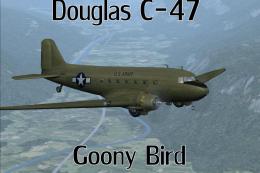
A repaint of the default DC3 in WW2 olive drab livery. By Todd Schlappi. Scre…
 FSX Historic & Vintage Aircraft
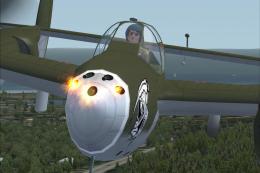
Weapons configuration for the P-38 "Fear the Reaper" by David Copley. Require…
 FSX Historic & Vintage Aircraft
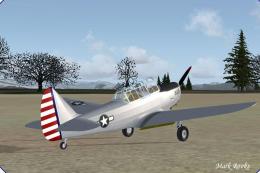
This is the J.E. Narcizo Fairchild PT26 modified For FSX. The PT-26 was the p…
Be the first to leave a comment on this download.
Be the first to share your thoughts on this download.