

 FSX Historic & Vintage Aircraft
SAAF Bristol Beaufighter NV139
This add-on provides a distinctive South African Air Force repaint for Dave G…
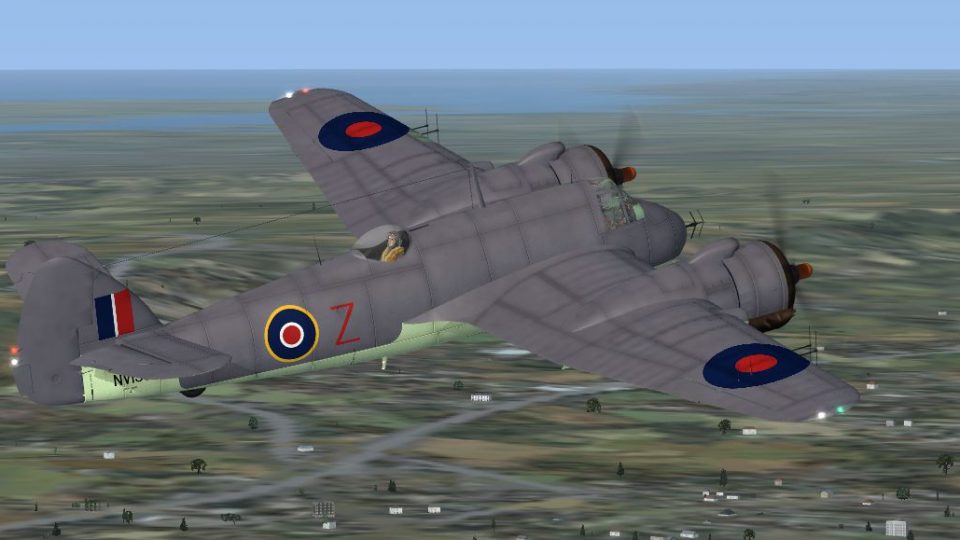
Bristol Beaufighter MkVIf SAAF repaint recreates No. 15 Squadron wartime camouflage, roundels, and subtle wear with crisp shading from an official paint kit, while preserving the aircraft’s original virtual cockpit and sounds. Built for Microsoft Flight Simulator X, it delivers textures only and requires Dave Garwood’s freeware Beaufighter base model.
 Rate
Rate
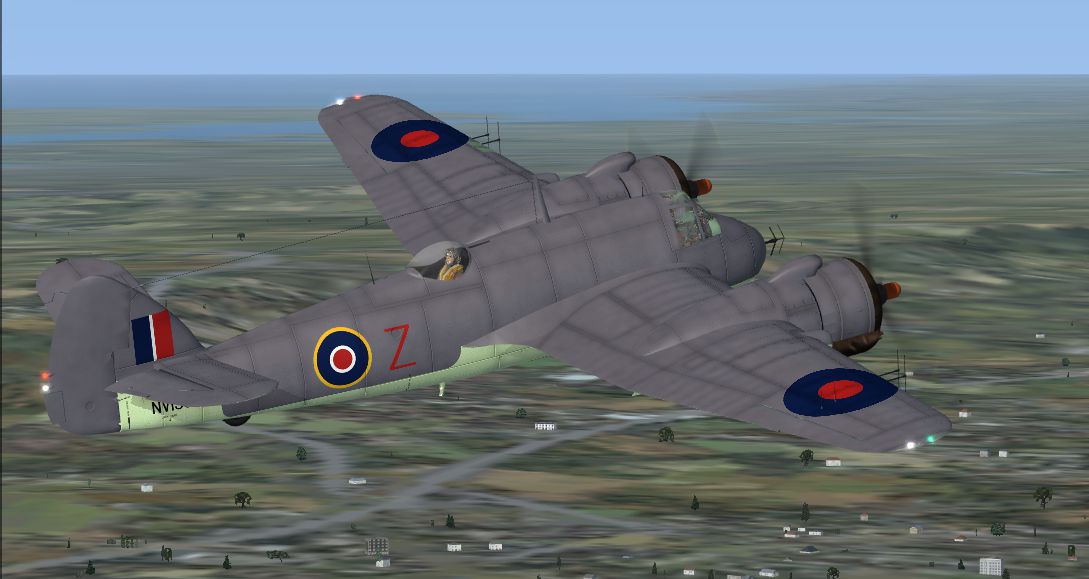
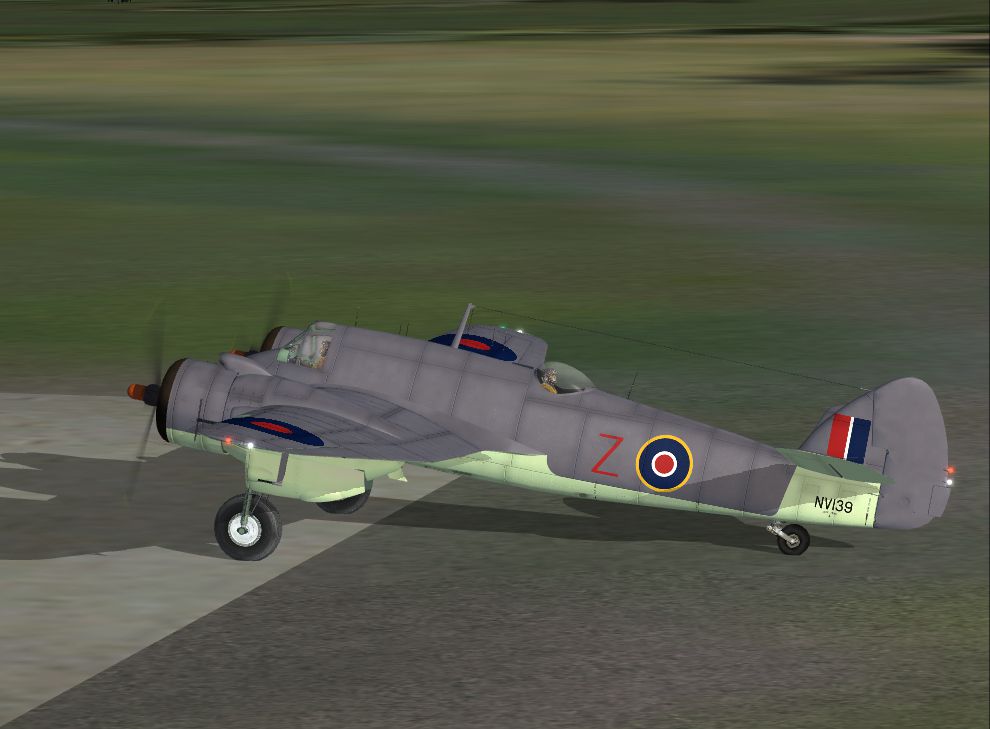
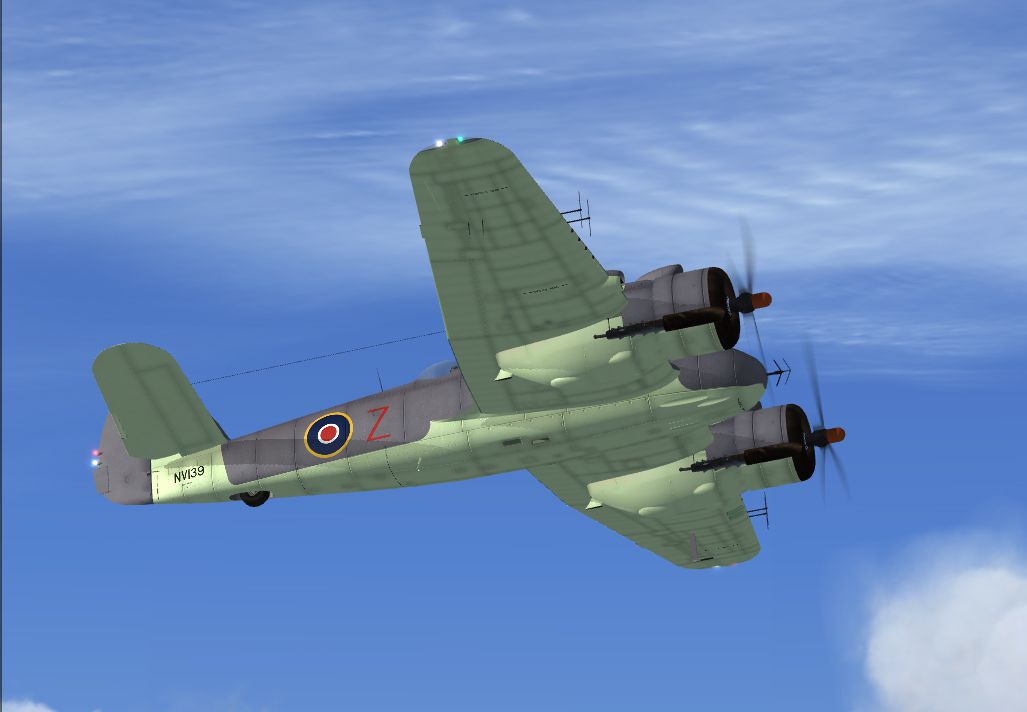
This repaint adds authentic South African Air Force markings to the Bristol Beaufighter, originally crafted by Dave Garwood, for use in Microsoft Flight Simulator X. It utilizes an official paint kit to replicate the distinct camouflage and insignia associated with SAAF service during World War II. The repaint includes textures only and requires the base freeware aircraft model, which can be obtained from the Fly Away Simulation library. Created by Sean Kneppers with ample assistance from CBFsim members, this package honors both the aircraft’s heritage and the dedication of its developers, Dave Garwood and colleagues.
The original Bristol Beaufighter was a robust, two-seat, all-metal design produced by the Bristol Aeroplane Company. Drawing on components from the Beaufort torpedo-bomber, the Beaufighter made its maiden flight in July 1939. While it served the Royal Air Force in numerous roles, from night-fighting to delivering torpedoes, it also found its way into various allied air forces. The SAAF (South African Air Force) employed the type in maritime operations, benefiting from its long range, reliable Bristol engines, and effective armament. This repaint reproduces the aircraft as seen in No 15 Squadron (SAAF), complete with characteristic roundels and subtle wear details.

Above: The refurbished SAAF texture soaring across a clear sky
These steps will guide you through installing the repaint into Microsoft Flight Simulator X. Make sure you have the base Beaufighter folder present before proceeding:
C:\Program Files\Microsoft Games\Microsoft Flight Simulator X\SimObjects\Airplanes\Beaufighter[fltsim.XX] title =Beaufighter MkVIf SAAF sim = Beaufighter_VI model =f panel = sound = texture =NV139 panel_alias = sound_alias = kb_checklists =Beaufighter_check kb_reference =Beaufighter_ref atc_id =NV139 ui_manufacturer = Bristol ui_type = Beaufighter TF MkX ui_variation = No 15 Squadron (SAAF) ui_createdby="DG Designs" description =Developed as a private venture by the Bristol Aeroplane Company, the Beaufighter was a two-seat all-metal fighter using components from the Beaufort torpedo-bomber. First flown on July 17 1939, the Beaufighter eventually equipped 52 RAF squadrons, giving outstanding service during World War II, in particular as a night-fighter and torpedo-bomber (where the aircraft were affectionately known as 'Torbeaus'). visual_damage = 0
Once these details are in place, save the file. Launch Microsoft Flight Simulator X to locate and select the newly installed SAAF Bristol Beaufighter variation.
This repaint would not be possible without the exceptional craftsmanship of Dave Garwood, who created the Bristol Beaufighter model, the sound suite, and provided the paint kit. Additional gratitude goes to the CBFsim community members for their guidance. The paintwork itself was finalized by Sean Kneppers, adding the genuine SAAF livery to enhance your collection of World War II aircraft.
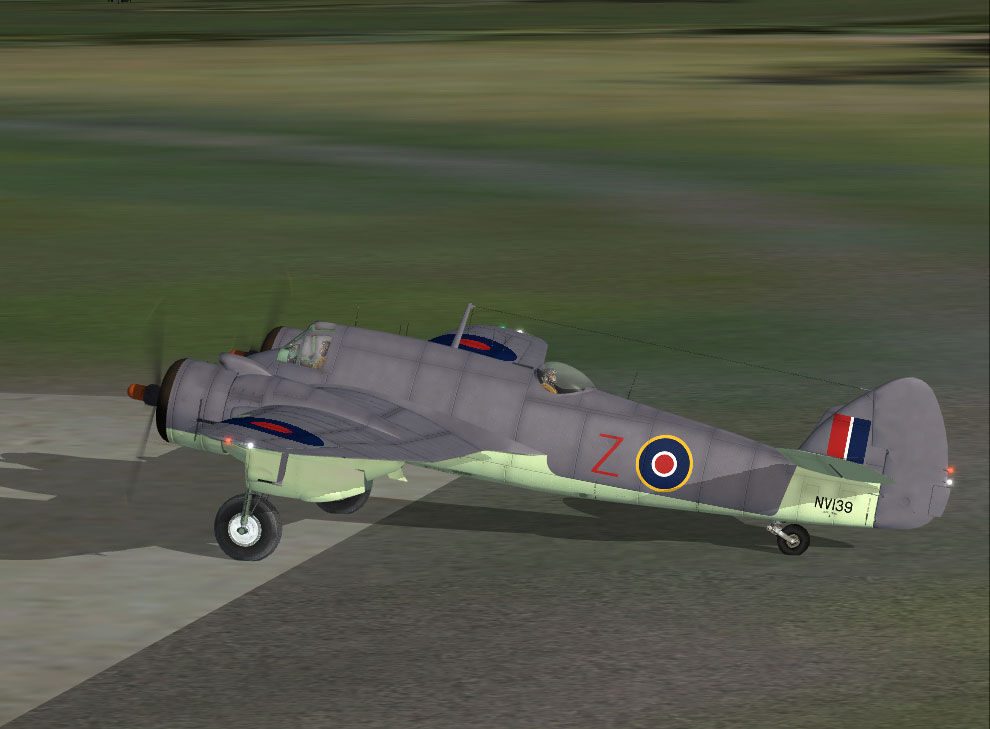
Above: The texture set displaying meticulous camouflage and SAAF markings on the ramp
Each element of this repaint aims to preserve the historical essence of the twin-engined Beaufighter, offering virtual pilots a chance to embark on simulated sorties that echo the aircraft’s distinguished wartime record under the South African Air Force banner. Enjoy the immersive encounter this repaint brings to Microsoft Flight Simulator X and relive a key piece of aerial heritage.
Free for all simmers · 2.95 MB · Scanned clean Oct 2026
Download speed: Free tier is capped at 0.5 Mbps. PRO members download at full line speed.
This file is a repaint — the package below is the base model it paints onto. Install it first, or the textures will have nothing to load onto.
texture.{airline}) inside FSX\SimObjects\Airplanes\{base-aircraft}\.aircraft.cfg in Notepad. Add a new [fltsim.X] section per the readme.readme.txt or README file. It tells you exactly where files go, what dependencies are needed, and any quirks specific to this add-on.The archive saafbeau.zip has 15 files and directories contained within it.
This list displays the first 500 files in the package. If the package has more, you will need to download it to view them.
| Filename/Directory | File Date | File Size |
|---|---|---|
| bf_fus.dds | 05.28.08 | 4.00 MB |
| bf_wing_l.dds | 05.28.08 | 4.00 MB |
| bf_wing_r.dds | 05.28.08 | 4.00 MB |
| Fresnel_Ramp.bmp | 11.26.06 | 4.07 kB |
| texture.cfg | 05.06.08 | 37 B |
| thumbnail.jpg | 05.28.08 | 42.95 kB |
| texture.NV139 | 06.04.08 | 0 B |
| BeauSAAF.jpg | 05.28.08 | 325.72 kB |
| BeauSAAF2.jpg | 05.28.08 | 334.52 kB |
| BeauSAAF3.jpg | 05.28.08 | 242.02 kB |
| readme.txt | 06.04.08 | 1.62 kB |
| FILE_ID.DIZ | 06.04.08 | 282 B |
| saafbeau.gif | 06.04.08 | 8.70 kB |
| flyawaysimulation.txt | 10.29.13 | 959 B |
| Go to Fly Away Simulation.url | 01.22.16 | 52 B |
Only PRO members can place votes.
More FSX & P3D add-ons hand-picked based on this download.
FSX Historic & Vintage Aircraft
This add-on provides a distinctive South African Air Force repaint for Dave G…
 FSX Historic & Vintage Aircraft
Bristol Beaufighter Package. Includes Bristol Beaufighter Mk. VIc, Mk. VIf an…
 FSX Historic & Vintage Aircraft
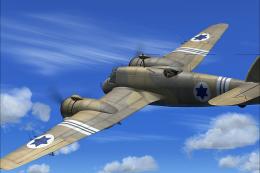
IAF Bristol Beaufighter. A repaint of Dave Garwood's Bristol Beaufighter util…
 FSX Historic & Vintage Aircraft
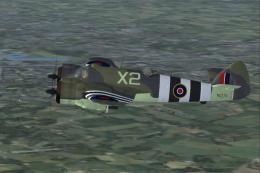
RAAF Bristol Beaufighter. This is a repaint of Dave Garwood's Bristol Beaufig…
 FSX Historic & Vintage Aircraft
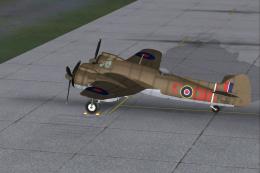
A Bristol Beaufighter Mk.X of the coast guard. A repaint of Dave Garwood's Br…
 FSX Historic & Vintage Aircraft
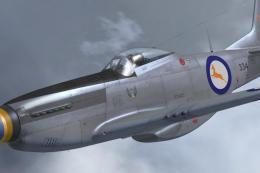
Textures for A2A Simulations' FSX WoP North American P51D Mustang depicting S…
 FSX Historic & Vintage Aircraft
Bristol Fighter F.2B Mk.1. Screenshot of Bristol Fighter F.2B Mk.1 (E2529). I…
 FSX Historic & Vintage Aircraft
The Bristol Bombay was designed to serve both as a bomber and a troop transpo…
Be the first to leave a comment on this download.
Be the first to share your thoughts on this download.