
 FSX Turboprops
Cathay Pacific Airways Electra II
This package features two detailed Cathay Pacific repaints created specifical…
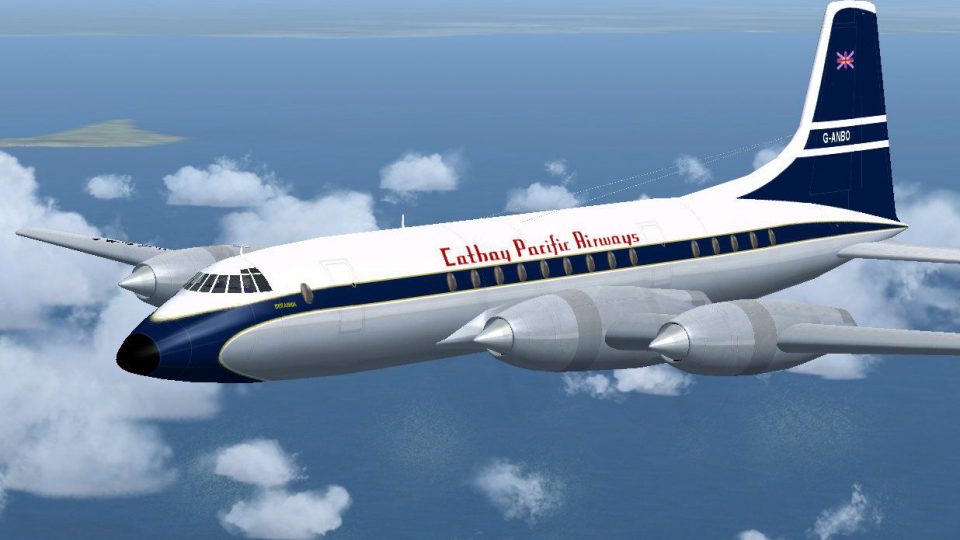
Cathay Pacific Airways’ 1960 Bristol Britannia lease returns in a historically faithful repaint, capturing period-correct markings, logos, and registration with refined shading across the fuselage and engines. Built for Microsoft Flight Simulator X, it requires the JBK Britannia base package BRT_V10X.ZIP to deliver a convincing vintage propliner look.
 Rate
Rate
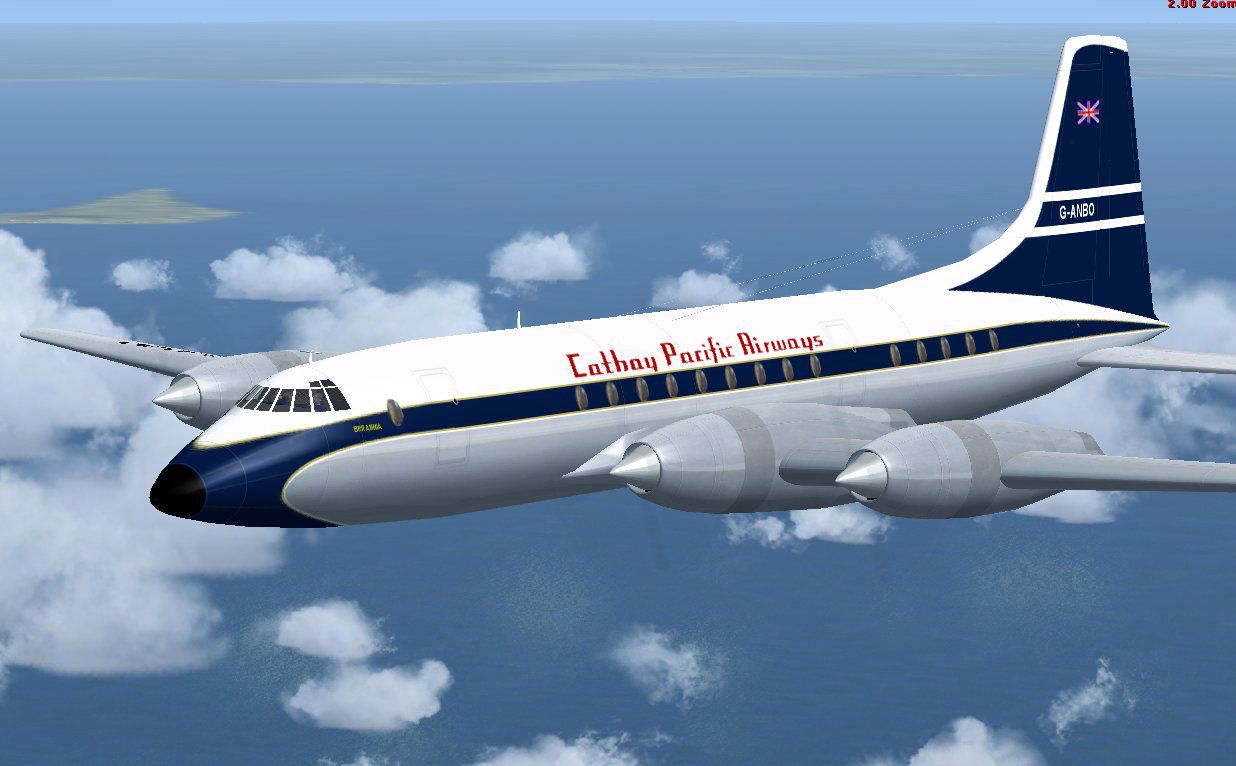
Cathay Pacific Airways briefly operated the renowned Bristol Britannia under a short-term lease from BOAC in 1960. This freeware repaint accurately reflects the unique exterior markings used during that era. These textures are designed for Microsoft Flight Simulator X and must be paired with the separate Britannia base package (BRT_V10X.ZIP), readily available for download in the Fly Away Simulation library. Created by Jens B. Kristensen, the repaint package offers a historically grounded visual experience for enthusiasts of vintage propliners.
The Bristol Britannia, sometimes referred to as the “Whispering Giant,” is a British turboprop aircraft characterized by efficient performance at medium-to-long-range routes. In 1960, Cathay Pacific leased several of these aircraft from BOAC to support its growing regional network. With those turboprop-powered airframes, Cathay Pacific explored new routes in Southeast Asia and reinforced its reputation as an innovative carrier. This add-on replicates that fleeting yet notable collaboration by displaying historically precise exterior artwork.
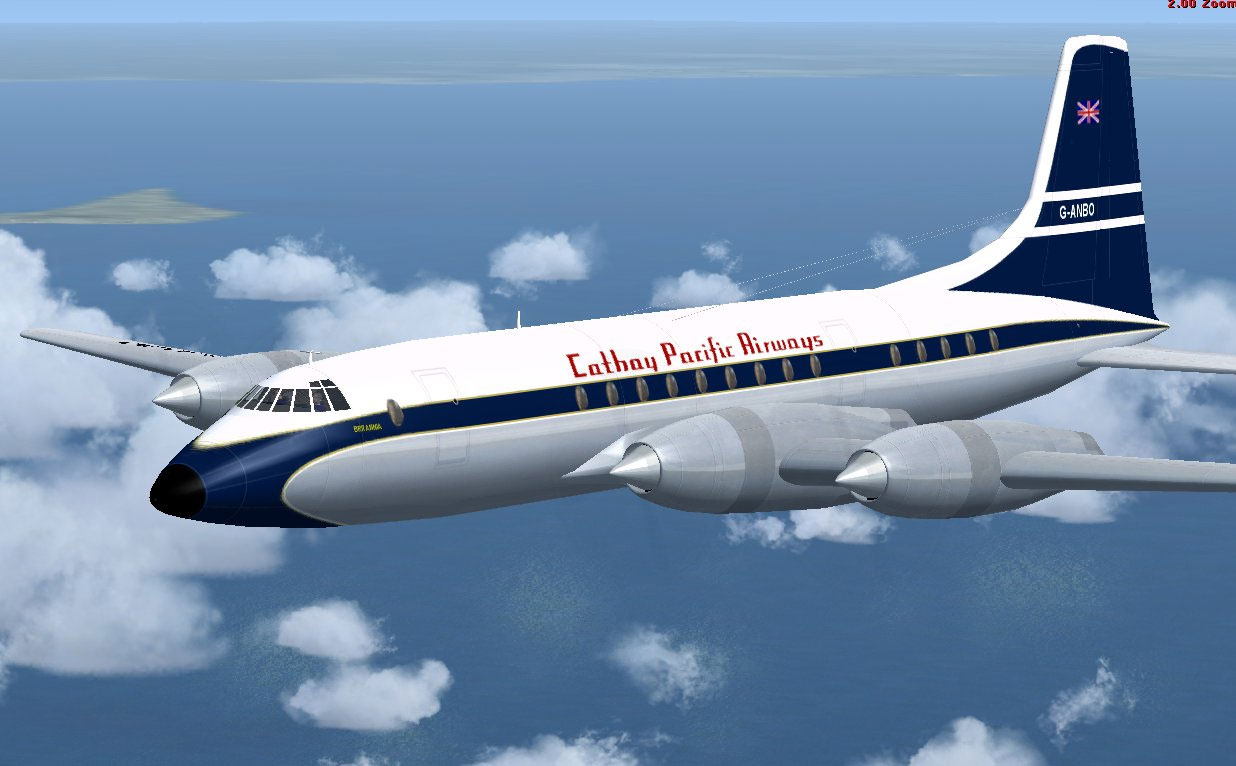
Screenshot of Cathay Pacific Airways Bristol in flight.
Before using these textures, confirm that the JBK Britannia base model (BRT_V10X.ZIP) is already installed in your simulator’s directory. Locate the existing JBK Britannia folder and extract the texture.cathay folder from this repaint into the same directory. Then, copy steel_t.dds and steel_L.dds from the texture.shared subfolder and place them into the new texture.cathay directory. This step ensures that all metallic surfaces display correctly.
After moving the files, open the aircraft.cfg in the JBK Britannia folder. Below the existing [fltsim.xx] entries, add this block, substituting xx with the subsequent number in your setup:
[fltsim.xx]

title=JBK Britannia Cathay

sim=JBK Britannia

model=

panel=

sound=

texture=cathay

kb_checklists=

kb_reference=britannia_ref

atc_id=G-ANBO

ui_manufacturer=Bristol

ui_type=Britannia (JBK)

ui_variation=Cathay Pacific Airways srs 102

atc_heavy=0

atc_airline=Cathay

atc_flight_number=1960

description=Bristol Britannia 102, on lease from BOAC to Cathay Pacific Airlines.

ui_typerole="Propliner"

ui_createdby="JBK"
This repaint is the work of Jens B. Kristensen, whose attention to detail captures a significant moment in Cathay Pacific’s early expansion. Please note that the repaint files do not include the Britannia base model, and you must download the original freeware package from the Fly Away Simulation library. Use this texture set to revisit a unique chapter in aviation history and enjoy a faithful representation of the Bristol Britannia within Microsoft Flight Simulator X.
Free for all simmers · 1.04 MB · Scanned clean Nov 2026
Download speed: Free tier is capped at 0.5 Mbps. PRO members download at full line speed.
This file is a repaint — the package below is the base model it paints onto. Install it first, or the textures will have nothing to load onto.
texture.{airline}) inside FSX\SimObjects\Airplanes\{base-aircraft}\.aircraft.cfg in Notepad. Add a new [fltsim.X] section per the readme.readme.txt or README file. It tells you exactly where files go, what dependencies are needed, and any quirks specific to this add-on.The archive brt_catx.zip has 17 files and directories contained within it.
This list displays the first 500 files in the package. If the package has more, you will need to download it to view them.
| Filename/Directory | File Date | File Size |
|---|---|---|
| Steel_L.dds | 04.09.09 | 64.12 kB |
| Steel_t.dds | 04.09.09 | 64.12 kB |
| texture.shared | 05.03.09 | 0 B |
| leftaft_t.dds | 05.03.09 | 1.00 MB |
| leftfwd_t.dds | 05.03.09 | 1.00 MB |
| rtaft_t.dds | 05.03.09 | 1.00 MB |
| rtfwd_t.dds | 05.03.09 | 1.00 MB |
| texture.cfg | 11.23.08 | 46 B |
| thumbnail.jpg | 05.03.09 | 7.45 kB |
| texture.cathay | 05.03.09 | 0 B |
| thumbnail.gif | 05.03.09 | 9.55 kB |
| FileID.diz | 05.03.09 | 265 B |
| FileID.txt | 05.03.09 | 269 B |
| Image.jpg | 05.03.09 | 100.51 kB |
| Readme.txt | 05.03.09 | 1.29 kB |
| flyawaysimulation.txt | 10.29.13 | 959 B |
| Go to Fly Away Simulation.url | 01.22.16 | 52 B |
Only PRO members can place votes.
More FSX & P3D add-ons hand-picked based on this download.
FSX Turboprops
This package features two detailed Cathay Pacific repaints created specifical…
 FSX Turboprops
This repaint for Microsoft Flight Simulator X offers a detailed Cathay Pacifi…
 FSX Turboprops
Cathay Pacific L-188 V3 Update, for use with CATHAY3L-188.ZIP. A correction t…
 FSX Turboprops
This repaint adds authentic Ghana Airways markings to the classic Bristol Bri…
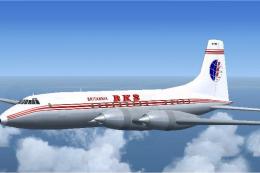 FSX Turboprops
This is version 1.0 of an all-new model of the Bristol Britannia. The package…
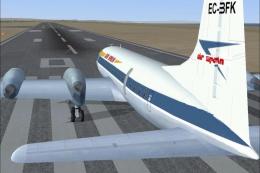 FSX Turboprops
Air Spain textures for Britannia aircraft by Jens Kristensen (BRT_V10X.ZIP). …
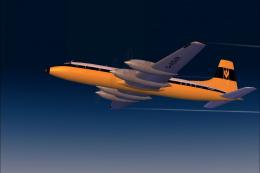 FSX Turboprops
This repaint package enhances a classic Monarch Airlines Bristol Britannia fo…
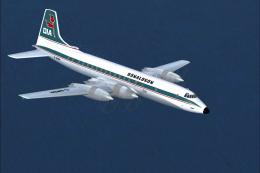 FSX Turboprops
This freeware repaint set brings a carefully detailed Donaldson-themed finish…
Be the first to leave a comment on this download.
Be the first to share your thoughts on this download.