

 FS2004 Propeller Aircraft
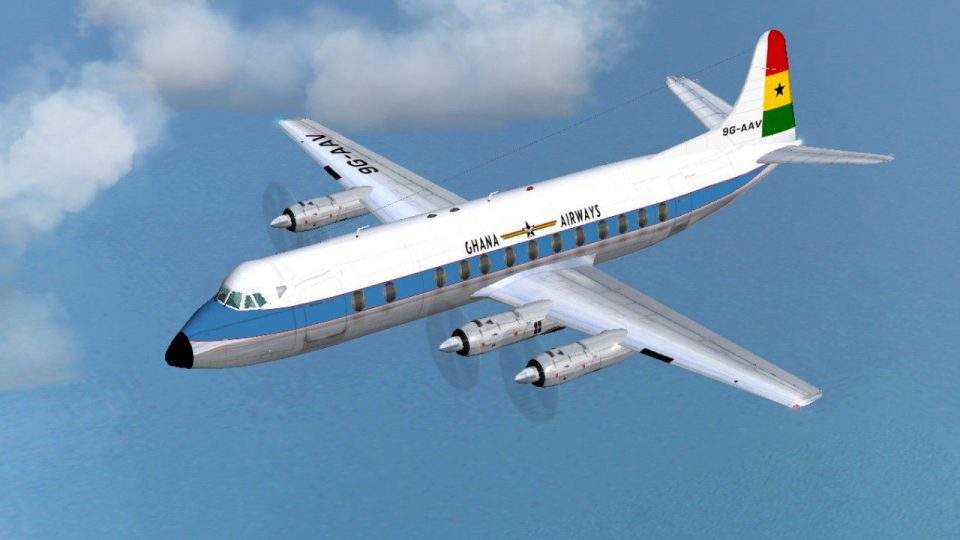
Dan Air Viscount 838 G-BCZR
Viscount 838 (earlier livery). Built originally for Ghana Airways this aircra…
Ghana Airways’ Vickers Viscount 838 livery recreates the airline’s first aircraft as delivered in October 1961, complete with authentic markings for classic 1960s turboprop operations in FS2004. The repaint targets the Viscount 800 series and requires the FSDS Viscount 800 model by Rick Piper for accurate exterior visuals and a period-correct virtual cockpit feel.
 Rate
Rate
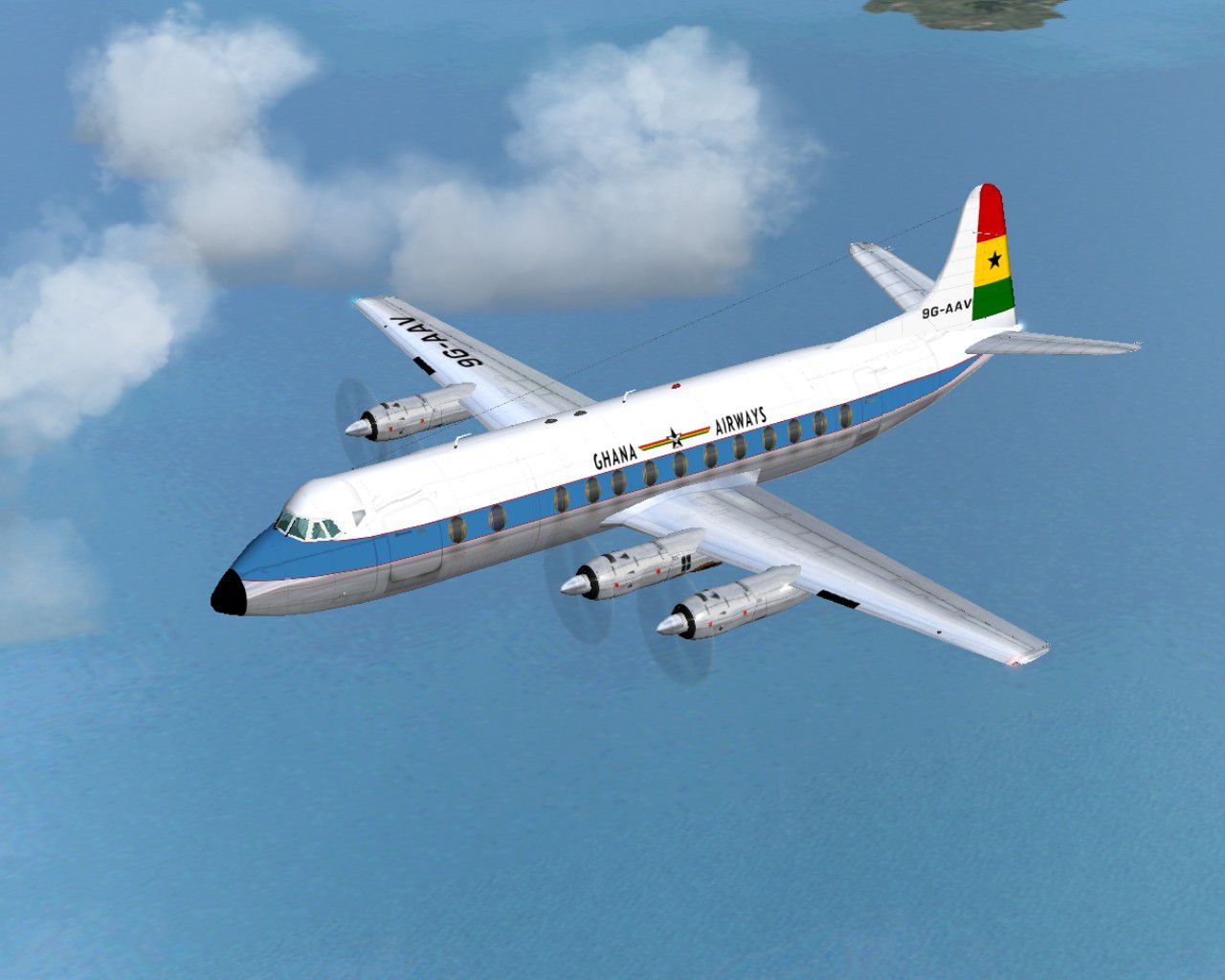
This was Ghana Airways' first aircraft and only served for just over three years. Delivered in October 1961 it was sold in April 1965 to the Ministry of Technology as XT661. The other two aircraft served Ghana for another ten years before returning to the U.K. in 1975 as G-BCZR and G-BDKZ. Requires the FSDS Viscount 800 model by Rick Piper. By Garry Russell.
Screenshot of Ghana Airways Viscount 838 in flight.
Installation:
Place the unzipped texture folder into the FSDS Viscount 800 folder and paste the above text into the aircraft config renumbering to the next available.
[fltsim.xx]

	title=Vickers Viscount 838 Ghana

	sim=Viscount

	model=

	panel=

	sound=

	texture=Ghana

	checklists=

	description=This was Ghana Airways first aircraft and only served for just over three years. Delivered in October 1961 it was sold in April 1965 to the Ministry of Technology as XT661. The other two aircraft served Ghana for another ten years before returning to the UK in 1975 as G-BCZR & G-BDKZ./Model by Rick Piper. Repaint by Garry Russell.

	ui_manufacturer=Vickers

	ui_type=Viscount 800

	ui_variation=Ghana Airways

	visual_damage=1

	atc_heavy=0

	atc_id=9G-AAV

	atc_airline=Ghana

	atc_flight_number=620
Free for all simmers · 553.52 KB · Scanned clean Oct 2026
Download speed: Free tier is capped at 0.5 Mbps. PRO members download at full line speed.
FS9\Aircraft\, FS9\Addon Scenery\, FS9\Gauges\, or FS9\Effects\.readme.txt or README file. It tells you exactly where files go, what dependencies are needed, and any quirks specific to this add-on.The archive v838gha.zip has 19 files and directories contained within it.
This list displays the first 500 files in the package. If the package has more, you will need to download it to view them.
| Filename/Directory | File Date | File Size |
|---|---|---|
| Read Me.txt | 06.29.05 | 2.27 kB |
| texture.Ghana | 06.29.05 | 0 B |
| 4blade1.bmp | 08.24.01 | 65.05 kB |
| Eng.bmp | 06.29.05 | 256.07 kB |
| fin.bmp | 06.29.05 | 256.07 kB |
| fuse1.bmp | 06.29.05 | 256.07 kB |
| Fuse1_L.bmp | 06.29.05 | 256.07 kB |
| Fuse2.bmp | 06.29.05 | 256.07 kB |
| Fuse2_L.bmp | 06.29.05 | 256.07 kB |
| Fuse3.bmp | 06.29.05 | 256.07 kB |
| Fuse3_L.bmp | 06.29.05 | 256.07 kB |
| prop.bmp | 06.29.05 | 64.07 kB |
| steps.bmp | 06.29.05 | 64.07 kB |
| Thumbs.db | 06.29.05 | 7.50 kB |
| Wing-L.bmp | 06.29.05 | 256.07 kB |
| Wing-R.bmp | 06.29.05 | 256.07 kB |
| Viscount22.jpg | 06.29.05 | 152.83 kB |
| flyawaysimulation.txt | 10.29.13 | 959 B |
| Go to Fly Away Simulation.url | 01.22.16 | 52 B |
Only PRO members can place votes.
More FS2004 add-ons hand-picked based on this download.
FS2004 Propeller Aircraft
Viscount 838 (earlier livery). Built originally for Ghana Airways this aircra…
 FS2004 Propeller Aircraft
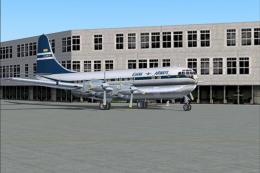
A repaint (textures and model only) of Greg Pepper's Gmax Boeing 377 in the c…
 FS2004 Propeller Aircraft
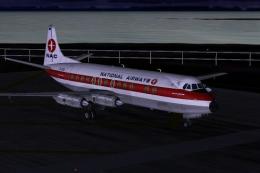
National Airways Vickers Viscount V807 texture, for Rick Piper's original V80…
 FS2004 Propeller Aircraft
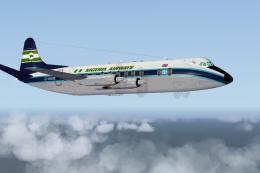
Viscount 815 (BMA livery). G-AVJB was one of three Vickers Viscounts owned by…
 FS2004 Propeller Aircraft
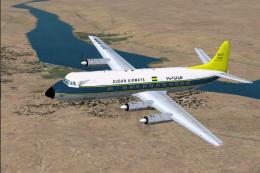
Airwork of London leased this brand new aircraft to Sudan Airways. It was del…
 FS2004 Propeller Aircraft
Features both Aden Airways Viscount aircraft, VR-AAV and VR-AAW. This is a re…
 FS2004 Propeller Aircraft
Although not the only Vickers Viscount operated by Kuwait Airways, this was t…
 FS2004 Propeller Aircraft
Iraqi Airways ordered three Viscount 735 aircraft delivered in late 1955, fol…
Be the first to leave a comment on this download.
Be the first to share your thoughts on this download.