


 Nepal
Nepal  FSX Scenery
Europe Mesh SRTM v2 (All Parts)
FSX World Wide Coverage SRTM 3, version 2, mesh of Europe. Includes the compl…
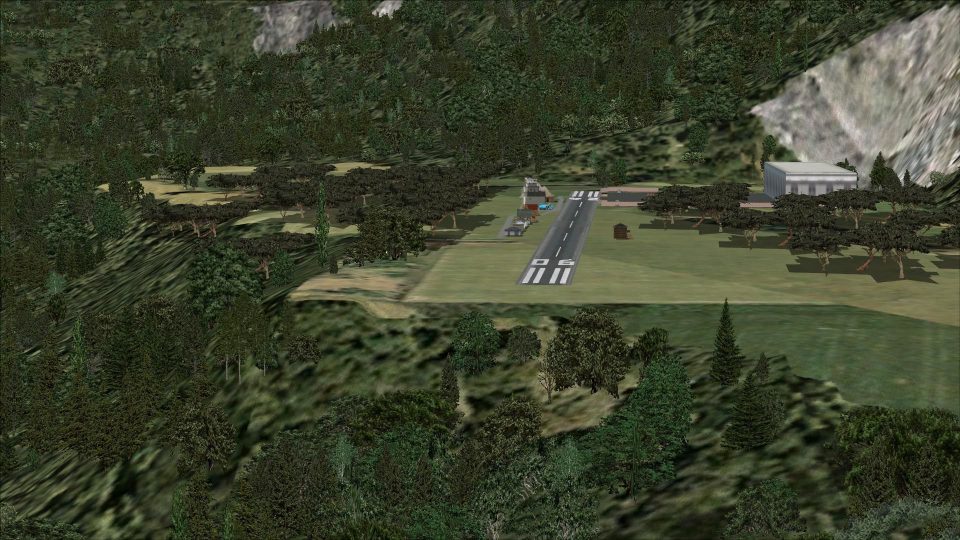
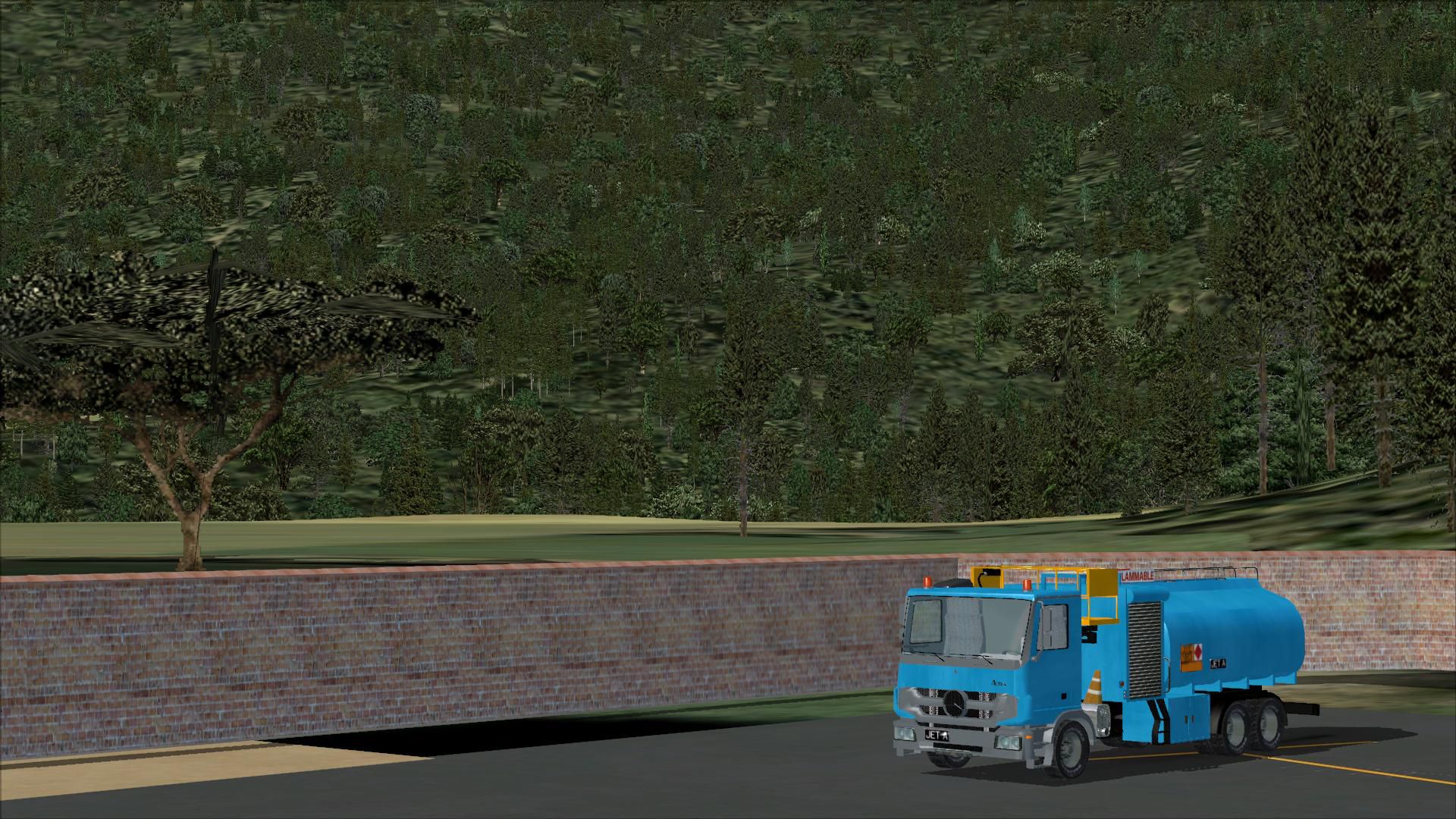
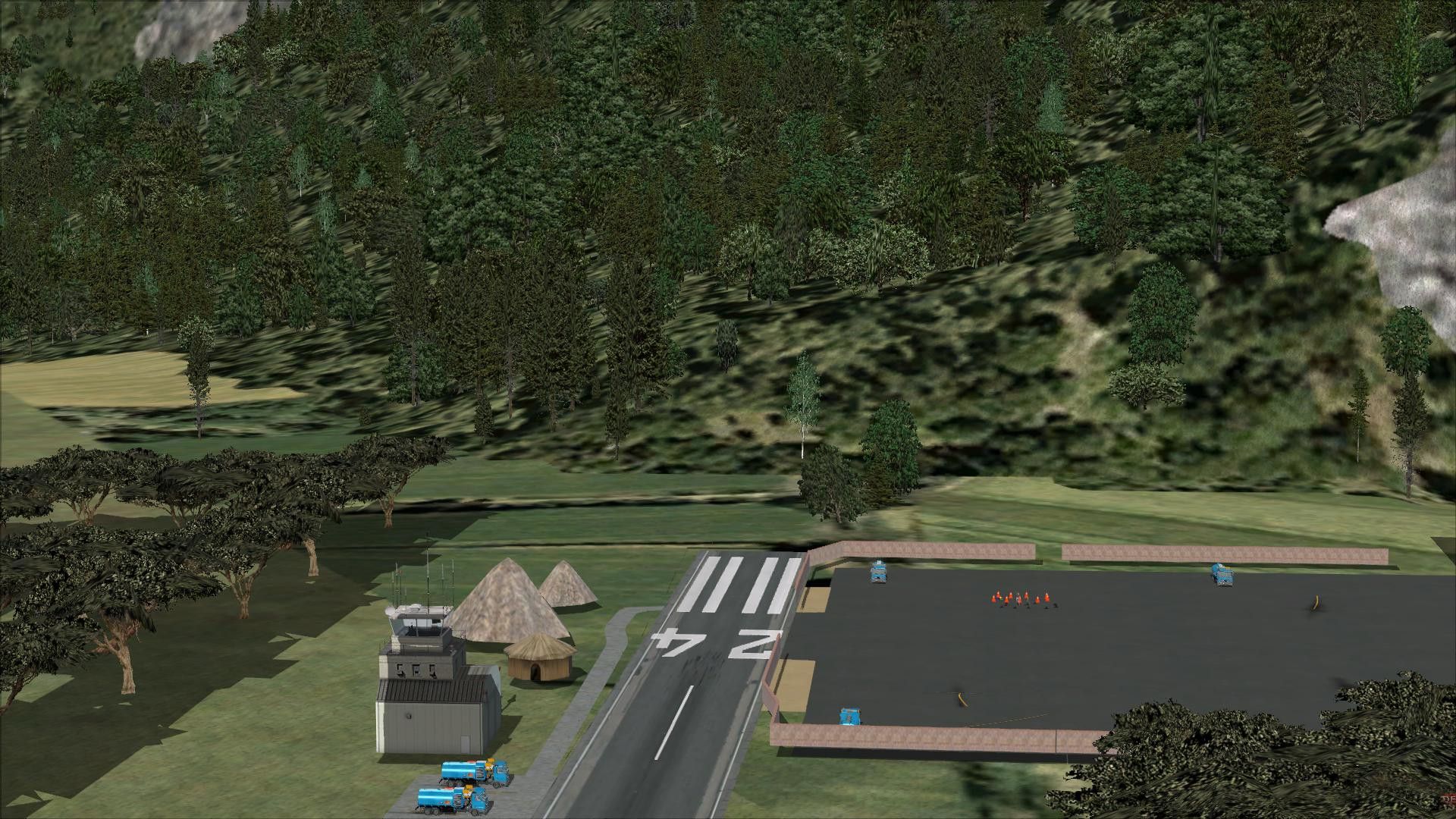
Lukla Airport V2 scenery for FSX recreates Nepal’s steep mountain airstrip with a more detailed terminal and control tower, refined autogen and exclusions, added houses, fences, vehicle routes, and parking. The runway is repositioned to mirror real-world operations, while static aircraft and animated people bring extra life to the approach.
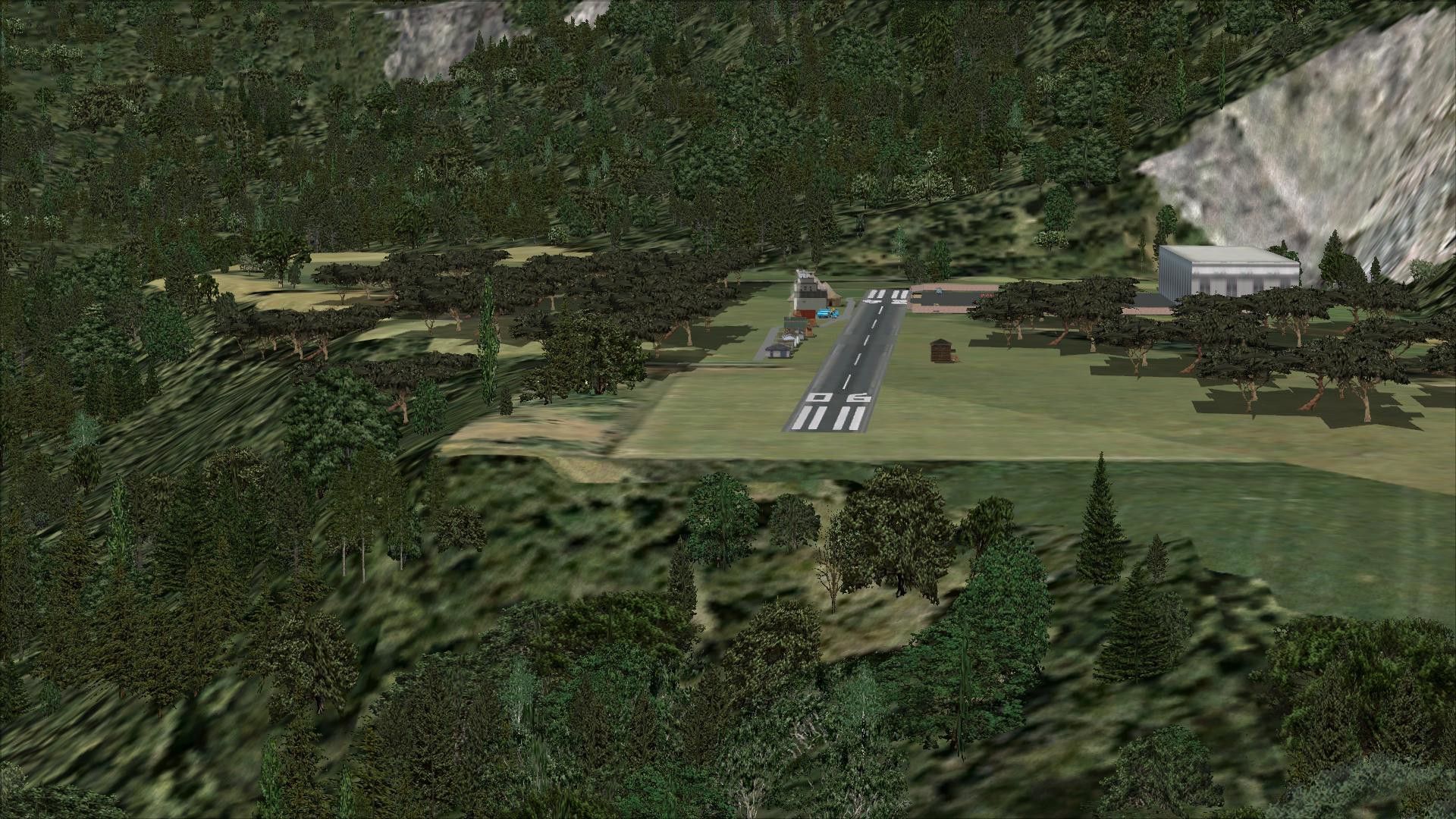
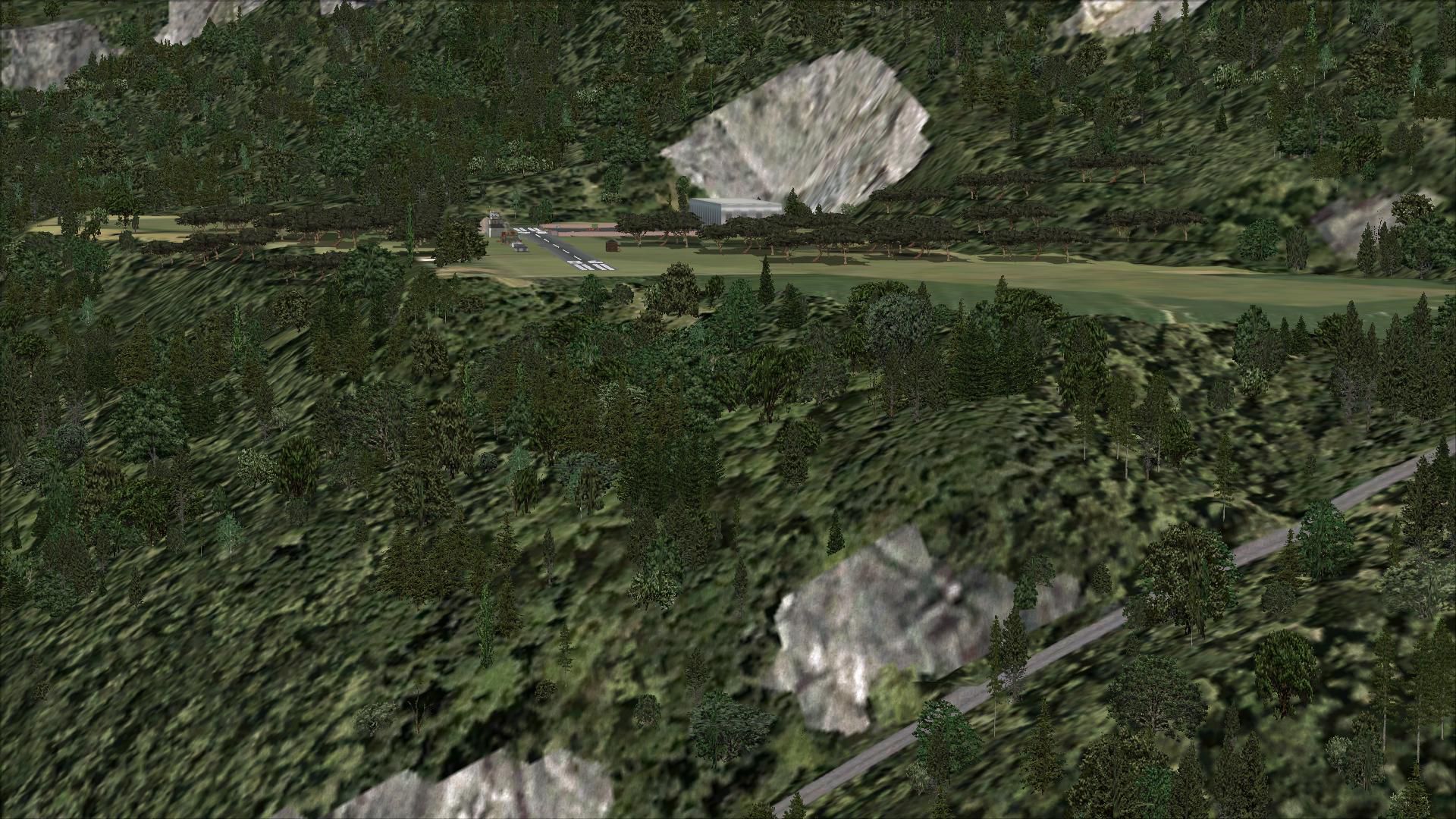
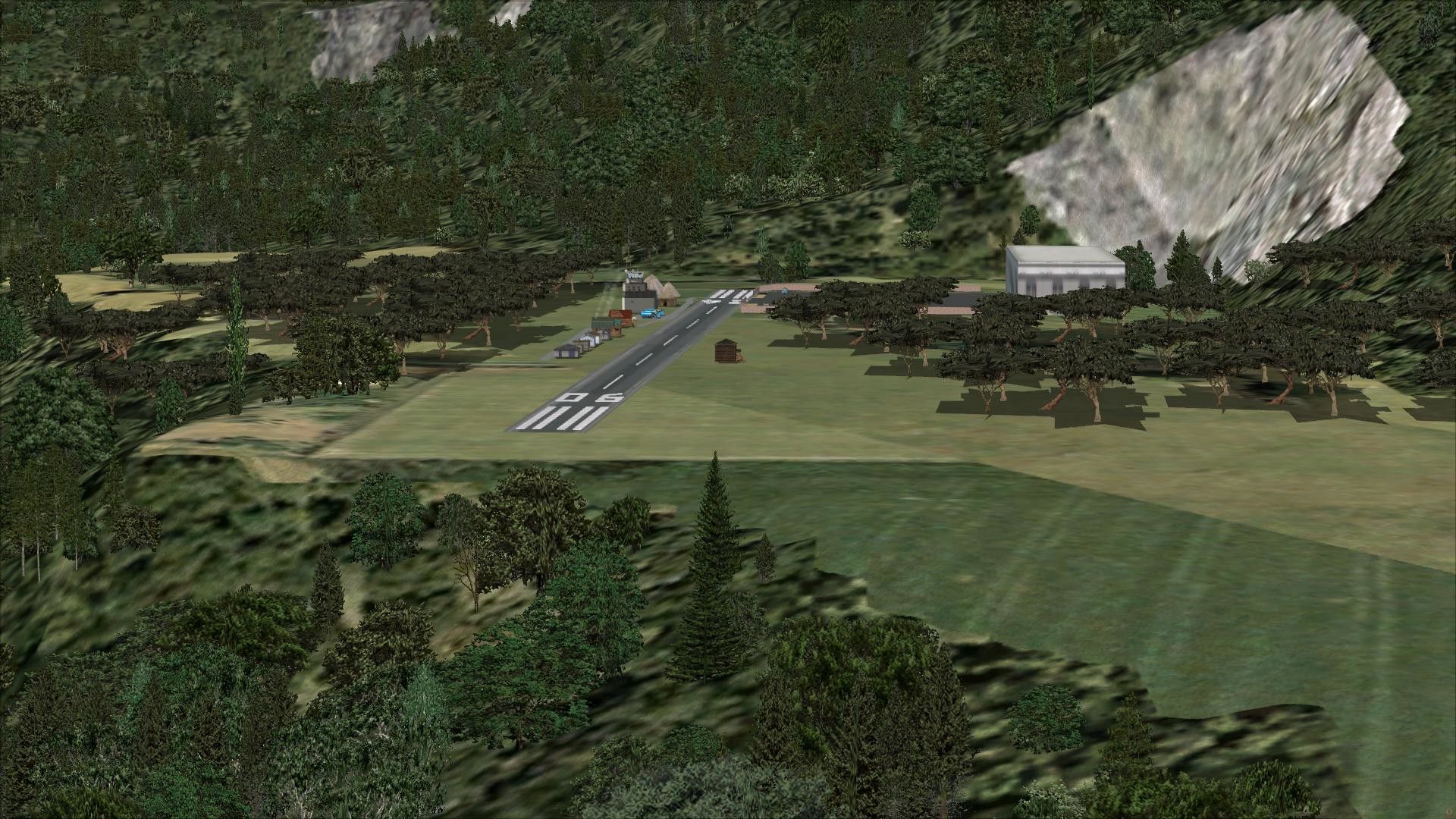
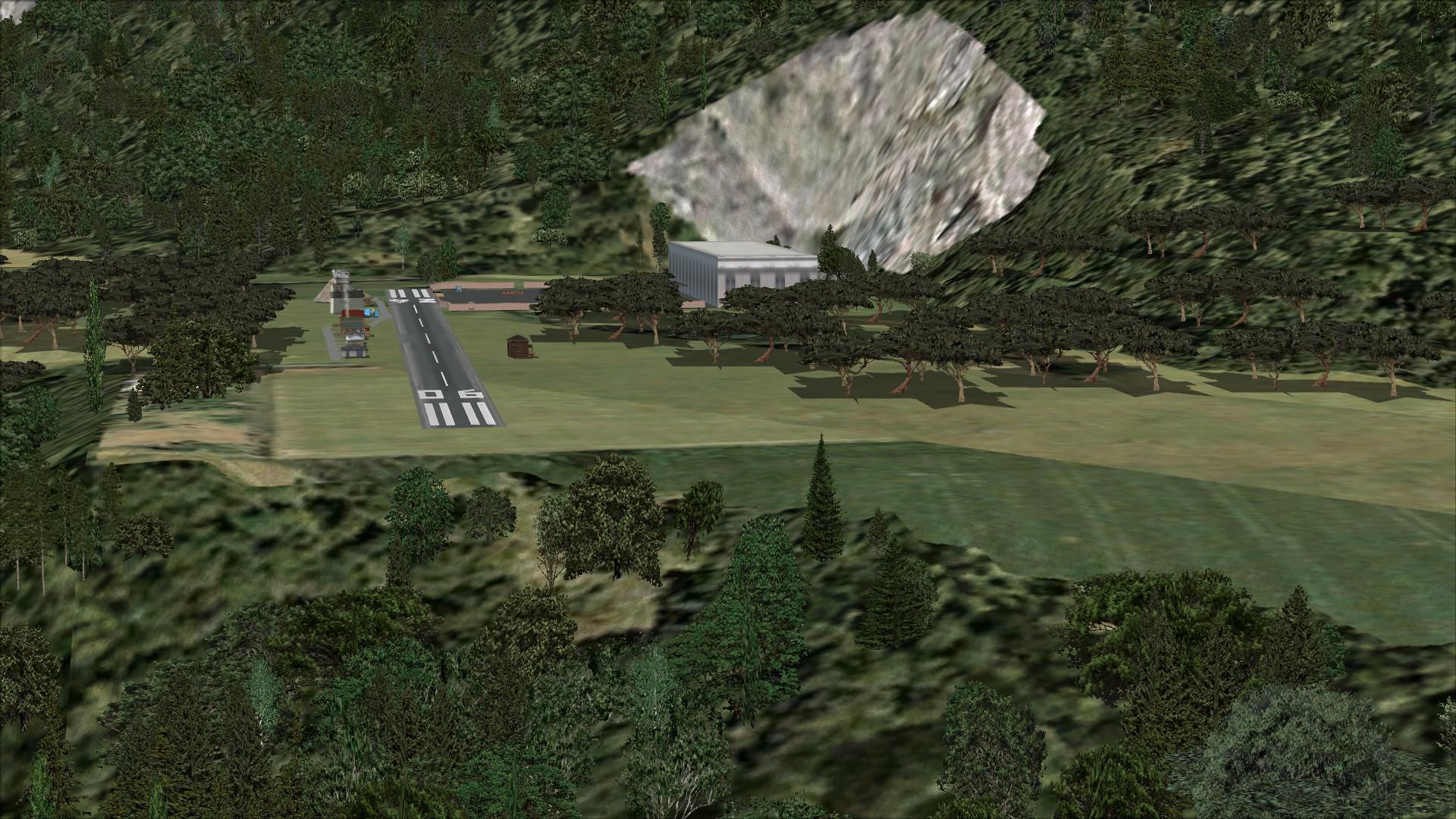
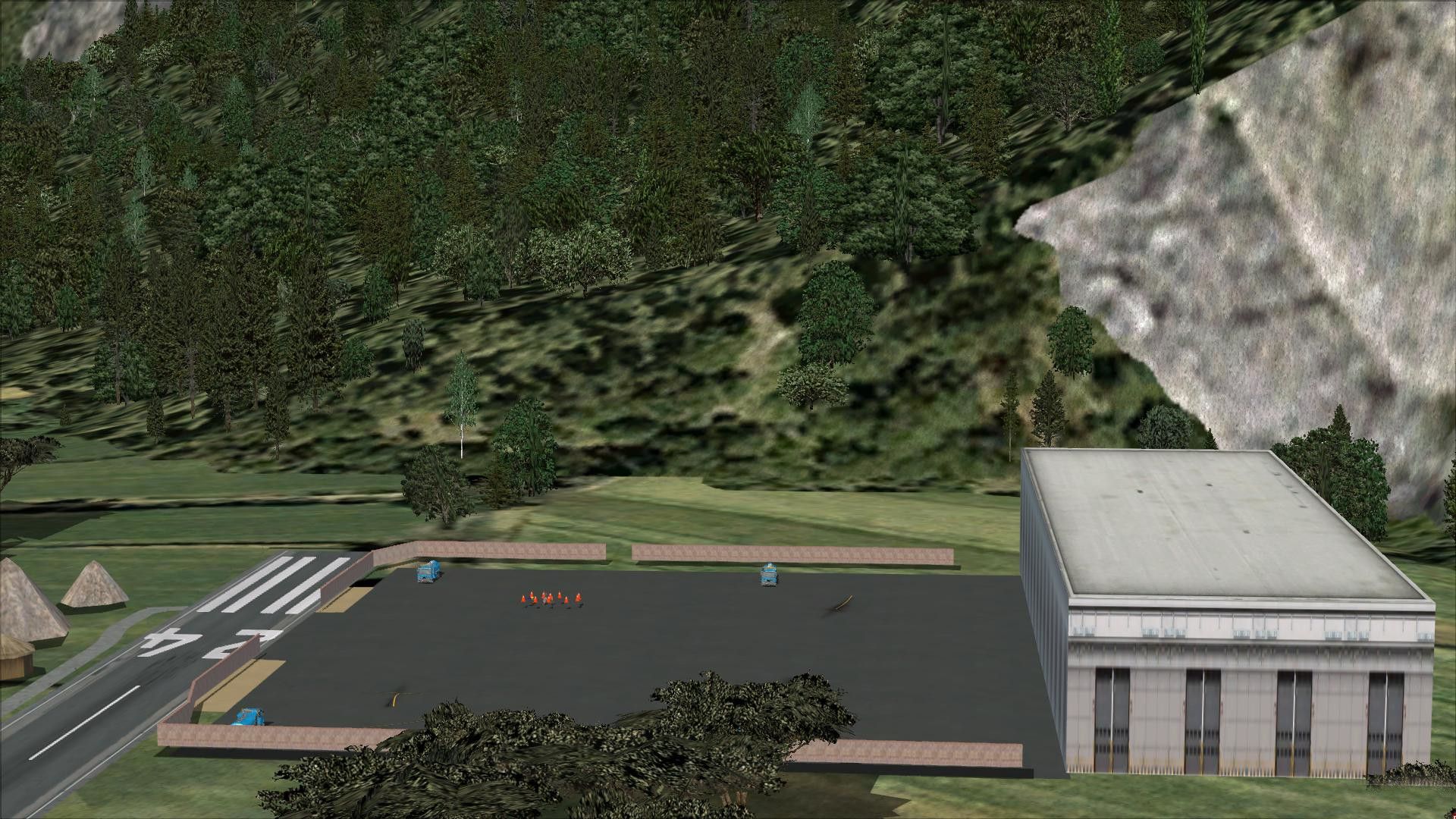
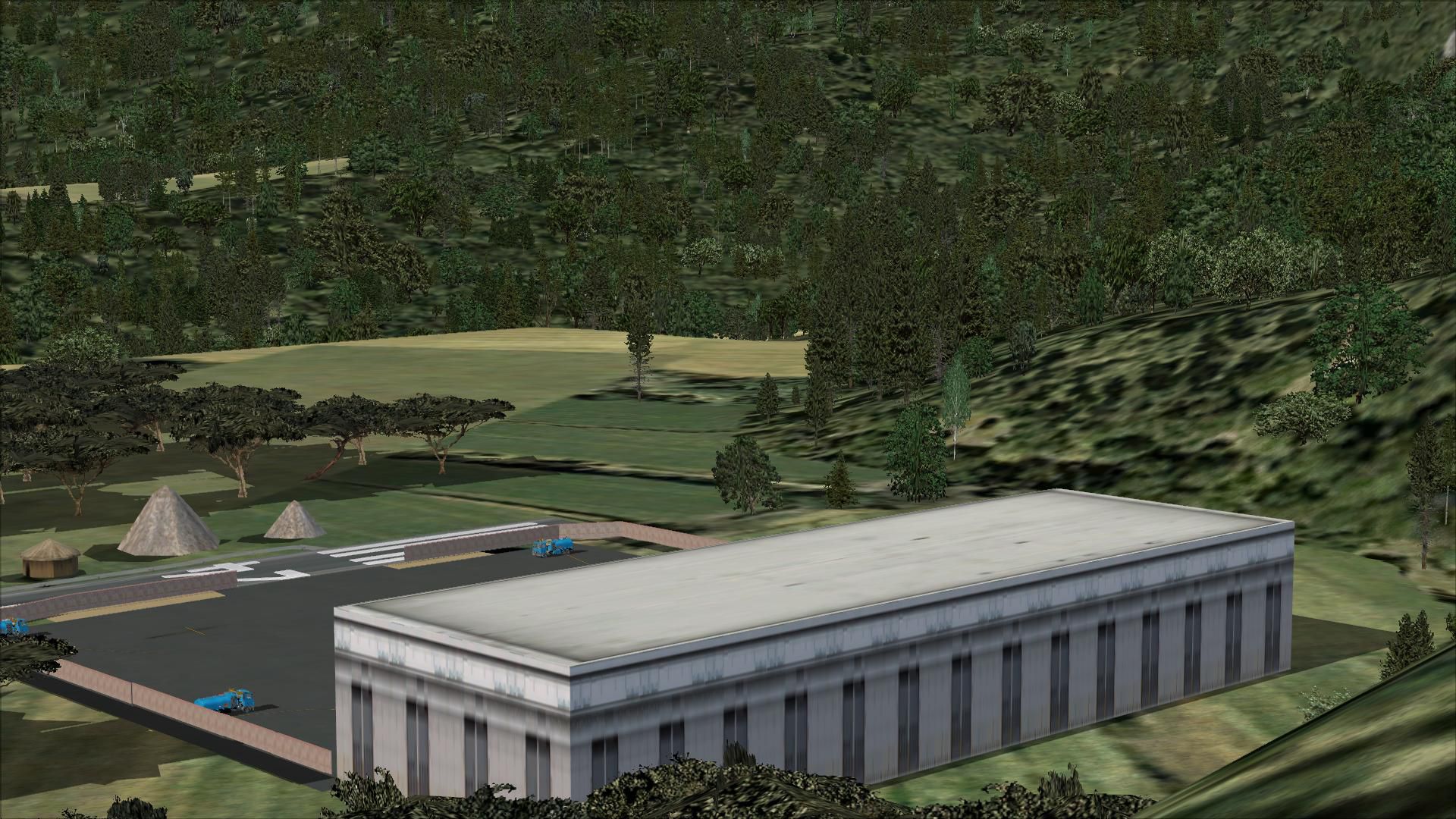
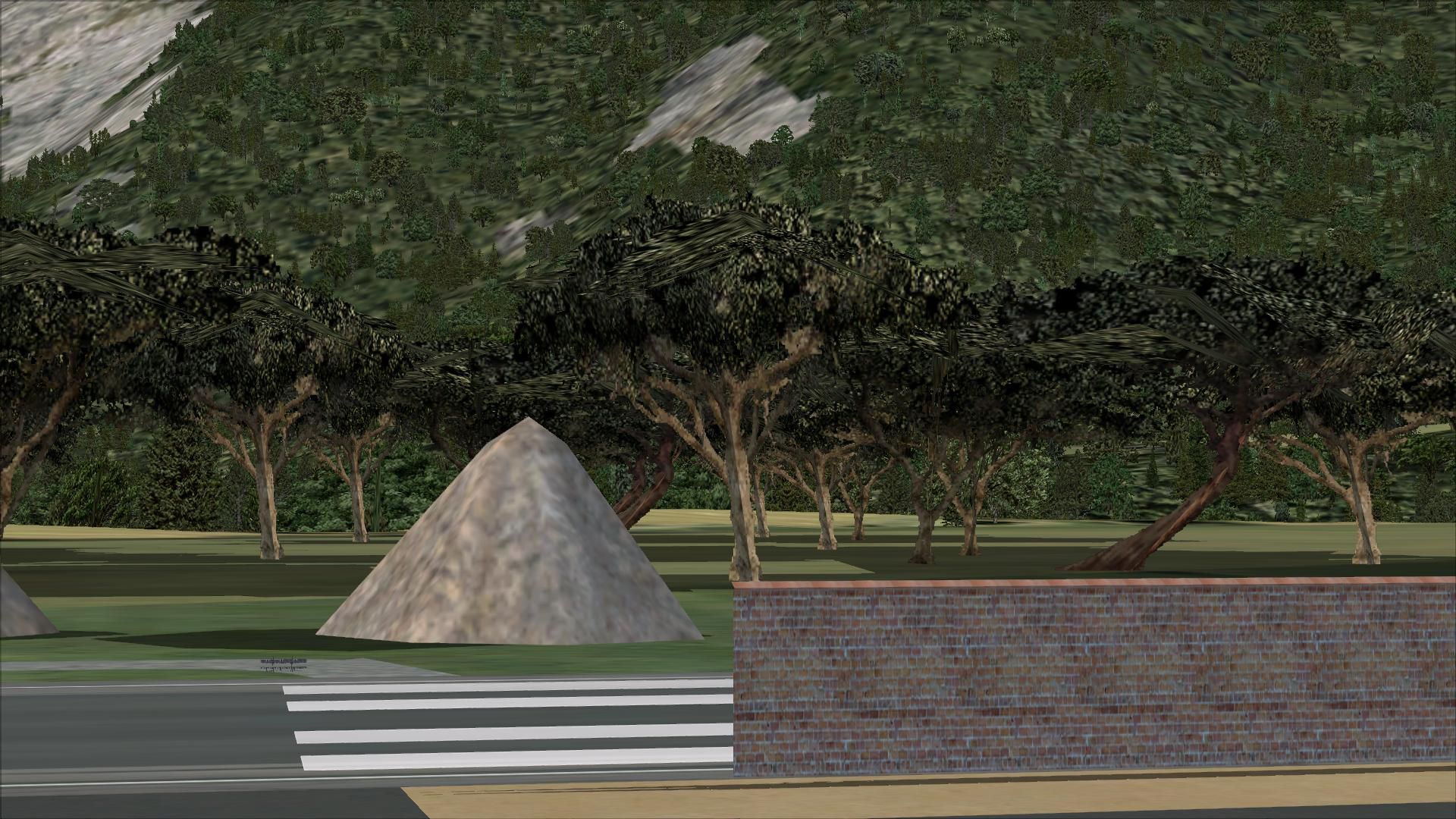
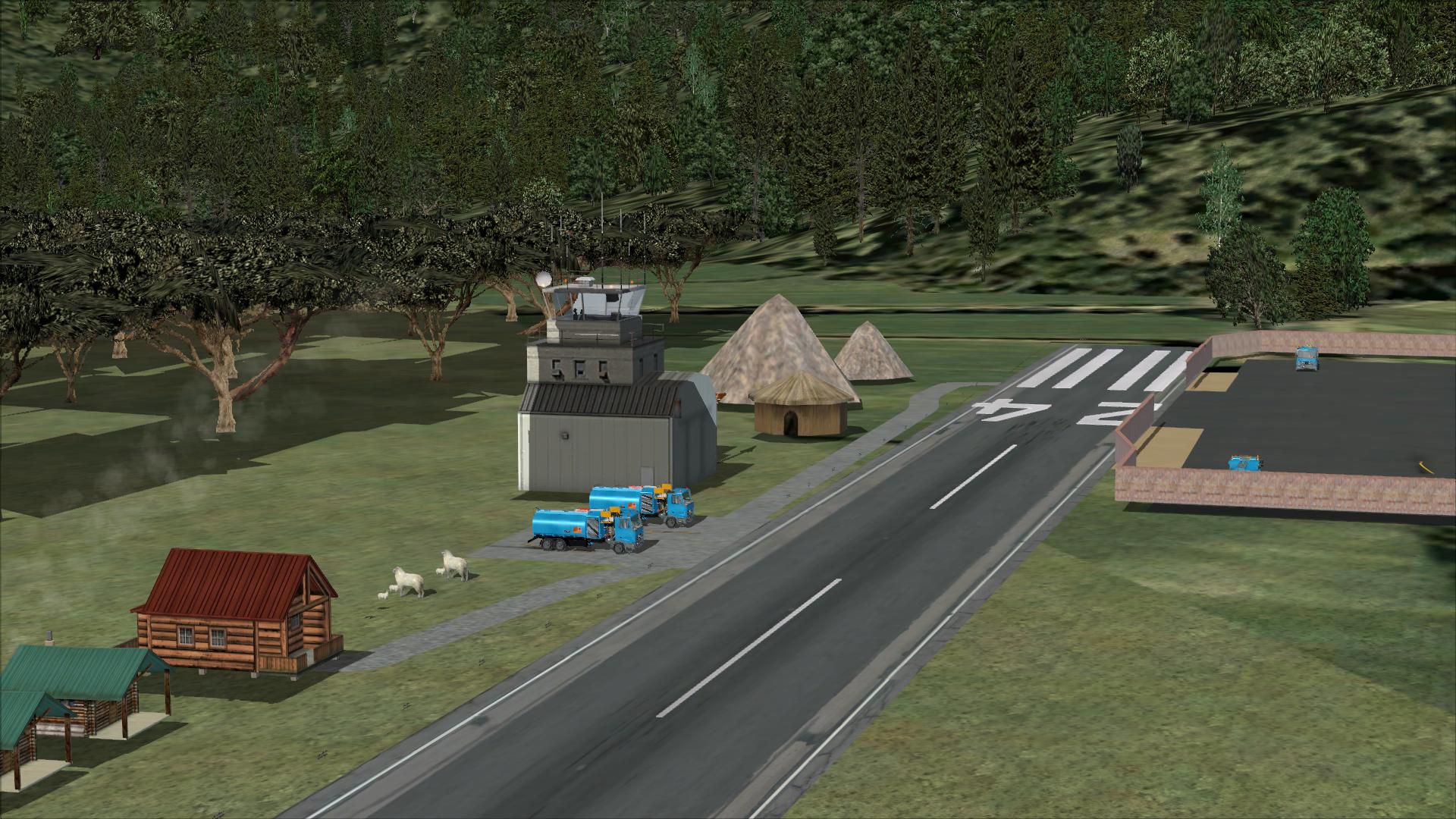
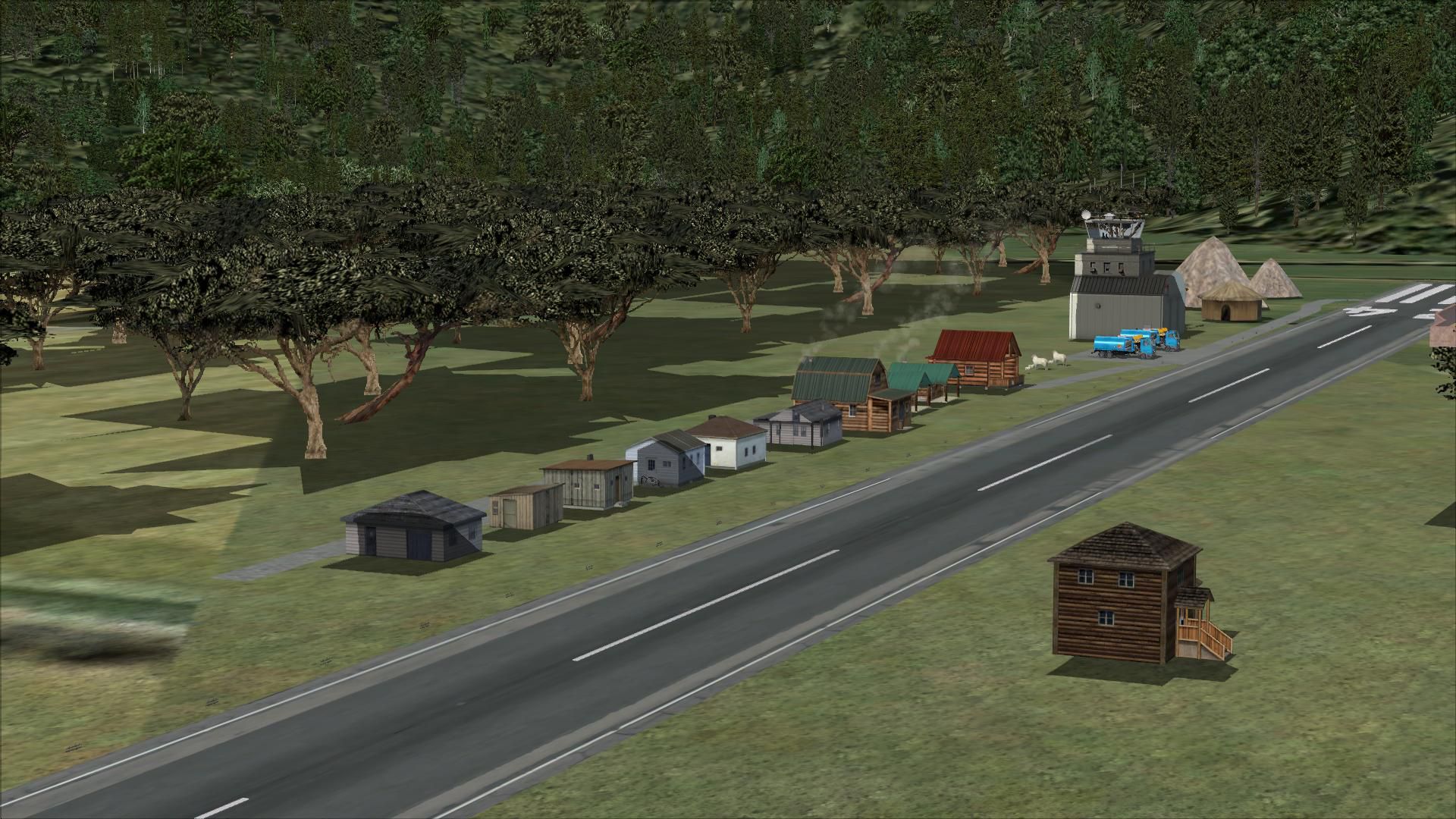
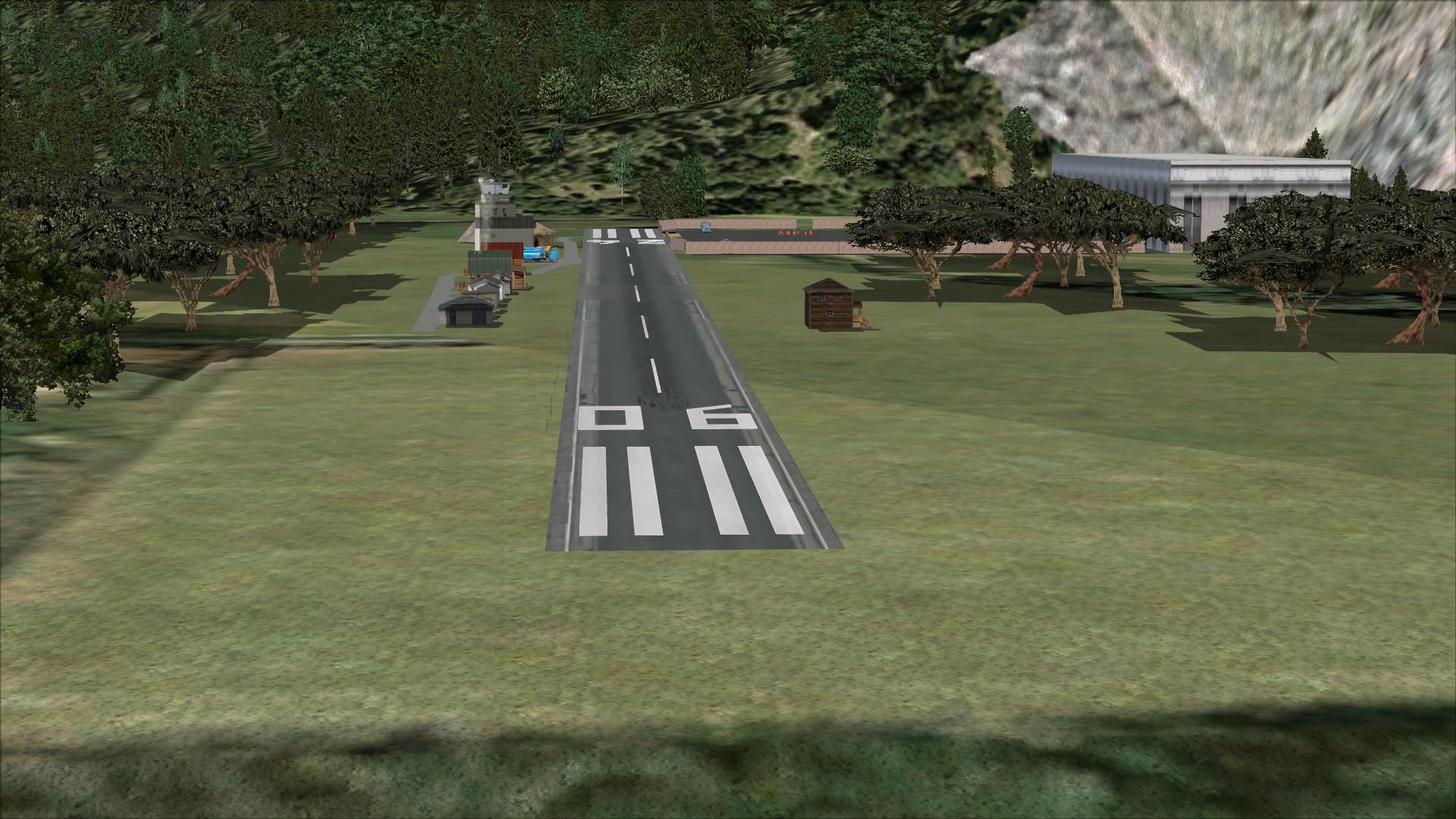
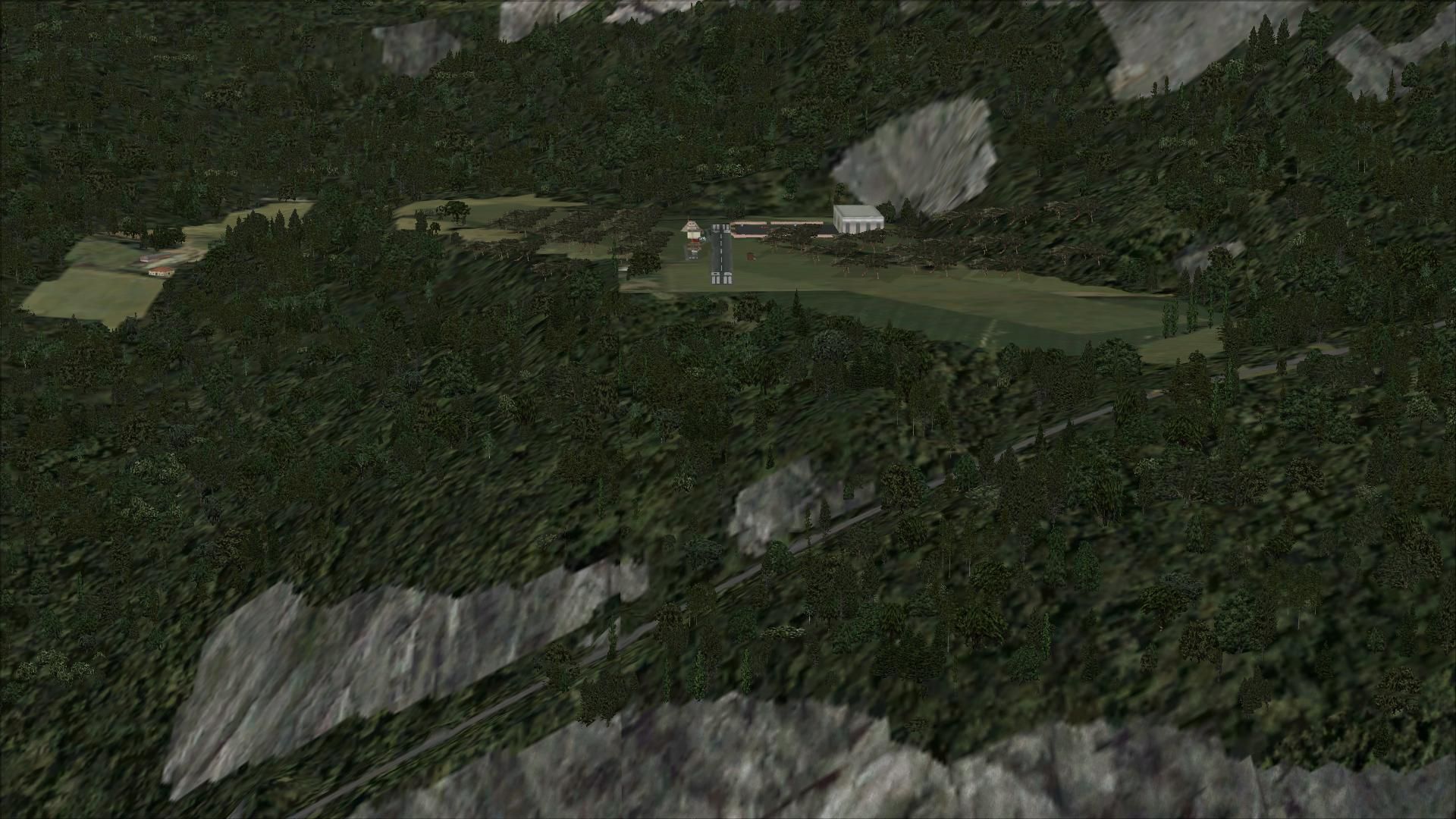

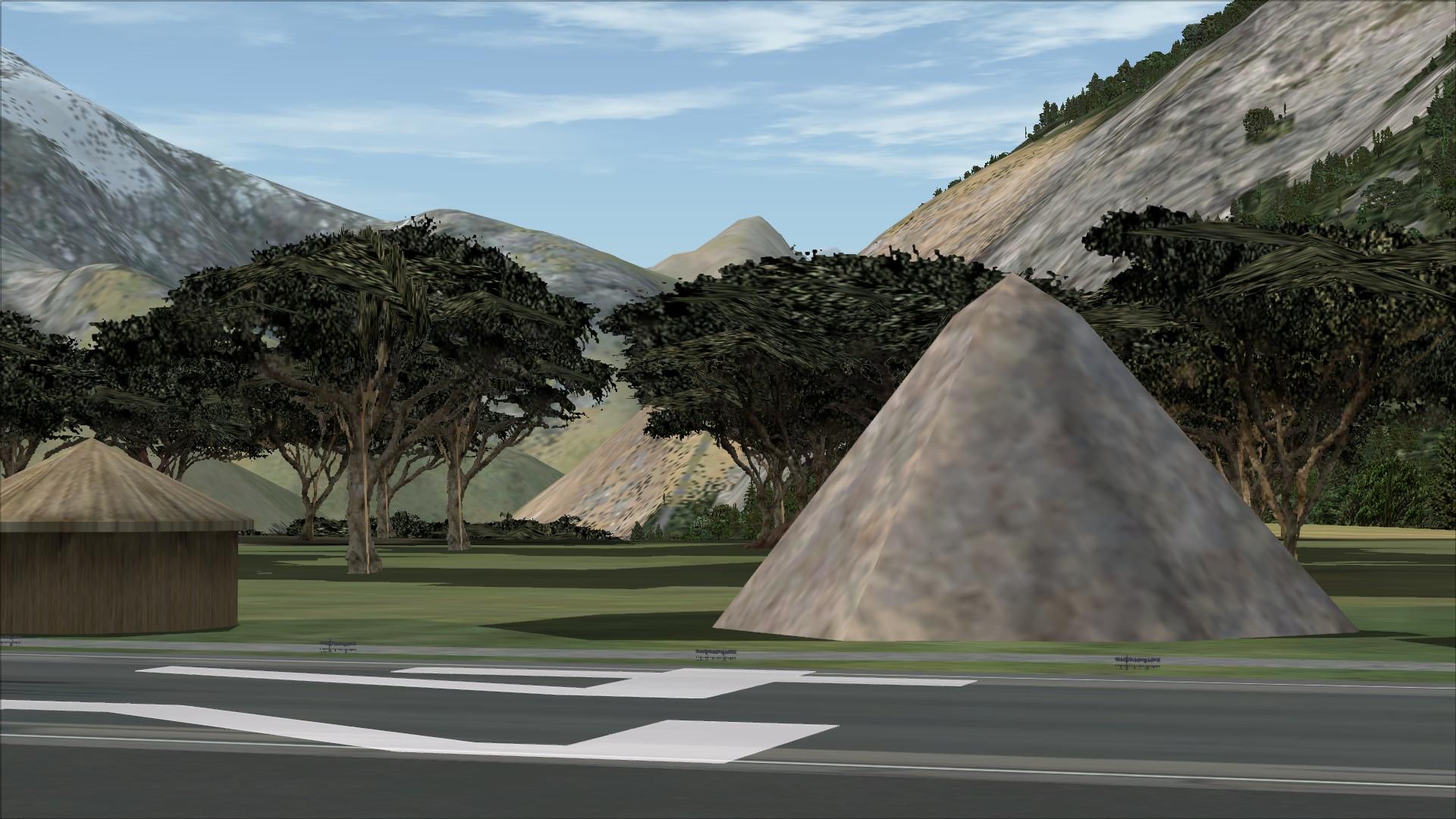
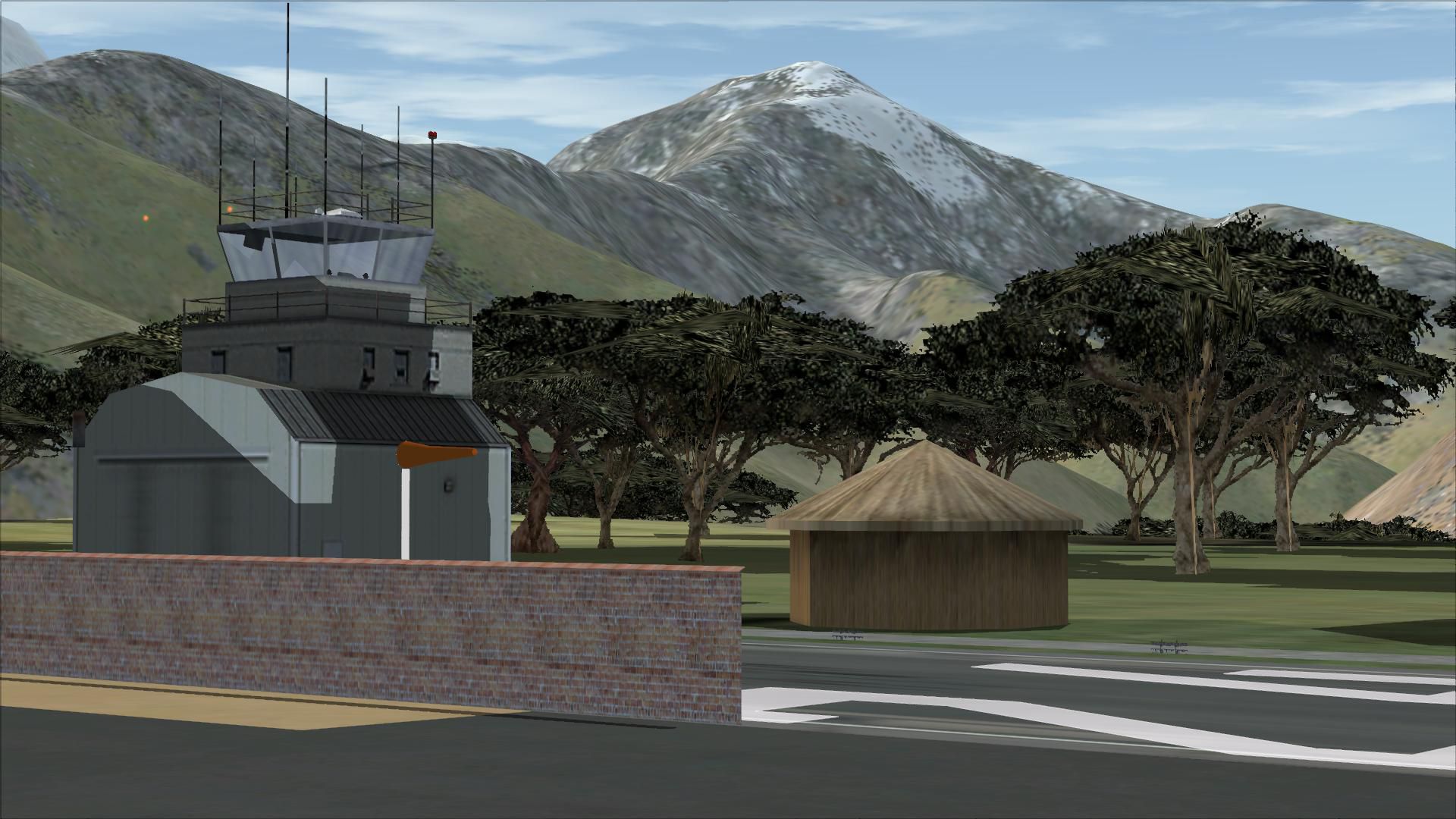
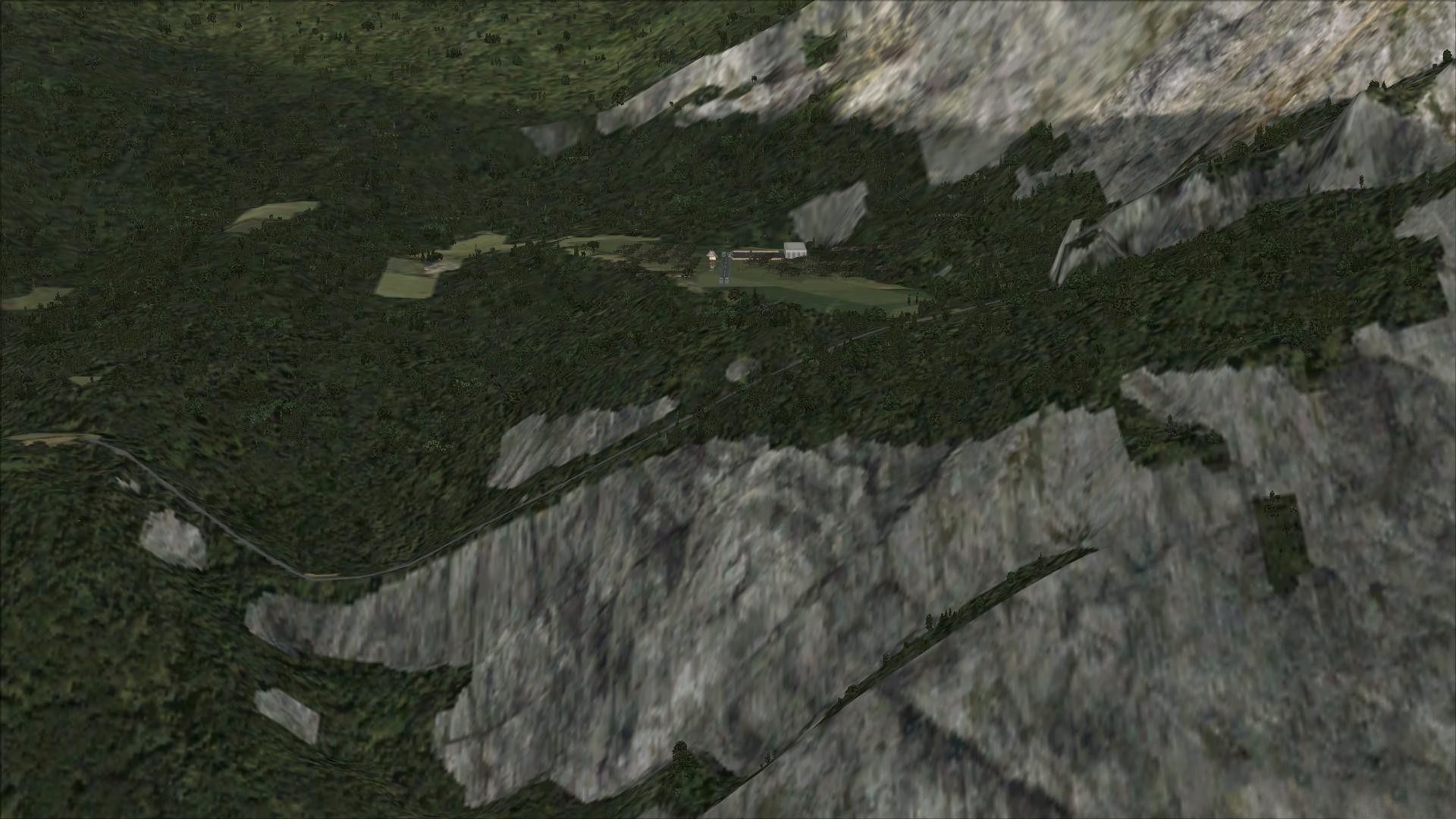
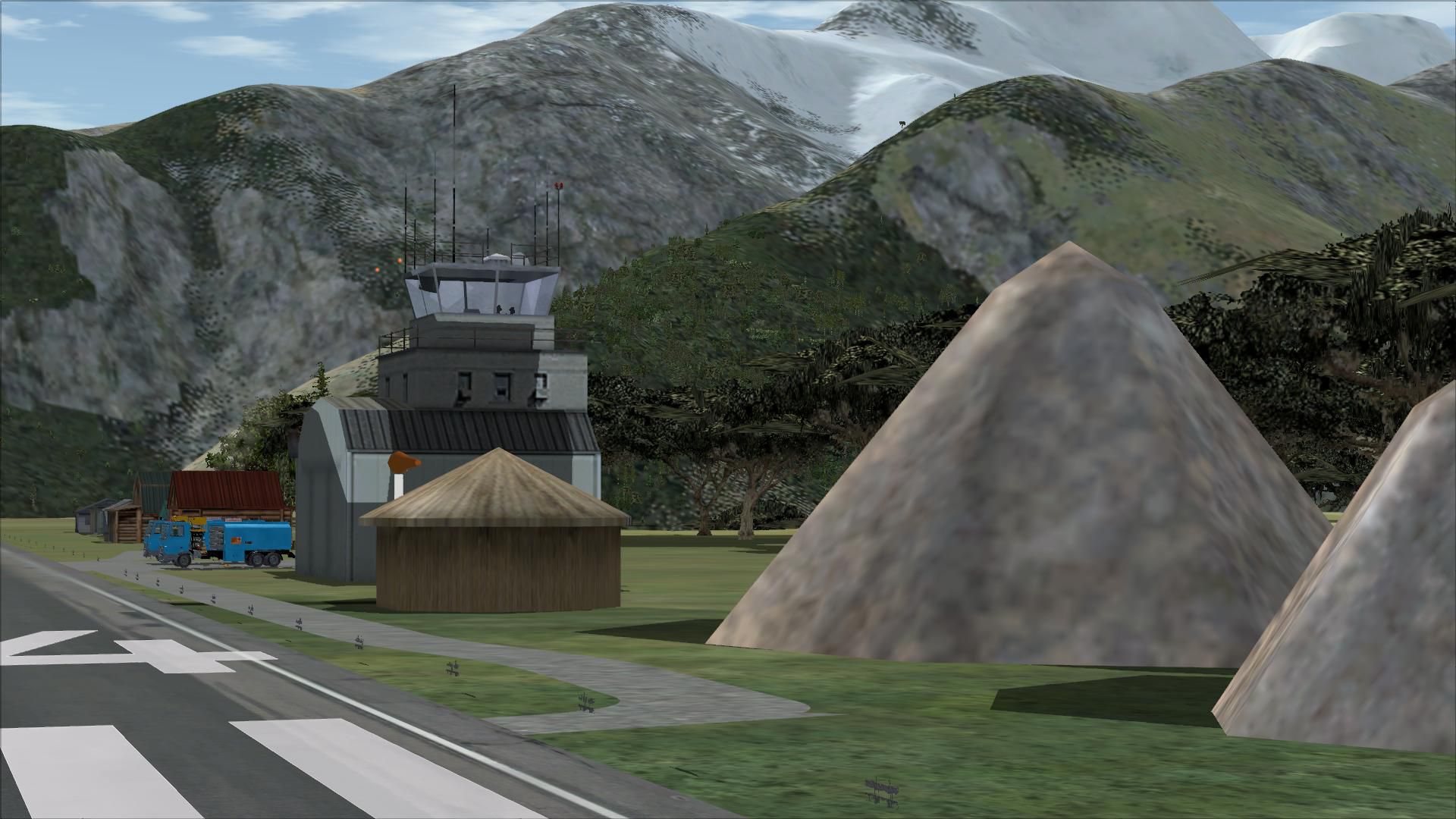
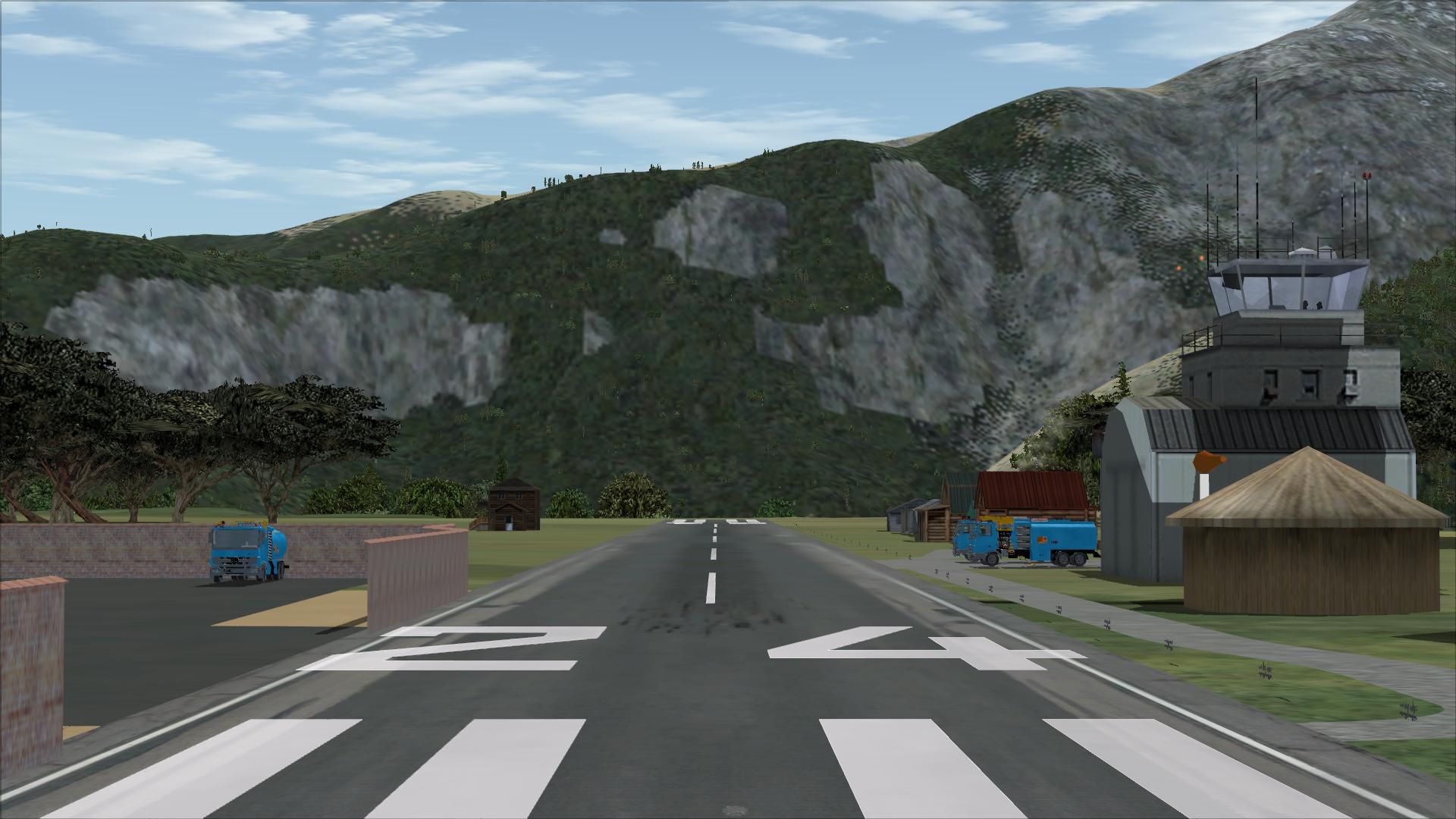
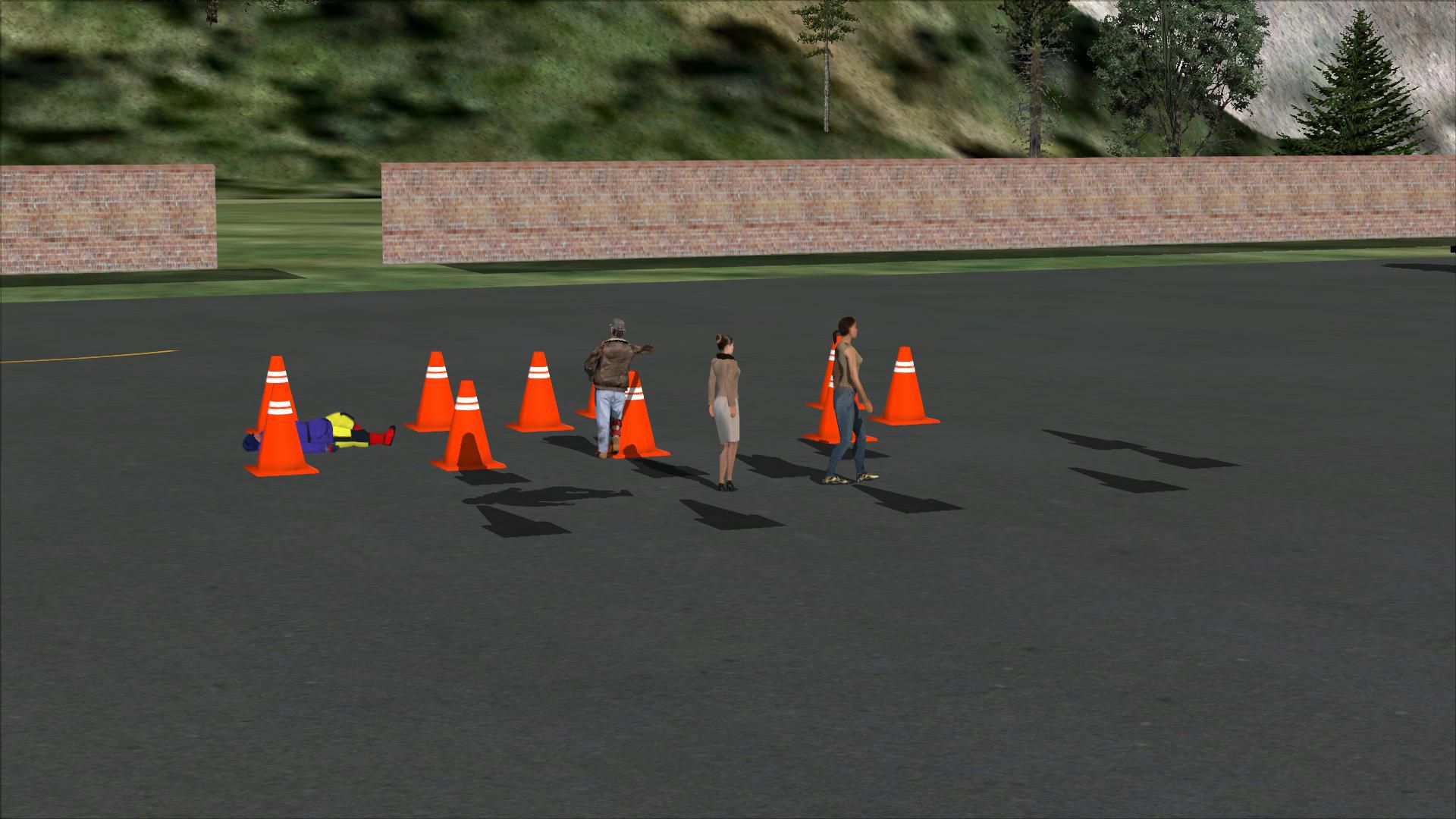
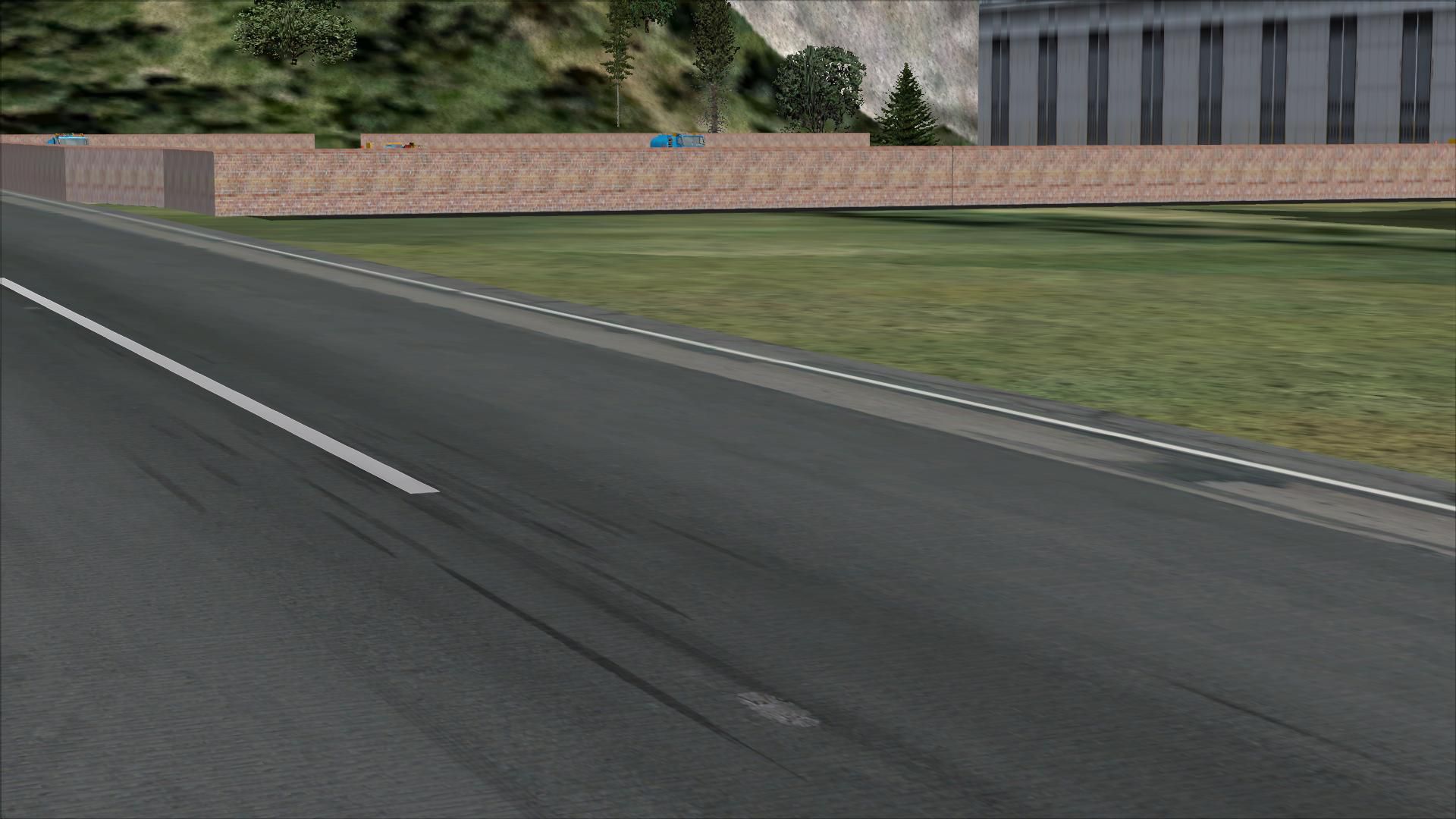

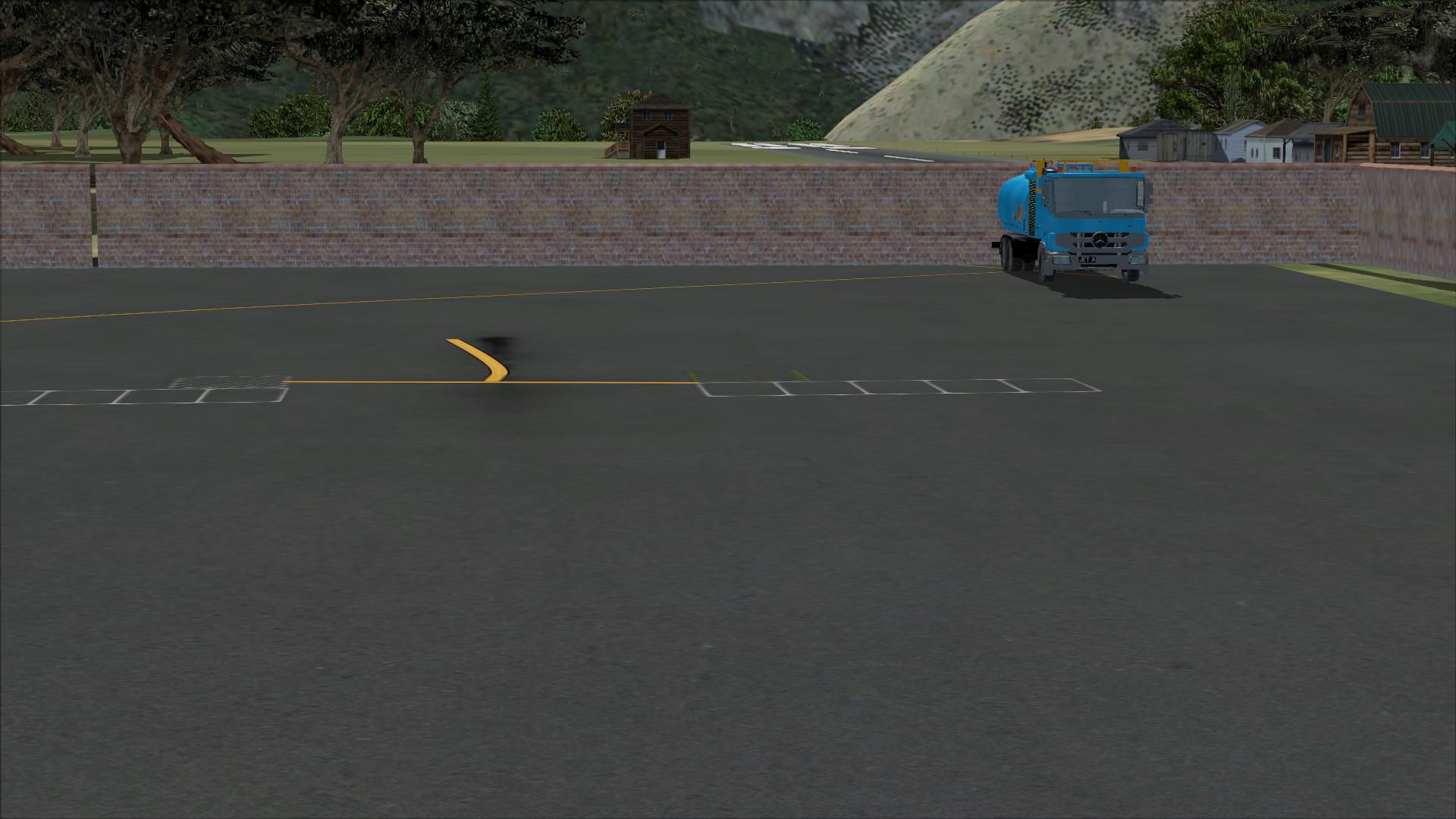
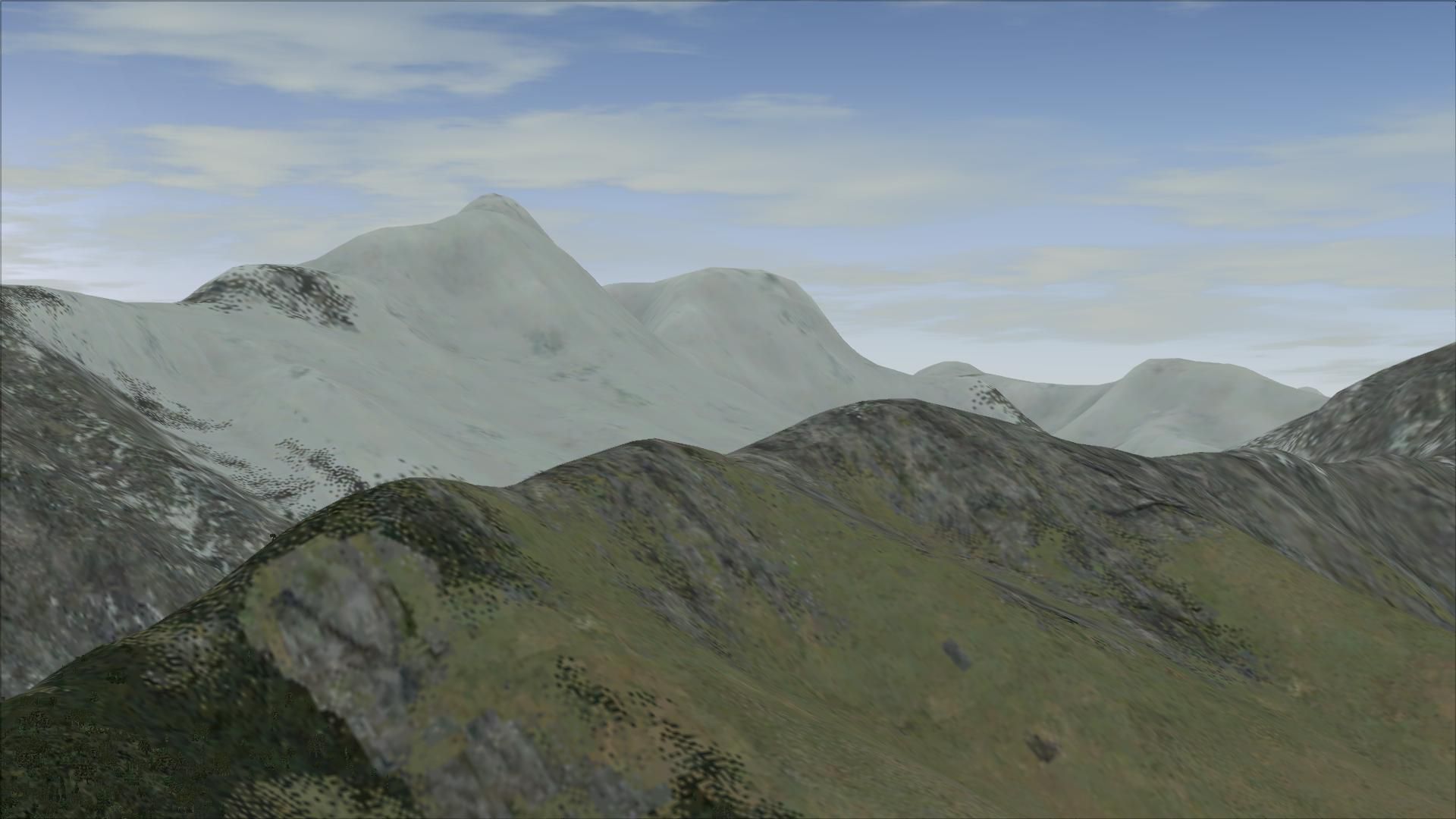
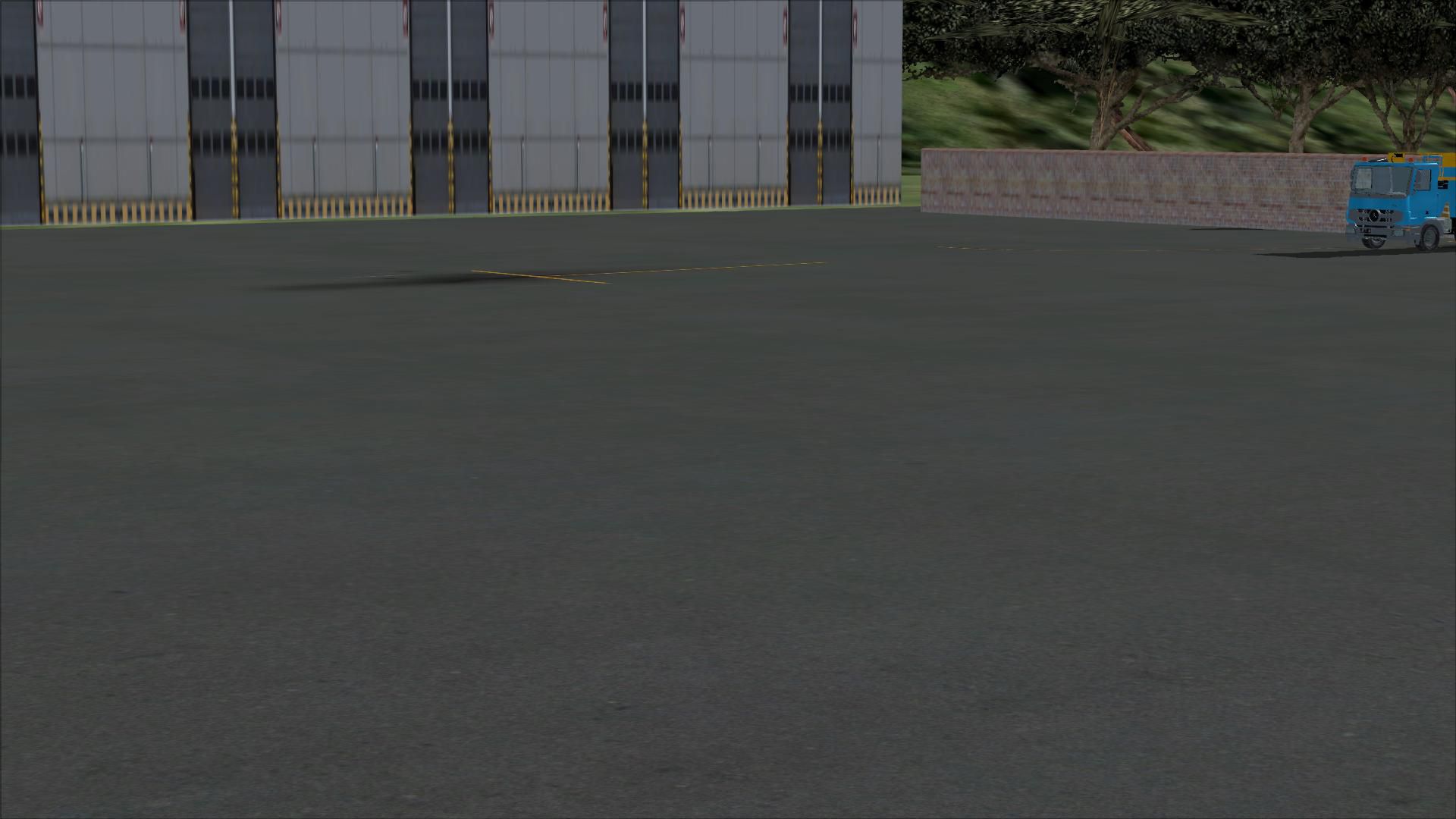
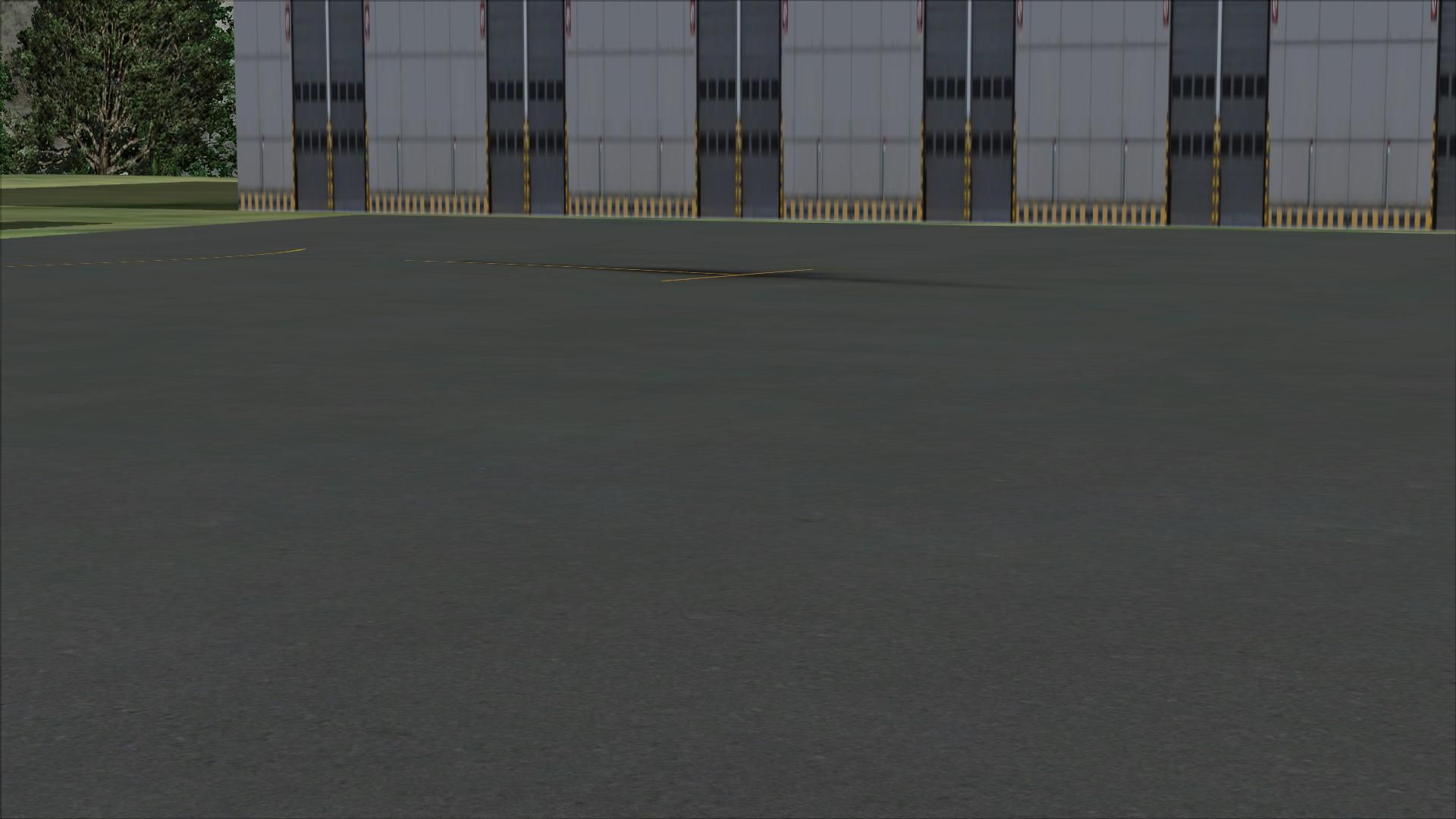
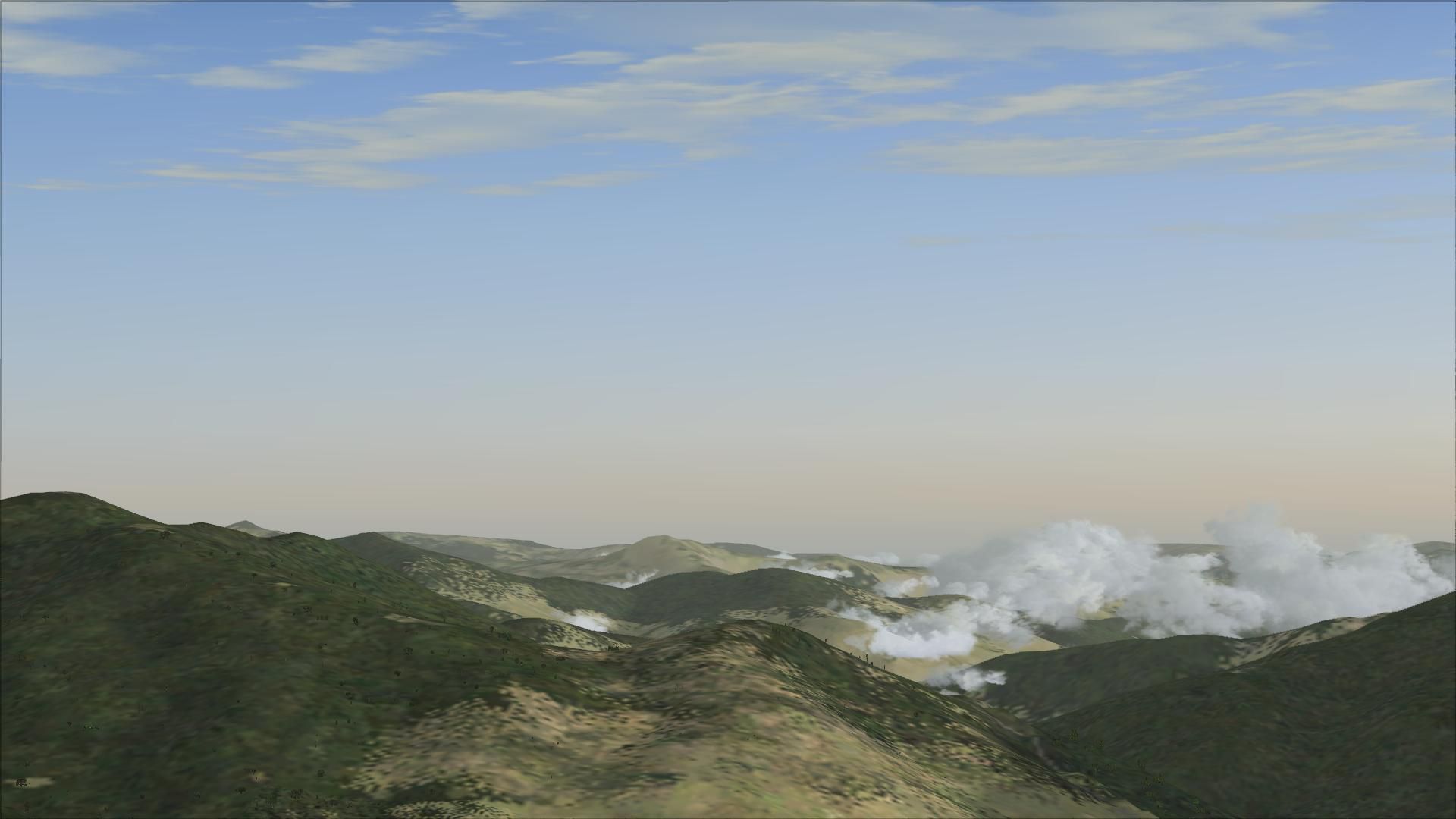
This is the second version of Lukla, located in the mountainous terrain of Nepal and one of the world's most demanding airports.
This add-on gives you more realistic terminal building, realistic control tower, static plane with animated people, runway repositioned to maximize the realism and challenge in this airport (the default Lukla's runway is just about accessible via runway 12), surrounding houses, autogen and exclusions replaced, airport fences and vehicle paths and parking.
To install, simply run the auto-install provided in this zip. folder.
Developer: Harry Patten.
Free for all simmers · 19.4 MB · Scanned clean
Download speed: Free tier is capped at 0.5 Mbps (this file takes approximately 5 mins at the cap). PRO members download at full line speed.
FSX\Addon Scenery\ containing scenery and texture sub-folders.readme.txt or README file. It tells you exactly where files go, what dependencies are needed, and any quirks specific to this add-on.Use these coordinates to fly directly to this location once the mod is installed.
27.68638900,86.72972200
Launch FSX or Prepar3D and use Flights → Load to open the downloaded .pln file. Your aircraft will be positioned at this location.
The archive lukla_v2.zip has 39 files and directories contained within it.
This list displays the first 500 files in the package. If the package has more, you will need to download it to view them.
| Filename/Directory | File Date | File Size |
|---|---|---|
| FSX Lukla Installer.exe | 02.01.13 | 359.68 kB |
| 2013-2-1_19-24-31-132.BMP | 02.01.13 | 3.00 MB |
| 2013-2-1_19-25-45-16.BMP | 02.01.13 | 3.00 MB |
| 2013-2-1_19-26-12-622.BMP | 02.01.13 | 3.00 MB |
| 2013-2-1_19-26-26-428.BMP | 02.01.13 | 3.00 MB |
| 2013-2-1_19-27-18-761.BMP | 02.01.13 | 3.00 MB |
| 2013-2-1_19-27-28-214.BMP | 02.01.13 | 3.00 MB |
| 2013-2-1_19-23-52-98.BMP | 02.01.13 | 3.00 MB |
| README.txt | 02.01.13 | 118 B |
| flyawaysimulation.txt | 10.29.13 | 959 B |
| Go to Fly Away Simulation.url | 01.22.16 | 52 B |
| Screenshots | 08.02.19 | 0 B |
| screen-1.jpg | 07.31.19 | 365.85 kB |
| screen-10.jpg | 07.31.19 | 334.78 kB |
| screen-11.jpg | 07.31.19 | 260.47 kB |
| screen-12.jpg | 07.31.19 | 192.37 kB |
| screen-13.jpg | 07.31.19 | 201.84 kB |
| screen-14.jpg | 07.31.19 | 187.58 kB |
| screen-15.jpg | 07.31.19 | 134.92 kB |
| screen-16.jpg | 07.31.19 | 137.71 kB |
| screen-17.jpg | 07.31.19 | 185.12 kB |
| screen-18.jpg | 07.31.19 | 243.12 kB |
| screen-19.jpg | 07.31.19 | 252.62 kB |
| screen-2.jpg | 07.31.19 | 494.54 kB |
| screen-20.jpg | 07.31.19 | 364.26 kB |
| screen-21.jpg | 07.31.19 | 392.53 kB |
| screen-22.jpg | 07.31.19 | 207.12 kB |
| screen-23.jpg | 07.31.19 | 222.81 kB |
| screen-24.jpg | 07.31.19 | 142.95 kB |
| screen-25.jpg | 07.31.19 | 311.52 kB |
| screen-26.jpg | 07.31.19 | 111.33 kB |
| screen-27.jpg | 07.31.19 | 288.97 kB |
| screen-3.jpg | 07.31.19 | 521.47 kB |
| screen-4.jpg | 07.31.19 | 531.04 kB |
| screen-5.jpg | 07.31.19 | 564.23 kB |
| screen-6.jpg | 07.31.19 | 410.17 kB |
| screen-7.jpg | 07.31.19 | 390.52 kB |
| screen-8.jpg | 07.31.19 | 298.15 kB |
| screen-9.jpg | 07.31.19 | 333.92 kB |
More FSX & P3D add-ons hand-picked based on this download.
FSX Scenery
FSX World Wide Coverage SRTM 3, version 2, mesh of Europe. Includes the compl…
 FSX Scenery
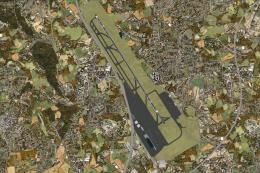
Airport EDDS Stuttgart / Germany. The gates have gate signs to show the numbe…
 FSX Scenery
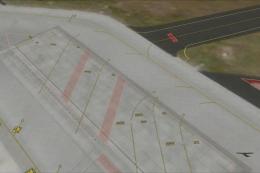
Naples Capodichino Italy, LIRN-X v0.2. Napulevola released Napoli Capodichino…
 FSX Scenery
Indira Gandhi International Airport (VIDP), Delhi, India, v2. Runway 11-29 in…
 FSX Scenery
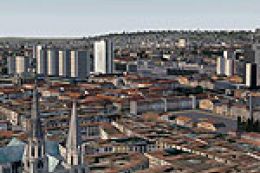
Nancy, France, version 2. Major update of v1 of LFSN airport landclass redraw…
 FSX Scenery
Scenery Orlando International Airport (KMCO), Orlando, Florida (FL), v2.0. Th…
 FSX Scenery
Zurich Airport (LSZH), Switzerland. This is a puristic, frame rate friendly s…
 FSX Scenery
FSX World Wide Coverage SRTM 3, version 2, mesh of Africa. Includes the compl…
Read what other simmers think, or add your own.

Does not correspond in any way to reality. Huts with thatched roofs are found at most in Africa or the Caribbean, but not in Lukla!


Doesn’t work with my Steam edition. Also not my first rodeo, I tried everything possible that has worked with my many other scenery additions.

When I try to start a flight from Lukla, my plane crashes immediately, since it starts in the middle of the trees.


Not the best scenery that I was saw, but is very better than poor original FSX. I liked it and hope they enjoy. Thanks a lot.